8 Practical Teacher Planner Stickers for Organized School Weeks
Teacher planner stickers can separate preparation tasks, staff meetings, online sessions, and timetable changes on a busy school-week page. These eight Creative Fabrica picks mix functional reminders with classroom-themed artwork. Choose the role you need first, then use decorative images where they help you identify a section without crowding the practical details.
The comparison uses the seller’s stated file contents and the product previews. Individual PNGs, prepared sheets, and editable vector icons need different setup steps. Some packs provide illustrations rather than planning fields, and the reviews make that distinction explicit.
For the underlying layout, start with a teacher planner template and leave space for lesson titles, follow-up notes, and times before adding stickers.
1. Teacher Planner Set: Classroom Clipart
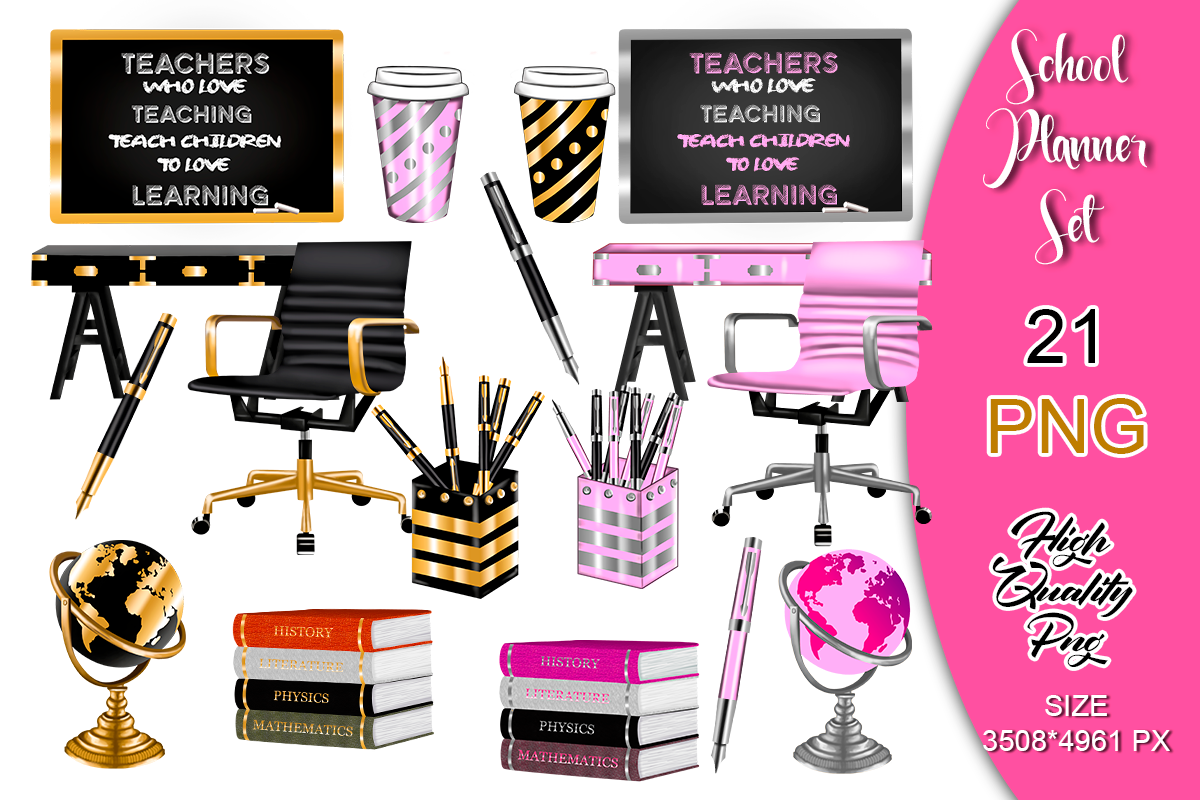
Classroom objects give a teacher’s planner a recognizable theme without requiring a full-page sticker kit. This collection supplies transparent RGB PNG artwork, with the listing giving a size of 2480 × 3508 pixels. The preview shows school-desk accessories and classroom motifs, so it is better suited to visual section markers and decorative accents than to recording detailed lesson information.
Choose a few objects to identify preparation time, classroom organization, or resource planning, and keep the actual task beside the image. The listing gives more than one resolution reference, so inspect the downloaded files before choosing a print size. No ready-to-print PDF sheet or machine cut file is confirmed. Arrange the individual artwork yourself and test colors rather than assuming the preview represents a finished sticker sheet.
2. Digital Stickers for Students and Teachers
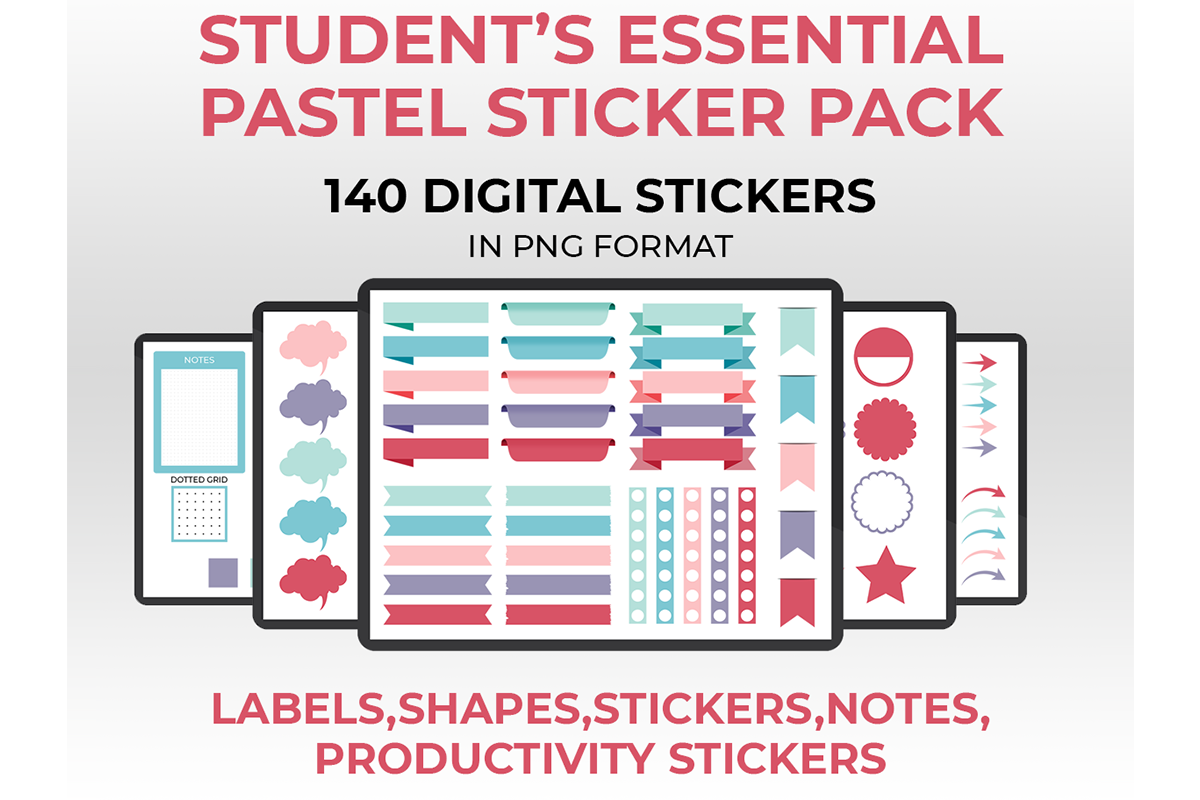
This larger PNG library offers labels, shapes, notes, and other planner elements in a coordinated pastel style. The seller lists 140 transparent PNG files in a ZIP and names Goodnotes, Noteshelf, Notability, and Xodo as suitable PDF-annotation apps. A teacher can use the blank elements to distinguish lesson preparation, administration, and follow-up tasks without relying only on school illustrations.
Start with a small set of labels that has a consistent meaning in your weekly page. The confirmed contents are individual PNGs, not a native Goodnotes sticker book or an automatically populated lesson planner. Import and arrange the images using your app’s own workflow. Printing dimensions and a ready-made paper sheet are not specified, so this is a clearer choice for digital image placement than for a quick print-and-cut project.
3. School Planner Motivation Clipart: 14 PNGs
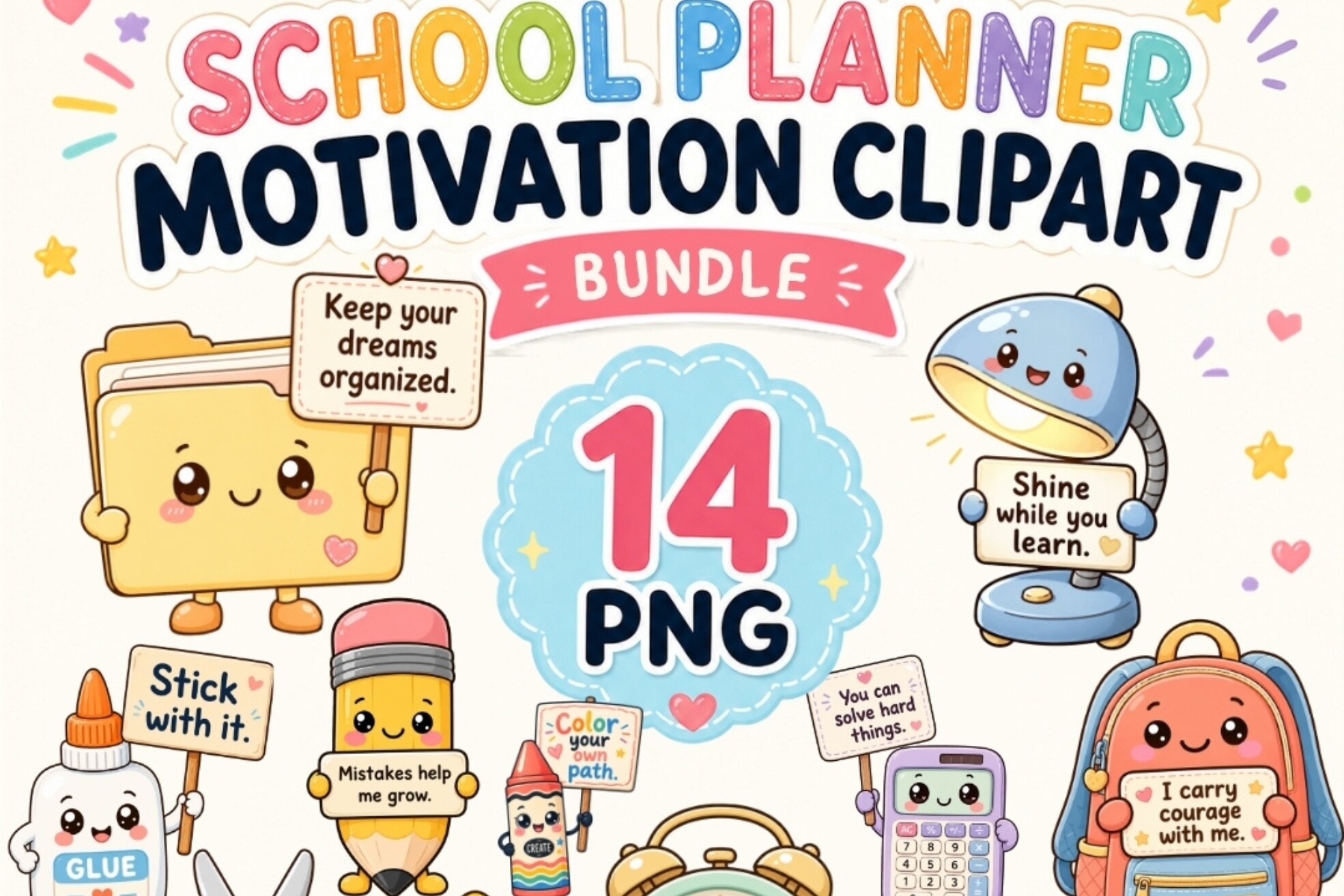
Smiling school supplies and short encouraging phrases provide a playful accent for a teacher journal or classroom-planning page. The listing includes fourteen individual transparent PNGs at 300 DPI, with motifs such as notebooks, folders, pencils, a calculator, and an alarm clock. These images can help identify sections of a page, while the words and character artwork add a lighter tone to a busy week.
Use the decorative elements sparingly and reserve most of the page for lesson titles, deadlines, and notes. The set contains clipart rather than appointment boxes or grading fields. Finished sticker dimensions, a PDF sheet, and machine cut lines are not listed. Build your own print layout or place the PNGs digitally, checking legibility when reducing the quote graphics to a small planner size.
4. 35 Back to School Sticker Sheets Pack
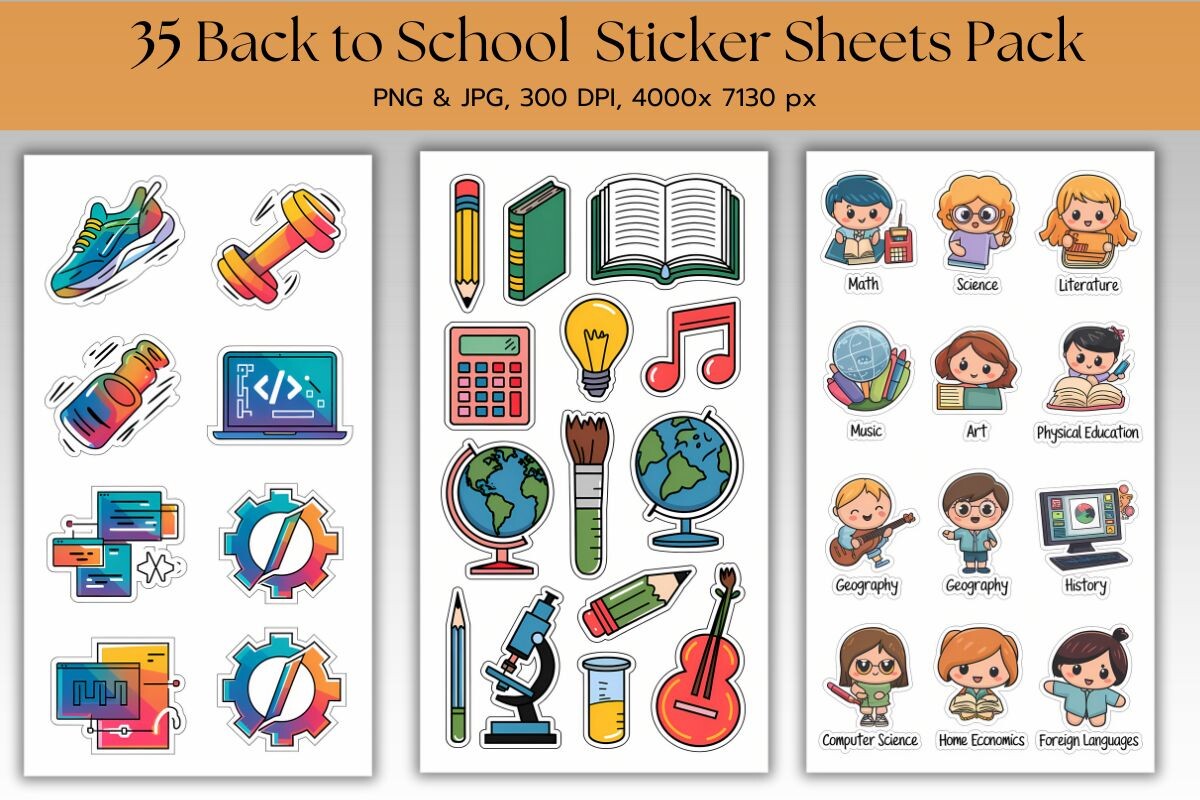
A sheet-based collection offers a wider range of school subjects, supplies, and classroom imagery than a single reminder design. This product lists 35 sheets in high-resolution PNG and JPG formats. The preview presents several types of educational artwork, making the pack useful for adding subject cues or decorating a teacher’s planning sections without drawing every illustration by hand.
Select only the sheets that match your teaching context instead of using the entire library in one weekly spread. The seller does not state finished sheet dimensions or a specific DPI in the detailed description, so check the files and make a test print. A PDF and machine-specific cut files are not confirmed. The images identify themes; lesson sequencing and assessment notes still need your own written entries.
5. Staff Meeting Planner Stickers
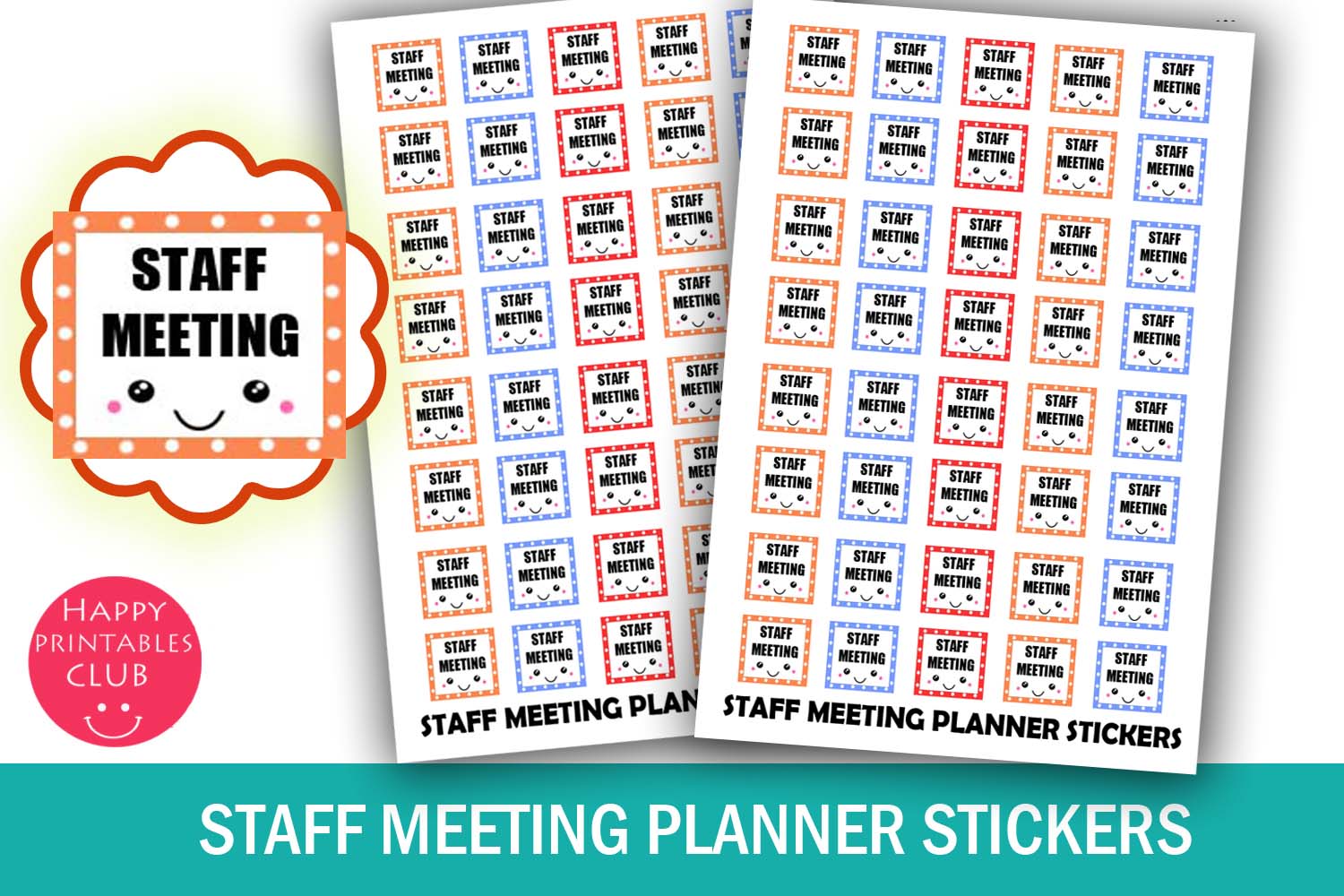
A dedicated Staff Meeting marker separates administrative commitments from class time. The preview shows staff-meeting labels, and the listing specifies 40 stickers on a 4 × 5.5-inch sheet, with individual stickers approximately 0.55 × 0.5 inches. PDF and JPEG files are included. The compact footprint leaves room for a start time or short agenda note beside the reminder.
The product description contains a lecture-sticker paragraph, so verify the wording and dimensions in the downloaded sheet before printing a full batch. Use the marker for the meeting itself and schedule preparation tasks separately. Individual PNGs and dedicated cut lines are not confirmed. A sticker can make the appointment visible, but it does not provide an agenda template, shared calendar invitation, or automatic notification.
6. Zoom Meeting Planner Stickers
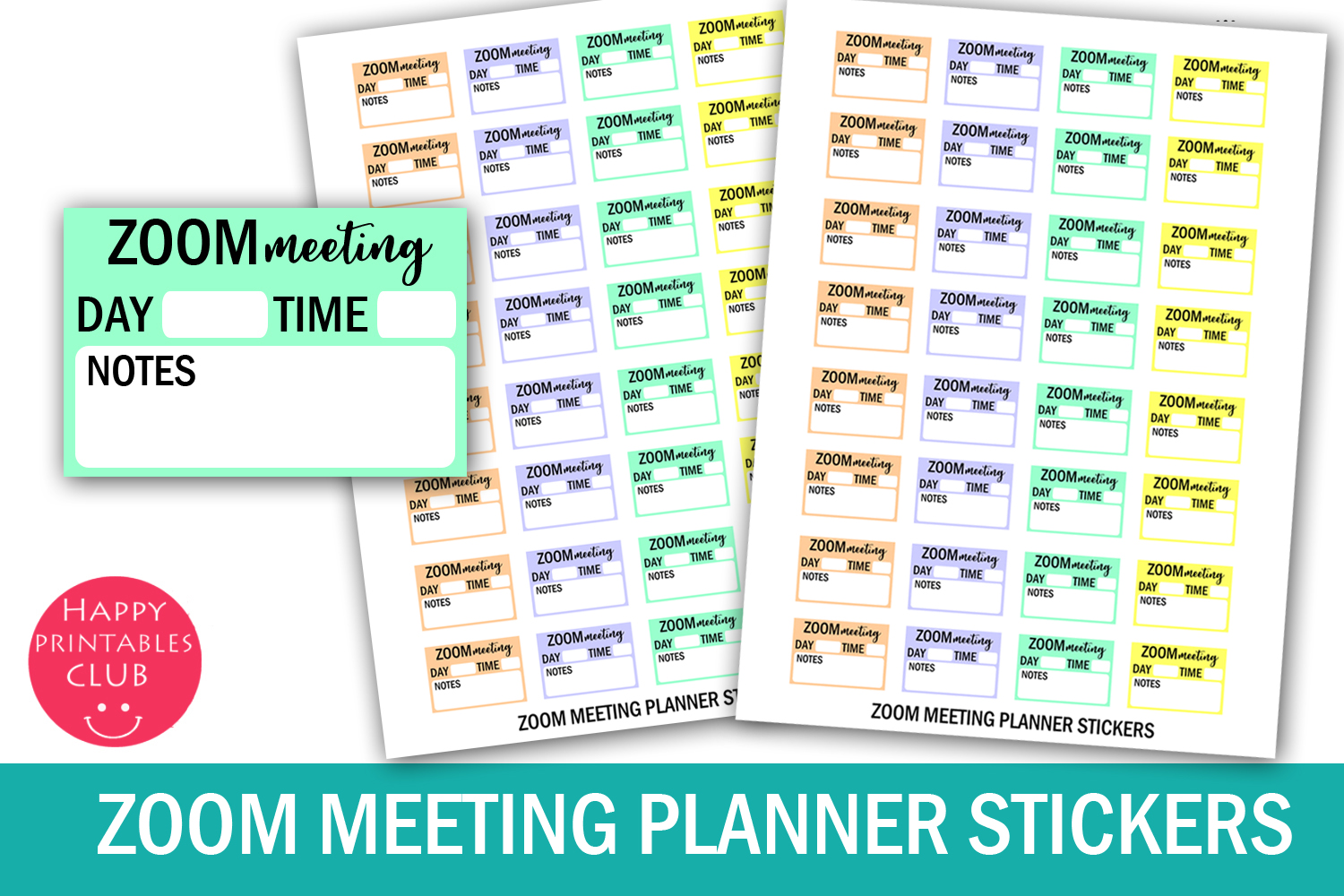
These larger meeting boxes reserve space for practical online-session details. The seller lists 32 stickers measuring approximately 1.5 × 1 inches on an 8.5 × 11-inch sheet, with PDF, JPEG, and PNG files in the ZIP. The preview includes fields for day, time, and notes, making this a useful option for virtual staff meetings or other scheduled online conversations.
Write the session time and a brief purpose in the box, then keep access links in your normal calendar or secure notes. The artwork does not integrate with Zoom or create a meeting. Check the box width against your planner column and print at actual size first. No machine cut file is listed. It suits readers who need more writing space than a tiny meeting icon can provide.
7. No Class Reminder Planner Stickers
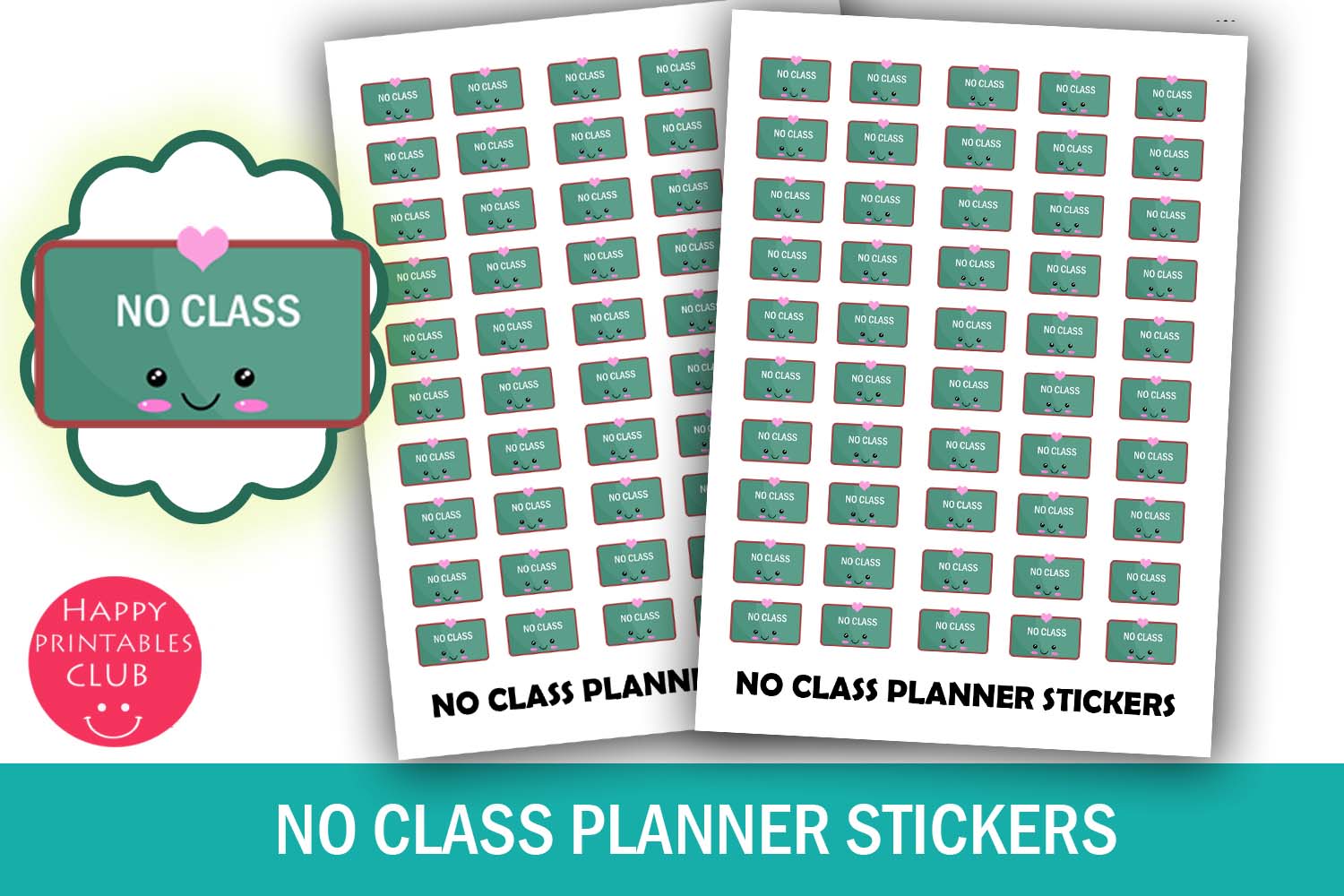
A No Class marker helps make an exception to the normal timetable visible. The listing provides 50 stickers on a 4 × 5.5-inch sheet, with each approximately 0.5 × 0.5 inches. PDF and JPEG files are included. This is a useful cue for days when a usual teaching slot changes, provided you also record what happens in that time instead.
Confirm the timetable change through your school’s information and add a note if the period is used for preparation, training, or another commitment. The small sticker is a label, not a replacement schedule. Print a sample to check the lettering at actual size. Individual transparent PNGs and machine-specific cut lines are not confirmed. Avoid using the same marker for every kind of absence unless its meaning is clear.
8. Classroom Planner Icon Divider Set
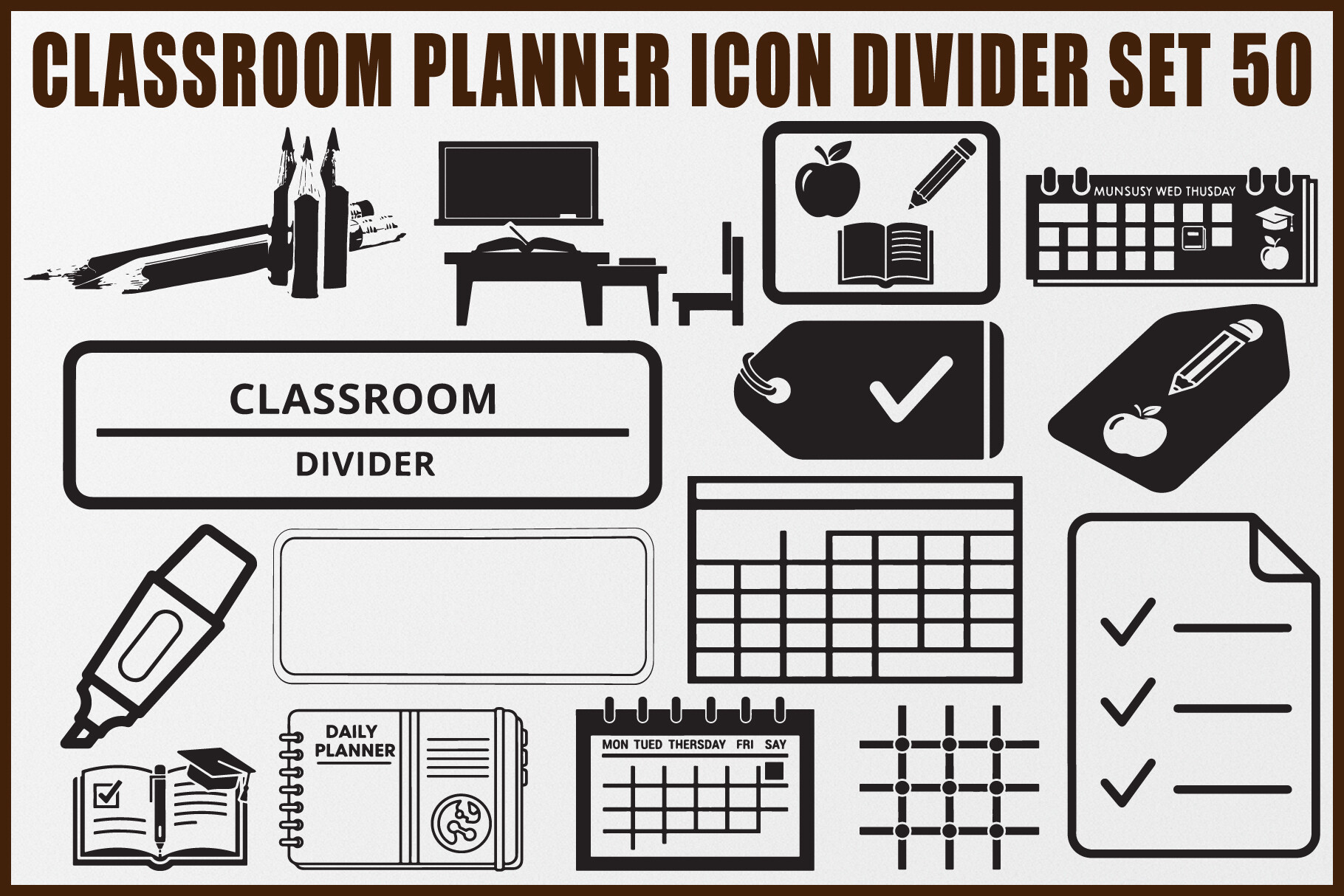
Bold black classroom icons can organize a teacher’s digital notebook or printed planner into recognizable sections. The seller lists fifty designs, each supplied in EPS, SVG, transparent PNG, and JPG formats. The motifs include planners, calendars, books, pencils, desks, checklists, and schedules. The editable vector options are helpful when you want to adjust a divider graphic to fit a page heading.
Choose a consistent icon for each section, such as preparation notes or classroom administration, and add a written heading for clarity. This is an icon collection rather than a preformatted lesson planner. Finished sticker sizes and a ready-to-print PDF sheet are not specified. Use compatible software for vector editing, arrange a test layout for paper use, and avoid assuming the files include preconfigured machine cut settings.
How to Choose Teacher Planner Stickers
Choose small reminders for fixed commitments, larger boxes for meeting details, and classroom icons for section headings. Decorative supplies and quote graphics can add personality, but they do not replace a lesson outline or assessment record.
For paper planning, check the sheet dimensions and whether cut files are included. For digital planning, distinguish individual PNGs from a native sticker book and confirm your app’s image-placement workflow. Leave most of the page for the information you will need during the school day.
Begin with a few consistent teacher planner stickers for meetings, preparation blocks, and timetable exceptions. Add classroom artwork only where it makes the page easier to recognize and review.