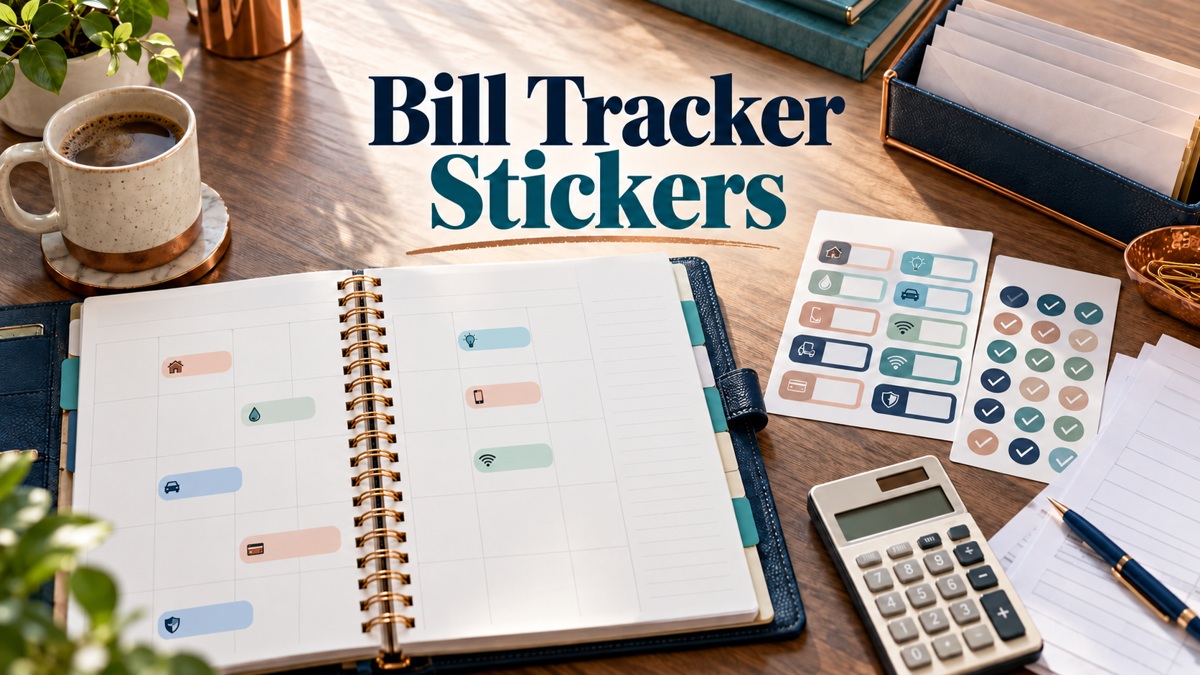
9 Useful Bill Tracker Stickers for Due Dates and Paid Records
Bill tracker stickers can make payment deadlines and short manual records easier to see in a calendar. These nine Creative Fabrica options compare general bill boxes, paid markers, and reminders for specific payment categories. The focus is recording what is due and what you have checked as paid, rather than reviewing a broad collection of savings and spending graphics.
The reviews compare the seller’s stated files, dimensions, and cutting requirements. Repeated labels and color variations are described as such, and no stationery download here is treated as a bank-connected financial tool. Record the real dates and amounts from your own bills.
A monthly budget planner can hold the wider money plan, while these stickers highlight individual payment entries. Keep enough room for a bill name, amount, and clear completion mark.
1. Bill Due Planner Stickers: Compact Reminder Boxes
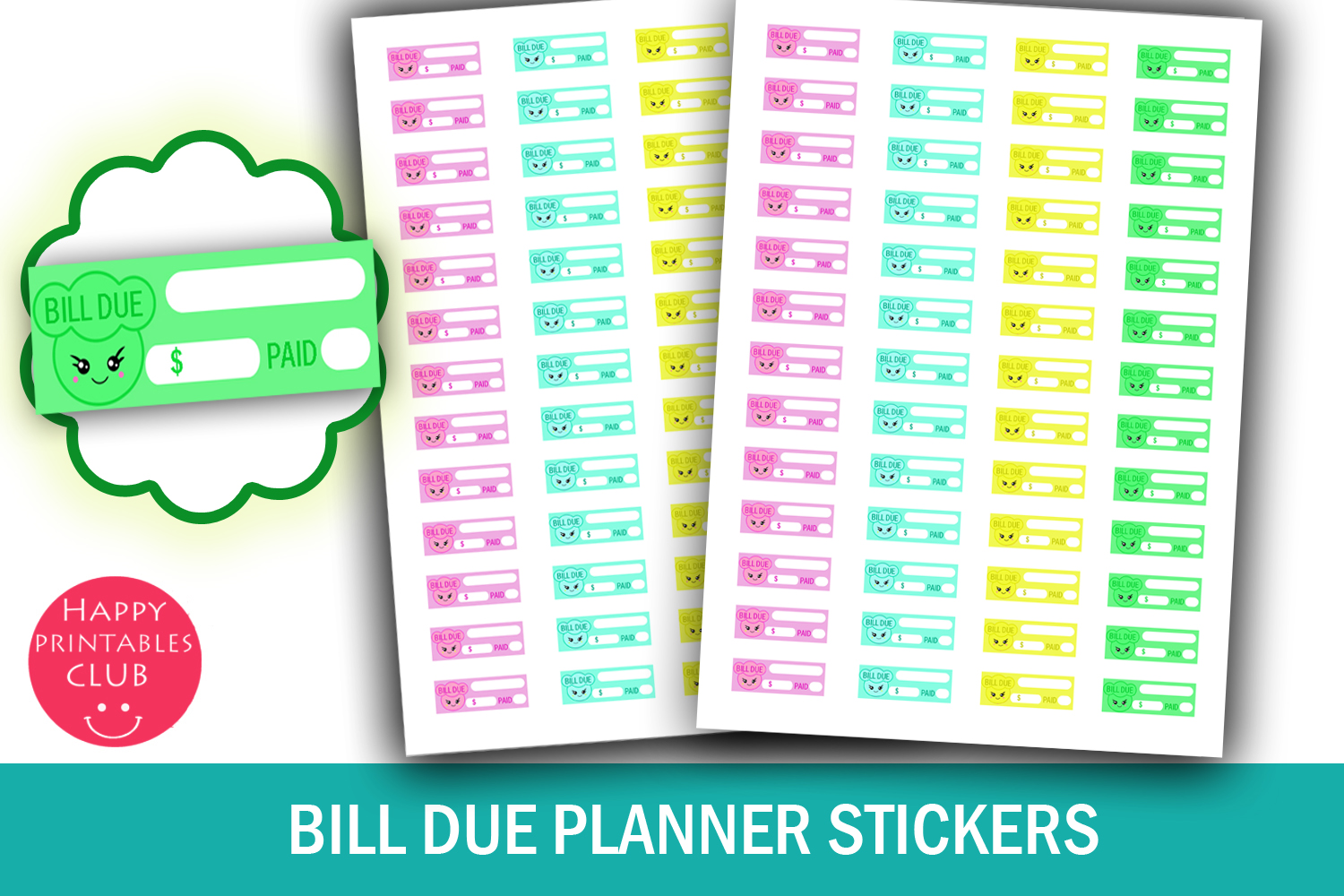
A repeated Bill Due box can keep payment reminders consistent across a monthly page. This set lists fifty-two stickers, approximately 1.5 × 0.5 inches each, on an 8.5 × 11-inch sheet. PDF and JPEG files are included. The preview uses a compact illustrated design, which is useful when a bill name and amount will fit in a short entry beside the due date.
Write the bill and date yourself, and add a completion mark only after checking the payment status. The download is a visual reminder sheet, not a bank-connected tracker. Print a plain-paper test at actual size and confirm the width against your planner columns. Individual transparent PNGs and machine cut files are not listed. Keep longer account details elsewhere so a narrow sticker stays readable.
2. Bill Due and Paid Planner Stickers
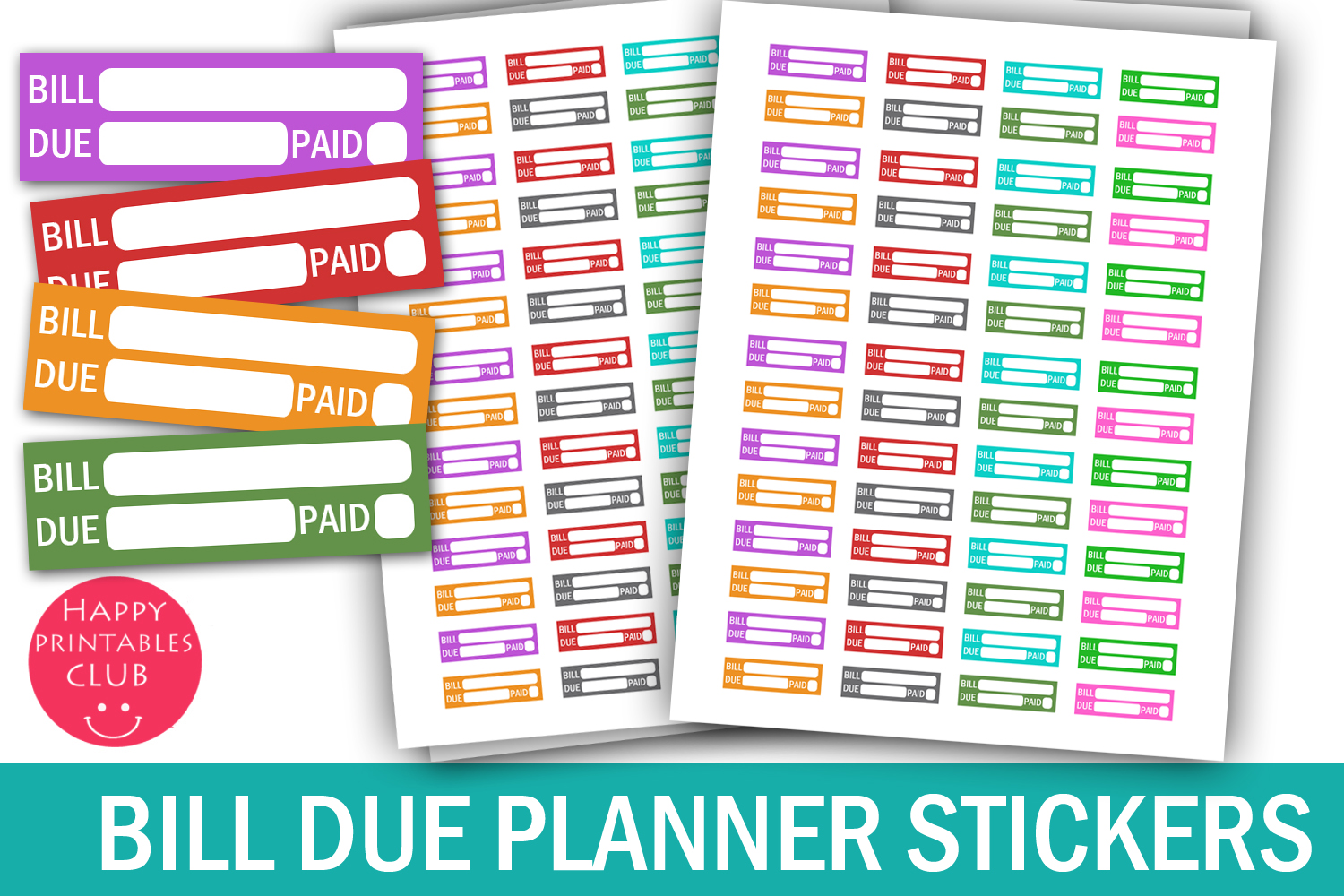
This set makes the distinction between a bill coming due and a bill marked paid more visible. The preview includes Bill Due and Paid wording, and the seller lists fifty-six stickers at approximately 1.5 × 0.47 inches on a US Letter sheet. PDF, JPEG, and PNG files are included, offering more format choice than a PDF-and-JPEG-only sheet.
Use the paid marker after confirming the transaction rather than when you merely intend to pay. Keep a simple written bill name and amount alongside the reminder. The PNG format does not automatically mean individually cropped stickers or a native app sticker book. Dedicated cut files are not confirmed. Check print scale and make sure the small completion area remains usable at your planner’s actual column width.
3. Electricity Bill Due Planner Stickers
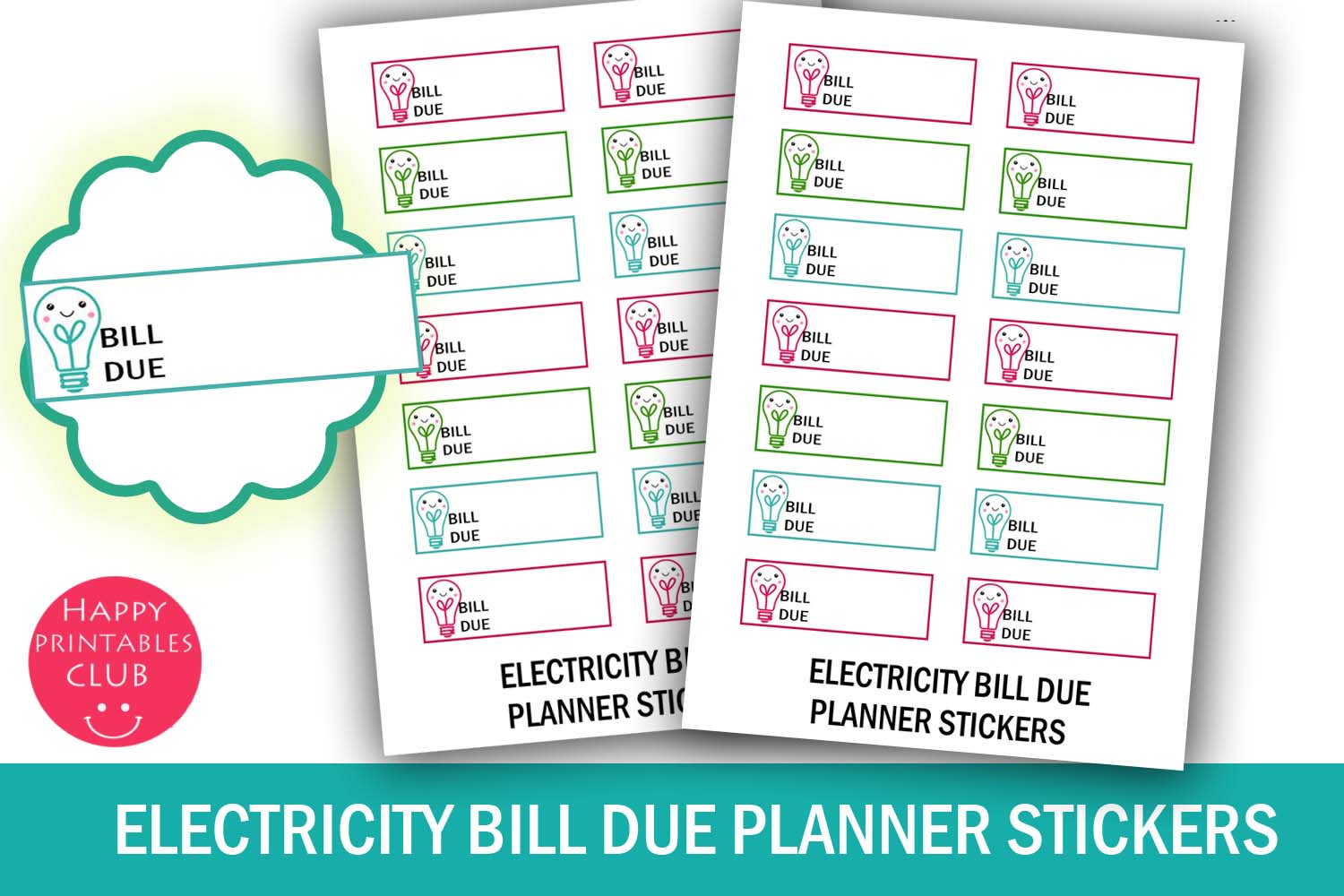
A utility-specific label can help distinguish the electricity payment from other recurring bills. This download contains fourteen stickers on a 4 × 5.5-inch sheet, with individual stickers approximately 1.5 × 0.5 inches. The seller includes PDF and JPEG files. The preview provides a writing area beside a lightbulb motif, making the reminder more specific than an unlabeled financial icon.
Record the actual due date and amount from the bill, rather than treating the sticker as a source of those details. The pack does not calculate charges or connect to a utility account. Print at actual size and leave space for your own completion note. A PNG sheet and dedicated cutting-machine files are not listed. Choose it when separate utility labels help you review the month more clearly.
4. Cell Phone Bill Printable Planner Stickers
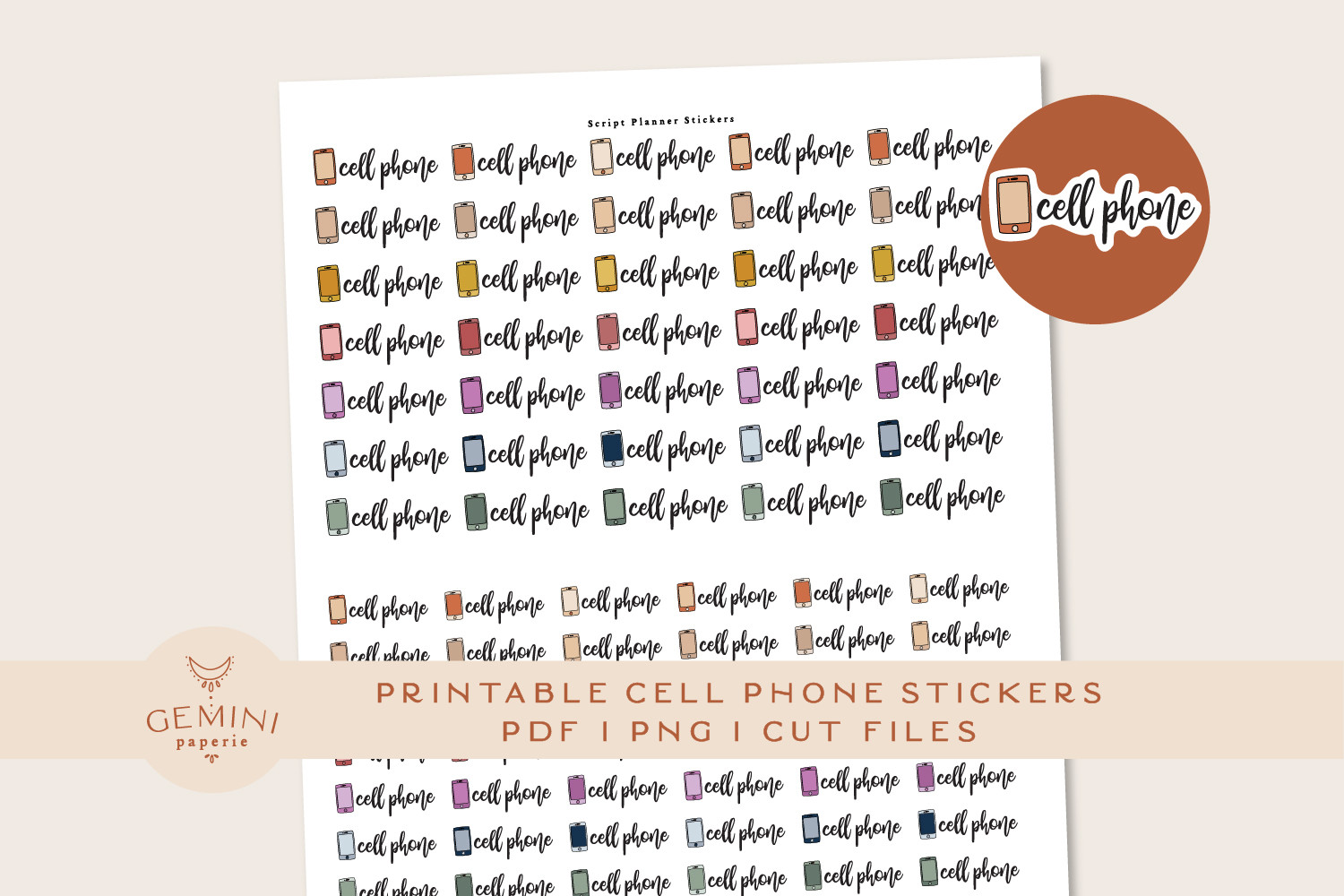
A Cell Phone label is a useful cue for a recurring account payment or a scheduled review of the bill. The seller lists eighty stickers in sixteen colors, with two PNG files for Cricut, a sticker PNG and cut-line PNG for Silhouette Studio, an overview PDF, and a detailed instructions PDF. The pack focuses on repeated wording rather than writing boxes.
Place the label beside the due date and write the amount or account nickname separately. The count includes color variations, not eighty different payment categories. The listing does not specify an individual sticker size, so measure the downloaded layout before printing. The seller reports machine testing, but your own alignment and cutting settings still need a sample check. It supplies reminders rather than payment confirmation or account synchronization.
5. Kawaii Bill Due Card Reminder Stickers
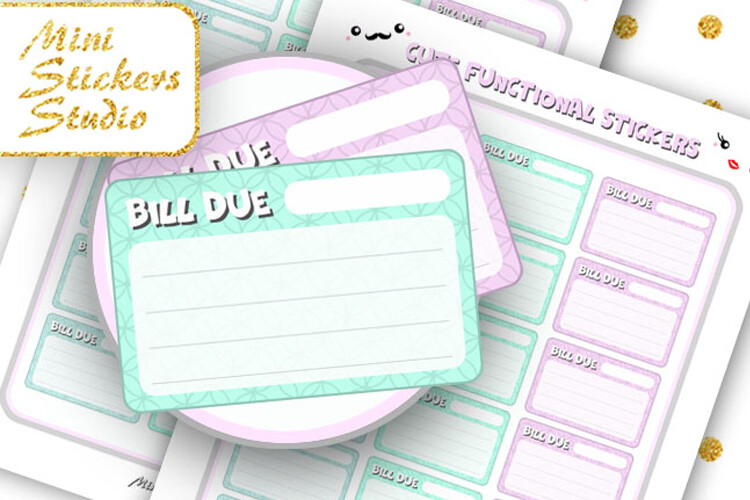
Card-shaped bill reminders offer more visual space than a slim text label. This product includes a Letter-size PDF and JPG, a PNG file for Cricut, and a Silhouette Studio document. The preview shows a larger bill-card style, making it a potential choice for a monthly overview where a payment entry needs room for several short details rather than a single word.
Confirm the finished dimensions from the files because the detailed listing does not specify them. The available preview is relatively small, so judge fine lines and text from a test print. Use the card for a bill name, date, or amount according to the actual layout. This pack does not store transactions or calculate totals. Follow the supplied cutting files, and leave sensitive account information outside a shared planner page.
6. Medical Bill Printable Planner Stickers
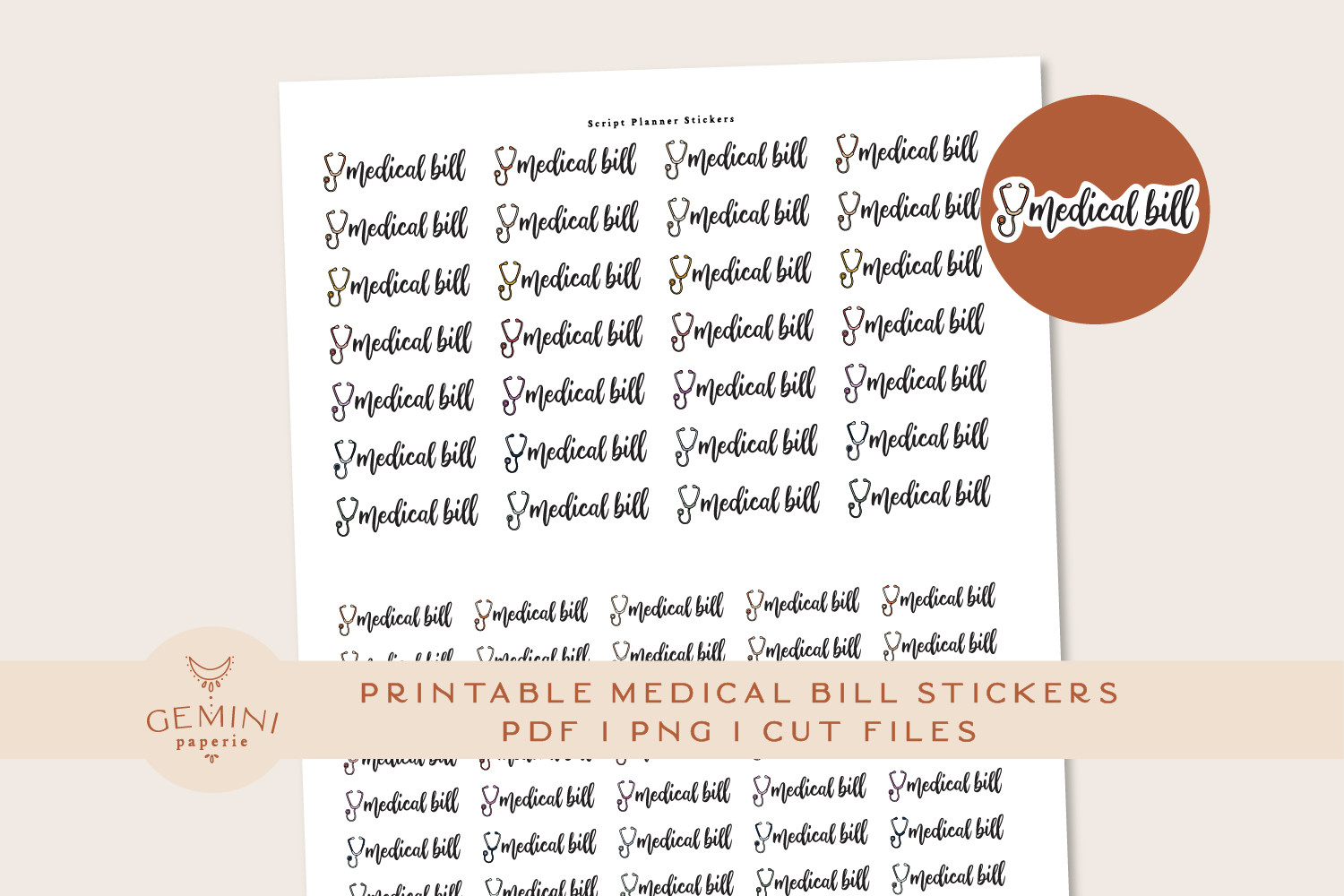
Medical Bill wording can distinguish an occasional invoice from routine household utilities. The seller lists eighty stickers in sixteen colors, supplied with PNGs for Cricut and Silhouette Studio, a Silhouette cut-line PNG, an overview PDF, and a printing-and-cutting instructions PDF. This is a repeated label set rather than a worksheet for insurance or healthcare costs.
Use a brief neutral label and record the invoice date or amount in your own notes. The files do not interpret charges, estimate coverage, or provide medical information. Individual dimensions are not specified, so check the downloaded sheet before printing. The count includes repeated color versions. A sample print and cut will help confirm legibility, particularly if you plan to use the labels in a narrow weekly column.
7. Kawaii Bill Due Reminder Stickers
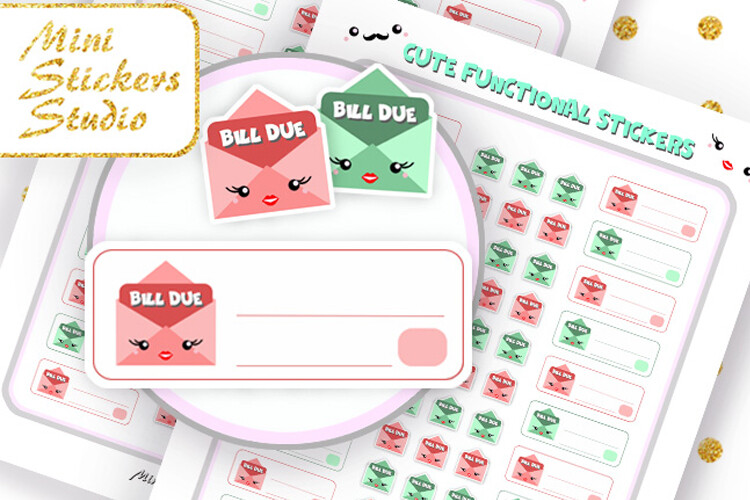
A character-style bill marker offers a more playful reminder design than a plain payment box. The listing includes a Letter-size PDF, PNG, and JPG sheet, a PNG for Cricut, and a Silhouette Studio document. The preview shows reminder shapes with room for a brief entry, so this is an alternative visual style for readers who prefer illustrated planner elements.
Check the actual sticker dimensions before arranging a monthly page, since the listing does not give a finished size. The available preview is smaller than several other products here, so test the downloaded details rather than assuming the image proves print sharpness. Use a clear written bill name and your own paid mark. The pack does not trigger notifications, connect to accounts, or verify that a payment has cleared.
8. Bill Due Printable Planner Stickers
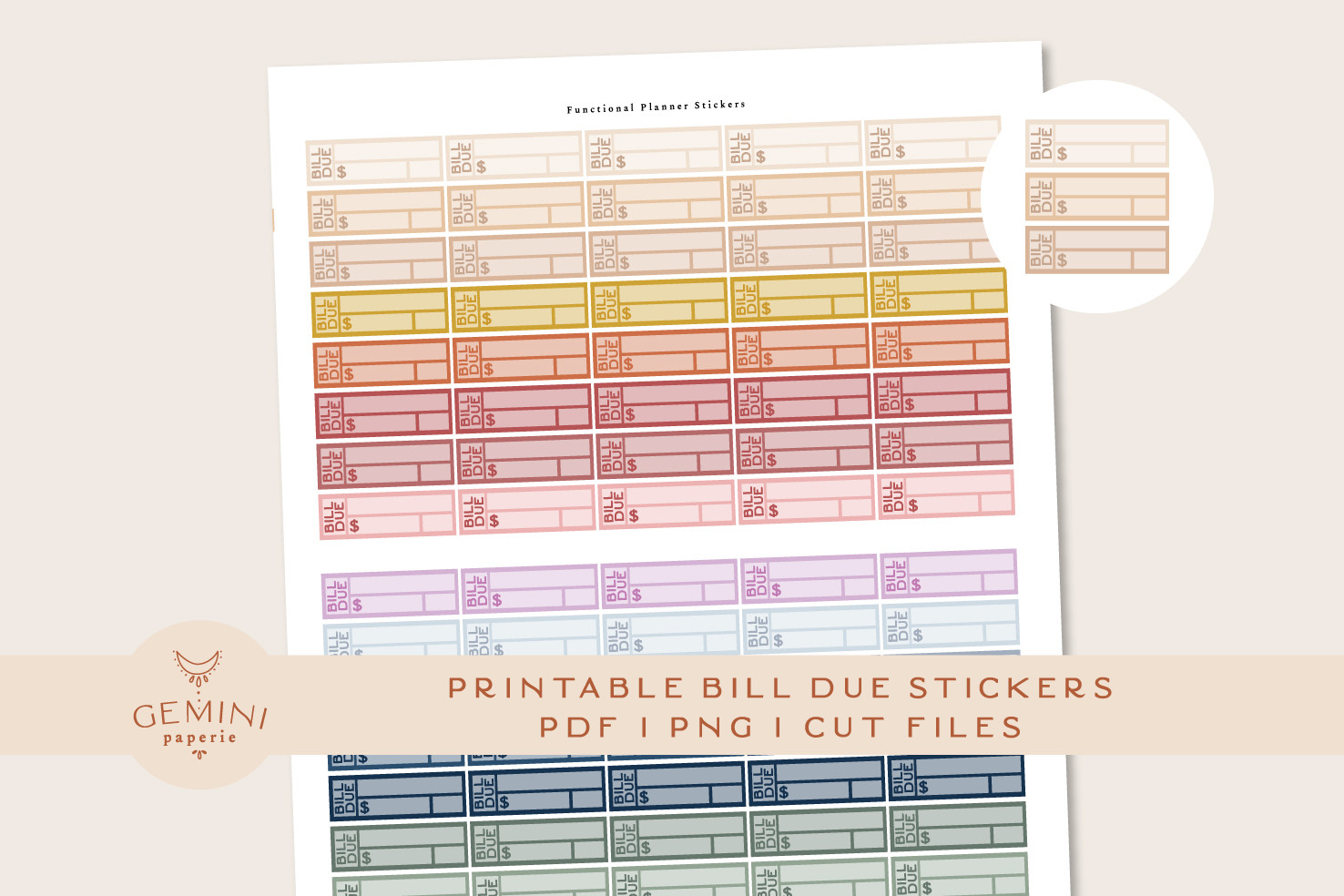
These straightforward payment labels offer a prepared print-and-cut workflow. The seller lists eighty stickers in sixteen colors, each 1.5 × 0.5 inches, and includes two PNGs for Cricut, one PNG for Silhouette, a DXF cut-line file, an overview PDF, and detailed instructions. The defined size makes it easier to judge whether the writing box will fit your planner before downloading.
Use a consistent color for scheduled payments and record the bill name and amount in the box. The count represents repeated color options rather than different tracking systems. Follow the guide and test print alignment on your own equipment, even though the seller names tested Cricut Maker and Cameo 4 workflows. The files provide stationery labels, without calculations, automatic recurring entries, or a connection to a payment service.
9. Bill Due Stickers with Amount and Paid Fields
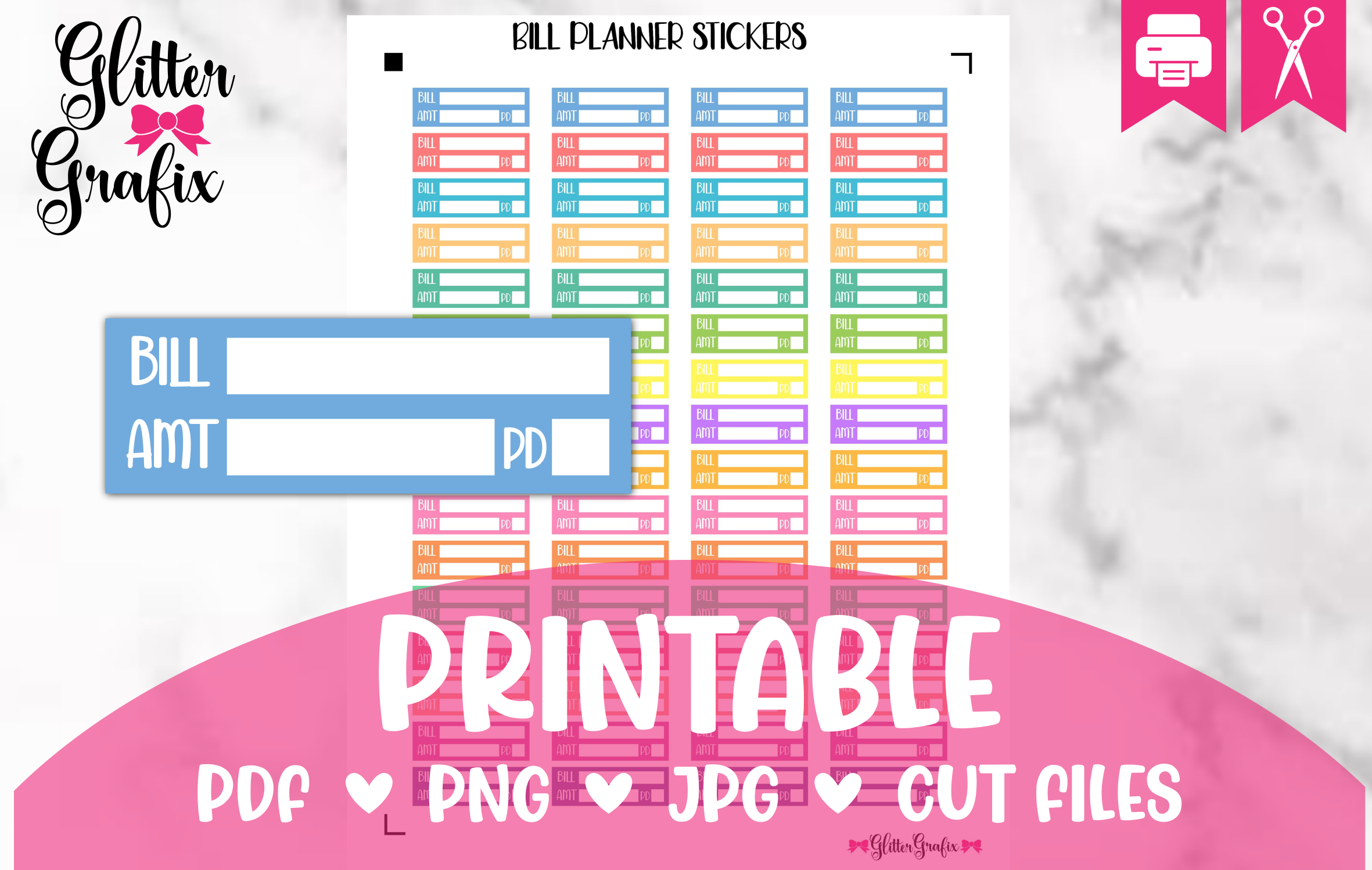
A box that separates the bill, amount, and paid status can make a payment entry easier to review. The preview shows those fields, and the seller lists individual stickers at 1.5 × 0.5 inches. The ZIP includes JPG, PNG, PDF, and a Silhouette Studio file, making this a useful option for a paper planner where a short manual record is enough.
Keep entries concise so all three fields remain readable at the intended size. Mark the paid area after checking the transaction and keep any detailed receipt reference elsewhere. The listing does not specify a total sticker count, so do not choose it based on an assumed quantity. Test printer colors and scale before cutting. The layout supports a manual record; it does not calculate totals or establish payment status automatically.
How to Choose Bill Tracker Stickers
Use a general bill box when you need room for a name and amount, a category label when the writing lives beside it, and a paid field when you want a visible completion record. Keep the meaning of each color or symbol consistent through the month.
Check the actual due date and confirm the payment before marking it complete. Stickers provide a manual planning aid rather than account synchronization, transaction verification, or financial calculations. Keep sensitive account details outside a shared calendar.
Choose bill tracker stickers that fit your column width and printing workflow. Begin with a small recurring set, test the layout for one month, and retain the designs that make upcoming and completed payments easiest to distinguish.