10 Useful Undated Digital Planner Options to Start Anytime
An undated digital planner lets you begin with the week you actually need, without buying a new dated edition each January. The useful difference is how each planner handles reusable pages, navigation, and the amount of material you must organize. Some provide hundreds of daily pages; others expect you to duplicate a small set of templates.
These 10 Creative Fabrica products offer different ways to plan on a tablet. The comparisons below use the sellers’ stated files and features, with practical advice on starting a reusable system. Annotation software and a compatible device are separate requirements; a hyperlinked PDF does not automatically synchronize appointments or send reminders.
Before choosing, compare page orientation, week-start options, and whether you want a finished planner or an editable design. For a dated alternative, see our digital planner overview. Here the focus is starting anytime and reusing an undated digital planner with an orderly archive.
1. Undated Digital Planner by Shades of Zen
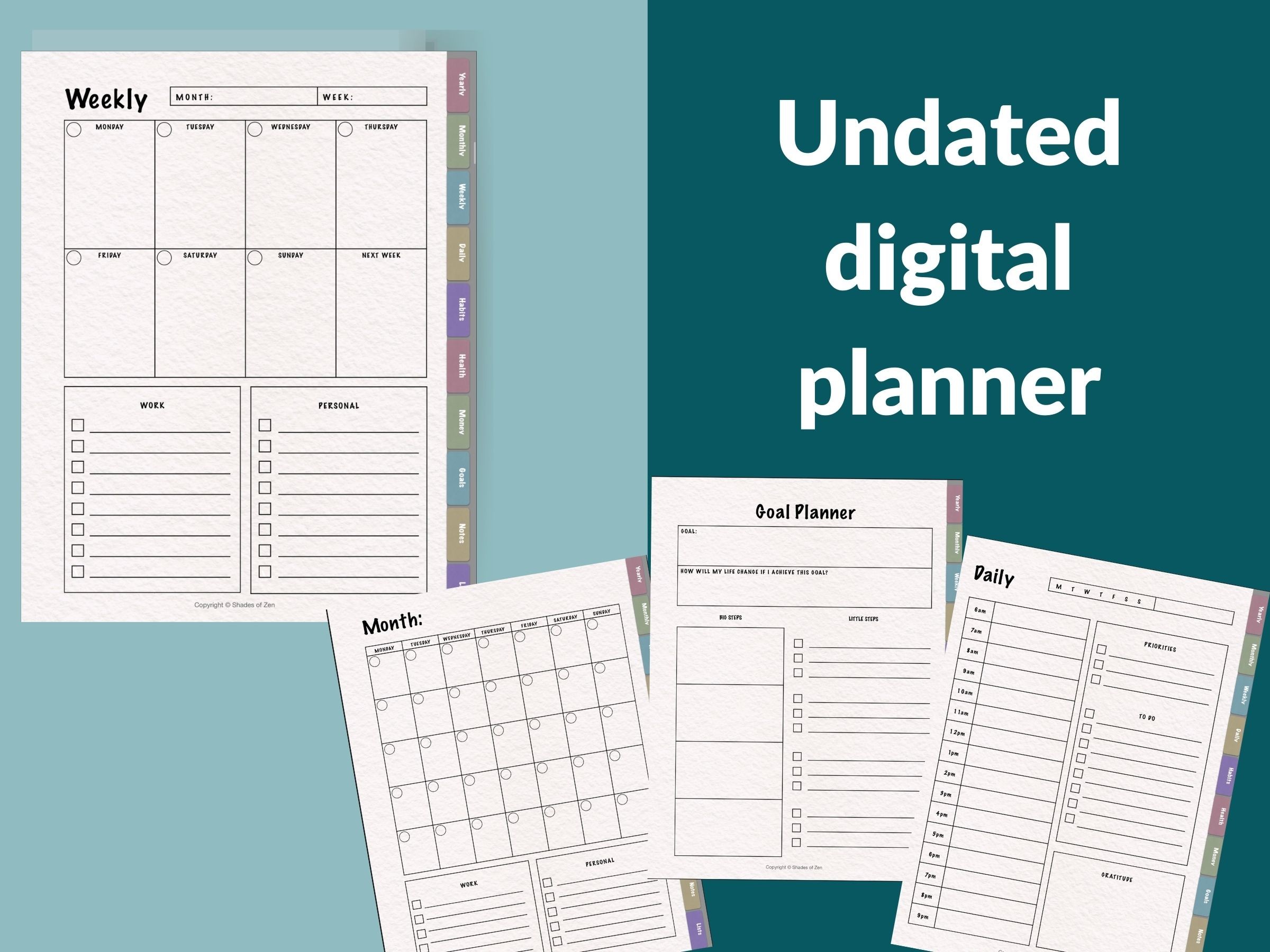
This planner combines monthly, weekly, and daily layouts with sections for goals, health, finances, notes, and lists. The seller describes import into Goodnotes, Notability, or another PDF annotation app, plus paper-like texture and additional covers. Its appeal is a reusable everyday system rather than a calendar tied to a particular year.
Choose it if you want familiar paper-style planning on a tablet and separate places for supporting records. The description says you can expand the planner without deleting earlier pages, but does not give a total page count or a precise duplication procedure. Keep a clean copy and test navigation after adding pages instead of assuming unlimited rearrangement will preserve every link.
2. Undated Digital Planner by PlannerNook
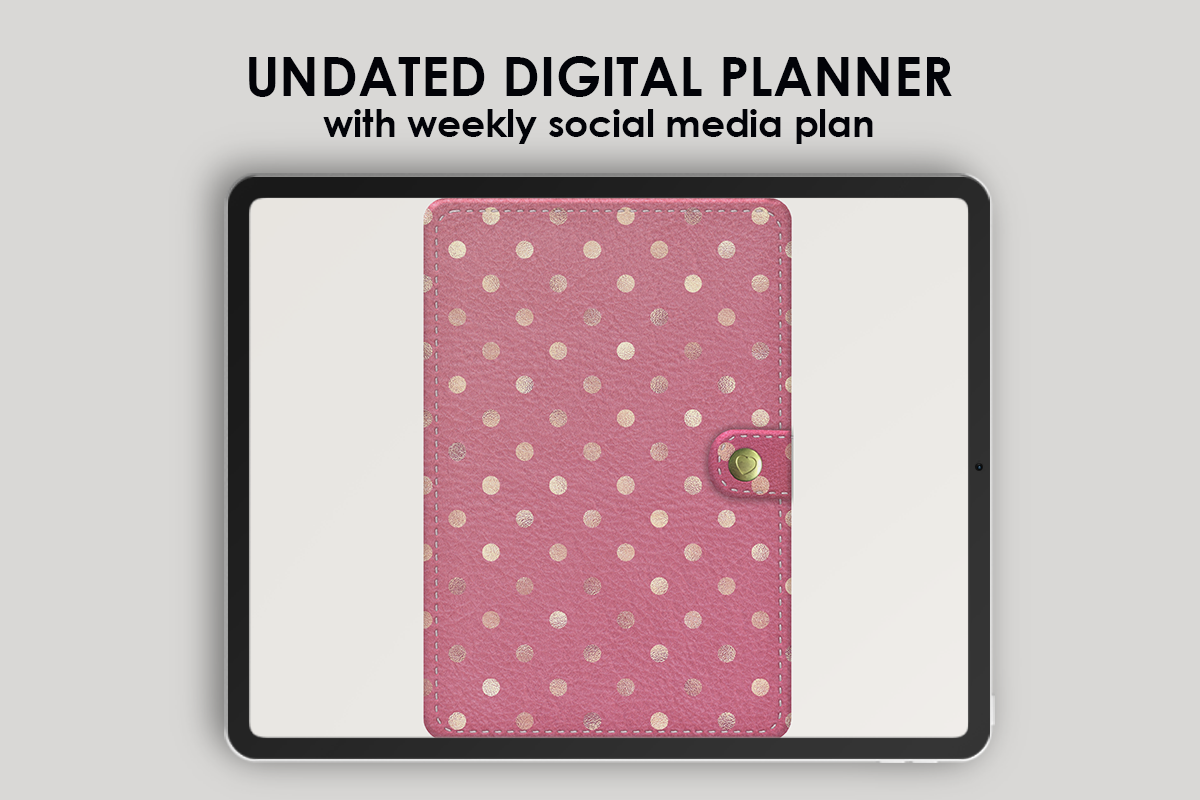
PlannerNook states that this interactive PDF contains 616 pages, accompanied by a ZIP of cropped decorative stickers. The listed monthly material includes weekly and social-media weekly pages, a project plan, birthdays and anniversaries, a habit tracker, expenses, and a blank page. Brain-dump and life-goal pages broaden the system beyond appointments.
This is a useful choice when personal scheduling and content work share the same tablet. The breadth also creates more navigation and maintenance than a small planner. Five weekly pages per month are listed, but the seller does not explain how every extra section contributes to the 616-page total. Evaluate the layouts you will actually use, rather than treating the page count as a quality score.
3. Undated Reusable Digital Planner by NDP Design Studio
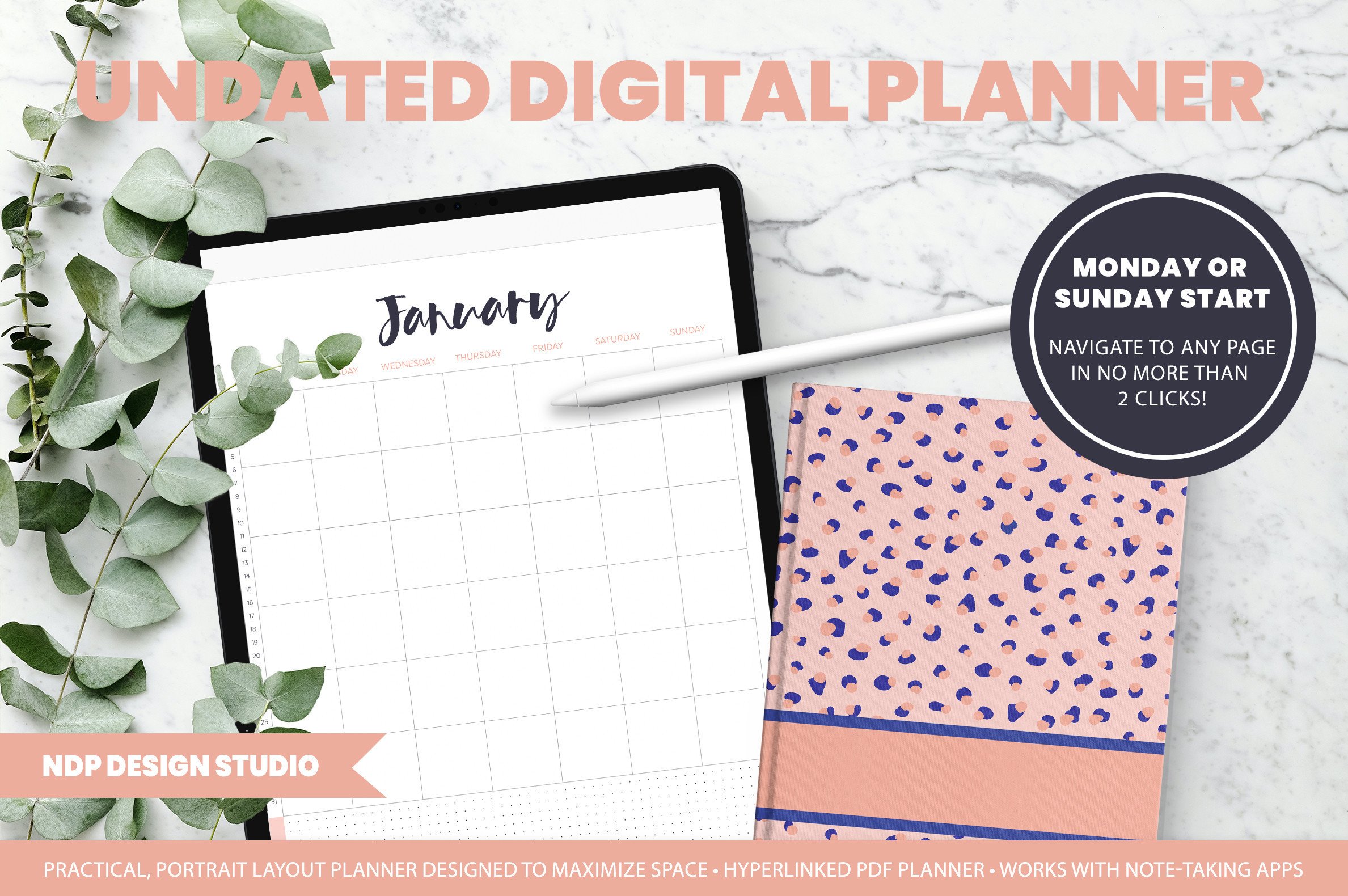
NDP’s portrait planner includes Monday-start and Sunday-start PDF versions, an illustrated guide, extra grid, dotted, lined, and blank papers, and a notes area with six labeled and twelve blank hyperlinked sections. A GoodNotes file and separate PNG-sticker ZIP support customization. The seller describes navigation between year, month, week, day, and notes views.
It suits a tablet workflow that mixes planning with organized project notes. The portrait format can also work in a side-by-side view when your device and app support it. An important limitation is explicit: do not move inserts between sections, because hyperlinks can stop working. Duplicate permitted notes inserts in place, and use the PDF version for compatible non-GoodNotes annotation apps.
4. Undated Digital Daily Life Planner by studiopattern
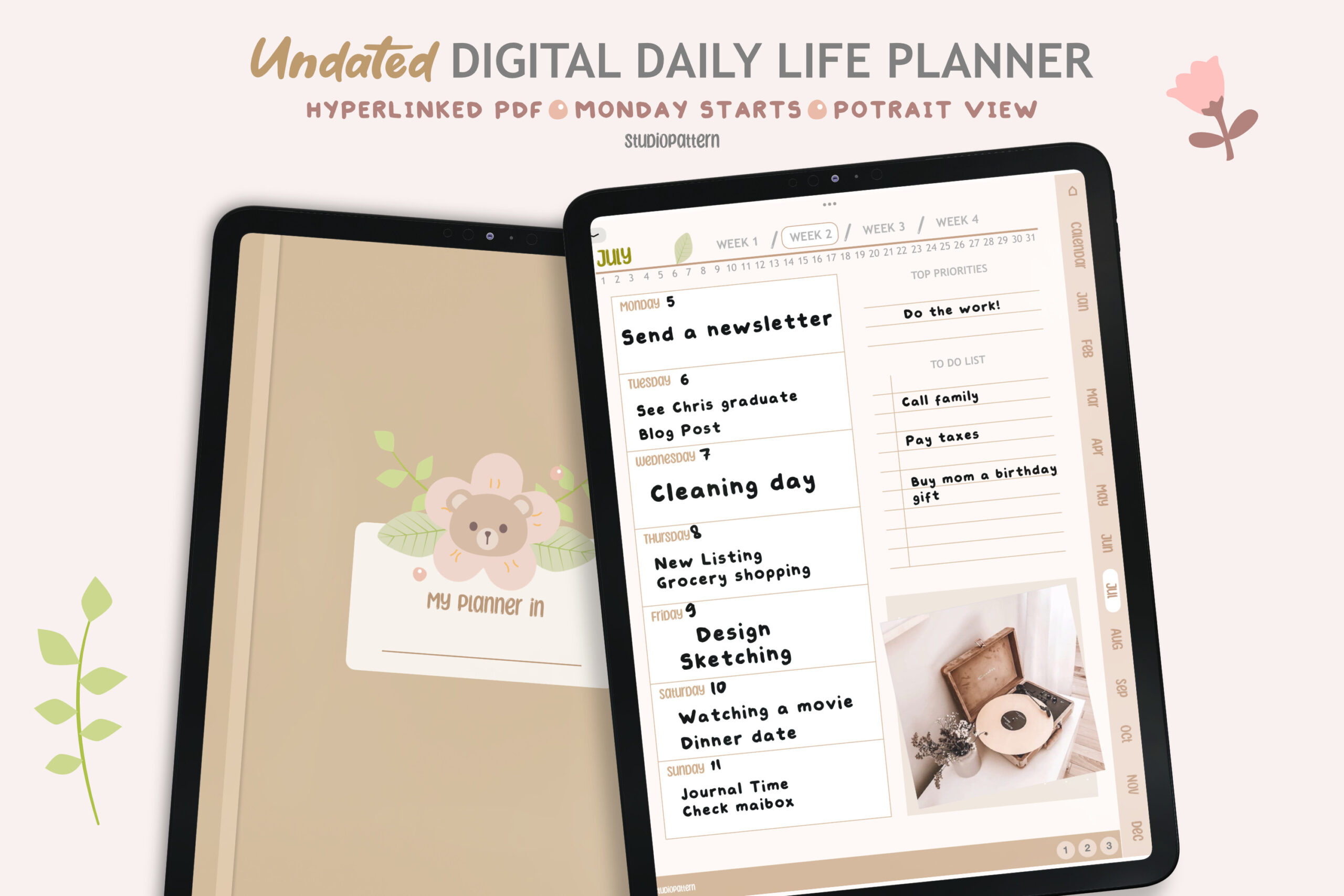
This hyperlinked PDF provides a calendar, yearly overview, Monday-start planning, monthly, weekly, and daily layouts, four templates, a blank section page, and product covers. The seller names GoodNotes, Notability, Xodo, and Noteshelf among compatible PDF annotation apps. It is a straightforward multi-level planner without a stated finished page count.
Pick it when you prefer moving from a yearly view into the current week and day within one file. The description specifically notes that clickable links may require reading mode in certain apps. Switch modes when testing navigation, then return to writing mode for entries. No editable source files or automatic calendar synchronization are promised, so treat the download as a PDF planning document.
5. Rose Gold Marble Undated Digital Planner
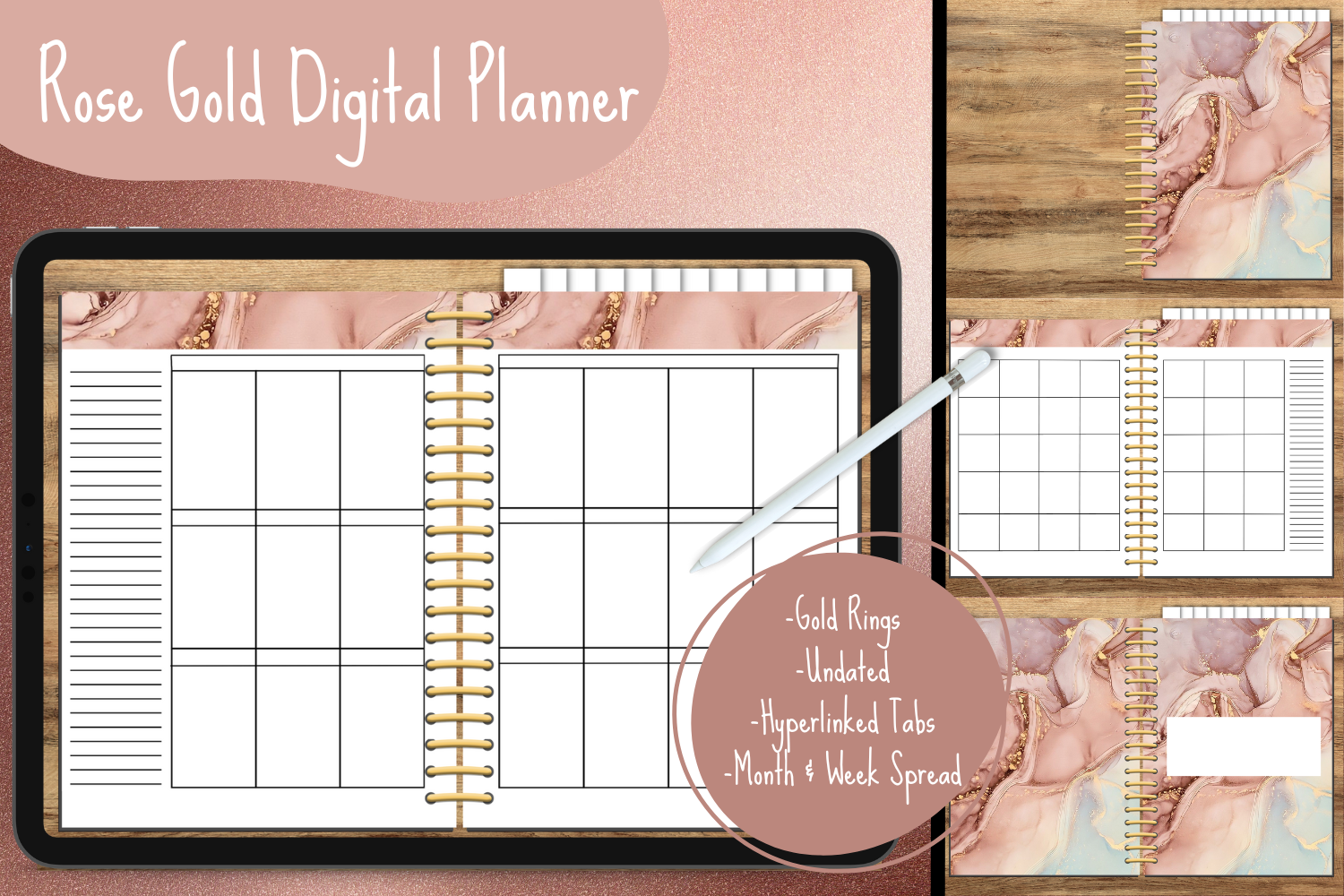
Georgia White’s design offers monthly and weekly spreads with hyperlinked tabs leading to blank monthly dividers. The confirmed file format is PDF, with Goodnotes compatibility stated. The rose-gold marble styling gives it a decorative identity, while the blank sections leave more of the organization to the user than a comprehensive tracker bundle would.
This makes sense for someone who enjoys building a personal system around a small set of layouts. It is less suitable if you expect a documented collection of finance, wellness, or project trackers. The description does not establish editable design-source files despite calling it a template. Plan to annotate the PDF and confirm what customization is possible in the actual package.
6. Undated Digital Planner Goodnotes: Monthly Modules
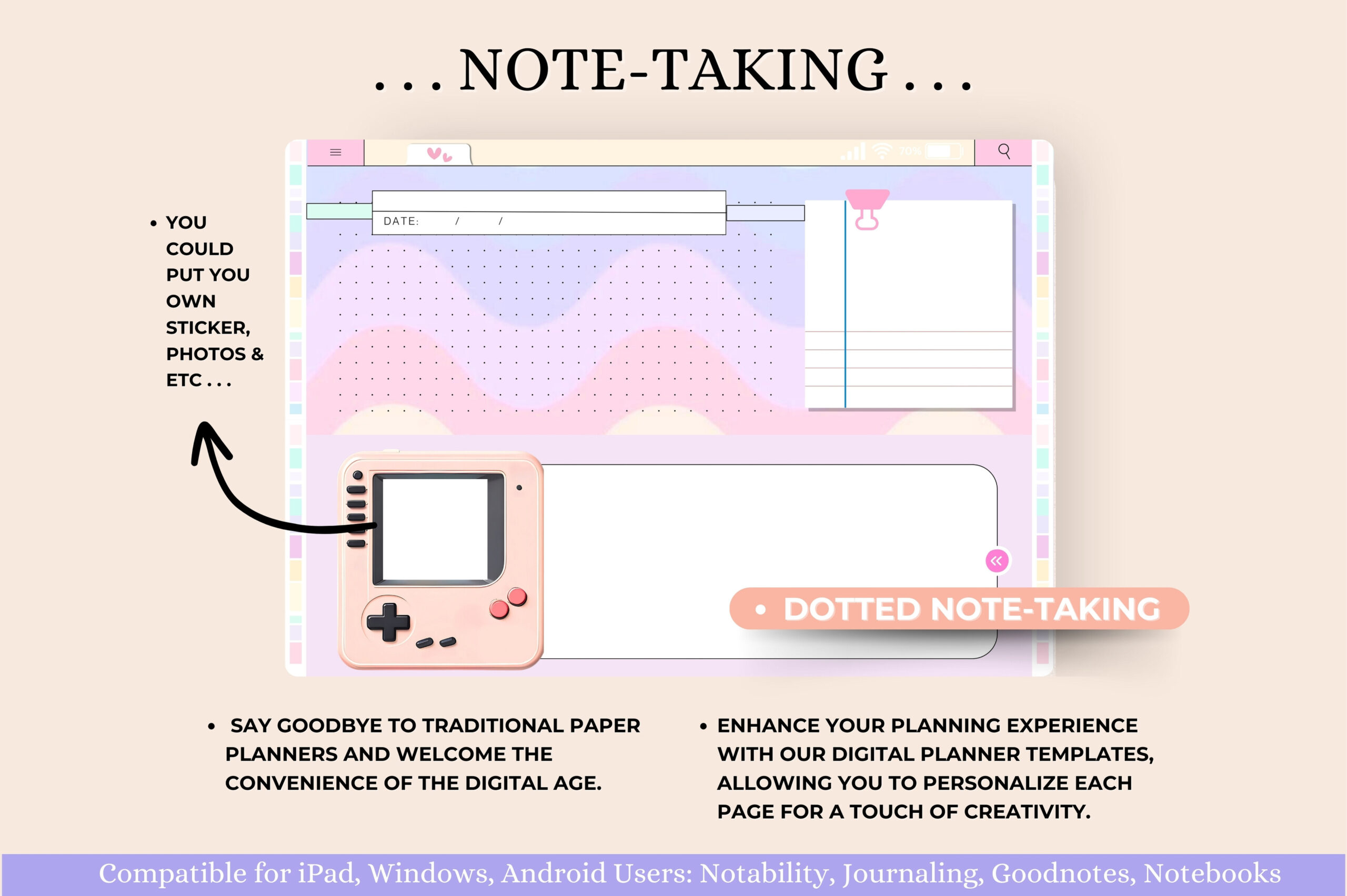
Tas Creative Studio describes a horizontal planner at 11 by 8.3 inches with individualized twelve-month modules, hyperlinked daily, weekly, and monthly pages, instructions, and a five-page sticker book. Listed supporting pages cover goals, entertainment logs, self-care, mood, water, budgets, expenses, savings, and bills. The modular month structure is its most useful distinction.
Consider it when you want to focus on one month’s planning and records at a time. The seller names several PDF annotation apps, including GoodNotes and Xodo, but does not state the number of separate planner files or total planner pages. Verify the module delivery before importing everything. The trackers are blank recording tools; the product does not establish automatic calculations or health analysis.
7. Editable Cute Undated Digital Planner: 71 Pages
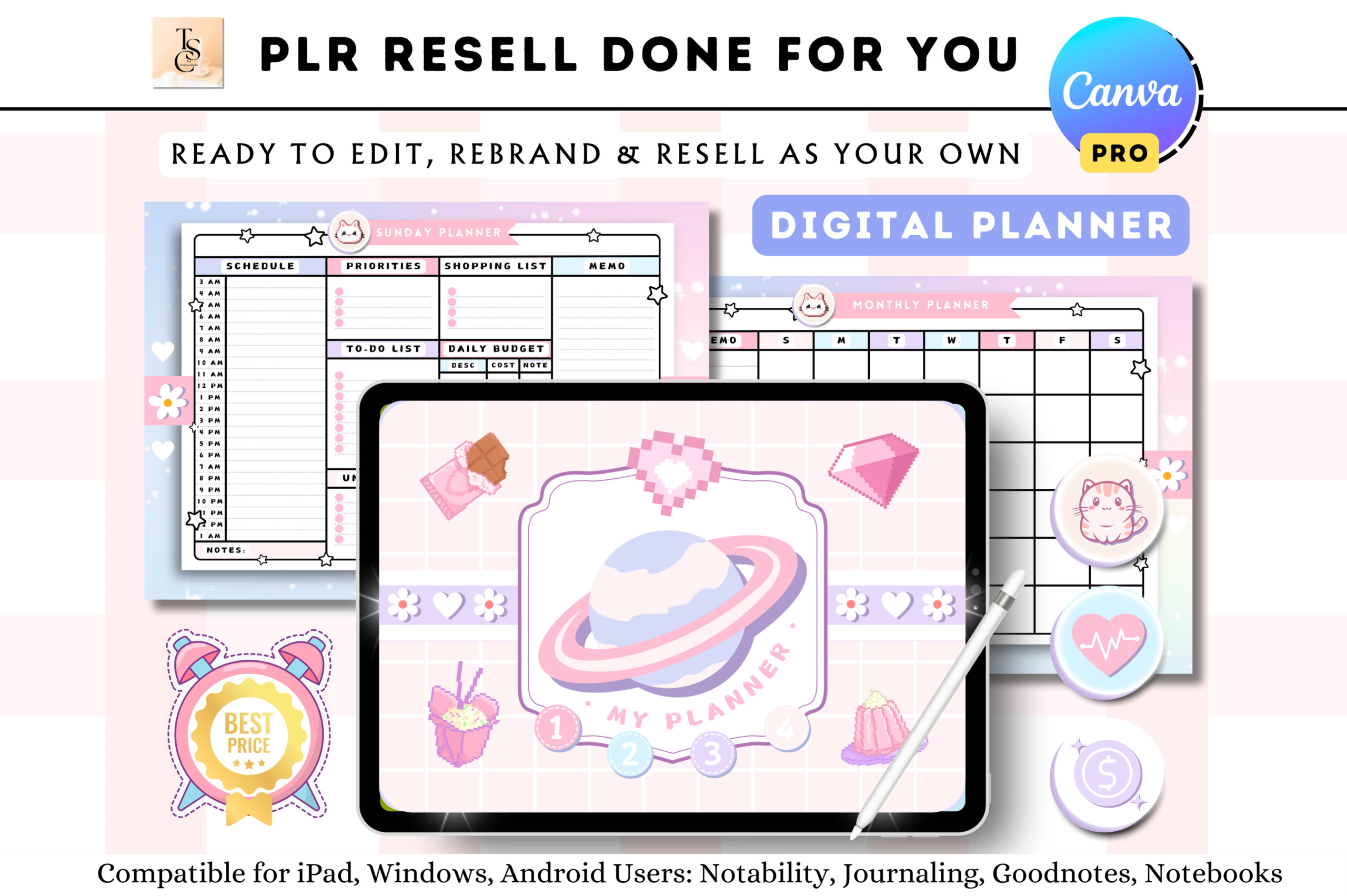
This Tas Creative Studio package includes a completed 71-page hyperlinked PDF, a Canva template access link, instructions, and a five-page sticker book. Daily, weekly, meal, self-care, study, meeting, project, and finance layouts provide a broad starting point. Unlike a finished PDF alone, the included design link gives you an avenue to change the template’s appearance.
The listing explicitly requires Canva Pro to access the template, so check that requirement before choosing it for editing. Use the completed PDF when you want to begin planning without redesigning pages. Keep any edited version separate and test its links after export. Although the product title mentions PLR and resale, this review does not verify resale permissions; consult the applicable current license before commercial reuse.
8. Undated Digital Planner: Portrait Marble PDF
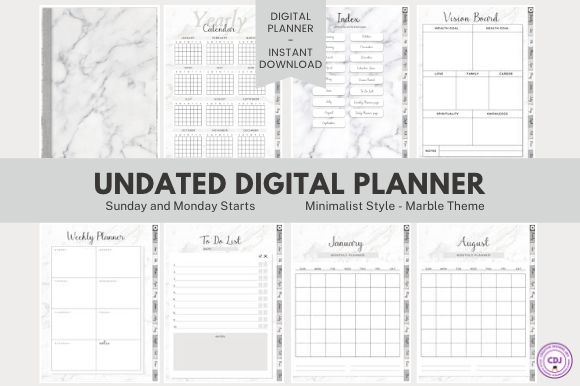
Creative Designs Joy supplies zipped Monday-start and Sunday-start PDFs. The listed pages include a cover, usage guide, index, yearly calendar, vision board, twelve monthly layouts, a weekly layout, a daily layout, and a to-do list. The muted marble background and portrait orientation provide a more compact alternative to a prebuilt daily page for every date.
The seller expects you to duplicate weekly and daily pages in your annotation app. That is useful if you want to add planning space only when needed, but requires a consistent naming and filing routine. No extra papers or templates are included beyond the listed set. The available preview is small, so inspect the actual PDF’s writing space and readability before committing a full planning cycle.
9. Undated Digital Planner: 365 Daily Pages
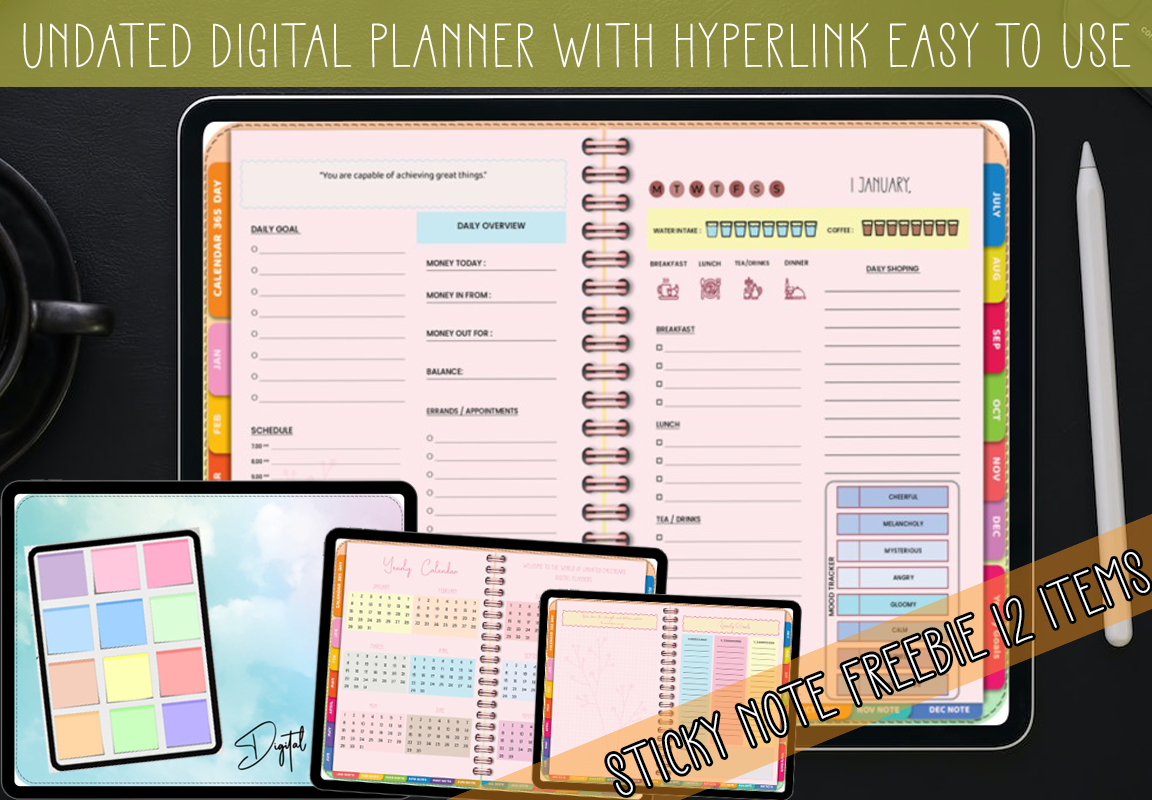
MOMAT THIRTYONE lists an interactive 379-page PDF with 365 daily pages, twelve monthly notes pages, a twelve-month calendar, and a yearly-goals page. A ZIP also includes twelve pastel sticky-note PNGs. This format supplies substantial day-by-day writing space at the outset rather than relying on frequent duplication of one daily template.
It fits detailed daily journaling or task planning when you want a separate page for each day. The large document can also be more than you need for a simple weekly routine. Check how the calendar and daily sections are linked in the downloaded file before entering dates. The stated 5000-by-5000-pixel size appears alongside the bonus assets, so it should not be assumed to describe every planner page.
10. Undated Digital Planner by Makii Templates
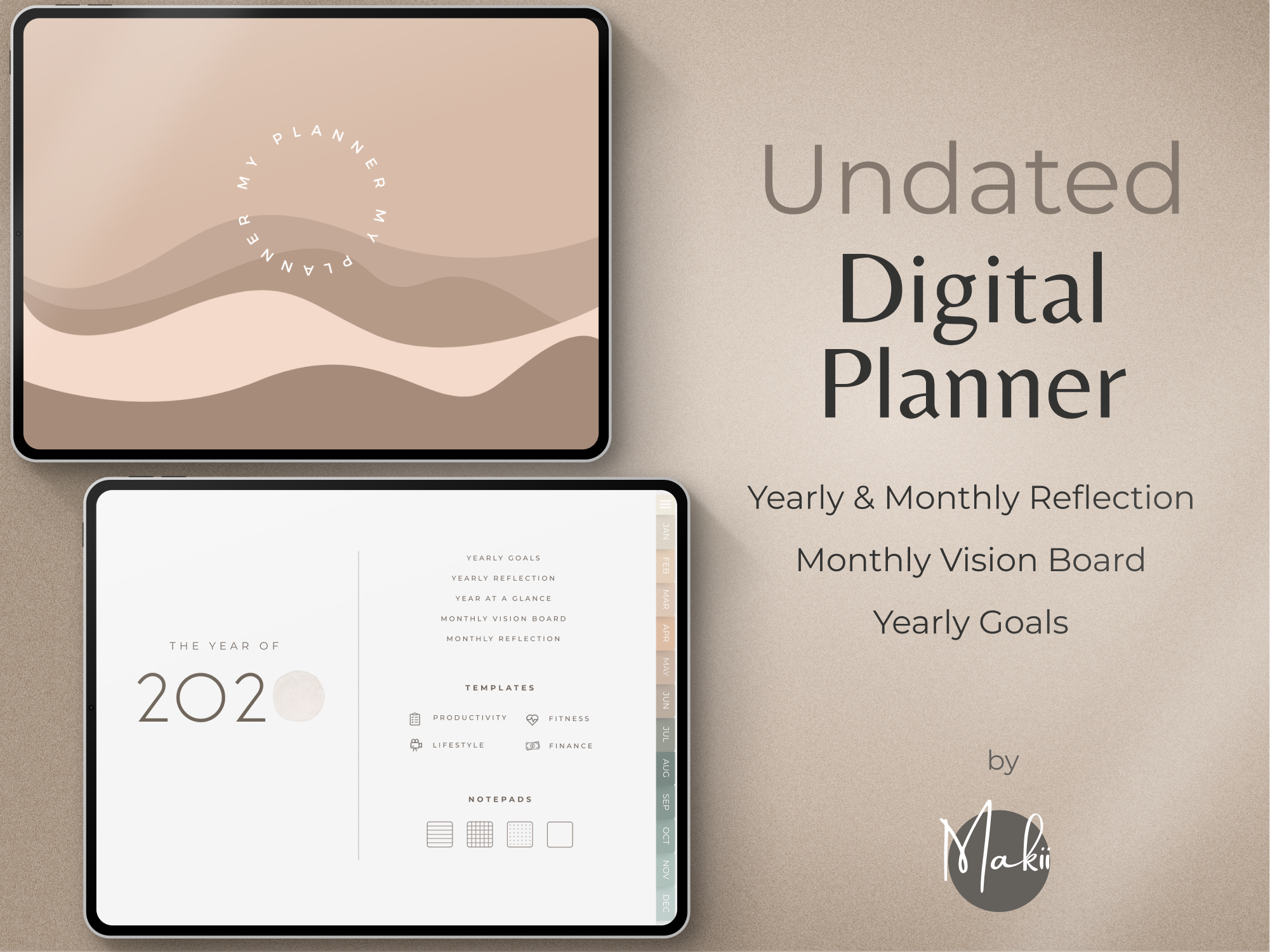
Makii provides a PDF guide with download links for Monday-start and Sunday-start planners, covers, an easy-start guide, and 250 precropped stickers organized by type. Hyperlinked yearly, monthly, weekly, and daily planning sits alongside goals, reflections, a dashboard, and notes. The dashboard can help keep current priorities visible before you move into detailed pages.
Choose it for a finished tablet system with both week-start options. The seller says it is not designed for printing, OneNote, Kindle, reMarkable, or Chromebook use, and is not intended primarily for phones. Confirm your device and annotation app before downloading. This product also appears in our broader digital-planner overview; here its relevance is the reusable layout and the explicit compatibility limits.
How to Choose an Undated Digital Planner You Will Reuse
Start with the smallest layout that supports your routine. A full year of daily pages suits detailed journaling, while a compact planner is easier to keep tidy when you plan a few days at a time. Check the seller’s supported applications before downloading and test hyperlinks in the app’s reading mode before filling pages.
Create a clean master copy and keep a separate working copy for the current planning cycle. Duplicate pages only where the designer permits it, and confirm the links after making structural changes. Store completed cycles in a clearly named archive so reusable does not become a single file that is difficult to navigate.
For a first undated digital planner, prioritize comfortable writing space and a usable weekly view over a large page count. Editable source templates make sense when you want to redesign the layout, but a finished PDF is usually the simpler starting point. None of these product descriptions replaces testing the actual file on your own device.