8 Versatile Digital Planner Stickers for Goodnotes and Tablet Pages
Digital planner stickers can make a tablet page easier to navigate or give a journal a personal visual style. The file delivery matters as much as the artwork: a precropped PNG, a large sheet and a native Goodnotes document lead to different setup experiences. These eight downloads make those differences visible.
This digital planner stickers guide includes functional shapes, calendar wording, reminder labels and decorative collections. Goodnotes stickers are part of the comparison, but not every product includes a .goodnotes file. Where the download starts from PNGs, the review explains whether the pieces are separate or need cropping.
Choose a planning layout first if you do not already have one. Our digital planner templates and digital planner ideas cover the pages underneath your sticker collection. App-specific files still need to work with the version and import process you use.
1. Digital Planner Stickers — 121 Precropped Designs
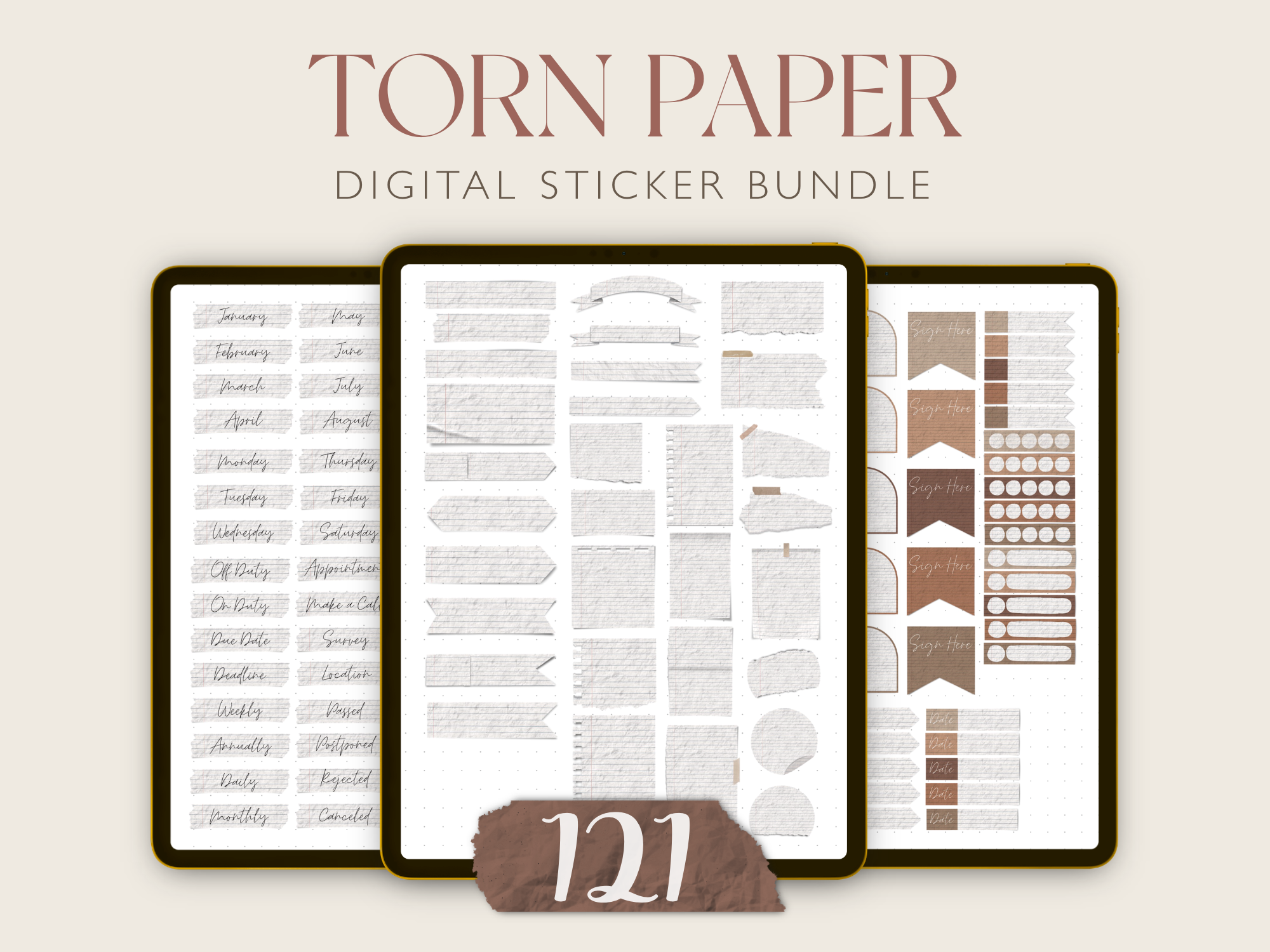
Nadiyartillustration supplies 121 ready-to-use precropped stickers in a Goodnotes file, with PNG files for other PDF annotation apps. The collection is a useful starting point for building a digital sticker library without first cutting every element out of a large sheet. The seller’s setup instructions begin with unzipping the download and importing the Goodnotes document.
Keep your most-used pieces in a small collection so they stay easy to find, then browse the larger book when you want a different page style. The seller recommends digital use only and does not recommend printing this set. A stated count of 121 gives variety, but the preview remains the best guide to which designs suit your workflow. Choose it for app organization and prepared cropping rather than a paper sticker project.
2. Dark-Mode Digital Planner Sticker Bundle
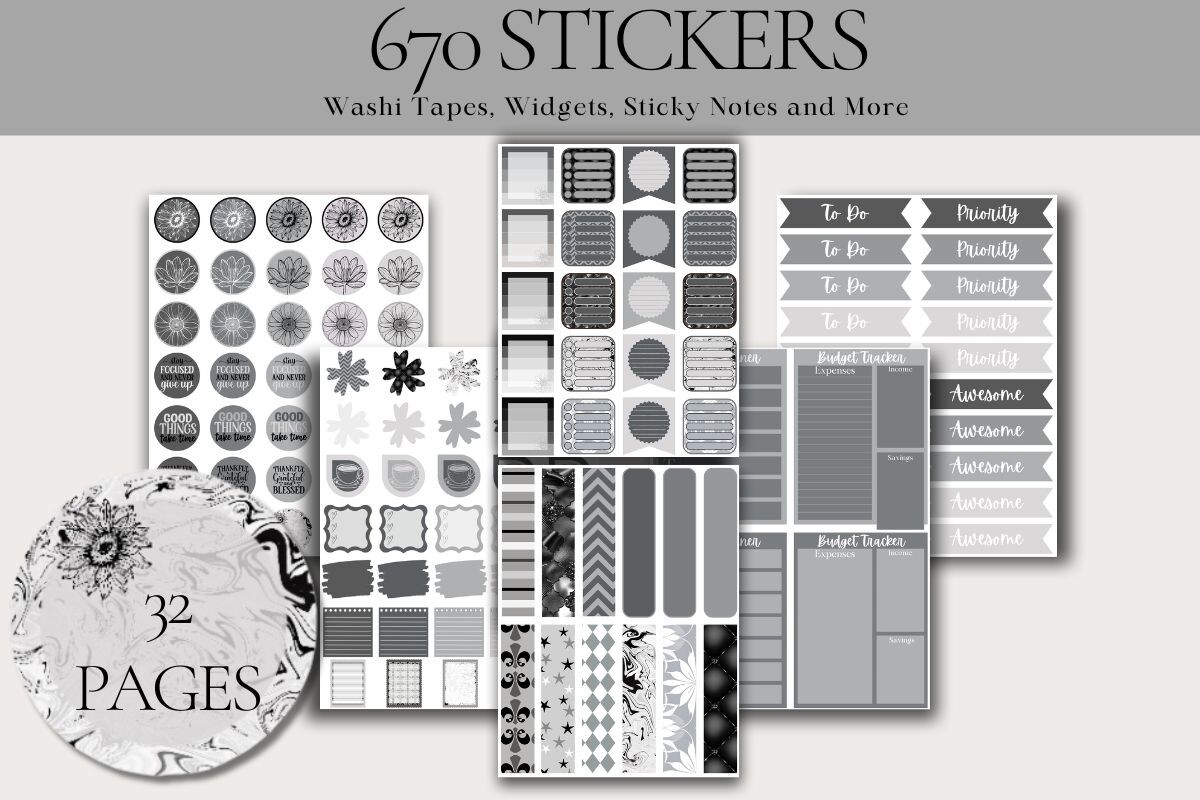
ArtByNicoleEngela supplies 670 individually cropped PNG stickers and 32 PNG sticker pages in a grey-and-black dark-mode bundle. That is a substantial library for someone who already prefers a darker digital planner. The separate cropped files offer a convenient starting point, while the sheets provide another way to browse and select the artwork.
Before building a full spread, test a few pieces against your actual page background. Dark stickers can lose definition on a similarly dark page, while pale writing areas may change the effect. The listing does not name a native Goodnotes file, exact image dimensions or a print-ready PDF. This is best approached as a PNG collection for your existing annotation app, with some time allowed for organizing a large download.
3. 100 Precropped Functional Digital Stickers
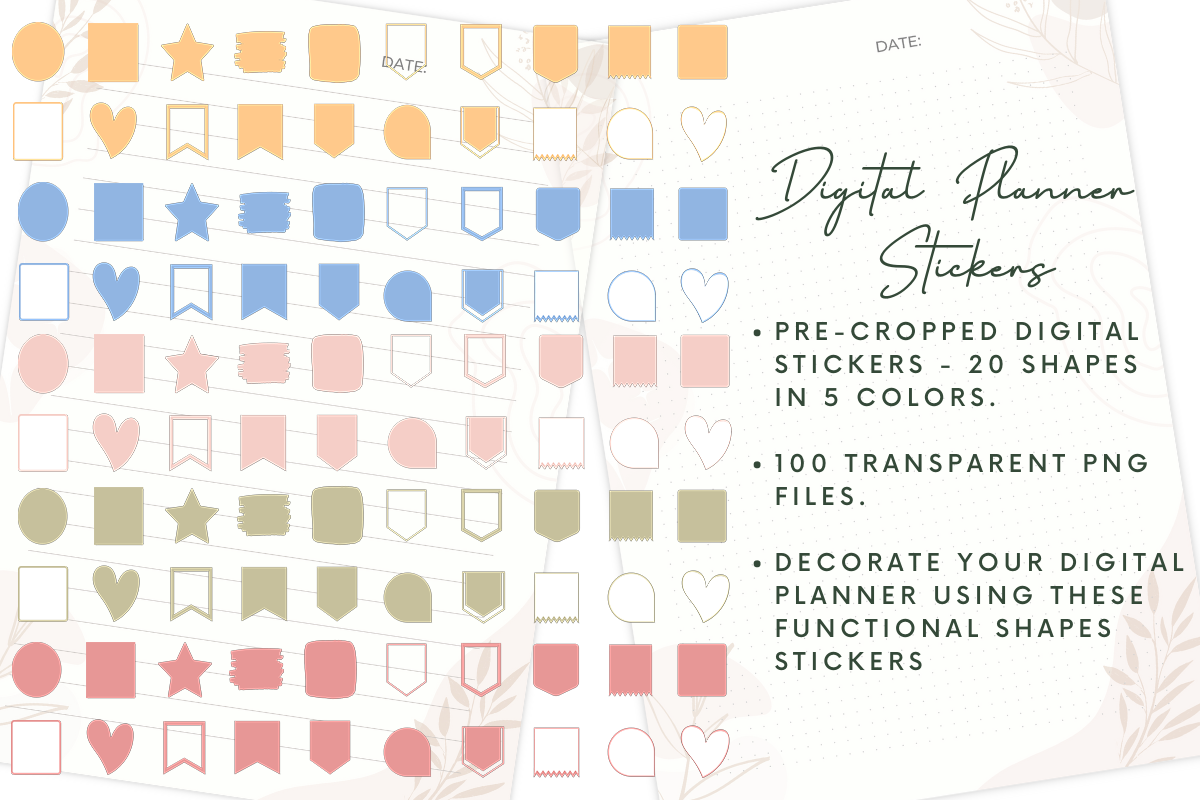
Printablepdf includes 100 transparent PNG stickers: 20 functional shapes in five colors, organized into individual folders. The listed workflows include Goodnotes, Notability, Xodo and Noteshelf. This is a practical starter collection if you want versatile shapes for labels and planning areas rather than a strongly themed decorative pack.
Use a small color system, such as one color for work and another for home, and keep the shape meanings consistent. The total count includes color versions of the 20 shapes, so it should not be read as 100 unrelated designs. A native Goodnotes document or printable sheet is not listed. Choose it for separate, precropped PNG files and straightforward visual organization in an app you already use.
4. Terra-Cotta Monthly and Weekly Digital Stickers
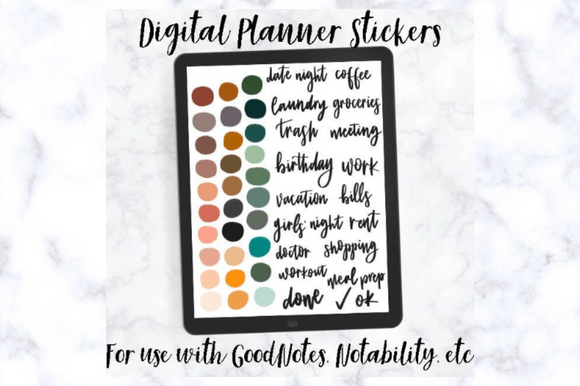
Freshlymidwestco provides 100 stickers across two uncropped PNG files. One sheet contains colored dots and calendar wording; the other includes days, months and additional words. This is useful for creating a consistent handwritten-style look in a digital weekly journal, especially if you like adjusting your own layout rather than using a prepared sticker book.
The trade-off is setup time: you import a sheet and crop the element you want. The listing gives Goodnotes cropping instructions, so it is clear that the stickers are not delivered as 100 separate files. Save frequently used pieces after cropping where your app supports collections. Choose a precropped set if speed is your priority; choose this one if the terra-cotta style and calendar labels are a better match for your pages.
5. Pink Sakura Fox Stickers with a Goodnotes File
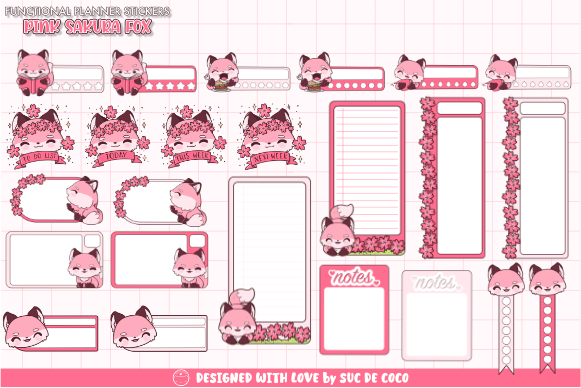
Suc de Coco offers 75 transparent PNG stickers plus a Goodnotes file, with 300 dpi stated. This is a decorative option for readers who want a recognizable pink, floral and fox-themed look across digital journal pages. The individual PNGs provide flexibility outside Goodnotes, while the app file gives users of that workflow another starting point.
Use a few themed accents around a heading or reflection area instead of filling every appointment box. Decorative artwork can make a planner enjoyable to revisit, but it does not replace task labels or tracking fields. The download does not list a complete printable sheet or machine-specific cut project. Choose it for a cohesive kawaii style and flexible placement, rather than expecting a full weekly planner layout to be supplied.
6. Important Reminder Stickers as Individual PNGs
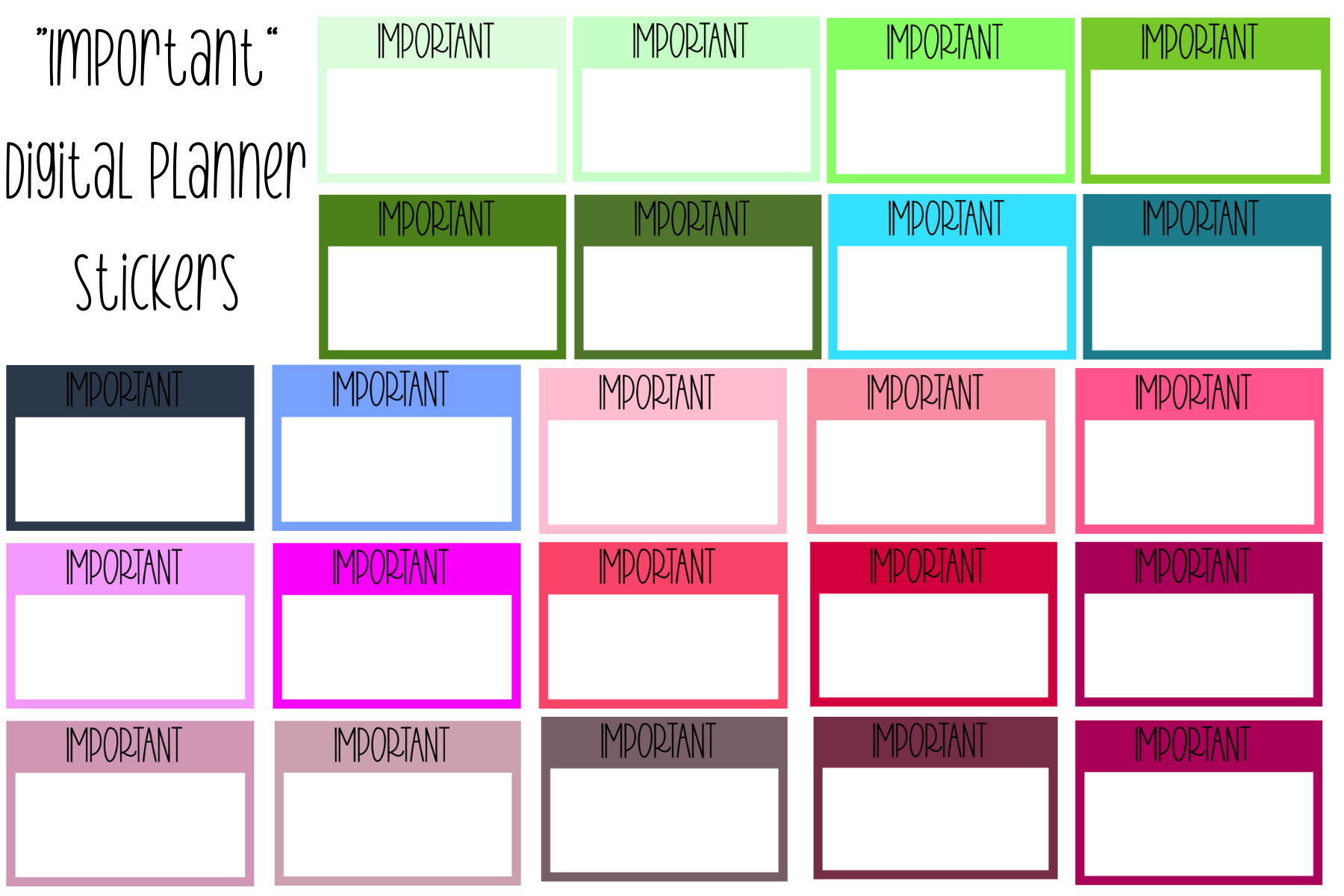
Simplyprintables1 provides individual PNG reminders intended for Goodnotes, Notability, Freeform and similar image-based workflows. Their purpose is deliberately narrow: draw attention to an important date, time or task and leave room to add your own wording. A small reminder set can be a useful addition to an existing library without changing the whole appearance of your planner.
Use these sparingly for deadlines that truly need emphasis. If every task receives an important label, the visual signal quickly loses its value. The seller does not specify a sticker count, physical print size or a native app document, so plan on importing the PNGs rather than opening a prepared sticker book. Keep the detailed reminder text beside the graphic so the meaning remains clear when you review the week.
7. School Planner Stickers with Seven Individual PNGs
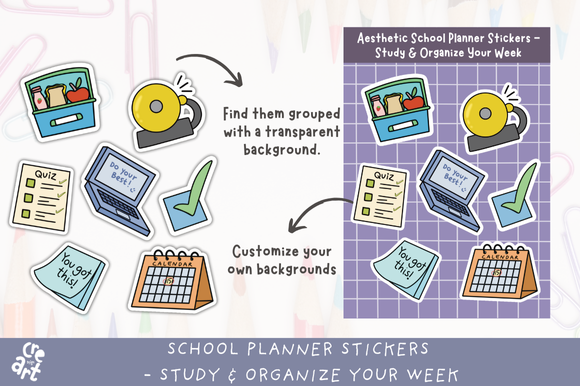
Cre Art includes seven individual transparent PNG stickers and one grouped transparent PNG sheet. The listed designs include a quiz checklist, calendar, school bell, lunchbox and encouraging note graphics. A compact school set can be more useful than a huge general collection if your digital planner mainly holds classes, assignments and study sessions.
Use the calendar and quiz cues beside real dates, and reserve decorative pieces for headings or notes pages. The seller mentions Goodnotes and Notability use, but no native app file is listed; the workflow starts from PNGs. The description specifies 700 dpi without exact pixel dimensions, so avoid treating that figure alone as a guarantee of unlimited print size. This is a small themed pack rather than a complete academic planner.
8. Minimalist Digital Stickers for Goodnotes and Noteful
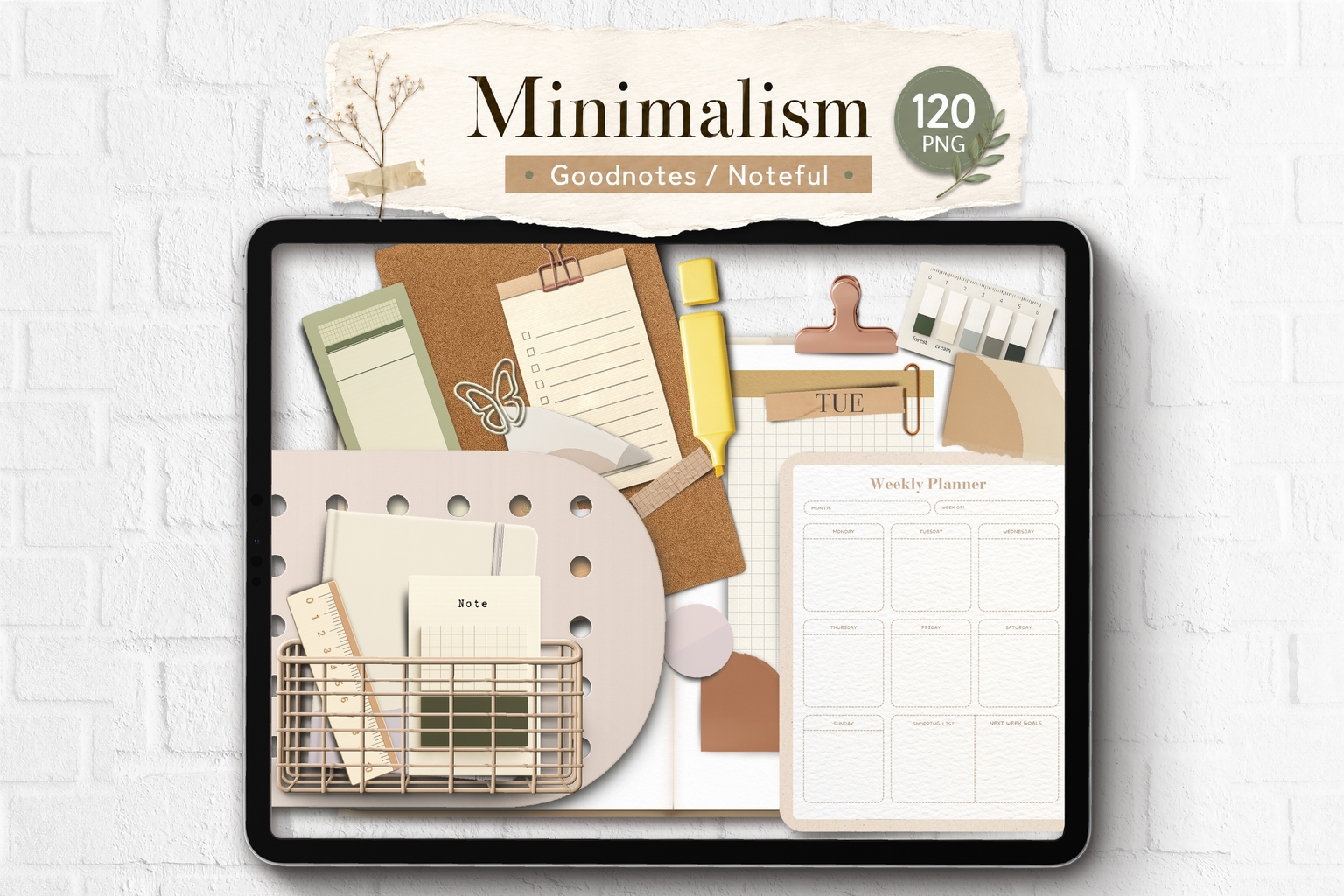
Joypaperless lists individual PNGs, a Goodnotes file and a Noteful file for this minimalist collection. The product is presented around realistic paper texture and shadow effects. It is a useful alternative to bright decorative icons when you want a digital journal or planner to retain a quiet, stationery-inspired appearance.
Try a few pieces beside your own handwriting and check whether their built-in shadows suit the page background. The included formats give you choices, but the description does not state a precise sticker count or pixel dimensions. It also does not document a ready-to-print sheet. Choose it for the digital aesthetic and available app files; if you need exact print sizes or prepared cutting layouts, use a product that specifies those details.
Choosing Digital Planner Stickers for Your Routine
For a prepared Goodnotes starting point, the 121-sticker collection offers a precropped document plus PNGs. For general image-based annotation apps, the dark-mode bundle and the 100-sticker functional set provide separate cropped files. The terra-cotta collection instead requires cropping from two sheets, which is worth knowing before you choose it.
Unzip the download, import a few stickers and check them on your actual page background before organizing the entire pack. Keep frequent reminders in a small collection where your app supports it. Large libraries are more useful when their contents are easy to find.
For paper projects, follow the listing’s print guidance rather than assuming all digital planner stickers can be printed. The 121-sticker set is explicitly recommended for digital use only. Choose the delivery format that saves you work in the app you already enjoy.

3 Comments