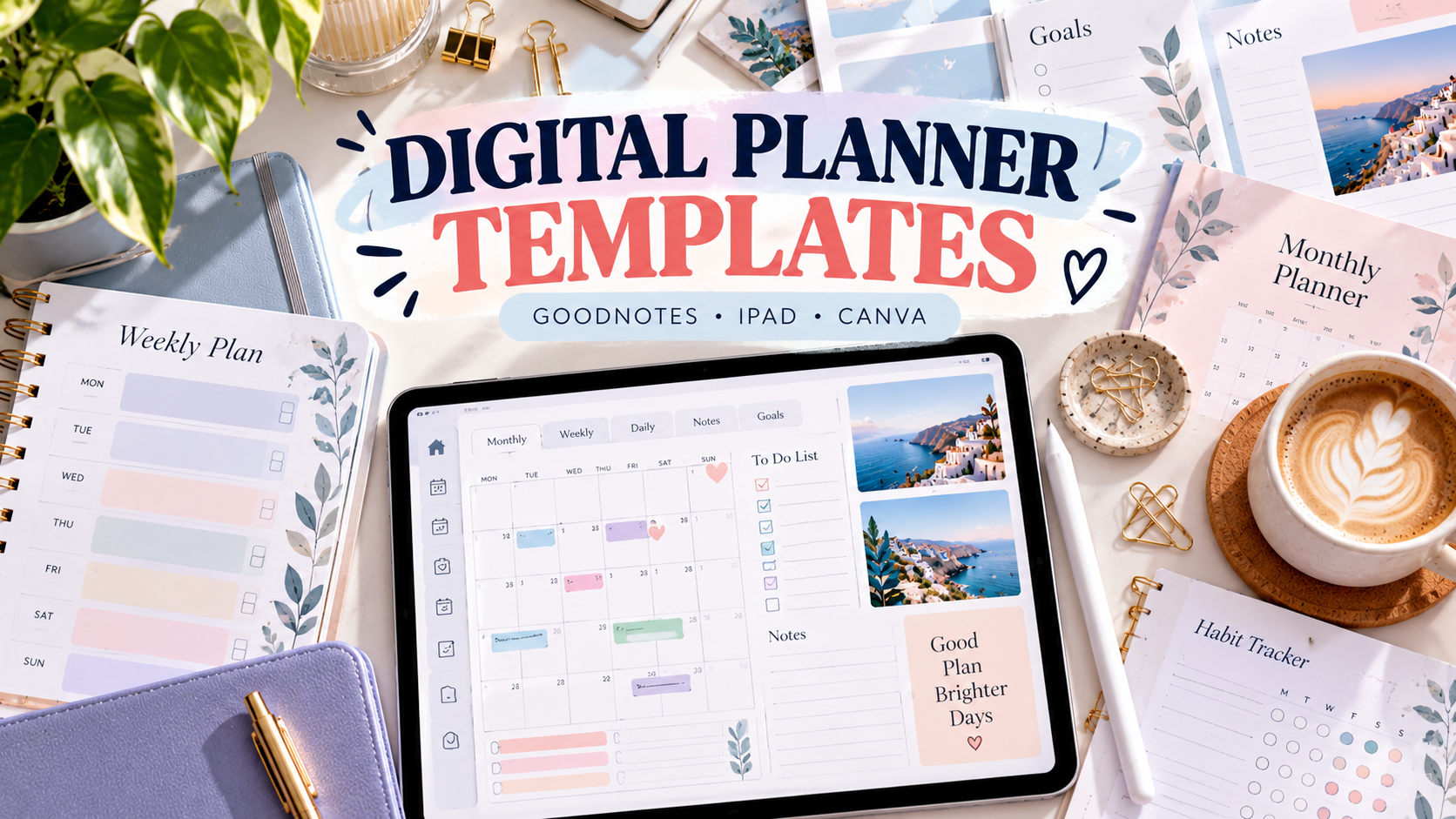
8 Practical Digital Planner Templates for Smarter Planning
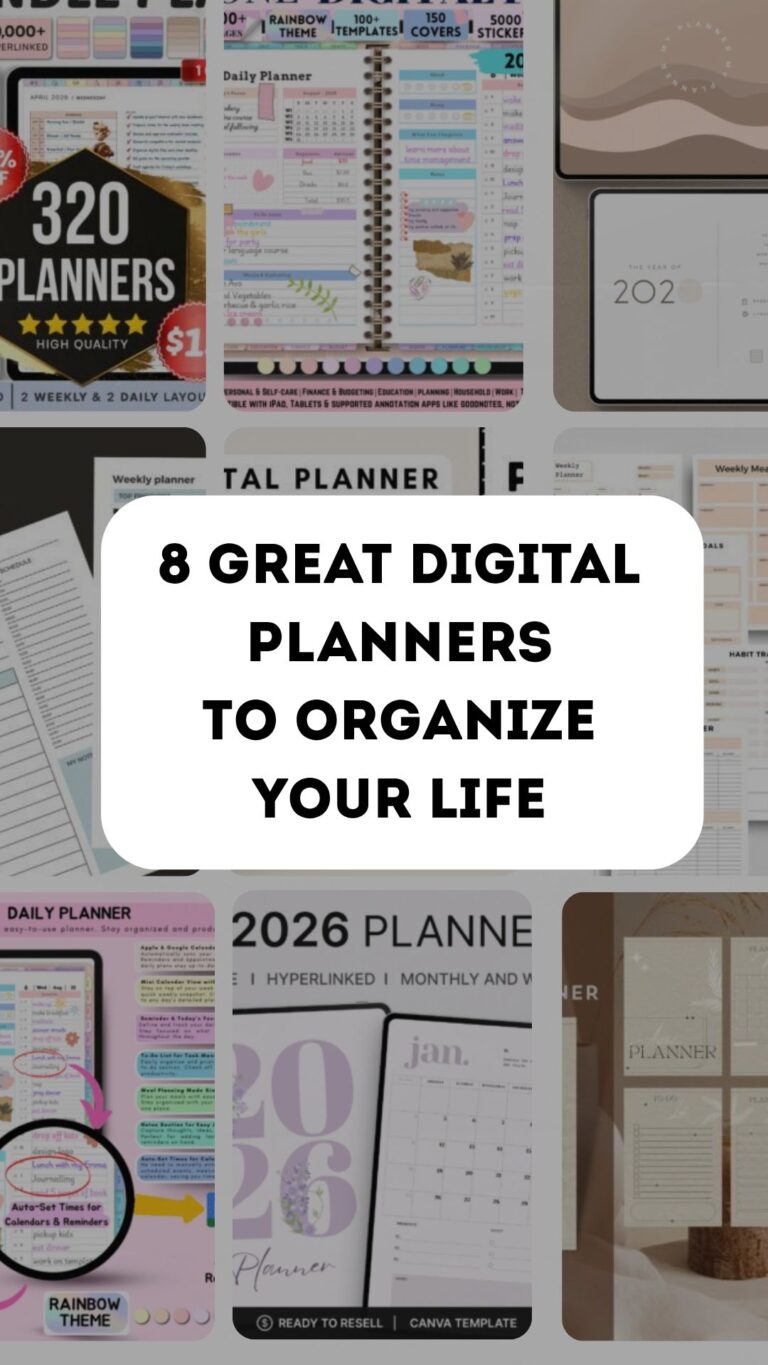
A digital planner template can be as simple as a reusable hyperlinked PDF or as flexible as a Canva-based system you can customize before importing into your favorite planning app. The right choice depends less on the number of pages and more on how you actually plan: by day, week, month, schedule, goals, or a combination of everything.
I compared eight Creative Fabrica options with different strengths, including editable Canva templates, GoodNotes planners, portrait layouts, reusable undated files, and current 2026–2027 systems. If you want a narrower format, see our simple monthly digital planners or our GoodNotes planner templates.
What to Look for in a Digital Planner Template
Start with compatibility. A planner can look excellent but still be inconvenient if it does not fit the app or device you use. Then compare hyperlinks, dated versus undated pages, portrait versus landscape orientation, Monday or Sunday starts, and whether you need editable source pages or simply a ready-to-use PDF.
1. Canva Digital Planner Template
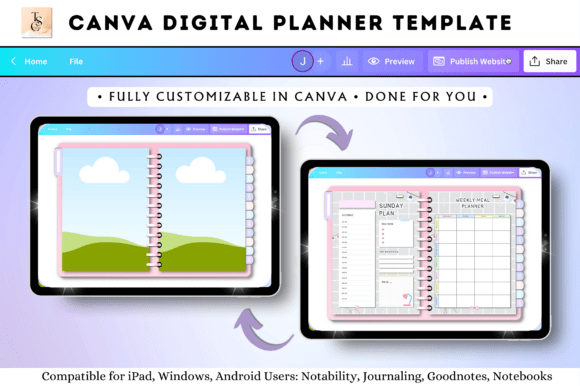
This Canva-based option is a useful starting point when you want a digital planner template you can personalize rather than a fixed finished planner. Its listing positions it for GoodNotes, iPad, Notability, PDF planning, Samsung Notes, monthly and weekly planning, and editable digital-planner workflows.
Where I think it works best: Editing and personalizing a planner in Canva.
2. PLR Canva Undated Digital Planner
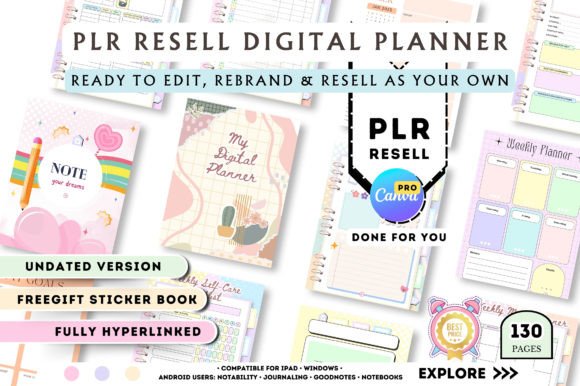
This undated Canva template contains 130 pages with hyperlinked daily, weekly, and monthly navigation, plus trackers, lists, and notes. It also includes a five-page sticker book and covers health, productivity, goals, study planning, finance, and other life areas. The listing notes that Canva Pro is required for editing and shows more than 1,000 saves.
Where I think it works best: A large editable Canva planner system.
3. Daily Digital Planner — Portrait
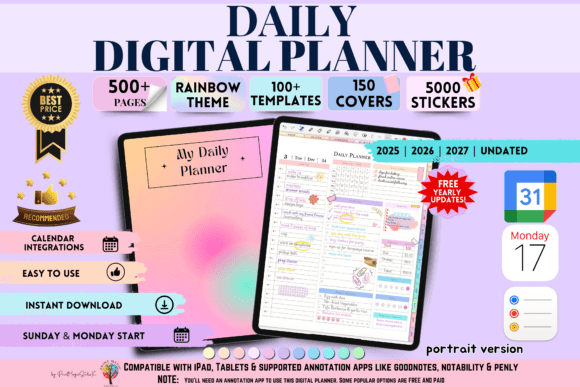
This portrait planner has more than 500 hyperlinked pages spanning yearly, quarterly, monthly, weekly, and daily views. It includes 2026, 2027, and undated planning, 20 custom sections, note templates, and Apple and Google Calendar integration. It supports GoodNotes, Notability, Penly, Noteshelf, and Xodo, and Creative Fabrica shows 197 saves.
Where I think it works best: A structured portrait planner with calendar integration.
4. All-in-One Digital Planner — Portrait
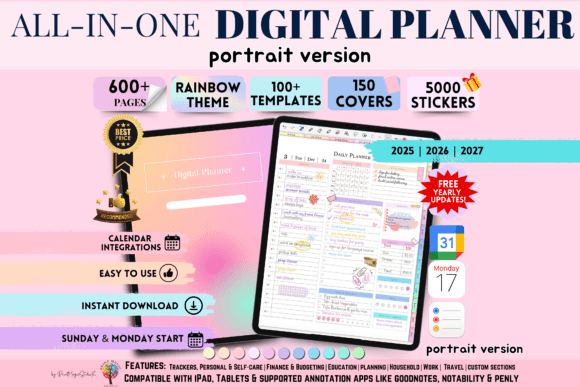
This portrait-format system combines daily and weekly planning with broader lifestyle organization. The bundle includes dated 2026 and 2027 planning, thousands of stickers, more than 150 covers, customizable sections, 12 note-paper templates, and Apple and Google integration. It is designed for annotation apps including GoodNotes, Notability, Penly, Noteshelf, and Xodo, and shows 372 saves.
Where I think it works best: People who want a highly customizable portrait setup.
5. Digital Planner Blue — 2026, 2027 & Undated
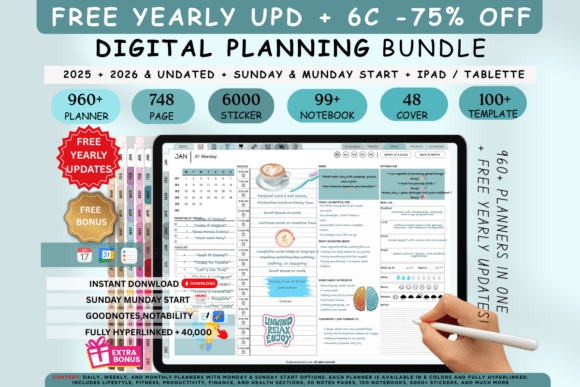
This blue planner bundle includes current 2026, future 2027, and reusable undated versions. Its builder lets you adjust orientation, tab colors, start days, and daily or weekly layouts, while 48+ covers and thousands of embedded hyperlinks expand customization. The listing also includes 63+ lifestyle, wellness, finance, productivity, and fitness templates.
Where I think it works best: Customizing layouts, tabs, and start days.
6. Lilac Mist Scheduled Digital Planner
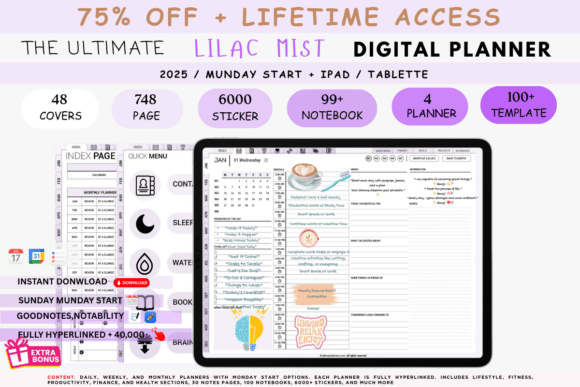
This template takes a schedule-first approach with a soft lilac aesthetic. It includes an endlessly reusable undated PDF, 2,000 stickers and covers, and compatibility with GoodNotes, Notability, Xodo, and other PDF reader or annotation apps. The product tags emphasize hourly planning, time blocking, weekly planning, finance, meals, wellness, and productivity.
Where I think it works best: Time blocking in a softer aesthetic.
7. Digital Planner for iPad & GoodNotes
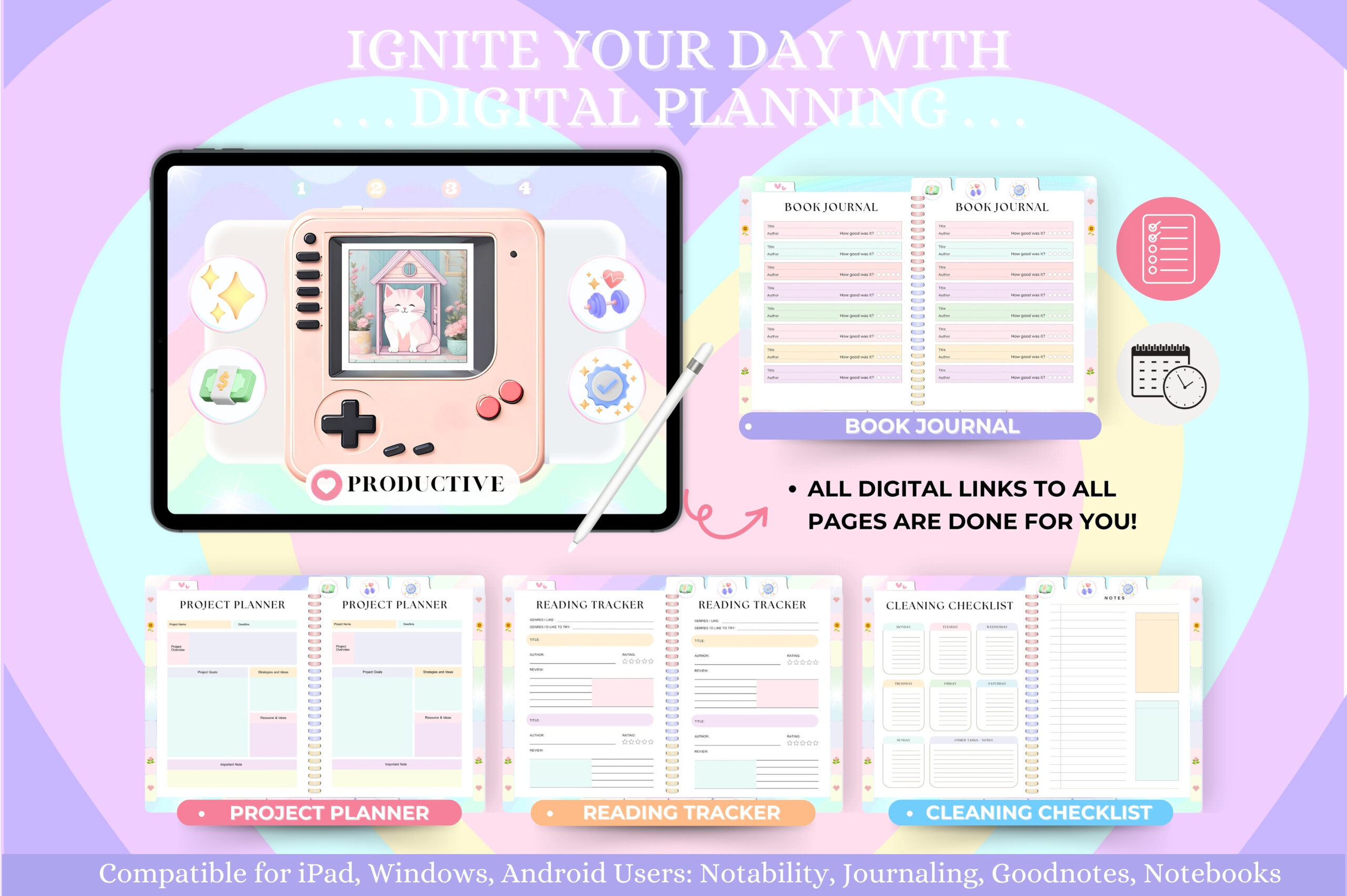
This reusable horizontal planner is fully hyperlinked across daily, weekly, and monthly pages. It uses individualized 12-month modules, includes a five-page sticker book, and adds planning sections for goals, productivity, health, finance, meals, and projects. Creative Fabrica shows 212 saves and a 5.0 rating based on two reviews.
Where I think it works best: A proven undated GoodNotes-style layout.
8. Digital Planner 2027 — Fully Hyperlinked
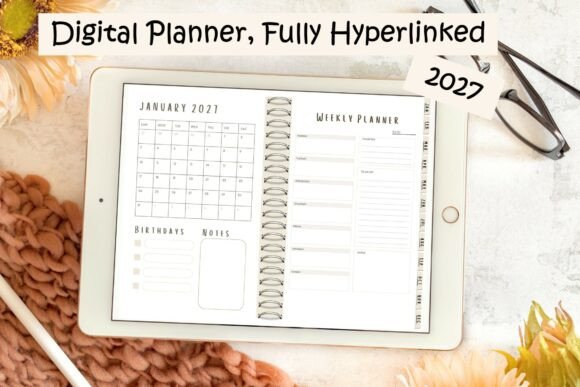
This dated 2027 planner is built around hyperlinked digital navigation and is specifically tagged for GoodNotes. Its structure moves from a monthly overview into detailed weekly planning, making it a more focused choice than the huge all-in-one systems above. It is particularly useful if you want dates already prepared instead of filling an undated template manually.
Where I think it works best: A straightforward dated 2027 GoodNotes planner.
Canva Template vs. Ready-to-Use Digital Planner
A Canva template makes sense when you want to change colors, pages, branding, or structure before using the planner. A finished hyperlinked PDF is faster: import it into a compatible annotation app and start planning. The trade-off is flexibility versus setup time, so choose Canva only if customization is something you will genuinely use.
GoodNotes, Notability, Xodo, and Other Apps
Most hyperlinked planners work best in an app that supports PDF annotation and internal links. GoodNotes and Notability are common choices on iPad, while several products also support Noteshelf, Xodo, Penly, Samsung Notes, and other tablet workflows. Always check the product listing for your exact app before building your routine around a template.
Dated 2026–2027 or Undated?
Undated templates are reusable and let you begin at any point in the year. Dated planners remove setup work and make future appointments easier to place. In October 2026, a bundle that includes both 2026 and 2027—or an undated version alongside 2027—is especially practical because it avoids replacing your system again in a few months.
Which Digital Planner Template Should You Choose?
Choose the Canva Digital Planner Template if editing is your priority, or the 130-page PLR Canva option if you want a much larger editable system. The portrait planners work well for a notebook-like experience, while the blue bundle offers deeper layout customization. For a reusable tablet workflow, the iPad and GoodNotes planner is a strong fit; for a clean forward-looking calendar, the fully hyperlinked 2027 planner keeps things simpler.
The most useful template is not necessarily the one with the most pages. Pick the format that matches your device, planning horizon, and normal routine, then ignore extra sections until you actually need them.
3 Comments