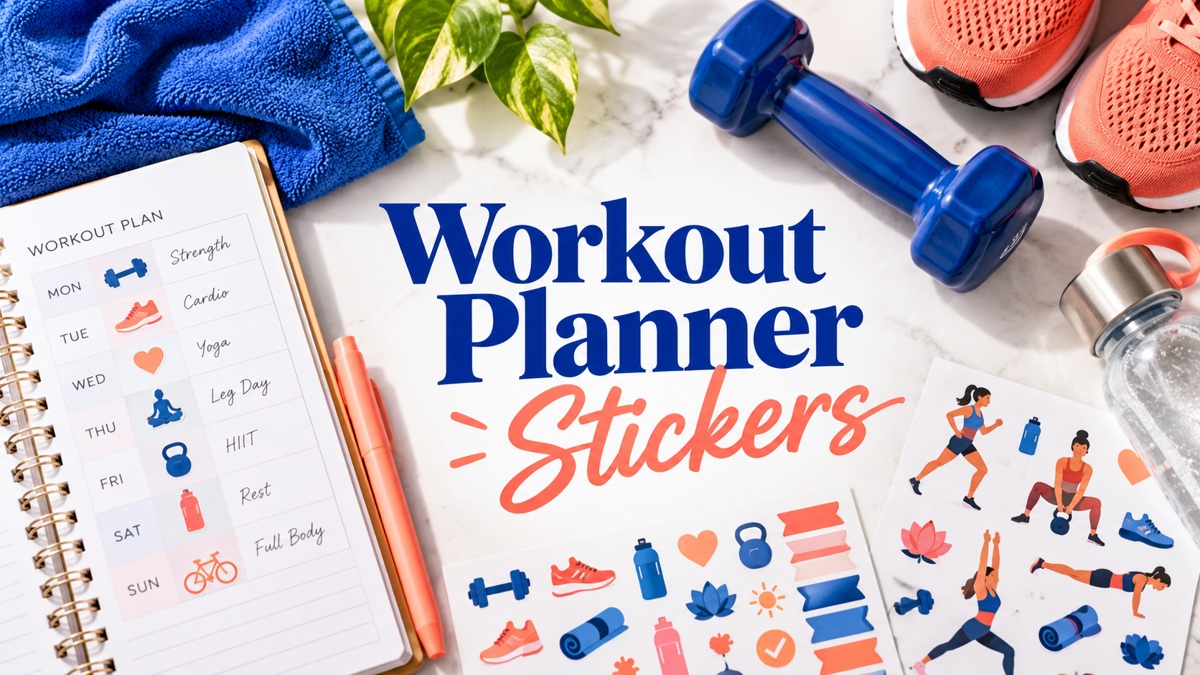
Workout Planner Stickers: 10 Practical Fitness Picks
Workout planner stickers can make gym appointments and brief session notes easier to find in a busy week. This selection compares ten Creative Fabrica downloads with different roles: small icons, repeated labels, writing boxes, and coordinated sheets. Choose the function you need before choosing a color palette.
The file descriptions below come from the individual product listings. A printable PDF, an individual PNG, and a machine cut file support different workflows, so check the included formats and dimensions before downloading. The review evaluates the stationery files and their planning uses; it does not test a training method.
If you are building a digital layout first, start with a digital planner template and decide how much space to leave for appointments and handwritten notes.
1. Kettlebell Workout Planner Stickers
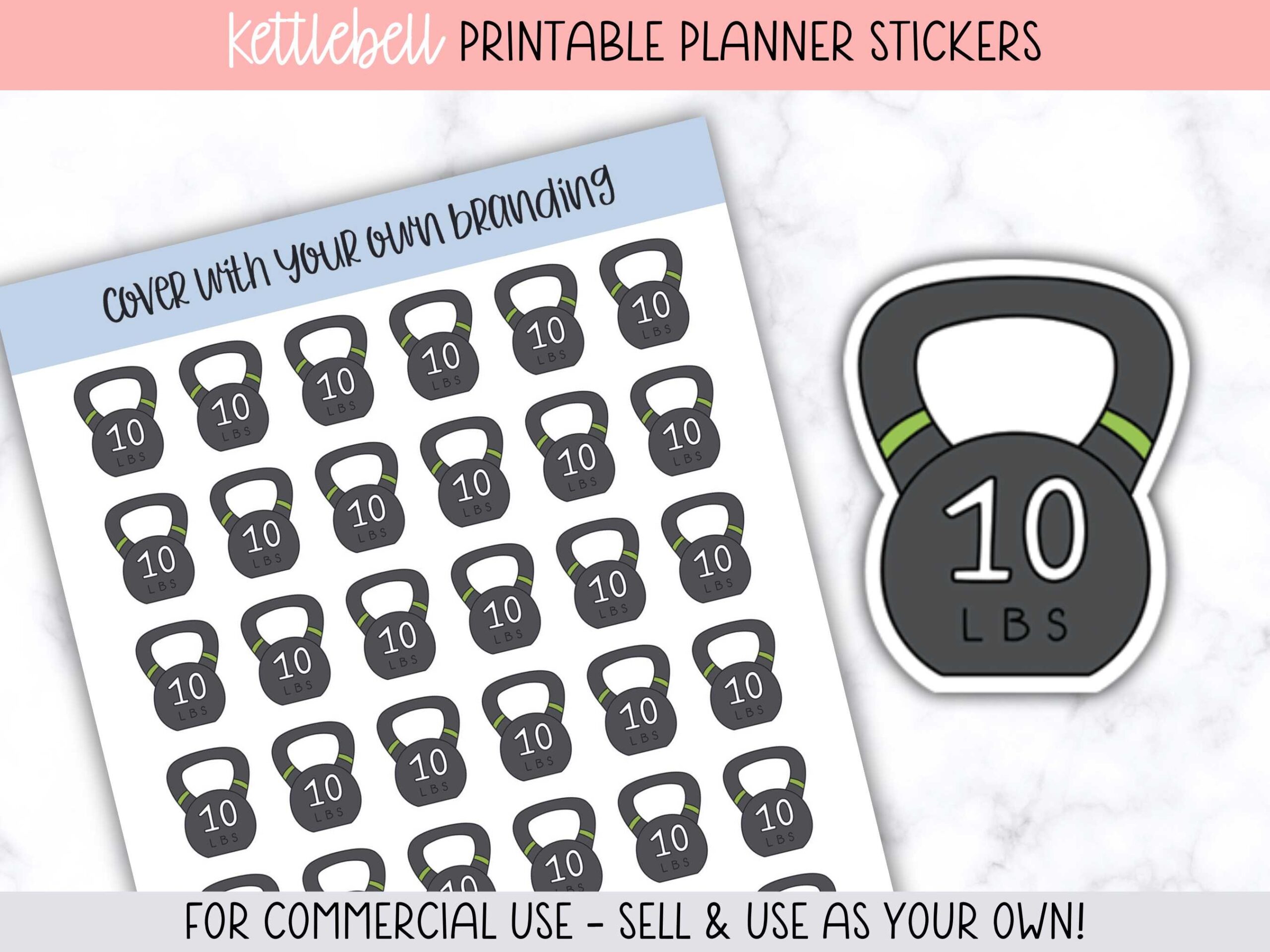
A kettlebell marker gives a strength session a clear place on a weekly page without filling the entire appointment box. This set provides a pre-designed 5 × 7-inch sticker page, a transparent PNG, a Silhouette cut file, and a guide for Silhouette and Cricut users. Two pages fit on a US Letter sheet, making it a practical choice when you want several repeat reminders from one print.
Use one icon beside the time and write the planned activity separately. The weight pictured on the kettlebell is part of the artwork, not a training recommendation. Print a plain-paper sample before using sticker paper, check the page scale, and compare your printer colors with the preview. The set supplies stationery graphics rather than an exercise program.
2. Treadmill Running Planner Stickers
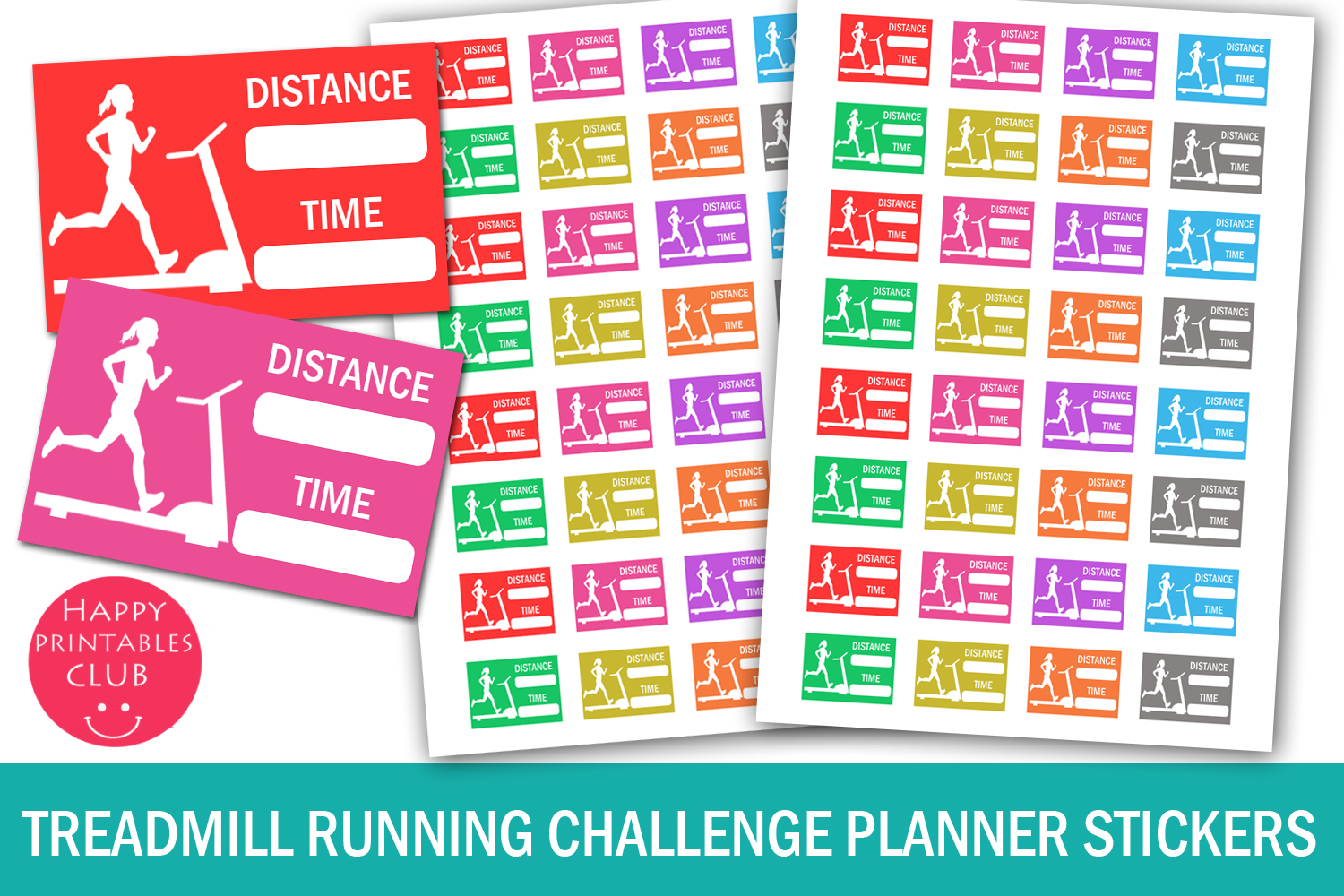
These running stickers leave room for a small written record alongside a treadmill illustration. The listing specifies 32 stickers on an 8.5 × 11-inch page, with each approximately 1.5 × 1 inch. A PDF, JPEG, and PNG are included in the ZIP. This is a useful format for a weekly spread where you want the activity and a brief distance or time note together.
Choose this option for recording sessions after they happen, or leave the fields blank until your schedule is settled. The boxes do not calculate pace or sync with a fitness app. Keep enough writing space around each sticker and print at actual size first. No dedicated cutting-machine file is listed, so plan for manual cutting or your own tracing setup.
3. Gym Day Stickers: Fitness Planner PNG
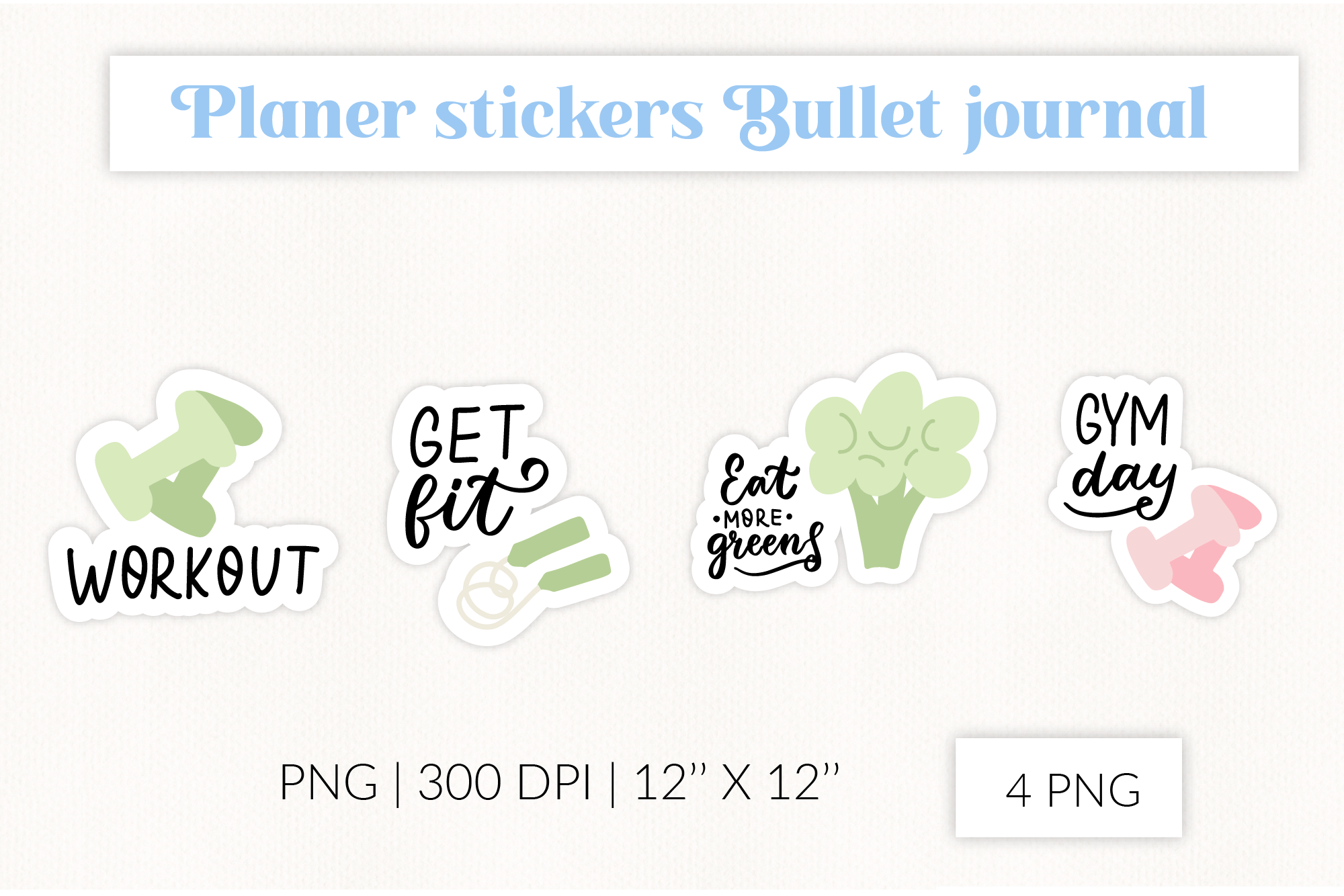
Bold wording makes this pack useful for drawing attention to a gym appointment. The seller lists four PNG designs at 300 DPI and 12 × 12 inches, including Workout and Gym Day lettering. Unlike a tracker box, these graphics work as a visual headline: place one across a spare section of the page, then keep the practical details in your own handwriting.
Resize the artwork before printing so the lettering does not crowd the calendar. A PNG-based workflow also suits digital placement, although a native planner-app sticker book is not specified. Some phrases relate to food as well as exercise; use only the reminders that suit your page. The files contain decorative prompts, with no workout schedules, editable log fields, or automatic tracking.
4. Gym Printable Planner Stickers
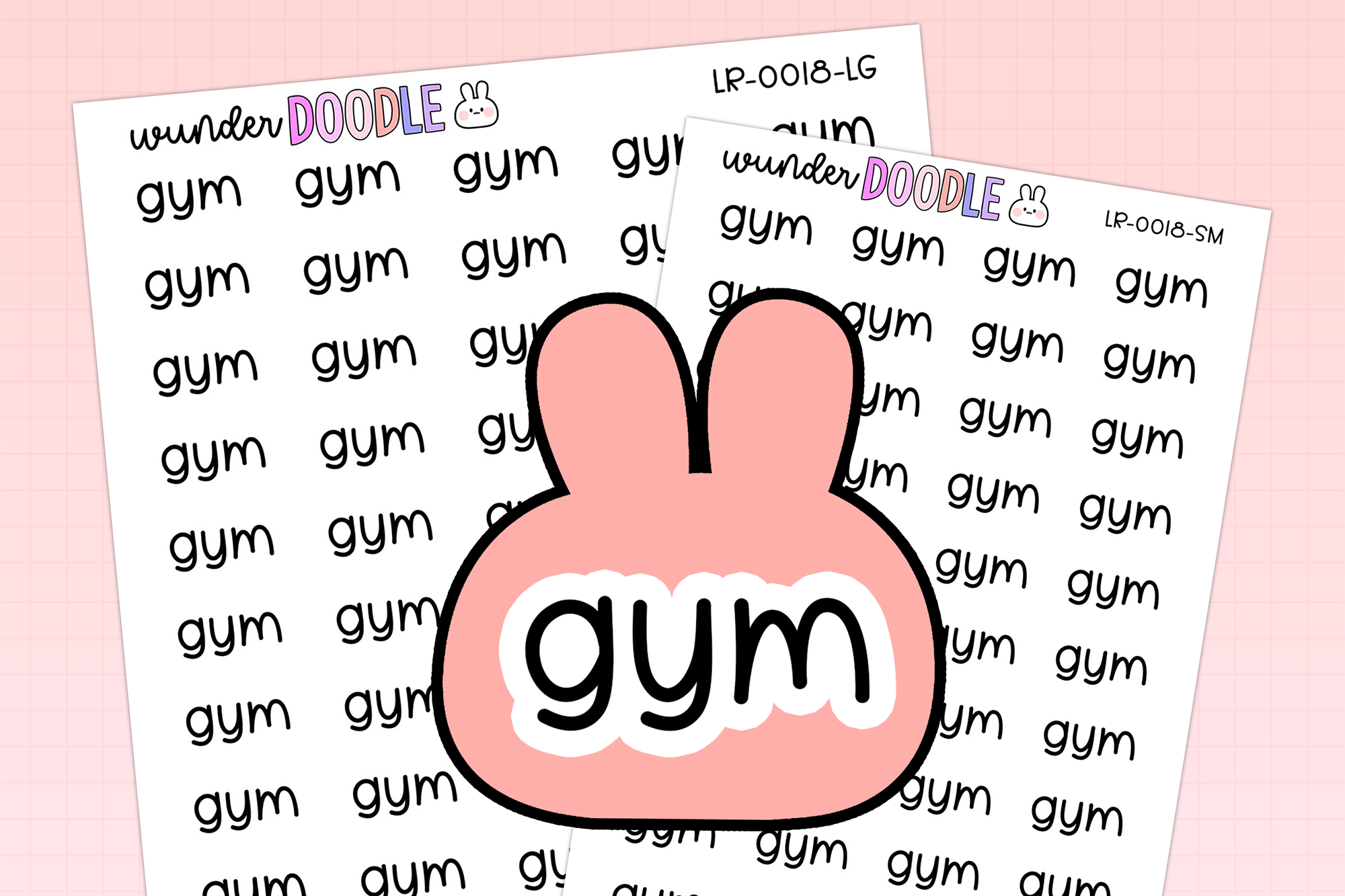
This compact gym label set offers more cutting support than a basic image-only download. Its listed files include large and small JPG sheets, corresponding blackout PNGs, transparent PNG sheets, an individual white-outline PNG, a Silhouette Studio cut-line file, and a guide. The two sheet sizes are 6.5 × 4.5 and 5 × 3.5 inches; the individual label is listed at 0.63 × 0.3 inches.
Small labels work well beside appointments when a full sticker box would be excessive. The seller recommends previous cutting experience, so check the supplied guide and your machine software before choosing this pack as a first project. At this scale, handwritten session details belong next to the label. Use a test cut to confirm the outline and avoid shrinking the lettering until it becomes difficult to read.
5. Gym Themed Digital Planner Stickers Set
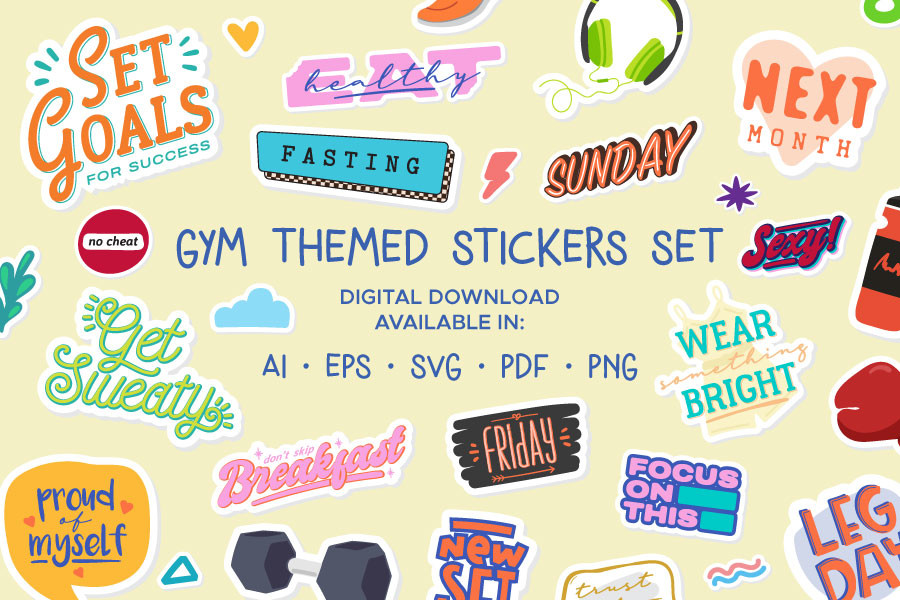
A larger icon library suits a digital fitness spread with several recurring activities. The listing describes 111 individual stickers supplied in AI, EPS, PDF, transparent PNG, and SVG formats, plus a text file. Illustrator users can work with the editable vector files; transparent PNGs offer a more direct route for placing individual graphics in a planner page.
Organize your chosen icons into a small reusable palette rather than adding the whole collection to every week. The available product preview is smaller than several others in this selection, so judge detailed artwork from the seller’s download information before committing. The listed file variety does not establish native Goodnotes packaging or automated import. For paper use, arrange and size the icons yourself before printing.
6. Workout Stickers
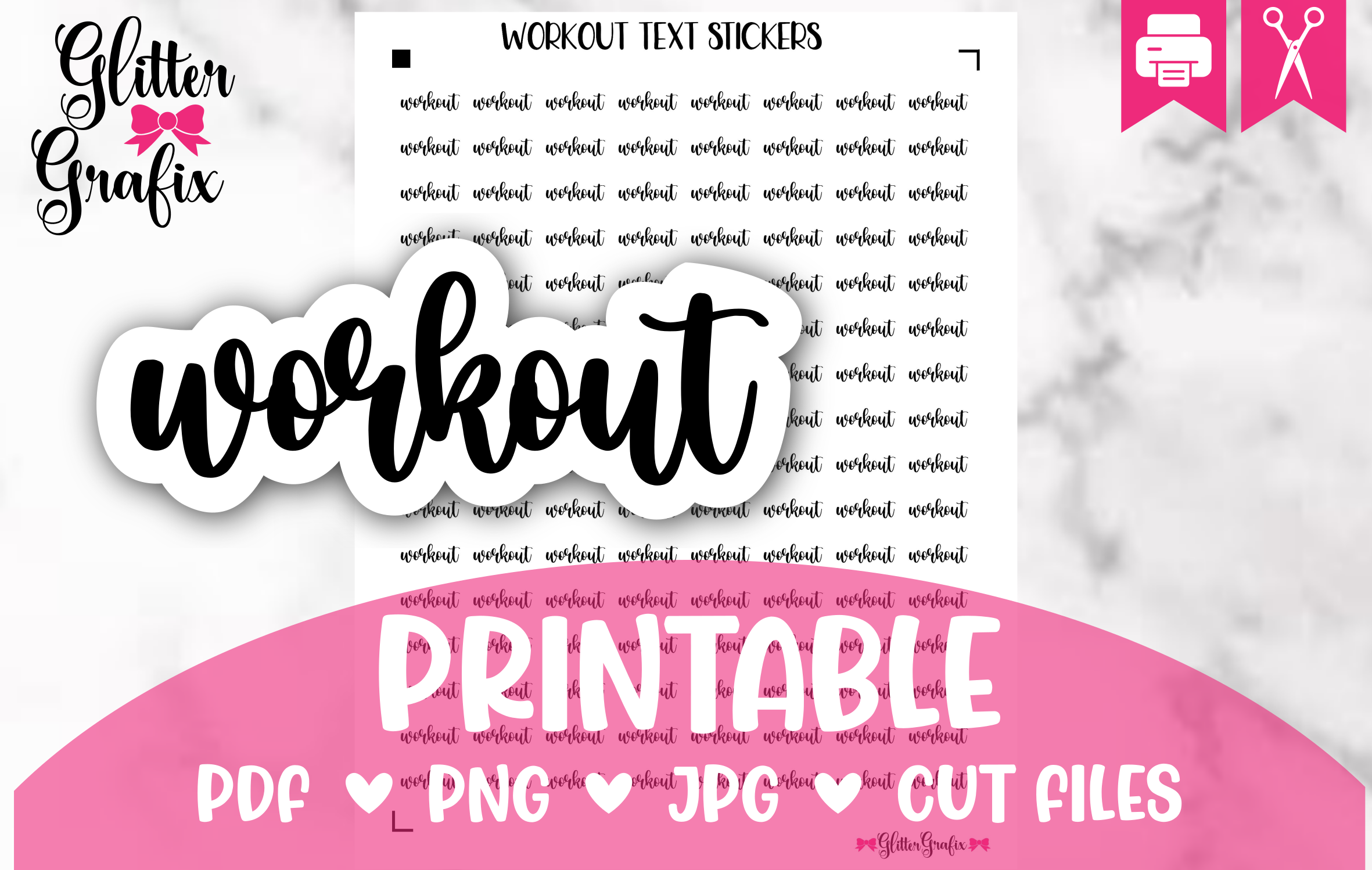
This pack focuses on repeated Workout labels rather than a wide mix of exercise illustrations. The seller lists 128 stickers and includes JPG, PNG, PDF, and Silhouette Studio formats. Repetition is helpful when you want a consistent marker for several weeks: the same label keeps workout appointments recognizable while the notes beside it can change.
Check the dimensions in the download before printing, because the measurement text in the listing is unusually formatted. A plain-paper test is more reliable than assuming the preview reflects your planner’s scale. Use the supplied Studio file if it matches your Silhouette workflow; otherwise choose the printable format that fits your setup. The sticker count represents repeated labels, not 128 separate training activities.
7. Gym Bag Workout Icons Planner Stickers
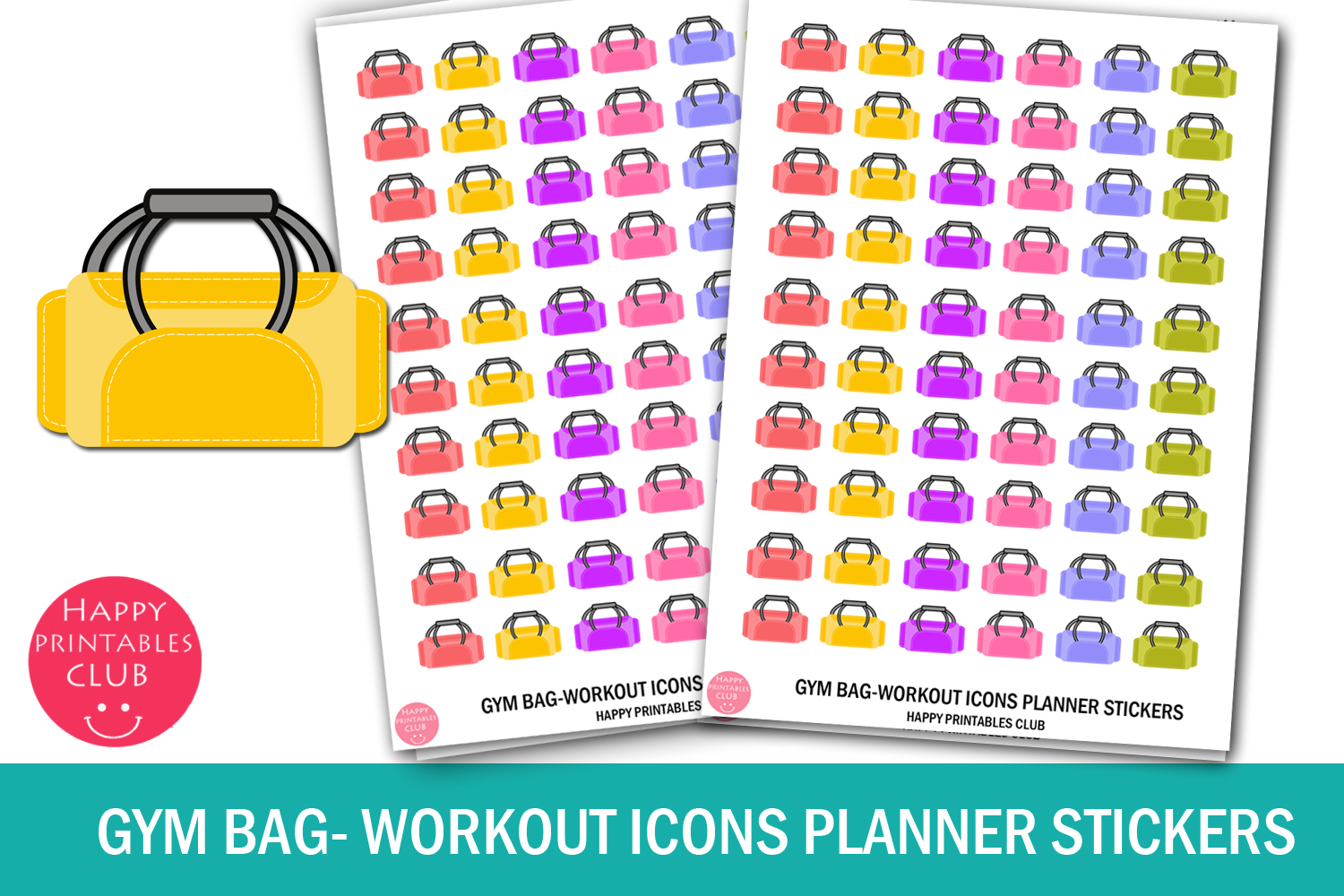
Colorful gym bags provide a subtle reminder to prepare for a session. The ZIP includes JPEG, PNG, and PDF files, so you can choose a printable sheet or an image-based layout. This option is useful when you prefer an icon beside a time slot instead of a large word sticker, particularly on a crowded weekly page.
Pair the bag with a short packing note or an appointment time. The listing provides small sticker and sheet measurements, but confirm their units and actual print scale before making a full batch. No dedicated cut-line file is specified. These are preparation markers rather than progress trackers; add your own checklist if you want to record shoes, clothing, or other items needed for a visit.
8. Workout Printable Planner Stickers
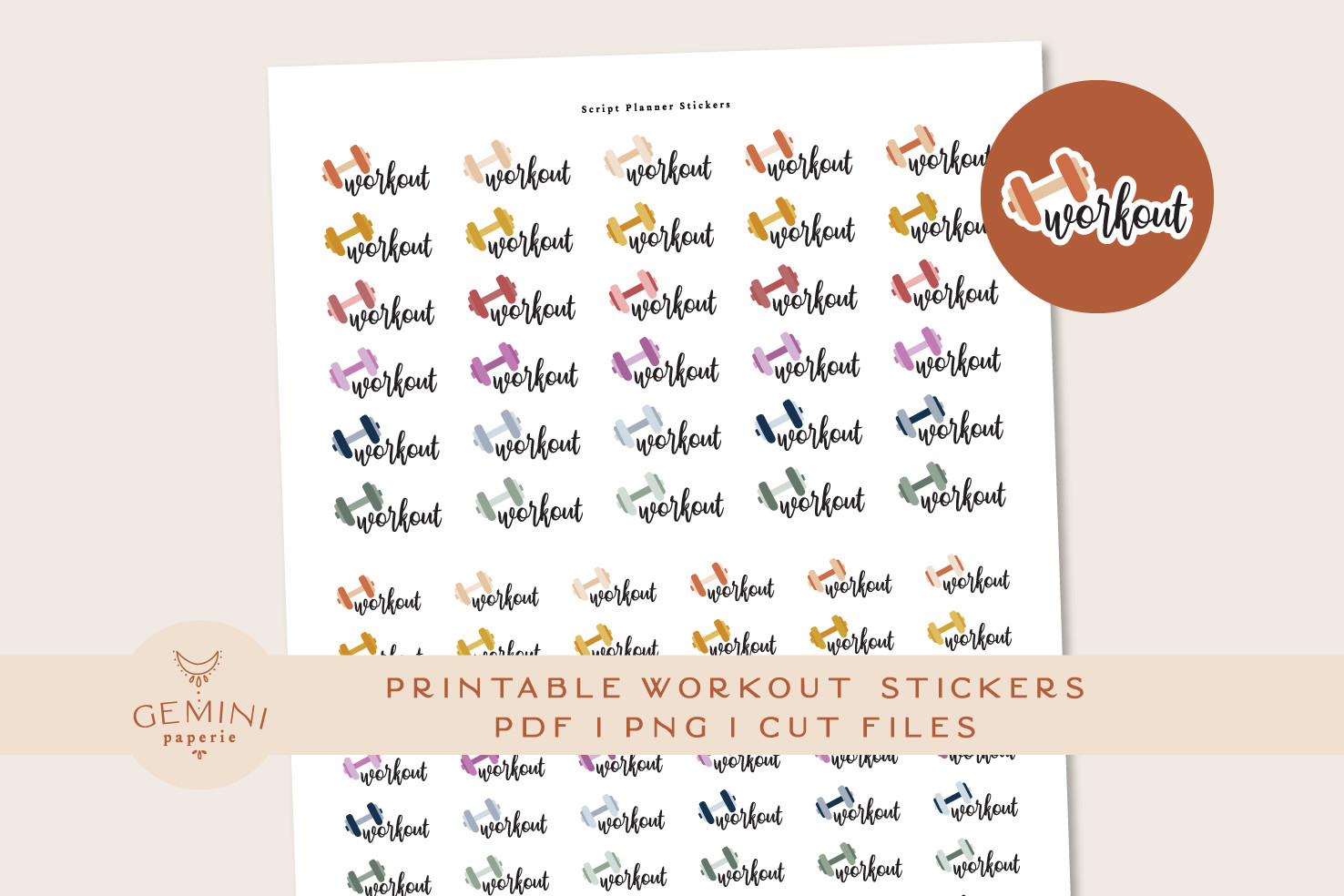
This lettering-based set contains 80 stickers in 16 colors, giving you repeated workout labels that can match several planner palettes. The listed download includes two PNGs for Cricut, a sticker PNG and cut-line PNG for Silhouette, an overview PDF, and an instructions PDF. The seller reports testing with a Cricut Maker and Silhouette Cameo 4.
Color can identify different parts of your schedule, such as booked sessions and tentative plans, provided you keep the meaning consistent. The count includes color variations rather than 80 unique activities. Follow the supplied instructions and verify your own software settings even if you use one of the tested machines. Choose this pack for recurring labels; it does not provide detailed session logs or a complete fitness planner.
9. Daily Workout Tracker Quarter Box
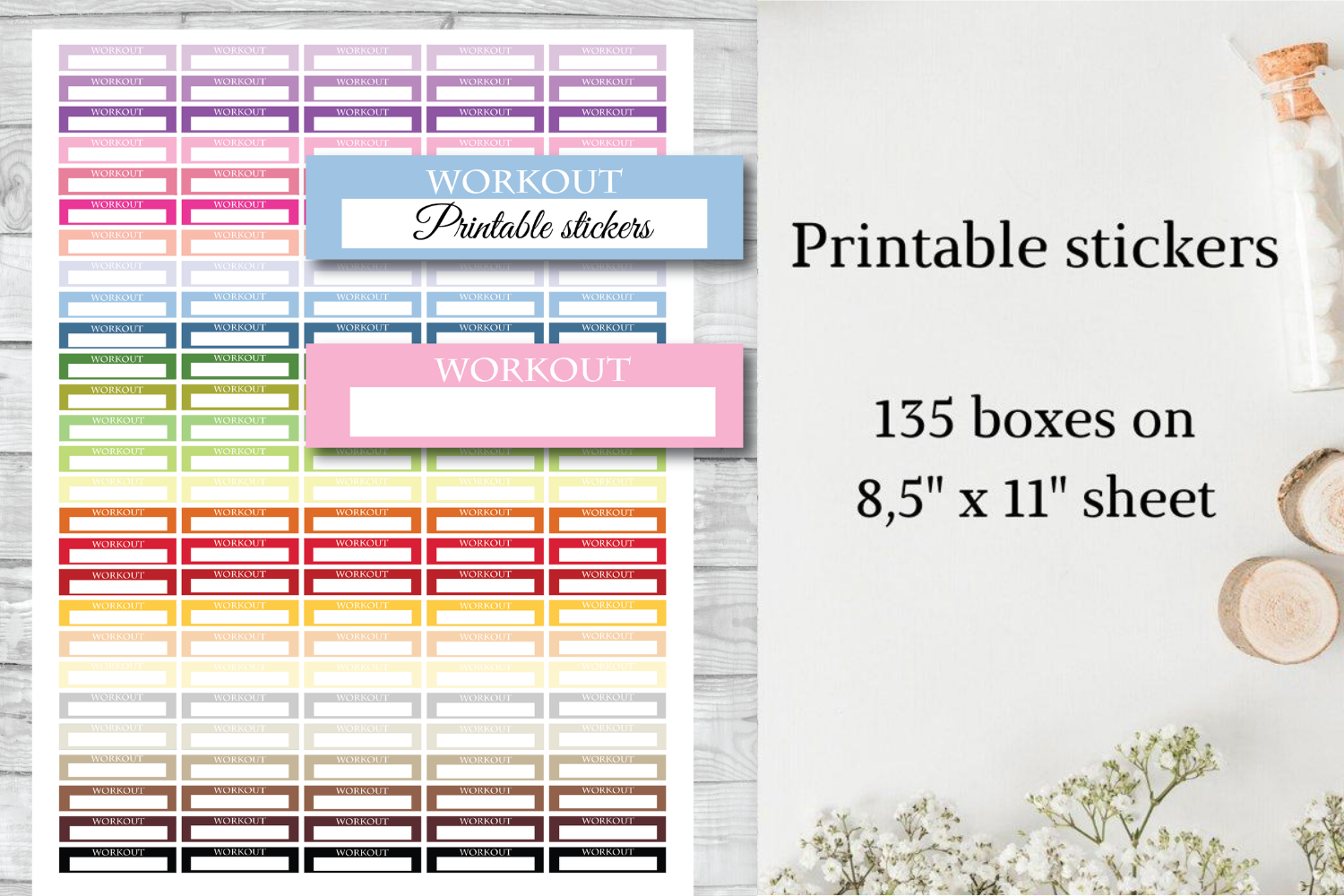
A quarter-box label reserves writing space without dominating the day. This product lists 135 stickers measuring 1.5 × 0.35 inches, supplied as a PNG on an 8.5 × 11-inch sheet. The preview shows a Workout heading with a blank area, which makes it suitable for a short activity name, duration, or simple completion note.
Keep entries brief: the low-height box is better for a single line than a detailed exercise record. Print at actual size and check that the label fits your planner’s column width. The listing confirms a PNG sheet, not a PDF or machine-specific cut file, so allow time for arranging or tracing it in your chosen software. Its tracker name does not imply automatic totals or check-in reminders.
10. Workout Planner Stickers
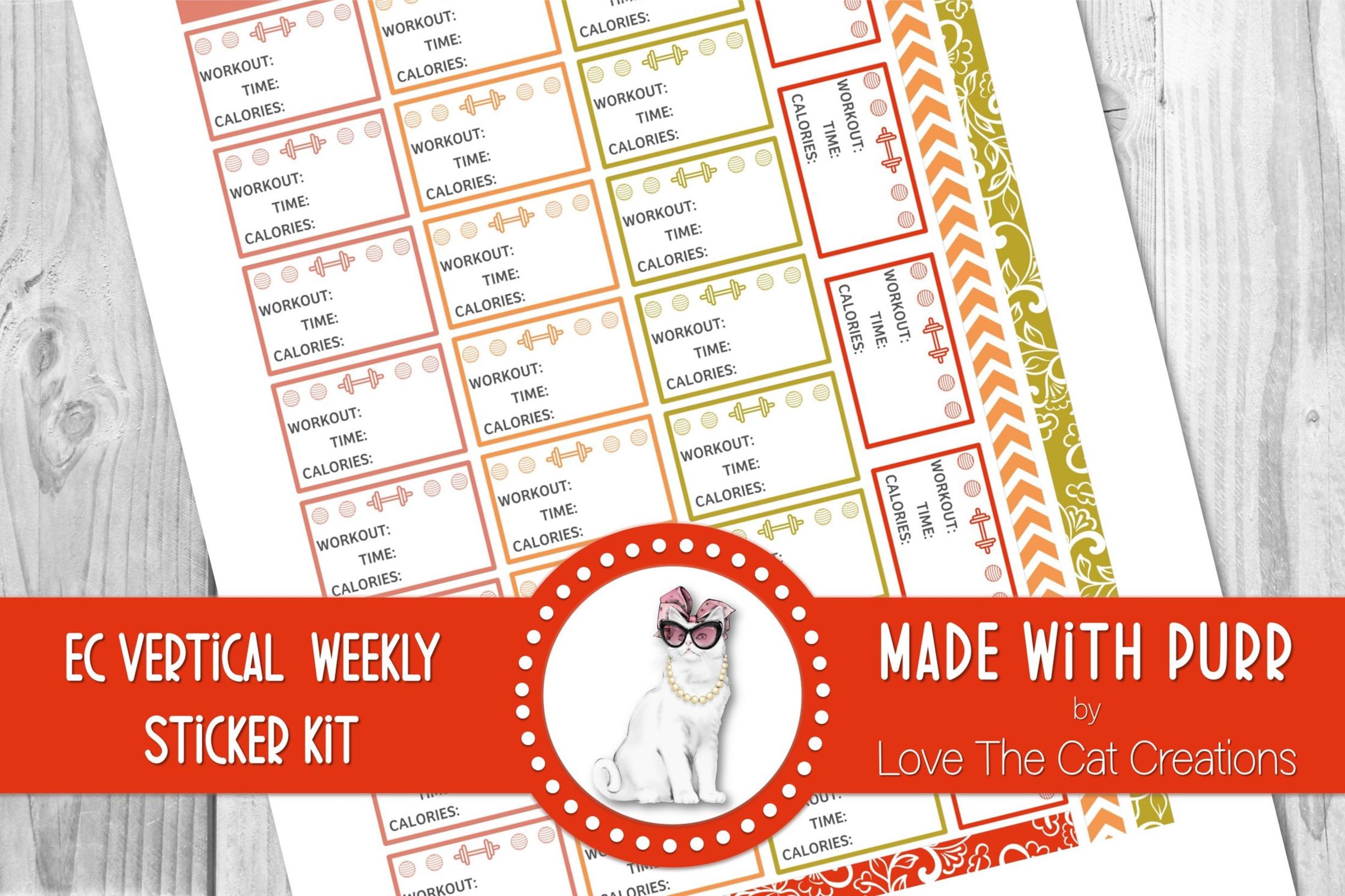
This collection offers a more coordinated weekly-page look than a sheet of isolated icons. The seller lists stickers approximately 38 mm wide, with a 6.75 × 9.25-inch PNG sheet, a US Letter PDF, and a blackout PNG. The transparent PNG is described as ready for auto-tracing, and the sheets were tested with Cricut and Silhouette workflows.
Use the matching labels and boxes to reserve room for workout notes before decorating the rest of the spread. Confirm your column width rather than assuming every vertical planner has the same measurements. The PDF supports a straightforward paper workflow, while the PNG offers flexibility for tracing. Machine testing is a useful starting point, but your printer alignment and blade settings still need a sample check.
How to Choose Workout Planner Stickers
Choose a small icon if you only need to mark an appointment, a writing box if you want one-line session notes, or a coordinated kit if you are arranging a whole weekly spread. Repeated labels can be more useful than a large collection when consistency is your priority.
For paper planning, check the finished width, print at actual size, and make a test cut before using a full sticker sheet. For digital planning, transparent individual PNGs are convenient, but a PNG listing alone does not confirm native app packaging or automatic import.
Keep workout planner stickers as visual aids to your own schedule. Start with a few recurring symbols, add brief notes beside them, and choose files that fit the tools you already use.