Meal Planner Stickers: 8 Useful Menu and Grocery Picks
Meal planner stickers work best when each design has a clear job: choose meals, schedule preparation, or mark the grocery trip. These eight Creative Fabrica picks cover those separate tasks, with a mix of writing boxes, icons, and printable labels. The comparison focuses on usable planner graphics rather than isolated decorative food images.
Each review distinguishes confirmed file contents from features the seller does not specify. Color variations are described as color variations, and a shopping icon is not treated as a complete checklist. Match the download to your paper size or digital workflow before arranging the week.
A simple monthly digital planner can hold recurring shopping dates, while a weekly page leaves more room for the actual menu and ingredient list.
1. Meal Prep Planner Sticker Set
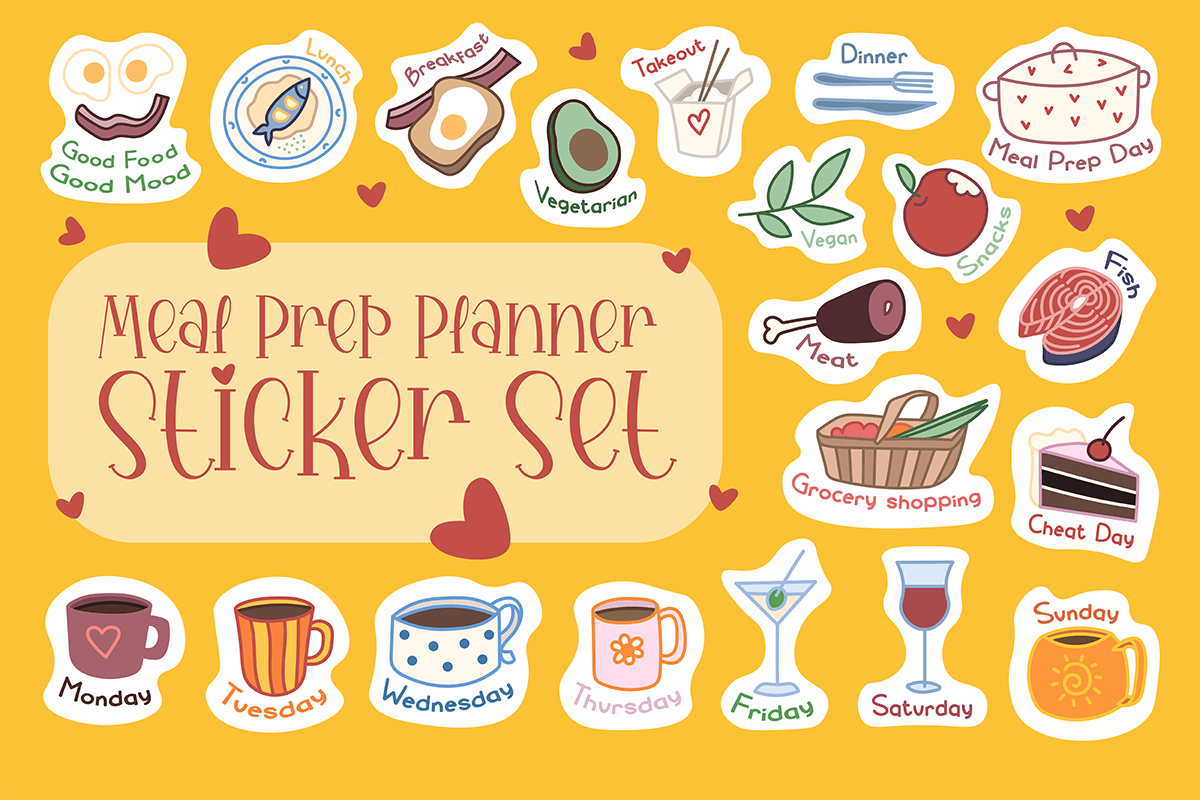
Meal-prep wording and food-container illustrations help separate cooking preparation from the meals themselves. The listing includes colored DXF, EPS, JPG, PNG, and SVG files. The preview presents cues for preparation, groceries, vegetables, takeout, and cooking days, so this collection can support several stages of a weekly food plan rather than repeating a single dinner icon.
Place a preparation reminder on the day when you actually have time to cook, then write the dishes or ingredients next to it. The seller does not specify a sticker count or finished print dimensions, so arrange a small test layout first. Vector files offer resizing options in suitable software; the download is artwork, not an editable meal-plan spreadsheet or a source of recipes.
2. Grocery Shopping Planner Stickers
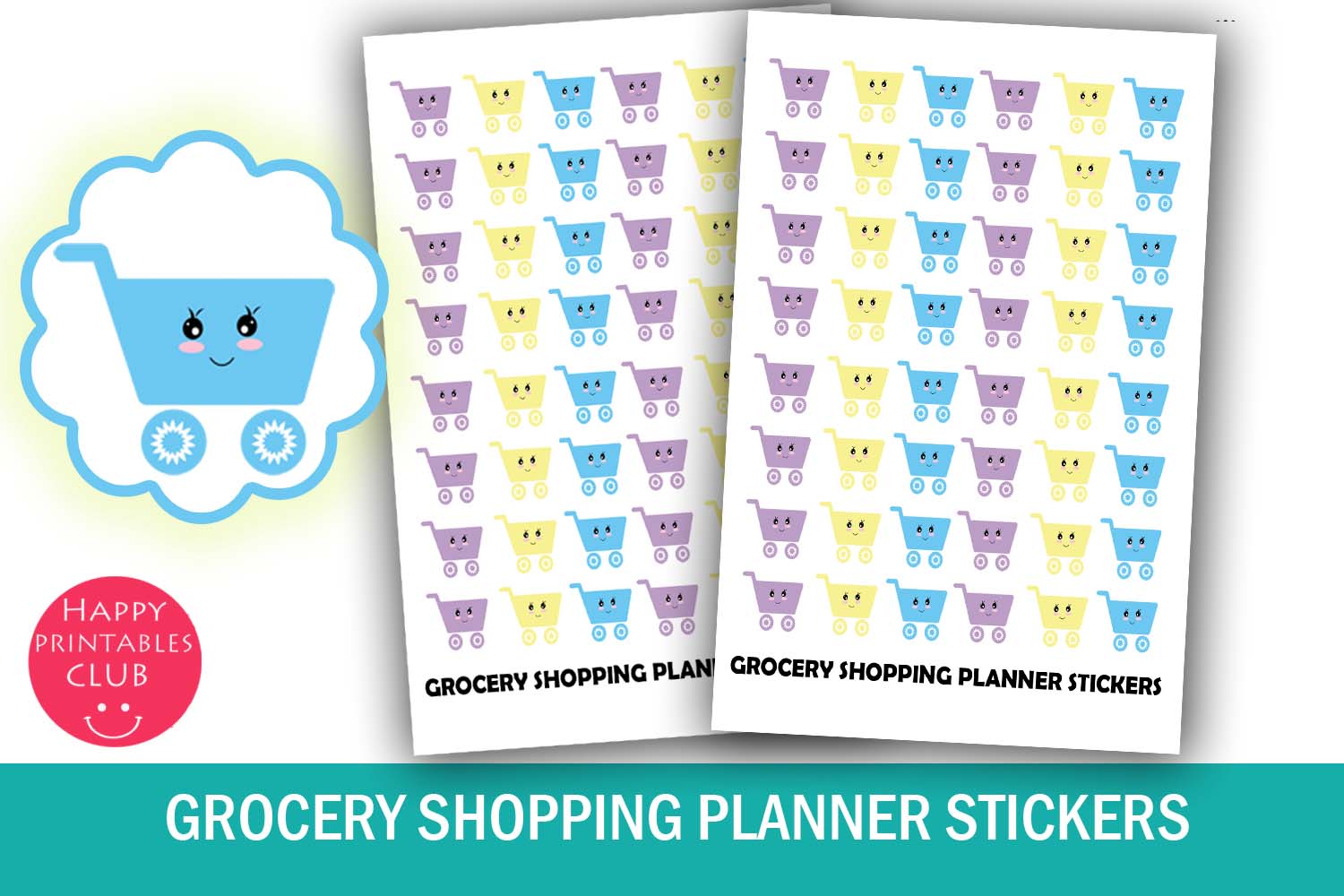
These small shopping-cart stickers make grocery errands easy to spot without using a full planner box. The listing specifies stickers measuring 0.55 × 0.5 inches on a 4 × 5.5-inch sheet, with PDF and JPEG files included. They suit weekly calendars where the shopping appointment needs a visible marker but the shopping list lives on a separate page.
Use a cart beside the time you plan to shop and add a short note for the store or pickup arrangement. Print a sample at actual size to preserve the intended compact footprint. No PNG or dedicated cutting-machine file is listed, so choose this option with its PDF/JPEG workflow in mind. It marks an errand; it does not provide categories, prices, or a complete grocery checklist.
3. 100 Meal Plan Tracker Full Box Clipart
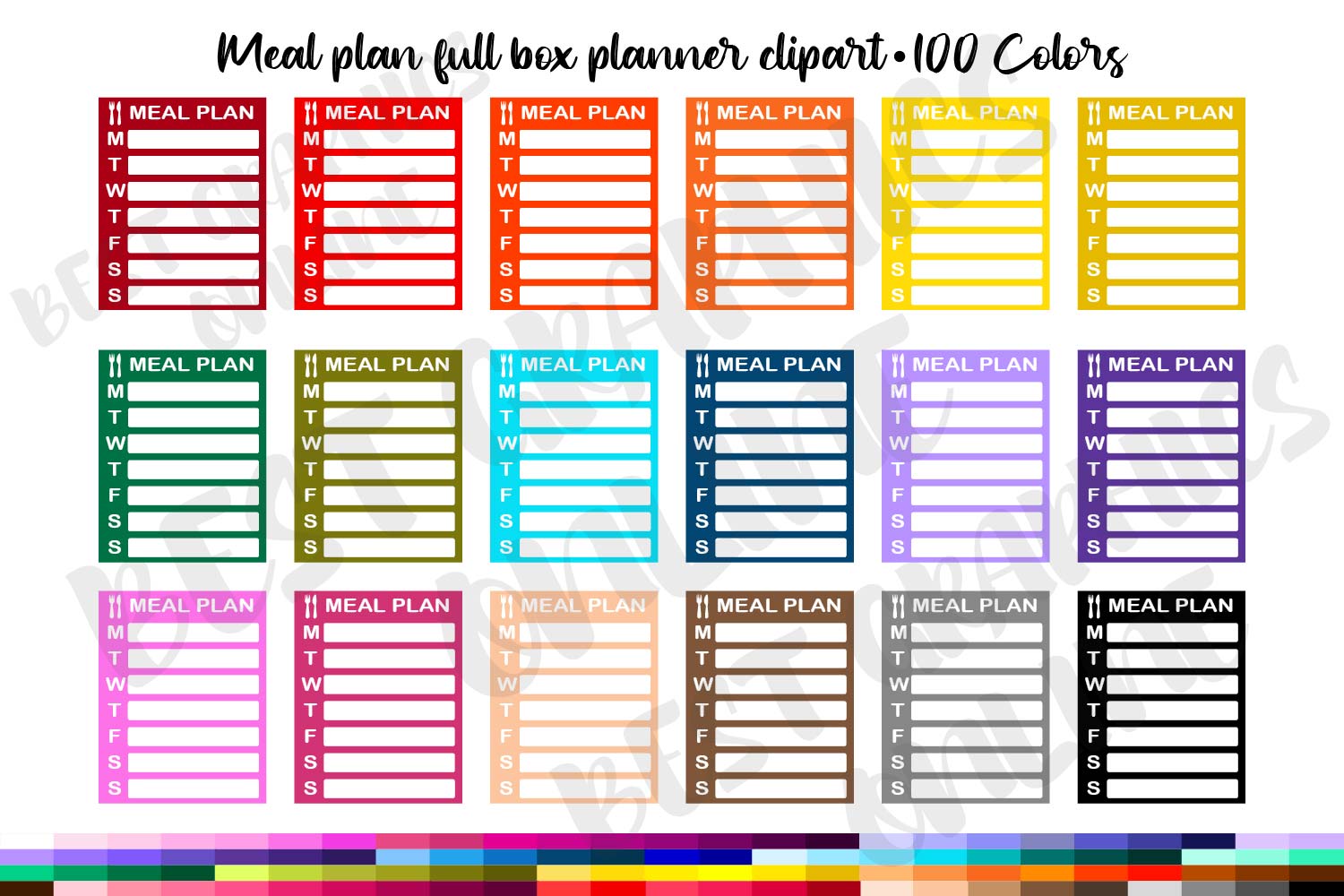
A full-box meal-plan list can keep a week’s choices together instead of scattering them across seven daily spaces. This collection supplies individual transparent PNGs at 300 DPI, each listed at 1.5 × 1.9 inches. Its 100 options are color variations of the meal-plan box, which is useful for matching a planner palette while keeping the same functional layout.
Choose one color and write concise meal names in the weekly list. The box is a compact planning aid, so a separate recipe page works better for ingredients or instructions. Check the column width before printing, and arrange the individual PNGs into your own sheet if you want physical stickers. The number in the title describes color choices, not 100 different meal-planning systems or recipes.
4. Grocery List Planner Stickers Clipart
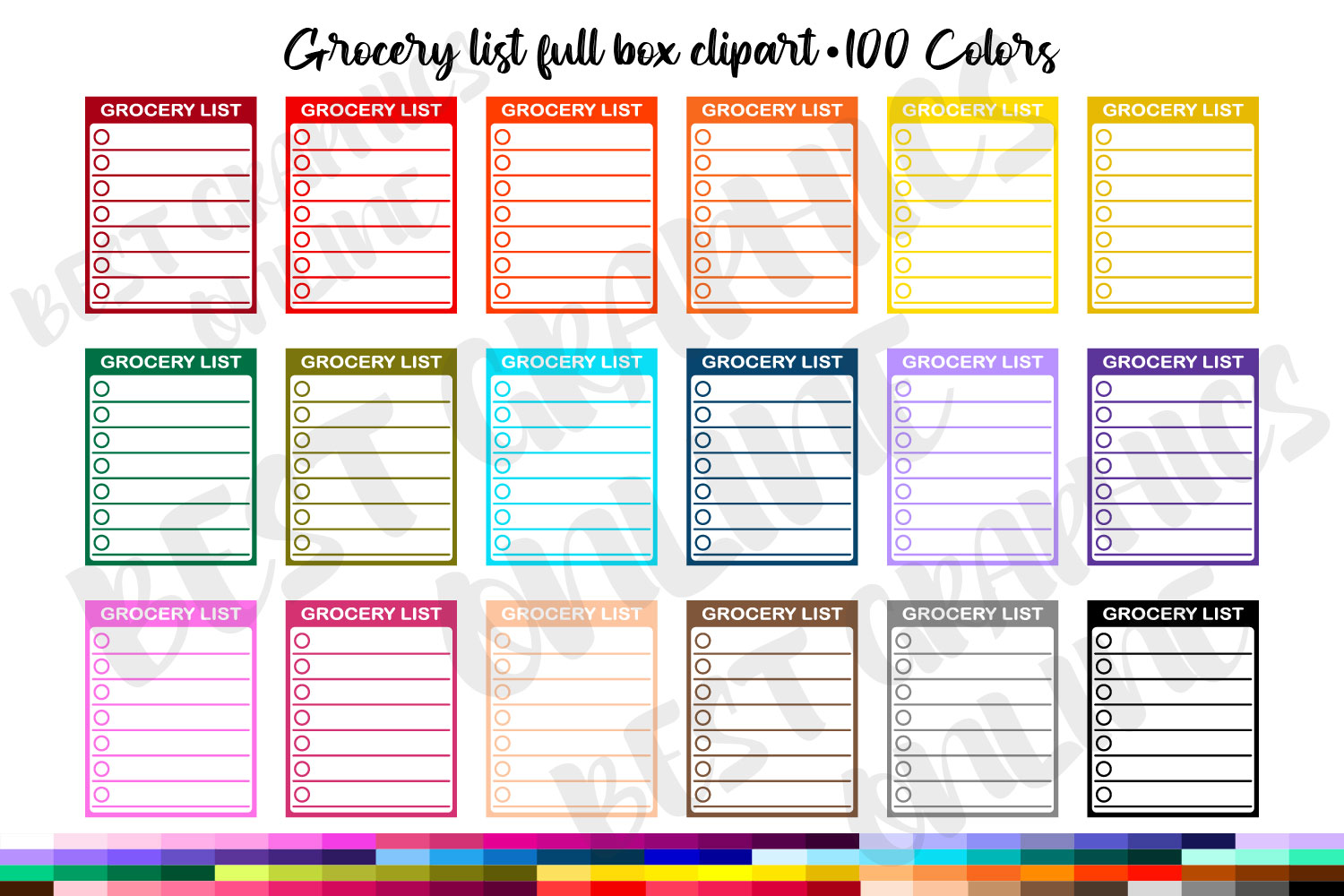
This companion-style list box turns ingredients to buy into a small visible checklist. The seller lists 100 color options as individual transparent PNGs at 300 DPI and 1.5 × 1.9 inches. Its purpose differs from a meal-plan box: use it to capture the items needed for the week rather than the meals assigned to each day.
Reserve the box for a short shopping list and move longer lists to a dedicated page. Repeated color choices make it easy to match the rest of a spread, but they do not add different checklist structures. You will need to arrange the PNGs for printing or import them as images into your digital planner. A preformatted print sheet, editable spreadsheet, and automatic ingredient consolidation are not specified.
5. Meal Planning Icons Planner Stickers
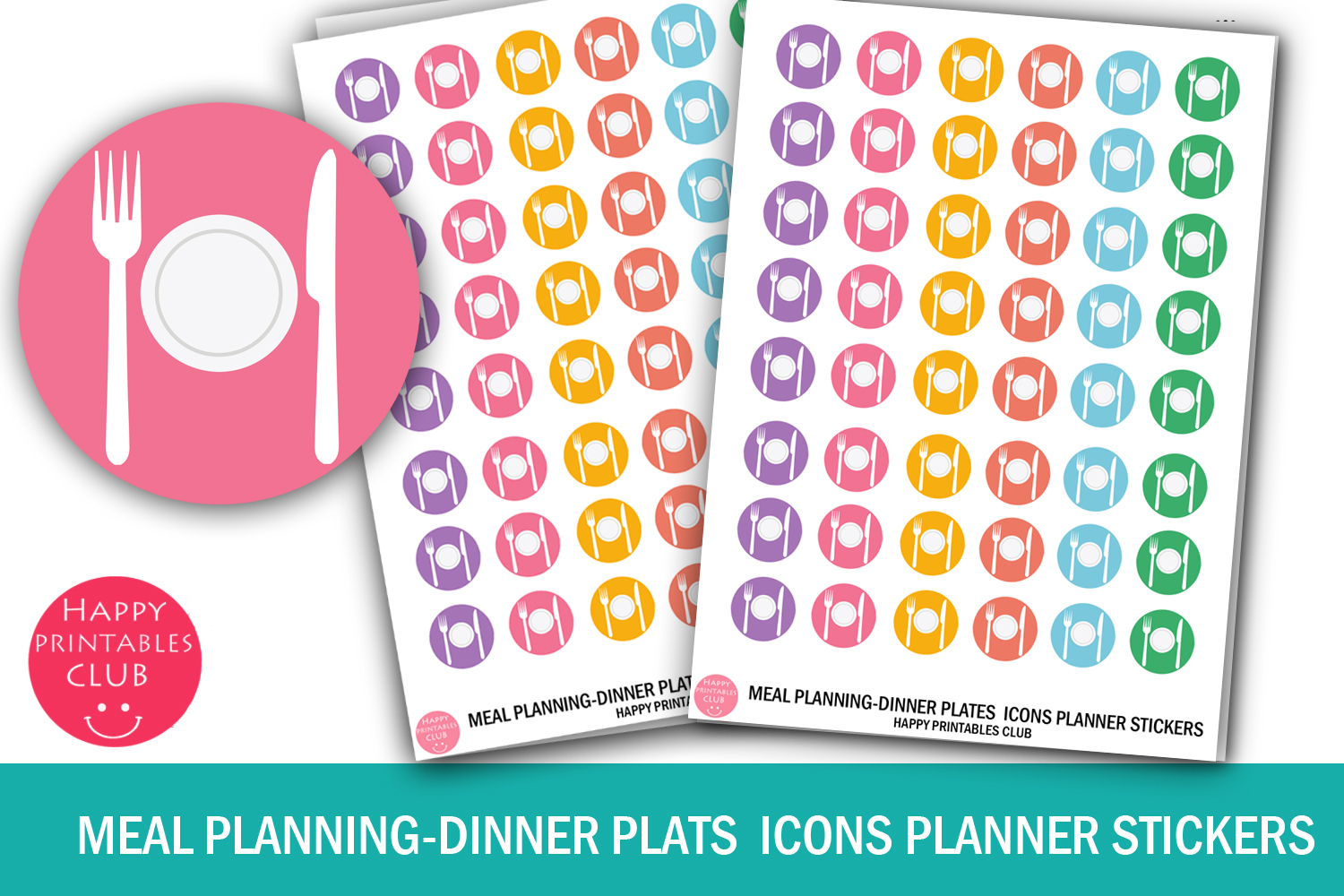
Dinner-plate icons provide a restrained way to mark meal-planning time or an evening meal on a busy page. The listing includes a ZIP with JPEG, PNG, and PDF files and describes compact icons on a small sheet. This is a useful choice when you already have a meal-plan page and only need a recurring visual cue in the main calendar.
Give each icon one consistent meaning, such as the evening meal, instead of expecting the image to distinguish breakfast, lunch, and dinner on its own. Verify the listed measurements and print scale before using sticker paper. No machine-specific cut file is confirmed. For a detailed menu, pair these markers with handwritten meal names or a separate weekly list; the artwork alone does not record ingredients.
6. Grocery Trip Printable Planner Stickers
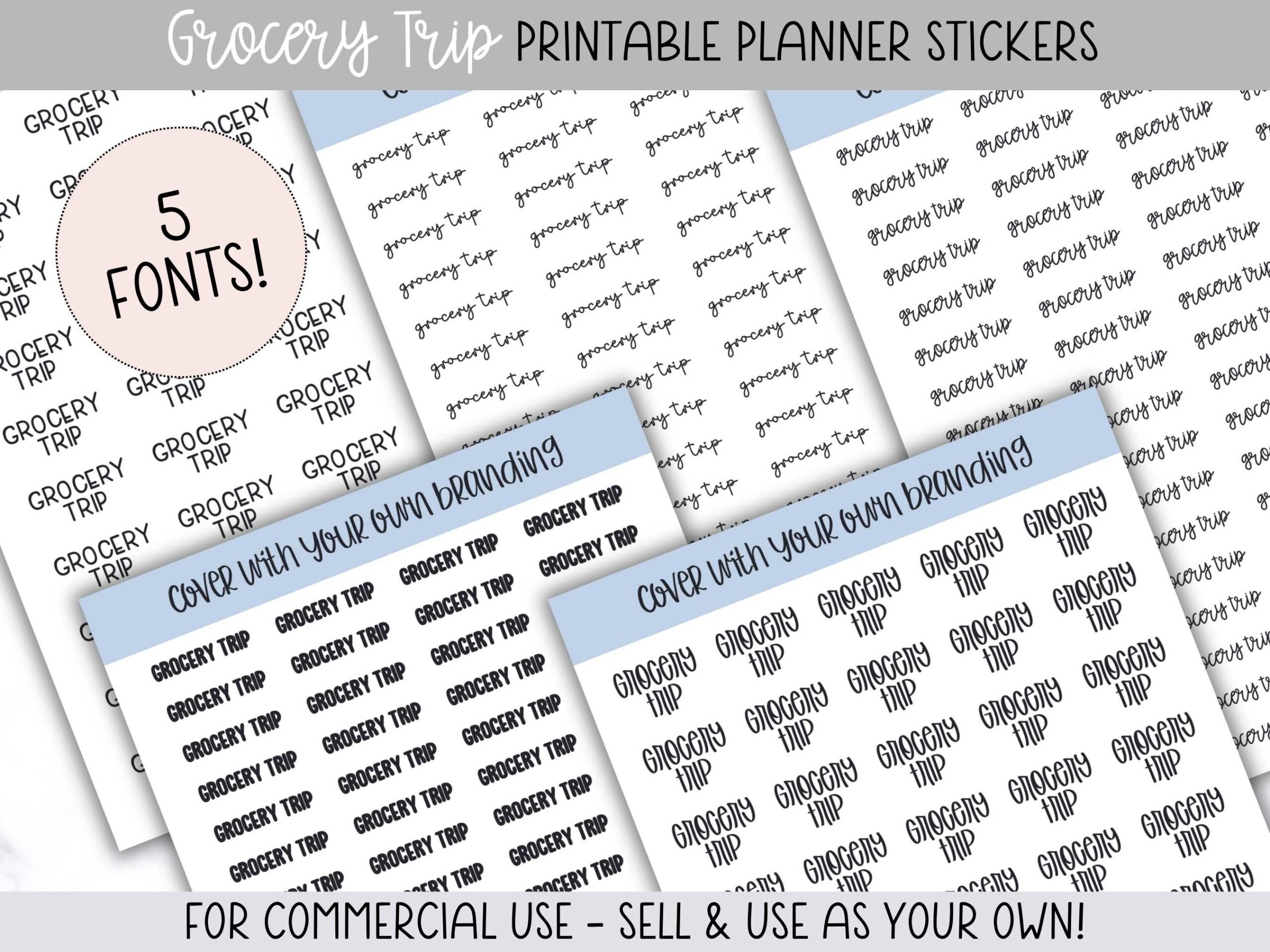
A clear Grocery Trip label works well when the errand needs more emphasis than a tiny cart icon. The seller provides five 5 × 7-inch printable pages in transparent PNG format, Silhouette cut files, and a step-by-step guide for Silhouette and Cricut users. Two pages can fit on an 8.5 × 11-inch sticker-paper sheet.
The preview uses different lettering styles, so choose a page that remains legible at your planner’s scale. Five pages do not mean five distinct grocery-management tools; the main function is marking the trip. Print a plain-paper test, leave room for a store name or pickup time, and follow the guide for cutting. This is particularly useful when shopping regularly happens on different days each week.
7. Meal Plan Planner Stickers
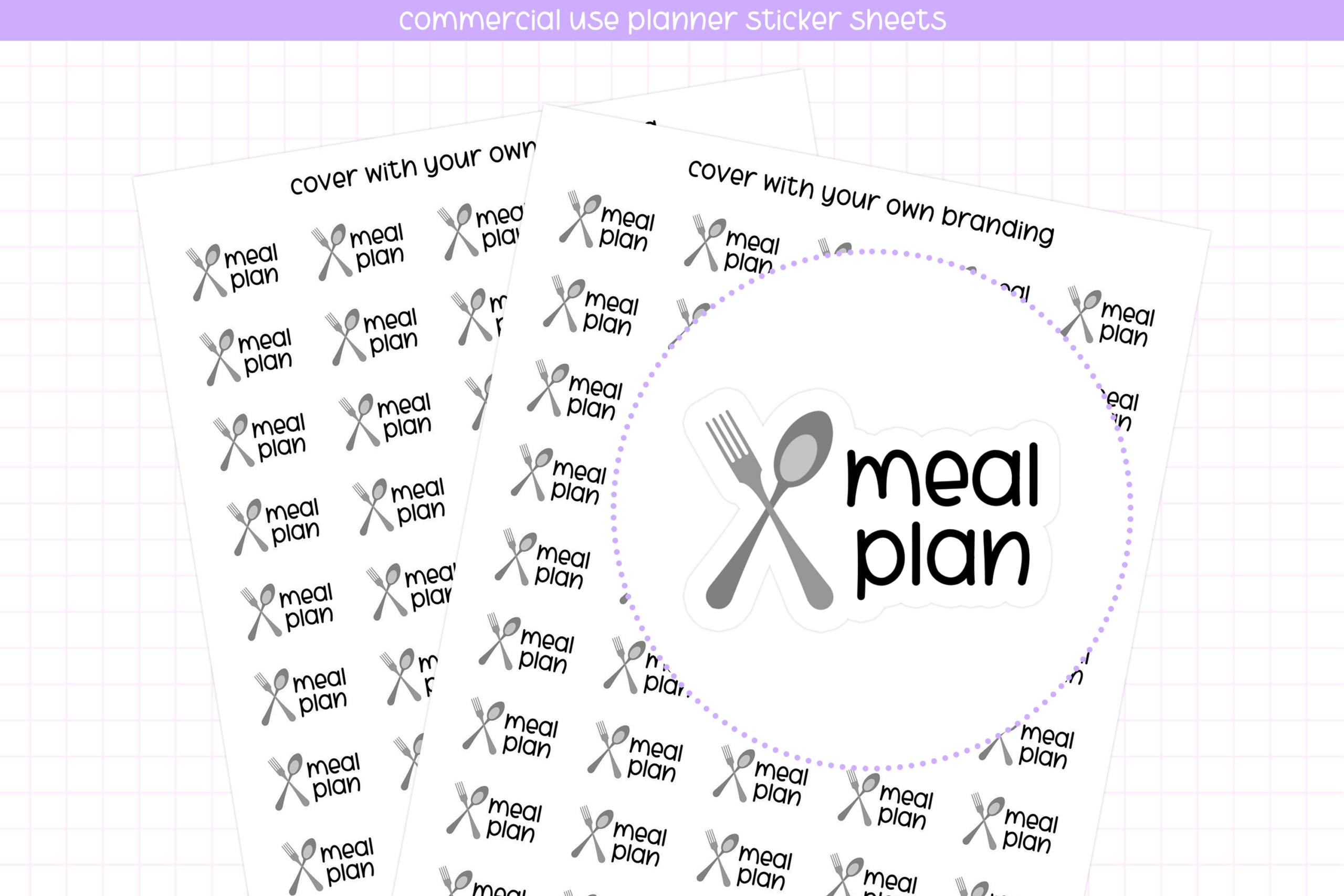
Spoon-and-fork artwork with Meal Plan wording creates a direct reminder to decide the week’s menu. The listing specifies a sheet 7 inches high and 5 inches wide, with a JPG, transparent PNG sheet, blackout PNG, individual PNG, and Silhouette Studio file with cut lines. This combination supports both a prepared paper sheet and more flexible use of an individual graphic.
Put the label on your planning day, then record the actual meal choices elsewhere on the spread. Check the sheet orientation and print size before cutting, especially if your software automatically fits images to the page. The artwork identifies a task rather than supplying a seven-day menu. Use the individual file when you need a different size, and review the seller’s license for any use beyond your own planner.
8. Grocery Bag Planner Sticker Sheet
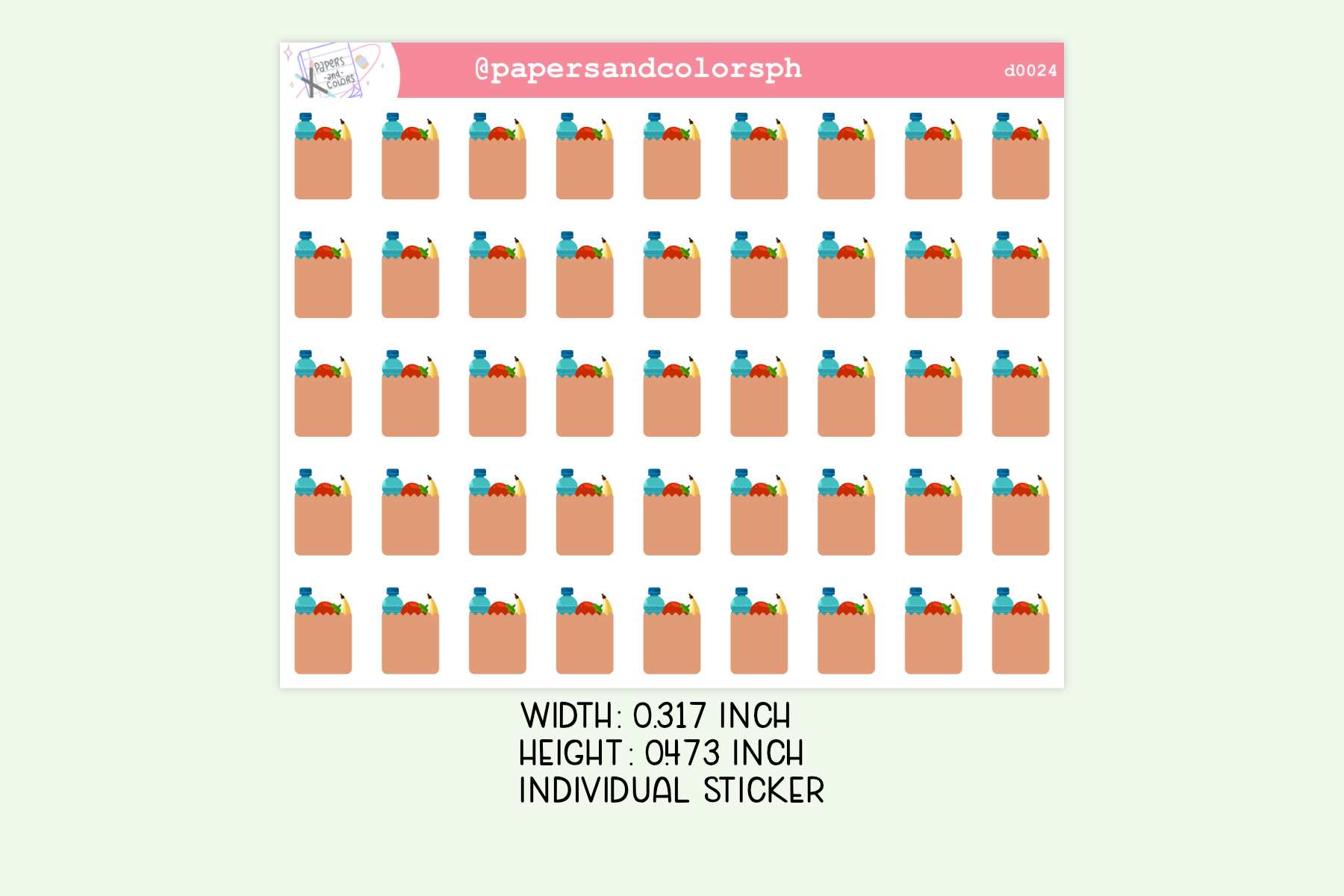
These grocery-bag markers offer a compact alternative to large shopping labels. The listing describes a 3.5 × 4.25-inch sticker sheet at 300 DPI, supplied in a ZIP with JPEG, transparent PNG, and PDF files. The small bag illustration is easy to repeat beside a shopping appointment or a brief ingredient-check reminder.
Use one bag to mark the errand and keep the list of items on a separate checklist. Print a sample to judge whether the details remain clear at the intended size. A dedicated cutting-machine file is not listed, so manual cutting or your own tracing setup may be needed. The sheet provides visual reminders, without store-specific lists, price comparisons, or automatic links to the meals you have planned.
How to Choose Meal Planner Stickers
A meal-plan box records the menu, a grocery-list box records ingredients, and an errand marker reserves shopping time. Combining these roles is useful when each stays readable; a page crowded with repeated decorative icons is harder to review quickly.
Paper users should confirm sheet size and scale before printing. Digital users can place transparent PNGs individually, although the listed formats do not imply an editable menu database. Recipe instructions and long ingredient lists usually need a separate page.
Start with one weekly-menu element and one shopping reminder. Add meal planner stickers for preparation days only where they clarify the plan, then reuse the same meanings each week.