8 Cozy Winter Planner Stickers for Printable and Digital Spreads
Winter planner stickers can carry a seasonal look beyond the Christmas countdown and into January or February. Snowflakes, cozy illustrations and winter-themed journal pieces give you a way to refresh existing pages without buying a different planner for each season. These eight downloads cover both paper and tablet workflows.
This winter planner stickers collection focuses on formats you can actually use: A4 sheets, Letter-size PNGs, individual graphics, a defined-size weekly kit and Goodnotes files where they are listed. Counts and dimensions come from the product descriptions. App behavior and printer results can still vary with your own setup.
For a festive December spread, see our Christmas planner collection. For a tablet-based planning system, our digital planner templates offer layouts you can decorate with compatible sticker files.
1. Winter Planner Stickers — Printable A4 Sheet
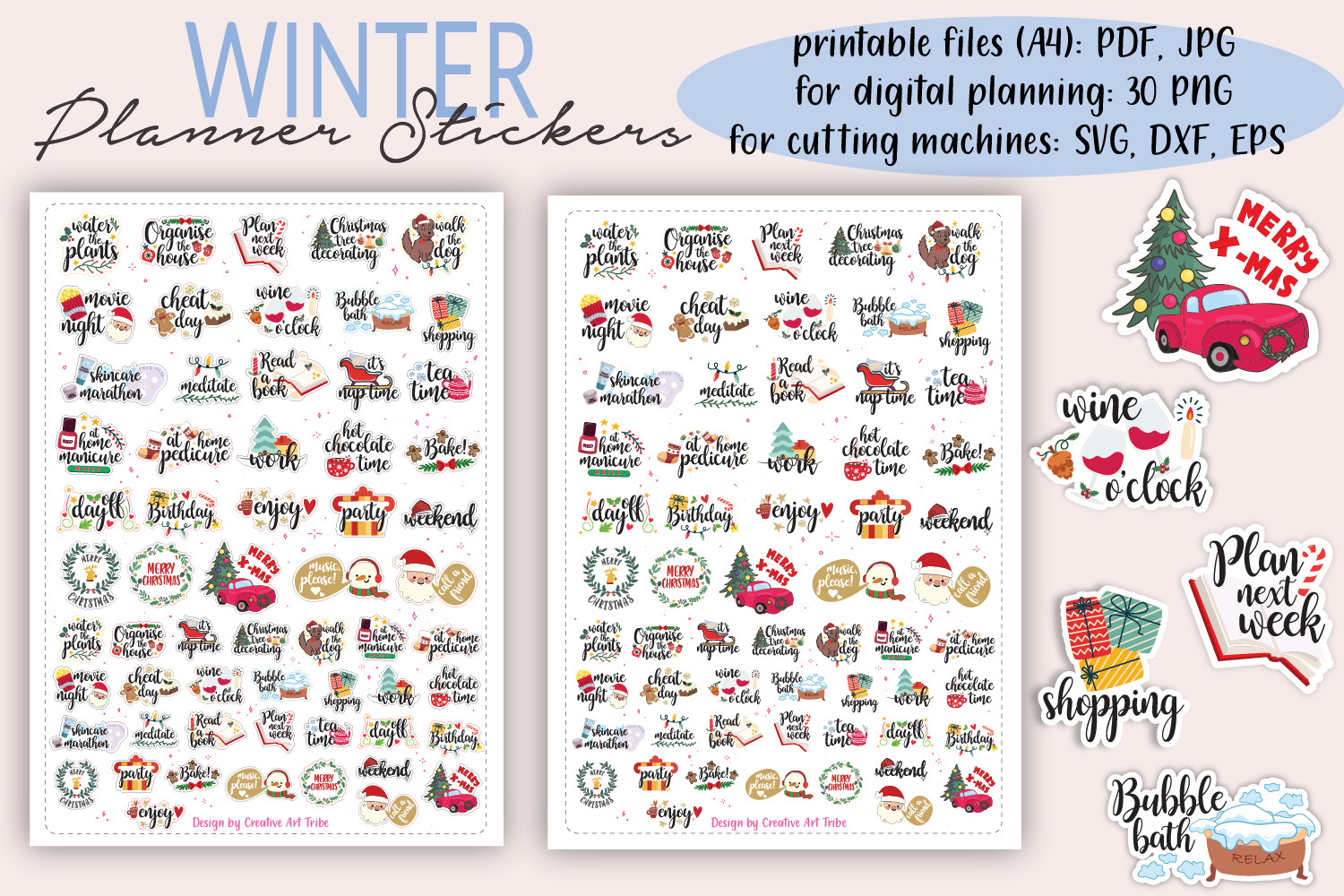
Creative Art Tribe provides medium and small stickers on an A4 winter sheet, plus 30 individual PNGs. The printable JPEG, PDF and PNG versions are supplied with and without cutlines, with 300 dpi specified for the raster images. This is a practical mixed-format choice for readers who alternate between a paper planner and a digital notebook.
Choose smaller pieces for narrow daily boxes and larger accents for headings or notes pages. Having both versions of the sheet lets you select the presentation that suits your cutting method. The listing mentions several design and cutting applications, but a finished machine project is not promised. Keep the page scale consistent during printing and test a few pieces before decorating an entire month.
2. Winter Chick Planner Stickers with 136 PNGs
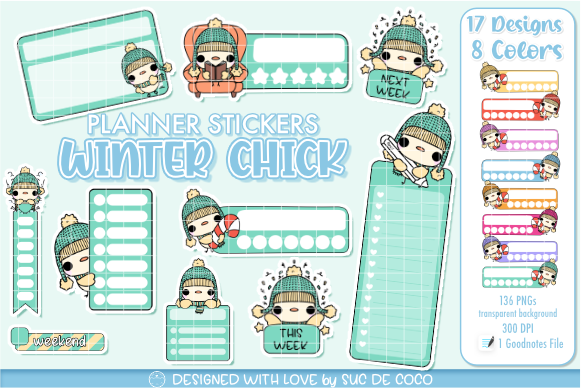
Suc de Coco includes 136 transparent PNGs and a Goodnotes file, with hand-drawn illustrations specified at 300 dpi. This is a larger winter collection for readers who enjoy changing the details from one weekly spread to another. The separate files give you room to combine seasonal accents with your own planner layout instead of adopting a fixed kit.
Start with a limited selection so a busy week remains readable. The Goodnotes file provides an app-specific option, while the PNGs allow use in other image-supporting workflows. The seller also describes printing the PNGs on sticker paper, but does not list an assembled PDF sheet or ready-made cutting project. Paper users will need to arrange their chosen stickers and check the scale before cutting.
3. Winter Snowflake Planner Sticker Sheets
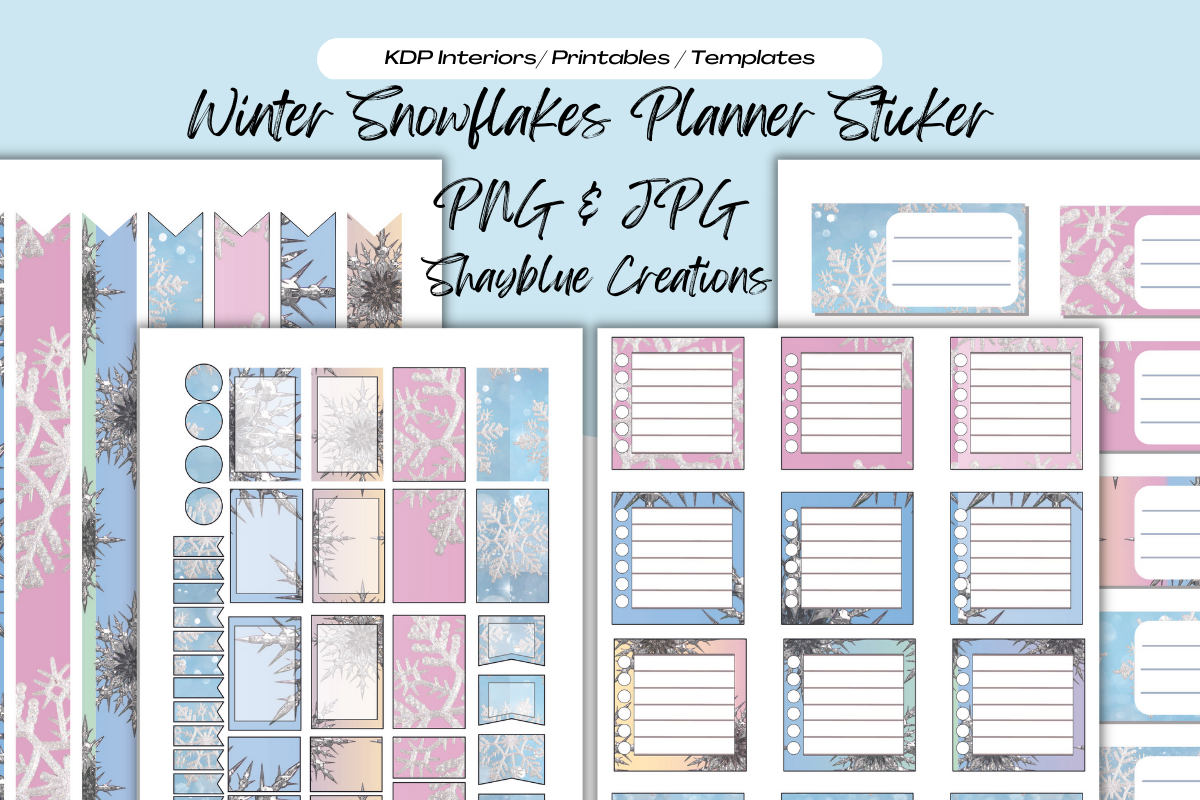
Blue creations supplies snowflake-themed sticker sheets in transparent PNG and JPG formats at 300 dpi. The documented sheet size is 8.5 × 11 inches, with resizing and both print and digital use mentioned. A winter motif is useful beyond Christmas itself, especially when you want January pages to retain a seasonal feel without keeping Santa or gift imagery in every spread.
Use the sheets to coordinate a monthly overview and a few weekly pages. For a paper planner, check the physical scale before printing; for a tablet, allow time to crop individual pieces from a sheet. Separate precropped files, a Goodnotes collection and a native cutting project are not specified. This is most appealing when you are comfortable preparing a sheet yourself and want a cohesive snowflake look.
4. Winter Weekly Sticker Kit for Vertical Planners
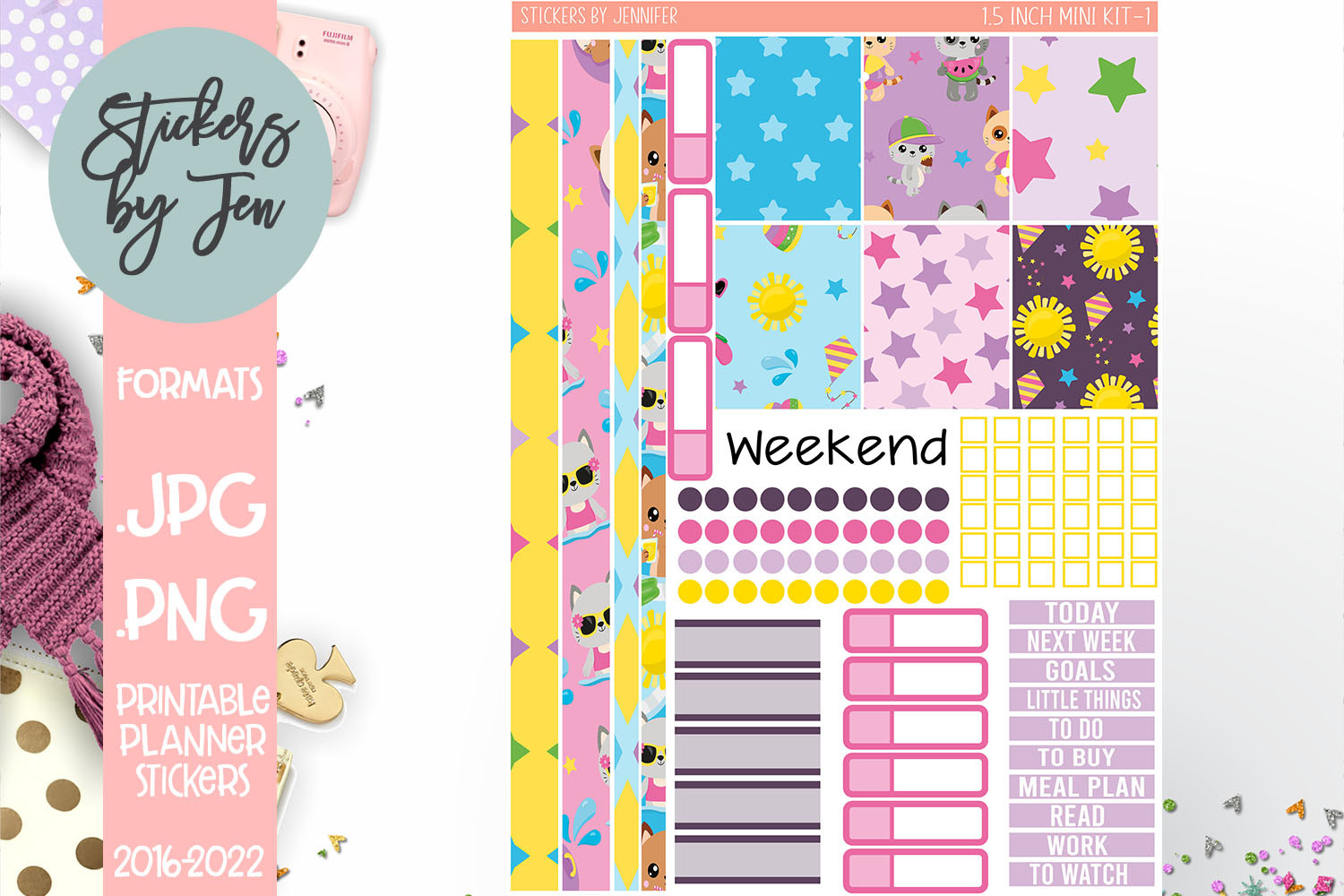
Stickers By Jennifer designs this printable kit for 7 × 9 vertical planners, with boxes and labels 1.5 inches wide and a bonus sheet of matching icons. Those measurements are useful if you want to decorate a structured weekly layout. The listing gives a specific setup size of 6.75 inches wide by 9.25 inches high for the PNG sheets in cutting software.
Measure your weekly columns before choosing this kit. The coordinated boxes can make a winter spread easier to assemble, but they can also cover more writing space than individual accents. Cricut Design Space use is described; Cameo users are told to create cutlines themselves. This is not an out-of-the-box cutting project for every machine, so follow the resizing instructions and test the alignment first.
5. Winter Village Sticker Kit for Big Planner
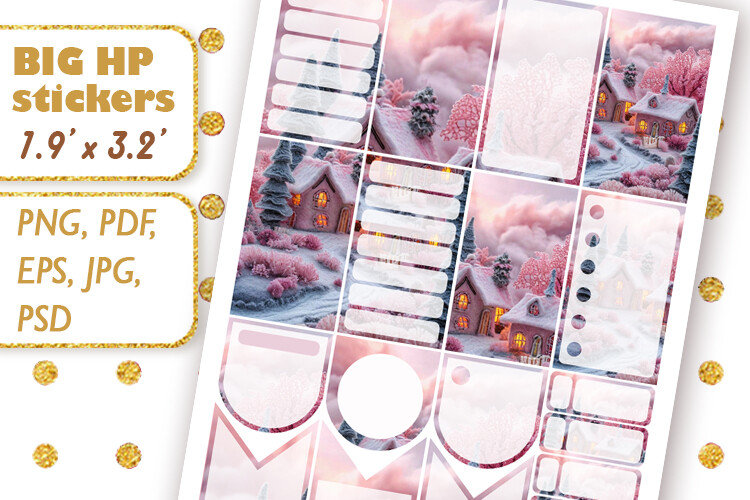
Mama Lama design offers a pink winter-village weekly kit for Big Planner pages. The full boxes measure 1.9 × 3.25 inches, and the download lists PDF, PNG, PSD, JPG and EPS files. This is a useful option for larger planner pages where a smaller weekly kit would leave awkward gaps. Its winter-village artwork also has a festive Christmas character, so review the preview if you want a strictly non-holiday January spread.
Measure your columns before printing: the larger boxes are the main reason to choose this kit. Use only the pieces that leave enough space for your real schedule. PSD and EPS files give experienced users additional preparation options, but they do not imply that a native cutting-machine project is included. A Goodnotes collection and separate precropped PNG stickers are not specified; this is primarily a printable weekly kit.
6. Winter Printable Journal Stickers on Three A4 Pages
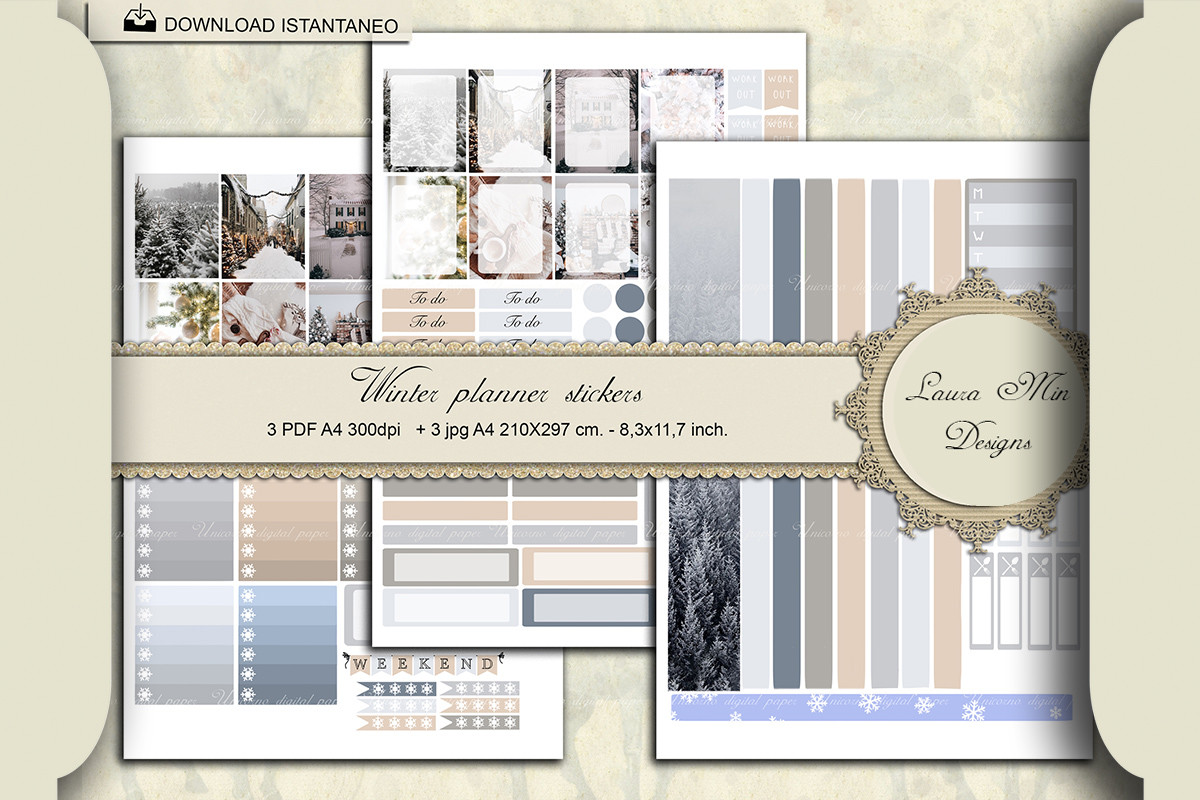
Laura Min’s winter package contains three A4 pages in PDF and JPG formats, specified at 300 dpi. It is a print-focused choice for people who enjoy making a coordinated journal spread from a few sheets. The A4 dimensions are documented, which makes planning a test print simpler than working from an unspecified image canvas.
Use the pages for journal headings, notes sections and decorative winter margins, keeping the central writing area open. This package is more straightforward for printing than for tablet sticker organization. Individual transparent PNGs, a native Goodnotes collection and cutting-machine files are not listed. If you prefer dragging one ready-cropped sticker into an app, a separate-PNG winter set will involve less preparation.
7. Cute Winter Planner Stickers in PNG and Print-Ready PDF
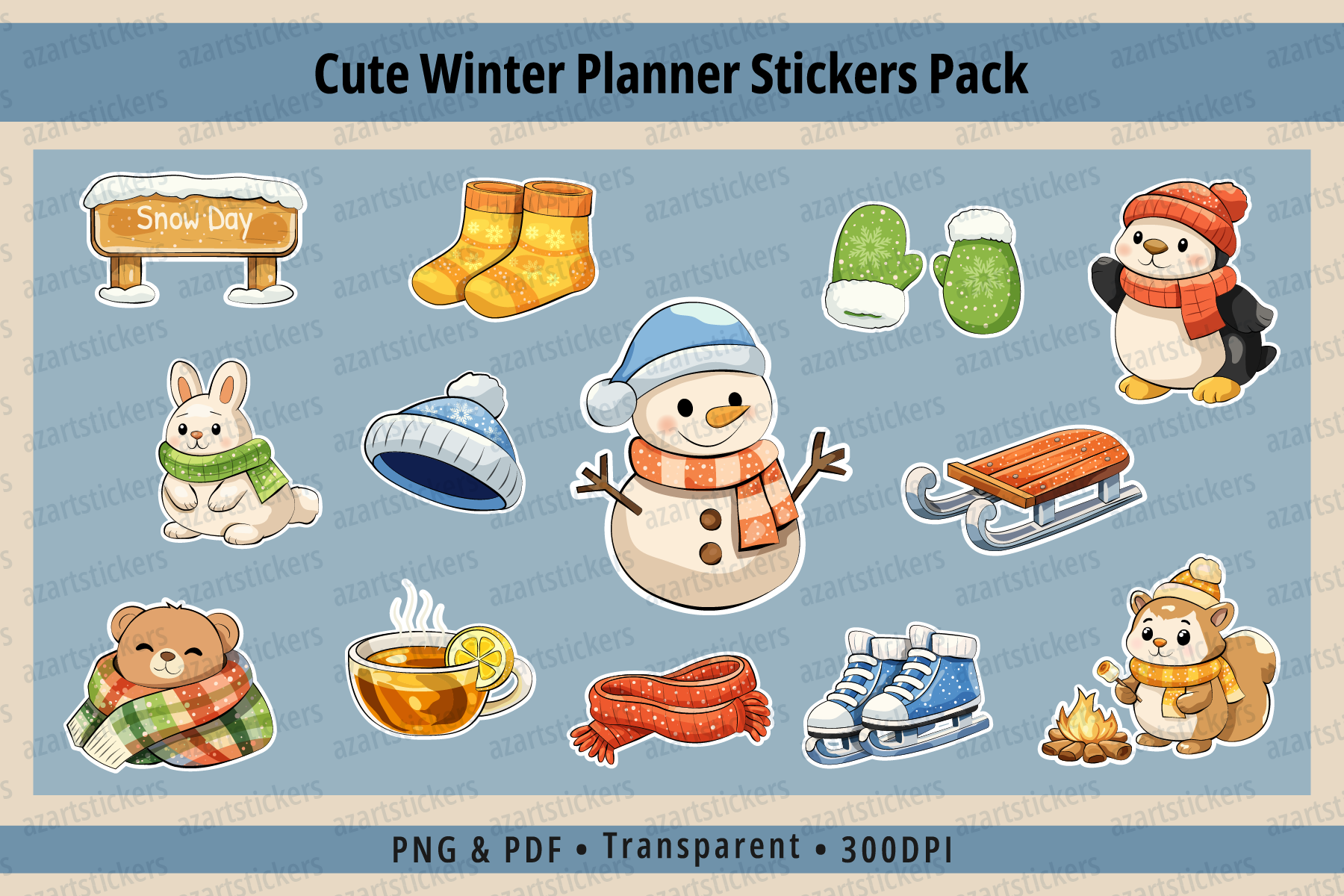
Azartstickers describes more than 30 winter illustrations, individual sticker files and ready-to-print sheets. The PNGs have transparent backgrounds and are specified at 300 dpi in RGB, while the PDF uses CMYK for printing. That separation helps explain why the same artwork may look slightly different on a tablet and on a home-printed page.
This is a good option for mixing small winter icons with a few larger decorative pieces across a journal or weekly planner. Use the individual PNGs digitally and start with a test page for paper use. A prepared Goodnotes file and machine-specific cut files are not listed. The PDF may display a white background, as the seller notes; do not assume that a print sheet functions like an individually cropped transparent sticker in an app.
8. Eight Hand-Drawn Winter PNG Stickers
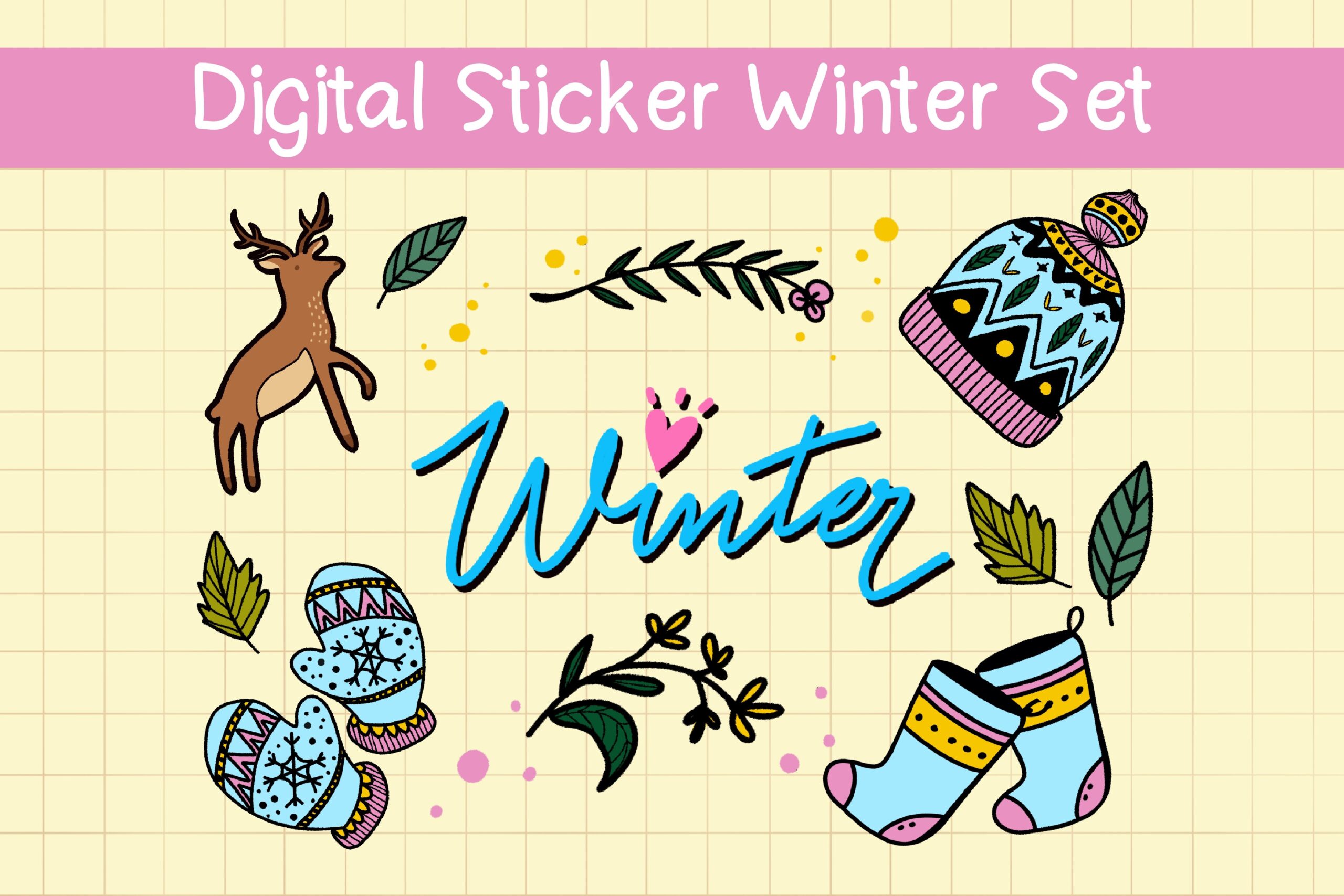
Duckyjudy store includes eight separate transparent PNGs in this hand-drawn winter set. The files are described as ready to import into Goodnotes or another note app without cropping. A smaller collection can be useful when you only want a few seasonal accents and do not want to browse hundreds of files every time you decorate a page.
Use it for a consistent winter mood across a monthly overview and short journal entries. Unzip the folder before importing the images, then save the pieces you reuse in an app collection where supported. A native Goodnotes file, print sheet and exact image dimensions are not specified. This is a lightweight decorative choice rather than a complete weekly planning kit with coordinated boxes, labels and trackers.
Choosing Winter Planner Stickers for Your Routine
For paper planning, the A4 winter sheet and Jennifer’s weekly kit offer documented layouts with different sizing needs. For tablet use, the Winter Chick set supplies a Goodnotes file and a larger PNG collection, while the eight-image winter pack keeps importing and browsing simple. Laura Min’s three-page package is more naturally suited to printing and journaling.
Check whether a kit’s box widths fit your planner before printing. When moving from A4 to Letter paper, fitting a page automatically can change every sticker’s dimensions. For cutting machines, distinguish a printable PNG from a prepared cutting project; several listings still require you to create or adjust cutlines.
Choose winter planner stickers that support the pages you will continue using after the holidays. A few consistent accents can keep the season visible without hiding your weekly plans.




3 Comments