12 Cozy Autumn Washi Tape Sets for Planner Borders and Journal Pages
Autumn washi tape can give a planner a seasonal border without covering the space you need for writing. These 12 downloads range from transparent digital strips to printable sheet packs and editable border resources. The practical differences are important: some files can be placed individually, while others need cropping, arranging or design work before they become usable tape-style stickers.
If you prefer separate icons and labels, our autumn planner stickers offer another way to decorate a fall spread. Here, the focus is on borders, dividers and small paper accents. These are digital downloads rather than physical tape rolls. The formats, counts and dimensions below come from the individual listings, with unclear units and incomplete inventories identified where needed.
Choose autumn washi tape for your paper or digital workflow
Measure the border area before choosing a strip. A large PNG can be reduced for a small planner, but cropping and stretching are different operations: cropping removes part of the pattern, while stretching may distort it. Print one sample and check the motif size before preparing a whole sheet. A decorative shadow or torn edge can look useful on a tablet without behaving like real translucent tape on paper.
For home printing, our printable planner sticker overview explains the differences between prepared sheets and individual graphics. Use sticker paper for an adhesive strip or ordinary paper with your own suitable adhesive. Confirm the actual download format before choosing a cutting workflow; a transparent background does not itself mean a supplied machine cut file or a ready-made app sticker book.
1. Autumn Tape Sheets in PDF, JPG and PNG
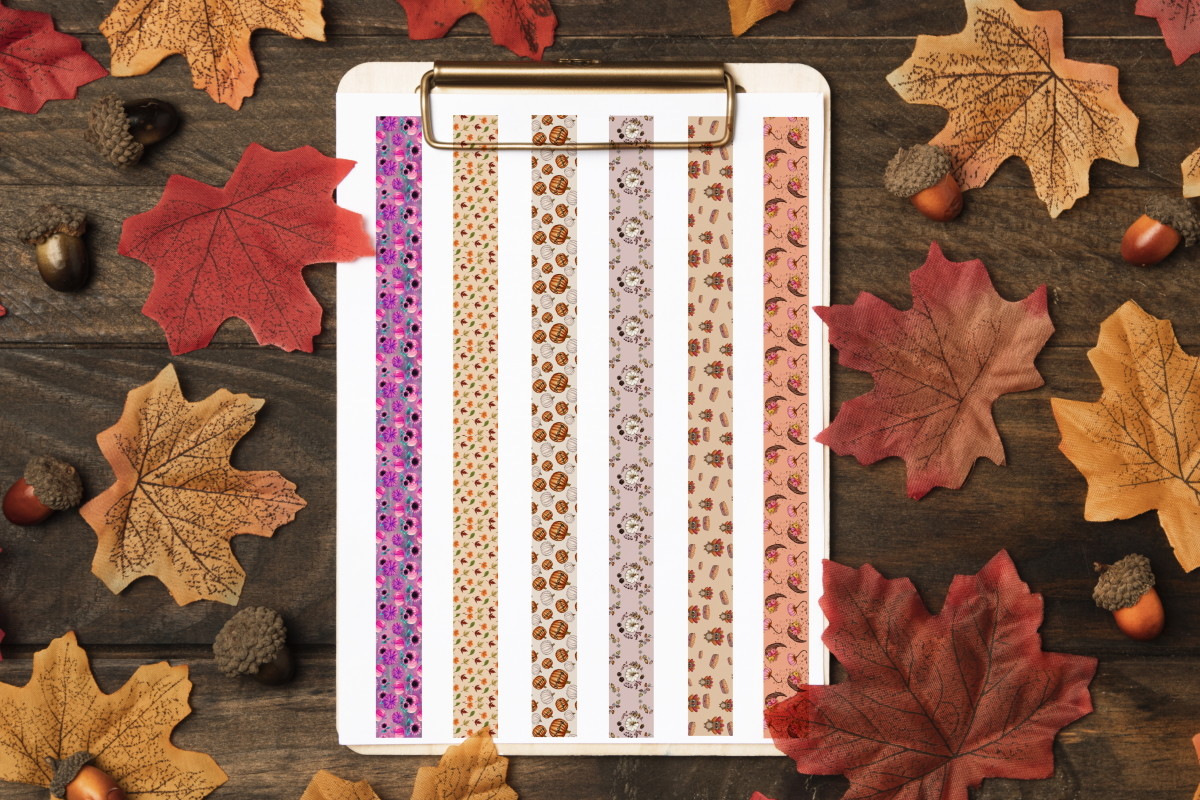
This Autumn Washi Tape pack provides one PDF, two JPGs and two PNGs in a ZIP, with 300 dpi printing specified. Its preview shows a coordinated group of decorative strips, making it useful for adding narrow borders or dividers to a fall planner spread. The mix of print and image formats gives you more than one route to using the artwork without requiring an editable vector source.
The written inventory does not confirm the strip count, paper dimensions or whether the PNGs are individual pieces or combined sheets. Check the files before deciding how much cropping or arranging is necessary. The PDF is a sensible starting point for a test print, while image files can support your own layout. These are digital tape designs, not physical adhesive rolls; choose the printing or digital-placement workflow that fits your actual planner.
2. Six Marigold Strips with an A4 Printable Page
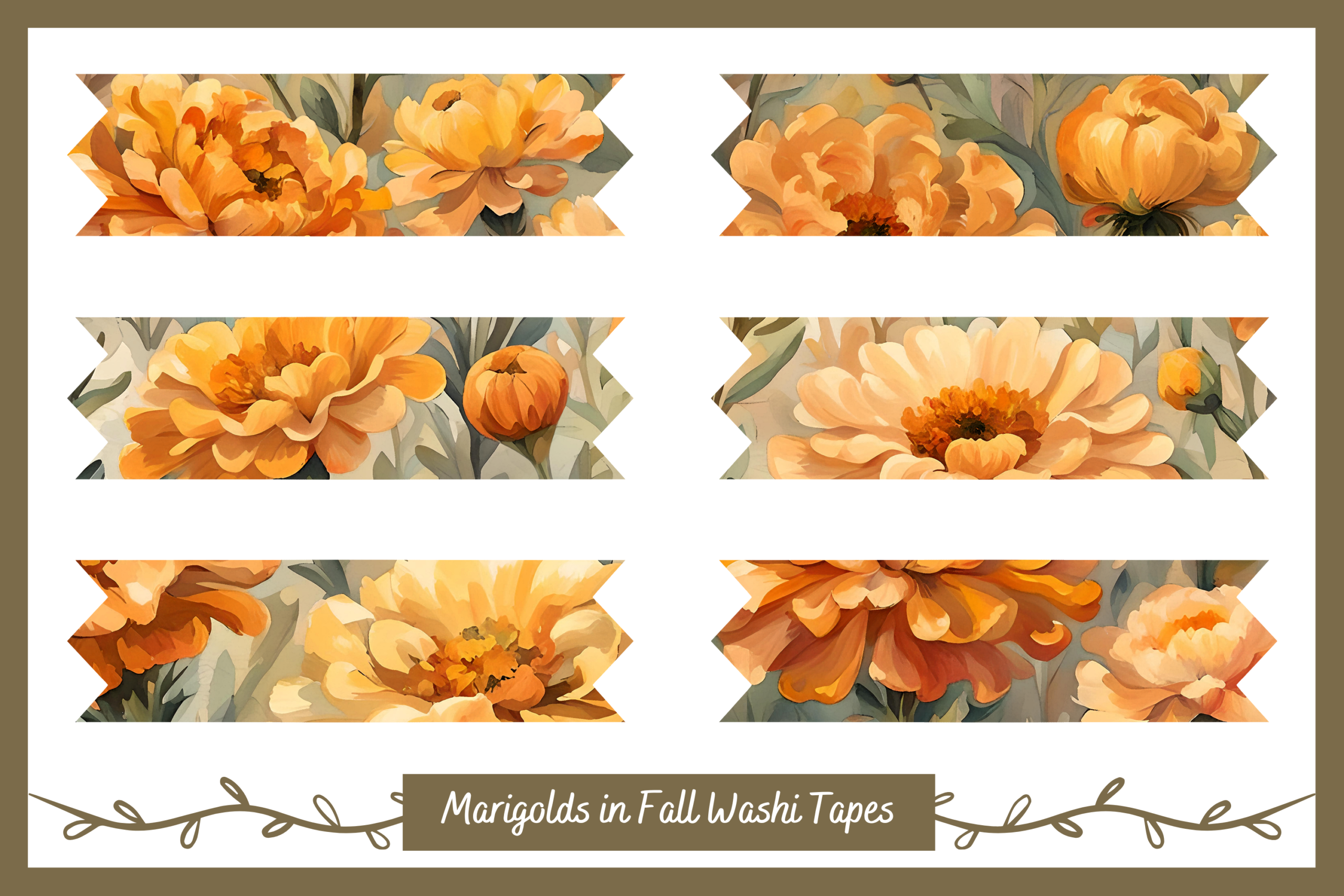
The Marigolds in Autumn set includes six transparent PNG strips, approximately 1300 × 400 pixels each, at 300 dpi. A separate A4 PNG printable page is also listed. Warm floral artwork makes these useful for a fall border or a small photographic corner, while the individual files let you choose a particular strip without extracting it from the combined page.
Use the A4 layout when you want a prepared starting point for printing, or arrange the separate strips at a tested size for your notebook. The source dimensions describe digital artwork rather than a supplied physical roll. A PDF, editable vector file and prepared cutting lines are not listed. Keep the flower scale readable after reducing a strip; a border that looks detailed on screen may become too busy beside small handwriting on a compact planner page.
3. Twenty Chevron Strips in Individual and Printable Formats
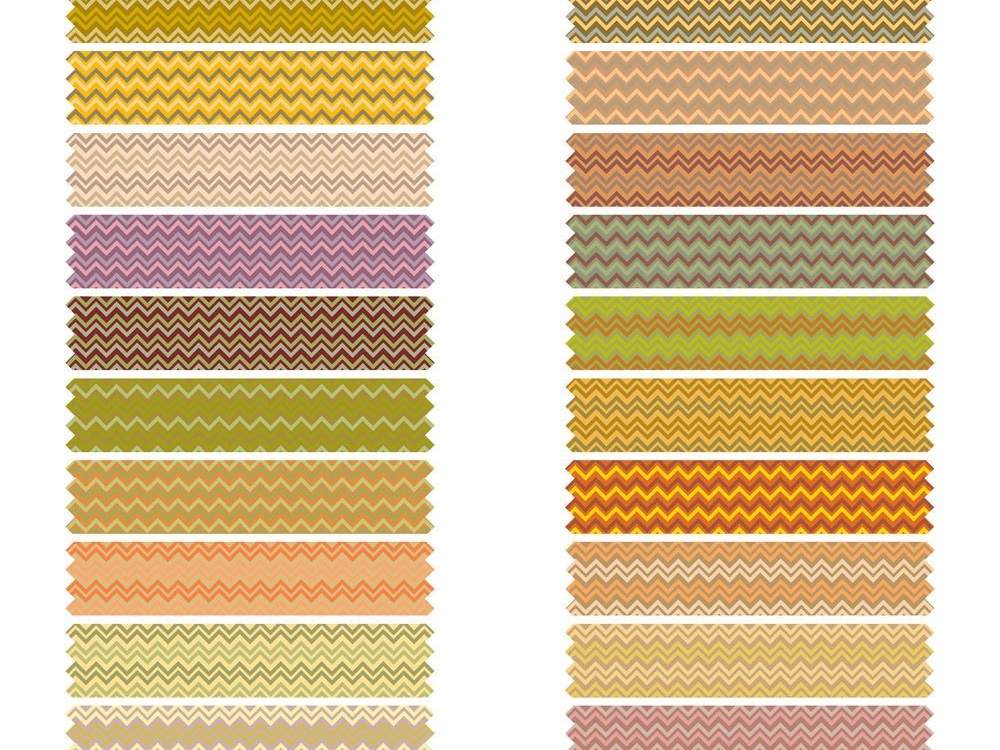
Fall Chevron provides 20 individual transparent PNG strips at 300 dpi, each specified as 6 × 1.2 inches, or 1800 × 360 pixels. It also includes Letter-size JPG and PDF sheets where the printed strips are smaller: 3 × 0.6 inches, or 900 × 180 pixels. That distinction is useful when choosing between a digital page border and a compact prepared print layout.
The two size descriptions refer to different supplied versions, not inconsistent measurements of one file. Start with the sheet if its smaller strips fit your calendar, or use an individual PNG when you need to arrange a longer border yourself. No editable vector or prepared cutting file is listed. Keep the chevron pattern proportional when resizing; changing only the width can distort the design. Test the colors and printed strip height before cutting a full page.
4. Cozy Fall PNG Tape with Pumpkins, Leaves and Plaid
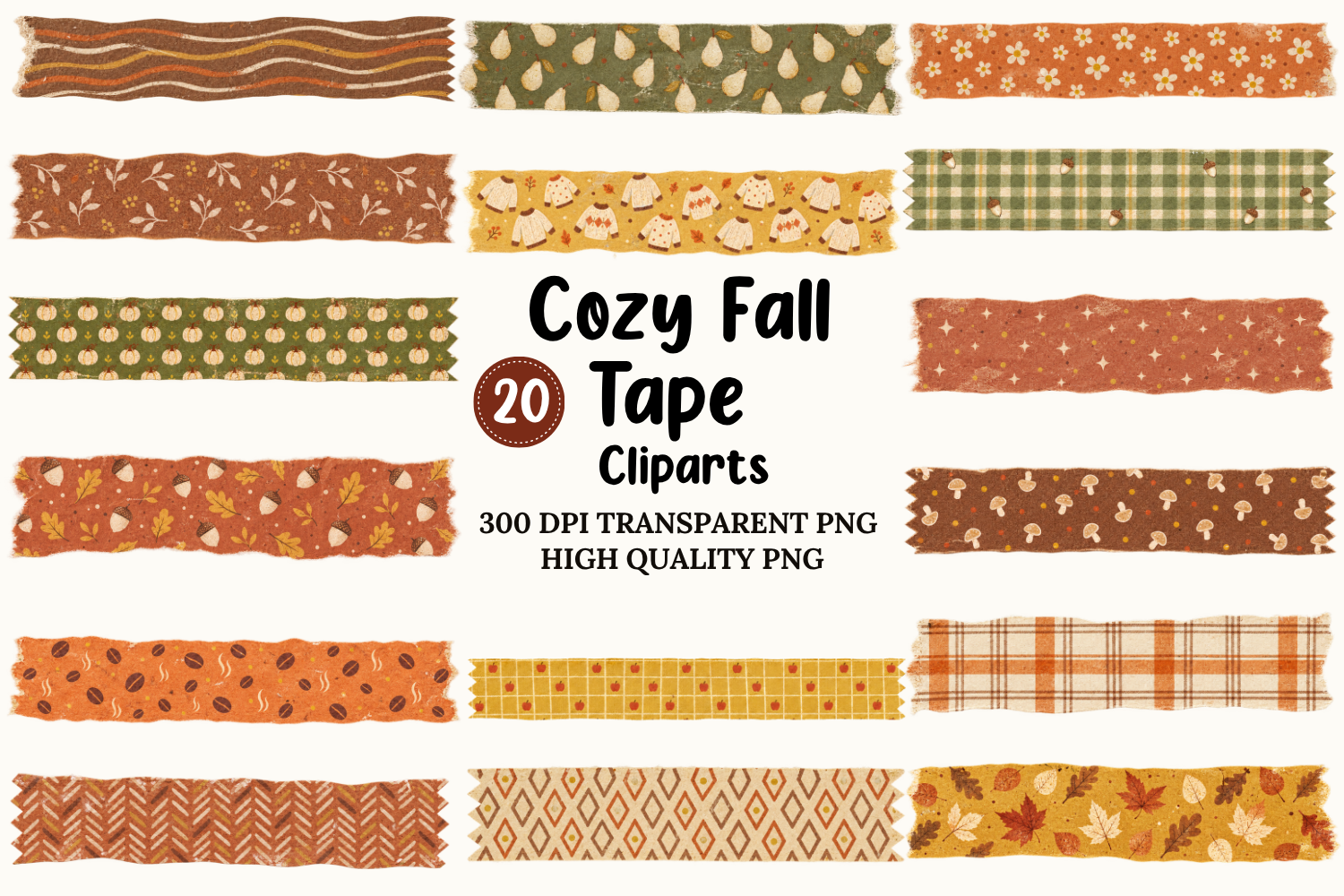
The Cozy Fall bundle uses transparent PNG tape artwork at 300 dpi, with pumpkins, leaves, acorns, mushrooms, plaid and other autumn motifs described in the listing. Its own preview advertises 20 tape cliparts, while the written description focuses on the formats rather than a complete item count. It is useful when you want several warm patterned borders within one visual theme.
Confirm the actual inventory and pixel dimensions before arranging a print sheet or a whole digital spread. A ready-to-print PDF and editable source files are not listed. The images can be layered on a compatible design surface, but that does not confirm a dedicated app sticker book. Use a quieter strip beside long notes and reserve the busier motifs for headers or dividers. Printing only a selected group keeps the page coordinated without filling every margin with a different pattern.
5. Torn Fall Paper Strips on Four Combined Sheets
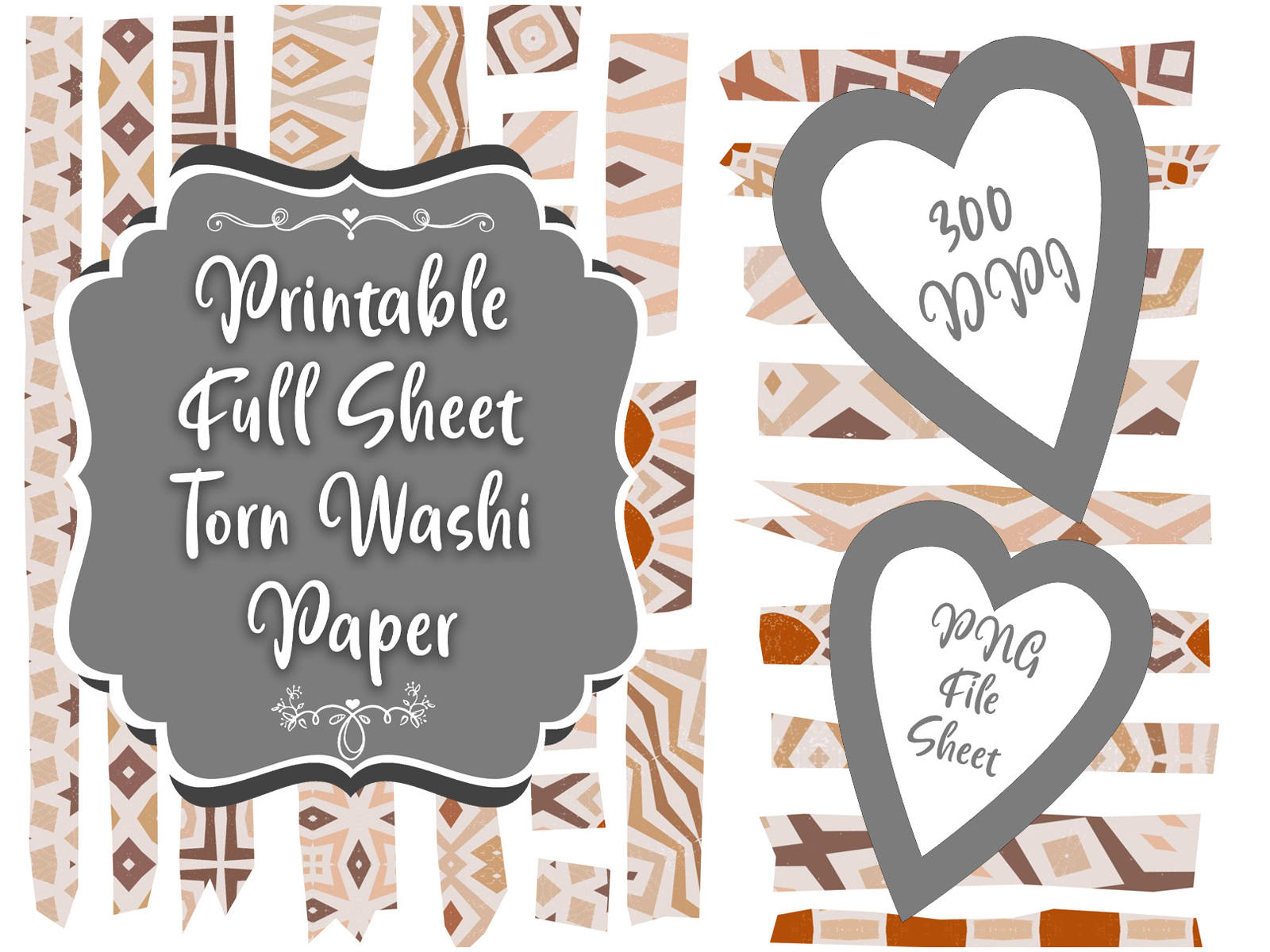
Fall Bliss supplies torn-paper-style strips on four PNG sheets at 300 dpi, with white and transparent background versions mentioned. The creator explicitly says the images are combined on sheets rather than saved as individual PNG clipart. That makes it useful for a craft session where you want to print several small tape-style pieces together, or for a digital workflow where you are comfortable cropping the desired strip yourself.
Do not treat the four-file count as four confirmed sets of different designs; some may be background versions of the same artwork. Paper dimensions and individual strip measurements are not given. Check the sheet before printing and keep a little room around a strip when cropping, so its irregular edge is preserved. There are no confirmed vector sources or machine cut lines. The torn look is part of the artwork, with your own printing, trimming and placement still required.
6. Editable Autumn Tape Vectors with Separate PNGs
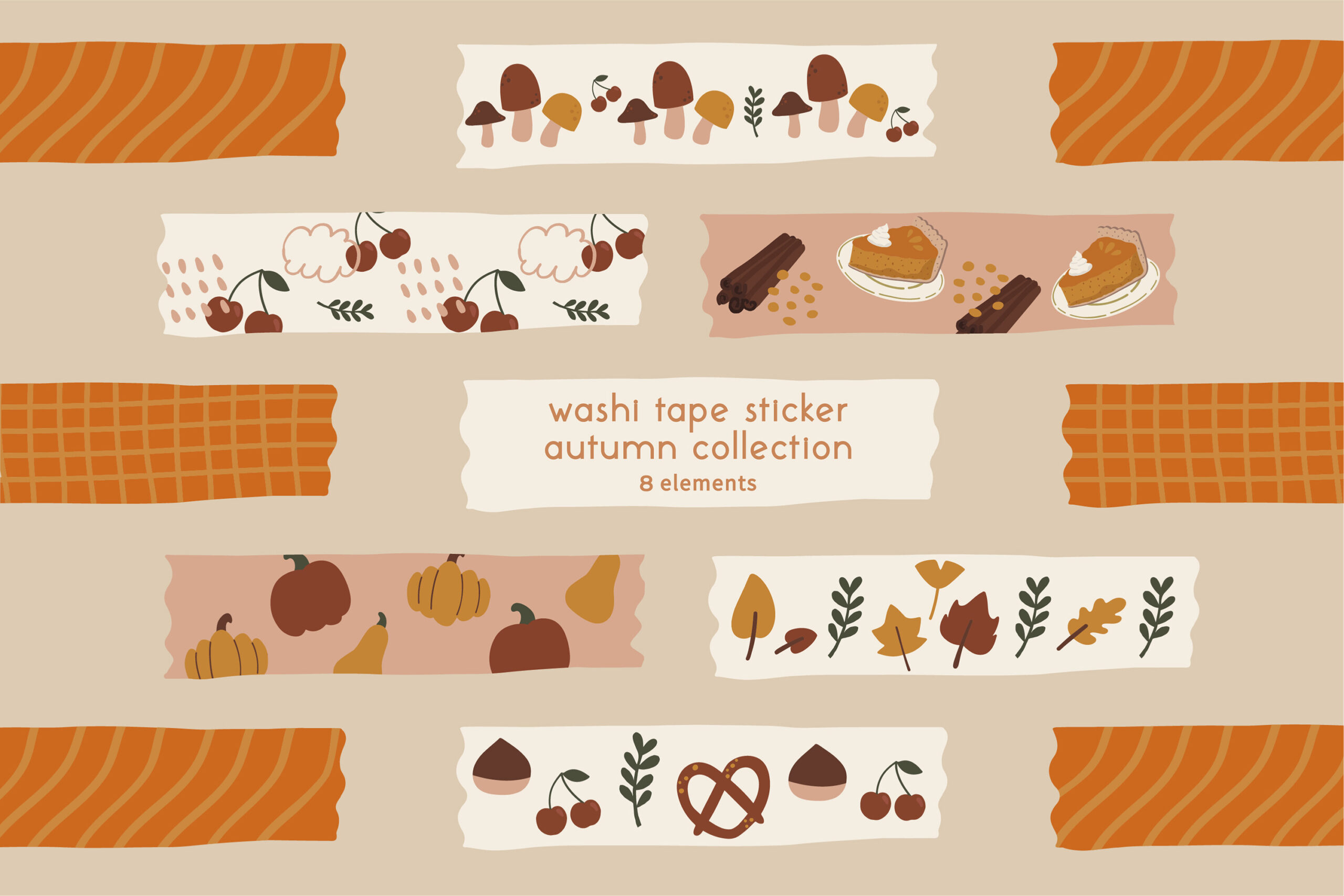
This Digital Autumn Clip Art set offers editable EPS artwork, separate SVG files and individual transparent PNGs at 300 dpi. The preview labels eight elements, while the written inventory does not spell out a design count or exact dimensions. It is a useful choice if you want to adapt an autumn border in compatible vector software rather than work only with a flattened printable sheet.
Use the PNGs for straightforward image placement, and choose SVG or EPS when your workflow needs vector resizing or design adjustments. Separate vector files do not automatically establish editable text, prepared cutting lines or compatibility with every app. Check how the elements are grouped in the actual download and make a small test layout. The flexibility is valuable if you already have a design workflow; for simple home printing, a prepared PDF sheet elsewhere in this collection may take less setup.
7. Twelve Transparent Fall Strips with Built-In Shadows
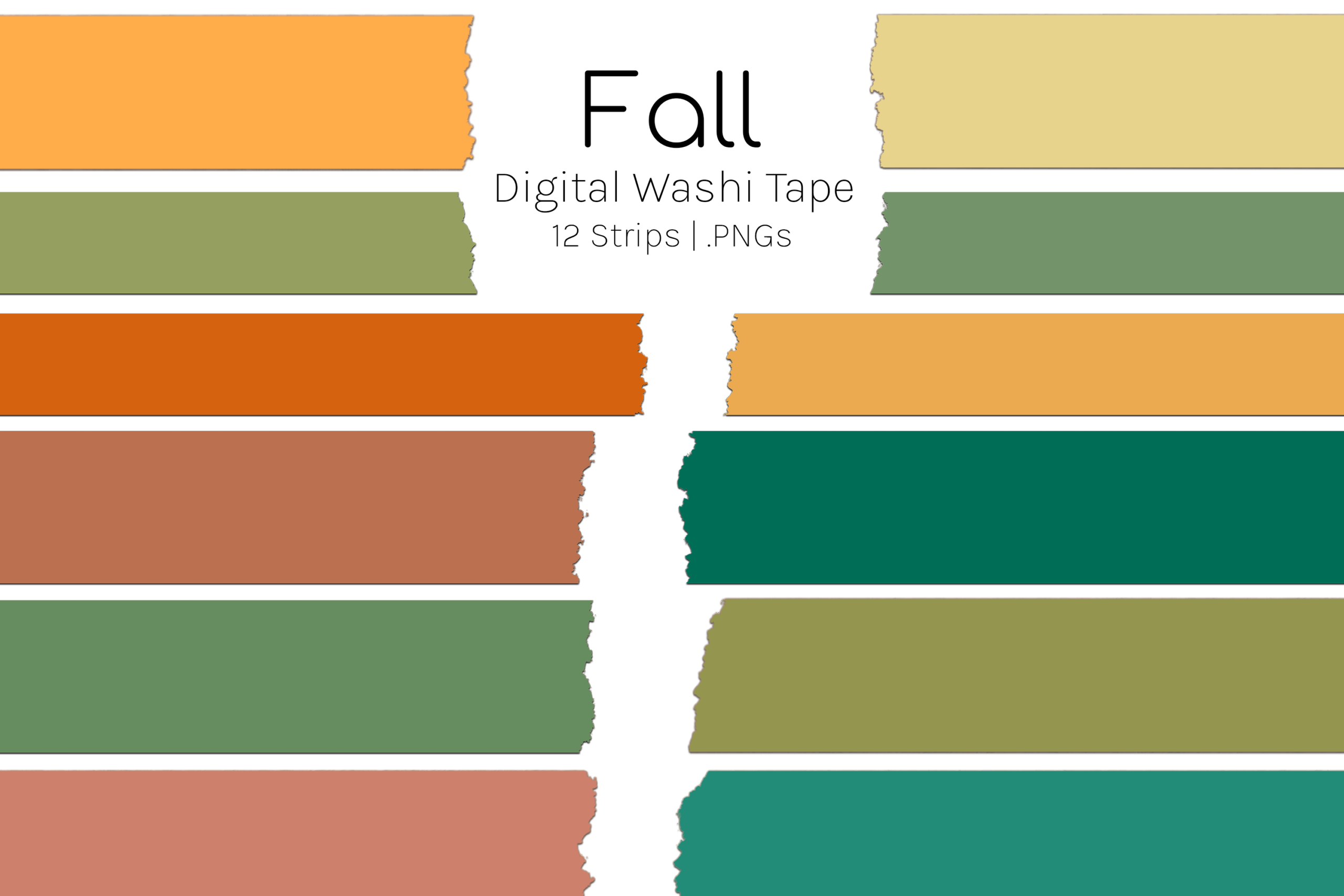
Fall Digital Washi Tape provides 12 transparent PNG strips in a ZIP, specified at 300 dpi and roughly 6 × 1.5 inches each. The files include a shadow, giving the strips a layered appearance on a digital spread. The relatively broad, simple color areas shown in the preview can work as section dividers or quiet borders when you do not want a busy pumpkin or leaf pattern beside your notes.
The shadow is part of the supplied image, so consider how it will look against your page background or in a printout. A separate shadow-free version is not confirmed. The package does not list a printable PDF, vector source or dedicated sticker-book file. Arrange only the colors you need and reduce the strip proportionally for smaller pages. A wide digital border can become visually heavy if it is placed over writing lines instead of in a margin.
8. Eight Pearly Gradient Strips for a Soft Fall Palette
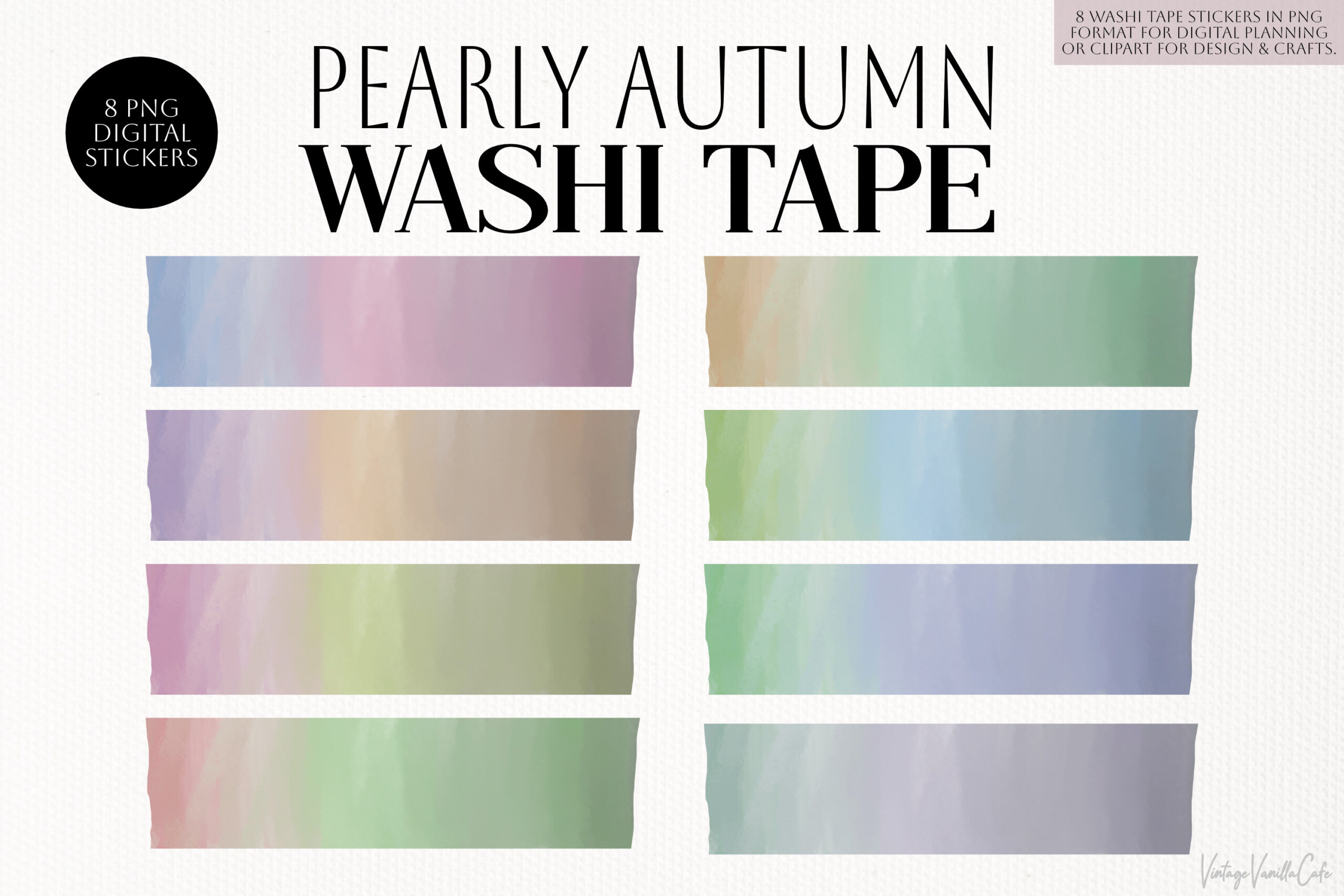
Pearly Autumn includes eight transparent PNG strips, approximately 3200 × 826 pixels each, supplied in a ZIP at 300 dpi. Its pastel gradients offer a softer fall palette than the rust-and-brown patterned collections. The creator positions the images for planner decoration in annotation apps, including Goodnotes, Notability, Noteshelf and Xodo. They can work as gentle dividers on a digital page or as artwork in your own print layout.
The pearly finish is a visual effect in the image, not a guarantee of metallic or shimmering printed material. A dedicated file for each named app is not listed; the supplied format is PNG. Check your own image-import workflow and reduce the artwork to a practical border size. The high source dimensions give room for placement, but a transparent background does not make the strip automatically editable as separate gradient or texture layers.
9. Twenty-Eight Autumn Scenery Strips in Separate Files
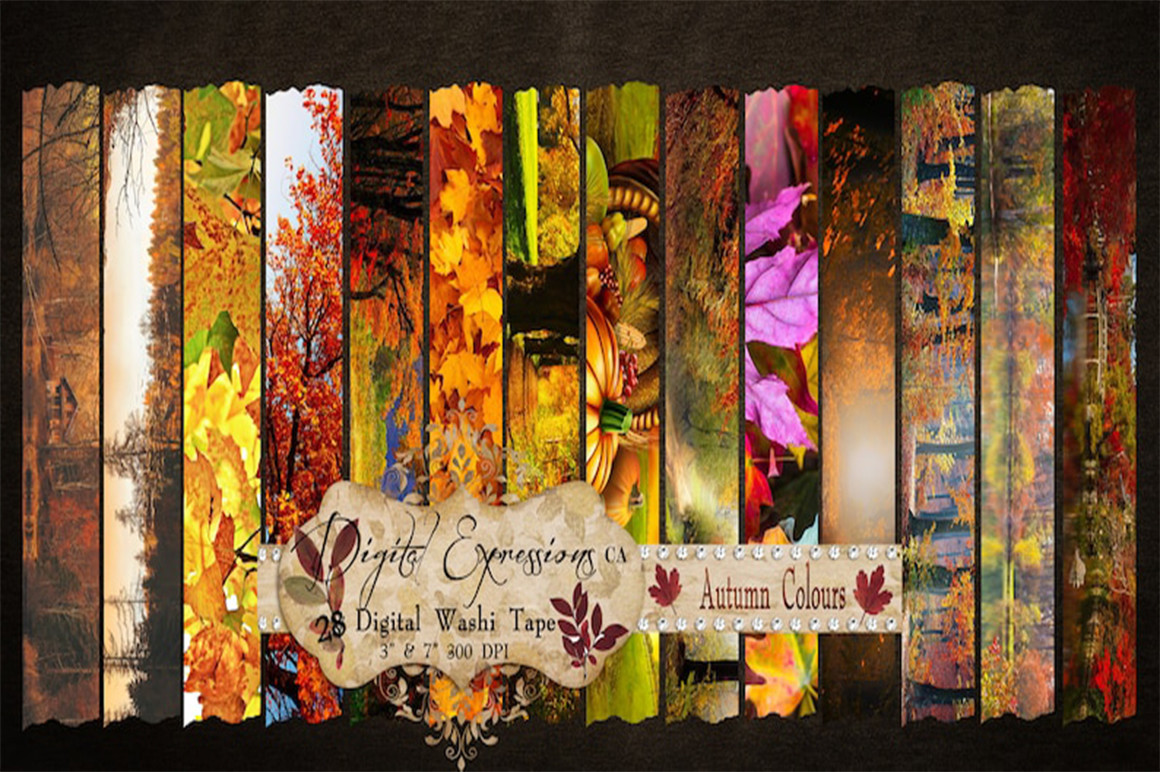
This Autumn Printable Washi collection lists 28 separately saved files at 300 dpi, with scenic fall artwork for planner and scrapbook borders. The first stated size is consistent: 1.25 × 7 inches corresponds to 2100 × 375 pixels. That can be useful for a longer page edge or a broad seasonal divider, especially when you want the border to contain autumn scenery rather than a repeated geometric pattern.
The second size has a discrepancy: the listed 950 × 210 pixels would be about 3.17 × 0.7 inches at 300 dpi, while the written height says 0.07 inches. Confirm the actual files before planning a precise print layout. File extensions are also not established in the description, so do not assume every item is a transparent PNG. Keep the scenes proportional when resizing and choose which area to crop if a full-length strip is too large for your notebook.
10. Six Retro Haze Strips for Muted Autumn Spreads
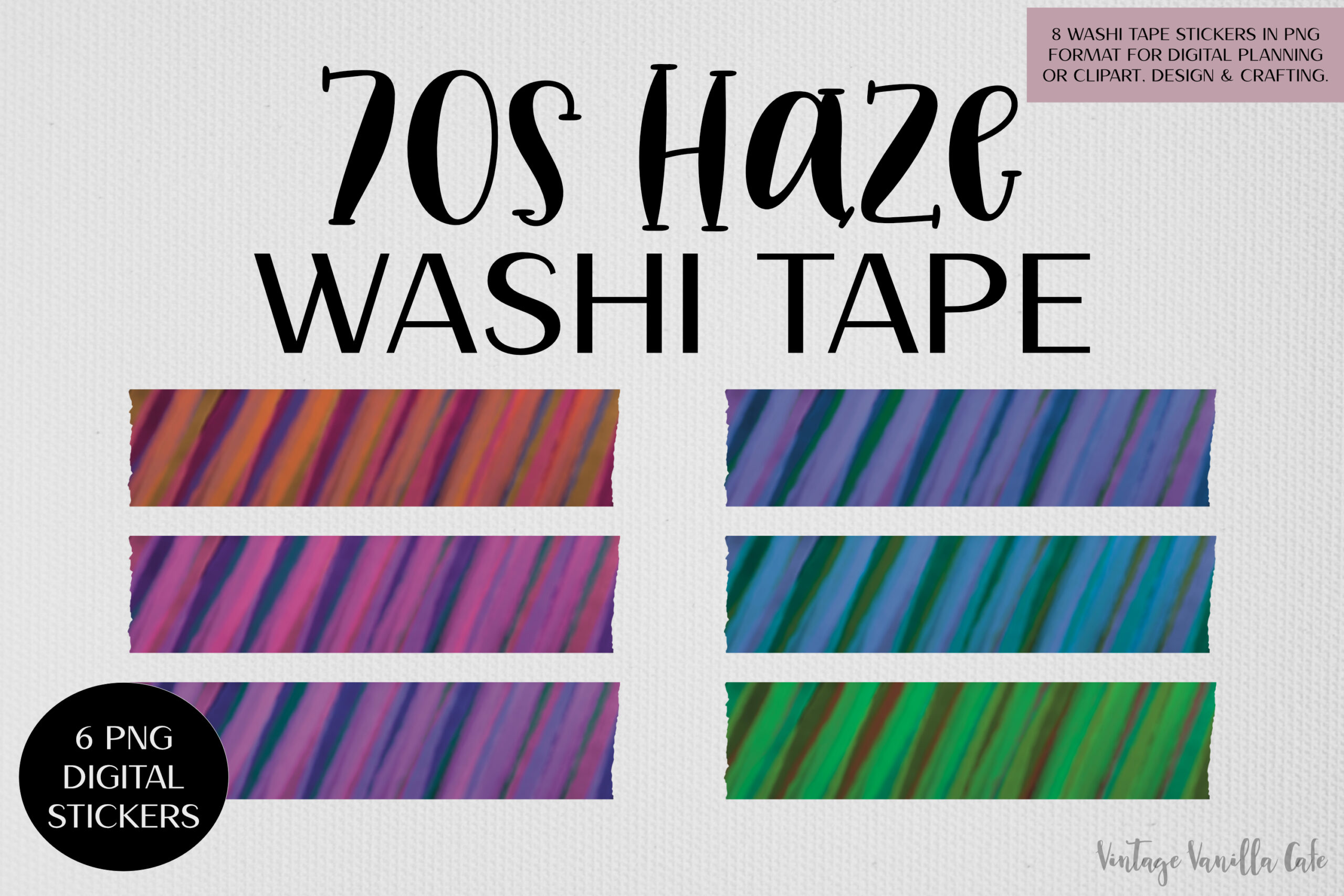
70s Haze offers six transparent PNG strips, approximately 2500 × 650 pixels each, in a ZIP. The retro color treatment gives a fall spread a different mood from botanical or pumpkin artwork. The creator describes use in annotation apps such as Goodnotes, Notability, Noteshelf and Xodo, making it a useful option when you want image-based borders for a digital planner rather than a full printable sticker kit.
The written listing does not specify numeric resolution or a prepared paper sheet. Use the pixel dimensions to judge your intended placement and test the actual file before printing. No dedicated app sticker book, editable vector source or machine cutting file is confirmed. Keep the strip scale consistent with your other page elements; a relatively simple border works best when it frames a section without competing with headings, tasks and handwriting.
11. Sixteen Editable Autumn Borders for Making Your Own Tape
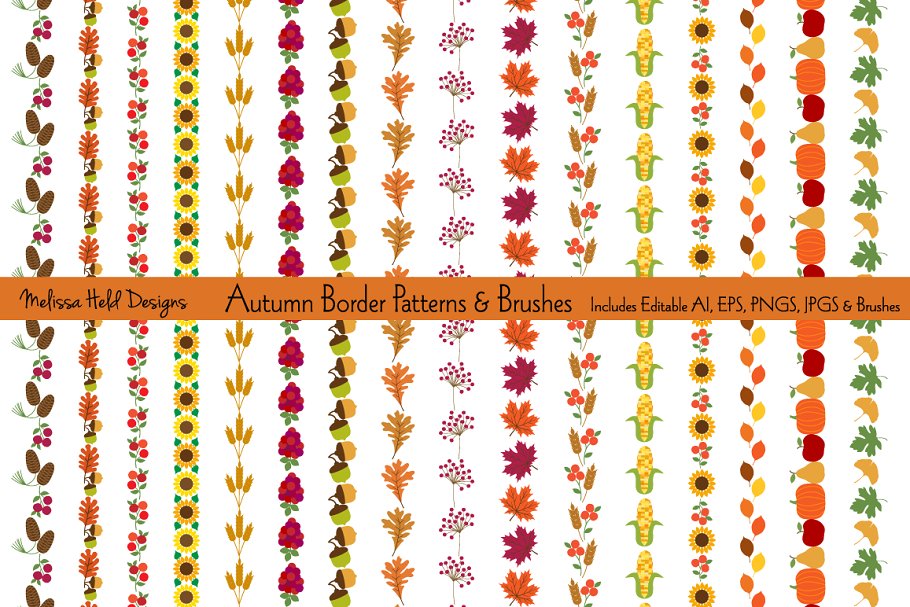
Autumn Border Patterns and Brushes is a design resource for making your own tape, rather than a prepared washi sticker kit. It includes editable AI and EPS files with 16 pattern brushes, plus 16 JPGs and 16 transparent PNGs. Wheat, berries, leaves, acorns, pumpkins and other harvest motifs provide a coherent autumn vocabulary. The brush approach can be useful if you want to extend a border or adapt it to a frame.
The written width uses unclear unit marks, so verify the source dimensions instead of relying on that notation for a print plan. Brush editing requires compatible vector software, and the supplied images do not automatically become a ready-to-print sticker sheet. The creator also says the pillow and plate patterns in the preview are not included. Choose this option when you want to design your own border length or arrangement; a prepared tape pack will be quicker if you simply want to print and cut.
12. Ten Gold-Effect Strips in Autumn Colors
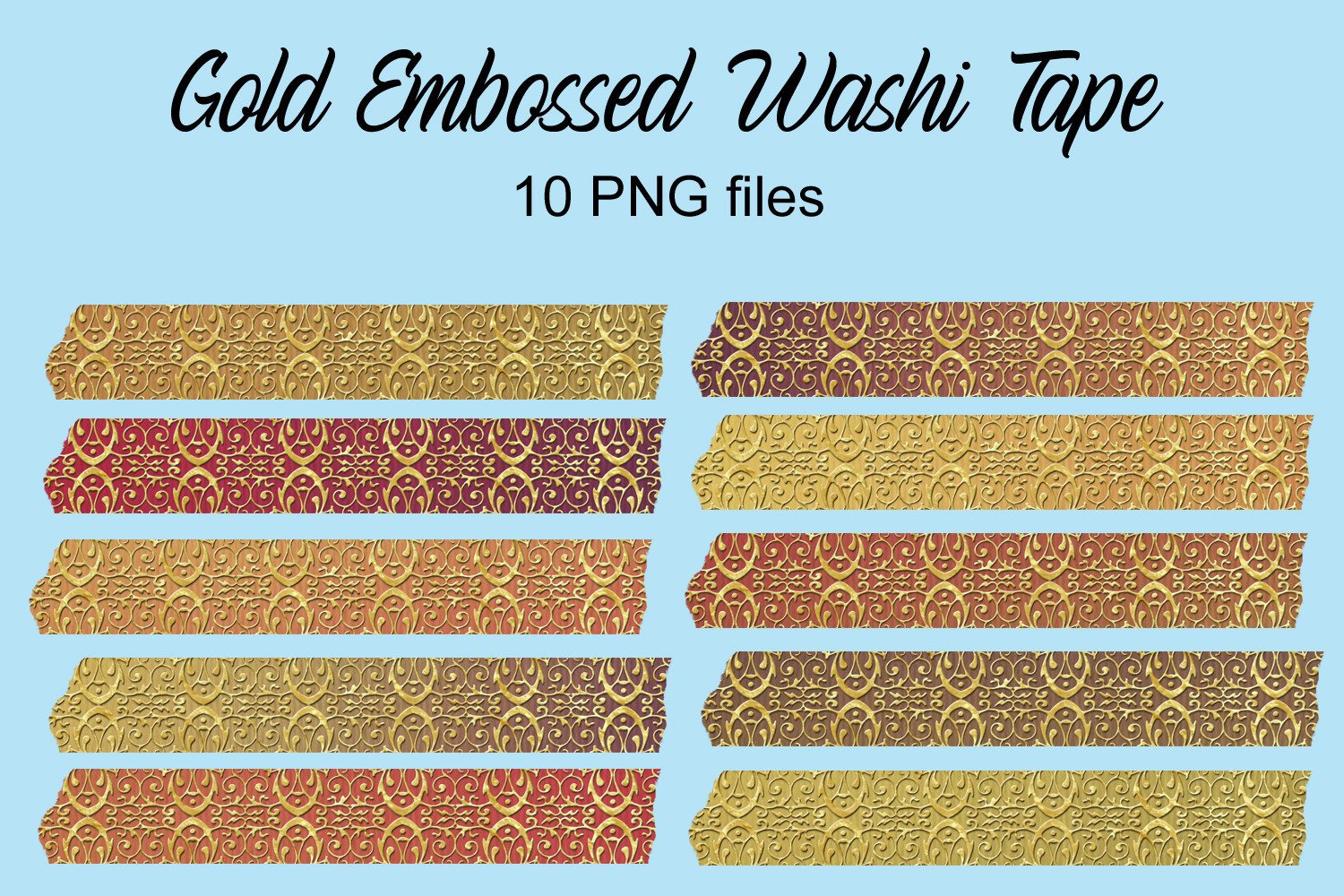
Gold Embossed Washi Tape supplies ten PNG files in autumn colors, each specified at 2280 × 346 pixels. The gold-effect decoration gives you a more ornate border for a seasonal title page, a photograph or a small section divider. The relatively narrow proportions can be useful when a larger illustrated strip would cover too much of the page.
The embossed appearance is simulated digital artwork, not a physical gold-foil finish. Numeric resolution, transparency and a prepared print sheet are not confirmed in the written inventory. Arrange a sample at the size you intend to use and check that the small decorative details remain visible. PNGs are flattened images, so the gold pattern and background are not established as independently editable layers. A restrained use of the border can frame your notes without making every margin equally busy.
Make the download work for your routine
Choose a strip that leaves your writing space comfortable, then repeat a small palette or motif across the spread. Prepared sheets suit a print-and-cut session, while separate images and vectors give you more control over placement. For broader tablet decoration options, our digital planner sticker guide can help you compare file types. Download a suitable set, test one border and build the rest of the page around your actual notes.