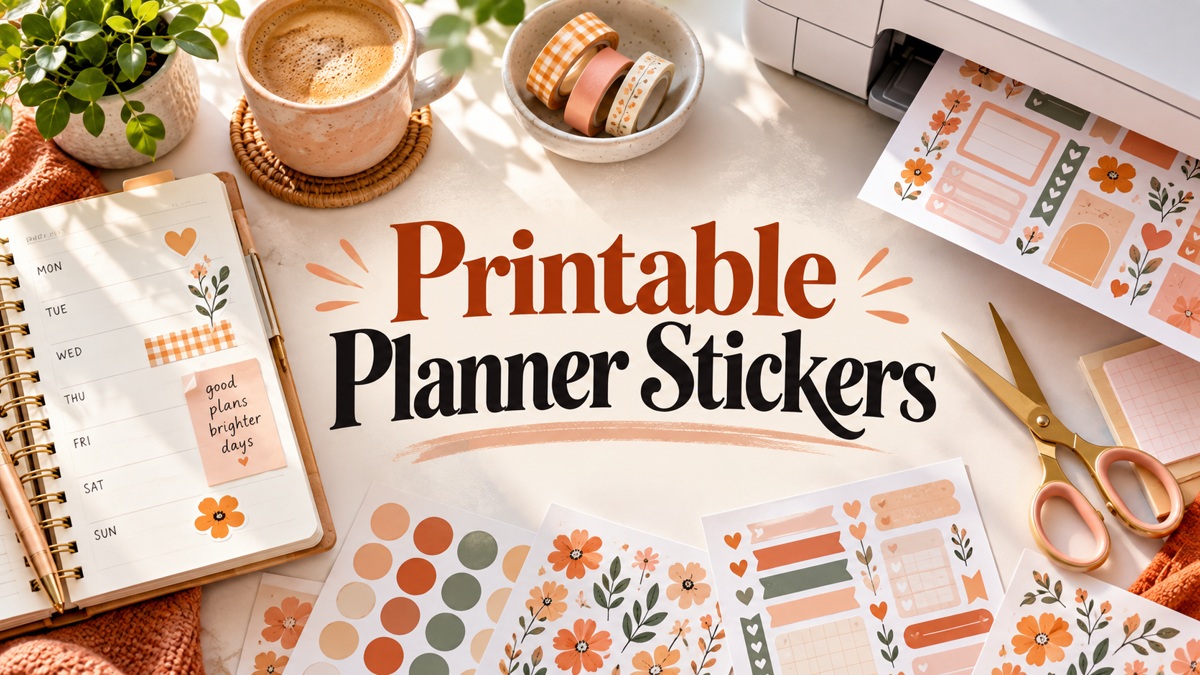
9 Versatile Printable Planner Stickers for Creative Paper Pages
Printable planner stickers give a paper planner reusable visual structure without replacing the pages you already enjoy. This selection compares nine downloads, from ready-to-print PDFs to coordinated sheets with cutting assets and individual PNGs. I chose different jobs and workflows rather than treating every color edition as a separate product.
The main decision is how much preparation you want to do. A PDF sheet and scissors suit a simple routine; PNG artwork with DXF or other cutting assets offers more control but requires compatible software and alignment. Check your planner space and print one sample before committing to sticker paper.
For seasonal alternatives, our Halloween planner stickers collection focuses on October themes. The printable planner stickers below prioritize flexible paper use, with documented formats and clear limits.
1. Sweet Sorbet Printable Planner Stickers
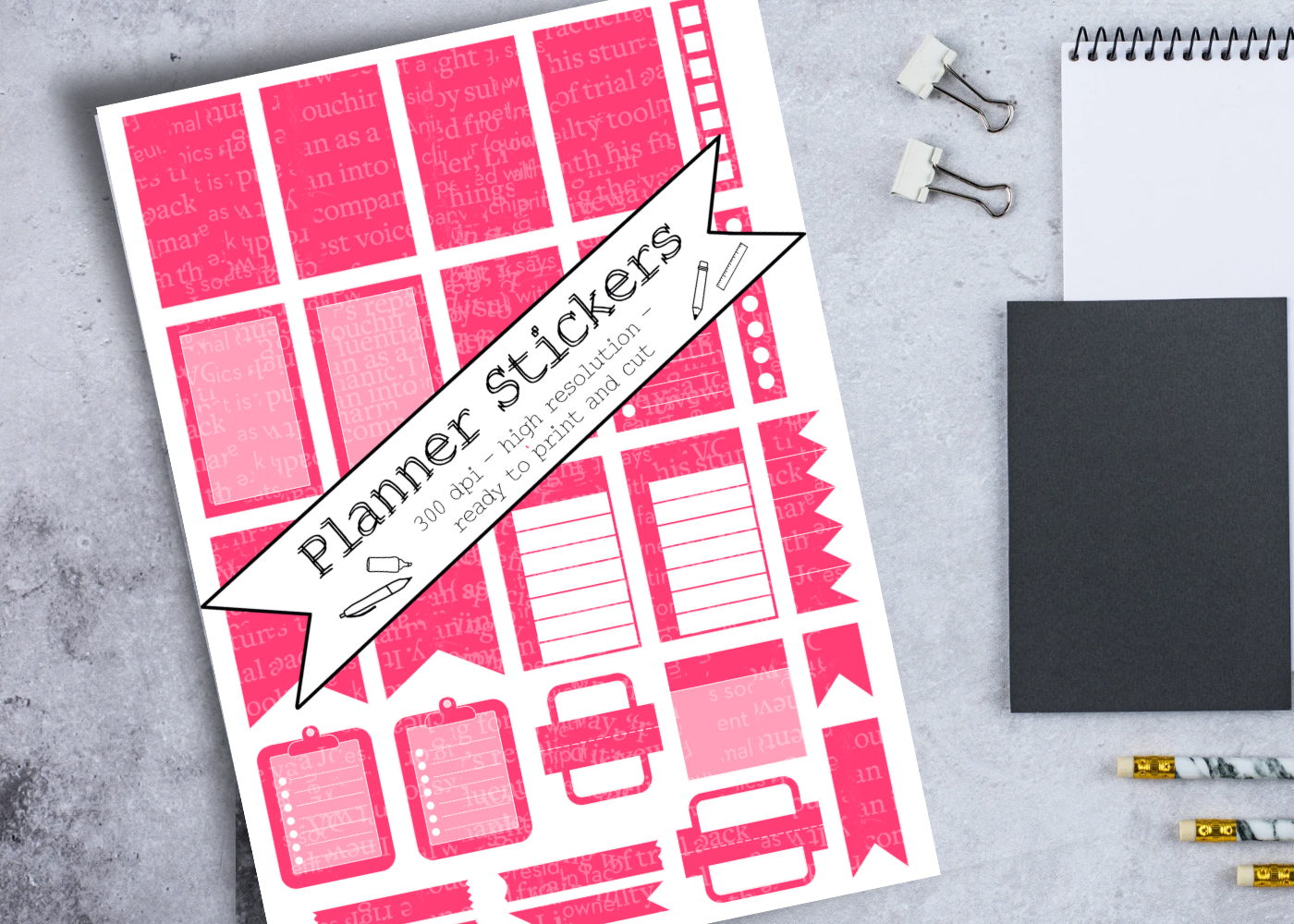
This coordinated PDF set suits a paper planner that mixes handwritten plans with stamped accents. The seller identifies the palette as Sweet Sorbet and describes hand-drawn decorative and functional pieces at 300 DPI. A single printable format keeps the workflow simple: open the PDF, print a test page and cut the pieces you need. It is especially useful when you want the printed colors to work alongside existing craft supplies.
Start at actual size and compare the smallest labels with your handwriting before committing to sticker paper. The listing does not specify an individual sticker count, separate PNGs or machine cut files. It is therefore a paper-first choice rather than a documented precropped tablet collection. Printer ink and paper affect the final color; matching a named craft palette should be treated as a starting point, not a guarantee of an exact color match.
2. Printable Planner Sticker Pages
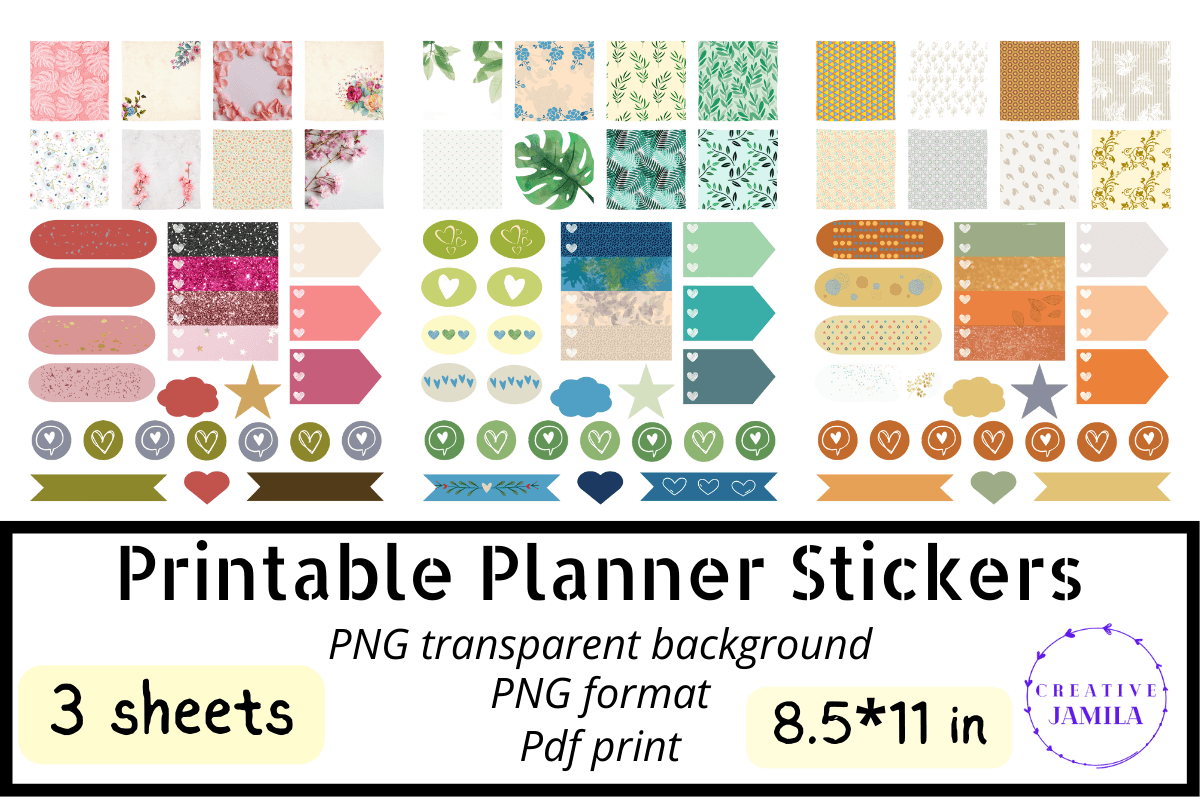
This download combines PNG artwork, transparent-background PNGs and a printable PDF. That gives you a practical choice between printing the supplied pages and preparing selected pieces in an image-compatible application. The product preview shows coordinated decorative boxes, labels and small icons, making it useful for building a complete spread without sourcing every element separately.
Use a few labels to establish a repeatable system for appointments and priorities, then add decoration around them. The description does not confirm a native Goodnotes collection, individual precropping or specific cutting-file extensions. A cutting machine may therefore require your own tracing and alignment. Treat the PDF as the straightforward paper route and the PNGs as flexible artwork that still needs preparation for your particular workflow.
3. Study Date Printable Planner Sticker Kit
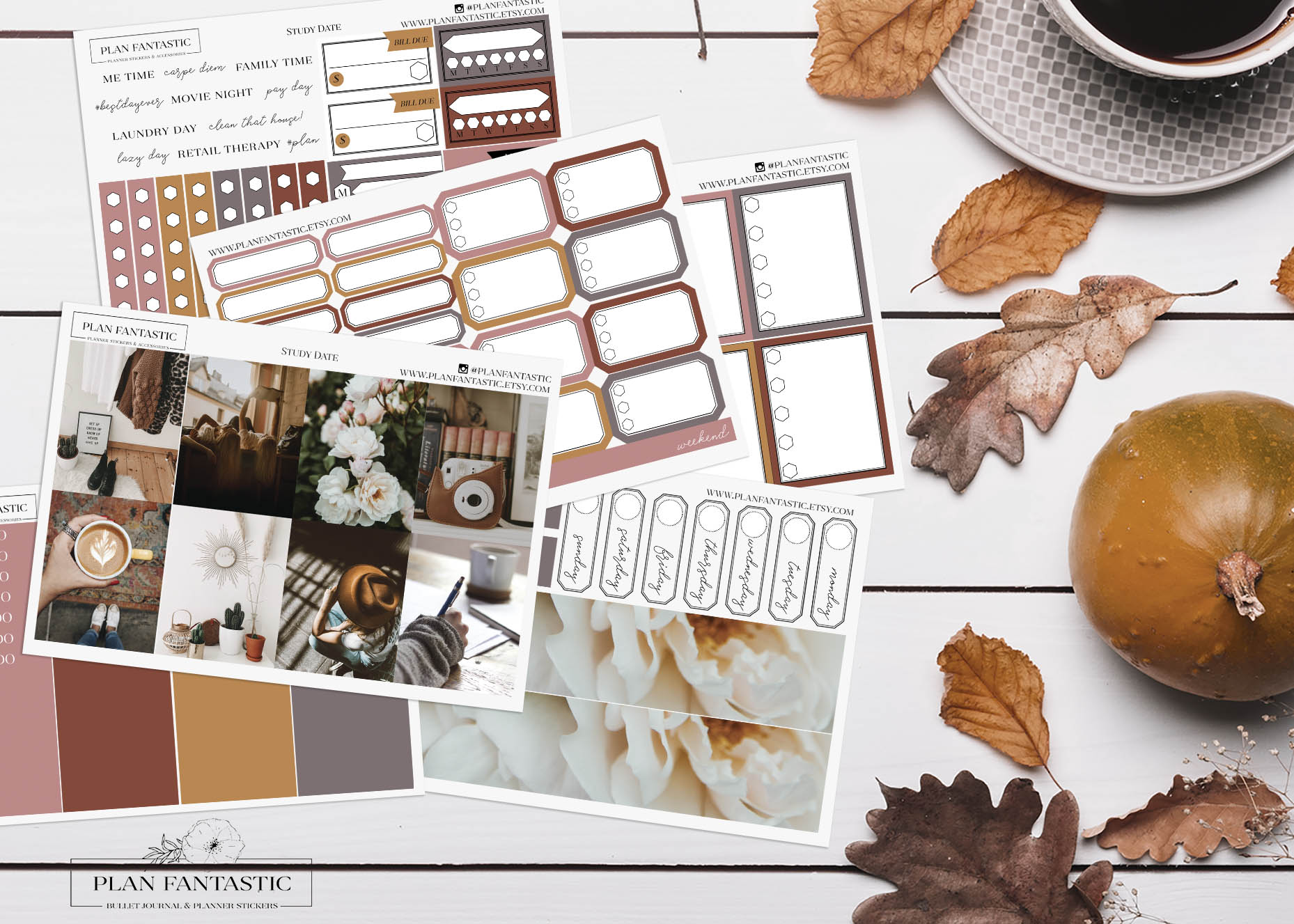
Study Date provides six coordinated PNG sticker pages and six DXF files for cut lines. The preview combines coordinated muted imagery with practical labels and boxes, so it can suit an academic week, a reading project or a quiet work session. Its strength is a coordinated page system with documented cutting assets rather than a collection of unrelated illustrations.
Align each DXF with its matching PNG in software that supports those formats, then test one small section before cutting a full sheet. The seller mentions a PDF in an example workflow, but the included-file list specifies PNG and DXF; a separate printable PDF is not confirmed. Sheet dimensions and a native tablet sticker book are also unspecified. Choose this kit if you are comfortable preparing print-and-cut pages instead of expecting an automatic app import.
4. 12 Months Printable Planner Labels
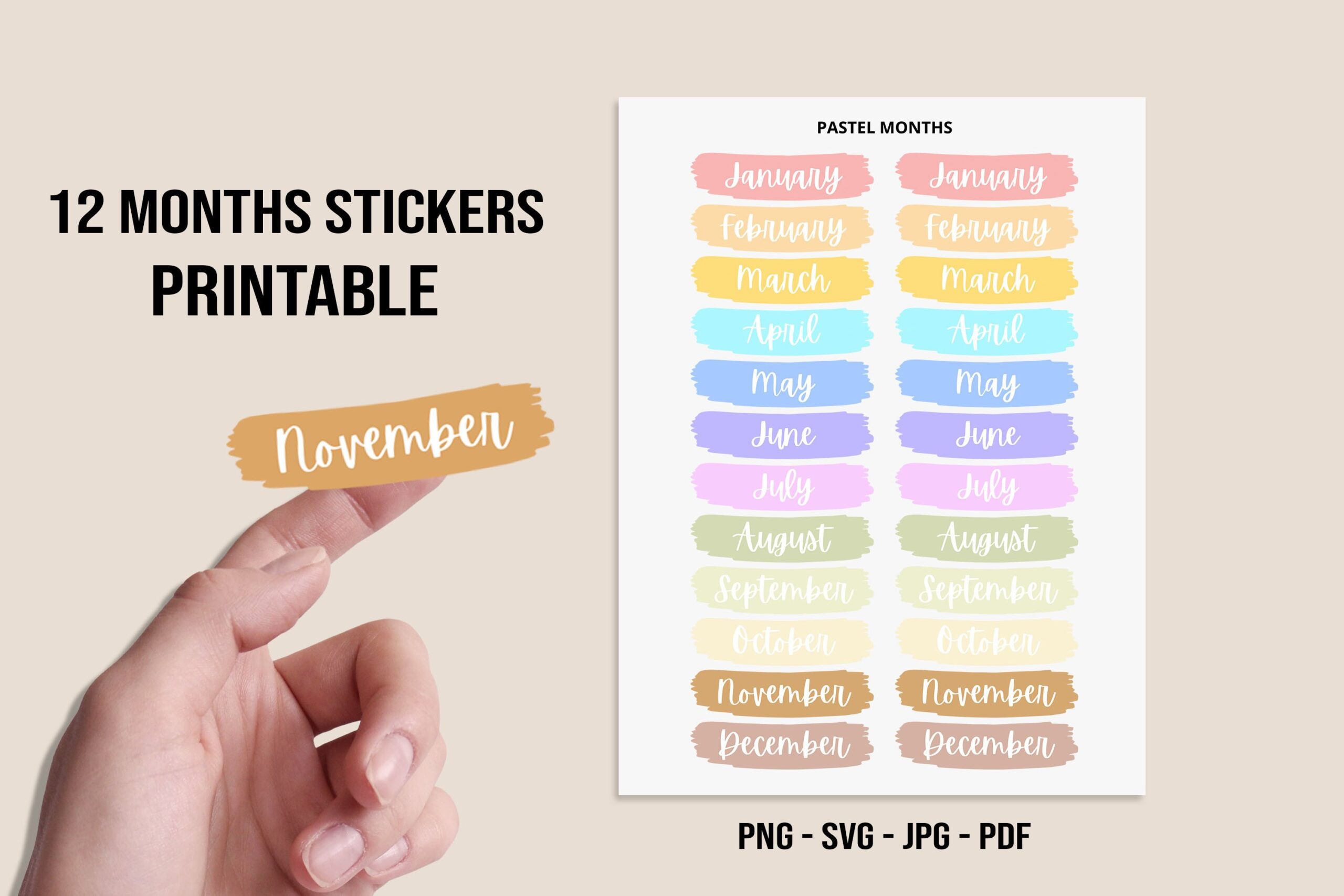
These month-name labels solve a narrow but useful problem: adding consistent headings to undated planners and journal sections. The seller lists Letter-size JPG, PNG and PDF sheets plus an SVG. Approximate sticker dimensions are 2.9 by 0.8 inches on an 8.5 by 11-inch sheet. You can use one label to anchor a monthly dashboard while keeping the rest of the page open for plans.
Measure your header space before printing, especially in smaller journals where a nearly three-inch label may dominate the page. These are month labels rather than dated calendar grids, so you still supply dates and weekday alignment yourself. Printing smaller changes the final measurements. The format list does not document a precropped app collection; digital use may require extracting or cropping the desired label from the supplied artwork.
5. Functional Planner Stickers Bundle
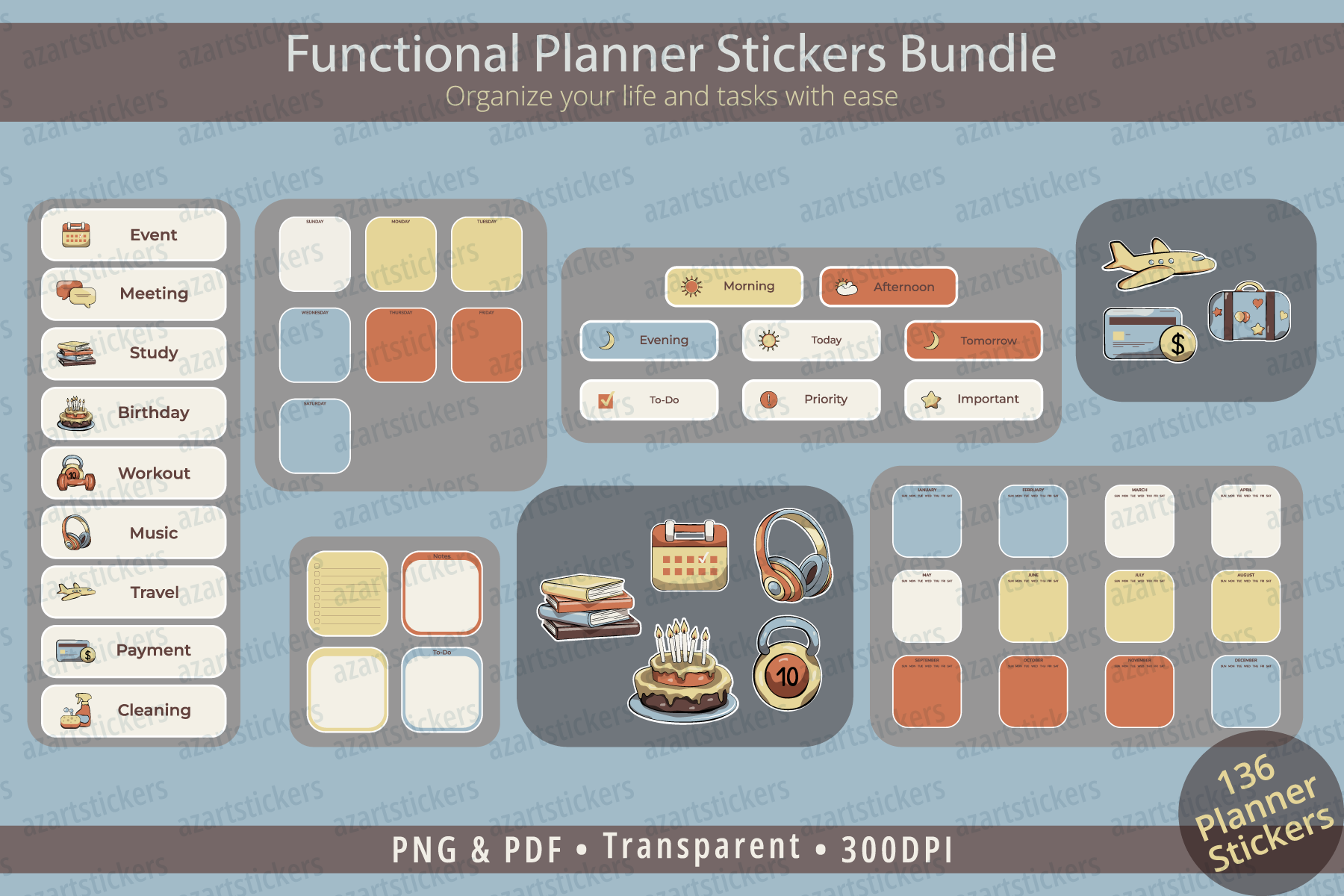
This bundle includes notes and to-do boxes, functional labels, time and priority stickers, decorative icons, and monthly or weekly planning elements. The seller provides transparent PNGs at 300 DPI in RGB and a print-ready PDF in CMYK, delivered in a ZIP. That combination is useful when your priority is a readable planning system with a coordinated visual style.
Decide on a small set of meanings before placing the stickers: one label for deadlines, one box for notes and one marker for priority work. The listing does not specify a total sticker count, exact measurements, machine cut lines or a native Goodnotes file. RGB PNGs and CMYK PDFs can also render colors differently. Use a test print to choose the version that works best with your printer instead of expecting both formats to match perfectly.
6. Cozy Bear and Panda Planner Stickers
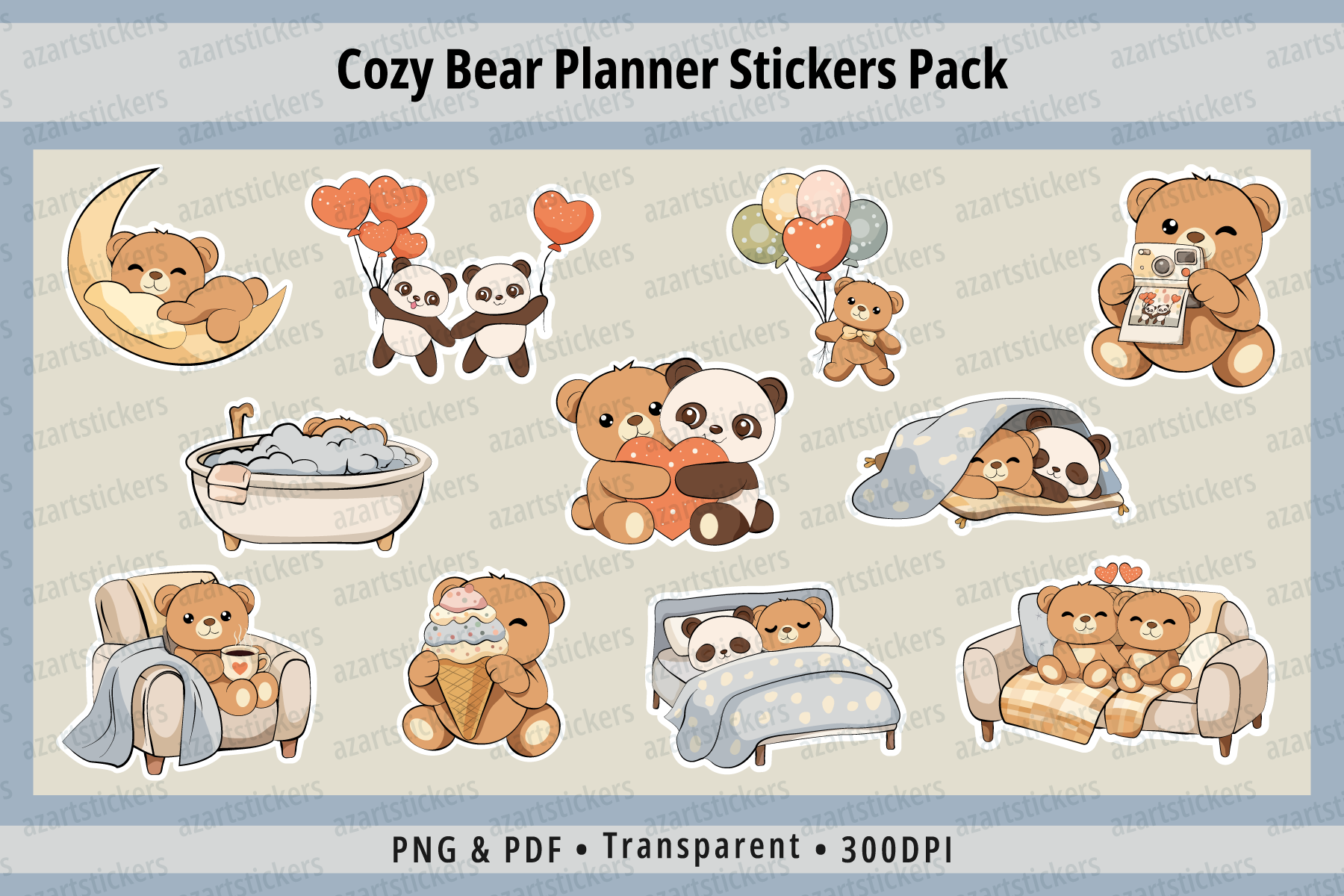
The seller describes more than 30 teddy-bear and panda stickers with everyday routine illustrations. Individual sticker files and ready-to-print sheets are included, alongside transparent 300 DPI RGB PNGs and a CMYK PDF. This is a useful decorative option for readers who want a warm, playful planner while retaining the convenience of prepared paper sheets.
Use a character beside a written routine or reminder rather than covering the space reserved for the task itself. The documented individual files make selecting a few pieces easier, but the listing does not confirm a native Goodnotes sticker book or machine cut lines. Exact print dimensions are unspecified. Expect some color difference between the PNG and PDF versions, and check how the smallest characters print before making a full page of stickers.
7. Gardening Reminder Planner Stickers
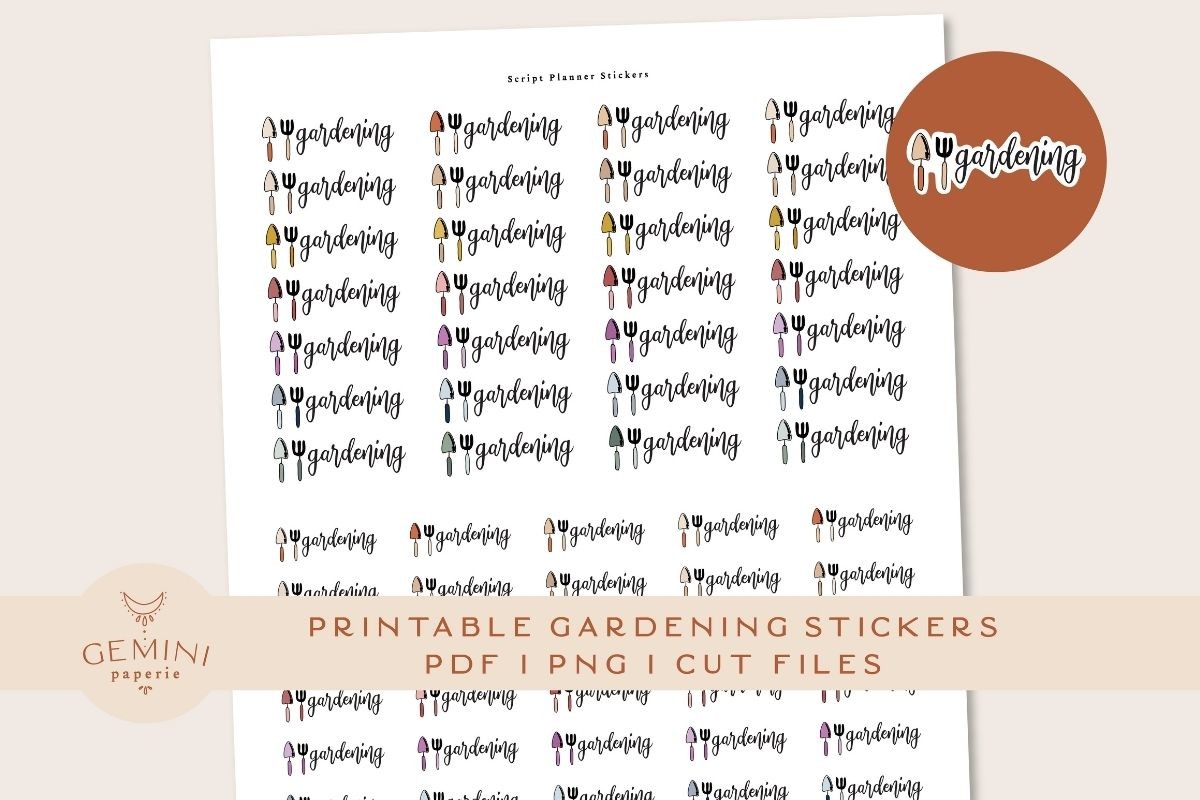
Gardening reminders make a general printable collection more useful for a specific recurring task. This pack contains 80 stickers in 16 colors, with PNG files for Cricut, a Silhouette sticker PNG and cut-line PNG, an overview PDF, and printing and cutting instructions. The seller reports testing the files on Cricut Maker and Silhouette Cameo 4.
Choose a few colors for recurring gardening jobs and write the plant or location beside each reminder. The quantity includes color options; it should not be read as 80 completely different gardening activities. Testing on two machines does not guarantee the same settings on another model or paper stock. Exact sticker measurements and a tablet-ready collection are unspecified, so check the layout and follow the supplied cutting instructions before preparing a large batch.
8. Pastel Classic Happy Planner Sticker Sheets
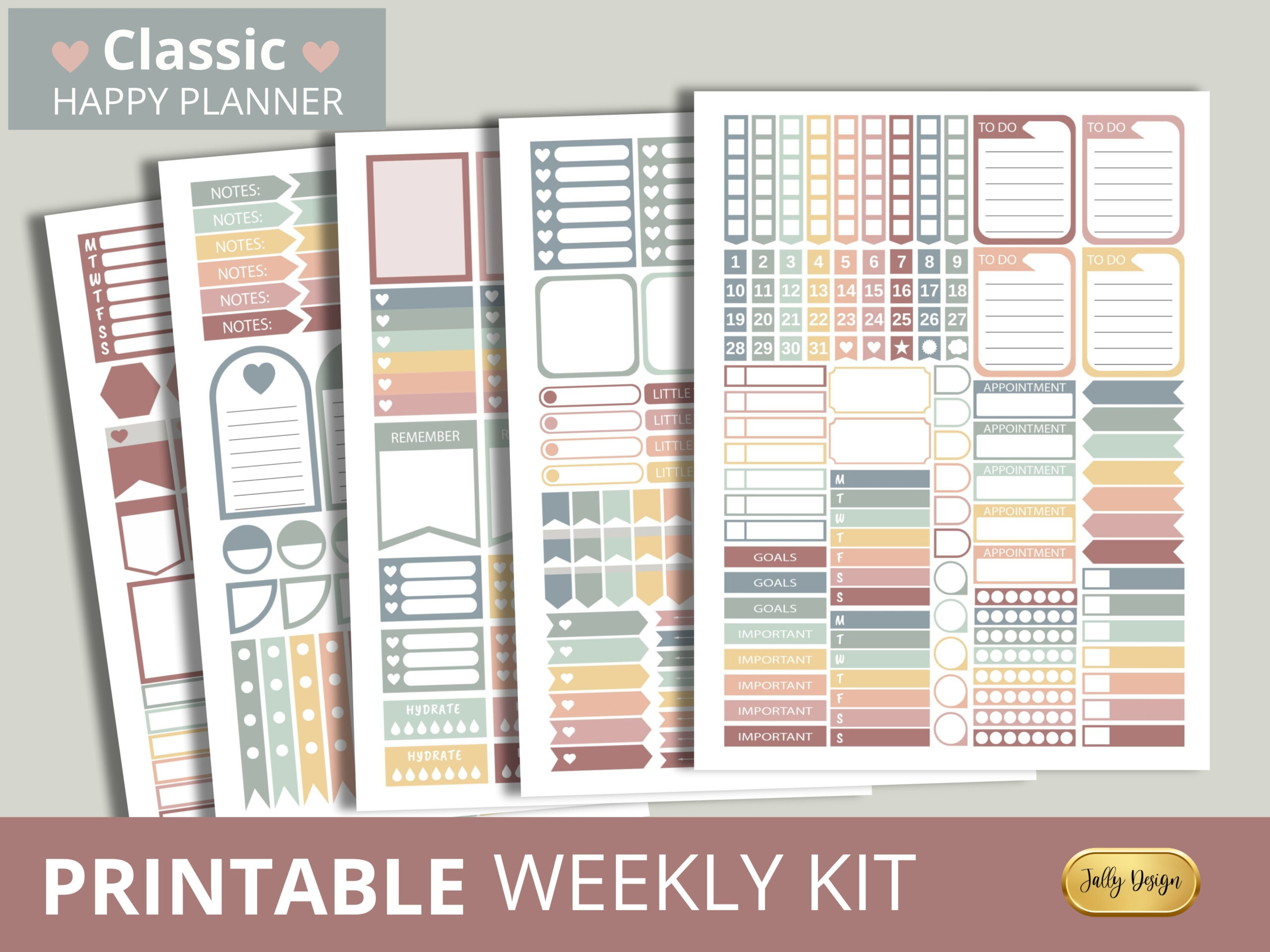
This Classic Happy Planner collection supplies one PDF containing five 8.5 by 11-inch sticker sheets. The preview combines pastel boxes, checklists and small planning labels, making it a practical paper option for coordinated weekly pages. The seller explicitly describes manual cutting, so you can begin with a printer, compatible sticker paper and scissors.
Print a plain-paper sample at actual size and compare the boxes with your particular planner edition. The description identifies the planner family but does not give exact box measurements. Separate PNGs, editable vectors and machine cut files are not listed. Choose this set for a simple print-and-cut workflow; if you depend on automated cutting or need a ready-made tablet sticker book, a more fully documented format will be easier to use.
9. Blushed Printable Planner Sticker Kit
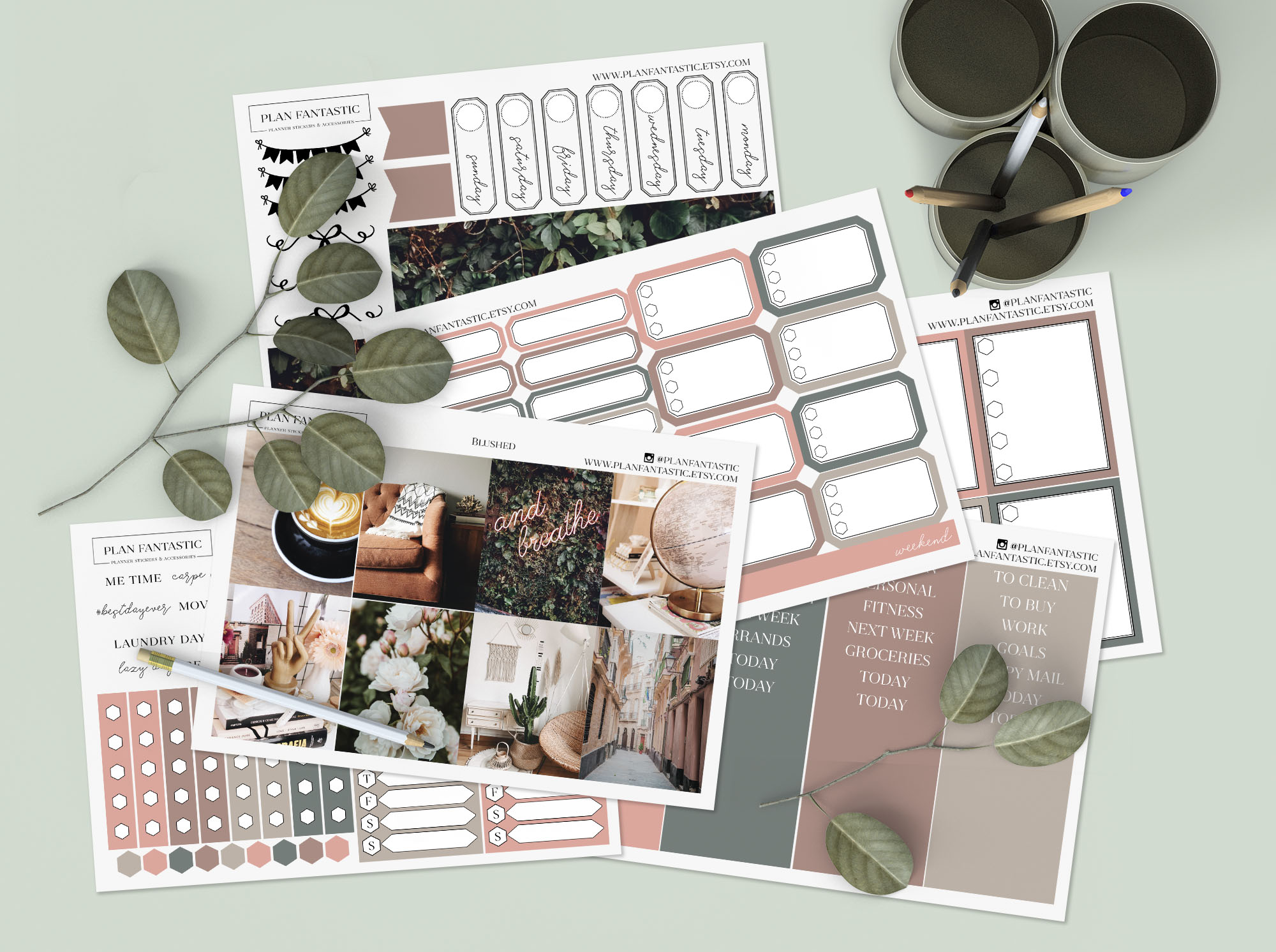
Blushed combines a soft coordinated palette with practical boxes and labels for a themed journal or planner spread. The download lists six PNG pages and six DXF cut-line files. That makes it useful when you want to prepare several coordinated sheets and reuse selected elements across work weeks, notes pages or personal planning sections.
Test alignment between the artwork and cut lines before using your preferred kiss-cut settings. Software support for DXF varies by application and edition, so check your own cutting workflow first. A PDF appears in the seller's example instructions, but it is not confirmed in the included-file list. Exact sheet dimensions and a native app collection are also unspecified. The kit suits hands-on preparation more than a one-click import.
Choosing Printable Planner Stickers for Your Workflow
For a simple paper workflow, the pastel Happy Planner PDF offers five documented sheets for manual cutting. For prepared machine work, Study Date and Blushed include matching DXF files, while the gardening pack provides tool-specific assets. Month labels and bear illustrations solve different decorative jobs rather than replacing a full planning system.
Before printing, measure the space you want to fill and test on ordinary paper. Keep actual-size output when dimensions matter, and inspect margins for clipping. Check your printer and paper instructions before changing quality settings. Save a small sample of successful settings so that the next sheet is easier to reproduce.
Choose printable planner stickers around the tasks and pages you use most. Add useful labels first, leave room for handwriting and use decorative pieces where they improve the page without hiding information.

2 Comments