20 Coffee Planner Stickers for Cozy Paper and Digital Planning
Coffee planner stickers can be a small morning-routine cue, a reminder of a cafe meeting, or simply a warm detail on a weekly page. This selection compares twenty collections and artwork resources, from coordinated functional sheets to separate coffee PNGs for DIY layouts. A few include cutting files or a documented Goodnotes file; others require you to arrange, crop, or print the images yourself.
If your priority is readable task labels, begin with the functional planner stickers guide. The printable planner stickers collection covers additional paper workflows, while digital planner stickers can help you compare image-based options for tablet planning. Here, the coffee theme is the starting point, but the actual file inventory determines how much preparation each download needs.
Choose coffee planner stickers by workflow and usable size
A supplied PDF sheet is convenient for a paper test print. PNG sheets may need cropping for digital use, and separate PNG artwork needs arrangement before printing. SVG, DXF, and Silhouette Studio files provide different cutting routes; none automatically proves that every machine and paper setting is ready to use. Pick a workflow you already understand before deciding which illustration style you like best.
Match the artwork to the available space. A small cup can mark a routine; a detailed coffee quote needs more room to stay legible. Use decorative pieces sparingly near writing areas and reserve larger illustrations for journal sections. The reviews below identify confirmed counts, sizes, and formats, including several cases where a product title or preview promises more than the written inventory establishes.
1. Coffee Planner Sheets with Hand-Cut and Tracing Versions
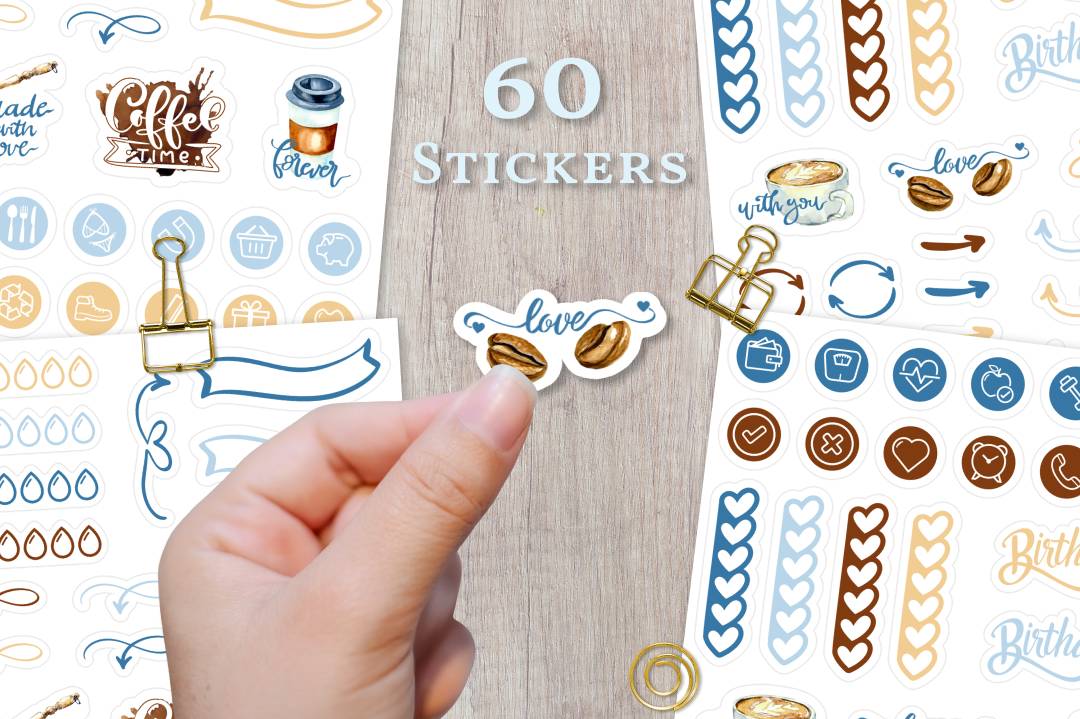
This is a useful starting point if you want coffee-themed decoration and functional marks in the same printable collection. The seller supplies two transparent PNG sticker sheets measuring 9 × 12 cm, with two JPG silhouette sheets for tracing. Larger A4 and US Letter JPG sheets are also included in regular, silhouette, and hand-cut-line versions. The documented resolution is 300 DPI. The preview combines cups with small planning elements, making it more versatile than a set made only of large coffee quotes.
Choose the sheet version that matches how you actually make stickers: the hand-cut layout for scissors, or the silhouette reference if you will trace in your cutting software. A tracing sheet is not proof of an already prepared machine-specific cut project. The seller recommends printing at 100% size, which matters if you want consistent marks across several planner pages. For digital use, the PNGs are sheets rather than a confirmed folder of separately cropped stickers. Expect to crop or arrange elements yourself instead of assuming a ready-made Goodnotes collection.
2. Sweet Coffee Artwork with PNGs and a Goodnotes File
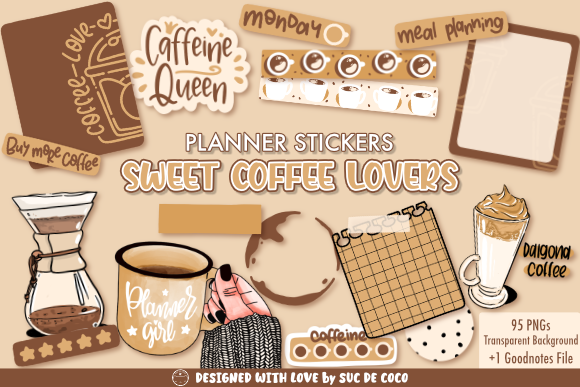
Sweet Coffee Lovers is one of the clearest digital-planning options here because the written listing confirms a Goodnotes file alongside 27 transparent PNG stickers at 300 DPI. The coffee-themed preview mixes decorative illustrations with functional planning pieces in a warm palette. That makes it a good candidate for someone who wants a coordinated weekly page rather than a single cup icon. You might use the illustrations beside a morning planning session and keep the practical elements near tasks or meal notes.
There is a material count discrepancy: the product preview says 95 PNGs, while the current description lists 27 PNG stickers. Treat 27 as the confirmed written inventory and ask the seller if the larger count matters to your purchase. Exact pixel dimensions and a printable paper-sheet size are not specified. The PNGs allow an image-based workflow outside Goodnotes, but compatibility with every app is not established. Choose this set for its documented Goodnotes file and cohesive style, with that inventory uncertainty in mind.
3. Six Coordinated Coffee Pages with Matching DXF Cut Lines
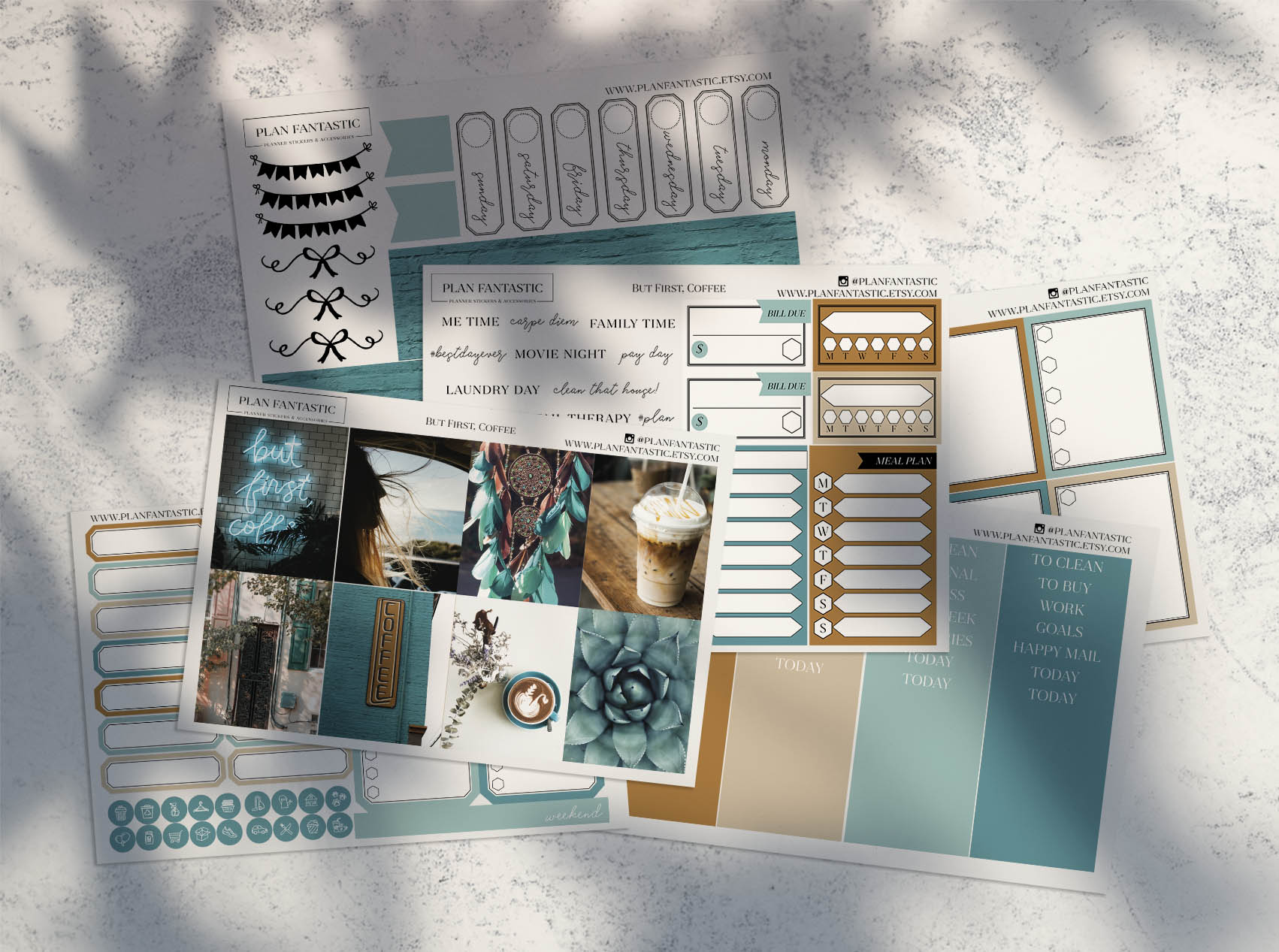
This coordinated coffee planner kit is useful for a larger weekly decorating session. The documented download includes six PNG sticker pages and six DXF files intended as matching cut lines. The original preview shows multiple coordinated sheets with writing boxes, small marks, and coffee imagery. Instead of assembling a page from unrelated icons, you can use the same visual language for appointments, notes, and decorative areas across a spread.
The seller’s workflow requires opening the image and the corresponding DXF in your cutting software, then aligning the cut lines before cutting. That alignment step is important: separate cut-line files do not mean every machine project is already configured. The description does not specify page dimensions, DPI, or an included PDF, even though the instructions mention PNG or PDF in an example. Confirm your software’s DXF import support and make a sample cut with your sticker paper. This option rewards a little setup if you want coordinated sheets, but it is less immediate than a hand-cut PDF.
4. Transparent Coffee Quote PNGs for Custom Planner Decoration
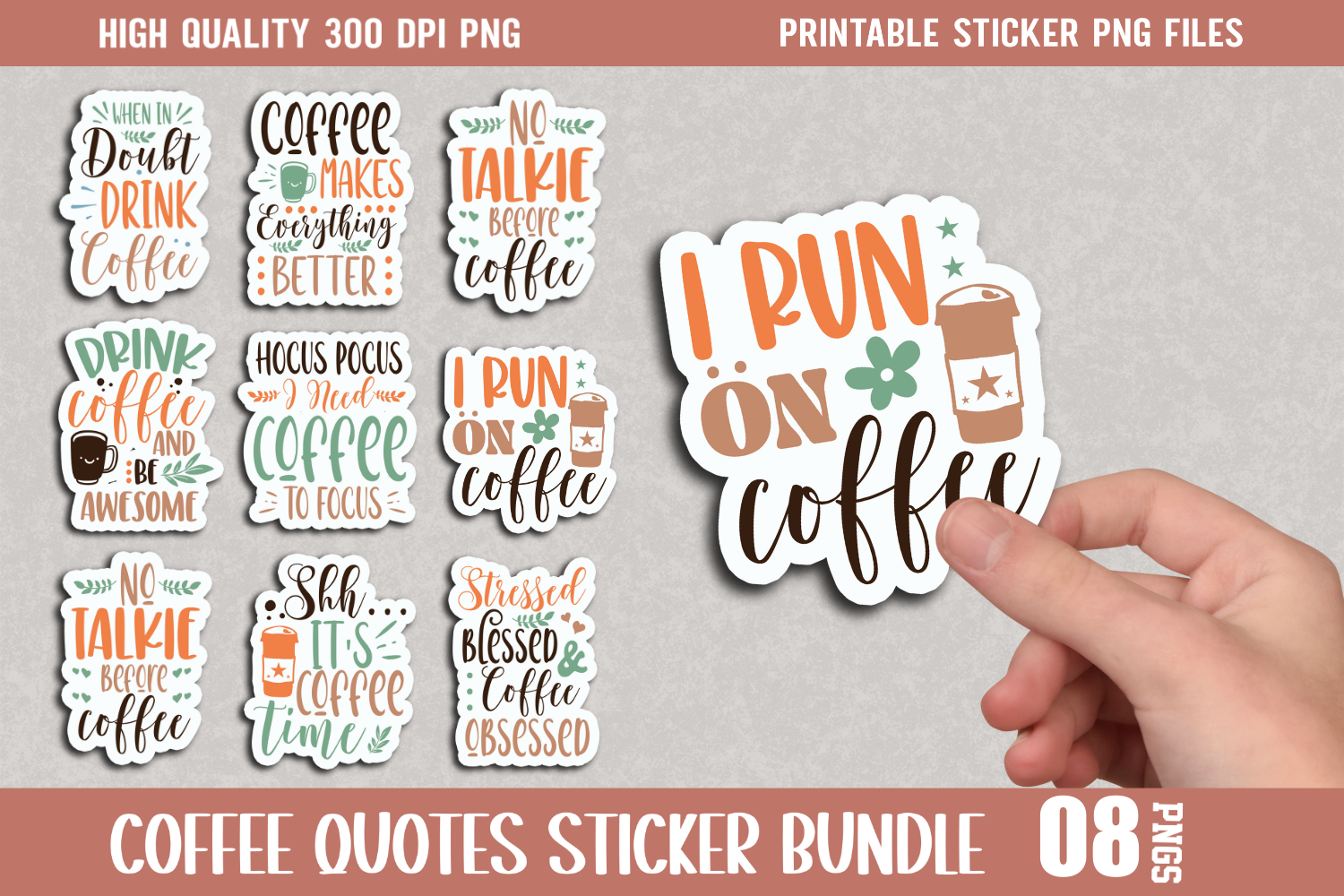
The preview for this bundle shows a group of colorful coffee-quote stickers, which could brighten a notes page or the opening of a weekly spread. The documented files are multiple transparent PNGs at 300 DPI. That gives you artwork to arrange in your own planner layout or on a custom printing sheet, rather than a confirmed finished planner kit. It suits someone who enjoys adding one expressive coffee phrase near the week’s priorities instead of covering every writing area.
The written listing does not state an exact sticker count or pixel dimensions. It also includes many promotional keywords mentioning SVG and GoodNotes, but the actual inventory specifies PNG files only. Do not expect vector cut files, a Goodnotes notebook, or ready-made cutting lines from those keywords. Keep quote stickers large enough for their lettering to remain readable, and print a small sample before filling a whole sheet. The main value is flexible decorative artwork; for functional boxes and tiny routine marks, combine it with a more structured planner collection.
5. A Kawaii Coffee-and-Cake Sheet with Printable and Cutting Files
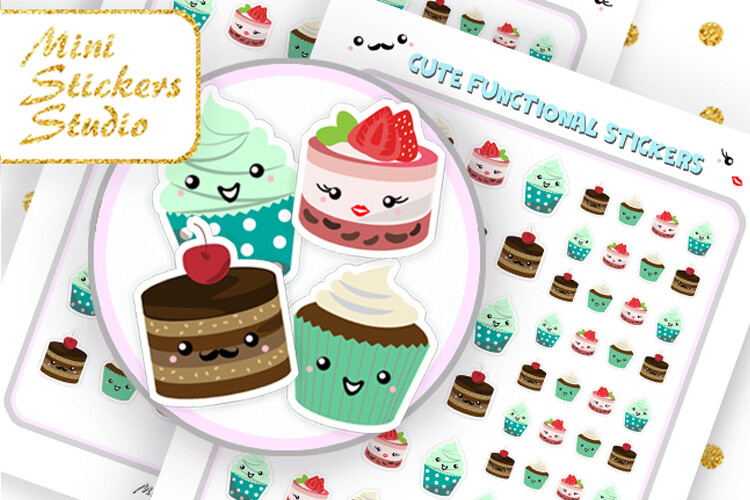
This kawaii collection pairs coffee cups with small cakes for a lighthearted planner page. The seller confirms one US Letter PDF, one JPG, one PNG for a Cricut cutting workflow, and one Silhouette Studio document. The description also says the printable files can be printed on A4 paper. The original preview shows repeated small cafe-themed illustrations, which are well suited to marking a treat, a coffee meeting, or a short break beside your ordinary written schedule.
Having both print files and a Silhouette Studio document gives you a choice of preparation routes, but the listing does not identify exact sticker dimensions, a numeric DPI, or your machine’s required settings. If you switch from Letter to A4, inspect the scaling and margins so the shapes do not change unexpectedly. Use the PDF for a simple test print before committing sticker paper. This is a focused decorative sheet, not a calendar or a fully editable cafe planner. It is most helpful when you want a consistent small visual reminder rather than a large illustrated weekly kit.
6. Pre-Cropped Bear and Coffee PNGs for Digital Planning
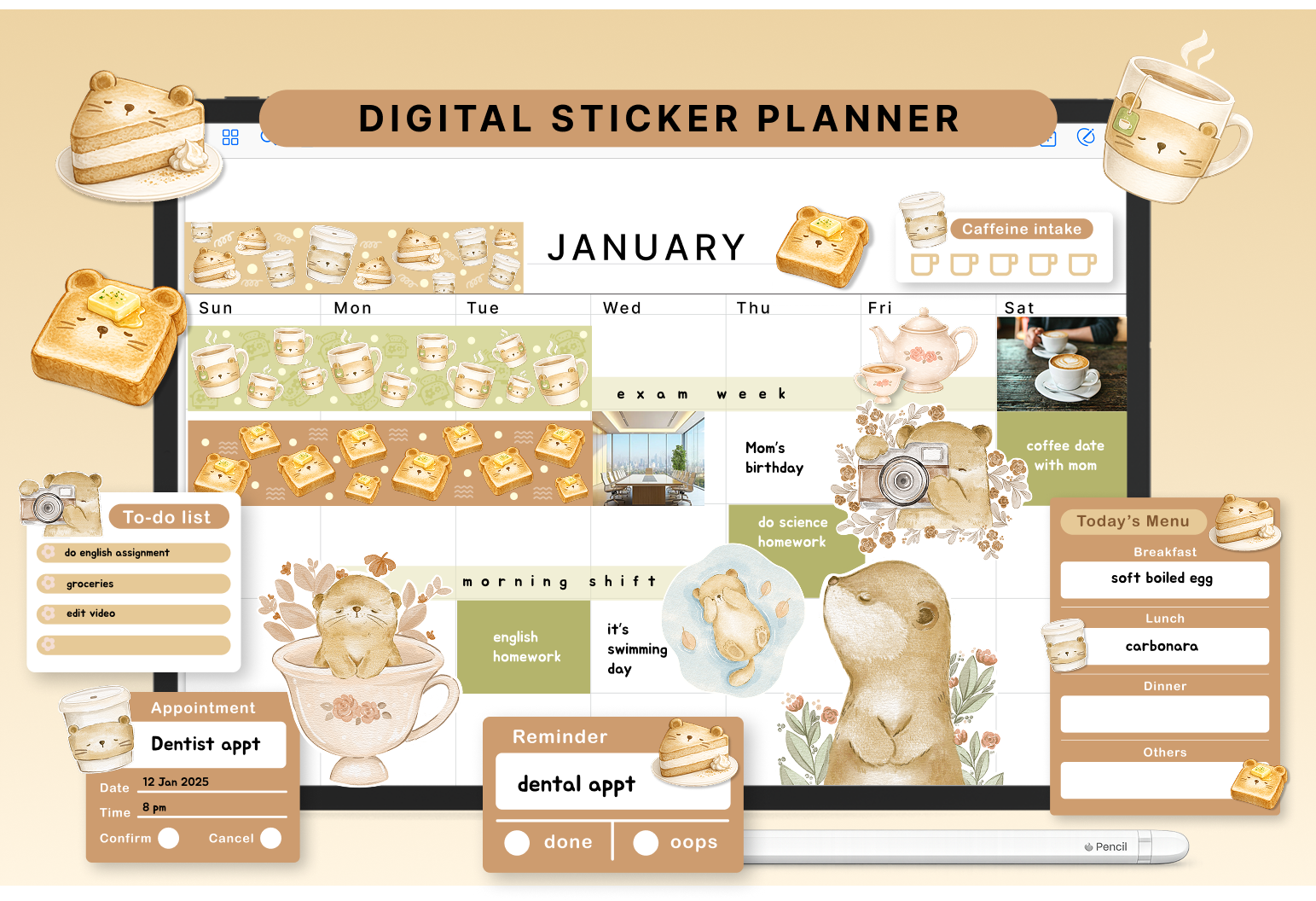
This bear-and-coffee kit is aimed at digital planning rather than an immediately printable sheet. The seller confirms PNG stickers that are pre-cropped for use in GoodNotes and describes monthly and weekly pieces, to-do lists, reminders, meal-planning sections, appointment boxes, and decorative bears, toast, coffee, and desserts. The preview uses a soft warm palette and combines practical sections with small illustrations. It could help give a digital weekly page a consistent look without making every area purely decorative.
The description does not supply a total sticker count, pixel dimensions, DPI, or a separate Goodnotes-format file. Pre-cropped PNGs therefore mean image assets ready to place, not a confirmed complete notebook or automatic planner. Start by trying one functional box at your usual page zoom and check whether the writing space remains comfortable. No printable page size or cutting files are established. Choose this kit if you already know how to import PNG images into your planning app and want coordinated bear-and-coffee elements for everyday routines.
7. Coffee-and-Cake Reminder Sheets in Several Working Formats
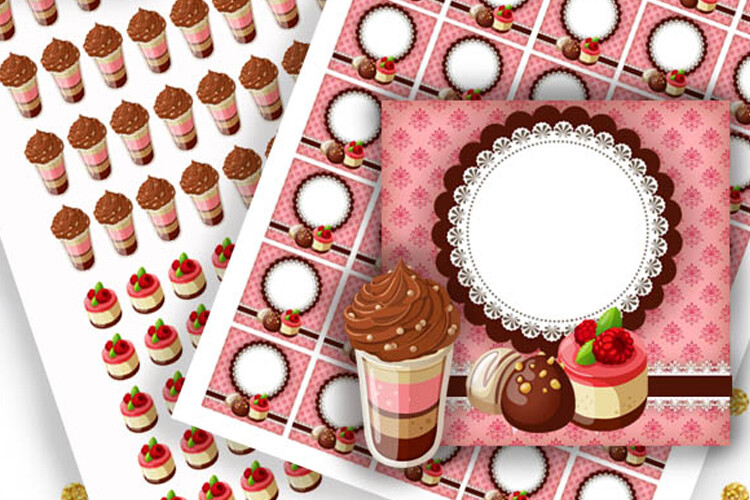
These reminder sheets are useful when you want cafe-themed marks beside practical tasks. The seller documents two PDFs, two JPGs, and two PNGs in US Letter size, with A4 printing also mentioned. The download additionally includes two PNG files for a Cricut workflow and two Silhouette Studio documents. The original preview shows coffee-and-cake illustrations alongside coordinated decorative areas, so the collection can support both small reminders and a more styled planning page.
Choose a PDF first if you want to see the complete layout before arranging a cutting project. The two sheets should not be confused with two individual stickers; the exact number and dimensions of the sticker shapes are not specified. Neither a numeric resolution nor an editable text template is confirmed. If your printer uses A4, examine the scaling before printing so your reminder marks stay consistent in size. This set makes sense for someone who likes a repeatable cafe theme, while the written task beside the sticker should still carry the actual appointment or deadline.
8. Coffee To-Do Icons on an 8 × 11-Inch Document
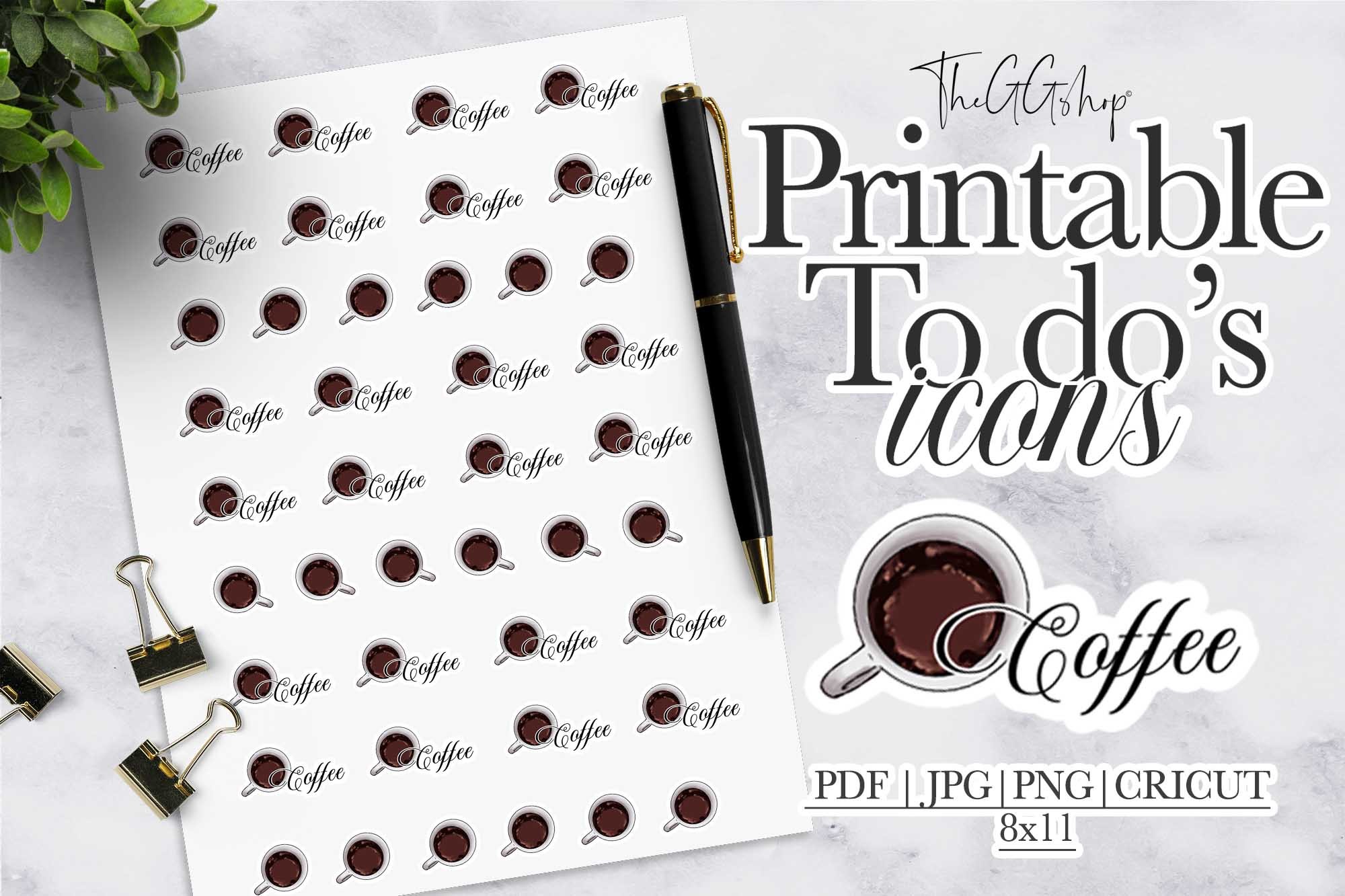
This product is aimed at functional coffee-themed task marks rather than large quote decoration. The seller lists one transparent PNG, one PDF, one JPEG, and one black file intended for print-and-cut preparation. The documented page is 8 × 11 inches, and the single isolated icon is described as 1.5 × 1 inch. The original preview shows repeated coffee-related marks on a sheet. You could use them as consistent cues beside a coffee errand, a cafe meeting, or a morning planning task.
The unusual page size is worth noticing: 8 × 11 inches is not the same as standard 8.5 × 11-inch US Letter. Check positioning and scale rather than automatically selecting fit to page. The description also writes 300 psi instead of a clear DPI specification, so a numeric print-resolution claim remains uncertain. The black file’s format and machine-specific cut settings are not identified. Use the PDF to inspect the layout, then test your chosen cutting approach. Keep the icon’s meaning consistent so it helps you scan tasks instead of becoming another decorative mark.
9. Individual Coffee Clipart for Building Your Own Sticker Sheet
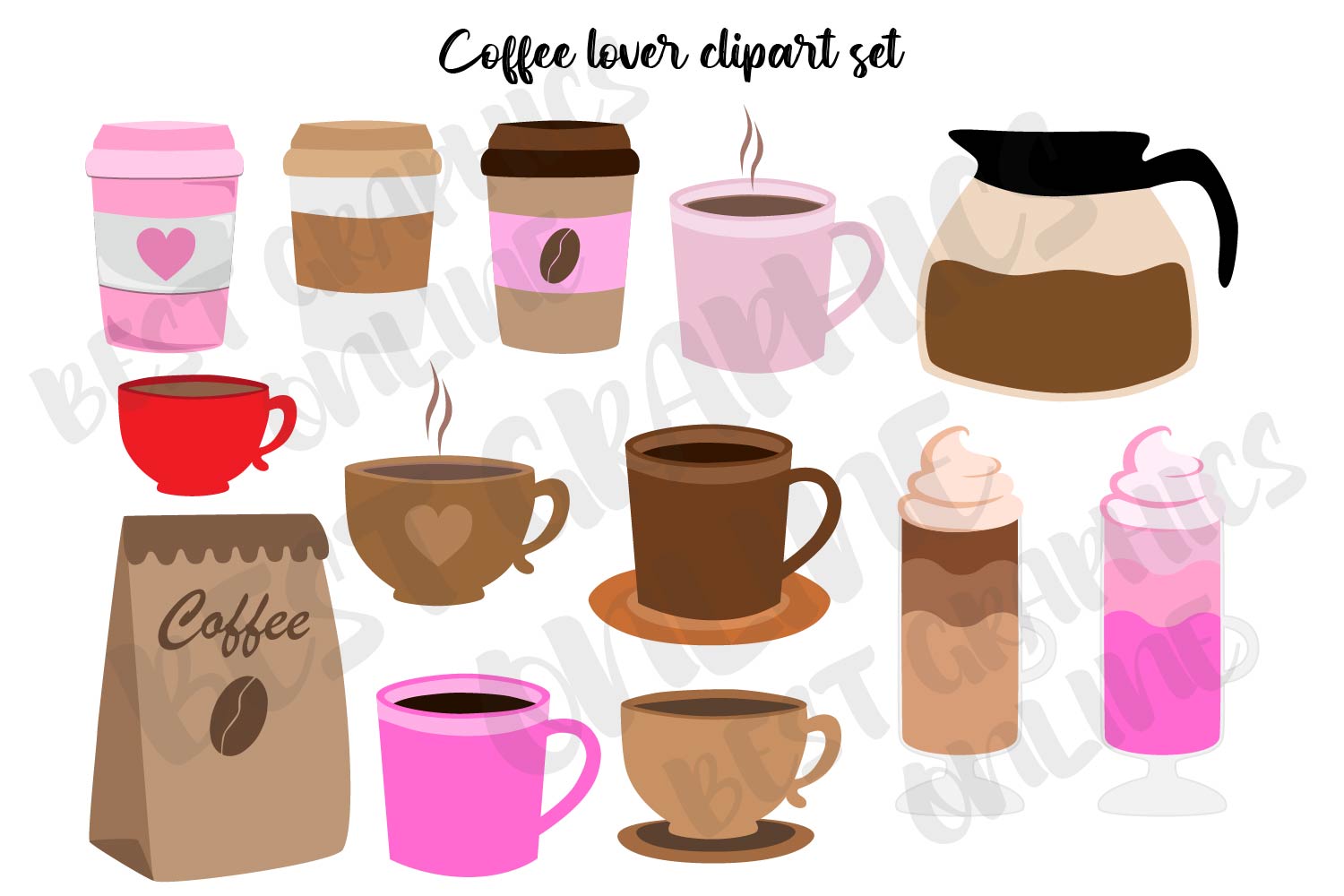
This collection is a DIY artwork option rather than a confirmed ready-to-cut sticker sheet. The seller supplies coffee-themed clipart as separate transparent PNG files, each described as 6 × 6 inches at 300 DPI, with each color saved separately. The preview shows cups, takeaway drinks, and coffee-related shapes in several colors. That makes it useful when you want to create a small set of planner marks in a palette that matches your notebook.
The description does not confirm an exact image count, finished sticker dimensions, PDF sheets, or cutting outlines. You will need to place and resize the PNGs yourself for printing, or import individual images into your digital layout. The large source dimensions give you room to reduce the artwork, but they do not make the files editable vectors. Try a few cups at the size you actually use beside daily tasks before arranging an entire sheet. This choice suits someone comfortable creating their own layout; a preformatted planner pack will involve less preparation.
10. Coffee-Themed Boxes and Decorative Pages for Paper Planners
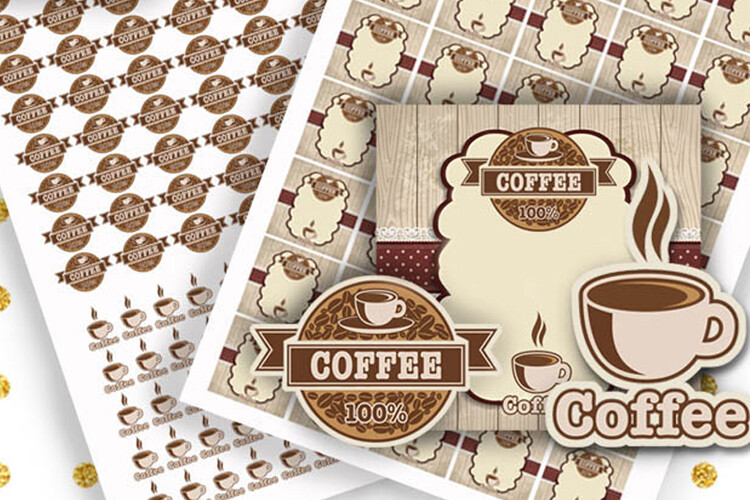
This coordinated collection is worth considering if you want coffee decoration around writing areas rather than only loose cup icons. The original preview shows coffee imagery and patterned planner boxes. The seller confirms two US Letter PDFs, two JPGs, two PNGs, two PNG files for a Cricut workflow, and two Silhouette Studio documents. A4 printing is also mentioned. You could use the larger decorative areas for short weekly notes while keeping smaller coffee illustrations near ordinary tasks.
The title includes boxes and logo, but the description does not establish editable branding fields or a custom logo service. It is a downloadable sticker collection. Exact box dimensions, sticker count, numeric DPI, and fit to a particular planner brand are unspecified. Measure your own writing spaces and run a plain-paper print before choosing a final scale. The supplied print and cutting formats are helpful, but they do not remove the need to check margins and machine settings. Choose this set for its coordinated coffee style rather than assuming every box will fit your planner without adjustment.
11. Compact Colored Coffee Icons in JPEG, PNG, and PDF
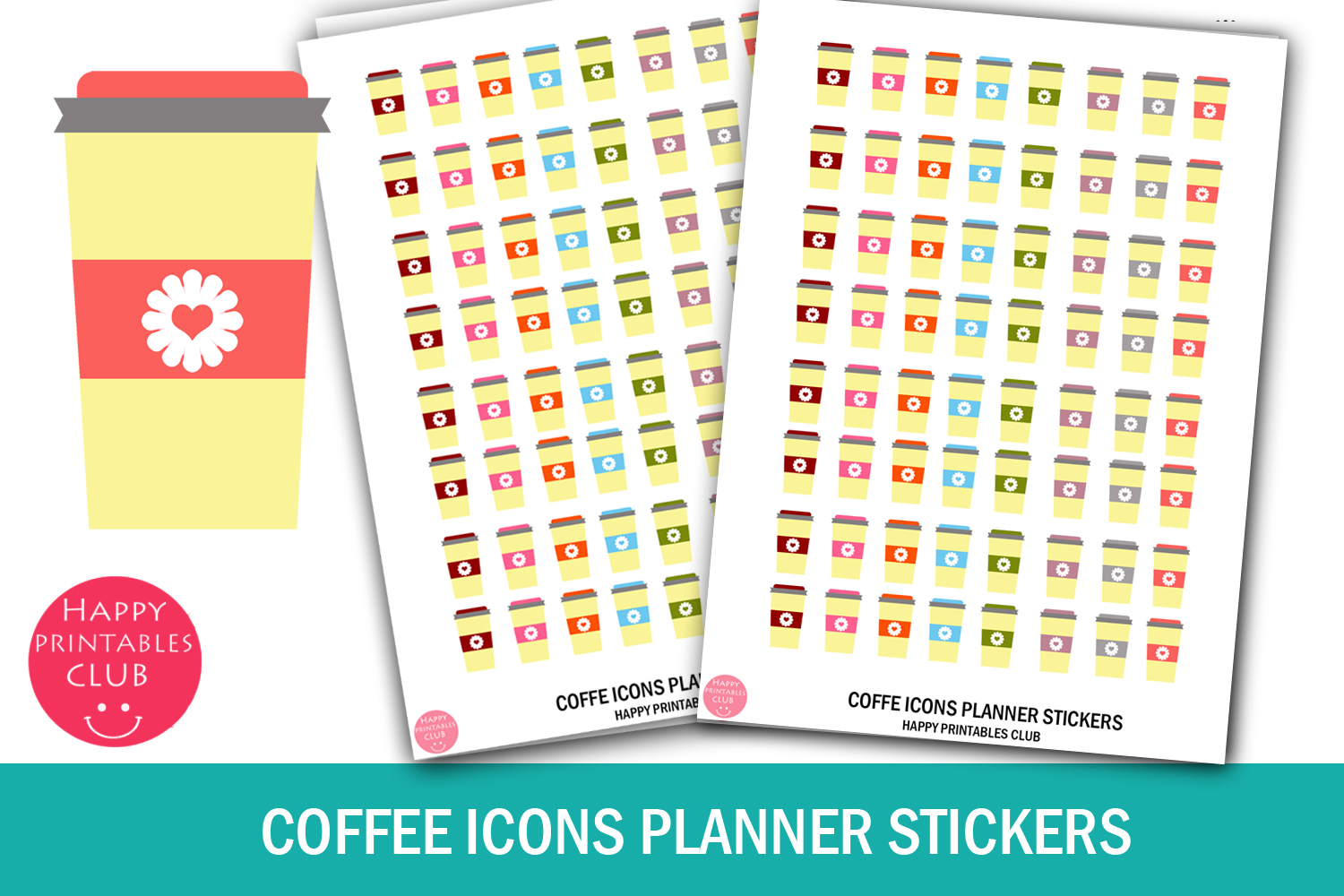
These small colored coffee icons offer a quieter way to mark a routine than a full decorated weekly kit. The seller lists a ZIP containing one JPEG, one PNG, and one PDF, with a sheet size written as 4 × 5.5 and sticker size written as 0.5 × 0.5. The preview shows repeated small takeaway cups in several colors. You could assign a cup to a cafe meeting or use one consistent color to identify your morning planning session.
The written dimensions do not explicitly name their units, so verify the downloaded page properties before treating them as inch measurements. Numeric DPI and machine-specific cut files are also not established. A PDF sheet is useful for checking the layout and printing a sample at actual size. Since these are repeated icons, their practical value comes from the meaning you assign, not from a large variety of illustrations. Keep color choices simple, and leave enough space beside each cup to write the real task or time rather than relying on the image alone.
12. Funny Coffee Quote Artwork with an Unclear File Count
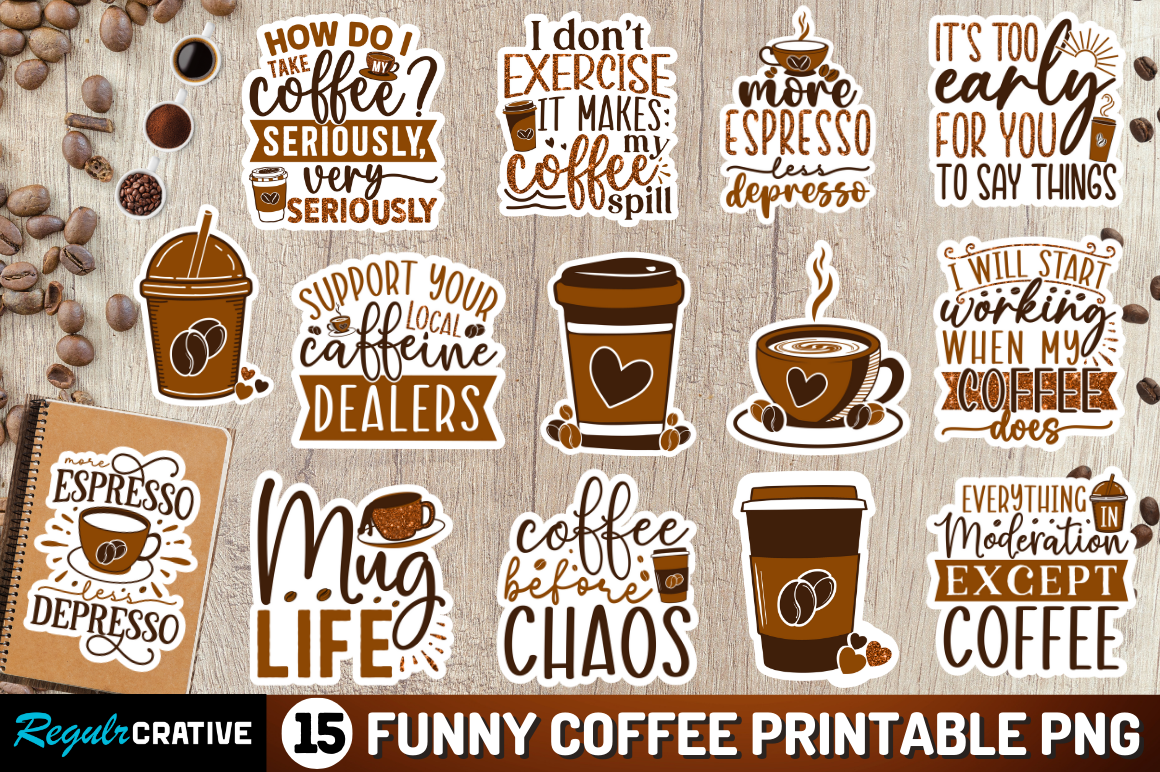
This bundle’s original preview shows a range of humorous coffee quotes in a warm brown palette. The current description confirms transparent PNG artwork at 300 DPI or higher and explicitly says the product is not SVG. It can be useful for a journal title page or a small decorative accent beside a busy weekly schedule. The lettering is the main attraction, so it is better suited to an occasional larger sticker than a tiny appointment mark.
The preview advertises 15 printable PNG designs, but the written description repeatedly refers to a single PNG file without a clear inventory. That makes the number and separation of the delivered assets uncertain; check with the seller if you need individual files. No prepared PDF sheet, exact pixel size, or cut-line project is confirmed. Keep the quotes readable when resizing and avoid crowding the writing areas of your planner. Choose this product for its actual humor and artwork, with the file-count discrepancy in mind, rather than assuming a documented 15-file planner kit.
13. Eight Kawaii Coffee Designs with Hand-Cut Sheet Files
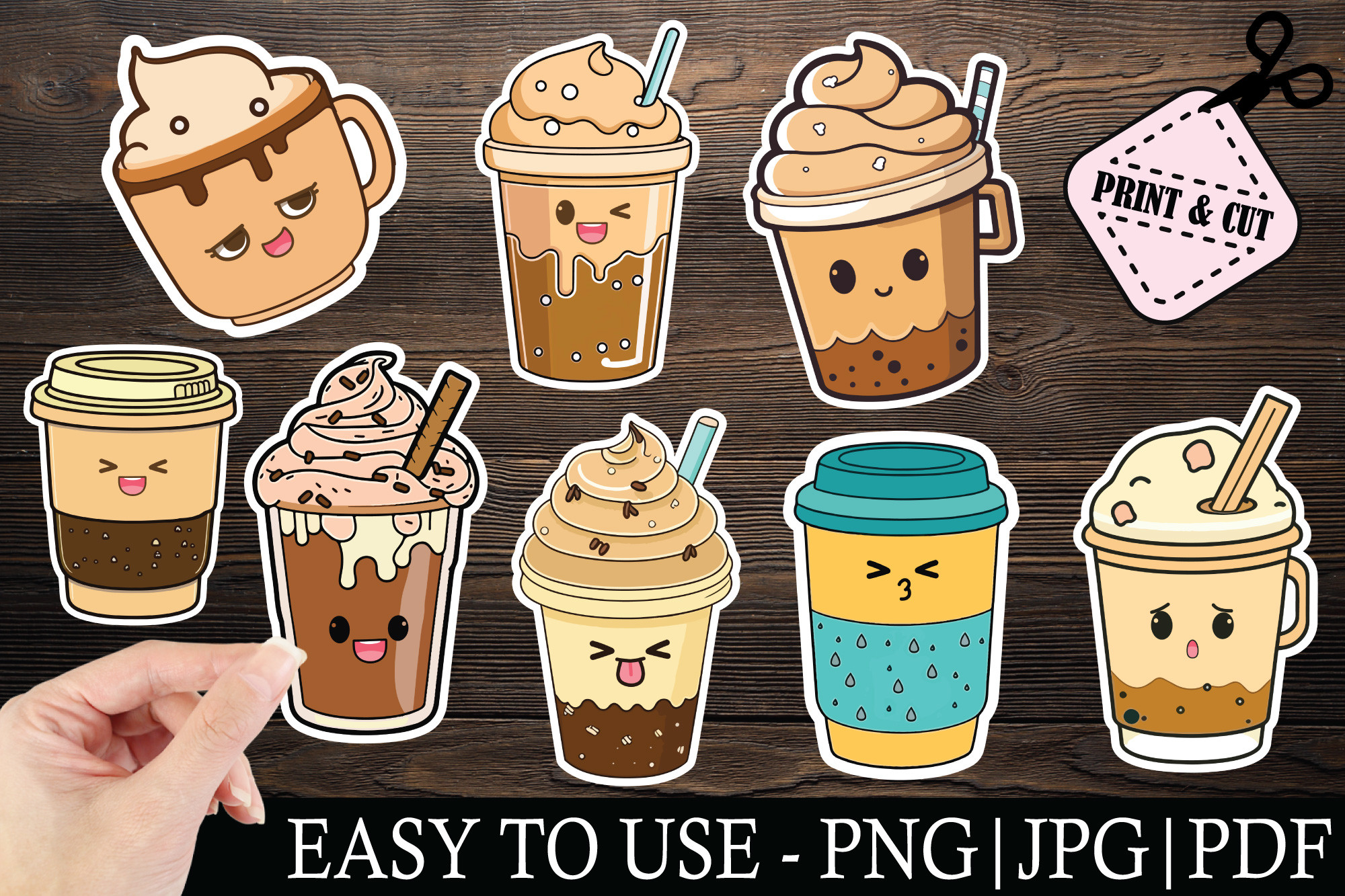
This kawaii coffee set is a clear option for small decorative cups with a friendly illustrated style. The seller confirms eight different designs, supplied as eight PNG files and eight JPG files, plus a hand-cut folder containing PNG, JPG, and PDF files with cut lines. The original preview shows expressive takeaway cups and drinks. It gives you both individual artwork and a documented hand-cut route, useful if you want to decorate a planner without building a full cutting-machine project.
The title mentions SVG and EPS, but those formats are not confirmed in the written ZIP inventory. Base your decision on the documented PNG, JPG, and PDF contents unless the seller clarifies the title. Exact pixels, DPI, paper dimensions, and machine-specific project files are not stated. Use the hand-cut layout for a test print, or arrange selected individual images at your preferred planner size. These are decorative designs rather than functional writing boxes, so leave the schedule information in text and use the coffee cups to add a consistent visual accent.
14. Nine Coffee Designs with PNG and Vector Cutting Formats
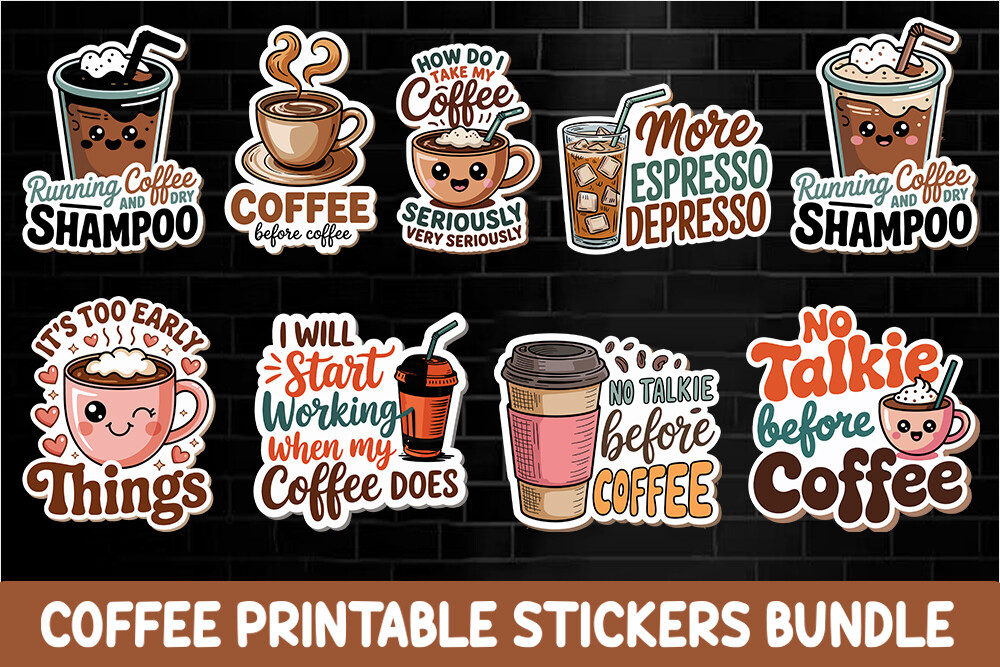
This nine-design coffee bundle provides a more flexible format inventory for someone who also uses cutting software. The seller lists nine SVG files, nine PNG files at 300 DPI, nine EPS files, and nine DXF files. The original preview shows illustrated drinks and coffee phrases. Those formats give you a choice between printed image artwork and vector-based preparation, making the collection useful for a custom planner sticker sheet as well as other personal paper projects.
The download is not documented as a finished PDF sheet or a ready-made Goodnotes file. You still need to arrange designs and check their sizes before printing or cutting. Exact PNG pixel dimensions and preconfigured machine settings are unspecified, even though the seller describes cutting-machine use. Try one design with fine lettering first, because reducing a large quote to a tiny planner icon may make it hard to read. Choose this bundle when its SVG and DXF inventory fits your existing workflow; a printable sheet elsewhere will be faster for a simple scissors-and-printer session.
15. Twenty Floral Coffee Designs Across Four Letter Sheets
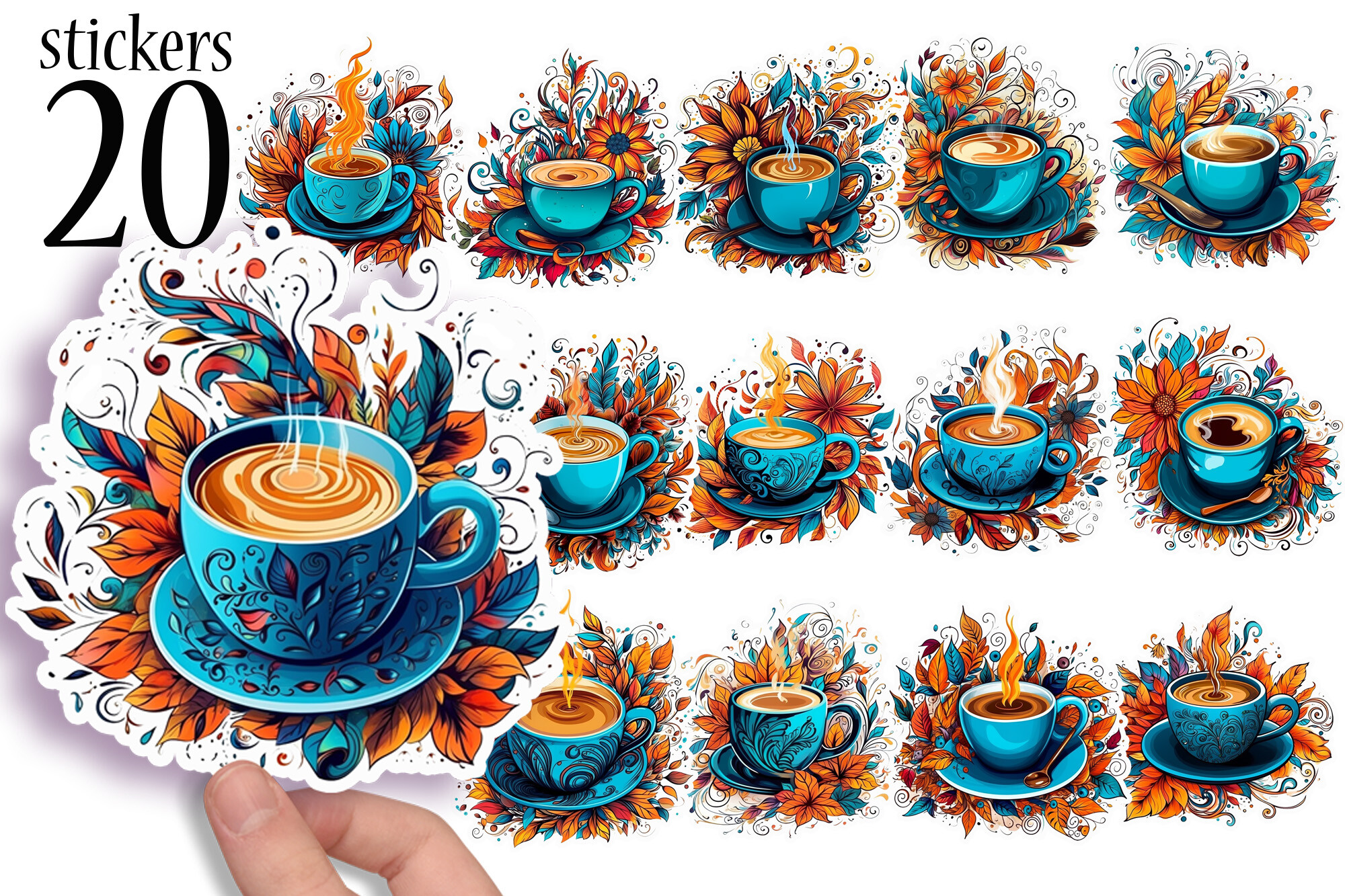
This collection is useful if you prefer richly illustrated coffee cups with floral details to functional boxes or short quotes. The written listing confirms 20 unique coffee-themed stickers arranged across four US Letter sticker sheets, and identifies the product as printable PNG artwork. The preview emphasizes bright cups and flowers. It could suit a coffee journal, a weekend planning page, or a decorative section where a larger illustration has room to be seen.
The count refers to 20 designs across four sheets, not 20 full planner pages. A numeric DPI, individual-image inventory, editable source, and machine cut files are not confirmed. Check the delivered sheet layout and print one sample before reducing the illustrations to very small sizes, since fine floral details may become less readable. Use a few selected cups instead of covering every task area. This is primarily decorative artwork, so it works best alongside ordinary handwritten planning rather than as a replacement for appointment labels or a structured weekly kit.
16. Thirteen Retro Coffee PNGs with A4 and A5 Sheet Options
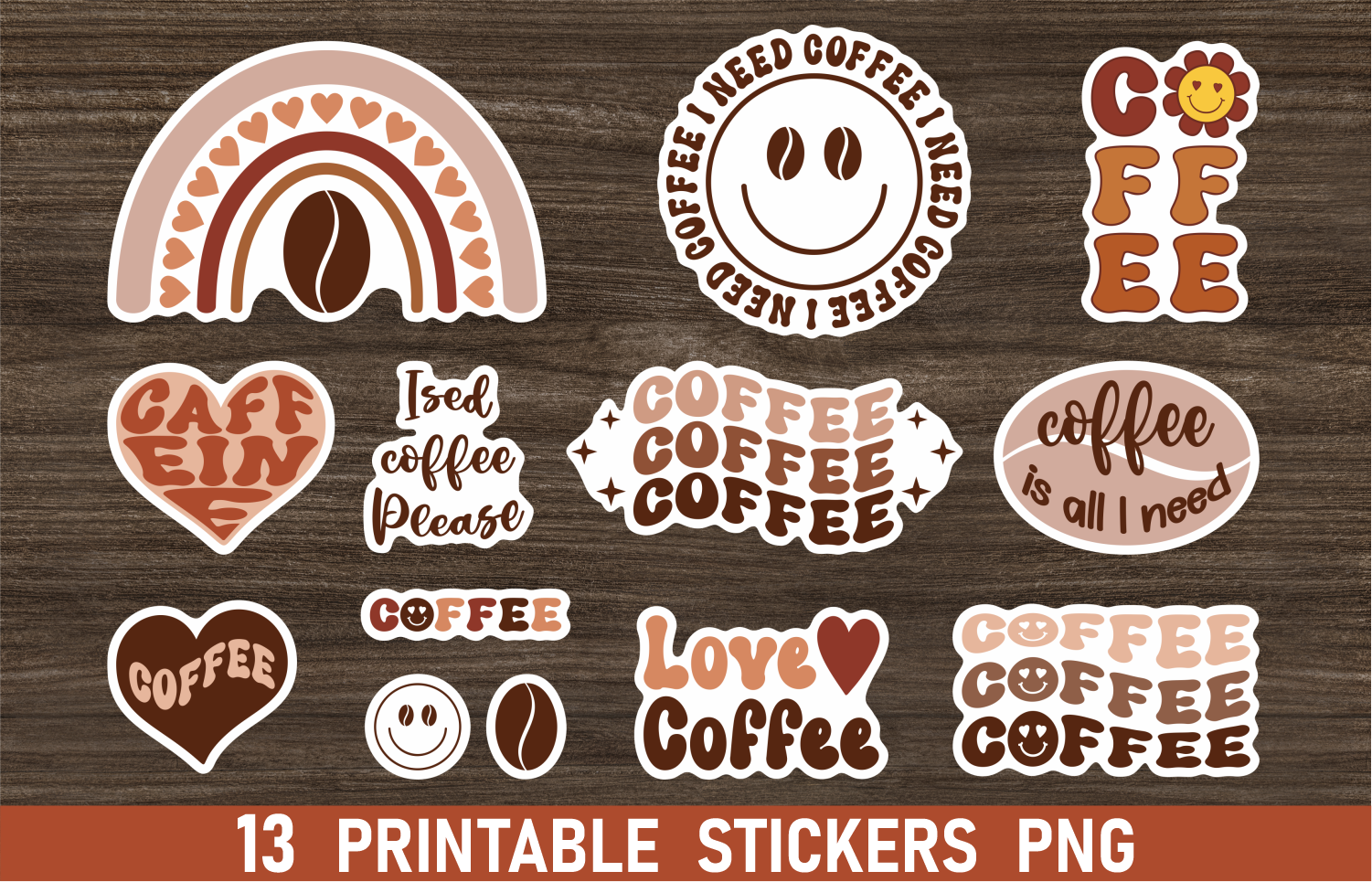
The retro coffee palette gives this collection a distinct look for a warm-toned journal or planner. The seller confirms one A4 PNG sheet, one A5 PNG sheet, and 13 separate PNG files approximately four inches in size. The original preview mixes coffee phrases with bold shapes and a boho-style rainbow. Having both sheets and individual images is useful: print the prepared layout for variety, or arrange only the few designs you want to repeat in your planning routine.
No PDF, numeric DPI, or cutting-machine project is listed. The individual designs are much larger than a typical small task mark, so you will probably resize them for a planner page. Check that lettering remains readable after reduction, and keep a little cutting space around the chosen shapes if you make a custom sheet. A4 and A5 refer to the supplied image layouts, not a guaranteed fit inside a particular planner. Choose this set for its retro visual style and flexible PNG arrangement rather than expecting functional appointment boxes.
17. Twenty-Nine Coffee Designs with Individual and Whole-Set Files
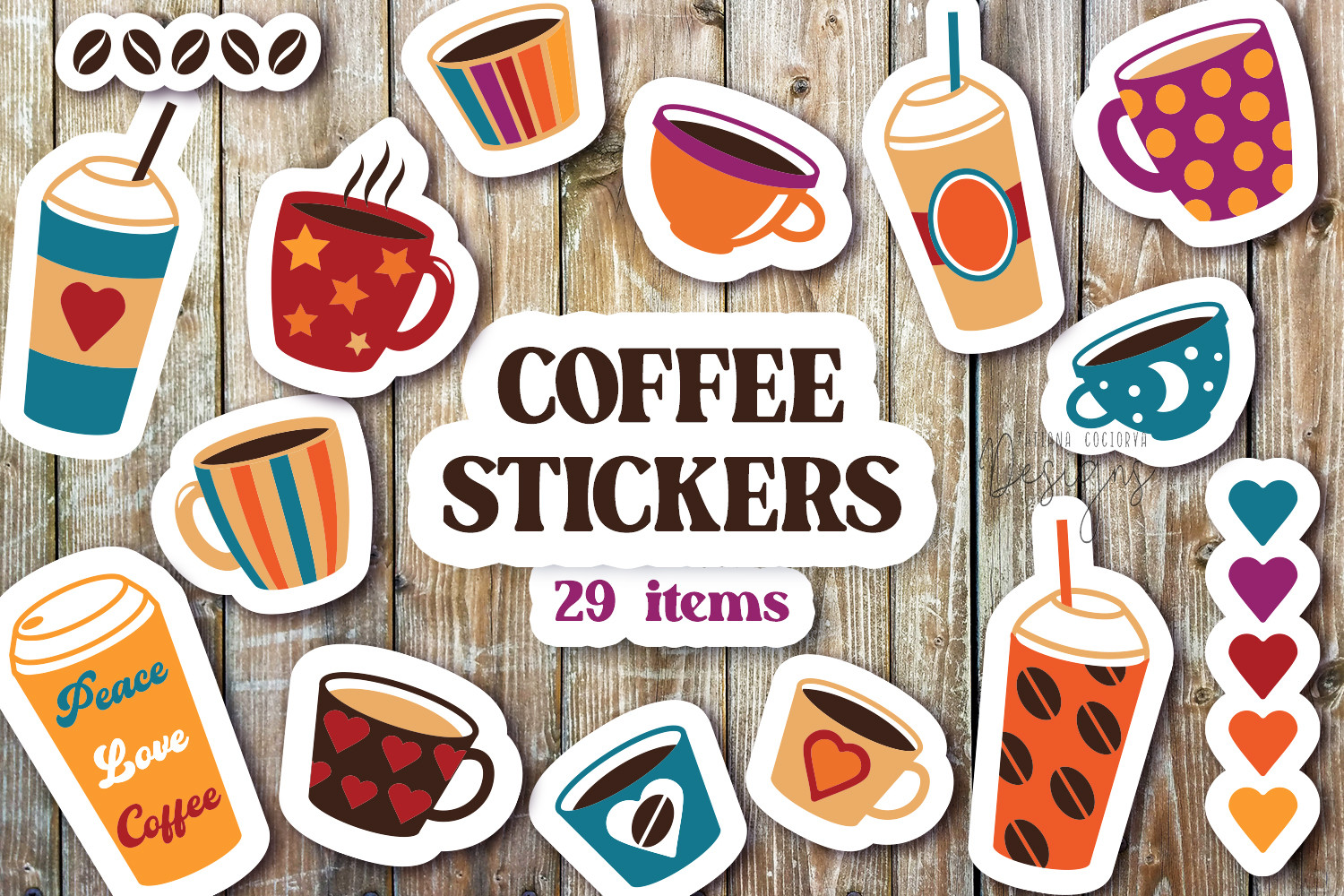
This 29-design collection offers more illustration variety than a sheet of repeated cup icons. The seller identifies coffee cups, mugs, takeaway cups, hearts, and two coffee-bean designs. AI, EPS, and PDF documents contain the whole collection, while JPG and PNG files provide individual stickers. The original preview uses bright colors and simple shapes. It could work well for making a small custom planner sheet with a mix of drinks and accent marks.
The description allows printing as a sheet or as individual pieces, but does not state an exact paper size, numeric DPI, or prepared machine-cut project. The whole-set design files are useful if you already have compatible software; they do not prove every label is separately editable in an app such as Canva. Choose a few recurring icons to keep the visual language consistent across weeks. A broad illustration pack can be fun to explore, but the planner will remain easier to read if the coffee art supports your written tasks instead of competing with them.
18. Ten Watercolor Coffee Stickers in Three Paper Sizes
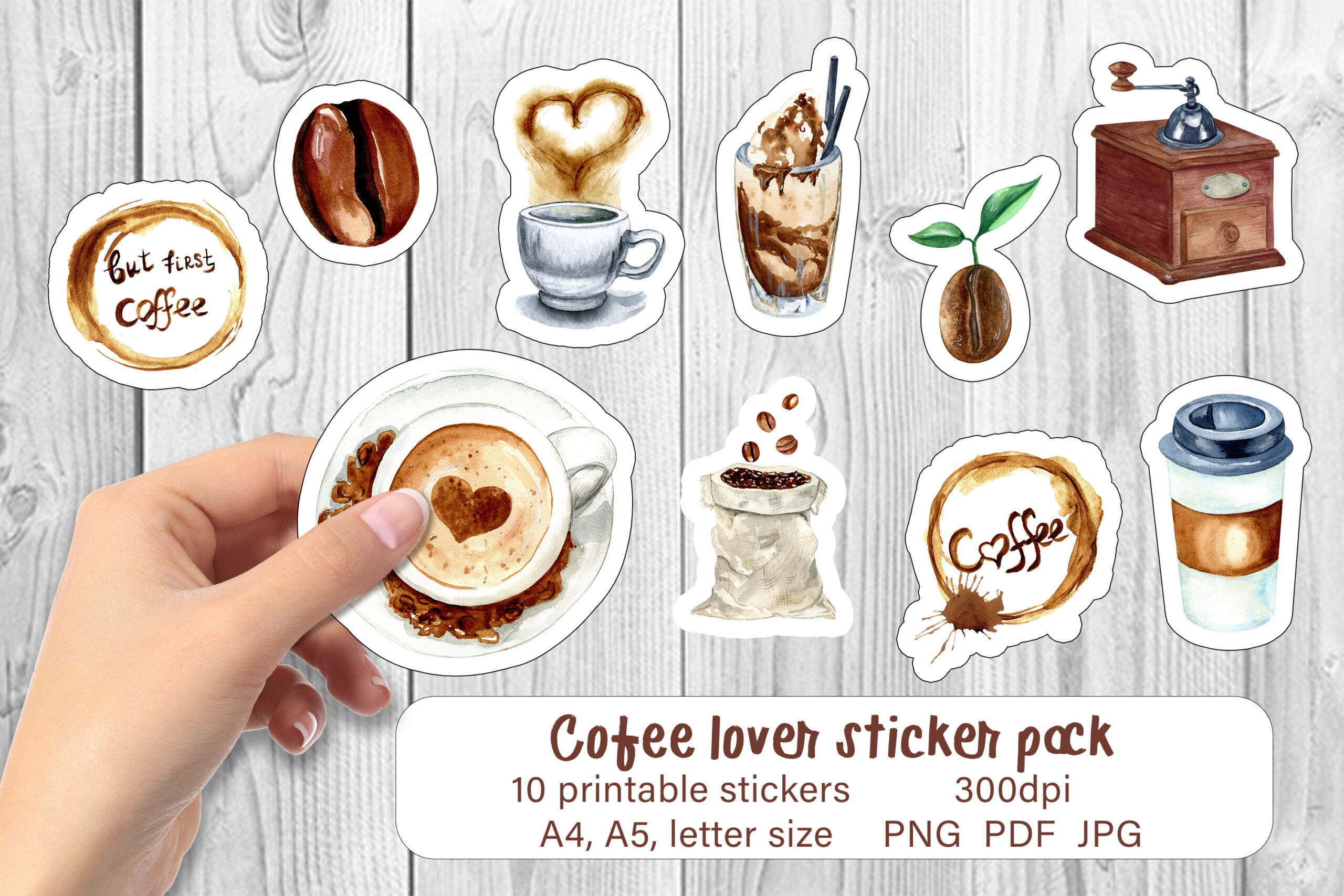
This hand-drawn watercolor pack has a helpful printable inventory: the seller confirms ten coffee stickers and supplies PNG, PDF, and JPG layouts in A4, A5, and US Letter sizes. The PNG layouts have transparent backgrounds, and the JPG versions include black contours for hand cutting. The original preview shows cups, coffee-making details, and related illustrations. It is a good fit for someone who wants a gentle cafe theme with a documented sheet-based printing route.
Start with the PDF size that matches your paper, then decide whether the hand-cut contours are useful for your preferred finish. The seller describes cutting-machine compatibility, but does not list a machine-specific project file or exact settings, so that route may still require setup in your software. Sticker dimensions and a numeric DPI are not supplied. The three paper sizes make this easier to approach than a folder of unarranged clipart, while the watercolor style is best given enough space to remain visible beside your planner notes.
19. More Than Sixty Transparent Coffee PNGs for Custom Layouts
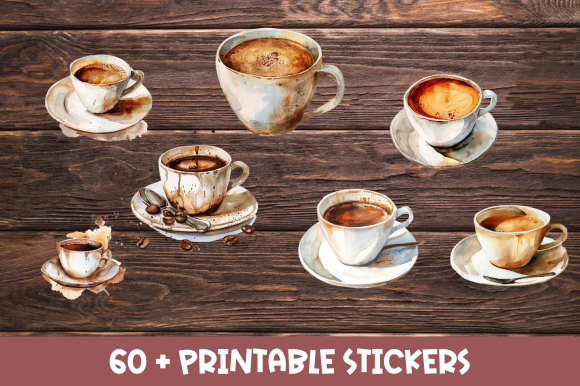
This watercolor collection is a broad artwork source for building your own planner decoration. The seller confirms more than 60 individual PNG files with transparent backgrounds. The original preview shows realistic-looking cups and coffee servings with a soft painted finish. That variety could be useful for a coffee journal or a planner where you want several drinks to choose from while keeping the overall style consistent.
It is not documented as a prepared sticker sheet, and no exact pixel dimensions, DPI, cut-line files, or editable vectors are listed. You will need to arrange the PNGs yourself for printing or place individual images in your digital layout. The seller mentions resizing, but that does not guarantee unlimited enlargement without quality loss. Test a few images at your usual planner scale before preparing a large sheet. This set makes sense for someone who enjoys choosing and composing their own artwork; the smaller watercolor sheet pack above requires less layout work.
20. Four Large Kawaii Coffee PNGs for Simple DIY Stickers
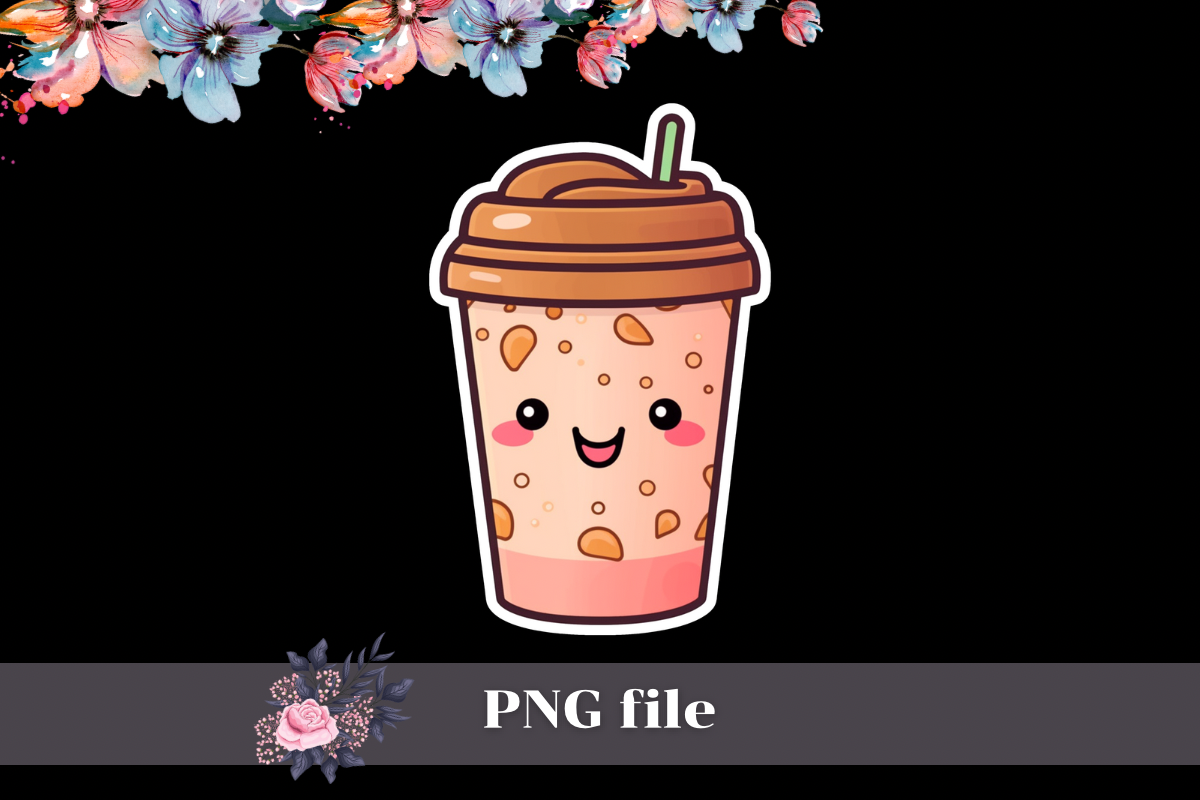
This small kawaii coffee download is easy to compare because the seller gives an exact file inventory: four PNG files, each 3000 × 3000 pixels at 300 DPI. The original preview centers a cheerful illustrated takeaway cup. It could be a useful choice if you want only a few coffee-themed images to place on a notes page or arrange on a homemade sticker sheet, rather than another large collection to sort through.
The preview highlights one image while the description confirms four files, so it does not show every delivered design clearly. A printable PDF layout, separate cut lines, and a Goodnotes file are not confirmed, and transparent backgrounds are not explicitly stated in the description. Inspect the actual PNGs before deciding how to crop and arrange them. Their documented source resolution supports reducing the images for small planner decoration, but you still need to check the result at your intended size. Choose this set for a manageable DIY artwork workflow rather than a ready-to-print planner kit.
Make the download work for your routine
Start with a small selection that supports your actual planning habit. Coordinated sheets are useful for a whole spread, tiny icons help repeated routines, and individual PNGs suit people who like designing their own layouts. Make a test print or place one image at your usual digital zoom before preparing the entire collection. A coffee sticker should make the page easier or more enjoyable to use, while the task and time remain clearly written.