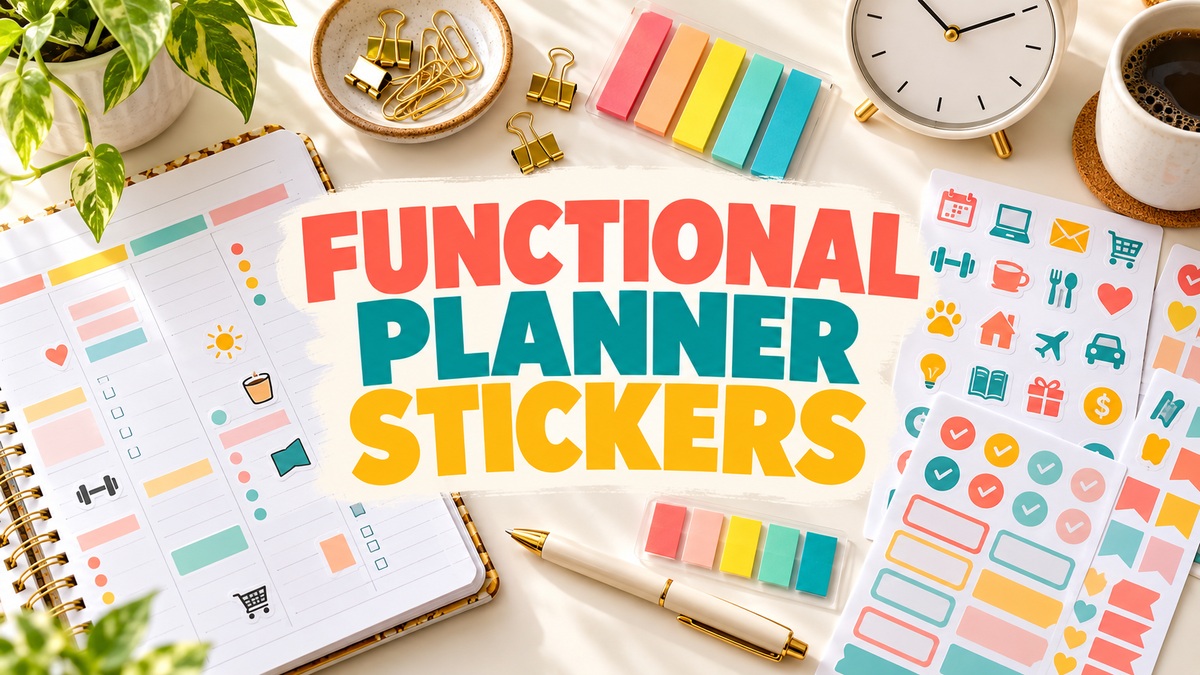
11 Practical Functional Planner Stickers for Tasks and Routines
Functional planner stickers earn their place by helping you notice a task, label a day or find a reminder quickly. A useful pack might contain a simple heading, a writable note shape or a familiar icon for a recurring activity. This collection compares eleven different ways to add those cues to paper and digital planning.
I chose these functional planner stickers around actual jobs, from day labels and professional routines to flexible vector elements and tablet productivity packs. The designs vary, but the reviews concentrate on file delivery, preparation and everyday usefulness. Where a listing does not document a count, size or app file, that limitation is made clear.
Build the system around a page structure you already understand. Our personal productivity planners offer broader planning layouts; stickers can then add cues without replacing your written task details.
1. Functional Planner Stickers for Digital Productivity
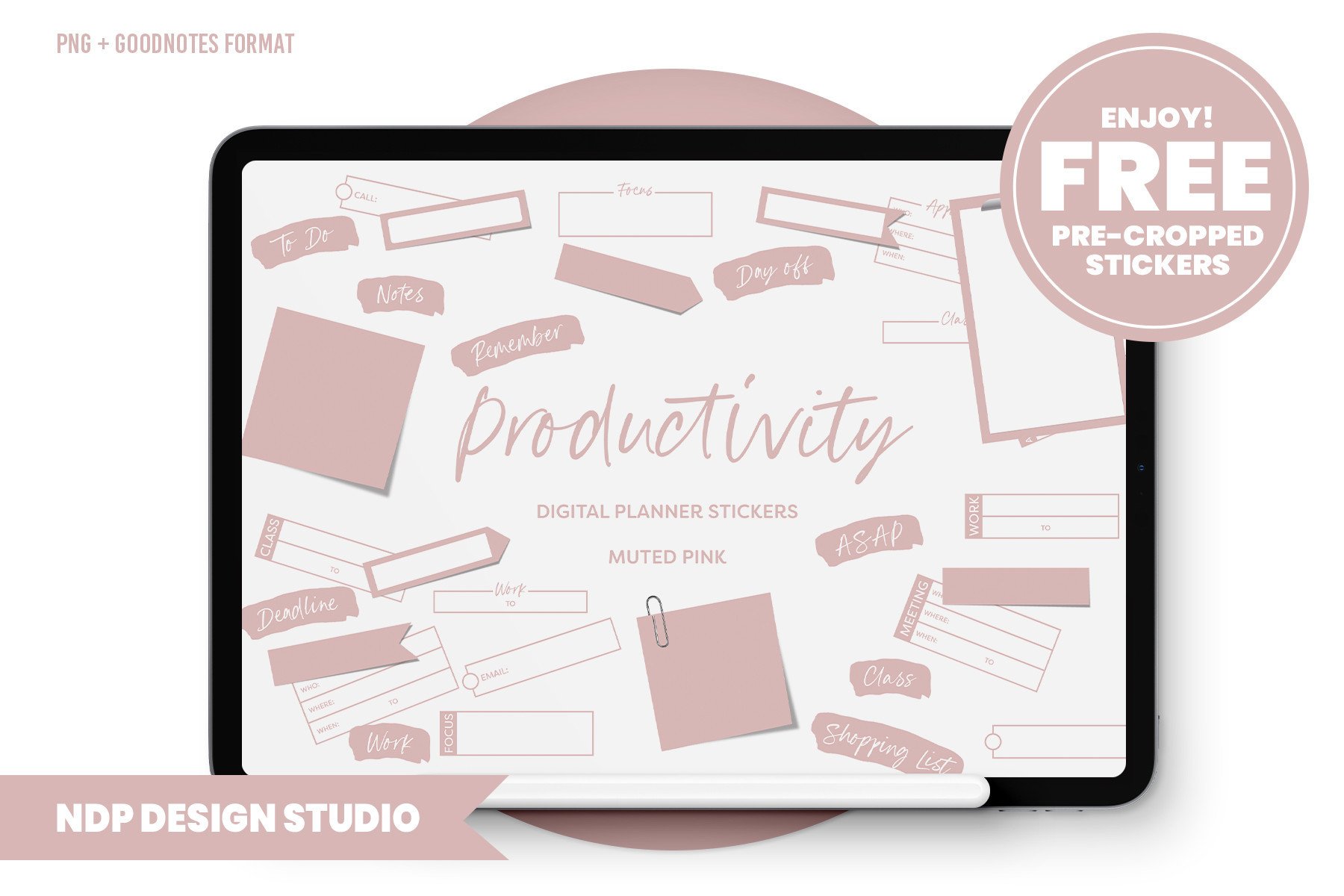
NDP Design Studio supplies 85 functional stickers, individual PNGs, placement guides and a blank hyperlinked PDF sticker book. A prepared .goodnotes file is also included and is specifically described for GoodNotes 5. This is a strong option for organizing a tablet planner around work, school and home routines rather than using stickers only as decoration.
Create a small set of repeated cues for tasks you check frequently, then keep the rest in the sticker book. The files are 150 dpi and the seller explicitly says they are not suitable for printing, with smaller files intended to avoid slowing the tablet. Compatibility with newer app versions is not confirmed by the listing. Choose a documented print kit if you need physical stickers.
2. Cat-Themed Functional Planner Sticker Sheets
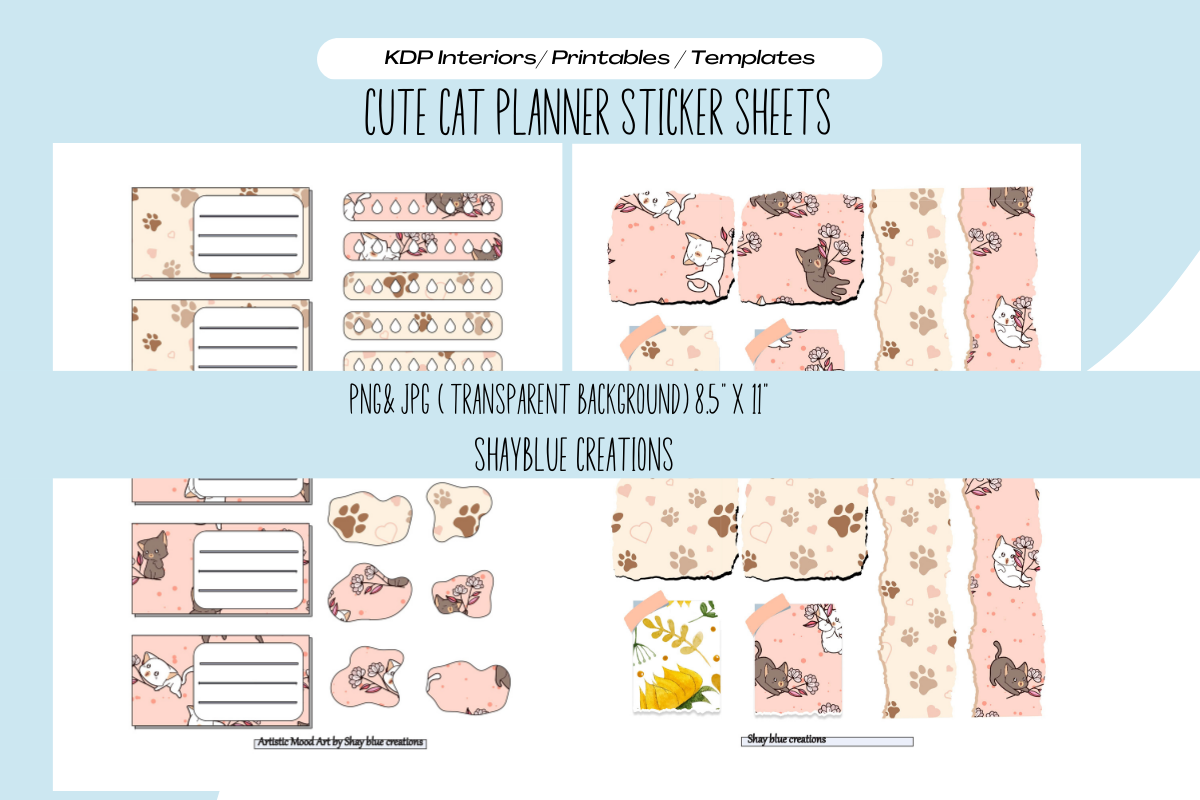
This blue creations set pairs functional planner elements with a cat theme. The listing specifies transparent PNG and JPG sheets at 300 dpi, sized 8.625 × 11.25 inches and suitable for resizing. It is a useful option when you want the practical role of labels and note areas but prefer a playful look over plain geometric shapes.
Pick a small number of pieces that suit your regular tasks and use them consistently from week to week. A repeated visual cue is easier to understand than a different decoration for every appointment. Check the preview for the exact elements and measure before printing, particularly because the sheet is slightly larger than Letter paper. Individual precropped stickers and a native Goodnotes file are not listed.
3. Sunflower Functional Planner Sticker Sheets
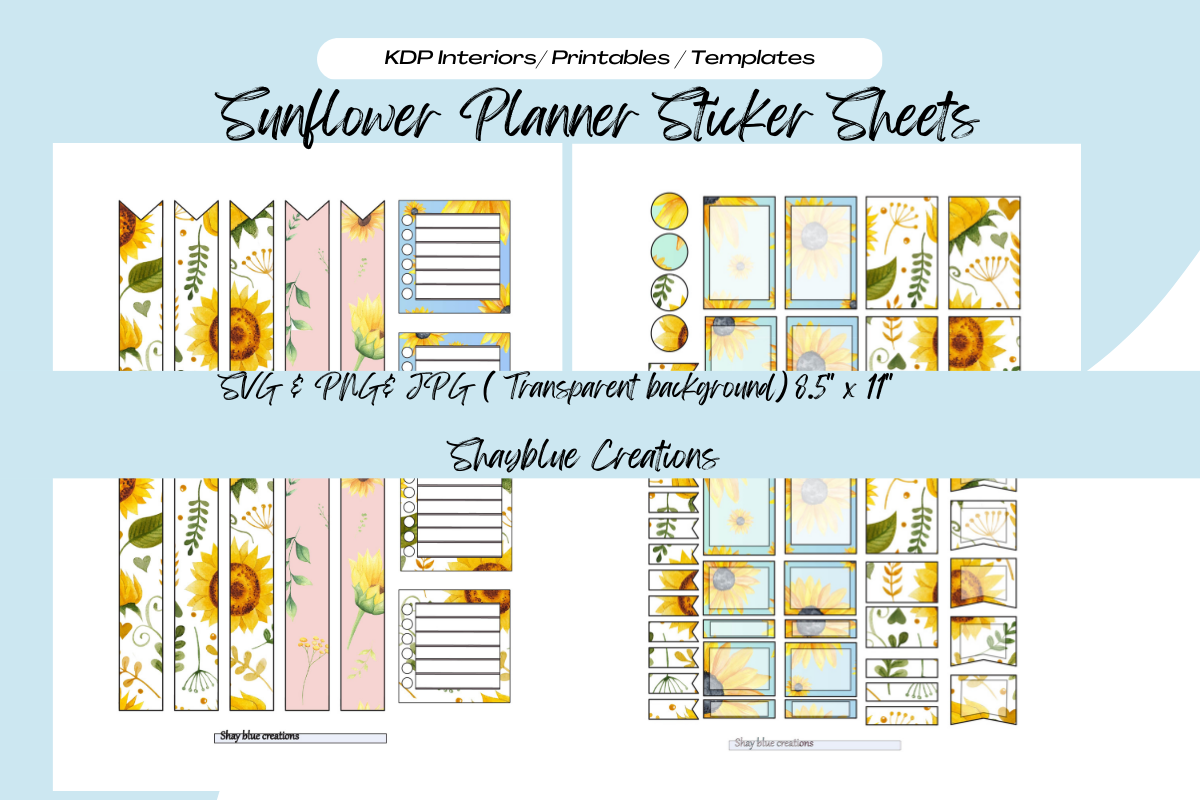
Blue creations supplies sunflower-themed functional sheets in transparent PNG and JPG formats, with 300 dpi and a size of 8.625 × 11.25 inches specified. This is a useful style alternative if plain labels feel too clinical but you still want your decoration to leave room for notes and everyday planning.
Use the set for a coordinated weekly page and keep the most decorative pieces away from dense writing areas. The print-and-cut workflow is described for scissors or a cutting machine, but native project files and ready-made cutlines are not listed. Check the preview for the exact arrangement of planner elements. Because the canvas is larger than Letter paper, test scaling and margins before printing onto sticker paper.
4. Day-of-the-Week Functional Stickers
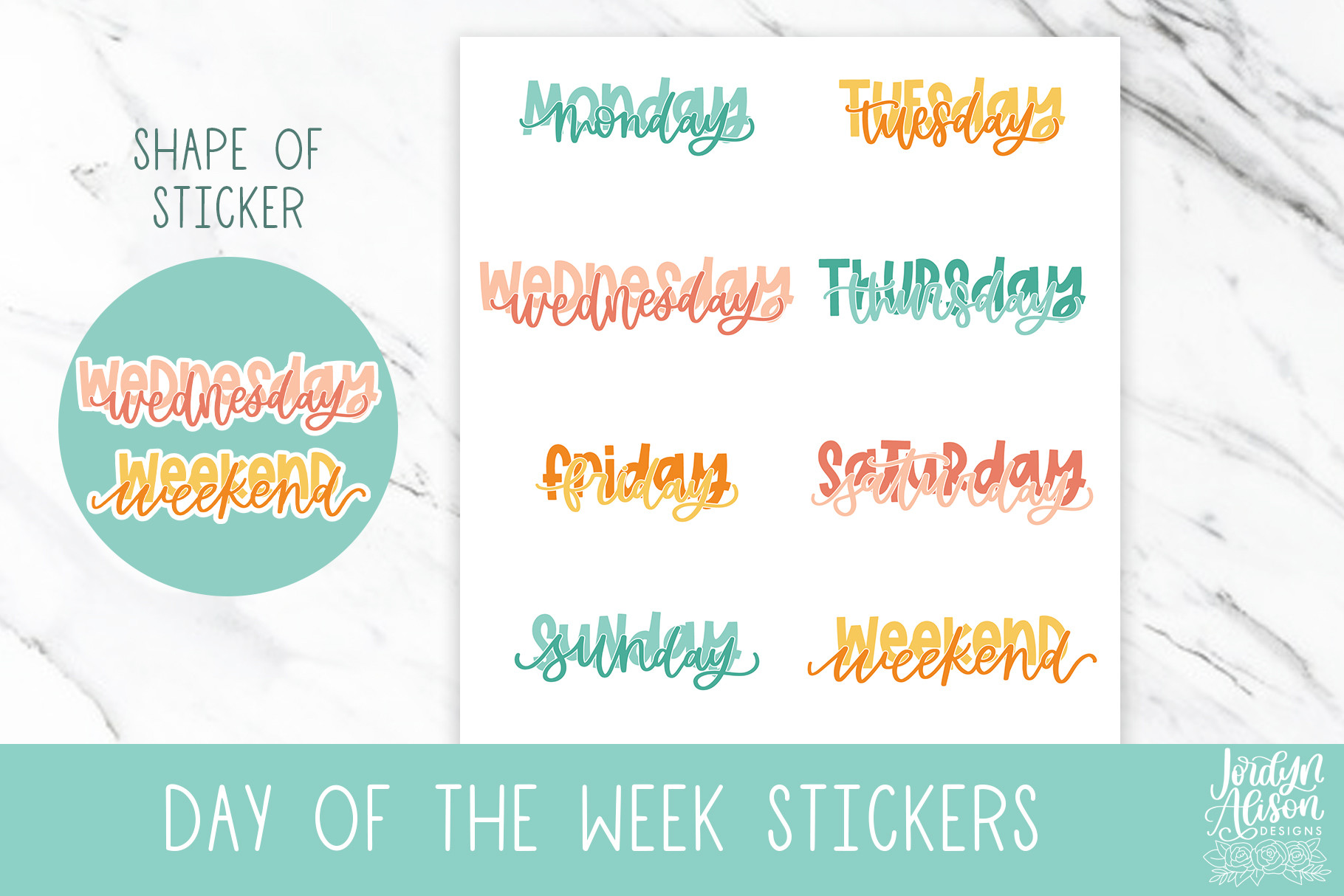
Jordynalisondesigns supplies eight individual PNG files intended for planner or bullet journal use, with Cricut or Silhouette Print Then Cut mentioned. Day labels are a simple way to reuse an undated page or make a handwritten spread easier to scan. They are especially useful when your planner has the structure you want but its headings do not match your preferred visual style.
Arrange the labels before adding appointments so each day retains enough writing room. Separate PNGs let you choose only the headings you need, but they are not a complete weekly planning kit. Exact physical dimensions, PDF sheets and native cutting projects are not listed. If you plan to print them, set a consistent label width and test it against your page before using adhesive paper.
5. Functional Hexagon Reminder Stickers
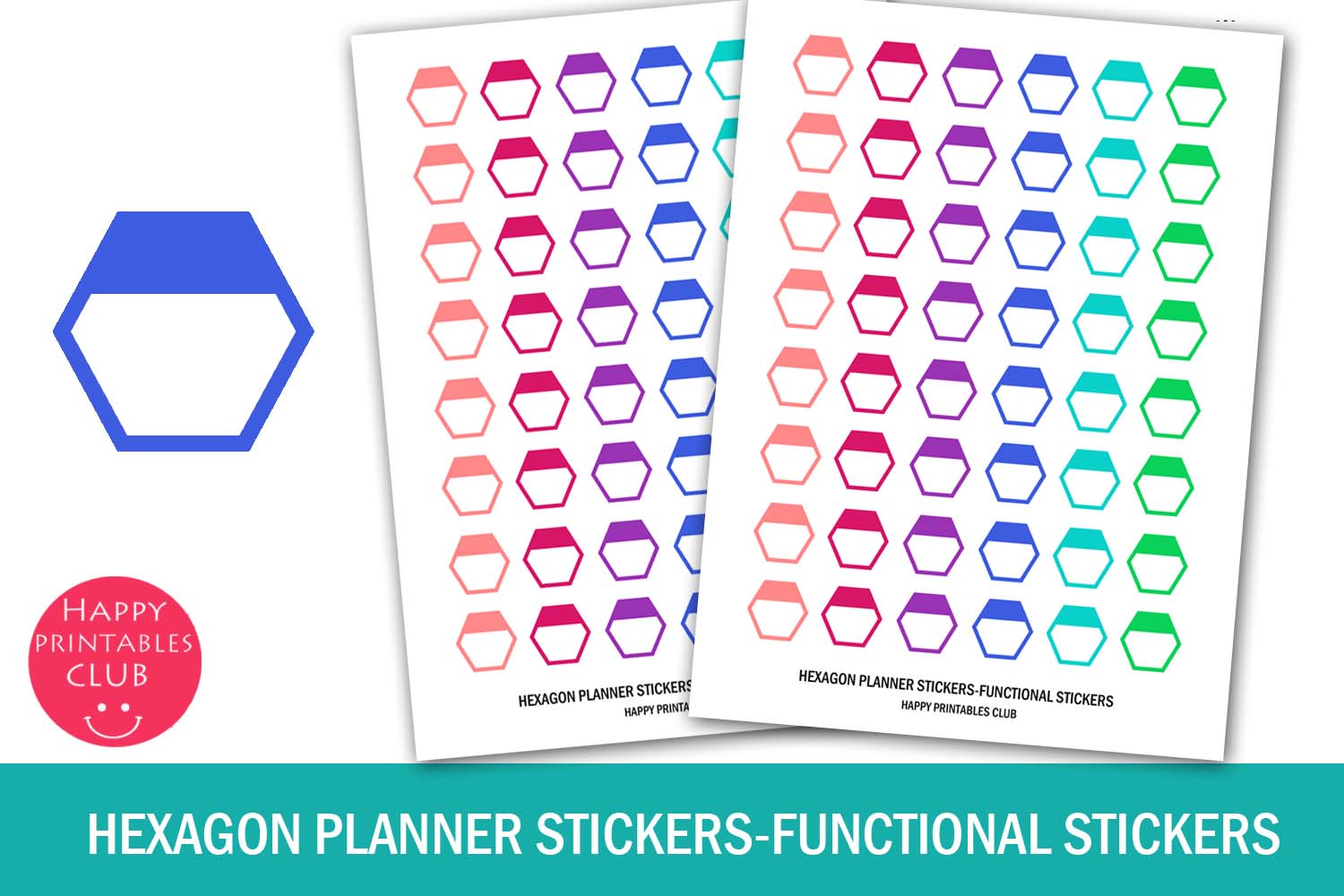
Happy Printables Club supplies colorful hexagon reminders on an 8.5 × 11-inch sheet in JPEG, PNG and PDF formats. The listing describes the stickers as approximately one inch square. Their purpose is simple: mark important dates and tasks without taking over an entire weekly box. They can be useful for a doctor’s appointment, a payday reminder or a birthday note.
Assign a color to a small number of recurring categories, then write the specific detail nearby. This works better than using every color without a consistent meaning. The sheet format is convenient for a paper planner, but digital use will involve cropping pieces from the image. No individual PNG collection or native cutting project is listed. Confirm the printed size with your printer’s scaling settings before cutting.
6. Cozy Daily Routine and Productivity Sticker Bundle
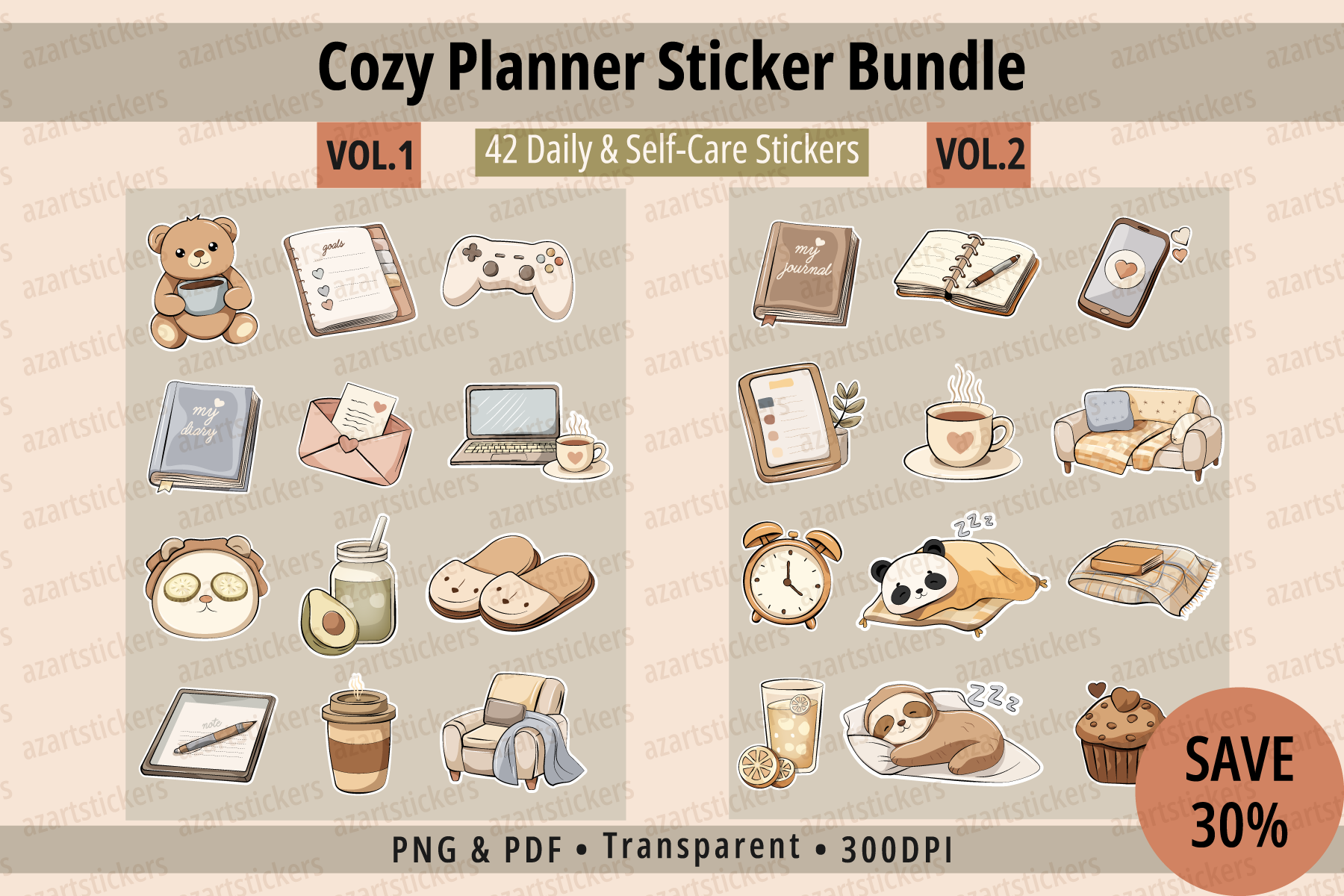
Azartstickers combines 42 stickers spanning daily routines, productivity, self-care and decorative accents. Individual transparent PNGs at 300 dpi in RGB are supplied alongside print-ready sheets in a CMYK PDF. This gives the bundle a useful place between a purely functional icon pack and an entirely decorative collection.
Choose the pieces that match your real routine, such as a repeated planning session or a short break, and keep purely decorative accents secondary. The different color modes may produce slight screen-to-print changes, which the seller acknowledges. A native Goodnotes file or cutting-machine project is not listed. It is best for readers who want a warm visual style while still keeping useful checklists and routine cues on the page.
7. Nurse Functional Planner Sticker Sheets
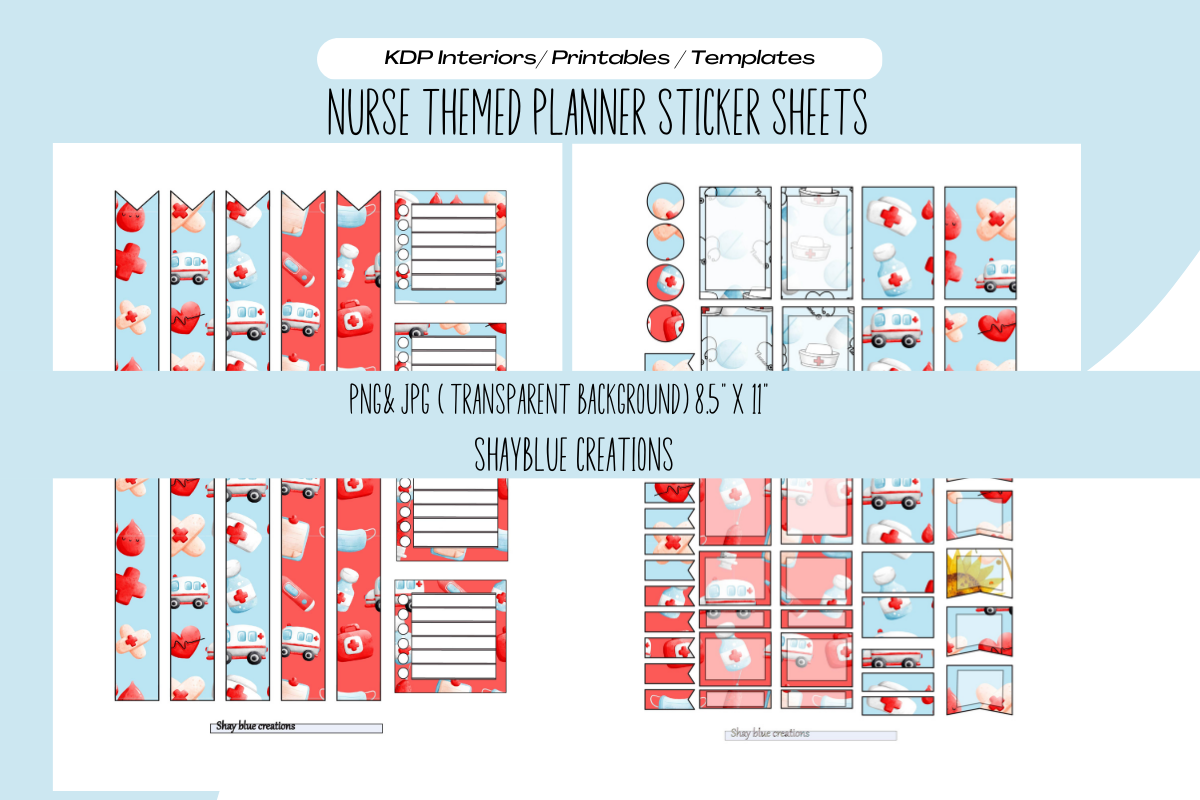
Blue creations offers a nurse-themed printable sheet in transparent PNG and JPG formats. The listed size is 8.625 × 11.25 inches at 300 dpi, with resizing and hand or machine cutting mentioned. This is a more targeted choice than a generic icon pack for someone whose planning pages regularly include work shifts and professional routines.
Use the relevant motifs as quick visual cues, then write the exact shift times or tasks next to them. Artwork should support the information rather than replace it. The unusual sheet dimensions deserve attention: fitting the image to Letter paper may change sticker sizes or crop edges. A native Goodnotes file and prepared machine cutlines are not specified, so choose it with a print-and-prepare workflow in mind.
8. Daily and Weekly Planner Stickers with Editable Vector Files
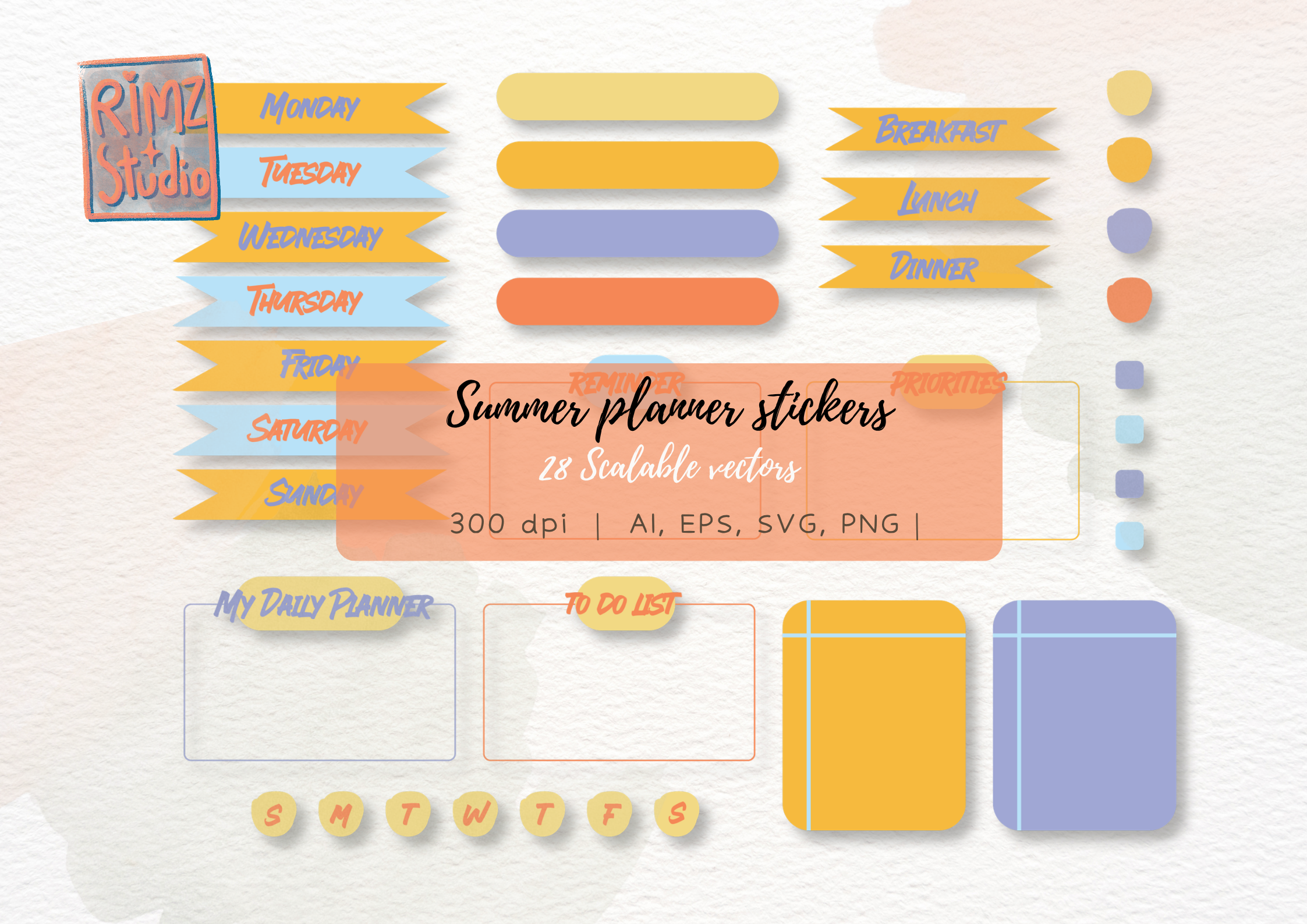
RimzStudio includes 26 PNG files, 26 SVG files, one EPS and one AI file, with 300 dpi specified for the raster output. The combination is appealing if you want useful planning elements and already have the software skills to adjust vector artwork. It offers a different kind of flexibility from a closed, app-specific sticker book.
Use the PNGs for a simpler image-based workflow, or the vector files to prepare labels at a suitable size for your page. Editing still requires appropriate software and some familiarity with the format. The listing does not promise a ready-made Goodnotes collection or an assembled printable sheet, and mockup files are excluded. Choose it for adaptable planning artwork rather than expecting a finished planner to be included.
9. Butterfly Note Planner Stickers
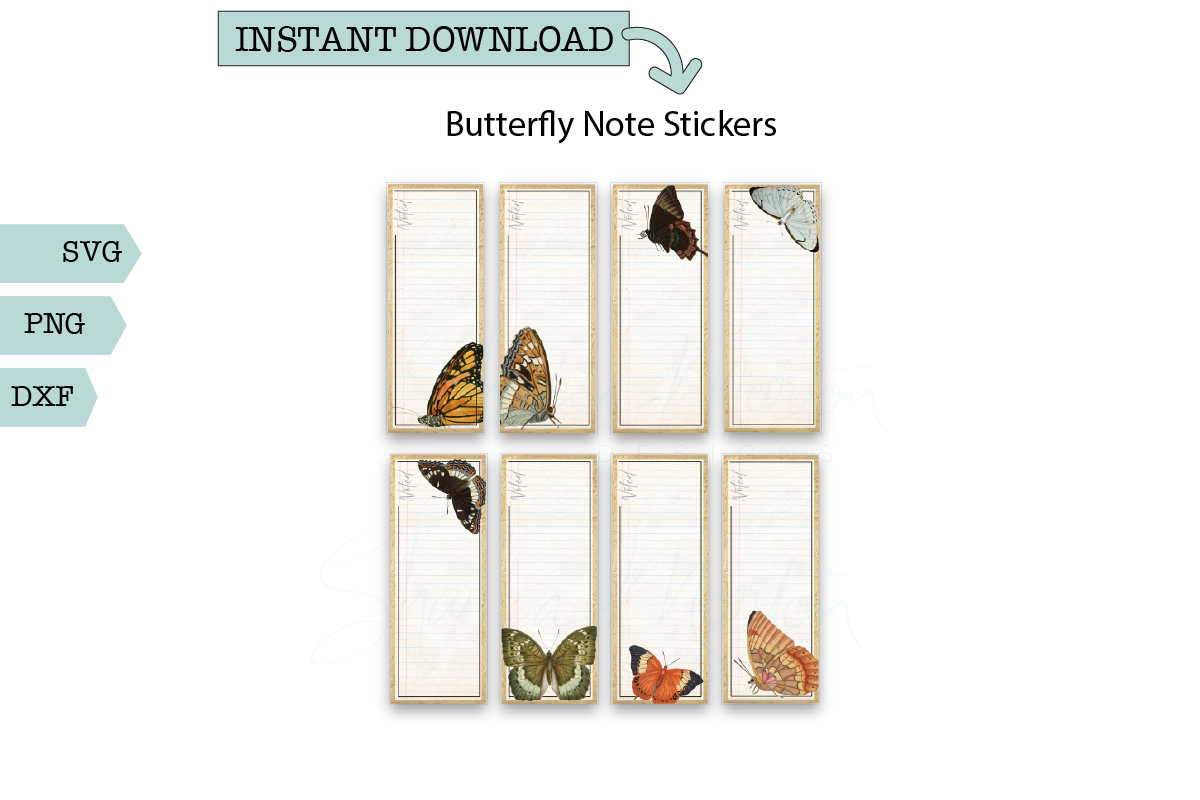
Shariamortondesigns combines butterfly artwork with open areas for reminders, lists and notes. The documented formats are SVG, PNG and DXF. These are useful when you want a decorative label that still has a job to do, rather than an illustration that occupies space without helping you organize the page.
I would use a few as small memo areas beside a weekly plan, or for short reminders in a journal margin. Leave enough space for the actual wording instead of shrinking the note shapes excessively. The listing does not specify a print-sheet size, sticker count, resolution or native app file. Treat this as artwork to prepare for your preferred workflow, and check the preview and scale before making a full sheet.
10. Minimal Planner Icon Stickers in a Neutral Palette
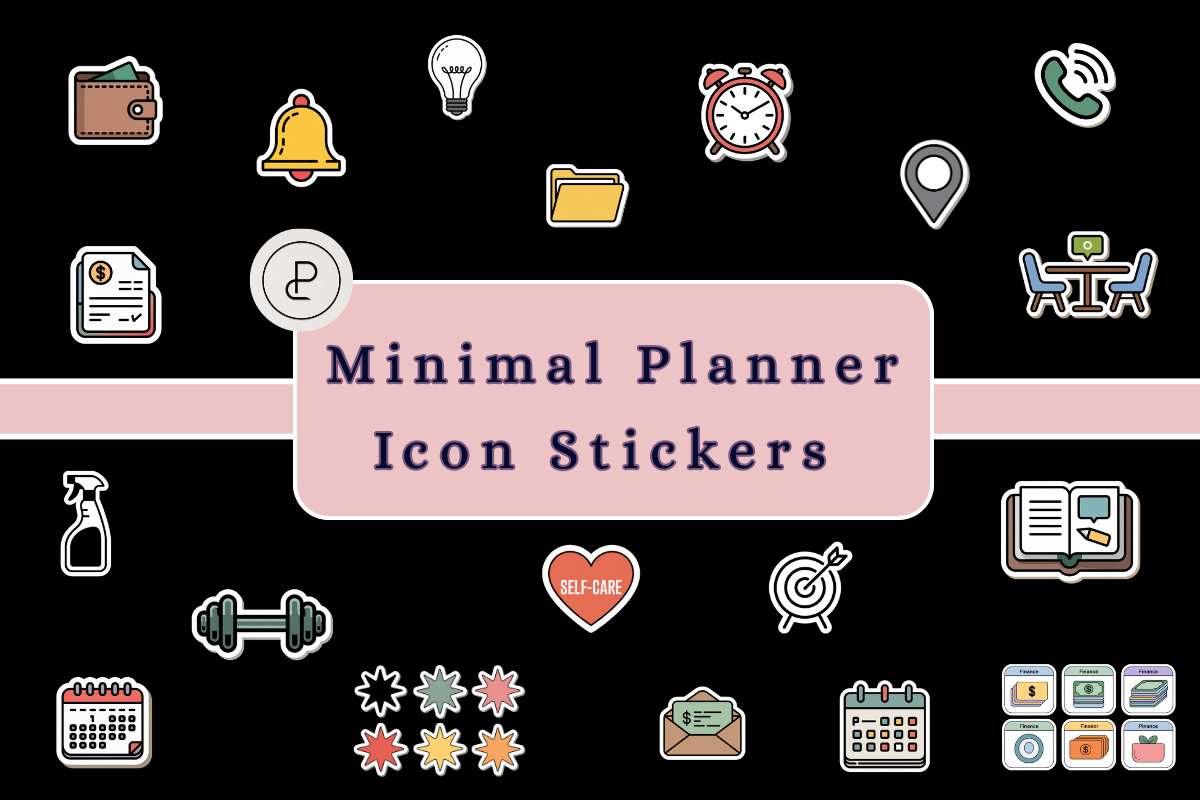
Planners Campus describes transparent PNG icons with a neutral palette and white sticker borders, intended for digital and printable planning. The set covers everyday organization such as tasks, schedules, habits and finances. A restrained icon style is useful when you want a page to remain easy to read while adding visual prompts beside repeated activities.
Use the same icon for the same action each week and add text for any detail the symbol cannot communicate. The listing does not specify an exact sticker count, pixel dimensions, printable page size or app-specific collection. Although print use is mentioned, verify the size of the downloaded artwork before making a sheet. This is an icon collection rather than a complete planning system with built-in tracking or calculations.
11. Bullet Journal Planner Sticker Sheet with 25 Individual PNGs
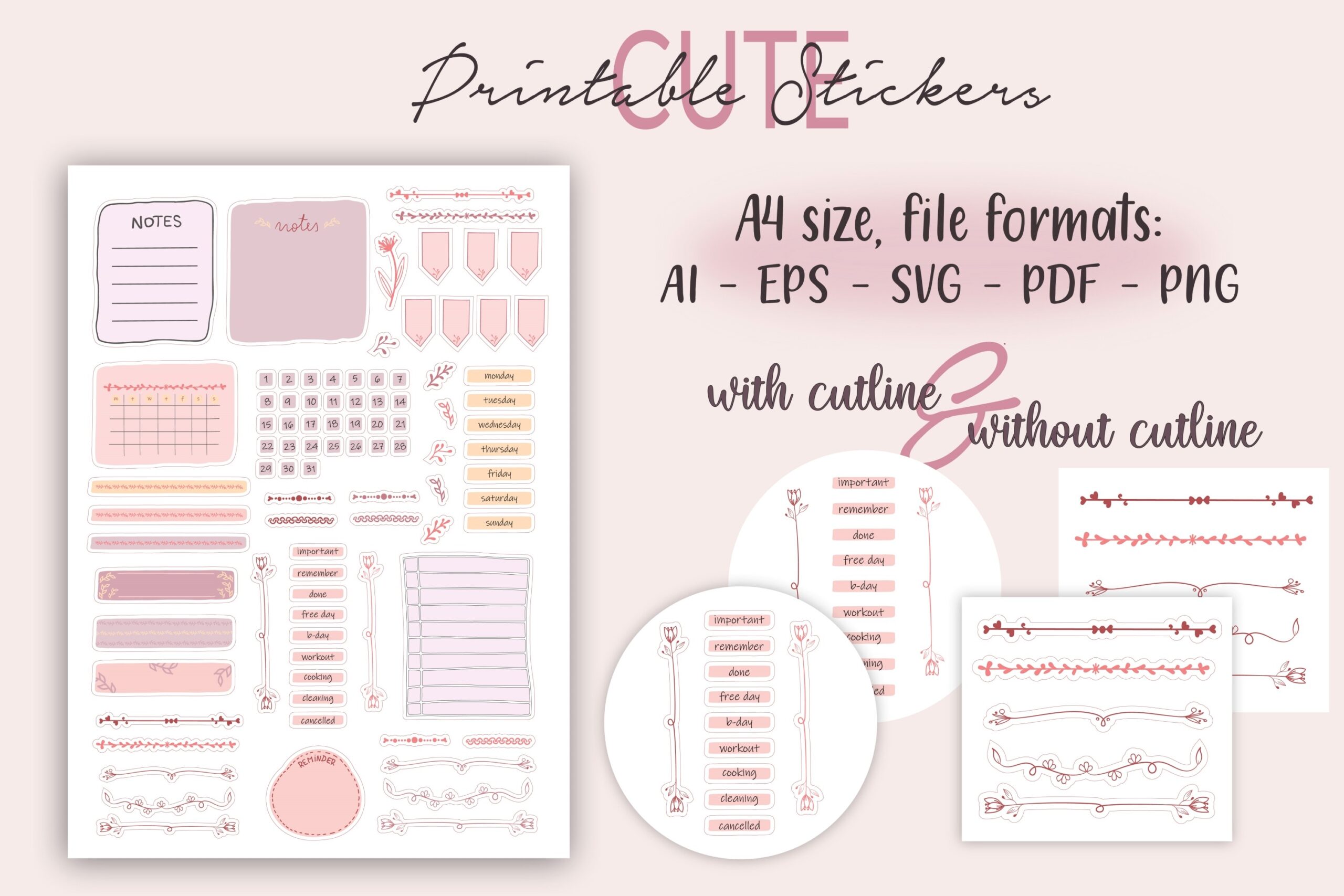
Creative Art Tribe supplies a printable bullet journal sheet with 25 individual PNGs and sheet versions in JPEG, PDF and PNG. DXF, SVG and EPS formats are also listed, with versions with and without cutlines. The preview includes writable note areas and organizational pieces, making this a useful choice for building your own page structure rather than adding only decorative pictures.
Use a few boxes or labels to separate task lists from notes, then keep their meaning consistent across spreads. The individual PNGs can also support an image-based tablet workflow, although a native app sticker book is not listed. More file formats still require appropriate software and preparation. Test the print scale and cutting setup before making a complete adhesive sheet, especially when mixing pieces with your own handwritten layout.
Choosing Functional Planner Stickers for Your Routine
For tablet productivity, the NDP pack supplies a prepared sticker-book workflow but is not suitable for printing. For paper spreads, the day labels, hexagon reminders and printable functional sheets suit different levels of decoration. The editable vector collection gives more flexibility if you already know how to prepare artwork in design software.
Create a simple visual key: one recurring symbol for appointments, one for a weekly review and one for an important task. Keep the meaning stable across pages. Write dates, times and specific actions beside the graphics so the plan remains understandable when you return to it later.
The most useful functional planner stickers are the ones you reach for repeatedly. Start with the formats and cues that fit your routine, then add decorative choices only when they leave your schedule readable.


2 Comments