8 Festive Christmas Countdown Stickers for Organized December Pages
Christmas countdown stickers can give December pages a simple daily rhythm, but the right file depends on how you plan to use it. A numbered sheet is quick to print, individual PNGs let you arrange your own layout, and a Goodnotes file can save some importing work. These eight selections include prepared countdown designs and number resources for making custom labels.
For activities and memory pages, pair the stickers with our advent calendar planner downloads. A countdown of days remaining is different from an Advent label numbered by calendar date, so choose that meaning before arranging your page. All selected products are undated. The descriptions below distinguish confirmed sizes and files from details that only appear in the preview or remain unspecified.
Set up Christmas countdown stickers before printing or importing
Decide whether you want to count down toward Christmas or mark each December date. Check the number range in the preview and actual files rather than assuming every collection includes a complete 1–25 series. Print a sample at actual size and compare it with your planner’s calendar squares. A large digital number graphic may need substantial reduction before it becomes a practical small sticker.
Keep preparation tasks separate from the decorative countdown. Our Christmas planner templates can hold menus, gifts and other holiday arrangements. For individual PNGs, use a compatible app to place the images; a combined sheet may require cropping. A reference to printing and cutting does not by itself confirm SVG cutting lines, a prepared machine file or an included printable PDF.
1. Twenty-Eight Countdown Stickers with a Goodnotes File
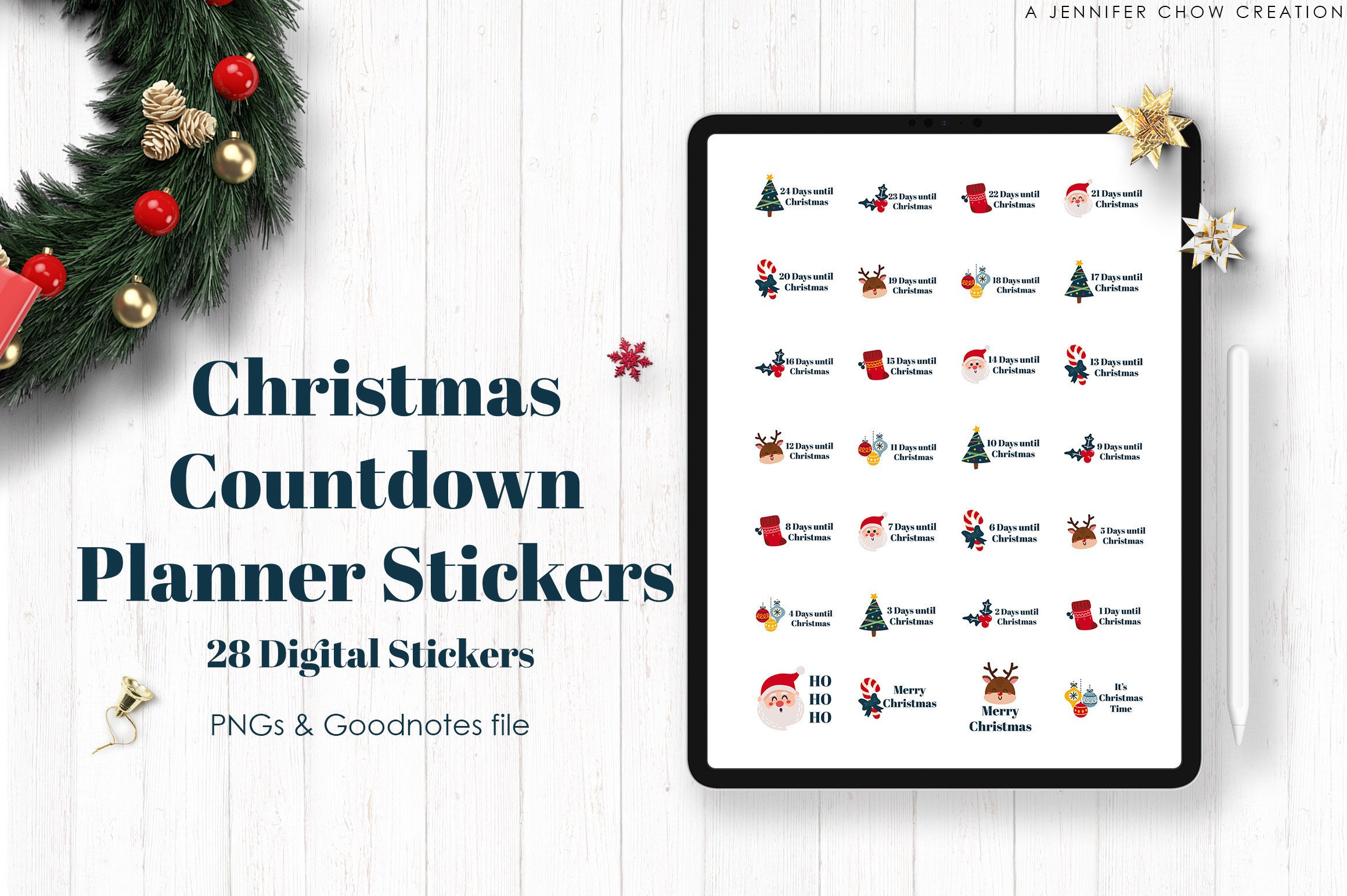
This Christmas Countdown set includes 28 individual PNG stickers, a Goodnotes file with pre-cropped stickers and an A4 sheet with white borders for printing and cutting. That combination makes it useful if you want a similar countdown style on both paper and a tablet. The separate images also let you select only the markers you intend to use instead of importing a large unrelated seasonal bundle.
The 28-sticker count does not automatically describe 28 consecutive countdown days; inspect the actual designs and number range before arranging a whole month. Numeric resolution and individual dimensions are not confirmed in the written description. The A4 sheet offers a print route, while the Goodnotes file is the specifically listed app option. Do not assume the same dedicated file is provided for every note-taking app. Test the import or one printed marker before preparing the full countdown.
2. Transparent Bauble Countdown Artwork for Planner Pages
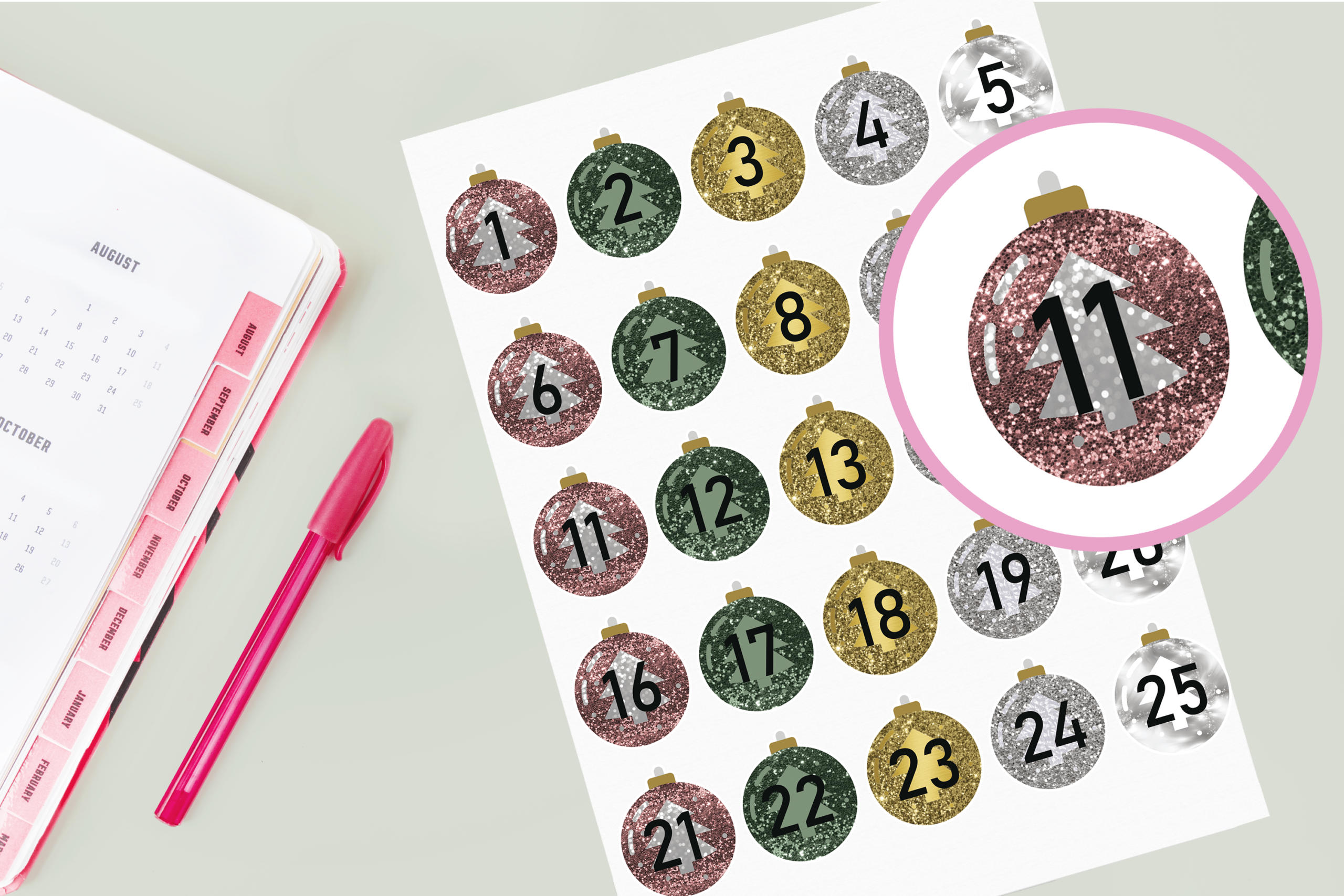
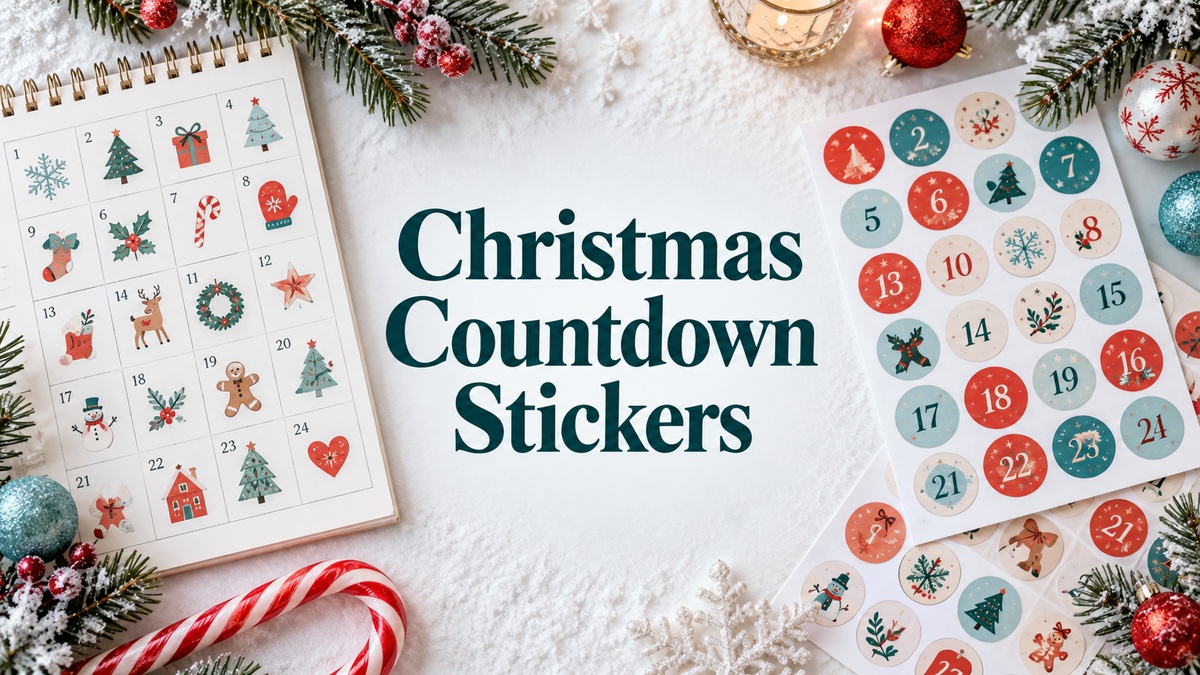
The Bauble countdown artwork uses numbered ornament shapes with transparent space around the illustrations. Its own preview shows a sequence through 25, which makes it a useful candidate for an Advent date layout or a numbered December memory section. A bauble-shaped marker can stand out from the ordinary calendar numbers while leaving the surrounding page available for a short daily note.
The short written description does not specify the file extensions, exact count, pixel dimensions or numeric resolution. Treat the visible preview as a guide and confirm the actual inventory before planning a complete 25-day sheet. The creator mentions printing and cutting, but prepared machine files are not established. If you use the artwork digitally, check whether the download supplies separate stickers or requires cropping. The ornament design is decorative numbering, without automatic calendar calculations or daily reminders.
3. Thirty Snowflake Countdown Markers on a Small Sheet
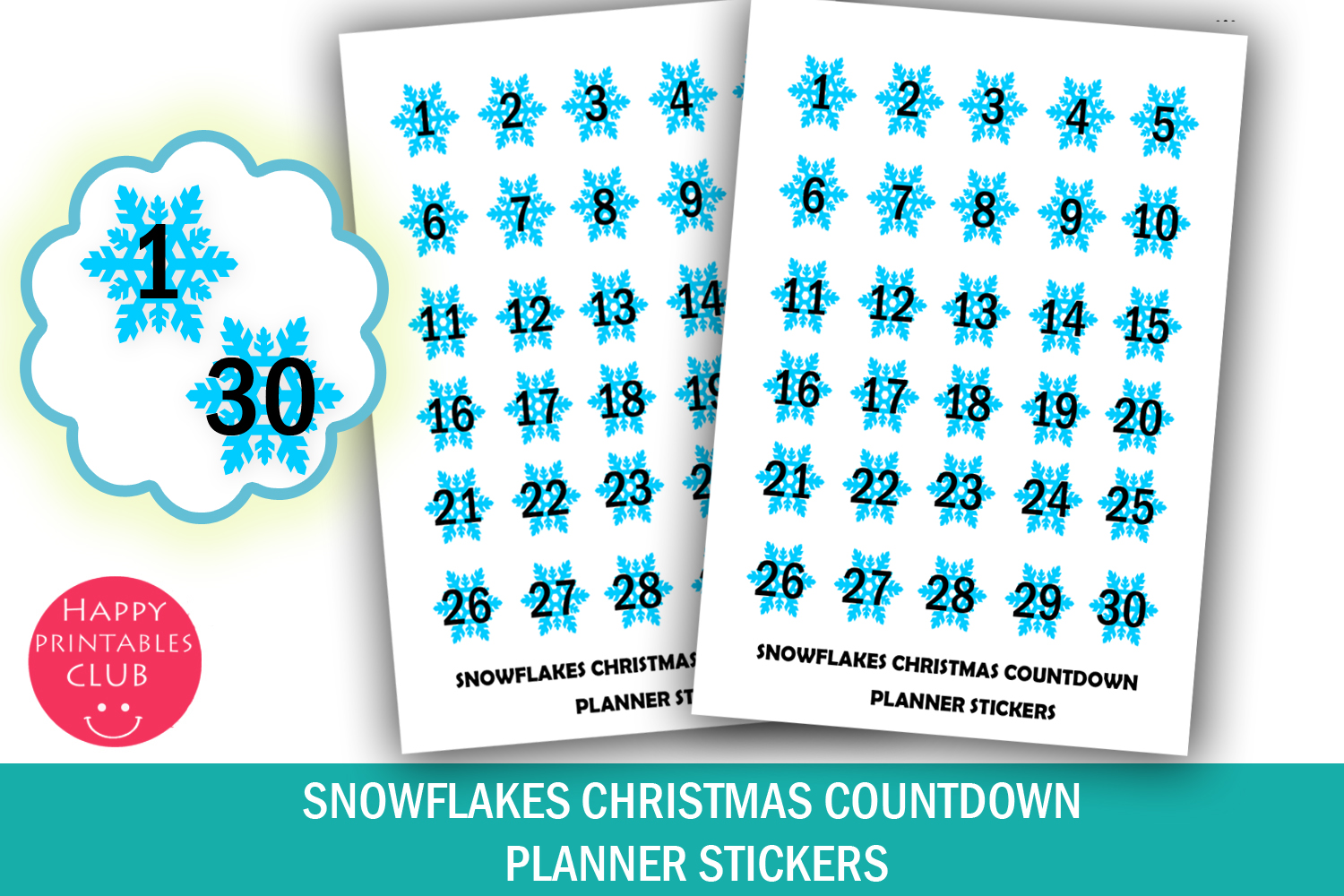
This Snowflakes set provides 30 countdown stickers on a 4 × 5.5-inch sheet, with PDF and JPEG files. Each marker is approximately 0.6 × 0.7 inches. The small footprint suits a compact weekly or monthly planner, particularly when you want a visible countdown beside your own notes without covering a large part of each day’s box.
The preview shows ascending numbers, so decide how you will interpret them rather than expecting a pre-dated December calendar. Print at actual size first, then check whether the small digits remain readable on your chosen paper. The download does not confirm individual transparent PNGs or prepared cutting lines. It is primarily a compact printable-sheet option. If you want to use the images in a digital planner, you may need your own cropping workflow instead of a supplied sticker book.
4. Thirty Bauble Countdown Stickers on a Compact Sheet
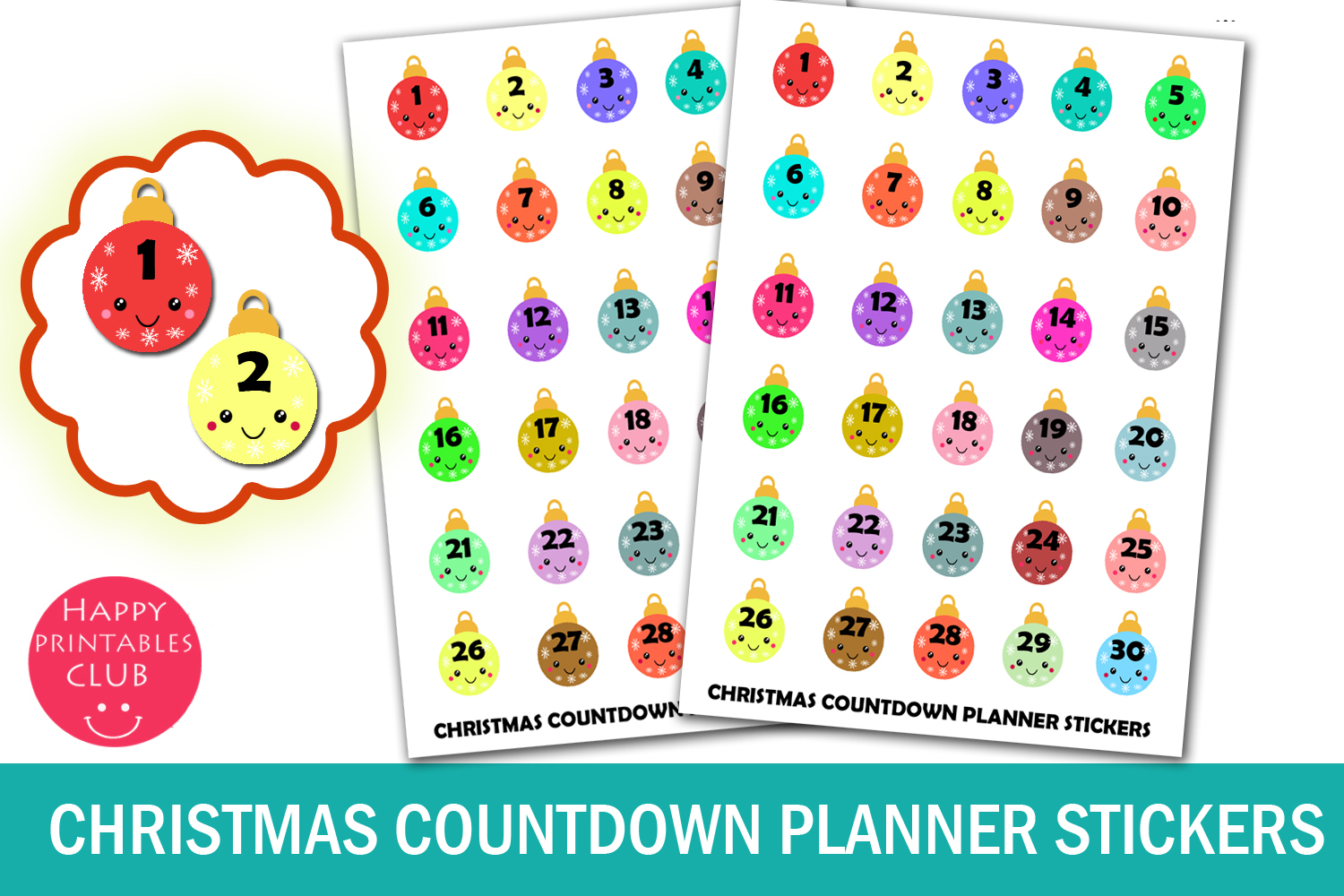
The numbered bauble sheet contains 30 Christmas countdown markers, approximately 0.6 × 0.7 inches each, in PDF and JPEG. Its 4 × 5.5-inch layout is a compact alternative to printing a full Letter page. The colorful ornament characters make the numbers easy to distinguish from ordinary appointment or task labels, while keeping the same small format throughout the countdown.
Choose this sheet for its artwork and size, rather than assuming it has different file capabilities from the snowflake version. Both use the same basic printable-sheet workflow. Confirm the number range in the actual download and make the meaning clear on your page: date numbers and days remaining are different systems. Individual PNGs, editable text and machine cutting files are not listed. A sample print is worthwhile because reducing an already small marker can make its number difficult to read.
5. Thirty Christmas Tree Markers for a Kawaii Countdown
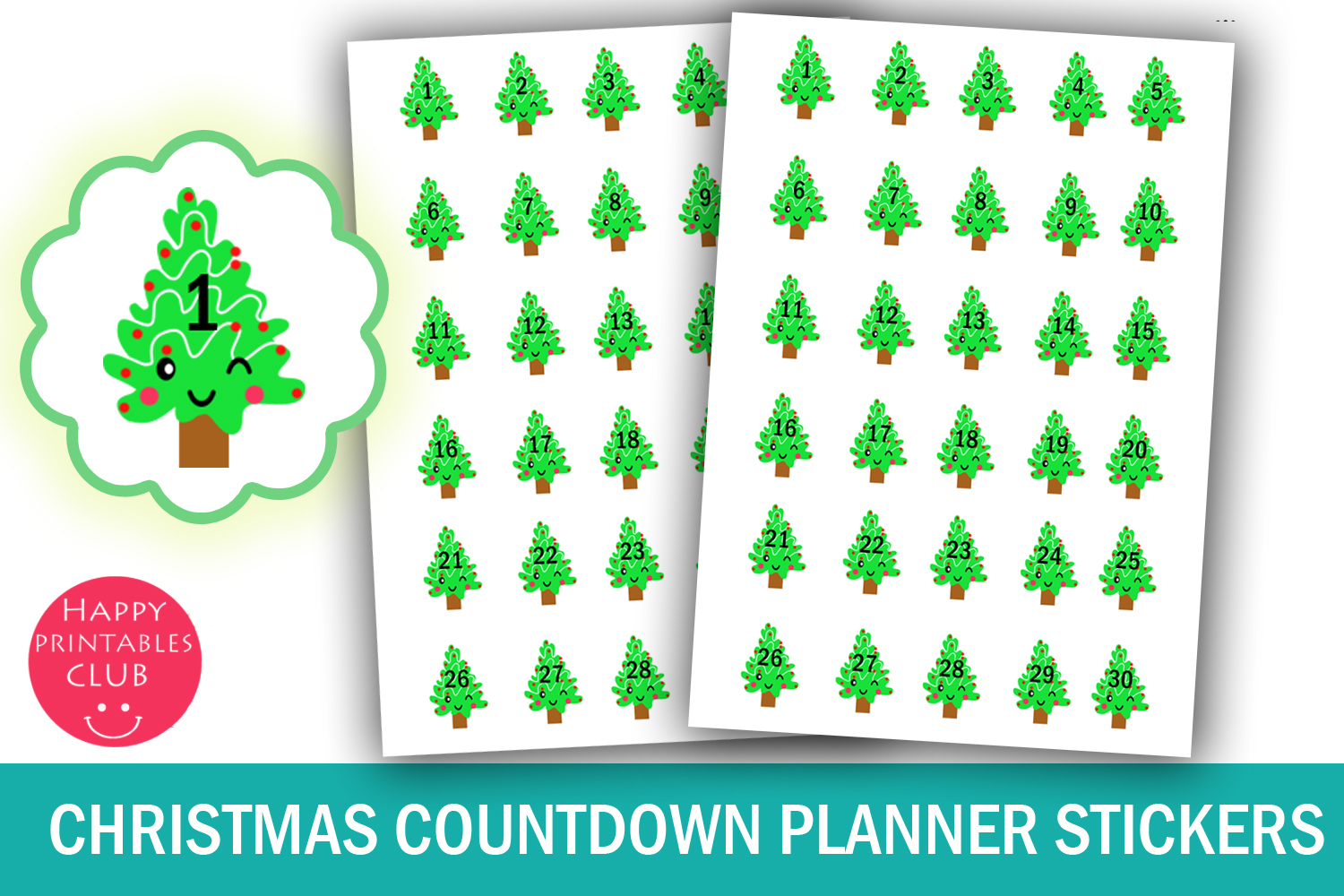
This Kawaii countdown uses Christmas tree markers rather than the bauble or snowflake shapes. There are 30 stickers, each approximately 0.6 × 0.7 inches, on a 4 × 5.5-inch PDF and JPEG sheet. It is a useful decorative choice if you want a consistent tree motif beside daily December entries, especially on pages where large full-box stickers would occupy too much writing space.
The format is similar to the other compact sheets, so the main difference is the visual style rather than an extra editing feature. Check the digits on a test print and keep enough room nearby for a short activity or memory. The written list does not confirm individual transparent images or a digital notebook file. If you arrange a date-based Advent sequence, make sure the chosen numbers correspond to your plan instead of placing the whole 30-marker sheet without checking.
6. Twenty-Five Advent Number PNGs for Custom Labels
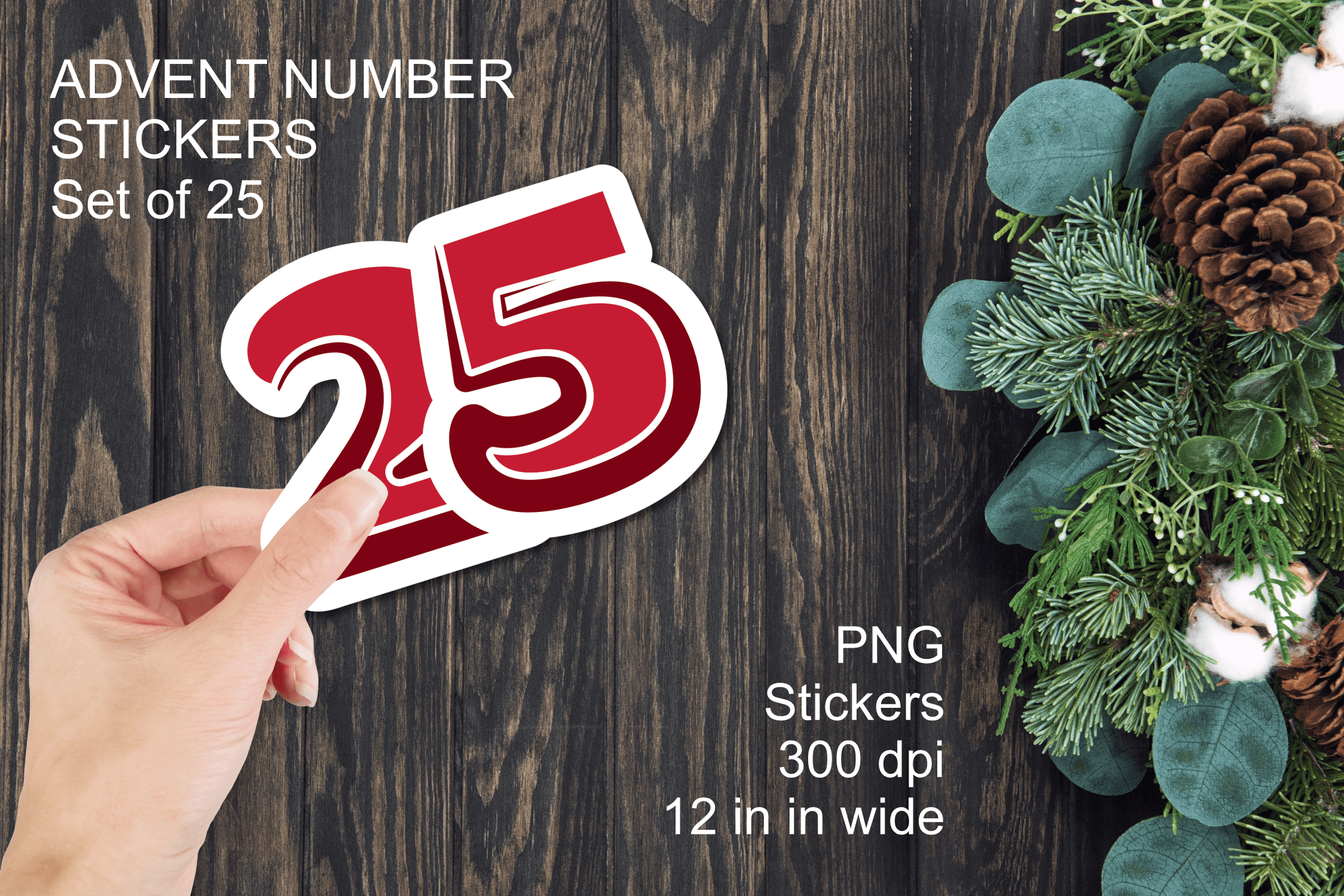
Red Advent Number Stickers provides 25 individually saved PNGs with transparent backgrounds at 300 dpi. The irregular-edged labels are intended for printing and cutting, and the largest number is described as about 12 inches wide. That large source artwork gives you room to scale it down for a planner, or use a larger label on a pocket, envelope or handmade Advent container.
This is an individual-image collection, not a confirmed ready-to-print planner sheet. Arrange the numbers you need at a consistent finished size, then test a small sample before filling a page. A PDF, SVG cut file or dedicated app sticker book is not listed. Inspect the actual number range and keep the meaning consistent with your countdown. The source width is a property of the artwork, not a recommendation to place a 12-inch sticker on a notebook.
7. Pine-Branch Digits for Building Your Own Countdown Labels
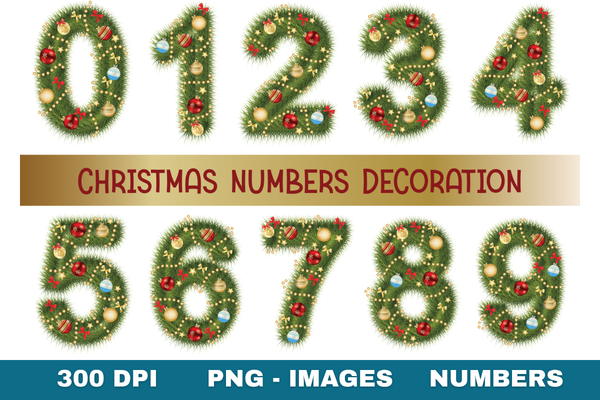
The Christmas Pine Numbers collection supplies individual transparent PNG digits from 0 through 9 at 300 dpi. Evergreen branches and festive decorations make it a useful resource for building your own numbered labels. You can combine the digits into December dates or a countdown value, which gives more flexibility than a fixed sheet when you want a particular number size or a custom page arrangement.
The extra flexibility requires setup. This is a digit collection, not a ready-made 25-sticker Advent sheet; two-digit numbers need composing from the individual files. Exact pixel dimensions and a prepared print layout are not confirmed. Keep the digit scale, spacing and baseline consistent, and make a test label to check readability. The artwork is flattened PNG, without editable letterforms or automatic numbering. Use it when you are comfortable arranging graphics before printing or importing them into your planner.
8. Ten Festive Number PNGs for Custom Planner Countdowns
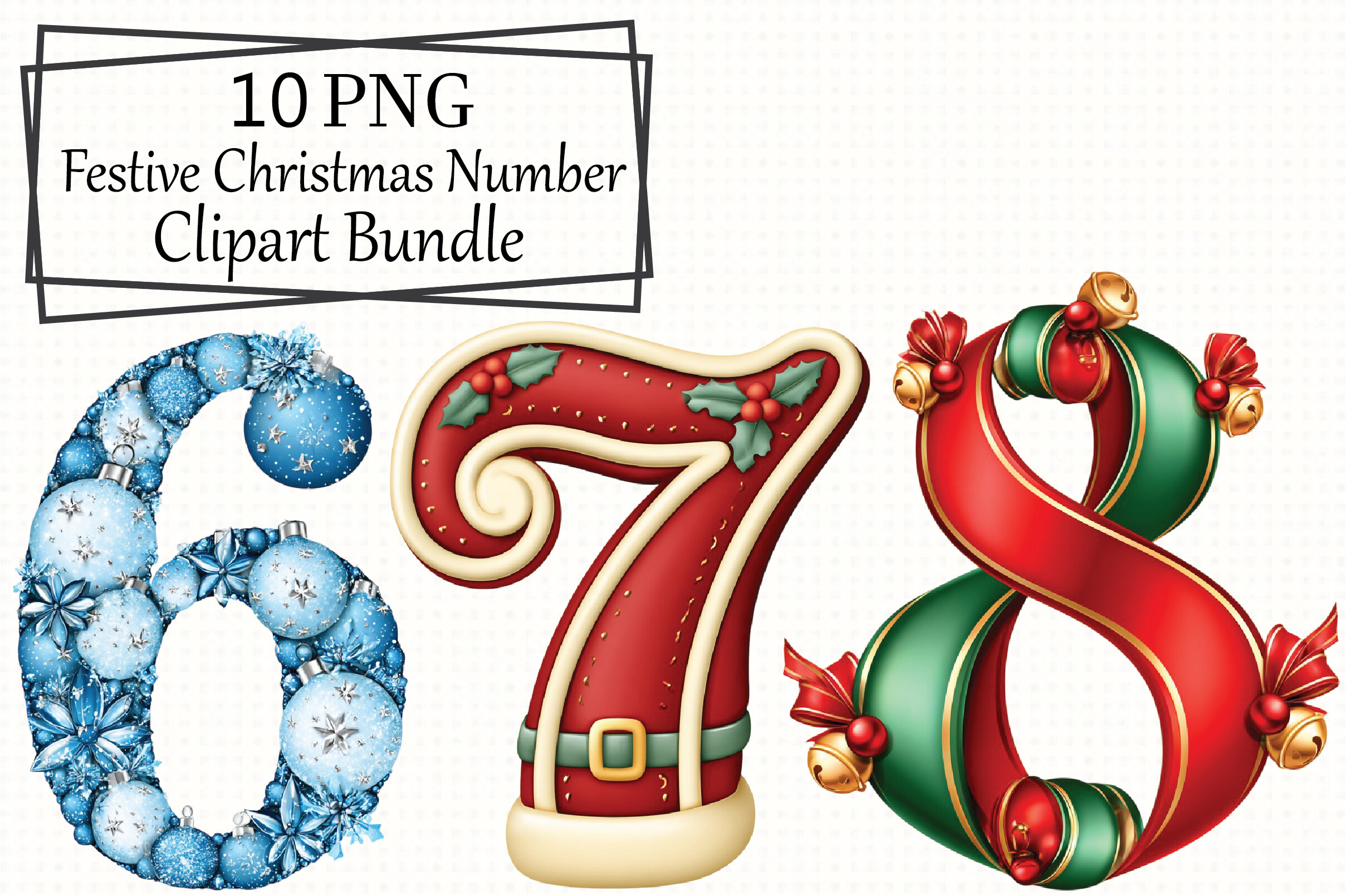
This festive number collection lists ten transparent PNG designs at 300 dpi, with ornament, ribbon, snowflake, bell and Santa-inspired details. It is a more playful option for creating custom countdown labels or numbering a December scrapbook section. The PNG format lets you place the artwork on your own background, while the individual design approach gives you more control over the finished layout than a combined printable sheet.
The written inventory does not spell out the complete digit range or exact dimensions. Confirm that the files contain the numbers needed for your planned countdown before building a full set. A ready-to-print sheet, automatic number generator and dedicated digital sticker book are not listed. If you combine digits into two-digit labels, check the spacing and keep the overall size consistent. This is a design resource for your own setup, rather than a finished Advent calendar.
Make the download work for your routine
Choose one numbering system and keep enough space for the December notes you want to add. A compact printable sheet is convenient for paper planning, while separate PNGs suit a custom layout. For other seasonal accents, our Christmas planner stickers cover broader holiday designs. Download the format that matches your workflow and test one marker before arranging the whole countdown.