16 Useful Weather Planner Stickers and Icon Sets for Daily Pages
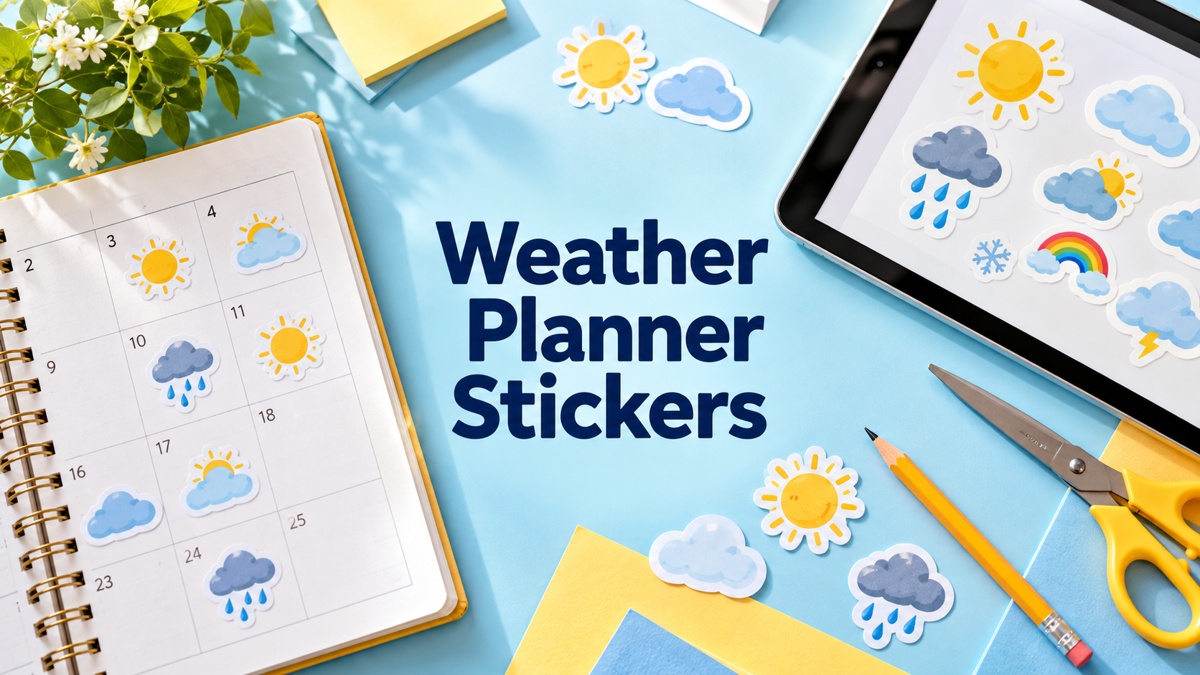
Weather planner stickers give a daily page a quick visual record of sunshine, rain, snow or changing conditions. This guide compares sixteen options, including ten sticker collections and six design resources for custom layouts. Some come as prepared print sheets or app files; others supply separate artwork that needs arranging. The useful choice depends on whether you want a fast paper workflow, reusable digital accents or control over your own sticker sizes.
Compare our functional planner stickers for other daily reminders, our printable sticker guide for paper setup, and our digital planner sticker options for tablet workflows. The notes below identify actual file counts and formats, with particular attention to collections that sellers describe as digital-only rather than suitable for printing.
Match weather planner stickers to your recording workflow
Decide whether you are marking the weather you observed or an expected condition before an outing. A small symbol beside the date is often enough; keep temperatures and short notes nearby if they matter to your record. Stickers are visual markers, not a live forecast source. Use a consistent meaning for each icon so your monthly pages remain easy to compare.
Choose a ready-made sheet for quick paper printing, a confirmed app file for its stated digital workflow, or transparent PNG and vector assets when you want to build a custom sheet. PNG format alone does not confirm transparency, cutting contours or a prepared sticker book. Test fine outlines at your final planner size, and follow explicit digital-only warnings instead of treating every attractive preview as a print-ready design.
1. Kawaii Weather Stickers with Letter Sheets and Cutting Files
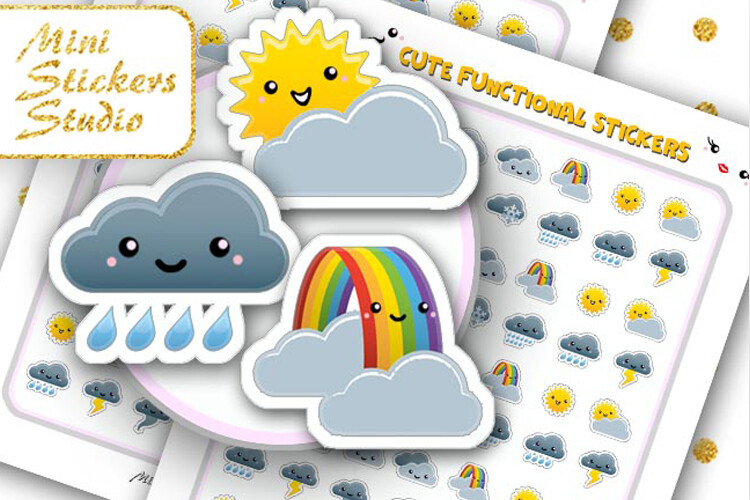
This kawaii weather pack supplies a US Letter PDF, a Letter JPG, one PNG for a Cricut workflow and one Silhouette Studio document. The seller also says the sheets can be printed on A4, but does not give measured individual sticker dimensions. It is useful if you want a prepared sheet and a stated machine-file route rather than arrange every icon yourself. The own page showed 105 favorites, one of the stronger verified interest signals among the focused weather sticker products.
Print a sample at the intended scale and check the sheet margins before using your cutting machine. Printing Letter artwork on A4 may change margins or scale depending on your settings; the general A4 wording does not establish a separately supplied A4 layout. Numerical DPI and a sticker count are not confirmed in the written inventory. Keep the sun, wind and rainbow symbols consistent in your daily record, and check the original preview for the styles that remain clear at your planner’s actual size.
2. Sixteen Weather PNGs with a Pre-Cropped Goodnotes Option
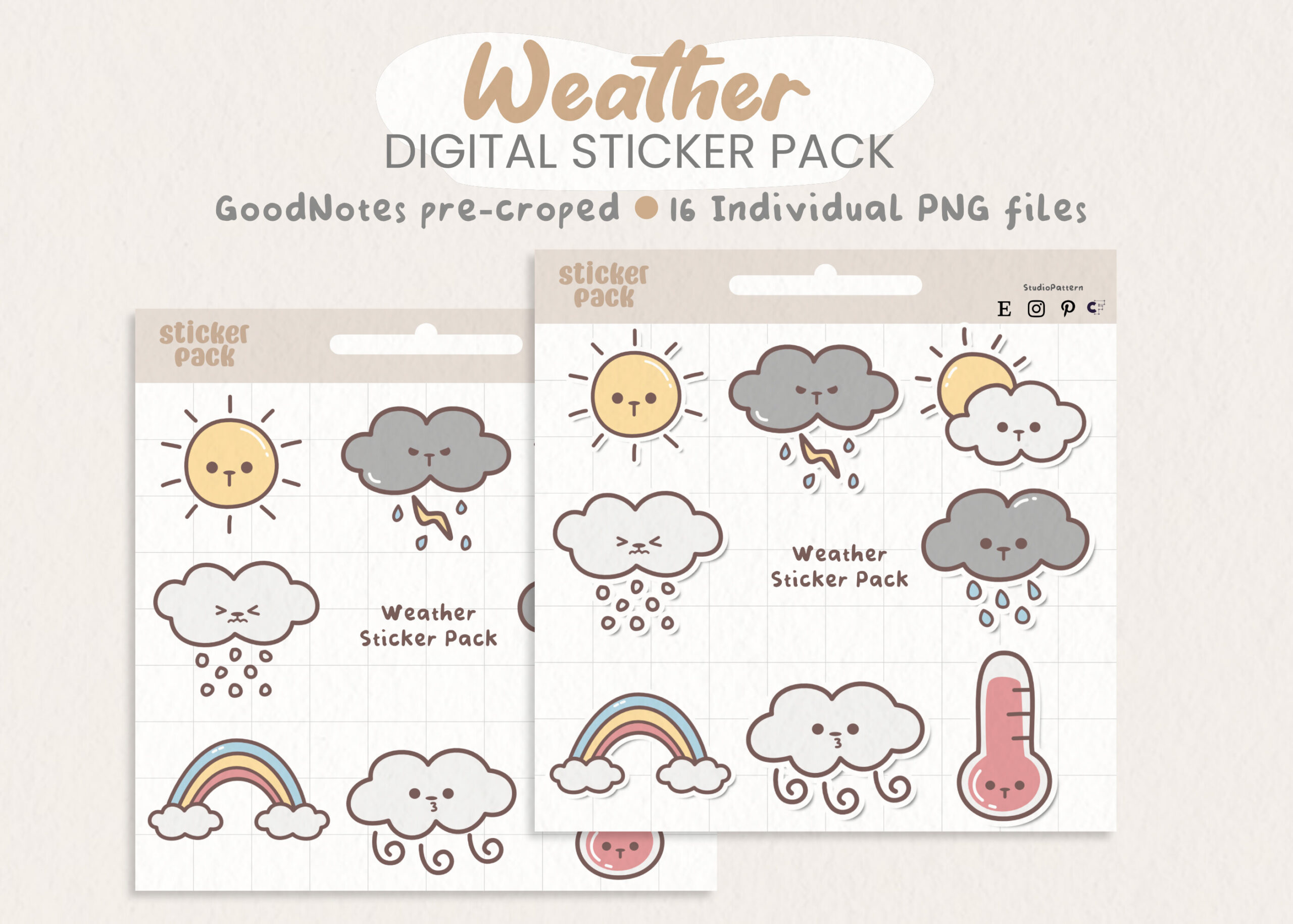
This weather pack lists sixteen PNG files at 300 DPI in RGB, with each sticker approximately 500 pixels on its longest side. A pre-cropped Goodnotes option is also stated, and the seller mentions Goodnotes and Notability use. It is useful for a digital daily record where you want separate icons ready to select, while the description also says the images can be printed as physical stickers. Seventy-nine favorites were visible on the own product page.
Keep printed icons relatively small and test their outlines at the size you intend to use. A roughly 500-pixel source should not be treated as large-format artwork merely because the description says high resolution. The listing does not give a prepared print-sheet size, cutting contours or a precise count of additional app container files. For digital use, follow the supplied pre-cropped route where available; for paper, arrange your own sheet and check the actual printed result before making a full batch.
3. Ten Cute Weather Designs with an A5 Sticker Sheet
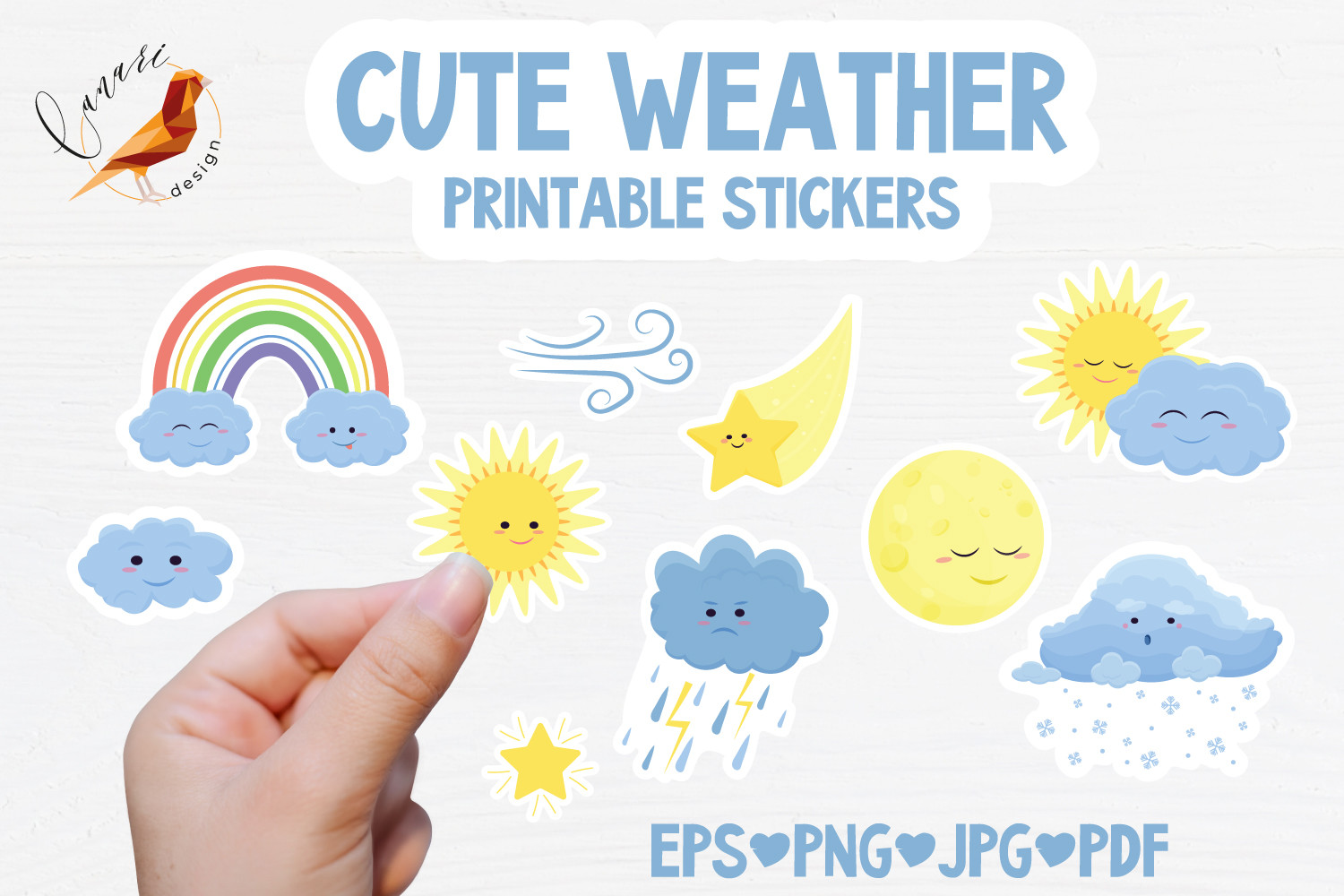
This cute weather collection confirms ten EPS 10 files, ten PNGs and ten JPGs, alongside an A5 sheet in PDF, EPS, PNG and JPG formats. A separate A5 PNG silhouette is listed for Silhouette Studio use. The description names moon, sun, rainy clouds, wind, snow and star designs, making it a useful mix for daily symbols and decorative accents. Sixty-five favorites were visible on the own page, and the prepared A5 sheet offers a practical starting point for paper planning.
Use the sheet as supplied for a quick print session or work with separate files if you want fewer symbols on each page. The PNG silhouette is not described as a native Silhouette Studio document, so expect to configure the relevant software workflow. The seller gives 2,000 × 2,000 pixels alongside the individual EPS inventory, but does not establish raster dimensions for every PNG or a numerical DPI. Test small outlines and leave room for handwritten temperatures or notes beside the icons.
4. MiniLou Letter-Size Weather Sheet with SVG and JPG Files
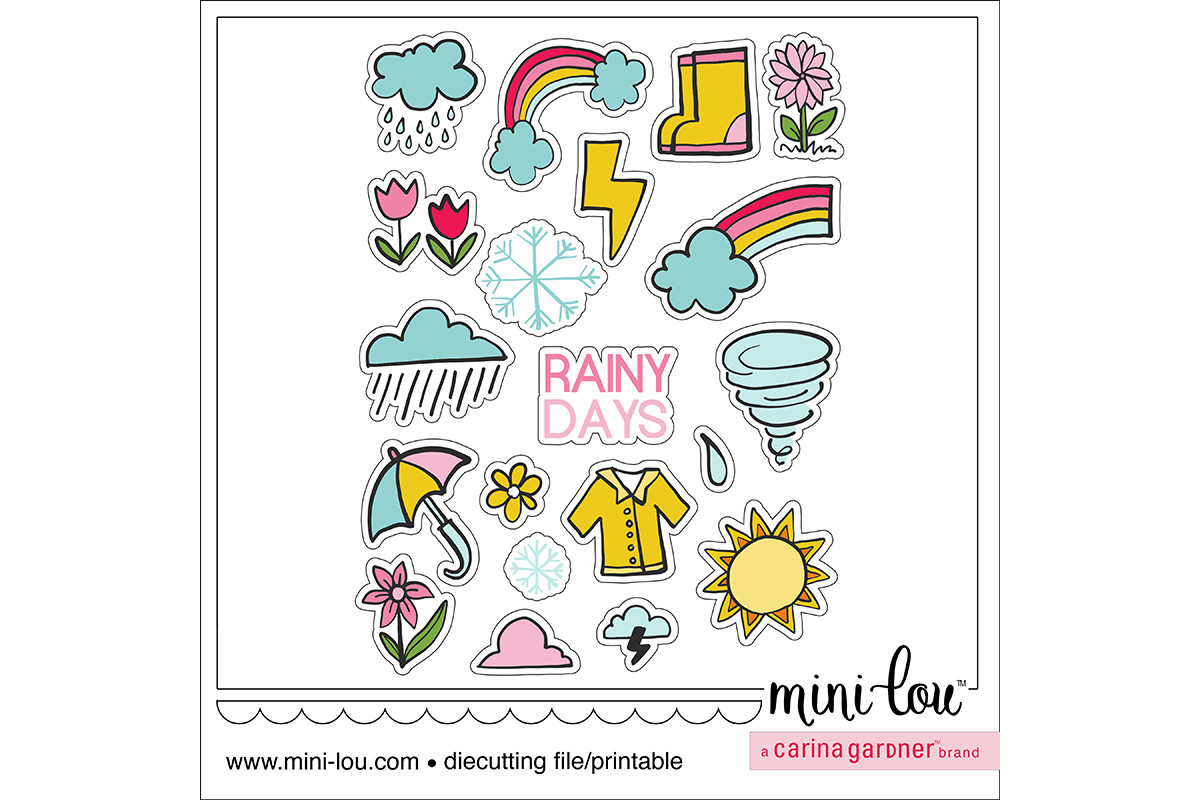
MiniLou’s weather printable is set up on 8.5 × 11-inch paper and supplies SVG and JPG file types in a ZIP. The SVG is described for cutting, while the JPG is for printing; the seller says it can be printed without the lines. It is useful for a straightforward paper workflow where you want an established sheet arrangement instead of a large bundle of individual illustrations. The listing names Silhouette Studio, Cricut Design Space, Scan N Cut and Illustrator compatibility.
Check how the SVG and print image align in your chosen software before cutting an entire sheet. The written description does not confirm an exact sticker count, numerical DPI, transparent PNGs or app-specific files. Sixteen favorites were visible, so popularity is not the main reason to choose it. The relevant benefit is the clearly stated Letter-size sheet and SVG/JPG pairing, which can work well when you want small weather accents and prefer to keep the print setup simple.
5. Fifteen Kawaii Weather Stickers with Editable Vector Assets
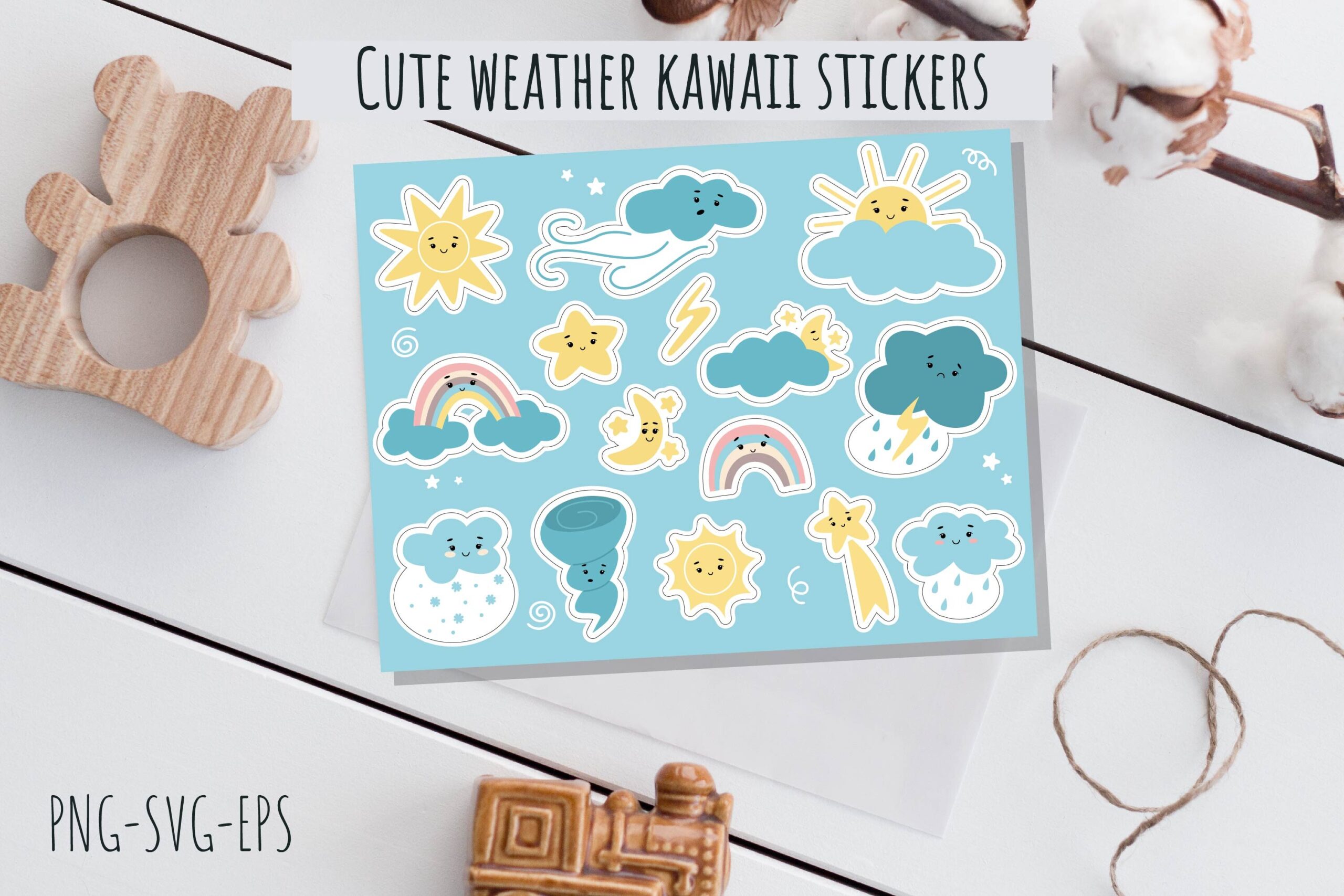
This set contains fifteen kawaii weather stickers, supplied as an SVG containing the designs, an editable EPS, a JPG preview and a transparent PNG sheet. The JPG and PNG are stated at 3,300 × 2,550 pixels and 300 DPI. A separate transparent outline-only PNG is described with twelve sticker images, so its count differs from the fifteen-design color set. It is useful if you want both colorful artwork and a vector route for a custom arrangement.
Choose the file that matches your intended workflow rather than assuming every sheet contains all fifteen designs. The different outline count is explicitly stated and should be checked against the preview before cutting. Individual sticker dimensions, machine-specific project files and a ready-made Goodnotes collection are not confirmed. Eighteen favorites were visible on the listing. Test the sheet scale and keep simple weather symbols as your daily markers, reserving decorative stars or other characters for larger journal accents if needed.
6. Rainbow and Weather Print Sheet with PNG and SVG Formats
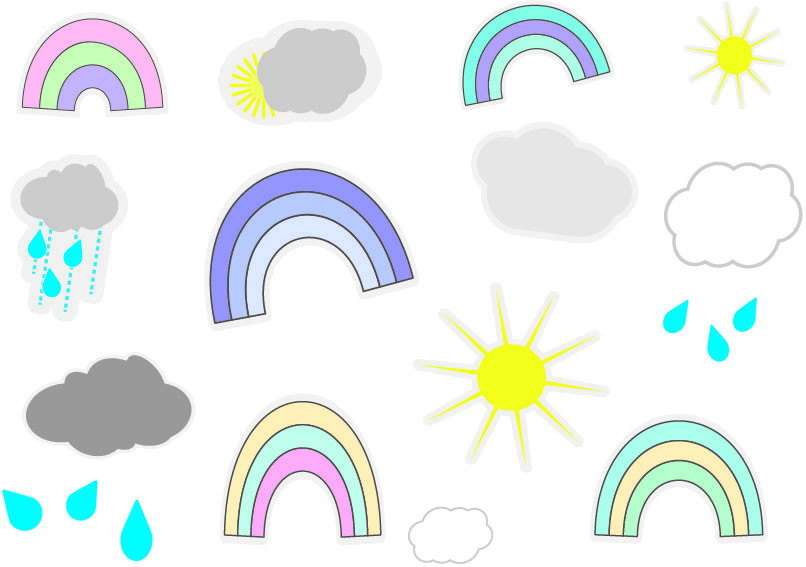
This printable weather sheet combines rainbows, clouds, raindrops and sunshine. The description confirms PNG and SVG formats at 300 DPI and suggests printing onto sticker paper for either machine cutting or scissors. It is useful when you want a cheerful prepared arrangement for paper planning rather than a large collection of separate symbols. The written format list repeats PNG, so that repeated entry should not be read as confirmation of an additional format such as PDF.
Check the original preview and print a sample to see whether the rainbows and smaller drops remain legible in your planner. Exact sheet dimensions, sticker count, transparency and native machine project files are not confirmed in the description. Six favorites were visible, a modest interest signal. Choose this set for the supplied weather-and-rainbow style and stated PNG/SVG workflow, with your own printer scale and cutting setup checked before making a complete sheet of daily markers.
7. Weather and Frame Stickers in PDF and PNG Formats
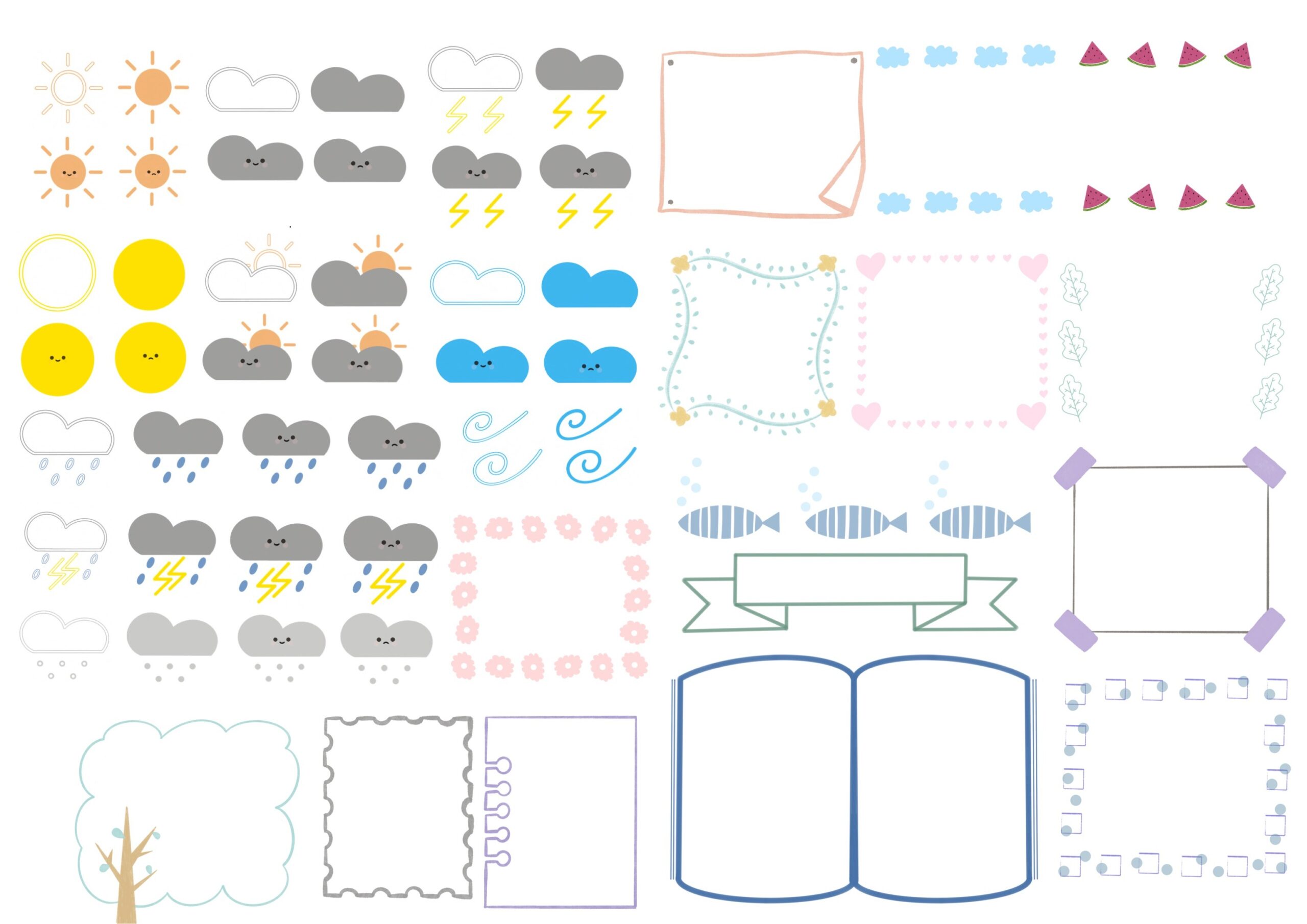
This weather and frame collection has a concise inventory: a printable PDF, PNG stickers and stated use in Goodnotes or Notability. It is useful if you want weather symbols paired with framing elements on a digital note or paper planner page. The PDF and PNG routes offer two starting points, but the seller does not describe a native app collection or pre-cropped file structure. Eighteen favorites were visible on the own listing.
Use the frames to hold a short observation, keeping the weather icon beside the date so its meaning stays clear. The written description does not confirm sheet dimensions, exact sticker count, numerical DPI, transparency or cutting files. A named app use does not establish that the supplied PNGs are already organized in an app-specific sticker book. Check the preview and actual file package before planning a full print layout, and test whether the frames leave enough writing space at your chosen scale.
8. Twenty Neon Weather PNGs with a Goodnotes Sheet
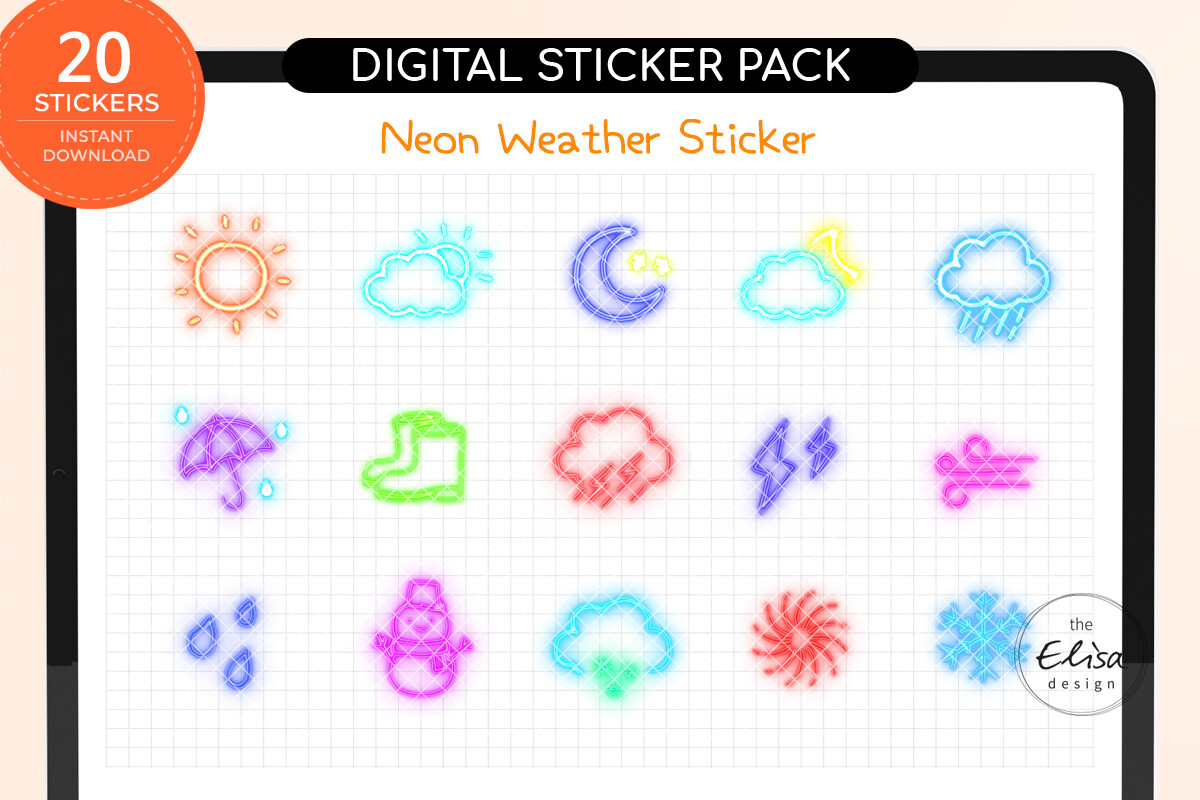
This neon set is explicitly optimized for digital use and is not intended for printing. The ZIP is described as twenty-one files: twenty individual PNG stickers at 72 DPI and one pre-cropped Goodnotes sheet. It is useful when you want bright weather accents in a tablet planner and prefer a stated pre-cropped workflow. The clear digital-only warning is more helpful than assuming that every sticker product can serve both paper and screen planning. Six favorites were visible on the own page.
Use this set for the digital workflow the seller describes, with the neon style kept large enough to read against your page background. Numerical pixel dimensions and the physical size of the individual icons are not confirmed. The 72-DPI specification should not be turned into a promise of print quality, especially when the seller explicitly rules printing out. Keep a more restrained icon palette for long records if the bright colors become distracting, and test a few files in your chosen page layout before importing the entire collection.
9. Retro Floral Weather Stickers for Three Named Note Apps
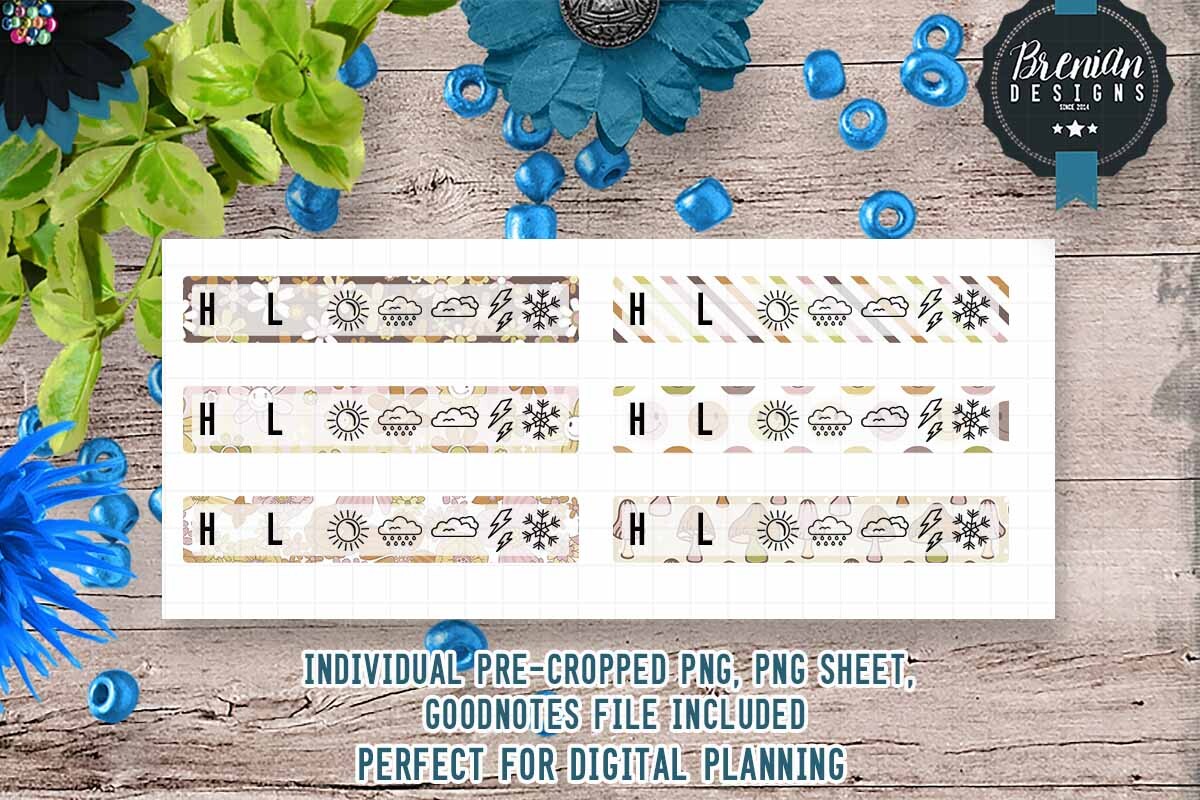
This retro floral weather collection is described as digital-only and not print-friendly. The seller lists pre-cropped Goodnotes files, PNG sheets, a Zoomnotes file and a Noteful file, with an assortment described as more than six unique stickers. It is useful when you want a coordinated decorative style in one of those named digital workflows rather than assemble PNGs into a paper sheet. Fifteen favorites were visible on the own page.
Follow the supplied app route that matches your setup and check how the floral details look at the size of a daily planner box. The description does not give an exact design count, numerical DPI, pixel dimensions or a physical sticker size. Do not assume paper-print compatibility from the original preview; the digital-only limitation is explicit. This set is best suited to readers who want a small themed digital collection, with weather icons treated as visual markers rather than a source of live forecast information.
10. Twelve Cat and Weather Illustrations in Large PNG and JPG Files
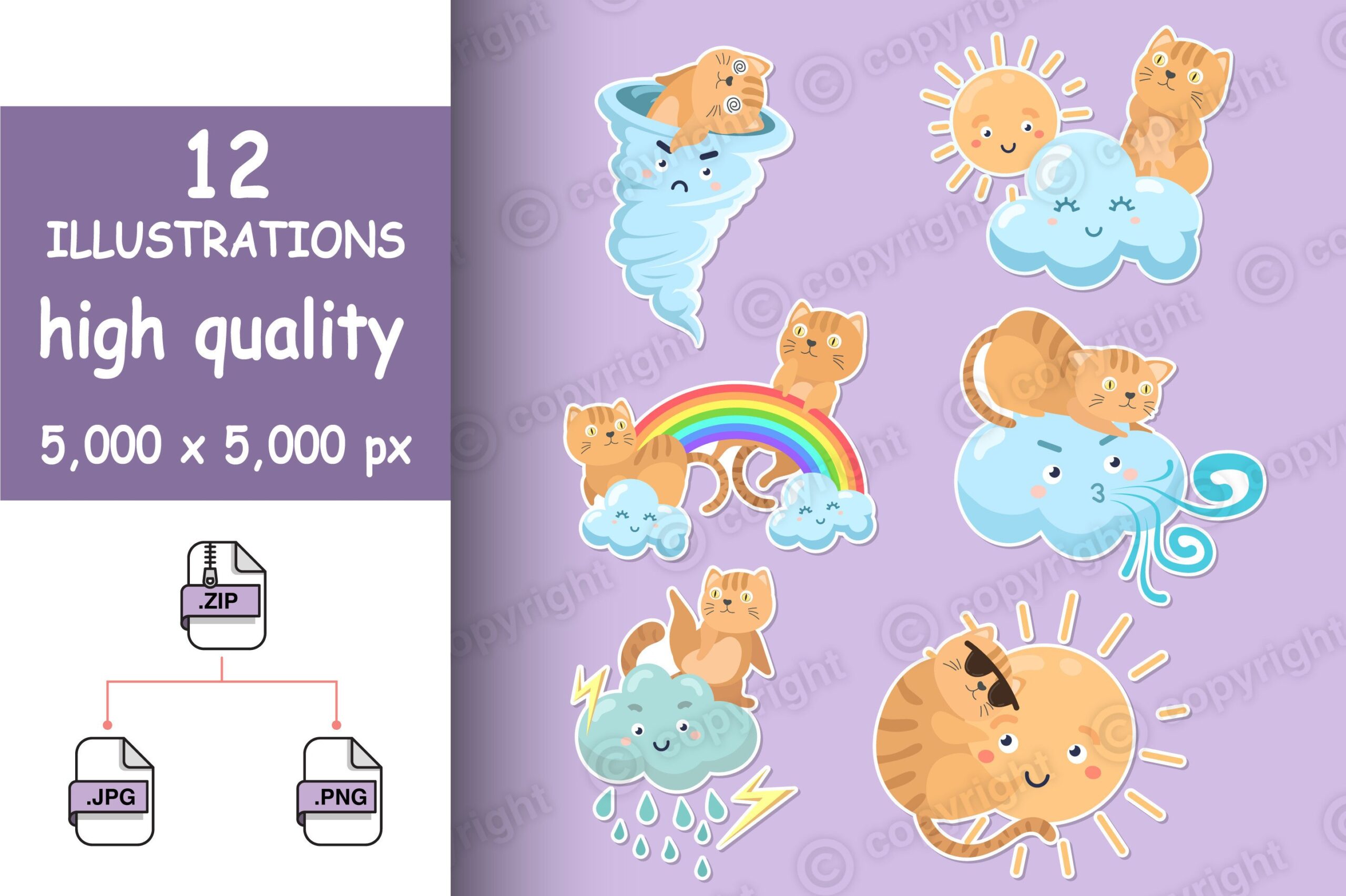
This cat-and-weather collection supplies twelve JPGs on white backgrounds and twelve transparent PNGs, each stated at 5,000 × 5,000 pixels. The files are separate illustrations in a ZIP rather than a confirmed prepared planner sheet. It is useful for a pet-themed weather journal or larger decorative daily-page accents where character art matters more than a minimal symbol. The seller also lists uses on other physical products, which does not add extra planner-specific files to the package.
Arrange a few PNGs into your own sheet if you want paper stickers, keeping detailed character scenes larger than a tiny weather marker. The listing does not confirm numerical DPI, white sticker borders, cut contours, vector sources or app-specific imports. Five favorites were visible. The large pixel dimensions provide layout flexibility, but the result still depends on the final size and print setup. Use a sample to decide whether the cat artwork supports your daily record or is better reserved for a journal memory spread.
11. Thirty-Five Transparent Watercolor Weather PNGs
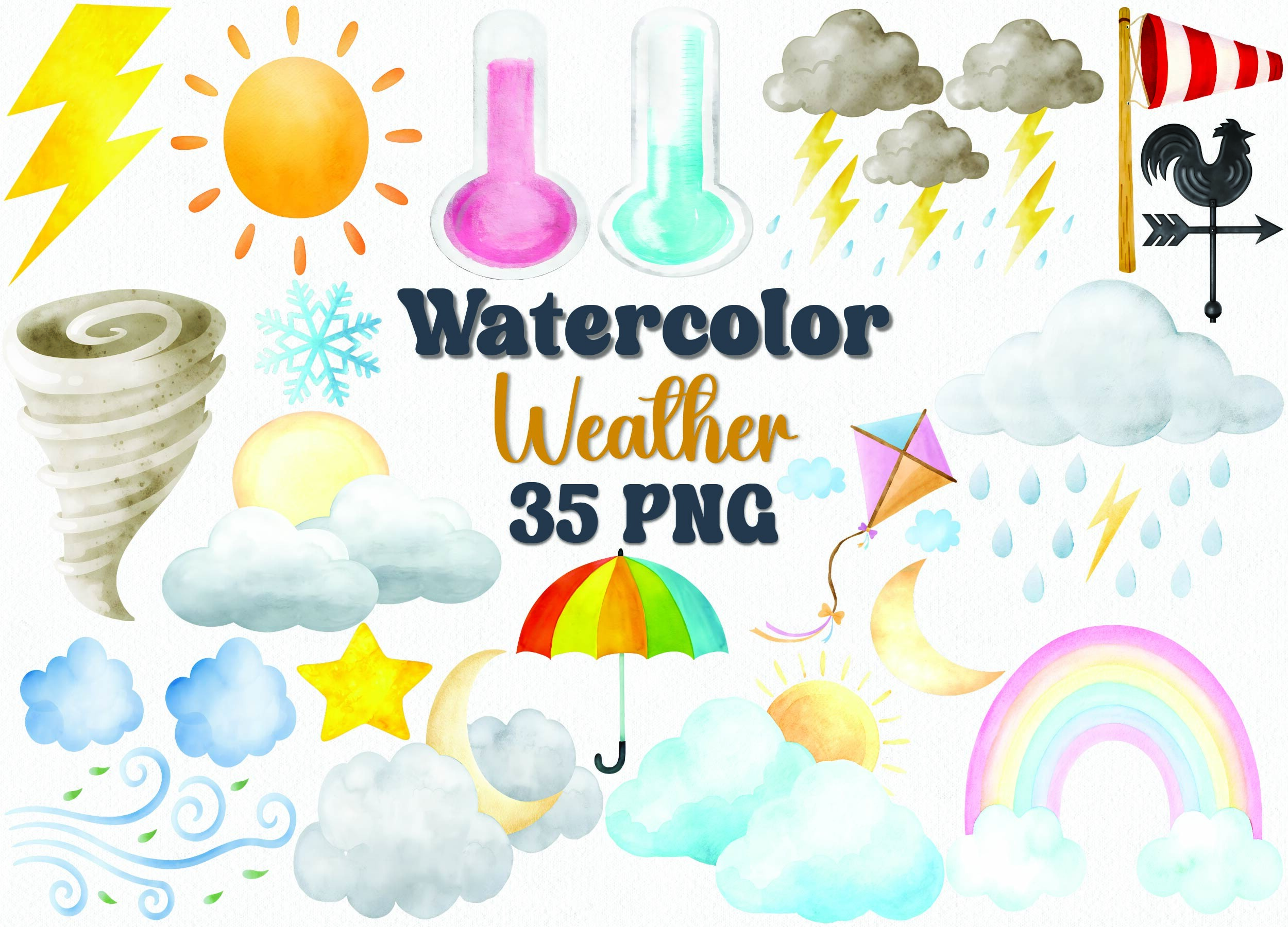
This watercolor weather library contains 35 transparent PNG files at 300 DPI. The described subjects include sunshine, rainbows, clouds, rain, snow, storms, wind, fog, umbrellas and thermometers. The seller explicitly suggests planners and sticker projects, so it is a useful design resource when you want to build a custom weather sheet or combine several symbols in a journal layout. Thirty-two favorites were visible on the own product page.
Choose a few clear symbols for your daily record and keep the more detailed watercolor elements for larger page accents. Pixel dimensions, prepared sheet sizes, cutting contours and app-specific collections are not confirmed. The 35 files are artwork assets, not 35 finished sticker sheets. Test the fine watercolor edges at your actual planner scale, and leave space for handwritten temperatures or short observations. This resource suits a custom-layout workflow more than a quick print-and-cut session with a fully prepared sheet.
12. Mixed Daily-Planning and Weather Icons in Vector Formats
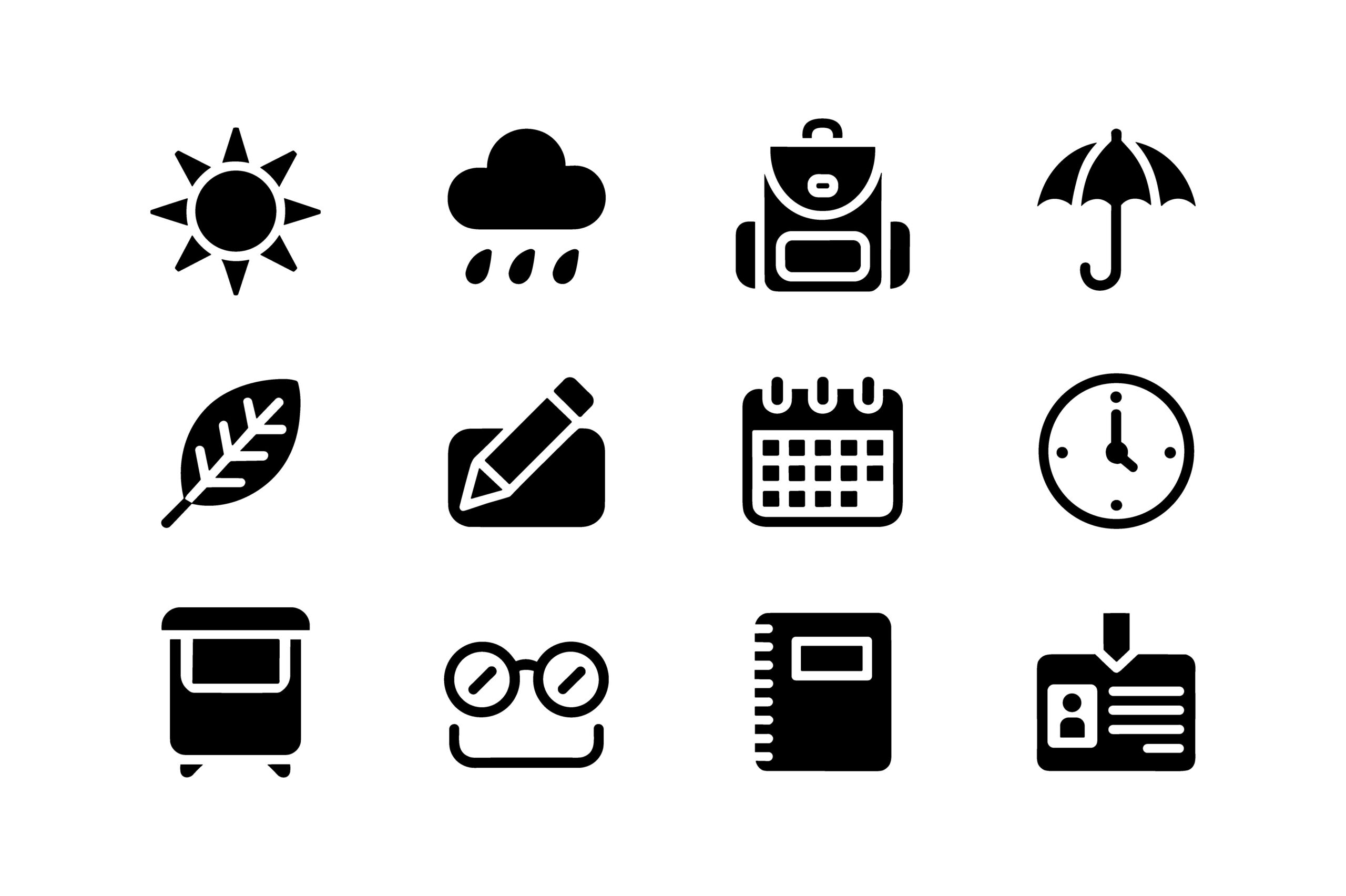
This mixed icon bundle combines weather markers with daily-planning subjects. The described weather elements are a sun, rain cloud and umbrella, while other designs include a calendar, clock, notebook, backpack and writing tools. EPS, SVG and transparent PNG formats are confirmed in a ZIP. It is useful when you want a small weather vocabulary coordinated with other routine icons, rather than a comprehensive library covering many forecast conditions. The seller explicitly names planner stickers and bullet journals as uses.
Use the weather designs beside the date and reserve the calendar or other routine icons for different tasks. The written inventory does not confirm an exact asset count, pixel dimensions, numerical DPI or prepared sticker sheets. One favorite was visible, so popularity is not a reason to select it. The vector route gives design flexibility in suitable software, while the supplied formats do not establish a ready-configured cutting project or automatic integration with a note-taking app.
13. Thirty Colored Weather Designs with EPS and PNG Assets
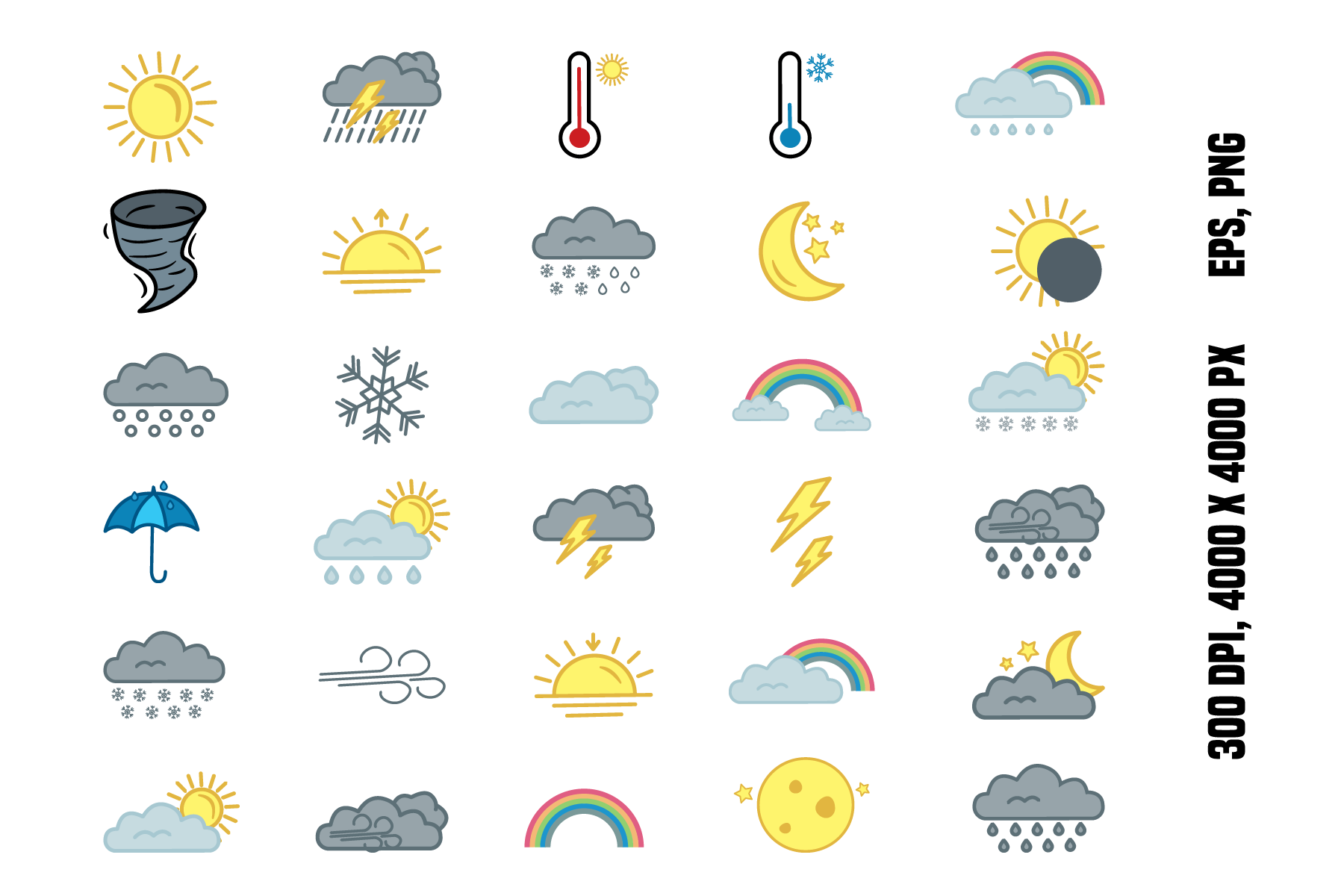
This icon resource confirms thirty design elements with EPS and PNG formats, transparency and a stated 4,000 × 4,000-pixel, 300-DPI specification. It is useful when you want a broader set of colored weather symbols and are comfortable making your own sheet or digital arrangement. The large source specification is a clearer starting point than an unmeasured high-resolution claim. Eighteen favorites were visible on the own page, and the product is positioned as design artwork rather than a finished planner sticker book.
Select one design per condition and keep those meanings consistent across your records. The written inventory does not establish that thirty separate PNG files and thirty separate EPS files are included; it confirms thirty elements and the named formats. Prepared print sheets, sticker borders, cutting contours and native app files are not documented. Arrange a small sample first and check the final icon size so a broad design library becomes a usable daily record instead of an oversized page decoration.
14. Sixteen Outline Weather Icons with EPS and PNG Formats
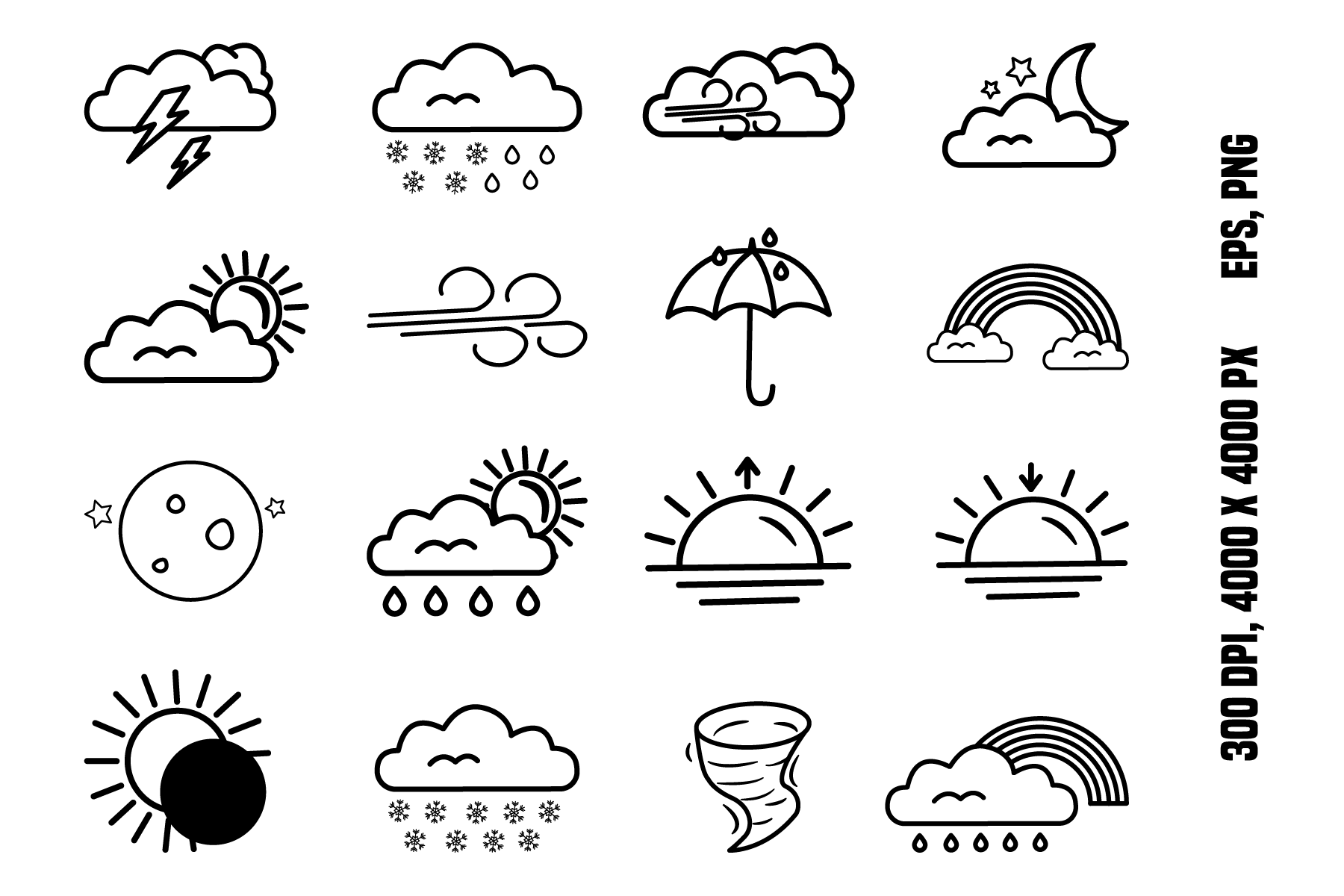
This outline weather resource confirms sixteen vector design elements with EPS and PNG formats. The description states transparency and a 4,000 × 4,000-pixel, 300-DPI specification. Its original preview shows a distinct black-outline style with rain, snow, wind, clouds, sun and related sky symbols, making it useful when you want a restrained daily marker instead of colorful character art. Eight favorites were visible on the own page, and the package is positioned as design artwork rather than a prepared planner sticker sheet.
Choose a simple outline for each condition and test whether the thin details remain clear at your intended planner size. The written inventory does not confirm the number of separate files per format, a supplied print-sheet size, white sticker borders or machine-specific cutting projects. Use the EPS route for vector editing in suitable software or arrange PNG assets into your own page. This set is a focused weather design alternative, with layout work expected rather than a ready-made app sticker book.
15. Sun and Cloud Artwork with Illustrator and EPS Sources
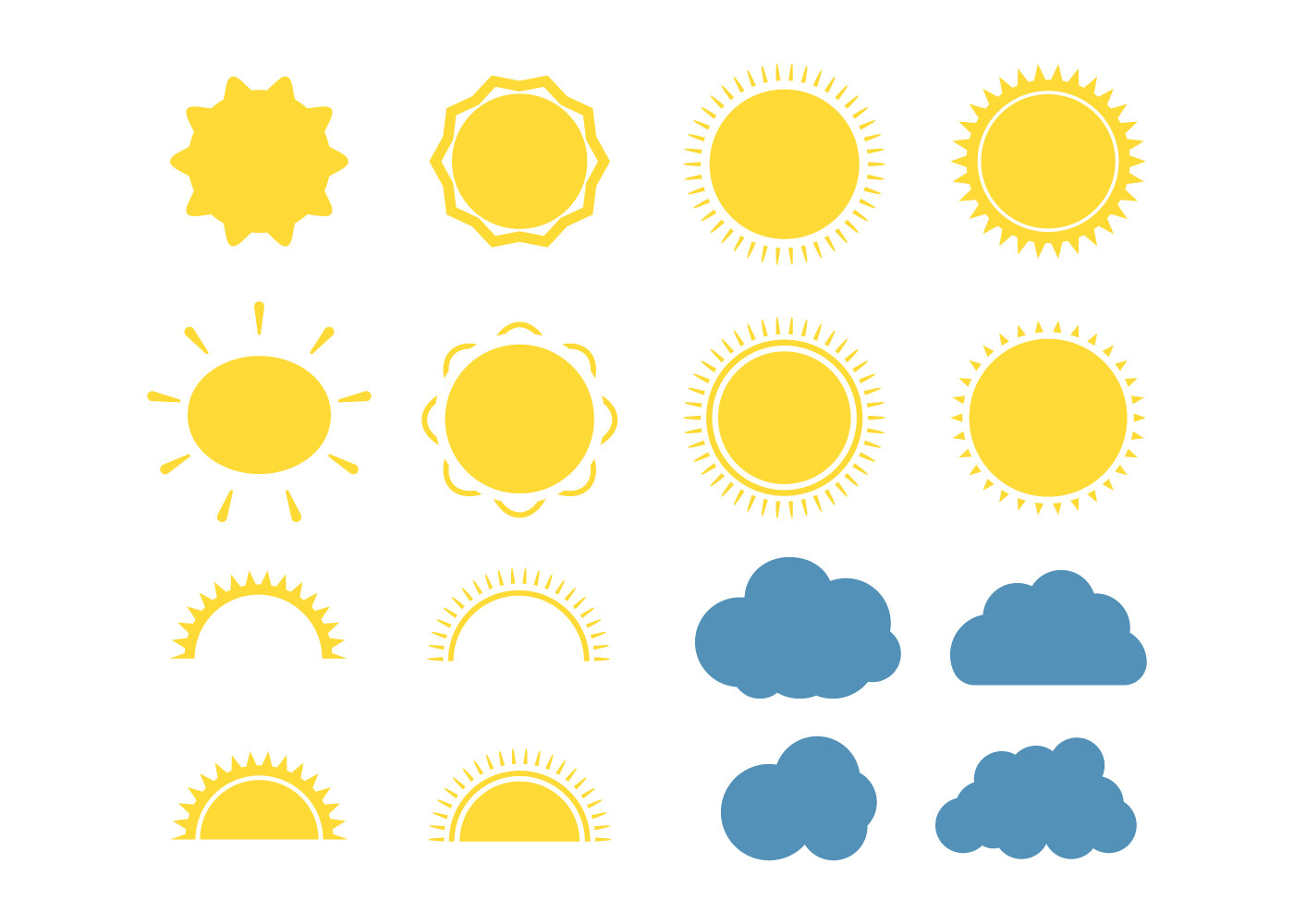
This sun-and-cloud resource is described for weather widgets, seals and stickers. Its ZIP contains nineteen files across EPS, AI, PNG and JPEG formats. That is a confirmed file count rather than a verified count of nineteen distinct icons, and it is useful to keep that distinction when comparing the package with explicitly counted sticker sets. The editable source formats make it an option for readers who want to build a custom icon arrangement in design software.
Choose the symbols that remain easy to recognize at daily-planner size and use the source files if you need to adjust their arrangement. The written description does not confirm numerical DPI, image dimensions, PNG transparency, prepared sheets or cutting files. One favorite was visible on the own page. This is a focused sun-and-cloud design collection, so it may suit a simple fair-weather or cloudy-day record better than a tracker needing a wide range of snow, fog and storm symbols.
16. Five Expressive Weather Characters in Large Transparent PNGs
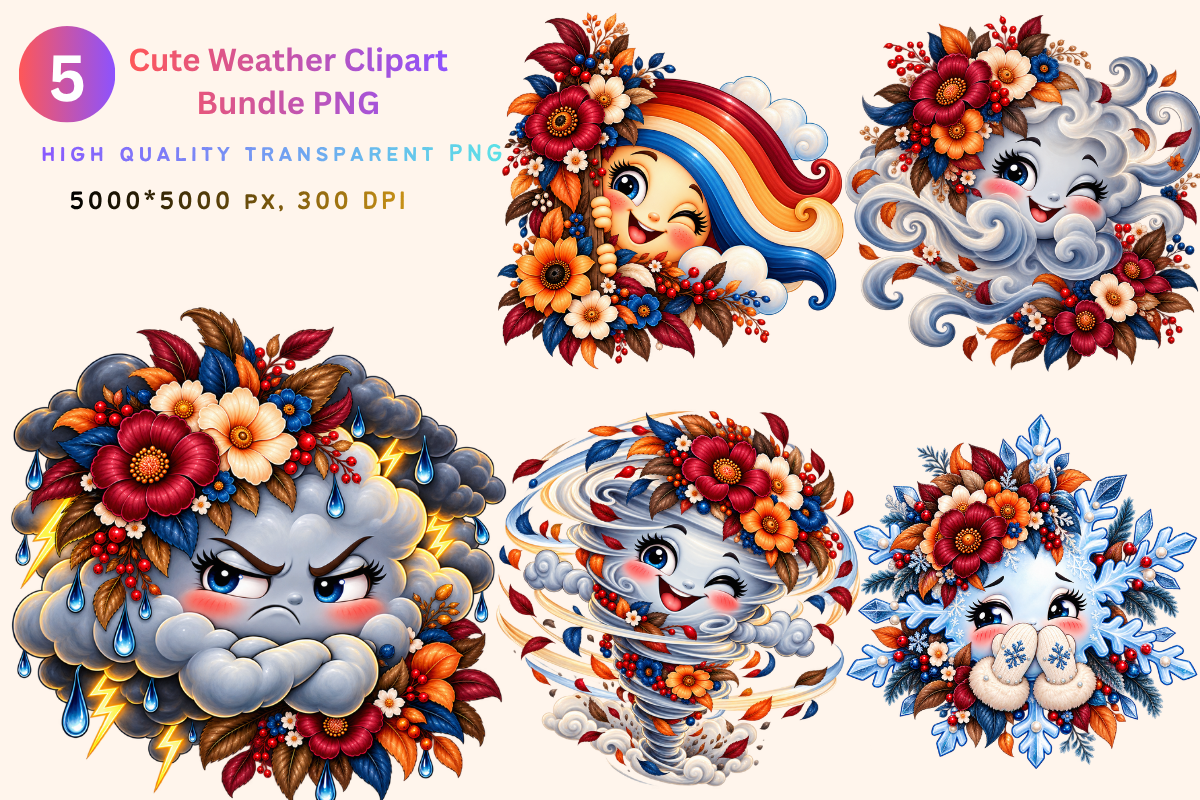
This collection supplies five transparent PNG files at 5,000 × 5,000 pixels and 300 DPI. The characters represent a rainbow, cloud, storm, tornado or wind, and winter snow, with expressive faces and decorative details. The seller explicitly lists planners and stickers among the possible uses. It is useful for a playful weather journal or a larger themed page accent, with a clearly documented five-file scope rather than a vague promise of a large sticker library.
Keep the character art large enough for its details to read, and use a simpler symbol if your daily planner boxes are very small. White sticker borders, cutting contours, vector sources, prepared sheets and native app collections are not confirmed. One favorite was visible. Build your own layout from the transparent PNGs and test it at the final size; the extensive pixel dimensions give room to work, but do not make a decorative character the most practical marker for every daily weather record.
Make the download work for your routine
Choose one small icon style that you can recognize at a glance, then keep its meaning consistent from page to page. Print a sample before making a full paper sheet or import a few files before organizing a digital collection. A useful weather record leaves room for the date and your own observations, with decoration supporting the information you want to remember.