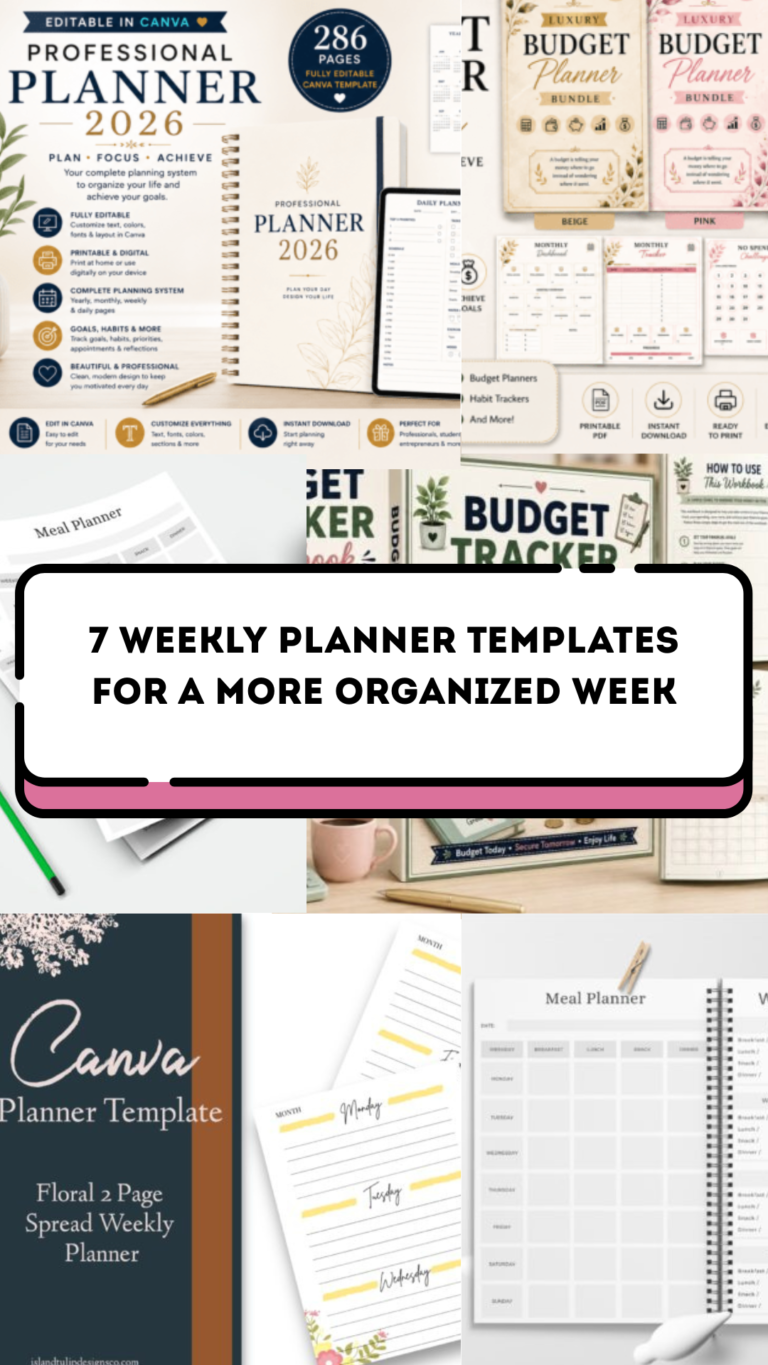
8 Practical Christmas Weekly Planner Templates for Busy Holiday Weeks
A Christmas weekly planner puts the next few days into view when errands, gatherings and normal routines start competing for the same time. These eight resources focus on weekly scheduling, from two-page A5 printables and small planner inserts to editable seasonal templates with broader supporting pages. Choose the layout that helps you see actual commitments, rather than the download with the biggest advertised collection.
For a complete seasonal overview, compare our Christmas planners. Connect the week’s shopping tasks with a Christmas gift planner, and use a weekly schedule planner when you want a simpler year-round layout. The reviews separate delivered files from files you export yourself and identify the sizes, page counts and editing routes that sellers actually confirm.
Choose a Christmas weekly planner layout before choosing decorations
Start with fixed appointments, work hours and travel, then fit preparations around them. Reserve time for shopping, baking and wrapping as actual tasks rather than putting everything into a long undated list. Keep one buffer period for delays and unfinished errands. If your days are tightly scheduled, an hourly view can be more useful than broad day boxes.
Check the final page dimensions and your printer’s scaling setting. A template link in a PDF is different from a delivered print-ready planner PDF, and a digital planner title does not prove that the file has hyperlinks or a native Goodnotes version. Mini inserts, Classic planner pages, A5 and Letter layouts have different writing space and punching needs; a test print is the quickest way to check the fit.
1. Editable Classic-Size Christmas Inserts with Five Weekly Views
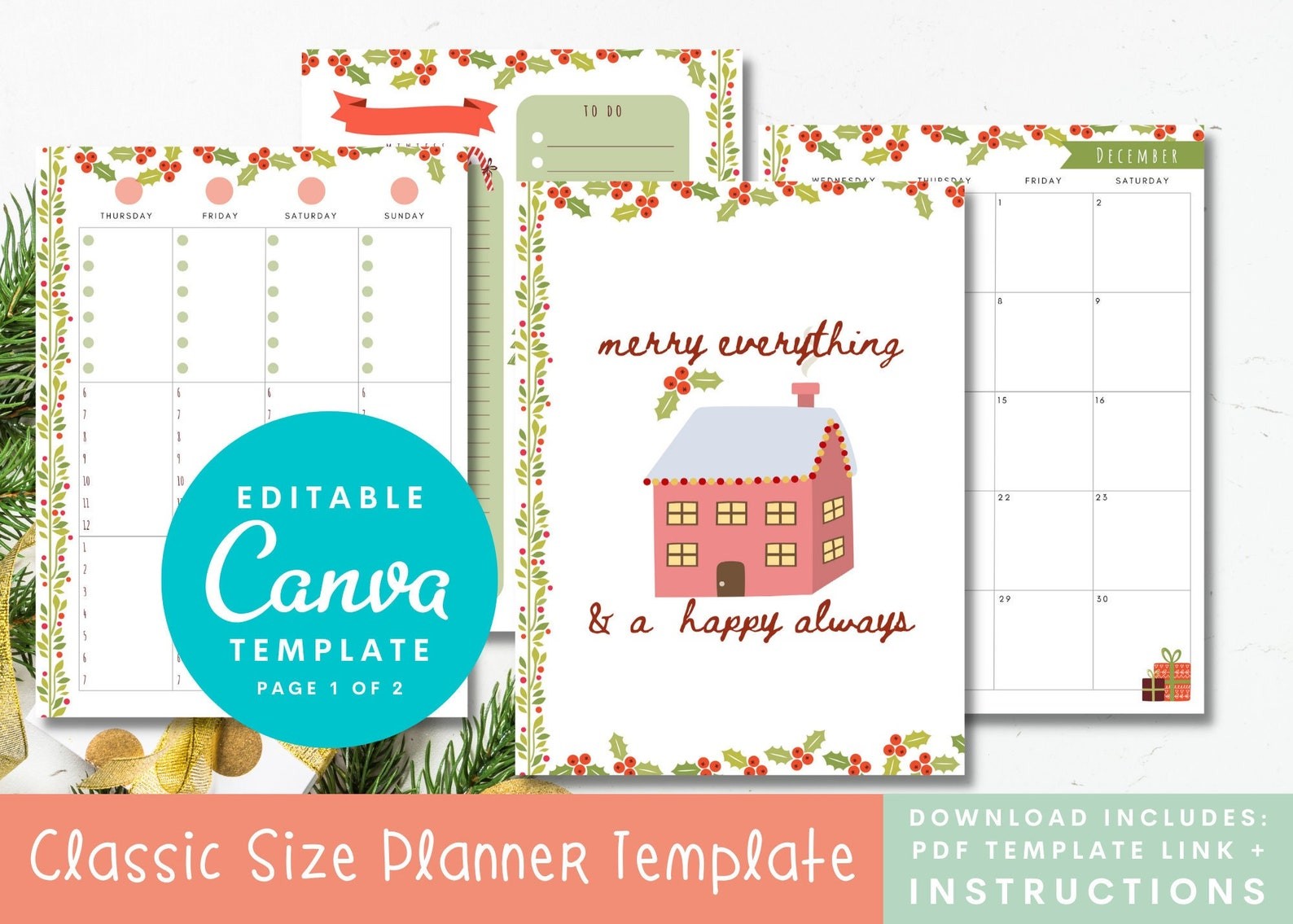
These Christmas inserts are sized at 7 × 9.25 inches for a Classic-size planner. The weekly choices include a vertical view, two color-block views, a lined vertical view and an hourly view, alongside monthly, daily, notes and divider pages. The delivered file is a PDF containing a Canva template link, not a ready-printed binder. The seller states that a free Canva account can edit the elements, making this a useful option when you want to customize a full seasonal month around your preferred weekly structure.
Pick one weekly view first, then export the pages you need from Canva. The seller recommends exporting a PDF with bleed and printing at actual size, and warns that the file is not optimized for immediate double-sided printing. Plan front-and-back pairings before printing a large batch. Its 113 verified favorites give a strong visible interest signal. Check the punch margins and your existing planner dimensions rather than treating the general Classic-size fit statement as a guarantee for every binding system.
2. Undated A5 Christmas Weeks with Two Start-Day Options
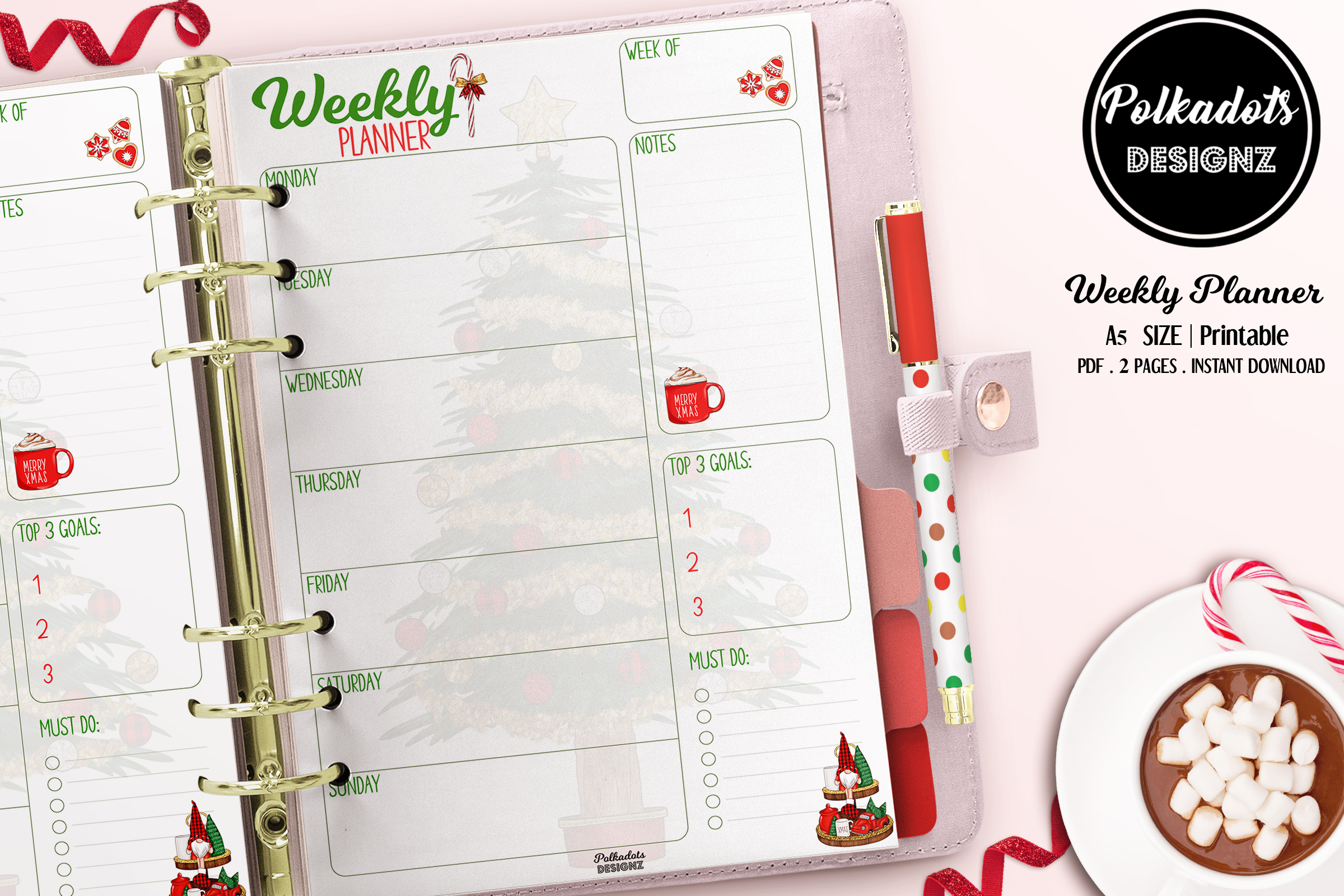
This simple Christmas weekly planner is undated and provides Monday-start and Sunday-start alternatives. The download is one PDF in a ZIP, described as two A5 pages at 5.83 × 8.26 inches. It is useful if you want a seasonal weekly sheet without a large collection of gift, budget and party forms. The compact paper size can fit a small planning binder or give you a focused overview of the next few days. Seventy-two favorites were visible on the own page.
Choose the start day that matches the calendar you already use and write in the dates for the week you are planning. The listing does not confirm editable source files, a Canva link, fillable fields or a numerical DPI. Avoid interpreting the old upload date as a printed calendar year: the seller explicitly describes the pages as undated. Test the writing space at actual A5 size, particularly if you plan to include several preparation tasks and appointments in every day box.
3. Christmas Tree Weekly Inserts for a Mini-Size Planner
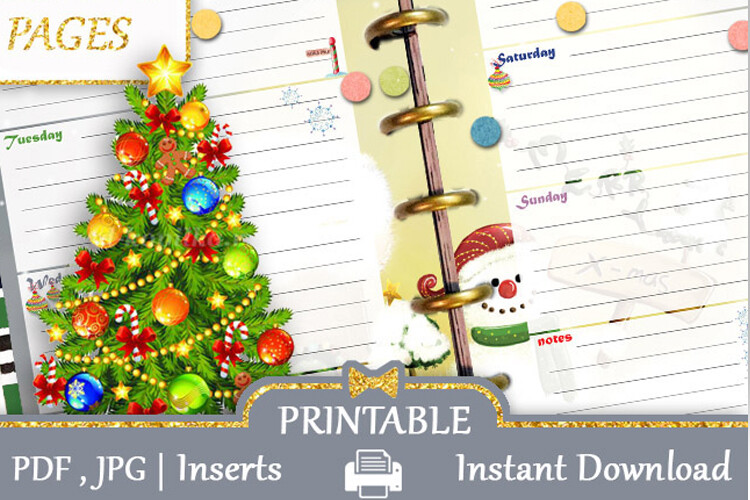
This weekly page kit is intended for a Mini Happy Planner, with each finished page stated at 4.6 × 7 inches. The ZIP includes one A4 PDF and one A4 JPG. That distinction matters: A4 is the print sheet, while the mini insert is the smaller page cut from it. The Christmas tree styling makes it a practical seasonal change when you want to keep a compact planner rather than move your December schedule into a full-size holiday binder.
Print a sample and measure the finished page before punching or trimming the entire set. The description also refers to sticker sheets, even though the stated product is a weekly planner page kit; use the confirmed page size and file inventory rather than assuming machine-cut files are included. No Canva source, editable fields or numerical DPI are confirmed. Fourteen favorites were visible. The small format can work well for brief appointments, but long preparation lists may need a separate notes page.
4. Winter Christmas Mini Weekly Pages on A4 Print Sheets
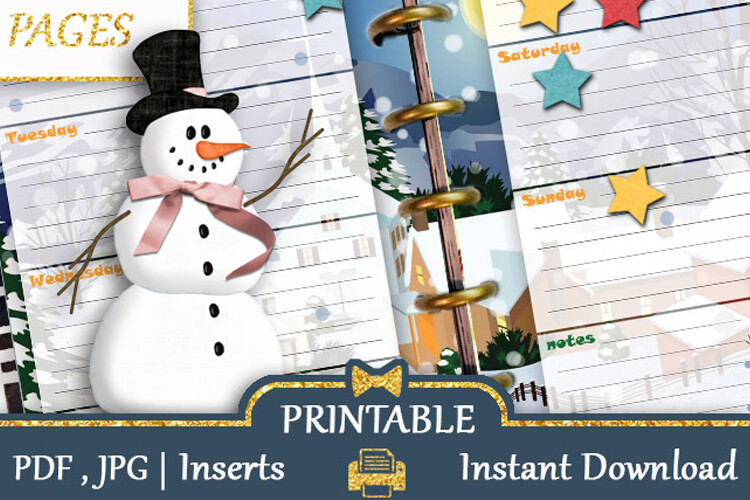
This separate winter Christmas weekly kit also uses 4.6 × 7-inch finished pages for a Mini Happy Planner. The seller lists one A4 PDF and one A4 JPG in a ZIP. It is a themed alternative to the tree-focused mini kit, useful when you want a different seasonal appearance while keeping the same compact page dimensions. Its written specification gives a clearer printing route than a general digital-planner claim, without requiring an online editing account.
Check the original preview for the day-box arrangement and select the design that leaves your appointments easy to read. The listing repeats sticker-sheet wording but does not list Cricut PNGs or Silhouette project files for this page kit. Do not transfer specifications from the seller’s separate sticker products. Thirteen favorites were visible. Editing sources, numerical resolution and automatic date fields are not confirmed, so expect to print the supplied layout and write your schedule by hand unless you arrange your own digital annotation workflow.
5. Six-by-Nine Christmas Weekly Notebook with Illustrator Sources
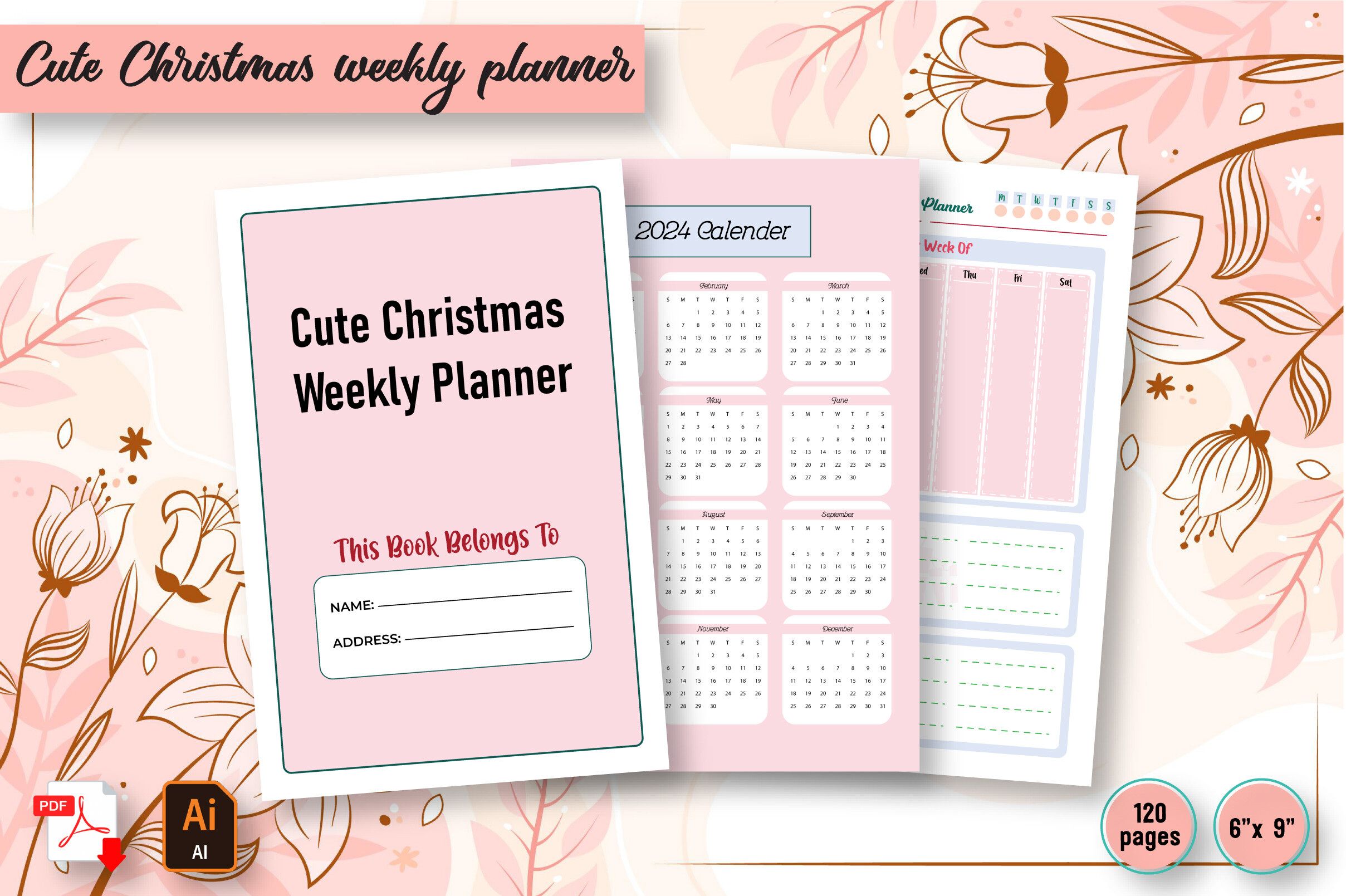
This Christmas weekly interior is described as 120 pages at 6 × 9 inches, with JPEG, PDF and editable Adobe Illustrator files. It is useful if you prefer a compact notebook and want an editable source route, rather than only a short set of binder inserts. The seller marks bleed as not applicable, but does not explain the interior page variety. A long page count should therefore be understood as notebook length, not as 120 different scheduling layouts.
Start with a sample of the weekly form and check that the day sections leave enough space for your December commitments. Illustrator editing requires suitable software and does not establish a Canva version or a native tablet-planner file. Numerical DPI and clickable navigation are not confirmed. Seven favorites were visible on the own page. This option suits repeated handwritten weekly records; readers needing a quick overview for only a few holiday weeks may find a shorter A5 or Letter sheet easier to manage.
6. Two Christmas Planning Pages in JPG and AI Formats
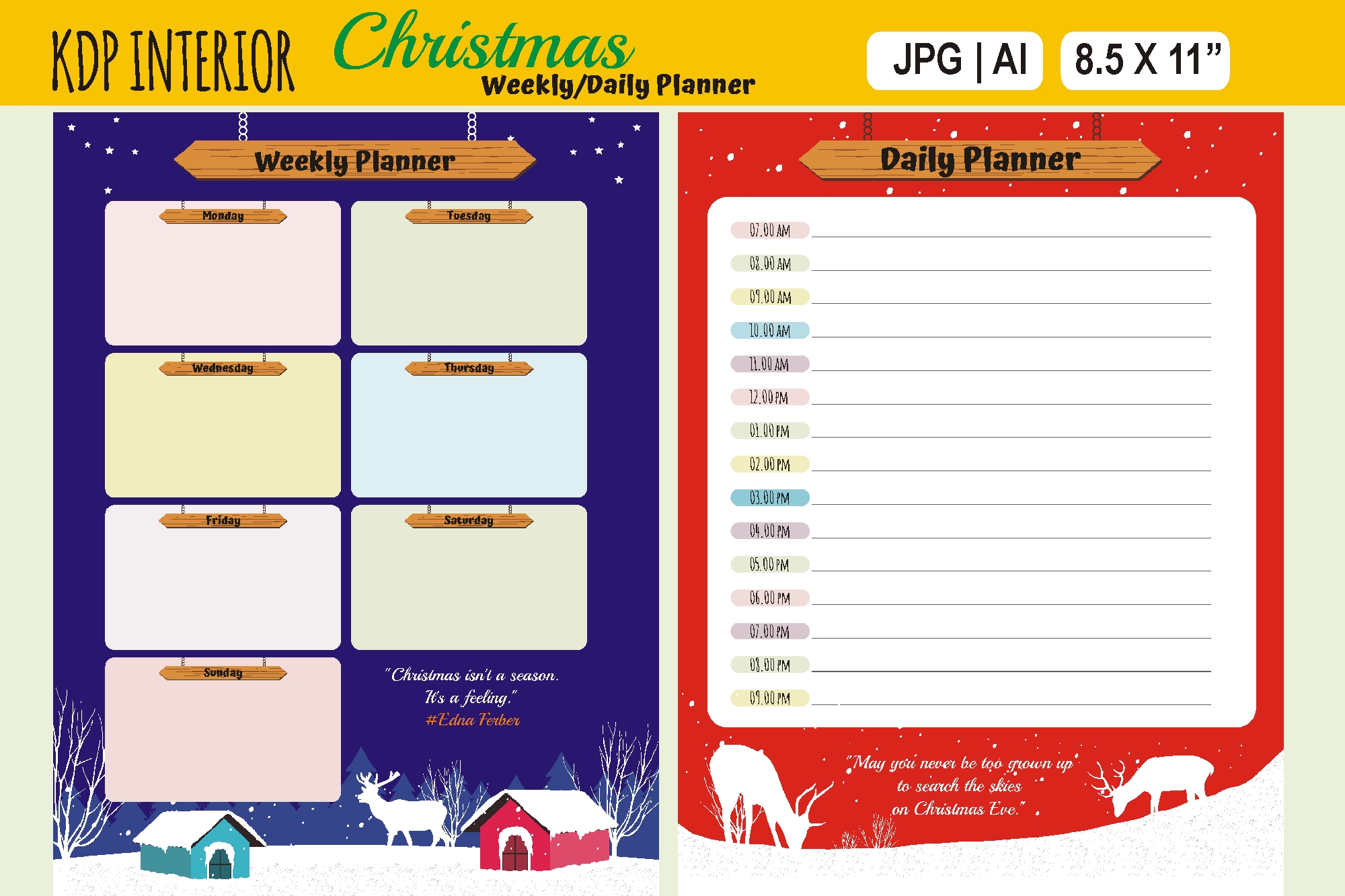
This small resource lists two planning pages covering weekly and daily use, supplied in JPG and AI formats. It is a focused design-file option rather than a confirmed PDF workbook, which can be useful when you want to incorporate a seasonal schedule page into a document you already build. The AI file offers an Illustrator editing route, while the JPG can be placed or printed as an image. The written description is short, so the confirmed package is deliberately kept narrow in this comparison.
Inspect the preview and use one page as your weekly overview, with the daily page for a particularly busy preparation day. The listing does not state paper dimensions, numerical DPI, bleed settings, a Canva link or a delivered PDF. Do not infer those specifications from other Christmas interiors. Eleven favorites were visible. A sample print is especially important here because you will need to choose the output scale yourself; the two-page structure is useful only if its writing areas remain clear at that size. The preview labels 8.5 × 11 inches, but that size is not independently stated in the written inventory.
7. A4 Seasonal Scheduling Template with Canva, AI and PSD Files
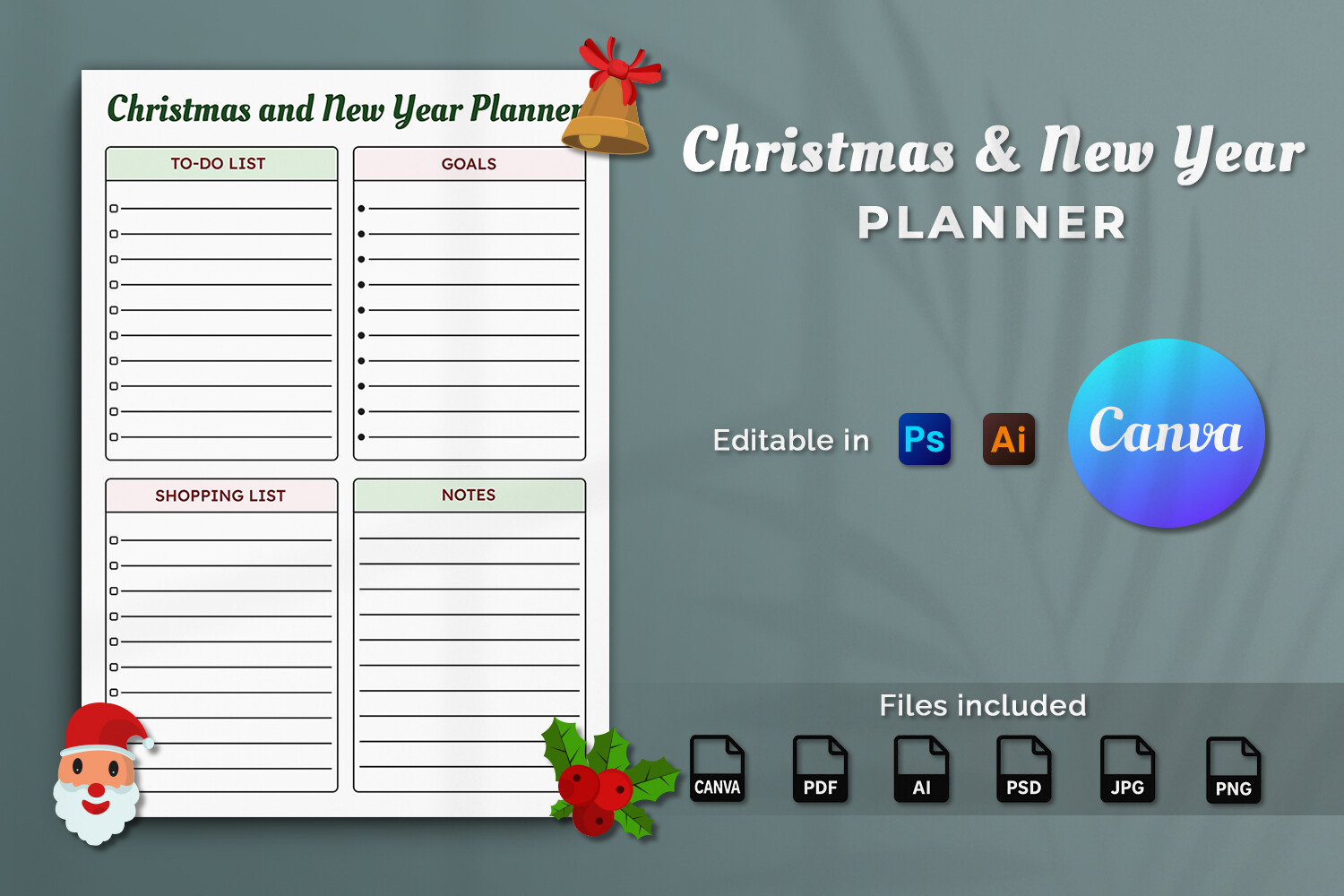
This Christmas and New Year template explicitly includes daily, weekly and monthly organization pages. Its A4 specification lists CMYK and 300 DPI, with a Canva template link, PDF, AI, PSD, JPG and PNG files inside a ZIP. An instruction PDF is also described. It is useful when you want to customize a seasonal scheduling design and keep broader calendar pages in the same visual style, especially if you already work in Canva, Illustrator or Photoshop.
Use the weekly component for your immediate commitments and add the daily or monthly pages only when they help. The description does not state the total page count, whether the PDF is fillable or whether the layouts contain clickable navigation. No printed calendar year is confirmed in the title or description, despite the old upload date. Two favorites were visible, a modest interest signal. Check the instructions and any Canva element requirements before editing a large set of pages or planning a complete printed binder.
8. Canva Christmas Collection with a Weekly Planner Page
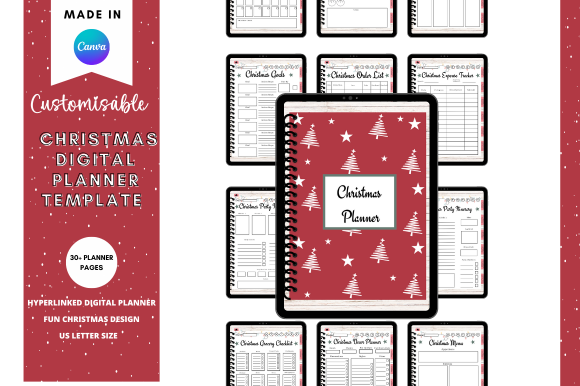
This broader Canva Christmas collection explicitly includes a Christmas weekly planner among more than thirty listed planning pages. Supporting topics cover goals, gifts, orders, expenses, parties, groceries and Christmas-day activities. It is useful if you want your weekly schedule connected with the preparation lists behind it, rather than a stand-alone calendar sheet. The own product page showed 259 favorites, a strong visible interest signal, and identifies the product as a Canva planner template.
Begin with the weekly page and bring in only the supporting forms you need for that week. The written listing does not specify the delivered file inventory, paper dimensions, numerical DPI or hyperlink structure. Its digital title therefore does not prove a native Goodnotes file or preconfigured app compatibility. Check the template access and export options before building a print workflow around it. The large collection offers breadth, while the practical value depends on whether the weekly layout fits the commitments you actually want to see.
Make the download work for your routine
Choose one weekly layout, add the commitments already agreed and give the remaining preparation tasks a realistic place. Keep your gift and household lists nearby without copying every detail into the calendar. Review the next week before it starts, moving unfinished work deliberately instead of letting a busy page hide what still needs attention.