15 Christmas Tree Stickers and PNG Resources for Festive Planner Pages
Christmas tree stickers can give a holiday planner a clear seasonal theme without turning every page into a collage. A small tree beside a decorating reminder does a different job from a large illustration on a December divider. Choosing the right file matters as much as choosing the prettiest design.
These fifteen Creative Fabrica downloads include prepared sticker sheets, individual white-bordered designs, vector icons and PNG artwork for creating your own stickers. Counts, dimensions and format limits are explained individually. The collection does not treat clipart as a finished cutting file or promise that every PNG pack includes a print-ready sheet.
For broader holiday motifs, explore the Christmas planner stickers guide. Here the focus is specifically tree designs, with options for traditional green, soft watercolor and a playful pink palette.
In this guide
Match the file to your paper or tablet workflow
For quick paper use, a calibrated sticker sheet removes some layout work. Separate PNGs let you choose sizes and spacing, but you must arrange the sheet yourself. A white border is a visual treatment; it is not necessarily a configured machine-cut path. SVG, EPS and DXF provide other design routes, with software and import steps of their own.
For tablet planning, choose individual images that your annotation app can import. A PNG pack does not automatically include a GoodNotes sticker book. If you want a broader seasonal mix, the winter planner stickers selection adds motifs that can remain useful after Christmas.
1. Bold Star-Topped Tree Icon in Six Formats

inspirationstudio345’s Christmas Tree Stickers listing supplies Illustrator AI, EPS, SVG, JPG, PNG and DXF formats on a stated 1920 × 1280-pixel canvas. The inspected preview shows a single bold green tree with a yellow star and thick sticker-style outline. It is a graphic asset that can become a compact planner accent, rather than a confirmed multi-design sticker sheet.
Use it to mark a decorating day or as one repeatable motif on a holiday schedule. The vector options are useful when you want to resize or recolor the artwork in suitable software. The description does not establish separate sticker counts, sheet dimensions or ready-made cutting settings. If you print a PNG, size it for your planner first; the supplied canvas measurement is not the intended size of a physical sticker.
2. Three Tree Designs with Seasonal Messages
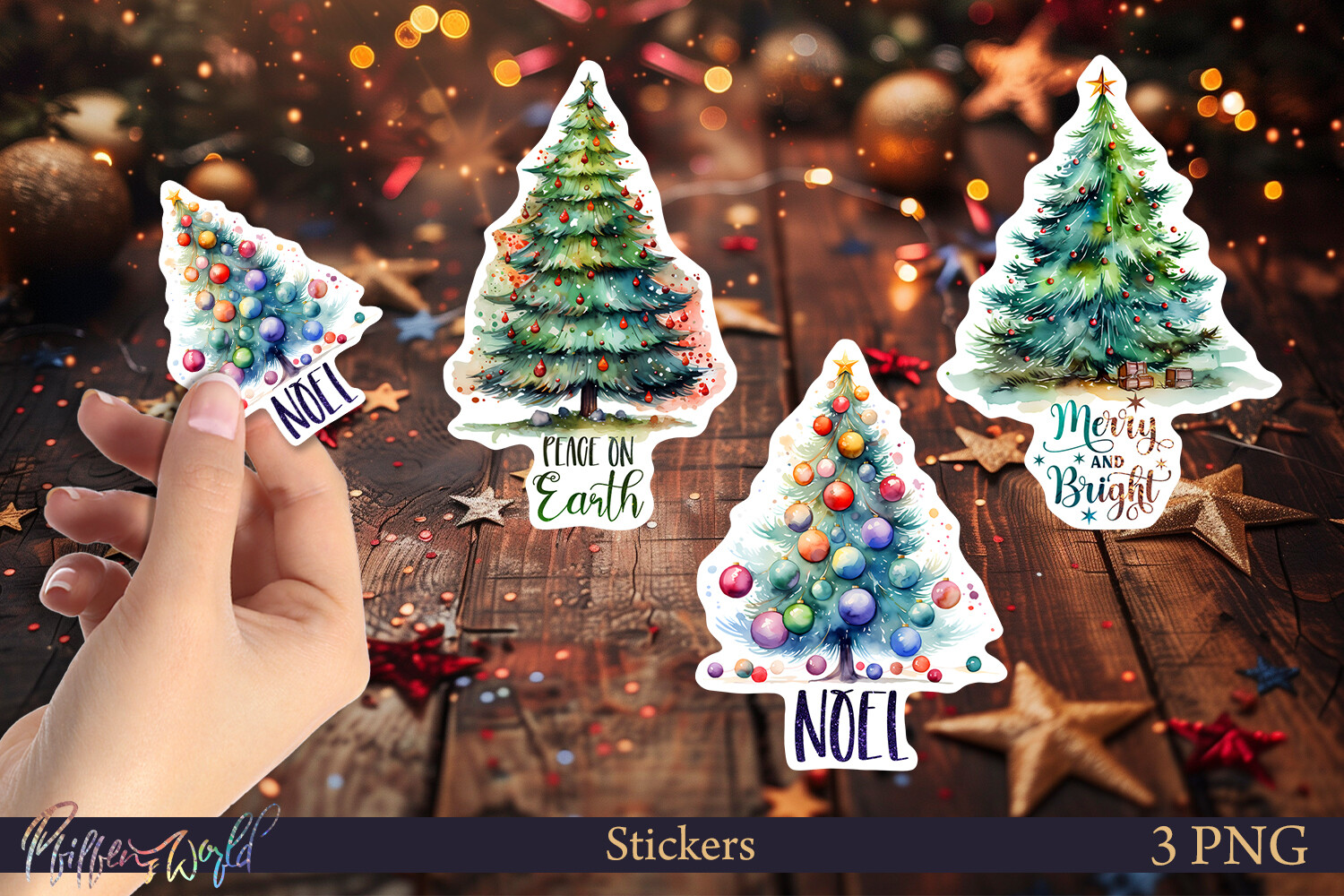
Pfiffen’s World’s Christmas tree collection contains three individual elements at 1500 × 1500 pixels and 300 DPI. The preview identifies PNG and shows decorated trees paired with Peace on Earth, Noel and Merry and Bright. Those words make the designs useful as small seasonal focal points rather than purely functional date labels or checklist icons.
Pick one message for a monthly opening page, or use the three designs across different holiday weeks. Reduce them carefully so the lettering remains legible; the size that suits a gift tag may be too large for a narrow planner column. The listing gives individual designs, not a confirmed Letter-size print sheet or machine-cut file. For paper stickers, arrange them on your own sheet and test the final scale before printing adhesive paper.
3. Eight Illustrated Trees with Grouped Preview Files
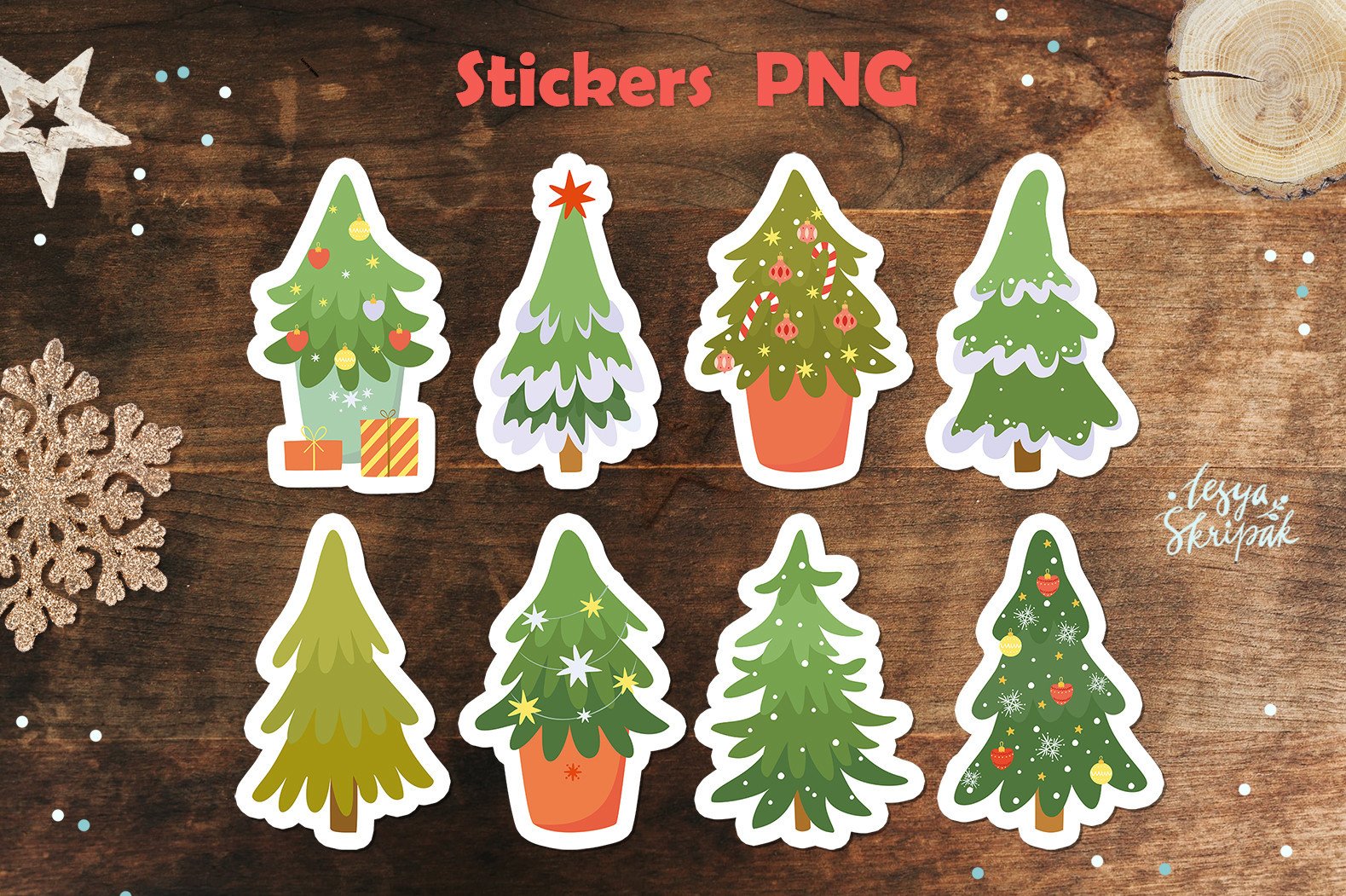
lesyaskripak.art’s Christmas Tree Stickers collection supplies eight separate PNG stickers, each described as approximately 12 × 12 inches, plus a JPEG containing all stickers and a combined transparent PNG. The preview shows varied green trees with pots, ornaments and white outlines. Having separate images is useful when you want one tree without extracting it from a crowded sheet.
Use the individual files as digital planner decorations or build a small print layout with several different trees. Scale them down to your page rather than printing at the large source dimensions. The grouped JPEG and PNG are useful for arranging a collection, but the listing does not establish that either is a calibrated Letter-size cutting sheet. No configured machine-cut paths are confirmed, so allow time for import, spacing and cut setup if you use a cutting machine.
4. Soft Green Tree Icon with Vector Editing Options

The second inspirationstudio345 tree asset has a different silhouette from the star-topped design: the inspected preview shows a pale green tree with curved layers, a small trunk and a pronounced sticker-style border. The listing again names Illustrator AI, EPS, SVG, JPG, PNG and DXF on a 1920 × 1280-pixel canvas, giving you both raster and vector editing routes.
Choose this version if a softer shape suits your planner better than the sharper star-topped icon. Repeating one simple tree can create a coherent December spread without covering your writing areas. The available format list should not be confused with six different stickers. The designer does not establish a physical print sheet or ready-to-run cutting settings, so check the import and final scale in your own software before using adhesive paper.
5. Single Swirled Tree with a White Border
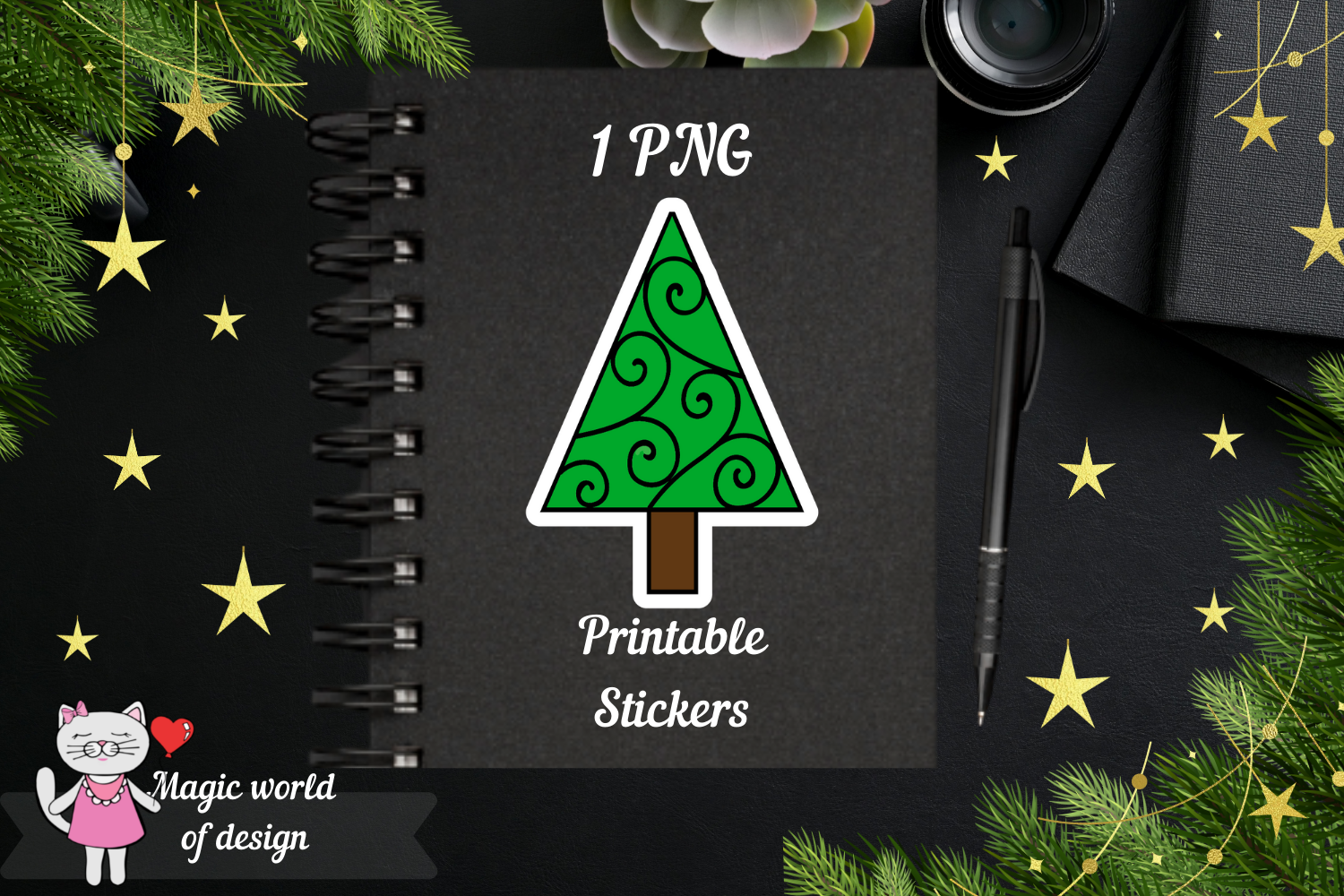
Magic world of design’s single Christmas tree sticker package includes one PNG and one JPEG in a ZIP archive. The PNG is described as a white-outlined design on a transparent background, approximately 3 × 3 inches or smaller at 300 DPI. The preview shows a bright green triangular tree with decorative curls and a small gold star.
This is a simple choice when you need one motif for a notebook cover, holiday divider or family activity page. Print several at a smaller scale if your planner boxes are narrow, keeping enough space for scissors. The JPEG has a different background behavior from a transparent PNG, so use the PNG when layering digitally. The listing does not supply an editable SVG or confirm a prearranged sheet; you will organize the print layout yourself.
6. Ten Colorful Trees with Letter-Size Sheets
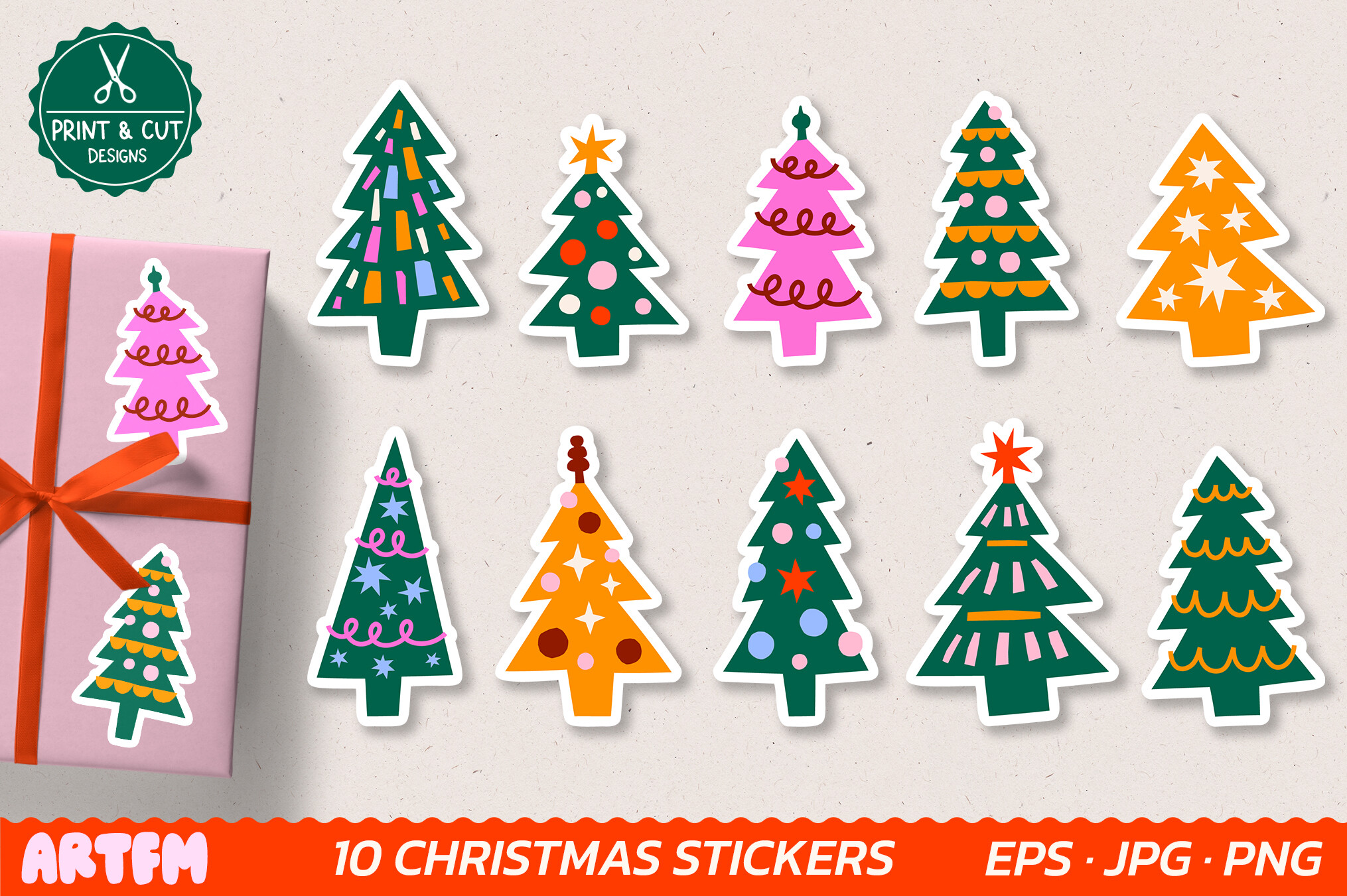
ArtFM’s Christmas Trees Printable Sticker Pack includes ten separate white-bordered PNG stickers and two US Letter sheets: a transparent PNG and a JPG with a thin black hand-cut guide. The files are described as 300 DPI, and an editable EPS is also included. The preview shows colorful trees in green, pink and orange, giving the pack more variety than a single repeating icon.
This is the clearest paper-first option if you want a prepared sheet instead of arranging every image yourself. Print the Letter JPG at the intended scale for manual cutting, or import the supplied assets into your chosen cutting workflow. The seller names Cricut, Silhouette Cameo and ScanNCut compatibility, but does not list dedicated configured project files. Test one sheet’s sizing and cut alignment before producing several, especially if your printer adds automatic margins.
7. Tree-Shaped PNG Clipart Bundle
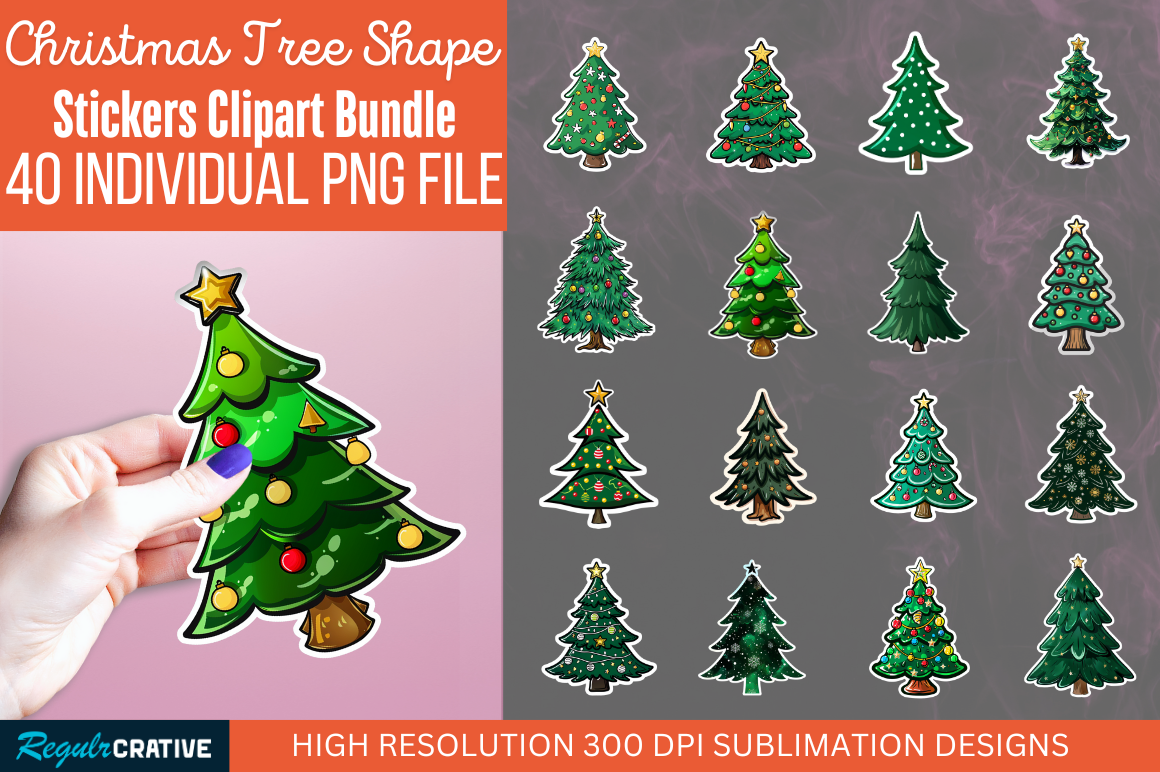
Regulrcrative’s Christmas Tree Sticker Clipart Bundle is described as transparent PNG artwork at 300 DPI. The main preview advertises 40 individual PNG files and displays many different decorated tree shapes; that count comes from the preview, because the written description does not specify a total. The white-edged styling makes the artwork visually suitable for homemade stickers and planner accents.
Consider it when you want many motifs for several holiday spreads rather than one prepared print sheet. Use a small subset and keep the tree size consistent so the page does not become visually crowded. The designer mentions major cutting machines, but PNG artwork still requires importing and setting up a cut workflow. The listing does not establish included vector outlines or calibrated sticker sheets; check those details if machine-ready cutting is your main requirement.
8. Four Watercolor Stickers with Premade PNG Sheets
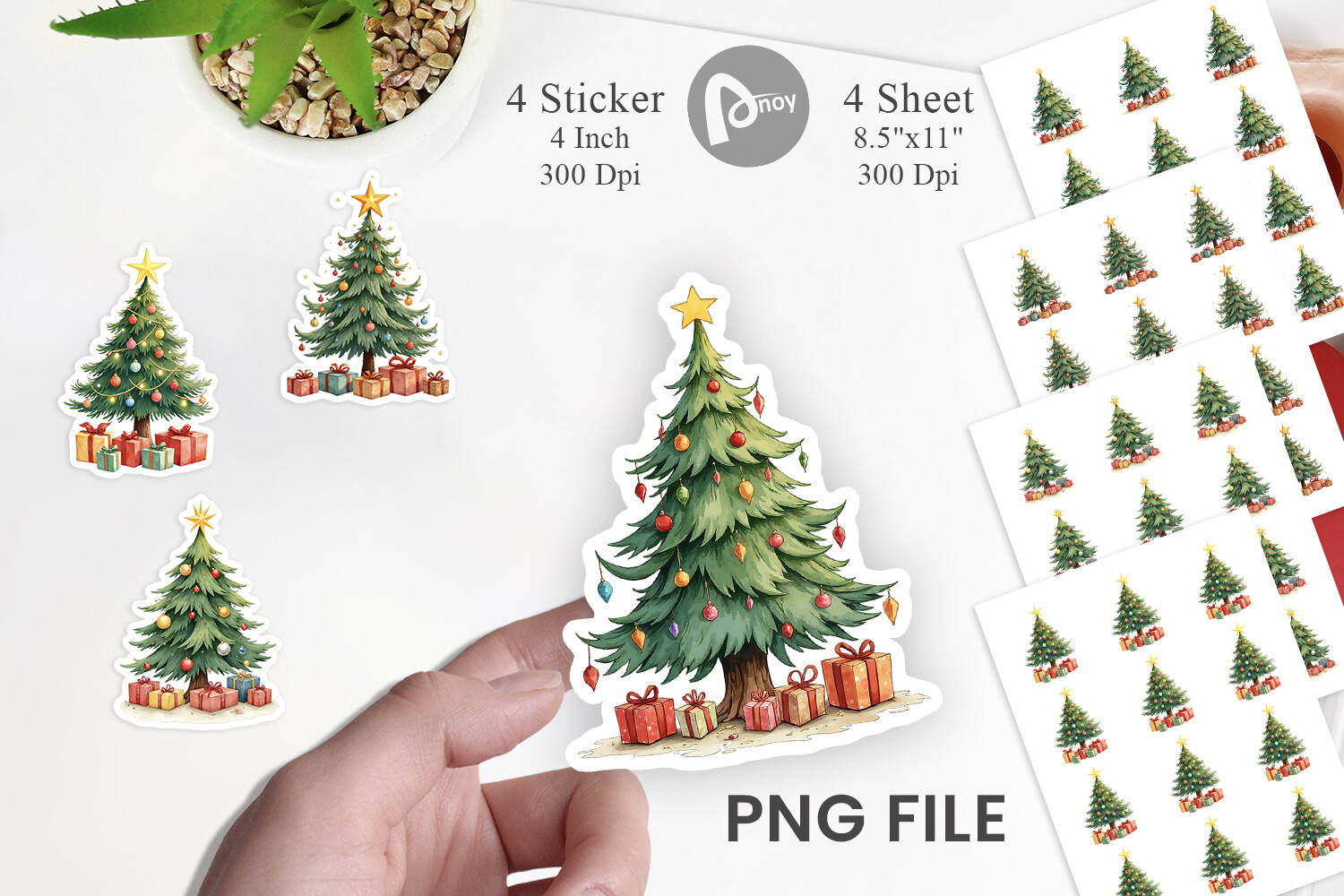
Artnoy’s watercolor tree package lists four individual transparent PNG designs at 1200 × 1200 pixels, corresponding to 4 × 4 inches at 300 DPI. It also includes four premade PNG sheets at 3300 × 2550 pixels, US Letter in landscape orientation. The preview shows decorated green trees with stars and small gifts, with a softer illustration style than the bold icon options.
Choose it for a paper planner when you want supplied sheets as well as separate images. Print a single test at actual size to check the landscape orientation and the amount of border around each design. For tablet planning, import one individual PNG rather than the entire sheet. No SVG or dedicated cut-machine project is listed, so configured cut lines should not be assumed even though the graphics are described as printable stickers.
9. Thirty-Four Tree and Gift PNG Illustrations
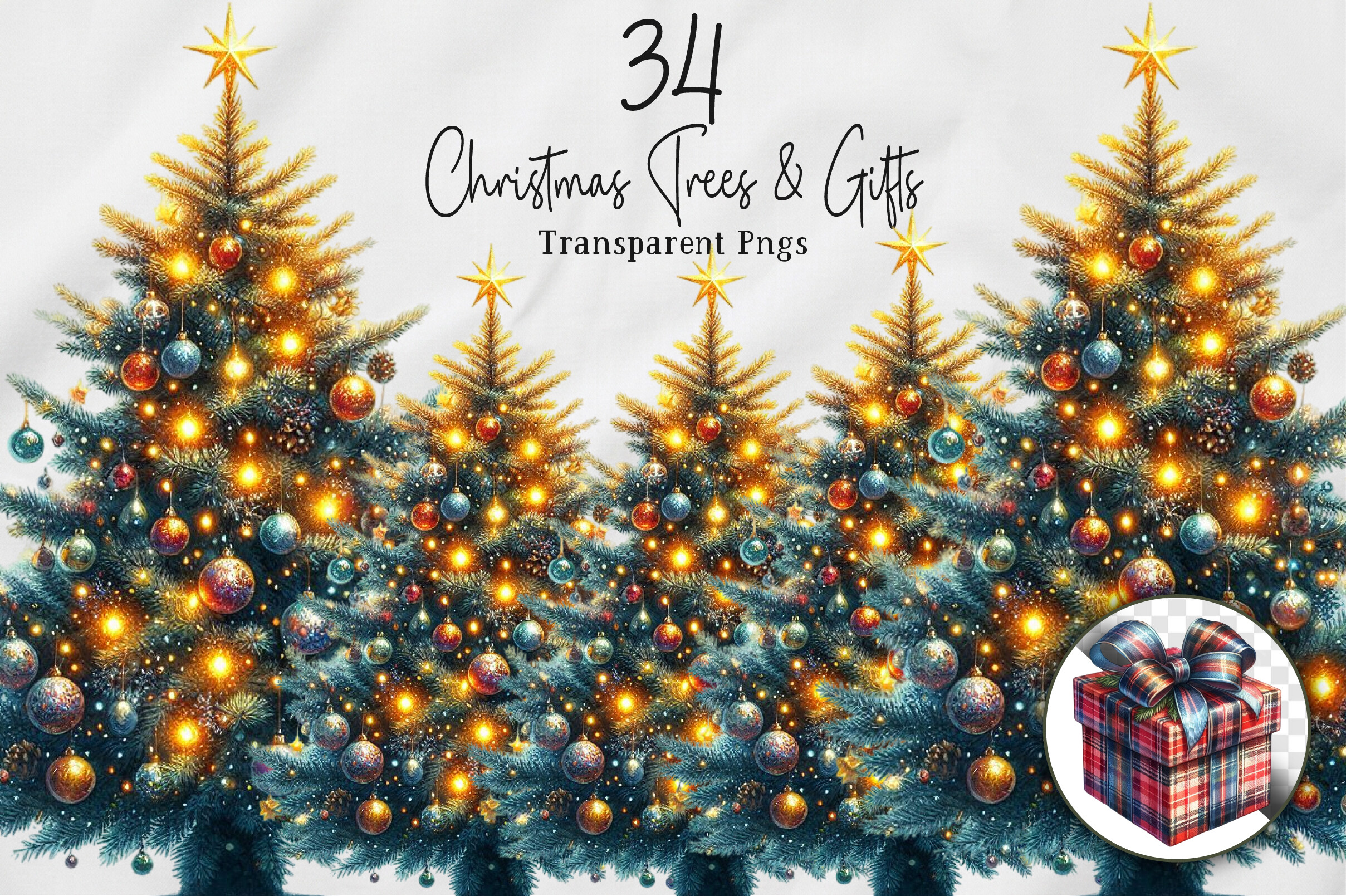
NexaArt’s Watercolor Christmas Trees & Gifts package supplies 34 transparent PNG files, described as 12 × 12 inches at 300 DPI and delivered in a ZIP archive. Its preview pairs illuminated decorated trees with gift artwork. These are illustration assets for building your own planner decorations, not a confirmed collection of 34 tree stickers or a ready-made print sheet.
Use a tree and a small gift together near a shopping reminder or gift-wrapping task. The large source artwork gives you flexibility for different page sizes, but reducing it can hide fine details, so check the final view at actual size. A transparent background supports digital layering; it does not provide an automatic white sticker border or cutting path. Make your own sheet or border if you want a consistent physical sticker style.
10. Thirty-Five Tree and Ornament PNG Assets
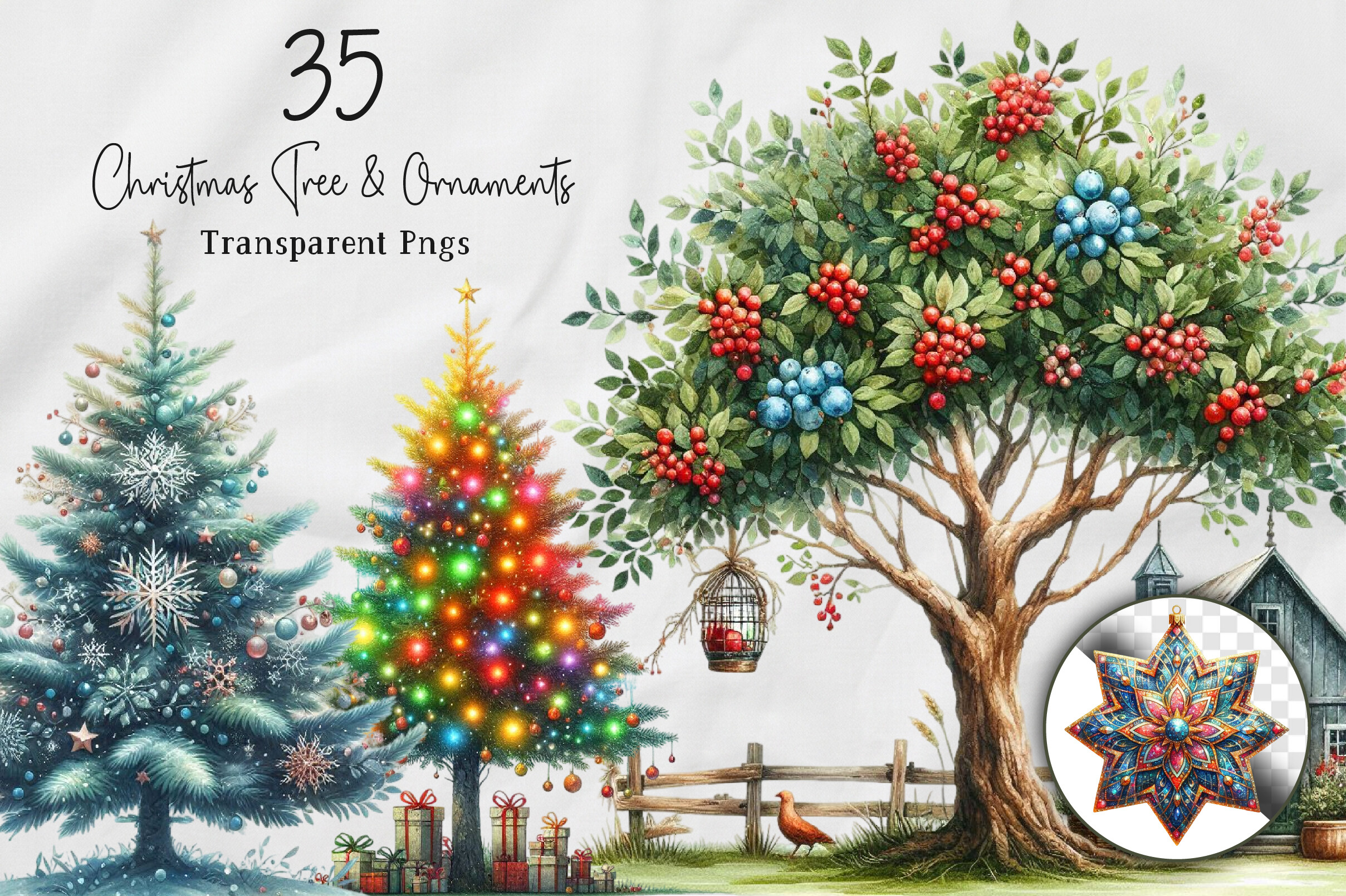
NexaArt’s Christmas Tree & Ornaments set lists 35 transparent PNG files at 12 × 12 inches and 300 DPI. The inspected preview emphasizes embellished trees, colorful ornaments and additional decorative artwork. The count applies to the whole mixed collection, not exclusively to trees, so this option makes sense when you want a coordinated decorating theme across several planner pages.
Use the tree as the main accent and smaller ornaments to mark a decorating checklist or family craft session. The files are supplied as artwork in a ZIP archive; a ready-to-print sticker layout and machine-cut paths are not established. Keep detailed ornaments away from important handwritten tasks, and test small images before printing. For digital use, confirm that your chosen app supports importing PNGs and resize them without covering the writing grid.
11. Eight Transparent Watercolor Trees
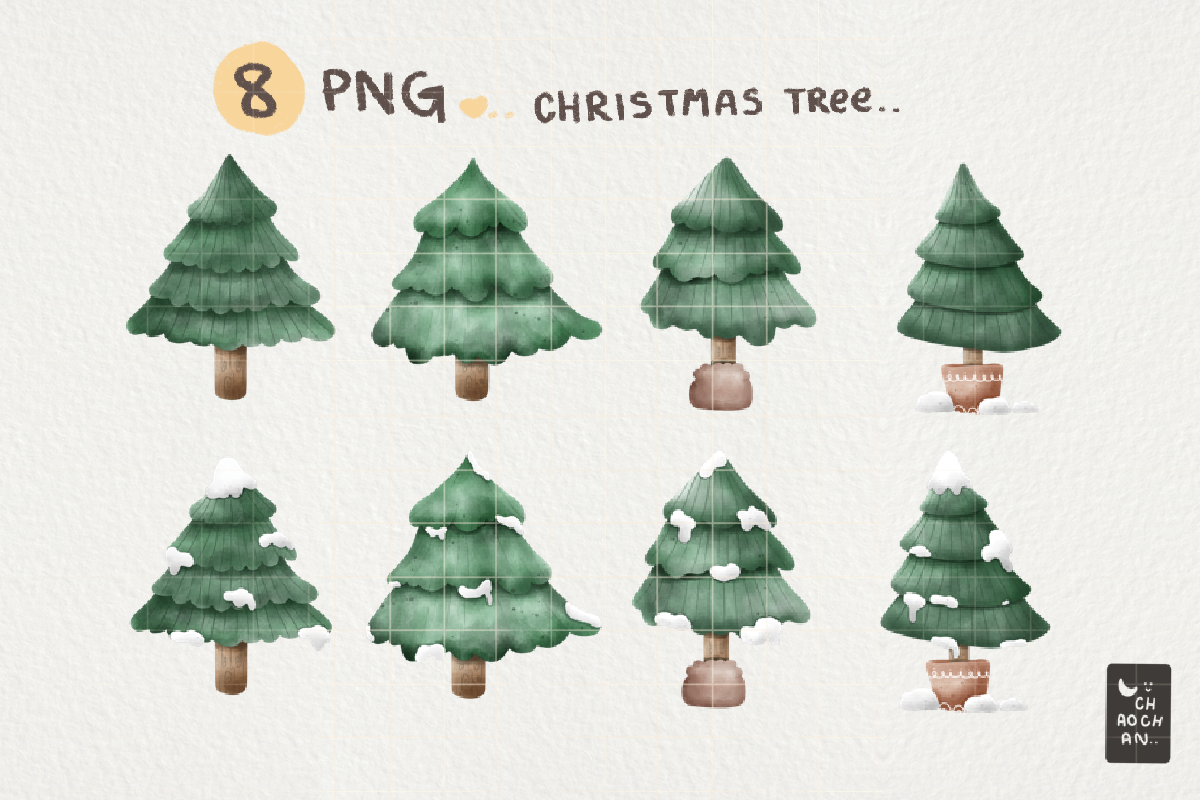
chaochan_studio’s Christmas tree artwork contains eight transparent PNGs at 4000 × 4000 pixels. The listing describes 400 DPI and a 10 × 10-inch size, a consistent relationship between those measurements. The preview shows simple green trees with subtle differences in shape, shading and snow, making them easier to repeat in a restrained planner layout than large mixed holiday scenes.
This is useful when you want soft green decoration but prefer to choose your own sticker dimensions and arrangement. Place one small tree near a heading, then leave the rest of the page open for plans. The package is clipart rather than a stated prepared sheet: you will add any desired white border and create the print layout. Transparent PNG also supports digital placement, but the listing does not include a dedicated GoodNotes sticker book.
12. Winter Pine Trees with Backgrounds and Extras
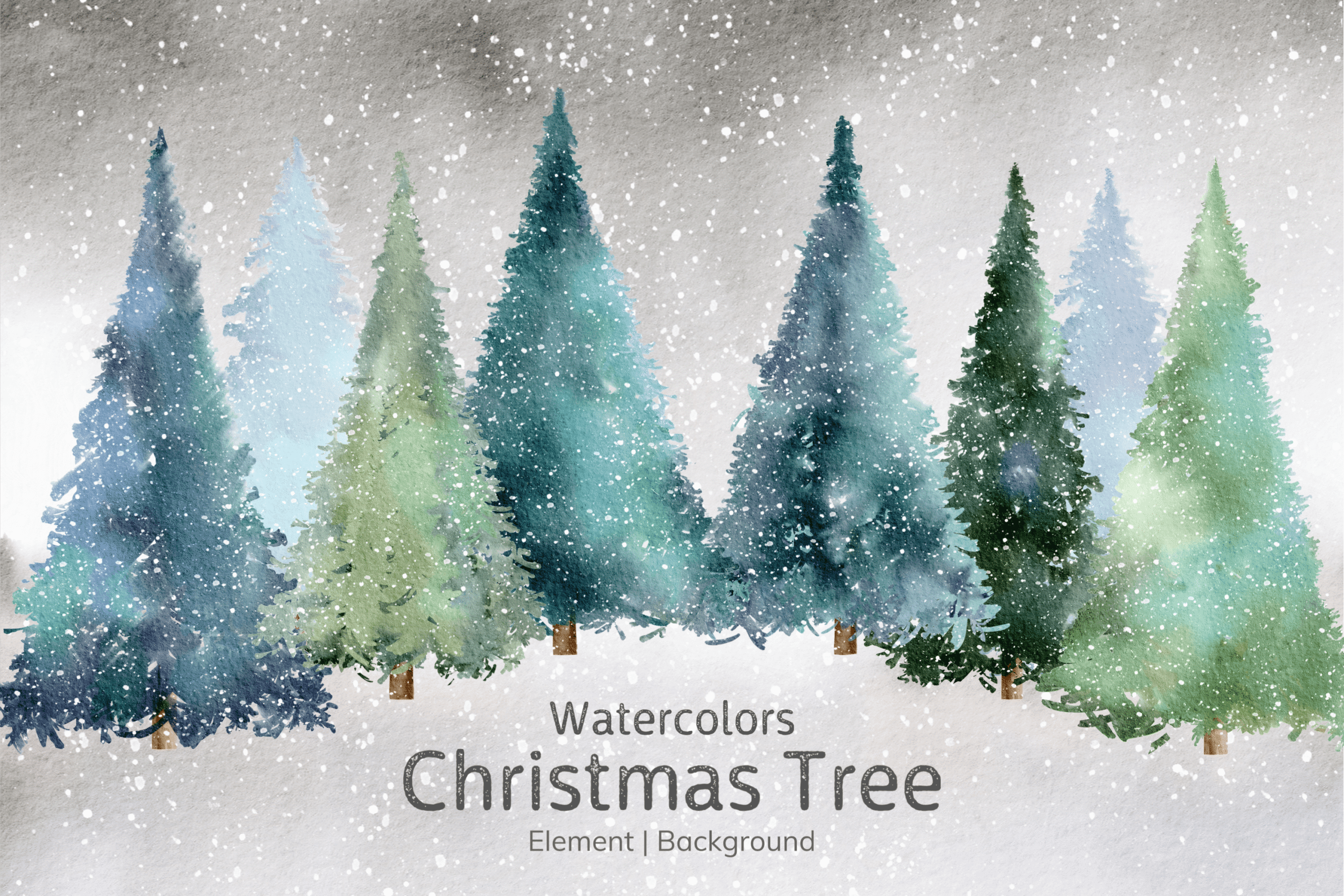
Aekgasit watercolors’ collection includes 16 pine-tree PNGs at 4000 × 5000 pixels and 300 DPI, twelve JPG backgrounds at 5000 × 4000 pixels, seven auxiliary elements and a 5 × 7-inch invitation card. The preview has a subdued snowy forest style. It is a broader watercolor craft set in which the individual tree PNGs are the most relevant files for planner stickers.
Choose it for a wintry page that should remain useful beyond Christmas Day. Use the trees selectively and keep the JPG scenes for larger dividers or backgrounds, because they behave differently from individual transparent artwork. The description does not establish ready-made sticker sheets or cutting paths. A large image collection also uses more storage than a small icon pack, so select the files you need before importing them into your working journal.
13. Soft Botanical Tree PNG Collection

.GFX’s Watercolor Christmas Tree PNG Pack is described as transparent PNG artwork at 300 DPI in a ZIP archive. The preview advertises twelve Christmas objects and shows varied green trees with small festive accents, while the description does not give an exact file count or pixel dimensions. Treat the twelve-object figure as a preview claim and confirm the actual delivered inventory.
This suits a soft botanical holiday style with several motifs rather than a single strong icon. Repeat a small tree near weekly headings or mix a few related illustrations on a divider. The listing’s sticker-use suggestions do not establish a prepared print layout, border or cut path. Check source dimensions before enlarging, and arrange the PNGs on your own sheet if you want paper stickers with predictable spacing and a consistent final size.
14. Sixteen Detailed Decorated Tree PNGs
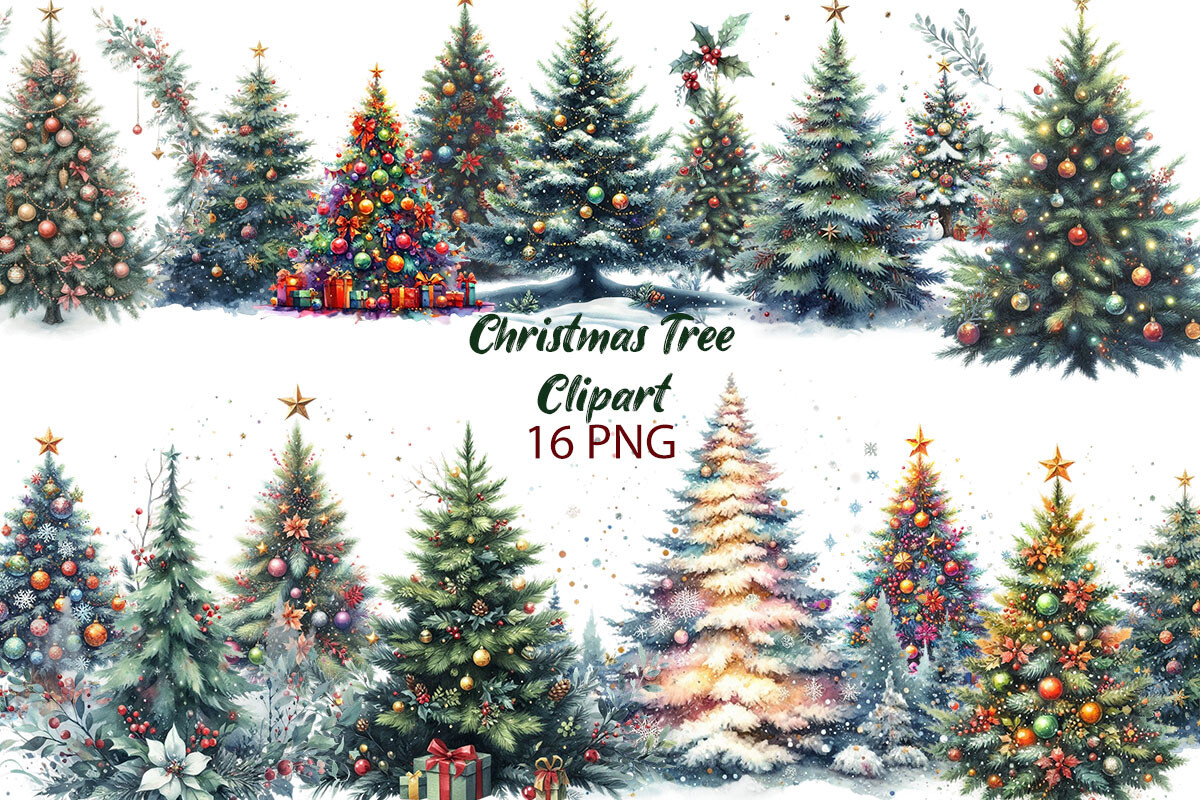
Dreamy Art’s Christmas Tree Watercolor Clipart supplies sixteen transparent PNG images at 3600 × 3600 pixels, equivalent to 12 × 12 inches at 300 DPI. The preview shows richly decorated trees with lights, ornaments and varied silhouettes. These are detailed illustration files for creating your own accents, rather than a stated print-and-cut sheet or a preset digital sticker notebook.
Choose this collection when the tree is meant to be a focal decoration on a monthly opening page. At very small planner-icon sizes, some lights and ornaments may blend together, so preview the image at its final scale before printing. Add a border and cutting layout yourself if needed. Keep functional labels separate from decorative trees; a beautiful image can support the page’s mood without having to carry a date, task or reminder.
15. Pink Tree Silhouettes for a Different Holiday Palette
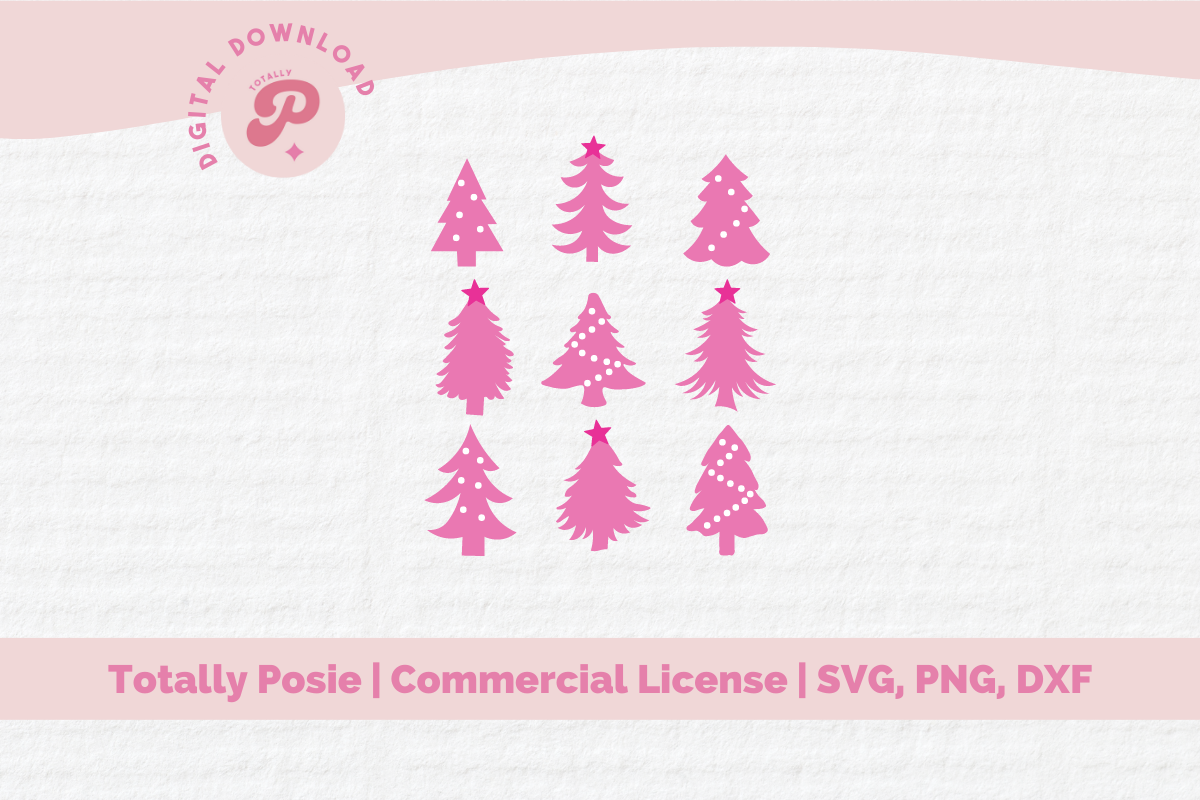
Totally Posie’s Pink Christmas Tree SVG uses a bright pink palette and several tree silhouettes in the inspected preview. The preview labels SVG, PNG and DXF, while the brief description emphasizes Cricut and Silhouette cutting but does not provide a full inventory, dimensions or a confirmed design count. This is best evaluated as a design resource with specifications that need checking.
Choose it if you want a playful pink accent instead of traditional green. Simple silhouettes can be easier to read at small sizes than highly detailed trees, and an SVG gives a vector workflow when that file is included as shown. Cutting a silhouette from adhesive material and printing a full-color sticker are different processes. Confirm the delivered formats and arrange your own print-and-cut setup rather than assuming the package contains a finished planner sticker sheet.
Keep decorative trees clear at planner size
View each image at the size you intend to use. Fine ornaments and snowy branches can disappear when a large illustration becomes a tiny icon. Bold silhouettes are often easier to recognize beside a task, while detailed trees have more room to work on monthly dividers and journal covers.
Print one test on ordinary paper before using adhesive stock. Check sheet orientation, printer scaling and cut alignment. For hand cutting, leave comfortable space between shapes. Pair the tree with a readable label if it marks a specific task; decoration should not be the only way to tell what a reminder means.
Which Christmas tree stickers should you start with?
ArtFM and Artnoy provide stated sheets as well as individual images. The white-bordered single tree and eight-tree illustrated pack suit a smaller DIY project. Vector icons give simpler shapes, while the larger watercolor collections are useful when you want to build coordinated dividers or your own sticker layouts.
Choose one main style for a spread, then use a few accents rather than filling every blank space. If decoration is part of planning a shared event, a Christmas party planner can hold the practical tasks. Download the format that fits your workflow and make a small test before building a full holiday set.