8 Useful Shopping Planner Stickers for Grocery Trips and Pickups
Shopping planner stickers are most useful when they make an errand easier to notice: a grocery trip, a planned shopping session or a parcel collection. These eight downloads cover small icons, writable labels, bold word stickers and artwork for building custom reminders. The focus is visual organization of your existing plan, with confirmed file formats and practical limitations explained for each option.
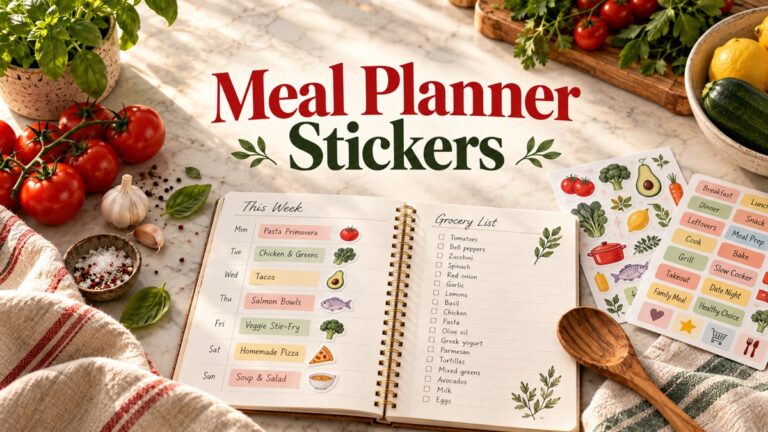
Start with the list itself, then add a sticker where the task belongs in your week. Our weekly meal planner templates can help turn a menu into a grocery list before you mark the shopping day. Some products below are full printable sheets; others supply individual artwork that needs arranging before printing.
How to choose shopping planner stickers for errands
Check the sheet and sticker measurements separately. A compact 4-by-5.5-inch sheet can hold tiny icons, while a US Letter page may contain longer writing labels. A PNG prepared for a cutting workflow is different from a native cutting-machine project, and a PDF print sheet does not confirm separate digital stickers. Use one test print to check scale and legibility before cutting a large batch.
Give your symbols a consistent purpose, such as groceries, household errands or parcel pickups. Keep amounts in a separate written record; our budget planner stickers offer complementary markers for spending and bills. Adding an icon does not calculate a total or notify you of a delivery, so pair it with an actual date and a short task description.
1. Mini Grocery Trip Reminder Stickers
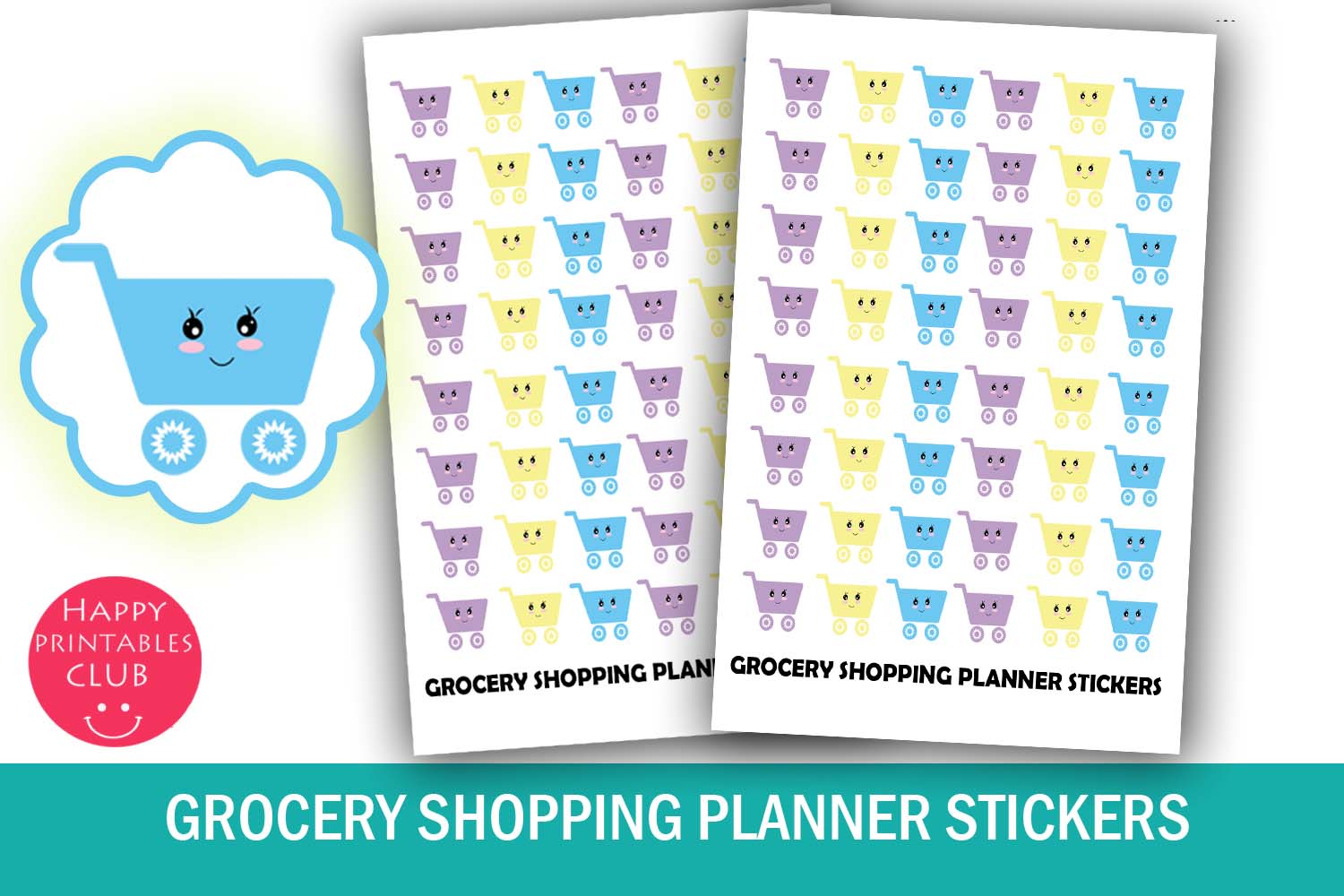
This compact grocery-reminder download includes one PDF and one JPEG, each on a 4-by-5.5-inch sheet. The stickers measure approximately 0.55 by 0.5 inches. Its preview uses small colorful shopping-cart characters arranged in repeated rows. An individual PNG pack and machine cutlines are not listed, so the confirmed workflow is a printed sheet rather than ready-separated digital stickers.
The small icons work well beside a grocery-trip entry when you want the reminder to stay visible without taking over a calendar box. Add a short list reference or store name next to the icon instead of expecting it to hold the list itself. Check the print at actual size so the tiny details stay clear. Keep the unused sheet with your planner supplies and cut a few reminders at a time, rather than filling every week before you know the shopping schedule.
2. Eighty Shopping Stickers with Cutting Instructions
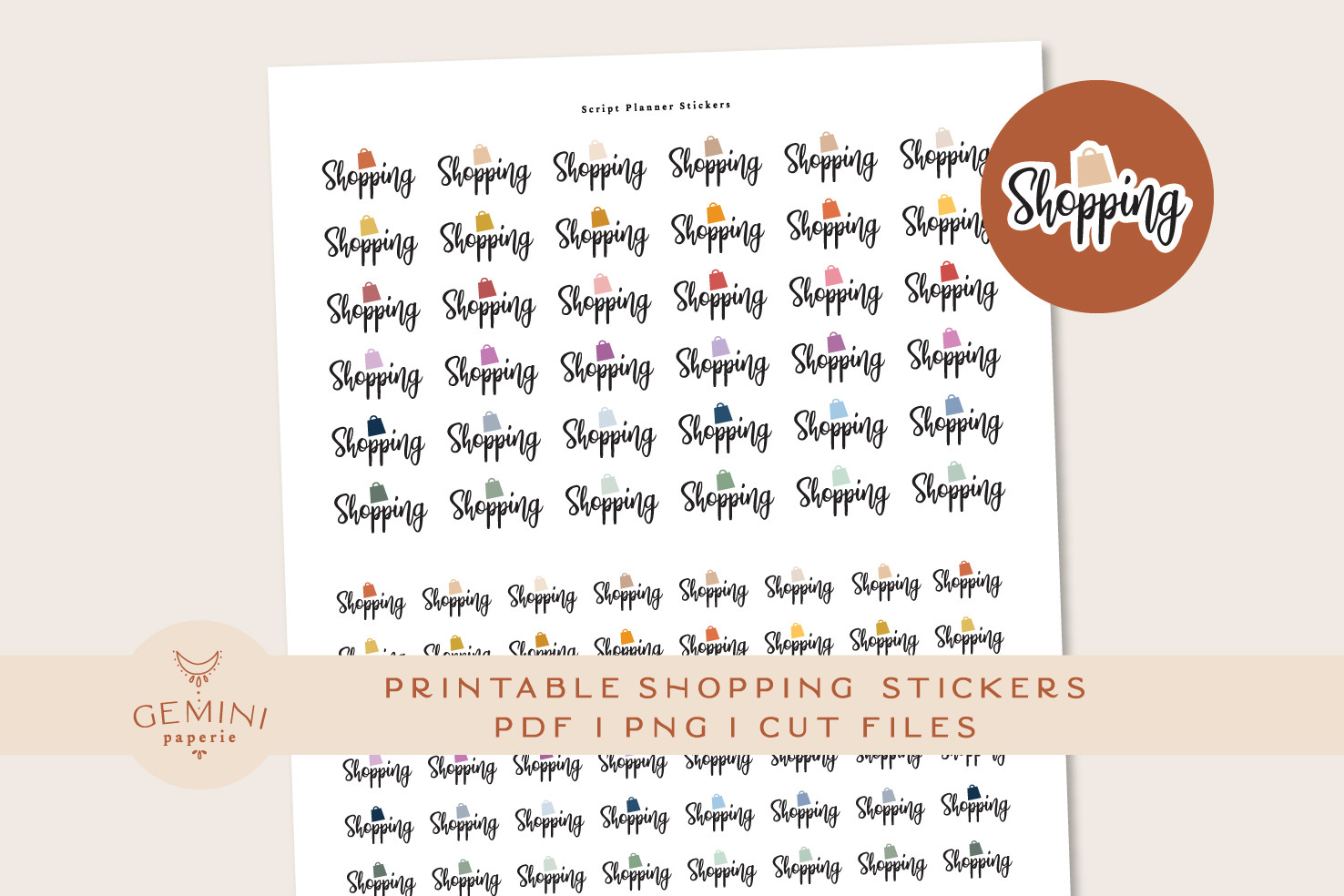
The shopping-lettering pack contains 80 stickers in 16 colors. Its ZIP includes two PNG files for Cricut, a sticker PNG and a cutline PNG for Silhouette Studio, an overview PDF, and a PDF with printing and cutting instructions. The designer reports testing with Cricut Maker and Silhouette Cameo 4. The written inventory does not give a numeric sheet size or the individual sticker dimensions.
Choose it when you want a clear shopping marker and instructions for a machine-assisted workflow. Keep the printed reminder beside a planned task or list reference; the color choices are alternatives, not 80 different kinds of errands. Check the guide and run a small calibration test on your own setup rather than assuming another machine or software version will behave identically. The product shows 54 favorites and a 5.0 score from one review.
3. Grocery Labels in Two Printable Versions
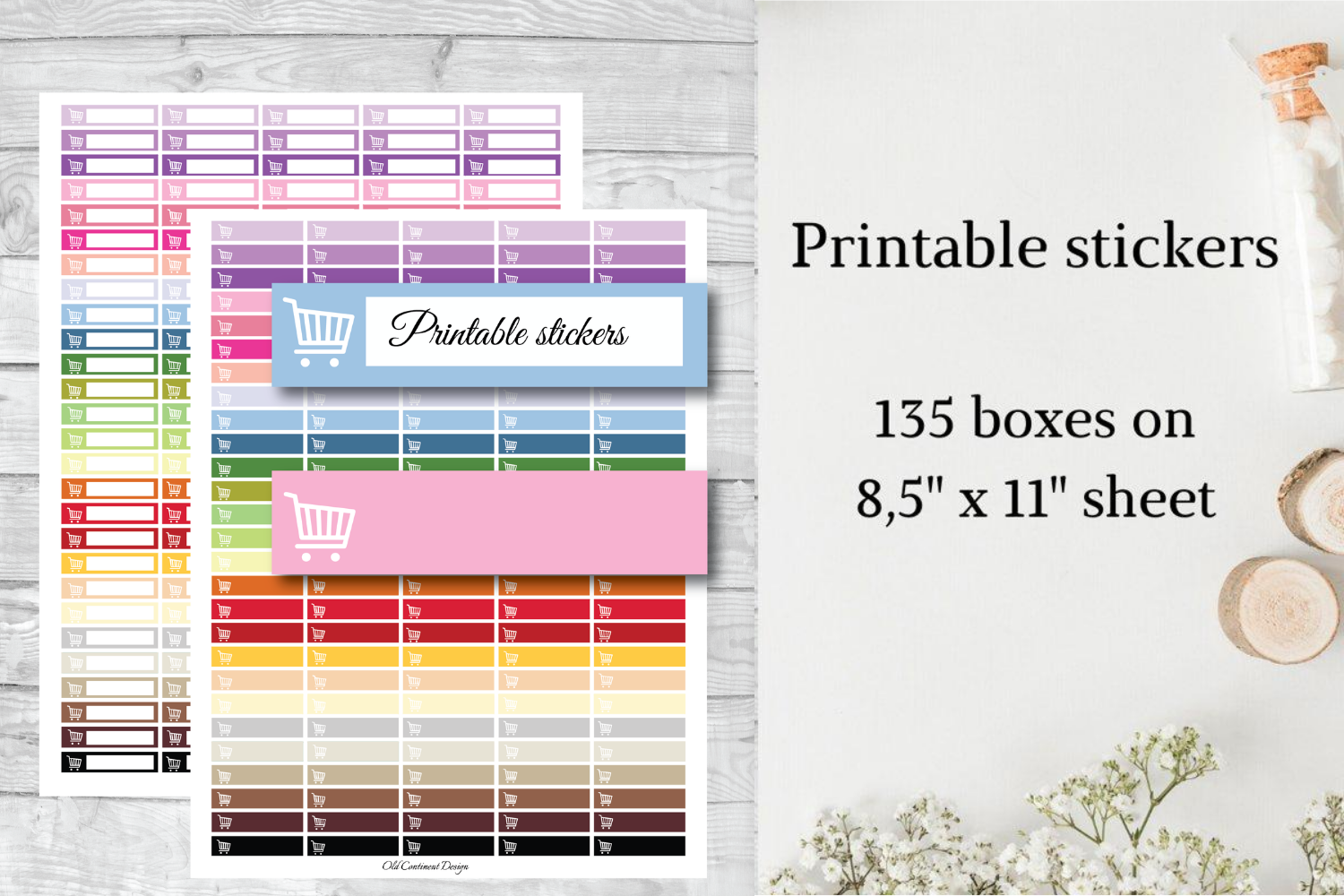
This grocery-label set is described as 135 planner stickers in two versions, supplied as PNG artwork on US Letter sheets measuring 8.5 by 11 inches. The preview shows colored horizontal boxes with a shopping-cart symbol and room for a brief note. The listing states a 1.5-inch width, but its height notation mixes inch and foot punctuation. Check the actual label size in the file before relying on that measurement.
The writing space makes these useful for distinguishing a weekly grocery trip from a quick stop for one missing ingredient. Add a store name, a short item list or a reference to a longer checklist, keeping the text readable. The description does not clearly say whether 135 is a combined total across both versions. No individually cropped digital labels or cutline project are confirmed, so use the PNG sheet as the reliable starting point.
4. Half-Inch Colorful Shopping Cart Icons
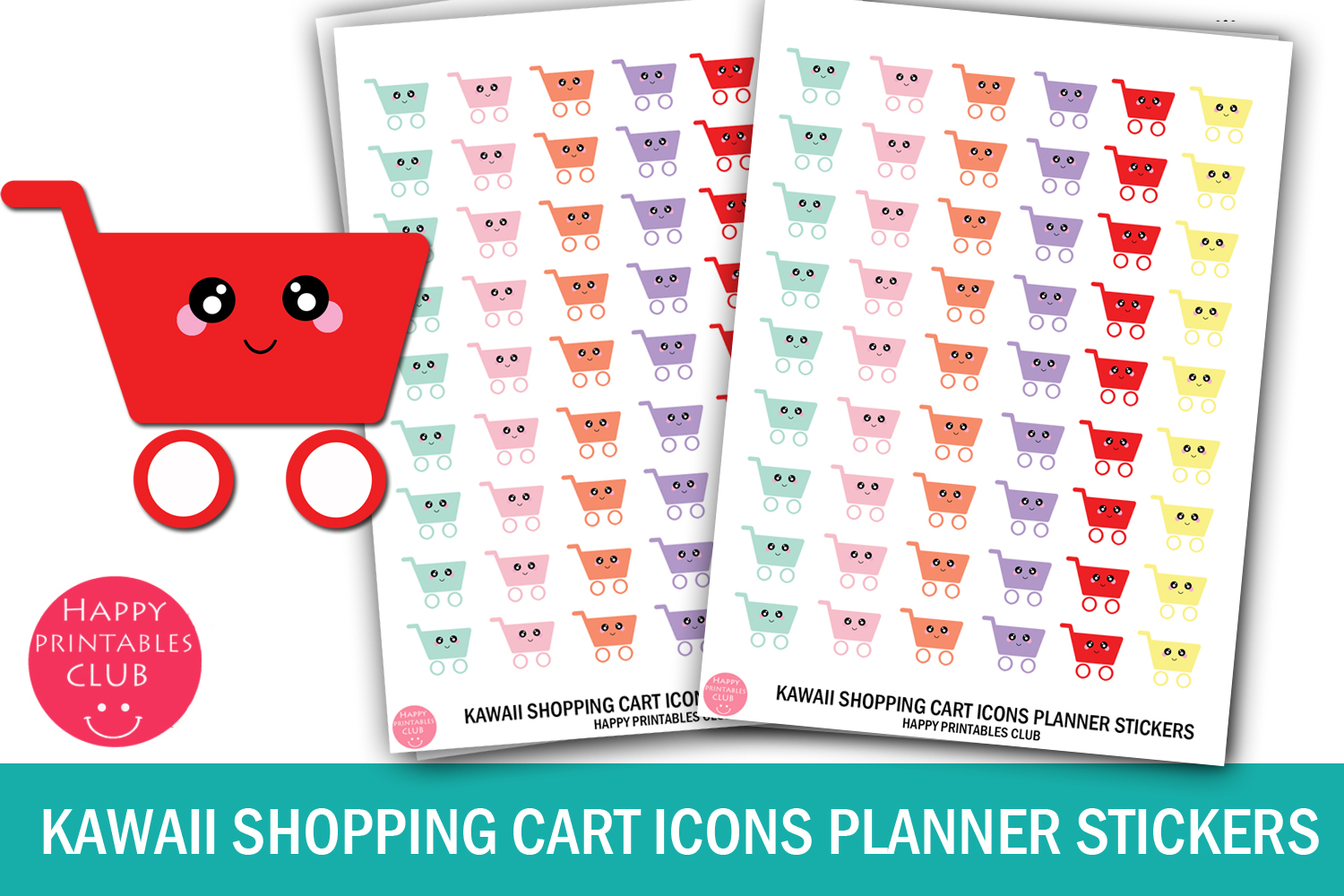
The colorful cart-icon set provides JPEG, PNG and PDF versions of a 4-by-5.5-inch sheet. Each sticker is described as 0.5 by 0.5 inches. The preview shows repeated small shopping-cart characters in several colors. This compact sheet has a different print arrangement from a Letter-size pack, and the designer does not state a numeric total of stickers or confirm individual precropped PNGs.
It suits a crowded weekly layout where a half-inch symbol can sit beside an errand without covering the appointment text. Assign colors consistently if that helps you distinguish groceries from household shopping. Print a small sample before trimming, especially if your printer tries to enlarge the compact page automatically. The PNG is a sheet image, so digital users may need to crop the chosen icon themselves; no native sticker-book file is listed.
5. Letter-Size Cart Reminder Sticker Sheet
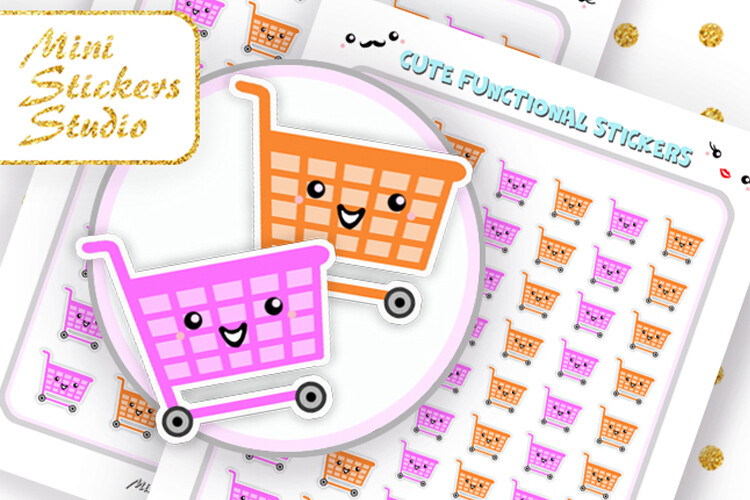
This cart-reminder pack includes a Letter-size PDF and JPG, a PNG prepared for Cricut, and a Silhouette Studio document. The designer also says the print files can be used on A4 paper. The preview features larger outlined cartoon cart characters and repeated smaller reminders. Exact sticker measurements and a total count are not given, so inspect the sheet before matching it to a particular planner column.
Choose it when you want a more prominent shopping symbol than the half-inch icon sets. Check margins and scale when moving between Letter and A4, since automatic fitting can change the finished size. Follow the supplied file workflow in the software you actually use and test the result before cutting a full sheet. The listing shows 83 favorites and a 5.0 score from one review; it does not confirm a digital planner sticker book.
6. Individual Grocery Doodles for Custom Stickers
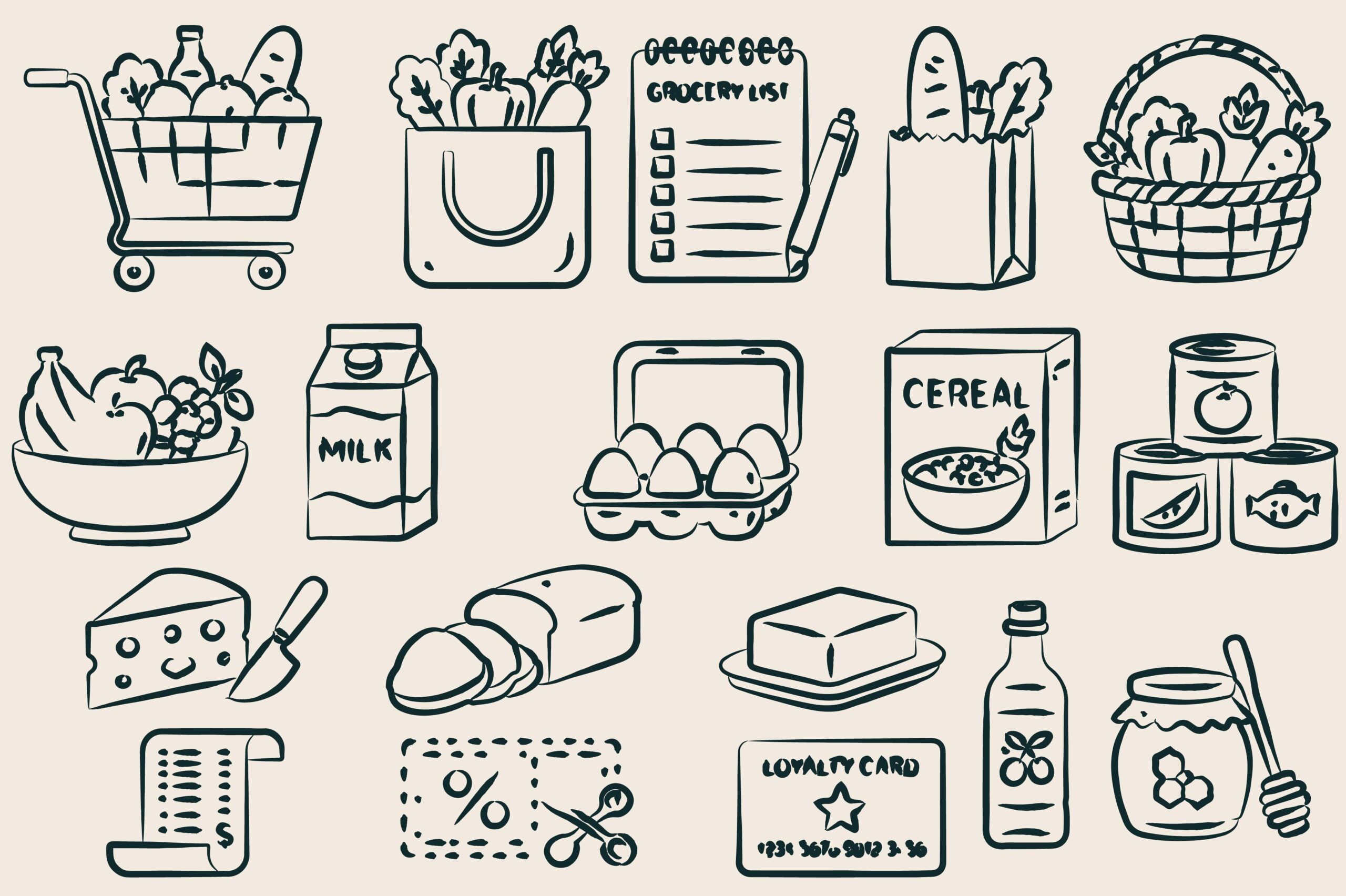
This grocery doodle bundle supplies individual elements in SVG, EPS and transparent PNG formats. The described artwork includes carts, reusable bags, baskets, checkout areas, price tags, shopping lists, coupons and produce. Its preview shows a collection of black line illustrations rather than a premade sticker sheet. Exact element count, pixel dimensions and dpi are not specified in the written description.
It is useful for building your own reminder system around different parts of an errand: a basket for groceries, a list for preparation or a coupon marker beside a task. Arrange a few selected elements on a print page and add your own writing labels where needed. The vectors offer another resizing workflow, but no ready-made cutlines or planner-sized layout is promised. Check that thin strokes remain visible when reducing a drawing to a small calendar icon.
7. Amazon Pickup Reminder Label Sheet
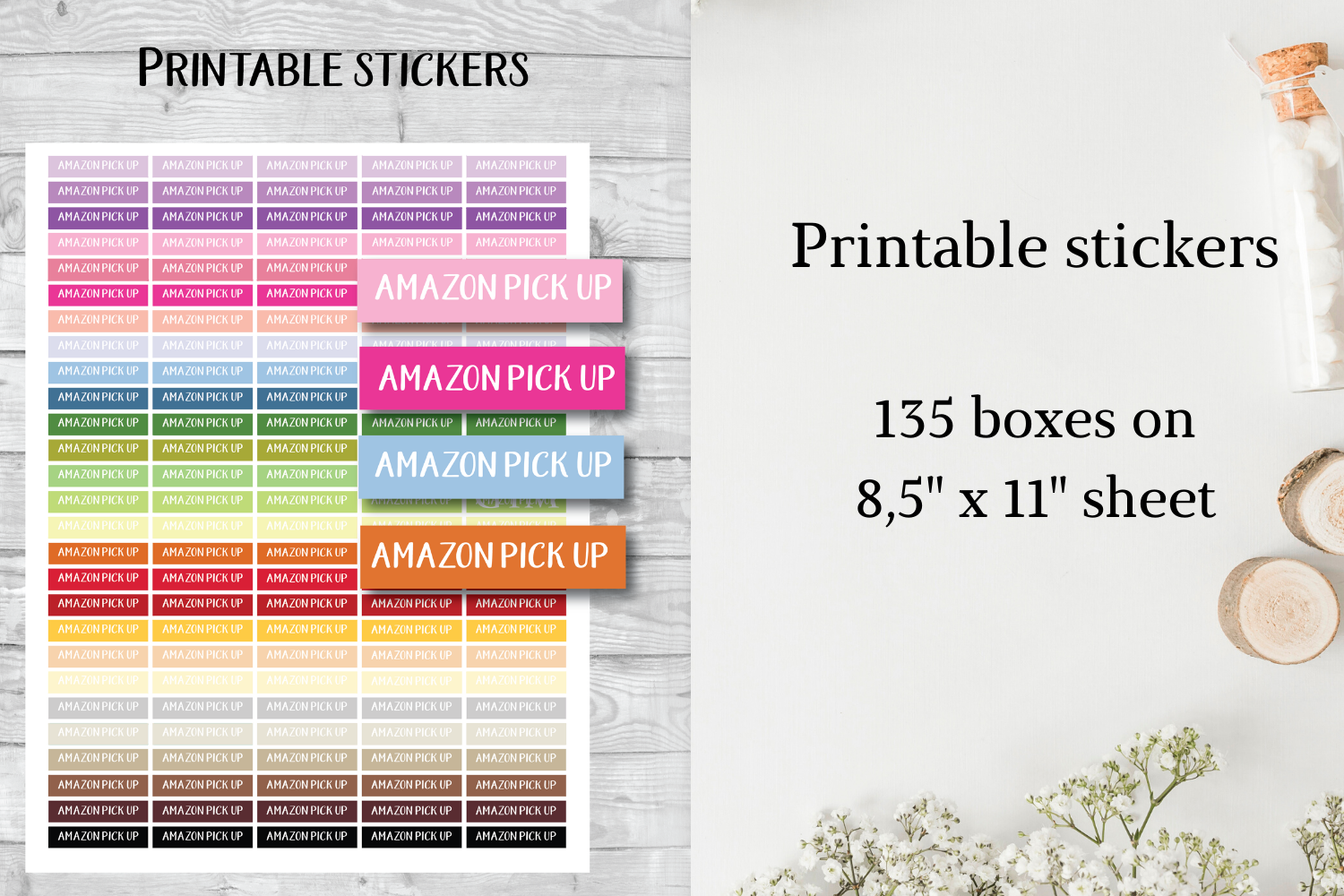
The parcel-pickup pack lists 135 Amazon pickup stickers, approximately 1.5 by 0.35 inches, on US Letter sheets. Its file description says JPG or/and PNG, leaving the exact combination uncertain. The preview shows narrow colored reminder boxes with the pickup wording already printed. No PDF, separate precropped images or cutting-machine project is confirmed.
It provides a specific reminder for collecting an order, which is a different task from placing it or waiting for delivery. Add a pickup date and location in the nearby planner entry, and keep any actual collection instructions in your order record. The label itself is decorative information; it does not track the parcel or send a notification. Check which raster formats are present in the download before choosing a printing or cropping workflow.
8. Bold Shopping Word Reminder Stickers
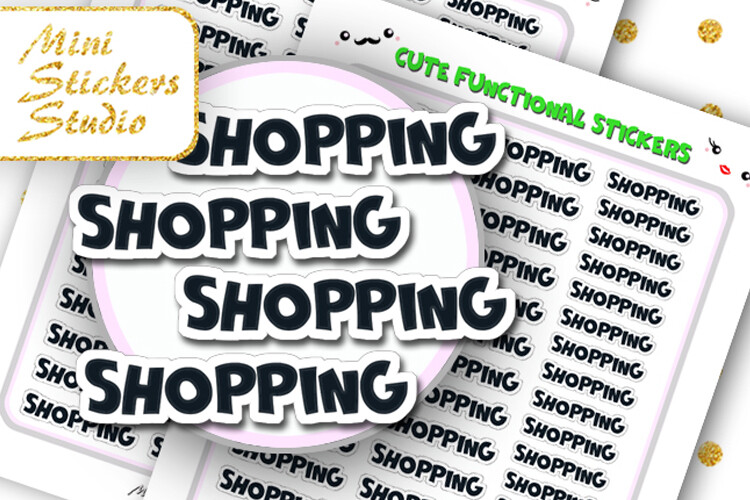
Although the listing uses shopping-quote wording, the preview mainly shows bold SHOPPING lettering repeated as sticker reminders. The package contains Letter-size PDF and JPG files, a PNG for Cricut and a Silhouette Studio document. The designer says the print files can also be printed on A4. A numeric sticker count and individual measurements are not stated.
The high-contrast word marker works well when a shopping task needs to stand out in a busy weekly spread. Put it next to a planned date and a list reference, leaving room for the practical details. For A4 printing, inspect scale and margins before cutting so the label fits your page. These are image-based reminders and print files; the description does not supply an interactive shopping list, expense calculator or app-specific digital sticker book.
Make the download work for your routine
Choose one reminder style for recurring errands and reserve a different label for time-sensitive pickups. Review the shopping list before leaving and record any follow-up task after the trip. For seasonal sale planning, our Black Friday shopping planner templates provide a fuller place for lists and comparisons alongside these everyday stickers.