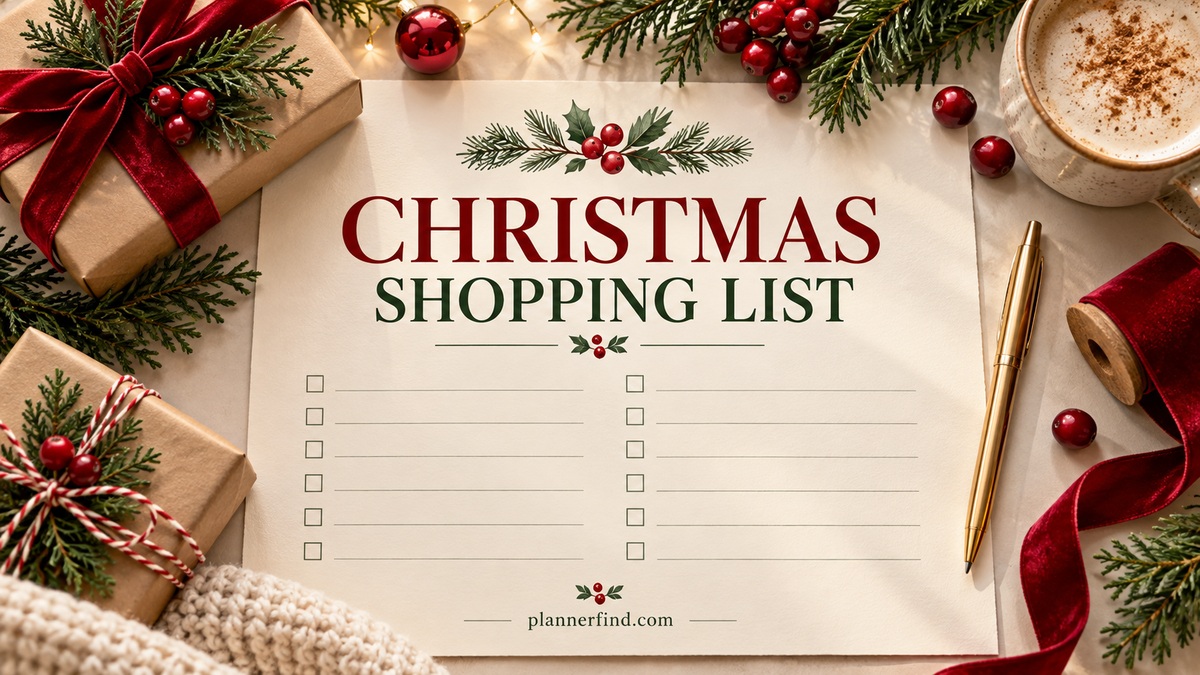
8 Practical Christmas Shopping List Templates for Holiday Purchases
A Christmas shopping list is most useful when it tells you what still needs buying, where you will get it and whether it has already reached the person or event it is meant for. A long collection of gift ideas can be inspiring, but an actionable purchase list should help you finish a real shopping trip.
These eight Creative Fabrica downloads cover gift purchases, groceries and general holiday supplies. Some are single sheets; others contain a shopping page inside a larger printable or editable planner. The comparisons focus on the actual shopping workflow, stated files and inspected previews rather than assuming every holiday bundle is an interactive digital system.
If you need to choose recipients and gift ideas first, start with a Christmas gift planner. This guide takes the next step: turning those decisions into a list you can buy from.
In this guide
Choose a shopping format you will actually use
A single sheet works well for a short household list. A recipient notebook is better when several gifts need separate costs and delivery checks. A sectioned list helps organize purchases by shop, while a Canva page is useful when the standard headings do not match your shopping routine.
Keep groceries separate from gifts when quantities, refrigeration and timing matter. The Christmas meal planner guide can help turn a menu into ingredients before you add them to the shopping list. A PNG or PDF can be annotated in suitable software, but that alone does not establish hyperlinks, automatic totals or a spreadsheet.
1. Letter-Size Gift Shopping Checklist
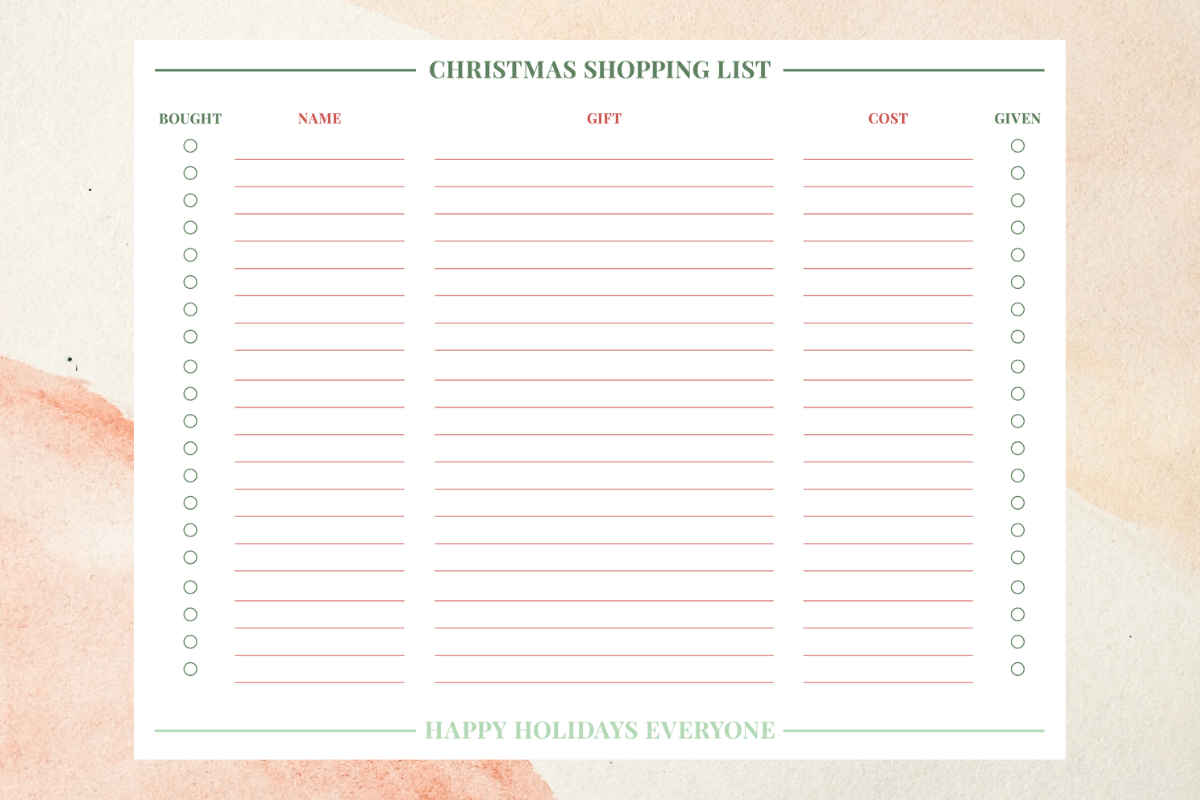
artbygenesisstudio’s Christmas Shopping List is a single landscape US Letter PDF, measuring 11 × 8.5 inches. The preview separates the shopping record into bought, name, gift, cost and given columns. That last column is particularly useful: buying something and handing it to the recipient are two different steps, especially when you shop early or send gifts in several batches.
Choose this sheet when you want an overview you can see at a glance rather than a separate page for each person. Write the intended gift before you shop, add its actual cost afterward, and mark the delivery stage only when it is complete. The listing supplies a PDF, so editable source files and fillable fields are not established. Print a test copy to check the light lines and available writing space.
2. Compact Christmas Grocery List Notebook
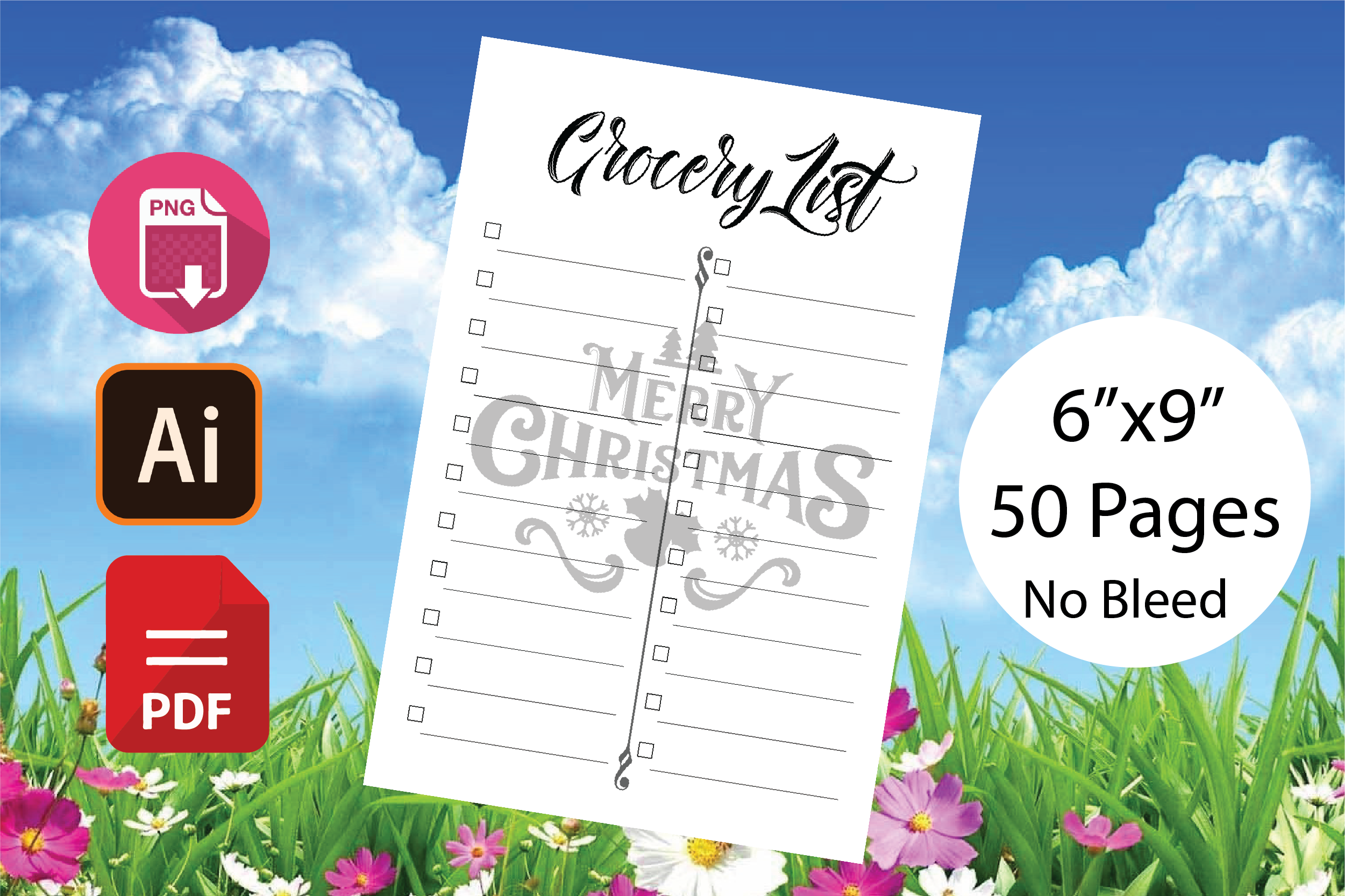
Zing Zang’s grocery shopping interior brings holiday food purchases into a compact 6 × 9-inch notebook format. The listing specifies PDF, Adobe Illustrator AI and PNG files at 300 DPI and describes a 51-page interior. Its main preview instead says 50 pages, so the exact total needs checking in the downloaded file; it should not be treated as a confirmed count of unique layouts.
This is a practical choice for ingredients, serving supplies and small supermarket extras that get lost in a gift list. Keep food purchases on their own page and group them by the trip on which you will buy them. The Illustrator file offers a customization route for users of that software; it is not a Canva template. A notebook interior also needs printing and binding or a suitable annotation workflow before it becomes a physical shopping book.
3. Pink Sectioned Christmas Shopping Sheet
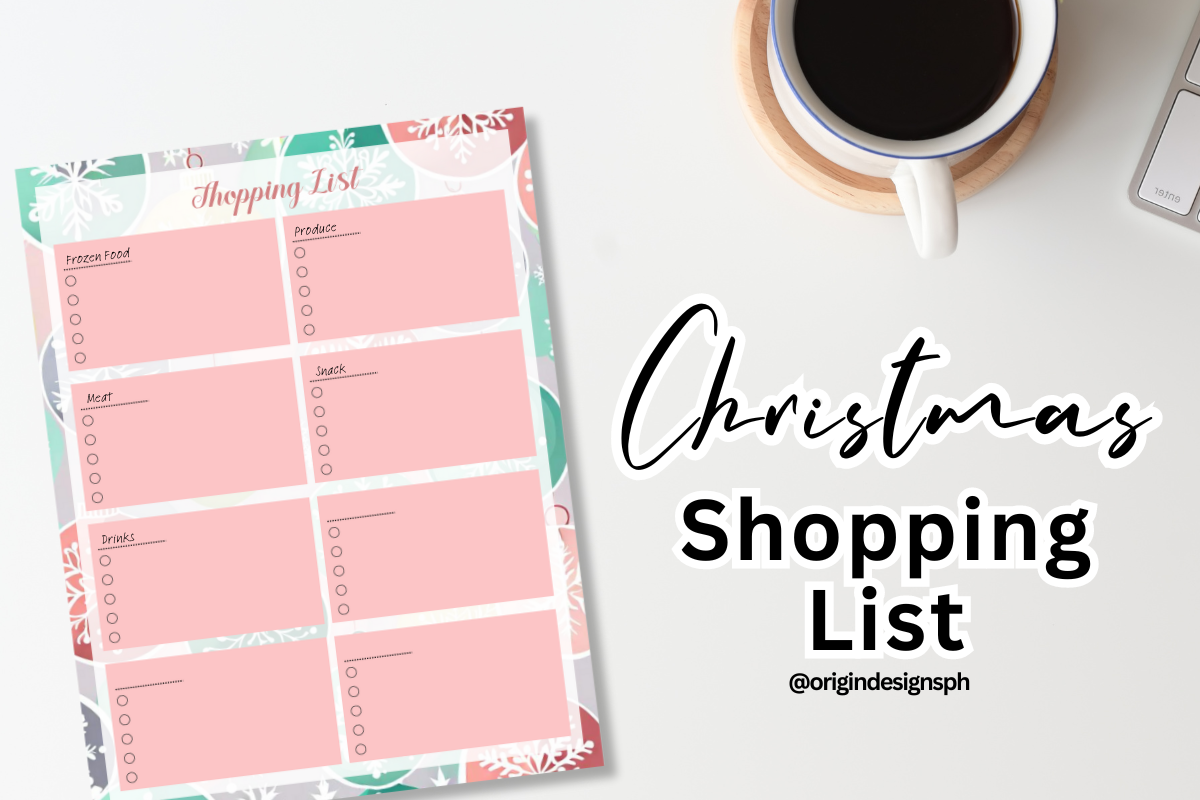
Origin Designs PH supplies one Christmas-themed PNG design for A4 printing at actual size. The inspected preview uses a pink and green palette and divides the checklist into several smaller writing areas. This makes it a useful visual option when you want to separate purchases by recipient, store or type instead of putting everything into one long column.
Use a heading for each section before adding items, then tick purchases only after checking the quantity or exact version you need. The stated delivery is PNG rather than an editable document, so changing its text or layout requires image-editing work. The seller uses PLR wording but also restricts resale of the PNG; do not interpret the title as unrestricted digital redistribution. For personal planning, check the print scale and color contrast on your own printer.
4. Four-Section Christmas Prep List and Mini Planner
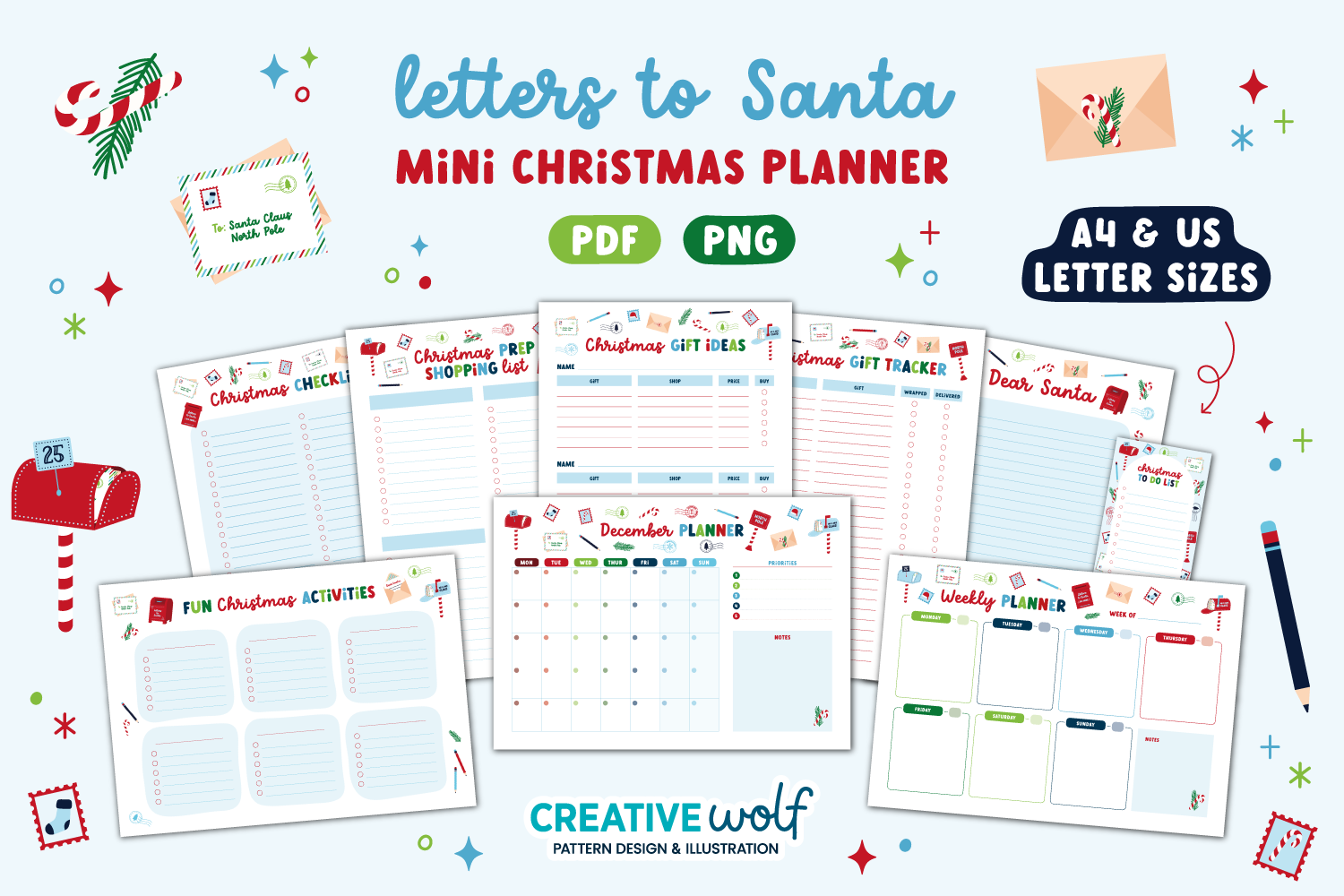
Creative Wolf Design’s Letters to Santa mini set includes a Christmas prep shopping list with four blank sections, supplied in A4 and US Letter PDF and PNG formats. It also provides gift ideas, gift tracking, checklists and undated monthly and weekly pages with Monday and Sunday starts. The individual shopping layout is the reason to consider the larger package here.
Assign the four sections to groceries, decorations, gifts and wrapping supplies, or use them for four different shops. You can then keep shopping close to the weekly schedule without printing the entire mini planner. This is a cheerful illustrated system rather than a plain spreadsheet. The package is not described as an editable Canva collection, and its Letter to Santa pages are optional extras rather than necessary shopping worksheets.
5. Recipient-by-Recipient Shopping and Cost Notebook
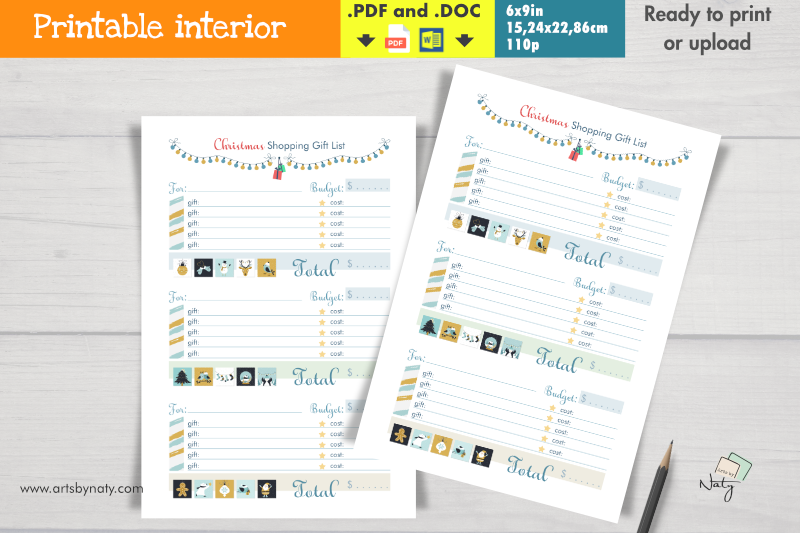
artsbynaty’s Christmas Shopping Gift List Notebook organizes three recipients per page, with five gift slots for each, a budget, individual costs, star-shaped checkboxes and total spending. The stated package has a colored PDF and DOC interior, 110 pages at 6 × 9 inches, plus an A4 single-page bonus. The A4 sheet is the easiest route if you only need a few recipients.
Choose it when your buying decisions revolve around people rather than stores. List alternatives first, then use the cost fields to distinguish a considered idea from something already purchased. The DOC file gives a word-processing format, but the listing does not establish which modern Word versions preserve the layout exactly. Test one edited page before printing a full notebook. The page total describes the interior’s length, not 110 different shopping templates.
6. Shopping List Inside a Printable Holiday Planning Set
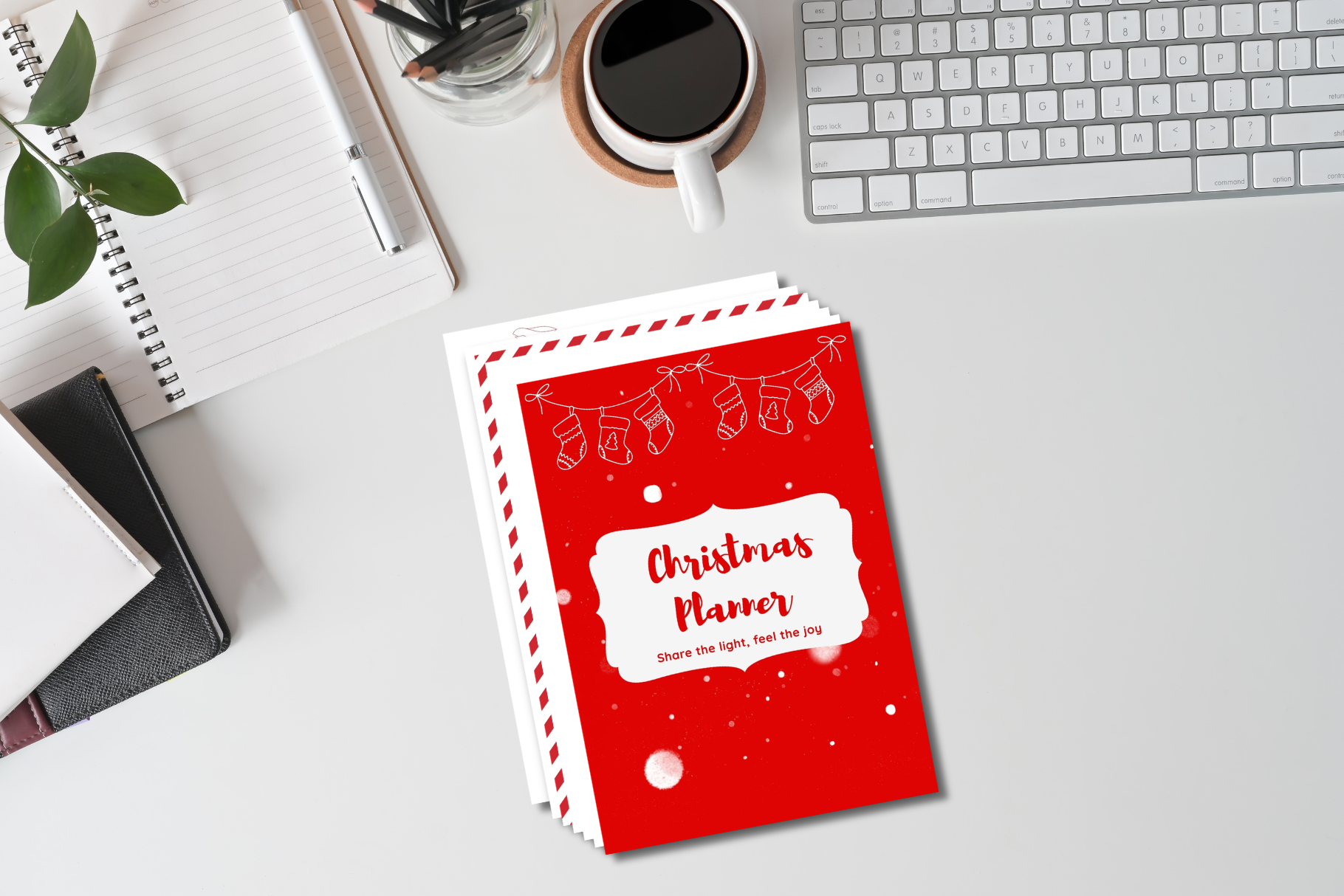
rhegajuliandy’s Christmas Planner Printable includes a shopping list alongside gift tracking, budget planning, monthly and weekly scheduling, dinner preparation, recipes and card records. The product page identifies a printable PDF and encourages printing only the pages needed. It does not give a dependable page total or paper dimensions in the description, so those details should be checked in the file before ordering a binder or bulk print.
This option suits someone who wants the shopping list to remain beside the decisions that generated it. Plan the meal or gift first, then move the required purchases onto the shopping page. That avoids using the list as a place for every possible holiday idea. The preview’s desk and binder are presentation props, not delivered supplies. Editable source files, automatic calculations and app navigation are not confirmed by the listing.
7. Editable Canva Shopping List with Holiday Pages
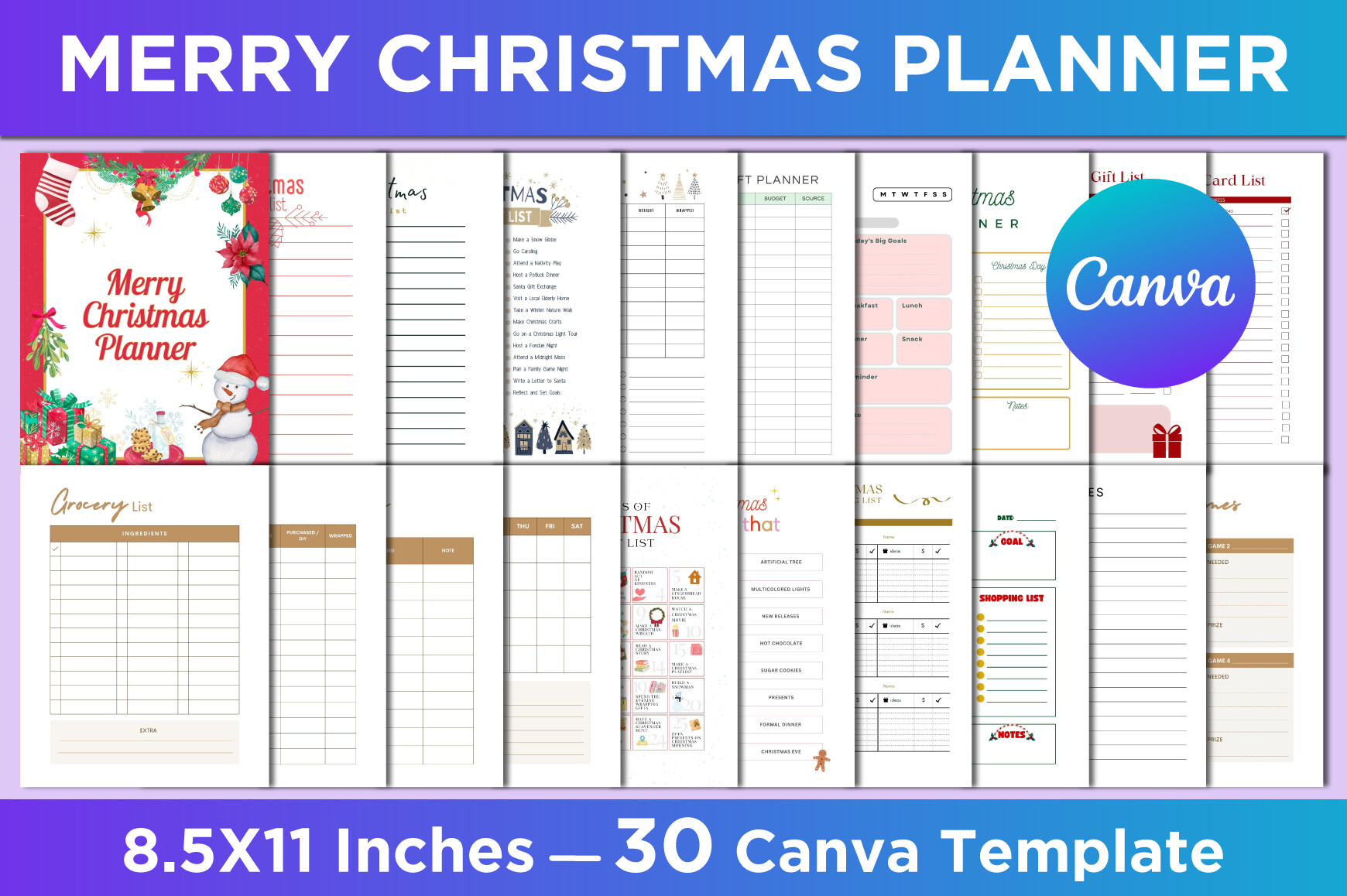
SM INTERIOR’s Merry Christmas Planner includes a Christmas shopping list and grocery list within 30 different US Letter templates. The listing supplies an editable Canva link plus JPG, PNG and PDF exports, with 8.5 × 11-inch dimensions, no bleed and 300 DPI. Other pages cover budgets, gift ideas, preparation, meal plans and notes, giving you room to build a coordinated shopping section.
Pick this collection when you want to change the headings or create a list for a particular store. Work in a copy of the Canva template, customize the shopping page, and export a fresh PDF for printing. The page does not establish that every element works with a free Canva account, so inspect access requirements before relying on it. Exported images and PDFs are not substitutes for the template link when you want to alter the layout.
8. Botanical Holiday Shopping and Grocery Planner
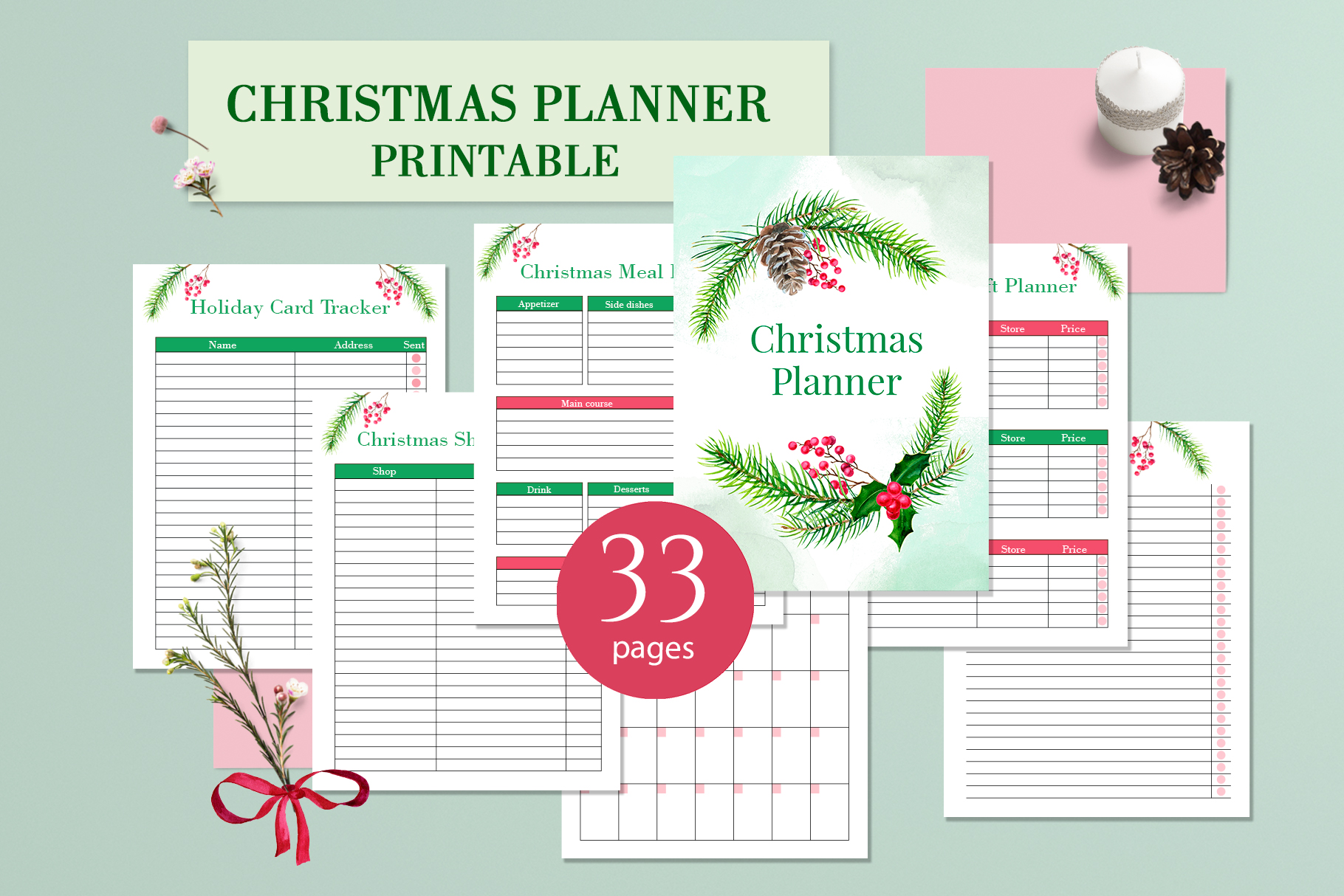
Elena Dorosh Art’s Christmas Printable Planner PDF combines a Letter-size shopping list with grocery planning, a holiday budget, gift records and other seasonal pages. The description says the design can be edited in Illustrator and warns that fonts are not included. The main preview advertises 33 pages, while the written inventory lists page types rather than explaining how that total is assembled.
The soft botanical styling works well if you want a shopping sheet that matches a more decorative holiday binder. Keep general shopping separate from groceries so food quantities do not disappear among gifts and wrapping materials. Confirm the included editing files and any required fonts before customizing. Calendar pages for November and December are also listed; check their date alignment independently, even if you only choose the shopping and checklist pages for your current holiday season.
Turn holiday ideas into a clear purchase list
Before a shopping trip, remove ideas you have not decided to buy. Add a quantity, a preferred store and a spending limit where the layout allows it. After buying, record the actual amount and mark the item complete. For gifts, keep a separate check for wrapping, mailing or giving so those later steps remain visible.
If sales are part of your plan, use a Black Friday shopping planner for price comparisons and carry only confirmed purchases into the Christmas list. A sale is useful when it completes an existing need; it should not automatically add another item.
Which Christmas shopping list should you choose?
Choose the landscape checklist for a quick gift overview, the compact grocery notebook for food purchases, or the recipient-by-recipient interior for several presents per person. The mini planner suits categorized preparation, while the Canva set gives you a route to change the headings.
Start by printing or opening one working page. Check its scale, margins and readability, then add only the pages that make your next shopping trip easier. The right template should make a decision clearer and a completed purchase easier to recognize.