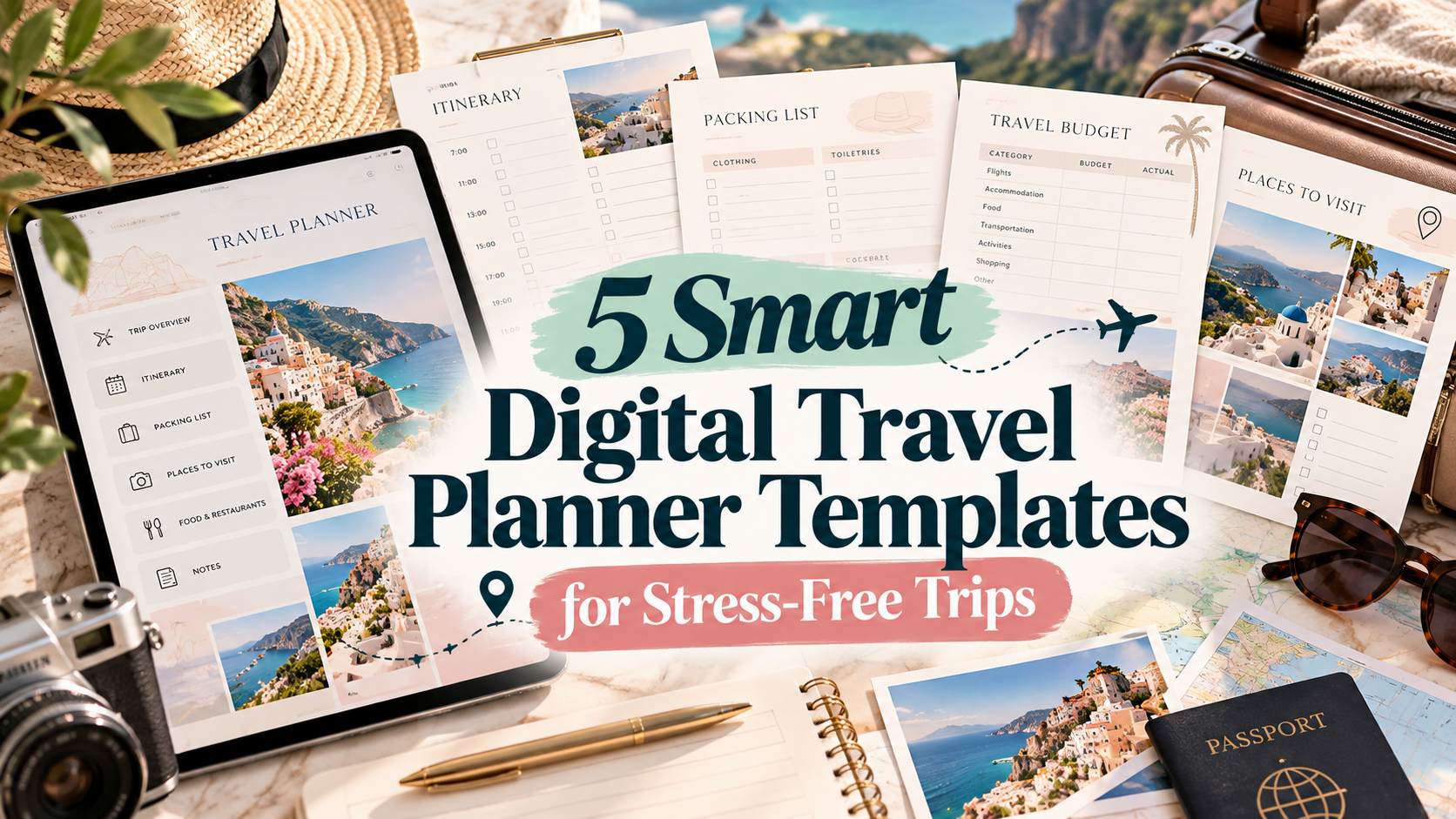
5 Smart Digital Travel Planner Templates for Stress-Free Trips
Planning a trip gets complicated quickly when flight details, hotel confirmations, budgets, packing lists, and daily plans live in different places. A good digital travel planner brings those details together so you can prepare before departure and keep useful information close while you travel.
I looked at five different travel-planning templates with noticeably different strengths: editable Canva layouts, tablet-friendly planners, hyperlinked navigation, budgeting tools, and a mobile itinerary option. Below, I’ll break down what each one is designed to do and who it makes the most sense for.
What to look for in a digital travel planner
The best format depends on how you actually plan. For iPad planning, look for a hyperlinked PDF that works with apps such as GoodNotes or Notability. If customization matters more, an editable Canva template gives you more control over colors, fonts, images, and page layouts. For complex vacations, budget, accommodation, transportation, packing, and itinerary pages are especially useful.
1. Digital Travel Planner Canva Interior
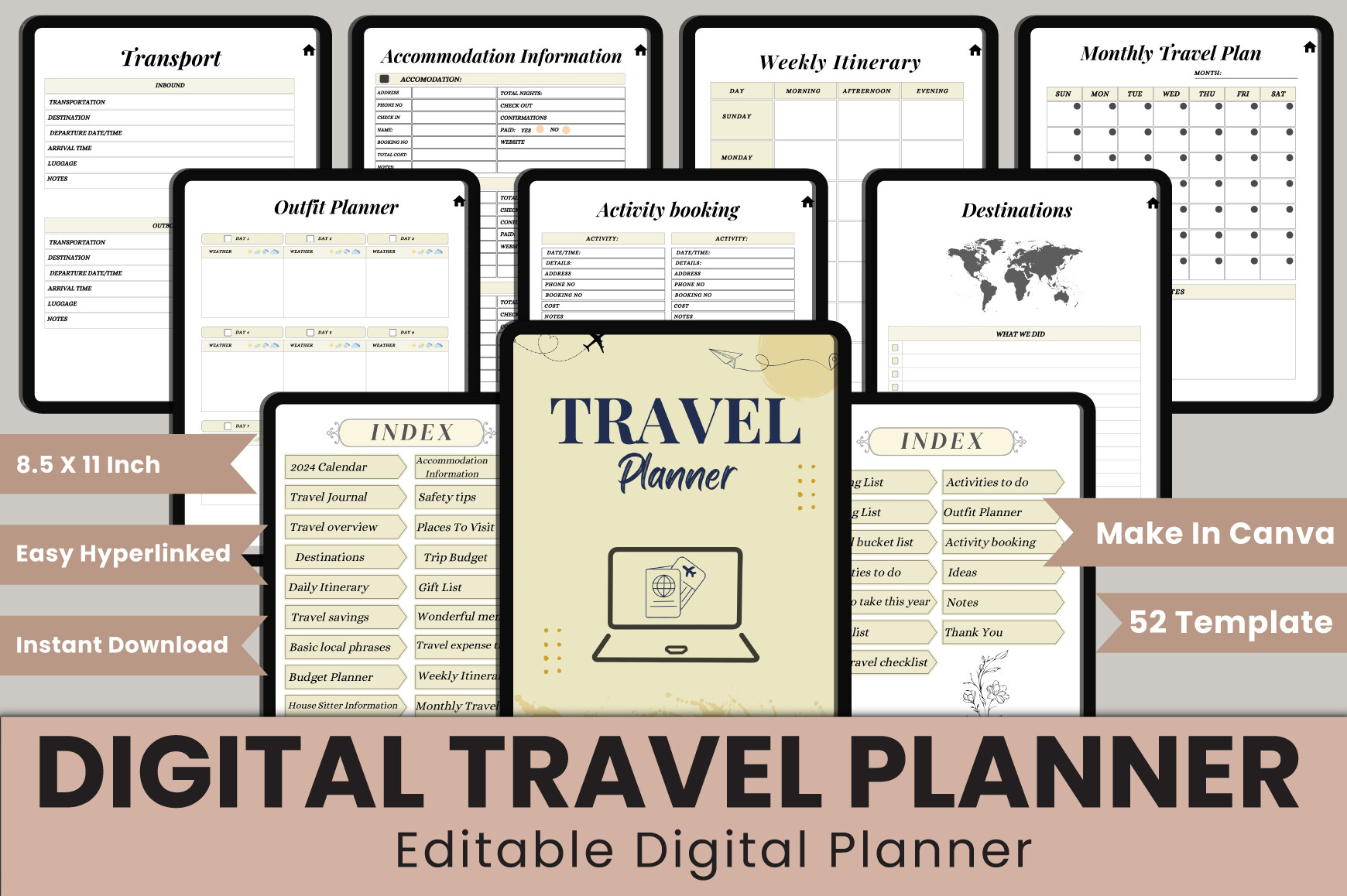
This 52-template travel planner is one of the more comprehensive options here. It combines a hyperlinked index with monthly planning, destinations, daily and weekly itineraries, travel savings, budgets, accommodation details, transportation, packing lists, an outfit planner, activities, memories, and notes. The package includes an editable Canva link plus PDF, JPG, and PNG files in US Letter size at 300 DPI.
It makes sense for travelers who want to customize their planner before using or printing it rather than working with a fixed design.
2. Digital Travel Planner Bundle 1
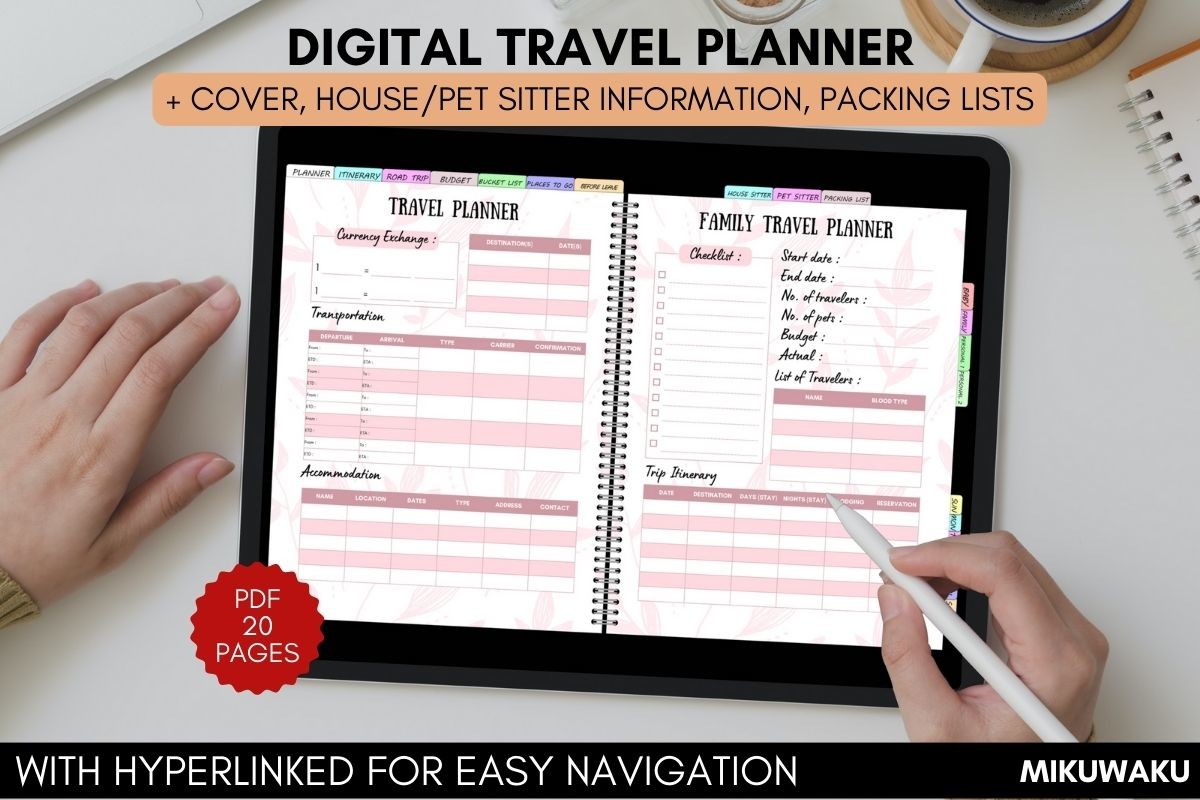
This PDF bundle takes a practical approach to family and everyday travel. Along with a daily itinerary and travel budget, it includes road-trip pages, a photo-of-the-day section, a family travel planner, places to go, packing lists, a baby packing list, and even house- and pet-sitter information. It is designed for iPad and Android tablets and can be imported into GoodNotes or another annotation app.
I’d look at this option if your trip involves family logistics or if you want useful preparation pages without needing a highly customizable Canva workflow.
3. Digital Travel Planner | Purple
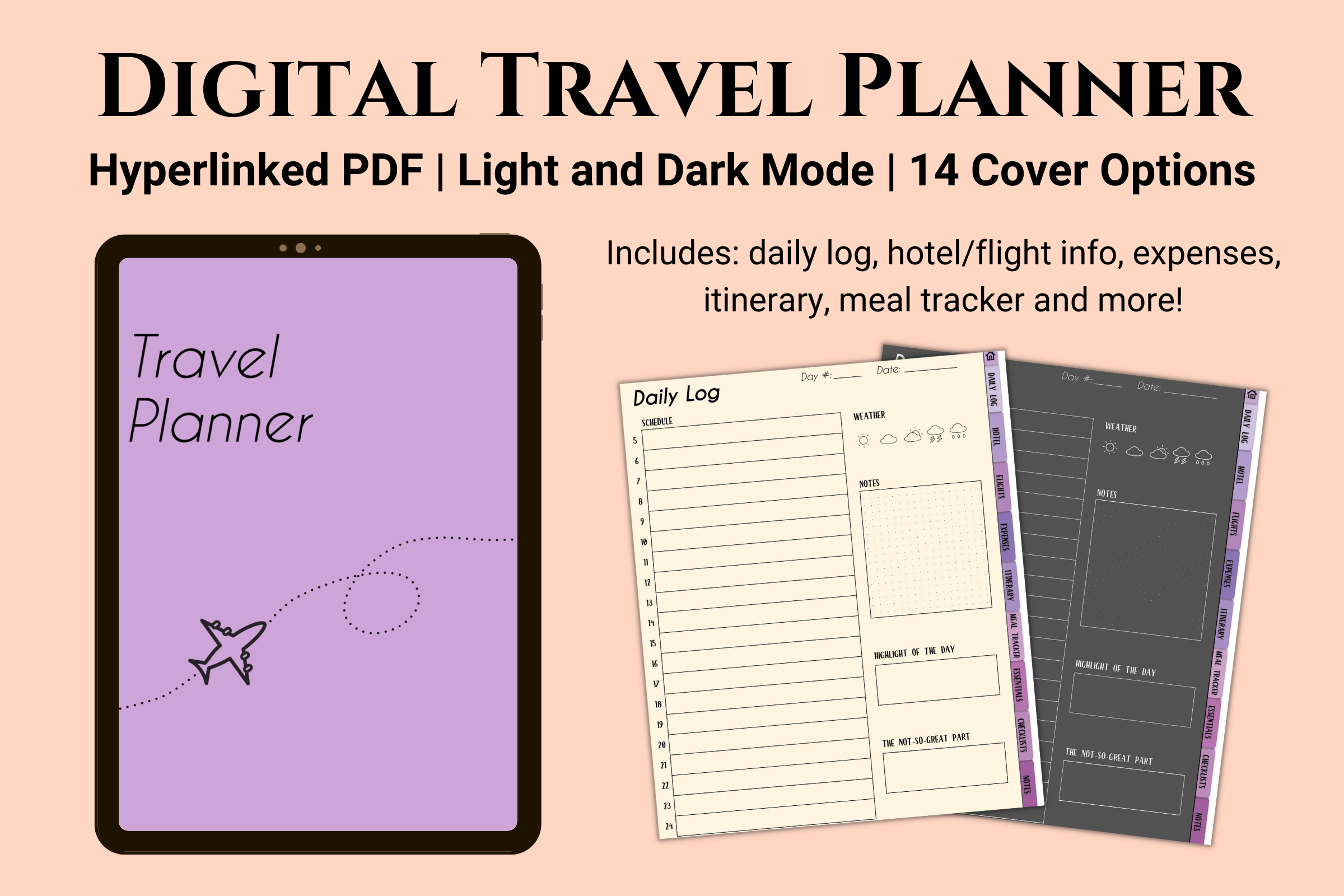
This 31-page digital planner is built around hyperlinked navigation and is intended for GoodNotes, Notability, and similar digital-planning apps. Its sections cover daily travel logs, accommodation, flights, expenses, itineraries, meals, essential information, checklists, and notes. A particularly useful detail is the choice between light and dark versions, plus 10 JPG cover options.
This is a strong fit for someone who primarily plans on an iPad and wants a polished digital experience rather than a large printable bundle. Pages can also be added or removed to suit the length of the trip.
4. Digital Travel Planner Bundle by Heartcraft Studio
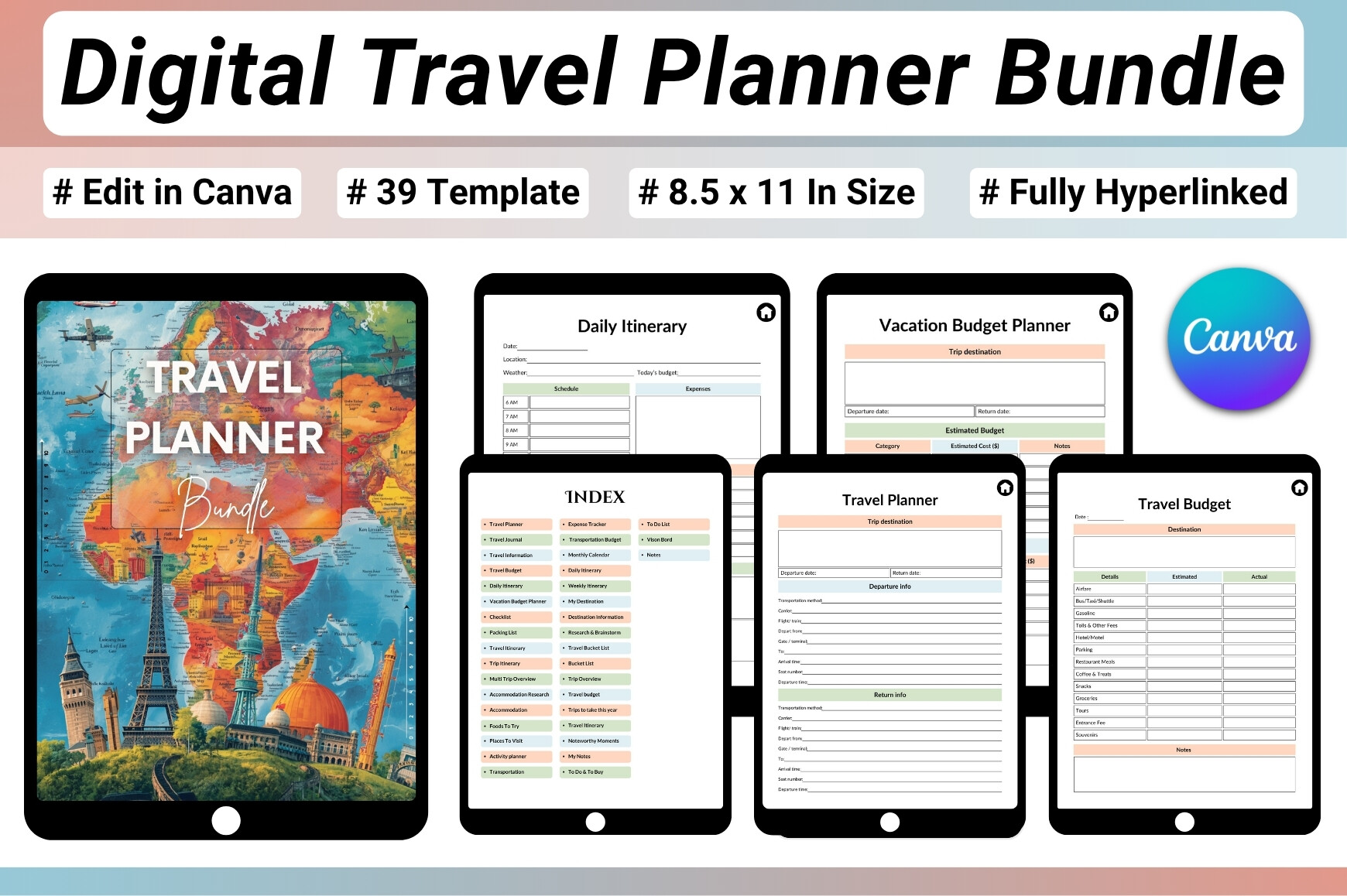
This 39-page bundle covers nearly the entire travel workflow: destination research, trip overviews, daily and weekly itineraries, calendars, budgets, expense tracking, accommodation, flights, reservations, packing, places to visit, foods to try, activities, bucket lists, journaling, and travel memories. It also includes a clickable index for faster navigation.
The files include a hyperlinked digital PDF, JPG and PNG versions, plus an editable Canva template. The pages are US Letter size, and the product listing notes that editing its Canva template requires a Canva Pro account. It is a good choice when you want planning, budgeting, and trip journaling inside one larger system.
5. Editable Travel Itinerary Template
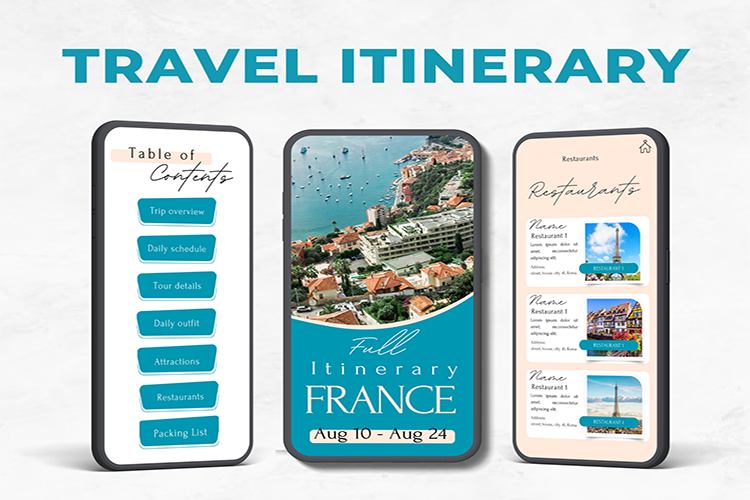
This option is more focused than the full planner bundles above. It is a mobile-oriented travel itinerary template designed to help organize a trip in advance, with the ability to add your own images, videos, and links. You can also change background colors and fonts, then download the finished planner as a PDF.
That makes it particularly useful if you prefer planning from your phone or want a visually customized itinerary without carrying a much larger digital planner. It also works well when the itinerary itself is more important than extensive journaling or long-term travel tracking.
Which digital travel planner format should you choose?
Choose an editable Canva planner if you want to redesign pages before the trip. Choose a hyperlinked PDF if you mainly work in GoodNotes or Notability and want quick navigation on a tablet. For family travel, prioritize packing, sitter, and budget pages; for a shorter city break, a streamlined mobile itinerary may be enough.
If budgeting is the part of travel planning you find hardest, you can also compare these travel budget planner options. And if you plan primarily on an iPad, our guide to GoodNotes planner templates can help you choose a broader digital-planning setup.
Final thoughts
A digital travel planner is most useful when it matches the way you already organize a trip. The five options above range from large editable bundles to a focused mobile itinerary, so there is no need to choose the planner with the most pages by default. Start with the sections you will genuinely use—such as itinerary, budget, packing, flights, or accommodation—and pick the format that will be easiest to keep updated while you travel.