12 Useful Bill Tracker Planner Templates for Clear Payments
A bill tracker planner gives due dates and payment records a home outside a crowded bank statement or general budget page. It can be a printable sheet, a fillable PDF, or a spreadsheet. The best format depends on whether you want a quick handwritten checkoff, a yearly overview, or calculations across many recurring bills.
These 12 Creative Fabrica options focus on organizing bill information. The reviews distinguish confirmed page sizes, editable files, and calculator features from marketing promises. A tracker records what you enter; it does not make payments, verify bank transactions, or guarantee that a bill will be paid on time.
If you need a full household budget as well, compare our monthly budget planner options. This collection stays focused on the bill tracker planner workflow: record the bill, note the deadline, record the payment, and review anything still outstanding.
1. Bill Tracker Planner: 52-Page A4 Workbook
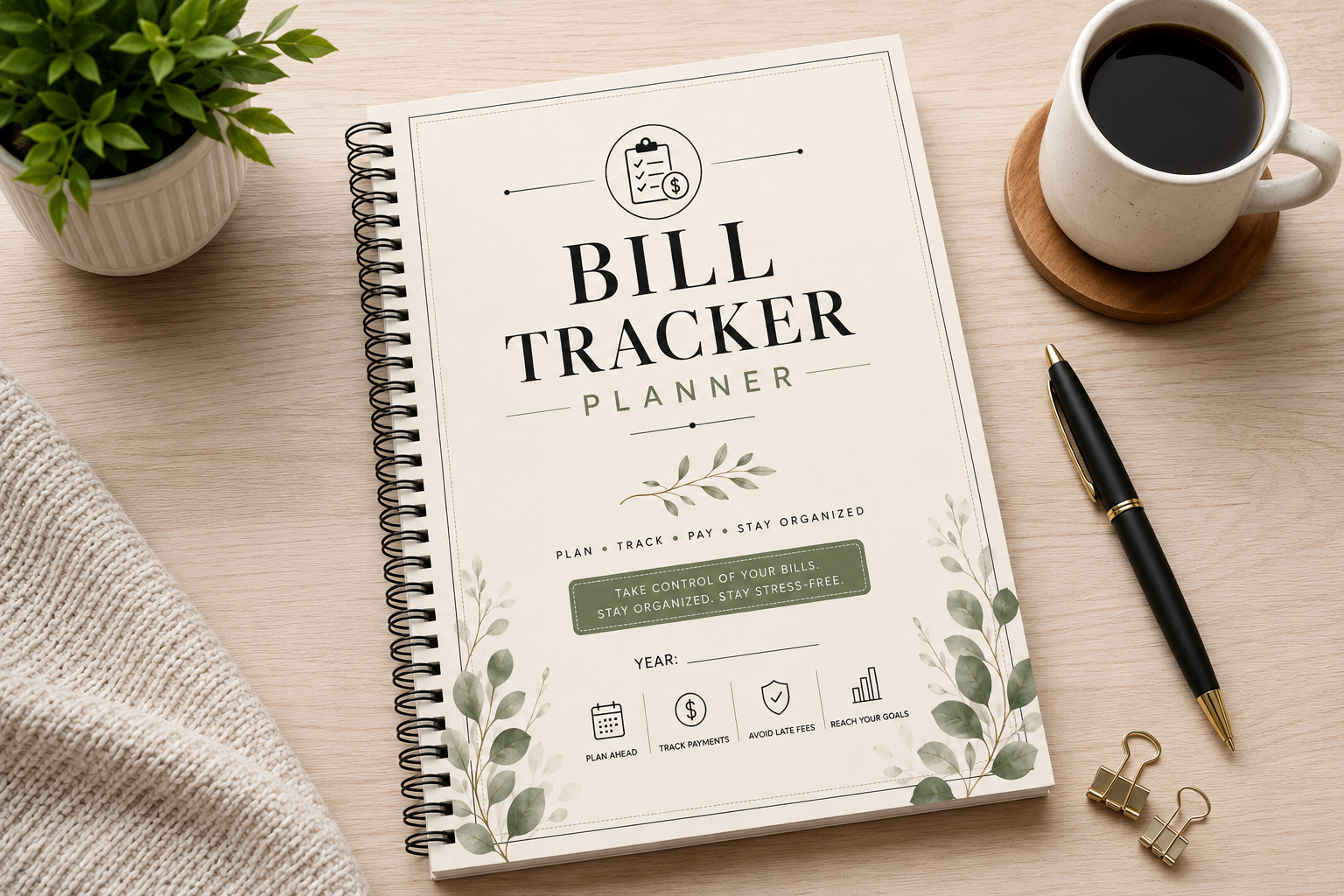
Azhir’s printable A4 PDF supplies 52 pages for monthly bill records and payment summaries, plus recurring bills, subscriptions, utilities, debt and loan payments, insurance, a payment calendar, a log, and a year-end summary. The seller describes a black-and-white design, 300 DPI, and wide binding margins. It is the most extensive paper system in this comparison.
Choose it when you want a bill binder that retains monthly records throughout the year. Print the sections you need first rather than assembling every page immediately. No editable source file or fillable-field capability is stated for this listing. The various debt and insurance pages record information; they do not calculate a repayment strategy or verify coverage.
2. Bill Payment Tracker PDF by Anny Sketches
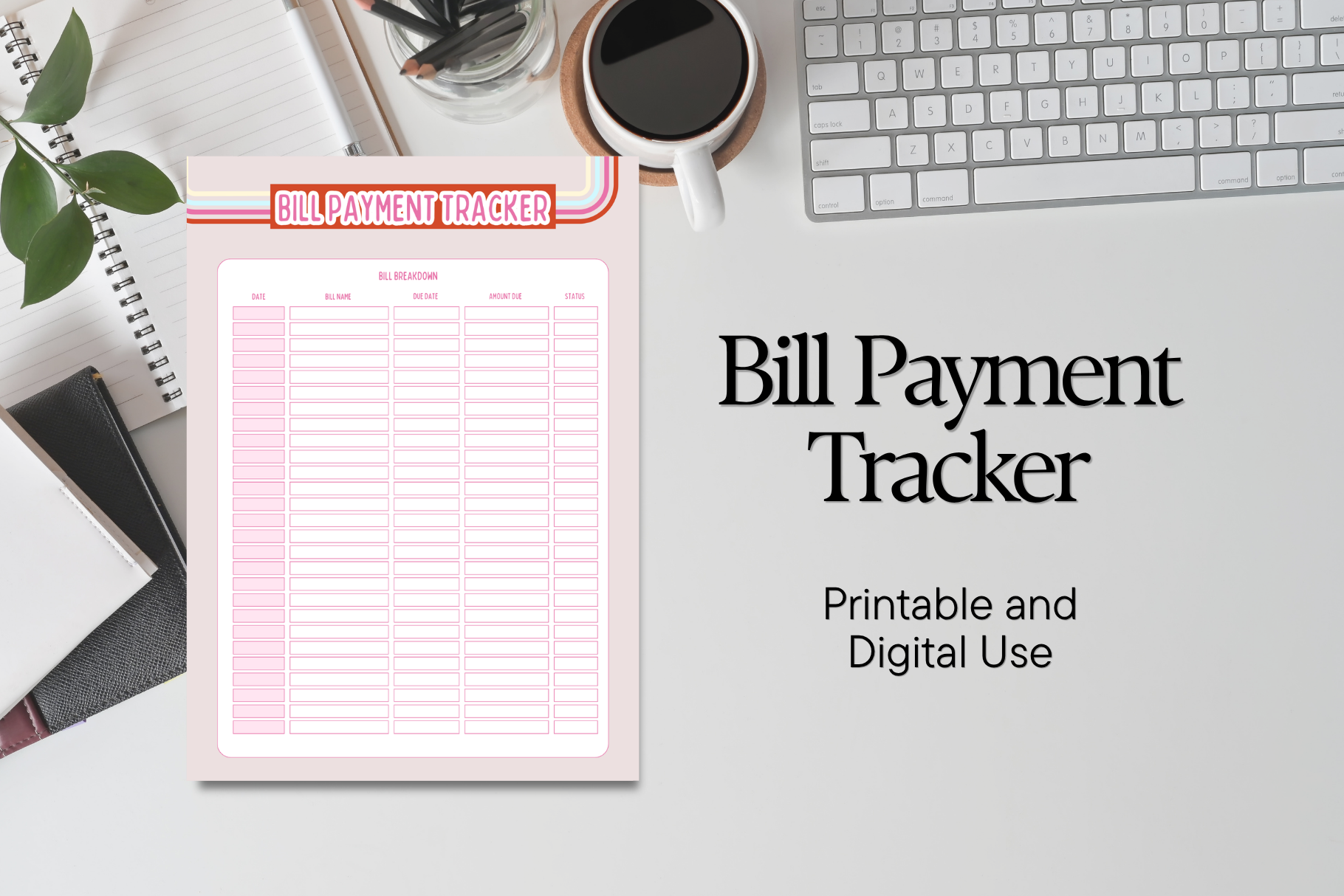
This product is a focused PDF for noting bill due dates, payment amounts, and monthly expenses. The seller presents a clean, simple layout for household or personal recordkeeping, rather than a large dated finance workbook. It can be useful when the main problem is getting upcoming payments out of scattered notes and into one consistent view.
The description confirms a PDF but does not specify page size, page count, editable fields, or calculation features. Check those details in the downloaded file before printing a batch. Tablet annotation may work in an appropriate PDF app, but a marketing reference to digital planning does not establish interactive form fields. Keep the workflow simple: record, pay through your usual method, and update the payment record.
3. 2027 Bill Payment Tracker: 30-Page Planner
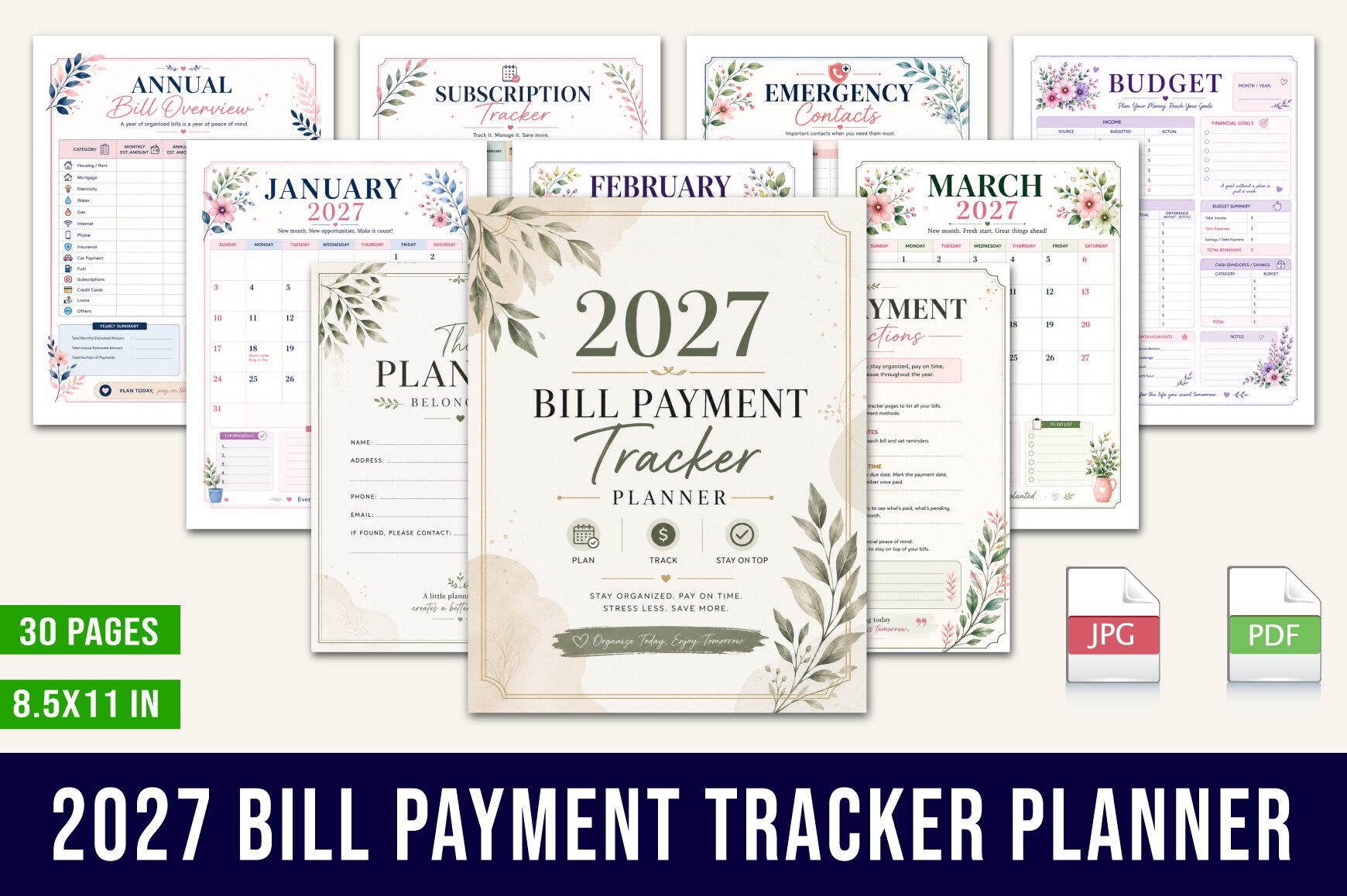
This floral 2027 planner by designmela01 contains thirty printable 8.5-by-11-inch pages in PDF format. Listed sections include a 2027 calendar, monthly bill tracking, an annual overview and checklist, payment summaries, subscription and autopay records, budget pages, priorities, dates, and notes. It offers a dated context for bills across the coming year.
Choose this bill tracker planner for a dedicated 2027 binder, especially if you want annual and monthly records together. The dated calendar makes it less reusable than an undated sheet. Autopay tracking means recording arrangements; the product does not connect to providers or activate payments. Verify recurring amounts and renewal dates independently, and keep a blank master PDF so you can reprint replacement pages.
4. Pink Bill Payment Tracker: A4 and A5
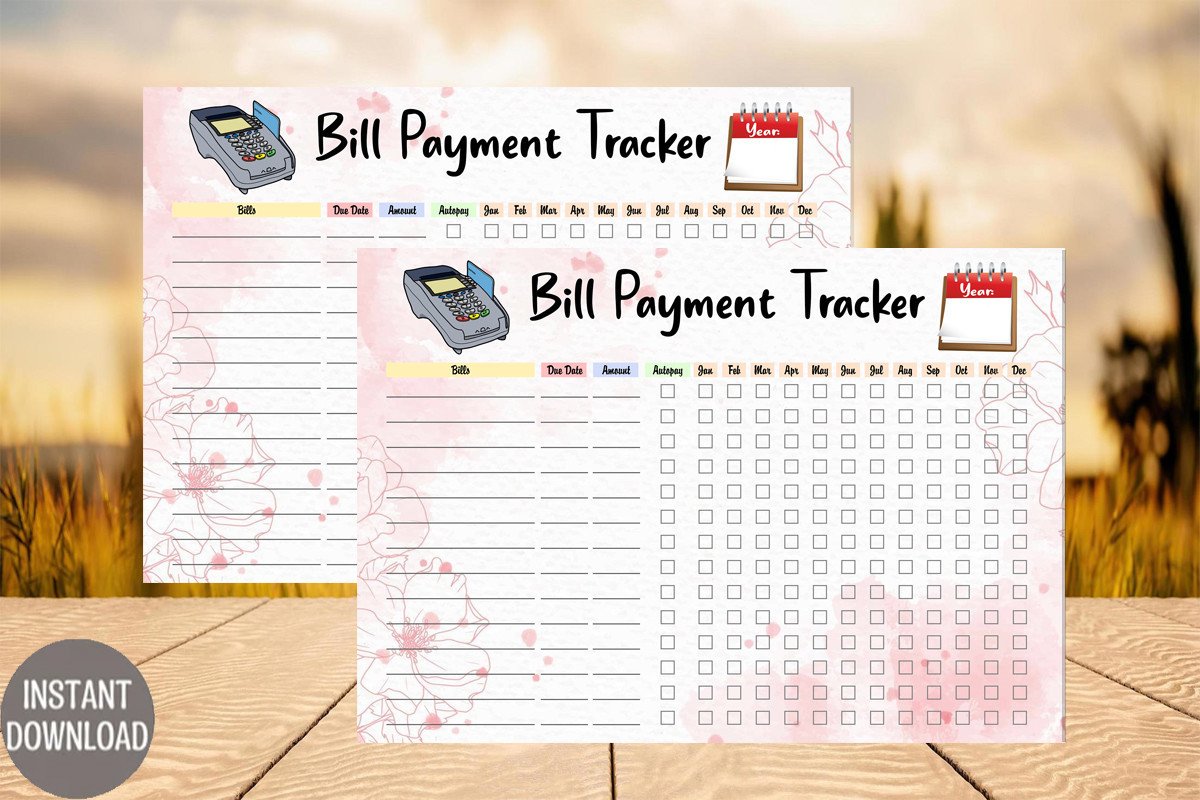
This pink tracker arrives as a ZIP containing A4 and A5 PDFs and matching PNGs. The seller states that there is room for hole punches on either side, making it practical for a ring binder. The narrower format choice keeps the decision simple if you already use one of those two paper sizes.
Use the PDF for printing a ready layout, and reserve the PNG for visual planning or other compatible workflows. US Letter is not listed, so check scaling before using Letter paper. The description contains both monthly and yearly language and a stray daily-to-do reference; inspect the preview and actual grid rather than assuming it includes separate daily planning pages. No fillable fields are confirmed.
5. Bill Tracker Log: Bordered Binder Inserts
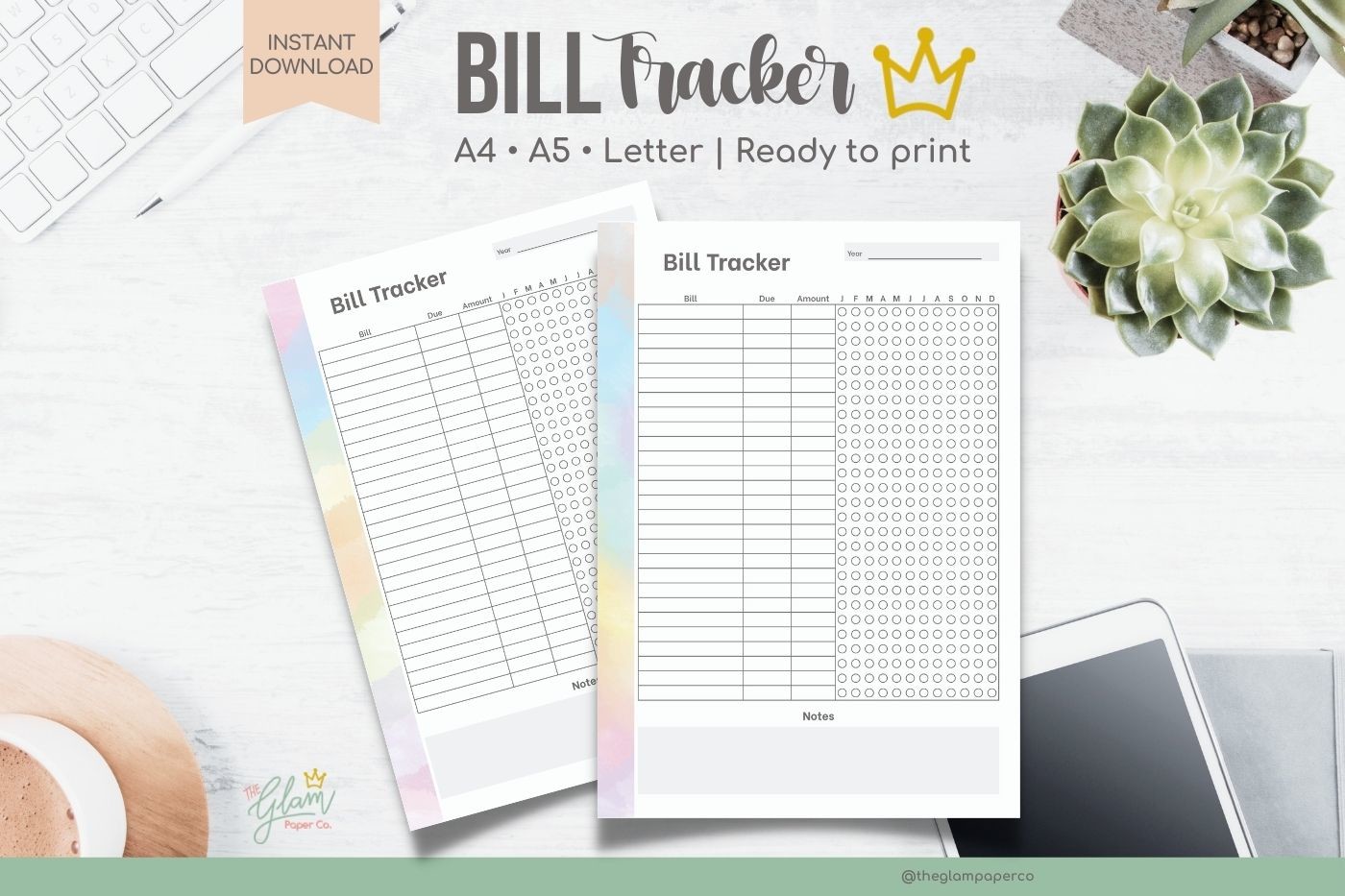
Theglampaperco’s log provides A5, A4, and US Letter printable PDFs with bordered and borderless versions. The listed pages include left and right arrangements for binder use. The seller specifies CMYK, ready-to-print files and explicitly calls them non-editable, which makes the product’s role clear: print a prepared tracking layout and write on it.
This is a useful pick when writing room and binding position matter more than a complete budget system. Choose one paper size and test the hole-punch clearance before printing several months. Do not expect editable headings or built-in calculations. The related tie-dye set below offers decorative variations; this option is better considered for its border choice and straightforward binder layout.
6. Bill Tracker Template: Canva and Design Source Files
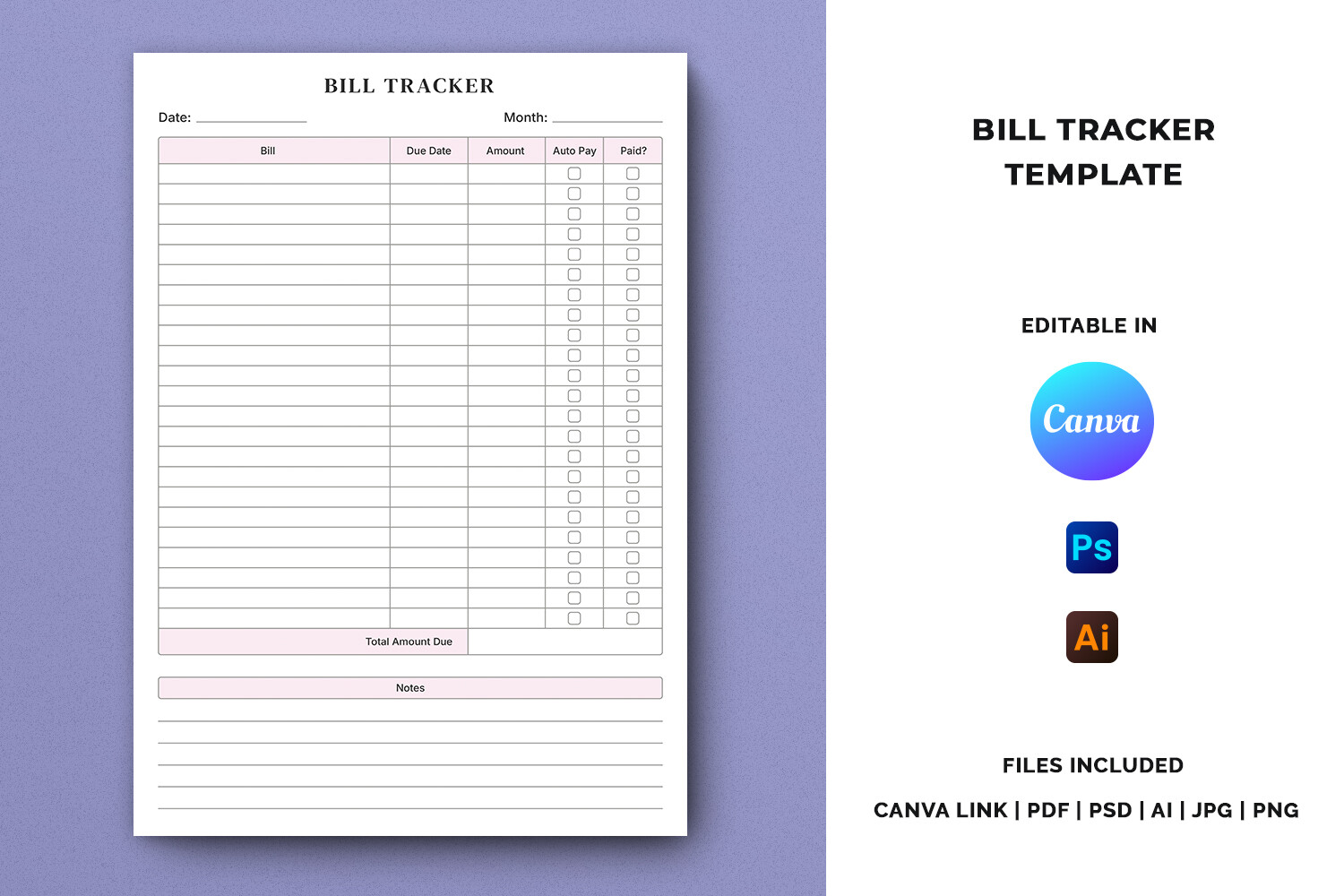
This A4 template includes a Canva access link, PDF, AI, PSD, JPG, and PNG files, with an instruction PDF inside a ZIP. The seller specifies editable text, CMYK print preparation, and 300 DPI. The layout is designed around bill-log entries and notes, making it a flexible starting point for a customized household tracking sheet.
Pick it when you want to change labels or create more writing room before printing. Illustrator and Photoshop source formats require suitable editing software; a Canva link is a different workflow, not a guarantee that every source-file feature transfers exactly. The listing does not state whether Canva Pro is required. Confirm that requirement and keep private payment information out of the shared template while designing.
7. Tie-Dye Bill Tracker Printable Planner Set
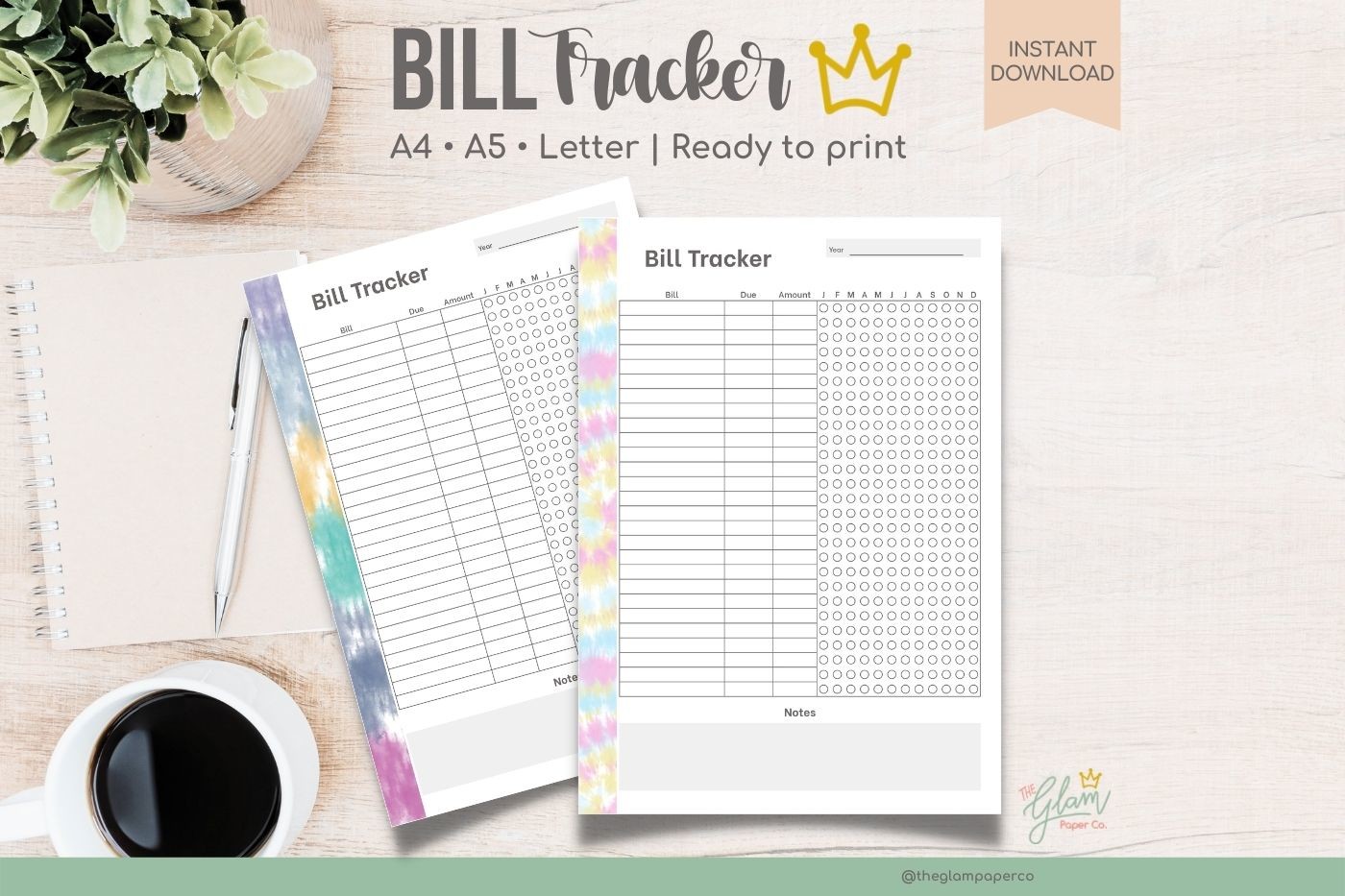
This decorative set lists two color variations of the bill-tracker log in A5, A4, and US Letter PDF formats. Left and right arrangements support binder placement. The files are described as CMYK, ready to print, and non-editable. It offers the visual appeal of a coordinated themed insert without the need to redesign a finance page.
Choose it if a more colorful binder encourages you to keep the record up to date. Color backgrounds can use more ink than a plain sheet, so print one page to check contrast and writing visibility. The seller’s file-count wording is organized by size rather than a clearly stated total archive count. Check the downloaded package for the correct color and binding side before batch printing.
8. Bill Tracker Spreadsheet: Excel and Google Sheets
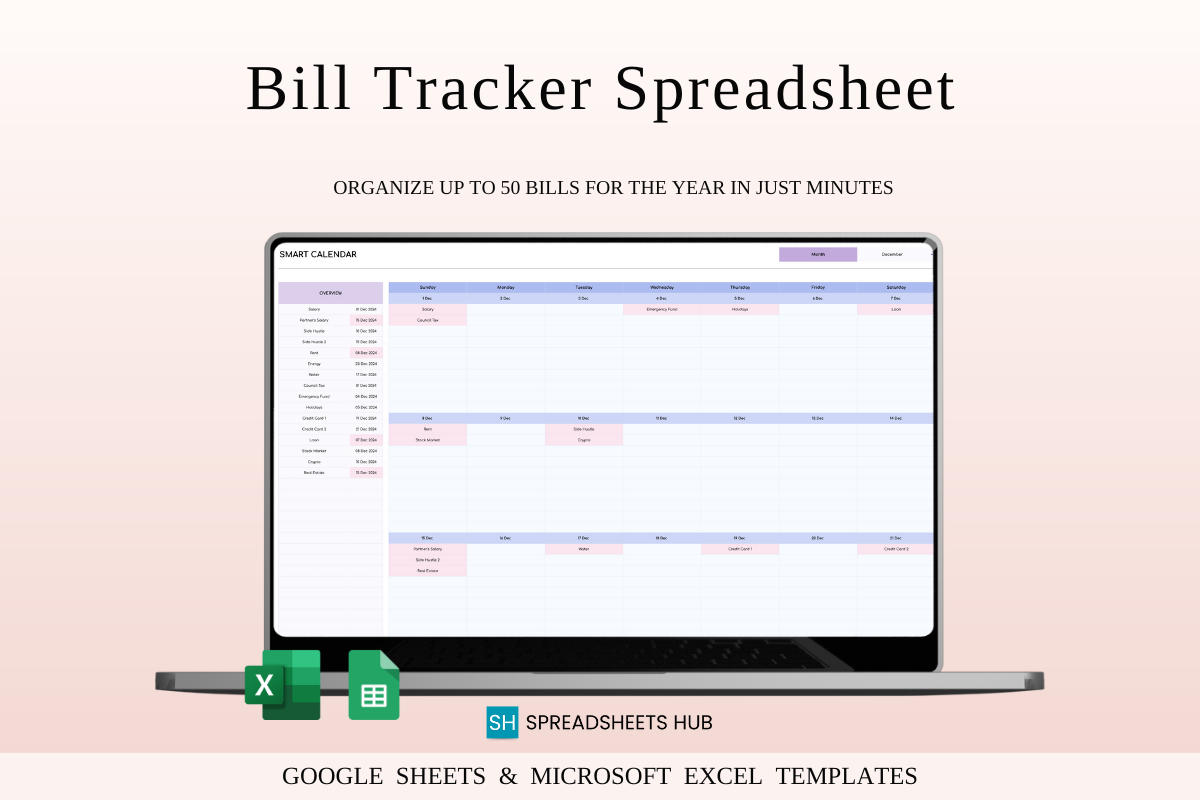
SpreadsheetsHub supplies sample and blank versions for both Excel and Google Sheets, plus instructions. The stated features include automatic calculations, paid and unpaid views, customizable settings, and a calendar that changes with the selected month and year. The seller says the calendar can display up to fifty bills per day and supports multiple currencies.
This bill tracker planner is the strongest option here when you need calculations instead of handwritten totals. Google Sheets requires a Google account, and the Excel version requires compatible Excel software. Begin with the sample to understand the fields, then use the blank version for your own records. The description does not promise bank imports or payment processing, and selecting a currency should not be confused with live exchange-rate conversion.
9. Bill Payment Calendar: Two Week Starts
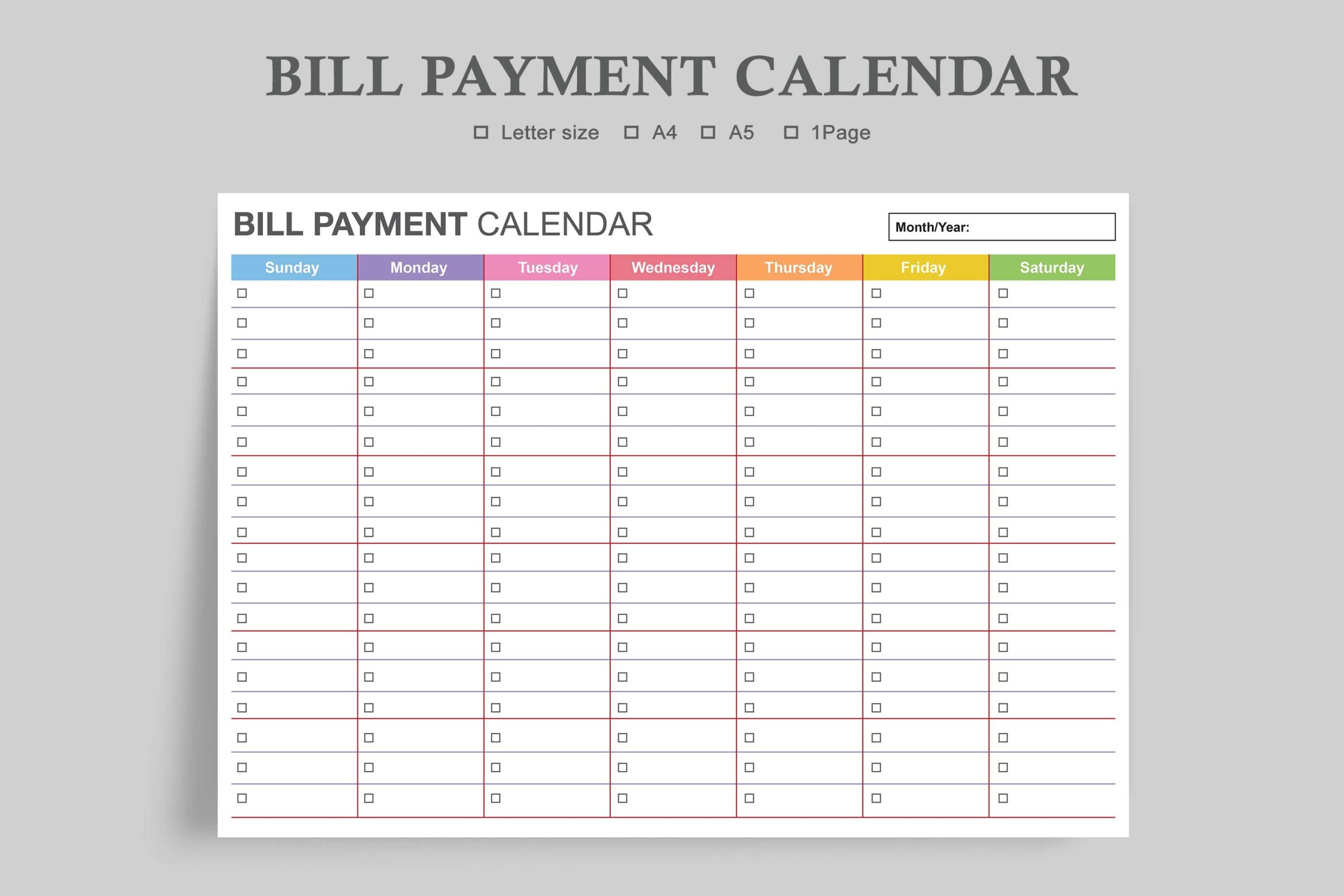
Watercolortheme’s calendar package lists six PDFs and six JPEGs spanning US Letter, A4, and A5, with Sunday-start and Monday-start versions. The minimalist monthly view is useful for spotting several bills landing in the same week. It concentrates on timing rather than providing a broad set of budgeting worksheets.
Pick the week start that matches your other calendar pages and print at the intended size. The seller calls the PDF digitally editable but does not explain the exact form-field structure, so test typing and saving before relying on it as a fillable system. A calendar entry is a reminder you must review; the file itself is not described as sending notifications.
10. Digital Monthly Bill Tracker: Fillable A4 PDF
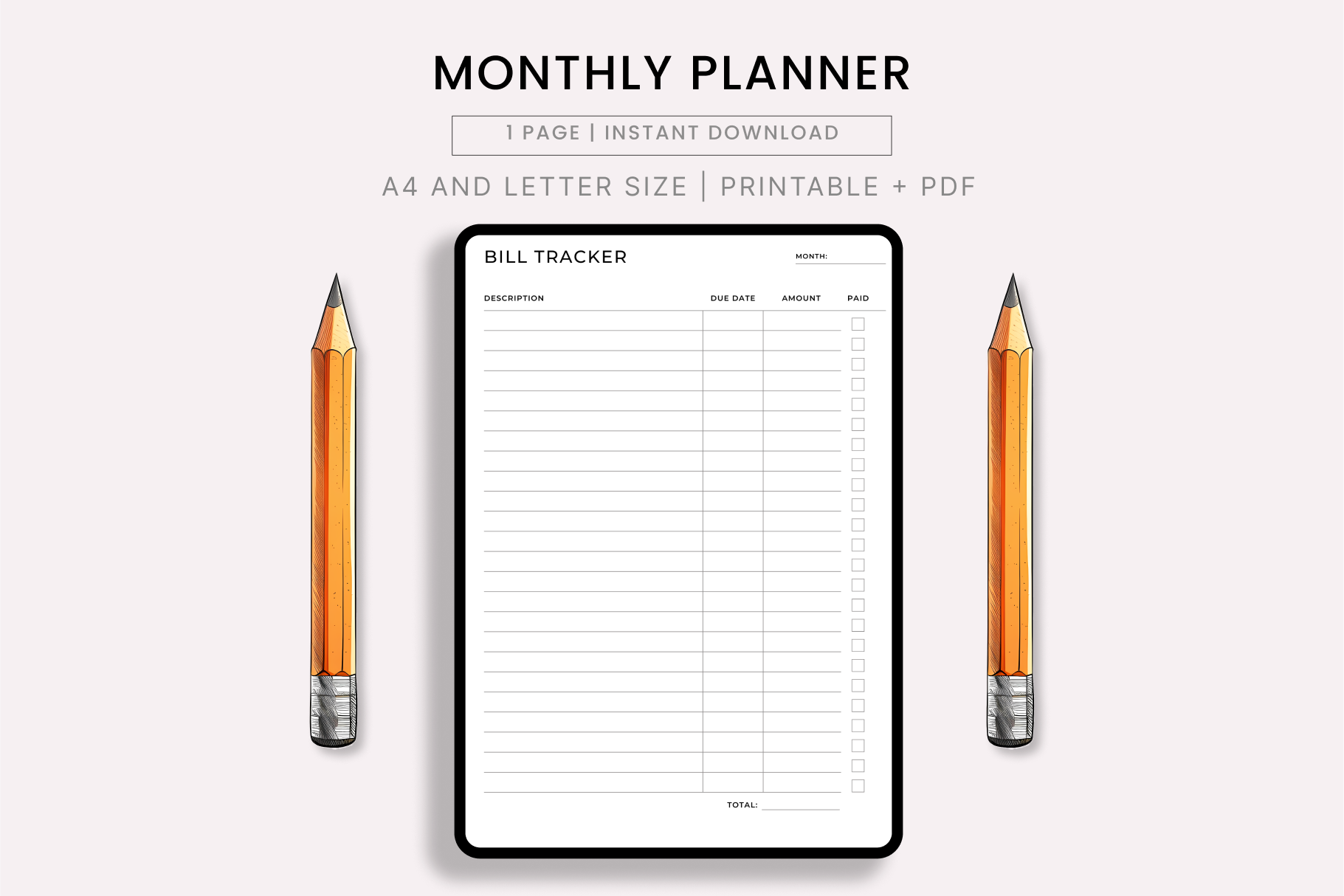
RB Boutique confirms A4 and Letter PDFs plus a fillable A4 version. The seller states that the predesigned text and colors are fixed and that the layout leaves space for hole punches. This is a useful middle ground between handwriting on a printable and redesigning a complete template in Canva.
Choose this bill tracker planner when you want to type records into the existing layout, then save or print them. Fillable is explicitly confirmed for A4, so do not assume the Letter version has identical fields. The designer recommends Adobe Acrobat Reader and actual-size printing. Test one saved form with a harmless sample entry first; a successful fill-and-save check is more useful than assuming every PDF viewer behaves the same way.
11. Monthly Bill Tracker: Editable Checkoff Sheet
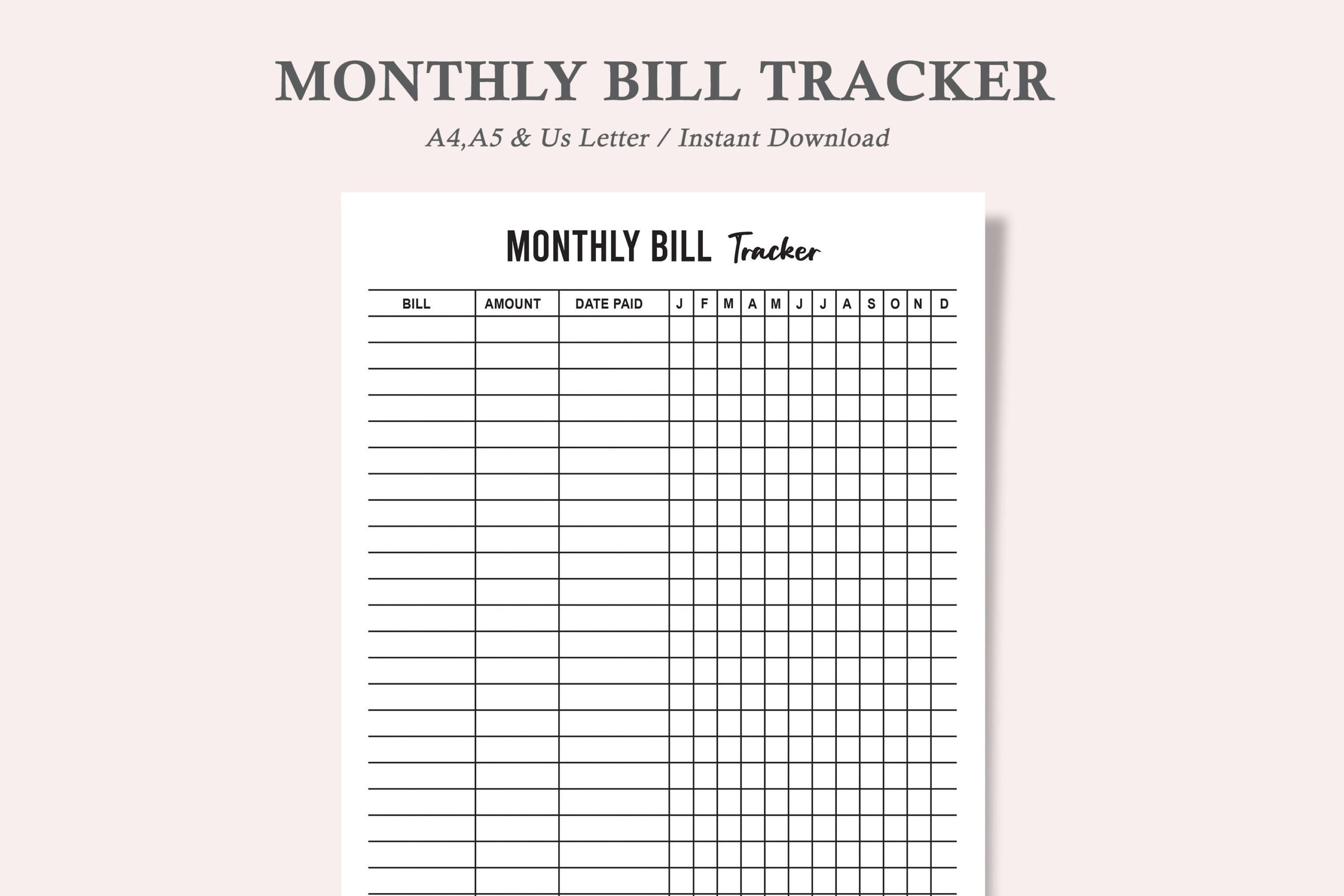
This watercolortheme product provides monthly bill-tracking PDFs in US Letter, A4, and A5, with JPEG versions also listed. The seller specifically says the PDF checkboxes are editable, offering a simple typed or printed checkoff workflow. It is focused on a monthly payment record instead of a calendar grid or a full annual workbook.
Use this layout when you want each bill’s status visible in a consistent row. The description labels the JPEGs as expense-tracker files, so verify the package contents rather than assuming exact duplicates. Test checkbox persistence after saving the PDF. Editable boxes do not establish automatic totals, reminders, or bank synchronization; update the record after confirming each payment yourself.
12. Editable Bill Tracker Bundle: 12 Canva Pages
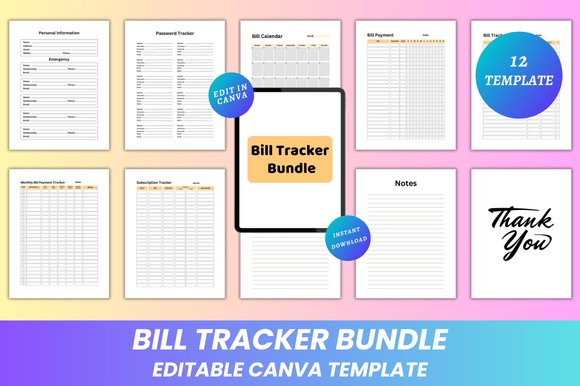
DIGITAL PRINT BOX lists twelve 8.5-by-11-inch pages with a Canva editing link and ready PDF, JPG, and PNG files. Bill calendar, bill-payment, monthly bill-tracking, subscription, and notes pages support a compact binder. The seller states that the template’s fonts, sizes, colors, and layout can be edited and that the interior has no bleed.
It suits someone who wants a coordinated set and a little design control without starting from a blank canvas. The bundle also lists a password-tracker page; leave that separate from any shared financial planner. No automatic calculations or payment integrations are described. Check Canva access requirements before choosing it for editing, and inspect the downloaded pages because the publicly available preview is small.
Build a Simple Bill Tracker Planner Routine
Write the bill name, amount, and due date before marking it paid. After payment, record the actual payment date or a reference that helps you find your receipt. Keep the tracking sheet separate from your payment method so an unchecked box remains a prompt to verify, rather than a reason to assume a transaction failed.
Choose a calendar when you need to see crowded payment weeks, a yearly matrix when you want to scan repeated obligations, and a spreadsheet when calculations matter. Printable files suit a binder; fillable PDFs suit typing into a fixed layout; Canva and source files suit redesigning the page before use.
Review the bill tracker planner regularly and carry unpaid entries forward deliberately. Confirm dates and amounts against the provider’s current statement, especially for variable bills. Avoid placing account credentials or complete payment-card details in a shared planner. These templates support recordkeeping; they are not financial advice or payment services.