12 Practical Time Tracker Templates for Work Hours and Focused Tasks
A time tracker answers a different question from a calendar: where did your working hours actually go? A useful log can separate client work from administration, show how long recurring tasks take, or help you compare a planned afternoon with what you completed. These 12 downloads range from reusable paper sheets to editable interiors and a spreadsheet with listed calculations.
For planning future commitments, pair your records with a work planner. Longer assignments can also use a project planner, while a meeting notes template keeps discussion outcomes separate from the hours spent attending. Product specifications below come from each listing; software features are attributed to the seller where they have not been independently tested.
Choose a time tracker you will actually maintain
Decide whether you need a daily time audit, a weekly work log or a record of billable activity. A printable PDF is often enough for a short observation period. Editable Word, Canva or PowerPoint files are more useful when column names need to match your own process. A spreadsheet is the better candidate when you want the listed formulas rather than manual totals.
Use one convention for breaks and rounding throughout your records, and write down tasks while they are still fresh. Printable pages do not automatically calculate elapsed time. A KDP interior is a publishing layout, not a finished physical notebook, and page counts may represent repeated logging pages rather than different designs. Check printer scaling before making a full binder.
1. Editable Employee and Project Time Log
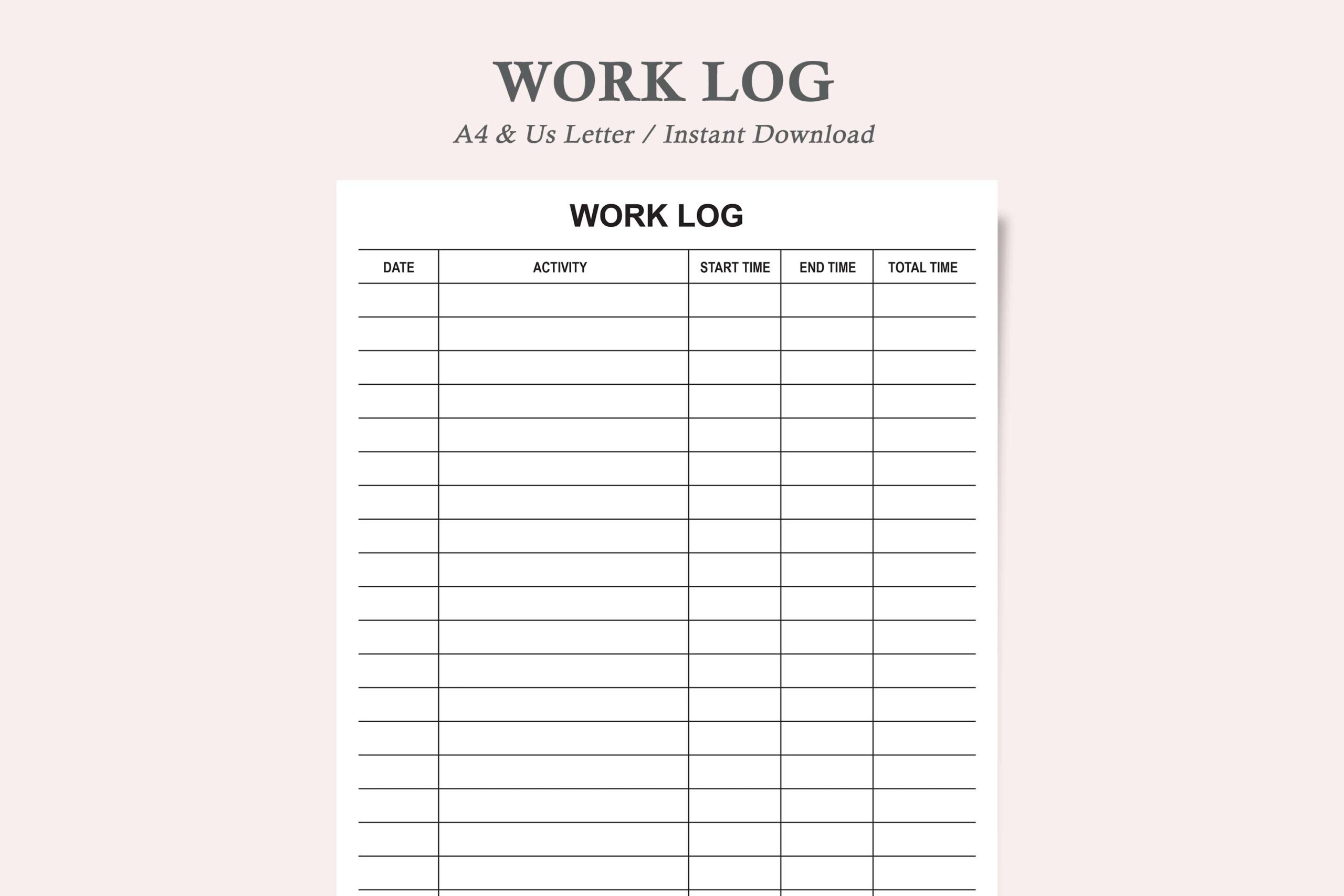
This employee log is useful when the same time record needs to be shared as a document and printed for a folder. The item lists a Microsoft Word template, a Google Docs template and a printable PDF, with the two document templates explicitly described as US Letter, 8.5 × 11 inches. Its minimalist layout makes it a candidate for recording project work without building a table from scratch.
Use the editable document to adapt labels for your team, then print a copy for manual entries. There are important inconsistencies: the opening text mentions A4, another line says three sizes, and the PDF is called both not editable and editable. Treat PDF editing and the extra sizes as unconfirmed; choose this for the clearly listed Word or Docs route, not for an assumed fillable form.
2. Daily Time Audit in Portrait and Landscape
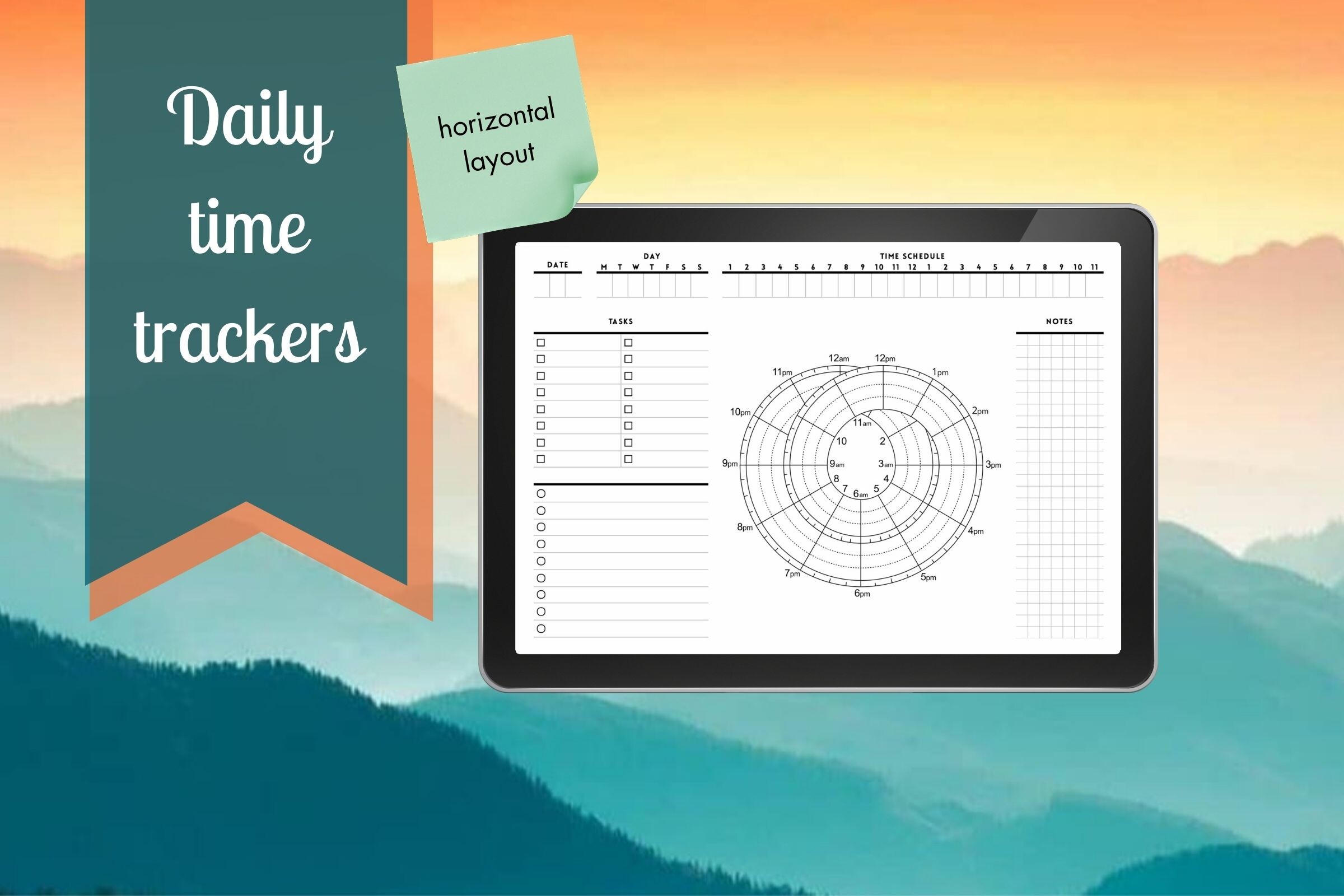
The Daily Time Tracker keeps the choice simple: two PDF files in Letter size, with vertical and horizontal layouts. That gives you two ways to arrange a daily record without switching to a large work planner. It is a sensible starting point for observing how an ordinary day divides between concentrated tasks, messages, errands and interruptions.
Print one orientation for several days before comparing the other. Landscape may suit a desk pad, while portrait is easier to file in a standard binder; these are practical placement choices rather than included binder features. The listing does not promise editable source files, calculations or a linked digital planner. Expect to enter and review the information yourself, and inspect print scaling before producing a stack.
3. Billable Hours Spreadsheet with Four Tabs
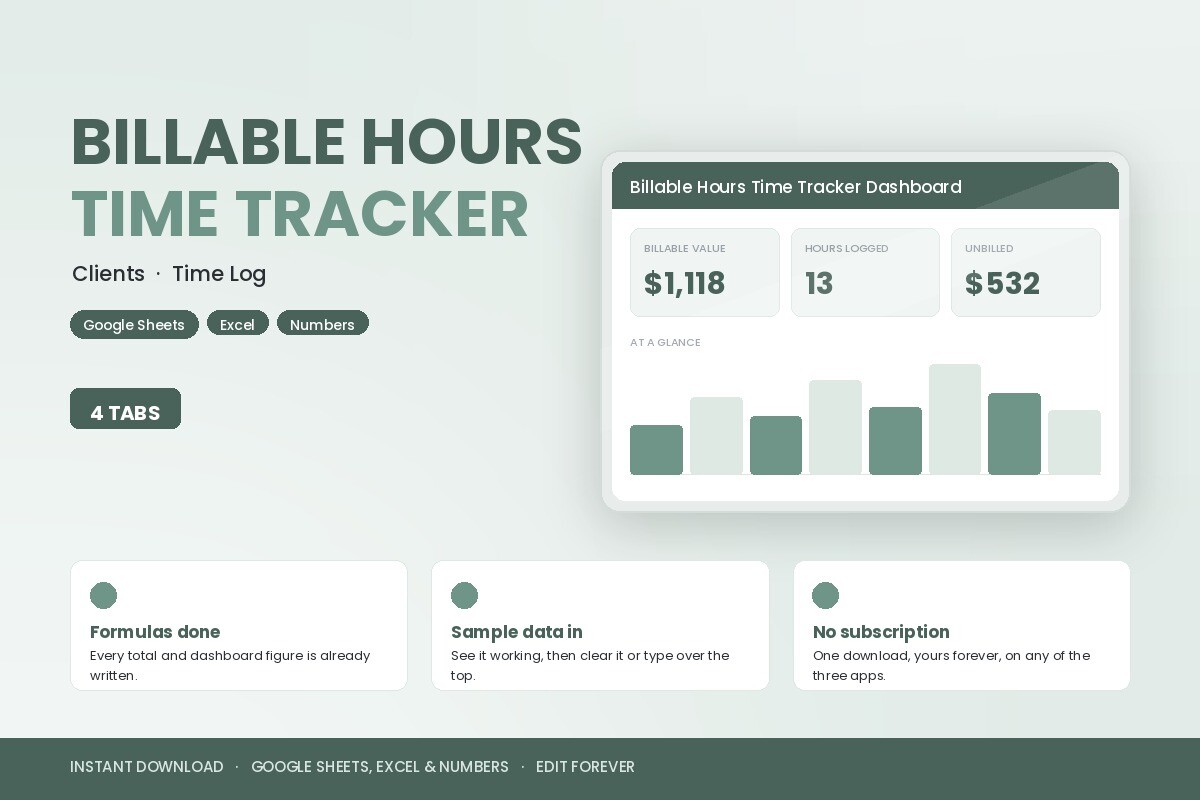
This is the spreadsheet option in the collection. The seller describes four tabs: Clients, Time Log, Dashboard and Start Here, and supplies an XLSX file inside a ZIP with setup and formula guides. Listed dashboard figures include logged hours, billable value, unbilled amounts and average rate. It is designed for people who need to connect time entries with client records rather than simply fill a paper grid.
The listing says the workbook opens in Google Sheets, Excel and Apple Numbers, and gives a Google Drive import workflow. Those compatibility and formula claims have not been independently tested here. Replace the sample data and check a small example against your own arithmetic before relying on a dashboard. No printed page size is relevant to the core workbook, and nothing in the description establishes automatic timer capture or invoice delivery.
4. Multi-Size Weekly Work Log with Canva and Vectors
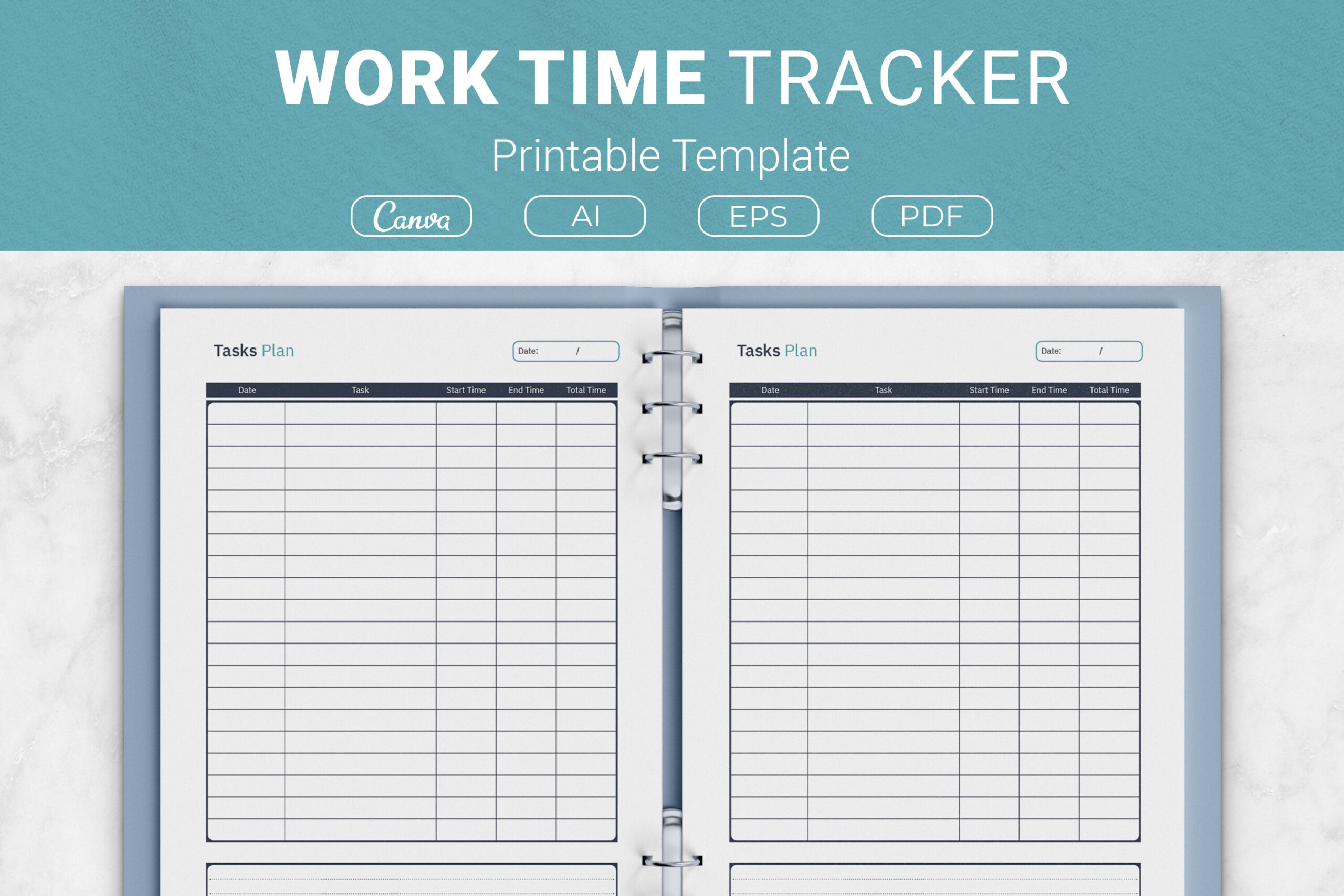
This weekly work log explicitly records date, task, start time, end time, total time and notes. The download includes AI and EPS source files, print-ready PDFs and a Canva template link. Four sizes are listed: US Letter, A4, 7.5 × 9.25 inches and 6 × 9 inches. That range is useful if you want the same kind of record in a large desk binder and a smaller notebook.
Use the notes column to explain interruptions or an unexpectedly long task rather than relying on totals alone. Canva and the vector sources offer editing routes, but the page does not give an exact interior page count or promise fillable PDFs. For a paper workflow, calculate elapsed time yourself. Choose the supplied size closest to your binder instead of shrinking an entire page until its writing cells become uncomfortable.
5. Compact Canva Work Log with PDF and PNG
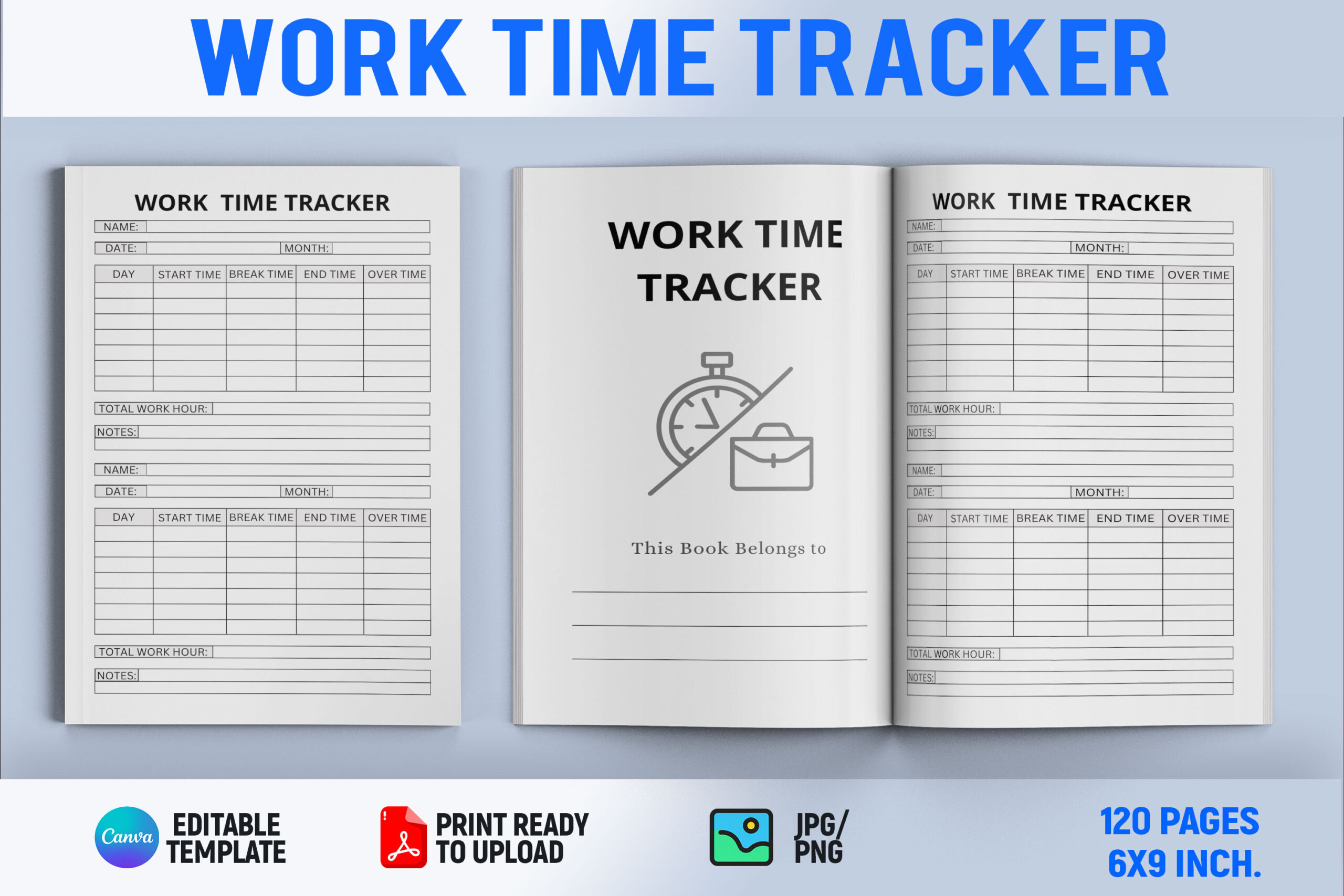
The Work Time Tracker Canva Template is a compact option with an editable Canva file, a ready-to-print 6 × 9 inch PDF and a PNG file. The product is marketed as a KDP interior, so its main role is a page layout you can customize or repeat, rather than a complete scheduling application. It suits someone who prefers a small work notebook over a full-size clipboard.
Adjust labels in Canva to match the kind of work you record, then inspect an exported page at actual size. The description refers to bonus graphics and dividers without an itemized count, and it does not state the total number of interior pages. Do not use those loose claims to estimate the contents. Its verified advantage is the editable layout route; totals, reminders and time capture are not listed automated functions. The preview labels the interior as 120 pages, although the description omits that count; verify the delivered page total before printing.
6. Long Daily Activity Interior in Two Trim Sizes
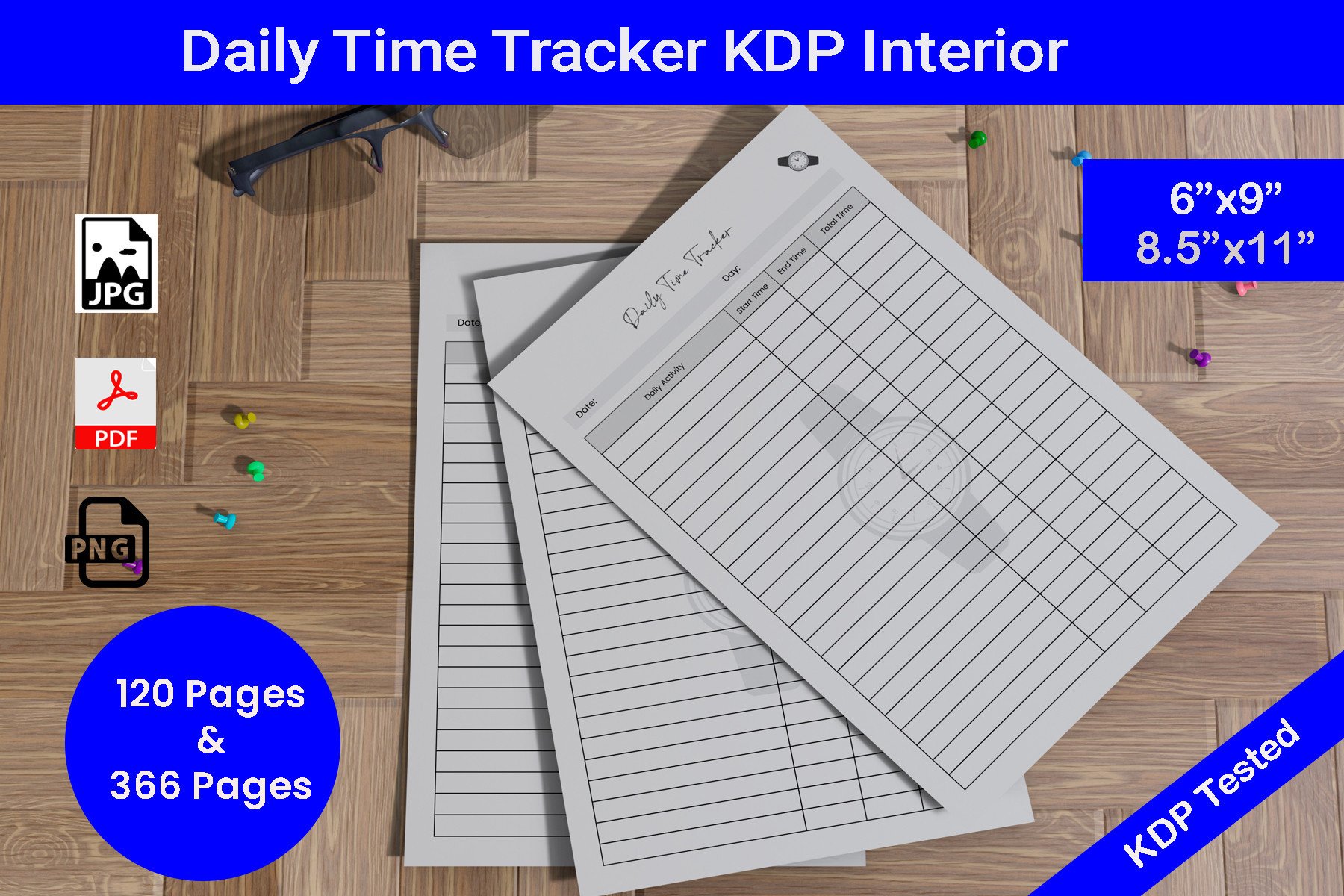
This black-and-white daily activity interior lists PDF, JPG and PNG files at 300 DPI, in 8.5 × 11 and 6 × 9 inch sizes. The seller mentions both 120-page and 366-page interiors, giving it a different role from a one-page insert: it is aimed at assembling a longer notebook. The no-bleed specification is helpful when comparing printing requirements.
A longer interior can keep a sustained time audit together, but do not assume every page is a different template. The description is imprecise about how the two page counts map to individual files and sizes, so inspect the ZIP inventory before a large print run. Editable source files are not clearly listed. Print one representative page to check the room available for a real task description rather than committing immediately to hundreds of sheets.
7. Task-Focused Time Record with Four Size Options
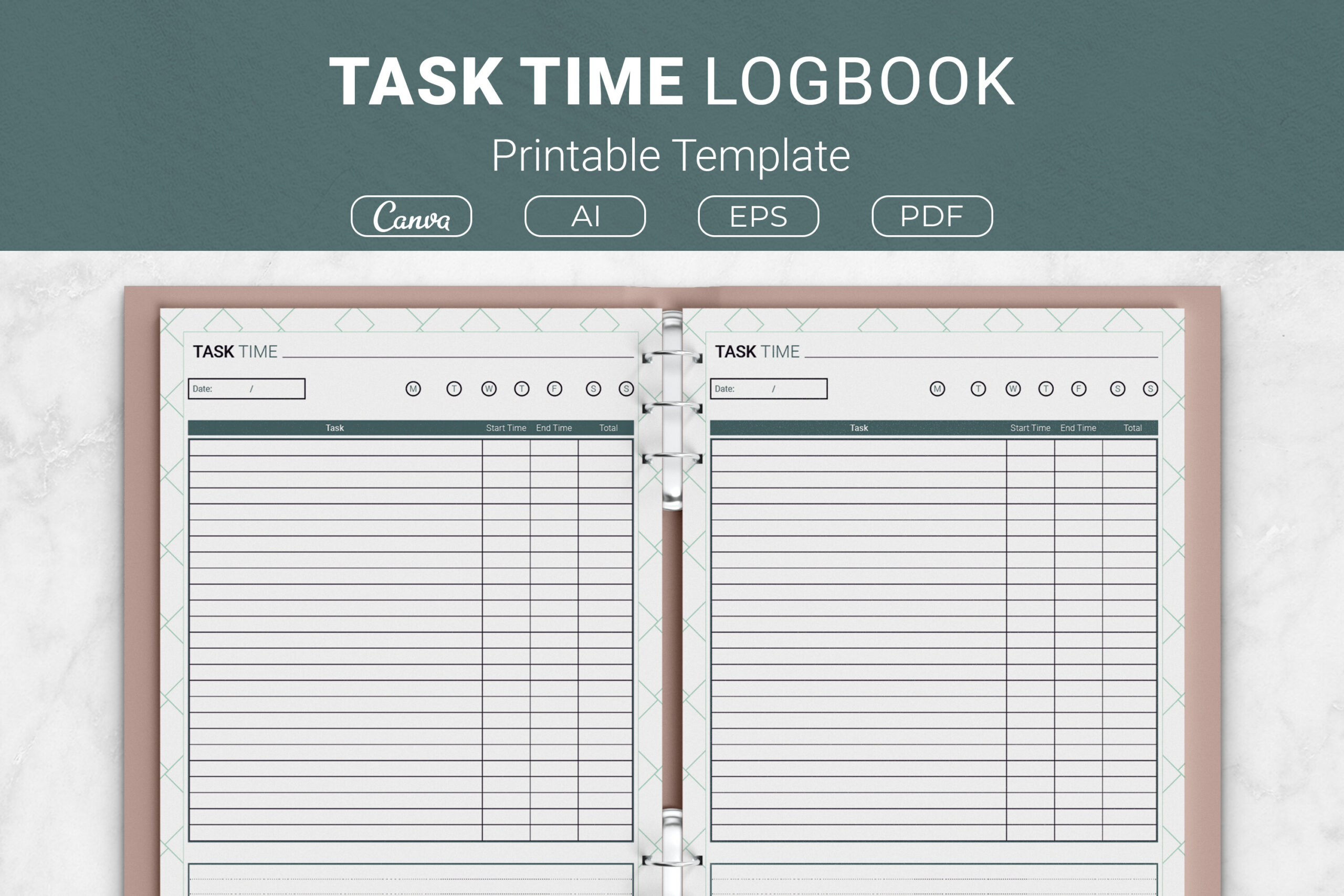
The task-focused template is intended to record the time spent on individual tasks with space for supporting notes. It supplies AI and EPS source files, printable PDFs and a Canva template link, in US Letter, A4, 7.5 × 9.25 and 6 × 9 inch sizes. It is useful when a weekly total hides the particular activities that consumed your attention.
Record the same recurring task several times, then compare your own entries to improve future estimates. This template differs in focus from the weekly log above even though the supplied formats and sizes are similar. The seller does not state an exact page count or provide evidence of automatic calculations. Use the editing files if you need different categories, and keep the printable PDF as a manual record rather than treating it as time-tracking software.
8. One-Page Time Tracker in A4, A5 and Letter
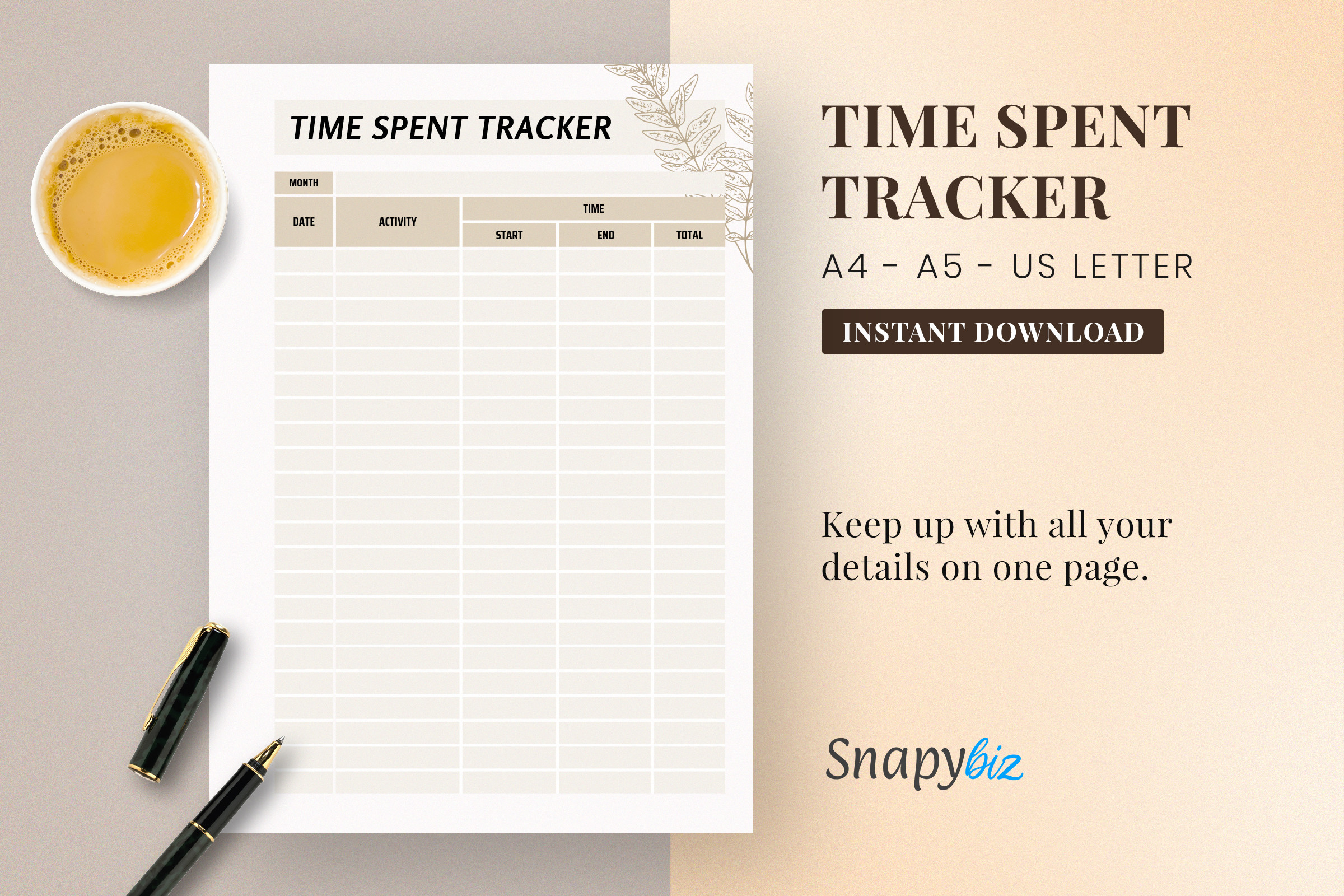
This download is described as a one-page time tracker PDF available in A4, A5 and US Letter. Its appeal is a reusable insert rather than a large journal interior. A5 is particularly useful if your planning system already uses smaller pages and you want a separate sheet for recording actual activity alongside your existing schedule.
Print fresh copies as needed and decide which categories belong in your log before starting. The listing contains broad statements about goals and appointments, but its concrete file inventory is a single-page PDF design; it does not establish a complete monthly planner or editable sources. Choose it for a compact manual record. Compare the preview with your handwriting needs, because shrinking from Letter to A5 can change how comfortably a task description fits.
9. PowerPoint Time Log with Three Interior Lengths
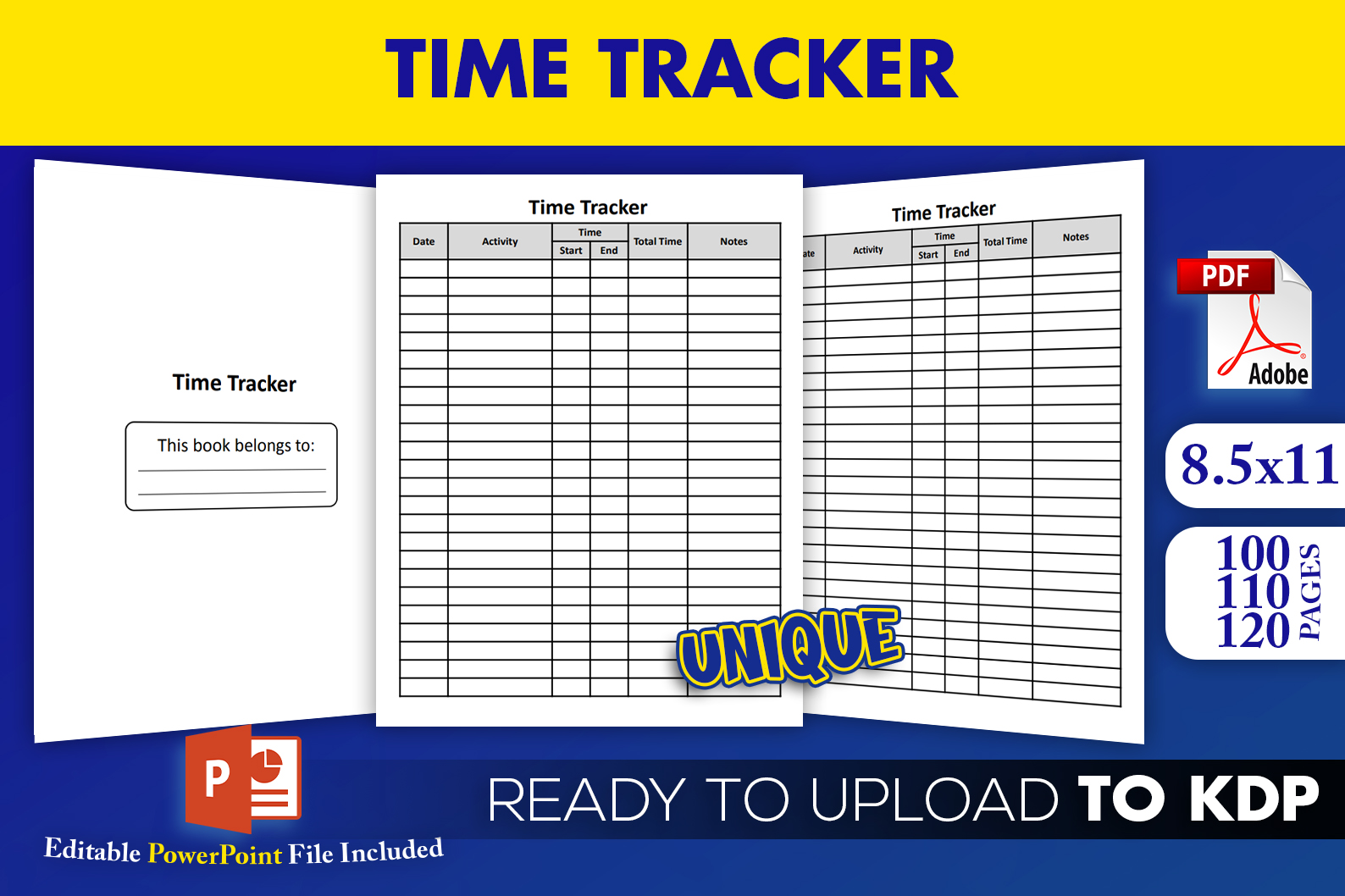
This time logbook lists an editable PowerPoint source file and three PDF interiors in 8.5 × 11 inch trim size. The stated lengths are 100, 110 and 120 pages. It is a practical candidate when you want to adapt a logging page in familiar presentation software and build a notebook interior of an appropriate length.
The seller says the PDFs have been tested for KDP, but a successful upload has not been independently verified here. For personal use, inspect one page and print only the portion you need. Three interior lengths are not three hundred distinct designs, and the listing does not give an exact DPI value despite calling the output high resolution. PowerPoint editing is the key difference from the Canva and vector alternatives in this collection.
10. Blog Production Time Log with Editable Vectors
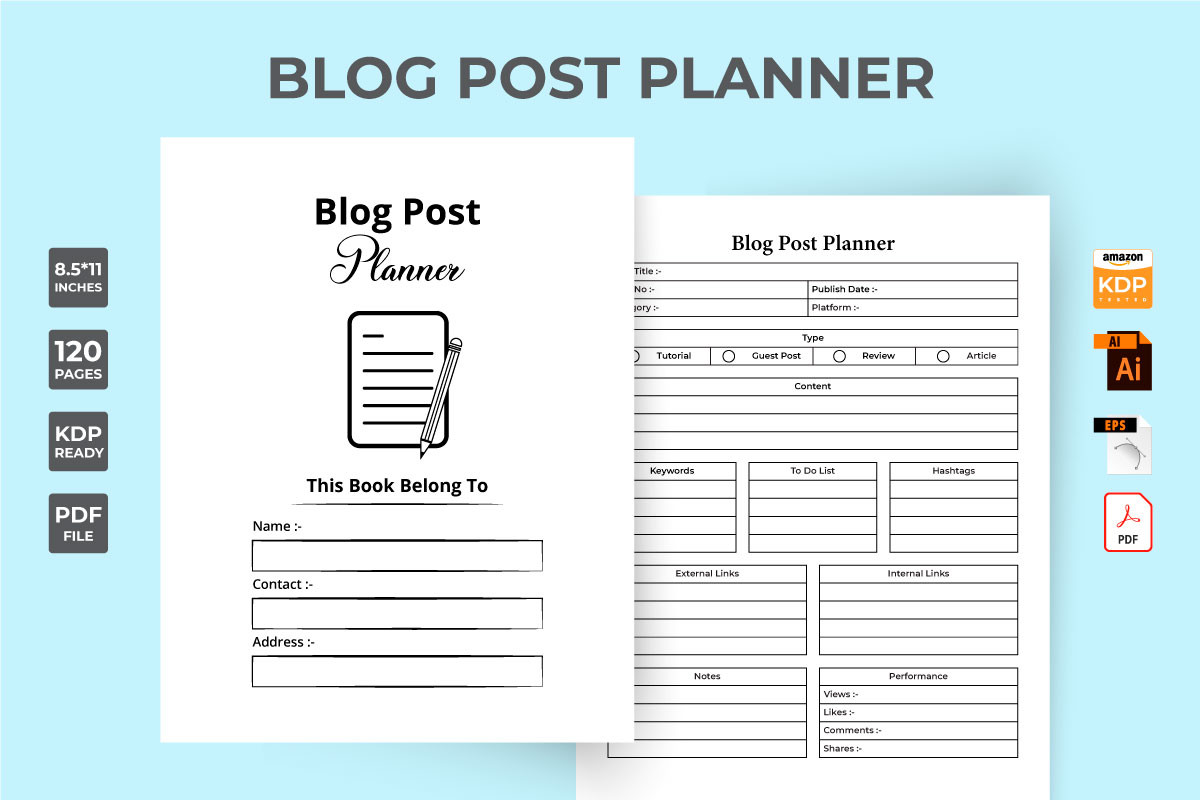
The Blog Post Time Tracker is a more specialized interior for recording a writing workflow. The listing connects it with blog information, keywords, scheduling and task records, and supplies a 120-page PDF plus editable AI and EPS sources at a stated 300 DPI. That makes it relevant when you want to separate the time spent researching, drafting and preparing content.
Use your own stage labels consistently so successive posts can be compared meaningfully. A trim size is not stated in the description, and the PDF is described as including bleed, so check its dimensions before printing or uploading. Generic references to cutting machines do not establish a useful planner feature and should not guide your choice. The advantage is its content-production focus; it is not a tool that automatically monitors editing sessions. The preview emphasizes blog-post planning fields, so a dedicated elapsed-time grid is not confirmed by the visible example.
11. Six-by-Nine Work Interior with Several Editing Formats
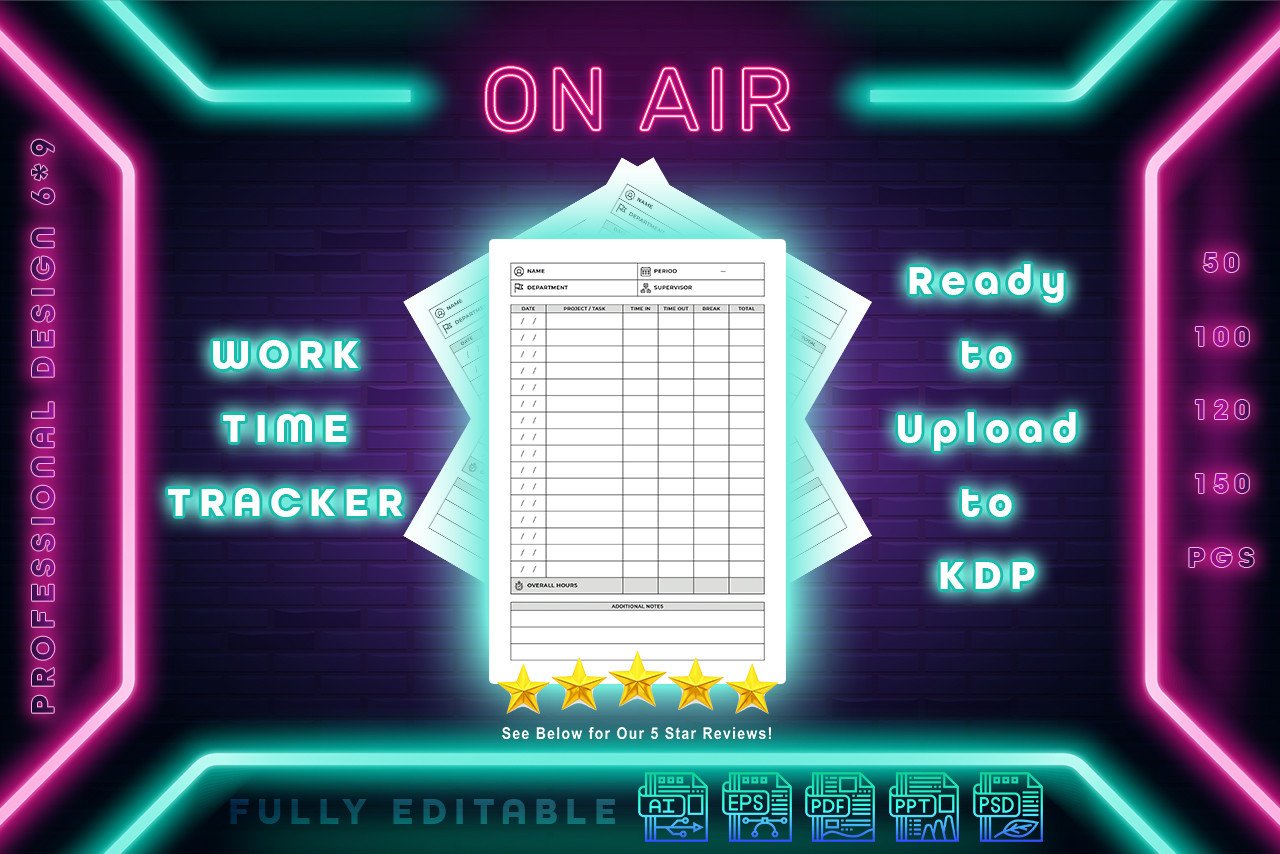
This Work Time Tracker lists a 6 × 9 inch interior with four PDFs and one file each in PowerPoint, PSD, AI and EPS formats. It is worth considering if different people in your workflow prefer different design applications. The compact trim also gives it a clear role as a work notebook rather than a large wall schedule.
Check which source file is easiest for you to edit before investing time in another application. The page does not explain whether the four PDFs represent different layouts, page counts or export variations, and no total interior page count is given. Those limits make it unsuitable for choosing solely on volume. Its strength is the clearly listed range of editing formats; expect to manage your own time entries and totals after exporting the layout.
12. Single Letter Work Log in PDF and JPG
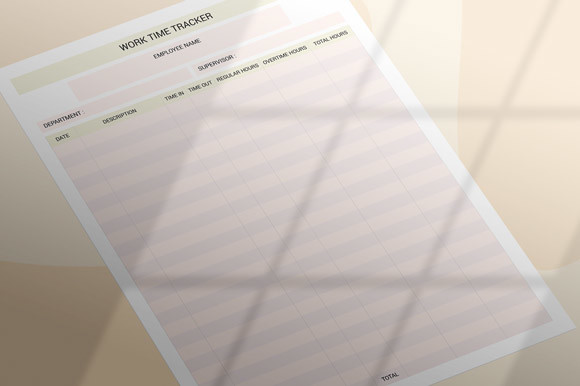
This printable work record supplies one PDF and one JPG for an 8.5 × 11 inch page, with a stated 300 DPI and no bleed. It is a straightforward choice when you need a full-size logging insert without editable design software. A repeated page can be enough for a short project, especially if you already keep project details elsewhere.
The description explicitly says a publisher would need to place the JPG in Word or PowerPoint and create the desired interior. In other words, the download should not be mistaken for a completed multi-page book. For everyday use, print a test sheet and leave sufficient space around the binding edge. No editable source file, automated calculation or complete page-count inventory is promised, so select it for simple manual record keeping.
Make the download work for your routine
Start with a week of honest records rather than a complete system redesign. Note what you did, when you began and when you stopped, then look for one recurring task whose estimate needs changing. Keep planning and actual time separate so an unfinished task does not quietly become a recorded completed hour.