11 Practical Vision Board Planner Templates for Visual Goals
A vision board planner combines a visual reminder of what matters with space to turn those ideas into actions. The best choice depends on whether you want a simple collage sheet, an editable workbook or a dated 2027 planning system.
These eleven Creative Fabrica listings offer different page counts, formats and planning styles. The comparison uses the designers’ descriptions and visible previews, including important disagreements about dimensions, page counts and editable files.
For a broader action-planning approach, see our goal planner ideas. Here the priority is visual mapping: choosing meaningful images, connecting them to practical steps and reviewing the board regularly.
1. KDP Studio: Complete Vision Board Workbook
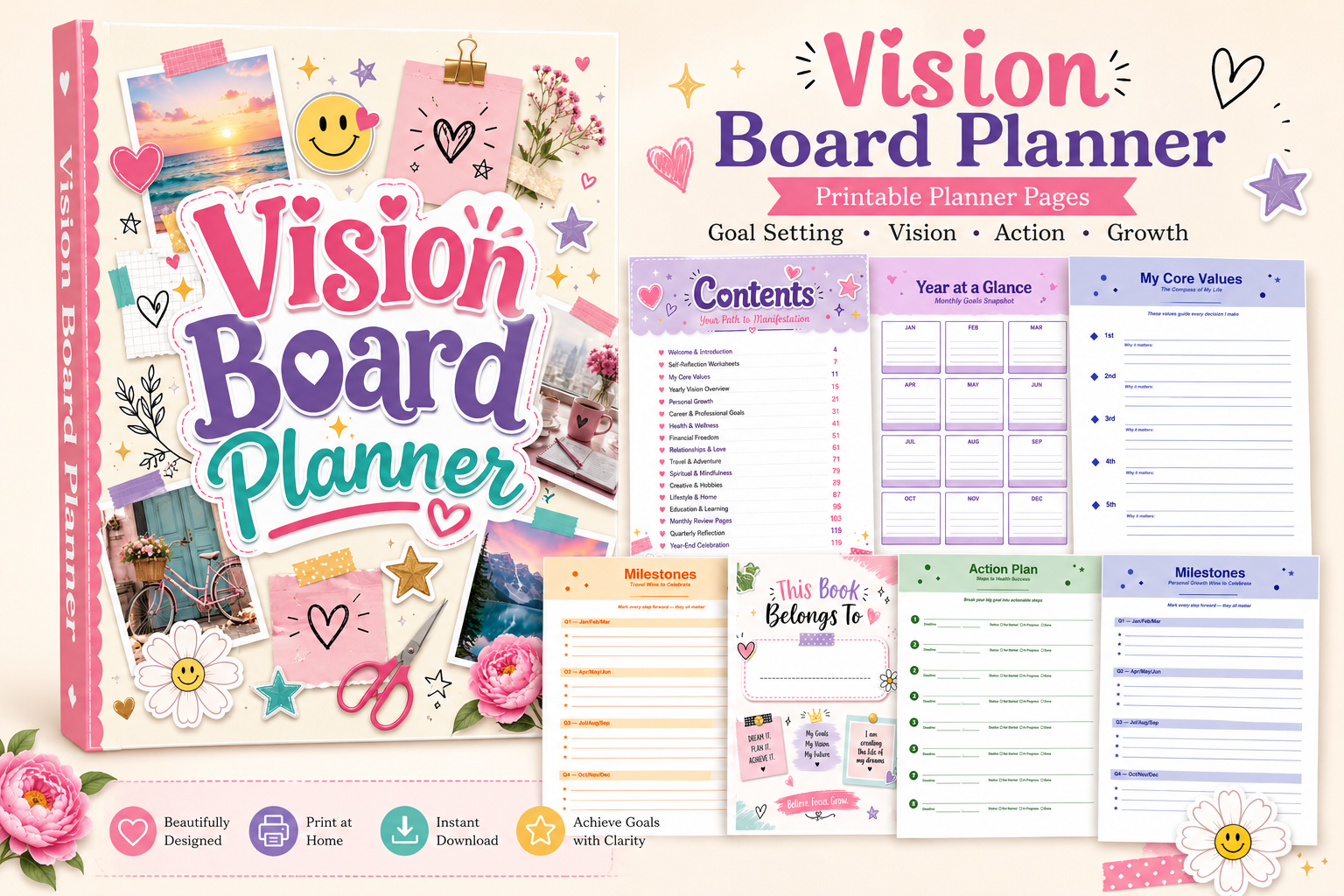
This 120-page workbook combines visual planning with a more deliberate goal-setting process. The listing specifies a printable PDF and 120 editable Canva pages in US Letter size, with bleed. Self-reflection, values, life-area boards, SMART goals and milestone planning give the collages a practical purpose rather than leaving them as isolated inspiration.
Choose it when you want to revisit your board through monthly and quarterly reviews. Its breadth can also be a drawback: begin with one life area and print only the sections you will use. The colorful preview suggests checking a sample page before committing to a large print run.
2. Watercolor Theme: Compact Vision Board Sheets
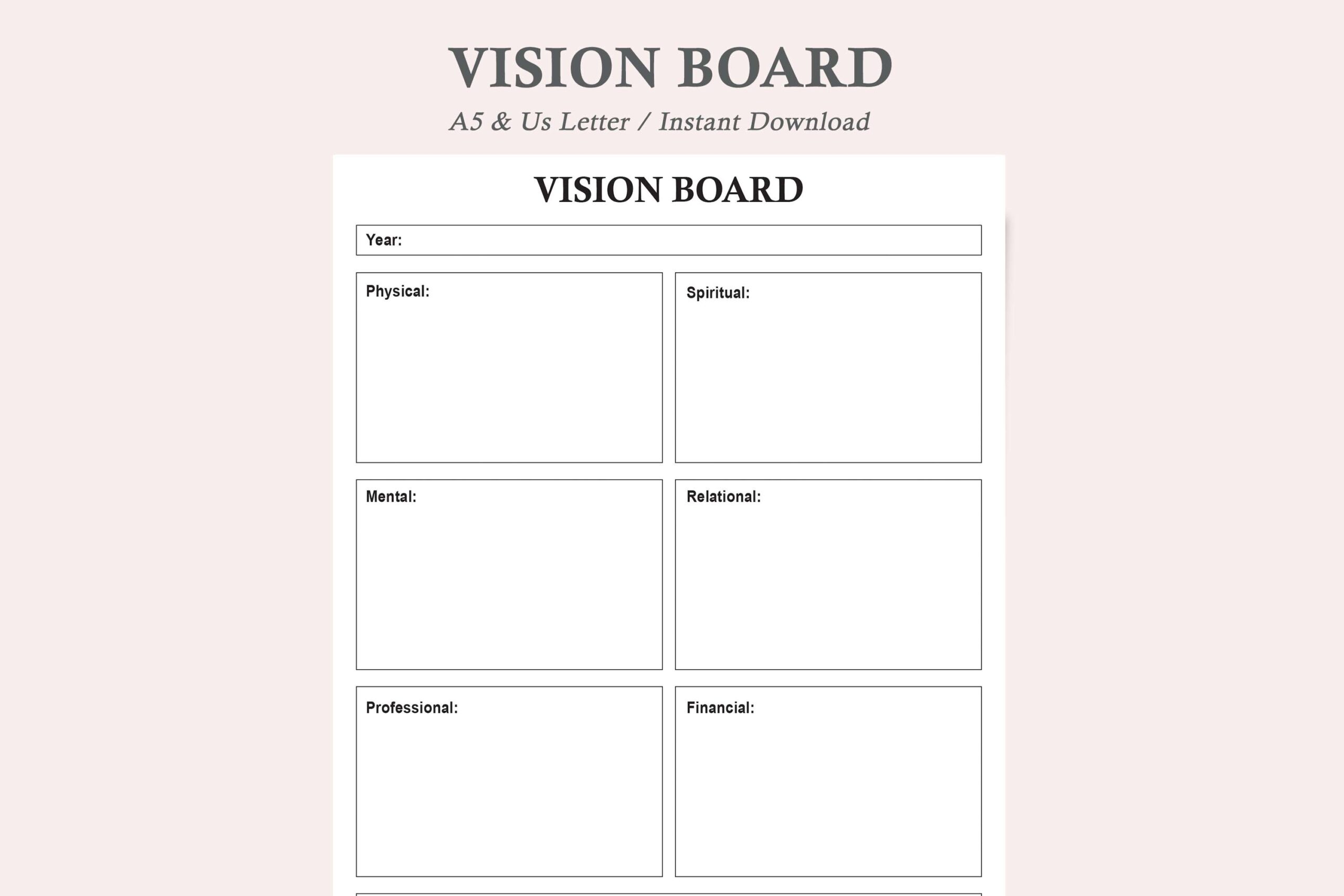
This small set suits someone who wants a visible reminder rather than a full workbook. The description lists two PDFs and two JPEGs, representing one version in two sizes. Its life-area approach covers physical, mental, professional, financial, relational, spiritual and recreational goals, while the preview shows a restrained arrangement of open boxes.
Use a few pictures and one specific action in each relevant area, then place the sheet where you will see it regularly. Check dimensions before printing: the description names Letter and A5, while the preview mentions A4 and Letter. It is a compact visual framework, so keep detailed deadlines in a separate planner.
3. The Grateful Studio: Canva Vision Board Layout
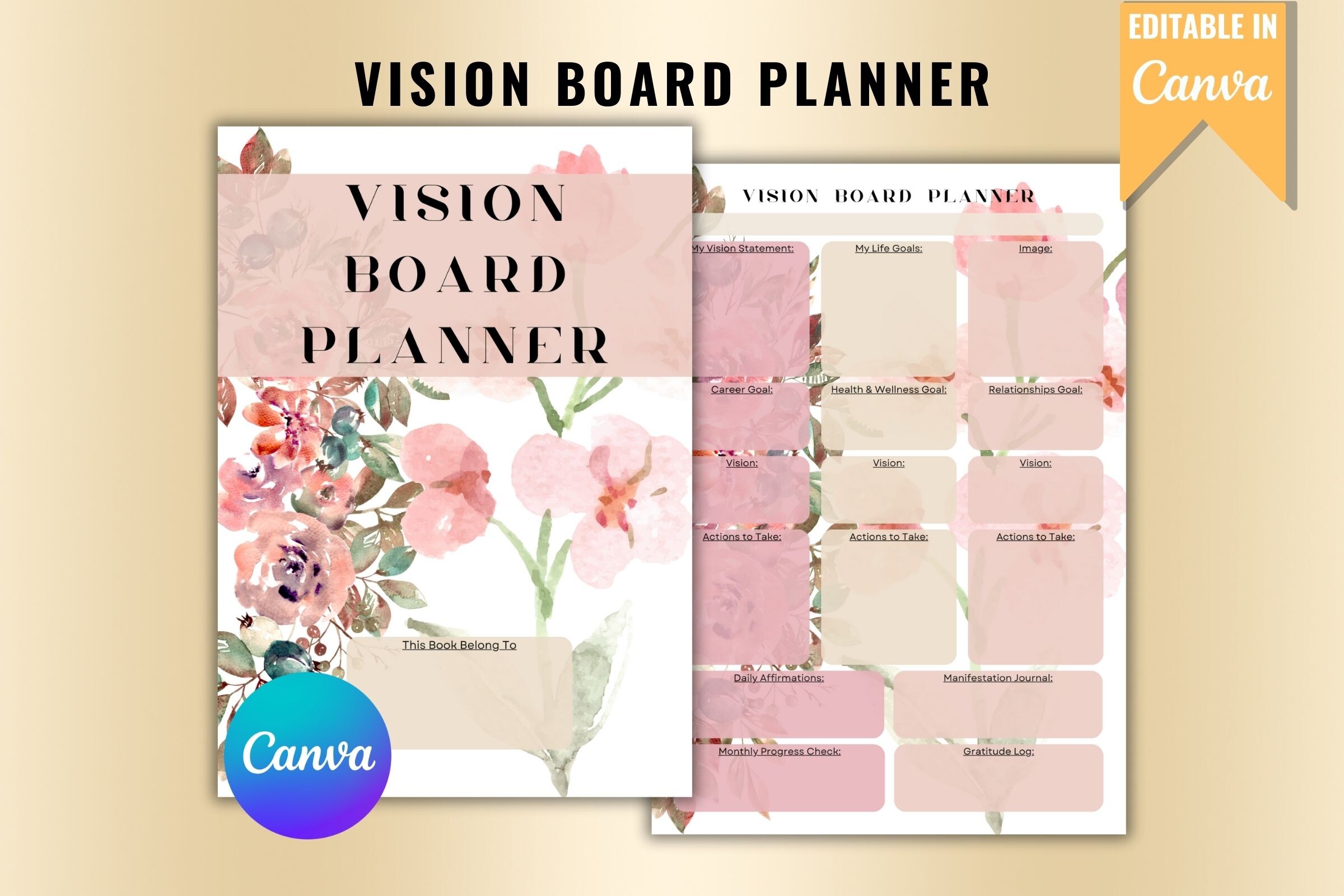
The listing presents a one-page vision board layout with a Canva link and PDF/SVG formats. It says the design uses free Canva elements and can be edited with a free account. That makes it a useful starting point when changing colors, wording and image placement matters more than having a long sequence of worksheets.
Treat the preview as design inspiration rather than proof of an extensive page bundle; an exact multi-page count is not confirmed. The designer also explicitly states personal use only. Check the current terms before any other use. For a personal board, select a few concrete themes and avoid filling every available space with competing priorities.
4. KDP Mount: Vision Board and Action Planner
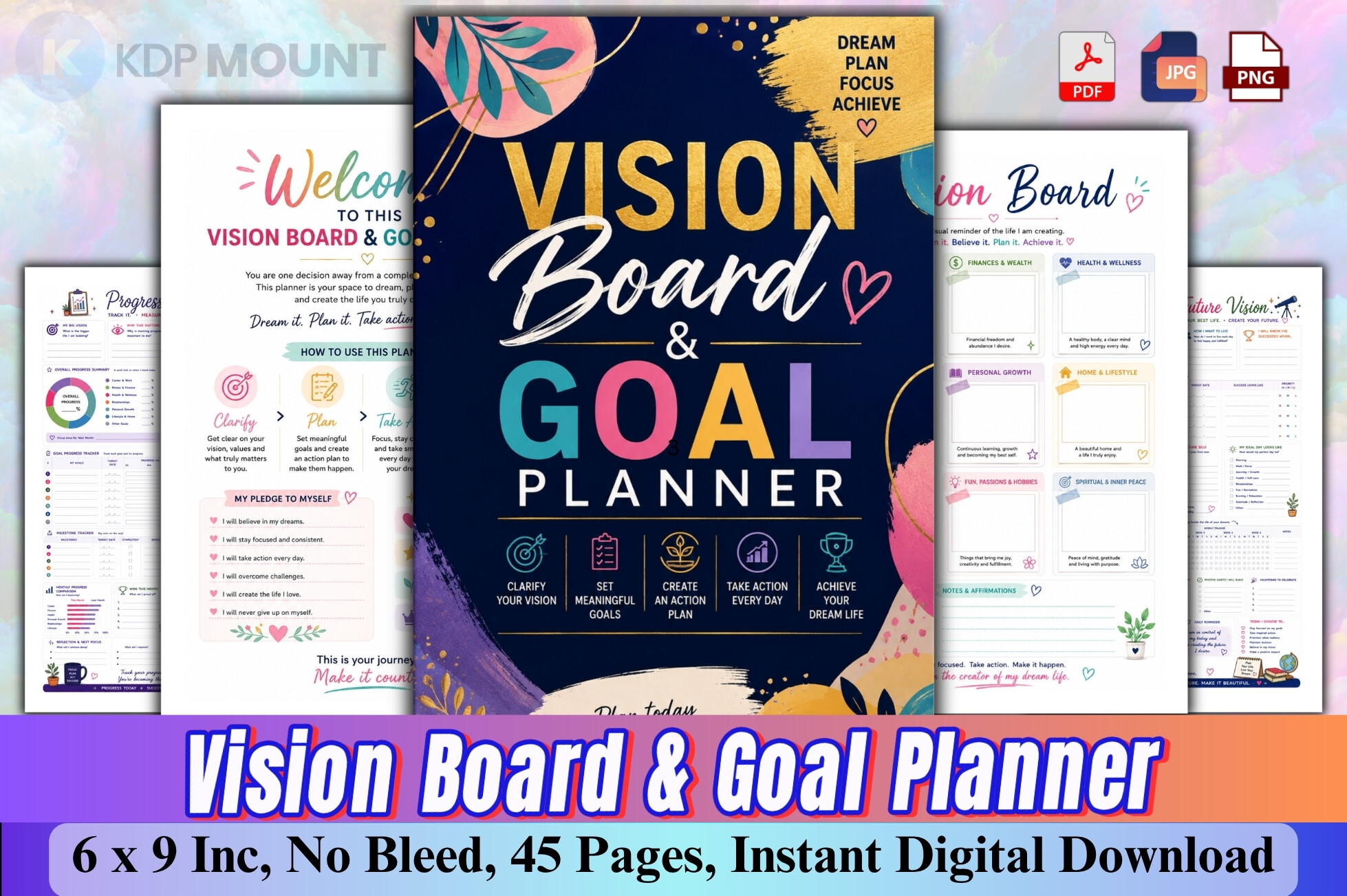
KDP Mount describes a 45-page color PDF built around vision, goals, planning, action, progress and reflection. The included cover and supporting goal-priority, monthly and quarterly pages make it a more structured alternative to a simple collage sheet. It is particularly relevant when you want to connect a visual goal to an execution plan.
The preview labels the interior as 6 × 9 inches with no bleed; confirm those properties in the downloaded PDF before printing or binding. A compact format is convenient to carry, but leaves less space for physical photographs. Use small images or short written cues and reserve detailed task lists for the action pages.
5. Little Learners Oasis: PDF and AI Interior
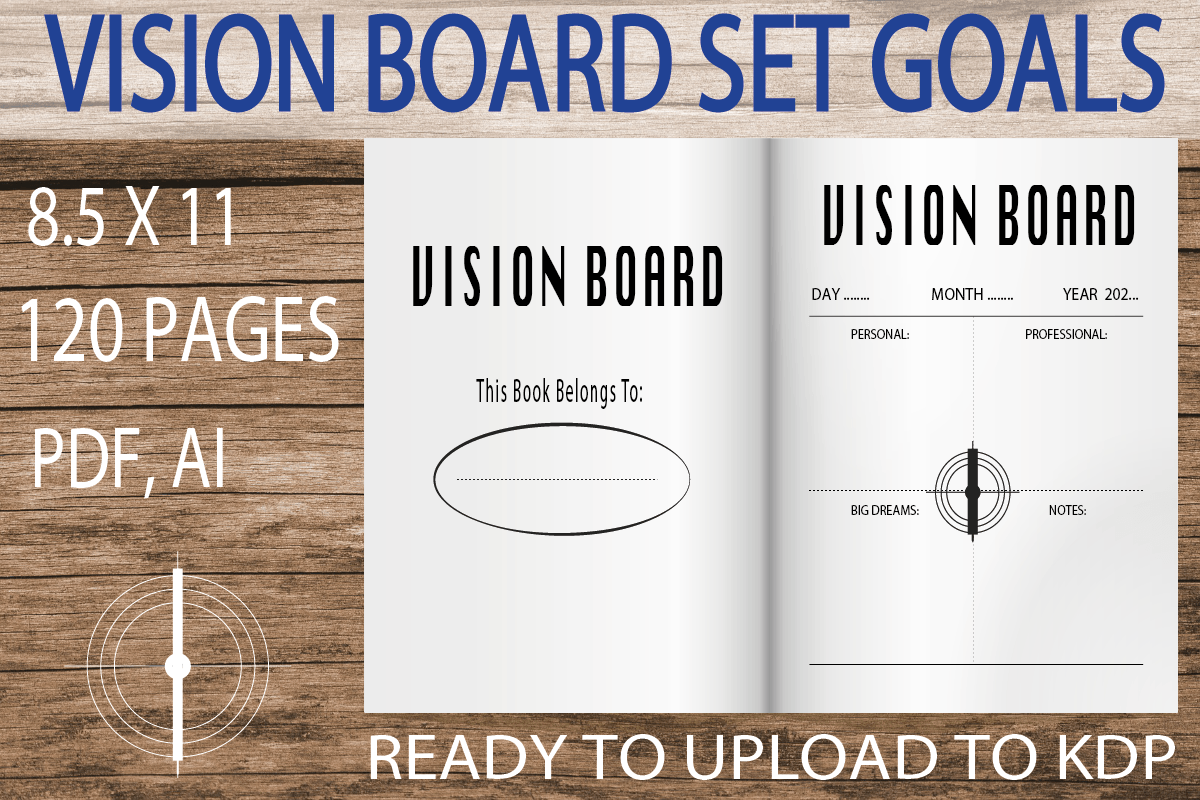
This listing specifies a 120-page US Letter interior at 300 DPI, without bleed, supplied as a PDF and an AI file. The preview has a relatively plain, box-based layout, making it a reasonable candidate for readers who prefer their own photographs and handwritten labels to dominate the finished board.
Choose the PDF for a straightforward print workflow, or check your software compatibility before relying on the AI source file. A long interior does not mean you need to complete every page. Start with a small set of current priorities and test one sheet at actual size; understated pages work best when the added images have a clear purpose.
6. KDP Studio: 2027 Vision Board Planner
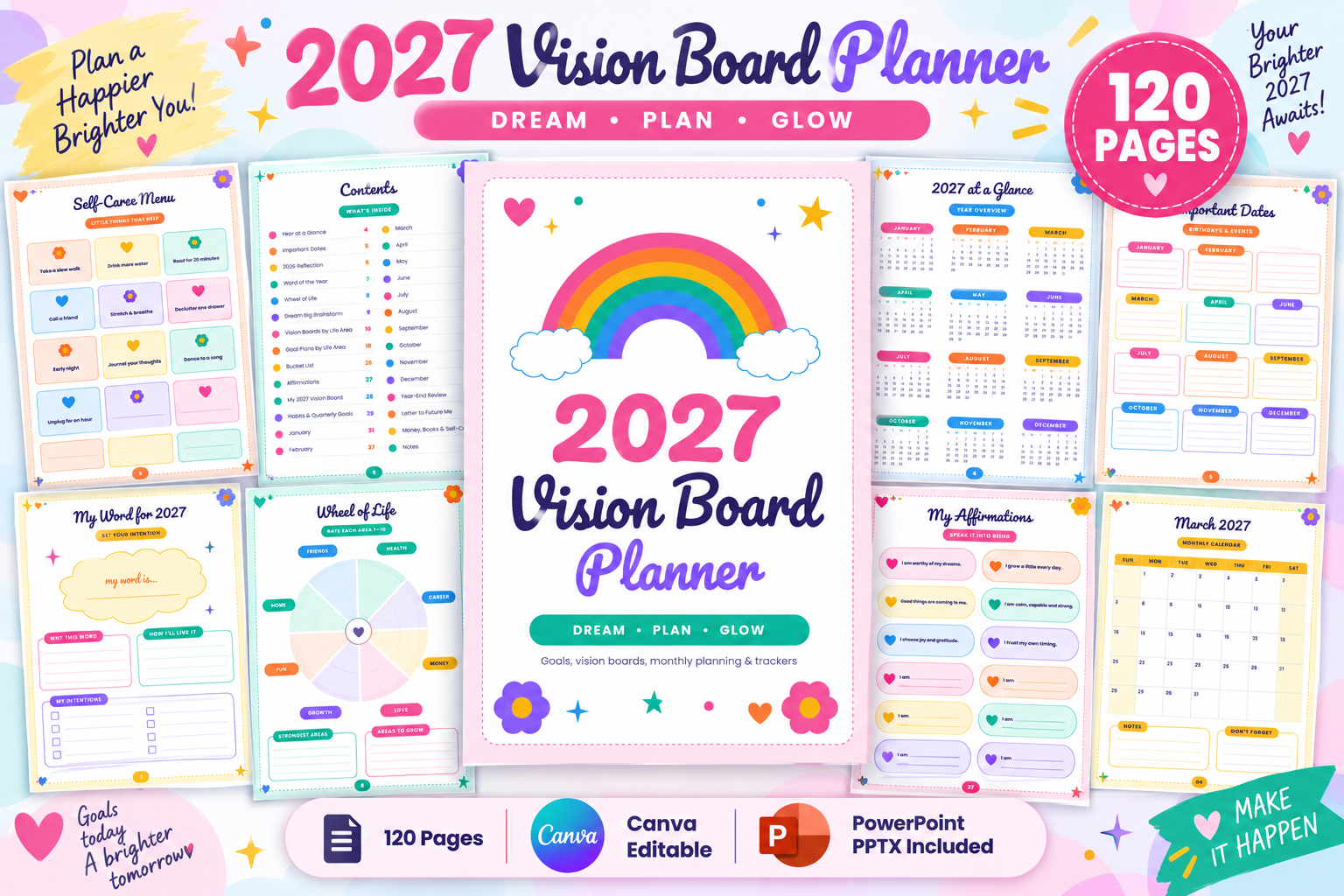
This explicitly dated 2027 option describes 120 pages, combining calendars, monthly collages, eight life-area boards and eight corresponding goal plans. Quarterly reviews, a 30-item bucket list and additional reflection pages make it suitable for readers planning a full year rather than a single visual exercise. The colorful preview gives it an energetic feel.
The preview labels PDF, PPTX and Canva-link formats, but confirm the delivered package before choosing an editing workflow. Use the 2027 calendar pages only for that year and keep longer-term dreams on the less date-dependent worksheets. It is best for someone who will return to their board during the year, not just create it once.
7. SR KDP: 2027 Vision Board Journal
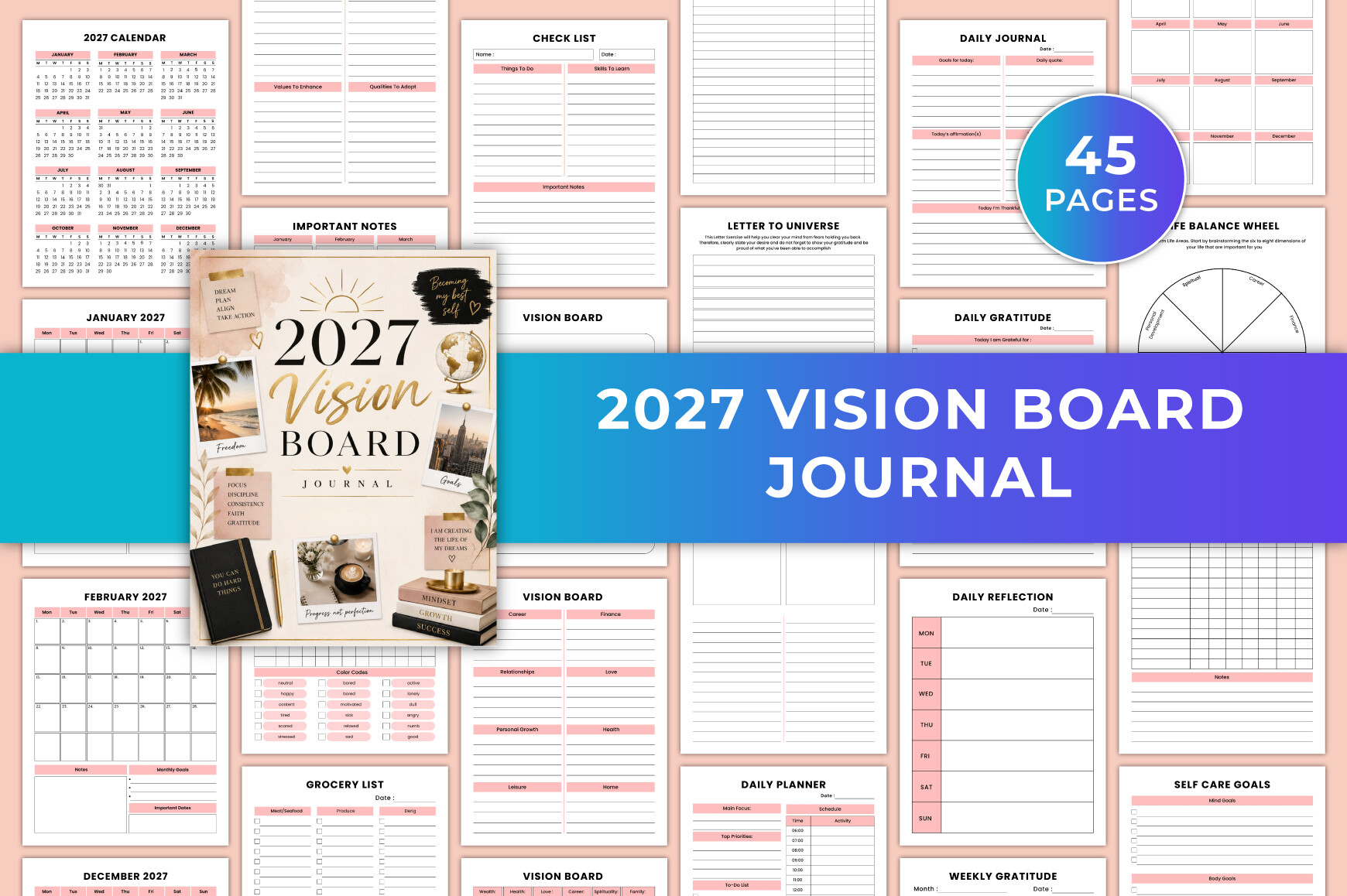
SR KDP lists an editable Canva design, a 46-page PDF, JPG and PNG files, in US Letter size with CMYK color and no bleed. Its 2027 calendar and monthly pages sit alongside life-area vision work, daily and weekly planning, gratitude and personal tracking sections. This offers more day-to-day context than a board-only template.
Check the actual page count after download: the description says 46, while the preview says 45. The combination is useful if you like to keep intentions and short planning notes together, but less focused if you only need a collage page. Choose the sections that support your routine instead of treating every included tracker as mandatory.
8. Mahira Pro: Compact 2027 Life Goals Planner
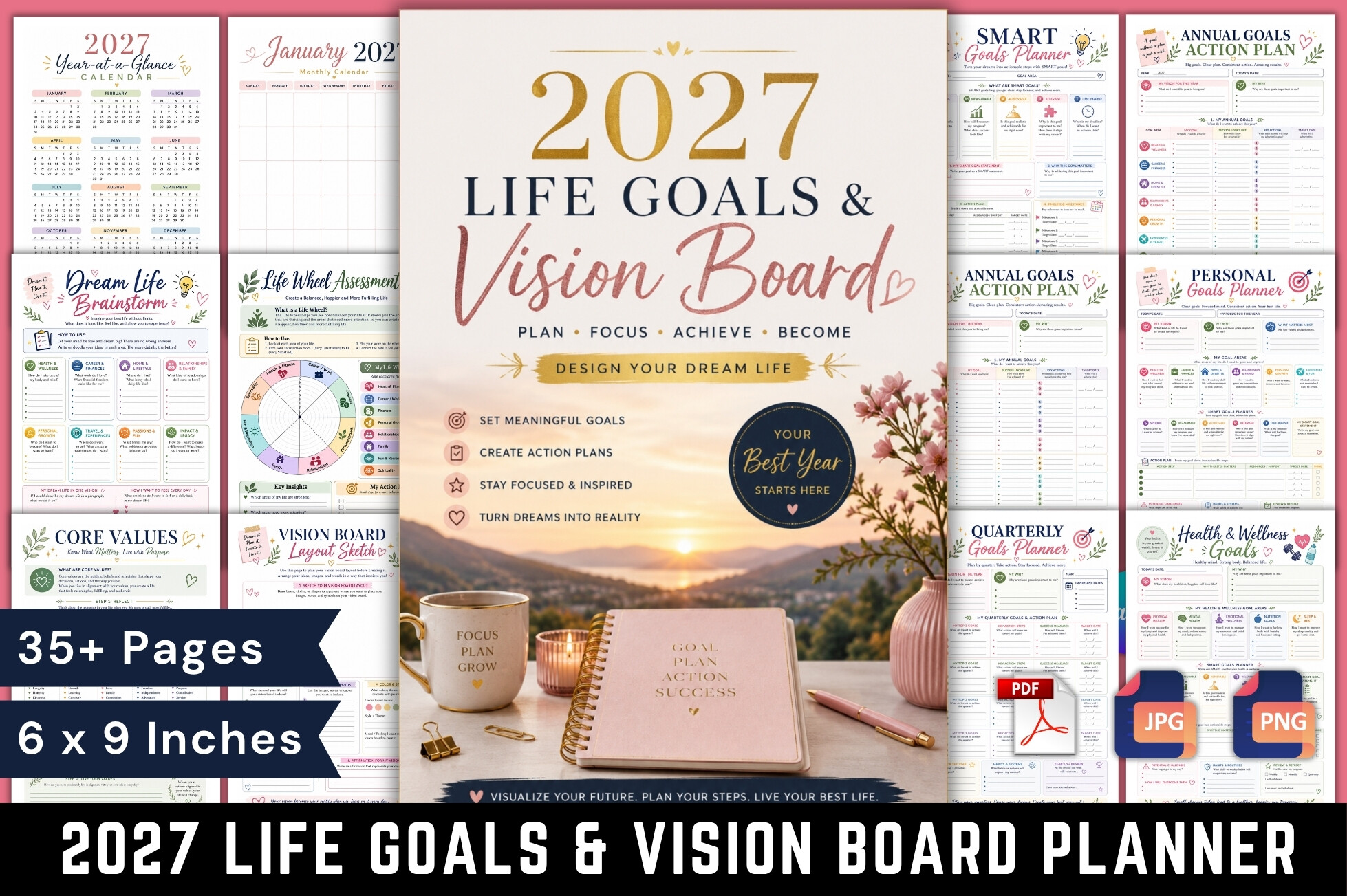
This full-color PDF is described as 37 pages in a 6 × 9-inch format. It includes 2027 calendars alongside undated worksheets for values, a vision statement, board-layout sketches, SMART goals, annual and quarterly planning, reflection and habits. The compact dimensions distinguish it from the larger Letter-size alternatives.
Choose it when portability matters and you are comfortable working with small images or brief notes. The undated worksheets may remain useful after 2027, while the calendar pages will not. No editable source format is confirmed in the description, so plan around the supplied PDF unless the current download package explicitly provides another option.
9. KDP Gravity: 2026–2027 Canva Vision Planning Set
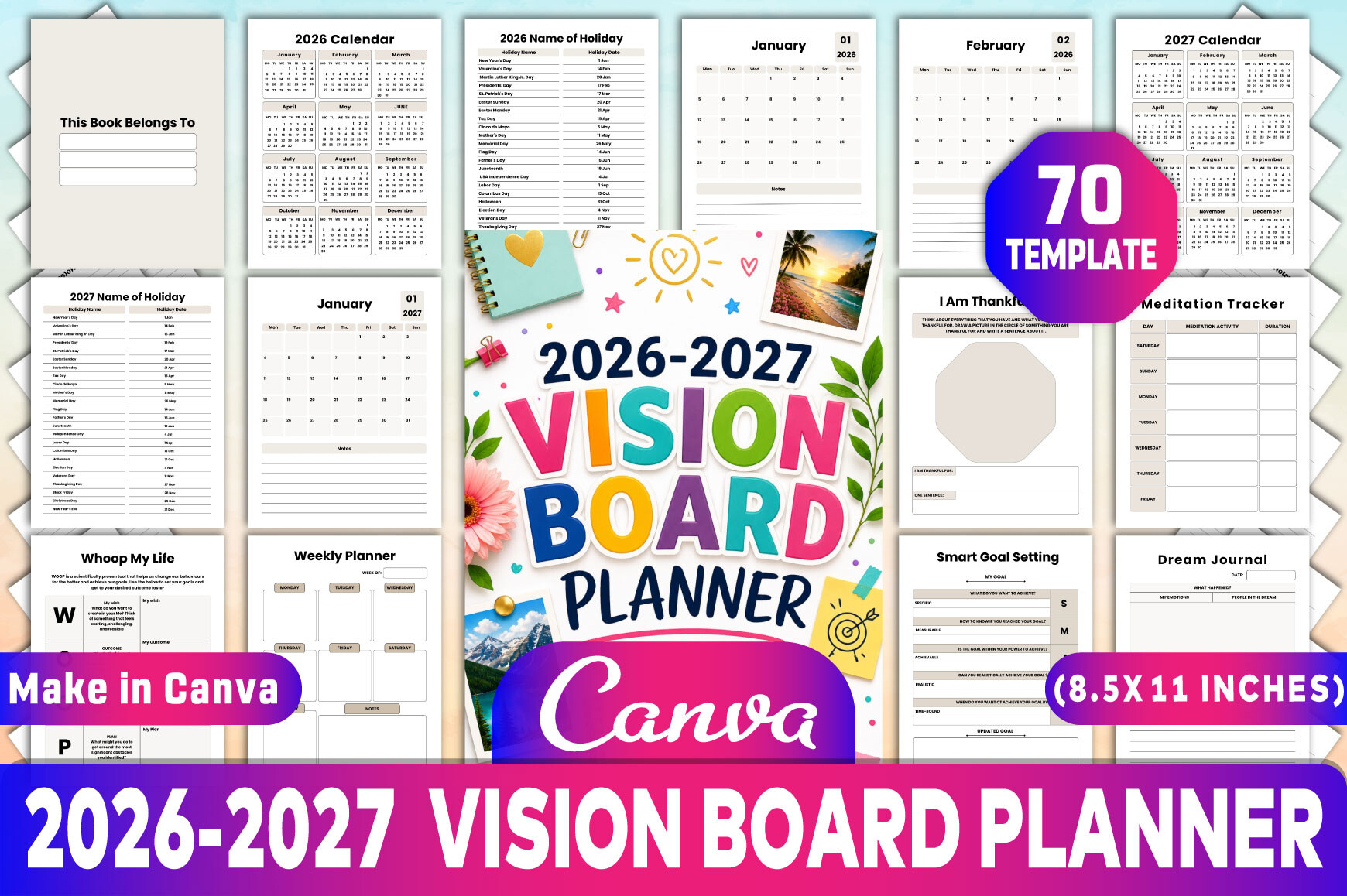
KDP Gravity describes 70 templates in US Letter size at 300 DPI, with editable Canva, PDF, JPG and PNG formats. The set includes 2026 and 2027 calendar material, two distinctive vision-board layouts, goals, reflection and gratitude pages. It is a broad planning collection rather than an exclusively visual-board workbook.
For a new annual setup, prioritize its 2027 pages; the 2026 calendars have a shorter remaining useful life. The listing calls the quantity 70 templates, so do not assume every format contains a single 70-page document. Check the package organization and select a consistent subset before printing, especially if you prefer a slim binder.
10. SUPER GRAPHICS: 2027 Canva Vision Board Planner
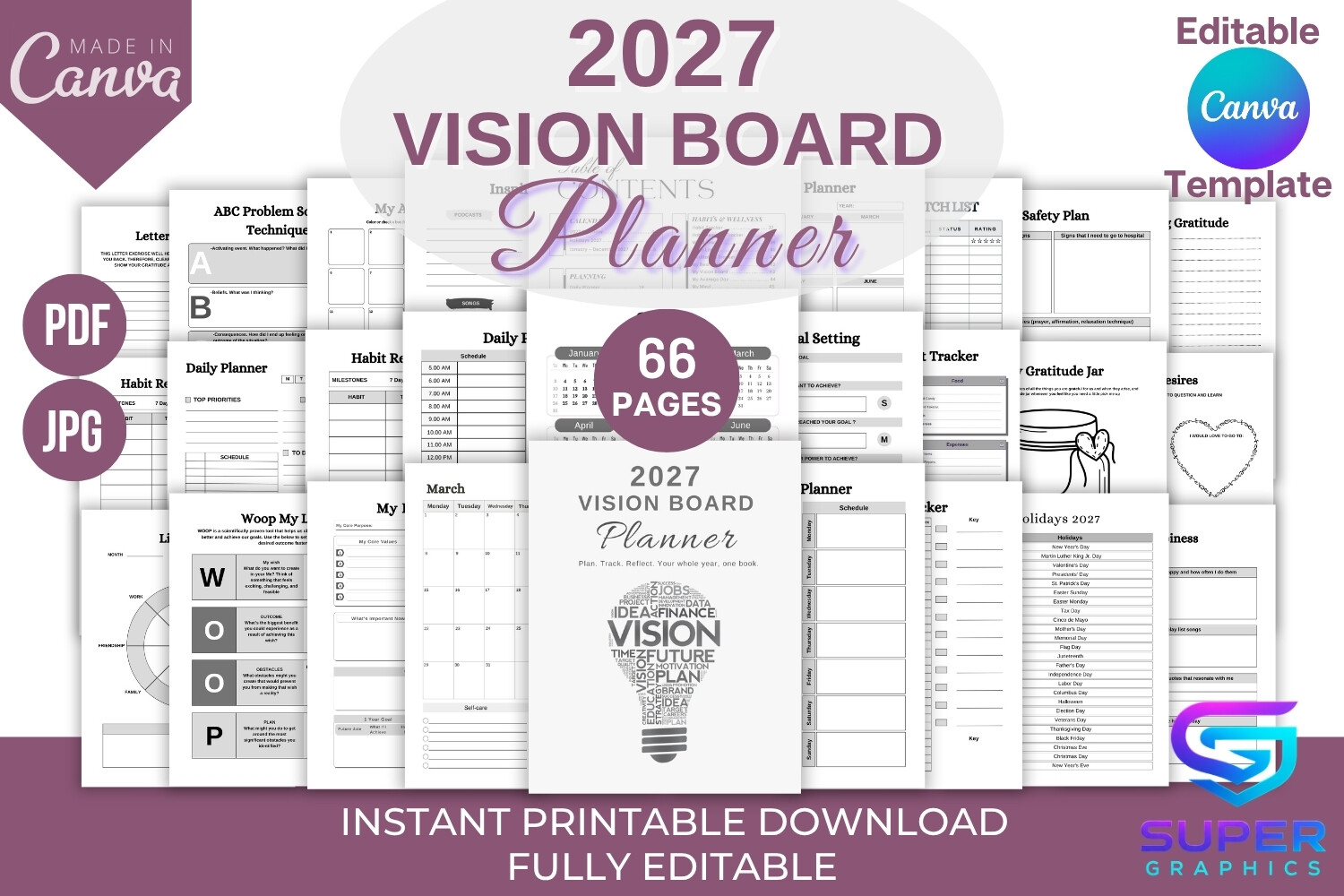
This Letter-size collection lists 65 unique PDF pages, a Canva link and JPG files. Four vision or collage layouts are accompanied by 2027 calendars, monthly pages, daily and weekly choices, SMART and WOOP planning, budgeting and review sections. The variety is helpful when you want to experiment with more than one board arrangement.
Verify the delivered count, because the preview says 66 pages while the description says 65. Choose one collage layout and one planning rhythm before adding the extras. Its range can reduce the need for separate templates, but can also create an oversized planner if you print everything. No outcome is guaranteed by completing a vision board.
11. Creative Space: 2027 Vision Board and Planner Pages
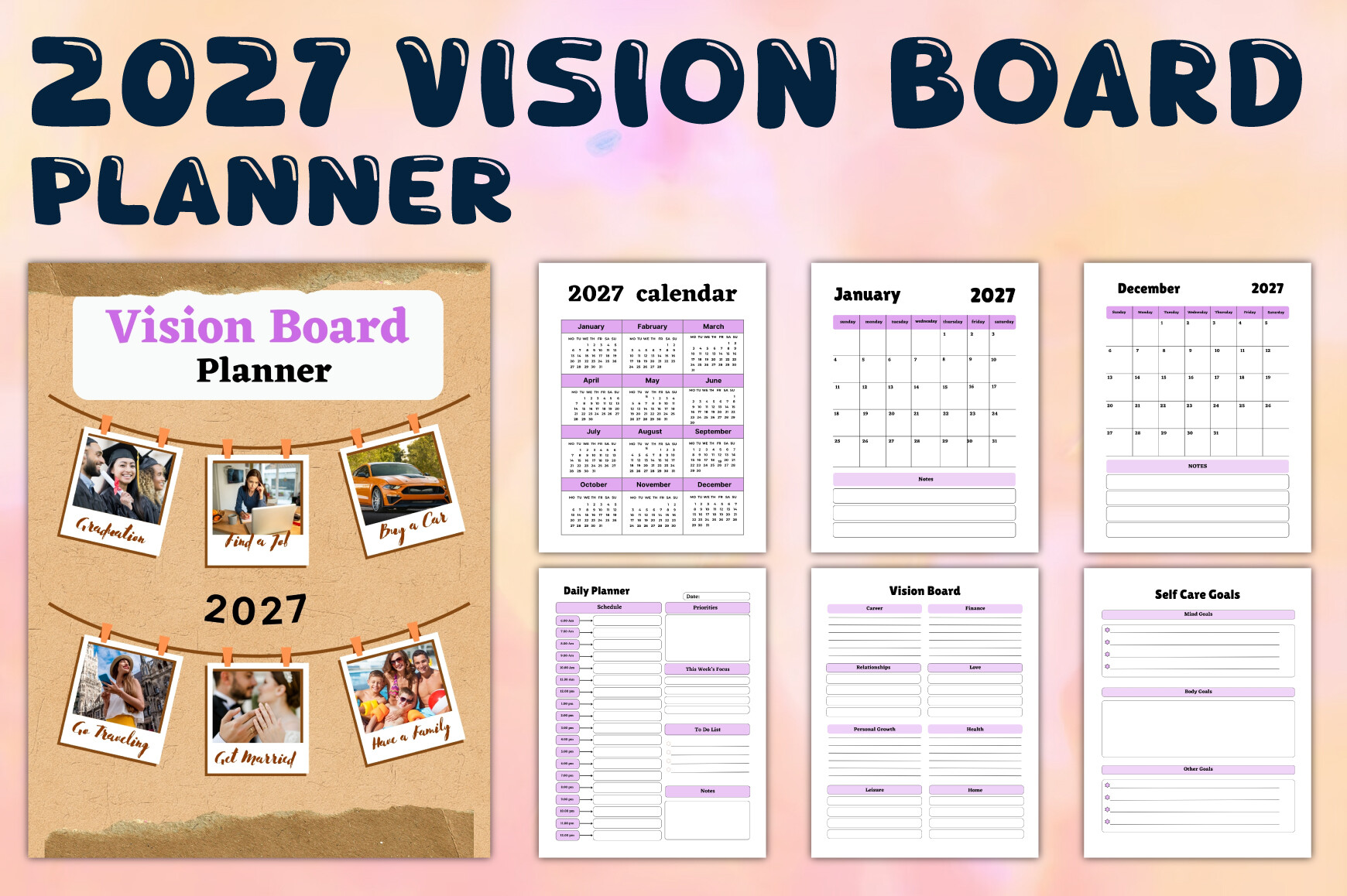
Creative Space specifies 50 pages in US Letter size at 300 DPI without bleed, with editable Canva, PDF, JPG and PNG formats. Four vision-board pages sit within a wider collection of 2027 calendars, monthly planning, daily and weekly layouts, gratitude, habits and self-care pages. It offers a modest selection of board designs inside a broader planner.
This is a sensible choice if you want several visual layouts without building an entire book around collage exercises. Start with the calendar, a board and the weekly pages you actually need. The dated sections belong to 2027, and the variety does not imply that every page is necessary for your own planning routine.
How to Choose a Vision Board Planner
Choose a compact sheet if you want one visible reminder, or a workbook if you need prompts, reviews and action pages. A 2027 edition is useful for that year; undated worksheets offer more flexibility. Check whether you need PDF-only printing or a verified editable source.
Build one board around a small number of priorities. Add an image that represents each aim, a concrete next action and a date to revisit it. A board is a planning aid rather than a guarantee that an outcome will happen.
Before printing, check paper size, bleed, page count and the current download package. Where descriptions and previews disagree, confirm the delivered files before committing to editing or a full print run.