11 Address Book Templates for Organized Contacts
An address book gives important contact details a consistent home, whether you prefer a paper binder, a compact notebook or a hyperlinked PDF. The right template depends on how much information each entry needs, how you want to find names, and whether you plan to customize the layout before printing. A large page count alone does not make a contact directory easier to use.
These eleven downloads range from a single repeatable contact sheet to full alphabetical interiors. The comparisons check the product’s stated dimensions, page counts, bleed settings and editing files. Many sellers market their interiors for self-publishing, but this guide concentrates on the everyday task of maintaining useful personal or household contacts.
How to choose an address book template
Start with your contact fields. A household directory may need full mailing addresses and a services section, while a small desk book may only need names, phone numbers and email. Alphabetical tabs help navigation, but printed labels do not guarantee physical divider tabs are included. Leave space for changes, and decide how you will replace an outdated entry.
For a binder, a repeatable Letter or A5 page can be easier to maintain than a fixed book interior. For a bound book, check trim size, margins and whether bleed is included. Editable AI, EPS, Canva or publishing files are different from a fillable PDF. If you also track important dates, pair the directory with a birthday planner rather than squeezing every reminder into one contact line.
1. A Minimal Contact List in Letter and A5 Sizes
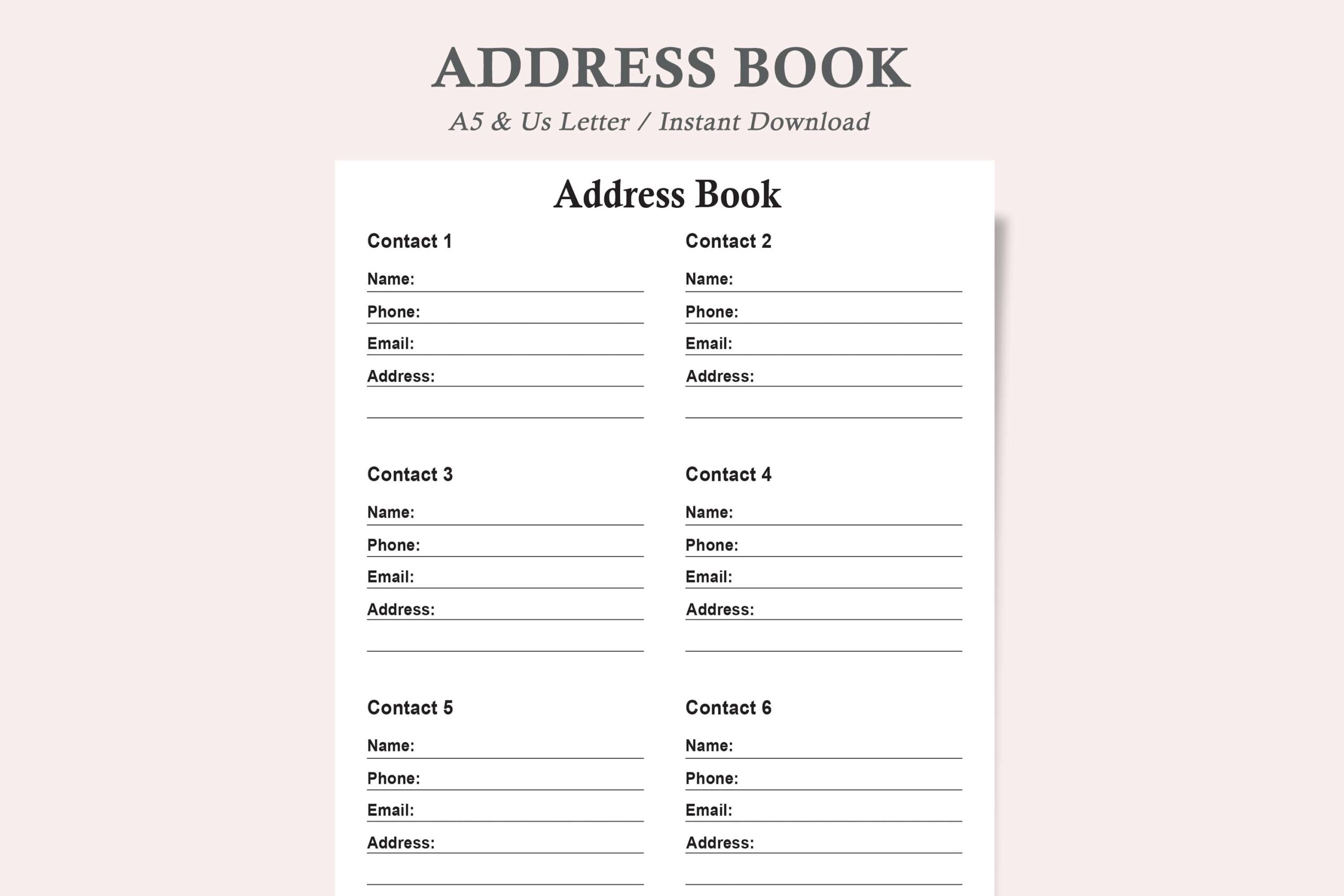
Watercolortheme’s Address List provides one minimalist design in two sizes: US Letter and A5. The download contains two PDFs and two JPEGs. The seller describes the layout as ink-friendly and intended to be printed again whenever more space is needed, making it a practical starting point for a small household binder or desk folder.
Choose it when a repeatable list is more convenient than a large fixed-page book. You can add new pages as contacts change without committing to a bound interior. The product does not state a full-book page count, an editable source or a fillable PDF. Its two formats and two sizes are variations of one design, not four different contact systems.
2. A Compact A–Z Book with Three Page-Count Options
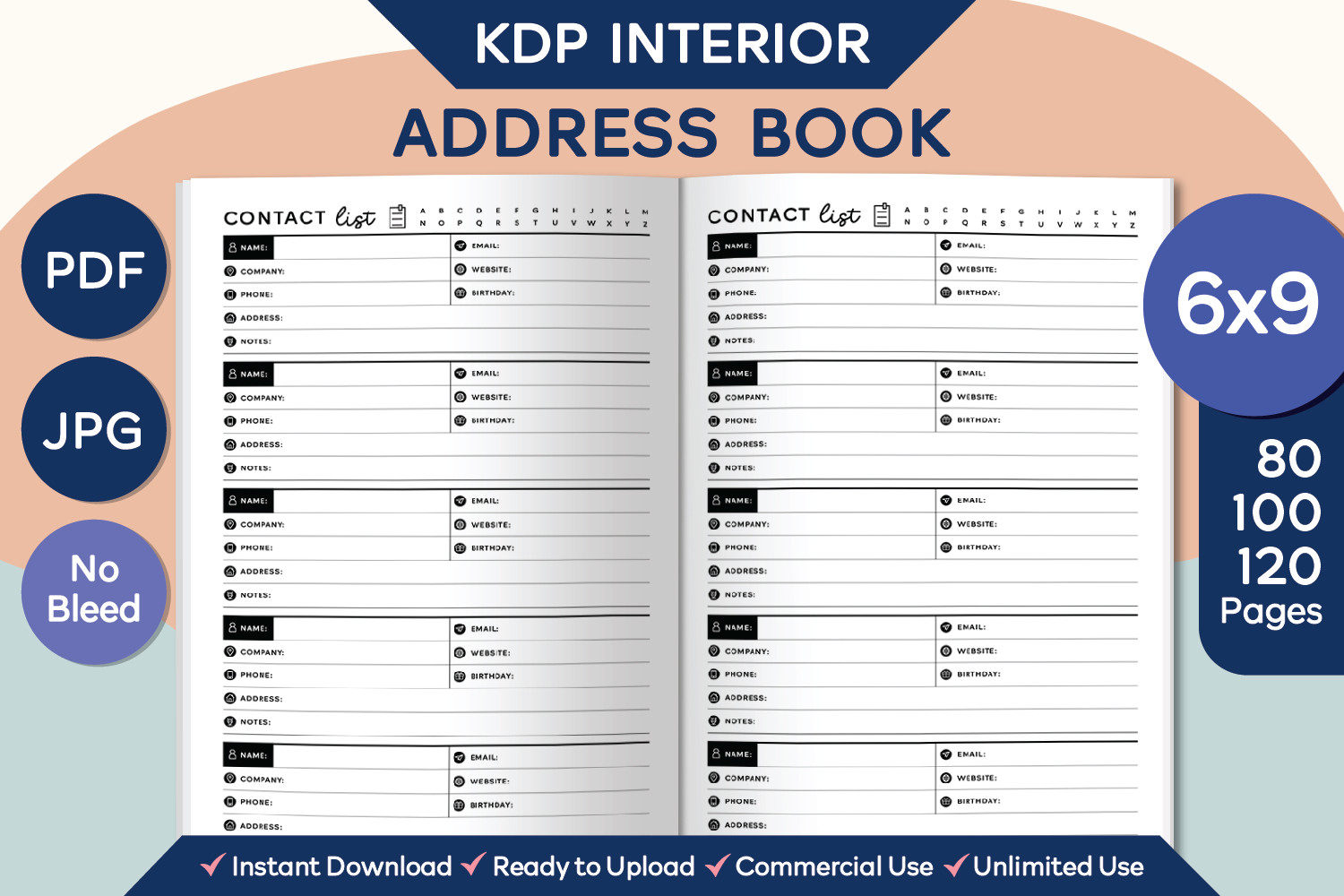
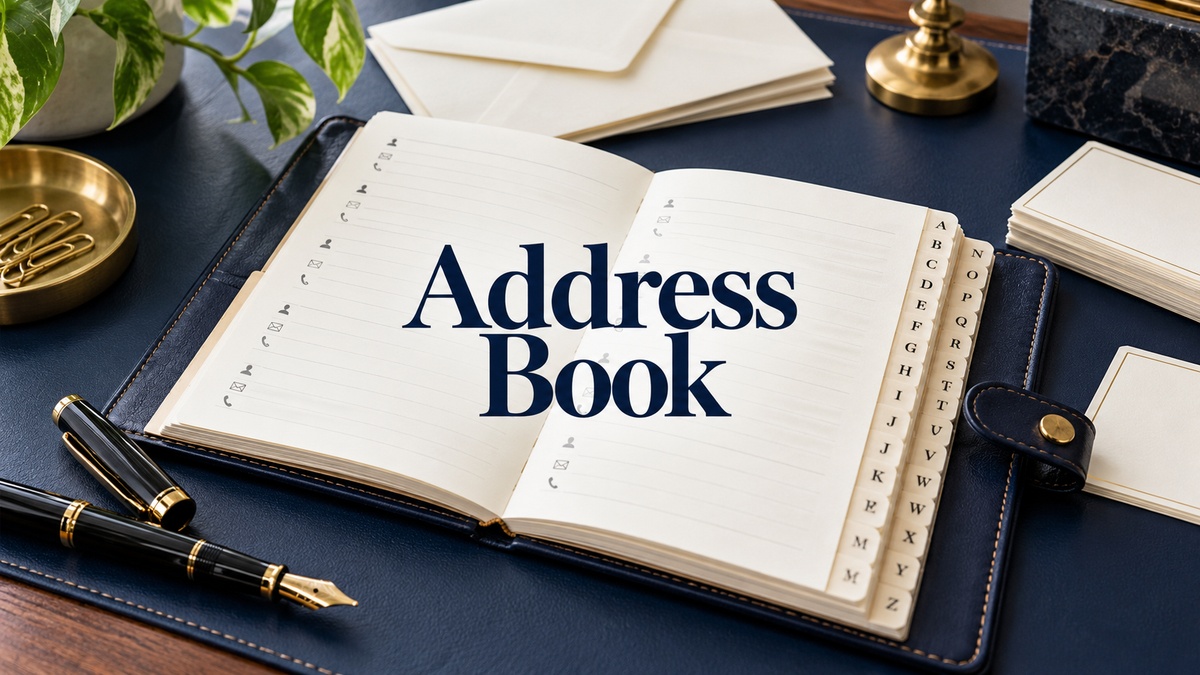
EmeryDigitalStudio supplies three no-bleed 6 × 9-inch PDFs with 80, 100 and 120 pages, plus three 300-DPI JPG single-page assets. Contact pages hold up to five entries with fields for name, company, phone, address, email, website, birthday and notes. An ownership page, blank second page and circle-style alphabetical labels are described.
This suits a compact directory when you want richer entries than a simple phone list and a choice of book length. The listing explicitly states that the PDF is not editable, so do not expect to redesign the fields or type into form boxes. The A–Z circles assist visual organization; they are not a promise of physical tab dividers.
3. An A4 Alphabetical Directory with Editable Sources
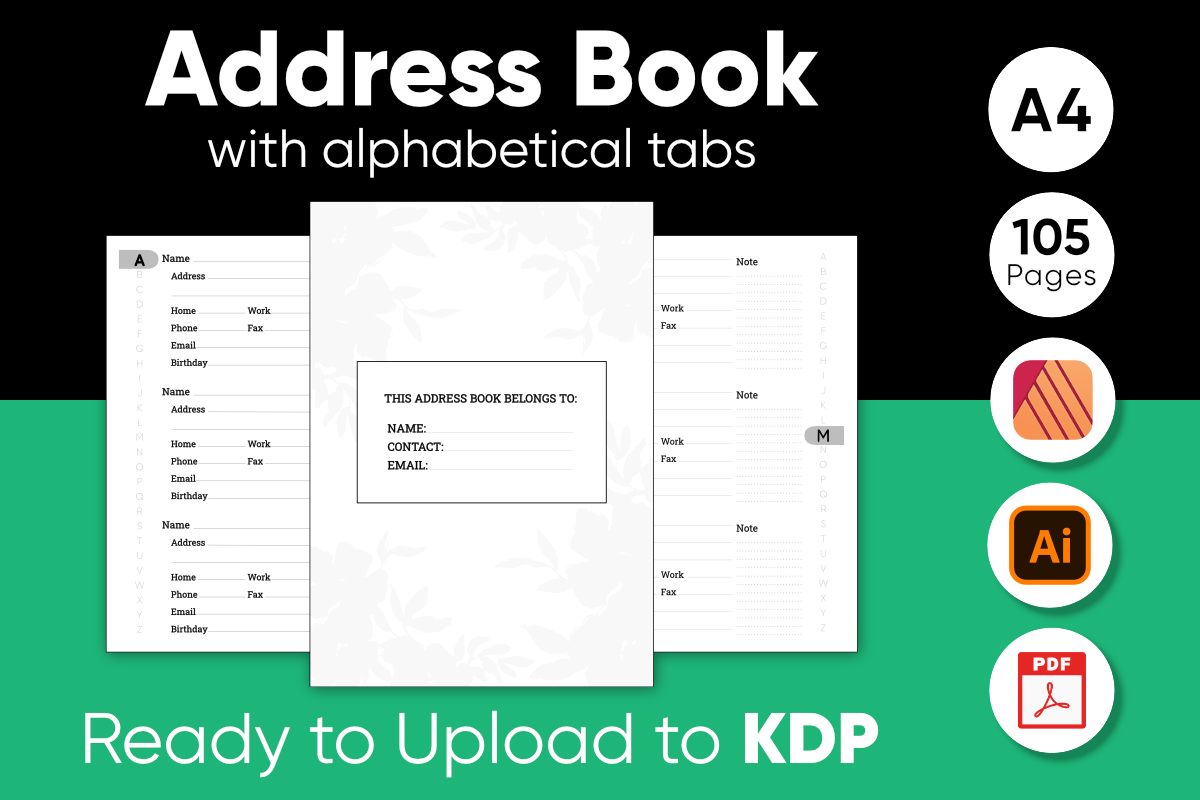
OussMania’s directory contains 105 pages at A4 size, 8.27 × 11.69 inches, with bleed. The seller describes four pages and twelve entries for each letter, providing space for more than 300 contacts. The package includes a print-ready PDF and editable EPS and Affinity Publisher sources, with resolution stated at 300 DPI.
Choose this if you need a large alphabetical directory and have software that can use the supplied editing formats. The fixed allocation by letter may be less efficient if most of your contacts cluster under a few initials; editable sources let you adjust the structure. Bleed also makes it a different print setup from a no-bleed home-binder sheet, so check margins carefully.
4. A 120-Page Letter Interior for Canva Customization
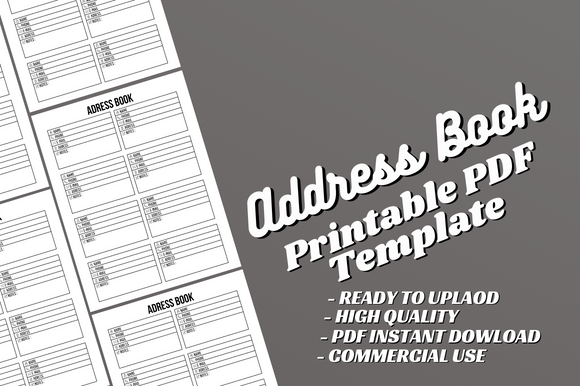
AlternativeCreativeStudio’s Address Book Canva Template provides a 120-page, 8.5 × 11-inch no-bleed interior. A print-ready PDF and editable Canva source allow changes to text and fonts. The seller markets it as an interior for self-publishing and states that a cover is not included, which matters if you want to create a bound book.
This is useful when you prefer browser-based layout editing to a specialist publishing application. Adjust the fields and test a sample page before printing the whole interior. The description does not clarify whether premium Canva elements are used or whether the PDF has fillable fields. Canva editing is the confirmed customization route; a cover and any binding preparation remain separate tasks.
5. Two Trim Sizes with Multiple Publishing File Formats
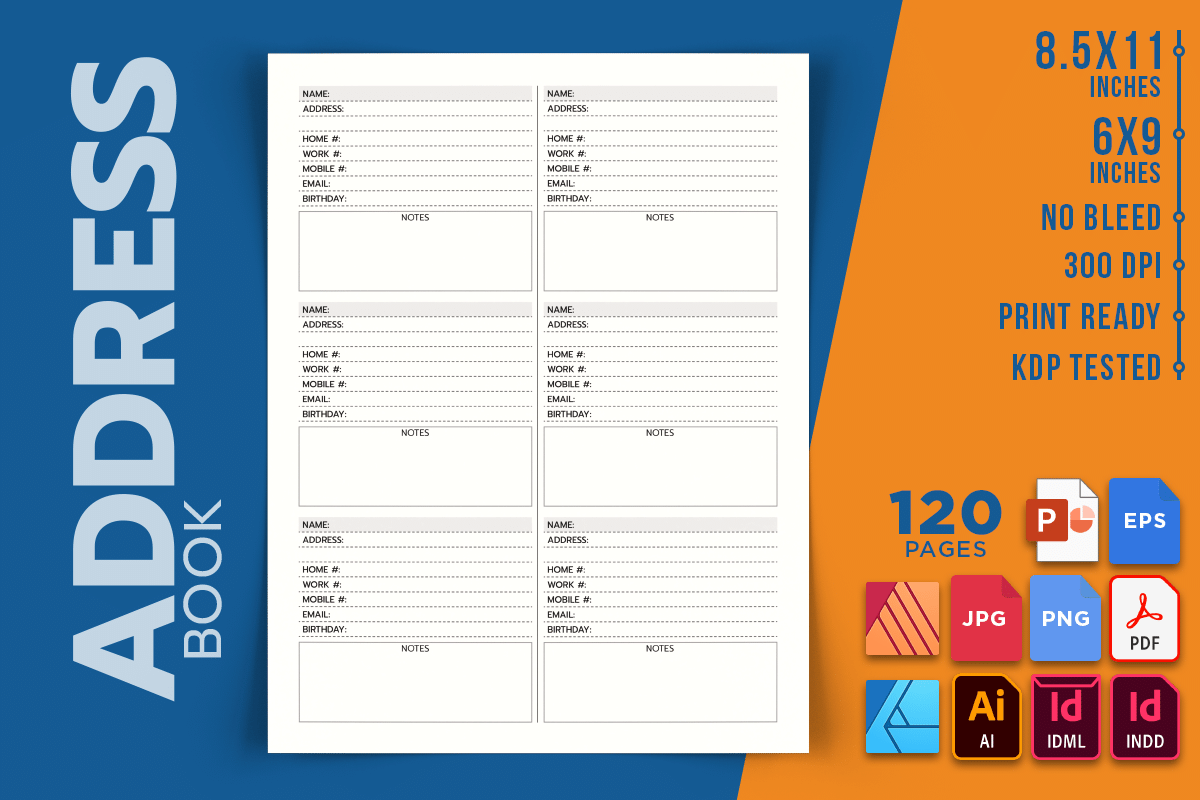
RenatoRiDesigns lists a 120-page no-bleed address-book interior in 8.5 × 11 and 6 × 9-inch sizes at 300 DPI. Its available formats include INDD, IDML, AI, PDF, PNG, JPEG, EPS, AFDESIGN, AFPUB and PPTX. The seller describes an editable source and a print-ready PDF, with no cover included.
This broad source-format selection is useful if you already work in a publishing or design application and want to adjust the layout. Do not assume every format behaves identically or that one software product opens all of them. Choose the source that fits your application, check a sample export, and treat the seller’s self-publishing readiness statement as a listing claim rather than an independently tested guarantee.
6. A Contact Log Interior with Bleed in Two Sizes
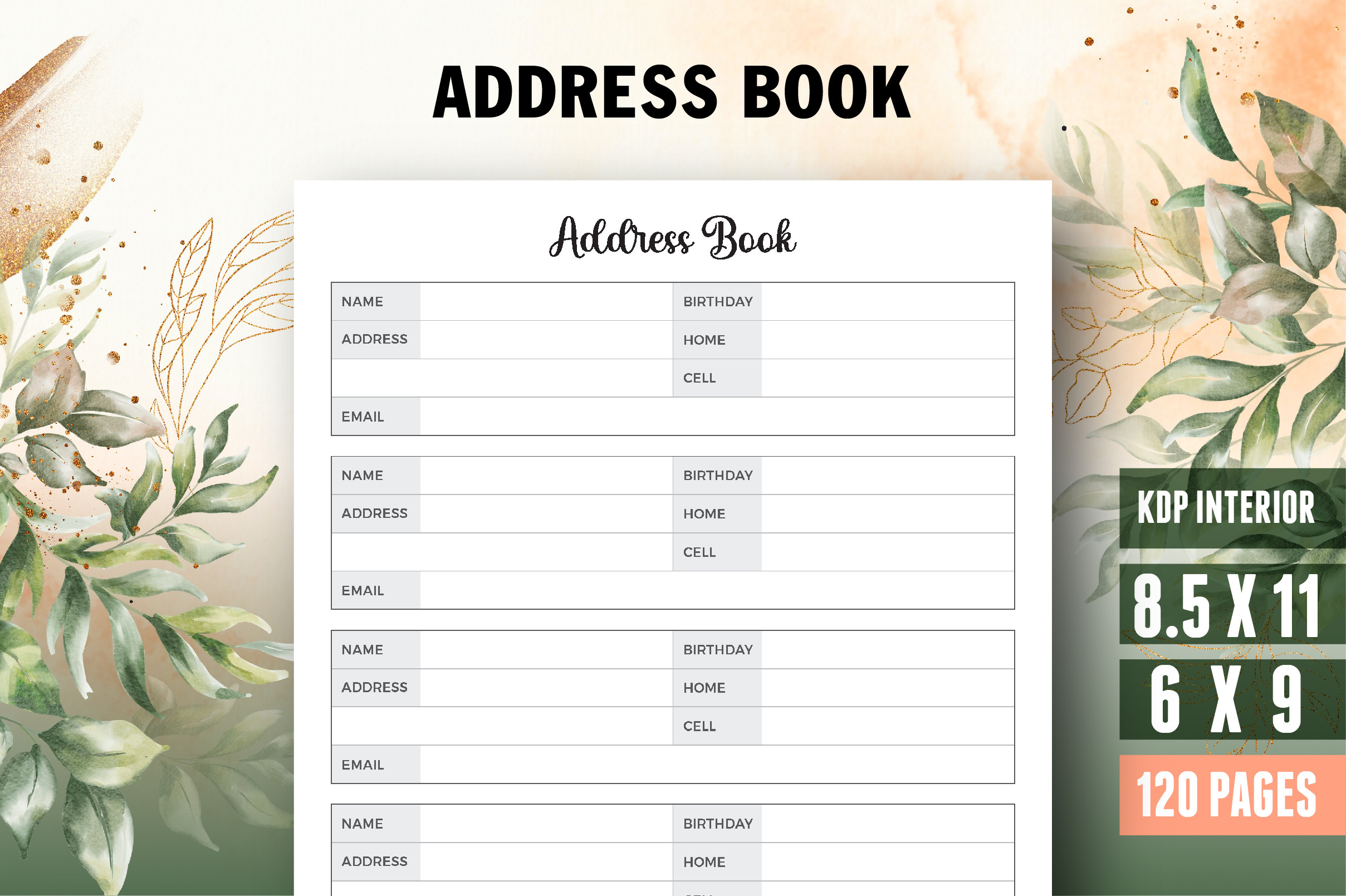
VectorCafe’s Address Book, Contact Log Book Planner supplies a 120-page interior in 8.5 × 11 and 6 × 9-inch sizes. It is described with bleed and 300-DPI output, and includes PDF, AI and JPEG formats along with an ownership title page. The editable source gives you a route to changing the supplied design.
Consider this if you want a contact-log book and deliberately need a bleed layout rather than a margin-only sheet. Before adapting it for a home binder, check whether any content extends to the trim edge and how the printer handles scaling. The listing does not specify exact contact capacity or alphabetical divider structure, so do not infer those solely from its page count.
7. A 100-Page Letter Template with Vector Assets
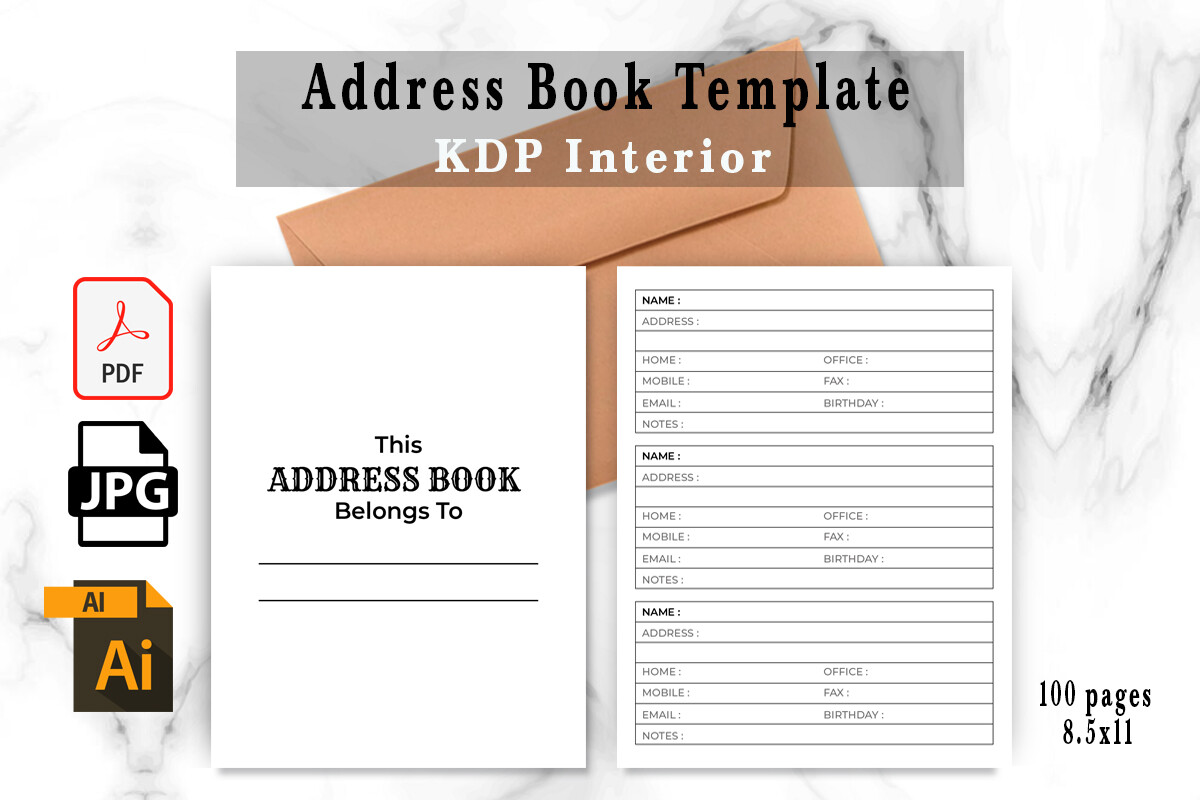
EvastoPub’s Address Book Template includes a 100-page PDF at 8.5 × 11 inches, editable AI and EPS sources, two SVG files, two PNGs and two JPGs. The product is described as resizable, print-ready and 300 DPI. Its combination of full-book PDF and vector assets supports either using the interior as supplied or adapting a page design.
Choose it if you want a Letter-size directory with source files rather than only a flattened PDF. Resizing a book layout still requires checking writing space and margins, especially for a smaller binder. The seller does not state bleed settings, exact fields or entries per page, so verify those in the downloaded source before committing to a full print run.
8. A Canva Contact Interior with PDF and PNG Files
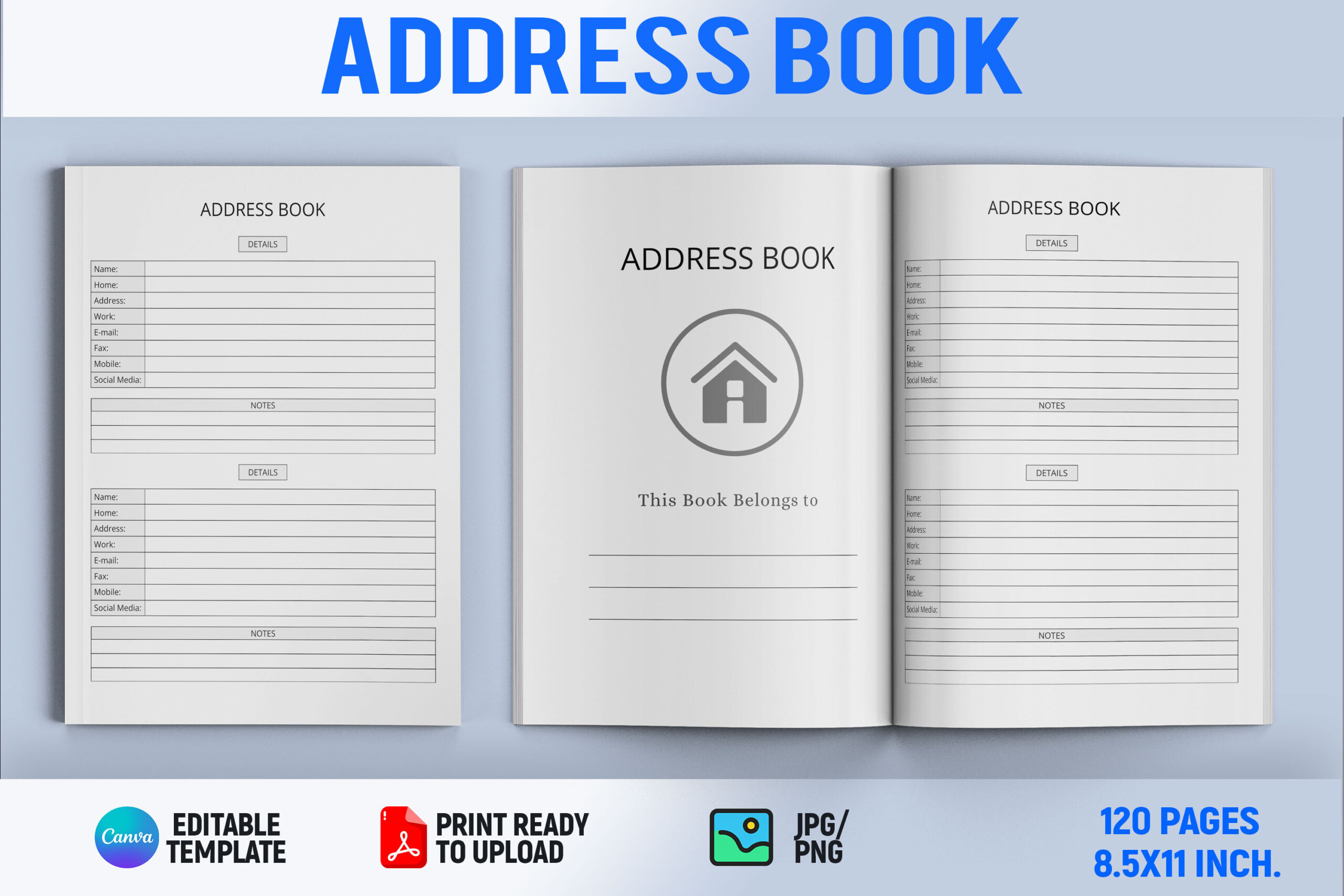
Book2Bees describes address-book pages with a Canva editable file, a ready-to-print 8.5 × 11-inch PDF and a PNG file. The listing discusses customizing fonts, colors and design elements, making it an option for a personal layout that matches the rest of your household planner. It also mentions additional graphics and chapter-divider elements without quantifying them.
Use the Canva source to adapt the design around the contact information you actually maintain. The description does not provide a total page count, bleed setting or a clear inventory of the bonus elements. Do not select it on the assumption that those unspecified extras form a complete indexed system; its verified advantage is the stated editable Canva format and Letter-size PDF.
9. A Simple 110-Page Alphabetical PDF in 6 × 9 Inches
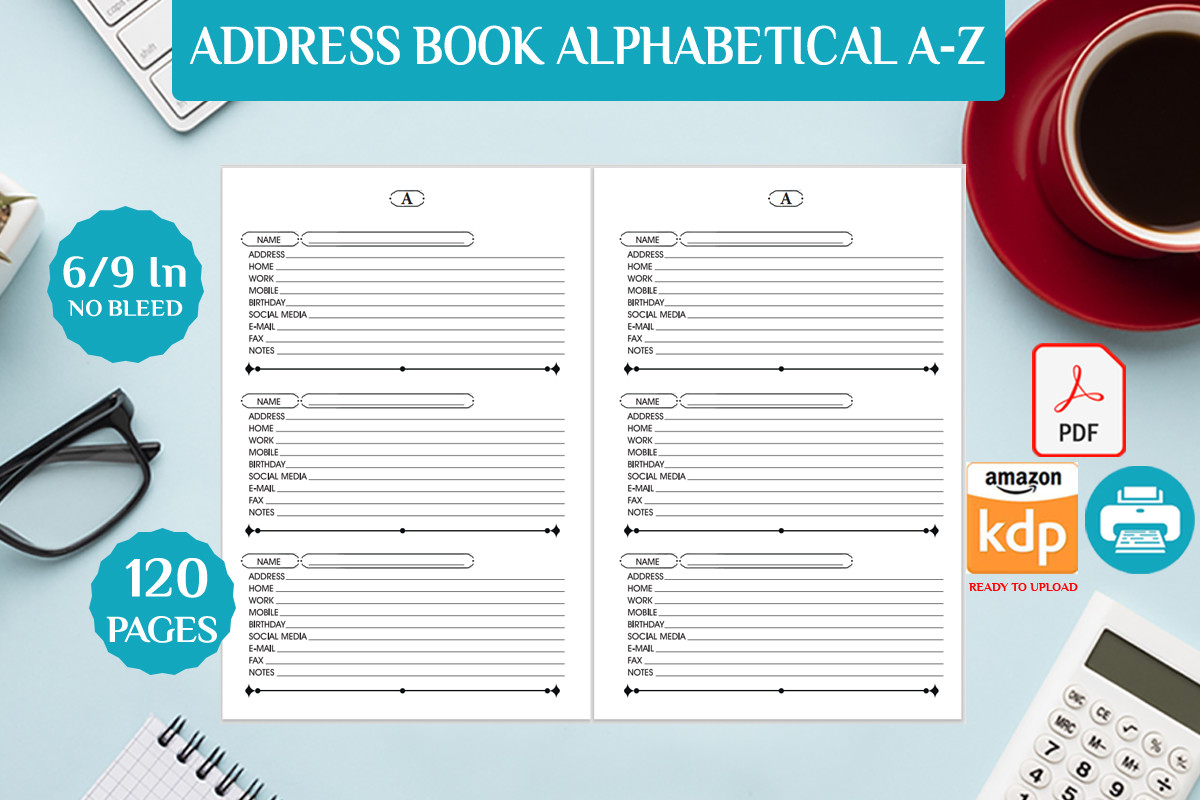
Bendes offers a 110-page alphabetical address-book interior in a single PDF. Its stated trim size is 6 × 9 inches with no bleed, and the seller describes it as print-ready. This is a comparatively simple choice when you want to use a compact layout as supplied rather than manage a collection of editable source formats.
An alphabetical book can make a growing contact list easier to browse, but the description does not quantify entry capacity, identify exact fields or promise editable or fillable pages. Check a representative page before printing all 110 pages. Choose it for the fixed compact format, while selecting a source-file option elsewhere if changing the structure is essential.
10. A Hyperlinked Household Directory with Services and Dates
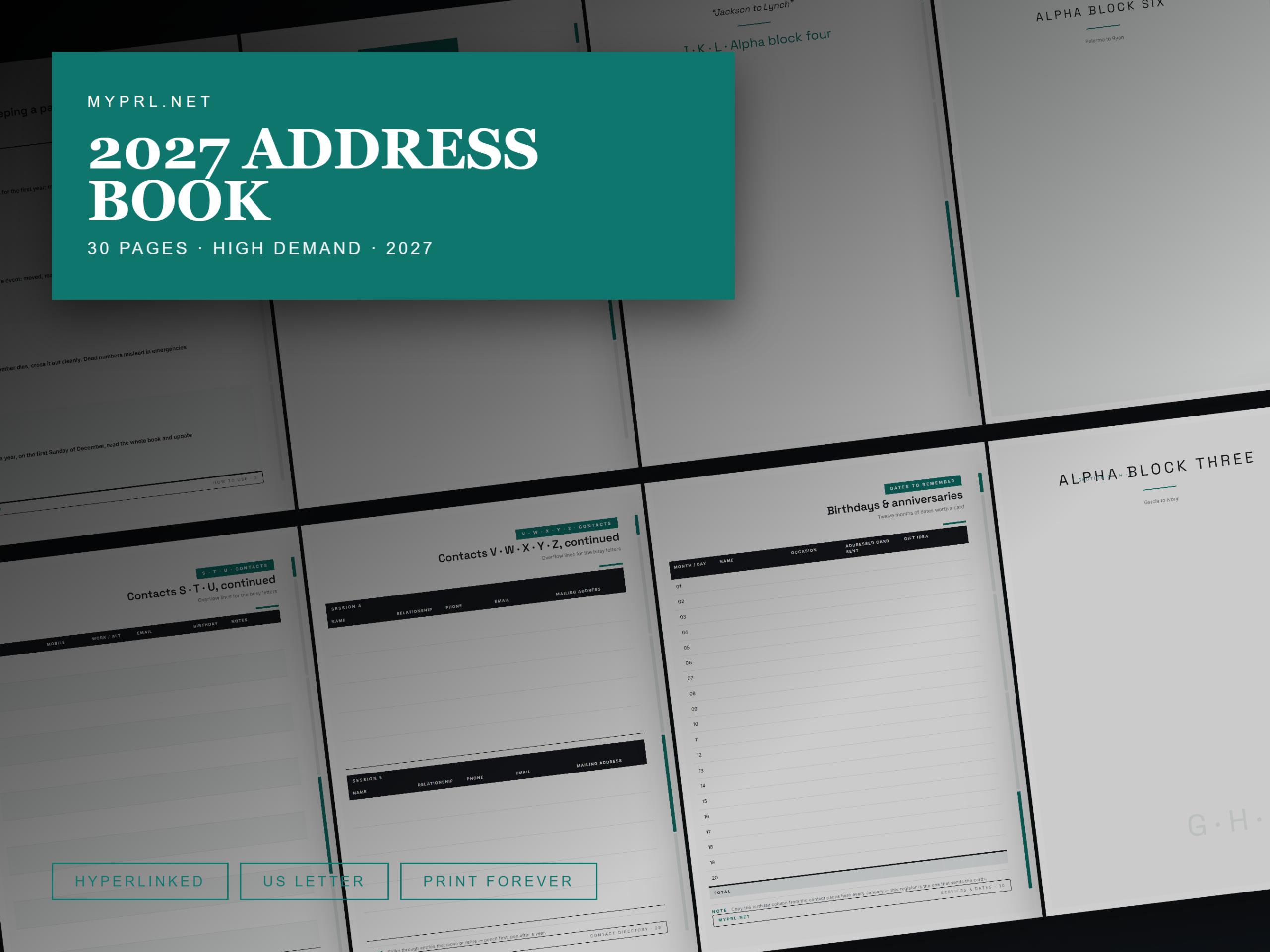
HealersHubco describes a 30-page US Letter PDF organized into eight alphabetical ranges, with 24 contact-directory pages, instructions, a services directory, and birthday and anniversary records. Side tabs and an index are hyperlinked; the seller names GoodNotes, Notability and Xodo for screen use, while also describing printing at 100% scale.
This is useful when your address book needs to include household services as well as personal contacts. The description’s enumerated sections total 28 pages despite the stated 30-page specification, and its introduction pages explicitly mention 2027. That future reference is not a confirmed dated calendar. Editable sources and fillable fields are not promised, so expect PDF navigation or handwritten use.
11. Compact Table-Style Contact Pages in Two Book Lengths
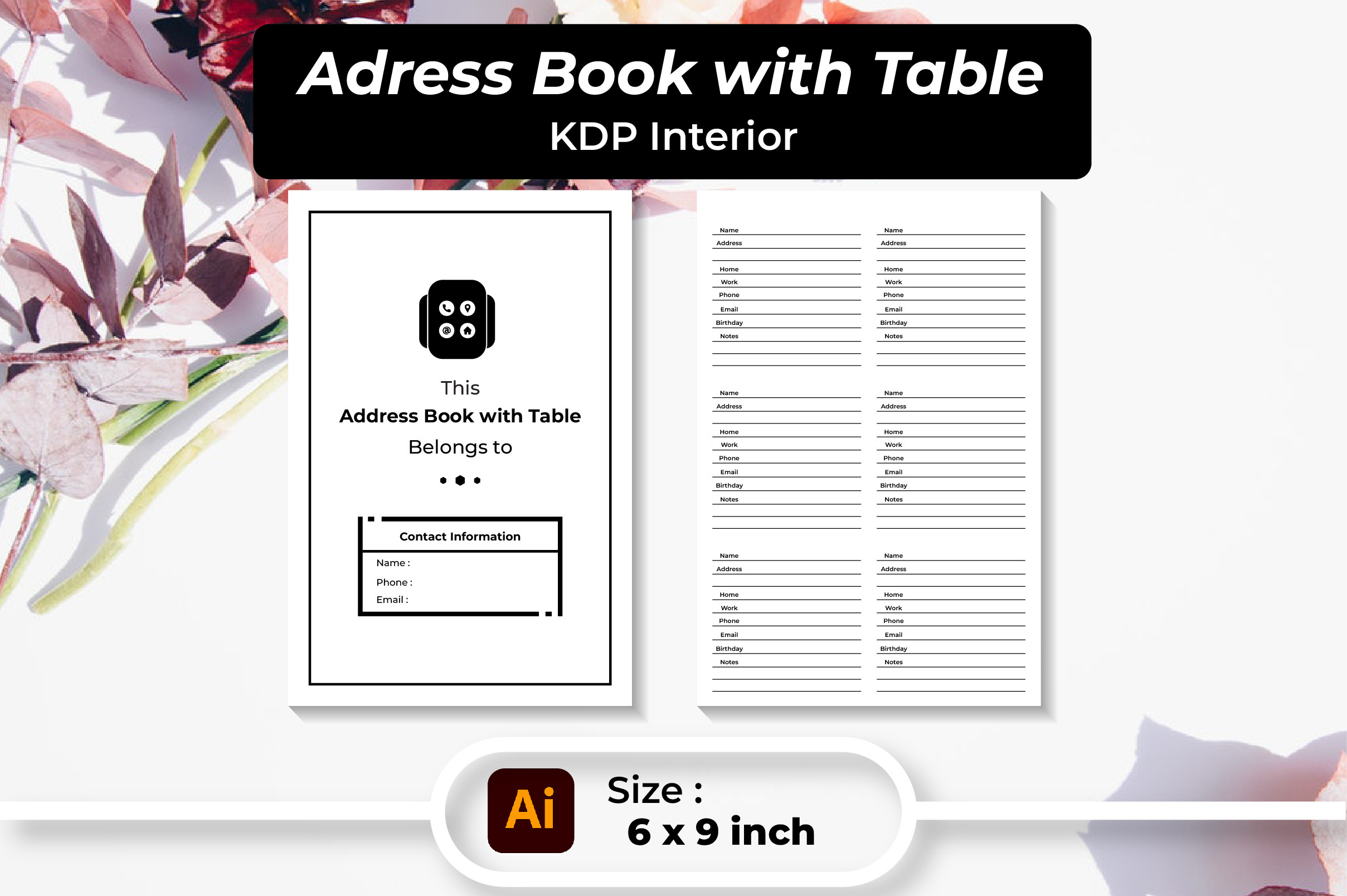
Srempire’s table-style address-book interior comes with 100-page and 120-page PDFs at 6 × 9 inches. The listed supporting files are AI, EPS, two SVGs, two PNGs and two JPGs, with 300-DPI output described. Its contact-table approach is intended for recording details such as names, phone numbers, addresses and email.
Choose a table layout if you prefer scanning rows rather than turning through large individual contact cards. The editable source can help you change the design, but the listing does not state the number of entries per page, bleed settings or whether the PDF itself is fillable. Check how much handwriting space the compact rows provide before selecting the longer book simply for its page count.
Make the download work for your routine
Choose the address book you can update comfortably: a simple list for a small household, an alphabetical directory for many contacts, or an editable interior if the supplied fields need changing. Print one representative page first, check writing space and margins, and make updating the directory part of your regular planning routine.