8 Smart Student Planner Stickers for Classes and Study Blocks
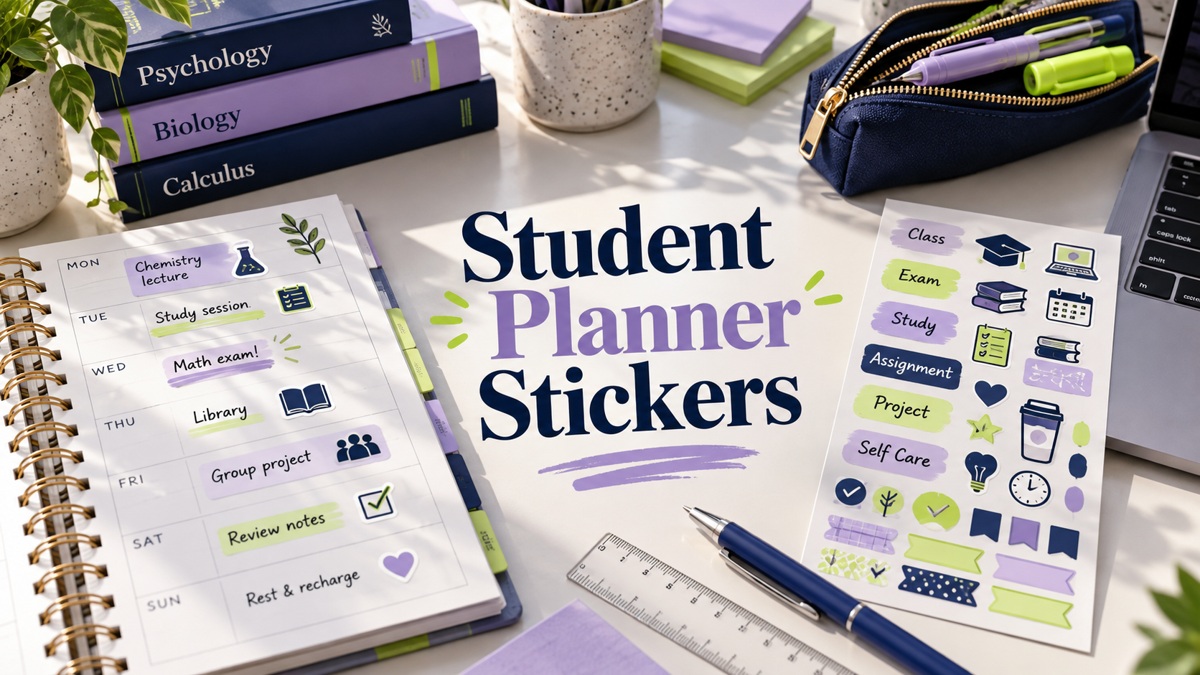
Student planner stickers work best when they separate fixed classes, exam dates, and study tasks. These eight Creative Fabrica options range from compact printable reminders to a coordinated weekly kit and a larger digital sticker book. Choose a small set of meanings you can reuse throughout the term instead of changing your system every week.
Each review compares the seller’s stated formats, sizes, and setup requirements. A digital sticker book is different from a printable sheet, and an attractive icon does not provide an assignment tracker by itself. One collection here is expressly intended for digital use and not recommended for printing.
Start with a personal productivity planner layout that leaves space for deadlines and next actions, then use the stickers to make those entries easier to find.
1. Study Planner Stickers
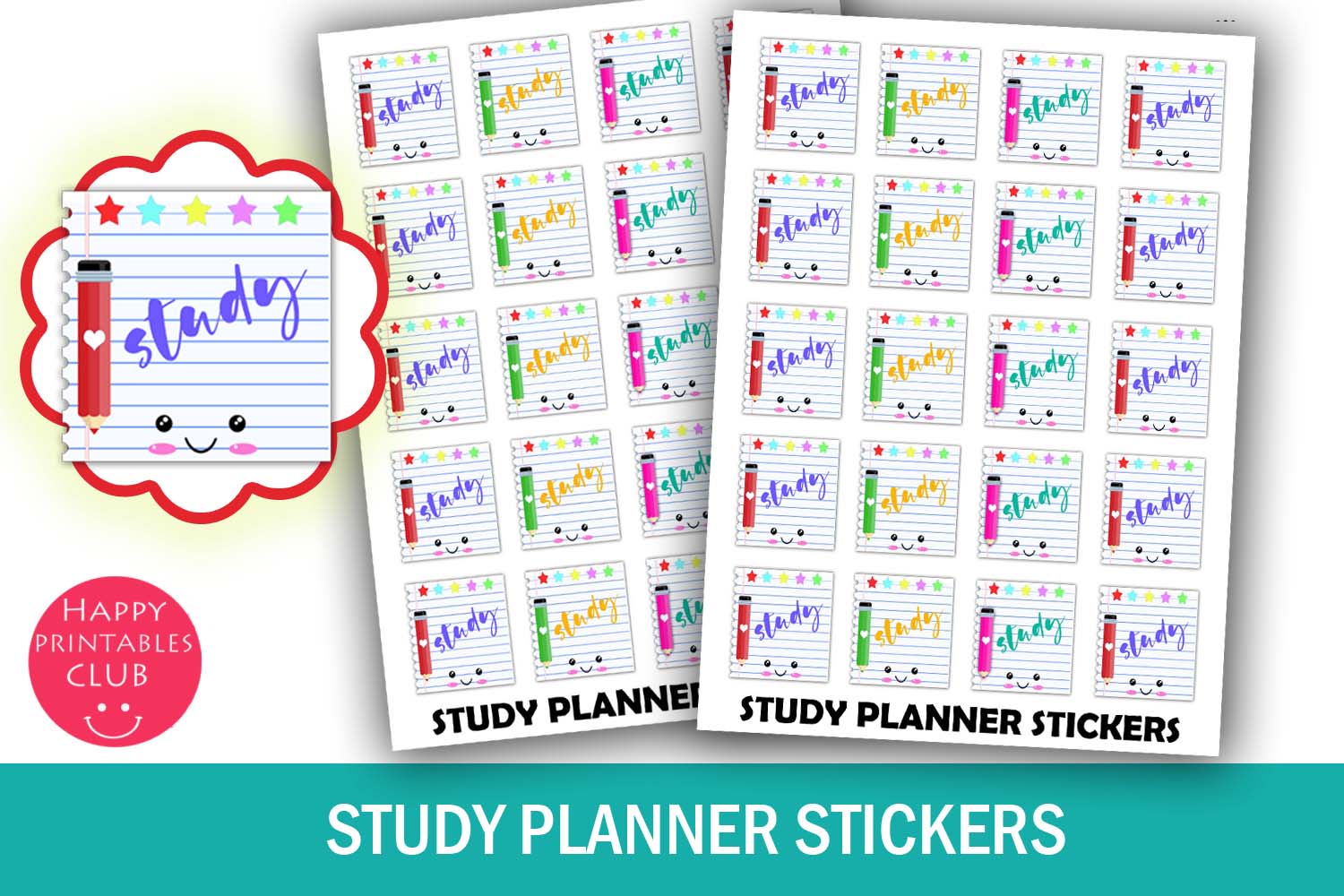
These study reminders reserve space for a planned learning session without requiring a full academic sticker kit. The seller lists 20 stickers on a 4 × 5.5-inch sheet, with each approximately 0.8 × 0.9 inches. A PDF and JPEG are included. The design is useful when you want to see study appointments among classes and other commitments on a weekly page.
Write the subject and a specific task beside the sticker, such as reviewing one chapter or practicing a problem set. A Study label alone does not explain what you intend to accomplish. Print at actual size and check the footprint on your page. Individual transparent PNGs, editable fields, and machine cut files are not confirmed. Use the marker as a prompt for your plan rather than a tool that tracks study time automatically.
2. Class Reminder Planner Stickers
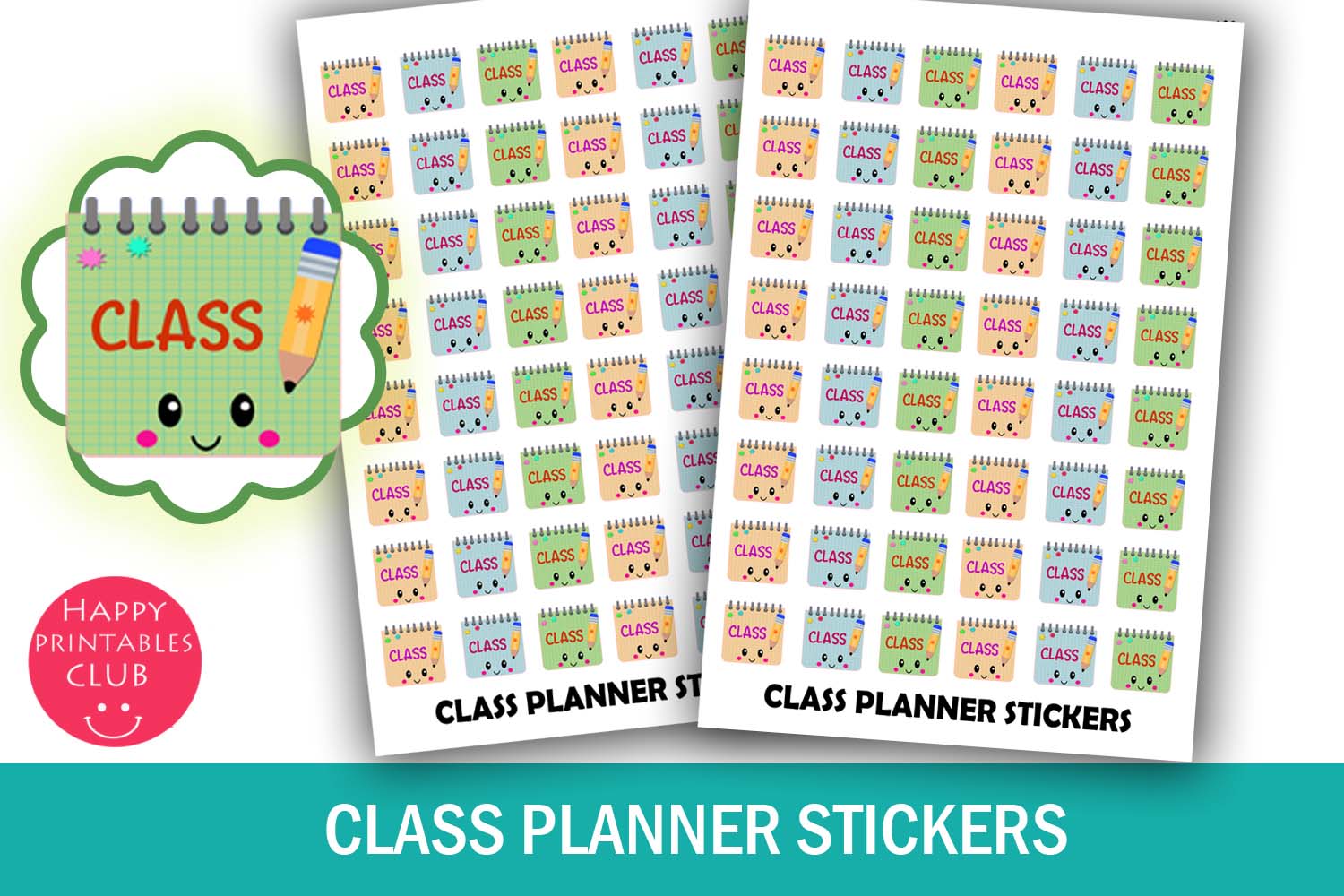
A Class icon makes scheduled teaching time distinct from independent study. This set lists 48 stickers, approximately 0.55 × 0.5 inches each, on a 4 × 5.5-inch sheet. The download includes a PDF and JPEG. The small footprint is helpful for a timetable where several classes need room for a subject name and location beside the visual marker.
Add the start time and room, and use a different cue for a study block so your weekly page stays clear. The file contents provide a printable sheet, without a native digital sticker book or recurring-calendar events. No dedicated cut lines are listed. Check the small lettering on a plain-paper print before using sticker paper, and avoid shrinking the design so much that the reminder loses its meaning.
3. Exam Reminder Planner Icons
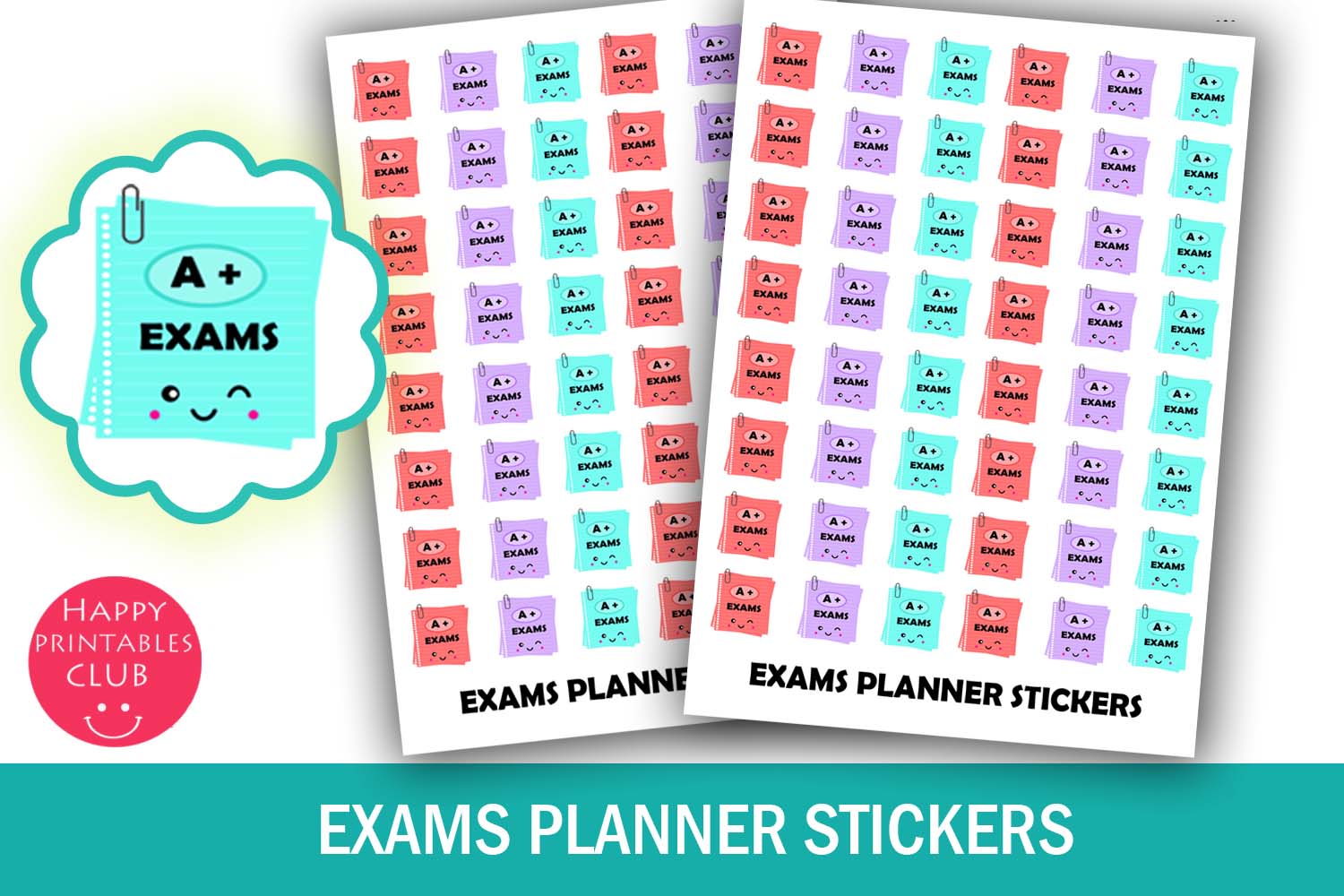
Exam-specific labels can make a fixed deadline stand out from ordinary class sessions. This pack lists 48 stickers at approximately 0.55 × 0.5 inches on a 4 × 5.5-inch sheet, with PDF and JPEG files included. The small reminder is a useful marker on the exam date while leaving writing room for the subject and location.
Put revision sessions on earlier days rather than using the exam sticker as the entire preparation plan. Confirm the date and time with your course information and write them beside the image. The set does not contain revision materials, reminders, or grade calculations. Print a test page at actual size, and allow for manual cutting or your own tracing workflow because a dedicated machine cut file is not confirmed.
4. Study Printable Planner Stickers
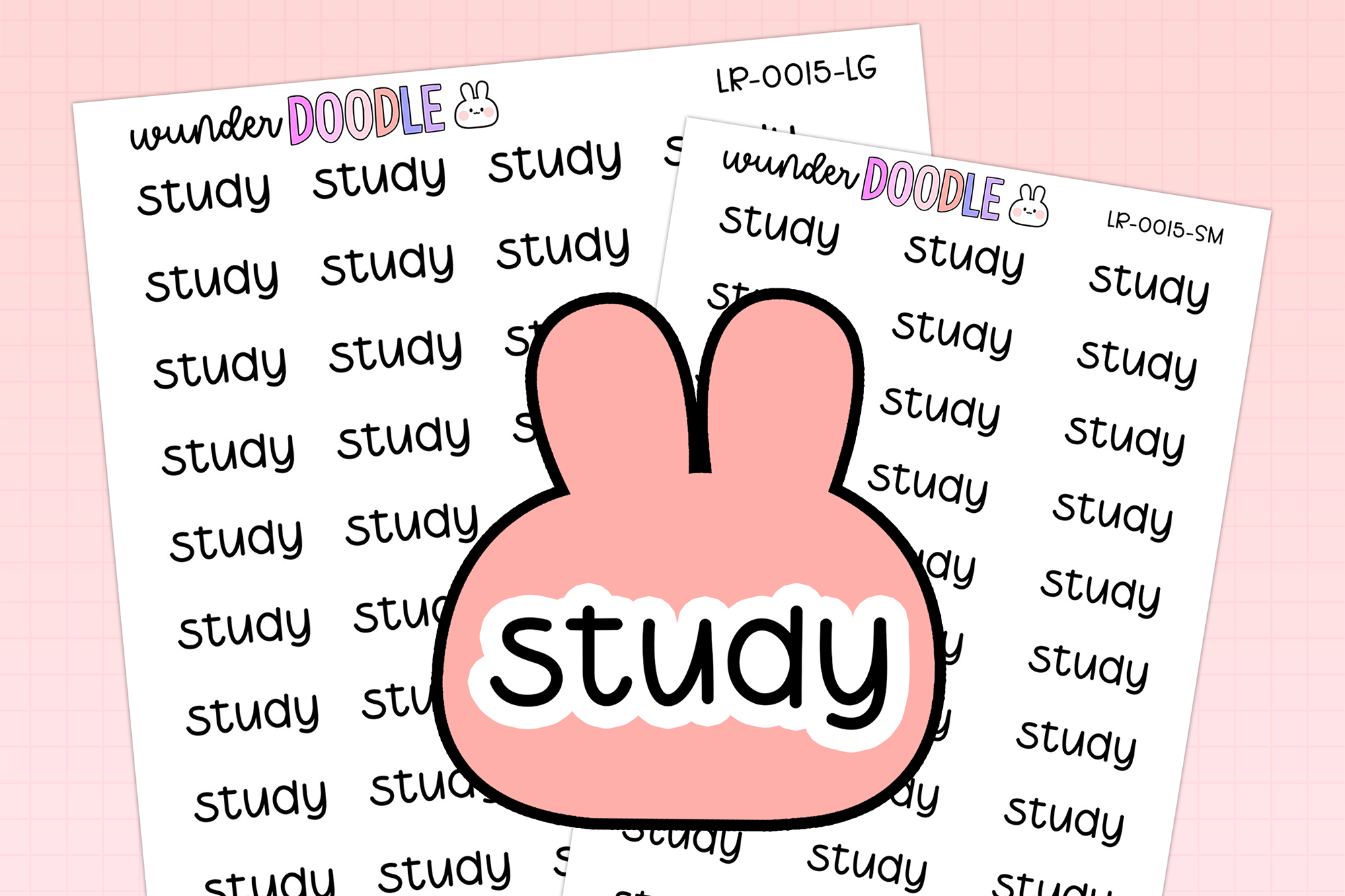
Handwritten Study labels offer a quieter alternative to colorful illustrated boxes. The listed contents include large and small JPG sheets, matching blackout PNGs, transparent PNG sheets, an individual white-outline PNG, a Silhouette Studio file with cut lines, and a guide. Sheet sizes are 6.5 × 4.5 and 5 × 3.5 inches, with the individual sticker at 0.78 × 0.3 inches.
Use the lettering above a study block and write the task underneath. The seller recommends prior cutting experience, so this may need more setup than a simple PDF sheet for a first project. The narrow label works best as a heading rather than a place to write details. Follow the guide, confirm your print scale, and test the outline before committing to a full sheet of sticker paper.
5. School Life Planner Sticker Kit
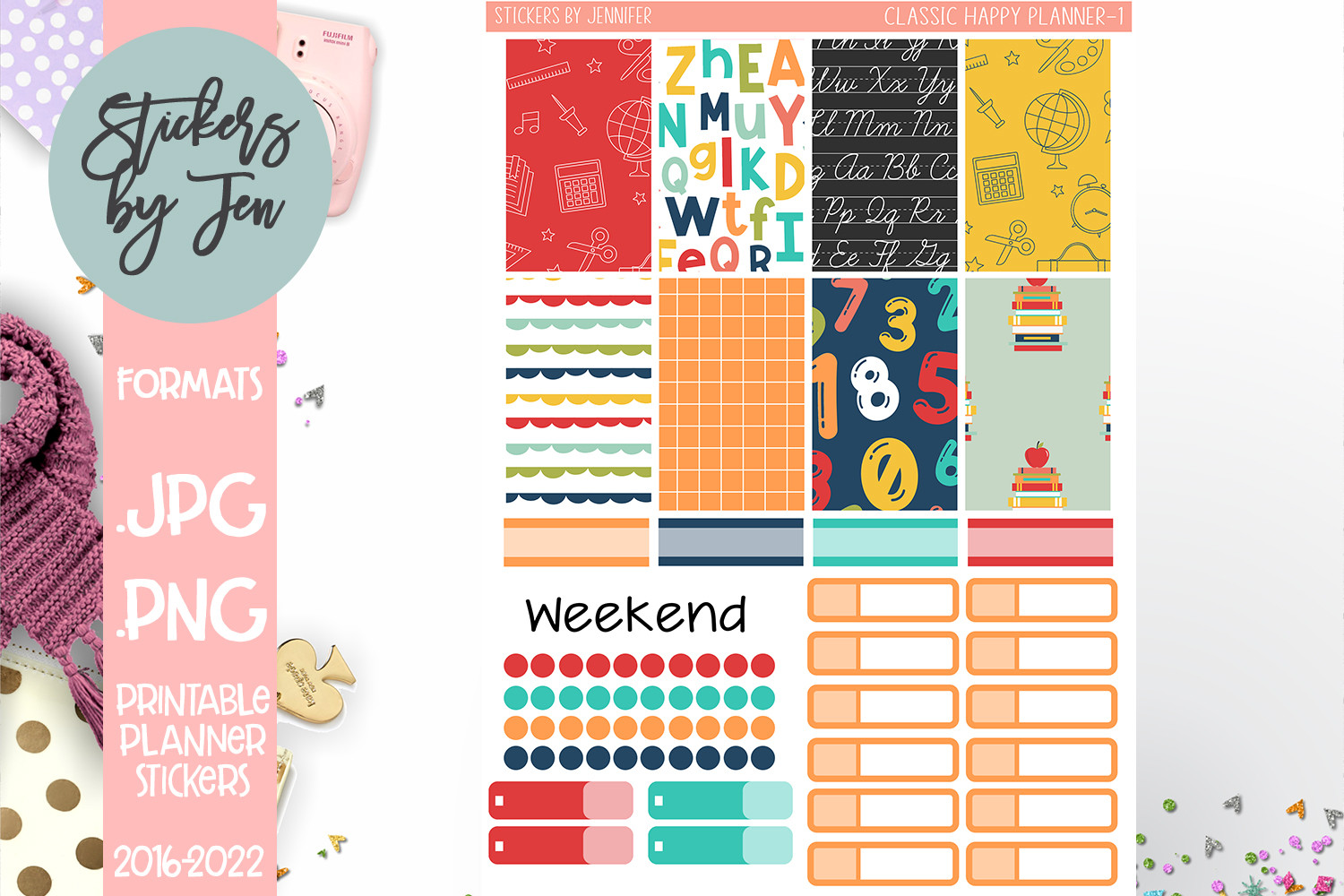
A coordinated school-themed kit can give a weekly spread matching boxes and labels instead of unrelated reminders. The product is designed for 7 × 9-inch vertical planners, with boxes and labels 1.5 inches wide and a bonus icon sheet. The seller provides PNG files to resize to 6.75 × 9.25 inches for a Cricut workflow.
Measure your planner columns before using the kit, because the stated width matters more than a general school-planner label. For Cameo software, the seller says to create cut lines and use the same sheet dimensions. Leave room for assignment names and deadlines before decorating. A PDF download or editable academic timetable is not confirmed in the detailed description. Use the matching elements to organize a page you have already planned.
6. Digital Planner Stickers Back to School
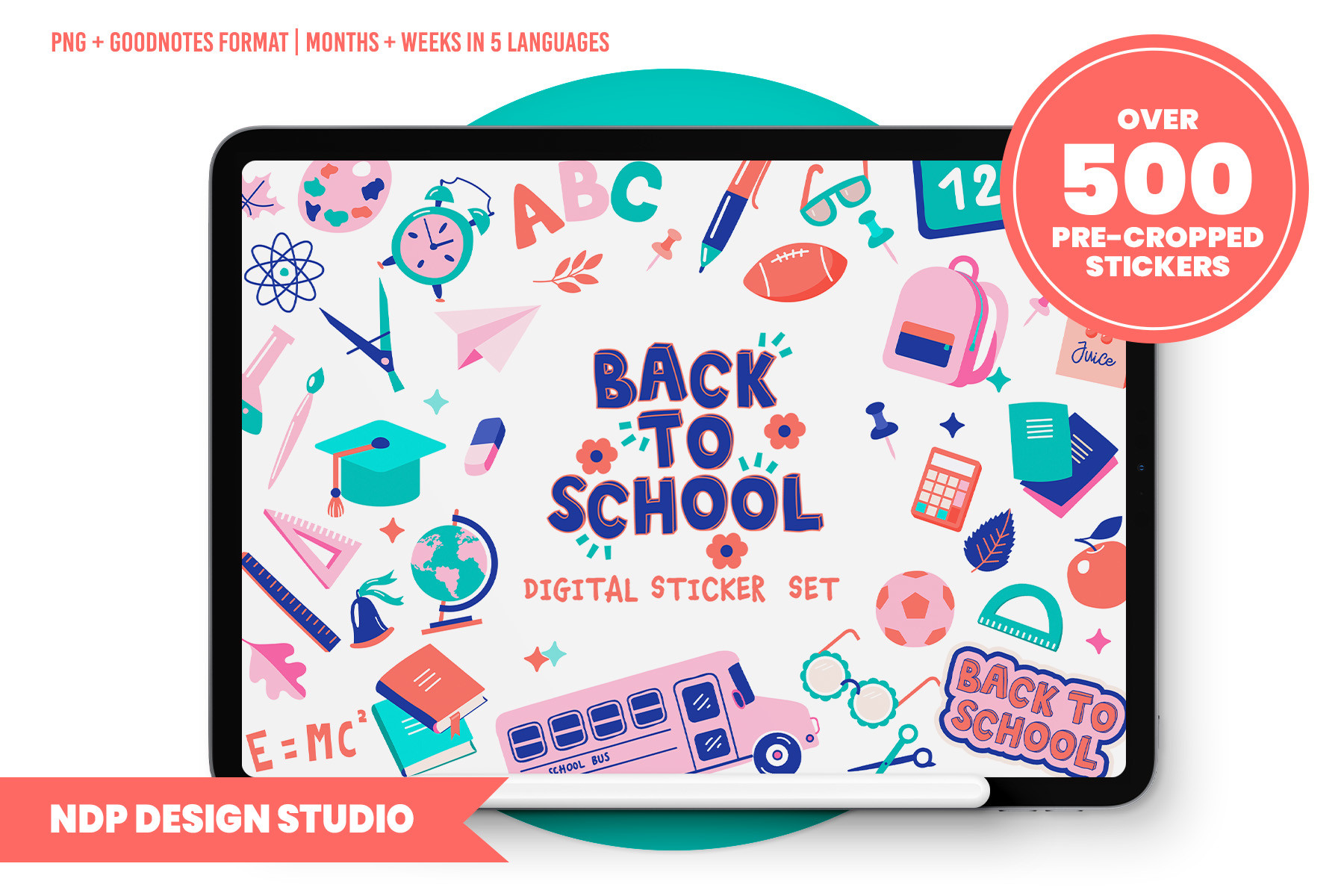
This larger digital collection is useful when you want academic and functional elements in one app-friendly library. It includes more than 500 stickers, a hyperlinked Goodnotes sticker book stated to work with Goodnotes 5, individual PNGs, placement guides, and a blank hyperlinked PDF sticker book. Week and month names are available in English, Spanish, Italian, French, and Portuguese.
The seller explicitly says the 150-DPI files are not suitable for printing, so choose this pack for tablet planning rather than paper stickers. Verify compatibility with your current app version, because Goodnotes 5 is the version named in the listing. Organize a small set of frequently used elements first instead of importing every sticker into each page. The supplied book helps access the artwork; it does not automatically build or update your class schedule.
7. Cozy Study and Work Planner Stickers Vol. 5
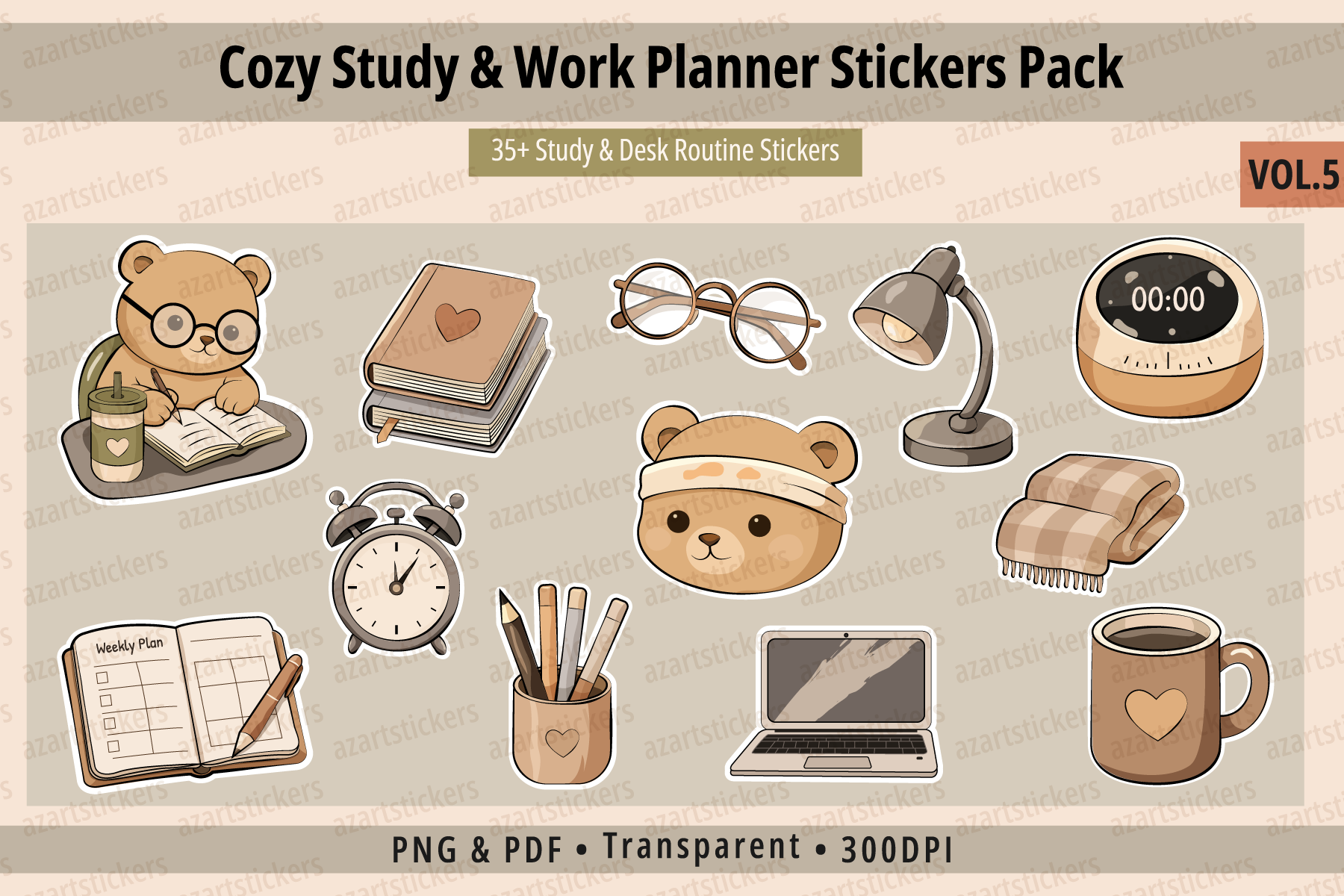
Notebooks, planners, reading items, laptops, and quiet workspace motifs give this set a softer study-desk style. The seller lists more than 35 illustrations, supplied as individual transparent RGB PNGs at 300 DPI and print-ready CMYK PDF sheets in a ZIP. It combines study-related objects with planning reminders and decorative comfort items rather than focusing only on school subject labels.
Use a few images for reading, note review, or a planned desk session, then keep the specific assignment in your own writing. PNG and PDF versions use different color modes, so their colors can differ between a screen and a print. Native Goodnotes packaging and dedicated machine cut files are not specified. The graphics provide optional visual cues, without study timers, assignment syncing, or progress calculations.
8. Kawaii School Notes Icon Planner Sticker
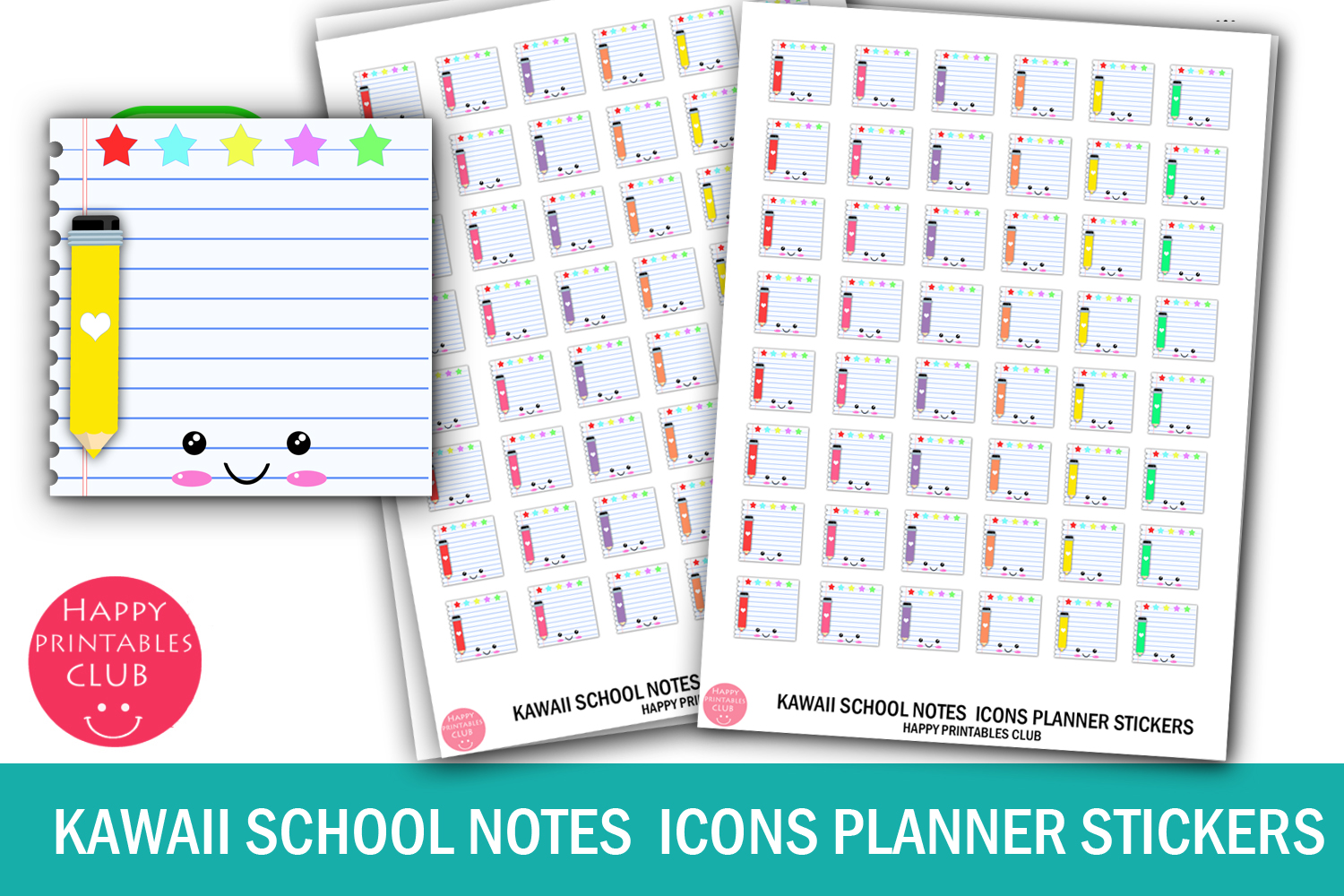
A small notes icon can mark material to review or a place where you need to capture a question. The ZIP includes JPEG, PNG, and PDF files, with compact sticker and sheet measurements stated in the listing. This set is useful when your study page already contains a timetable and you only want a simple visual marker for note-related tasks.
Give the icon one meaning, such as review class notes, and write the subject beside it. Confirm the units and actual print size from the file before using sticker paper, since the measurement lines omit units. No machine-specific cut file is listed. The download supplies stationery graphics rather than ruled study pages or editable note templates. Keep longer summaries elsewhere so the reminder stays easy to recognize.
How to Choose Student Planner Stickers
Use class markers for fixed teaching time, exam labels for confirmed dates, and study reminders for specific work you plan to complete. Write the subject and next task beside each marker so the page contains an actionable plan rather than just a colorful timetable.
Paper users should check sheet dimensions and cutting requirements. Tablet users should distinguish individual PNGs from a native sticker book and verify the app version named by the seller. A product designed only for digital planning should not be treated as a print-ready pack.
Pick a small set of student planner stickers, test it for one week, and keep the symbols that make your page easier to review. Leave room to move study tasks when classes or deadlines change.