12 Cozy Christmas Village Stickers and Clipart for Holiday Journals
Christmas village stickers can turn the edge of a journal spread into a tiny winter street: snowy roofs, glowing windows and trees that connect one page to the next. A complete village scene creates a different effect from a row of separate houses, so decide which composition you want first.
The twelve resources below are clipart and design files for making your own decorations. Ready-made printable sticker sheets are not confirmed in their file lists. Some supply transparent PNGs; others offer scenes, JPGs or vector artwork that needs a suitable editor. The descriptions explain what is listed and where layout, outlines or cutting remain your own step.
In this guide
1. Winter Village Compositions with Snow Variants
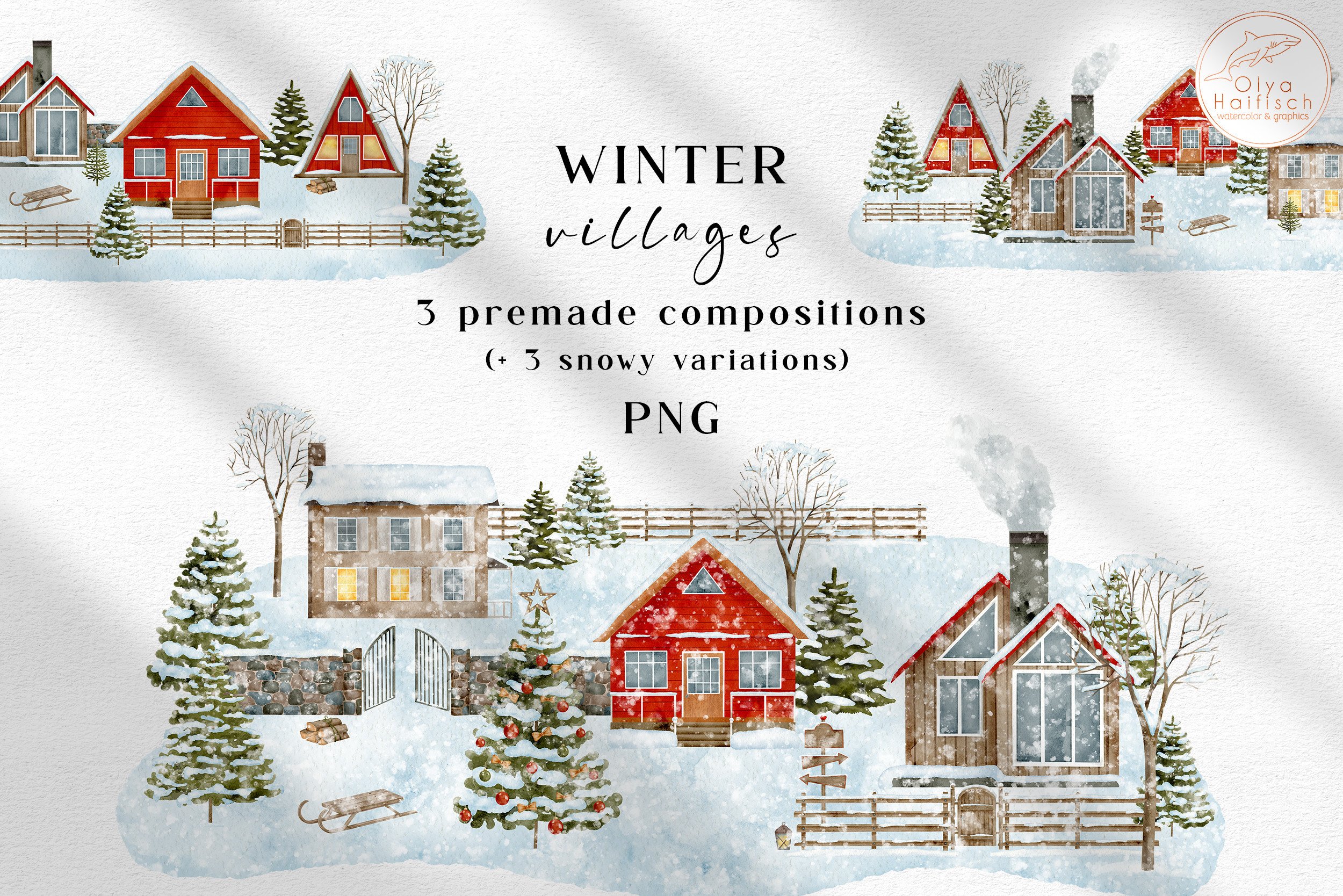
Olya Haifisch provides six transparent PNG compositions: three village scenes and three versions with falling snow. The images are 4,800 pixels on the longest side at a stated 300 DPI, combining cottages, snowy trees and countryside details.
Choose these for a larger journal decoration or a continuous scene across the foot of a spread. They are composed illustrations, so the individual houses are not promised as separate movable elements. Fonts, mockups and preview scenes are excluded, and you will need to arrange and cut your own sticker layout.
2. Twenty-Two Festive Village PNGs
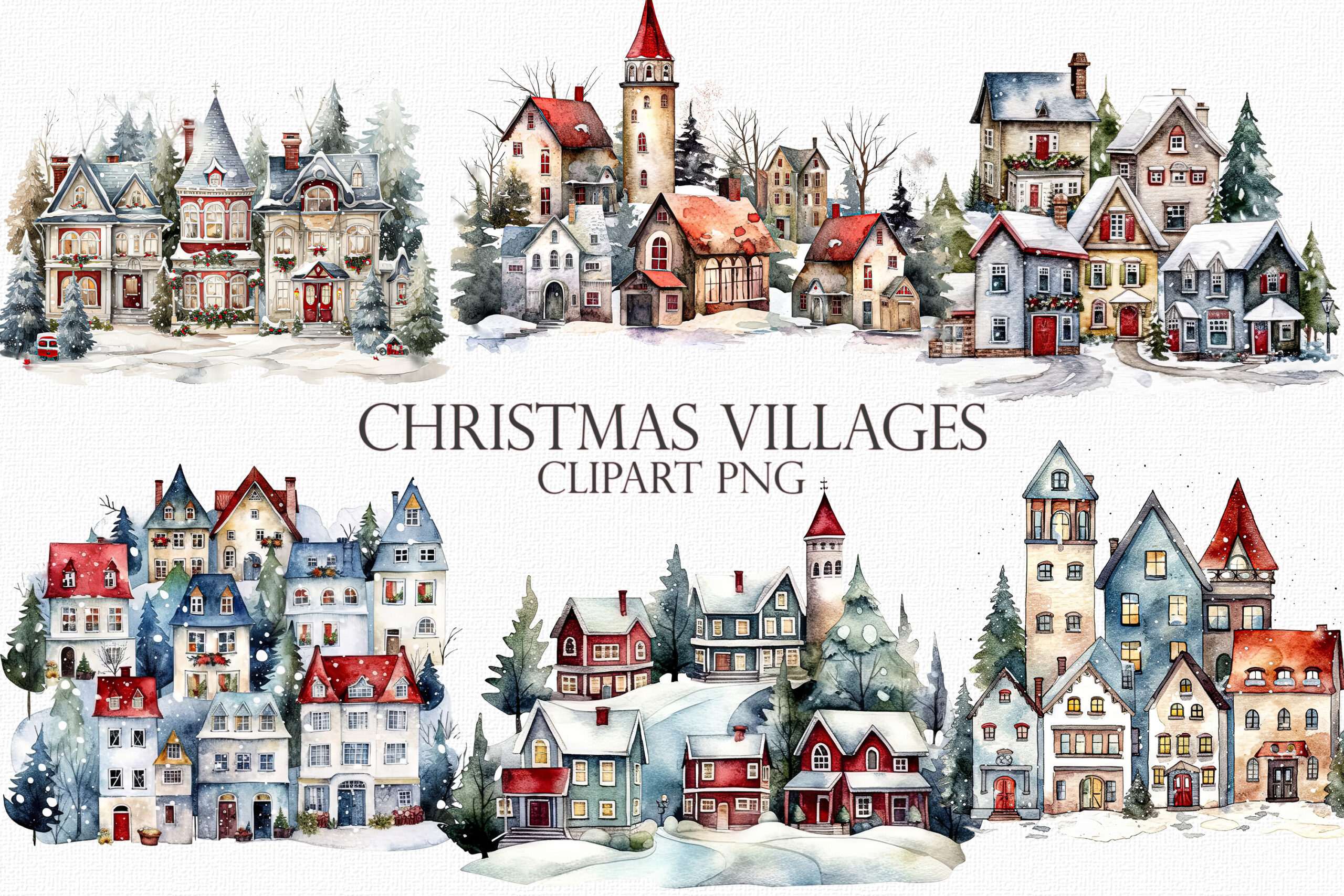
Mehtap Aybastı’s collection lists 22 PNG images of winter villages and holiday houses. The page describes high-resolution artwork and shows a range of snowy architectural arrangements, but the main description does not give pixel dimensions or explicitly confirm transparency.
This is worth considering when you want several village designs for a coordinated journal. Check the actual file properties before planning a very large print or layering the artwork over colored paper. It is a clipart collection, not a ready-spaced printable sticker sheet or a supplied cutting-machine project.
3. Christmas Land Watercolor Landscapes
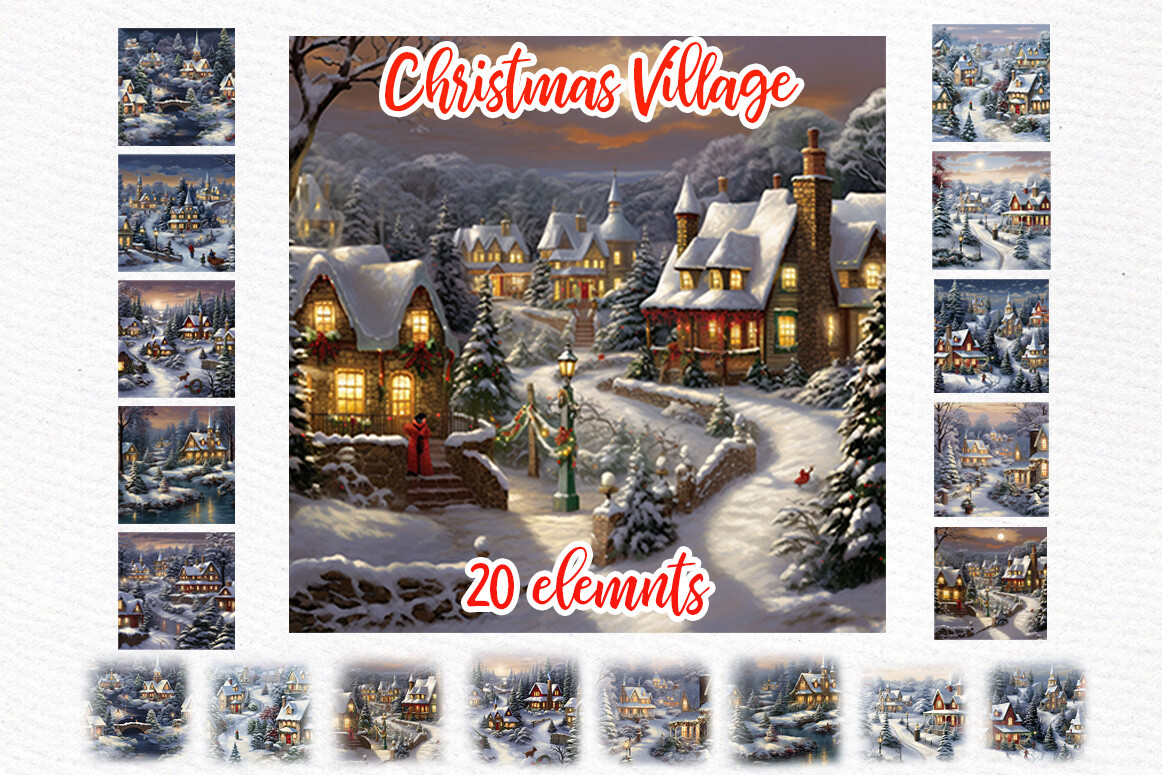
LeCoqDesign lists 20 PNG and JPG files with watercolor village landscapes, a 6 × 6-inch element size and 300 DPI. The description does not make clear whether every design is supplied in both formats or how many unique scenes those files represent.
Choose it for scenic journal panels rather than expecting a set of individual house stickers. A JPG keeps its rectangular background, while PNG transparency is not expressly promised here. Compare the preview’s compositions with the space on your page before building a layout.
4. Large Watercolor Winter Town Illustrations
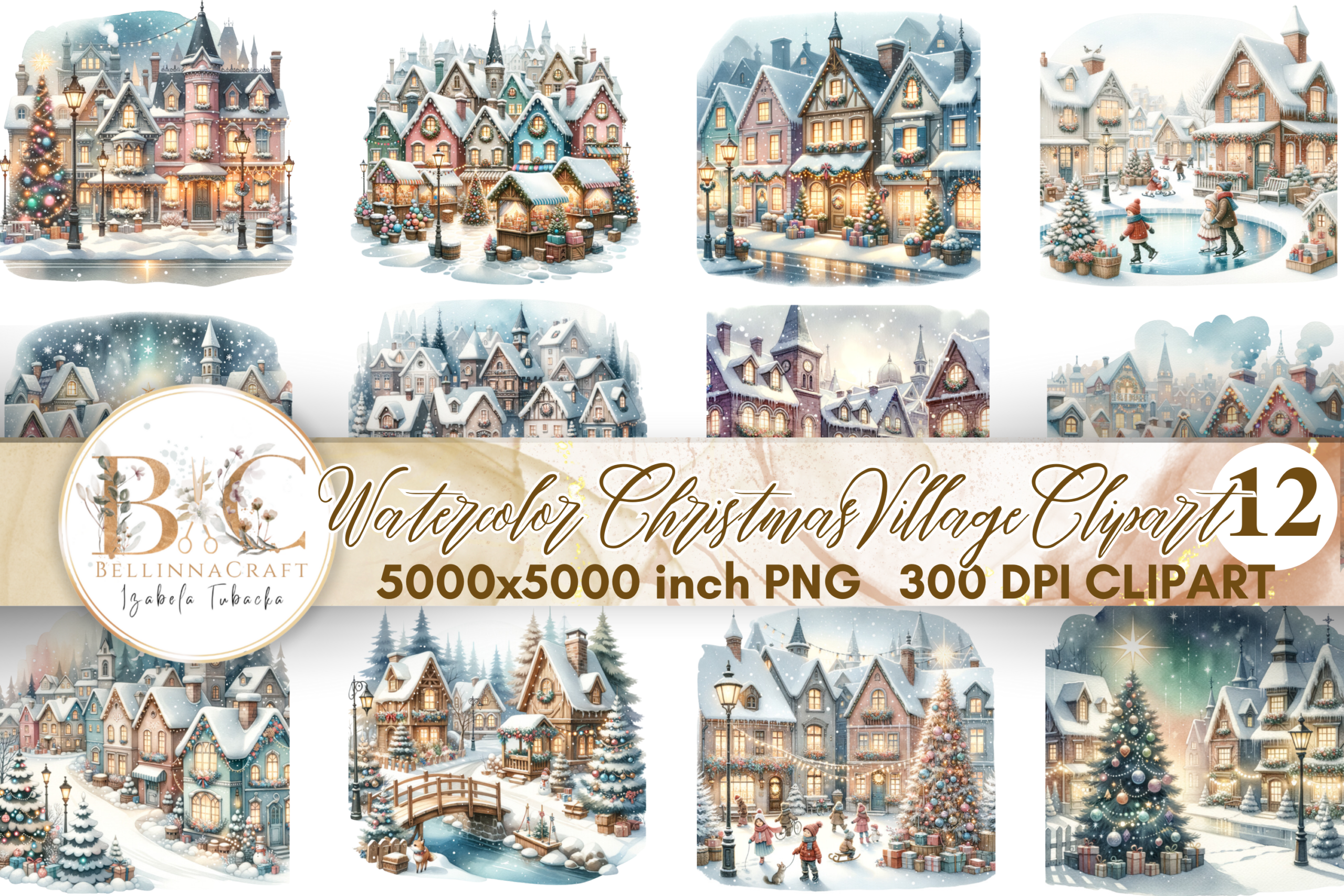
BellinnaCraft supplies 12 PNG illustrations at 5,000 × 5,000 pixels and 300 DPI. The collection centers on cozy winter towns, holiday houses and festive village scenes, with a larger original pixel size than several compact alternatives here.
This gives room to crop or reduce an illustration for a journal decoration, though the listing does not explicitly confirm a transparent background. Arrange the images yourself for sticker printing and check the edges against your chosen paper color. More pixels do not turn a complete scene into separately editable buildings.
5. Transparent Village Clipart Collection
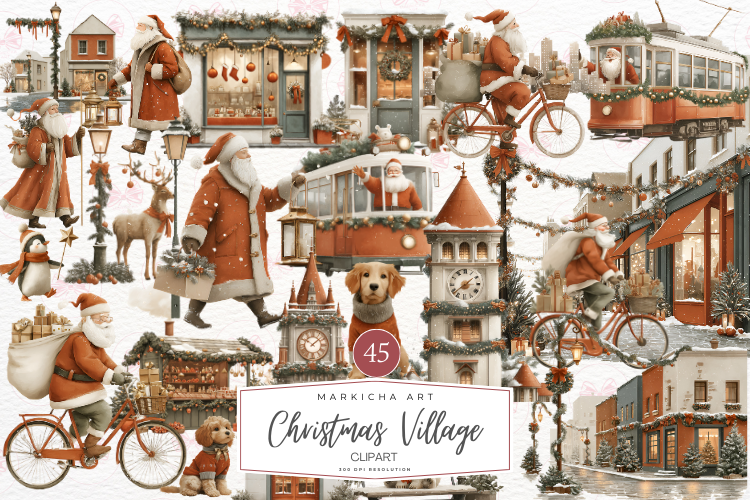
Markicha Art lists 45 transparent PNG files at 2,048 × 2,048 pixels and a stated 300 DPI. The artwork is presented as a Christmas village collection suitable for stationery and other design projects.
Choose it when variety and transparent edges matter more than very large prints. At 300 pixels per inch, a 2,048-pixel file is roughly 6.8 inches wide; reducing it for planner use is a different task from enlarging it into a poster. A printable sheet and cut paths are not listed, so allow for your own layout step.
6. Watercolor Village PNG Bundle
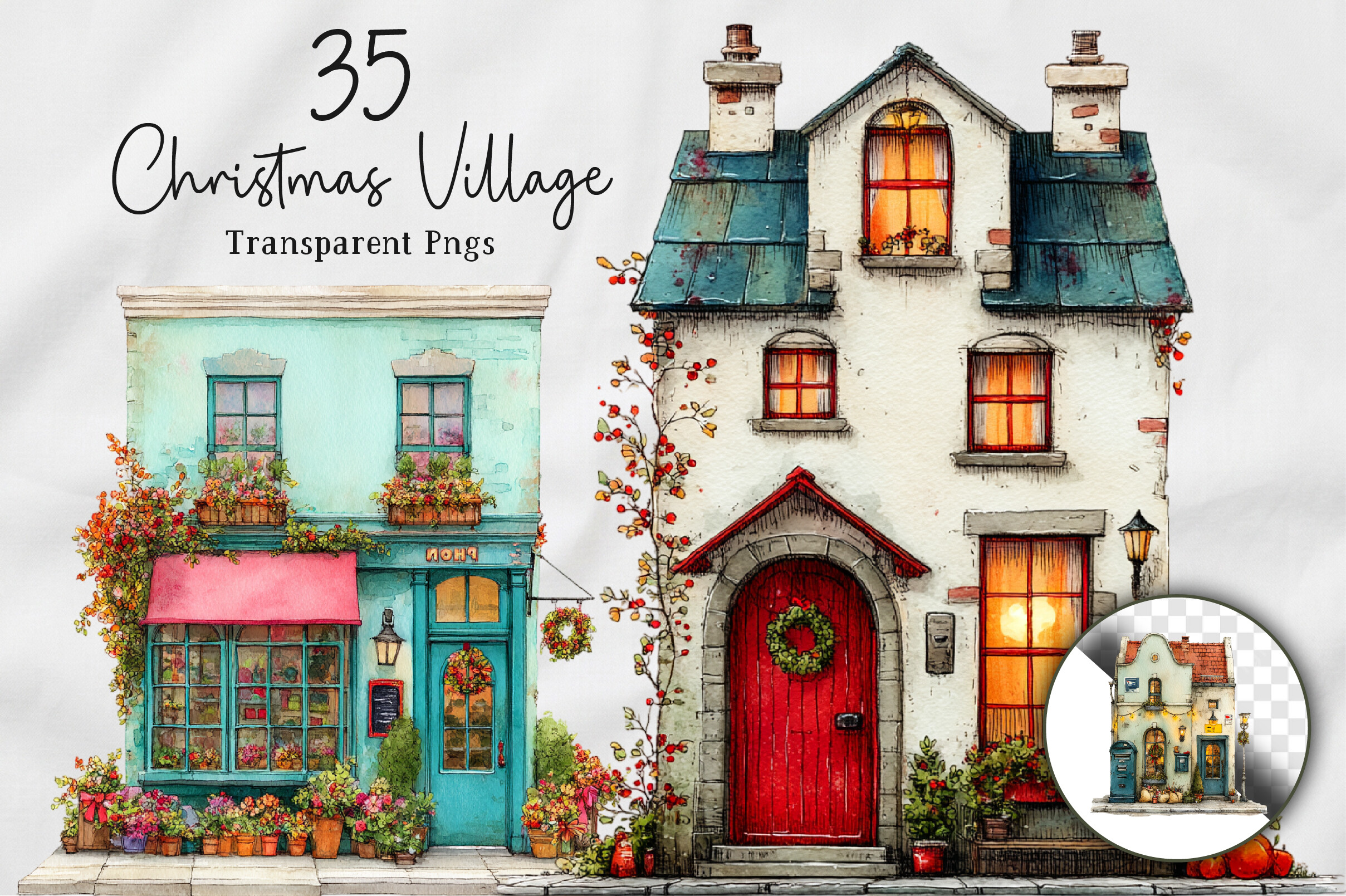
NexaArt lists 35 transparent PNG files at 12 × 12 inches and 300 DPI. The page describes snowy houses and village scenes, while its file list also uses the wording solid color alongside the watercolor title.
Use the preview to judge the actual visual finish rather than relying on either label alone. This is a collection for creating your own journal decorations, not a pre-cut sticker order. Check the scale of roofs, windows and trees at your intended print size so the scene stays readable.
7. Six Transparent Village Illustrations
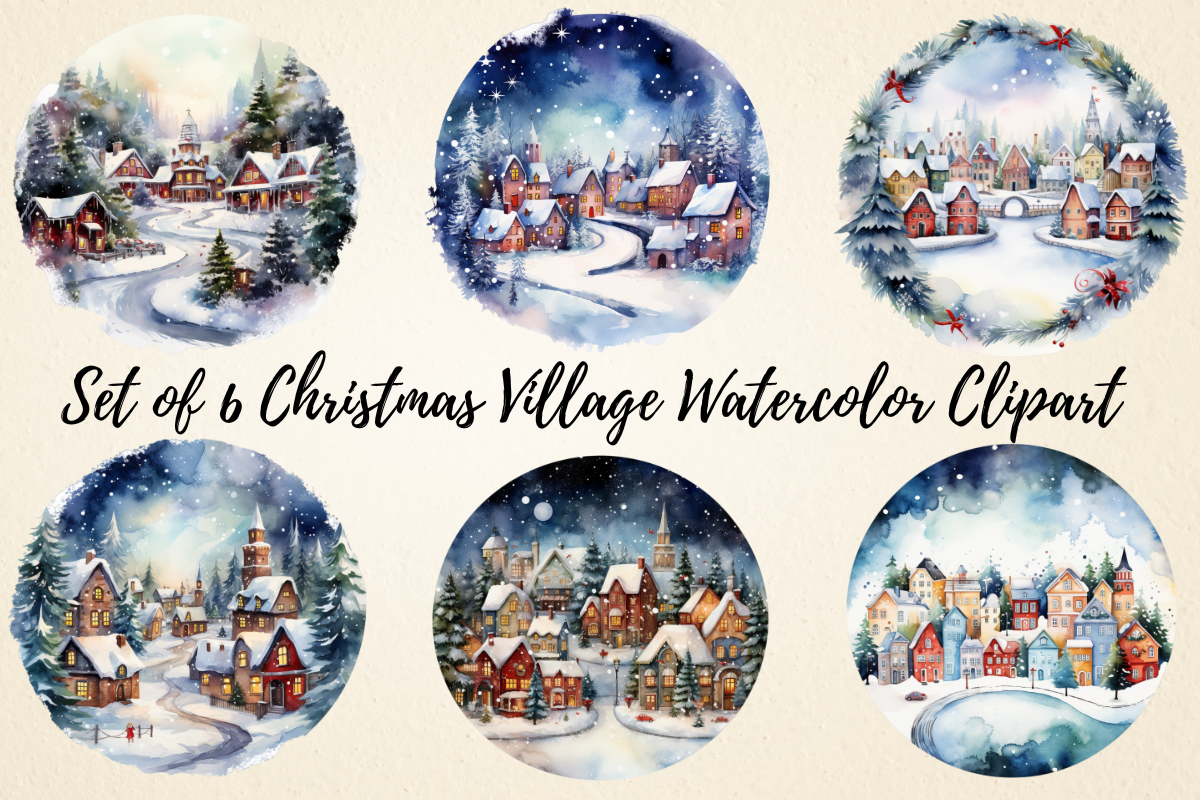
pcudesigns supplies six transparent PNG files at 3,000 × 3,000 pixels. The smaller collection offers village artwork for planners, cards, scrapbooks and other projects without a long list of extra formats.
Choose it if a few coordinated scenes are enough and you want to avoid sorting through a large bundle. The supplied format lets you arrange the artwork over a background, but it does not include a sticker-sheet layout or a verified machine-cut workflow. Keep a clear margin around the scene when preparing a hand-cut sticker.
8. Fifteen Village PNGs for Custom Layouts
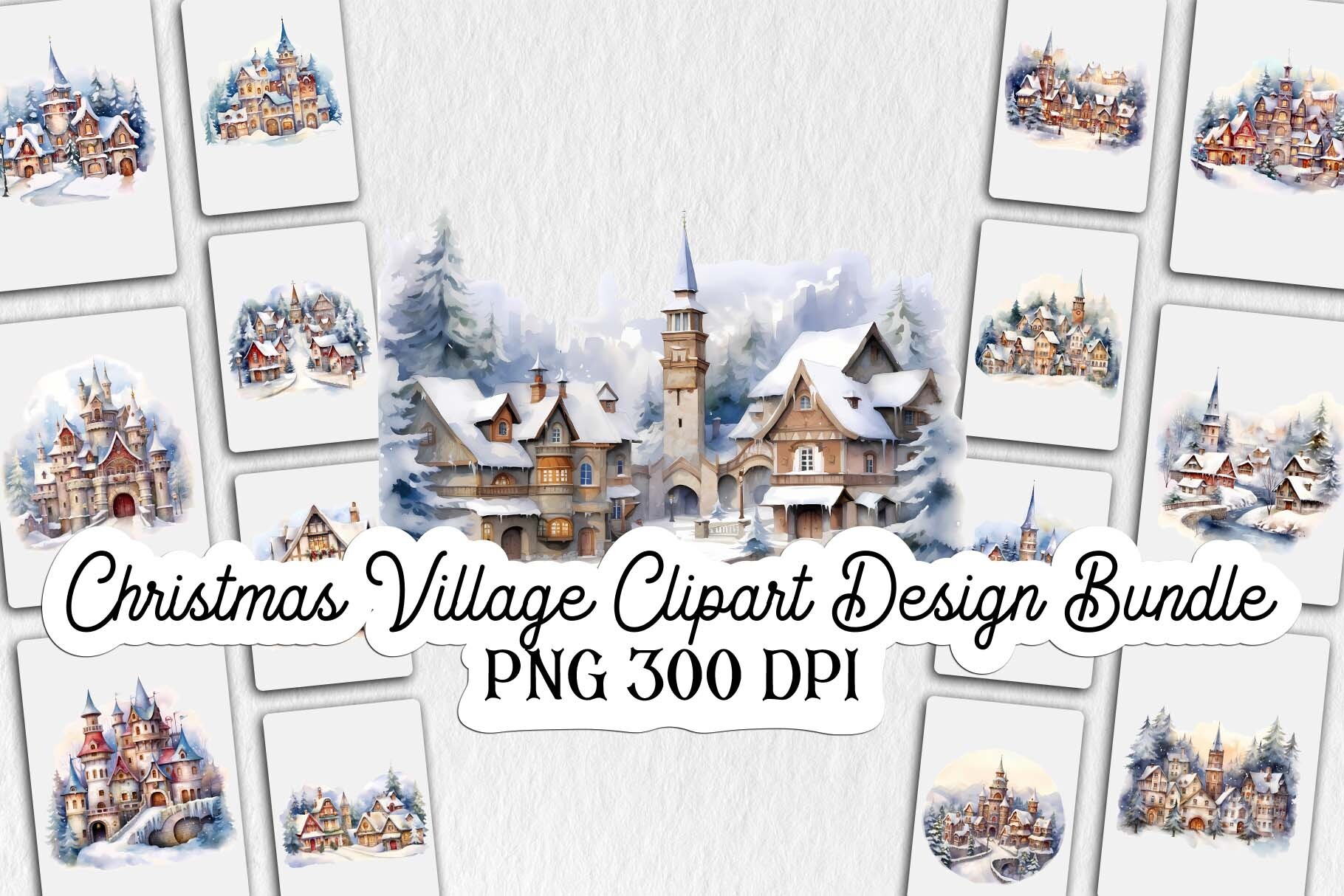
Lloy Design provides 15 PNG files with transparent backgrounds in a ZIP archive. The main description calls them high resolution but does not supply exact pixel measurements or a print size.
This is a straightforward clipart option for arranging your own winter spread. Inspect the downloaded dimensions before committing to a large divider or full-page print. A transparent PNG provides artwork you can position, while adding a white sticker border and page spacing remains your own design step.
9. Blue and White Christmas Village
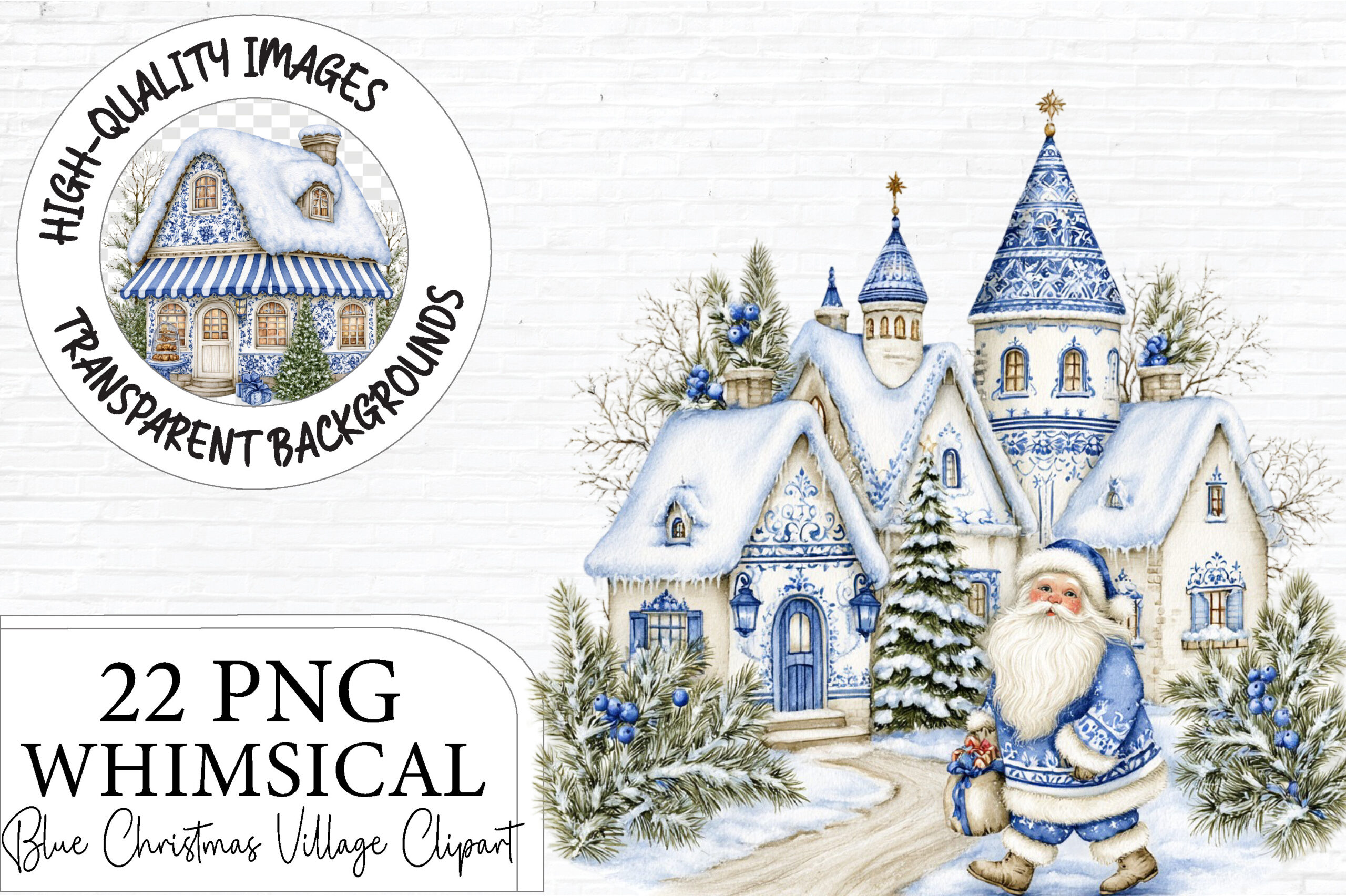
Artoya’s collection lists 22 transparent PNG designs at 12 × 12 inches and 300 DPI. The blue-and-white theme includes snowy cottages and broader architecture such as manor houses, churches, bridges and windmills, with festive decorative details.
Choose this when you want a coordinated cool-color palette across several journal pages. Not every element is necessarily a small detached house, so compare the proportions in the preview before planning a row of stickers. The download is PNG clipart; no ready-made sheet or vector cut file is listed.
10. Village Building Silhouettes in EPS and JPG
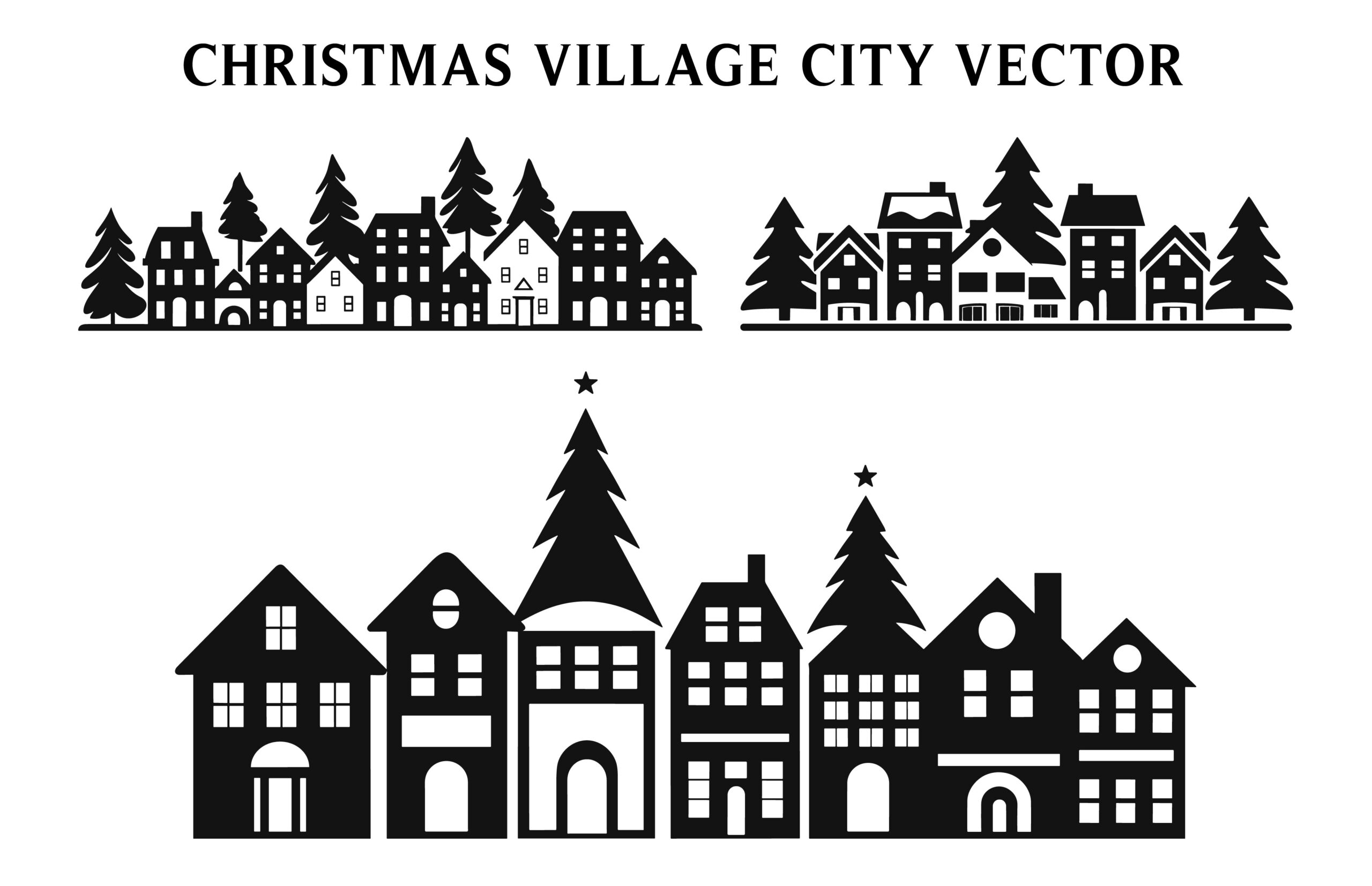
Designs River lists an EPS and a JPG for a Christmas village building silhouette resource. The description also says each clipart is saved separately, but it does not give an unambiguous count of individual buildings.
This is the vector-editing option for readers comfortable with suitable design software. It is not a transparent PNG sticker pack, and the included JPG will have a rectangular image area. Check the archive structure and separate the elements you need before arranging a printable scene.
11. Christmas Village Cut-File Design
BerriDesign supplies SVG, transparent PNG, EPS and DXF formats for a Christmas village design. Those options make it different from the raster-only collections above, with vector files available for a compatible editing or cutting workflow.
Choose it if you want to build your own village decal or silhouette-style decoration. A supplied vector file is not a guarantee that every machine and material setting has been tested for your setup. Use the PNG for a print layout or inspect the vector layers before starting a more involved cut project.
12. Village Artwork with Editable Vector Files

st lists AI, EPS, SVG, PNG and JPG formats, with RGB artwork and a stated 300 DPI. The main description does not specify a unique design count, pixel dimensions or a transparent PNG background.
This may suit a reader who wants to recolor vector artwork to match an existing journal palette. Confirm the contents before expecting a large set of separate house stickers. The files provide design material; sheet preparation, any added sticker outline and final print sizing remain part of your own project.
Choose Christmas Village Stickers by Composition
For a page footer, a composed village can be easier than arranging individual buildings. For a custom street, look for separately supplied elements and check that they really are separate in the download. A large PNG set may contain complete scenes rather than a kit of movable roofs, doors and trees.
Transparency matters if the design will sit on colored paper or overlap a background. A PNG extension alone does not confirm transparent edges, while a JPG normally keeps a rectangular image area. For EPS, AI, SVG or DXF files, confirm your editing workflow before expecting to print or cut directly from the archive.
Build a Village Scene Without Losing Writing Space
Try the design at the size it will occupy in your planner. Tiny windows, snowfall and fine watercolor texture can merge when reduced, so a restrained composition may read better beside handwriting. Leave space around the village and print a sample on ordinary paper before preparing sticker stock or a larger batch.
Add Christmas tree stickers for continuity, or compare Christmas washi tape for simpler borders. A Christmas journal gives the scenes a place alongside your notes. Start with a file type you can use comfortably, arrange one small village and expand only if it leaves room for the story.