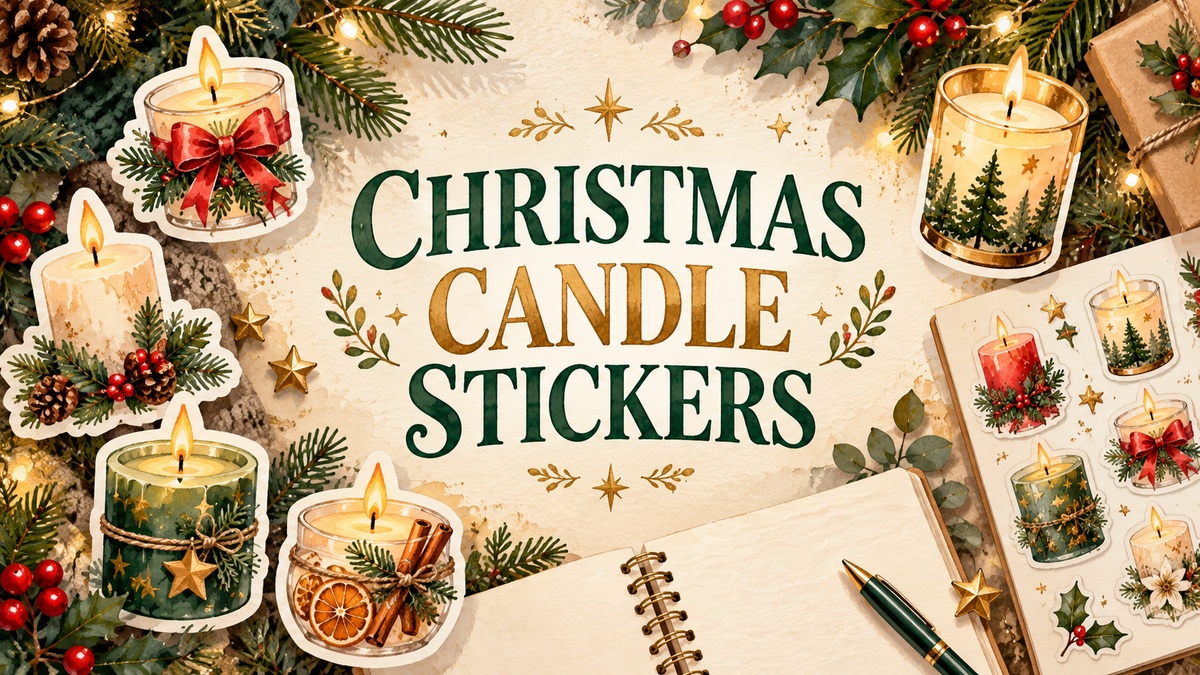
12 Christmas Candle Stickers and PNG Sets for Festive Journal Pages
Christmas candle stickers can add a warm focal point to a December journal without turning the whole page into a decoration. A small candle beside a reading note, holiday checklist or memory entry is often enough. The useful comparison is not simply how many images a bundle contains, but whether you need individual transparent artwork, one complete composition or editable vector files.
These twelve Creative Fabrica resources are primarily clipart for making your own stickers. They do not all supply prepared sticker sheets, and PNG does not by itself guarantee a transparent background. The descriptions below keep stated file counts, dimensions and delivery limits separate so you can choose a realistic workflow.
Quick format comparison
| What you need | Start with |
|---|---|
| A compact counted collection | Six transparent PNGs |
| Vector editing | SVG, EPS, DXF and PNG versions |
| A wider decorative library | 60 PNG files; check individual canvas sizes |
In this guide
1. Six Transparent Candle Illustrations by Digital Paper Packs
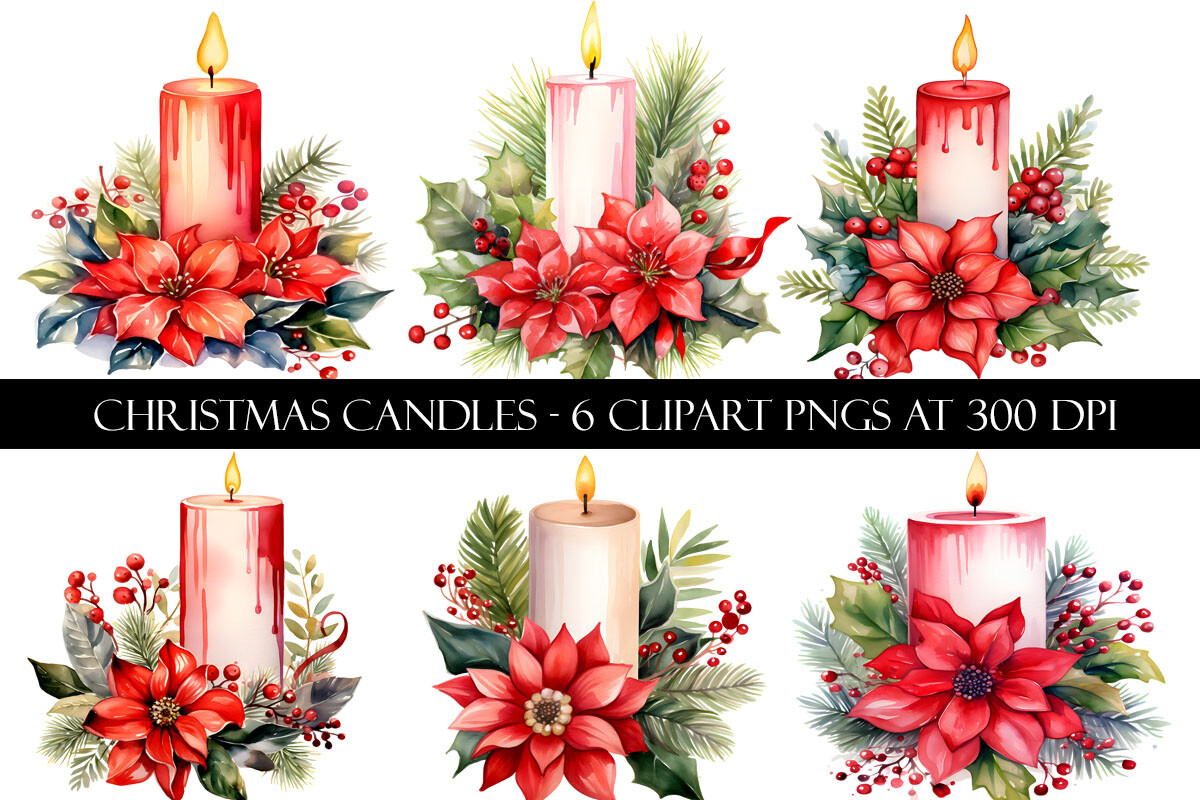
Digital Paper Packs lists six separate transparent PNG designs, approximately 8×8 inches at 300 DPI, delivered in a ZIP. This is a manageable starting point for a coordinated holiday journal: choose one candle for a weekly opening and a related design for a small notes card rather than trying to use every image at once.
Separate artwork gives you control over spacing and final size, but the collection is not described as a premade planner sticker sheet. Arrange the images on your own page and check the smallest decorative details after resizing. The recorded 5.0 rating from one review and 24 favorites are useful selection signals, though they do not establish a tested printing result.
2. Decorative Christmas Candle Artwork by GB Trendy Design
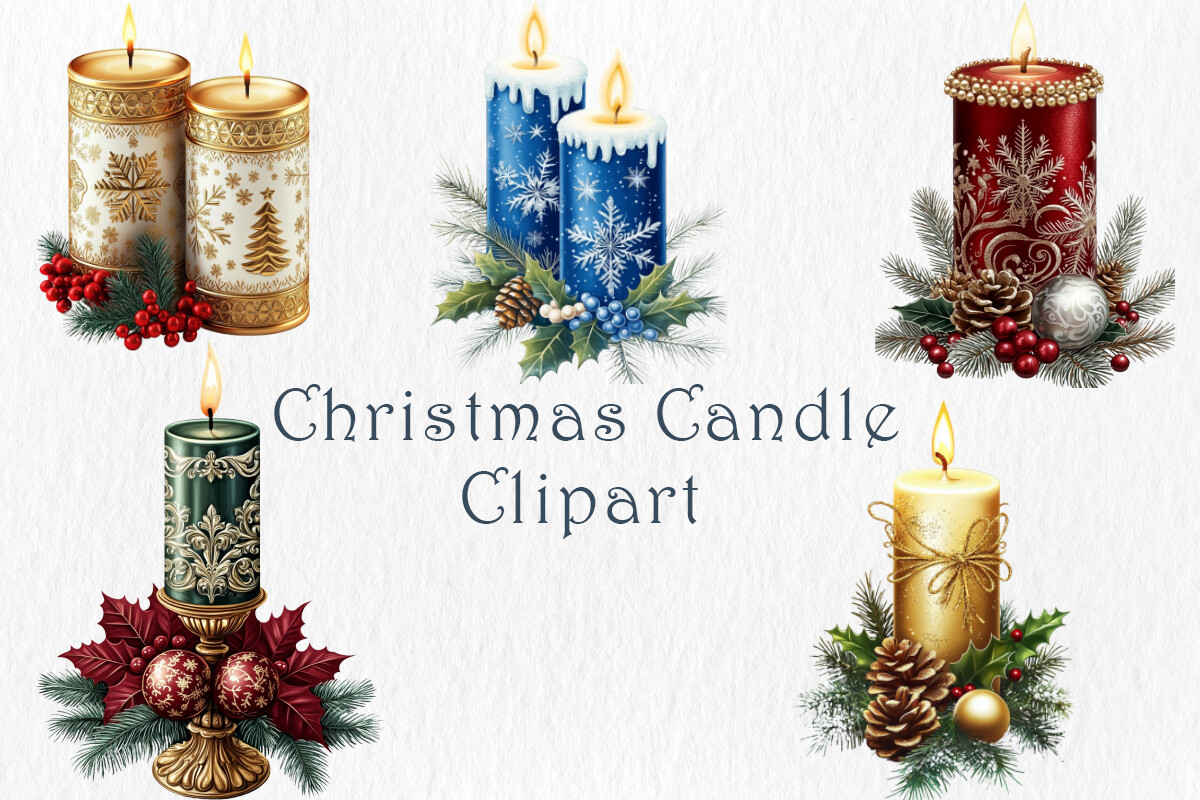
This collection focuses on decorated candles with festive details such as snowflakes, pine branches, holly and ornaments. The current title mentions PNG and JPG, while the description concentrates on the artwork and suggested projects rather than giving a precise file manifest. Choose it for the look of the preview, especially if you want a candle illustration to anchor a holiday memory page.
Do not turn the number in the product title into a guaranteed count of separate transparent stickers. Confirm the archive inventory, transparency and dimensions before planning a complete sheet. A JPG can serve as a rectangular printed accent; a transparent PNG is usually the more flexible option when you want the journal paper to show around the candle.
3. Four Watercolour Candles by Watercolour Lilley
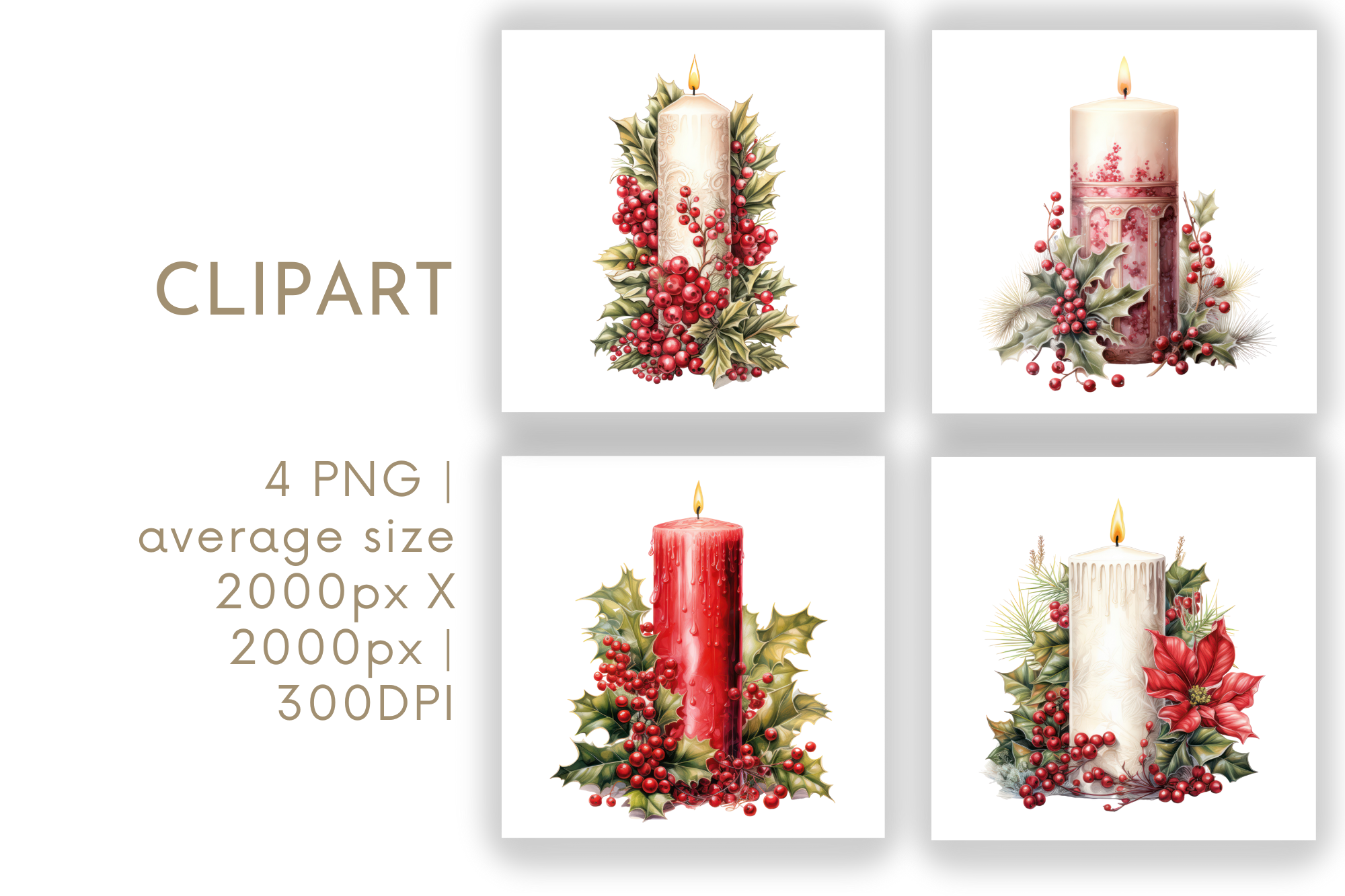
Watercolour Lilley lists four PNG files with an average size of 2000×2000 pixels and a stated 300 DPI. The small collection is useful when a limited visual selection feels easier to work with than a large bundle. A candle beside a December reading note or a short holiday reflection can give the page a clear seasonal accent without crowding the writing area.
The description gives an average size, so do not assume every file has identical dimensions. It also does not explicitly establish transparency or supplied cutting paths. Check those details in the files before preparing a sticker layout. The recorded 22 favorites provide a modest popularity signal; the practical reason to choose it is whether its watercolor style matches your page.
4. Christmas Candle PNG Bundle by Bundle
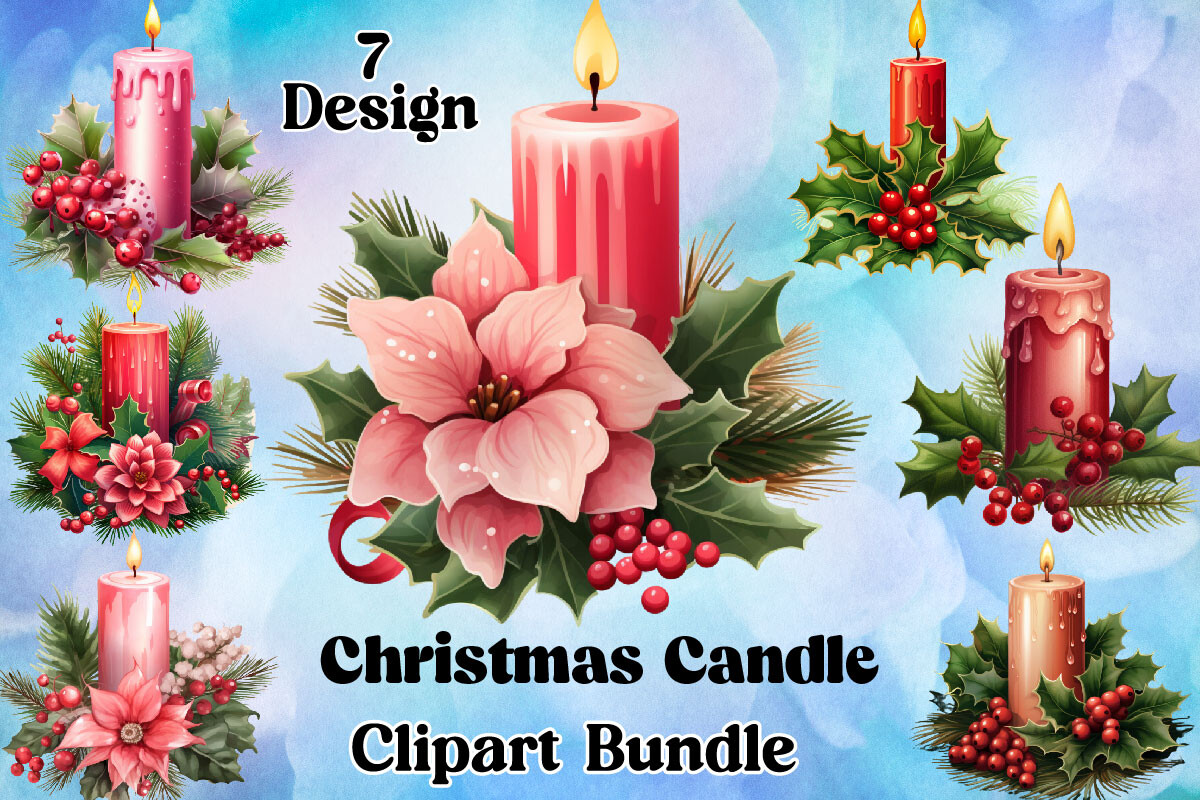
Bundle describes a ZIP containing PNG artwork for printing and other creative projects. The listing is less specific than the counted collections here: it does not provide an exact image total, canvas dimensions or a clear inventory of separate elements. It is a comparison option when you like the candle design shown in the preview and do not need a guaranteed number of different stickers.
Check the archive before building a project around the word bundle. The seller names several cutting programs, but the stated file list is PNG only, so do not expect SVG or DXF cut files from that wording. For a paper journal, a simple hand-cut accent may be enough; a cutting-machine workflow needs its own import and boundary check.
5. Six Wide Watercolor Candle PNGs by kathyfoxdesign
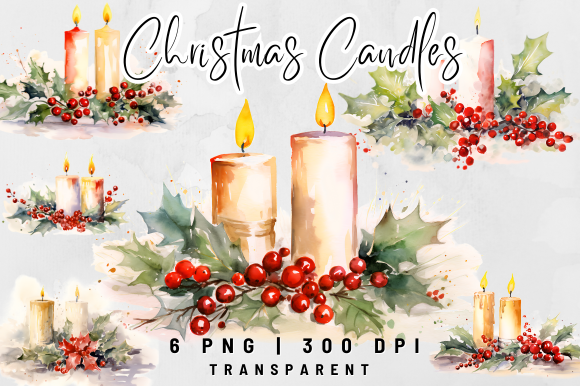
This kathyfoxdesign resource lists six transparent PNGs at 5000×3000 pixels and 300 DPI. The wide canvas is a useful distinction from square artwork: consider it for a horizontal decorative area, a journal divider or an accent above a short holiday checklist. Separate files let you choose a design without having to crop it out of a prepared sheet.
The description also gives an inch measurement that does not match both pixel dimensions exactly at 300 DPI. Use the pixel dimensions as the concrete starting point and inspect the actual files before deciding print size. Shrink a copy for planner use and test the fine watercolor edges; a large source image does not guarantee that tiny details remain readable at sticker size.
6. One Watercolor Candle Composition by kathyfoxdesign
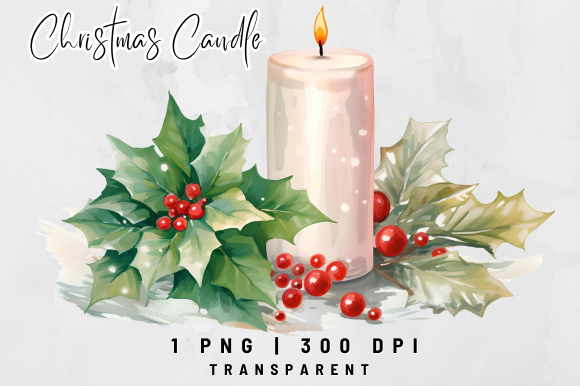
This second kathyfoxdesign option is a single transparent PNG, listed at 3984×2736 pixels and 300 DPI. It serves a different purpose from the six-image set: one decorative composition can be enough for the cover page of a December section or a wide accent beside a holiday memory. Choose it when you prefer one focal image to a collection of small repeated icons.
Treat the supplied composition as one piece unless the archive explicitly provides separate elements. It is not six individual candles simply because several objects might appear together in the preview. The recorded 49 favorites make it worth comparing, while the final decision should rest on the composition, available page space and the result of a small print proof.
7. Christmas Candle Design with SVG, EPS and DXF
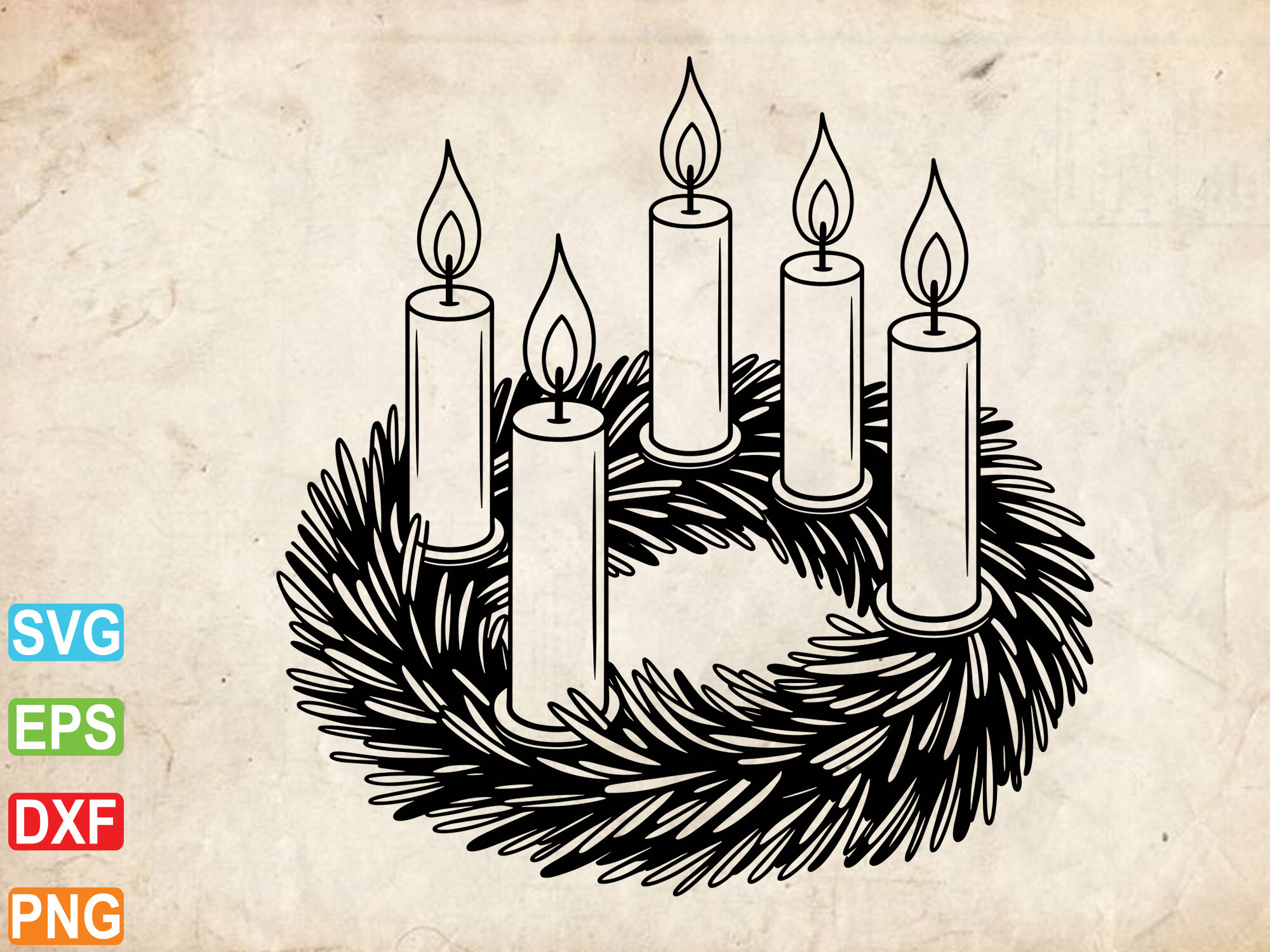
Designraw lists one design supplied in EPS, SVG, DXF and PNG formats, packaged for digital download. This is the most clearly identified vector-file workflow in the collection. It is worth comparing if you want to adjust a simple candle motif in compatible design software instead of working only with a fixed raster image.
The extra formats are alternate files for the design, not evidence of four different candle illustrations. Check which format your particular software edition imports and whether the PNG has the background you need. A decorative SVG is not automatically a complete planner sticker sheet, so you will still need to choose the final size, page arrangement and cutting setup.
8. 60 Transparent Candle PNGs by Regulrcrative
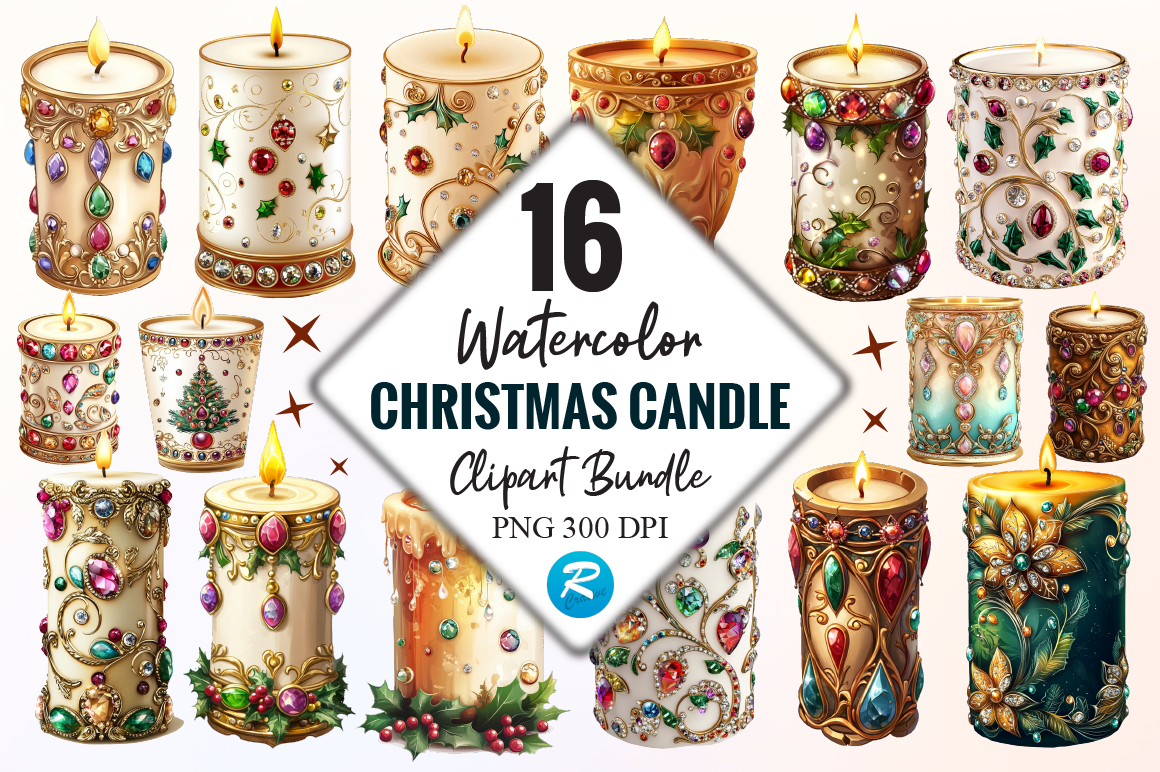
Regulrcrative lists a ZIP containing 60 transparent PNG files at 300 DPI. This is the broadest stated inventory in this group and may suit someone who wants many candle accents for a series of journal pages, handmade cards or a personal seasonal sticker collection. Start by selecting a small palette of designs rather than filling a page simply because there are many files available.
Pixel dimensions are not stated in the description, and the marketing text uses several broad design terms. The actual inventory promises PNGs, so do not infer vector files or prepared sticker sheets. Review the individual images, resize copies to your intended planner space and test a sample before printing a large batch of adhesive paper.
9. Ten Candle Illustrations by MyMagicWorldArt
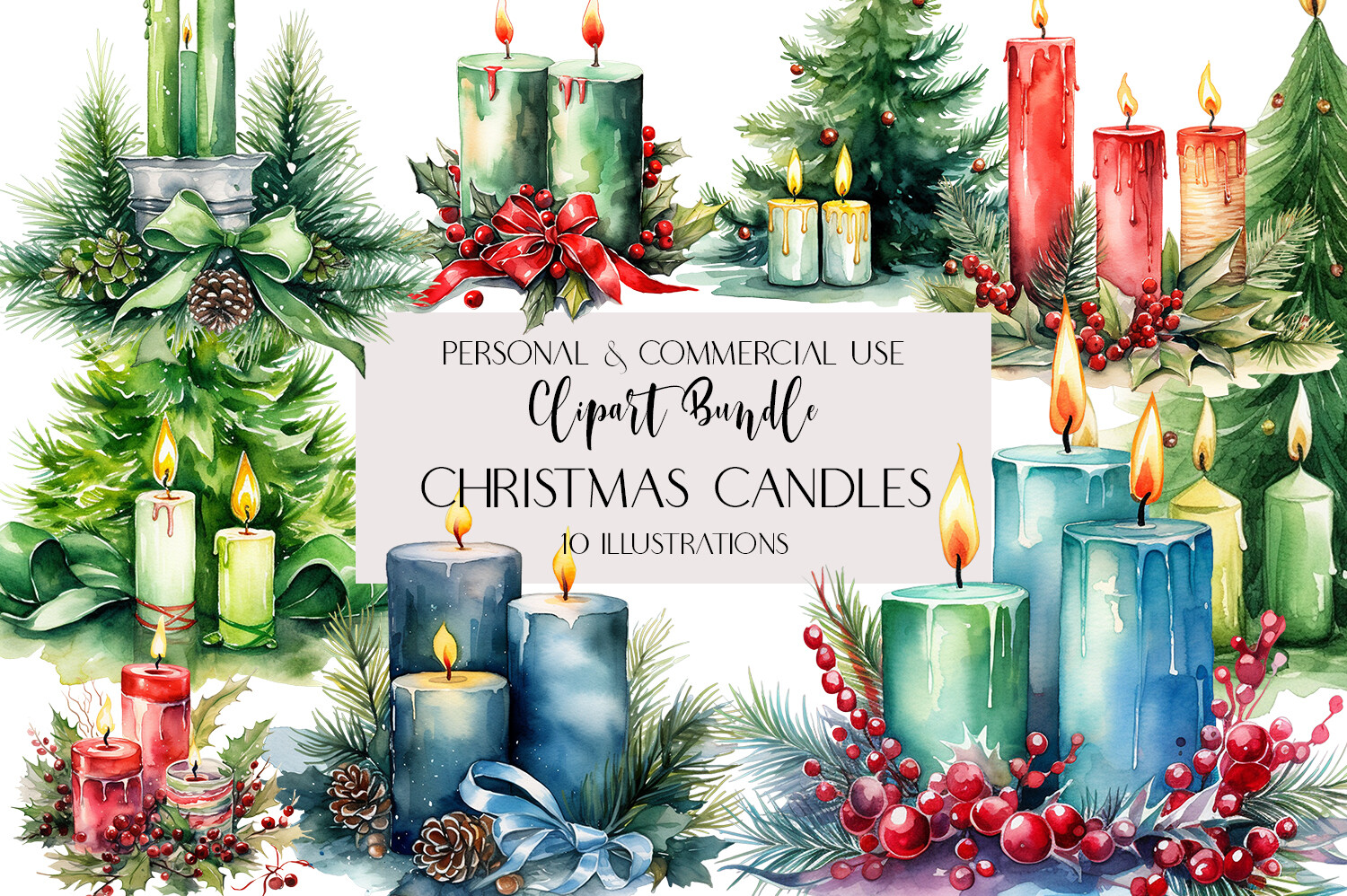
MyMagicWorldArt lists ten transparent PNG illustrations, each described as 10×10 inches at 300 DPI. The creator also explains that the artwork was produced with AI assistance and prepared with removed backgrounds. It offers a clearly counted group for readers who want several coordinated decorative candle images rather than a single composition.
Choose a few illustrations that fit the mood of the page, then check their edges at the final reduced size. These are artwork files to arrange yourself, not a ready-to-import sticker book. The original print size is much larger than a typical planner accent; use it as source resolution, not as a requirement to print every candle at ten inches.
10. Kawaii Candle PNG and JPG Collection by Hamees Store
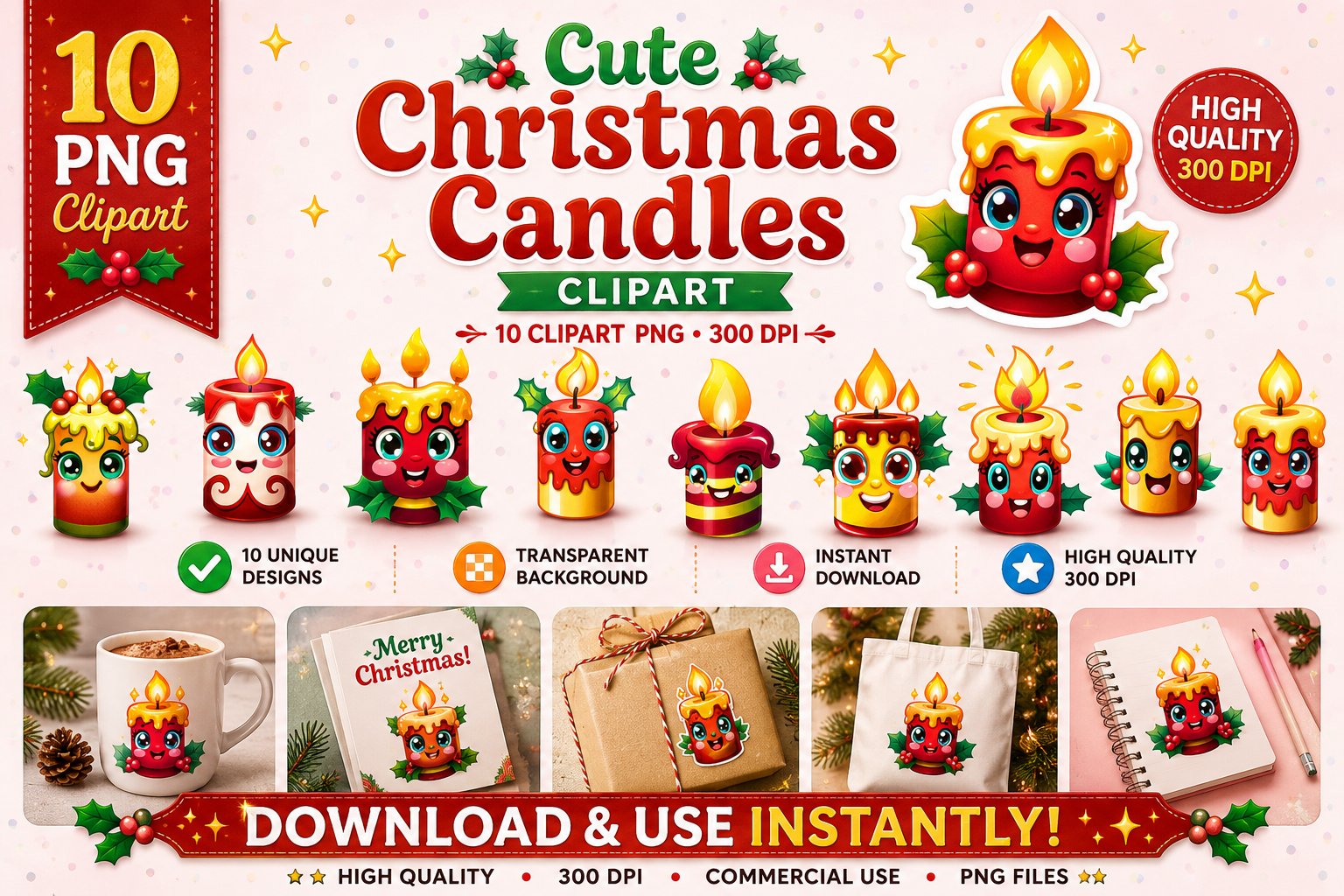
Hamees Store lists ten candle designs supplied as ten transparent PNGs and ten JPGs, with 300 DPI specified. That gives you two format options for the same stated set of designs. It may appeal if you prefer a cute illustrated accent for a family holiday journal, a small December note or a cheerful seasonal divider.
Count the designs separately from the file formats: ten PNGs plus ten JPGs do not establish twenty different candle illustrations. Pixel dimensions are not stated, so check the actual files before choosing a print size. Use the PNG versions when you need the paper to show around an isolated image; a JPG may be convenient for a simple rectangular printed embellishment.
11. Twelve Watercolor Candle PNGs by CraftyIdeas
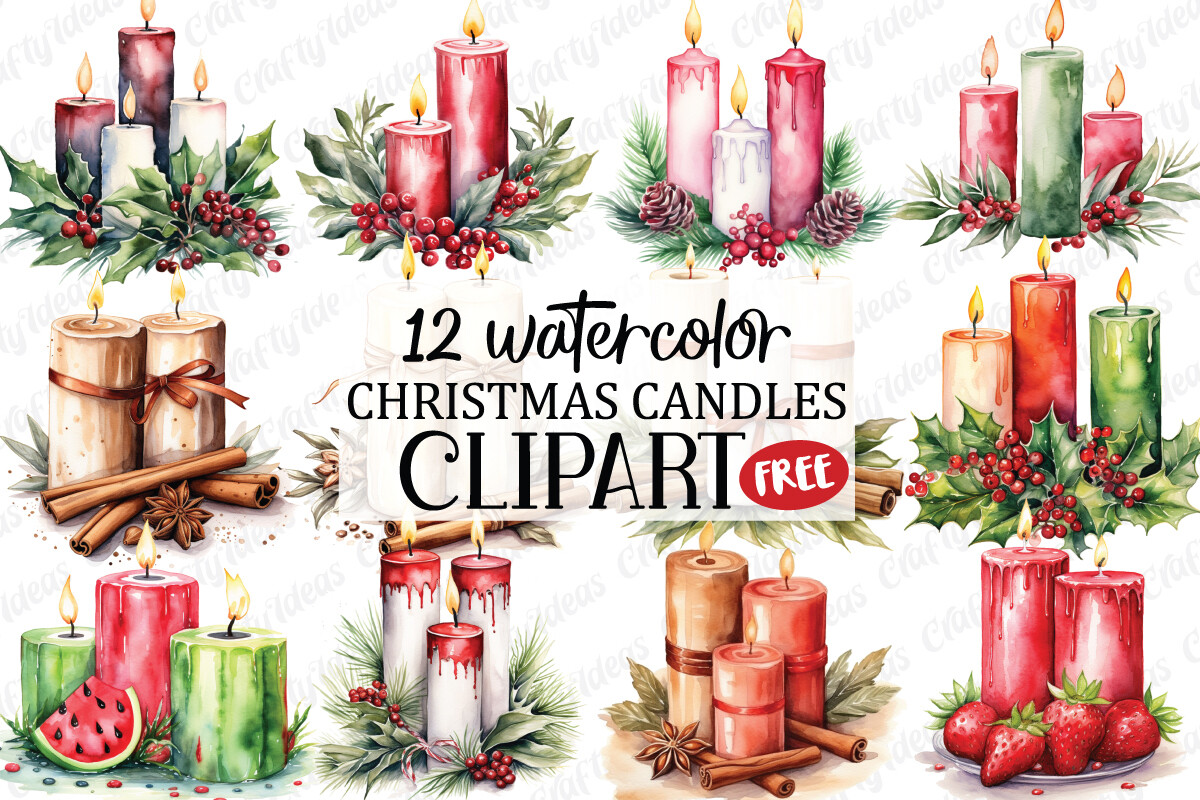
CraftyIdeas lists twelve transparent PNG files at 4000×4000 pixels and 300 DPI. The explicit canvas size makes this a practical comparison candidate for a homemade candle sticker selection. The preview style can guide a December journal theme, while separate PNGs let you choose the image and leave enough room for the words that belong on the page.
The creator explicitly excludes SVG and DXF cutting files and positions the download for direct print or sublimation. Treat it as raster artwork and verify your own cutting workflow rather than assuming machine-ready paths are supplied. The product title includes free, but check the current Creative Fabrica download terms instead of assuming an offer will remain unchanged.
12. Sixteen Pink Christmas Candle PNGs by Story Studio
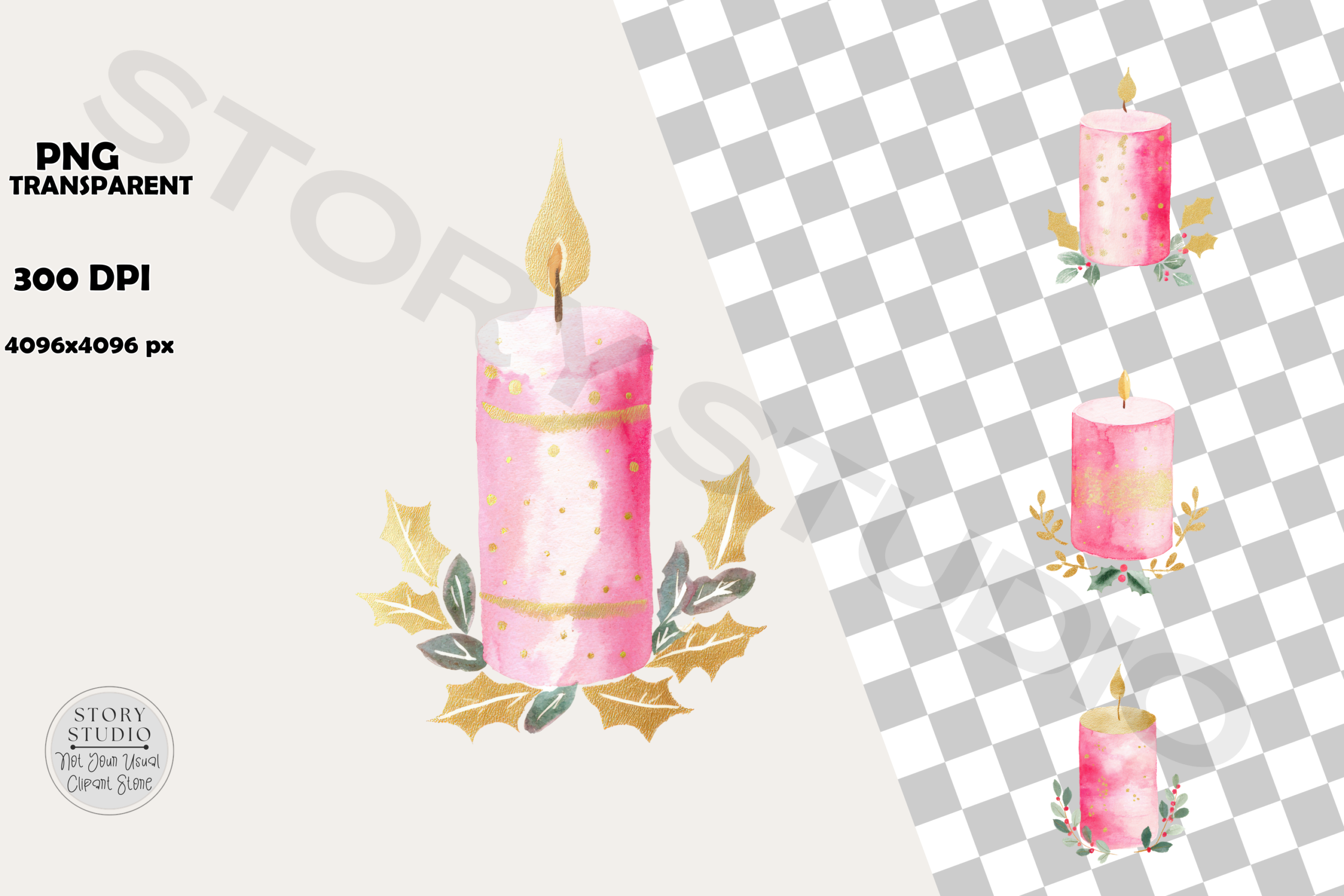
Story Studio lists sixteen PNG files at 4096×4096 pixels and 300 DPI, described around pink festive candles with watercolor textures and golden accents. It is a useful alternative to traditional dark green and red holiday artwork when you want a softer journal palette or a coordinated accent beside pastel December pages.
The description does not explicitly confirm transparent backgrounds, even though it names digital planners among suggested uses. Check that detail before arranging the files over colored paper or a digital background. These are image assets rather than a prepared sticker sheet or app-specific sticker book. Begin with one small layout and inspect the file edges and fine gold details after resizing.
Choose Christmas Candle Stickers by the Actual File
For a paper project, separate transparent PNGs give you the freedom to set a candle beside a checklist or place several accents on one adhesive sheet. A finished composition is better treated as one focal illustration unless the creator explicitly supplies its individual pieces. JPG versions can be useful as rectangular embellishments, but should not be assumed to behave like isolated transparent images.
Compare pixel dimensions with the size you intend to print. DPI metadata, inch measurements and canvas dimensions can sometimes be inconsistent in a listing. Open one file, resize a copy and print a sample before using a full sheet of sticker paper.
Build a Simple Festive Journal Spread
Pair one candle accent with a narrow border from the published Christmas washi tape collection. For more subjects, compare Christmas planner stickers. Keep a consistent palette and leave the useful writing area clear.
If the decoration is supporting actual preparation, start with a Christmas planner template and add only the artwork that helps you recognize the section. Choose one download whose documented format suits your tools, try a small layout and expand it after checking the result.