12 Practical Donation Tracker Templates for Clear Giving Records
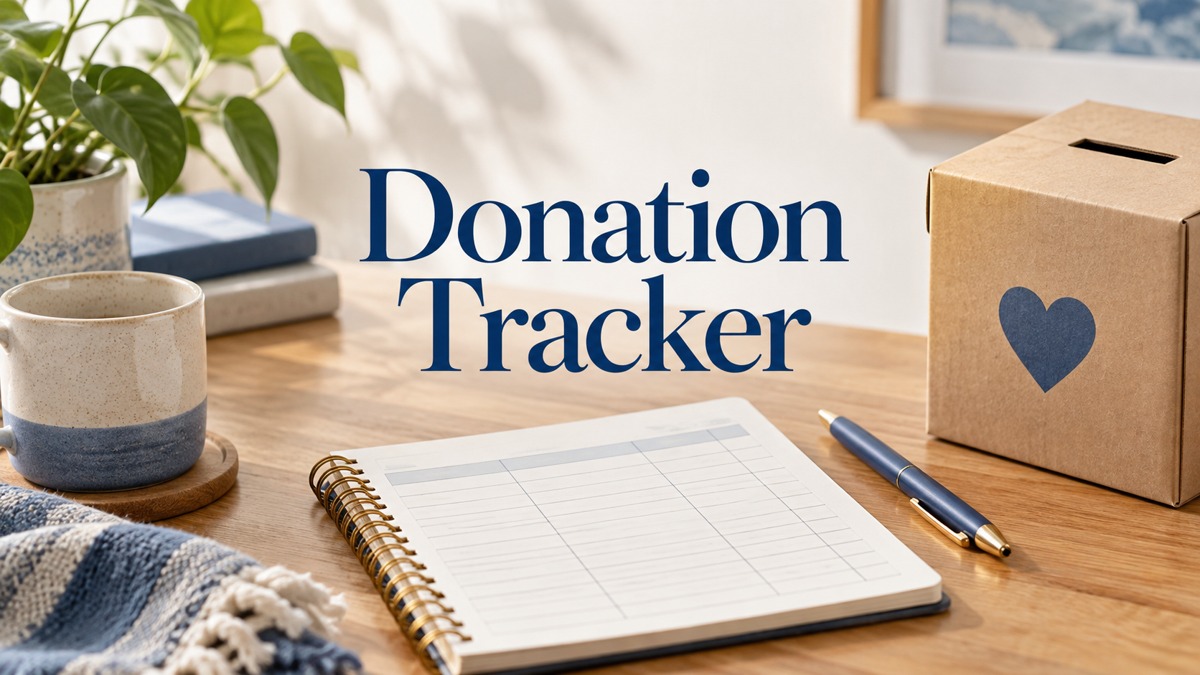
A donation tracker gives scattered contribution details a consistent place: dates, organizations, amounts, items and notes. These twelve downloadable templates range from a two-page Canva resource to longer printable logbook interiors, with different sizes and source files.
This guide focuses on keeping records. None of the checked resources is presented here as a verified payment feed, an automatic accounting system or a substitute for supporting receipts. The useful choice is the layout that makes your own entries clear without adding unnecessary setup.
In this guide
Choose a Record Layout Before Choosing a Page Count
A printable insert can be enough for occasional giving, while a repeated logbook may suit frequent entries. Look at the columns first: a quantity field is useful for items, an amount field for money, and a frequency field helps distinguish recurring entries. Do not assume that every template covers both giving and receiving equally well.
If giving is part of your wider spending plan, a personal finance planner can hold the overview. Keep the donation log focused on the details needed to identify each entry, rather than copying unrelated budgeting sections into it.
1. Two-Page Editable Canva Donation Tracker
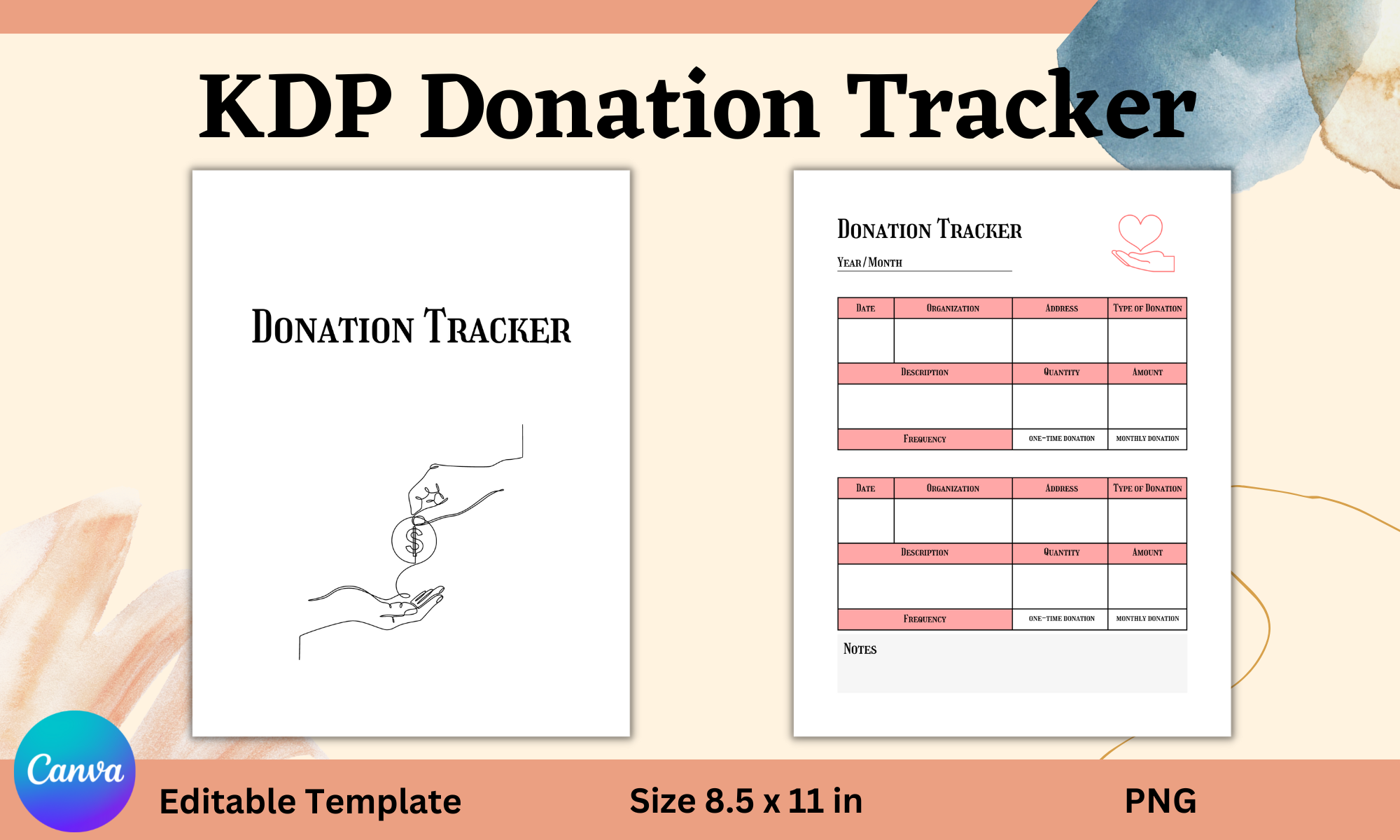
Ivana Prue’s template keeps the package compact with two unique Canva pages. Its listed fields include date, organization, address, donation type, description, quantity, amount, frequency and notes. The designer states that only free Canva elements are used, which is useful when account requirements affect your choice.
I would start here if you want to adapt headings before printing rather than build a large notebook. Use the frequency field to distinguish one-off and recurring entries, then keep supporting records separately. A manually completed tracker records what you enter; it does not verify a transfer, issue an official receipt or automatically update a bank account.
2. Minimal Donation Log in Three Paper Sizes
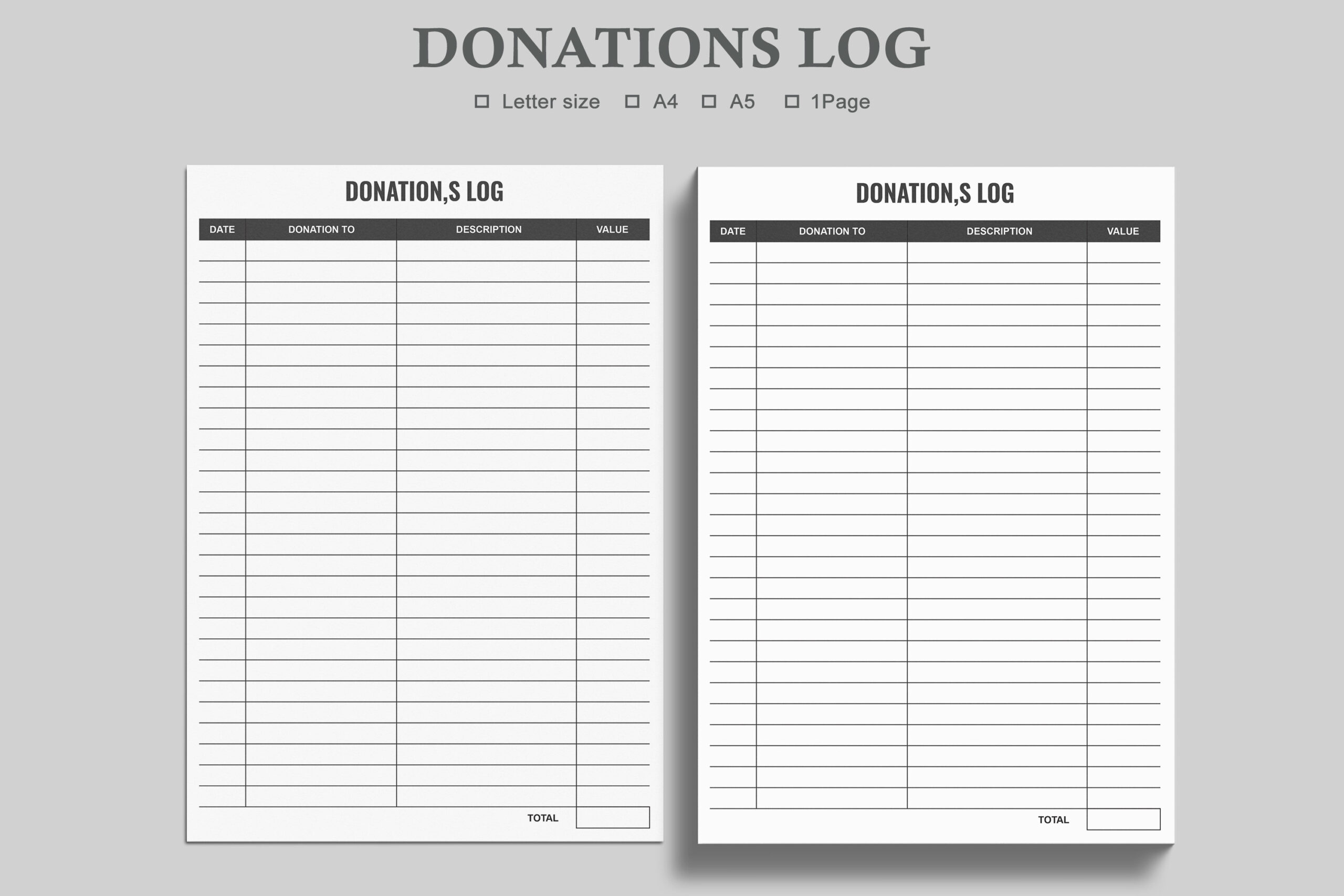
Watercolortheme’s single-layout log comes in Letter, A4 and A5, with three PDFs and three JPEG files. It is a modest printable insert rather than a large book of different forms. The three sizes are alternatives for fitting the same general layout into your existing records.
I would choose the paper size first, print a sample and check whether the columns leave enough handwriting room. The listing uses editable-PDF wording but also gives print-and-fill instructions, without documenting interactive fields. Treat digital form filling as something to verify in the file rather than a guaranteed feature of every PDF reader.
3. Donation Log with an Annual Summary Layout
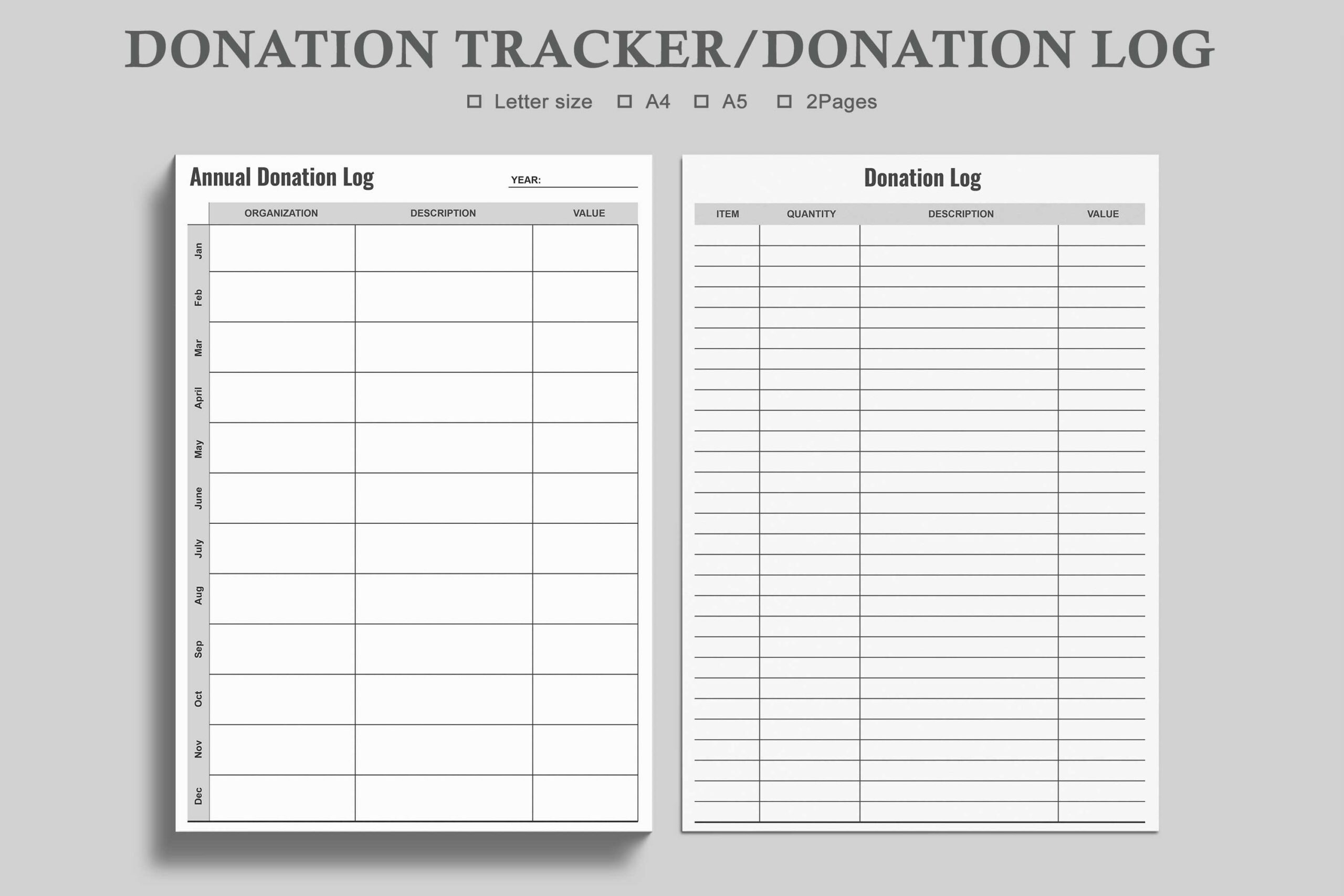
This separate watercolortheme package describes two versions in three sizes: a donations log and an annual donation tracker. The file list repeats one annual-PDF line, so the wording should not be interpreted as proof of another unique form or a specific extra image set.
I would use the ongoing log for individual entries and the annual layout for a compact review. Keep incoming and outgoing records distinct if both matter to your project. The minimalist design is suited to manual organization; a summary written in the tracker is not independent confirmation that every underlying payment or donated item was received.
4. US Letter Donation Interior with Many Source Formats
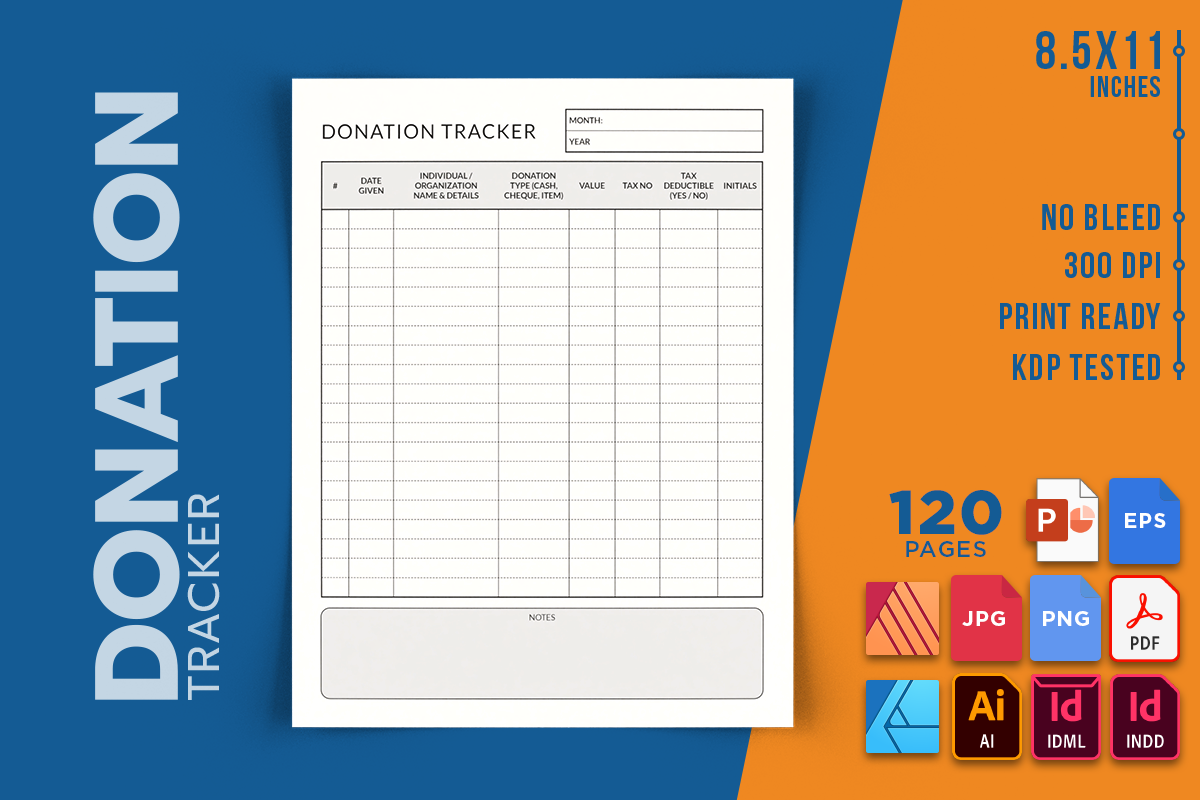
RenatoRi Designs supplies a 120-page, no-bleed US Letter interior. Its extensive file list includes PDF, PNG, JPEG, AI, EPS, INDD, IDML, AFDESIGN, AFPUB and PPTX. This is the broadest documented source-format selection in this roundup, useful if you already work in one of those design programs.
I would choose it for layout customization rather than assuming every format is needed for ordinary record keeping. The PDF may be enough for printing; source editing depends on compatible software. It is an interior only, so a finished bound notebook would still need a cover and the production checks required by your chosen printer.
5. Compact Logbook with PowerPoint and EPS Files
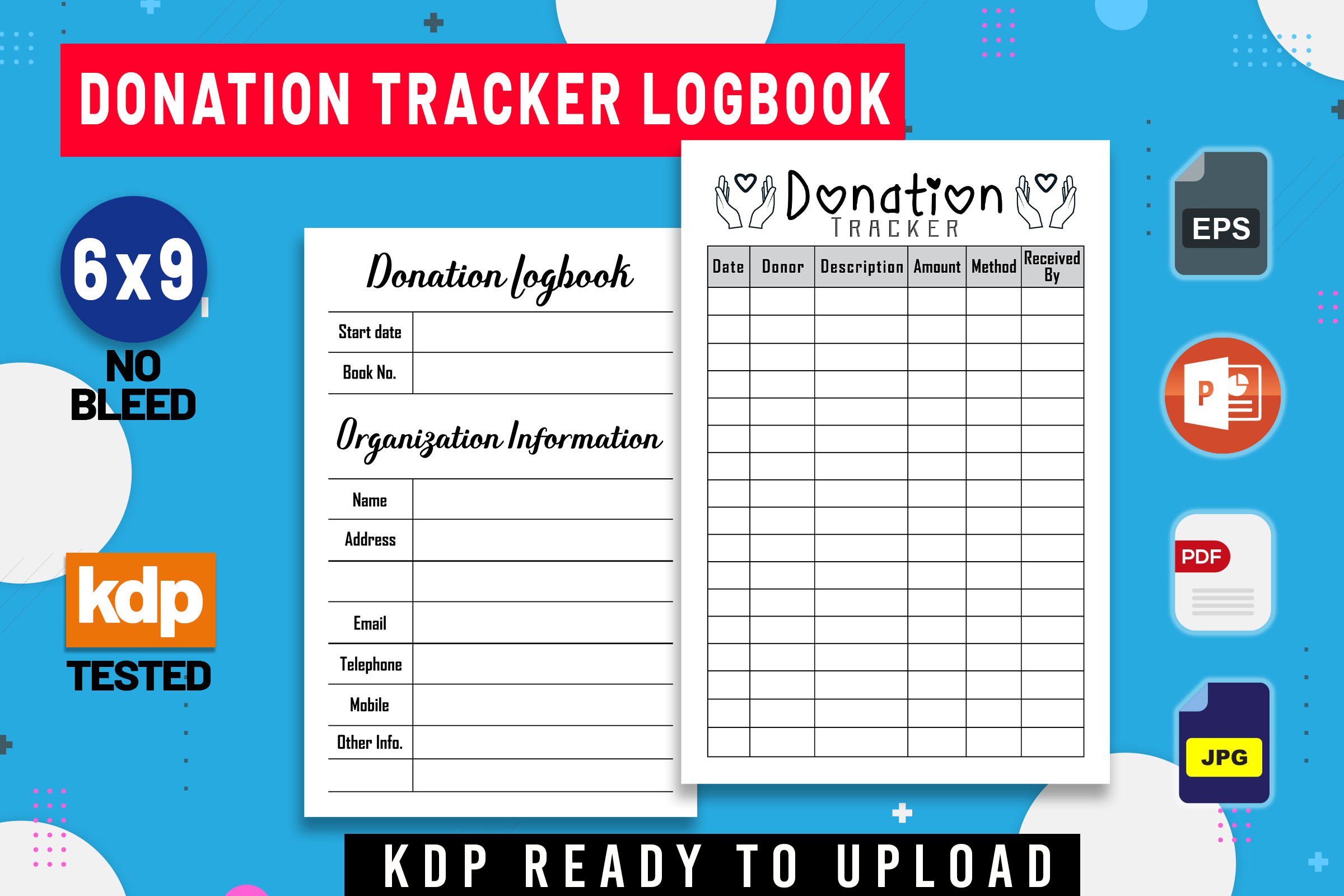
KDP Studio’s donation logbook offers 100-, 110- and 120-page versions at 6×9 inches. The listed formats are PDF, PPTX, JPEG and EPS, with no bleed and a belongs-to page. It provides a compact notebook workflow rather than a single large binder sheet.
I would test a page before committing to a long interior, especially if names and descriptions tend to be lengthy. The page counts are alternative book lengths, not hundreds of distinct form designs. PowerPoint and EPS sources can help with adaptation, while the PDF is the simpler route for a personal printed record.
6. Simple 100-Page Donation PDF Interior
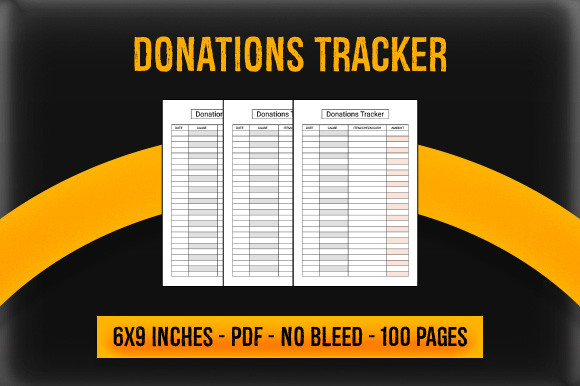
Gfx Studio’s Donations Tracker is a 100-page PDF interior at 6×9 inches with no bleed. No editable source package is confirmed in the checked description. That narrower specification makes it easier to judge if you only need a consistent printed form and do not want a design project.
I would compare the preview fields with the records you actually need to keep. A compact repeated log can be useful for routine entries, but the title does not establish whether it fits every organization’s reporting process. The file is an interior; printing, binding and any supporting documentation remain separate parts of your workflow.
7. Donation Interior with Several Notebook Lengths
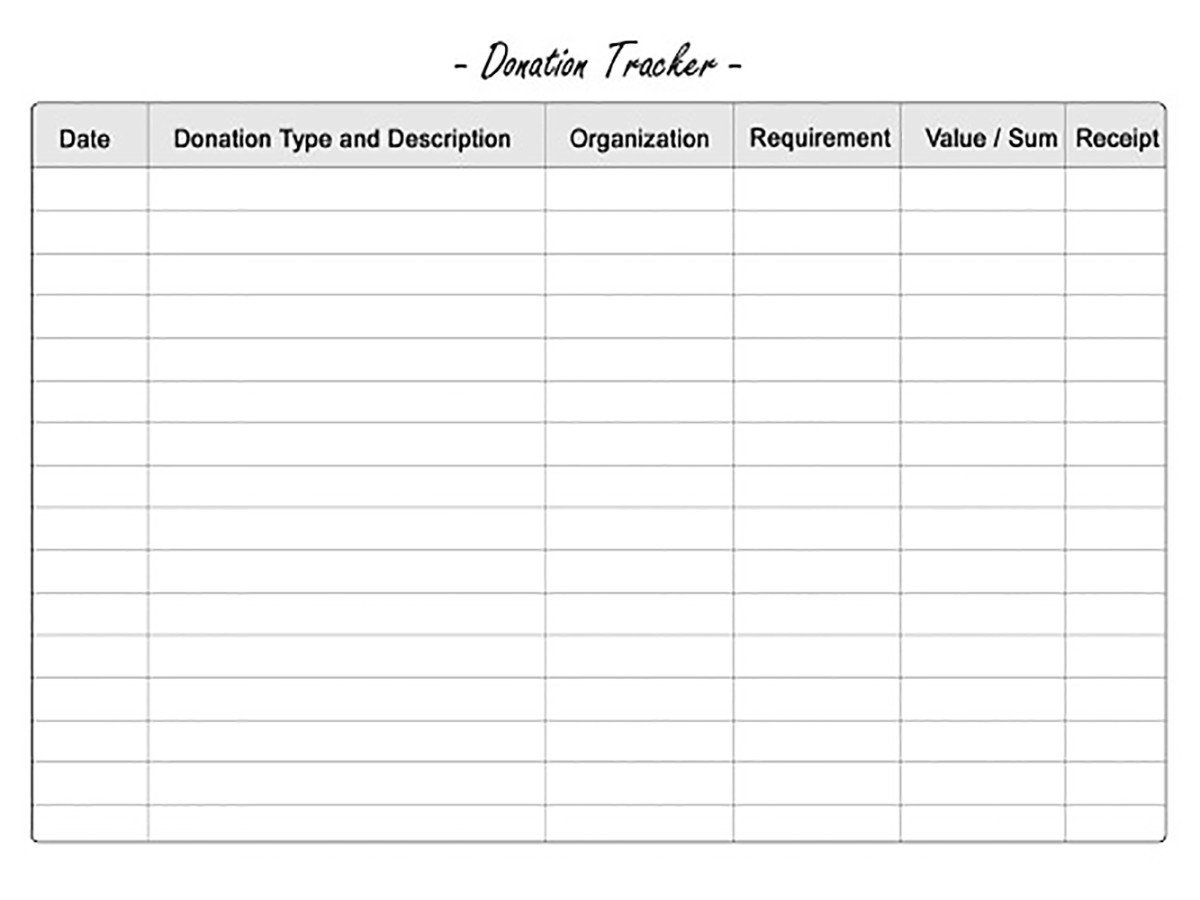
Activities Hub lists a 6×9-inch donation interior in 50-, 100-, 120- and 150-page versions, supplied as PDF and PPT files. The range lets you choose a shorter working notebook instead of starting with a very large record book.
I would begin with the shortest length that covers your expected use and check the layout at actual size. The description calls the interior free, but current access conditions should be checked on the product page. An editable presentation file is different from a spreadsheet: no automatic totals or transaction imports are documented for this resource.
8. Large Donation Logbook with InDesign Source
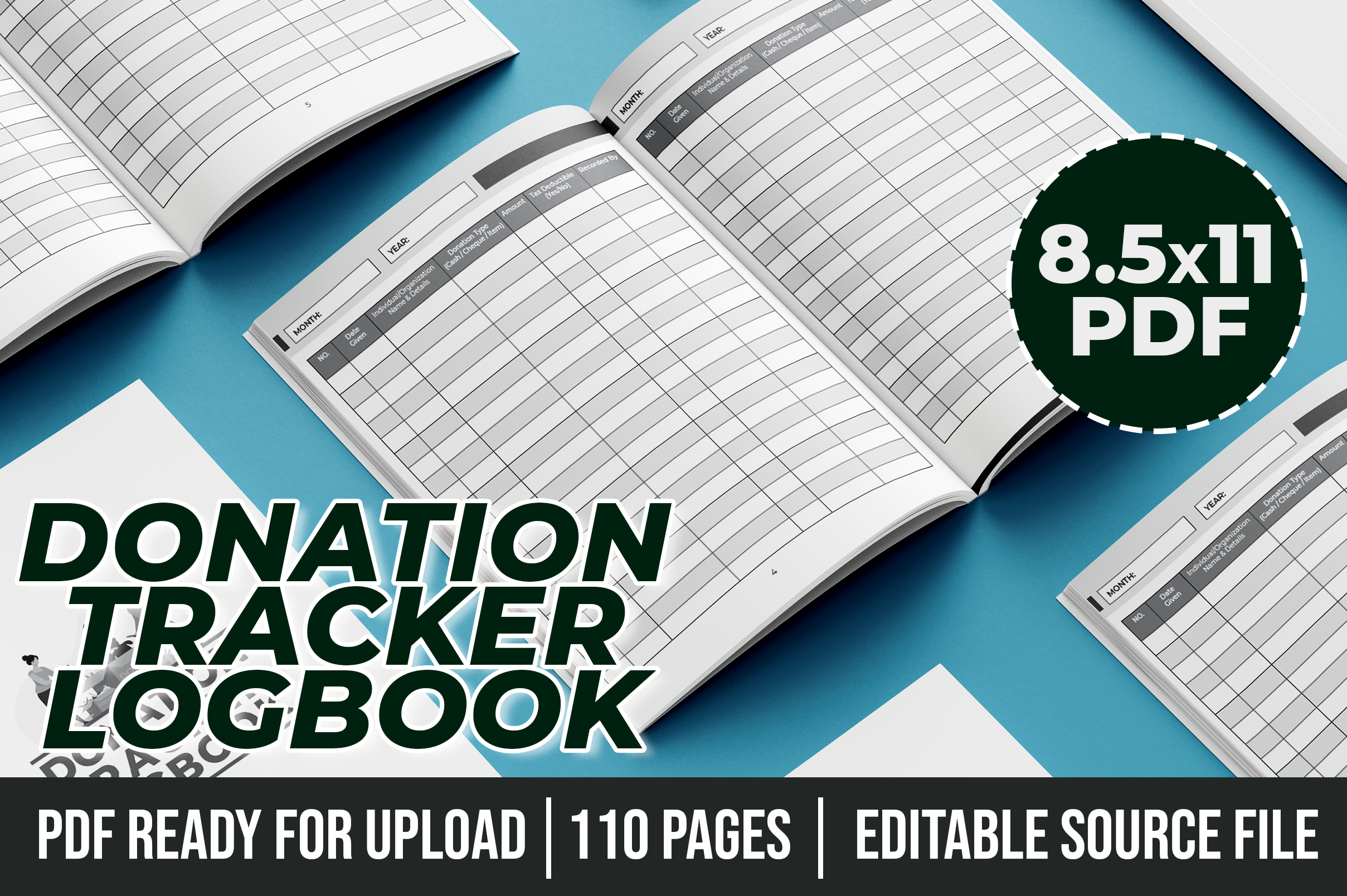
Blueberry Interiors provides a 110-page US Letter donation logbook with organization-details and donation-tracking pages. Its documented package includes a print-ready PDF and an editable INDD file for Adobe InDesign. The larger page size offers more room than the compact notebook interiors.
I would shortlist it when you expect detailed descriptions or want a desk-based record. InDesign editing is optional if the supplied PDF already fits your needs, but it requires suitable software when you want structural changes. Inspect the sample pages and printer requirements before producing the whole book; a publishing-oriented listing does not guarantee acceptance by any platform.
9. Letter Donation Tracker with PDF and PPT
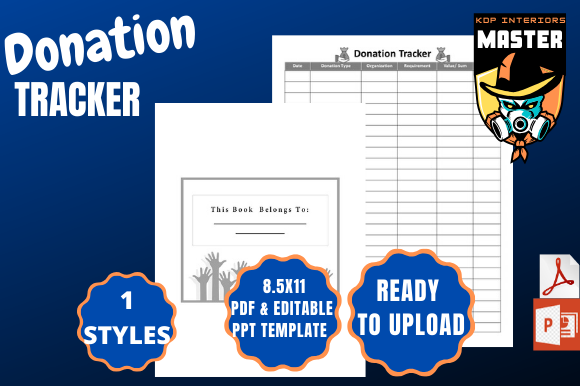
KDP_Interiors_Master’s tracker lists a 100-page, 8.5×11-inch interior with one PDF and one PPT file. It specifies bleed on, an important difference from several no-bleed options here. That production detail matters more than a generic promise that all interiors print the same way.
I would check the page edges and printer setup with a sample before running a complete notebook. Use the PPT source if you want to adjust the design in compatible presentation software, keeping an untouched original. For personal entries, the PDF is often the simpler starting point, with supporting donation evidence stored alongside the log.
10. Two-Size Donation Tracker with Image Exports
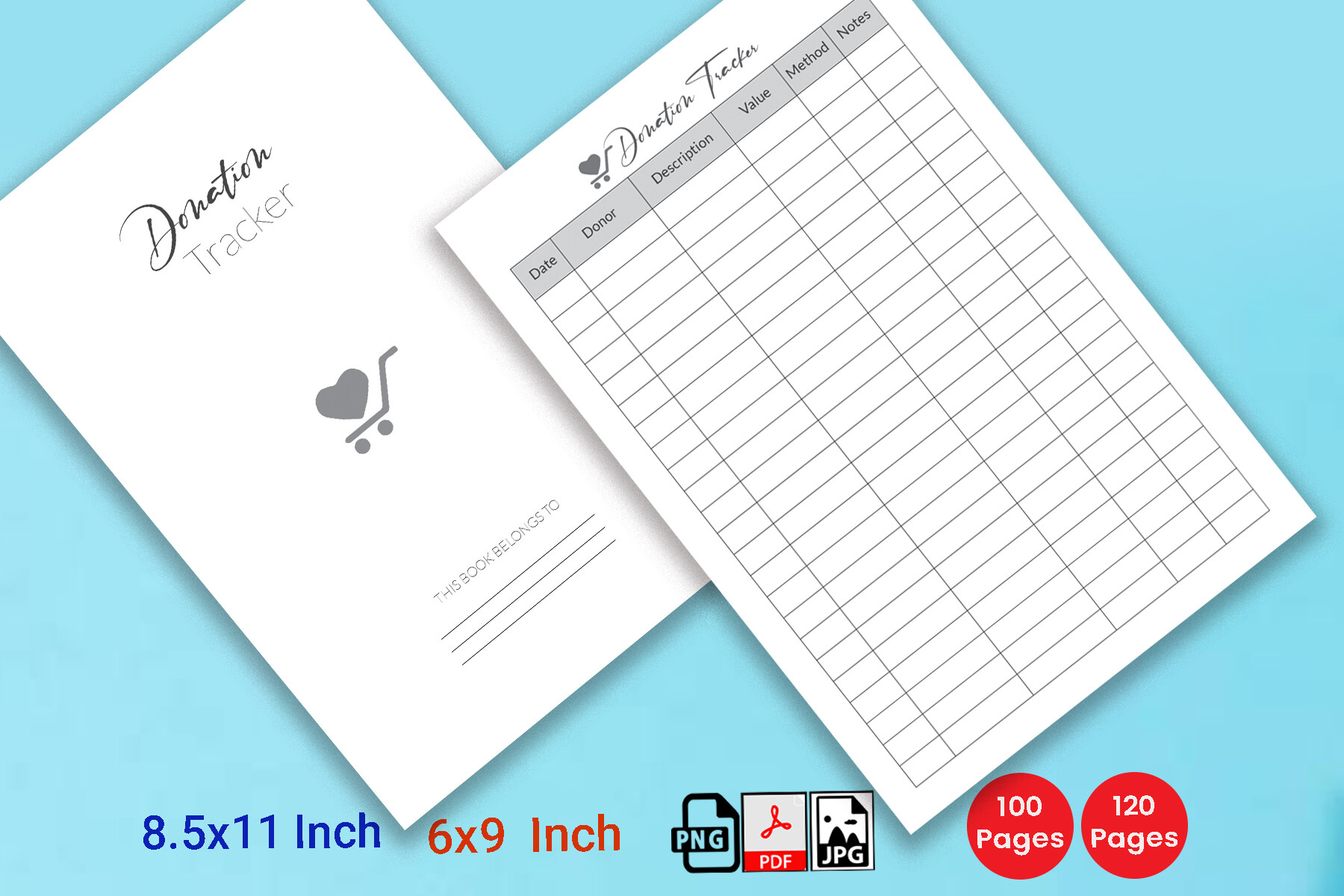
Hitubrand’s package lists 6×9 and US Letter sizes, 100- and 120-page versions, PDF, JPG and PNG files, and a no-bleed layout. It describes the PDF as editable, but does not identify interactive form fields or a specific editable design-source application.
I would choose it when the preview layout works for you and having two print sizes is useful. Confirm the editing workflow before downloading primarily for customization. Image exports can help place a page into a personal binder design, but they are still images rather than a database, a synced transaction log or an automatically calculated workbook.
11. Minimal 120-Page Donation Tracker Interior
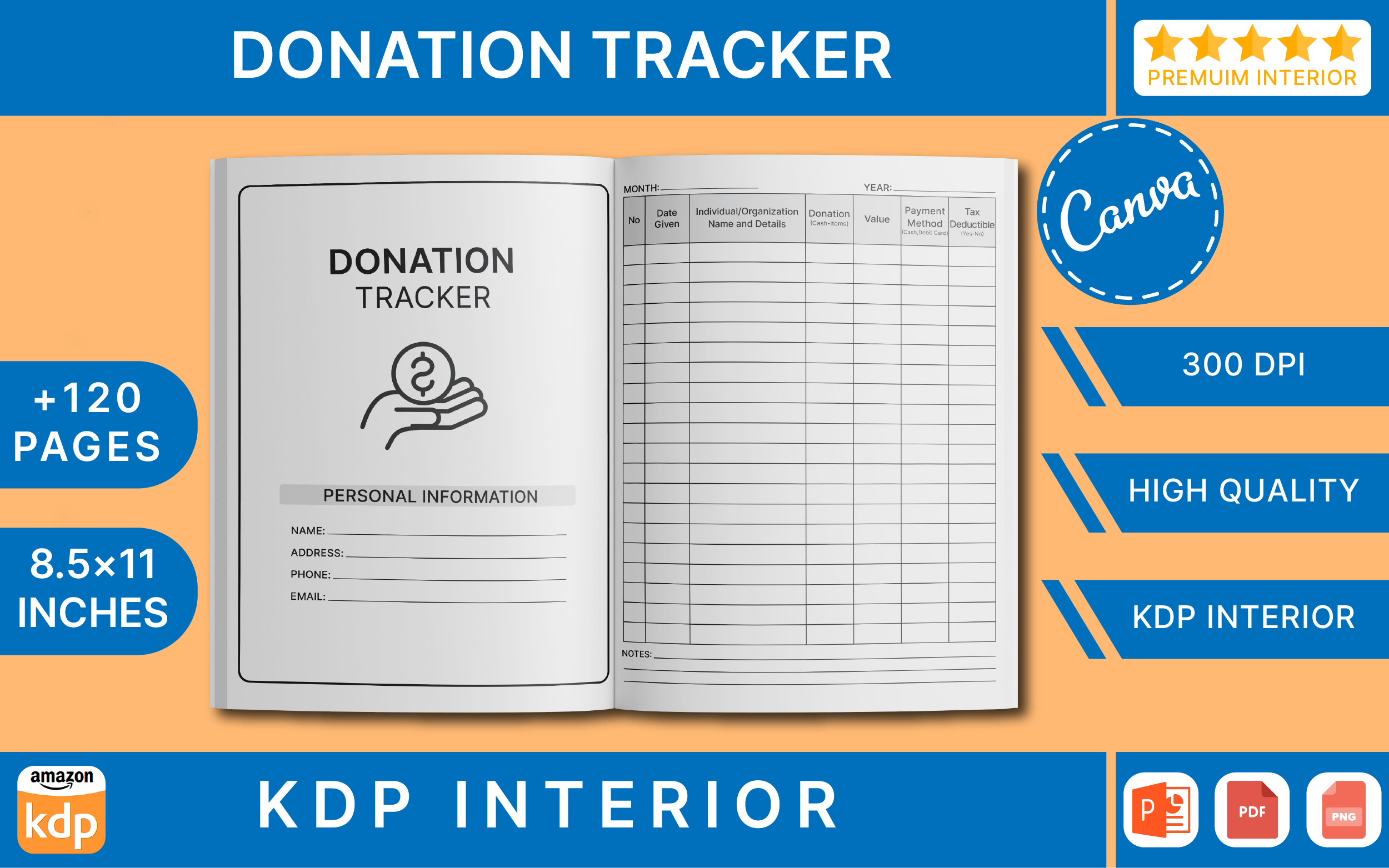
MetaDesigns lists a 120-page US Letter interior with no bleed and a belongs-to page. PDF and AI are named, while another format is abbreviated as PP. That brief wording is not enough to promise a particular PowerPoint extension without checking the delivered files.
I would consider it for a clean repeated record form, using the preview to assess column sizes. A long interior is useful when entries accumulate, but it does not create more distinct layouts. If source editing is the deciding factor, confirm the software and file extension first; otherwise, evaluate whether the supplied PDF fits your ordinary printing workflow.
12. Donation Log with Cover and Interior Files
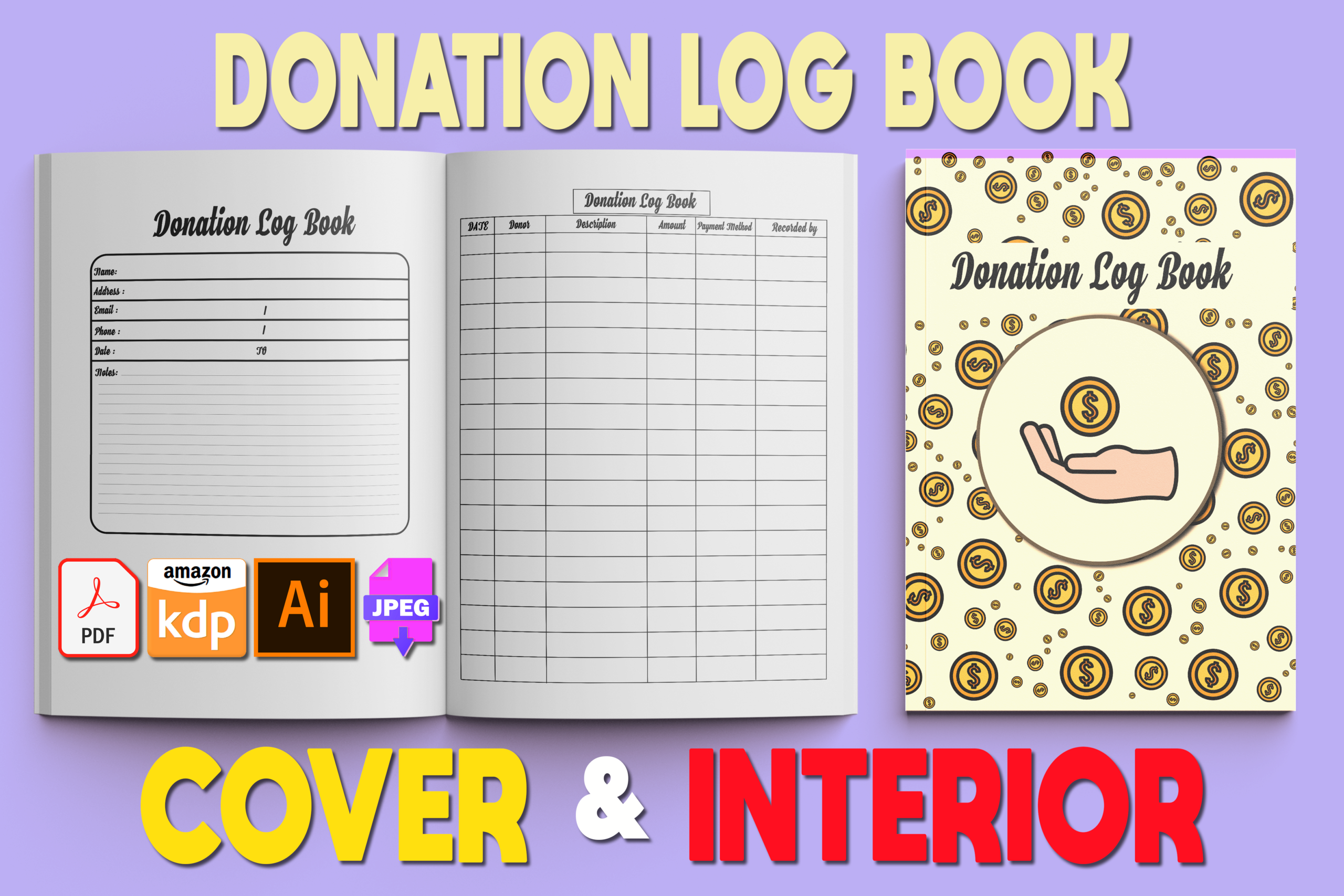
MOF92’s package lists a 120-page, 8.5×11-inch log with cover and interior PDFs, two AI files and two JPEG files. Unlike the interior-only options, it includes cover artwork as part of the documented package. The AI files refer to editable vector artwork.
I would choose this if you want a more complete starting design for a bound notebook. A supplied cover still needs checking against the final book dimensions and printing method, rather than being assumed to fit every production setup. For personal use, inspect the interior first: the quality of the record fields matters more than having matching artwork around them.
Keep Entries Consistent and Easy to Check
Use the same date format and a clear organization name, then add a short description and the relevant amount or quantity. Keep money and item counts in separate fields. If a transfer is planned rather than completed, mark that distinction instead of allowing both to look identical.
Store supporting confirmations or receipts where you can find them and add a reference in the notes if useful. A handwritten or typed total is only as reliable as the entries behind it. For general spending records outside this purpose, use an expense tracker rather than stretching one donation form into a complete account ledger.
Check the File and Printing Workflow
PDF is a straightforward starting point for printing. Canva, PPTX, Illustrator and InDesign sources involve different editing workflows and software requirements. Wording such as editable PDF does not by itself confirm interactive fields, formulas or a particular design program. Check the delivered format if editing is the deciding factor.
Print one page at actual size and inspect margins and writing space before making a long notebook. For donated household items, a decluttering planner can organize the sorting process while the tracker records what was given. Choose the smallest workable package, then inspect its current listing through the Download button.