16 Useful Wedding Planners for Budgets, Guests and Clear Timelines
Planning a wedding means keeping track of countless details—but the right planner can make the whole process feel far more exciting than overwhelming. We’ve gathered 16 wedding planners in a range of formats, from printable binders and editable Canva templates to digital planners for Goodnotes, Notion dashboards, and practical spreadsheets.
Whether you want to manage your budget, guest list, vendors, timeline, seating plan, and inspiration in one place—or simply enjoy checking off each milestone—there’s a planner here to suit your style. Choose the format that feels natural to you and turn wedding planning into a beautiful, organized journey toward your big day.
In this guide
1. Wedding Planner Canva Templates
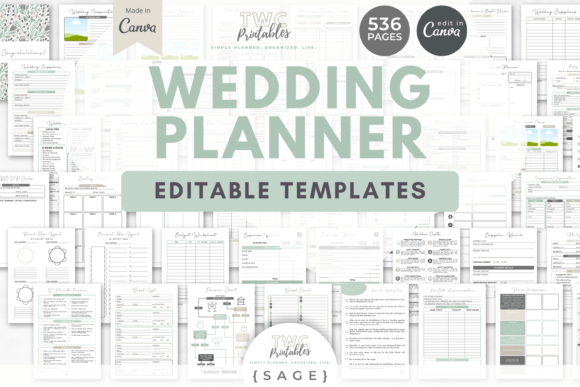
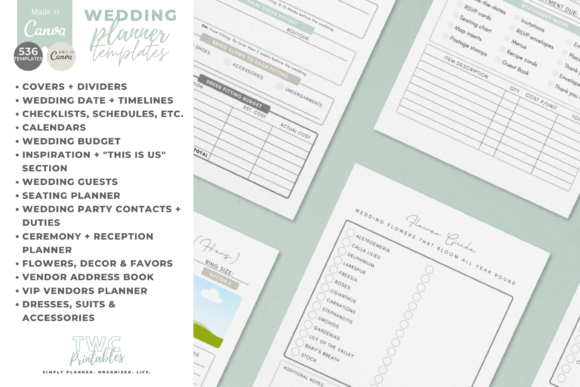
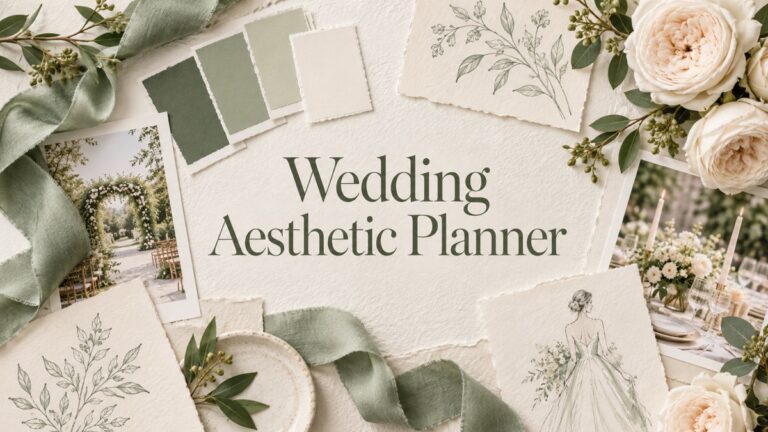
I’d use this planner to turn scattered inspiration and practical details into one cohesive wedding binder. The editable Canva templates give me a starting point for every stage of planning, while the sage-themed design can be adjusted to match my colors, style, and vision for the day.
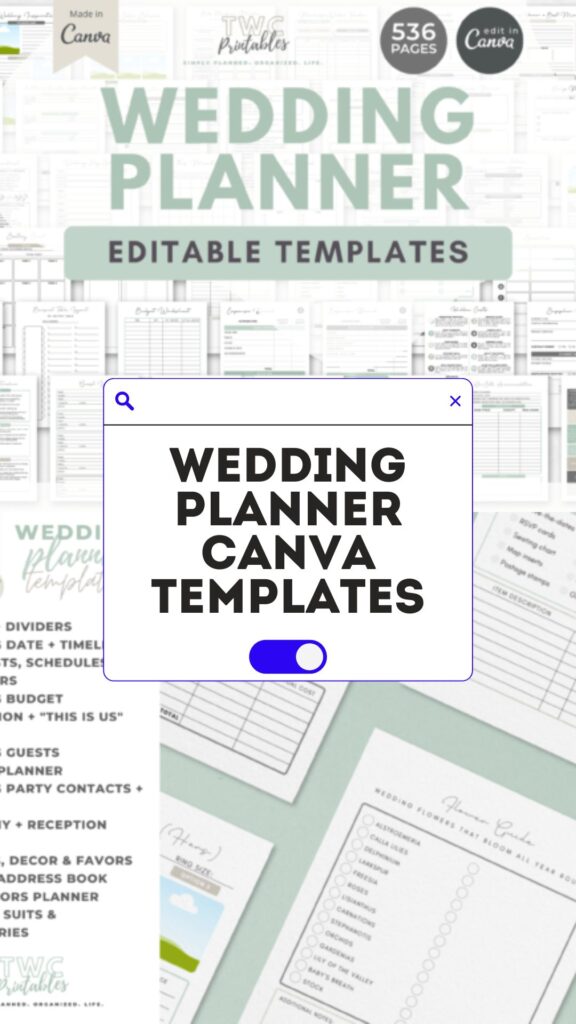
The listing specifies 536 editable Canva templates in A4 and US Letter, with a beginner guide. It explicitly says these are not fillable PDFs: customize in Canva and print for handwriting, or add your own text boxes before export. The ten-sheet bonus requires a separate email sign-up and should not be confused with the base download.
2. Wedding Planner Canva Templates Editable
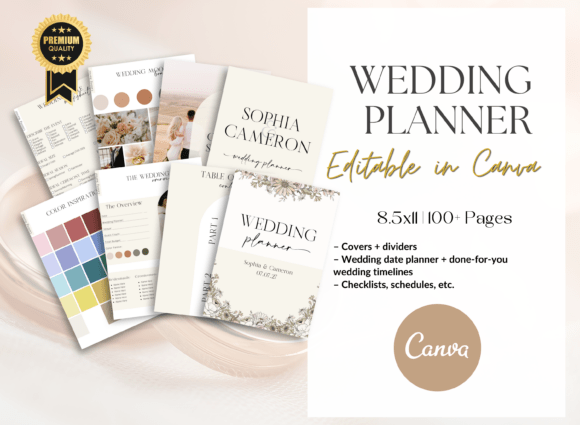
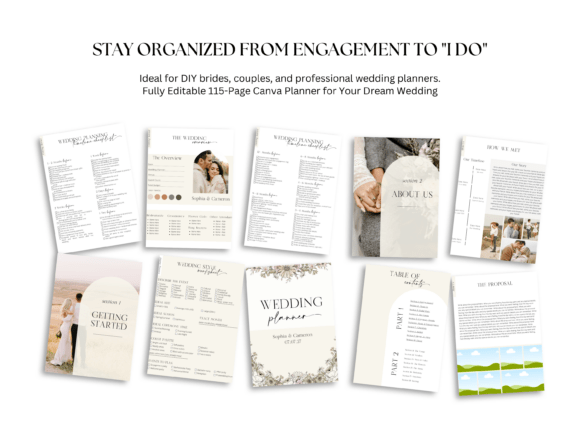
This wedding planner gives me a clear place to manage the practical side of the celebration without losing track of the fun details. I can customize the Canva pages and use them for the budget, vendor contacts, guest seating, checklists, and timeline—so each decision stays easy to find.
The current description names 115 editable Canva pages, including budget, vendors, seating, timelines and checklists. A free Canva account is the stated editing route. No specific paper size is given in the description, so confirm the design dimensions before choosing a binder or placing a print order.
3. Luxury Wedding Planner KDP Interior
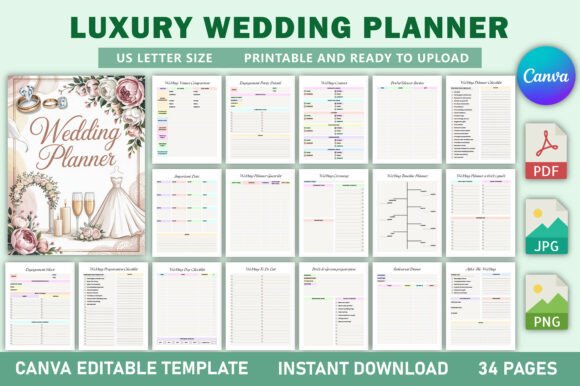
This planner suits anyone who wants an elegant, polished foundation for a wedding planning book. I can use the ready-to-upload KDP interior as it is or personalize the pages for a specific wedding style, creating a practical place for ideas, deadlines, and memorable details.
This package is described as 34 US Letter pages, no bleed, with a Canva link plus PDF, JPG and PNG files. Contacts, preparation checklists, ceremony and reception expense sections make it useful as a compact workbook. Review any production requirements separately if you intend to turn the interior into a bound book.
4. Digital Wedding Planner for iPad Canva
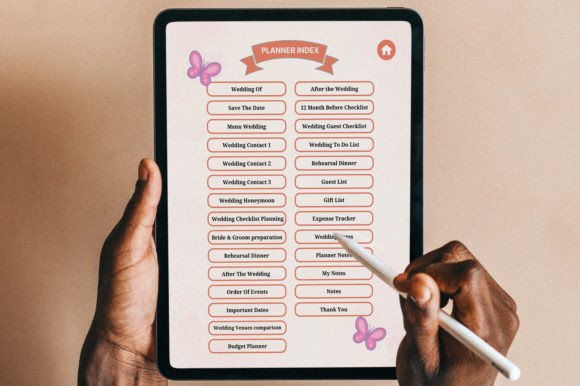
I’d keep this planner on my iPad to review ideas and update plans wherever I am. The editable Canva format lets me personalize the pages, while digital files make it easy to organize my vision, tasks, and wedding details without carrying a bulky binder.
The listing gives more than 30 US Letter templates, no bleed, an editable Canva link and a hyperlinked index. It warns against deleting the main destination pages because that can break navigation. Check links after customizing or exporting; the iPad-oriented name does not establish that every exported file remains interactive.
5. Wedding Planner Canva Template
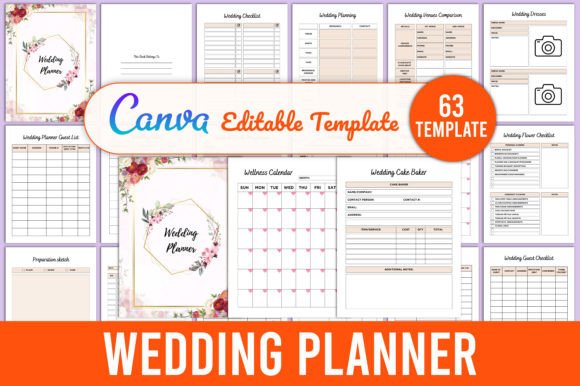
This wedding planner helps me shape the celebration around my own ideas rather than a generic checklist. I can edit the Canva pages for my colors, wording, and priorities, then keep inspiration, vendor notes, guest details, seating plans, and timelines together in one polished place.
The specified package has 63 US Letter pages, no bleed and 300 DPI, with Canva, PDF, JPG and PNG versions. It includes supplier payments, seating layouts, budgets and a day schedule. Choose it when those operational pages matter alongside the visual inspiration; confirm the exact download before assuming any PDF is fillable.
6. Wedding Canva Templates
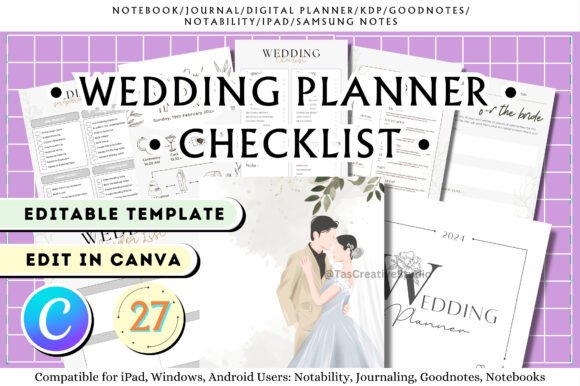
I’d choose this planner when I want every decision to feel connected, from the first mood board to the final-day schedule. The editable Canva templates let me customize fonts, colors, and layouts, creating a wedding binder that reflects our style instead of someone else’s.
The description lists 27 Canva templates, including RSVP records, venue comparison, budgets, timelines and vows. It also advertises a five-page sticker-book bonus. Treat those as an editing collection rather than 27 ready-made interactive PDF tabs; the description does not give a complete final-file inventory or paper size.
7. Wedding Digital Planner | iPad Planner
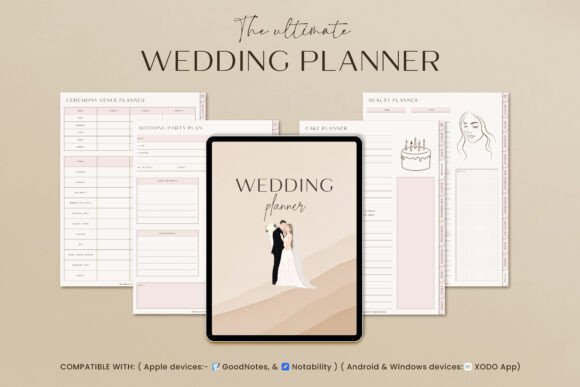
I’d keep this planner on my iPad so every idea, deadline, and decision is within reach. It’s a handy option for planning on the go: I can write notes with a stylus, update tasks after vendor calls, and keep the wedding timeline close without carrying extra papers.
The seller describes portrait-format hyperlinked planning pages with Monday and Sunday starts, an index and duplicated-page support. GoodNotes, Notability and Xodo are named for iPad and Android-tablet workflows, and the seller notes that software may cost extra. Confirm the actual file and navigation in your own annotation app; this review does not report hands-on compatibility testing.
8. Wedding Planner Binder | Best Printable
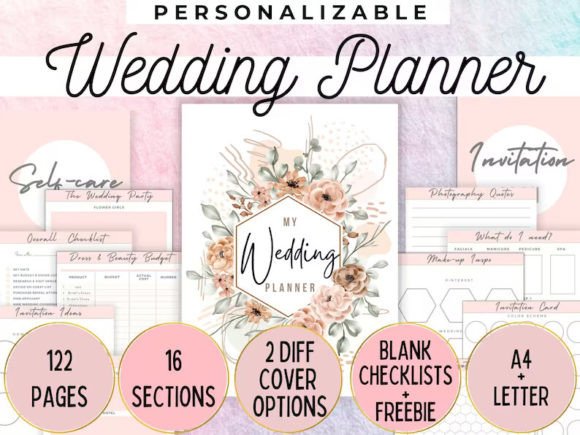
This printable wedding planner gives me a satisfying way to keep the entire celebration in one physical place. With more than 120 organized pages, I can build a binder for inspiration, schedules, supplier details, budgets, and all the small decisions that are easy to forget during planning.
The listing confirms more than 120 pages and a printable wedding-binder purpose. Its written description does not provide a precise format inventory or page size. Compare the archive and preview before selecting paper, and avoid assuming Canva editing, fillable fields or hyperlinks from the general planner name.
9. 2027 Wedding Planner
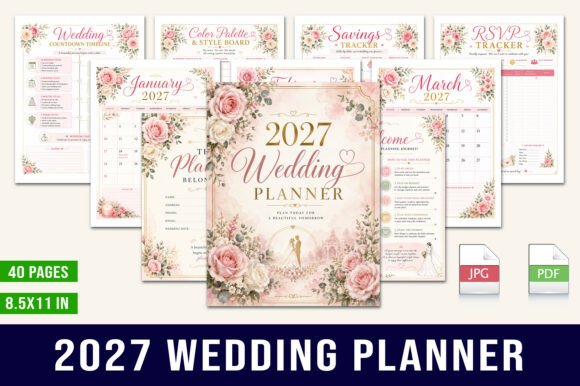
This 2027 Planner is designed to keep wedding preparations elegant and structured from the first idea through the big day. It includes floral planning layouts, calendars, budgeting tools, guest-management pages, worksheets, and inspiration boards, so I can track both the practical details and the creative vision in one place.
This dated option includes a 2027 calendar overview and 40 US Letter PDF pages. Budgeting, guest and RSVP records, a vision board, planning checklists and notes are listed. Keep the year in mind when comparing it with undated products; calendar sections should match the period you intend to plan.
10. Printable Wedding Planner | Wedding Pages
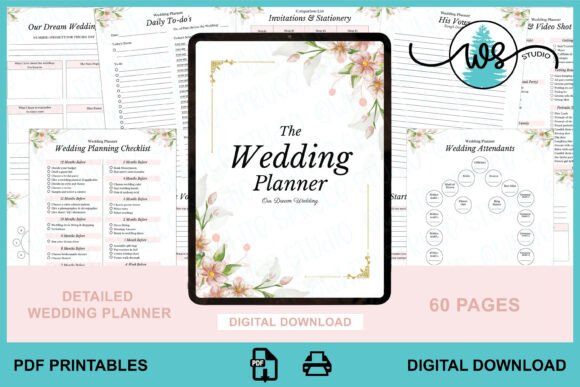
This printable planner is a simple way to organize the celebration on paper, with pages you can print, sort into a binder, and revisit throughout the planning process. It’s especially useful for keeping key details—such as budgets, suppliers, seating arrangements, timelines, and checklists—together in one easy-to-reference place.
The current product description specifies 60 portrait US Letter pages with room for hole punches, supplied for printing. The seller also names Adobe Acrobat and Goodnotes for adding text or annotations. Check the exact PDF behaviour in your chosen app rather than assuming every field is an interactive form.
11. Wedding Planner KDP Graphic
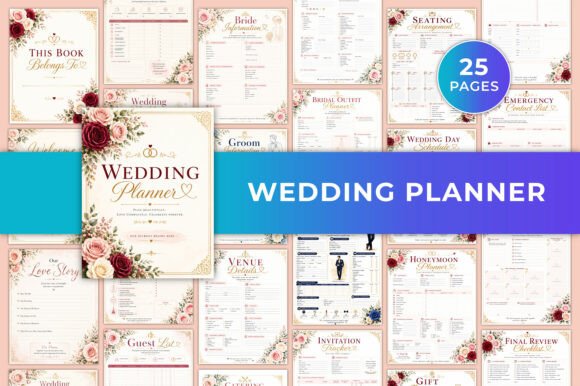
This Wedding Planner KDP Graphic is a Canva-editable collection for organizing the wedding vision, budget, guest list, dates, seating and honeymoon. The current listing gives concrete details for this particular interior, so the choice can be based on its actual files rather than assumptions drawn from similar products.
The current listing describes a Canva-editable wedding planner with a 26-page US Letter printable PDF, JPG files and no bleed. It names guest and invitation tracking, budget and dates, seating, honeymoon and memory pages. This is a verified description of this product, replacing the original paragraph's general comparison with unrelated KDP listings.
12. Wedding Planner
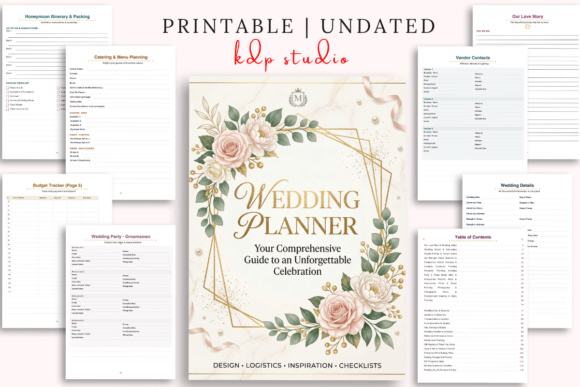
Plan your dream wedding with this elegant Printable Planner. Organize your budget, guest list, vendors, timeline, checklist, decorations, and important details in one place. Perfect for brides-to-be, engaged couples, DIY weddings, and anyone who wants a beautiful and organized wedding planning experience.
The listing specifies a 120-page US Letter printable PDF and 120 editable Canva pages. Sections cover vision, budgets, guests and dietary notes, venue comparisons, vendors, attire, countdowns and reflections. Choose between editing and printing according to the pages you want to use; the two versions do not mean 240 distinct worksheets.
13. Ultimate Wedding Planner Canva
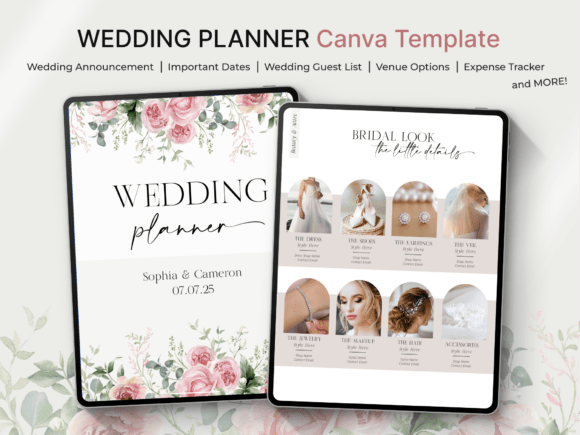
This Ultimate Wedding Planner Canva collection is intended for customizing a detailed wedding workbook. Its sections cover guests, ceremony, music, budgets, attire, venues, suppliers, photography, flowers, menus, timelines and seating. Check the Canva account requirements before planning your editing workflow.
The current Canva collection has 210 pages divided into 115-page and 95-page parts, spanning 18 planning sections. The listing explicitly mentions Canva Pro elements and recommends Pro for access to all features. Check those requirements before choosing it for a free-account workflow, and review the actual licence if you intend commercial adaptation.
14. Wedding Planner Hyperlinked for Goodnote
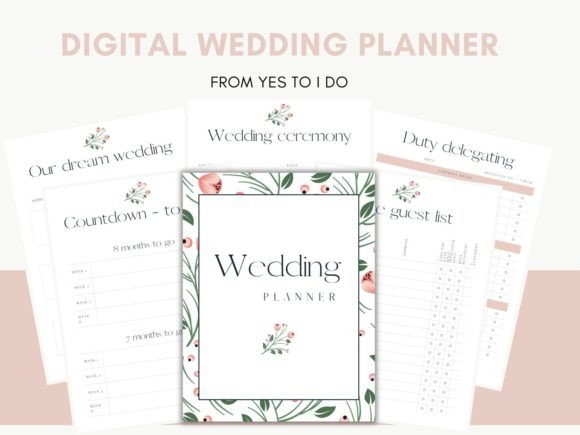
The Eternal Moments Wedding Planner is advertised as a hyperlinked Goodnote planner with wedding budgets, guests, vendors, countdowns and inspiration sections. Treat the product title as the seller’s description and verify the actual download and navigation in your intended app before relying on a particular platform.
The seller names budget, guest, vendor, countdown, transport and inspiration sections, and mentions editing in Canva. Although the title describes a hyperlinked Goodnote planner, the written description does not provide a clear file inventory or tested platform list. Verify the archive, navigation and app requirements rather than assuming generic Windows, Mac or Linux compatibility.
15. Wedding Planner Notion Dashboard
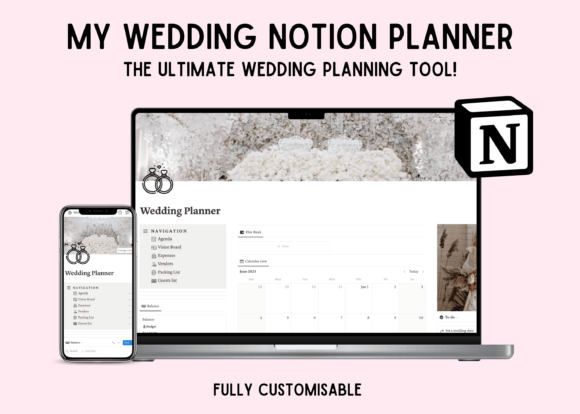
This Notion-based wedding planner is a central workspace for coordinating the celebration digitally. It includes an agenda, vision board, expense tracker, vendor tracker, packing list, and guest list, with tools for tracking vendor communication and appointments as well.
The listed Notion workspace includes an agenda, vision board, expense tracker, vendor tracker, packing list and guest list. It is a dashboard rather than a printable PDF binder. Check the duplication and access instructions in the download, and decide whether storing these changing records in Notion fits your existing workflow.
16. Ultimate Wedding Planner Spreadsheet
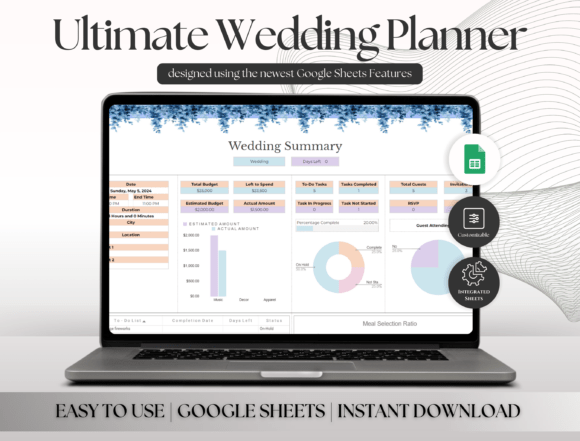
This Google Sheets wedding planner groups changing records into a digital workbook. The current description confirms tabs for budgets, guests, vendors, venues, timelines, seating and honeymoon arrangements, making it a practical option to compare with the printable and Canva collections above.
The actual product is a Google Sheets template delivered through a PDF containing a link, requiring a free Google account. Its 18 listed tabs include setup, overview, budget, guest details, venue comparison, food and drinks, seating, a photo gallery and honeymoon planning. Dropdown menus and an overview dashboard are described by the seller; automatic vendor communication or guaranteed budget outcomes are not claimed here.
Conclusion
Choose the wedding planner that matches your style—printable, digital, or fully editable—and keep every detail in one place. With the right tool, planning your big day feels simpler, calmer, and more enjoyable.
You may also like:
8 Great Digital Planners to Organize Your Life
Choose Wedding Planners by the Records You Need
A printable PDF provides a fixed page, a Canva link gives access to an editable design, and Notion or Google Sheets offer different digital workspaces. Hyperlinks, fillable fields and shared editing are separate features. Check the product’s actual file inventory, account requirements and dated sections rather than assuming every digital planner supports all of them.
For a planning-binder comparison, see the published wedding planner templates. If your immediate task is managing people and RSVPs, compare the wedding guest list templates. Print or open one representative page, enter a real planning detail and choose the structure that makes the next update easy.


8 Comments