8 Useful Travel Planner Stickers for Trips and Memory Pages
Travel planner stickers can mark departures, distinguish destinations or give a trip journal a recognizable visual theme. The eight options below include small airplane labels, printable sheets, large PNG bundles and destination-specific sets. They support a planning layout while leaving the actual itinerary and reservation details in writing.
There is no single format that fits every traveler. Some downloads suit digital placement, some offer ready-made paper sheets, and others require resizing and arranging the artwork yourself. We separate confirmed file details from specifications that the individual product pages do not provide.
How to choose travel planner stickers
Choose functional icons for a busy itinerary and larger decorative stickers for destination or memory pages. A European city set or a Taiwan collection works best when it matches your trip; a summer vacation bundle is less useful for a winter work journey.
Check physical sizes, pixel dimensions and sheet formats before printing. Resolution by itself is not enough to establish how large a file will print well. For digital use, test how the images import and whether you are receiving individual stickers or a sheet that needs cropping. Keep important flight and accommodation information in text.
1. Transparent Digital Travel Motifs for Flexible Layouts
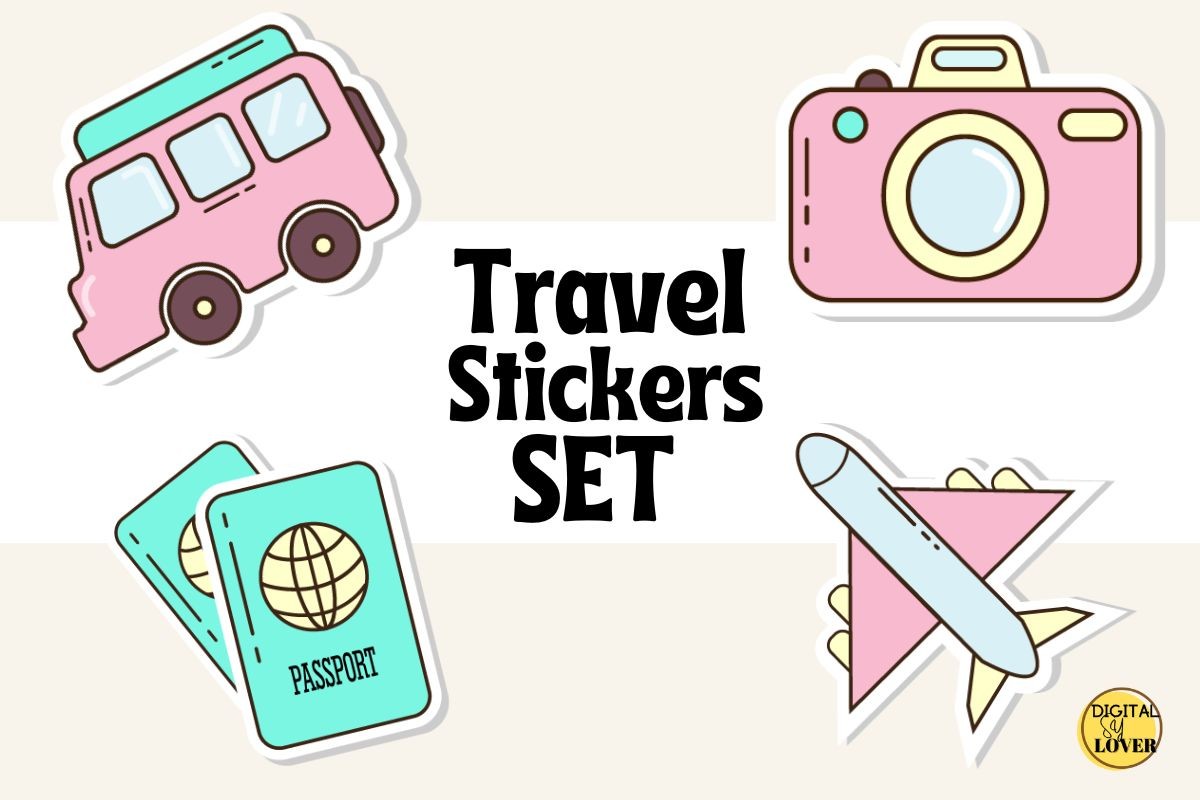
This digital travel-sticker set is described as having transparent backgrounds, with artwork that can be resized, rotated and reused in a planner or journal. The original listing focuses on digital planning and travel decoration. It does not specify the number of designs, file extension, pixel dimensions or a particular app package.
Consider it when you want small visual markers on an itinerary rather than a preformatted paper sheet. A transparent background can make a sticker easier to place over a page without a rectangular edge. Because the technical details are limited, inspect the download before committing to a print workflow or a specific application. The product is decorative artwork, not a travel planner with reservations, budgets or automatic reminders.
2. An A4 Travel Sheet with Individual Transparent Stickers
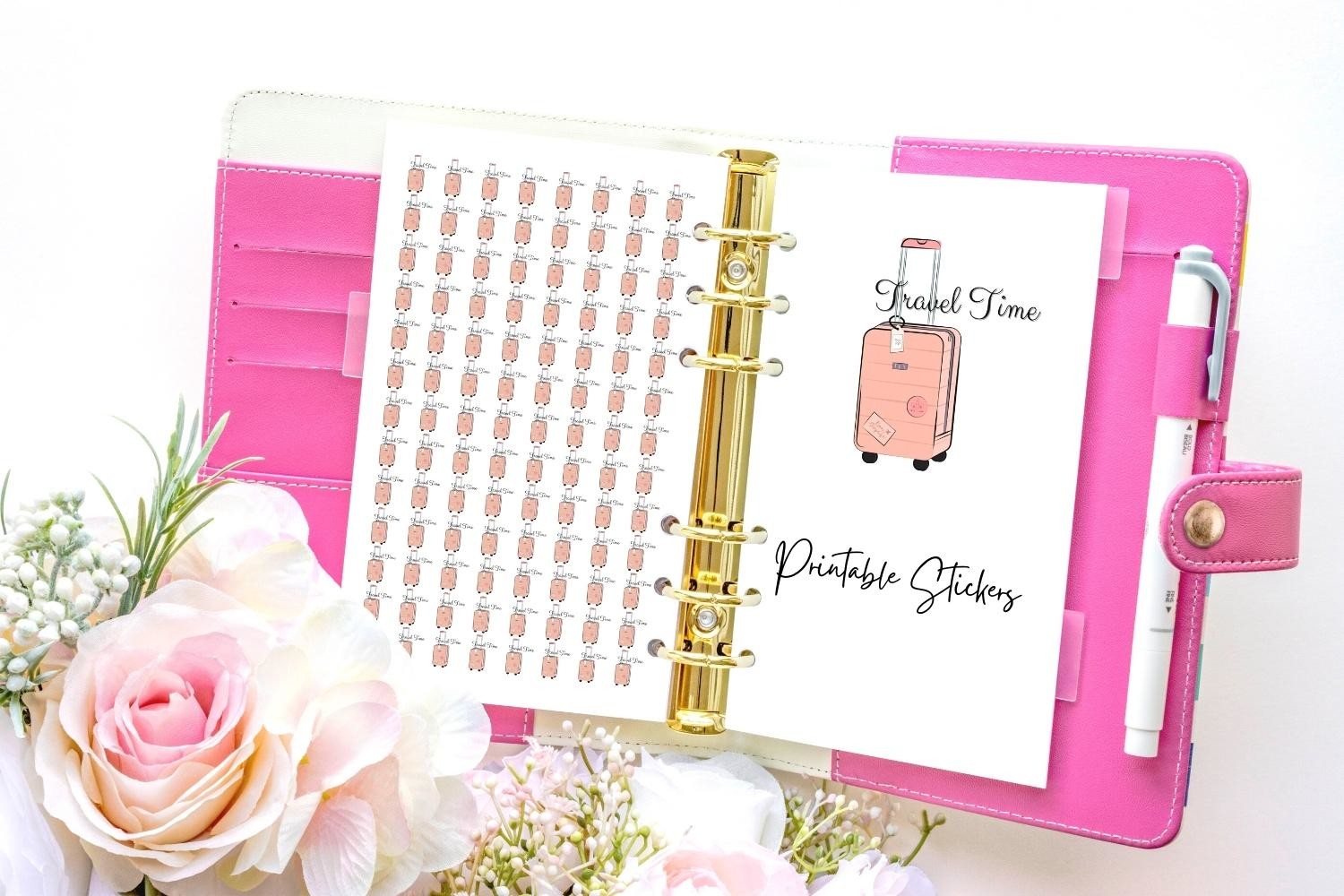
Aneta Design’s Travel Planner Sticker listing promises individual stickers with transparent backgrounds and an A4 sheet ready to print. That combination lets you choose between placing artwork individually and preparing a paper sheet. The description does not state the file formats, design count or resolution, so those details should be checked in the download.
Use the sheet for quick trip-related reminders in a paper planner, or review the individual files for a digital workflow. A4 is the confirmed sheet size; avoid automatically stretching it to a different paper format. This collection is a sticker resource, so it will not hold your booking confirmations or calculate travel costs. Start with a sample print to see whether the artwork remains clear at the size your planner needs.
3. Twenty-Four Large PNG Designs for Adventure Planning
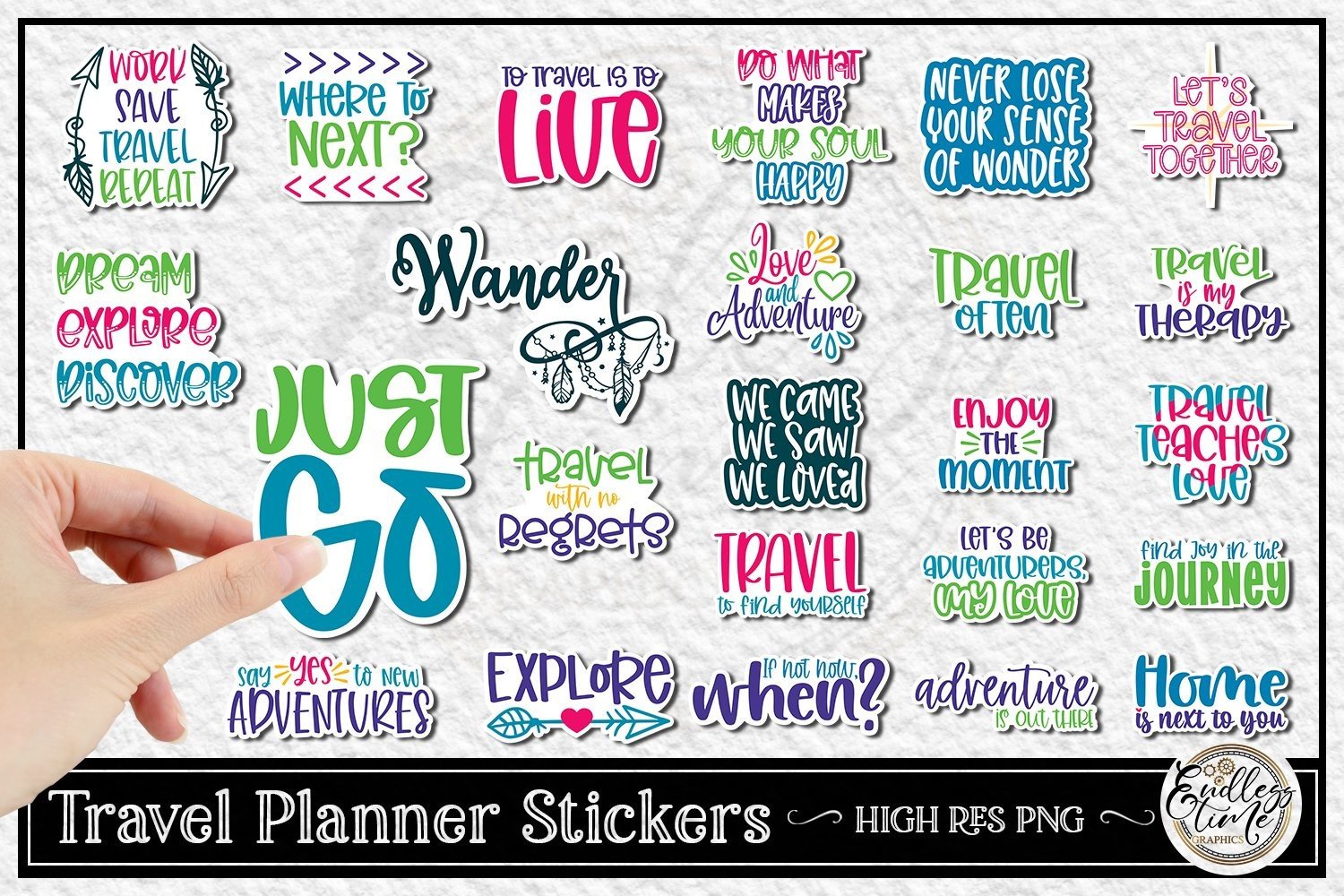
This bundle supplies 24 PNG designs at 300 dpi. The author says the artwork was made on a 12 × 12 inch canvas, with each design close to 12 inches in either height or width; the actual sizes vary. These are therefore large source images that you would normally reduce for planner use, rather than a sheet of tiny labels.
Choose it if you enjoy arranging your own travel spread and want colorful artwork for trip planning or memory pages. The generous stated source size gives room to make smaller stickers, but it does not mean each design occupies a full twelve-inch square. No printable sheet, cutting file or app sticker book is promised. Keep an original copy and create resized versions for your layout instead of changing the source files.
4. Small Airplane Markers in PDF, PNG and JPEG
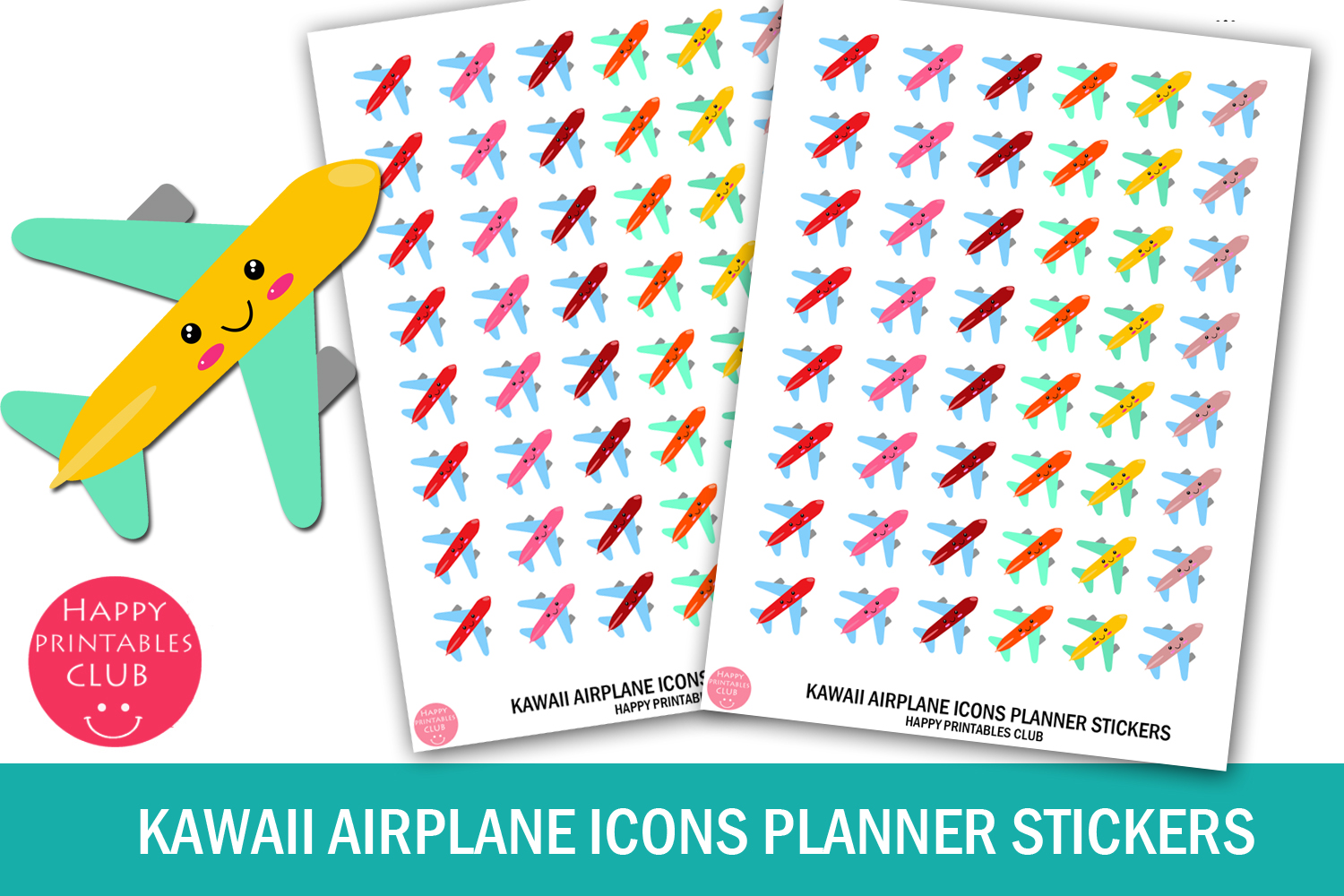
This set focuses on colorful airplane icons for marking travel-related events. The ZIP includes one JPEG, one PNG and one PDF sheet. The author gives a sticker size of 0.5 × 0.5 and a sheet size of 4 × 5.5, but the description does not explicitly name the measurement units.
Use an airplane marker beside a departure date or a flight-planning task while leaving room for the actual time and booking details. The repeated icon format is more functional than a large decorative travel illustration. Confirm the units and printed dimensions in the file before choosing paper or scale settings. Resolution, individual PNG icons and machine-cut files are not listed; the PNG mentioned here is a sheet, not necessarily a separate file for each airplane.
5. Thirty-Two European Destination Stickers as Individual PNGs
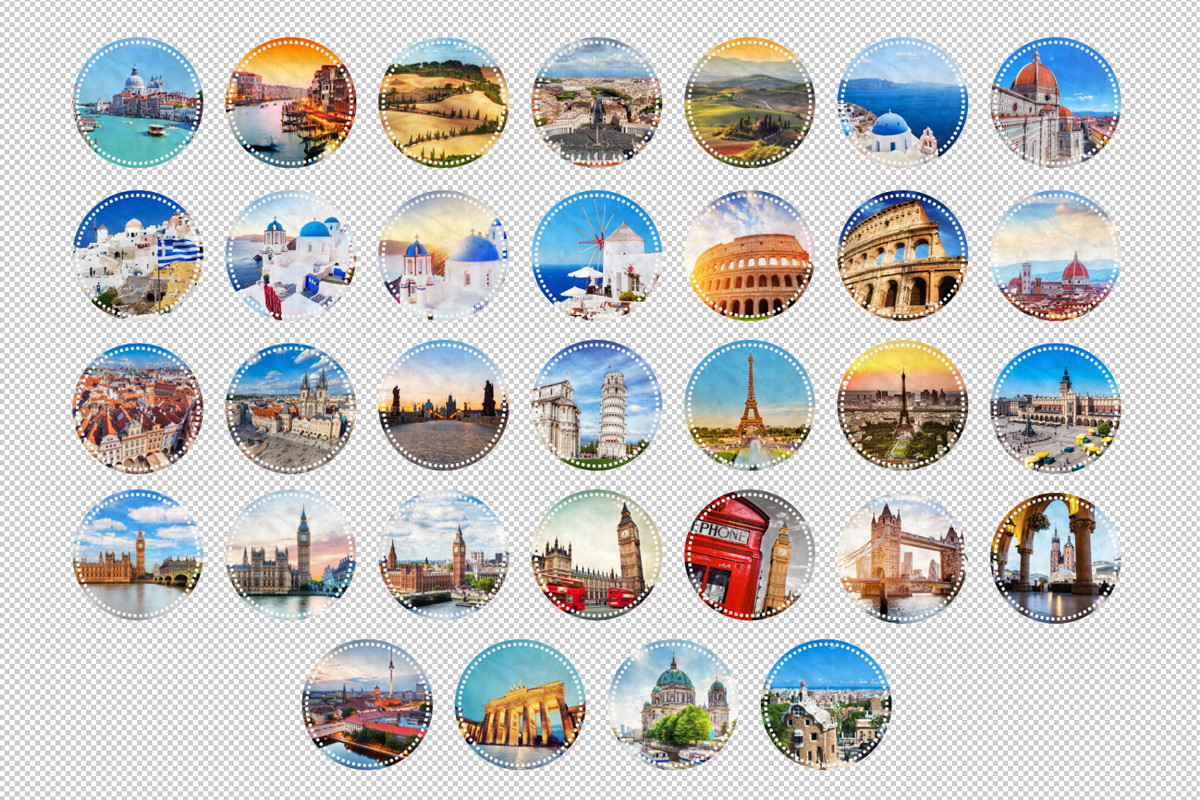
This collection contains 32 individual transparent PNG stickers featuring European cities and places. The author’s list includes Barcelona, Berlin, Cracow, Florence, London, Paris, Pisa, Prague, Rome, Santorini, Tuscany, the Vatican and Venice. The round designs are best treated as destination decoration rather than functional itinerary labels.
Choose it for separating destination pages or adding a visual souvenir to a trip journal. It has a clear geographic scope, so it will be less useful for a trip outside the listed places. The description does not specify resolution, image dimensions, a printable sheet or machine-cut files. Check the PNGs before printing, and leave your itinerary details in text beside the artwork rather than expecting the stickers to store planning information.
6. Fifteen Travel Designs with an A5 Sheet and EPS Sources
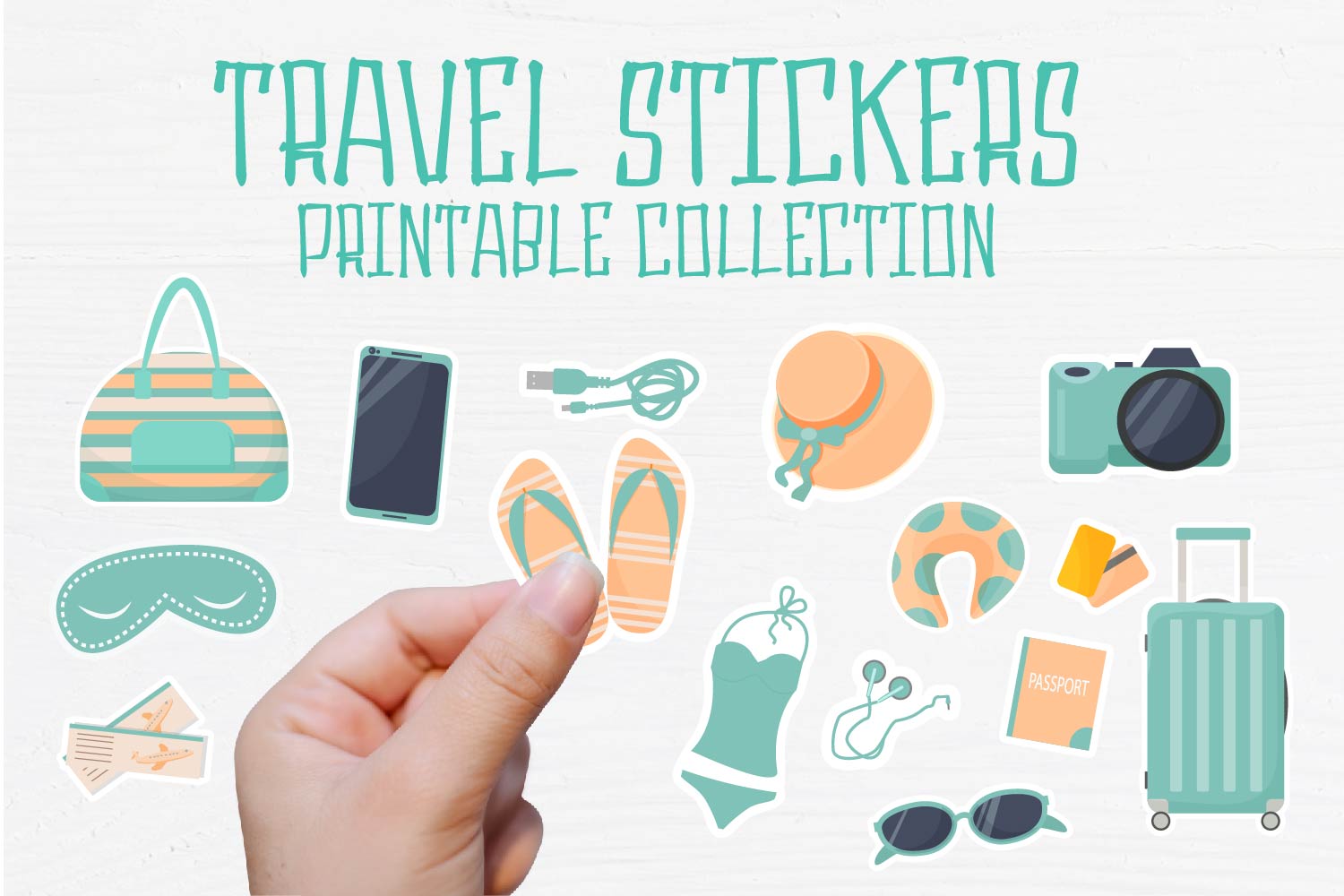
This download lists 15 individual designs in EPS 10, PNG and JPG formats, plus an A5 sheet in PDF, EPS 10, PNG and JPG. It also includes an A5 PNG described as a silhouette resource for Silhouette. The description specifies 2000 × 2000 pixels alongside the individual EPS files, although EPS is a vector format.
Use the ready-made A5 sheet when you want a compact printable set, or work with the individual artwork to create a custom travel layout. The listing calls the ZIP a summer collection even though the product is titled Travel Printable Sticker Collection; check the actual motifs before selecting it for a winter or business trip. The dimension wording does not establish the pixel size of every PNG, and a Silhouette PNG is not the same thing as a native Studio document.
7. Thirty-One Summer Travel Stickers with Hand-Cut Guides
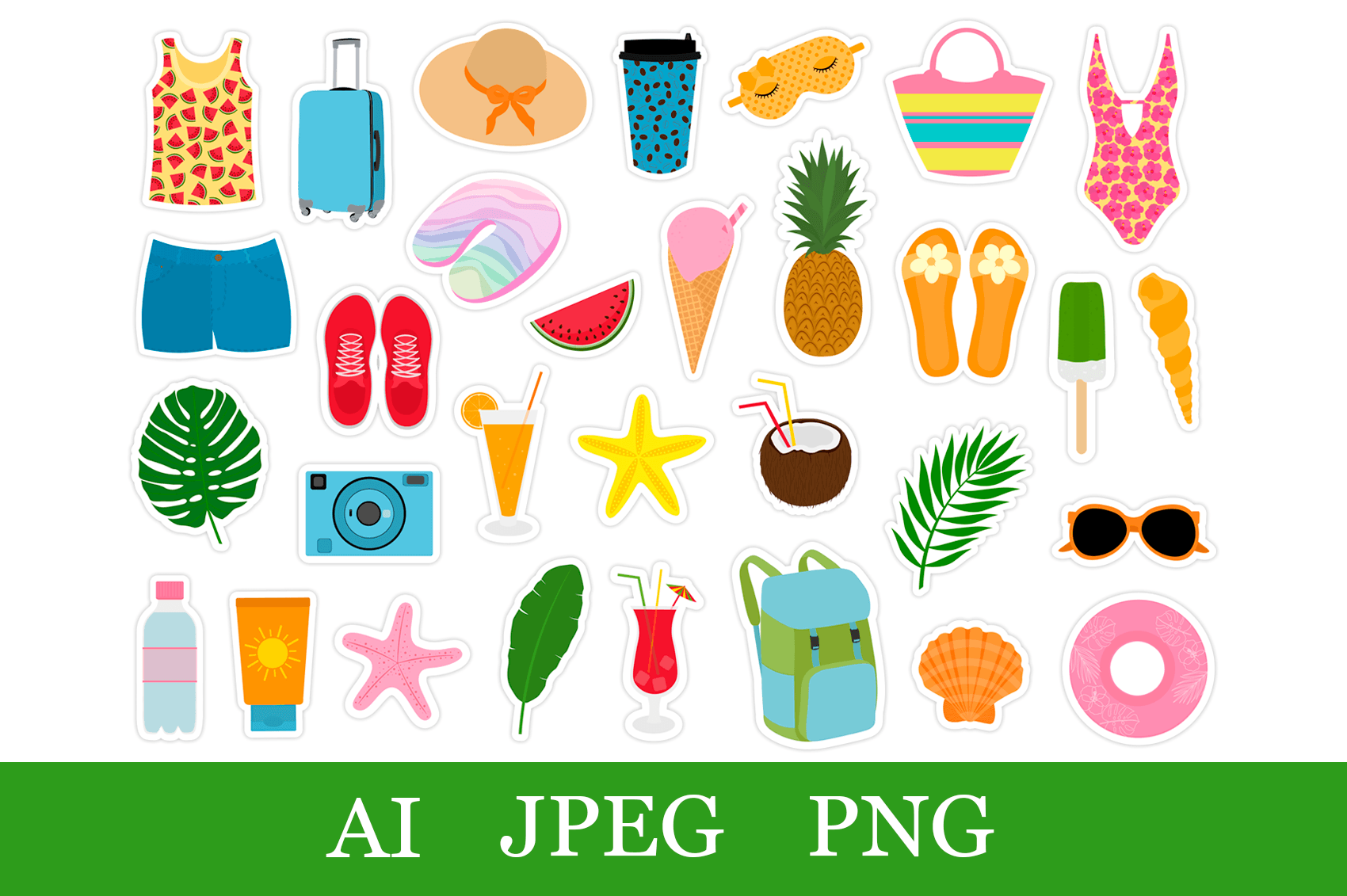
This vacation-oriented bundle has 31 designs, with three AI files, 31 individual transparent PNGs, 31 JPGs and 31 PNG silhouettes. The author specifies approximately five-inch images at 300 dpi. The PNGs have white borders, while the JPGs include a thin gray line intended to guide hand cutting.
It is useful for a beach or warm-weather travel spread and for preparing paper stickers with scissors. The seasonal imagery is a limitation for other trips, so choose it for the destination and activities you actually plan. Resize the large source images to your planner rather than printing everything at the stated original size. Although the seller broadly mentions cutting programs, no specific native machine file is listed; check and prepare the supplied artwork in your own software.
8. Eight Taiwan-Inspired Stickers in Print and Screen Resolutions
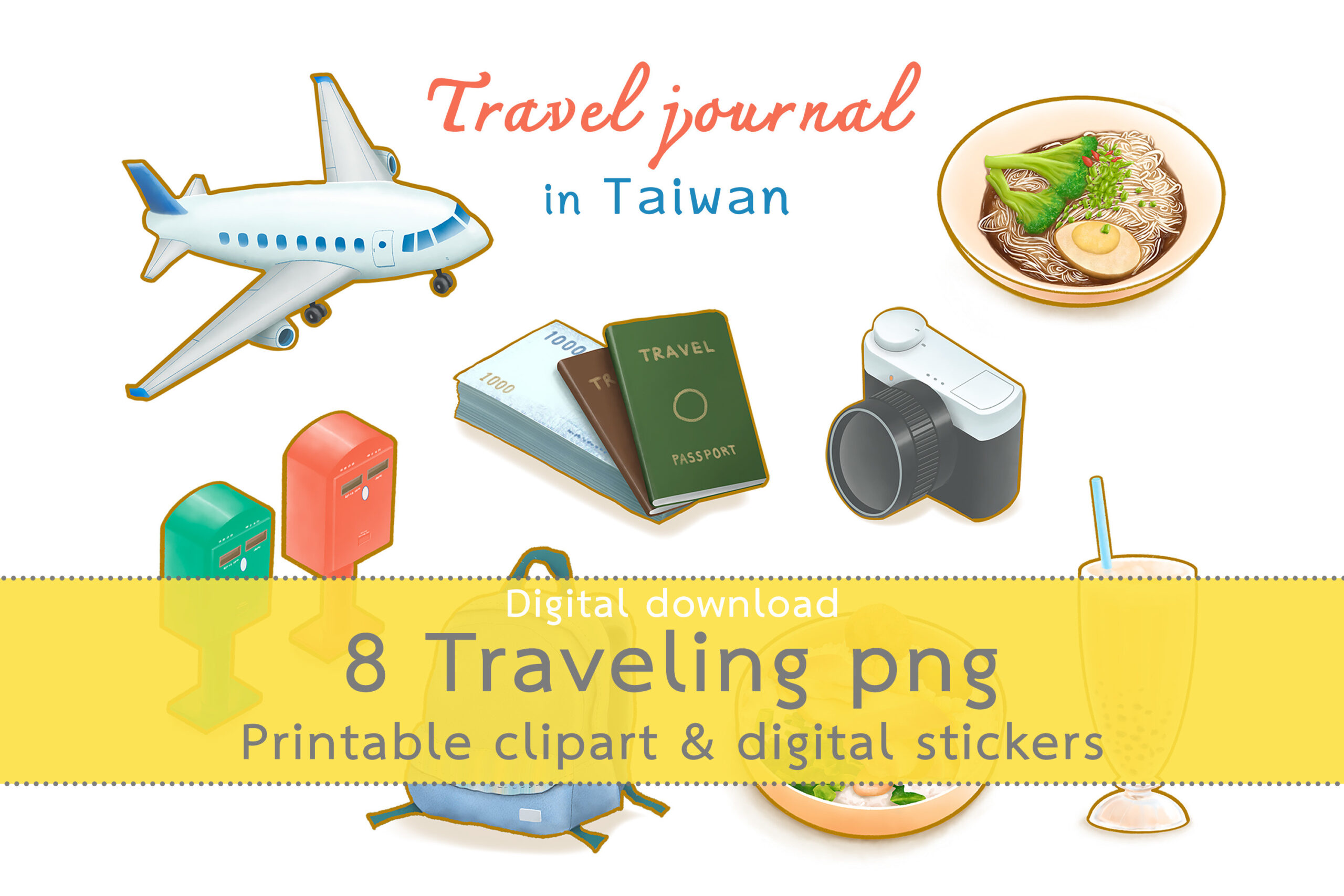
This set includes eight Taiwan-inspired designs, such as bubble tea, a railway lunch box, noodles, a public post box and general travel objects. The author provides transparent PNGs in two versions: 2400 × 2400 pixels at 300 dpi and 1000 × 1000 pixels at 72 dpi, plus one GoodNotes file. The larger files are described as eight-inch canvases with blank border space.
Choose it for a Taiwan itinerary or a destination-specific memory page, using the larger PNGs for print testing and the smaller versions where lighter digital files are useful. The actual illustrated objects are described as roughly five to seven inches, so canvas size does not equal the artwork’s visible size. It is a focused collection rather than a comprehensive travel kit, and the listing does not specify a printable sheet, cut files or a GoodNotes application version.
Make the download work for your routine
Add a flight marker or destination sticker where it helps you scan the trip, then record the dates and reservations beside it. Keep practical itinerary pages distinct from decorative memory spreads. Print or import a small sample first, and save the original artwork for your next trip.