8 Festive Christmas Recipe Cards for Holiday Baking and Family Gifts
Christmas recipe cards keep a favorite biscuit, family pudding or festive drink close to hand without opening a full cookbook. They can also travel with a homemade food gift, leaving the recipient a record of how it was made. These eight downloads cover ready-to-write cards, editable Canva layouts and decorative backgrounds that need your own text before they become usable recipe records.
File completed cards in a recipe binder, organize batches with a Christmas baking planner, and use a Christmas meal planner for the wider menu. The cards here serve a different purpose: preserving one recipe in a compact, shareable format. Their stated sizes and file inventories come from the individual product pages.
Choose Christmas recipe cards for writing, editing or designing
For a quick handwritten gift insert, a fixed printable PDF is usually sufficient. Choose Canva or PowerPoint editing when you want to type ingredients and instructions before printing several copies. Background PNGs require more preparation: they do not automatically contain ingredient fields, writing lines or a completed recipe template.
Check the finished card size separately from the printing-sheet size. A Letter or A4 sheet may hold multiple smaller cards, while a square background needs cropping or a custom layout. Leave room for ingredients, method and your own notes rather than filling every space with decoration. Print one sample at actual size and make sure the writing remains readable after trimming.
1. Editable Christmas Recipe Layouts in A4 and Letter
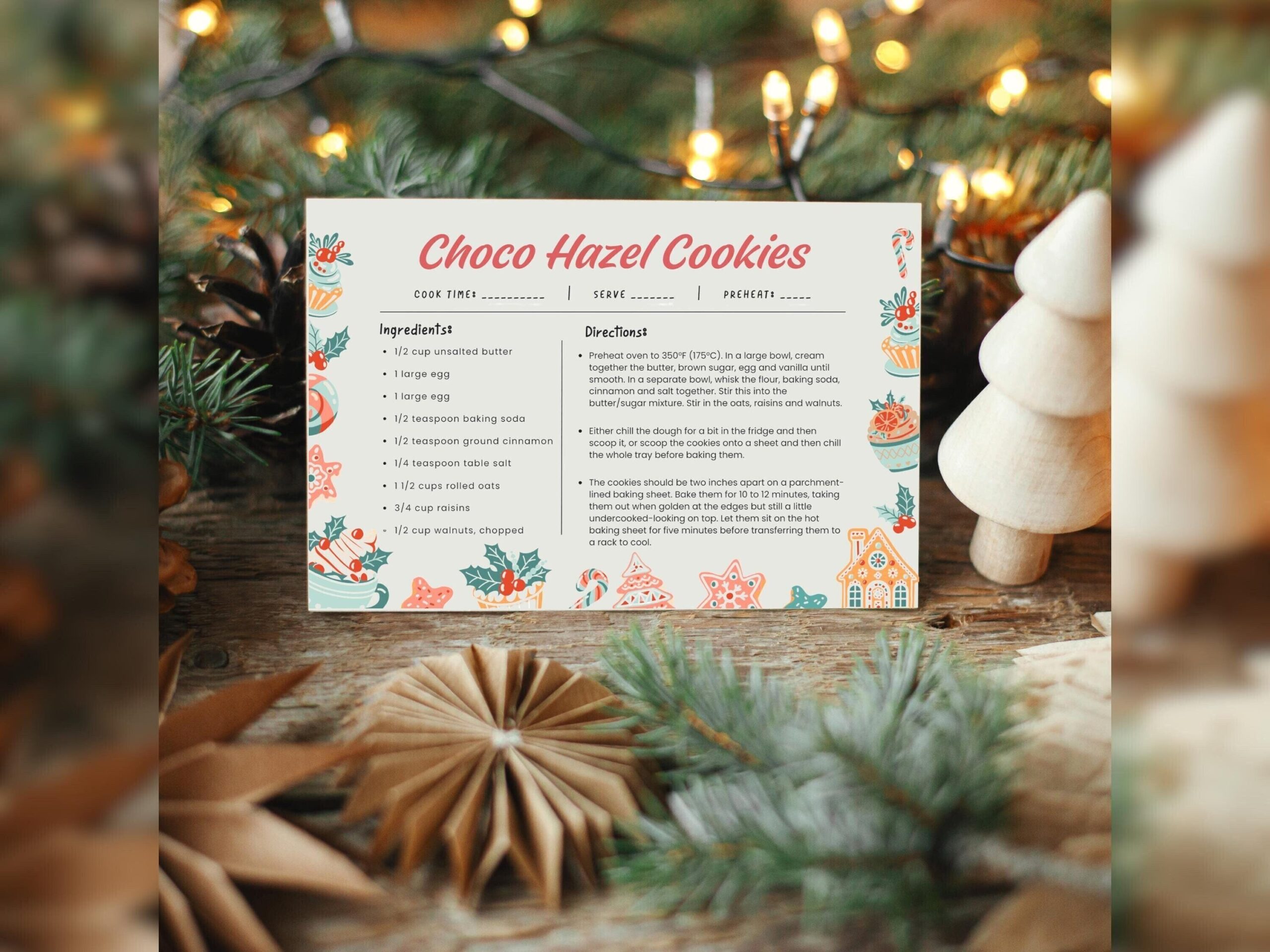
This editable Christmas template lists A4 and US Letter options, with one-card and two-cards-per-page arrangements and three versions. The page names both Canva and Microsoft PowerPoint editing, and describes delivery through a PDF containing Canva links. That flexibility suits someone typing a family recipe once and preparing several copies for a holiday gathering.
The listing explicitly says the PDF is not fillable and the digital pages are not hyperlinked. Edit in the named design tools rather than expecting form fields in a PDF viewer. The description’s claims about no sign-ups or fees should not be treated as a guarantee for your chosen editing service. Inspect the actual template access and PowerPoint inventory before selecting that route; the sheet sizes do not establish the dimensions of each trimmed card.
2. Minimal Christmas Recipe Card with Canva Customization
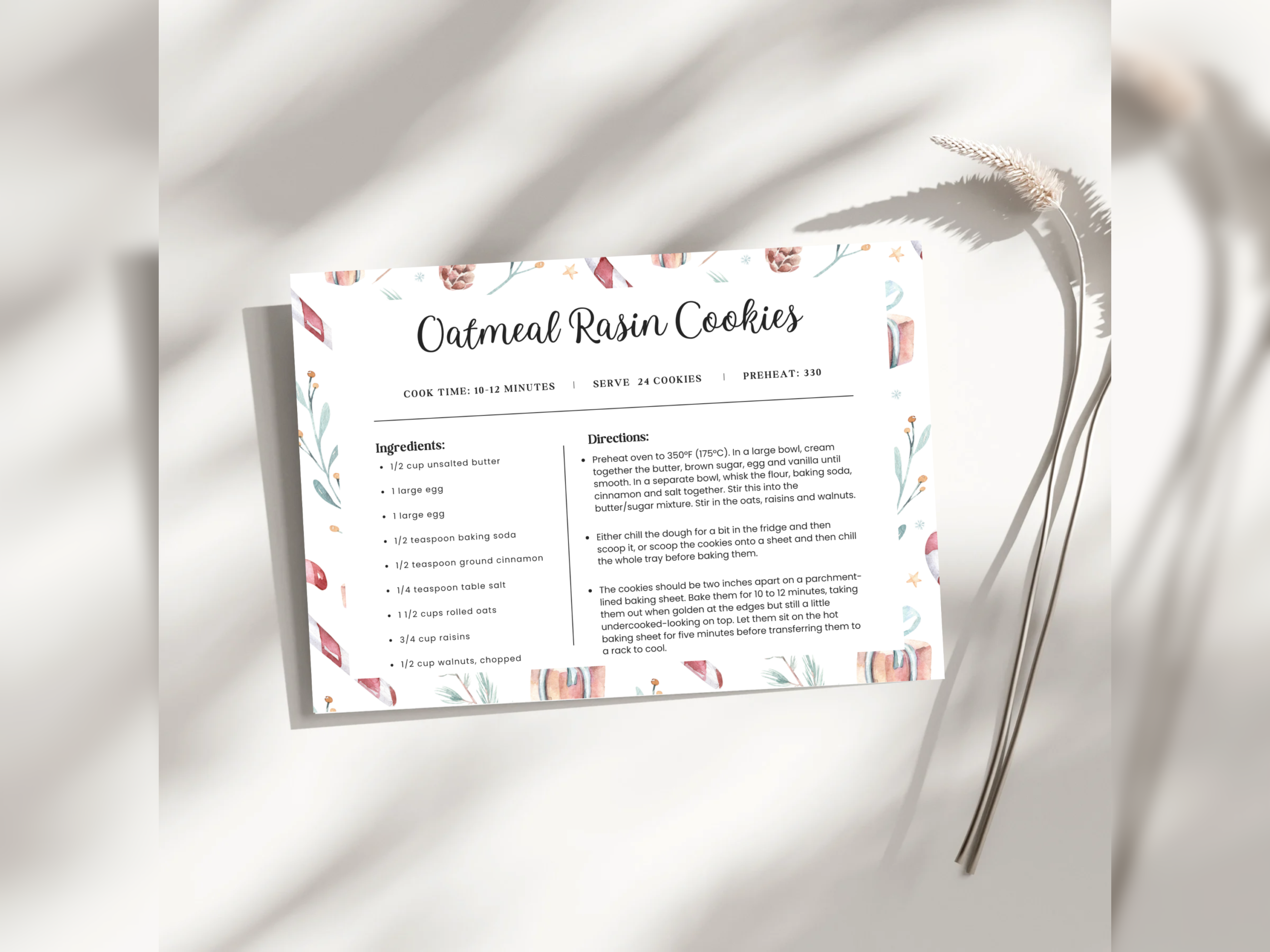
This Christmas Recipe Card is described as a printable, minimalist design that can be adjusted in Canva. It is a candidate for preserving a familiar holiday recipe without adding the detailed graphics of a full scrapbook kit. A restrained layout can be useful when the ingredient list and method need more attention than the decorative frame.
The description does not give a card size, page count, delivered file formats or numerical DPI. Treat those as unknown rather than borrowing details from a similar-looking template. Open the Canva design and check its dimensions before arranging a print sheet. Choose this for the listed editing route and style, then verify that the actual writing areas accommodate your recipe; a short preview cannot confirm how a long method will fit.
3. Multi-Size Recipe Card with Canva and PowerPoint Access
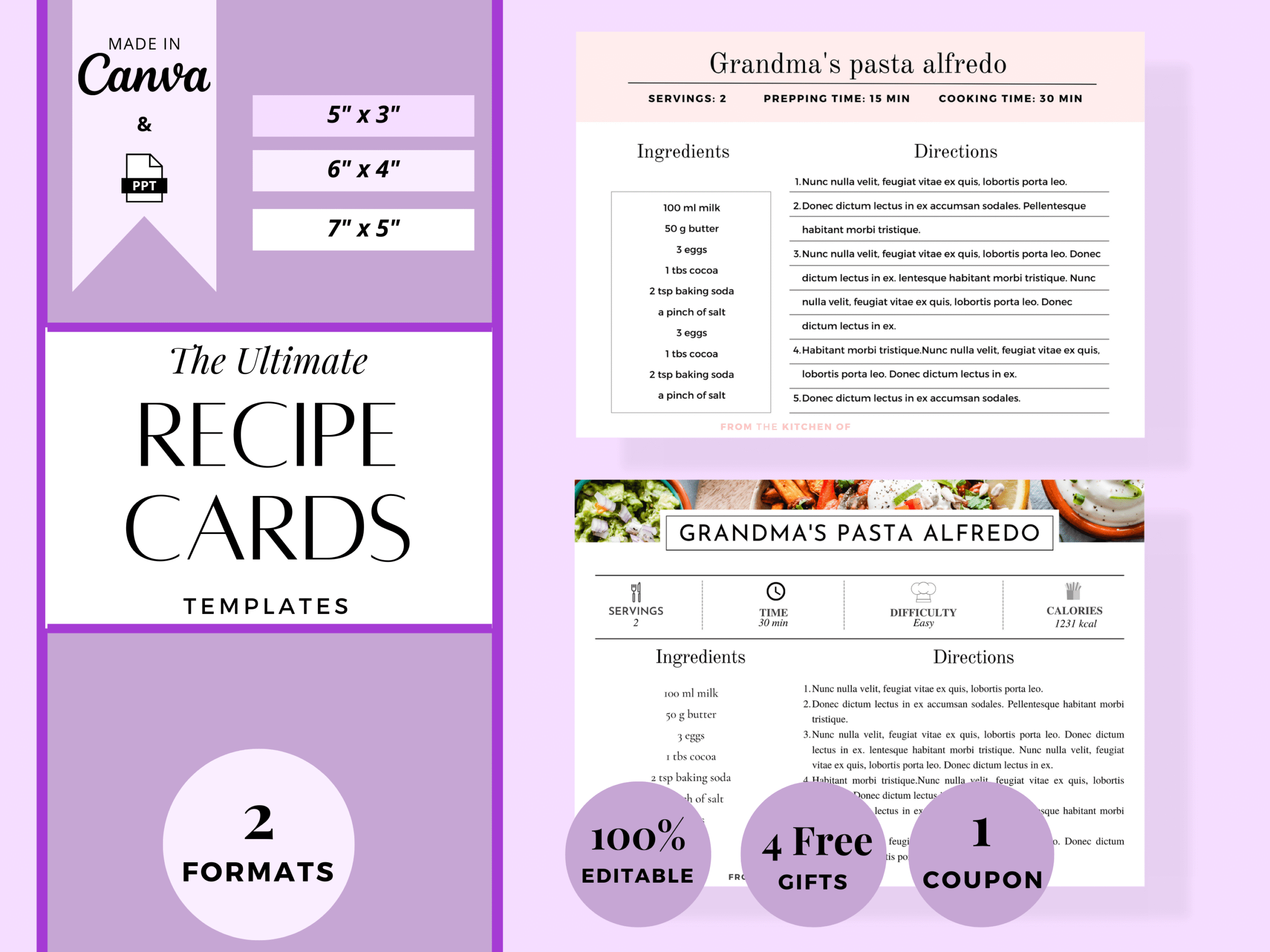
This editable recipe card is explicitly offered for Christmas recipes, Thanksgiving cooking and other recipe-sharing occasions. The description lists a PDF with a clickable Canva template link and a separate PPT file for Microsoft PowerPoint editing. It is useful when you want to type a recipe and prepare a clean card for a holiday gift without needing exclusively Christmas-themed artwork.
The title mentions 3 × 5, 4 × 6 and 5 × 7 sizes, but the description does not itemize those dimensions or explain the number of layouts. Check the actual files before assuming every size is supplied. A numerical DPI and a ready-to-print exported PDF are not clearly listed. The own page showed 40 favorites at checking. Use the editable source to fit a realistic ingredient list, and inspect the final export before printing multiple cards.
4. Ten Square Christmas Backgrounds for Custom Cards
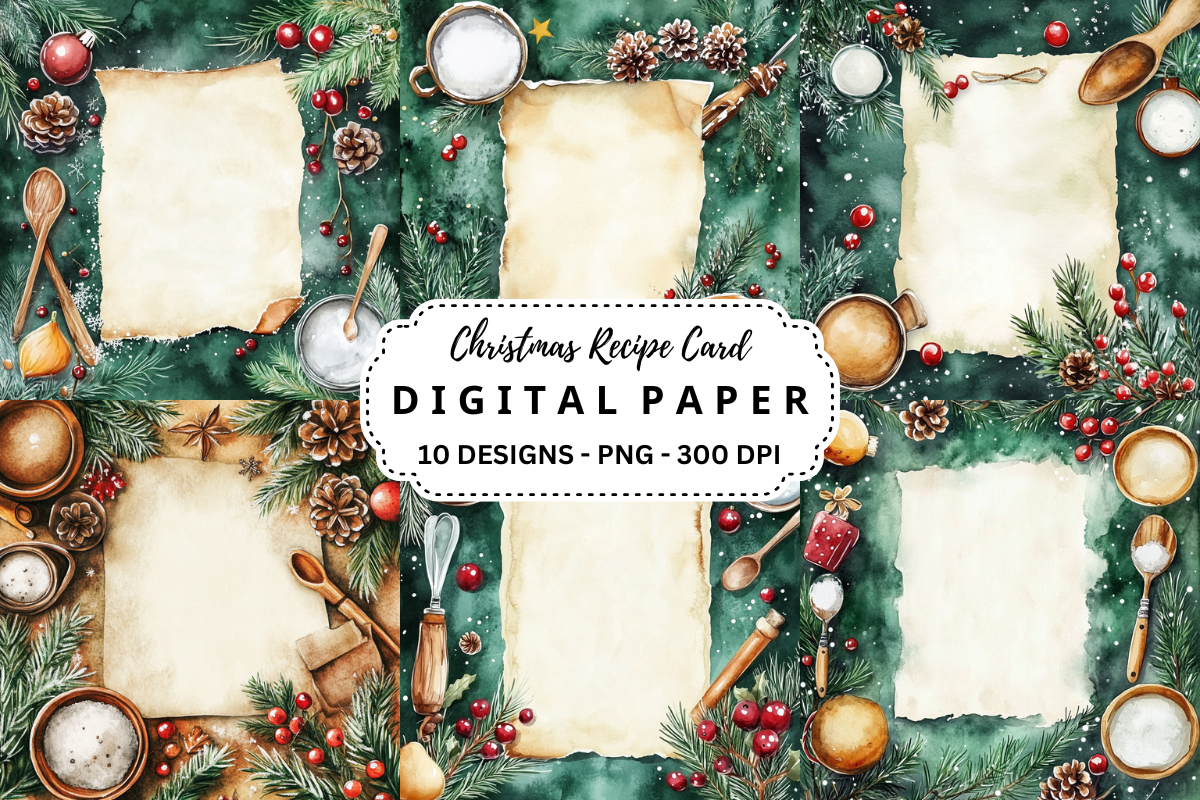
This download is a design resource rather than a completed recipe form. It lists ten individual PNG files, each 3600 × 3600 pixels at 300 DPI. The square canvas gives you room to create your own holiday recipe layout, with headings and writing areas added in your preferred design software before printing.
At the stated resolution, the canvas corresponds to twelve inches square, not a supplied twelve-inch recipe card or a finished print sheet. Cropping it to a rectangular card can remove part of the artwork, so plan the composition before adding text. The page does not explicitly confirm transparent backgrounds or editable text layers. Choose it only if designing the ingredient and instruction fields is part of your intended workflow.
5. A Second Ten-Image Christmas Background Collection
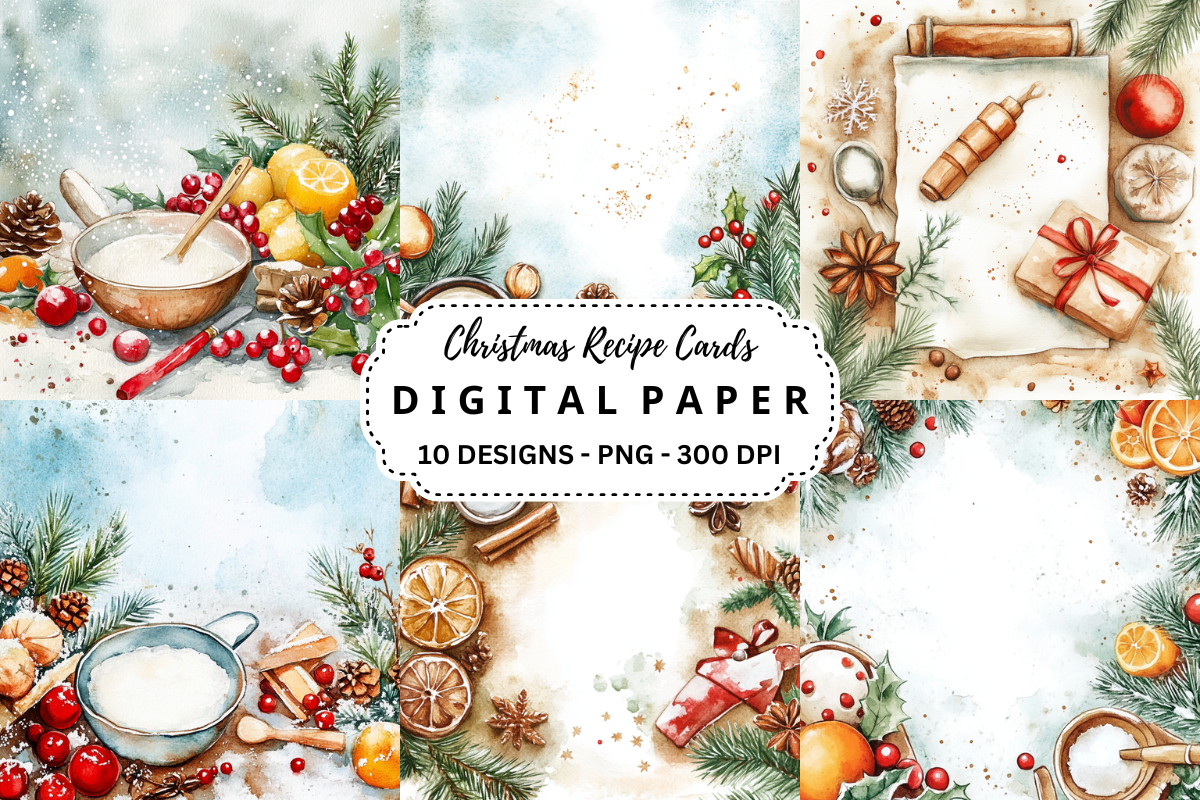
This separate Christmas background collection also specifies ten PNG files at 3600 × 3600 pixels and 300 DPI. Its own page showed 36 favorites at checking. It offers another artwork choice for creating customized recipe cards, but the technical inventory should be understood as background images, not ten verified Canva templates or ten ready-to-fill recipe sheets.
Compare the original preview with the previous collection and choose the artwork that leaves a suitable central writing area. The identical file specification does not create additional editing features. No paper size, pre-arranged PDF sheet or layered source format is listed. Build your own recipe fields, preserve sufficient contrast behind the text, and print one cropped sample before repeating a card layout across a sheet.
6. Holiday Canva Card with Conflicting Size References
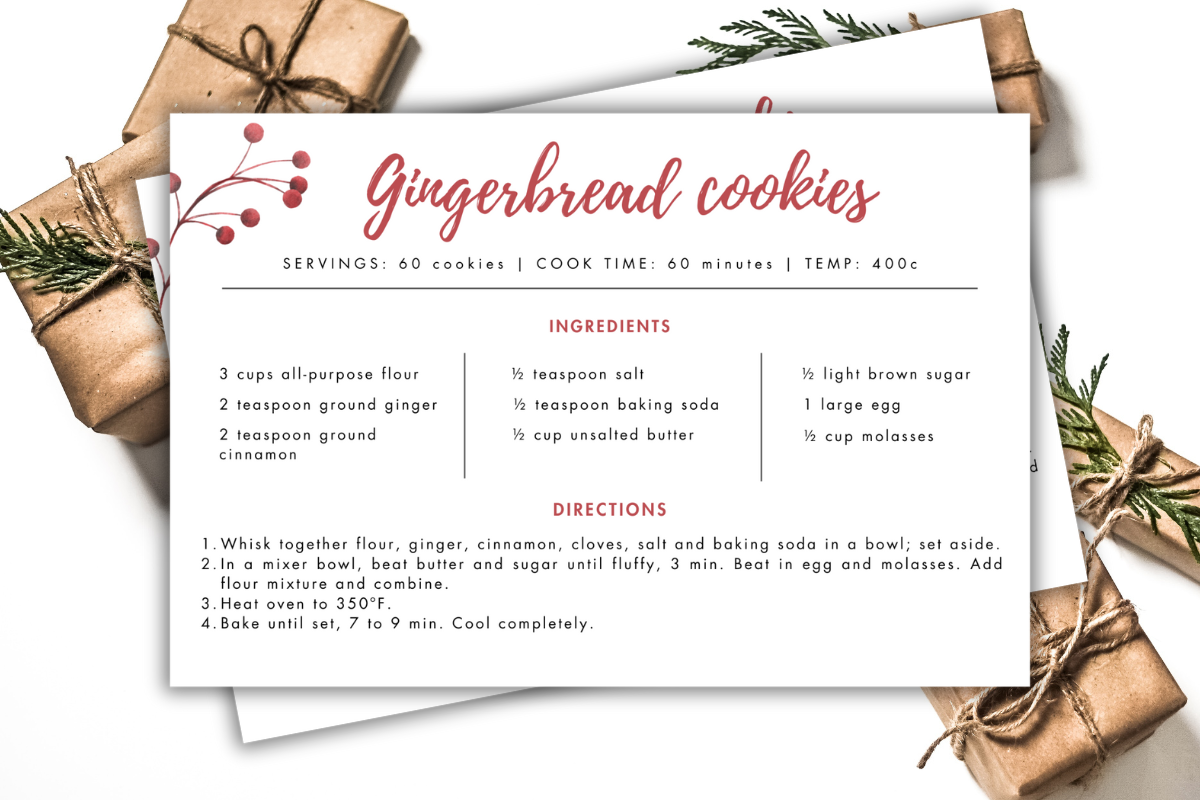
This holiday recipe card is delivered through a PDF inside a ZIP and is described as editable in Canva with a free account. It suits someone who wants to personalize a compact card without installing desktop design software. The own product page showed 66 favorites at checking, giving it a confirmed interest signal alongside its directly relevant recipe-card purpose.
There is a size discrepancy: the opening keywords call it a 6 × 4 card, while the itemized contents specify a 3.5 × 5 inch template. Check the opened Canva dimensions rather than assuming either size is guaranteed. The seller mentions resizing, but does not establish which account features are needed for every resizing workflow. The access PDF should not be mistaken for a completed printable recipe interior; inspect and export your personalized design first.
7. Ten Non-Editable Floral Christmas Recipe Pages
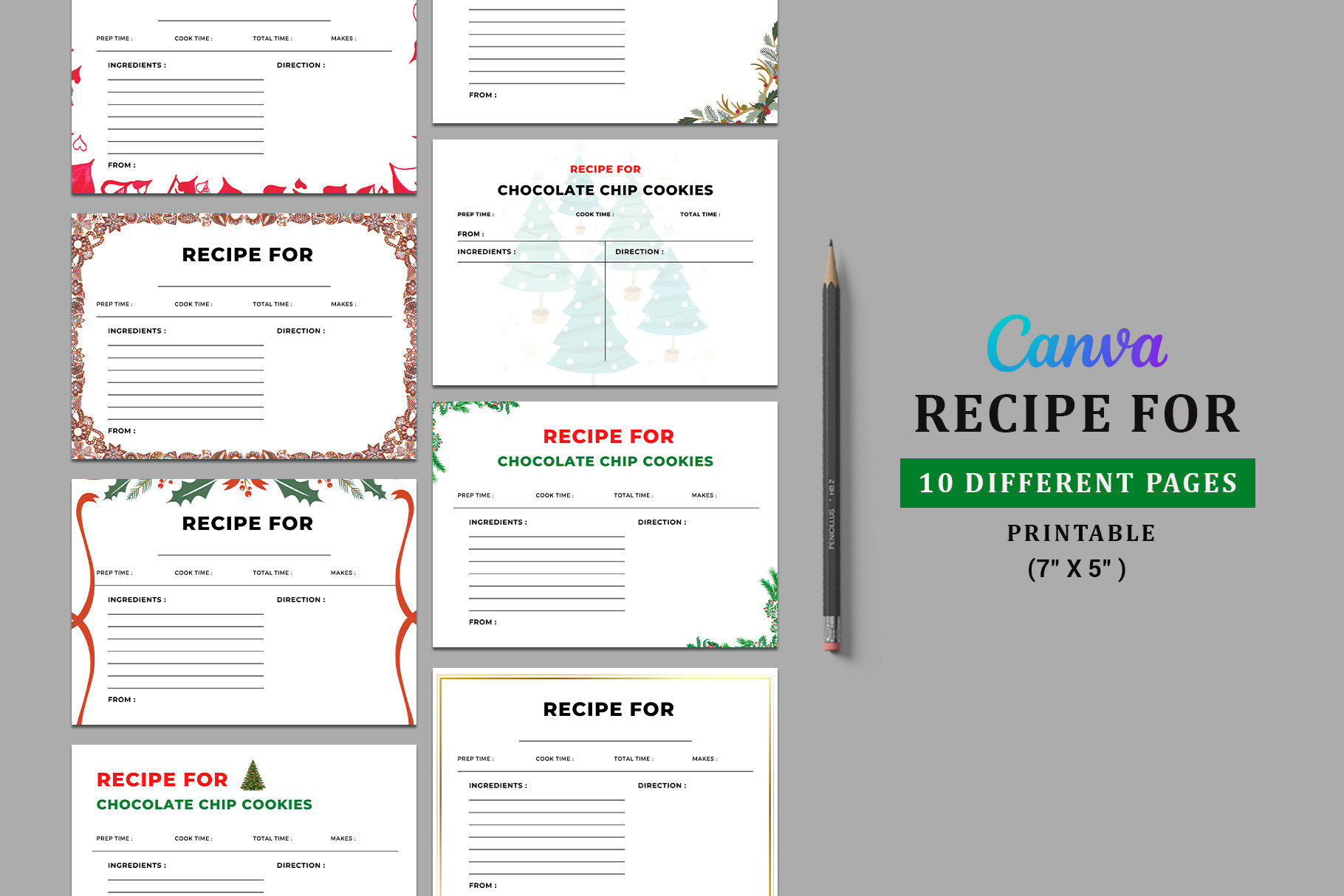
This printable recipe card has a Christmas floral arrangement and is explicitly the non-editable version. The listing specifies ten pages in a PDF at 7 × 5 inches. It is a sensible choice for handwriting a recipe on a fixed design, particularly when you want a defined finished size rather than an access link to an online editor.
Ten pages do not necessarily mean ten different designs; the description does not explain that distribution. It also warns that the preview image is not included, so styled presentation elements should not be counted as files. A numerical DPI is not given. Print one page at the intended scale before using the full set, and select a different product if typing or altering the decorative layout is essential to your plan. The preview says Canva, while the written description explicitly says non-editable PDF; Canva editing is therefore not confirmed for this download.
8. Eight Blank Holiday Cards Grouped on a Letter Sheet
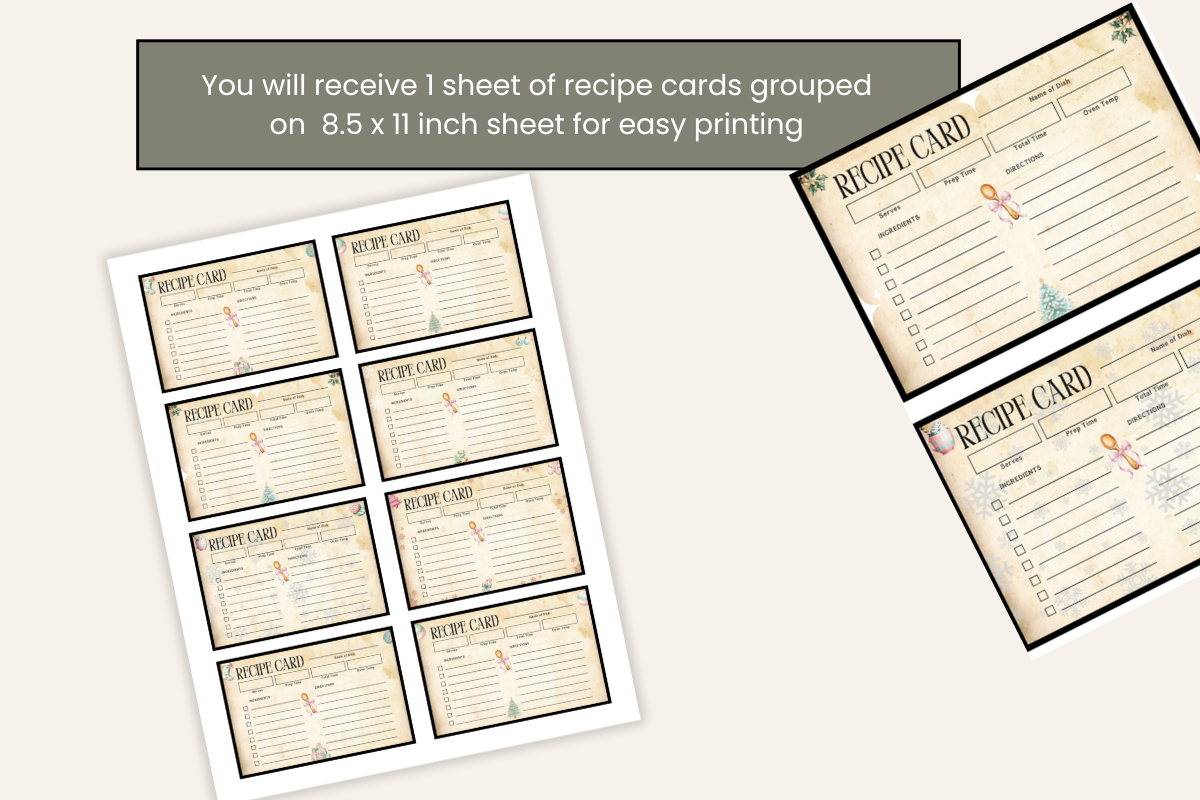
These blank Christmas recipe cards are described as eight cards grouped on an 8.5 × 11 inch sheet for printing. They offer a direct starting point for handwritten holiday recipes, with the grouping already planned rather than leaving you to place individual backgrounds. The own product page showed 35 favorites at checking.
The description does not specify delivered file format, numerical DPI or the dimensions of an individual card. The stated Letter size belongs to the sheet, so do not assume each card is full page. Inspect the downloaded file and print a sample to judge the writing space before preparing a long recipe. These are blank cards, not a completed recipe collection; you supply the ingredients, method and any personal notes that make the gift useful.
Make the download work for your routine
Begin with one recipe you have already prepared successfully and keep its quantities and instructions consistent across copies. Add a personal memory in the remaining space if the card is a family keepsake. For a food gift, include any information you want the recipient to have rather than assuming the decorative design provides those fields automatically.