8 Practical Holiday Packing List Templates for Seasonal Travel
A holiday packing list is useful when a seasonal trip involves more than your usual overnight bag: winter clothing, outfits for a gathering, gifts and shared family items may all need a place. These eight templates offer different ways to record that work, from a seasonal planner page to adaptable travel checklists, Canva layouts and an Excel workbook.
Most options are general travel resources that you customize for the visit; they are not all Christmas-specific lists. This guide concentrates on packing formats and checking belongings. For transport, accommodation and the wider schedule, our travel planner guide covers broader trip organization.
In this guide
Choose a Holiday Packing List Format
Choose a printable PDF when one visible sheet beside the suitcase is enough. A fillable PDF can be useful for typing a list, while Canva suits changing the design before export. Excel is a different workflow: separate tabs and checkboxes can help you keep several lists organized, but the workbook still depends on your own entries.
Match the template to the number of people and bags involved. Keep clothing, toiletries, documents, technology and gifts in clearly named groups, then use quantities when one item name is not enough. Add seasonal needs yourself rather than assuming a pre-filled travel list fits the destination, weather and arrangements for your visit.
1. Holiday Packing Page in a Seasonal Planner Collection
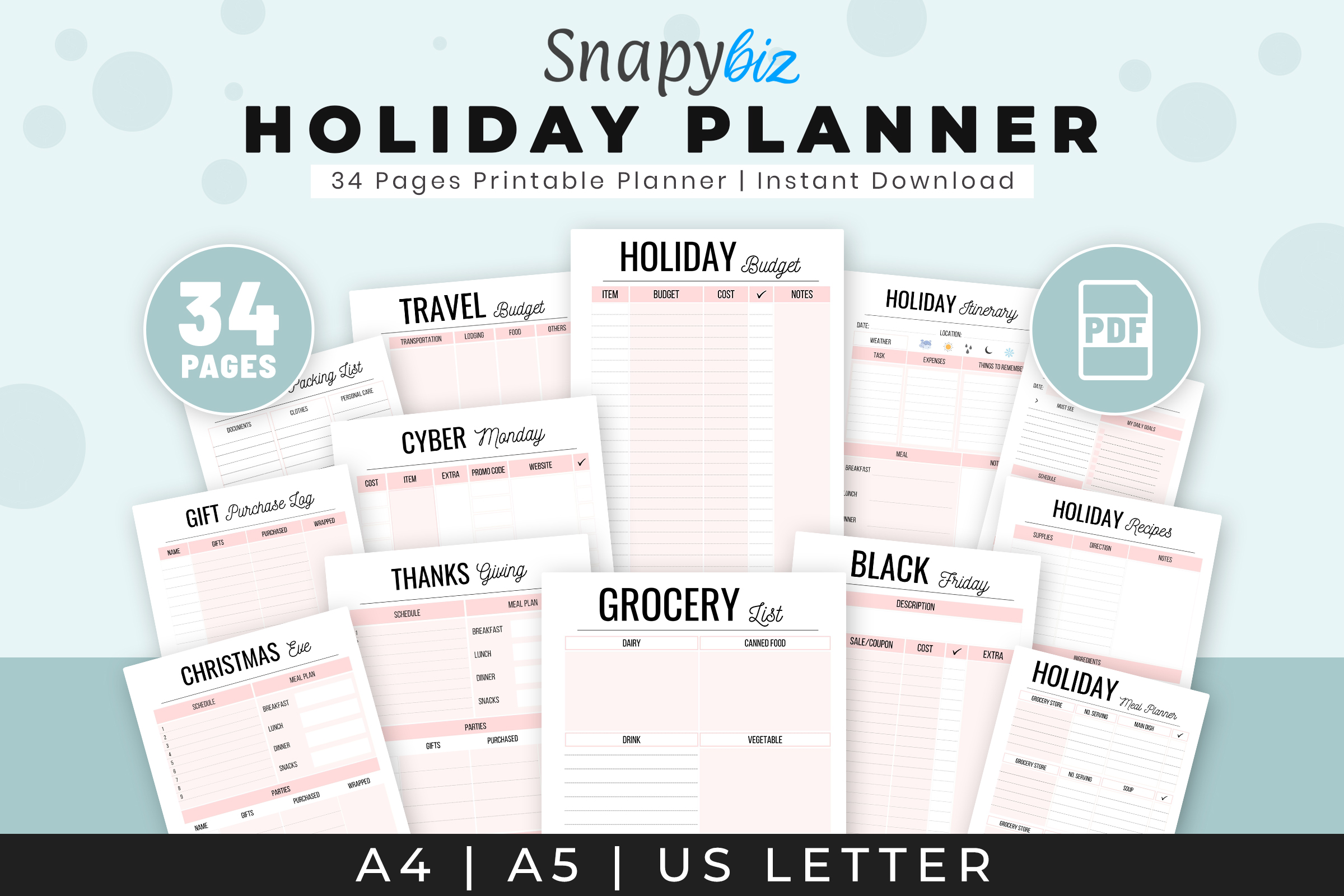
SnapyBiz’s Holiday Planners Printable includes a holiday packing list alongside accommodation, travel-budget and itinerary pages. The wider collection also covers Christmas, Thanksgiving, meals and gifts, so it is the most explicitly seasonal option in this guide. The description lists a thirty-four-page A4 PDF, while the inspected preview also advertises A5 and US Letter; check the download for those additional sizes.
Choose it when packing is one part of a larger visit or festive break. Print the packing page with the accommodation and itinerary sheets, then add the specific clothing and gifts your trip requires. Thirty-four pages is the scope of the whole planner, not thirty-four packing layouts. The confirmed delivery is a printable PDF collection; an editable Canva source, fillable fields and linked digital navigation are not established by this listing.
2. An Excel Packing Workbook with Five Blank List Tabs
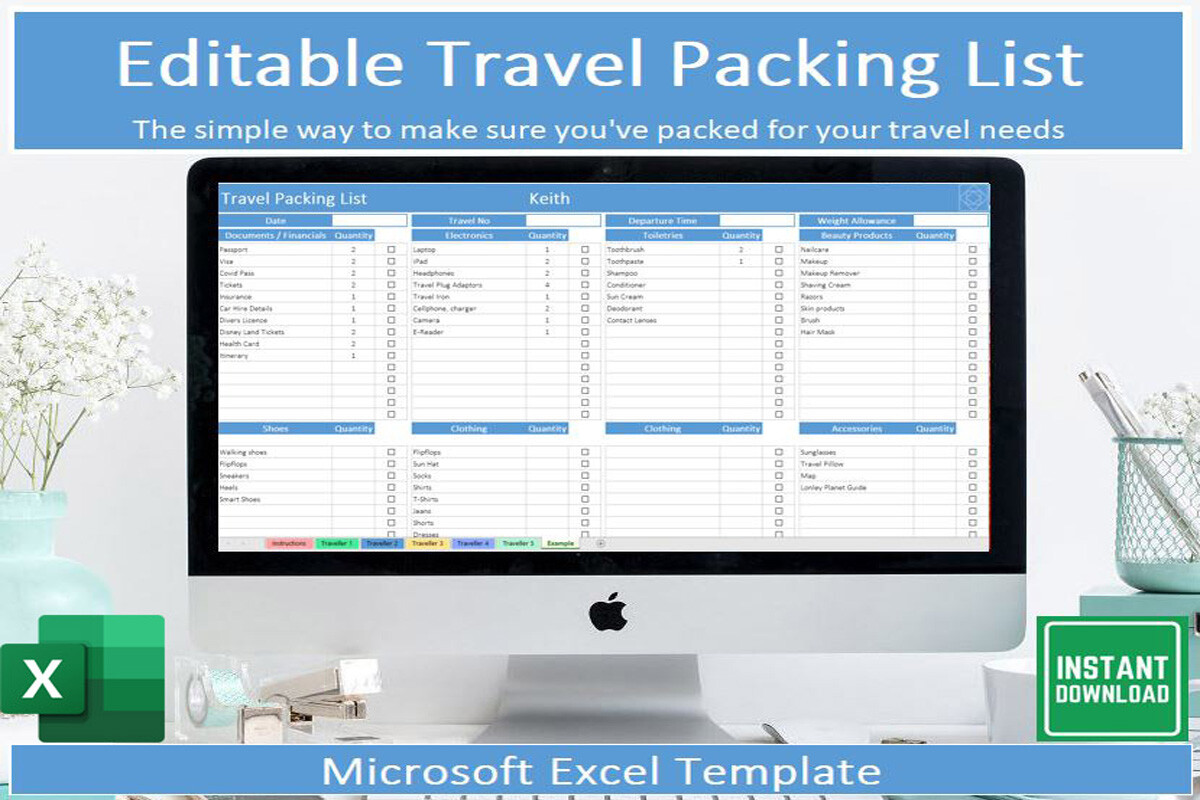
veritastemplates’ Editable Travel Packing List Template is a Microsoft Excel workbook rather than a printable-only page. The download lists five blank-list tabs, an example tab and instructions, with sections, tick boxes and items that cross off when marked as packed. This structure is useful when you need separate lists for people, bags or stages of a holiday trip.
Use one tab consistently for one person or suitcase, and place shared items on a clearly identified list so they are not packed twice. Microsoft Excel is the stated requirement; the listing does not confirm Google Sheets compatibility or simultaneous family editing. If you intend to use a phone, test the workbook’s checkboxes in your version of Excel before departure. The spreadsheet records what you mark, rather than checking the contents of your luggage automatically.
3. Pre-Filled and Blank Packing Lists in A4 and A5
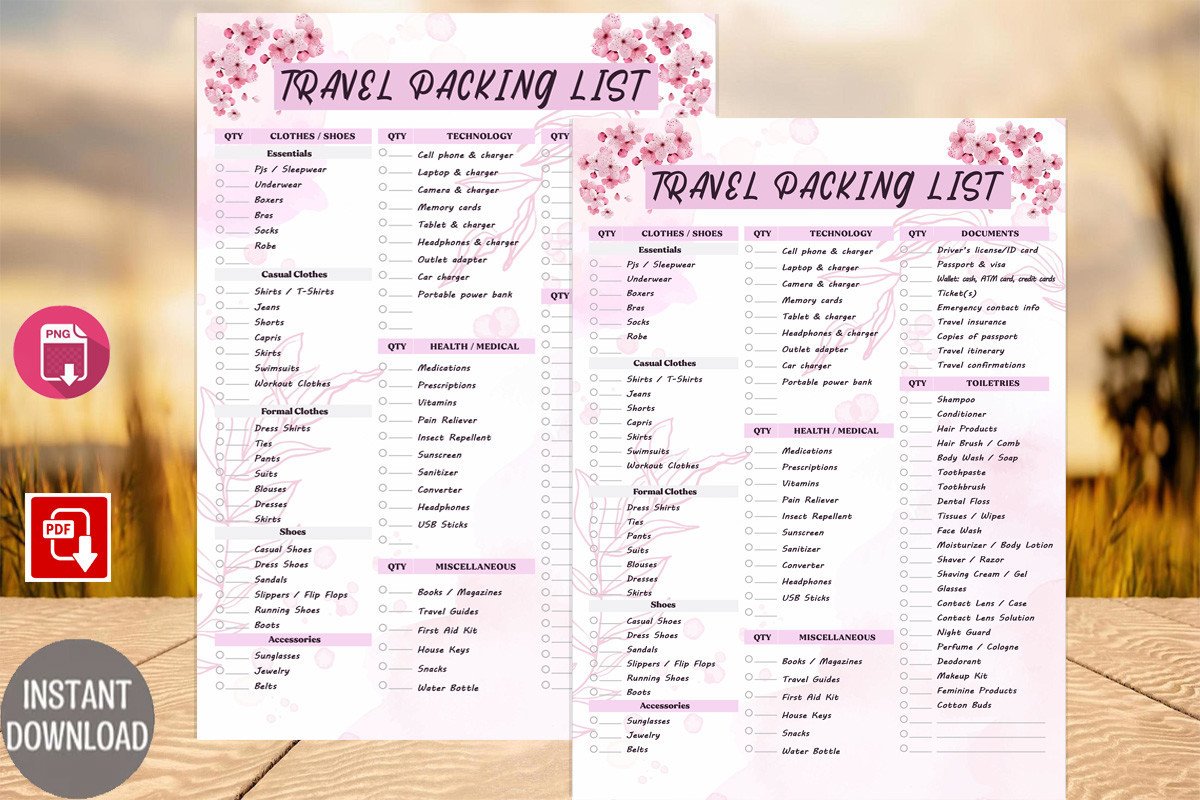
Rainbowds’ Travel Packing List Printable Download provides one pre-filled list and one blank form. Its ZIP lists two PDF and two PNG files in A4 and A5 sizes, with room for hole punches on either side. The inspected preview has a floral border and categories for clothing, toiletries and other travel items, making it a decorative paper alternative to a spreadsheet.
Start with the pre-filled list as a prompt, then use the blank form to record only the items needed for your seasonal visit. Add winter layers or gifts where appropriate instead of assuming the printed suggestions fit every destination. PNG files can be placed in another document, while the PDFs support a straightforward printing workflow. The written inventory does not confirm editable text fields, a Canva link or automatic checkboxes.
4. A Six-Section Gray Checklist with Illustrator Sources
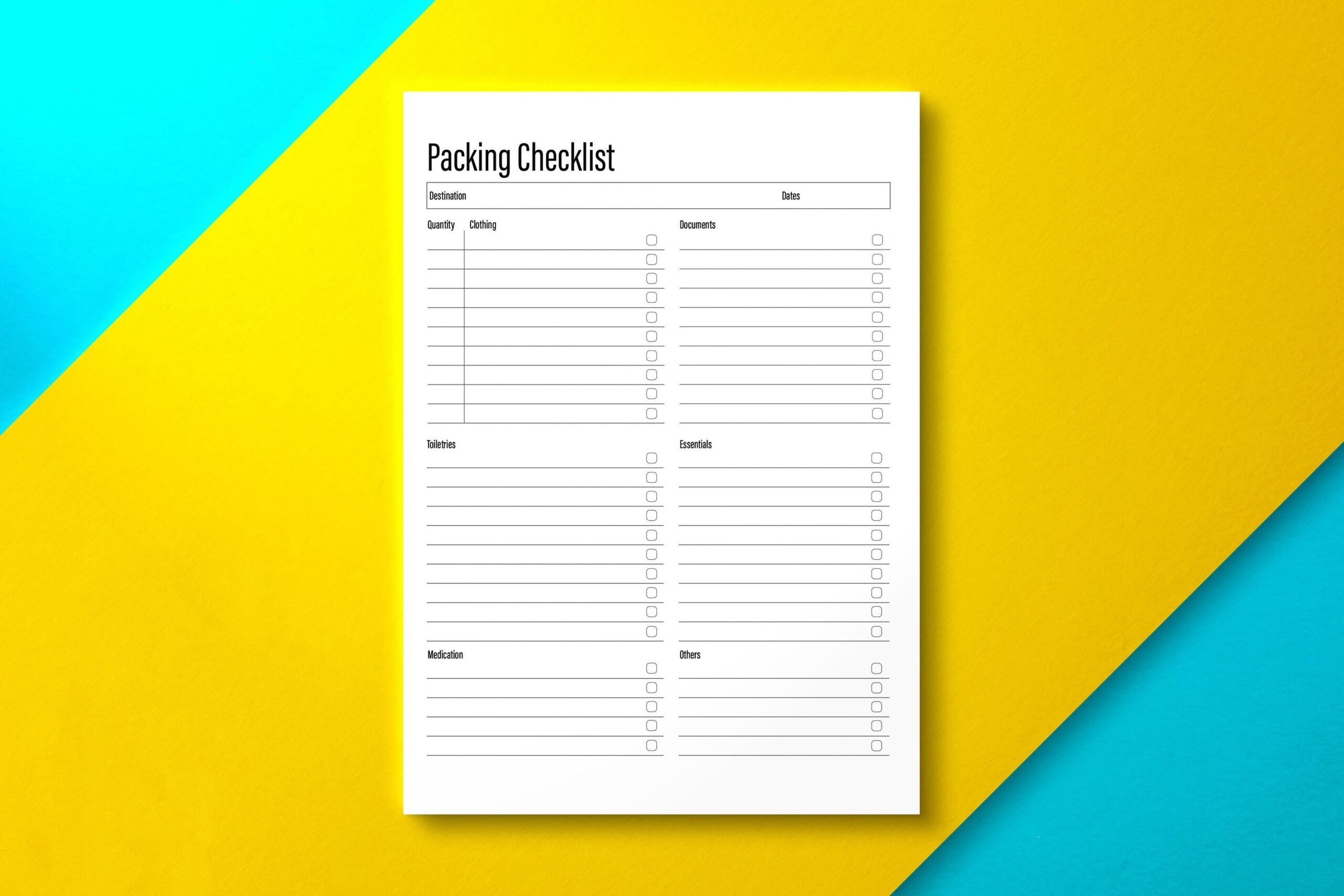
Nickkey Nick’s Packing Checklist Printable Gray divides the page into six sections for grouping belongings. The listing supplies A4 and US Letter sizes and a Letter-size editable Adobe Illustrator file. It also describes importing the PDF into note-taking apps such as GoodNotes and Notability for annotation. The preview’s neutral grid leaves space for your own packing items rather than imposing a long fixed list.
Choose it if you want one reusable layout for several family members. Give each person a sheet, label the groups clearly and keep shared items on a separate copy. Illustrator editing changes the design, whereas annotating a PDF usually adds writing over the existing page. The listing does not inventory every included file extension, so confirm the source format if your workflow depends on editing outside Adobe software.
5. Color-Grouped Packing Pages for A4 and A5 Binders
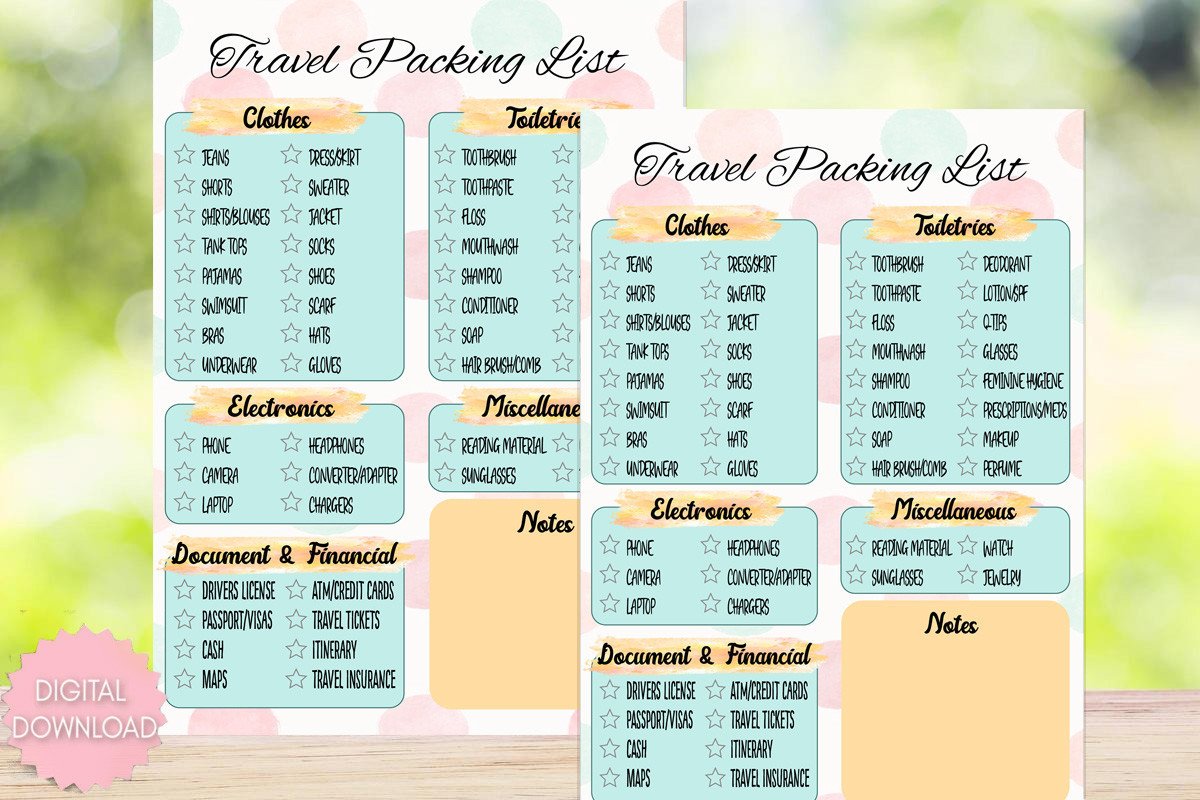
Smokecloud’s Printable Trip Packing List Download PDF supplies two PDFs and two PNG files in A4 and A5 sizes. The preview separates clothing, toiletries, electronics, miscellaneous items, documents and financial items into softly colored areas, with a notes section below. The designer also describes room for hole punches and PDF use in an annotation app such as GoodNotes.
This suits a paper or tablet list when color helps you scan categories quickly. Check off an item after it enters the intended bag, and use the notes area for last-minute additions rather than mixing them into completed groups. The described app use is PDF annotation, not a dedicated linked planner or a GoodNotes-specific project file. Check the writing size on an A5 print before preparing copies for a small travel binder.
6. A Minimal Packing PDF in Four Stated Sizes
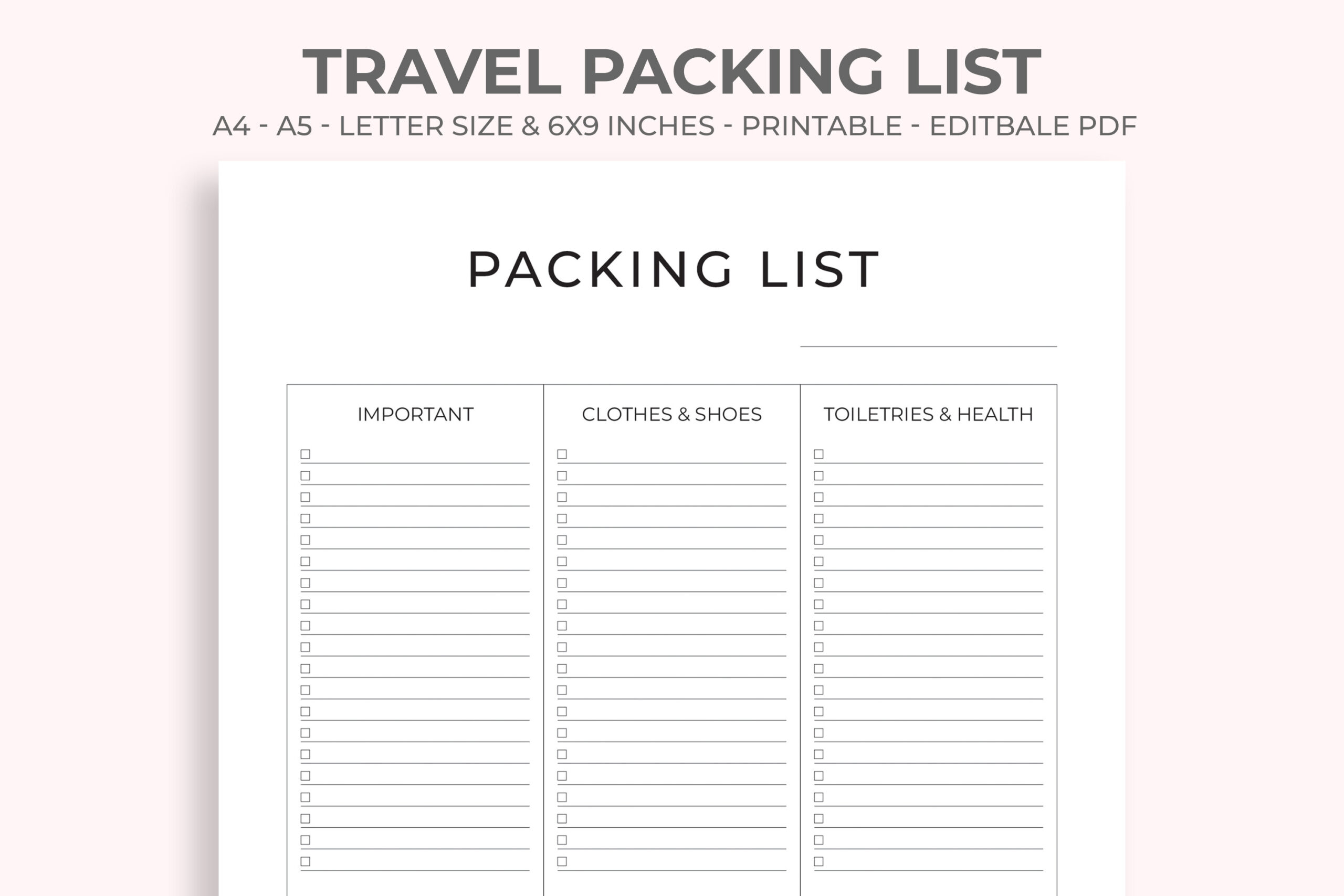
M9 Design’s Travel Packing List lists A4, US Letter, A5 and 6 × 9-inch PDFs. The preview uses a restrained three-column layout for important items, clothes and shoes, and toiletries and health items. The description calls the PDFs fully vector and editable, but does not explain whether that means fillable form fields or editing the design in compatible software.
Pick it if matching the page to your existing notebook size matters more than decorative styling. Keep the list limited to the needs of the specific trip and add clear quantities where the lines allow. Verify the PDF’s editing behavior before relying on typing into every field. A vector PDF can remain sharp when resized, but changing its artwork is a different function from using a fillable checklist.
7. Family Packing Lists with Canva Editing and a Fillable A4
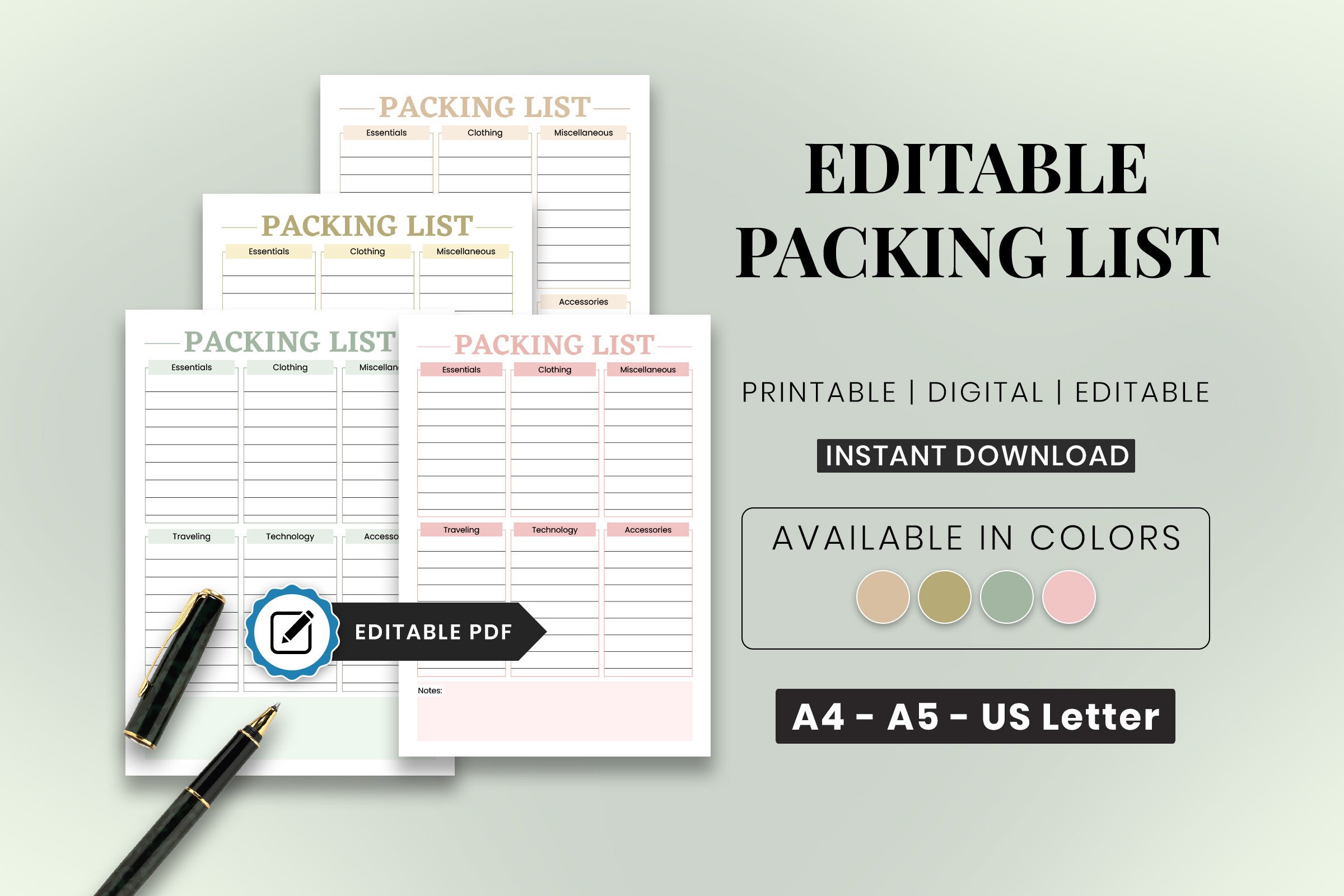
SnapyBiz’s Editable Packing List Family Packing provides A4, A5 and US Letter versions in multiple colors, plus a fillable A4 option. The download includes a PDF with access instructions and a Canva template link; the designer describes customization in A4 with a free Canva account. The preview shows six labeled groups and a notes area, with muted colors that can distinguish different people’s sheets.
Choose it when you want to change labels before printing or type into the stated fillable version. Those are separate workflows: customize the design in Canva, or use the A4 form in a PDF application that supports its fields. Confirm which versions retain form functionality after export. For family packing, use a consistent color or name per person and reserve one sheet for items everyone shares during the holiday visit.
8. A Ready-to-Print PDF and PNG Packing Freebie
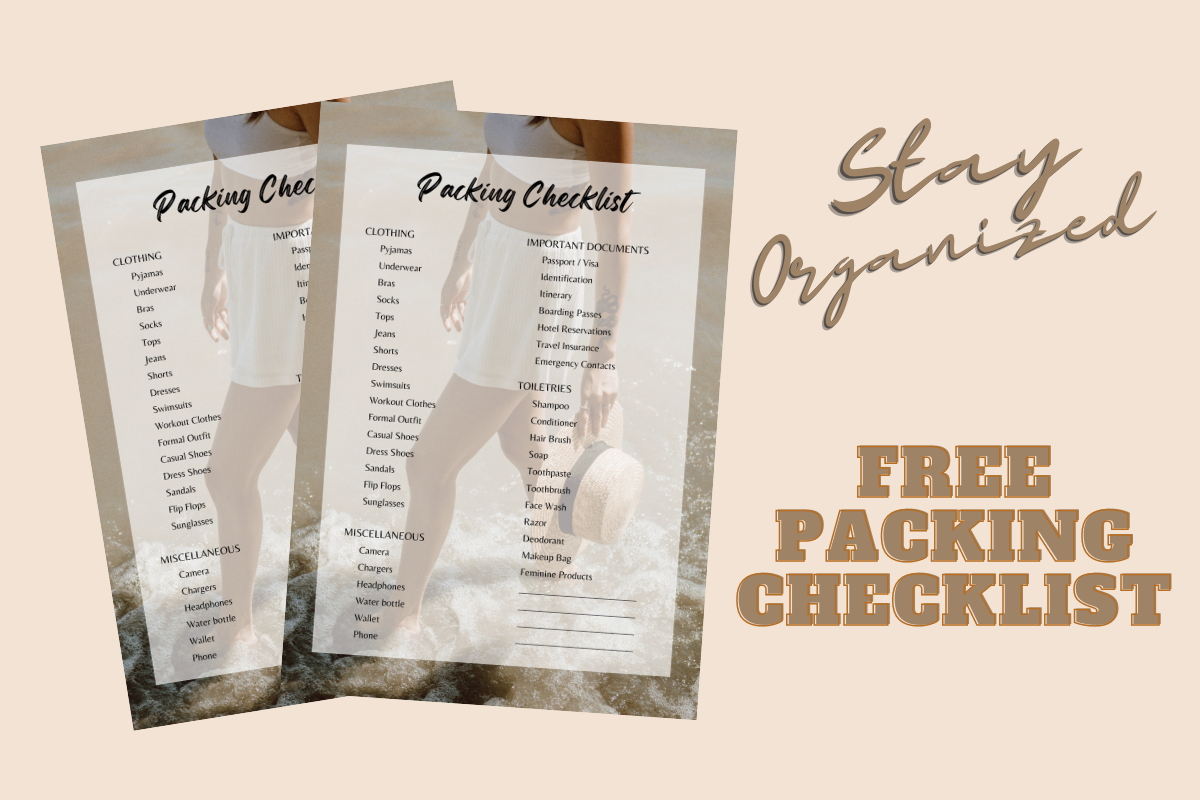
Divine Digital Creations’ Free Modern Trip Packing List Checklist provides PDF and PNG files and is explicitly described as non-editable. The product page offers a freebie download without an All Access trial at the time checked. The preview shows a prepared packing checklist with category headings, making it a low-setup option when you want to print a working sheet quickly.
Use it as a starting point, then add trip-specific items in the available space and cross out suggestions you do not need. Its fixed layout is less suitable if you want to rename all the categories or create a large customized family system. The written description does not specify page dimensions, so check print scaling before using it in a binder. Confirm the download conditions on the product page if its access terms change.
Prepare for the Visit and the Return Journey
Write the list before you start filling bags, then mark an item when it reaches the intended suitcase. Keep last-minute items, such as a charger still in use, visible until they are packed. If gifts will travel with you, separate them from personal belongings so a completed clothing list does not hide an unfinished present.
Our holiday planner guide can help coordinate preparations outside the bag. For recording the trip afterwards, compare travel journal templates. Keep a copy of the packing list for the return journey and review which items were unnecessary before the next visit.
Which Holiday Packing List Should You Choose?
SnapyBiz’s holiday collection is the clearest fit when you want the packing page beside seasonal schedules and budgets. Its family checklist offers Canva customization and a stated fillable A4 version. The veritastemplates Excel workbook is worth testing when multiple bags or people need separate digital lists.
For a quick paper workflow, Rainbowds and Smokecloud provide A4 and A5 files, while Nickkey offers a neutral six-section page with Illustrator editing. M9 lists four PDF sizes but needs an editing-function check. The Divine Digital freebie has the least setup, with a fixed layout and dimensions to verify before printing.