16 Christmas Ornament Stickers and PNG Sets for Festive Planner Pages
Christmas ornament stickers can add a festive accent to a planner without filling every writing area. A simple bauble works beside a reminder, while a detailed botanical ornament is better suited to a divider or journal cover. The right scale and file type determine how easy the design will be to use.
These sixteen Creative Fabrica resources range from small white-bordered PNG groups to single baubles, vector graphics and larger illustration collections. Several are artwork for making your own stickers, rather than prepared paper sheets or app-specific sticker books. Counts and specifications come from the primary product pages and inspected previews, with discrepancies stated where they occur.
If you want a tree motif alongside the baubles, the broader Christmas planner stickers guide offers other holiday themes. This collection concentrates on ornaments, including traditional red, gold, watercolor and pink options.
In this guide
Choose files for a paper or digital sticker workflow
Individual PNGs make it easy to choose one design, but you still need a sheet arrangement for paper printing. A white border is part of the artwork’s appearance, not proof that a cut path is configured. SVG and DXF can support compatible vector or cutting software, while PNG and JPEG have different background behavior.
For tablet planning, confirm that your chosen app can import the supplied images. A folder of clipart is not automatically a GoodNotes sticker book. None of the listed resources establishes a complete preconfigured app workflow. If you prefer a sheet-oriented starting point, the printable planner stickers guide compares broader printable options.
1. Four Botanical and Patterned Ornament Stickers
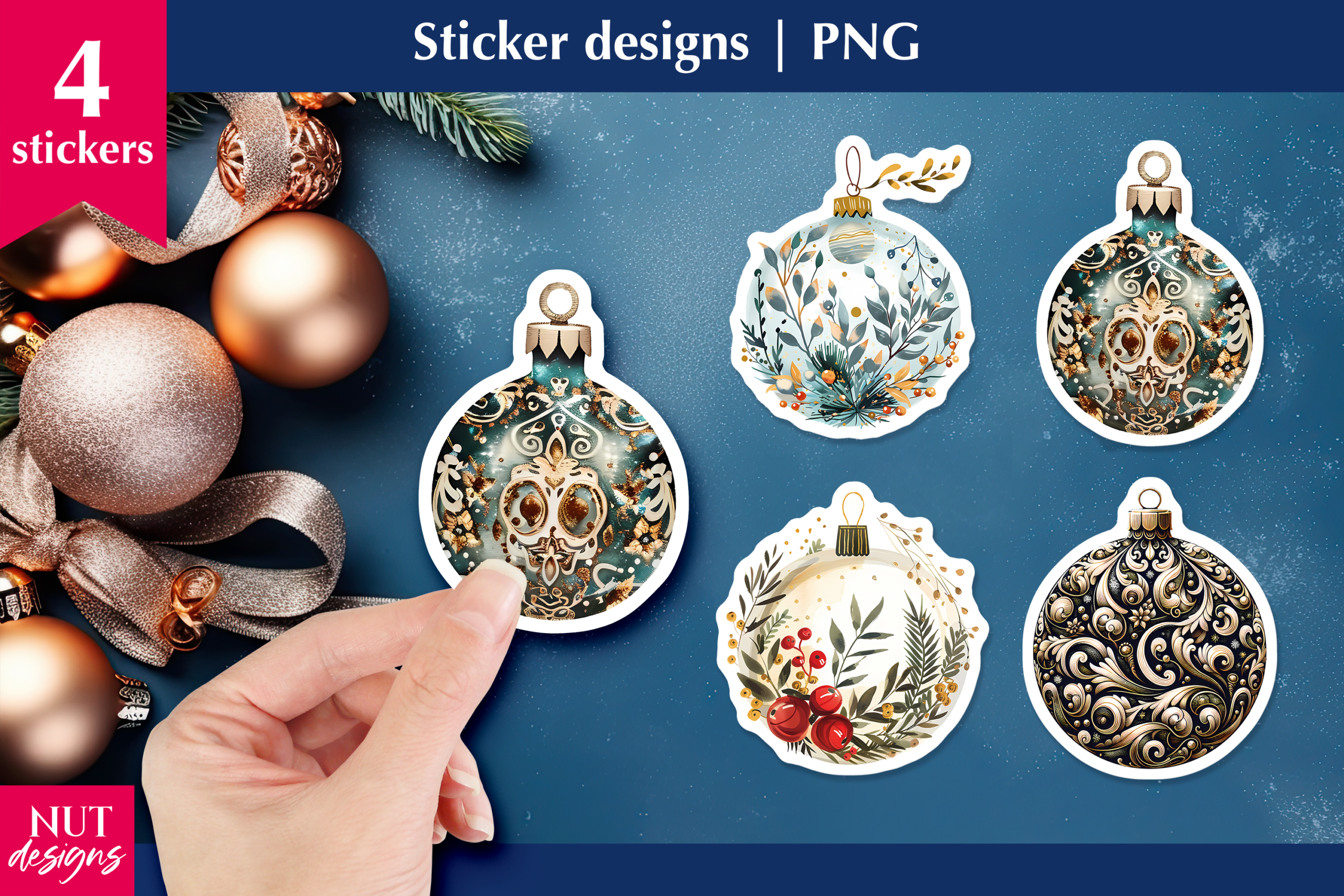
natalia.kurtidi’s Christmas ornament set is described as four PNG stickers at 300 DPI. The inspected preview shows white-bordered baubles with botanical imagery and intricate decorative patterns, including a snowy house scene. The designer does not state pixel dimensions or a prepared paper-size sheet, so those details should be checked before choosing the final print size.
Use one ornament as a focal accent on a December divider or a decorating reminder. The detailed artwork benefits from enough space to remain legible; reducing it to a very small checklist icon can hide the imagery. The listing establishes PNG artwork, not a dedicated GoodNotes sticker book or configured machine-cut files. Arrange a test sheet or import a single image into your chosen app, and check the border at its actual working size.
2. Four Bow-Topped Baubles with White Borders
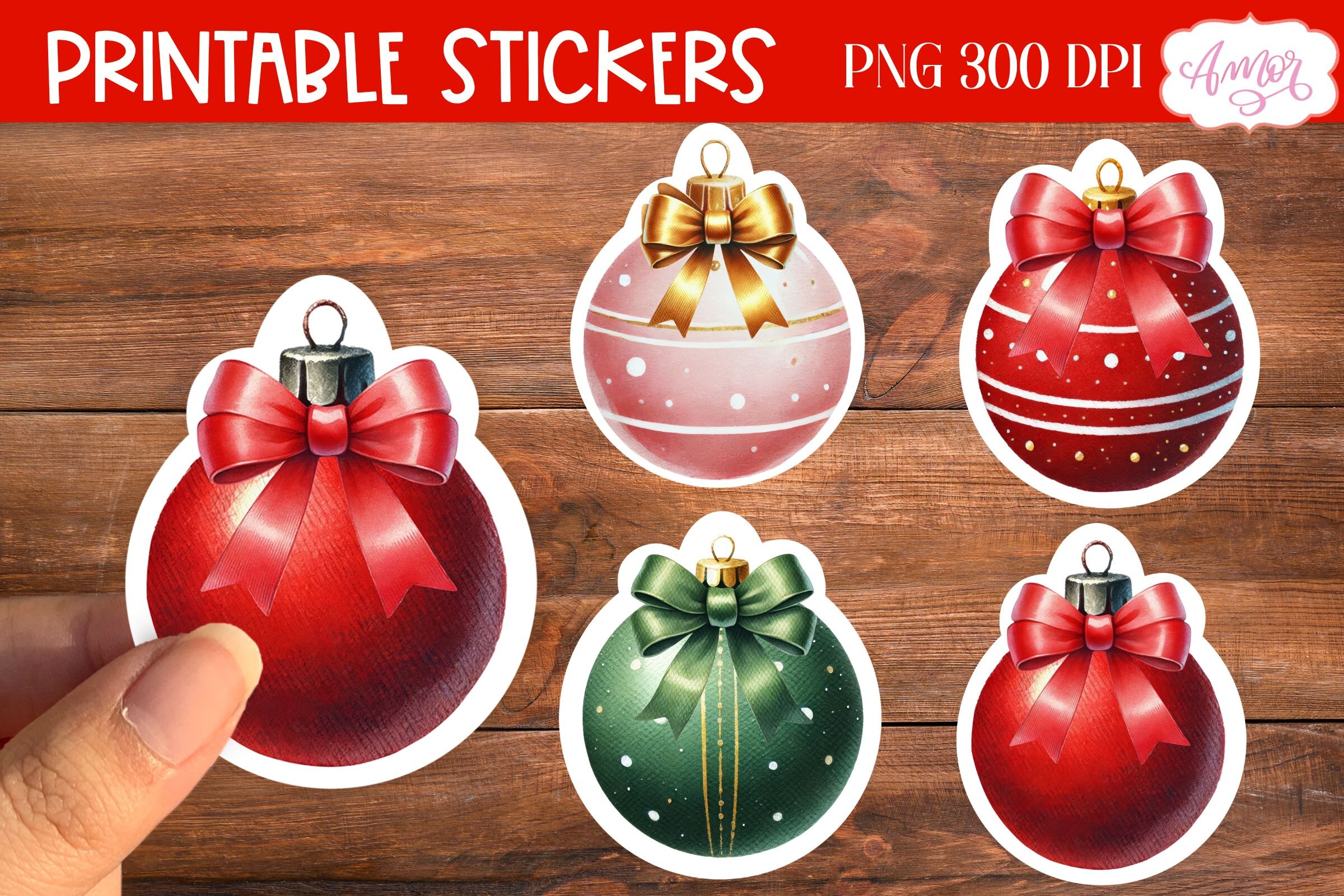
Amorclipart’s Christmas Ornament Stickers PNG supplies four Christmas designs. The preview shows red, green and soft pink baubles with bows and a white sticker-style edge, and advertises PNG at 300 DPI. The written listing says they can be printed and then cut using Cricut, but does not provide a complete inventory of cut-ready project files or final dimensions.
This is a straightforward choice if you want a small coordinated group rather than a large clipart folder. Repeat one color on a weekly page or mix the four on a holiday divider. A visible white outline is not the same as an automatically configured cut path. Import the artwork, set the size and test the print-and-cut workflow in your own software; ask the designer about other formats if your process depends on them.
3. Red and Black Ornament Graphics in Multiple Formats
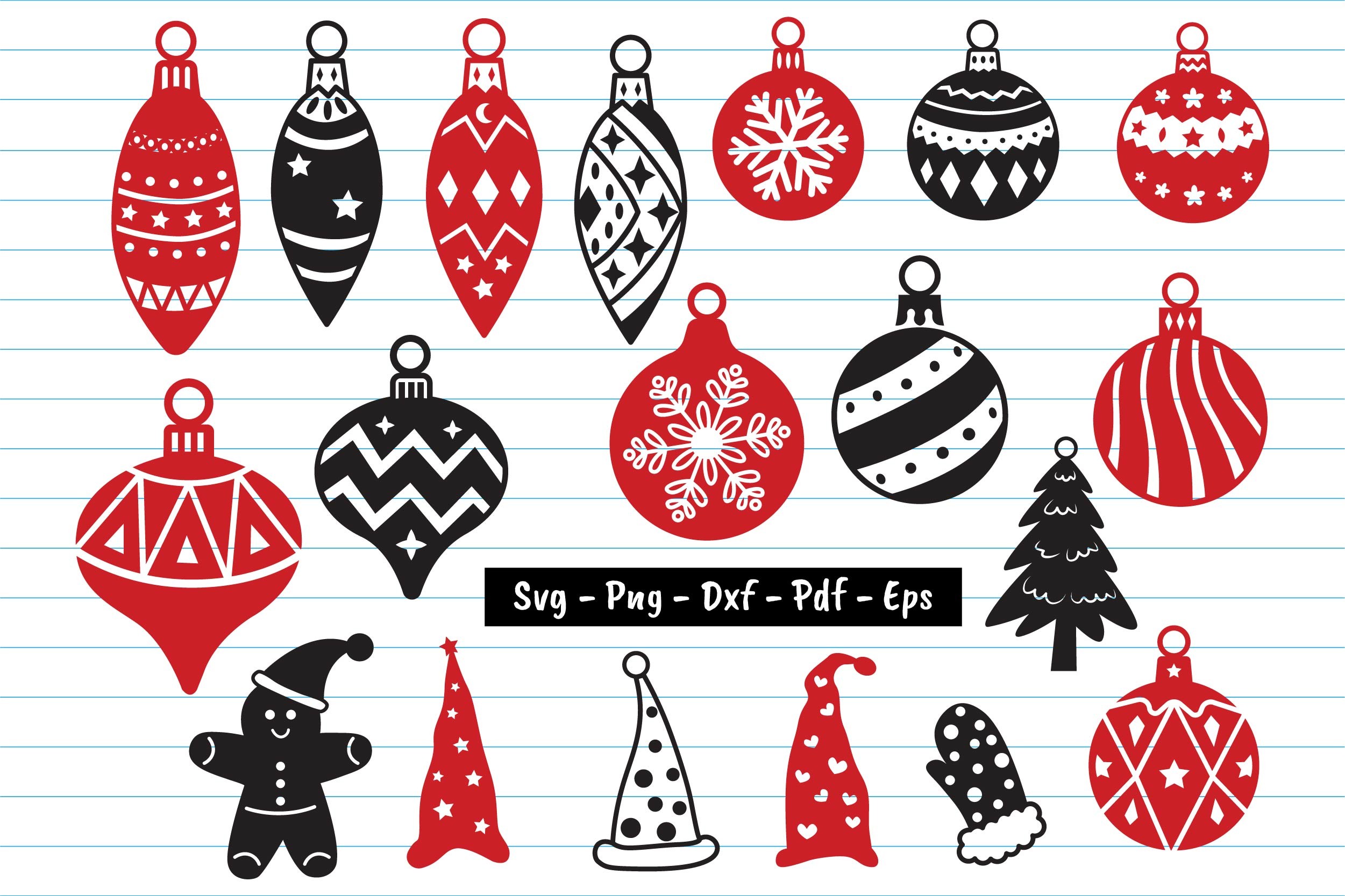
Dakhashop’s Christmas ornament bundle lists sixty files across formats: twenty SVGs, nineteen PNGs, nineteen DXFs, one EPS and one file labeled CC. The preview shows red and black baubles and several additional festive shapes. Sixty files therefore should not be read as sixty unique ornament designs. PDF appears in the broader format wording and preview, but not in the counted delivery list.
Choose it for a vector editing or cutting workflow when simple silhouettes and patterns fit your planner style. Use the PNG versions for printed color artwork or the SVGs for compatible vector software. The meaning of the CC file and the exact PDF inclusion need clarification if either matters to you. No prepared planner-size sticker sheet is established, so select the motifs, arrange their spacing and test your intended size before printing or cutting.
4. Single Red Snowflake Bauble PNG
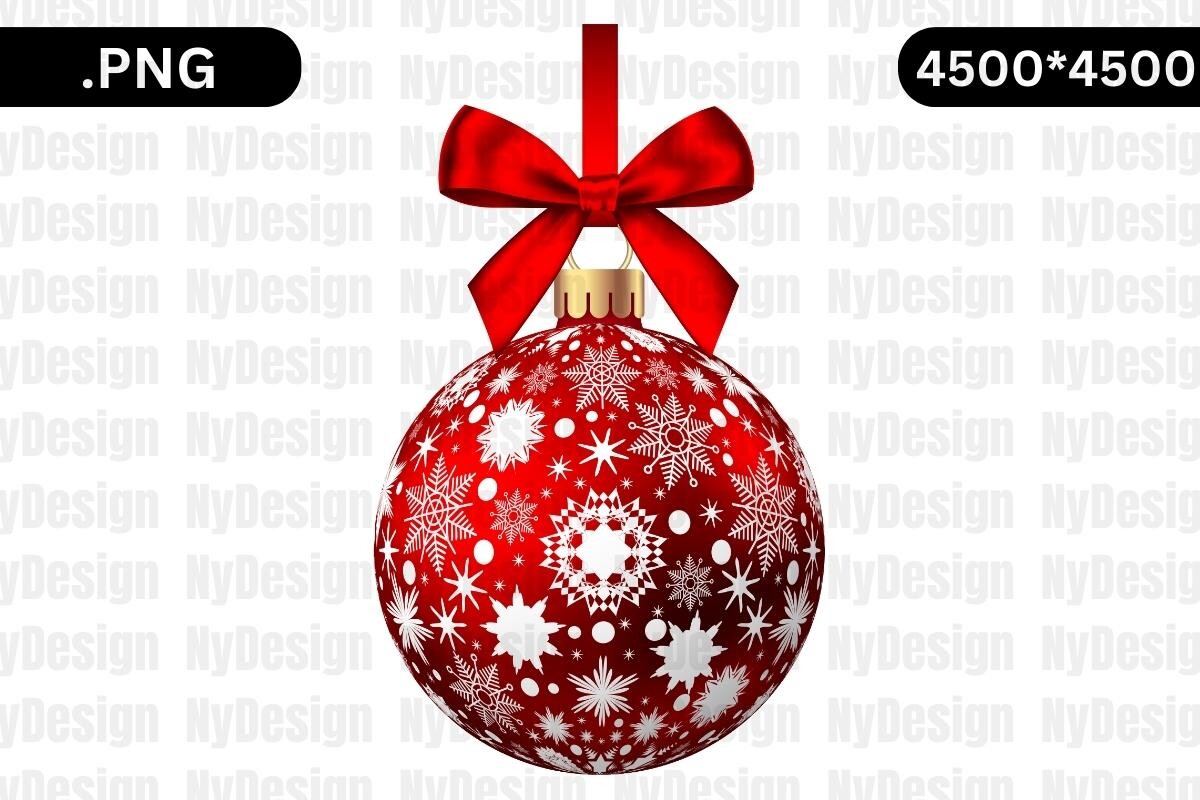
NyDesign’s red ornament artwork is a single transparent PNG, with no cutting files included. The preview shows a red bow and a bauble covered in white snowflakes. The description gives 4500 × 5400 pixels, while the main preview advertises 4500 × 4500, so the source dimensions are inconsistent and should be confirmed in the downloaded file.
Use the image when you want one traditional red focal point rather than a mixed sticker collection. Place it beside a decorating note or on a cover with enough room for the bow and snowflake pattern. You will create the sticker layout, white border and cut setup yourself if needed. The transparent background supports layering, but the supplied PNG does not become an editable vector simply because it can be resized in image software.
5. Single Red and Gold Striped Bauble PNG
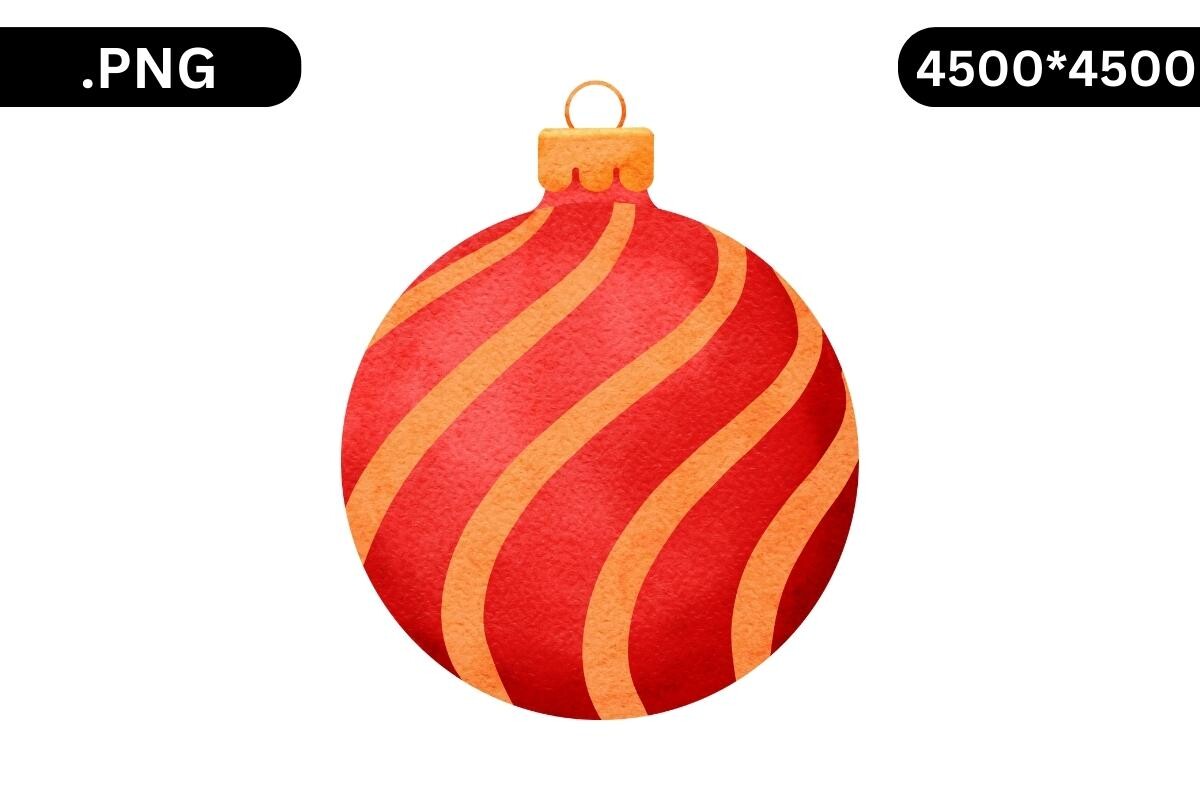
This separate NyDesign ornament is also supplied as one transparent PNG without cut files. The inspected preview shows a rounded red bauble with sweeping gold stripes, giving it a different visual role from the detailed snowflake version. As with the other NyDesign listings here, the description states 4500 × 5400 pixels while the preview says 4500 × 4500.
Choose this design for a bolder, simpler accent that can remain recognizable at a smaller planner scale. Keep it large enough for the stripe pattern to read clearly, and leave space for the related task label. The file is artwork for arranging your own sheet or digital page; physical sticker dimensions and ready-made cutting paths are not included. Confirm the actual pixel size before enlarging or matching it to other assets in a print layout.
6. Single Illustrated Tree-Inside-a-Bauble PNG
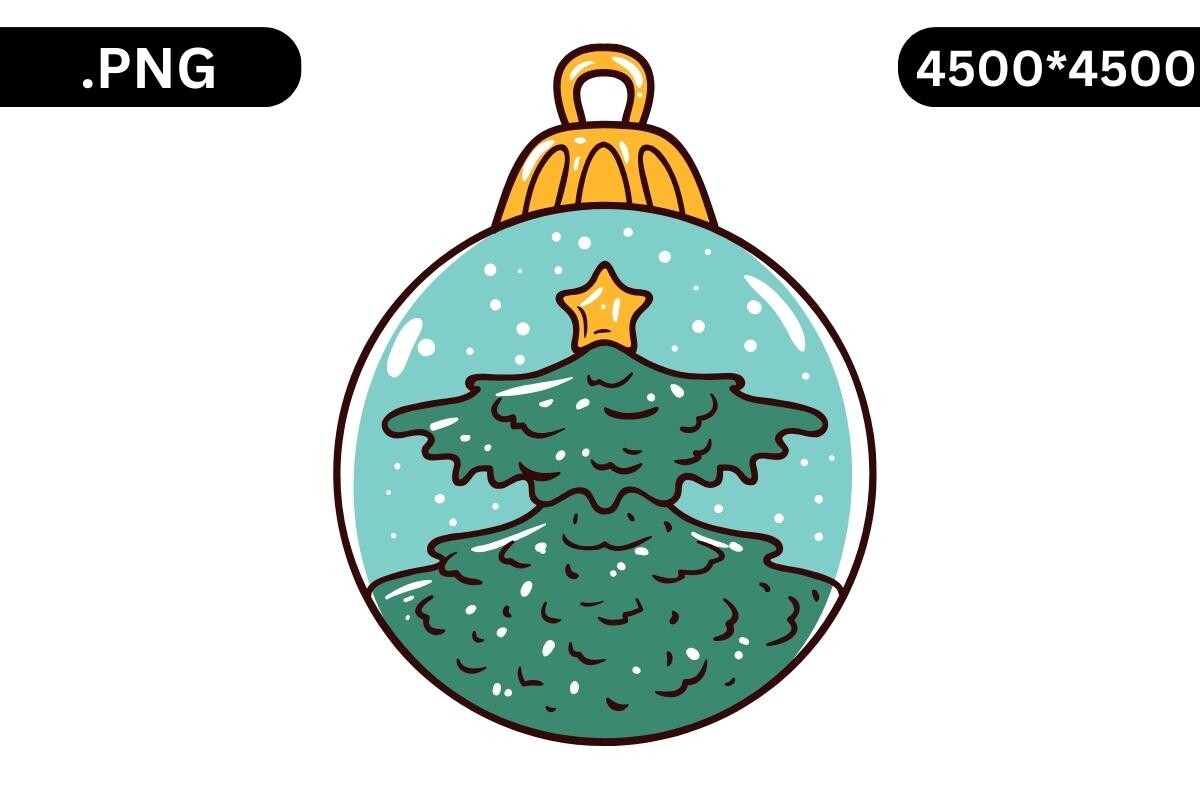
NyDesign’s illustrated ornament preview shows a green Christmas tree inside a turquoise circular bauble with a dark outline and small gold star. The stated delivery is one transparent PNG and explicitly excludes cutting files. The written dimensions are 4500 × 5400 pixels, but the preview’s size label is 4500 × 4500, so check the delivered image rather than assuming one figure is correct.
This is a playful choice for a planner page that needs an illustrated motif rather than realistic glass decoration. Use it near a tree-decorating task, keeping the image separate from functional dates and checkboxes. A dark outer line may help the shape stand out visually, but is not a configured machine-cut path. Add your own print layout and any desired white sticker border, or import the PNG into suitable software for digital layering.
7. Twenty-Seven Colorful Watercolor Bauble PNGs
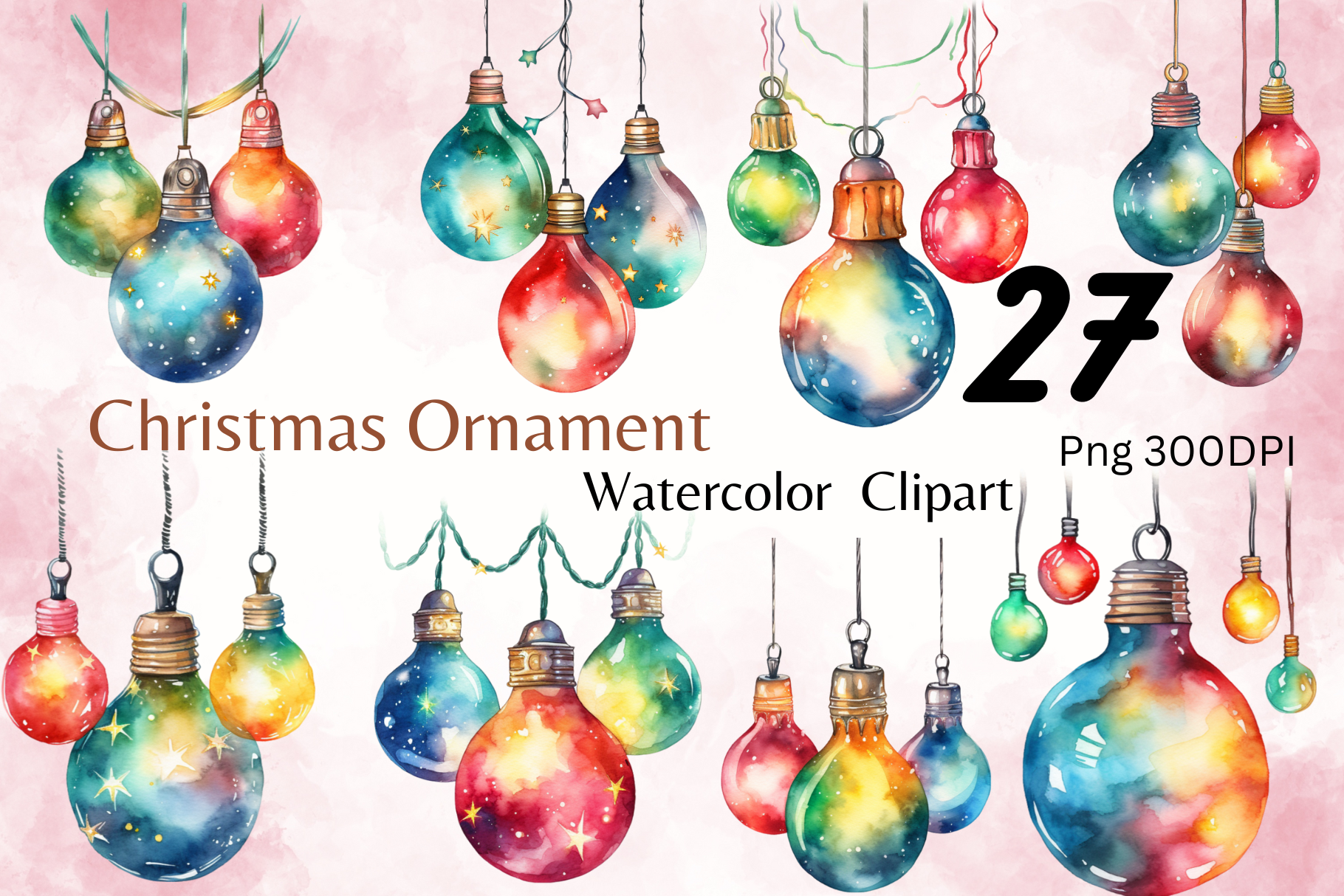
Dreamy Designs’ Watercolor Christmas Ornaments lists twenty-seven individual transparent PNGs at 300 DPI, described as 4096 × 4096 pixels. The preview shows rounded baubles with loosely blended blue, green, yellow and red color washes. The artwork provides a more colorful watercolor palette than the single red motifs or restrained gold collections in this selection.
Choose it when you want several related colors across weekly or monthly pages. Select a small working group rather than importing every file into each spread, and size the ornaments consistently for a calmer result. These are individual illustration assets; a calibrated sticker sheet, white border and machine-ready cut paths are not established. Confirm how your preferred app handles transparent PNGs, then create a test at the size you plan to use on paper or screen.
8. Six Ornament Designs with Decorated Door Scenes
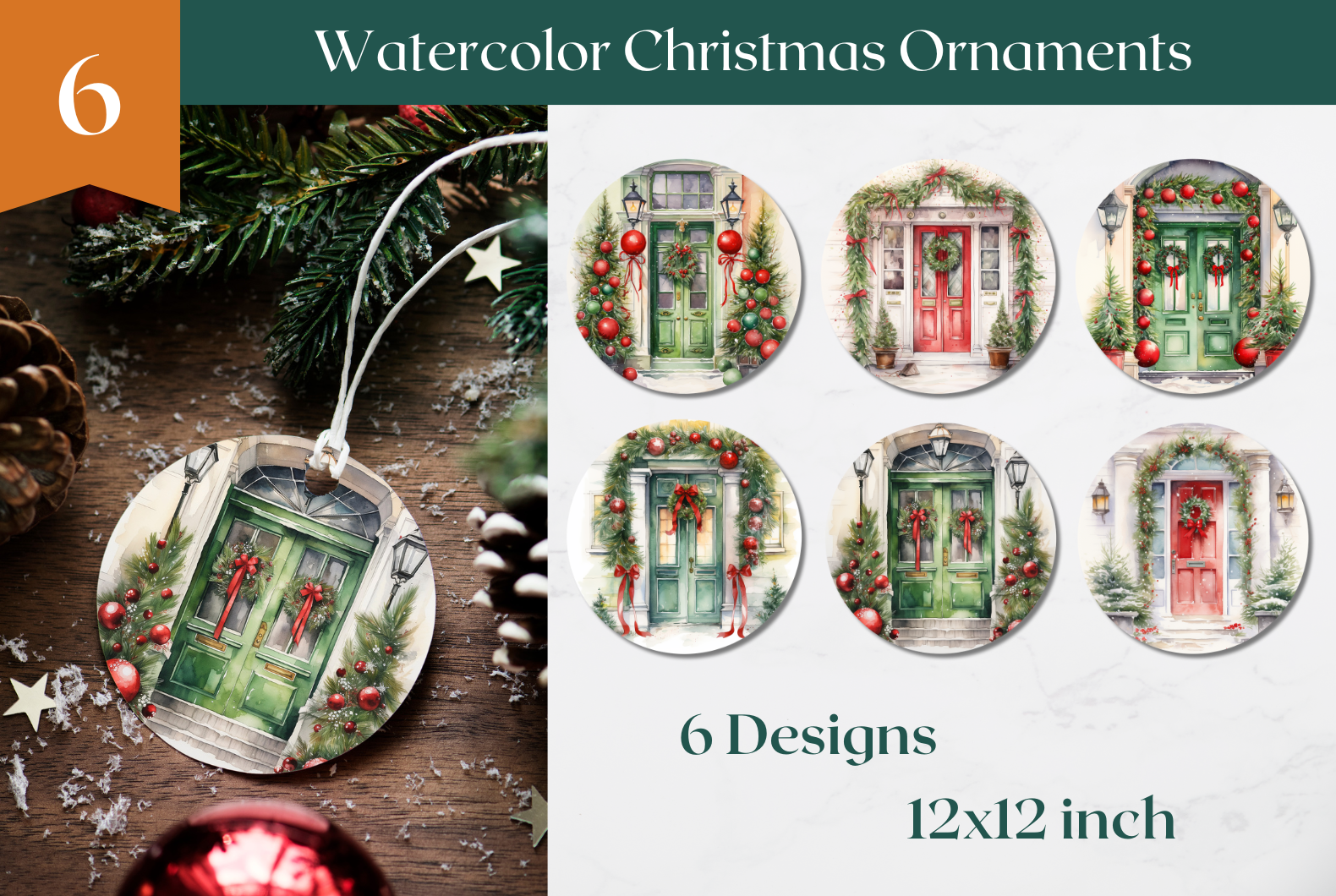
Ailirel Design’s Watercolor Christmas Ornament Design contains six PNG designs, described as 12 × 12 inches at 300 DPI in RGB and delivered as a ZIP archive. The preview puts festive front-door scenes inside round ornaments. That makes the collection a particularly fitting accent for entrance decorating, wreath planning or a journal page about welcoming holiday guests.
Give the doorway imagery more room than a small functional sticker so the doors and greenery remain visible. You can arrange the designs on your own sheet or place one on a digital divider. The listing does not explicitly establish transparent backgrounds or configured cut files, so check those properties before planning a layered or machine-cut workflow. The round ornament artwork also does not replace the practical measurements and tasks you record in a decoration planner.
9. Ornate Watercolor Baubles in Four PNG Files
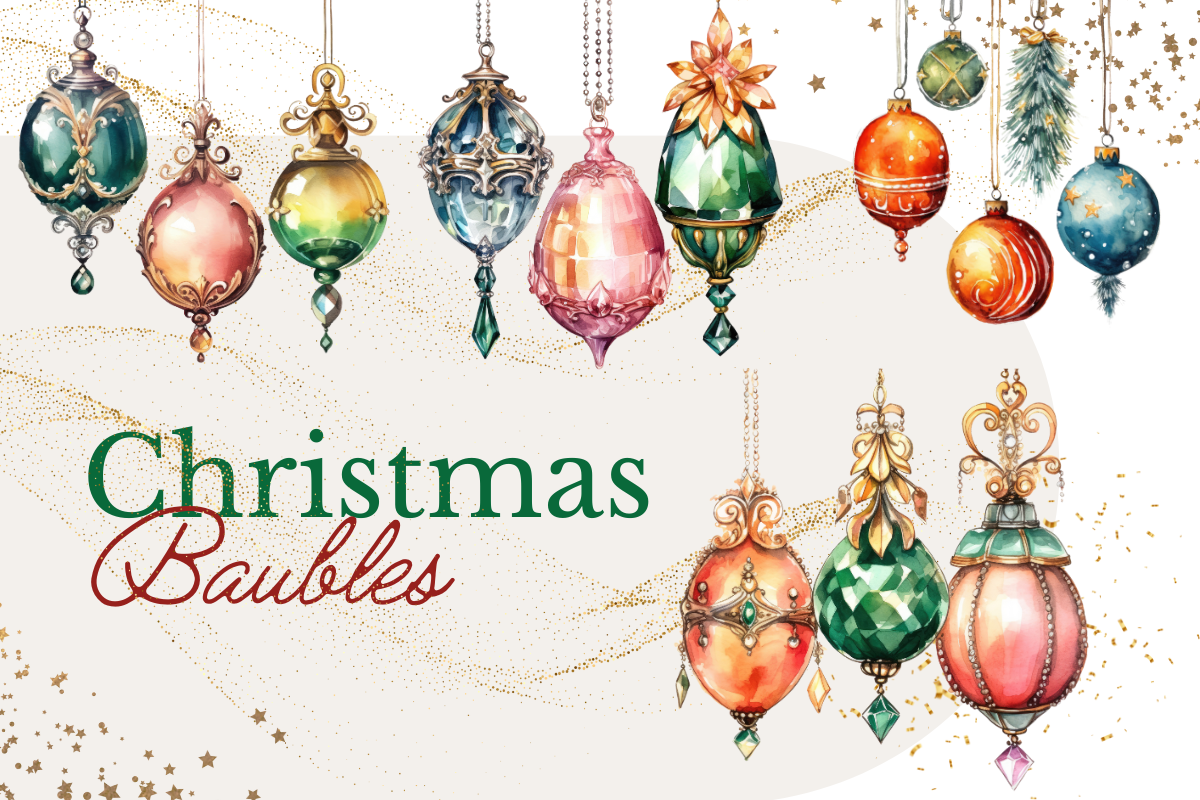
sistadesign29’s Christmas Baubles Watercolor Ornament C lists four transparent PNG files at 3600 × 3600 pixels, 12 × 12 inches and 300 DPI. The inspected preview shows ornate hanging baubles in green, gold, pink and blue with jewel-like decoration. Four files should not be interpreted as a confirmed count of individually separated baubles; the main preview displays a larger assortment of motifs.
Choose it for a detailed vintage-style accent on a divider or a larger holiday journal page. Inspect the delivered images before deciding whether you can place a single ornament without extracting it from a composition. The listing does not establish an editable vector source, white sticker borders or prepared cut paths. Arrange your own layout, check the final scale and keep the intricate ornament details away from writing areas that need to remain clear.
10. Six Gold Watercolor Baubles
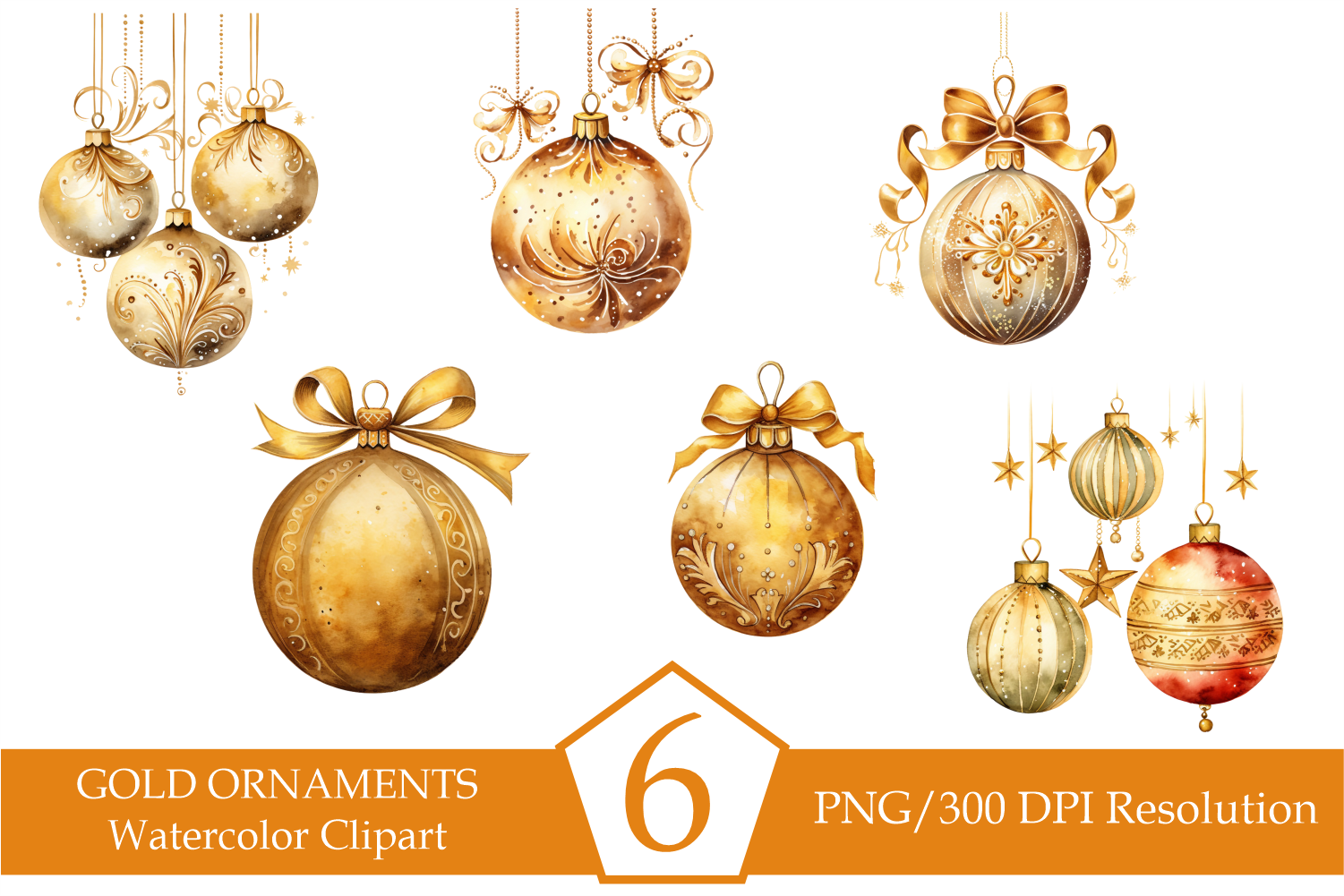
DesignedByAndreaD’s Watercolor Gold Christmas Ornaments package lists six PNGs at 300 DPI. The preview shows a coordinated gold palette with hanging ribbons, patterned surfaces and softly shaded baubles. Pixel dimensions and a complete background specification are not given in the written description, so confirm those details before choosing a large print size or a transparent digital layout.
This set suits a restrained gold-and-cream journal or a holiday spread that already has plenty of color. Use one or two ornaments near a heading and leave the task areas open. The description’s sticker-printing suggestions do not establish a calibrated sheet, white border or configured cutting file. Build your own layout and inspect the edges at actual size, particularly if you want the gold artwork to sit neatly on a colored background.
11. Twenty-Two Botanical Ornaments with Flowers and Ribbons
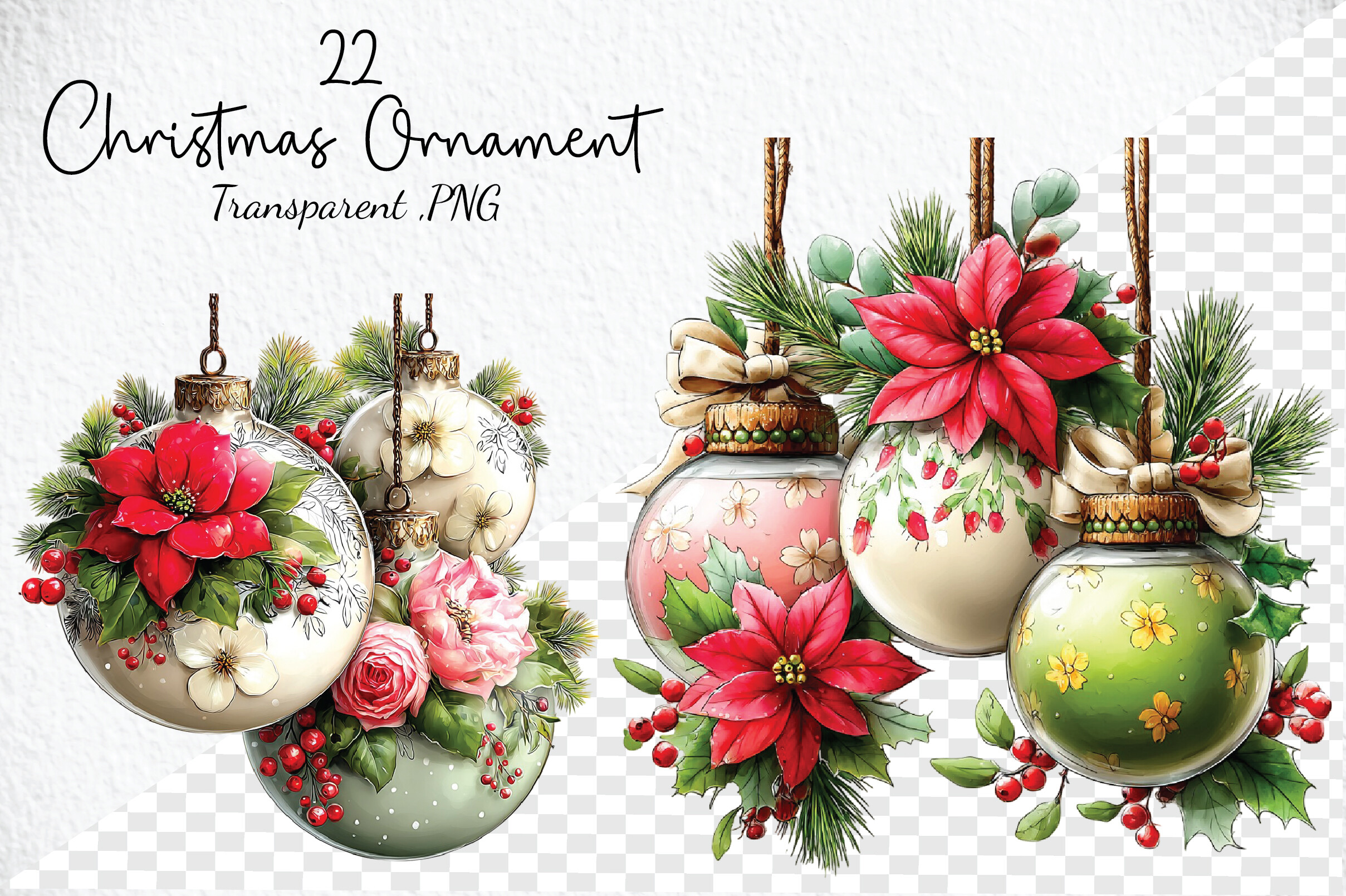
Craft Art’s Whimsical Christmas Ornament Clipart lists twenty-two transparent PNGs at 300 DPI. The preview pairs glass-style baubles with flowers, greenery, ribbons, holly and pine details in red, ivory, blush and green. The description does not state pixel dimensions, so the DPI figure alone should not be used to infer a maximum print size.
Pick this collection for larger decorative accents on a monthly divider or a page where botanical detail is part of the visual theme. At small sizes, dense flowers and leaves may become difficult to distinguish, so check a sample before arranging several. The package is clipart rather than a supplied print-and-cut worksheet. Add any desired border and cutting layout yourself, and keep the decoration away from the handwritten notes that need to remain easy to read.
12. A Single Ornament-and-Reindeer PNG Composition
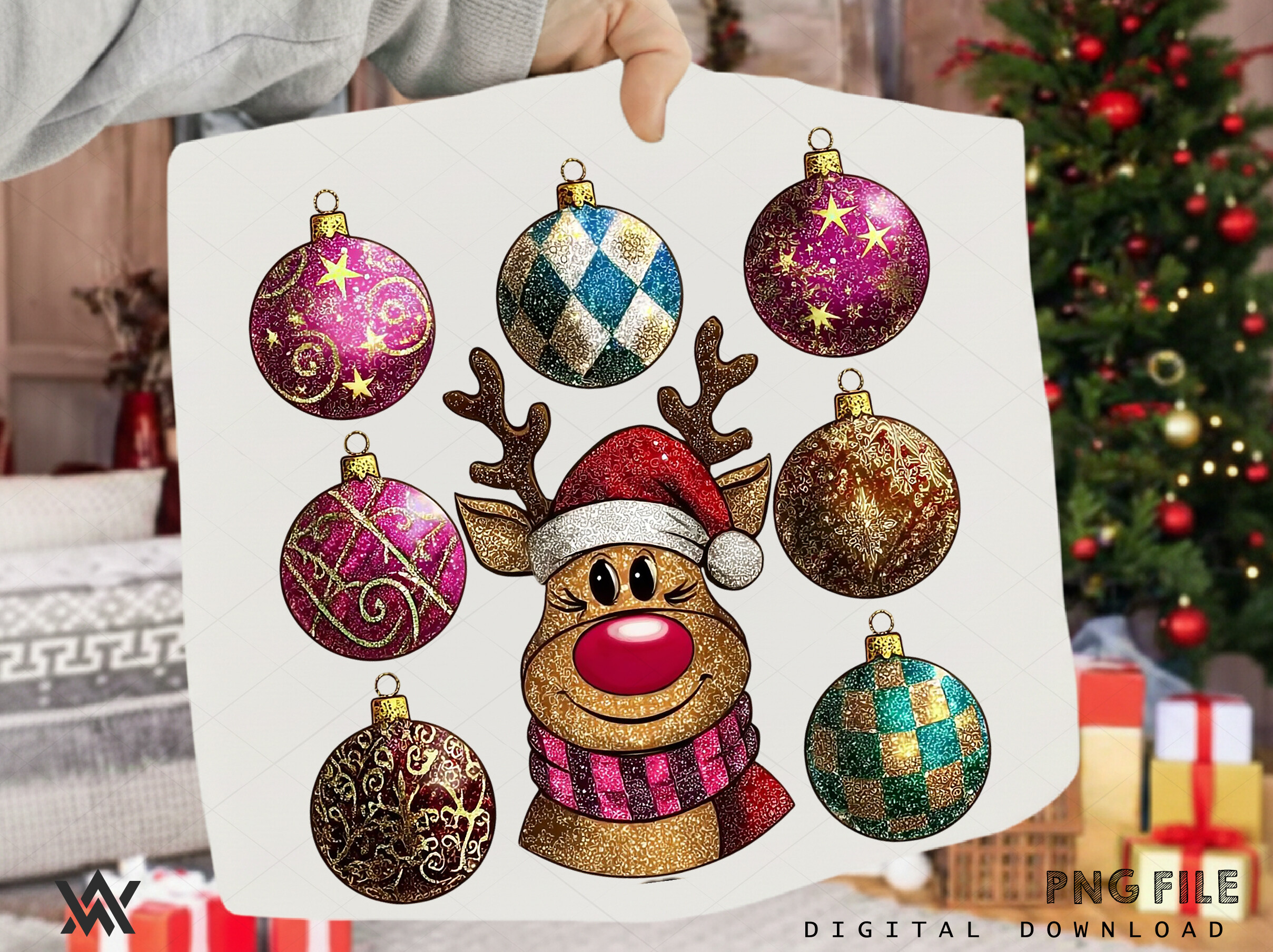
DreamForge 3D’s listing confirms one individual PNG at 12 × 12 inches and 300 DPI with a transparent background. Its main preview shows several festive baubles around a reindeer face and explicitly labels one PNG file. The displayed motifs should therefore not be counted as separate downloadable stickers unless the designer confirms a different file inventory.
Choose it if you want the whole composition on a large divider, cover or seasonal note page. It is less convenient for a narrow daily box because separating each ornament would require your own image-editing work. No individual-file pack, white sticker borders or cut-ready paths are established. View the full design at your planned scale, and keep enough space around it so the reindeer and surrounding ornaments do not obscure important planning information.
13. Pastel Pink Ornament PNG Collection
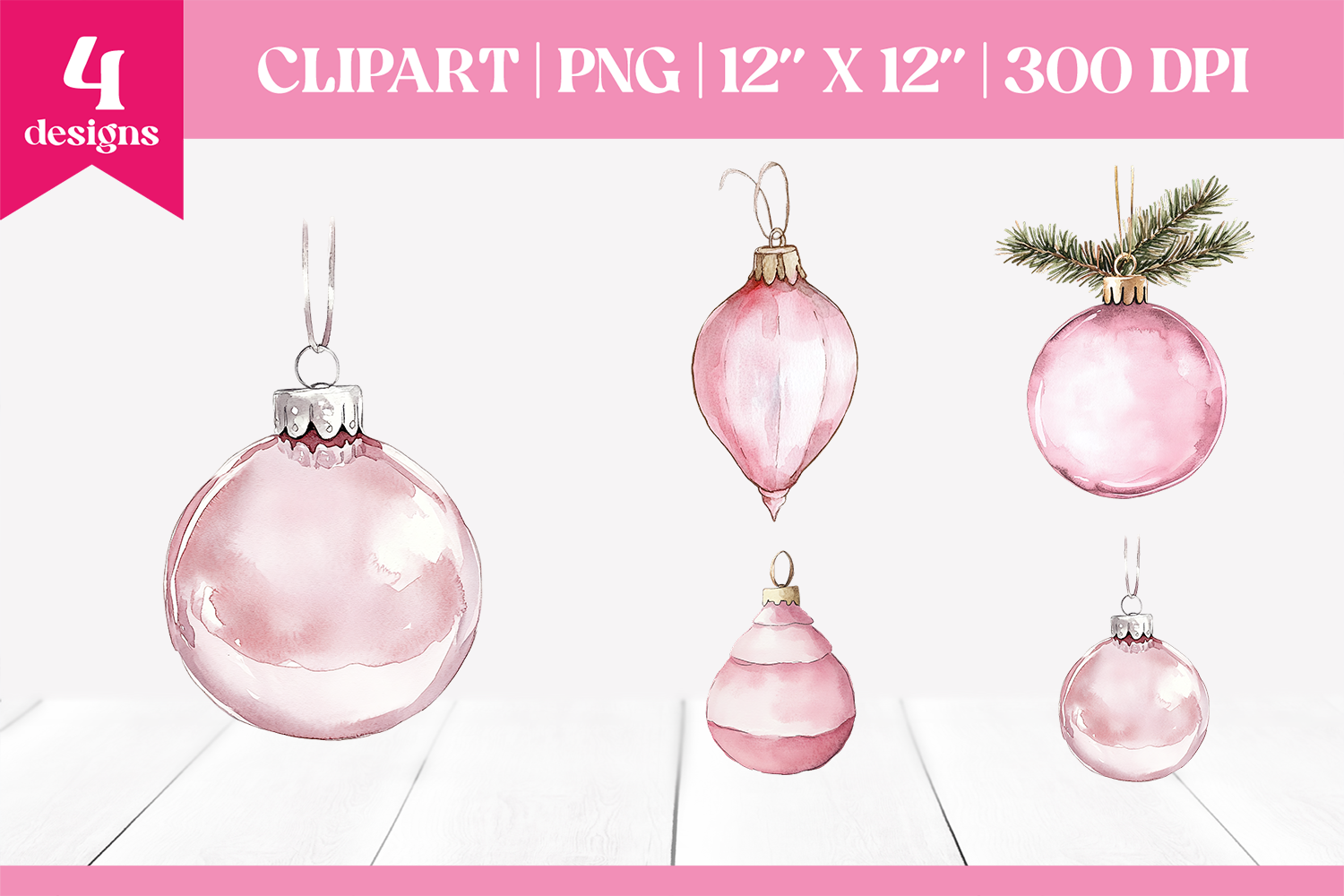
manechaeva’s Pink Christmas Ornaments Clipart PNG supplies four files, described as 12 × 12 inches at 300 DPI. The description highlights pastel ornament designs, including one shaped like a Christmas tree. The main preview shows five ornament motifs while labeling four designs, so confirm the delivered inventory. A prepared sheet and every background property are not established.
This is useful for a pink holiday palette when you want only a few coordinated elements. Give the tree-shaped ornament a distinct role on the page, then repeat the simpler baubles near section headings. Check the actual PNG edges and background before layering on colored planner paper. You will choose the print size and arrange the sheet yourself; a dedicated GoodNotes sticker book or configured cutting-machine project is not listed.
14. Twenty-Seven Pink Ornaments with Transparent Backgrounds
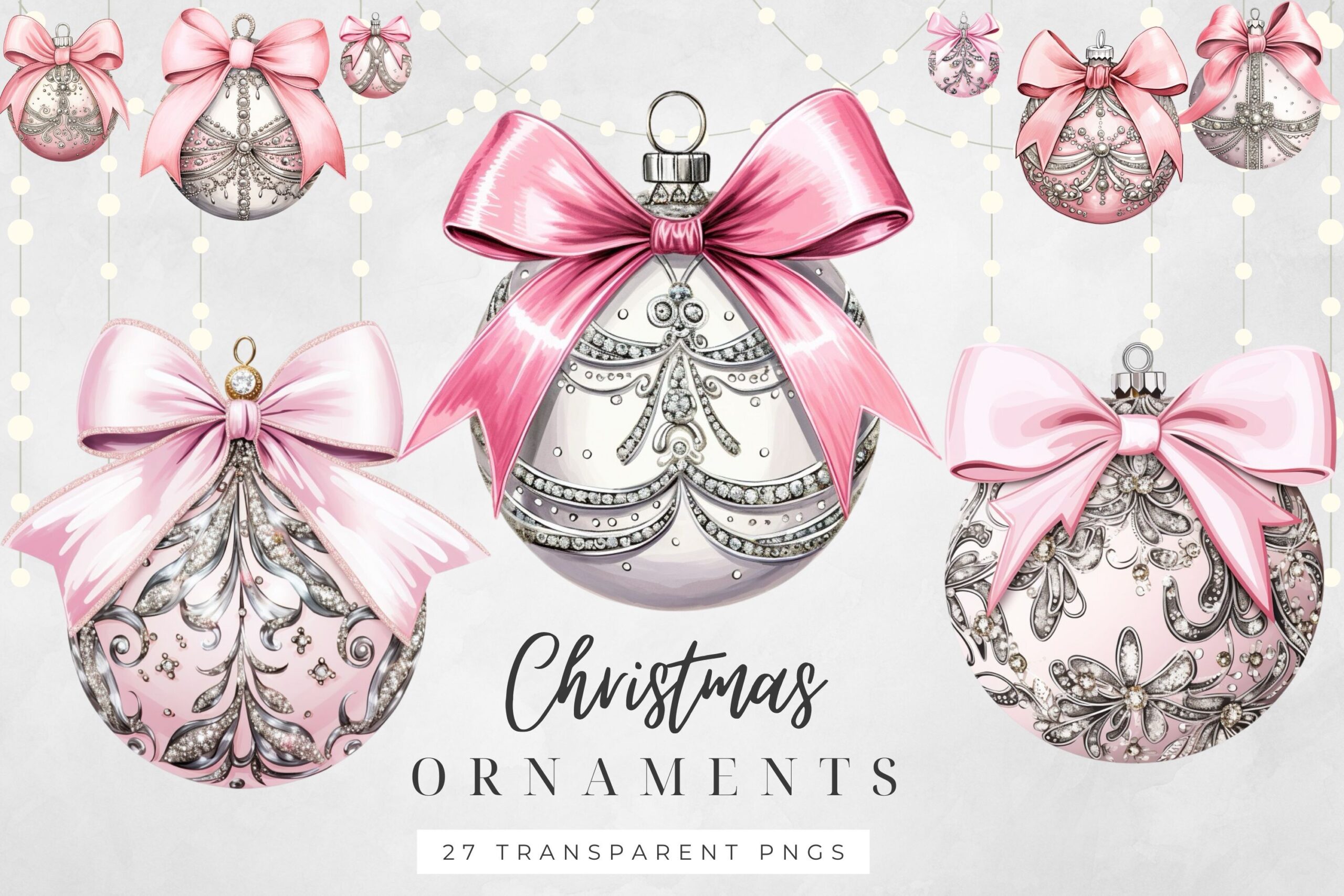
Digital Emporium’s Pink Christmas Ornaments Clipart includes twenty-seven PNG images with transparent backgrounds. The inspected preview shows soft pink baubles, decorative silver-style patterns and prominent satin bows. The written description calls them high resolution but does not state pixel dimensions or a DPI figure, so confirm the downloaded measurements when planning large prints.
Choose this set if you want a broader pink collection to carry a consistent theme across several planner pages. Match a few bow-topped designs rather than making every page use all twenty-seven. The files are illustration assets for your own arrangement, not a confirmed prepared sticker sheet. Add a white border if that suits your paper workflow, check the final size and leave enough separation for manual cutting or your chosen software’s cut setup.
15. Detailed Pink Baubles in PNG and JPEG
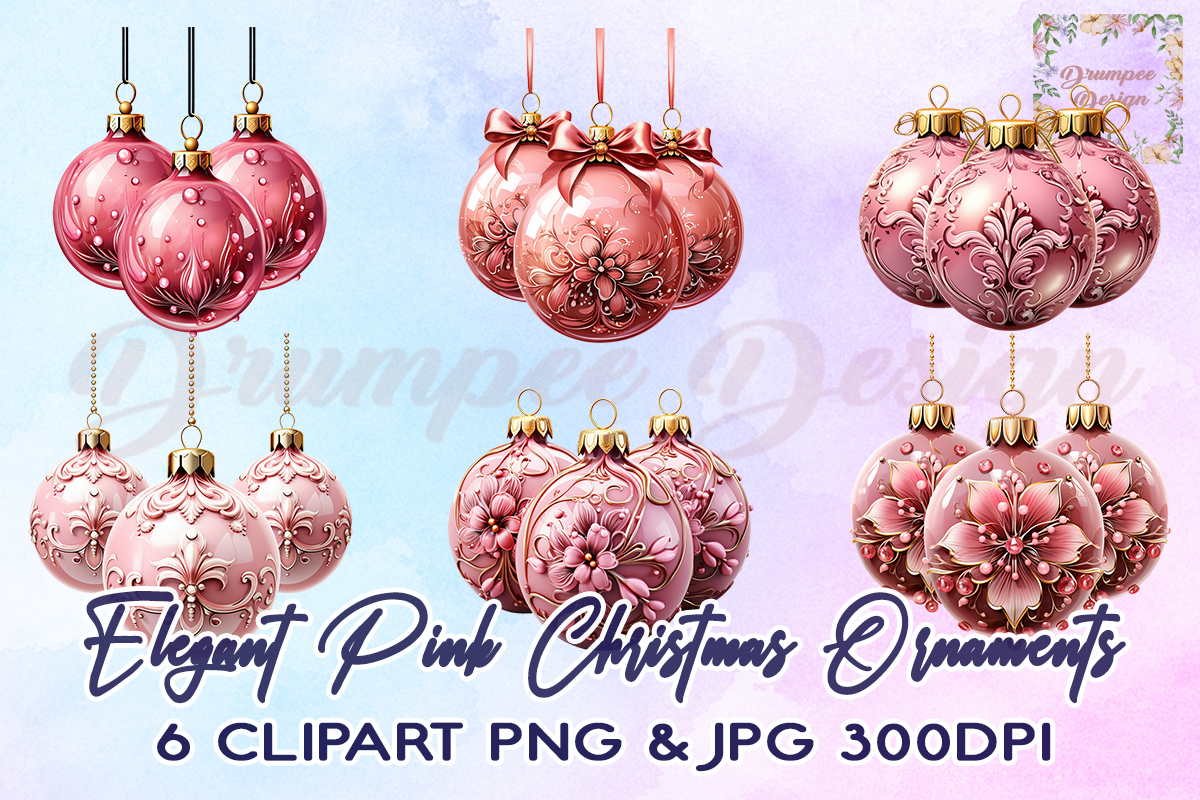
Drumpee Design’s Elegant Pink Christmas Ornaments listing supplies transparent PNGs and JPEGs at 4000 × 4000 pixels, 300 DPI and RGB. The main preview advertises six designs and shows highly decorated pink baubles; the written description names formats and dimensions but does not specify the count. Treat six as a preview claim until you inspect the delivered inventory.
Use the transparent PNGs when layering on a planner page, and check the JPEG background before choosing that version for a sticker layout. The intricate surface details work best with enough visual space, so test a small print before using them as tiny icons. The package does not list cut-ready outlines or a Letter-size sheet. Plan the border and spacing yourself rather than expecting the two image formats to include a finished cutting workflow.
16. Thirty Transparent Baubles and Seasonal Elements
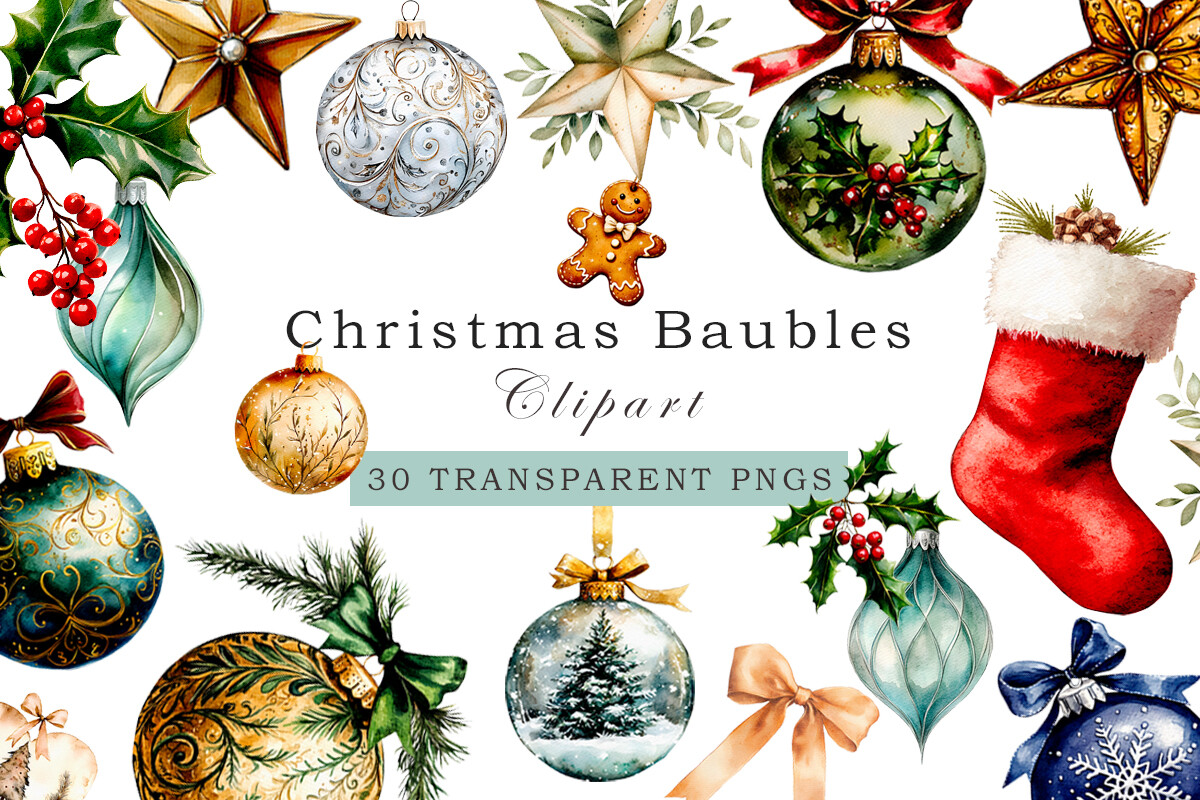
NeuroStoker’s Watercolor Christmas Baubles Clipart PNG contains thirty transparent PNGs at 4000 × 4000 pixels and 300 DPI. The described collection includes baubles, ornaments, stockings and additional seasonal elements. The preview also shows greenery and bows, so the total covers a coordinated holiday artwork collection rather than thirty separate bauble-only stickers.
Choose it when you want enough variety for ornaments and matching divider accents without changing the illustration style. Start with a few baubles, then use greenery or ribbon sparingly to connect the layout. The files require your own sheet arrangement and cut setup if you want paper stickers. Transparent backgrounds help digital layering but do not establish a prebuilt app sticker book, automatic white outline or machine-ready print-and-cut project.
Keep ornament details visible at planner size
Check the design at its final size before printing. Bows, flowers and snowy scenes need more room than simple silhouettes. A dense ornament can be a beautiful divider accent but become hard to recognize inside a small daily box. Select a few compatible colors rather than using every asset in a large collection on one page.
Print an ordinary-paper test before using adhesive stock. Set your intended scale, check the edges and leave adequate spacing for your cutting method. Mixed collections may contain stockings, foliage or character artwork as well as baubles, so read the delivered inventory instead of treating every file as an individual ornament sticker.
Which Christmas ornament stickers should you start with?
Choose a four-design sticker group for a small coordinated project, single NyDesign baubles when you need one focal motif, or the vector collection for a compatible editing and cutting route. Gold and pink sets are useful for a consistent palette; larger watercolor collections offer more variety for custom dividers and sticker sheets.
Keep practical decorating tasks in a planner and use the ornament as a visual accent beside them. A Christmas party planner can hold the actual event decisions. Download the file type you can use, test one small layout and expand the decoration only when it supports the page.