8 Christmas Place Cards for Festive Tables and Holiday Gatherings
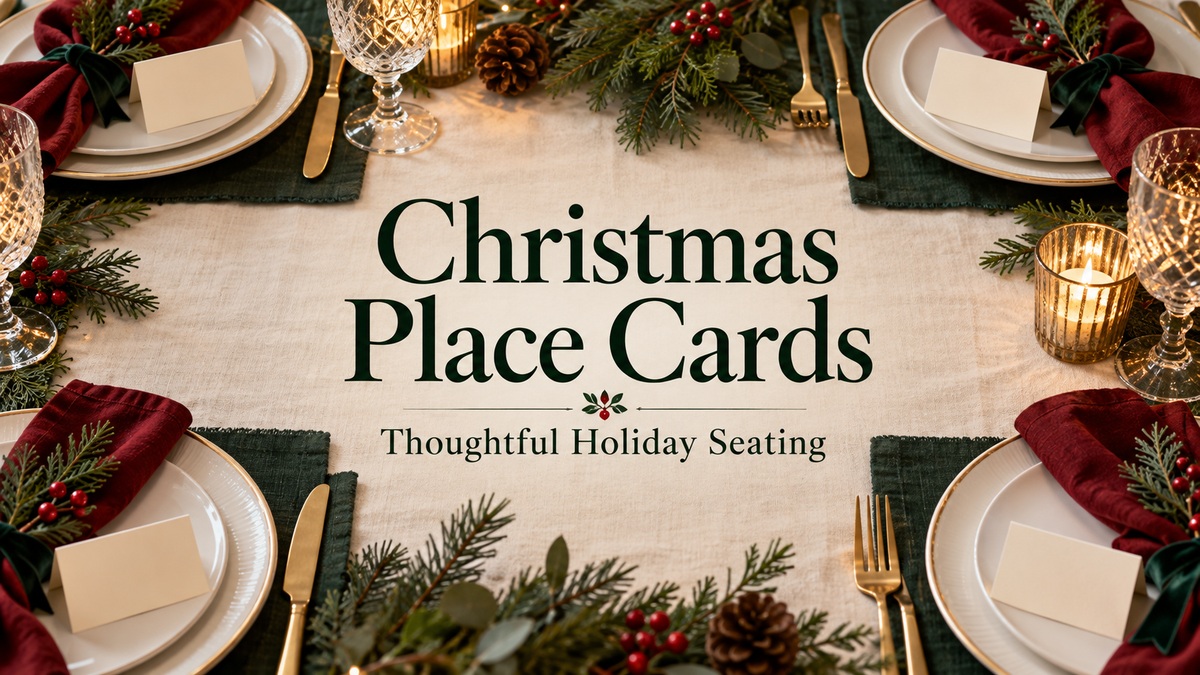
Christmas place cards give each guest a clear welcome and help a carefully arranged table feel personal. The right download depends on how you want to add names: write them by hand, edit text in Canva or prepare a layered paper-cut project. These eight resources include six expressly festive designs and two neutral botanical templates that can be adapted for a Christmas dinner.
Choose the guest-name cards alongside your Christmas menu templates so the table stationery works together. A Christmas party planner can hold the guest list and seating notes, while a Christmas meal planner keeps the cooking arrangements separate. Finalize the spelling of names before making multiple printed copies.
In this guide
Choose Christmas place cards by the work involved
A flat card needs a holder or a place to rest. A folded card stands on the table after scoring and folding. An SVG construction can make a more substantial decoration, but it also requires suitable software, cutting tools and assembly time. Pick the workflow before choosing the prettiest preview.
Look carefully at what the download contains. A PDF may simply provide Canva access links; a PNG card is flattened artwork; and a cutting design may not include an editable font for adding names. Mockup photographs show the intended look but do not establish the card count, paper stock or physical supplies you will receive.
1. Red Bauble and Evergreen Canva Name Cards
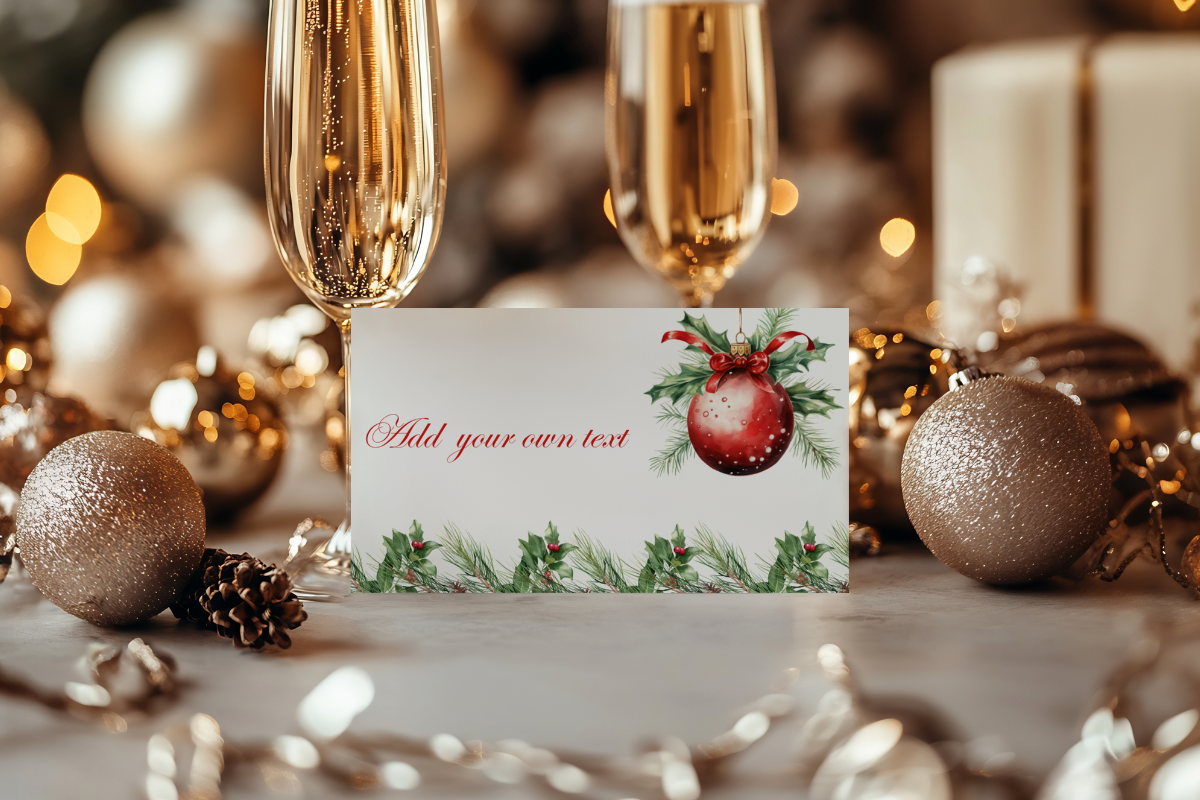
PaperiePrintsCo places a round red ornament and evergreen foliage around a light name area in this festive design. The download is a PDF with Canva links, and the listed formats include a Letter-size sheet, a 3.5 × 2-inch card and a 3.5 × 4-inch layout that folds to 3.5 × 2 inches. The seller confirms that the wording can be edited while the images are fixed.
This suits a traditional table where red and greenery already appear in the napkins or centerpiece. The Letter sheet is described as containing six designs, but the main preview does not establish six different illustrations; inspect the templates before treating that phrase as a unique-artwork count. Use the separate card layouts when you prefer to arrange your own print sheet or need a single replacement name.
2. A Red Bow and Santa-Hat Motif with Editable Names

This separate PaperiePrintsCo listing uses a large red bow and Santa-hat details for a more playful place setting. It provides PDF access to Canva templates with the same listed flat and folded sizes: 3.5 × 2 inches and 3.5 × 4 inches before folding. The description also includes a Letter-size sheet and explicitly limits editing to wording rather than the images.
Choose it when the guest name should sit beside a single strong festive decoration rather than a full botanical border. Check a long name against the bow area before duplicating the card for every guest. As with the ornament version, the written six-design sheet claim does not by itself confirm six distinct pictured motifs. The PDF is a template-access document, not automatically the final printed sheet.
3. Forty Watercolor Card PNGs in Folded and Square Layouts
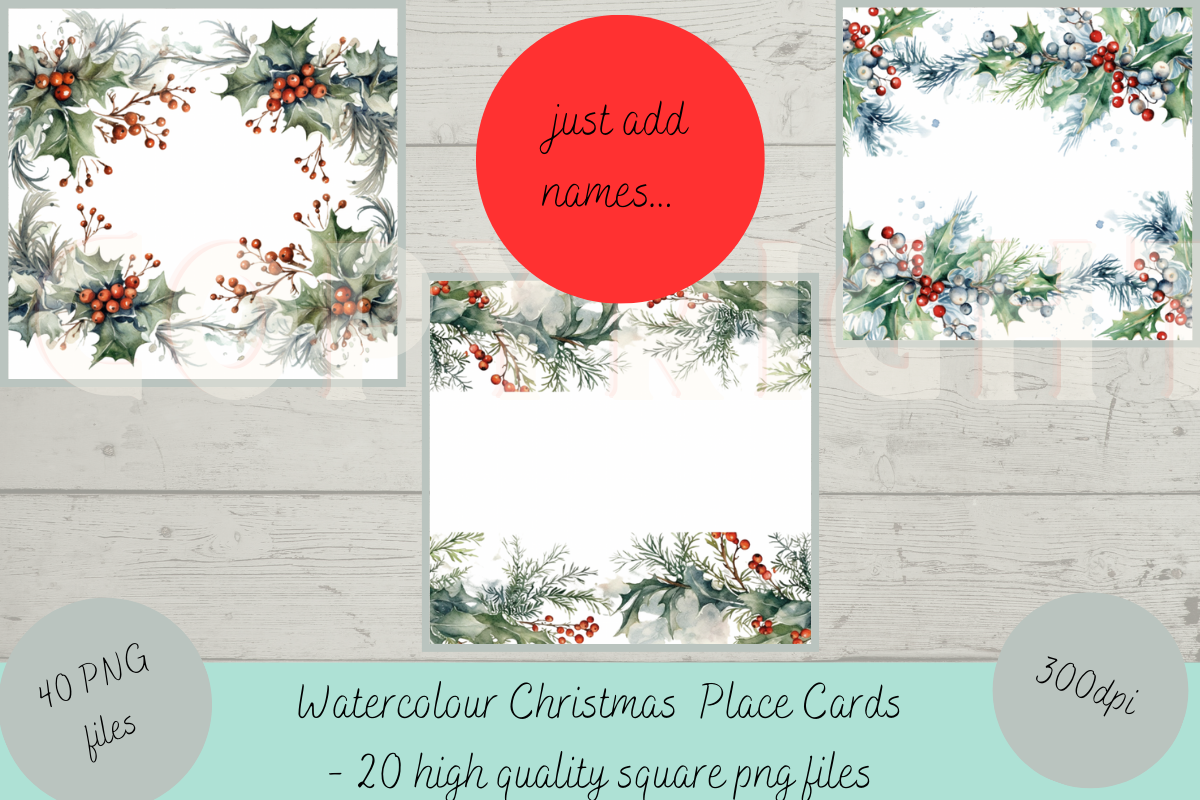
Litha Prints offers 40 PNG images: 20 cards sized 3.5 × 4 inches for folding and 20 square cards at 2 × 2 inches. The preview shows several watercolor arrangements with holly, greenery and red berries framing a blank center. Images are stated at 300 ppi and explicitly described as nontransparent, so the pale card background is part of the supplied artwork.
This is useful if you want to choose different botanical borders while keeping the table within one seasonal palette. Names can be added in suitable layout software or written on the printed cards, but the listing does not confirm Canva access or live editable text fields. The square version needs a holder or another arrangement if you want it upright; the larger layout gives you a folded-card route.
4. Two Coordinated Menu-and-Name Sets for Handwriting
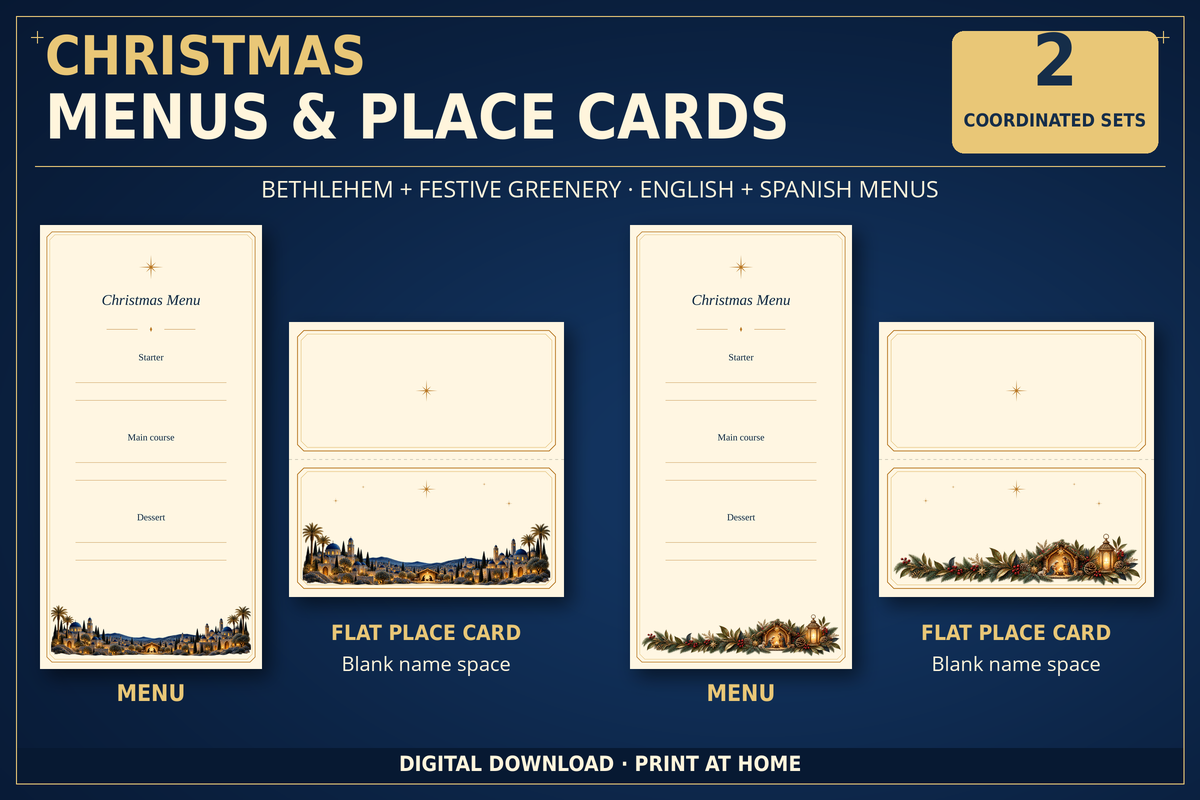
Carla Del Campo Studio supplies two coordinated designs, described as Bethlehem and festive greenery. Each has a matching menu and blank place card. The cards measure 10 × 10 cm flat and fold to 10 × 5 cm; their PNGs are listed at 1181 × 1181 pixels. Menus are supplied in English and Spanish, while the same text-free place cards work with either language.
Choose this set when you want matching table stationery and prefer to write guest names by hand. The download includes six PNG files in total, four ready-to-print product PDFs across A4 and Letter language versions, and a bilingual folding guide. The designs have no editable or fillable fields. Printed gold-colored details are artwork, and the physical paper and printing supplies remain part of your own preparation.
5. Sixteen Paper-Cut Place-Holder Designs in Multiple Formats
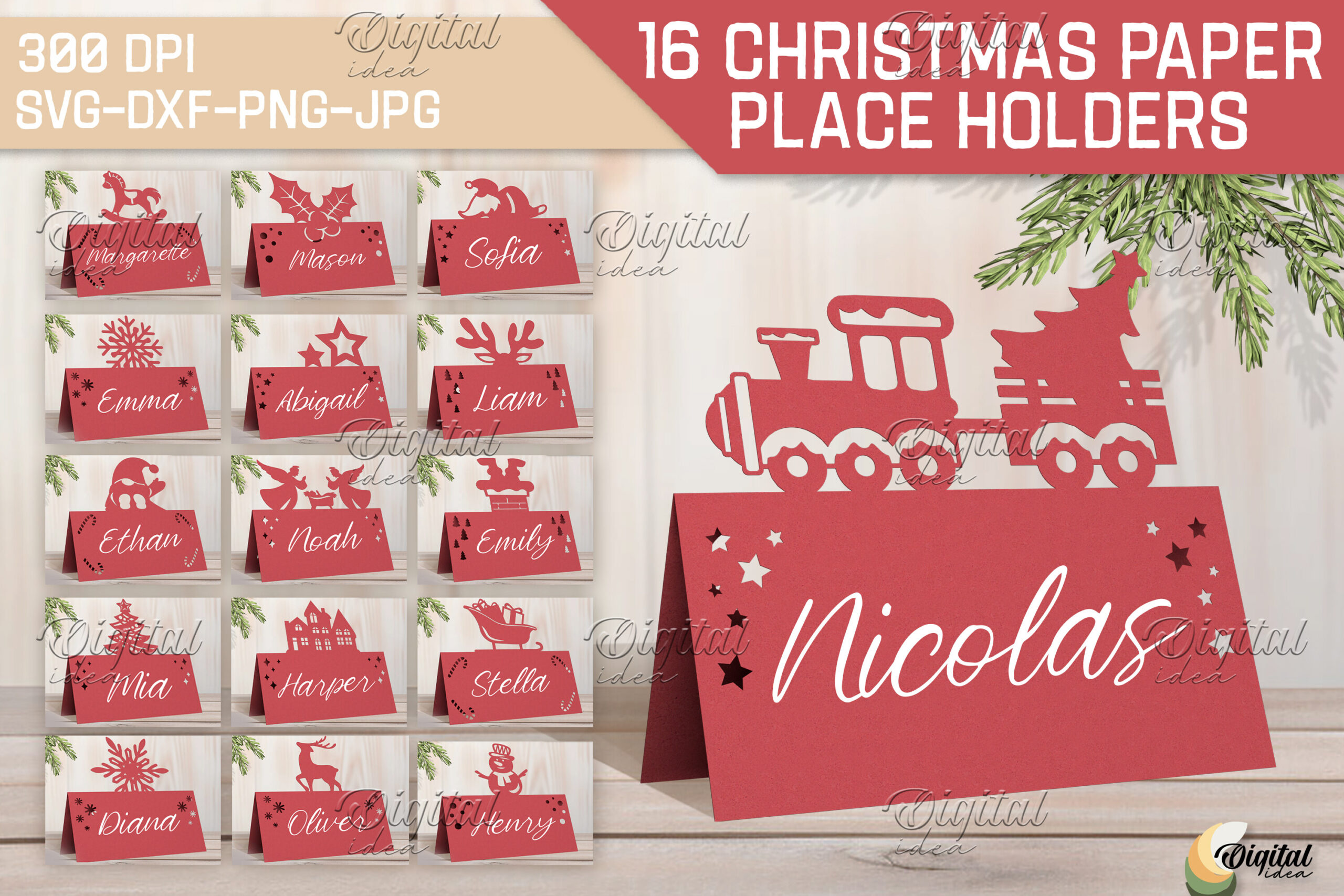
Digital Idea’s preview presents 16 Christmas paper place holders with motifs such as a train, reindeer and seasonal shapes above the name area. The stated download is a ZIP containing SVG, DXF, EPS, PDF, JPEG and PNG formats. This offers a different route from a printed watercolor card: a paper-cut silhouette can become part of the table decoration itself.
Use it when you have time to prepare and test a cutting project. The description does not specify finished dimensions, a supplied name font or the exact personalization method, so check the files before planning machine-cut guest names. The photographs are described as inspirational; they do not promise physical cardstock or assembled pieces. Start with one design and test folding, name placement and cutting detail before producing the whole set.
6. A Layered Snowman Place Card with an Assembly Tutorial
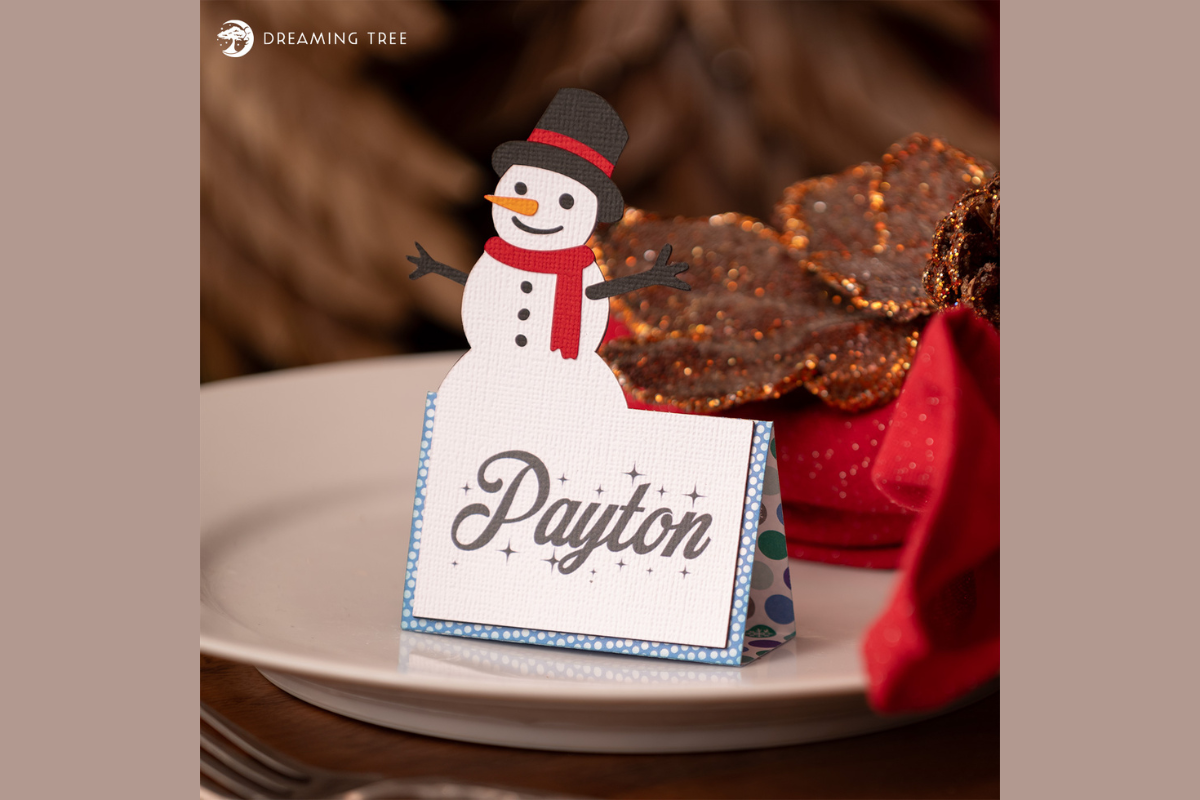
Dreaming Tree’s Snowman Placement Card is an SVG construction with a snowman above the guest-name area. The seller lists approximate assembled dimensions of 4.625 inches high, 3 inches wide and 1.25 inches deep. An SVG design, PDF piece legend and step-by-step video tutorial are described, with the project planned around 12 × 12-inch cutting machines.
This is the most involved crafting option here and suits a table where the card can serve as a small decorative keepsake. You will need the cardstock, paper and glue used for assembly; the listing’s supply list is not a shipment of those materials. Resizing may affect the final dimensions. Check how you will add guest names and make one complete sample before scheduling a full set of layered cards.
7. A Neutral Greenery Canva Card to Adapt for Christmas
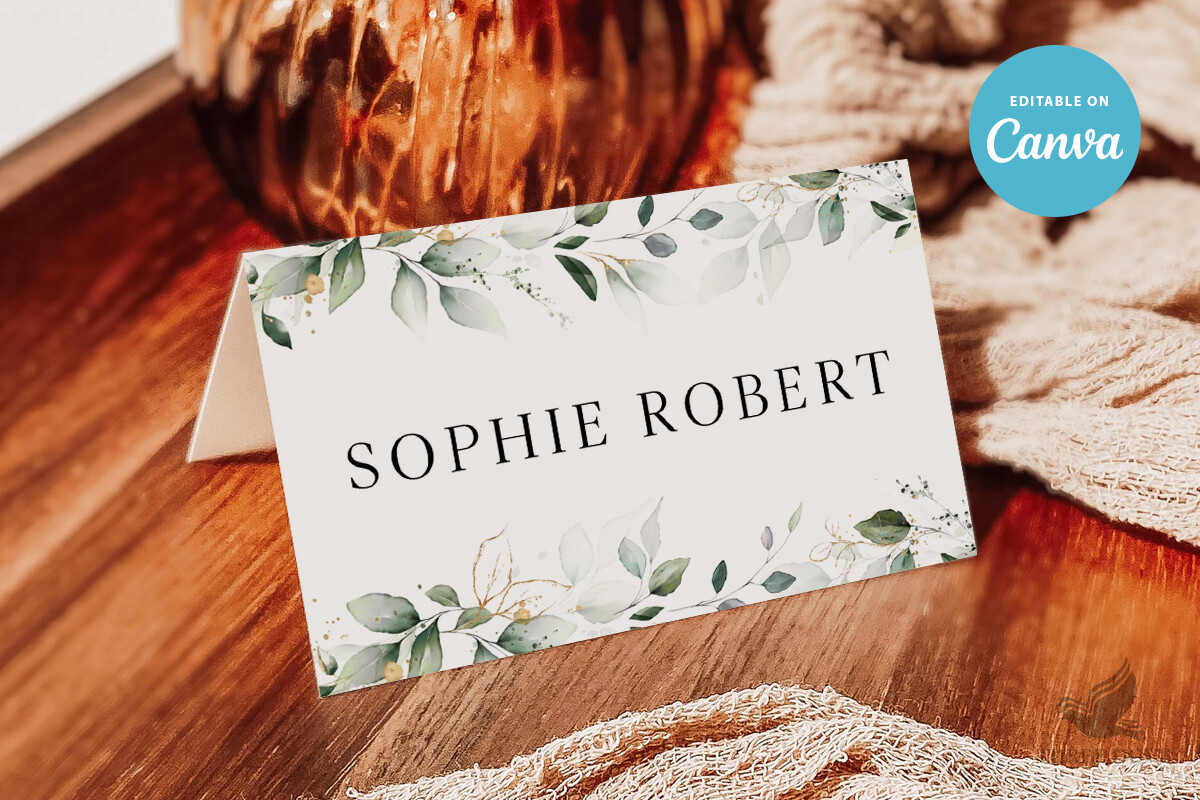
Three Dove sells this as a wedding place-card template, rather than an expressly Christmas design. Its soft greenery border and light name area can also suit a restrained holiday table when paired with seasonal linens or a small evergreen sprig. The stated card size is 3.5 × 2 inches, with a Canva tutorial PDF included.
Text can be changed for wording, font, color, size and placement. The seller allows artwork resizing and placement changes but says its colors are not editable; the background can be adjusted separately. This makes it useful when you want a reusable botanical card, provided its existing greenery color fits the table. Adapt the wording and proof the final card rather than assuming the wedding label means it already contains Christmas messaging.
8. A Minimal Botanical Name Card with Flat and Tent Options
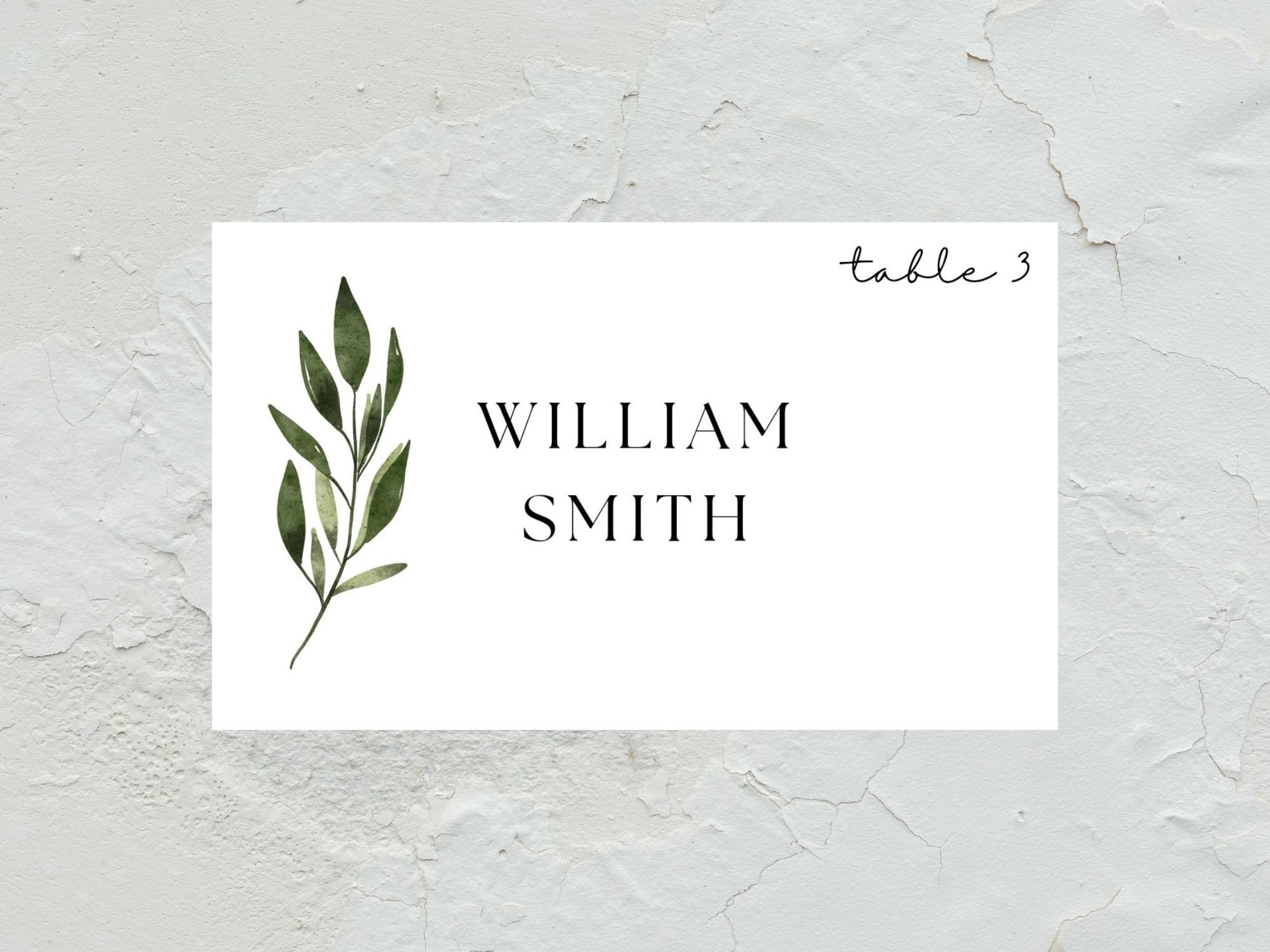
EvaTemplates offers a neutral Canva seating-card template with a small botanical accent and a spacious name area. The listing gives a 3.75 × 2.25-inch card size and describes A4 single-card and tent-fold layouts. It is marketed for weddings, but the restrained design can be adapted for a Christmas dinner without requiring a strongly illustrated holiday border.
Choose this when long names and clear typography matter more than decorative detail. The seller describes editing text, fonts, colors, backgrounds and images in Canva, giving you more layout flexibility than a fixed PNG. Check the folded template’s actual setup before printing: the description names both card size and A4 layouts without spelling out every trim measurement. A small proof will confirm orientation and how the botanical accent sits after folding.
Prepare names and test one place setting
Use one final list of guest names and note where the cards belong before printing. Test the longest name, any accented characters and the smallest type at the intended card size. A name should be readable from a seated position without relying on decorative script alone.
Print or assemble one sample and place it beside the actual plate, glass and napkin. Check that a folded card stands reliably, a holder does not cover the name and a larger paper decoration leaves enough space. Keep a few blank cards or an editable copy available for a late guest-list change.
Build a coordinated table without overcomplicating it
Repeat one color or motif across the name card, menu and napkin arrangement instead of matching every element exactly. A cream writing area can connect a botanical card with a simple menu, while a single red bow can provide the seasonal accent on an otherwise neutral table.
For a busy household dinner, handwriting on ready artwork may be the easiest route. For a larger gathering, editable text can make repeated names and consistent type easier to manage. Choose the download that fits your preparation time, then make a small proof before committing to all the seats.