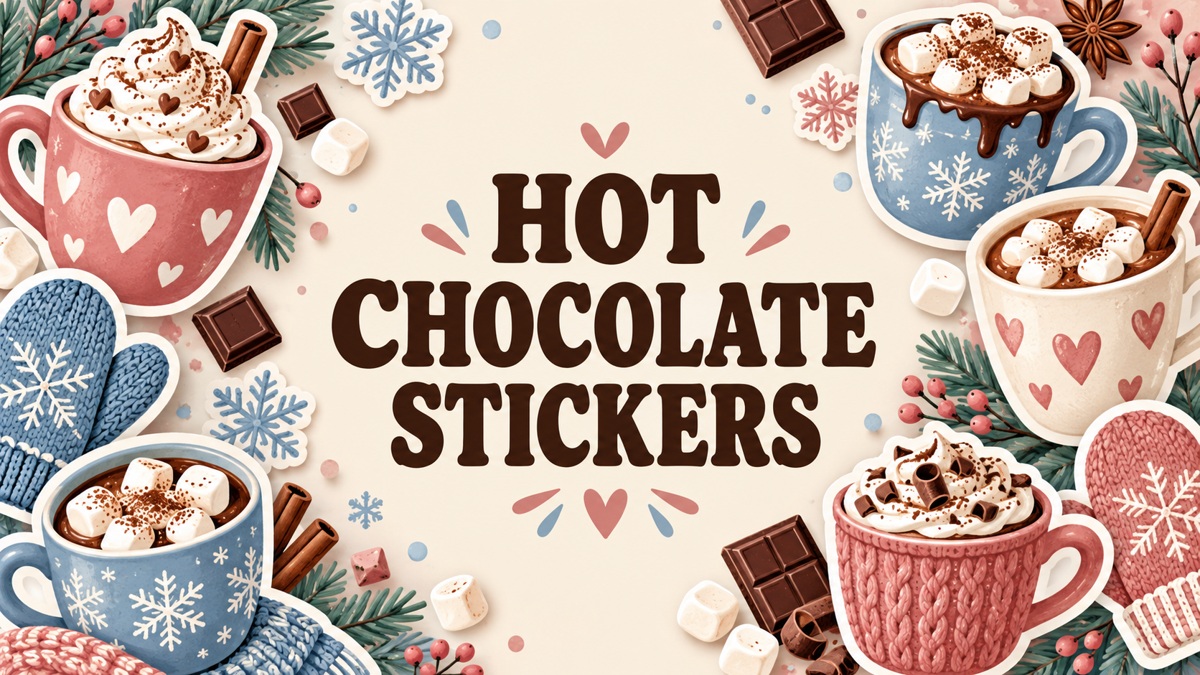
12 Cozy Hot Chocolate Stickers for Winter Journals and Planners
Hot chocolate stickers bring a winter theme to a journal without needing an entire holiday-planning system. These twelve sets and individual designs include prepared PNG sheets, cocoa mug illustrations, snowmen and vector artwork. Some are ready to arrange for printing, while others need more setup, so the file list matters as much as the style.
Pair them with a winter journal, use Christmas baking planner for a recipe-focused page, or compare our coffee planner stickers for another café theme. The resources below are digital artwork, with finished stickers and printing materials supplied separately. A transparent PNG can be imported as an image in compatible software; it is not automatically a native sticker book.
In this guide
Choose hot chocolate stickers for your printing workflow
A prepared PNG sheet is convenient if its layout and size already fit your project. Individual PNGs let you repeat favorite cups or arrange your own page, while SVG and other vector formats provide an editing route in compatible software. A PNG-only package is not a vector cutting bundle, even when the description discusses many possible craft uses.
Compare the detail with the space available in your planner. A bold cup can work as a small marker, while a long phrase or detailed snowman scene needs more room. Reduce large raster images rather than assume they can be enlarged indefinitely, and check one sample before printing several sheets. The artwork does not establish waterproof finished stickers or a particular paper finish.
1. Forty Cocoa Phrases and Illustrations as Individual PNGs
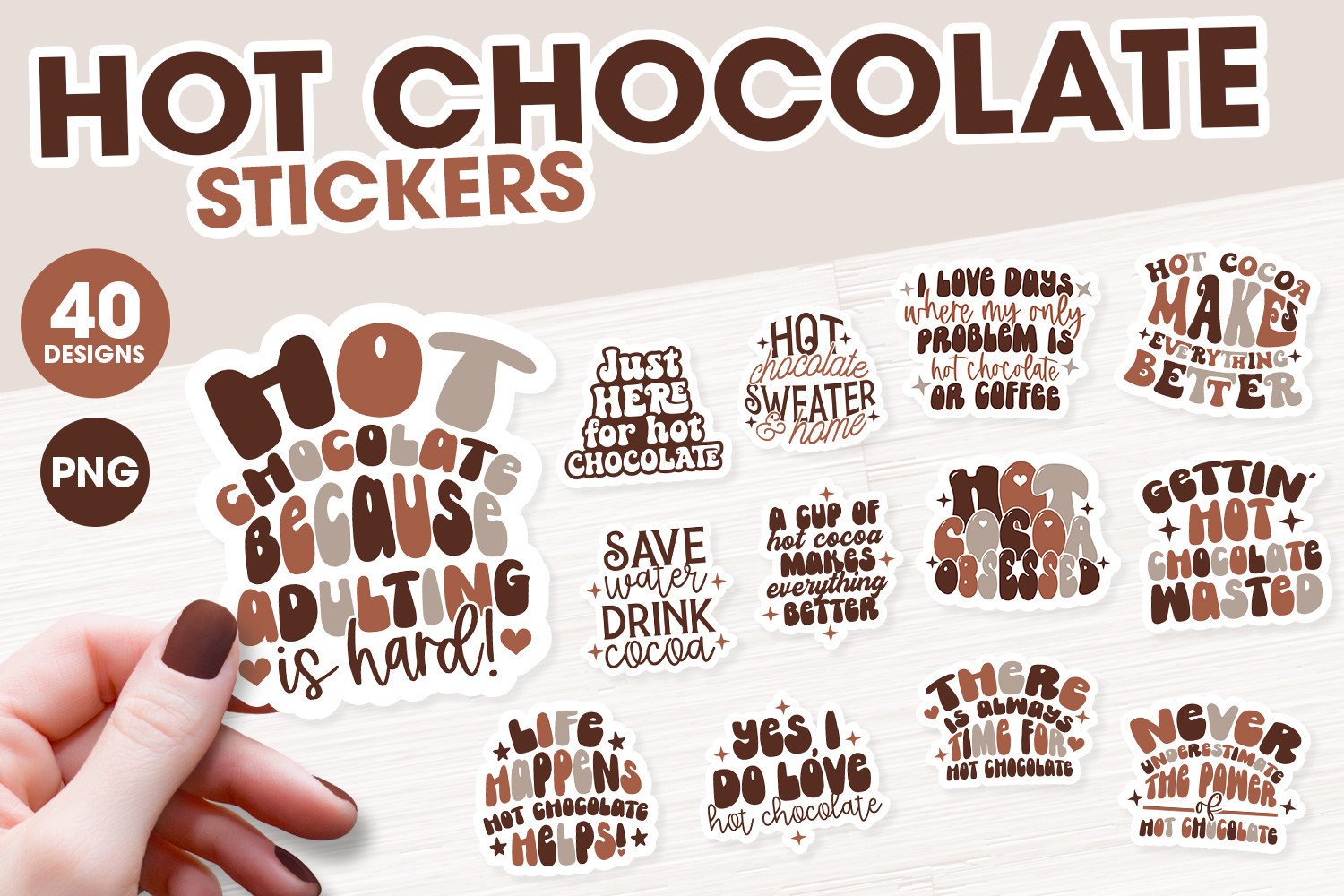
Ali’s SVG Shop offers a broad collection of cocoa-related sayings and decorative motifs in warm neutral colors. It is useful when you want headings or larger journal accents as well as individual mug imagery. The range gives several choices, but text-heavy designs need more space than a small functional icon in a weekly planning box.
The seller lists forty separately saved PNG designs, approximately 2500–3500 pixels wide at 300 DPI, with a white border. The shop name does not establish that SVG files are supplied in this package. Arrange the PNGs yourself and resize them to the intended use, checking that the lettering remains readable after reduction.
2. Four Simple Cocoa Cups with Prepared PNG Sheets
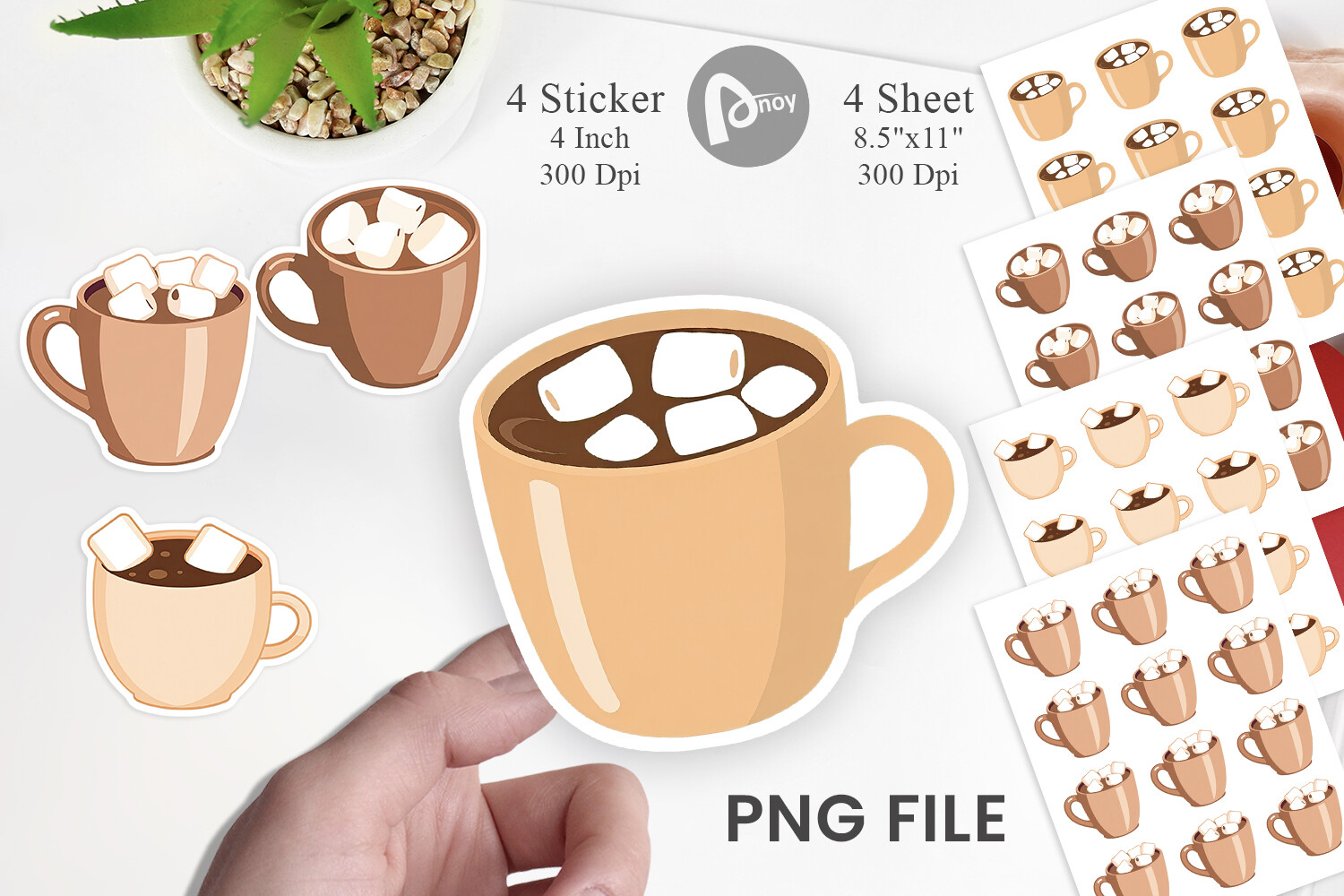
Artnoy uses four rounded cocoa-cup designs in a soft cream and brown palette. Their simpler shapes can work as small repeated markers without making a journal spread feel crowded. The supplied sheet route makes this a useful comparison with larger illustration bundles that leave all the arrangement and repetition to the user.
The package lists four individual transparent PNGs at 1200 × 1200 pixels and four prepared PNG sheets at 3300 × 2550 pixels, all at 300 DPI. Those sheet dimensions correspond to Letter proportions in landscape orientation. No PDF or SVG is clearly promised, so check the actual PNG arrangement before planning a particular print-and-cut workflow.
3. Five Winter Motifs with Cocoa Cups and Coordinating Accents
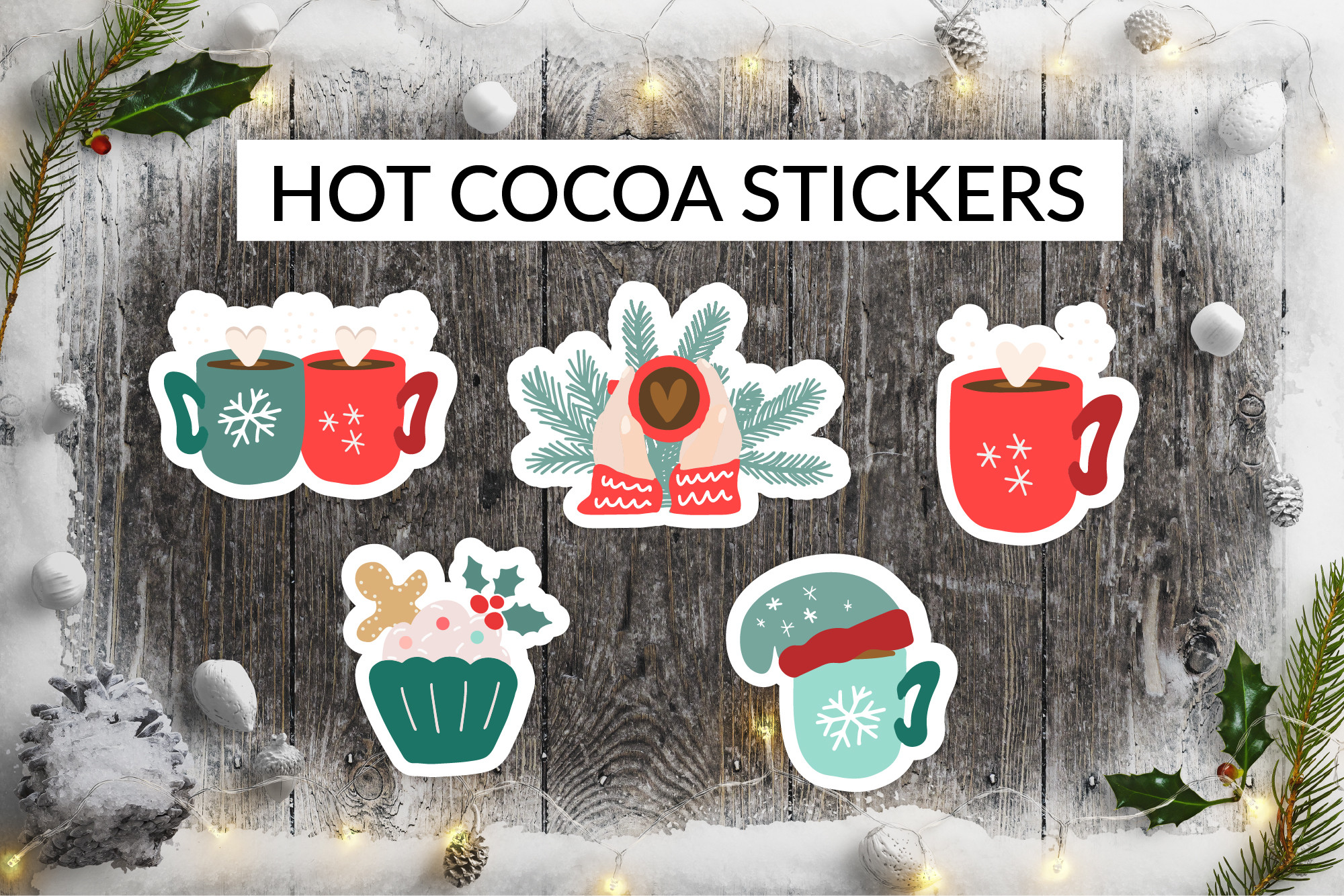
StudioSVG combines cocoa mugs with a few coordinating winter details, including mittens and a cupcake visible in the preview. That makes it a small seasonal mix rather than five identical kinds of drink illustration. It can work well when you want several related accents around a winter journal entry or a short holiday planning note.
The seller specifies five separately saved transparent PNGs with white borders, sized at 12 × 12 inches and 300 DPI. No prepared sheet or vector source is clearly listed. Reduce the individual images proportionally for planner use, and compare the preview with the actual archive before assuming every supplied design is a cocoa mug.
4. Twelve Detailed Watercolor Cocoa Illustrations
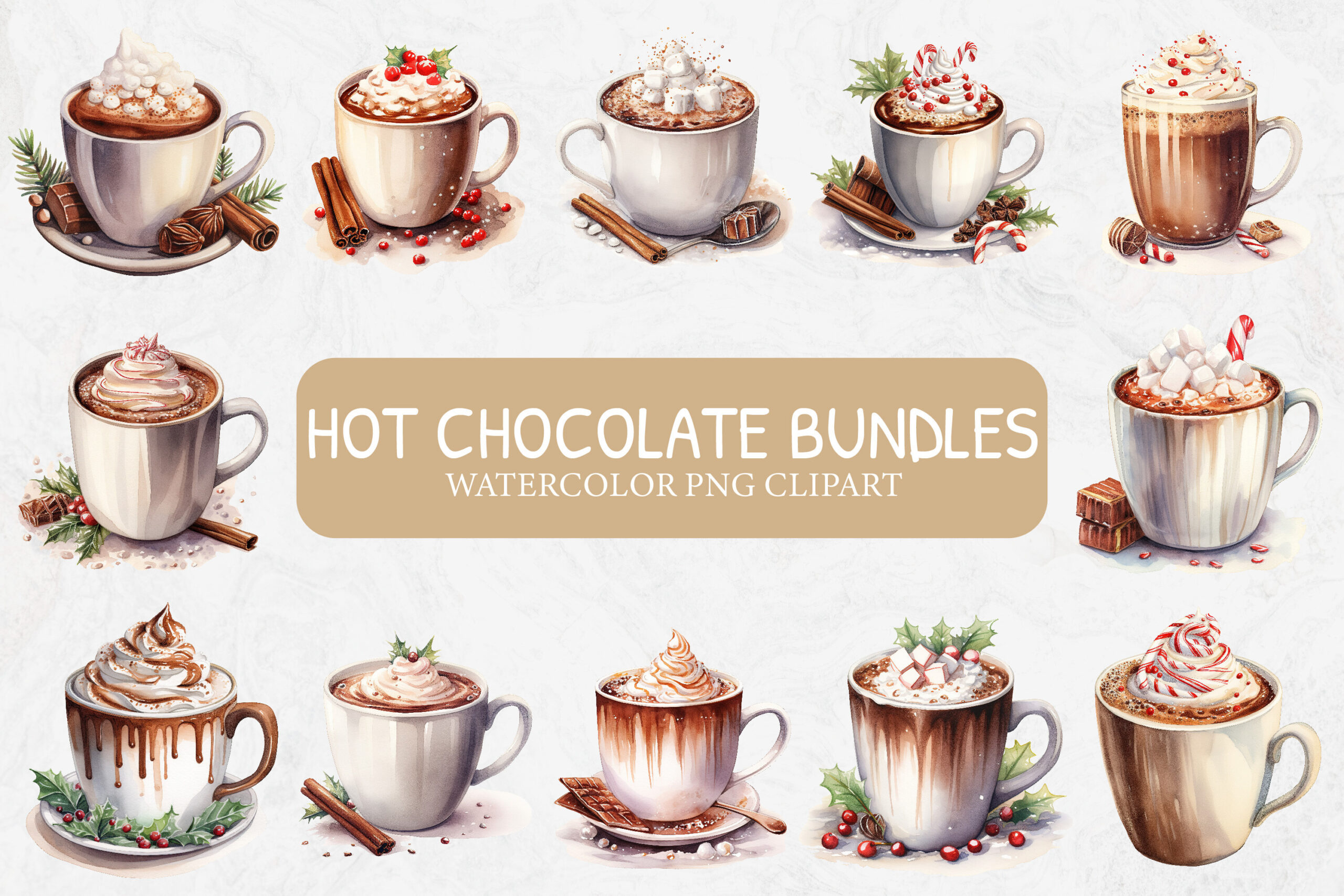
Imaginiac presents cocoa in different cups and glasses, with whipped toppings, warm colors and more detailed shading than the simpler cartoon sets. These can make a winter divider or journal heading feel like a small café scene. The collection is most useful when you want several individual drink illustrations within one coordinated visual direction.
The listing supplies twelve transparent PNGs at 4000 × 4000 pixels and 300 DPI. It explicitly says no cutting files are included. Arrange the images yourself for printing or digital image imports, and do not expect a prepared PDF sheet or SVG. Check a reduced sample so the finer watercolor details remain visible beside your handwriting.
5. One Festive Red Cocoa Mug PNG
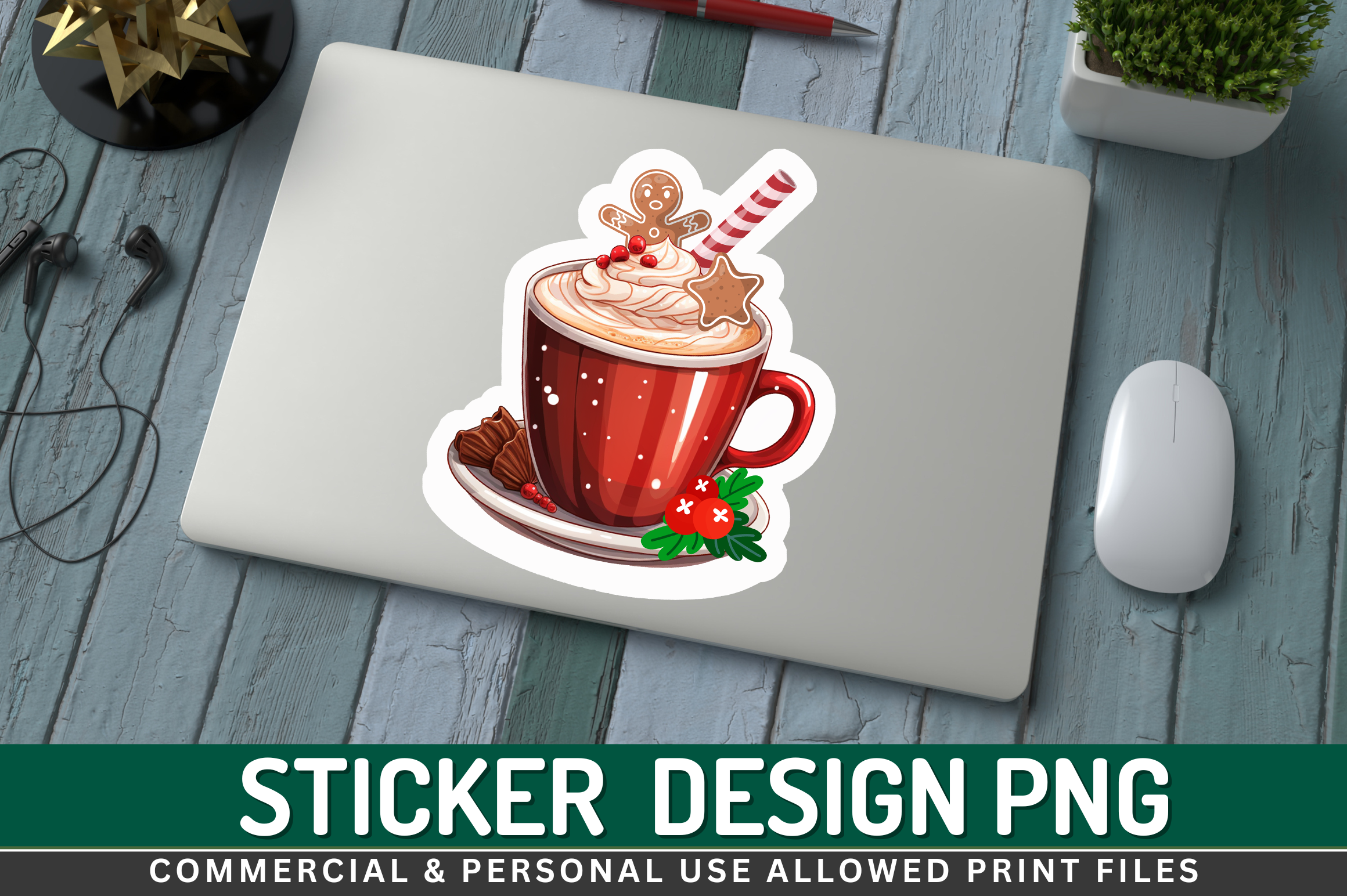
Regulrcrative’s single mug graphic uses a rich red cup with seasonal decoration and a generous topping. It can serve as one focal sticker on a winter notes page rather than a complete collection of small planning icons. Choose it when the specific illustration fits your palette and you do not need several different cup designs.
The seller lists a transparent PNG at 300 DPI or higher and explicitly says it is not an SVG. Exact pixel dimensions and a prepared print sheet are not clearly established in the description. Check the actual download before choosing a large output size, and treat the preview’s laptop setting as display context rather than an included physical item.
6. Round Hot Cocoa Bar Label as a Transparent PNG
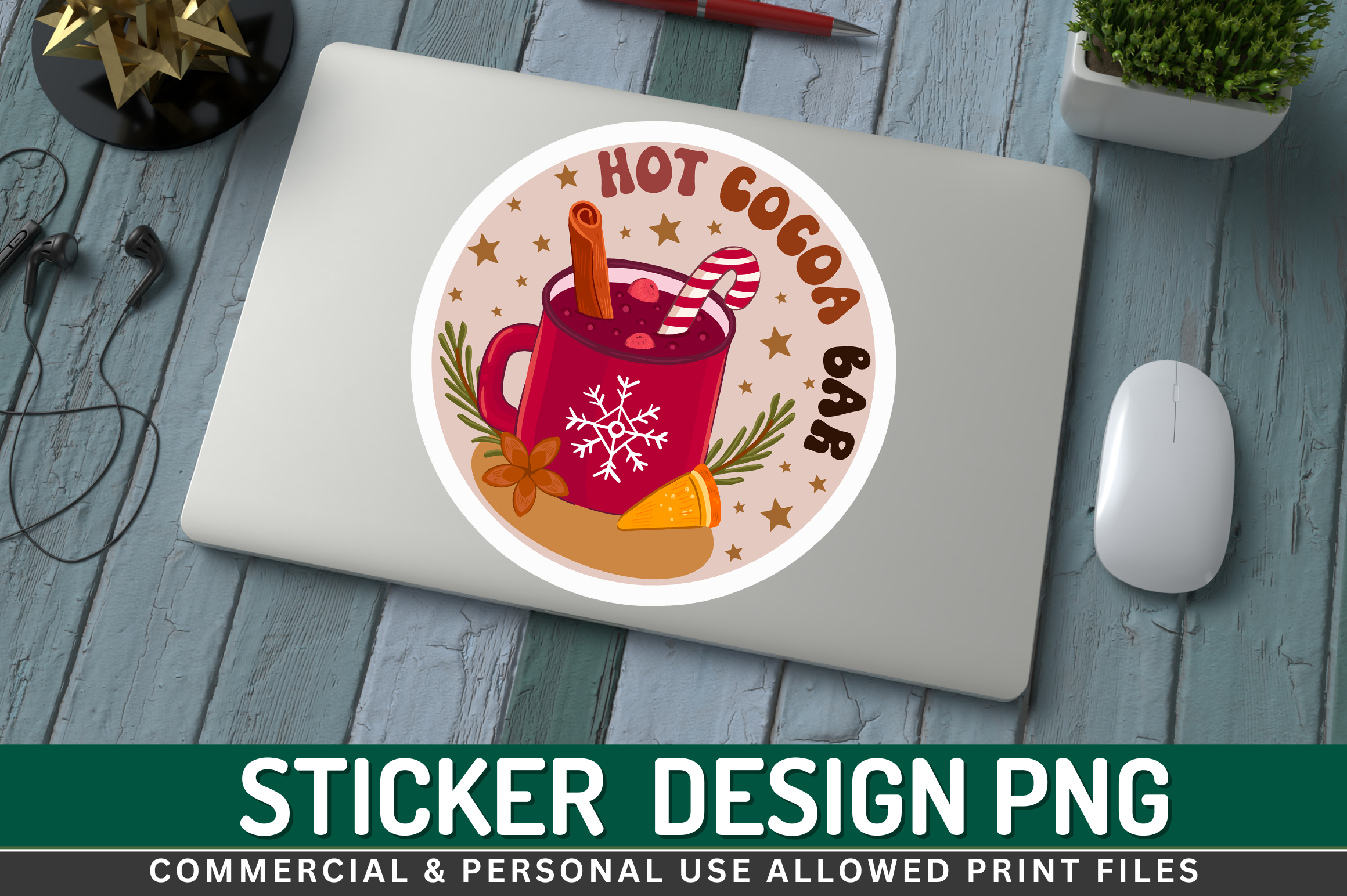
This Regulrcrative design frames a festive cup inside a round Hot Cocoa Bar badge. The circular format can anchor a journal section or serve as a larger decorative heading. Its lettering makes it less suited to a tiny schedule marker, so compare the badge with the space available rather than reducing it until the wording disappears.
The package is described as a transparent PNG at 300 DPI or higher, without an SVG or a clearly specified print sheet. Exact pixel dimensions are not stated in the written details. Arrange the graphic in your own layout, preserve its proportions and test the lettering at the final size before printing several copies.
7. Hot Cocoa Station Lettering with Mug Artwork
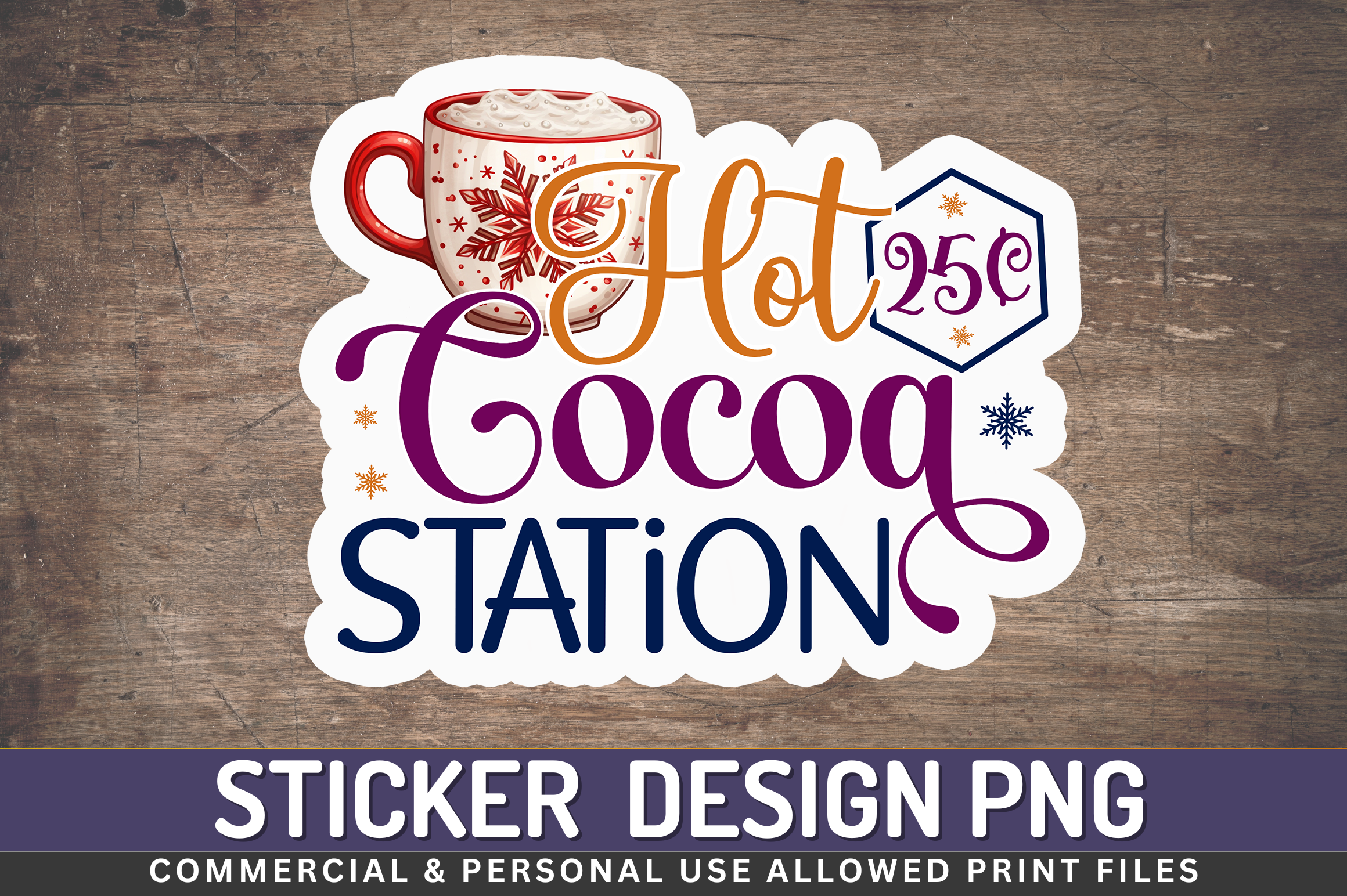
Regulrcrative combines large decorative lettering and a cocoa illustration for a station-themed graphic. It works better as a focal label or a page heading than as a repeated small icon. The phrase gives it a different purpose from the plain mug illustrations, particularly if a winter journal includes notes about a holiday gathering.
The seller supplies a transparent PNG at 300 DPI or higher and clearly excludes SVG. A ready sheet and exact pixel size are not confirmed in the written description. Check the file before deciding how large to print it, and keep any actual dates or plans in your own text rather than rely on the decorative wording.
8. Kawaii Cocoa Mug with a Tree Detail and White Border

OCA Creative Labs uses a rounded mug, marshmallows and a small tree detail for a simple Christmas illustration. The clean cartoon treatment can remain recognizable at a smaller size than a detailed watercolor scene. It is a useful single motif when you want a warm seasonal accent without adding a large phrase to the page.
The listing specifies a transparent PNG at 2000 × 2000 pixels and 300 DPI, with a white offset border stated as seventy pixels. No prepared sheet or native planner-app sticker file is clearly promised. Arrange or import the PNG as an image, then test its reduced size so the mug outline and small tree remain clear.
9. Detailed Festive Cocoa Cup Clipart
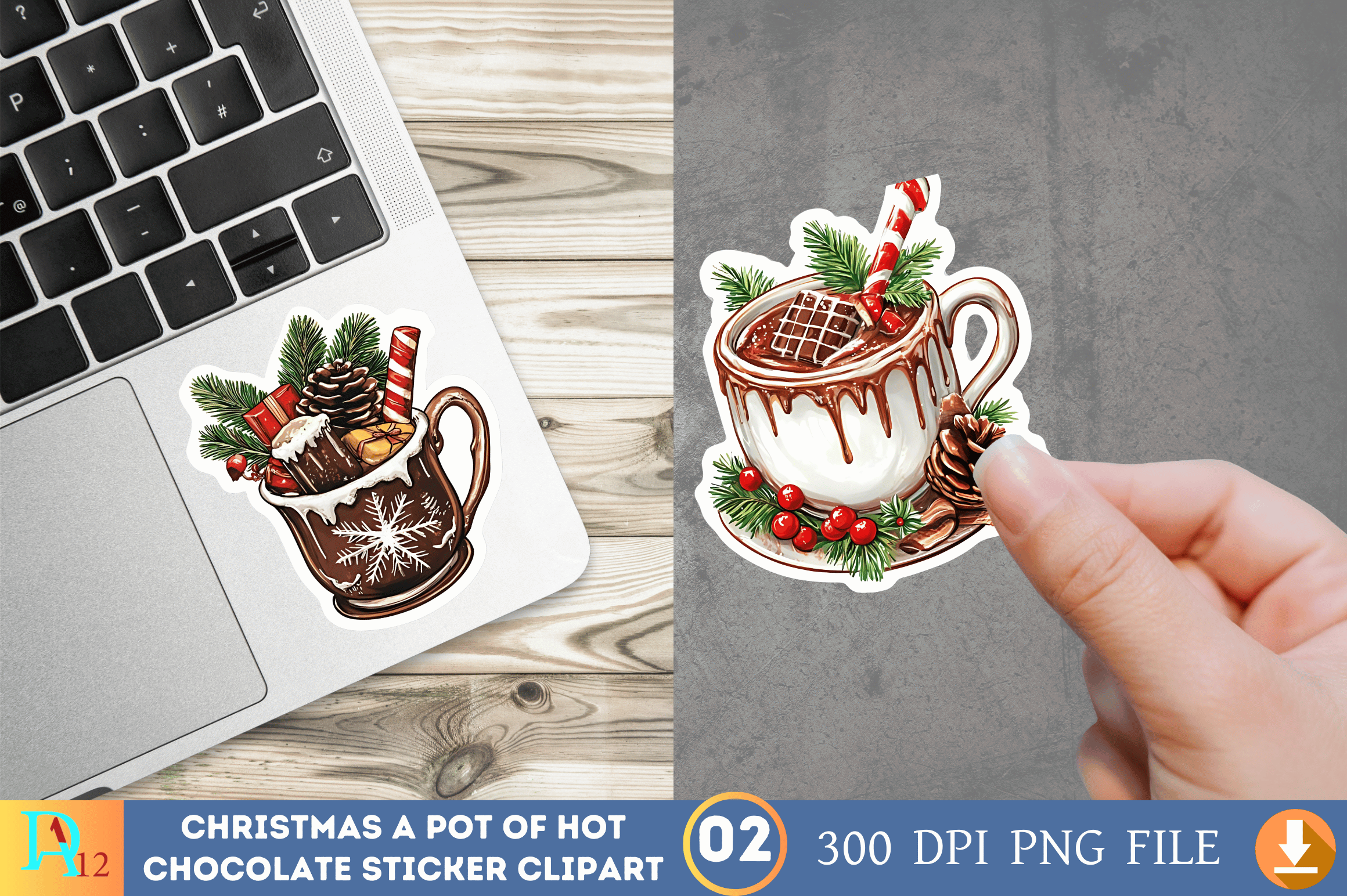
Digital_Art12’s preview shows decorated cocoa cups with festive greenery and a more detailed illustrated finish. These can work as a larger winter-journal accent where the toppings and small decorations remain visible. The visual direction is different from the simple outlined mug, so choose it when your page has room for a fuller scene.
The description confirms PNG format at 300 DPI but does not clearly state the number of separate files, exact pixel dimensions or background handling. The preview’s numbered presentation is not enough to establish a complete archive list. Check the download before planning a precise size or promising a particular number of individual cup images in your layout.
10. Four Snowmen with Cocoa as PNG Clipart
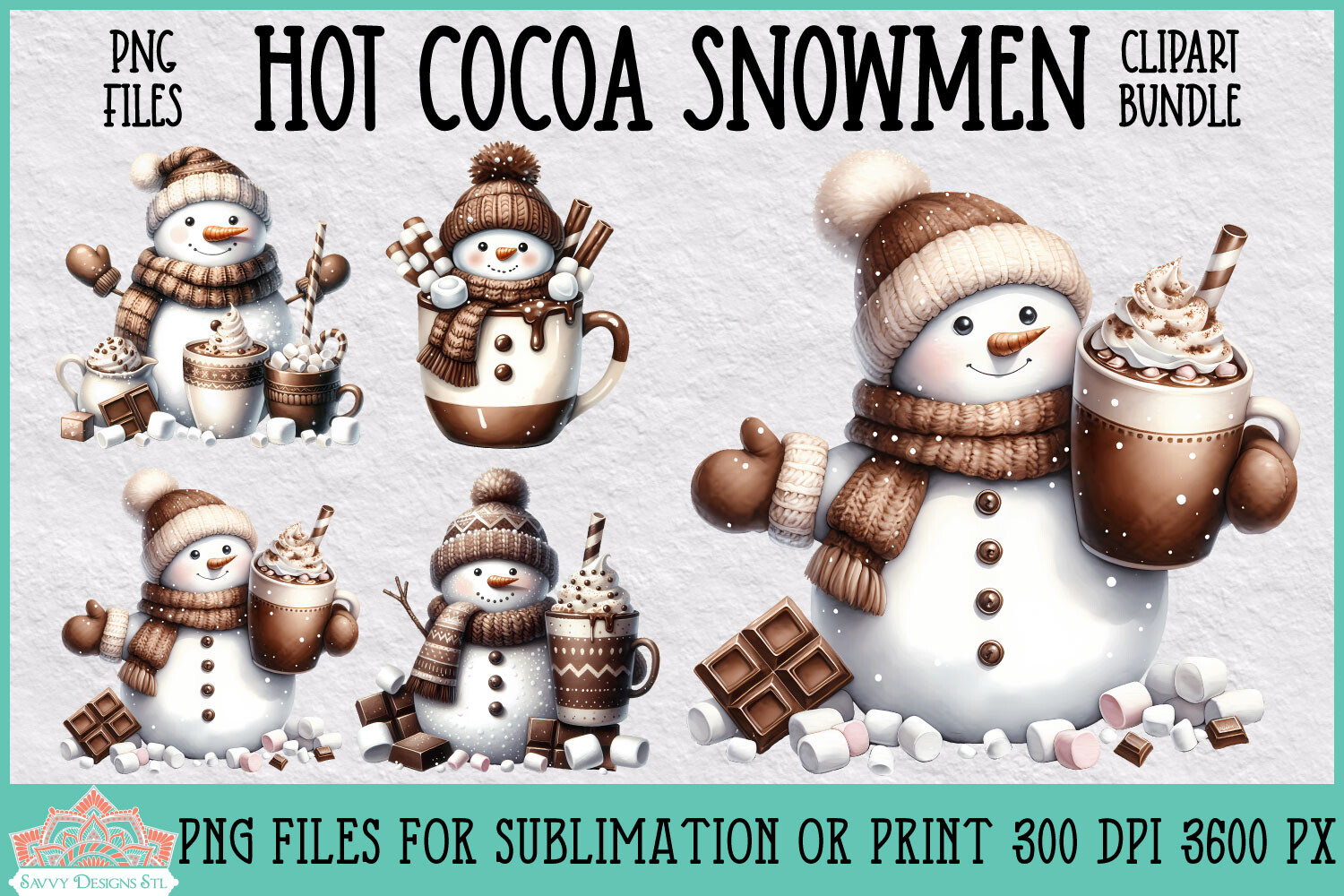
Savvydesignsstl adds a character-focused option with winter snowmen and cocoa details. The soft textures and rounded figures can give a journal page a different mood from the cup-only sets. These are useful when you want the decoration to suggest a small winter scene rather than simply mark a tea or coffee break.
The seller lists four PNG files at 3600 pixels and 300 DPI. The written details do not clearly confirm transparency or a prepared sticker sheet, so inspect the archive before assuming either. Arrange the supplied artwork at the size your page allows and test a sample; the illustrated snowmen do not establish separate files for every small accessory.
11. Simple Cocoa Mug in SVG and Raster Formats
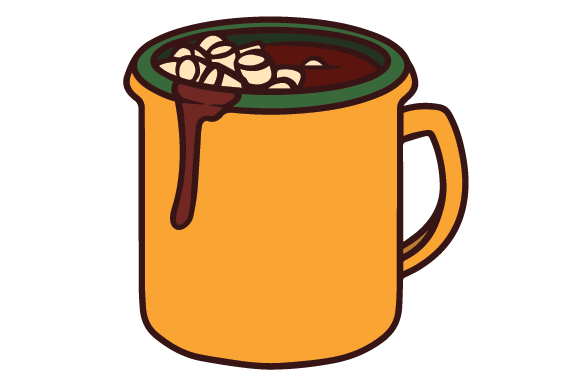
Creative Fabrica Crafts offers a bold mug outline with a warm yellow fill and marshmallow details. Its simple shape can work as a compact journal accent or a repeated marker without needing a large illustrated scene. It provides a different file route from the many PNG-only selections, which is useful if you prefer working with vector artwork.
The listing names SVG, transparent PNG, EPS and DXF. No exact finished dimensions or prepared sheet are clearly specified. The original preview is small, so inspect the supplied files before making a detailed editing plan. Use the format supported by your software and check the appearance at the intended planner size before repeating the design.
12. Detailed Cocoa Cup PNG for a Single Winter Accent
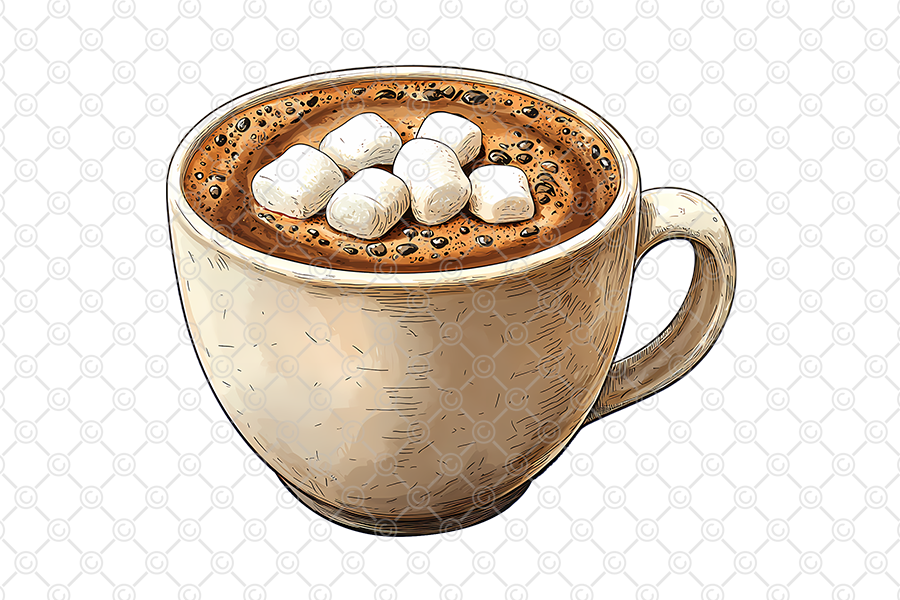
CelestialDesignForge presents a detailed cup topped with marshmallows in a restrained cream and cocoa palette. It is a useful single accent for a winter reflection page or a small decorative corner where realistic shading fits the surrounding design. Choose it for the actual cup illustration rather than expect a complete sticker-sheet collection.
The description confirms a transparent PNG at 300 DPI but does not clearly state pixel dimensions or include a ready print sheet. The preview is not a guide to the full-resolution file size. Check the archive before selecting a large print, preserve the image proportions and test a smaller sample beside your ordinary journal writing.
Keep a winter spread useful as well as decorative
Use one larger illustration to anchor a notes area and repeat a small cup or snowflake beside selected entries. Keep dates and tasks in plain text so the decoration does not have to carry the information. A limited palette can bring separate illustrations together without covering every open space on the page.
For printed stickers, arrange the sizes you actually use and check the white border before cutting. For digital planning, keep the original images together and import through your app’s supported image workflow. Save a clean copy before changing colors or combining designs, and test the final size so fine details and lettering remain readable.
Which cocoa sticker style fits your journal?
Choose the larger phrase collection for headings, a simple cup set for repeated small accents or the watercolor mugs for a more detailed seasonal look. The snowmen add a character theme, while the cocoa-bar and station designs work better as focal labels than tiny everyday markers. Similar subjects do not necessarily mean identical file formats.
Compare the preview and delivery list, then choose a resource that fits the way you already decorate. A smaller, well-documented set may be easier to use than a large assortment that needs more arrangement. Download the designs whose scale, file type and visual treatment work beside your own writing rather than build a complicated setup around the artwork.