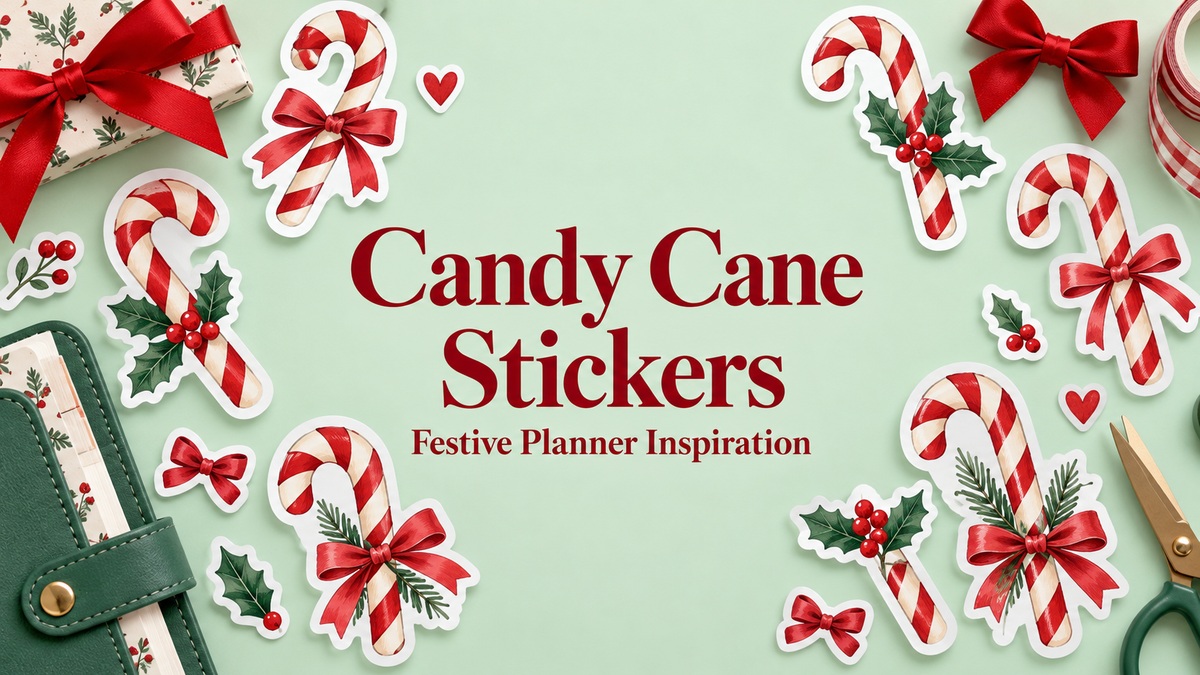
17 Candy Cane Stickers and PNG Sets for Festive Planner Projects
Candy cane stickers can give a planner a festive accent through a simple striped shape, a watercolor arrangement or a decorative bow. These 17 resources are digital artwork downloads you can use to create that look. Most supply individual PNGs or vector designs rather than a ready-made planner sticker sheet, so the reviews explain the preparation each option involves.
Pair a few striped motifs with gingerbread stickers for a sweet holiday page, combine them with Christmas tree artwork or add a narrow border from Christmas washi tape sets. Leave task boxes and calendar numbers clear, and repeat a small selection of colors so the decoration supports the page instead of filling every writing area.
In this guide
Choose candy cane stickers by artwork and file format
A bold single shape is easy to repeat on small planner pages. A watercolor arrangement offers richer detail but may need a wider margin. A bow or mixed sweets collection can coordinate a whole seasonal spread, although not every image in a broader bundle will be a standalone candy cane.
Transparent PNGs are useful for layering, while SVG or EPS sources can support resizing and editing in compatible software. PNG artwork is not a supplied cutting path. A product called a sticker or clipart set also does not automatically include a Letter-size print sheet, a white border or a planner-app sticker book. Check the actual files before deciding which workflow to use.
1. A Bold Cartoon Candy Cane with a Green Bow
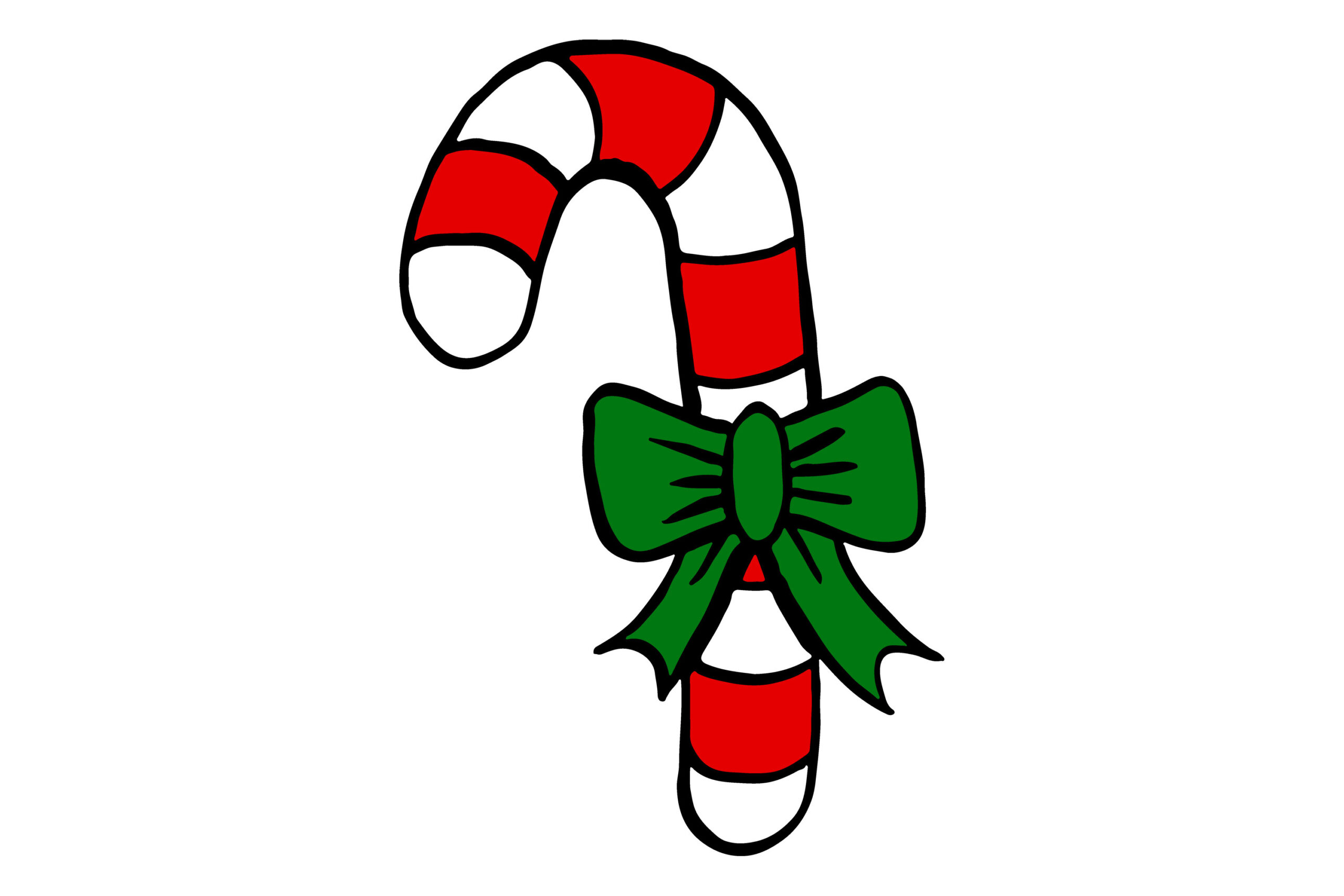
MVMET’s illustration uses a thick black outline, red-and-white stripes and a green bow. The seller lists JPEG and PNG artwork at 5000 × 5000 pixels and 300 dpi. The simpler silhouette offers a different mood from the watercolor bundles and can remain recognizable when used as a small repeated accent near a planner heading.
Choose it for a playful page where the decoration should be easy to spot. The description does not explicitly confirm a transparent PNG background, separate cutting file or a prepared sheet, so inspect the download before planning seamless digital layering. Arrange the image at your intended sticker size and leave enough room around the bow when cutting. The large stated file dimensions do not remove the need for a small print proof.
2. One Red-and-White Motif with Vector and Transparent PNG Files
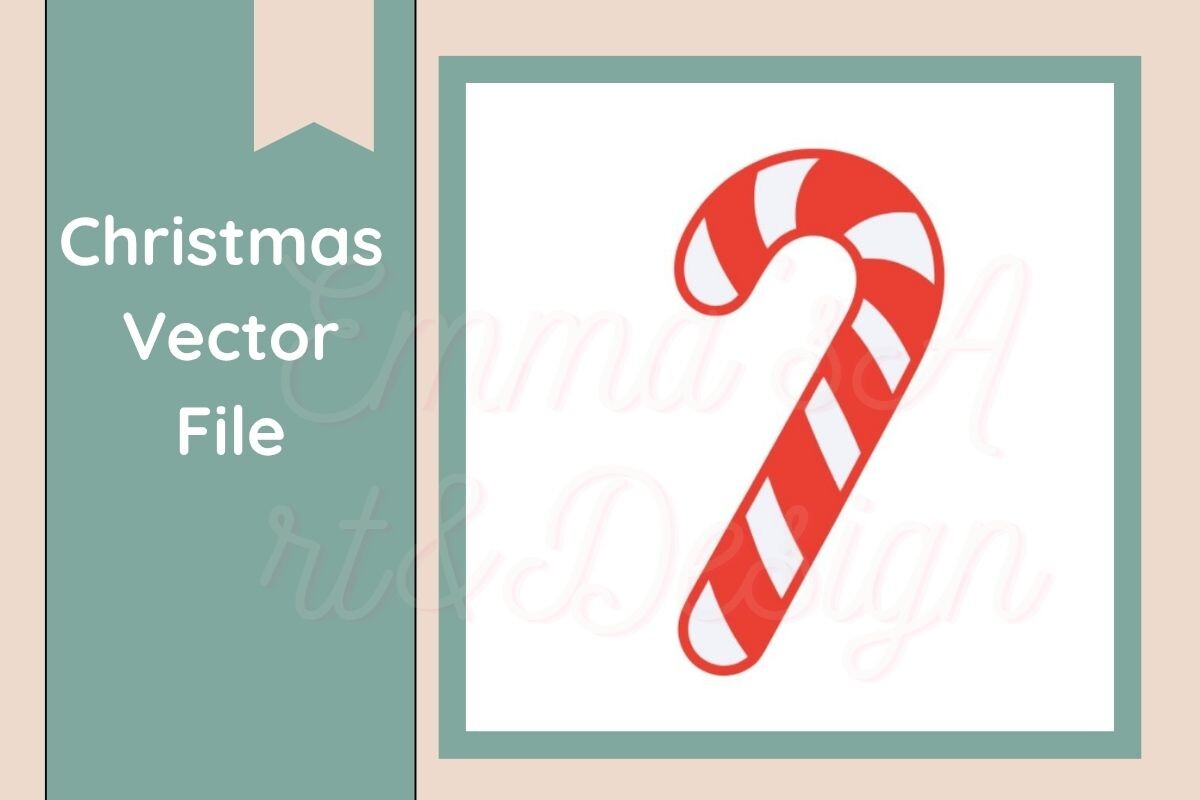
Emma’s Art & Design Co lists one file each in SVG, PNG, EPS, DXF and PDF formats for this simple candy cane design. The PNG is explicitly transparent and 300 dpi. The preview uses a clean red-and-white striped shape with minimal ornamentation, making it a useful foundation when you want a coordinated set of small seasonal accents.
The vector formats provide a route for adapting the shape or scale in compatible software, while the PNG works as a separate image in a planner layout. The description does not give exact PNG pixel dimensions or a ready-made sticker page. Choose the appropriate file for your workflow and test fine stripe details after resizing rather than assuming every machine setup will produce the same result.
3. Candy Shapes and Monogram-Style Motifs in Multiple Formats
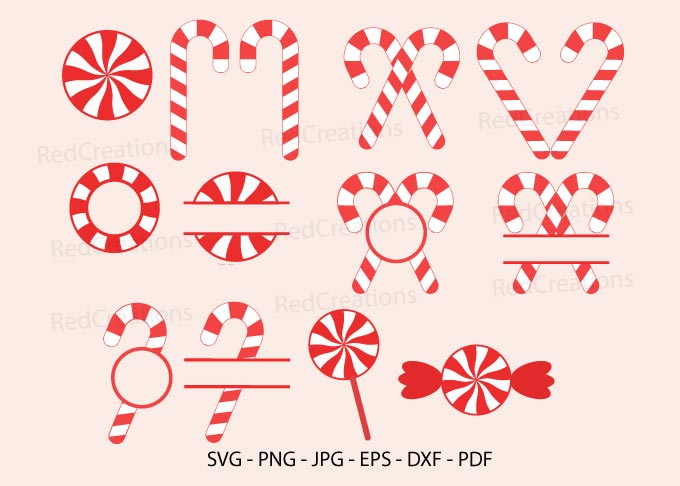
RedCreations combines striped candy canes with round peppermint shapes and decorative arrangements in the preview. SVG, PNG, JPG, EPS, DXF and PDF formats are listed. Several pictured motifs include open areas or horizontal name-style spaces, giving the collection more layout possibilities than a single plain cane, although the description does not establish an exact design count.
This is a useful candidate if you want graphic shapes that can be adapted into personalized planner labels. Check the files before assuming a name font or editable monogram text is supplied. The listing also leaves image dimensions and PNG transparency unspecified. Start with one motif in compatible software, decide how you will add the label text and create a small test sheet rather than treating the preview as a complete ready-to-print kit.
4. Fifteen Colorful Candy Designs with PNG and Vector Versions
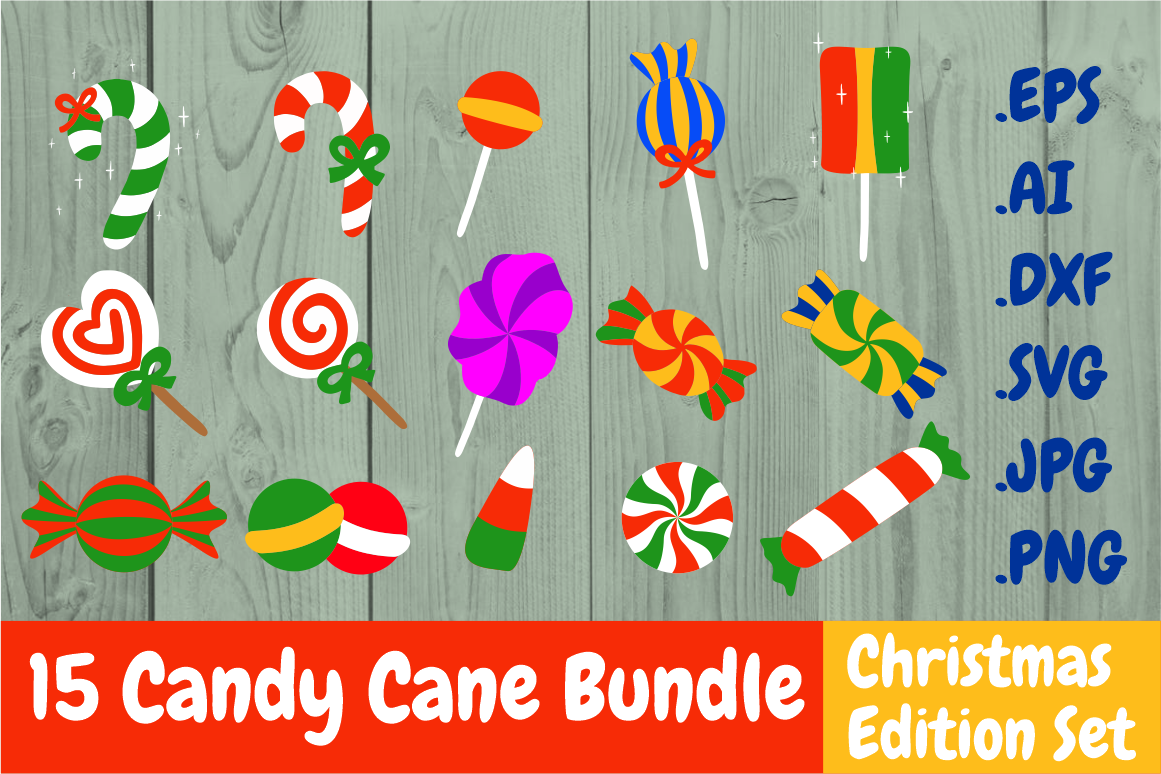
Yunitaecy’s Christmas Edition set is titled as a 15-design candy bundle and lists SVG, DXF, AI, EPS, PNG and JPG formats. The PNGs are described as transparent and 300 dpi. The preview includes striped canes alongside lollipops, wrapped sweets and other candy shapes in red, green and brighter accent colors, so it is a mixed confectionery collection rather than 15 identical cane silhouettes.
Choose it for a playful planner palette or a page where different sweet motifs mark separate sections. Vector files offer more editing flexibility than a raster-only set, but the description does not give exact image dimensions or a prearranged sticker sheet. Select the shapes you will actually use and test their scale together so a lollipop or wrapped sweet does not visually overwhelm the smaller candy cane accents.
5. Eight Coordinated Watercolor Candy Cane Arrangements
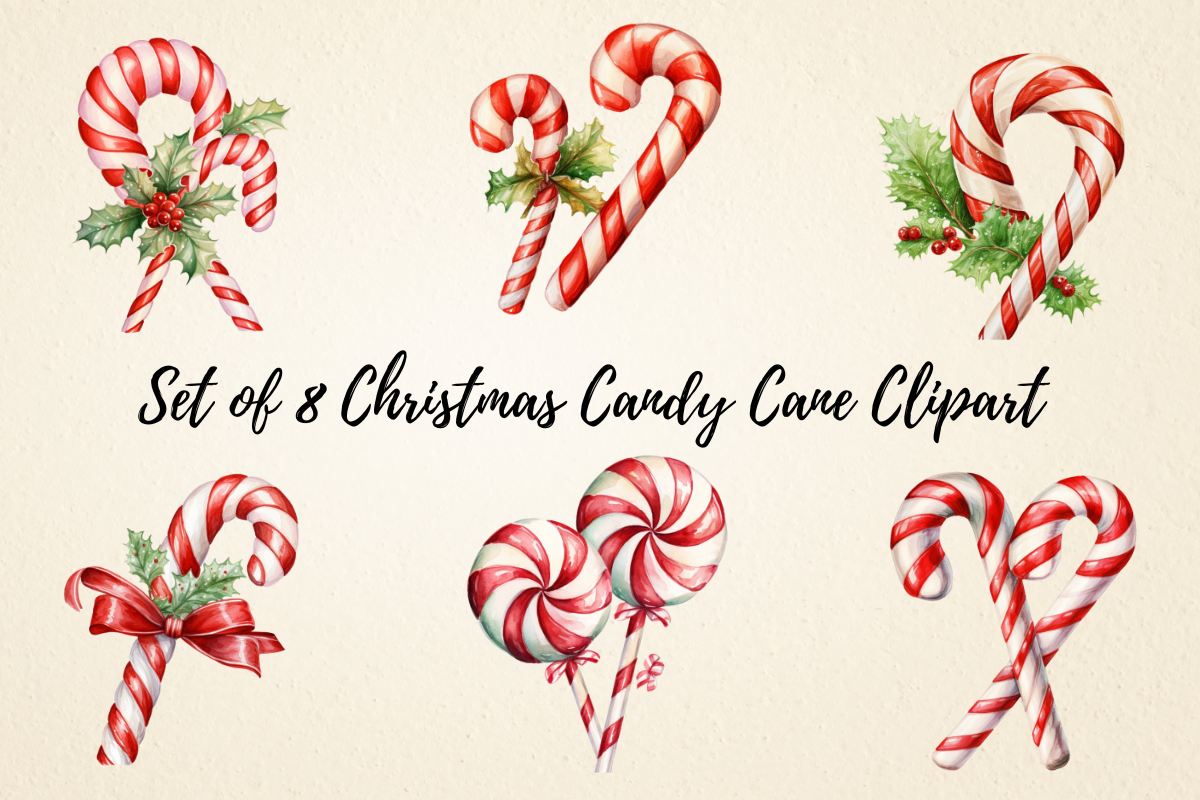
Pcudesigns supplies eight transparent PNG files at 3000 × 3000 pixels. The preview mixes red-and-white candy canes with bows and small greenery details, including single canes and paired arrangements. This is a manageable collection when you want enough variation for several planner pages without sorting a very large seasonal archive.
Use the simpler cane for a small margin and a bow arrangement for a heading or divider. Each image still needs placing and sizing in your own digital or print layout; no sticker sheet or cutting path is confirmed. Check the finest ribbon and foliage details at the intended size before printing, especially if you want all eight designs to appear together on a compact sheet.
6. Eleven Watercolor PNGs with Separate Cane Illustrations
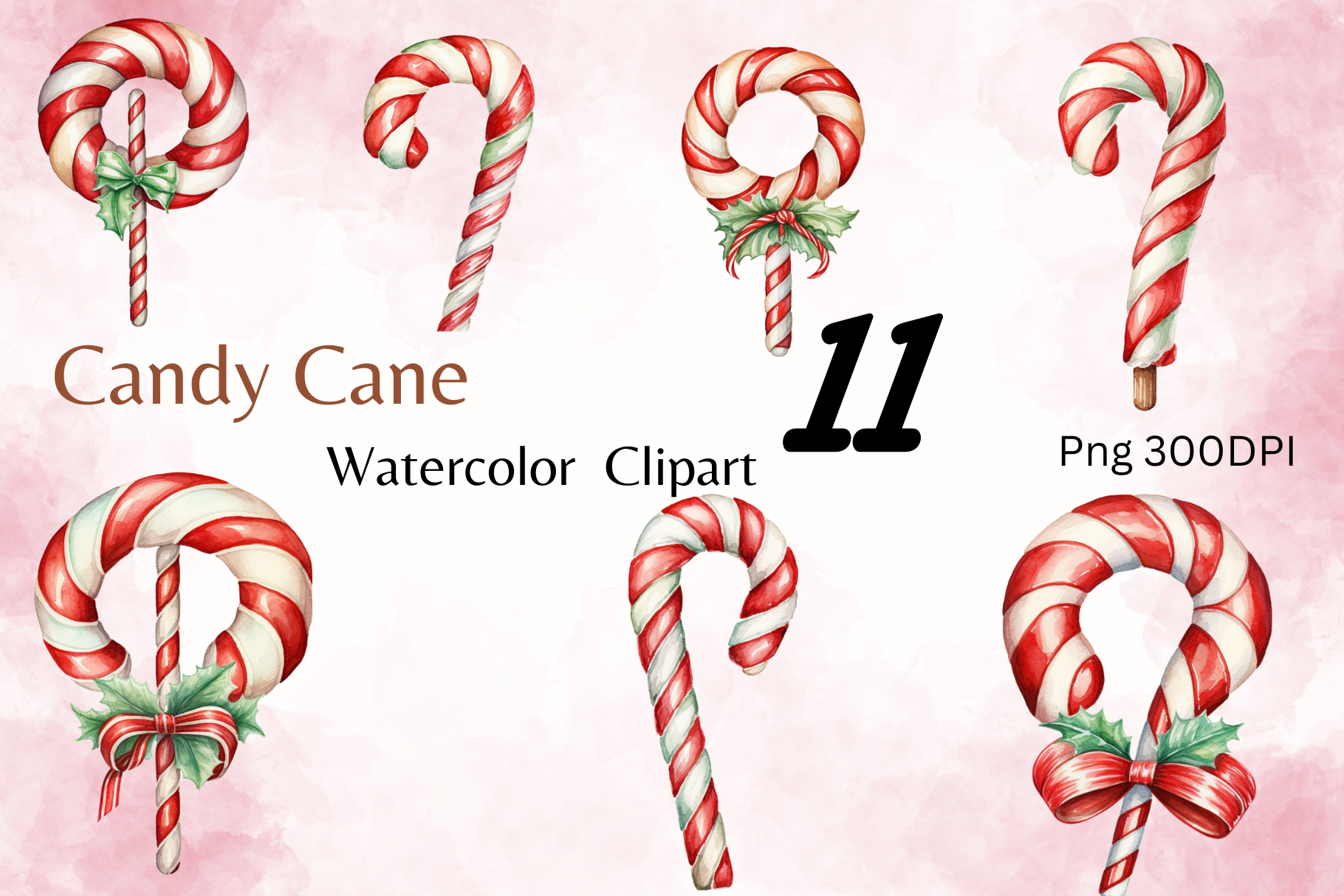
Dreamy Designs lists 11 individual transparent PNG images at 4096 × 4096 pixels and 300 dpi. The preview shows red-and-white canes with different bows, greenery and curves, offering a coordinated illustration set rather than a collection of planner boxes or text labels. The separate-file delivery makes it easier to choose one motif at a time.
This suits a reader who wants repeated candy cane decoration with slight variations across a journal section. Keep the same approximate size when alternating images so the page remains calm. The collection provides source artwork, not a prepared cutting project or a planner-app sticker book. For paper use, arrange the selected PNGs yourself and proof the thinner leaves or ribbon ends before filling a whole sheet.
7. Sixteen Richly Decorated PNG Arrangements
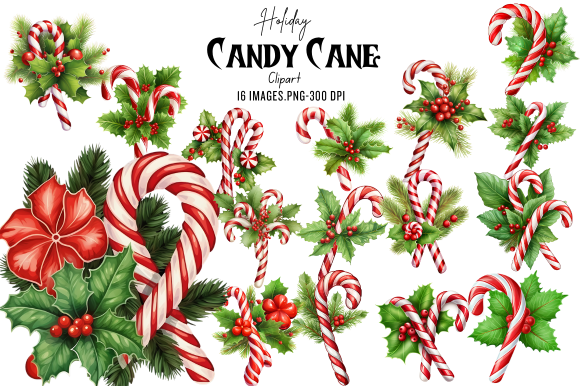
Craft Heaven lists 16 transparent PNGs at 4096 × 4096 pixels and 300 dpi. The preview surrounds candy canes with deep green foliage, holly berries, red ribbons and a poinsettia-like flower. The collection is described as arriving in a ZIP of roughly 99.7 MB, with individual artwork rather than a confirmed prearranged planner sticker sheet.
Choose it for larger seasonal accents where the surrounding greenery has room to show. The seller also calls each file 13 × 13 inches, a rounded sizing statement beside the pixel dimensions; check the actual file if precise printing measurements matter. Start with one or two compositions on a divider rather than shrinking every detail into a tiny task marker. Unpack the archive and arrange the chosen images at their final size.
8. Twenty-Seven Watercolor Canes and Peppermint Decorations
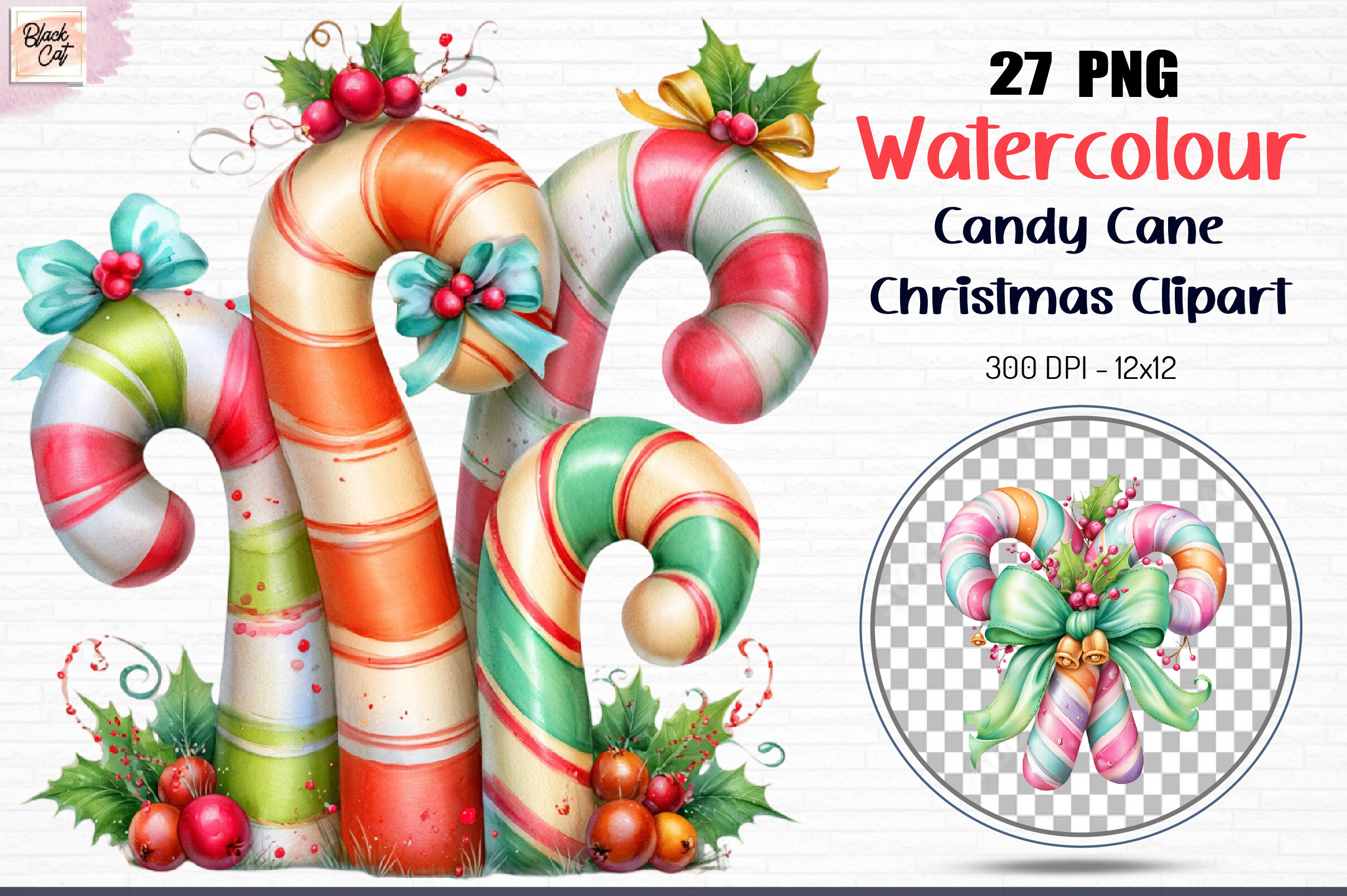
Black Cat lists 27 transparent PNGs at 12 × 12 inches and 300 dpi. The preview combines striped canes, bow details and colorful peppermint-like arrangements, with several images moving beyond a simple red-and-white palette. The written contents also mention greenery, berries and other holiday accents, making this a broader sweet-themed resource.
Use it when a journal page should feel playful and varied rather than strictly traditional. Check which images fit your intended candy cane theme before arranging the sheet, since the description includes additional seasonal decorations. These are individual illustrations to position yourself, with no confirmed cutting paths or sticker-book import file. Print a sample of a colorful motif to see how its soft shading and small details appear on your chosen paper.
9. Seventeen Floral Arrangements with Rose Details
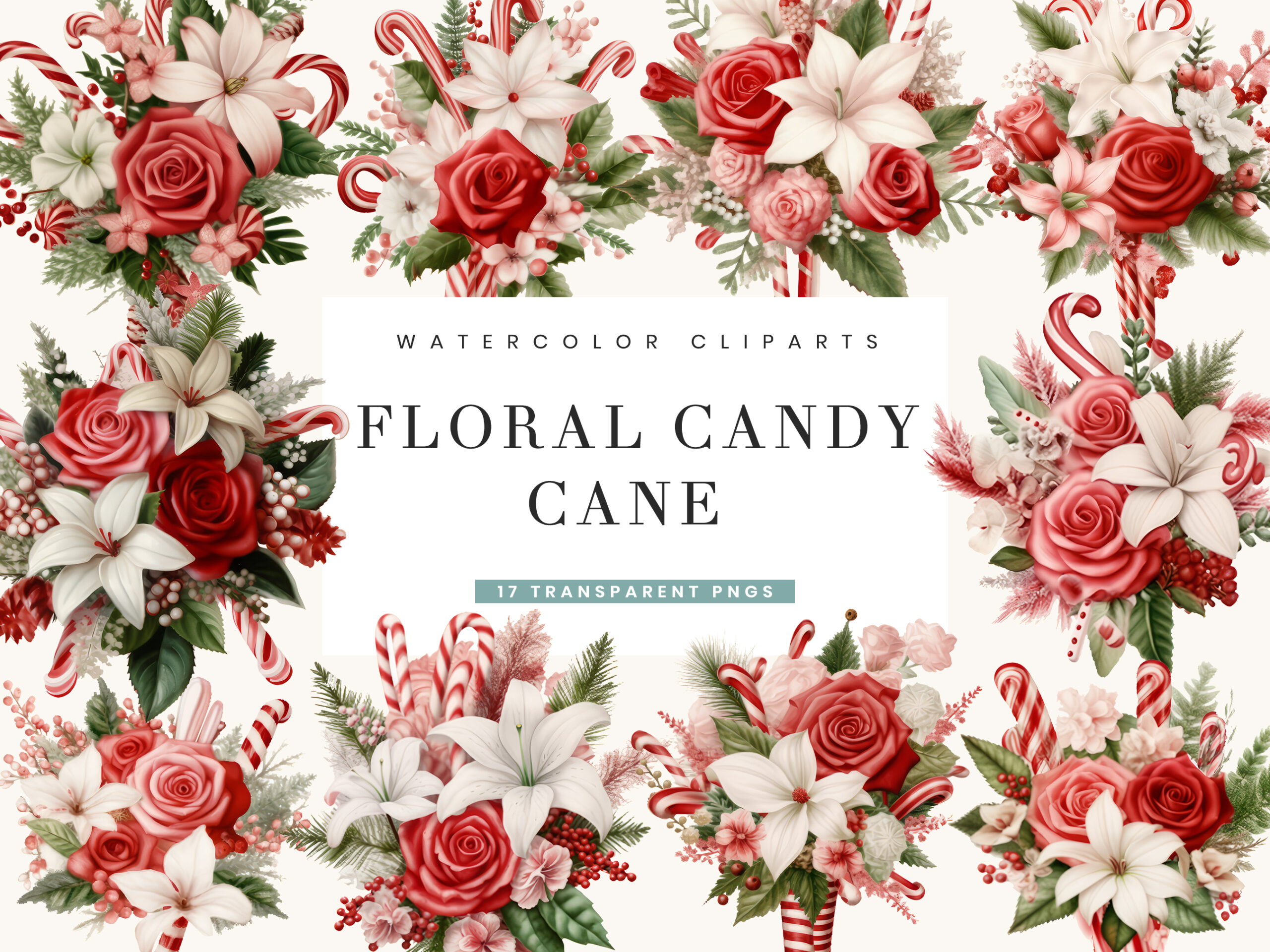
Busydaydesign combines striped candy canes with roses and soft greenery in this 17-PNG collection. Transparency and 300 dpi are explicitly described. The listing gives 4000 × 4000 pixels but also calls the images approximately 5–6 inches at their greatest measurement, so those two size statements should not be treated as a single verified print measurement.
This is a useful choice for a more romantic Christmas spread where floral decoration already appears in the page design. The compositions are richer than a single cane and may need a wider margin to remain clear. Inspect the downloaded dimensions, set your own print size and keep the floral arrangement away from dense handwriting. The resource supplies images to arrange, not a confirmed pre-cut sticker sheet.
10. One Watercolor Cane for a Simple Repeated Accent
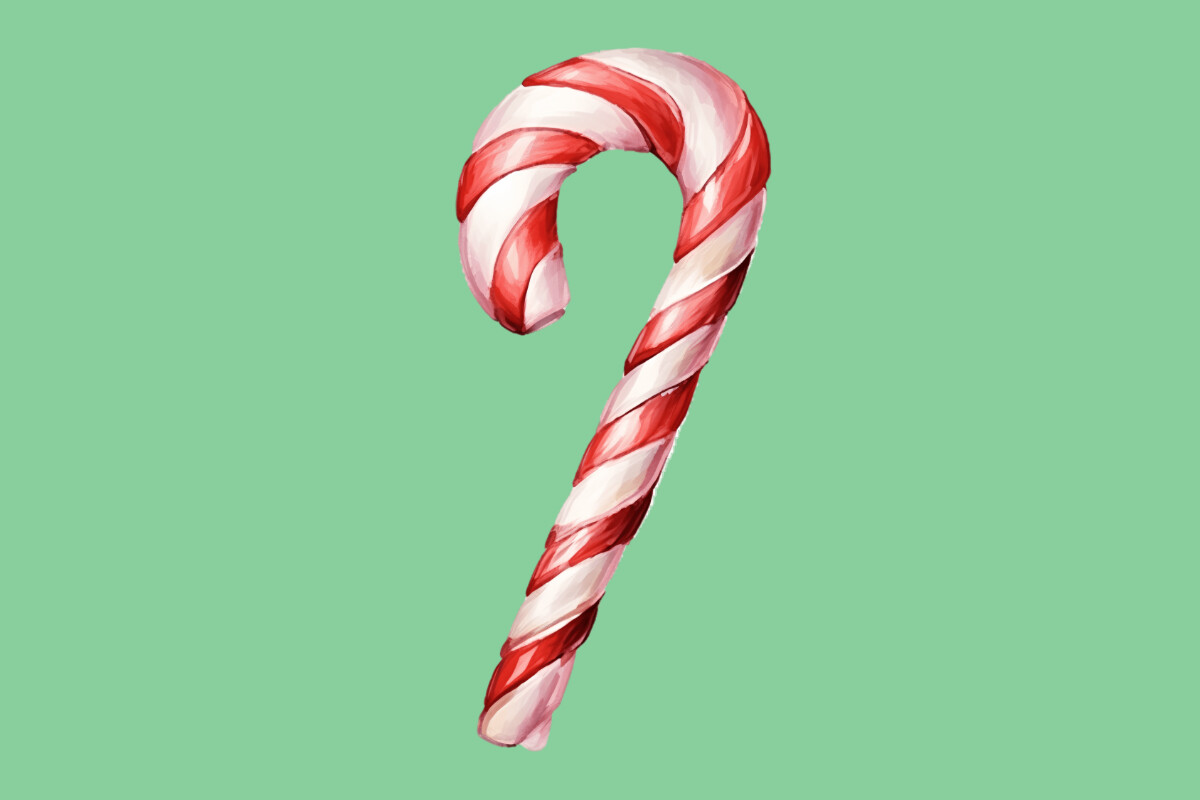
DenizDigital offers one print-ready PNG image described at 300 dpi. The preview shows a single red-and-white watercolor candy cane, giving you a focused option when a large bundle would add unnecessary sorting. Its curved outline and soft painted shading can serve as a repeated seasonal accent beside a weekly heading or a journal divider.
The written listing does not specify exact pixel dimensions or explicitly confirm transparency. Check the file before deciding how it will layer on colored paper or a digital page; an isolated preview does not establish the downloaded background. You will also prepare your own sheet or cutting outline if needed. Try the image at a small and a medium size, then keep the version whose striped detail remains easiest to see.
11. A Red Cane with Monochrome Holly in a Transparent PNG
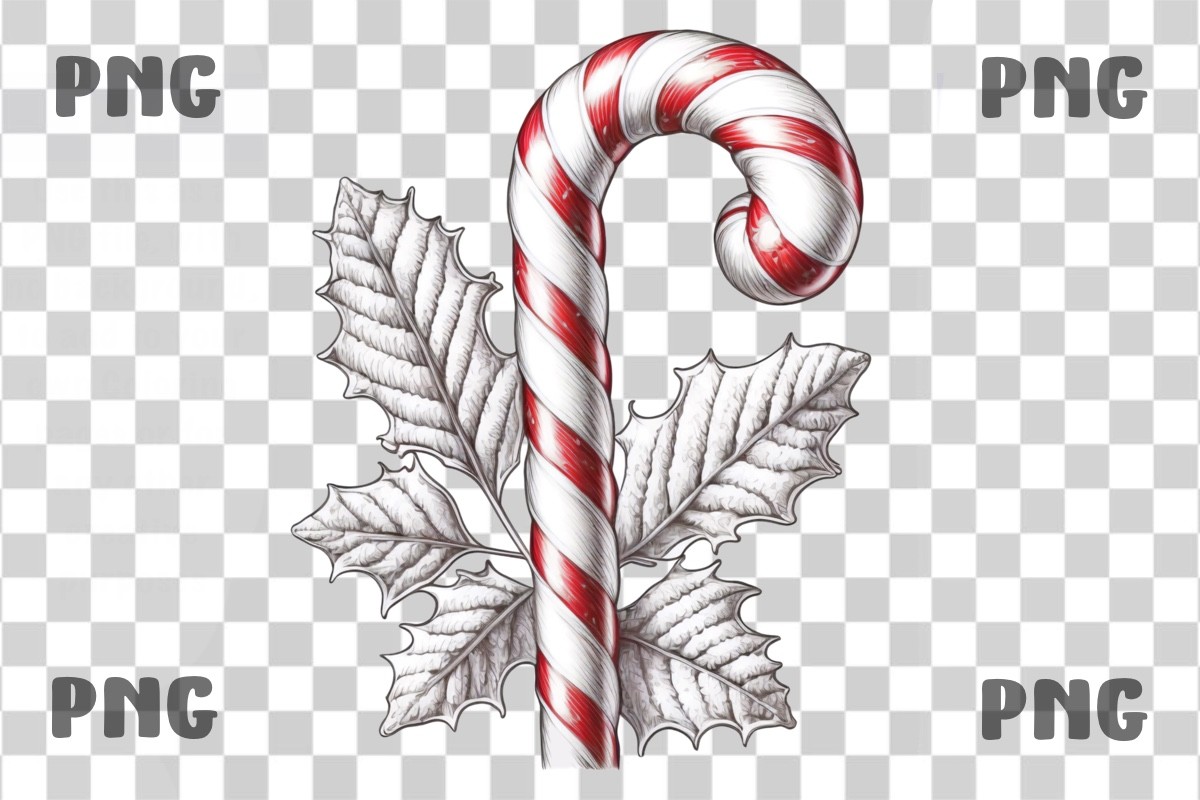
Digital Delicacy’s PNG places a red striped candy cane beside grey, line-style holly leaves. The listing confirms transparency and 300 dpi and explicitly says the download is not an SVG cutting file. The contrast between colored candy and monochrome foliage offers a quieter alternative to the full-color botanical bundles in this collection.
Choose it when you want one detailed accent on a mostly neutral planner page. Exact pixel dimensions are not supplied, so inspect the image before selecting a large print size. The thin leaf lines may be more readable beside a heading than in a very small sticker. For paper use, create your own arrangement and cutting outline; for digital use, test the grey foliage against the actual page background.
12. Red-and-Cream Bow PNGs with Candy Cane Details
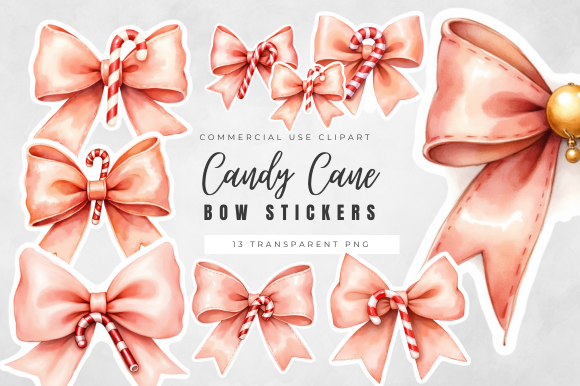
Shell Craft Digital pairs candy cane details with soft red-and-cream bows. The description confirms high-resolution PNGs with transparent backgrounds and specifically suggests planner, tag and sticker projects. The preview labels the collection as 13 transparent PNGs, but the written description does not independently itemize that count or give exact dimensions.
This is a good fit when a bow is the main decoration and the candy cane motif is a supporting detail. Treat the satin-like sheen as part of the illustration rather than a physical finish. Check the archive if the exact image count matters, then size a sample so the pale ribbon edges remain visible. The listing does not establish a prepared cutting sheet or separate editable vector source.
13. Ten Bow-Tied Candy Cane PNGs in Several Colors
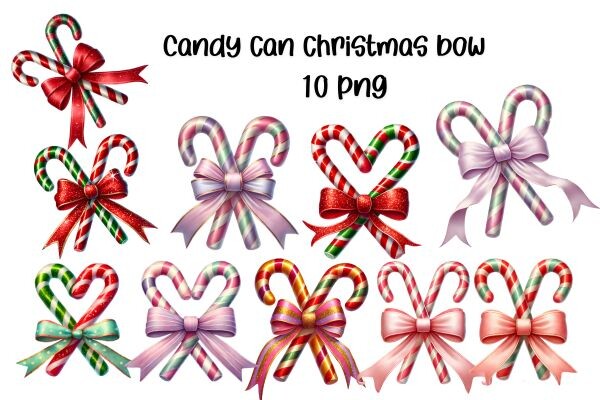
KIDZ CLOUDS MOCKUP supplies ten transparent PNGs at 3000 × 3000 pixels in one ZIP. Despite the shop name, this specific listing is a clipart collection rather than a product-display mockup. The preview shows paired or crossed canes with bows in red, purple, green and mixed shades, giving the set more color variety than an all-red collection.
Choose it if you want a different bow color for each seasonal section while keeping the same general theme. These are separate images for arranging a planner layout or sticker sheet, not a confirmed app-specific sticker book. Keep one target width when combining the designs and proof the narrow ribbon ends at that size. A modest selection can coordinate the page without introducing every pictured color at once.
14. Twelve Striped Bow Elements with Decorative Highlights
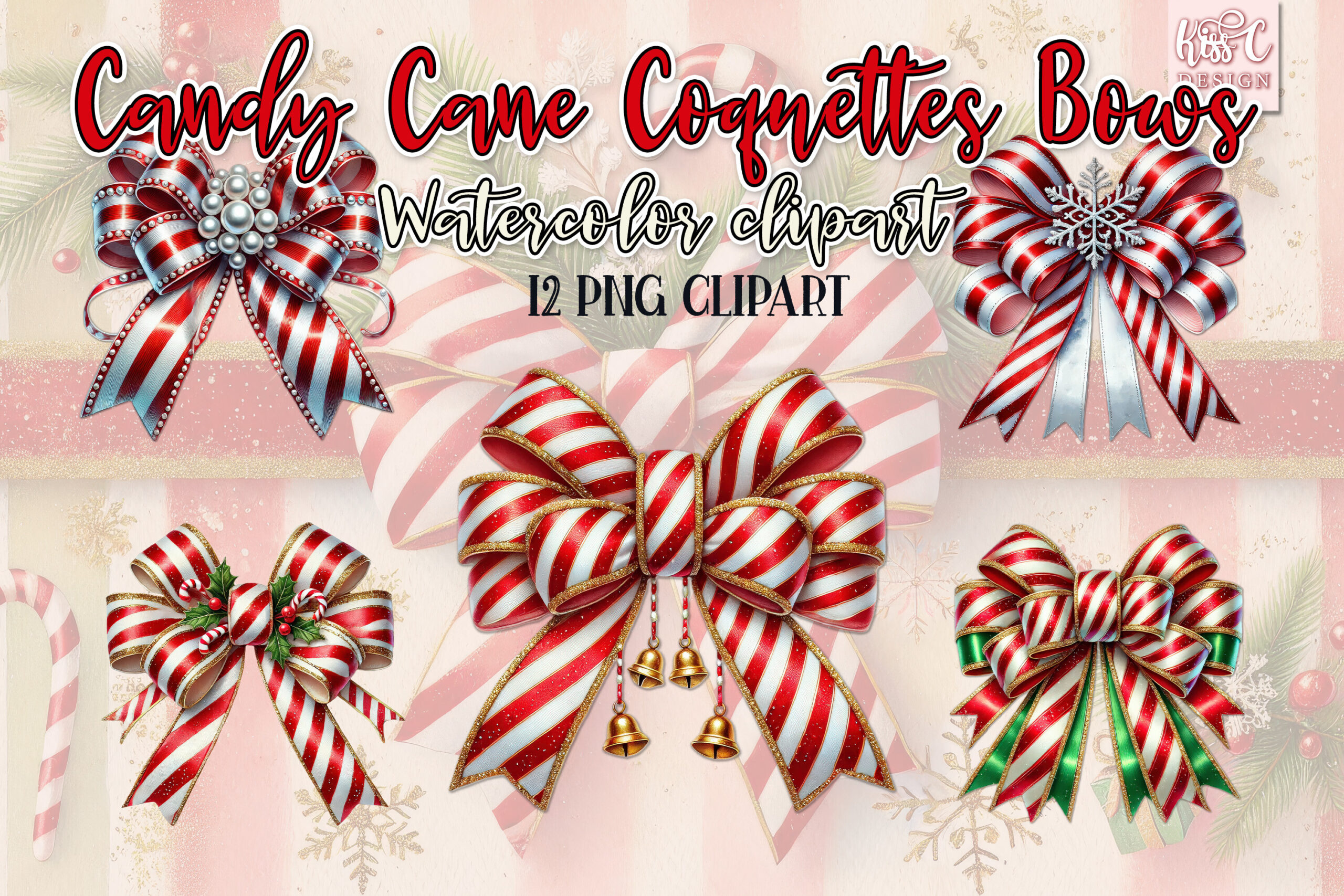
Kisscdesign lists 12 transparent PNG elements at 300 dpi. The preview emphasizes red-and-white striped bows with candy cane arrangements and decorative silver- or gold-looking highlights. The seller explicitly suggests printable and digital stickers and planner decoration, making the set a relevant source for a more embellished holiday stationery style.
This collection works best where a bow can be the main visual element, such as a divider, title corner or memory page. The metallic and glitter effects are image details, not evidence of foil or glitter materials. Exact per-image pixel dimensions are not stated, so inspect the files before deciding on large prints. Arrange the elements yourself and test whether the small decorative highlights remain clear at planner scale.
15. One Distressed Crossed-Cane PNG for Darker Pages
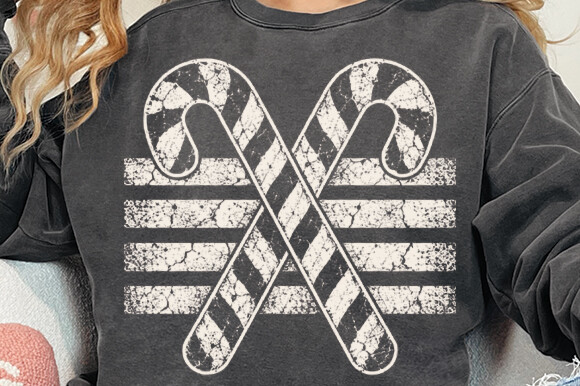
CraftDesign’s preview shows a pale distressed motif of two crossed candy canes on a dark shirt mockup. The listing confirms one transparent PNG at 300 dpi, with no exact pixel dimensions. This is a different look from colorful watercolor artwork and can suit a dark digital journal background or a deliberately worn graphic style.
The shirt in the preview is a presentation example rather than a supplied planner layout. Test the PNG against your intended background, because pale distressed details may be hard to see on white paper. The file is raster artwork, so any sticker border or cutting path remains part of your own preparation. Keep the crossed-cane shape large enough for the distressed areas to read intentionally instead of looking like missing print.
16. Forty-One Candy-Cane-Inspired Holiday Illustrations
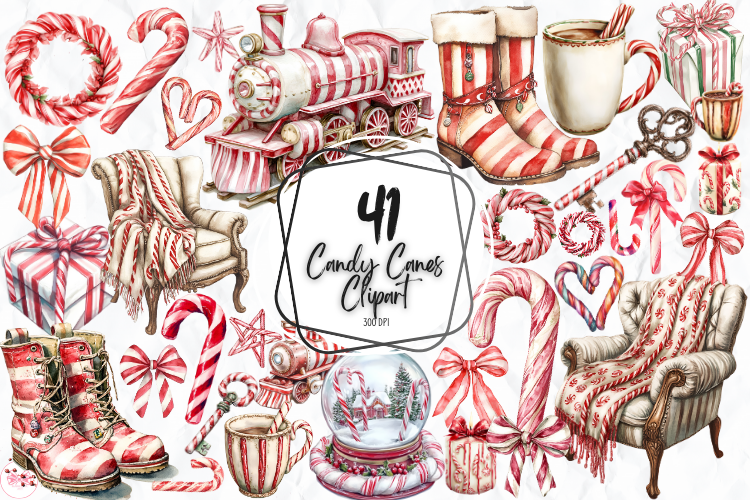
Markicha Art lists 41 individual transparent PNGs at 2048 × 2048 pixels and 300 dpi. The preview includes candy cane shapes as well as a striped train, cozy chair, drinks, gifts and other sweet-inspired holiday objects. This is a broader scene-and-object library, not a promise of 41 standalone cane silhouettes.
Choose it when you want a whole journal spread to share the peppermint color story. Use simpler objects for small accents and keep a more detailed scene for a divider or memory page. The individual PNG delivery helps you select only the images you need, but it does not establish a prepared sticker sheet or cutting file. Arrange a small selection first so the decorated page still leaves clear space for writing.
17. Thirty-Two Mixed Sweets with Candy Cane Accents
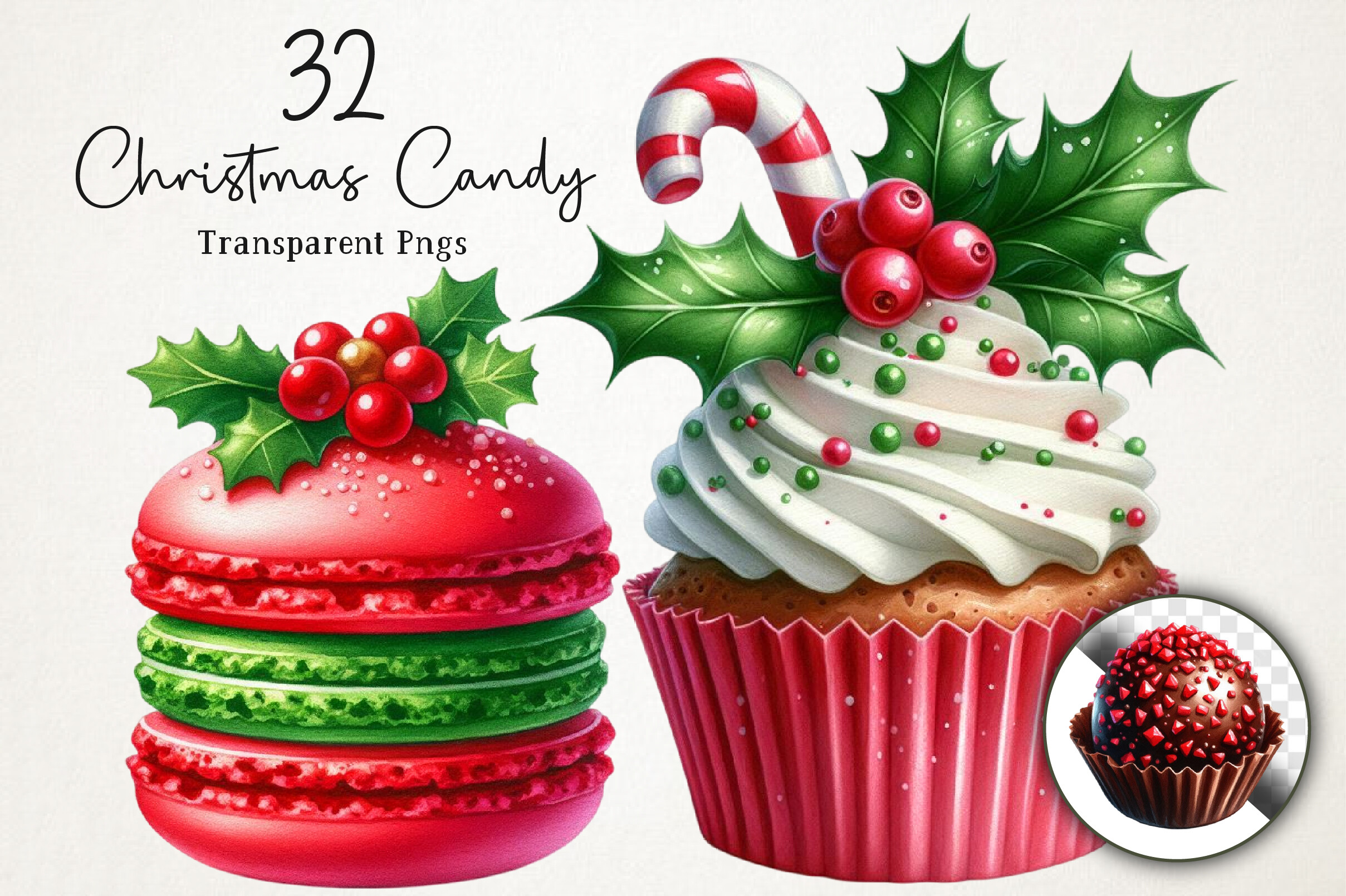
NexaArt lists 32 transparent PNG designs at 12 × 12 inches and 300 dpi. The description combines candy canes, peppermint candies, lollipops, cookies and other treats; the preview highlights colorful sweets with festive greenery. It is a mixed holiday confectionery resource rather than a candy-cane-only pack, which is useful if you want to extend one striped motif into a wider sweet theme.
Use it for a festive memory page, baking notes or a divider where larger illustrated treats have room to show. Select the actual cane-related images before committing to a themed sheet, since not every file will serve the same purpose. The download comes as a ZIP of PNG artwork, with no confirmed sticker borders or cutting paths. Proof the bright colors and layered detail at the size you intend to use.
Make a small sample before preparing sticker sheets
Place a chosen image at the size you want in the planner and check the striped detail, bow edges and any pale highlights. Leave space around the silhouette for your chosen cutting method. Try a few images on a small sheet before using a full page of sticker paper.
Compare the proof with your page background rather than the product mockup. A dark printed motif may disappear on a dark journal page, while a pale white shape may need a colored backing. Surface effects such as satin, glitter or metallic highlights are features of the artwork unless a separate physical printing process produces them.
Keep a reusable holiday decoration folder
Save the original images in folders named by collection and keep your resized planner versions separate. This makes it easier to find an individual PNG later without importing every image from a large bundle into a notes app. For digital pages, repeat a prepared size to keep the decoration consistent across weeks.
For paper use, save your arranged sheet with its intended paper size and keep a proof copy as a reference. Choose a simple striped motif for small check-in accents and reserve detailed arrangements for a divider or a memory page. Start with the download that matches your preferred amount of setup, then build a small coordinated selection you can reuse.