12 Festive Christmas Bell Stickers and PNGs for Holiday Journals
Christmas bell stickers can connect a holiday title, a gift note and a December journal page without changing the whole layout. These twelve resources include outlined sticker artwork, watercolor clipart, cartoon bells, garlands and a vector-format option.
Most need you to arrange the files into a sheet or place them individually in a compatible journal. The reviews distinguish that artwork from a prepared physical sticker pack, and explain the format and size details actually documented in the current listings.
In this guide
Choose a Bell Style and a Useful File Format
Outlined characters work well as small accents, while detailed garlands may need more room. PNG provides raster artwork for placement; SVG and EPS offer vector workflows in compatible software. A transparent background or white border does not automatically provide a finished machine cut path.
Choose the palette around the rest of the page. For a wider seasonal mix, compare Christmas planner stickers before downloading several overlapping bell bundles. One small coherent collection is often easier to use than a large assortment of unrelated styles.
1. Nine Christmas Bell PNG Stickers
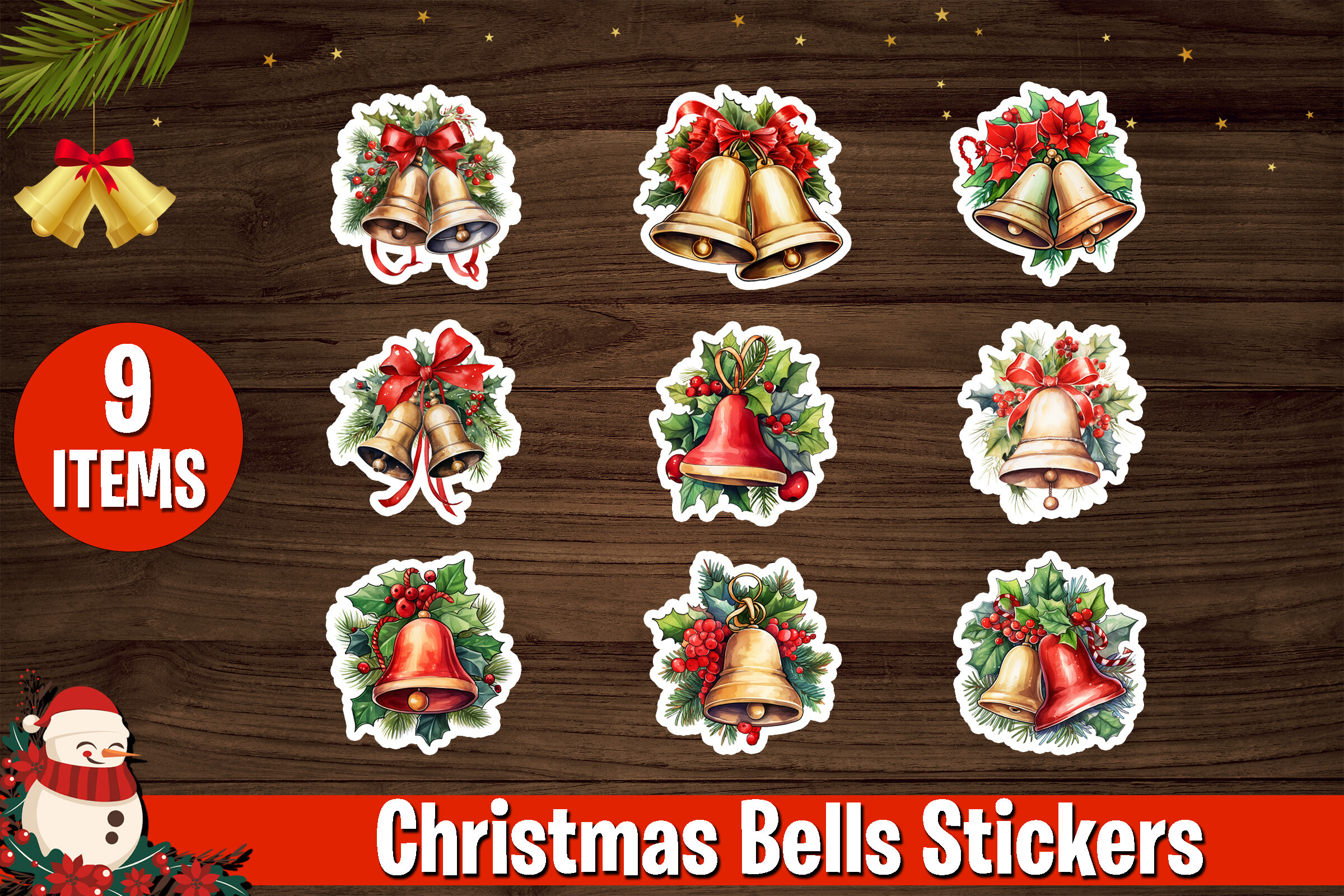
MMShopArt’s collection contains nine transparent PNG bell illustrations at 300 dpi. The description lists 2400-pixel-tall artwork with widths varying by design and sticker-style outlines. It explicitly excludes SVG, PDF and other formats, so this is a raster sticker-art set rather than a cutting-file library.
I would use a few matching bells around a December title or a short gift note. Arrange the individual images into a sheet if printing is your goal. Their outlines can help with hand cutting, but a decorative border is not itself a machine cut path, and enlarging the raster images can reduce edge quality.
2. Christmas Bell Stickers in Six File Formats

Metastudio07 lists AI, EPS, SVG, JPG, PNG and DXF files, with a 1920×1280-pixel canvas specification. This provides vector and raster choices rather than a PNG-only package. The checked description does not clearly establish a count of distinct bell designs.
I would examine this one when changing colors or scaling artwork is part of the project. Choose the version your software can use and check the preview for the actual shapes. Even with SVG available, a planner-sticker project may need offsets, registration marks and cutting settings that are specific to your own equipment.
3. Four Transparent Christmas Bell Illustrations
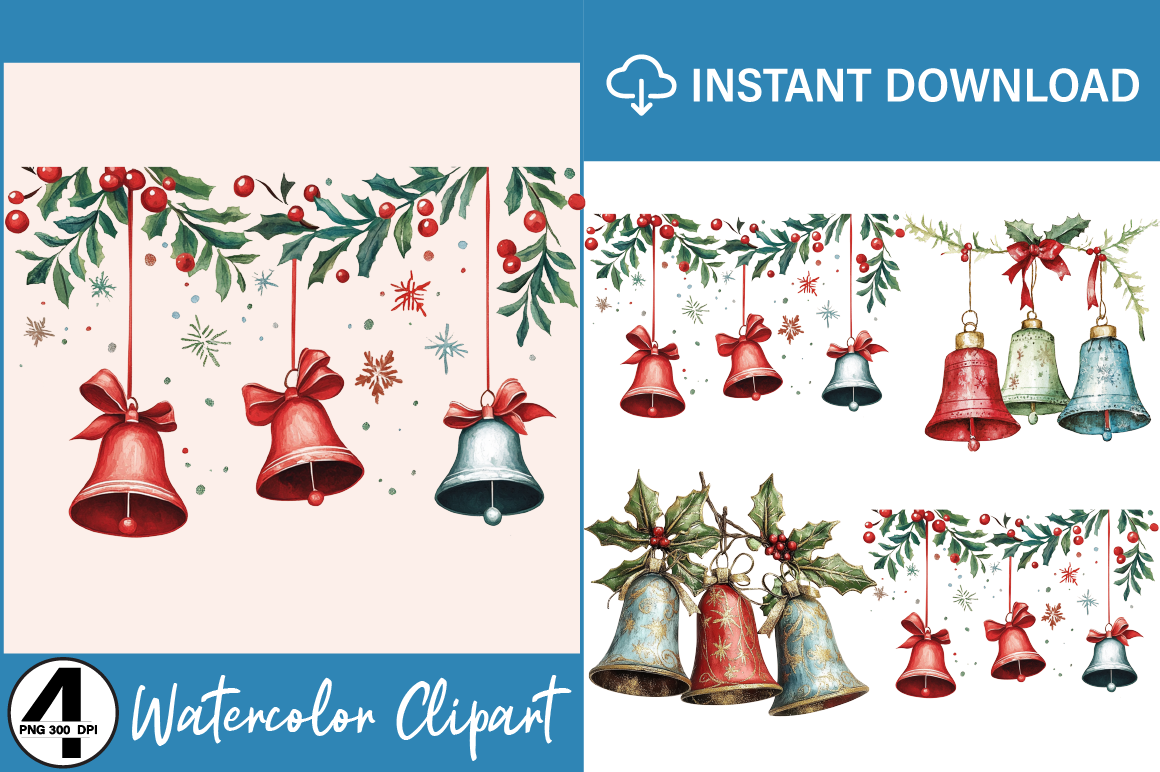
Regulrcrative’s Christmas Bells package lists four transparent PNG files at 300 dpi. Exact pixel dimensions are not documented in the checked description, so I would not infer a large print size from the resolution label alone. It is a small clipart set for your own layouts.
This would suit a few coordinated accents rather than a page packed with different designs. Check the actual files at the intended sticker size, leaving room for cutting and handwriting. The listing’s long keyword list is not evidence of additional formats: SVG or a finished printable sticker sheet is not confirmed for this package.
4. Ten Cartoon Christmas Bell PNGs
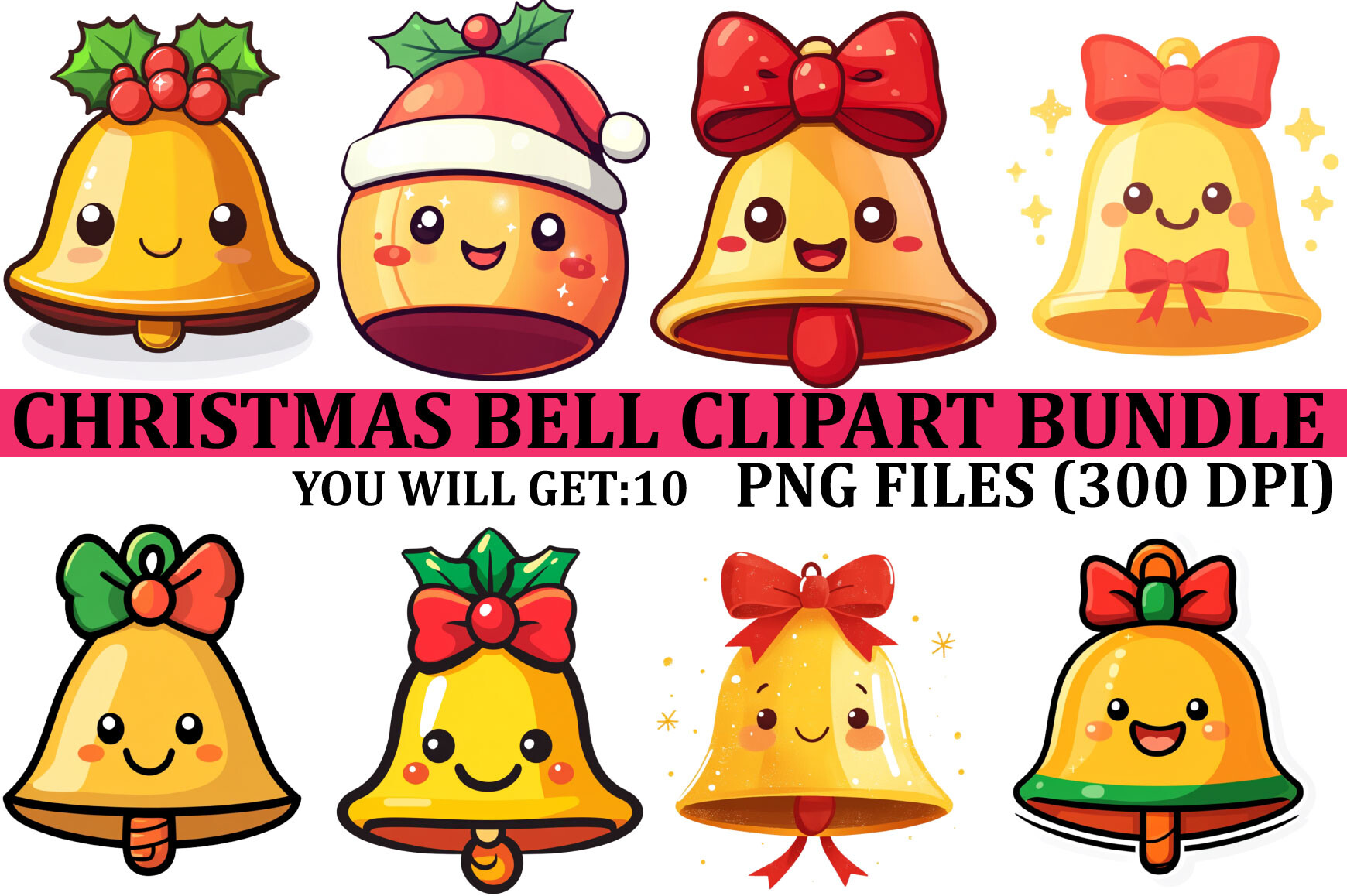
DesignEasy’s bell bundle contains ten PNG files, documented at 4000×4000 pixels and 300 dpi. Its cartoon direction gives a more playful alternative to the traditional watercolor and ornate gold collections in this selection. The file specification is clear enough to plan a small coordinated sticker project.
I would use these as cheerful accents on a December weekly page or a short holiday note. Pick a few designs at a consistent size, then test the sheet before printing on sticker paper. These are artwork files to arrange yourself; SVG cutting paths and a pre-cropped app sticker book are not confirmed in the checked package.
5. Eight Bell Designs with PNG and JPEG Versions
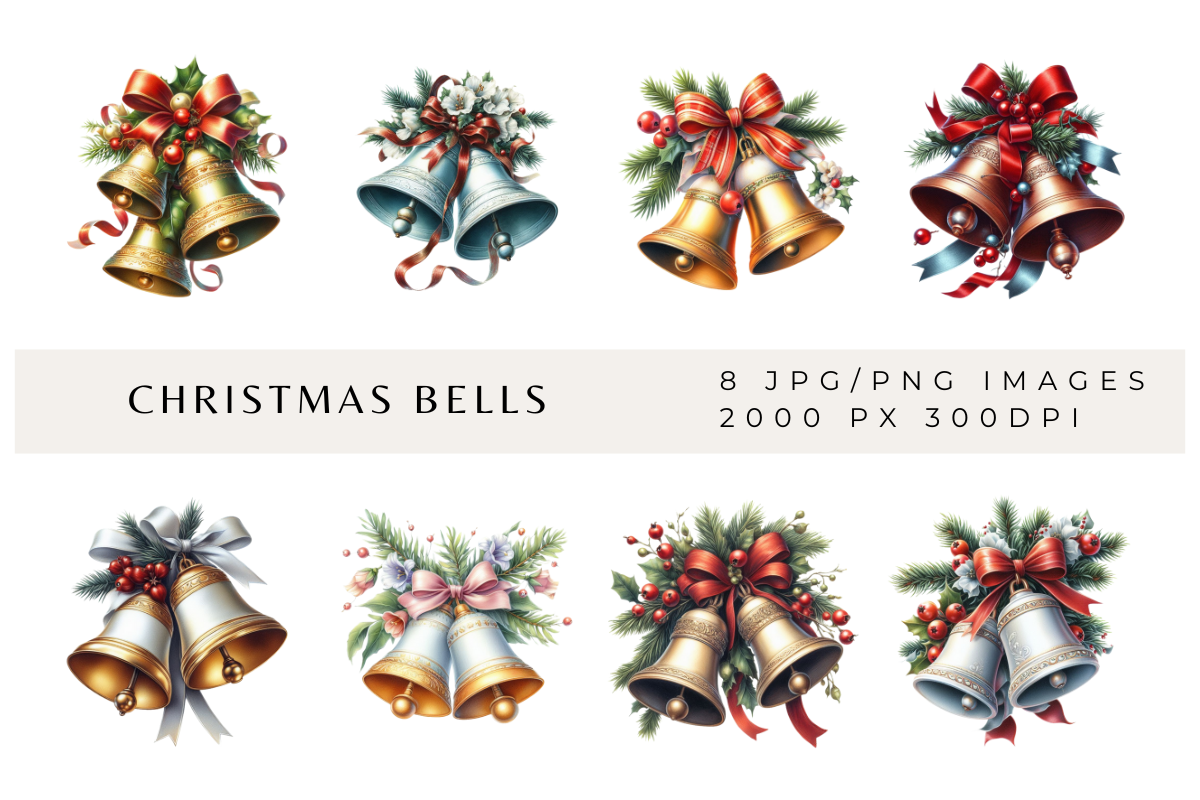
AwkwardAnnies lists eight transparent PNG bell designs at 300 dpi, with JPEG versions that include backgrounds. The format distinction is useful: a transparent PNG is normally easier to layer into a journal, while a JPEG background may be part of the intended appearance.
I would choose a small group of designs with a similar scale and use them across a few seasonal pages. Eight designs provide variety without requiring a huge download collection. The package does not document a prepared sticker sheet, so plan for arranging your chosen images before printing rather than expecting a ready-to-cut page.
6. Twenty-Four Christmas Bell Garland PNGs
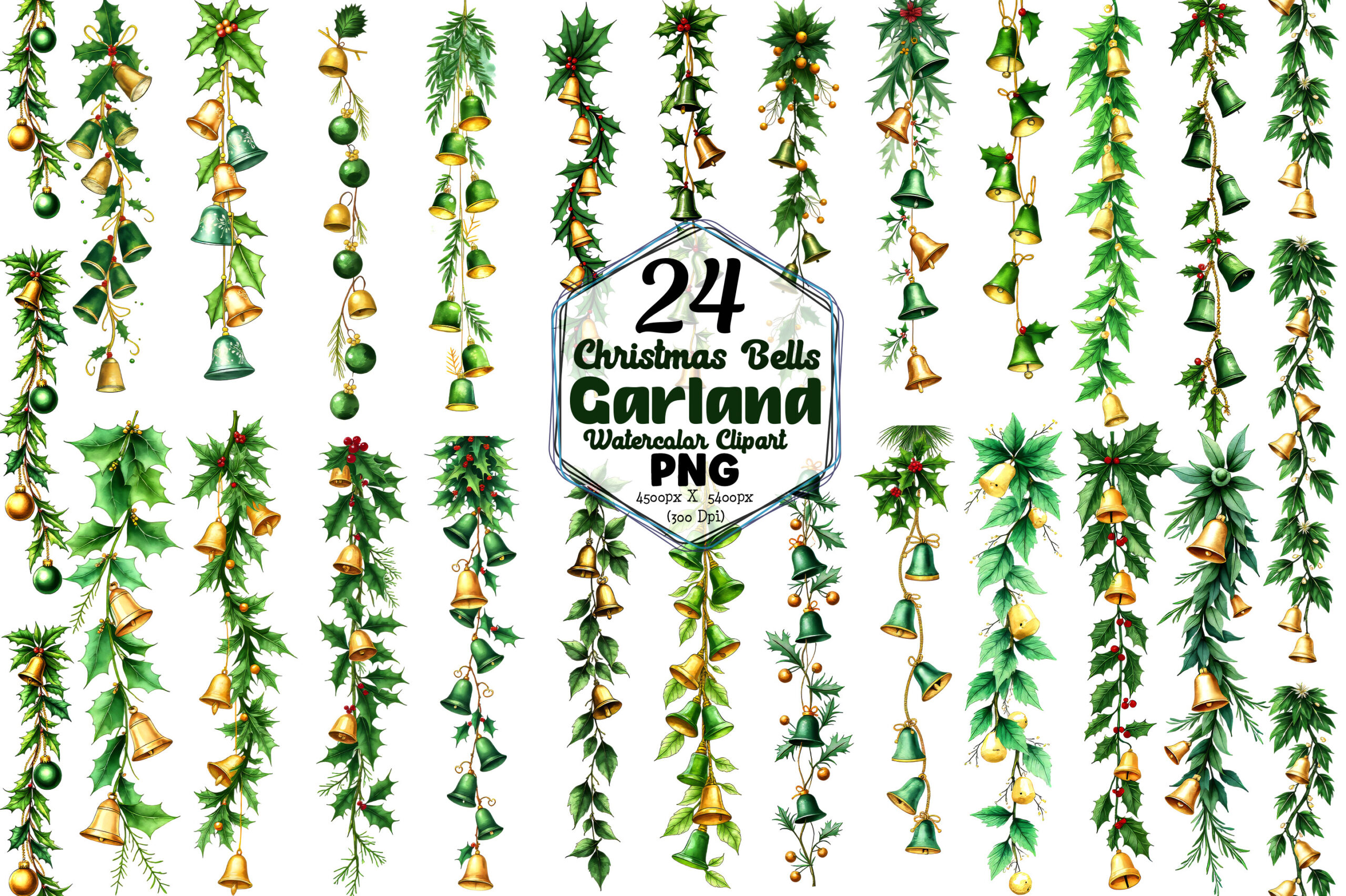
Fantail Goldfish’s garland collection contains twenty-four PNG files, each listed at 4500×5400 pixels and 300 dpi. The taller canvas and garland direction make this a different decorative choice from a simple compact bell icon.
I would inspect how each design reads after reduction before placing it on a small planner page. A detailed hanging decoration may work better beside a title or a memory block than inside a tiny checklist. These are artwork files to arrange yourself; no SVG cut paths or ready-made app sticker book are documented in the checked file list.
7. Five Large Christmas Bell PNG Elements
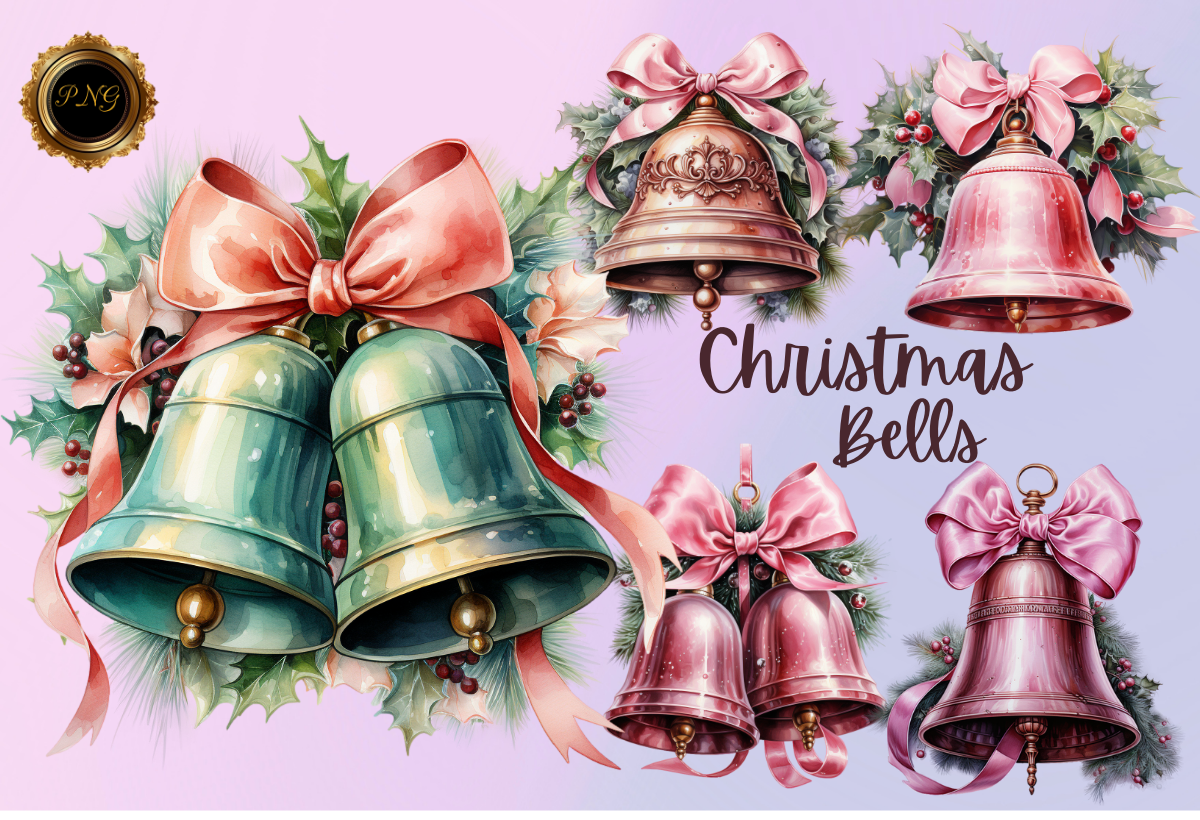
Agnesagraphic provides five transparent PNG elements at 4096×4096 pixels and 300 dpi. The listing had a 5.0 rating from two reviews when checked, a positive but small sample. Its clear file count and dimensions make it easier to plan a modest coordinated sticker project.
I would start with these when you want a limited set of detailed elements rather than dozens of near-duplicate choices. Use a small test print to see whether highlights and greenery remain legible at the final size. The supplied images are raster artwork, and a large canvas should not be confused with unlimited lossless enlargement.
8. Sixteen Compact Christmas Bell Clipart PNGs
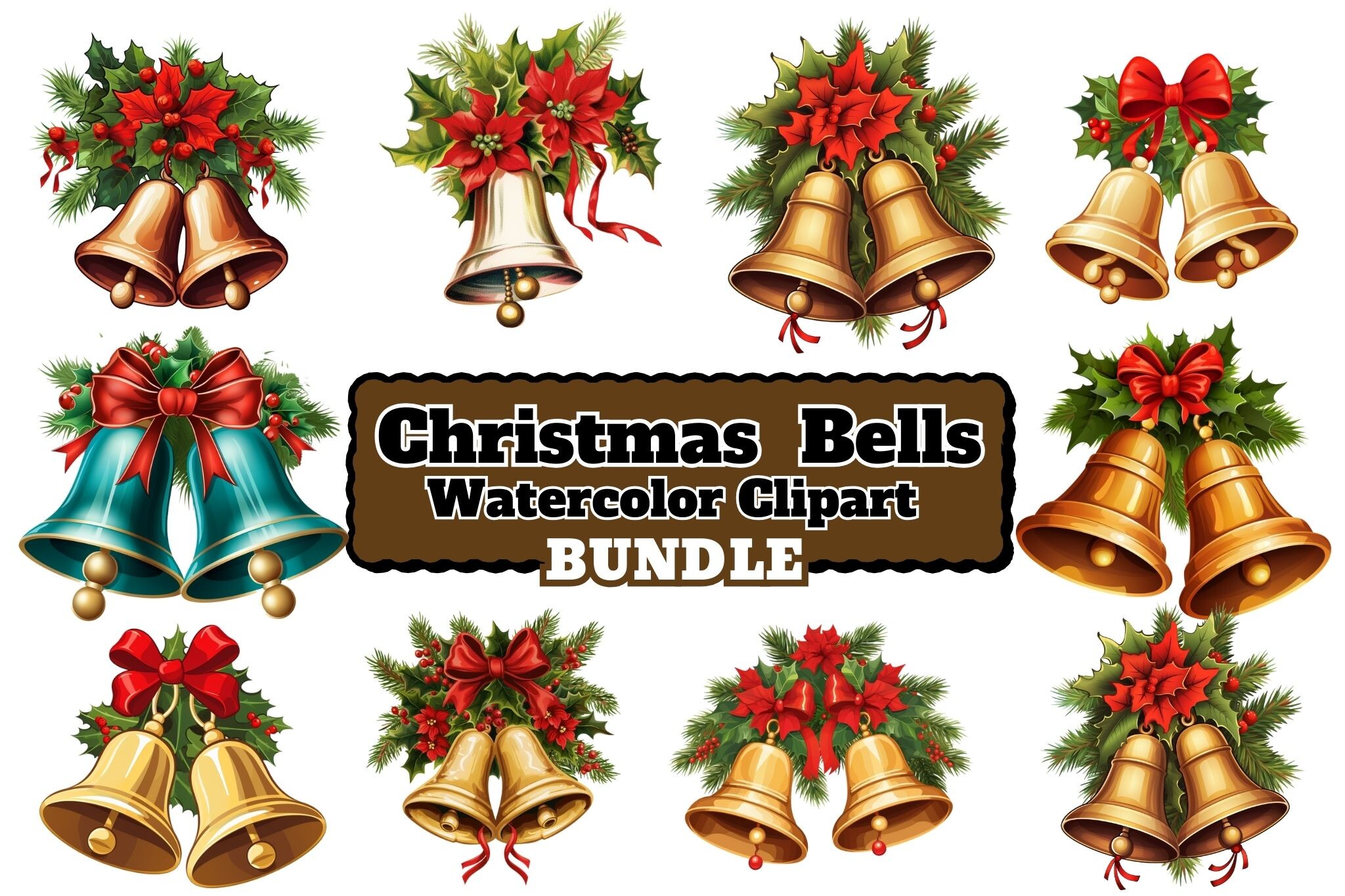
Craftsmaker’s set includes sixteen transparent PNG clipart files at 1024×1024 pixels and 300 dpi. That native pixel size is an important limit to notice when comparing it with the larger source images elsewhere in the selection.
I would use these for small page accents where their dimensions are sufficient, rather than stretching one into a large poster or full-page background. Arrange a few at their actual intended size and check the edges before printing. The stated resolution does not turn them into vectors, and no prepared sheet or SVG cutting format is listed.
9. Ten Vintage Christmas Bell PNG Designs
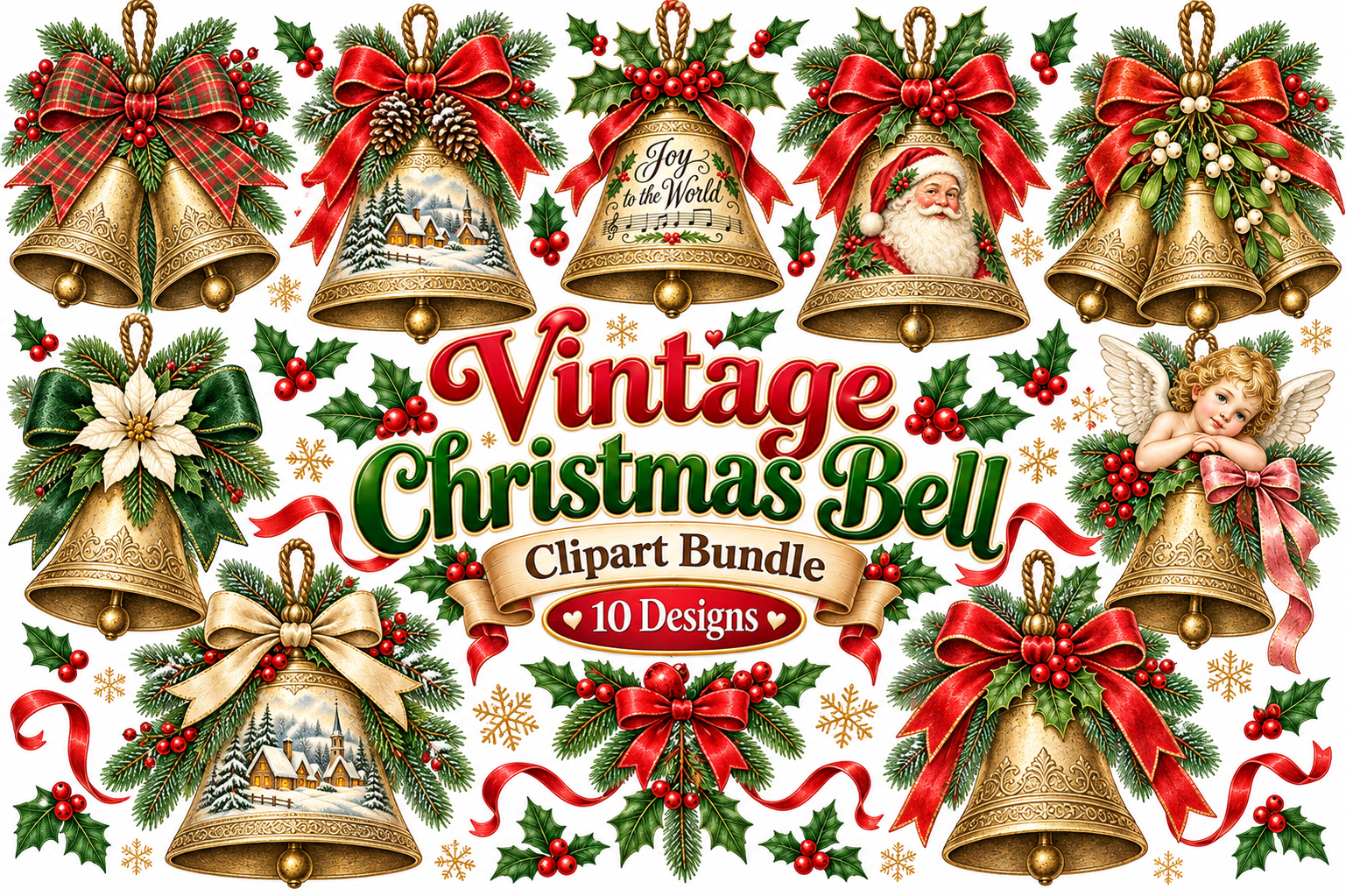
SimaCrafts lists ten transparent PNG files at 4000×4000 pixels and 300 dpi. The preview and title identify vintage Christmas bells, although the opening description contains generic wording about quotes. The documented file facts are more useful than that boilerplate introduction.
I would compare the artwork with your journal palette before selecting the whole set. A consistent vintage look can tie several December pages together, especially when the bells are used as occasional accents. Extract the ZIP, inspect the individual files and arrange your own sheet; a collection of clipart does not arrive as printed adhesive labels.
10. Twenty-Six Christmas Bell PNG Illustrations
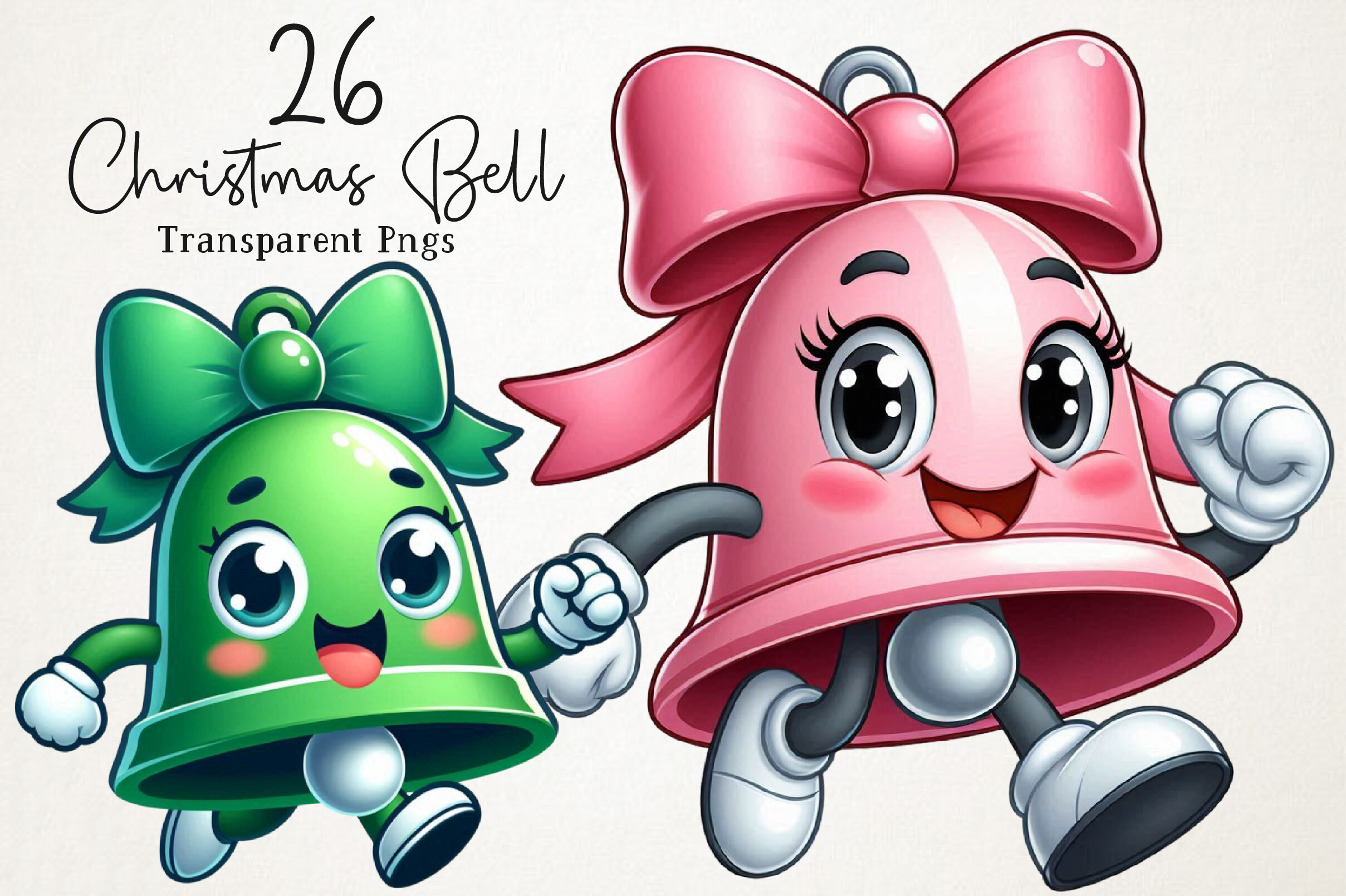
NexaArt’s package contains twenty-six transparent PNG files, listed at 12×12 inches and 300 dpi. Bells, ribbons, holly and other holiday accents give it a broad traditional Christmas direction. It is a larger artwork collection rather than a single prepared sticker layout.
I would choose it for several coordinated holiday projects, selecting simpler silhouettes when the final stickers will be small. Fine ribbons and greenery can become hard to distinguish after reduction. The listing documents PNG only, so there is no basis to promise editable vector shapes or a ready-installed Goodnotes sticker book.
11. Eight Red Christmas Bell Illustrations
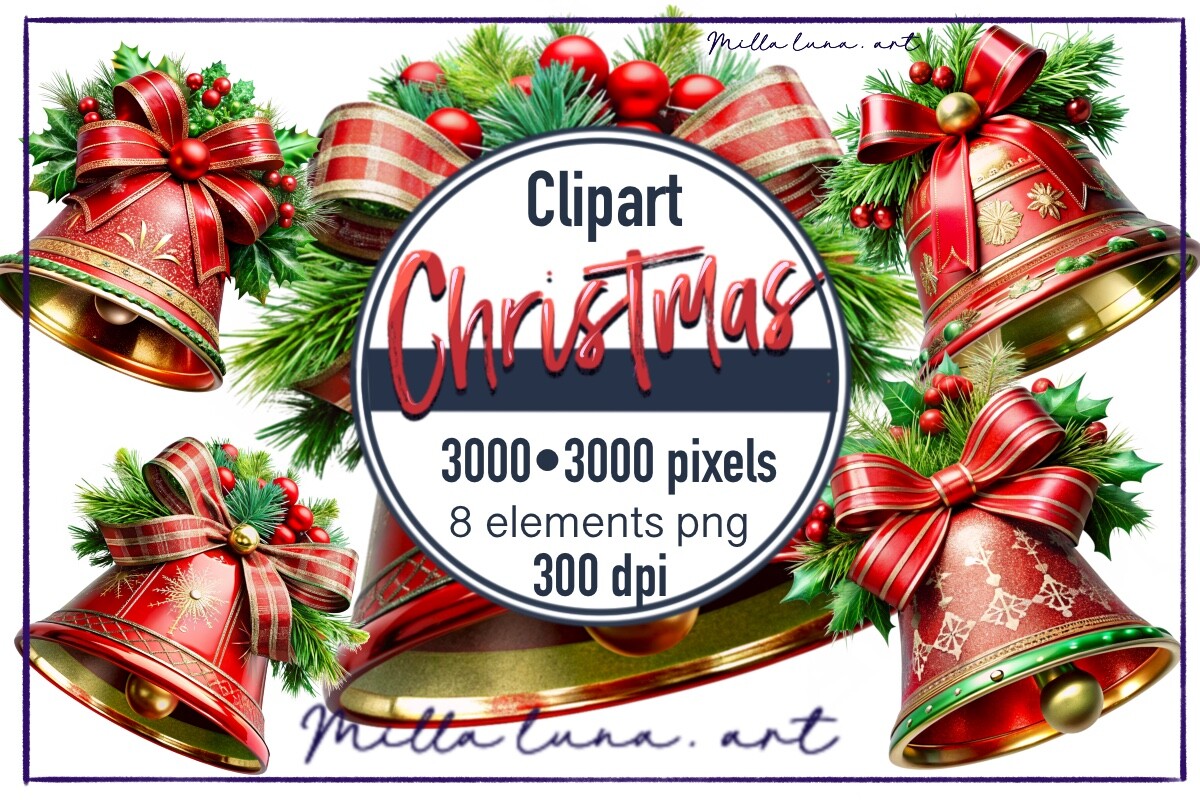
This red-bell collection lists eight individual PNG designs at 3000×3000 pixels and 300 dpi. The smaller set offers a more focused alternative to the large garland and clipart bundles, particularly when red holiday accents already fit your planner colors.
I would place a bell beside a seasonal note, a gift-related page title or a photograph rather than using it as a functional reminder label. Check the transparency and dimensions in the downloaded files before arranging a full sheet. The documented count refers to eight designs, not eight printed sheets or eight different file formats.
12. Golden Christmas Bells with a Holly Bow
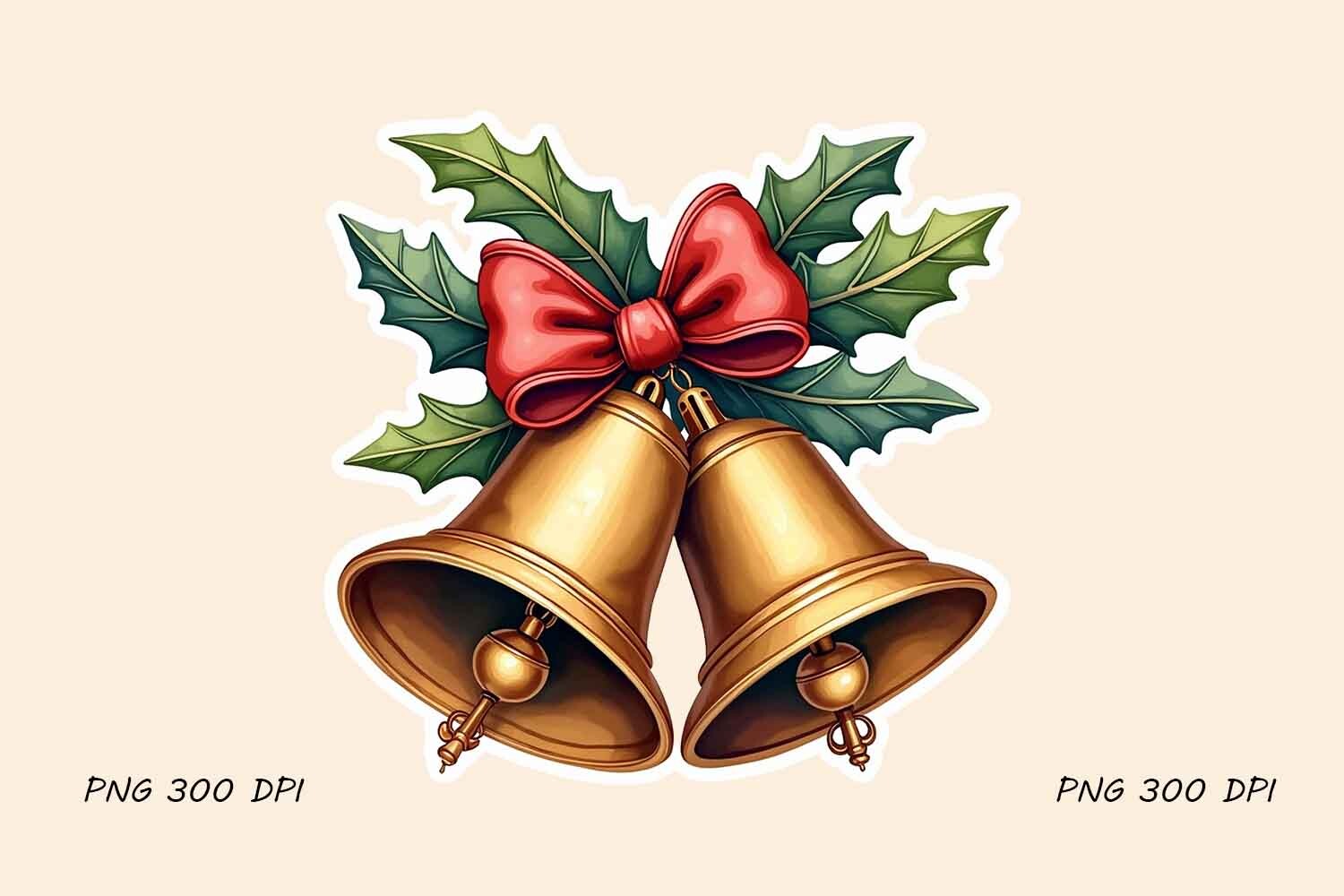
Art Hasib’s design is a single PNG at 300 dpi, showing gold bells with a red bow and holly. The listing also mentions bonus mockups; those presentation images should not be counted as additional bell illustrations. Exact pixel dimensions are not documented in the checked description.
I would choose it when one classic seasonal accent is enough for the page. It can sit beside a title without requiring a whole coordinated bundle. The product text includes unrelated Santa keywords, so judge the visible bell artwork and confirmed PNG specification rather than inferring more characters or formats from that boilerplate.
Test the Artwork at the Final Sticker Size
Arrange a few designs with space between them, then print on ordinary paper first. Check whether highlights, tiny holly leaves and ribbons still read clearly. A 300-dpi label should be considered together with pixel dimensions; the smaller 1024-pixel artwork is not equivalent to a much larger source image.
For machine cutting, follow the workflow supported by your software and equipment. For digital placement, use individual transparent PNGs when available. The checked packages do not establish that every file is supplied as a pre-cropped Goodnotes book, so expect some manual arrangement.
Use Bells as Accents Around the Writing
Place one bell near a heading or photograph and keep the main writing area open. Detailed artwork may be more useful as a larger journal embellishment than as a tiny checklist icon. A small color-matched group can create continuity across several pages without becoming visually crowded.
Combine selected artwork with Christmas washi tape for a border, or use Christmas gift labels when the purpose is organizing actual presents. Inspect the chosen resource through its Download button and confirm the current files before planning a complete print project.