12 Festive Christmas Wreath Stickers and PNGs for Holiday Journals
Christmas wreath stickers give a holiday planner page a clear focal point: a circle for a date, a seasonal title or a small decorative badge. These twelve downloadable resources range from classic red-and-green rings to pale botanicals and pink watercolor wreaths.
The selection includes illustration files you can turn into your own sticker layouts. It does not promise ready-made sticker sheets or cutting paths where the listing supplies only a PNG. Check the actual file contents and current access conditions before choosing a resource for a specific workflow.
In this guide
Choose Christmas Wreath Stickers for a Useful Page Role
Decide whether the wreath will frame writing, decorate a corner or act as a complete title. An open center is helpful for a date badge; a design with its own message works better as a finished focal image. Do not add tiny text inside an already busy ring.
PNG is convenient for image placement, while SVG and EPS suit compatible editing software. A transparent PNG does not automatically include a print-and-cut contour. The previews and descriptions sometimes list different dimensions, so check the downloaded file before planning a large print.
1. 14 Festive Wreaths by Hassas Arts
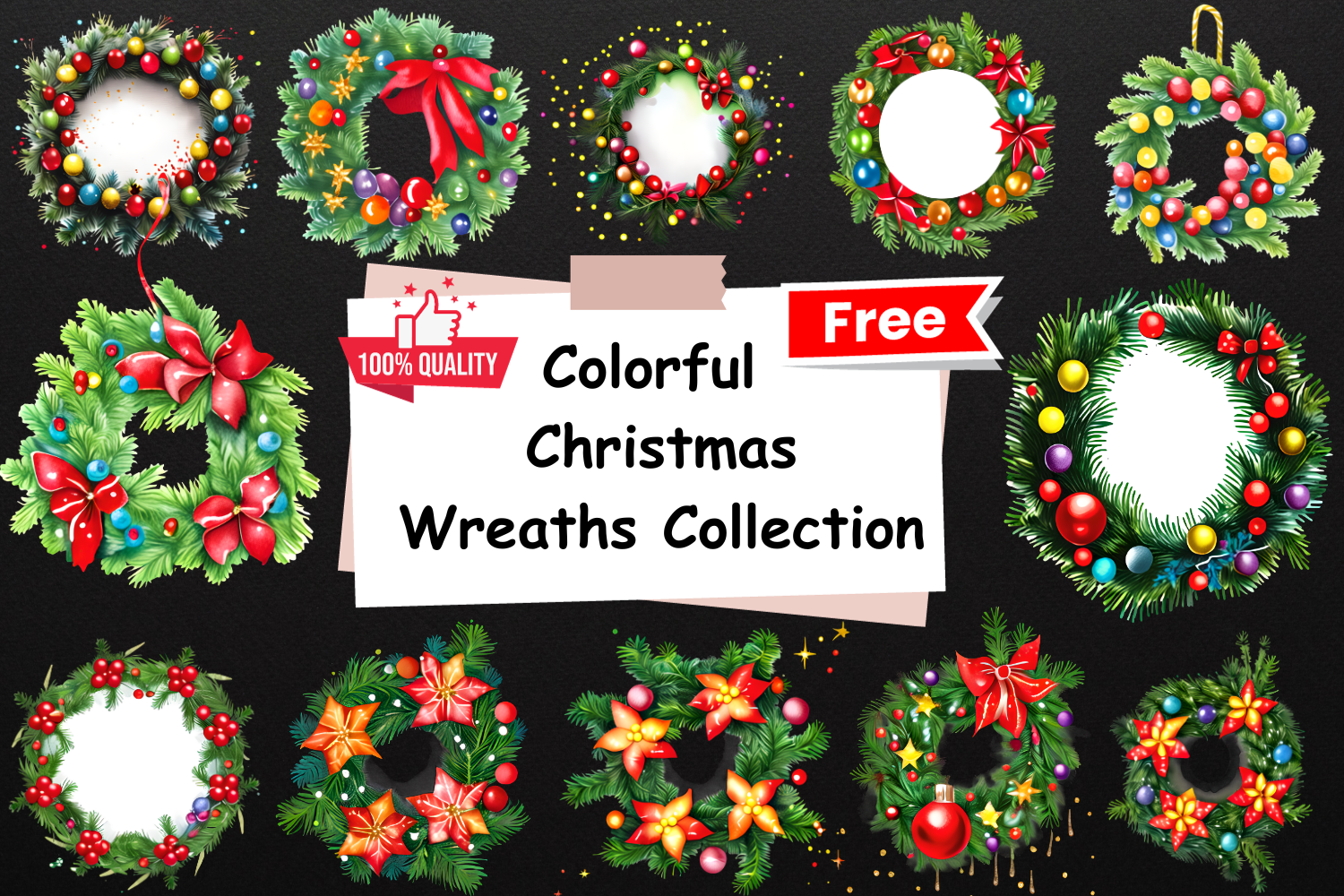
Hassas Arts lists 14 transparent PNG wreaths created with CF Spark. The preview includes several colorful rings with different ornaments and foliage. The collection is useful when you want to compare styles before choosing one repeated motif for a December journal.
Treat these as digital illustrations, not physical wreaths or ready-made sticker sheets. Pick two designs with similar colors and repeat them for a coherent page. Promotional wording in a preview does not guarantee current free access; check the live download conditions and inspect the files at the intended printing size.
2. Neutral Botanical Wreath by MJoy Digital Boutique
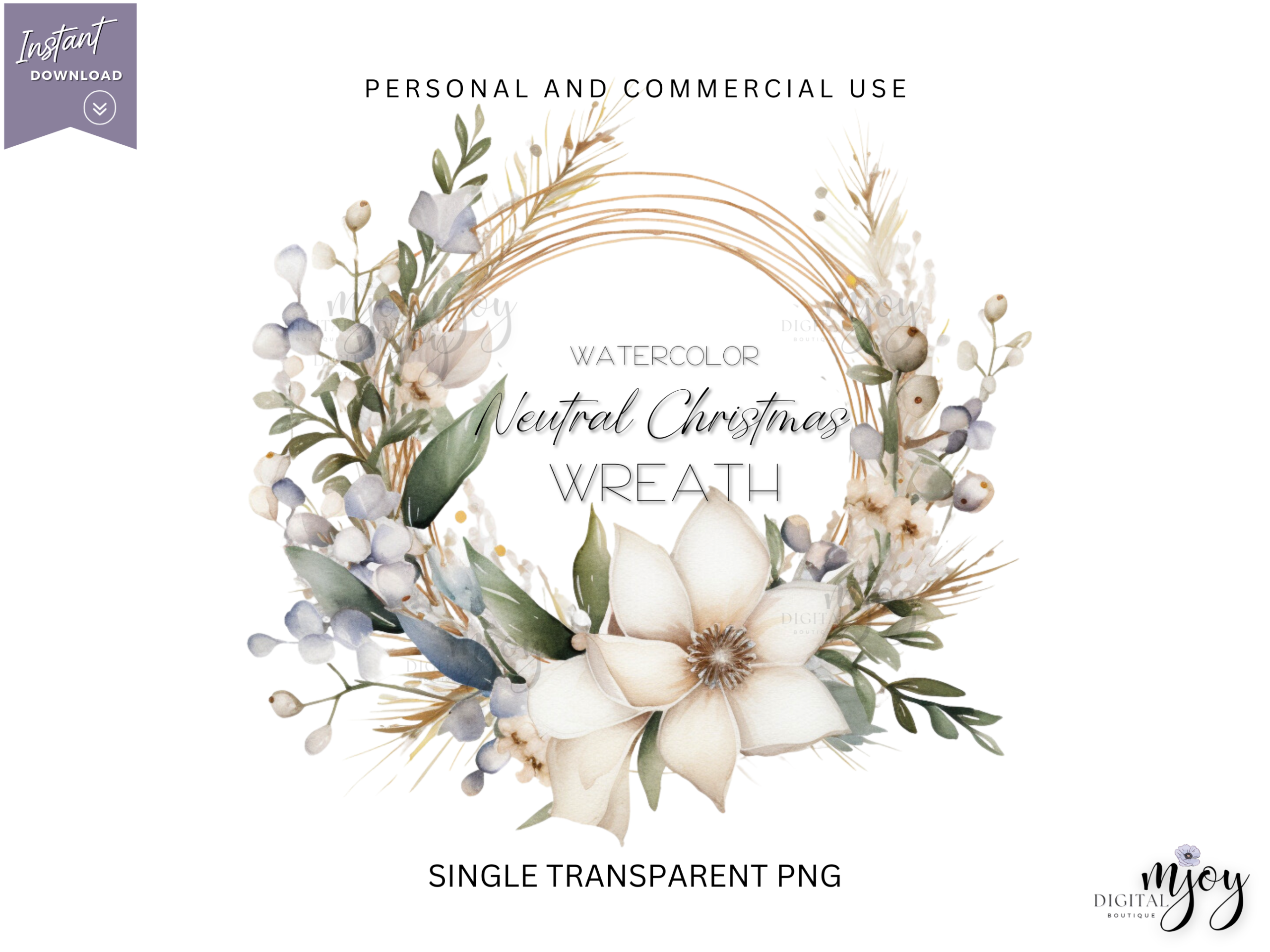
MJoy Digital Boutique’s preview presents a single wreath with pale botanical elements and a spacious circular center. It is a useful alternative to bright red-and-green graphics when you prefer a quiet winter journal or cream-colored planner paper. The current listing shows a five-star rating from one review.
Use the central opening for a date or short title, keeping text separate from the artwork in your own layout. Fine pale details may lose contrast when reduced too far or printed on textured paper. The resource is an illustration, so add your own sticker outline if you need one.
3. Poinsettia Wreath by Creative Fabrica Crafts
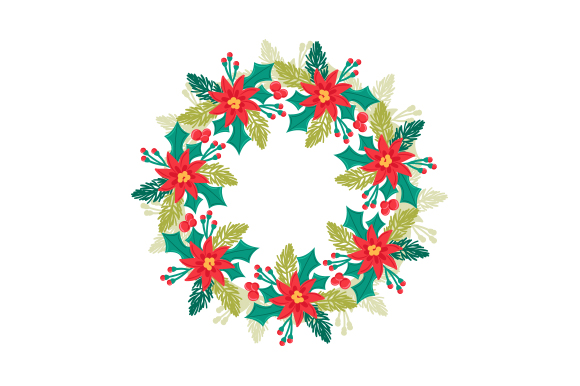
This Creative Fabrica Crafts download lists SVG, transparent PNG, EPS and DXF formats. The preview shows a bright poinsettia-and-foliage ring with an open center. That makes it a versatile starting point for a date badge, a small seasonal label or a larger journal title.
Choose the transparent PNG for direct image placement and the vector file for supported editing. Keep the poinsettia shapes large enough to remain distinct at sticker size. Even when a vector format is included, check the actual paths and your cutting software before assuming the download has your preferred print-and-cut setup.
4. Pinecone and Poinsettia Wreath by Digital Print & Cut
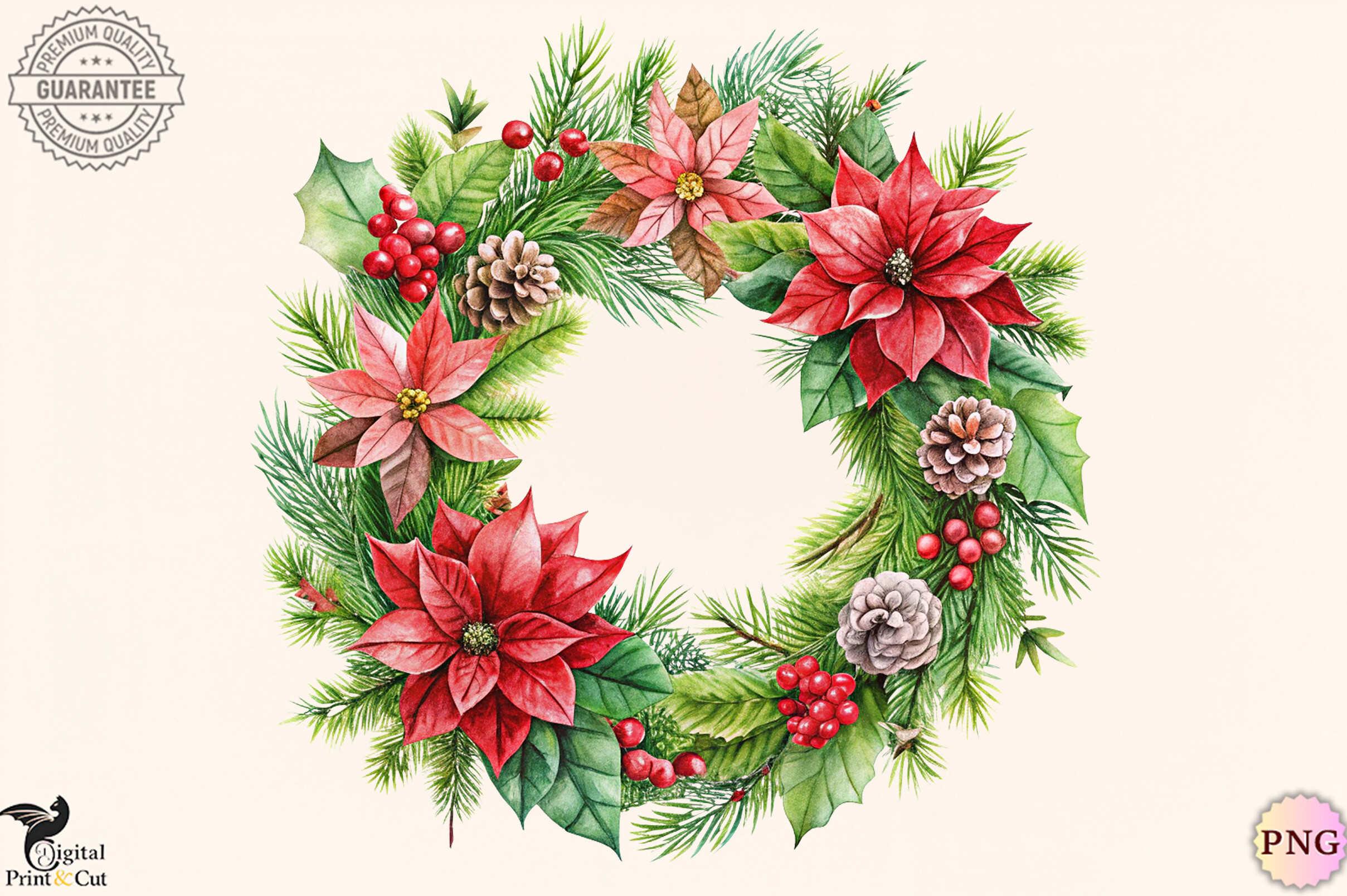
Digital Print & Cut supplies one transparent PNG at 300 dpi. The preview combines evergreen foliage, pinecones, berries and red poinsettias around a broad open center. It is a classic seasonal accent for a holiday overview or a memory-page heading.
The single-image format is useful if you want one focal design rather than a large bundle. Leave enough room inside the ring for a short title and keep the outer foliage away from planner holes or fold lines. A PNG download does not include a separate editable vector file unless the listing explicitly states otherwise.
5. Eight Pink Watercolor Wreaths by NataClipArts
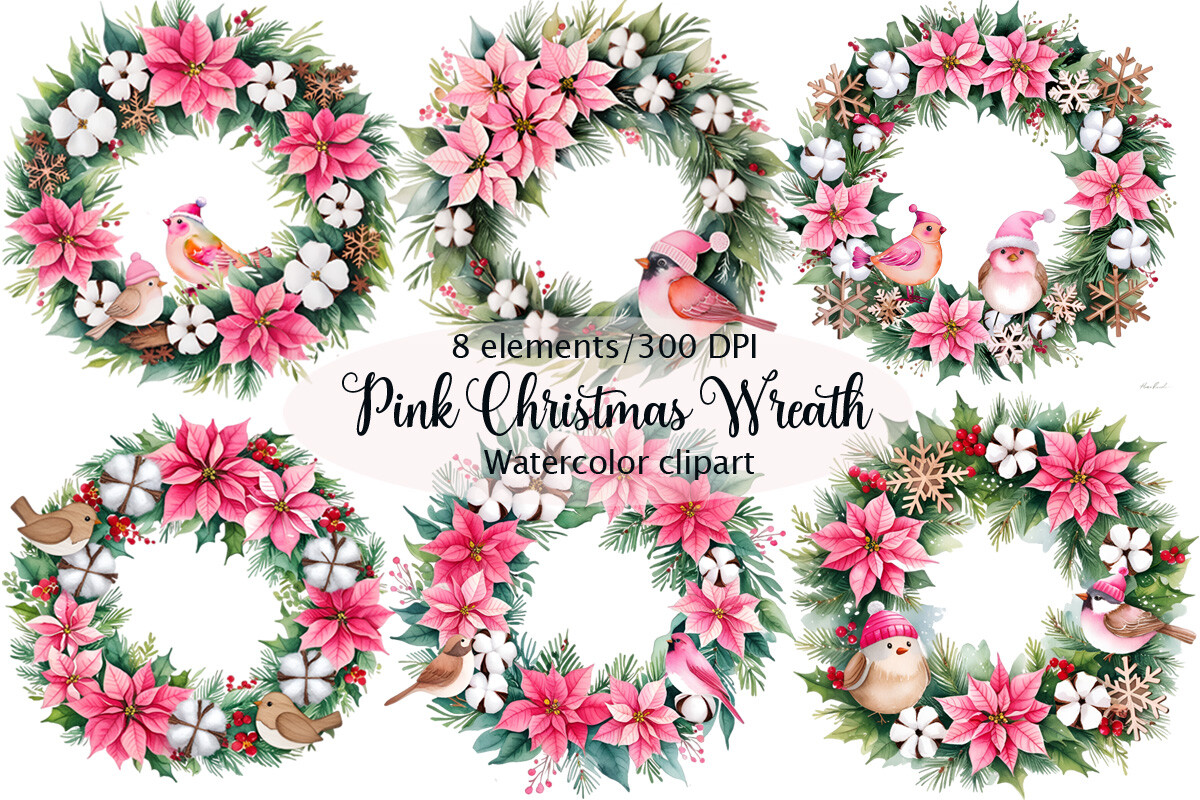
NataClipArts lists eight PNG images at 4096×4096 pixels and 300 dpi. The preview combines pink flowers, winter foliage and small birds in several wreath arrangements. It is a strong stylistic choice for a softer holiday palette and a journal with floral details.
Use one wreath per page rather than shrinking the whole collection into tiny decorations. Check the extracted PNG background before arranging colored paper underneath, since the listing’s wording about transparency is inconsistent. The square source dimensions give useful starting room, but the final print result still depends on your chosen size and settings.
6. Cotton and Pinecone Wreath by NyDesign
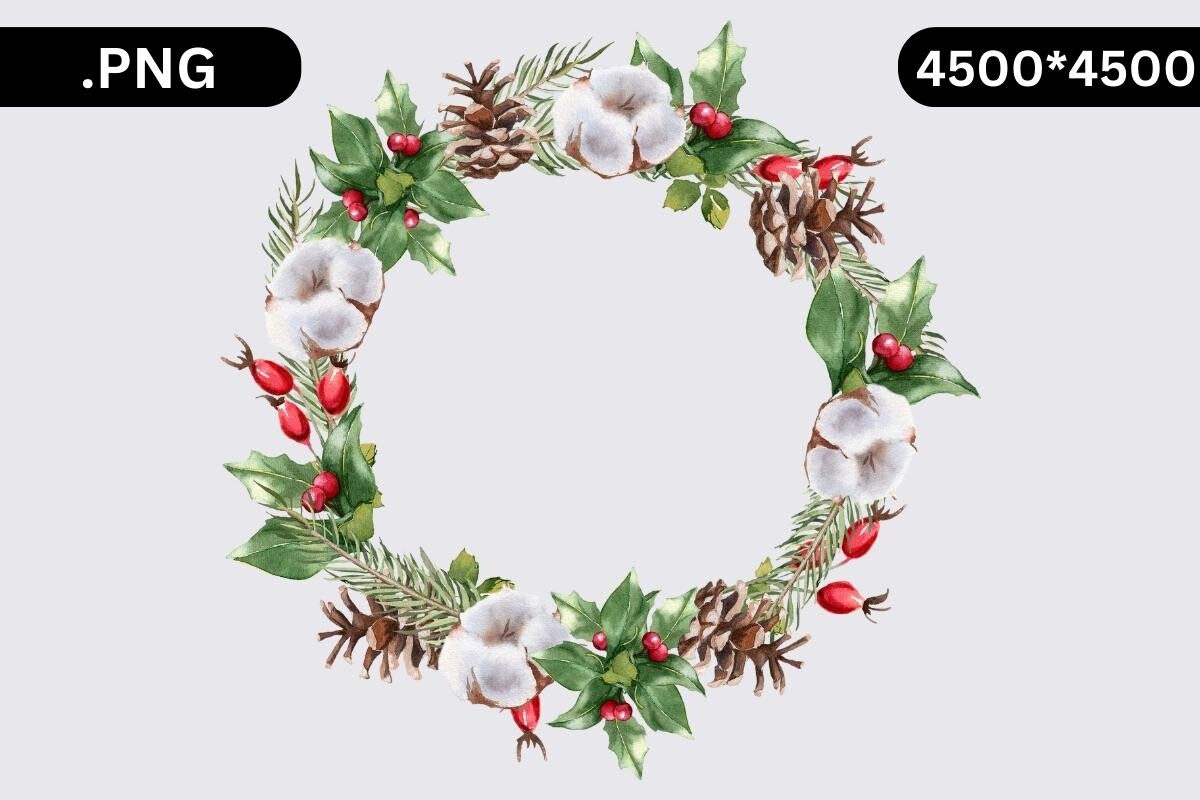
NyDesign’s preview shows pale cotton-like flowers, greenery, pinecones and red berries in an open ring. The listing supplies a single transparent PNG and explicitly says cutting files are not included. It suits a winter planning page that needs a natural botanical accent without a large greeting.
Use the empty center for a handwritten month label or a small photograph placed in your own composition. The preview and description show different source dimensions, so confirm the actual downloaded image before enlarging it. For stickers, prepare an offset in your own software rather than expecting a bundled cut path.
7. Woven Branch Wreath by NyDesign
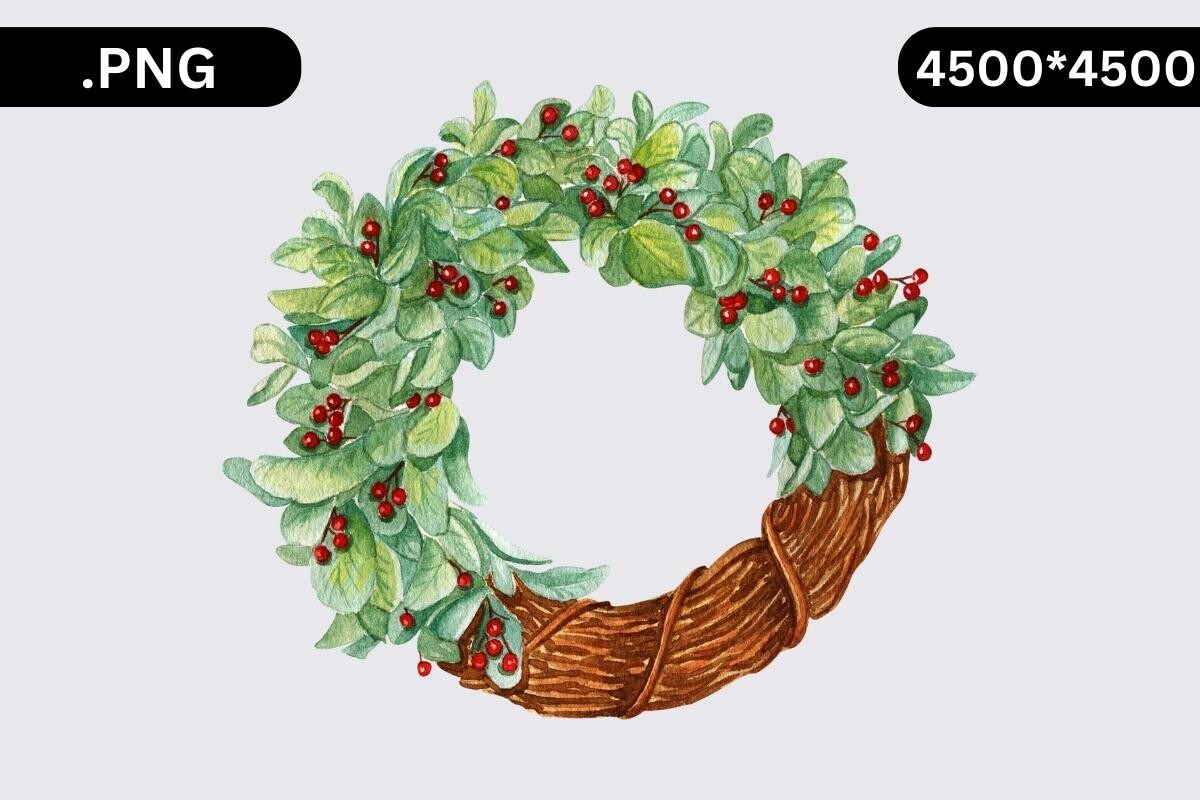
This NyDesign variation combines a woven brown branch ring with soft greenery and red berries. It is supplied as one transparent PNG. The asymmetrical foliage leaves a broad center that can frame a title while keeping the decorative weight toward the top of the circle.
The branch texture gives it a different role from a flat icon: it works best as a focal piece with clear space around it. Test a sample before reducing it to a very small label. The listing excludes cutting files, so it remains a printable or digital image until you build a sticker layout.
8. Red Bow Holly Wreath by NyDesign
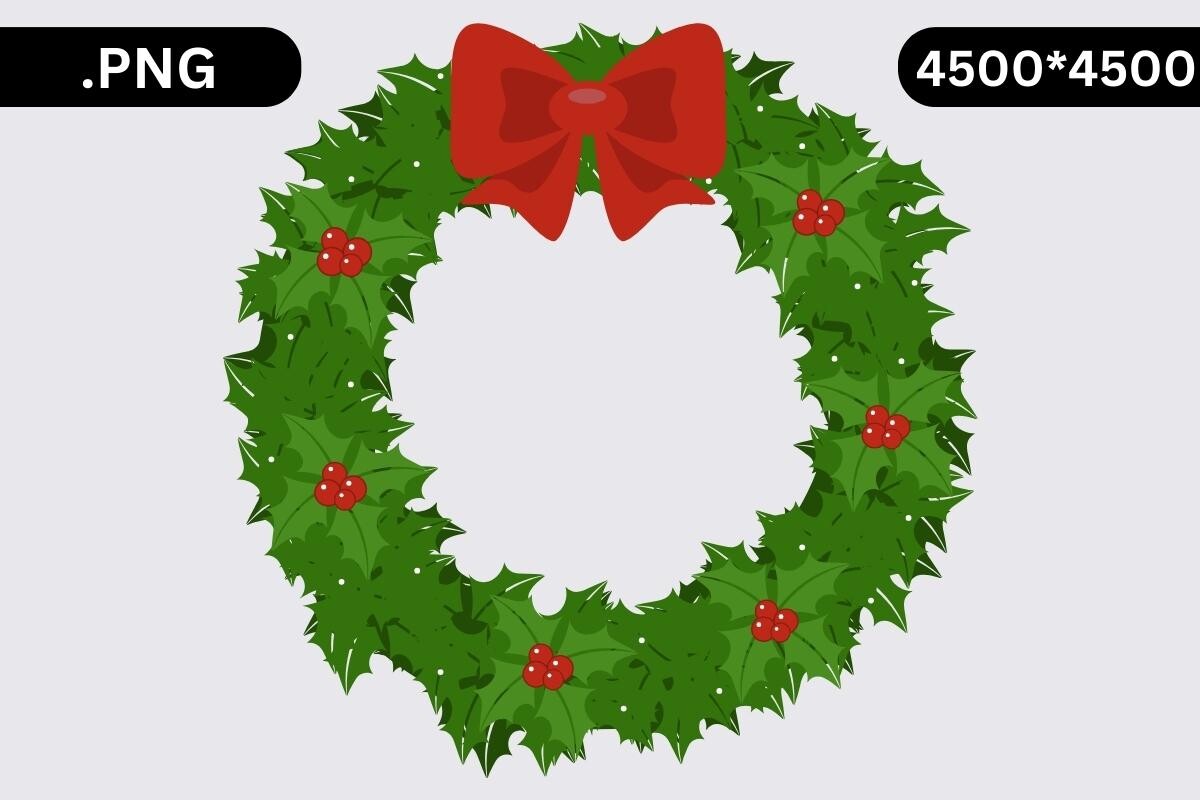
The preview shows a bright green holly-style wreath with red berries and a prominent bow at the top. NyDesign lists one transparent PNG with no cutting files. The clear, bold shapes make this a useful option when pale watercolor details would disappear at a smaller size.
Let the bow indicate the top of the design and keep any added text inside the ring. Avoid stretching the circular shape to fill a rectangular box; resize proportionally and leave surrounding space instead. Check the actual pixel dimensions in the archive before planning a large printed cover.
9. Ornament and Foliage Ring by NyDesign
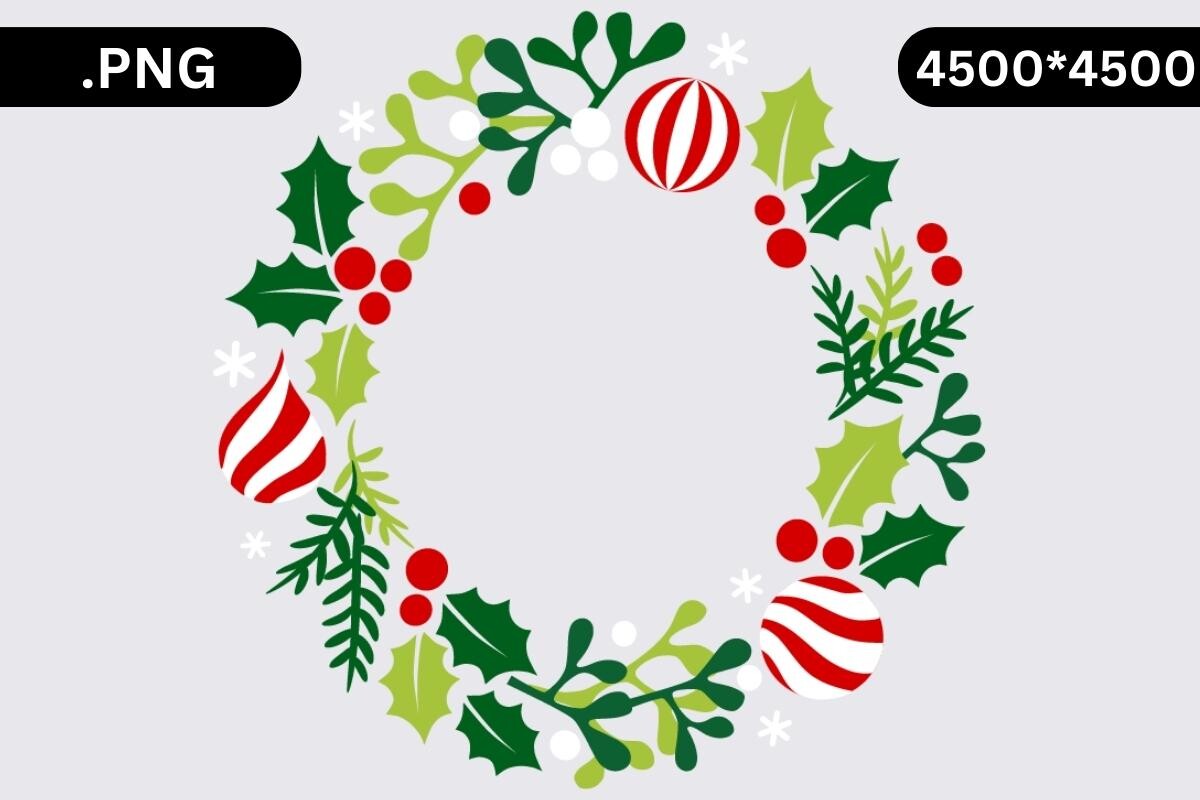
This single transparent PNG uses simplified foliage, red-and-white ornaments and small pale decorative shapes. The open ring has a different visual character from the more textured botanical wreaths, making it a practical choice for a clean seasonal checklist or a bold month divider.
Choose a background that keeps the palest details visible. The listing excludes cutting files and gives dimensions that differ from the preview label, so inspect the source file rather than relying on either promotional number. For a small planner sticker, prioritize legible shapes over maximum decorative detail.
10. Red Bow Wreath by Tanya Kart
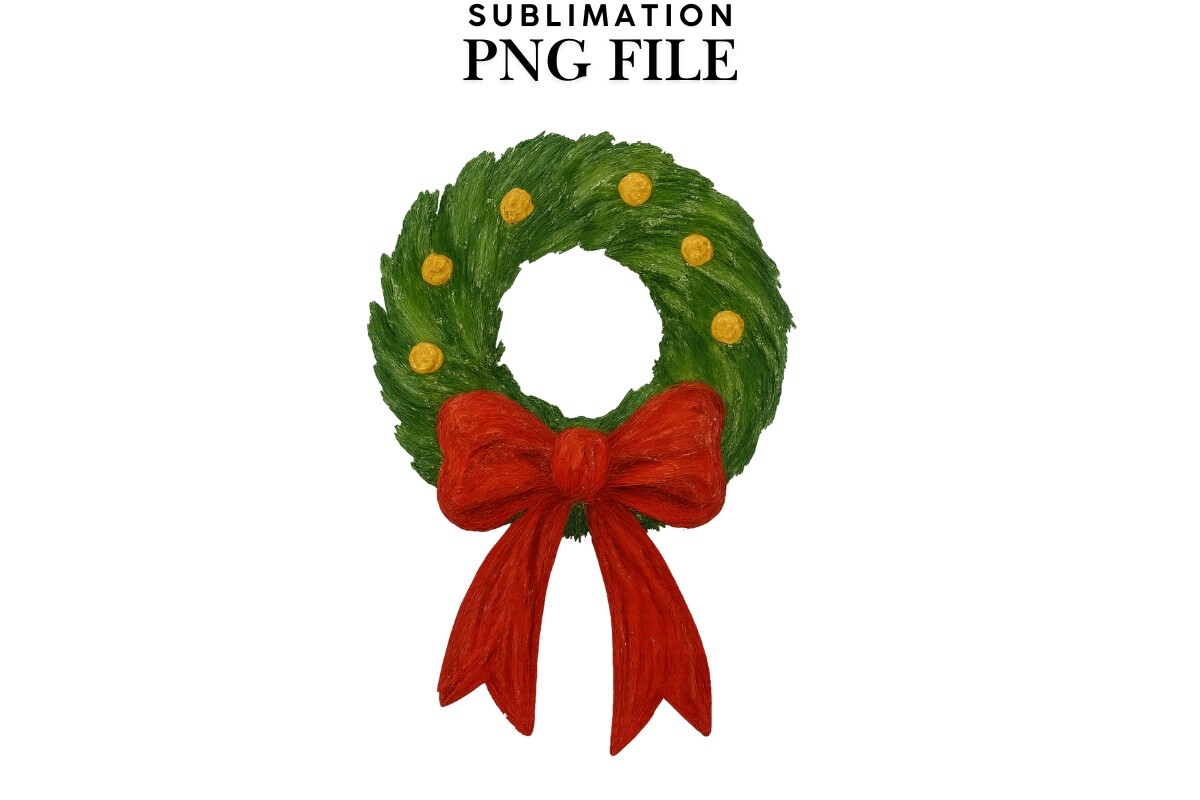
Tanya Kart lists a transparent PNG at 300 dpi with an 8×8-inch size. Its preview shows a compact green wreath with small gold-colored details and a red bow. Although the listing targets sublimation, the artwork can also serve as a decorative image in a personal planner composition.
The description explicitly says this is not an SVG, so choose it for raster image placement rather than vector editing. Keep the bow and ring together when resizing. Print a sample on the paper you intend to use, especially if you want a small cutout with enough visible detail.
11. Merry Christmas Branch Wreath by AlaBala

AlaBala provides PNG and JPG files for a wreath with a seasonal greeting in its center. The preview combines a twig ring, foliage, pinecones and a red bow. Its built-in message makes it most useful as a finished decorative title rather than a blank frame for lots of added writing.
Choose the PNG when you want the page background visible around the wreath, and inspect the JPG background before using it in a colored layout. Instructions about mirroring concern specific transfer projects; ordinary planner stickers should follow the workflow required by your printer and cutting software instead.
12. Pink Wreath Ornament by olyate0108
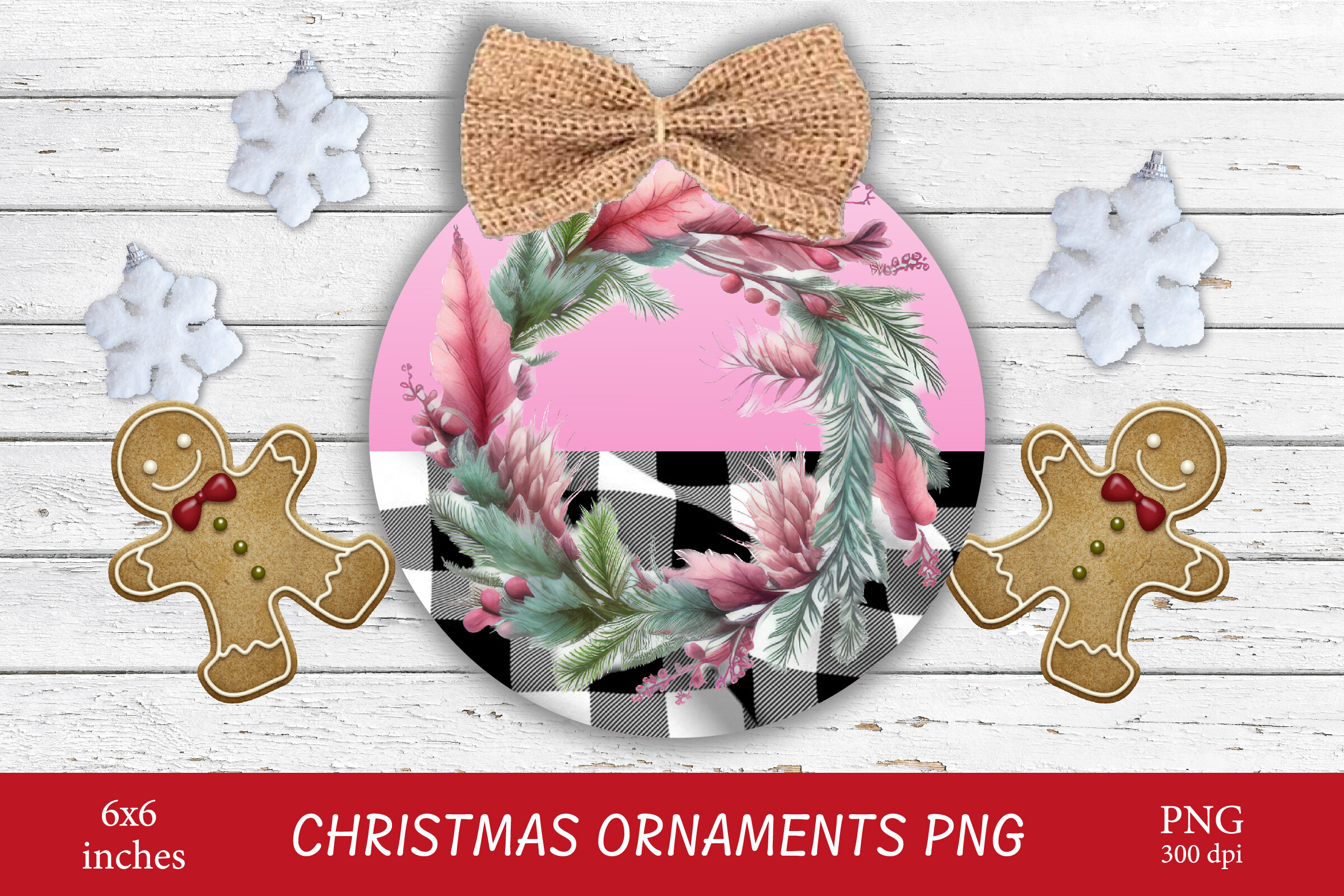
This listing supplies a PNG in a ZIP archive and describes a 6×6-inch design. The preview places a pink-centered wreath on an ornament-shaped composition with a bow. It is a niche option for journal pages built around ornaments, gift details or a pink-and-neutral Christmas palette.
Check the actual PNG before purchase or download if you need an open center: the preview is an ornament composition, not a guaranteed blank wreath frame. Use it as one decorative focal image and keep nearby writing simple. No separate cutting path is documented in the package description.
Build a Coordinated Holiday Journal Page
Repeat one wreath style rather than combining several unrelated textures. A pale botanical ring can frame a handwritten date, while a bolder holly ring may suit a small label. Use the Christmas ornament stickers and PNGs collection for a related accent if your page needs a second motif.
Keep the wreath clear of binding holes and page folds. For a complete seasonal paper background, compare the Christmas journal kits instead of enlarging a small decoration until its edges become soft.
Check Contrast, Backgrounds and Cutting Outlines
Print a sample at the intended size before using a full sheet of sticker paper. Fine pale foliage can disappear on cream paper, and detailed berries can merge when reduced. Preserve the circle’s proportions and leave enough white space to make both the artwork and your writing readable.
For digital placement, import the actual PNG and inspect its background before layering it over colored paper. A seasonal border from the winter washi tape sets can connect pages without adding another large focal image. Treat machine cutting as a separate preparation step unless the supplied files explicitly support your workflow.