12 Bright Christmas Lights Stickers and PNGs for Festive Planners
Christmas lights stickers can connect a title, a weekly divider and a holiday memory box with one simple motif. These twelve resources include a sticker-style PNG, single light strands and larger clipart bundles you can arrange yourself for paper or digital planner pages.
Most options are design assets rather than finished sticker sheets. The comparisons distinguish PNG artwork, editable vectors and files that need your own cutting outline. Use the current product page to inspect the package; no machine-cutting or app-import test is implied.
In this guide
Choose Christmas Lights Stickers by Shape and File Type
A short strand suits a narrow heading, a long curve can divide a spread, and a frame works around a note. Choose a shape that leaves room for the information you need to write. Larger bundles are useful only when their additional arrangements serve your pages.
PNG files are convenient for image placement; SVG and EPS may offer editing or cutting options in compatible software. Neither a transparent background nor the word sticker proves that a machine-ready cut path is included. Inspect the archive and prepare any missing offset yourself.
1. 43 Light Elements by MySpaceGarden
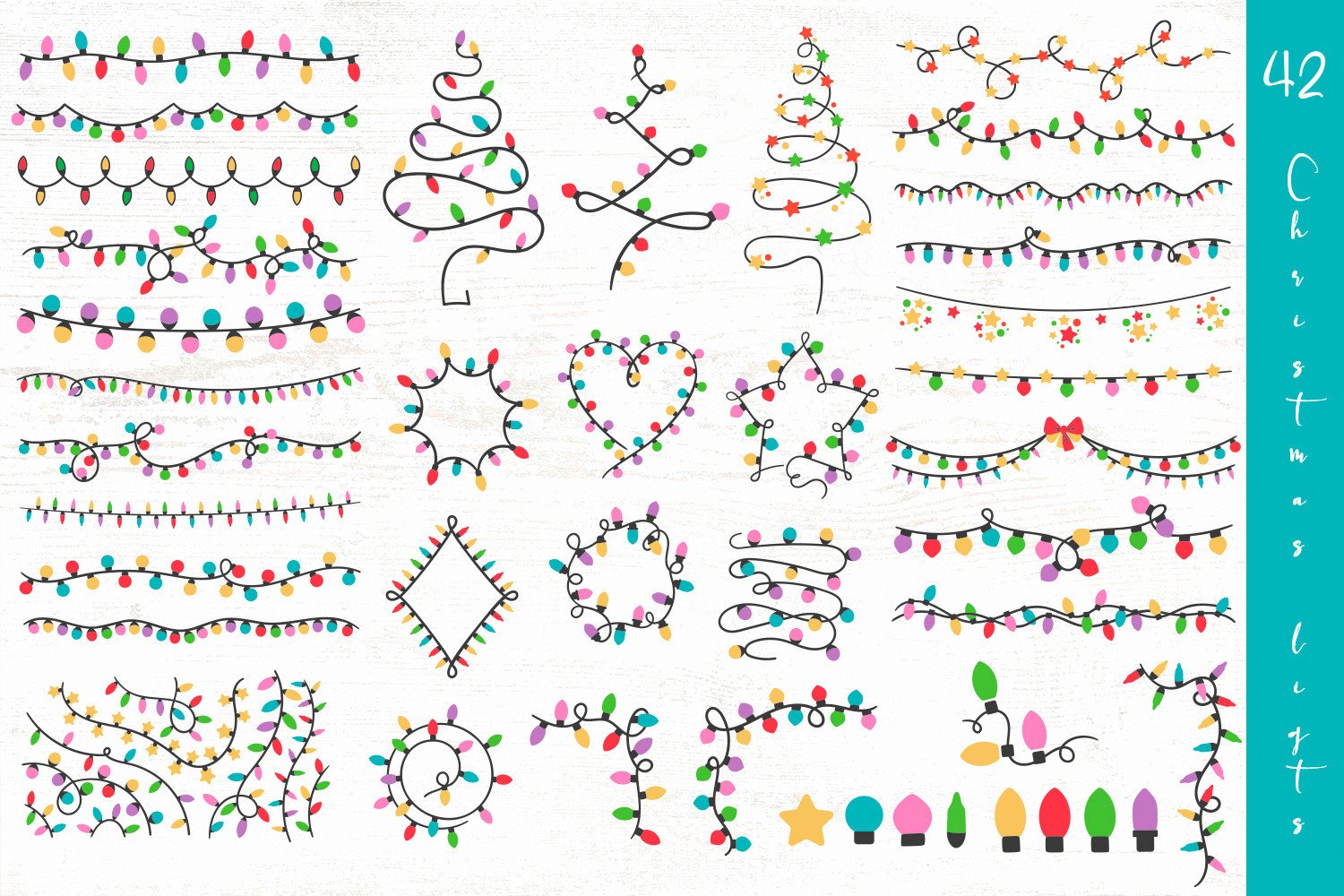
MySpaceGarden lists 43 isolated colorful elements in PNG and several vector formats, with transparent PNG backgrounds. The collection has a 4.9 rating from 16 reviews at the time of checking. Its varied strands, frames and shapes make it a flexible source for coordinating several December planner pages.
Use one straight strand for a heading and a matching loop around a small note. The vector files offer more control over color and scale, while PNGs are simpler to place in a document. These are design assets rather than a prearranged planner sticker sheet, so compose and size your own layout.
2. 56 Light Designs by DigitalDesignsSVGBundle
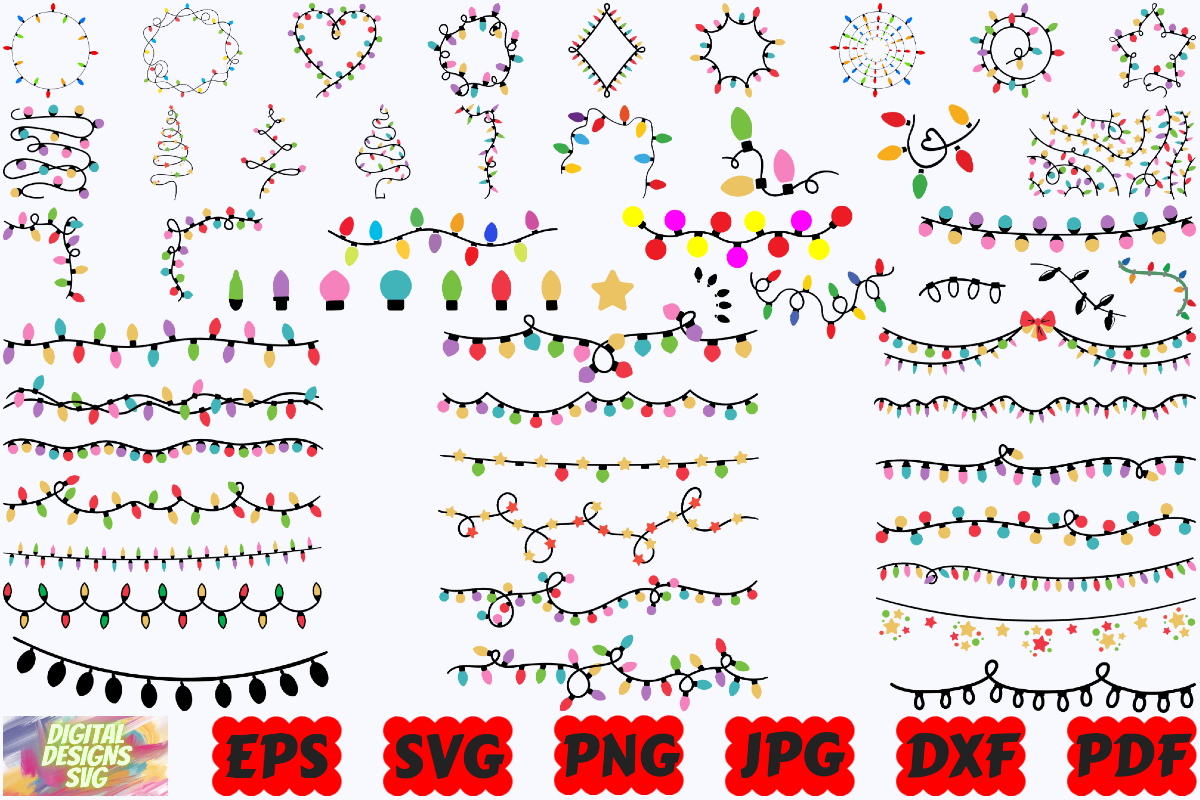
This larger package lists 56 designs in SVG, PNG, JPG and EPS folders, with additional PDF and DXF files. The preview combines hanging strands, curves, frames and trees made from bulbs. It is useful when you want a consistent motif across a calendar page, checklist and seasonal title.
Pick a small subset before starting instead of trying to use all the designs together. A transparent PNG works well as an imported digital decoration; a vector file is more appropriate for detailed resizing or supported cutting workflows. Check the actual files and your software before treating every format as interchangeable.
3. Smiling Bulb Sticker by Moe Howard
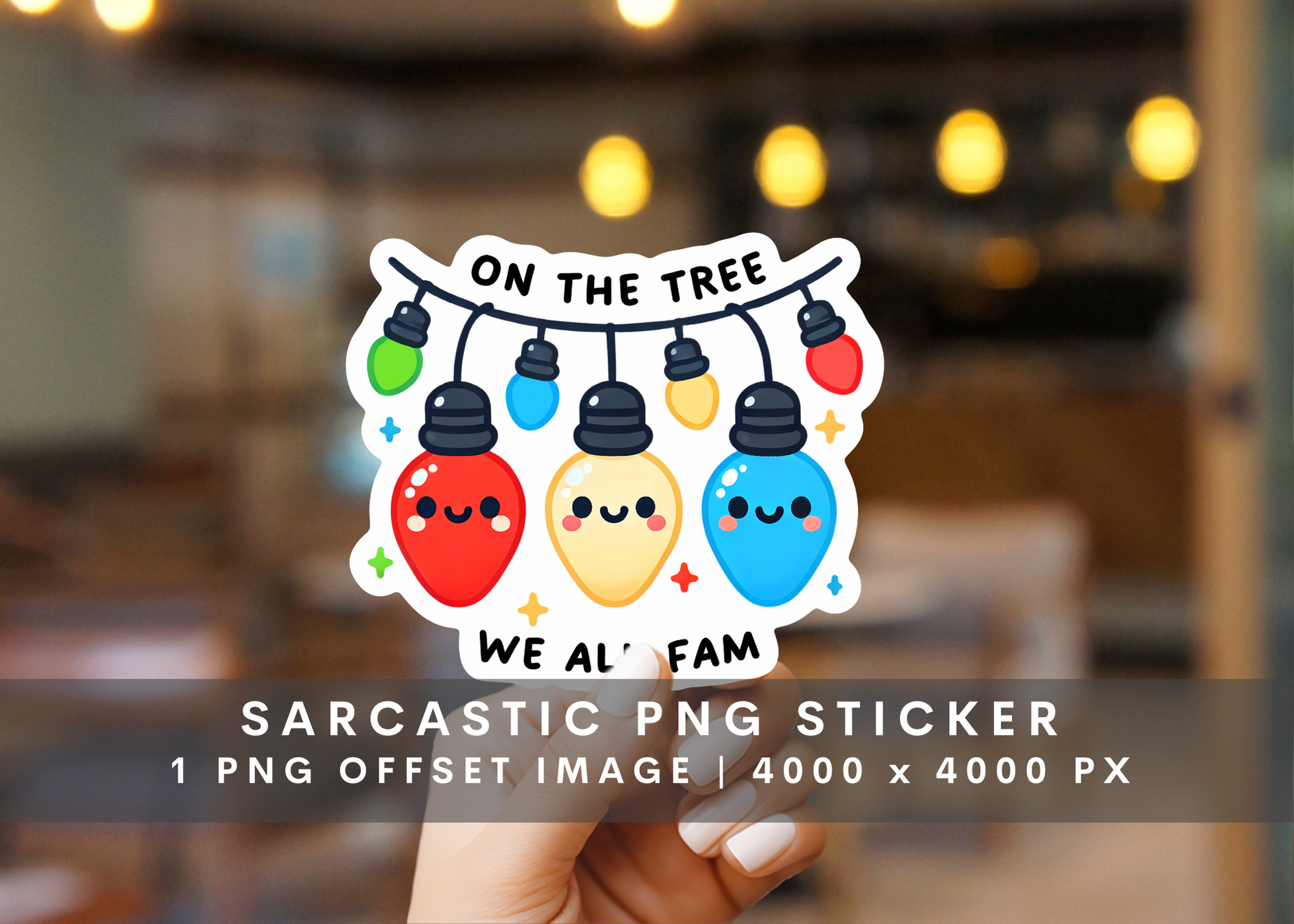
Moe Howard’s design is a single transparent PNG featuring smiling bulbs and a short humorous phrase. The preview shows a white sticker-style offset, and the listing recommends a size around three inches. The designer also identifies the artwork as created with AI assistance.
This is a good fit for a journal opening page or a larger decorative sticker rather than a tiny functional label. Keep enough size for the wording to remain legible. A PNG with an offset appearance does not establish that a separate machine-ready cutting path is included; inspect and create one if needed.
4. 27 Watercolor Light PNGs by Markicha Art
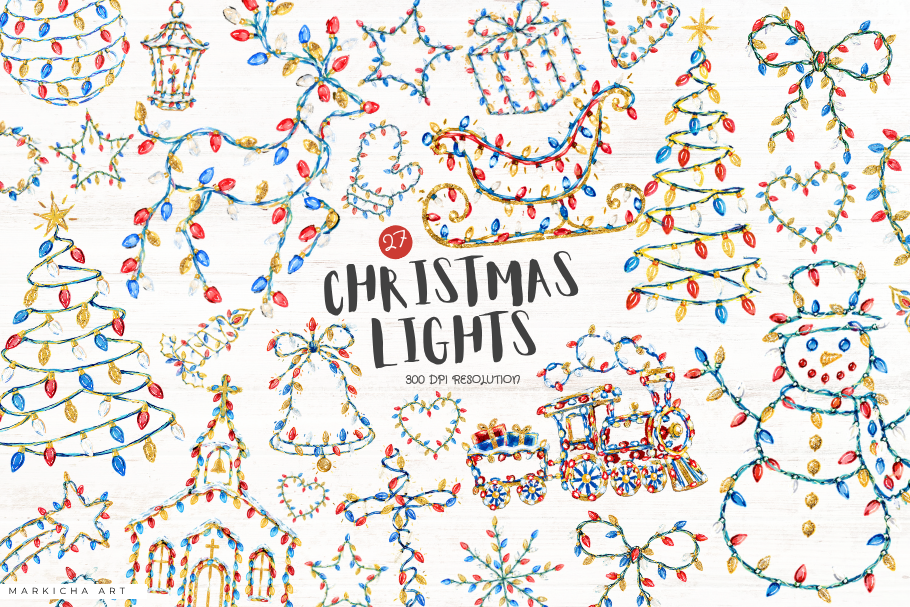
Markicha Art lists 27 PNG files at 300 dpi. The preview presents watercolor light strands arranged as borders, loops, trees and decorative clusters. That variety makes the bundle useful when you want a soft painted look without drawing a separate element for every page.
Choose one border for the top of a weekly spread and reserve a smaller loop for a note or photo. View the file at its intended print size rather than relying on the dpi label alone. The bundle supplies artwork; sticker-sheet spacing and cutting outlines remain part of your own preparation.
5. 12 Painted Light PNGs by Imaginiac
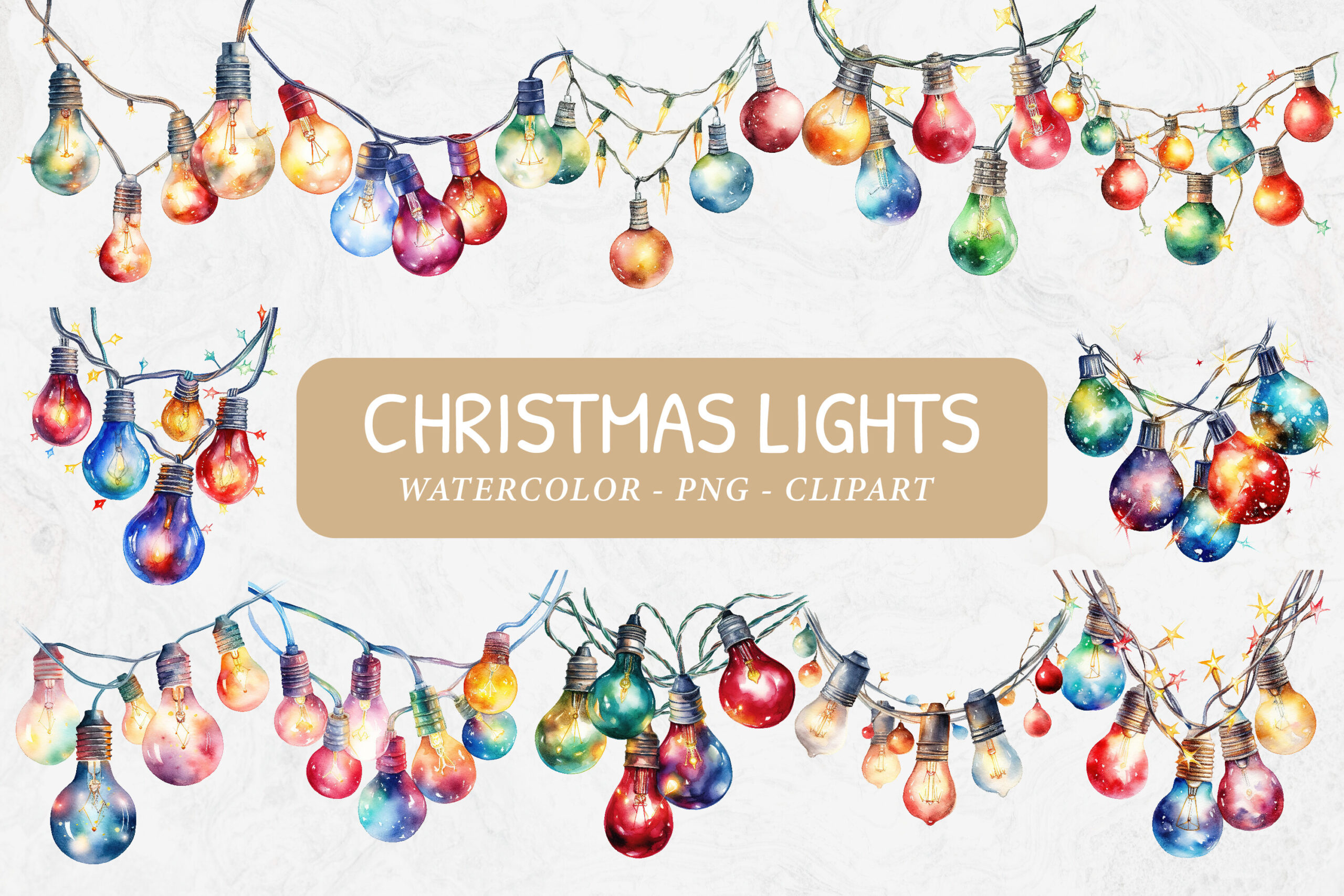
Imaginiac provides 12 transparent PNG files described as 4000×4000 pixels at 300 dpi. The preview emphasizes watercolor bulbs and soft glowing color. It is a practical option for a journal title, scrapbook edge or festive divider where painterly detail matters more than a crisp icon shape.
Use the artwork at a moderate size so the fine cords and light color remain visible. The listing explicitly excludes cutting files, making this a PNG composition choice rather than a ready vector cut set. Test the design on your intended paper color before printing a whole sheet.
6. 28 Light Designs by Sumon Chandra
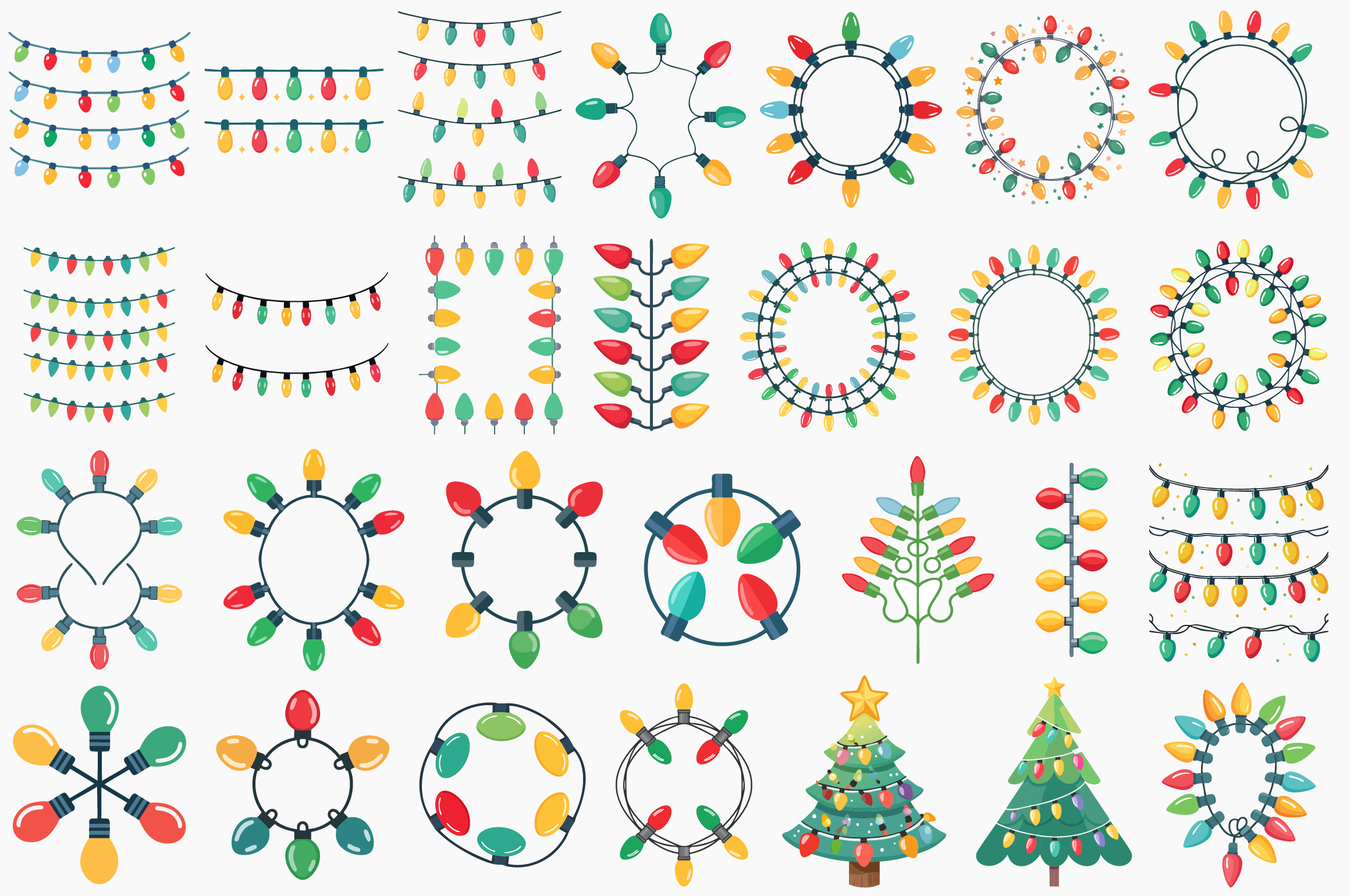
This Sumon Chandra bundle lists 28 designs across EPS, SVG, PNG, PDF and JPG formats. The preview includes decorative strands, frames and small festive shapes in a clean illustrated style. It offers more layout variety than a single repeating string of bulbs.
Use similar frames for recurring sections such as gift notes and December memories, leaving the main writing space clear. A design count and a file-format count describe different things; the download should not be interpreted as 28 entirely separate sticker sheets. Inspect the archive to choose the artwork and format you need.
7. Eight Light Designs by Sumon Chandra
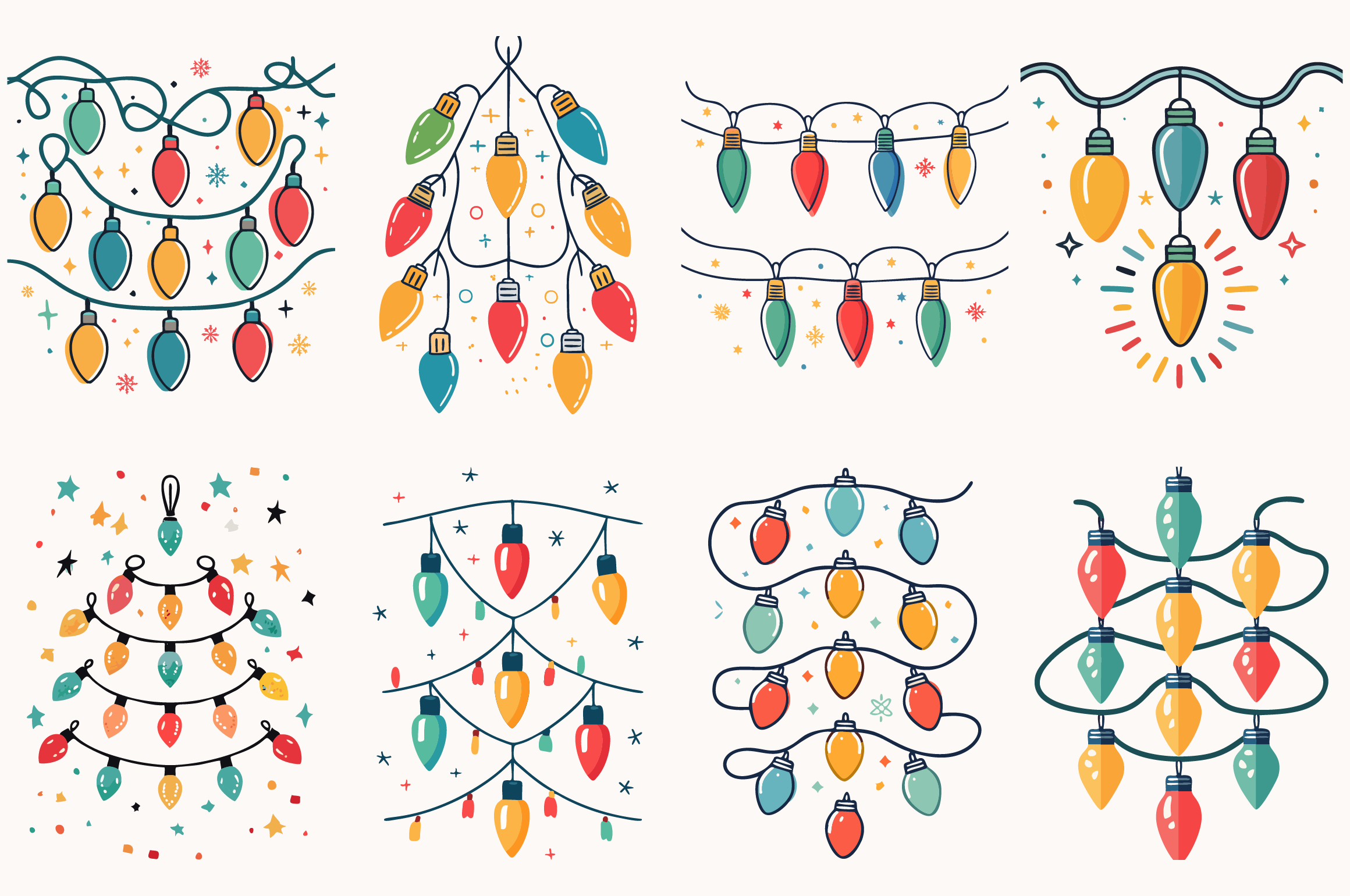
The smaller Sumon Chandra package lists eight designs, each supplied in EPS, SVG, PNG, PDF and JPG. Its preview shows hanging bulb strings, looping lines and illustrated light arrangements. It is worth comparing with the 28-design package when you want a narrower coordinated set.
A smaller selection can make a planner spread feel more consistent. Repeat the same strand in two positions rather than adding every motif at once. For digital use, place one chosen PNG and check the background; for vector editing, open the SVG or EPS in software that supports that format.
8. Simple Light Shapes by PiXimCreator
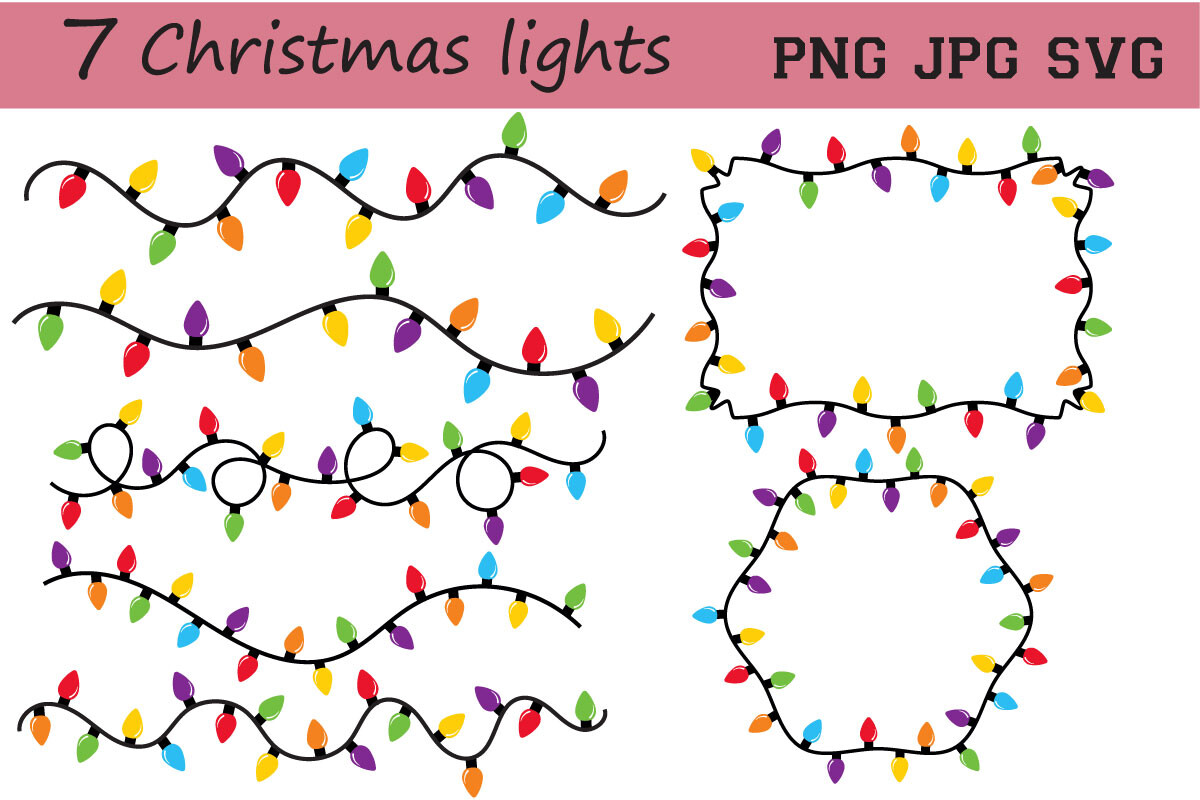
PiXimCreator lists a ZIP containing four images with SVG, transparent PNG and JPG formats. The preview uses bright bulbs on dark cords, including curves and frames. Its straightforward shapes are easy to pair with plain writing boxes and minimal December planning pages.
The promotional preview displays more arrangements than the description’s four-image count, so verify the exact archive before choosing it for one particular shape. Keep the artwork large enough that thin cord lines survive printing. The transparent PNG is usually the easiest starting point for a manually composed sticker page.
9. Looped Light Strand by MagnoliaMoonArt
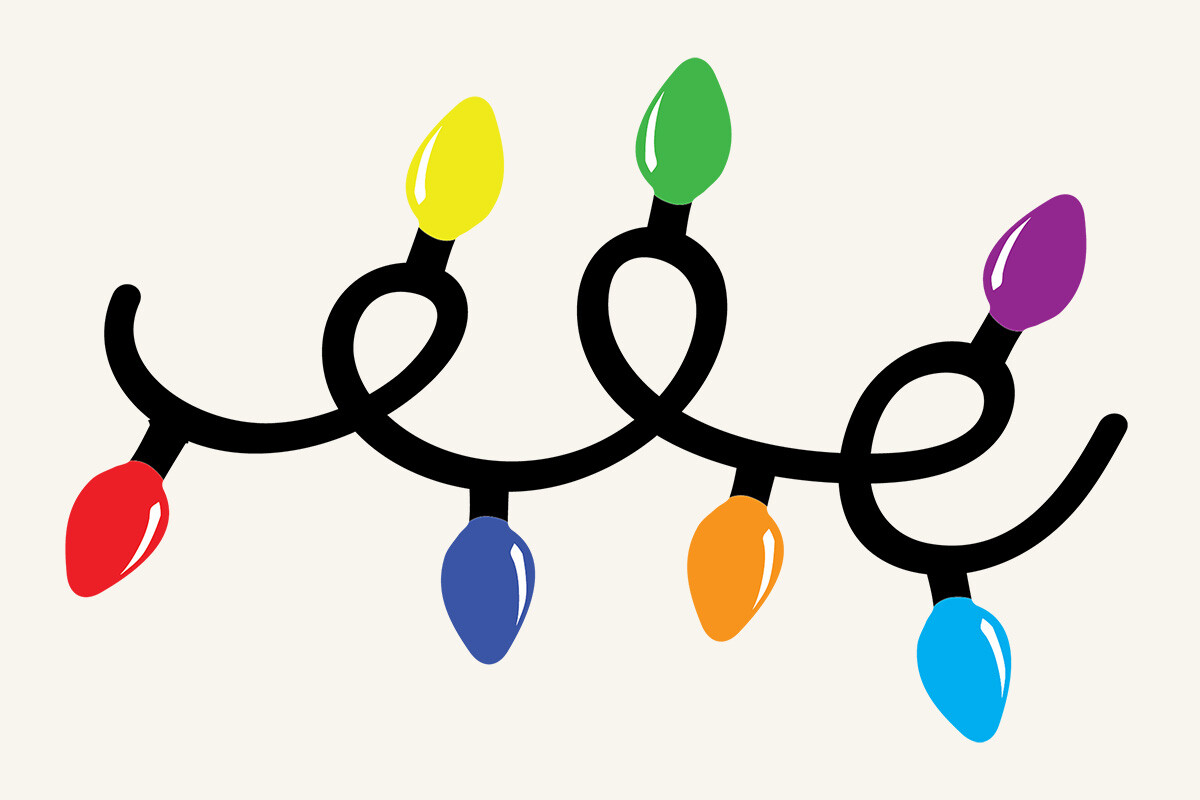
MagnoliaMoonArt supplies a light-strand design in SVG, DXF, EPS, transparent PNG and JPG. The JPG has a white background, while the PNG is listed as transparent at 300 dpi. The bold cord and colored bulbs create a clear decorative accent without needing a large scene.
Place the loop near a date heading or let it connect two small memory boxes. Choose the PNG when your page background should show through, since the JPG may leave a visible white rectangle. If you change the colors in a vector editor, save a separate version before exporting your planner artwork.
10. Curly Bulb Border by George Khelashvili
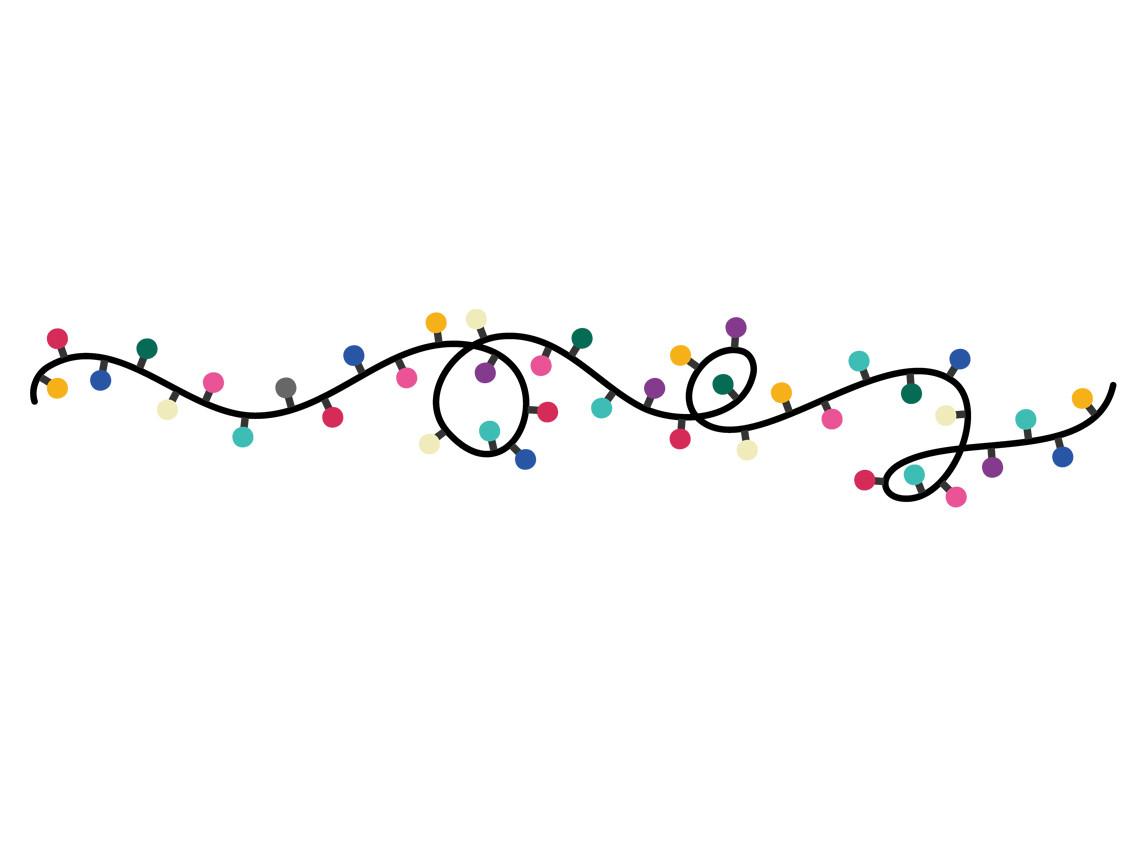
This George Khelashvili resource lists PNG and EPS files. The preview shows a short curling cord with colored bulbs, making it useful as a horizontal divider above a small checklist or beneath a weekly heading. It is a focused accent rather than a complete sticker kit.
Keep the proportions intact when resizing so the cord does not become stretched or the bulbs flattened. The EPS provides a vector route for supported software; the PNG is simpler for direct placement. Check the supplied image dimensions before enlarging it for a page-wide print design.
11. Long Wavy Strand by George Khelashvili
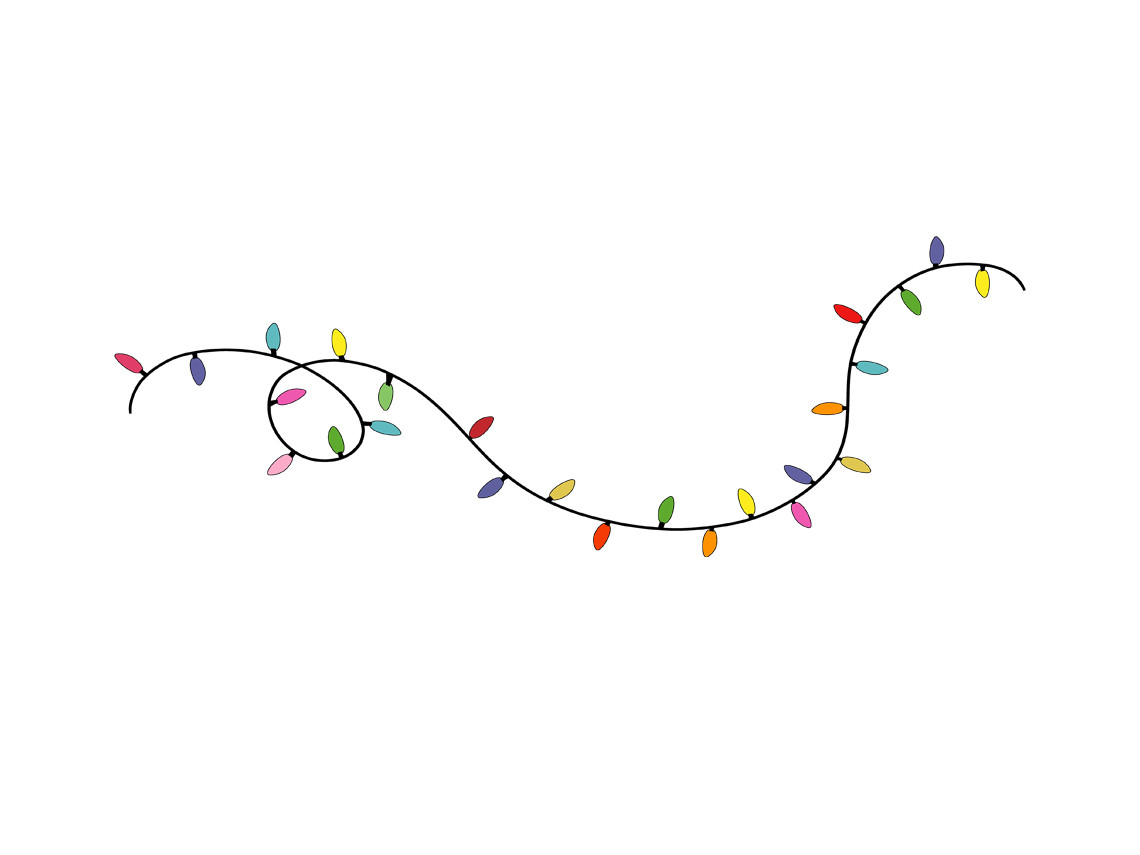
This companion listing also provides PNG and EPS, but the preview has a longer, more open wavy strand. The extra space between bulbs makes it a useful option for spreading a light motif across a wider journal title without a dense band of decoration.
Compare the shape with the shorter curling strand rather than assuming the two listings are the same file. A wide border can work above several columns if it stays clear of dates and headings. In a digital planner, place it as a decorative image instead of expecting individual movable bulb stickers.
12. Merry Christmas Light Lettering by Nurjahan
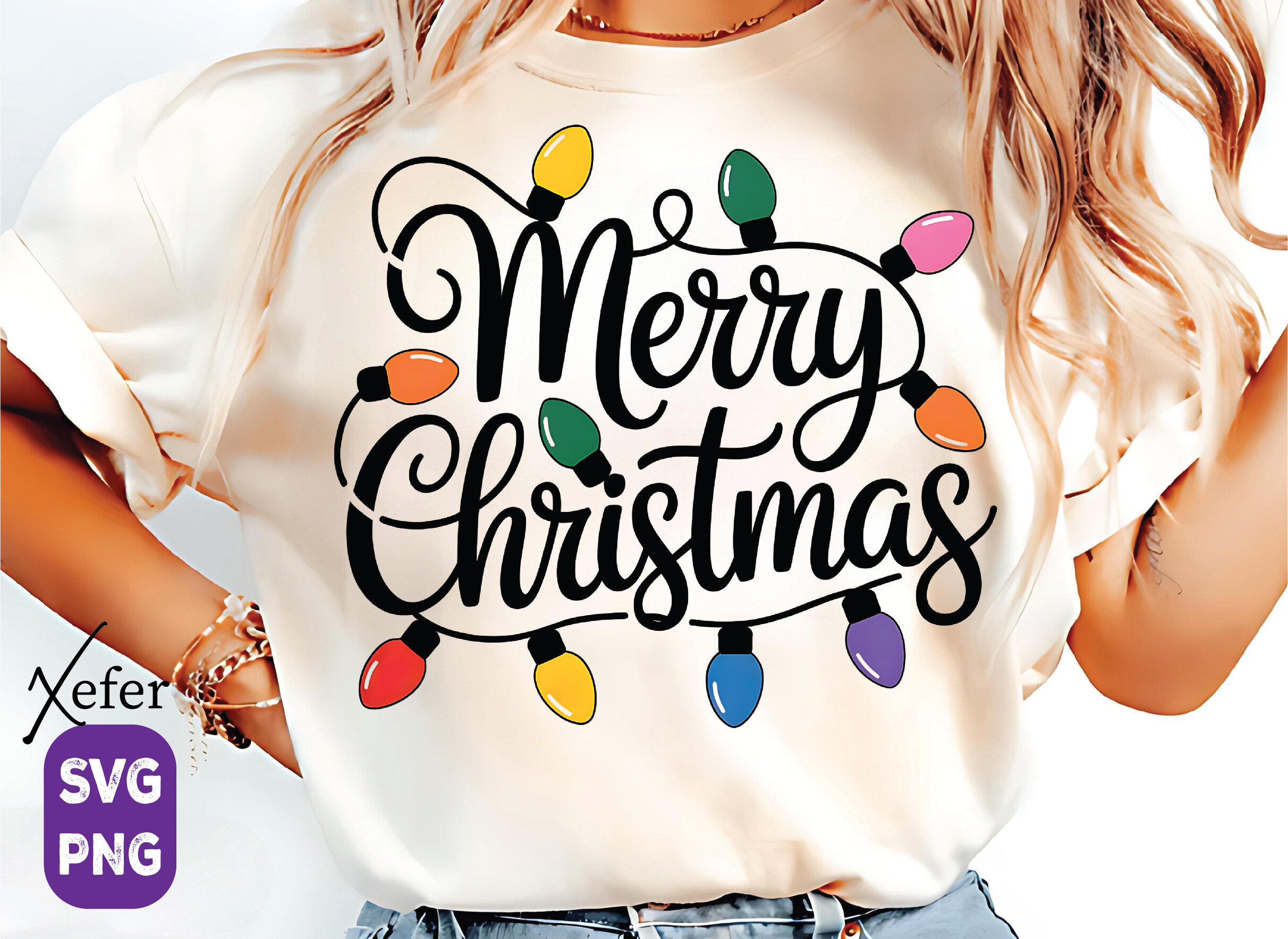
Nurjahan’s design combines a seasonal greeting with colorful bulbs and comes as one SVG and one high-resolution PNG. The preview shows the artwork on clothing, but the downloadable item is a digital design. Its lettering makes it more suitable for a prominent title than a narrow planning divider.
Use it on a December journal cover or a holiday memory page where the full message has room to breathe. Crop the actual file only if that fits your project and license; do not mistake the mockup photograph for the supplied artwork. Tiny sticker sizes may make the script difficult to read.
Arrange a Festive Spread Without Losing Writing Space
Use one light strand as the main border and repeat a smaller accent elsewhere. Keep bulbs away from dates, checkboxes and binding holes. If you want a second motif, choose a restrained match from the Christmas tree stickers and PNGs collection rather than filling every empty space.
For a memory page, a frame can surround one photograph while a short strand marks the date. The Christmas journal kits selection has larger papers and page elements when a full background would be more useful than another border.
Prepare PNGs for Paper or Digital Planning
For paper, place the artwork on a sheet at the intended sticker size and print a small sample before cutting. Check thin cords, light-colored bulbs and text at actual size. Follow your machine software for offsets and registration marks instead of assuming they are supplied by the download.
For digital use, import the actual PNG into your chosen app and check the background, proportions and crop. These are decorative images, not guaranteed pre-cropped sticker books. For a quieter winter companion, compare the snowflake stickers and PNG sets and keep the color palette small.