12 Practical Hiking Journal Templates for Trail Notes and Memories
A hiking journal gives a walk somewhere to live after the boots are back by the door. It might hold a few trail details, a sketch, a memorable view or a note about the gear you would use differently next time. The right format depends on how much of that story you want to record.
These twelve Creative Fabrica resources focus on trail logs and hiking records, from compact PDFs to larger editable interiors and a backpacking book. Several are marketed for KDP publishing. Those creator claims are not independent print tests, and none of these stationery files should be treated as current navigation, weather or route information.
In this guide
1. Compact Hiking Journal with Illustrator Source
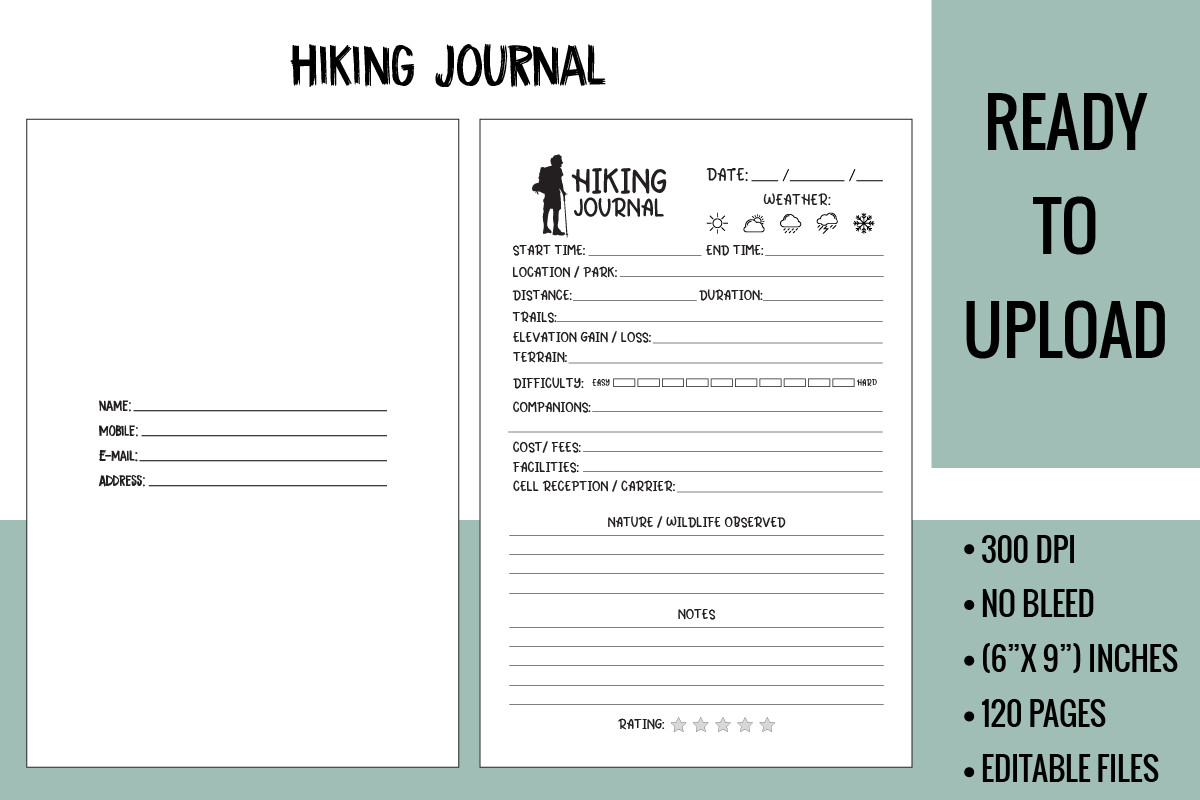
dvect_artist supplies a 120-page hiking interior at 6 × 9 inches with no bleed. The listing includes a print-ready PDF and an AI source file, with a stated 300 DPI, making this a compact paper journal with an editing route for Illustrator users.
Choose it when portability matters more than a full-size worksheet. The creator’s KDP-tested claim is not an independent test for this guide, and a finished cover is not included. Check the preview’s writing area before expecting room for large photographs or extended daily narratives.
2. Hiking Journal in Three Trim Sizes
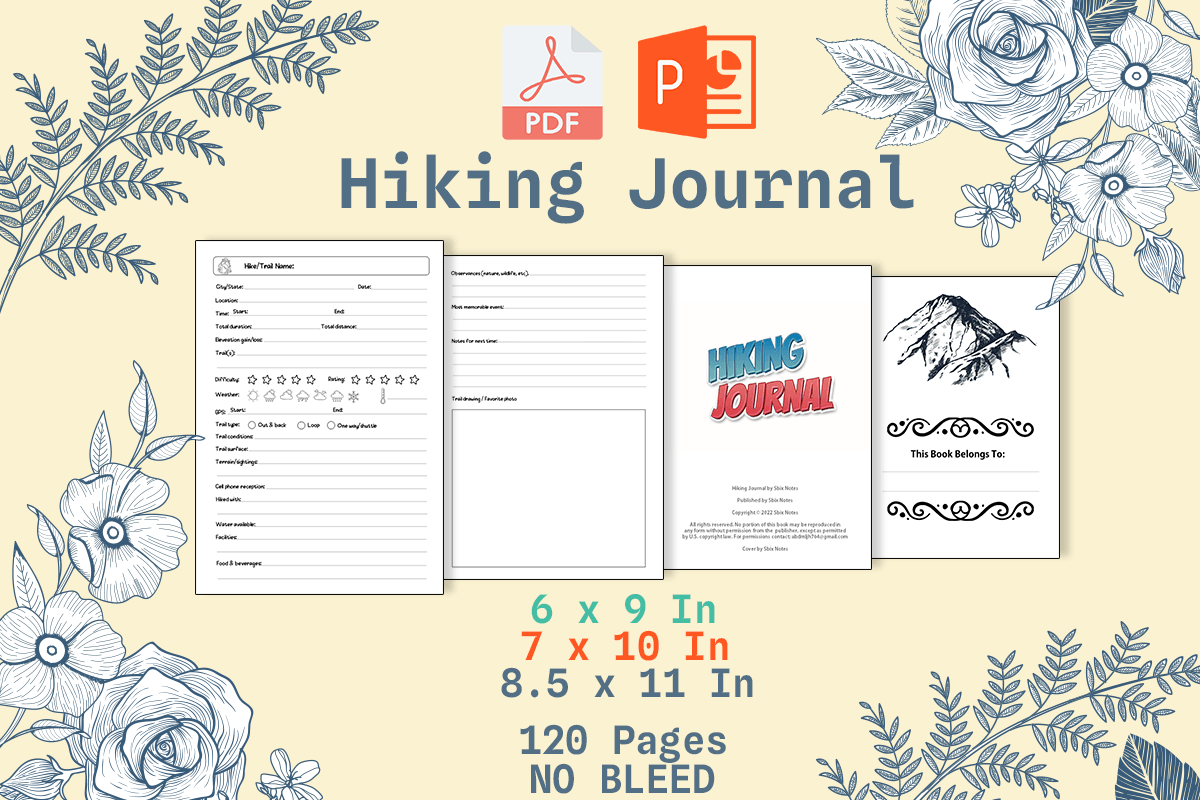
AbPen lists a 120-page hiking journal in 6 × 9, 7 × 10 and 8.5 × 11-inch formats. PDF and PowerPoint files are included, and the layout is described as editable and no bleed.
This is useful when you want to compare compact and larger notebook formats without changing the overall journal concept. Open a sample in the intended application before relying on every layout detail. A PowerPoint source does not establish a hyperlinked tablet notebook or automatic distance calculations.
3. Children’s Hiking Journal Interior
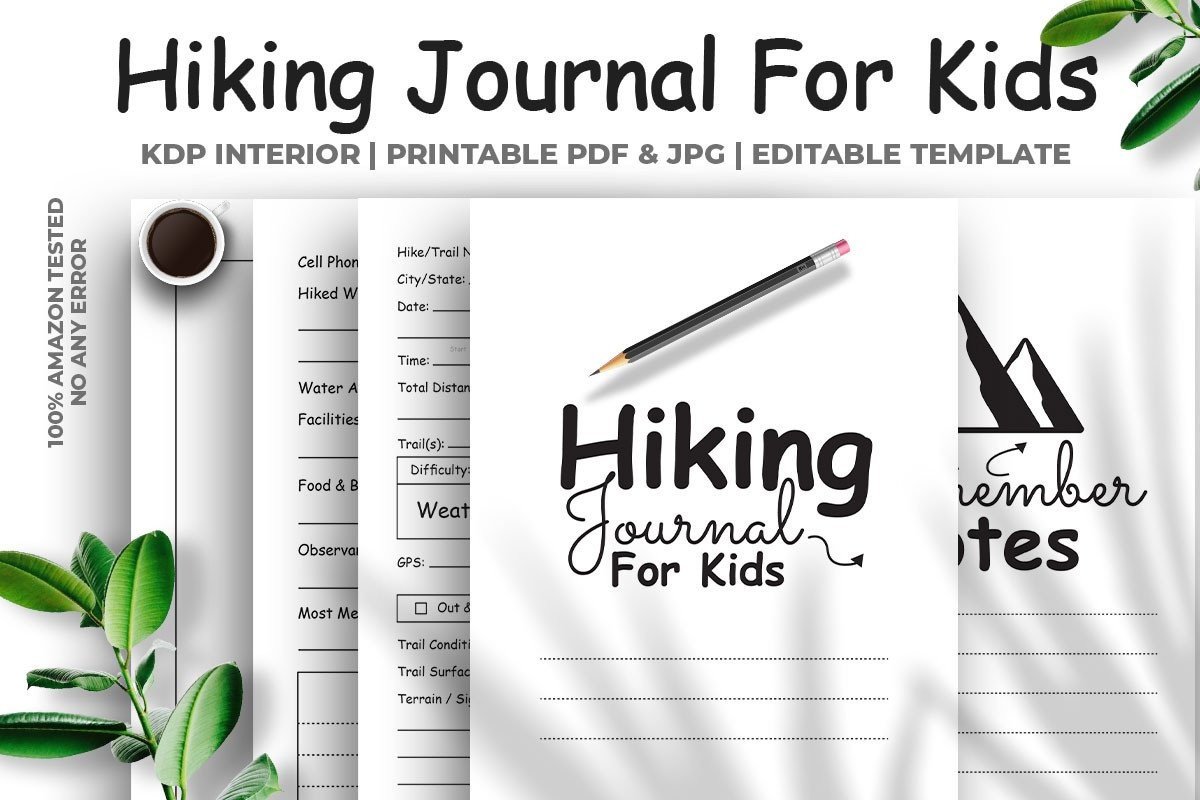
M9 Design lists a 122-page children’s hiking journal using five different page designs. The format is 6 × 9 inches with no bleed, and files include an Illustrator-supported editable PDF and high-resolution JPG resources at 300 DPI.
Consider this for a repeated family or children’s trail record, but read the actual prompts before assuming a particular reading age. Five different page designs means repeated layouts within a longer book, not 122 unique worksheets. A printable journal records an experience; it does not provide current trail information.
4. Hiking Logbook with Two Paper Sizes
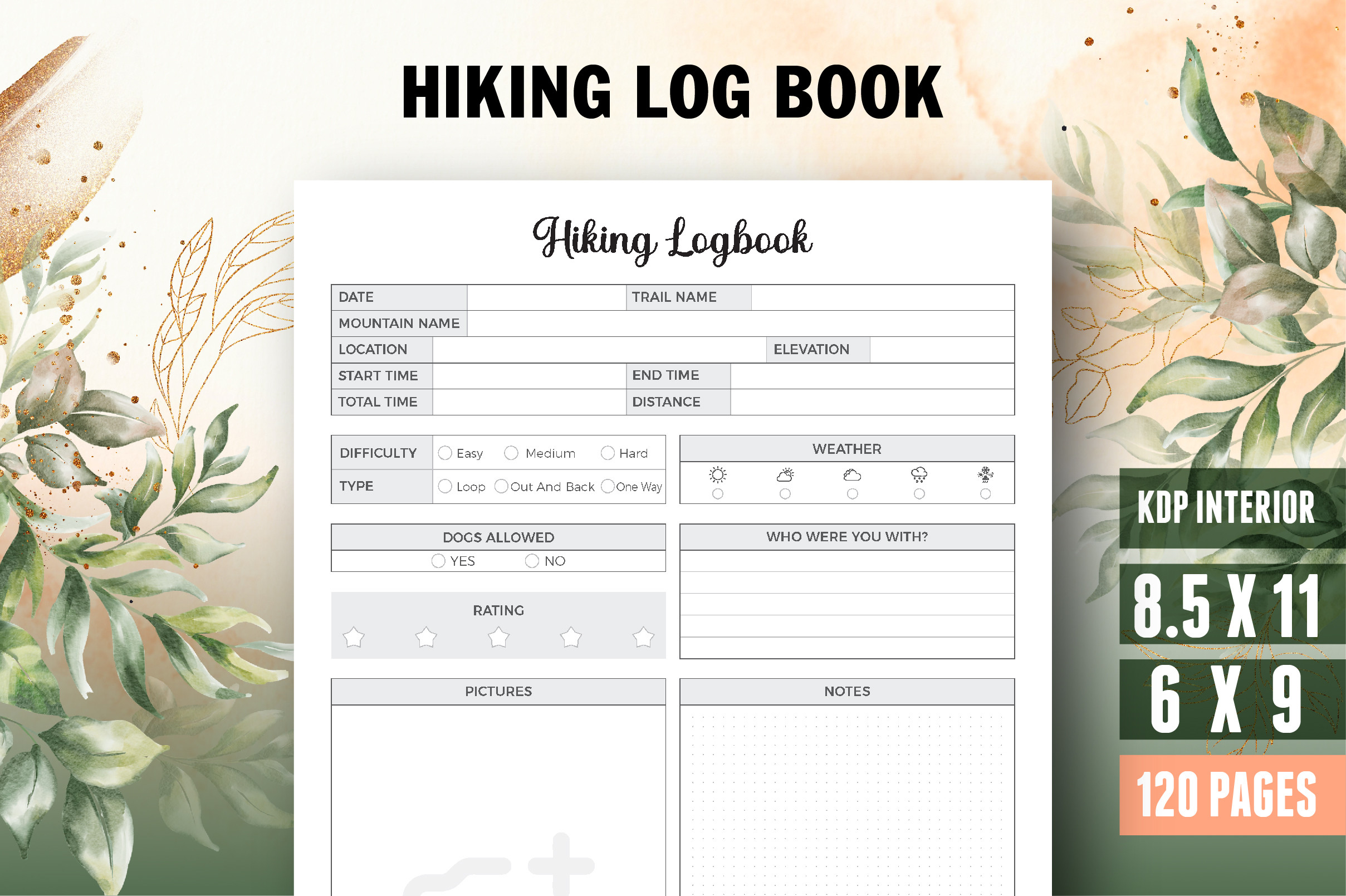
Vector Cafe supplies a 120-page hiking logbook in 6 × 9 and 8.5 × 11 inches. PDF, Illustrator and JPEG files are listed, with bleed, a title page and a stated 300 DPI.
Choose the smaller size for a portable log or the larger one for more handwriting room. Bleed is relevant to trimming and does not guarantee edge-to-edge printing on a home printer. The editable source is an AI file, so confirm your software rather than assuming it is a Canva template.
5. PDF Hiking Logbook with an Intro Page
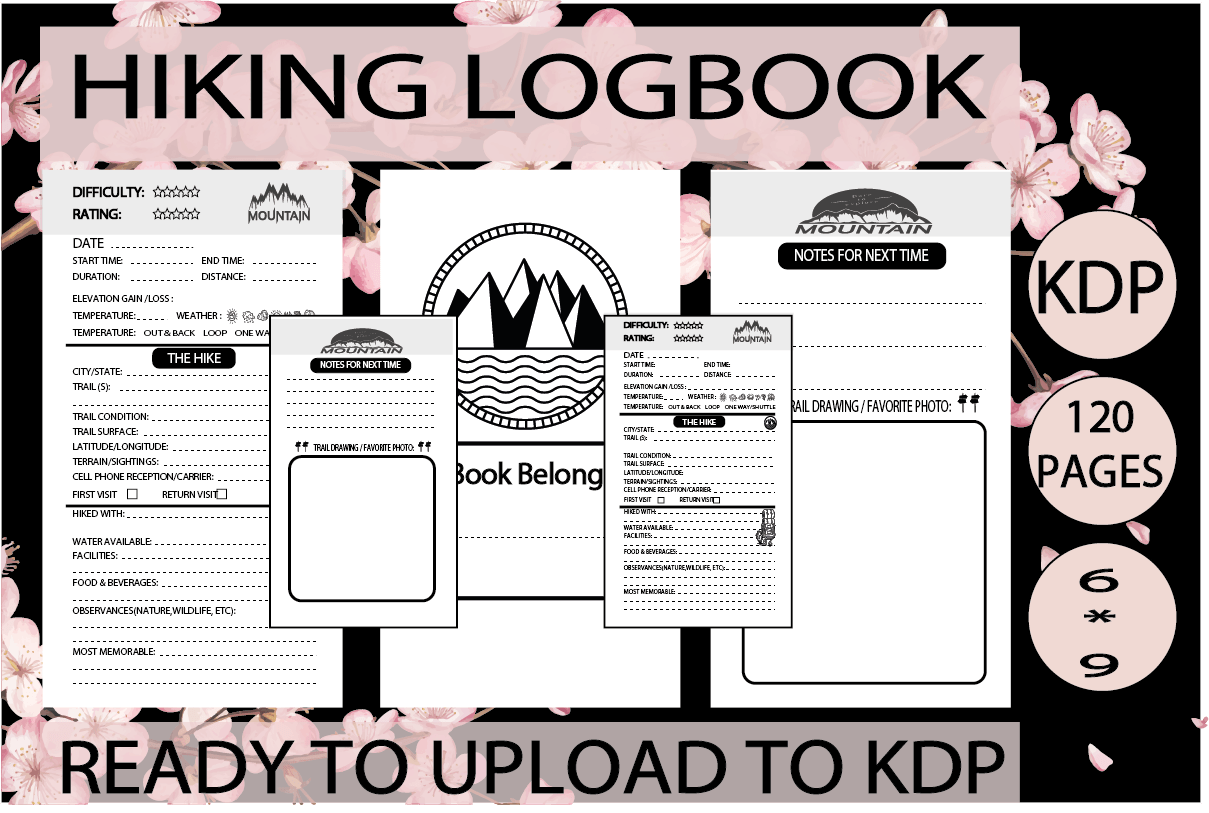
Little-Learners-Oasis offers a 120-page PDF interior at 6 × 9 inches, including an introductory page. The listing specifically says the interior has bleed and describes it as prepared for KDP.
This is a straightforward finished-file option if you do not need an included source template. Check the page preview and printer settings before assembling a physical notebook. The short file list does not confirm editable fields, hyperlinks, map integration or extra illustration files.
6. Canva Hiking Log Book Interior
Alternative Creative Studio provides a 120-page, 8.5 × 11-inch PDF and an editable Canva source. The layout is no bleed, and the listing explicitly identifies it as an interior rather than a complete book with a finished cover.
Choose it when changing labels and page design is part of the project. Review the template link and any asset requirements before editing a full copy. Canva customization is different from logging a walk directly in a mobile hiking app; this remains a stationery layout and printable-file workflow.
7. Compact Hiking Log with Equipment Notes
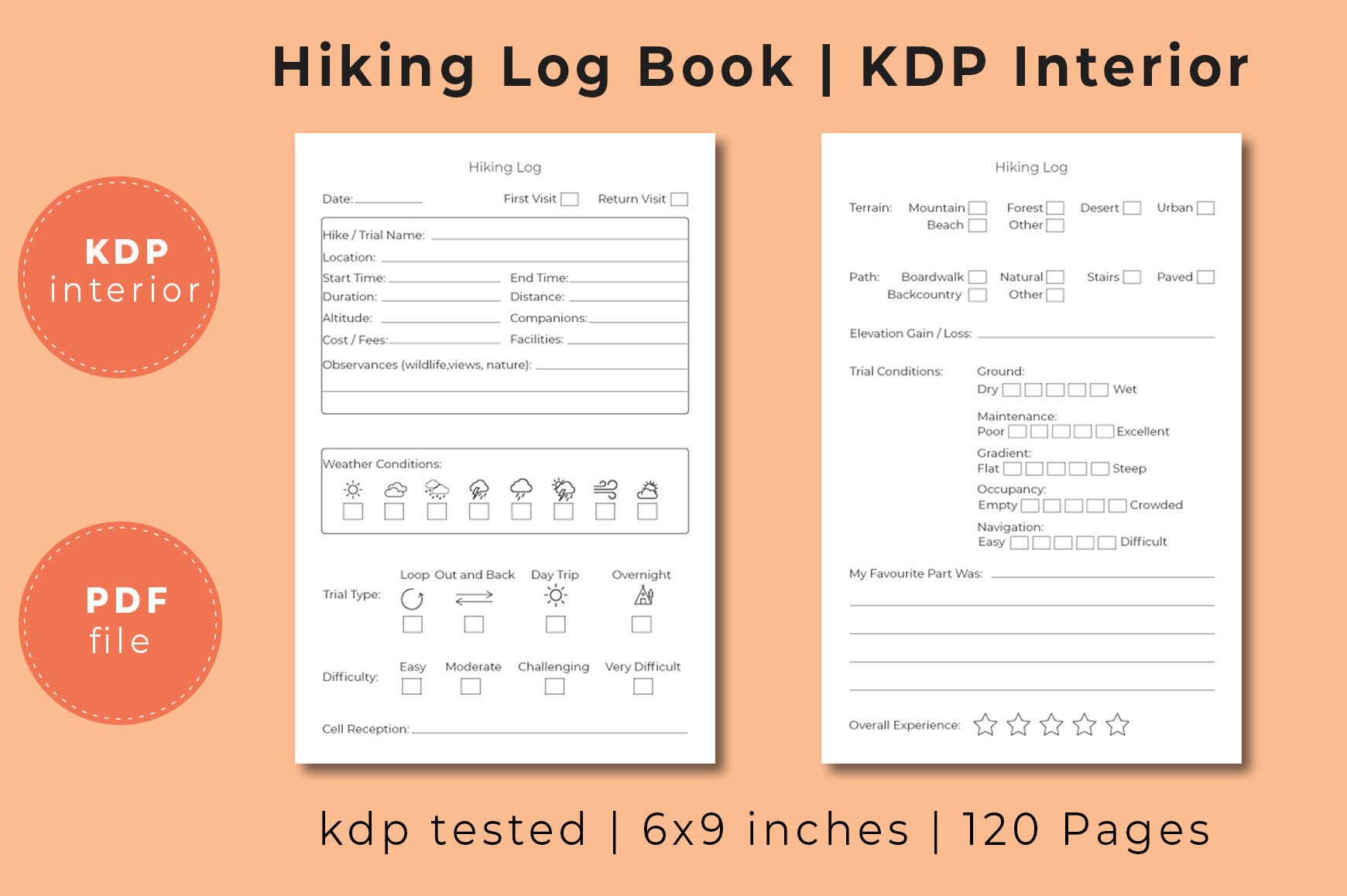
kznzaman’s 120-page PDF uses a 6 × 9-inch, no-bleed format. Listed sections include a belongs-to page, personal information, essential equipment, a hiking log and hiking notes.
This suits a reader who wants a concise mix of reference pages and repeated trip entries. The equipment page is a place to keep your own notes, not a verified checklist for a particular route. No editable source file is specified, so compare it as a finished PDF rather than a redesignable Canva kit.
8. Letter-Size Hiking Journal Pages
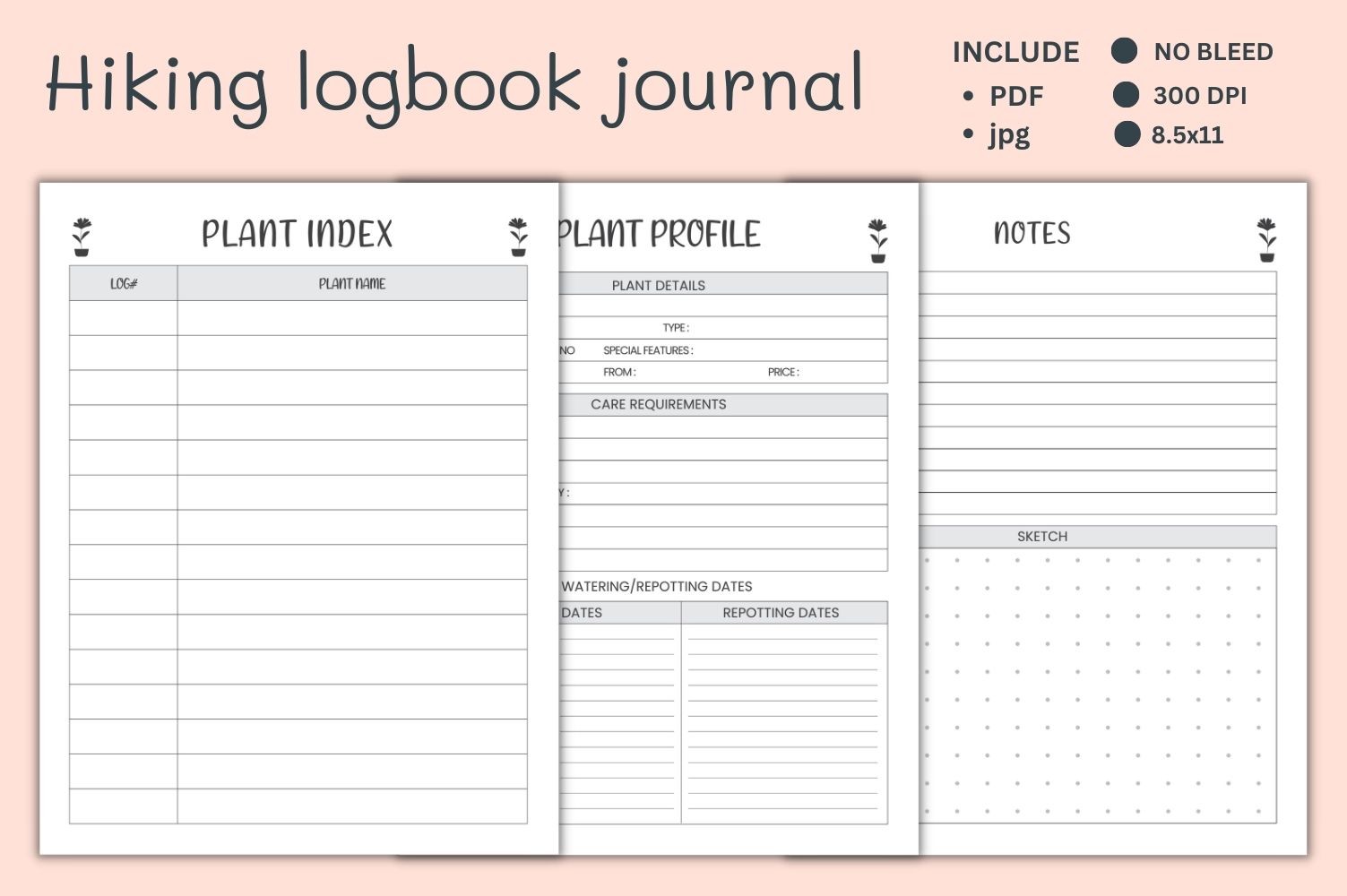
armanmojumdar49 lists a 120-page interior with six JPG files and one PDF at a stated 300 DPI. The main specification says 8.5 × 11 inches and no bleed, although its keyword list also mentions other sizes and Canva.
Treat the actual file specification as the firmer guide: a Canva link and a 6 × 9 version are not clearly included in that list. Choose this for a larger printed record, and confirm the archive if a particular size or editing format is essential to your project.
9. Hiking Logbook in Compact and Letter Formats
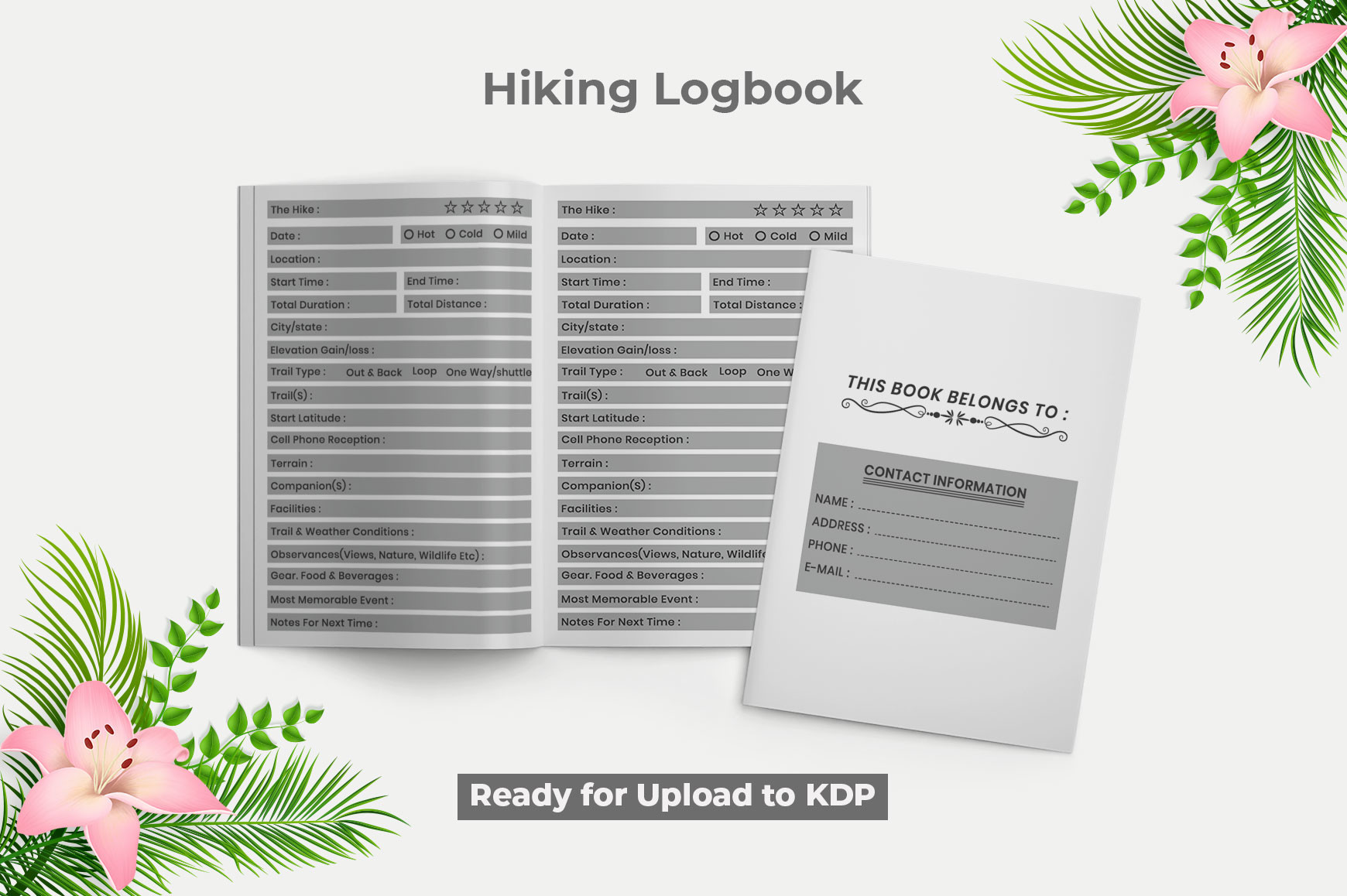
lazy kitty supplies a 120-page hiking logbook with an introductory page, PDF and JPG files, and a stated 300 DPI. The description gives both 8.5 × 11 and 6 × 9-inch sizes.
This is worth comparing when a finished printable is enough and you want a choice of writing area. The description does not establish whether every page is unique or whether an editable source is included. Inspect the sample rather than interpreting a long page count as a long list of different prompts.
10. Hiking and Backpacking Record Book
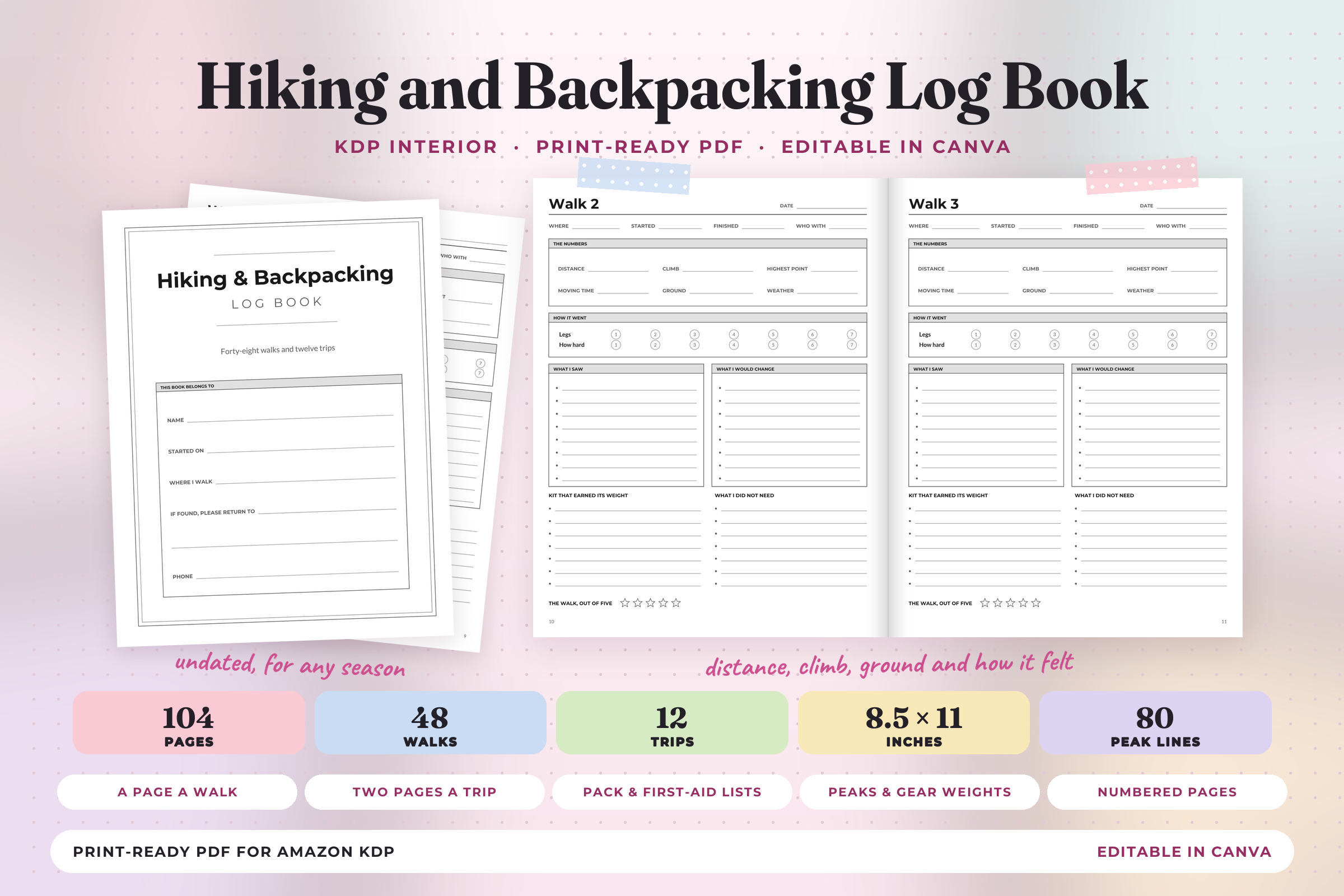
Print Magic StudioX’s undated 104-page interior includes 48 single-walk records, 12 two-page multi-day trip sections, plus peak, gear and trail lists. The US Letter PDF has no bleed; two smaller PDFs are also supplied for importing into Canva.
Choose this when multi-day records matter alongside individual walks. The Canva route uses PDF imports rather than a native template link, so edits may need checking and the parts must be returned to the correct order. The creator explicitly excludes links and bookmarks; this is not a navigation tool.
11. Canva Hiking Log with a Simple Repeated Layout
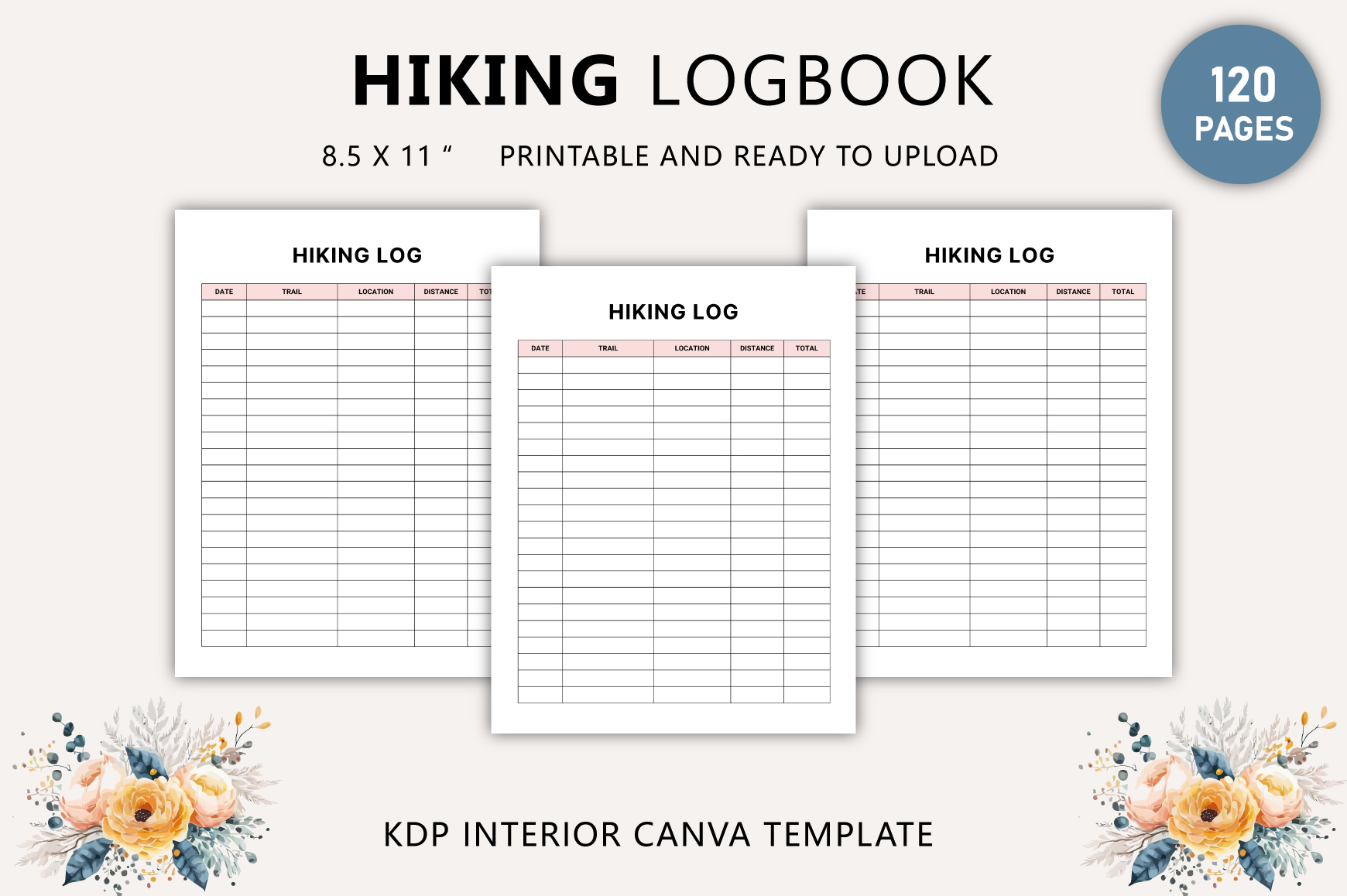
Tabiya Studio offers a 120-page, 8.5 × 11-inch hiking log with an editable Canva link and a print-ready PDF. The listed sections are a belongs-to page and hiking log, with no bleed, CMYK color and a stated 300 DPI.
This may suit a consistent repeated-entry routine rather than a complex travel binder. The short section list does not promise extensive route research or equipment modules. Confirm access to the Canva assets, then customize only the labels you will actually use before exporting a sample page.
12. Small Canva Hiking Logbook with Two Page Designs
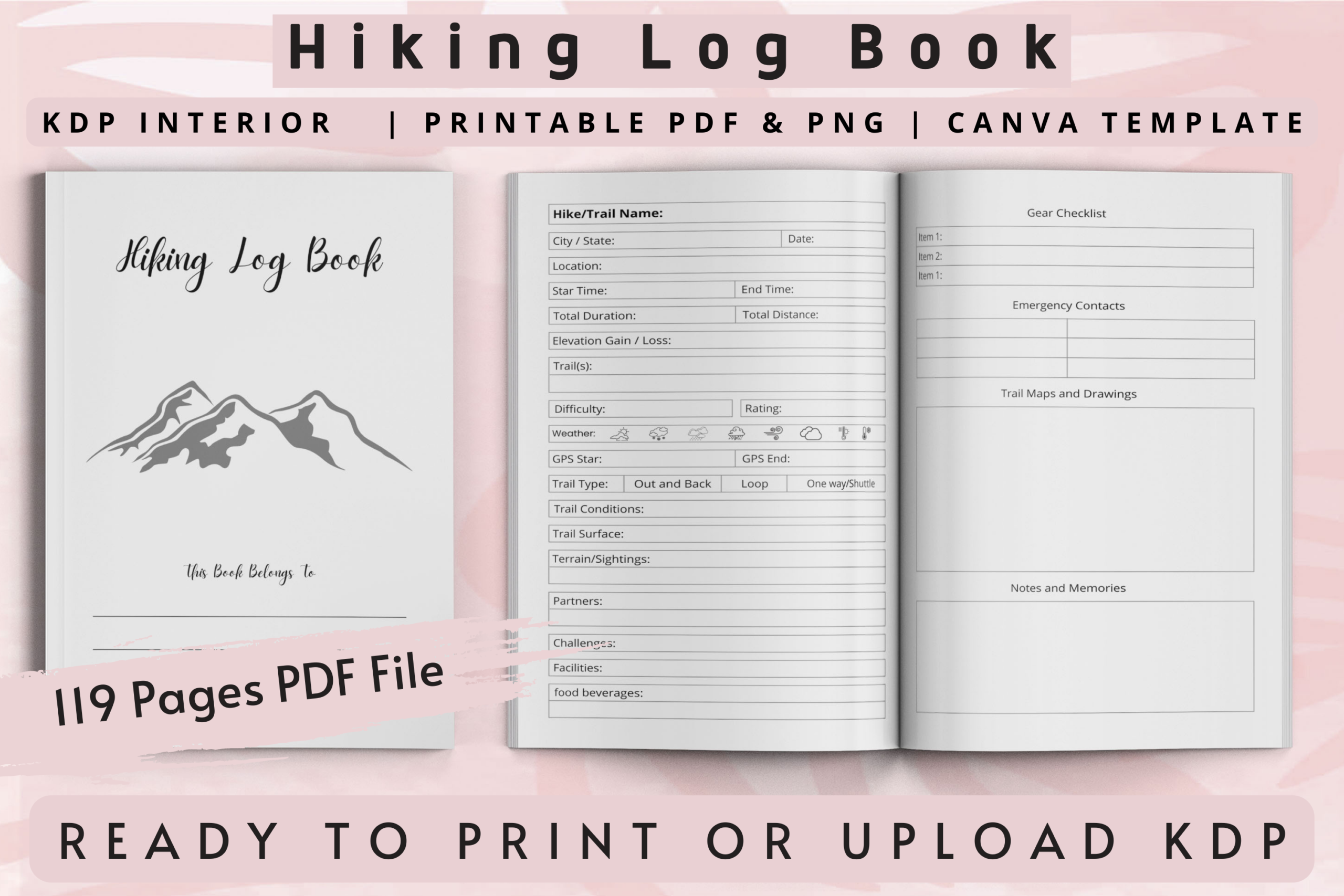
Interior Creative lists a Canva source, PNG resource and 119-page print PDF at 6 × 9 inches with bleed. It identifies a belongs-to page and two different hiking page designs; the PowerPoint file is explicitly described as non-editable.
Choose it if the compact format and Canva editing route fit your project. Do not select it specifically for an editable PowerPoint workflow, and check the finished page count if arranging a printed book. Two repeated hiking layouts are different from 119 unique trail worksheets.
Choose a Hiking Journal by Writing Space and File Type
A compact 6 × 9-inch journal is easier to carry, while a Letter-size sheet leaves more room for drawings or a longer entry. Check whether the product offers repeated log pages or many different worksheets: 120 pages can be repetitions of only a few layouts.
Choose a finished PDF for straightforward printing, a Canva link when you want browser editing, or an appropriate source format if you already use the relevant software. A PDF imported into Canva is a different workflow from a native editable template. Check fonts and layout after importing rather than assuming every element remains unchanged.
Keep a Short Record You Will Actually Revisit
Try a sample entry before printing a whole journal. A date, trail name, a short observation and one detail worth remembering can be enough; these are suggestions for your own notes, not fields promised in every download. Check scaling, gutter space and the legibility of small print on one sample page.
For wider trip preparation, compare a camping trip planner. A travel journal can hold the rest of the journey, while a bucket list journal keeps future experiences separate from completed walks. Choose one layout, record a short outing and expand the system only when your notes need more space.