8 Practical Student Planner Templates for an Organized School Year
A student planner should connect deadlines with the study time and next steps needed to meet them. These eight Creative Fabrica options include academic-year calendars, editable annual planners, compact monthly sheets and reusable undated PDF bundles.
Choose a layout that fits your term dates and the way you record assignments. The comparisons below distinguish confirmed files from advertised digital use, so a printable PDF is not mistaken for an app with automatic reminders.
In this guide
What should a student planner include?
Look for an understandable connection between deadlines, assignments and study time. Check term dates and writing space first, then decide whether a fixed PDF or editable Canva template will be easier to maintain.
1. 2026–2027 Student Planner
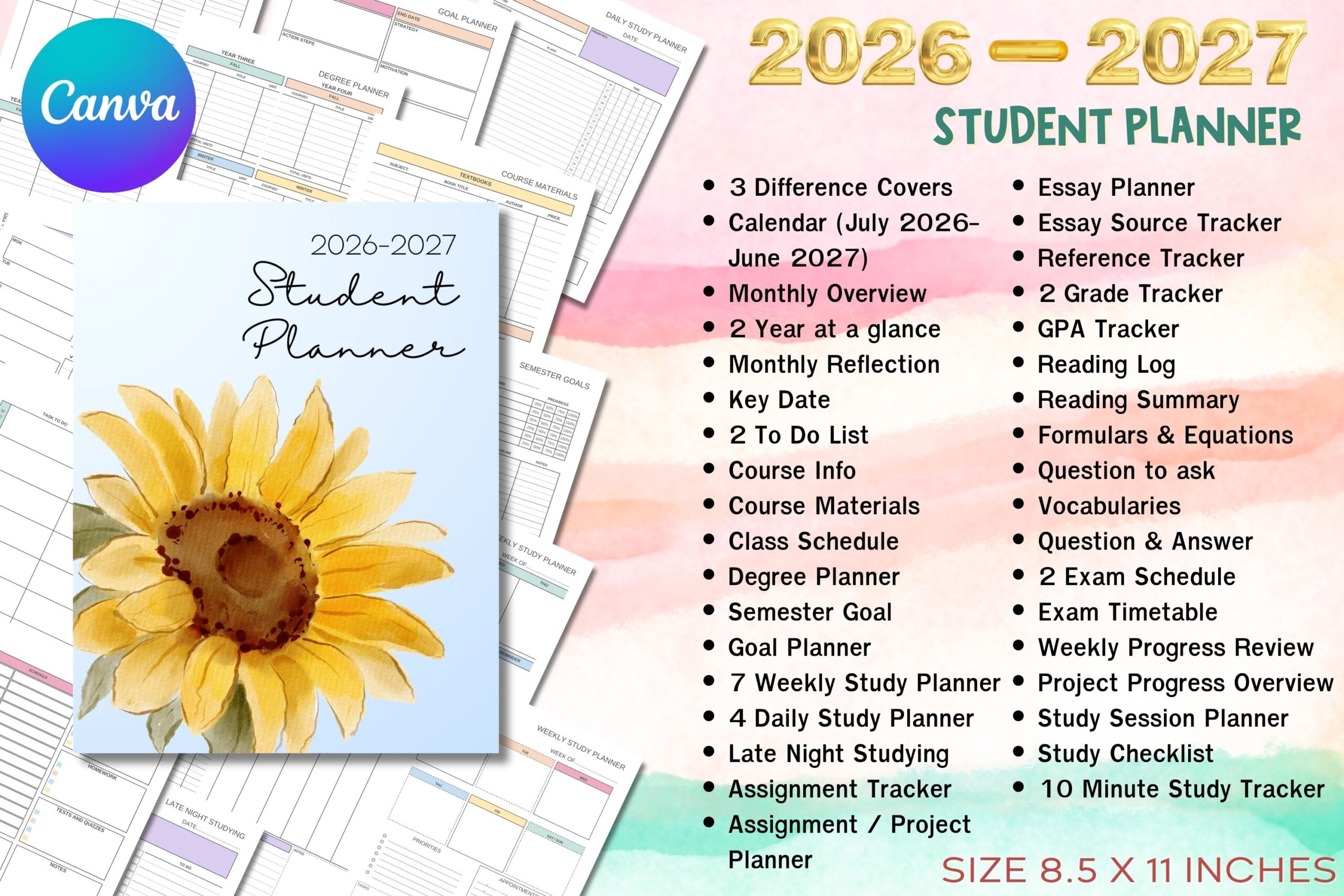
This US Letter Canva student planner runs from July 2026 to June 2027. Verified layouts include Sunday- and Monday-start calendars, course information, class schedules, semester goals, assignments, essays, grades, GPA, reading, exams and study sessions.
Choose it when you want coursework and deadlines to follow a genuine academic year. Transfer the dates from your syllabus first, then use one of the weekly study layouts to reserve time for upcoming assignments.
The delivered PDFs provide a Canva access link and editing instructions; customize and export your finished planner before printing. Its July–June calendar may not match every institution, and an automatic GPA calculator is not confirmed.
2. 2027 Academic Planner
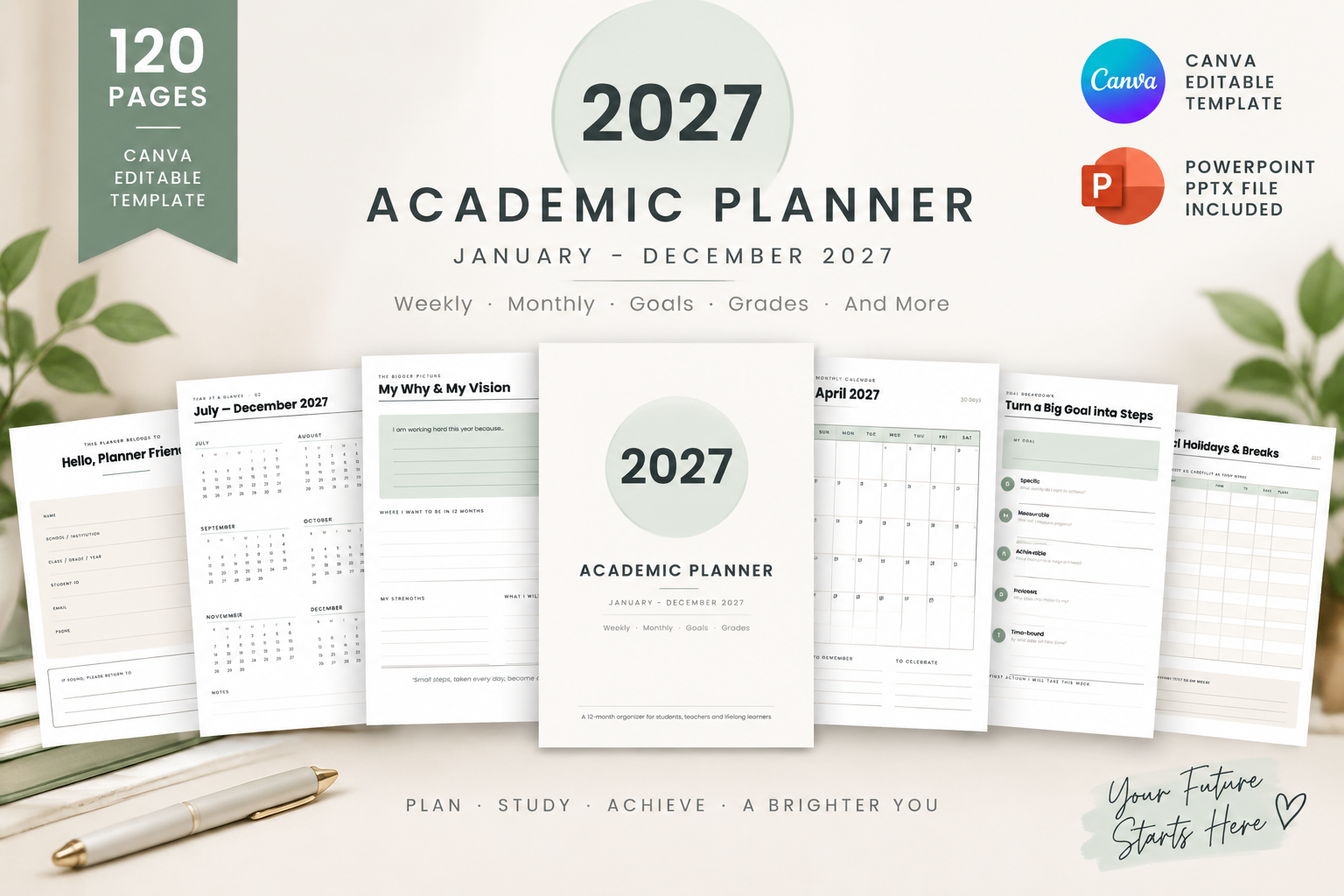
This 120-page 2027 academic planner supplies a printable US Letter PDF, editable PowerPoint file and Canva template link. The listing also confirms a planner page index and editable text, fonts and layouts.
It is useful if you want to choose between printing immediately and customizing a fuller annual planner. Preview the page index, identify the sections you need, and print a sample before committing to the entire file.
The description does not enumerate every subject-specific tracker, so do not assume a particular exam, assignment or grade layout is included. Confirm those previews if they are central to your workflow; a page index is not proof of hyperlinks.
3. Monthly Study Planner Template
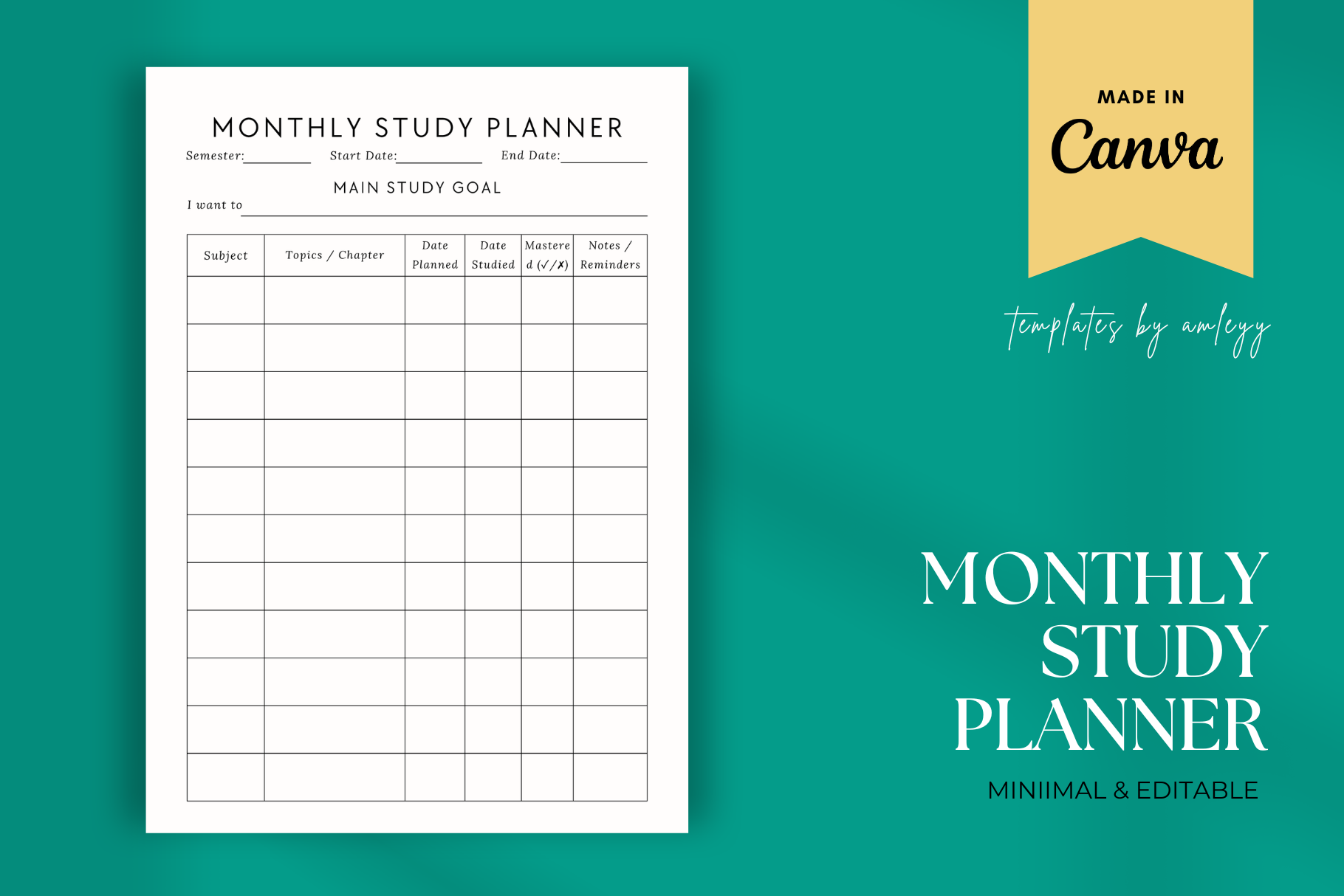
This is a single A4 monthly study template with a Canva link, PDF and PNG. The seller confirms editing with a free Canva account and resizing in Canva if you prefer US Letter or A5.
Use it when your main problem is seeing deadlines and study commitments across a month. Place exam and assignment dates first, then work backward to reserve preparation days instead of treating the calendar as a last-minute reminder.
It is one reusable monthly sheet, not a complete annual student binder. The source A4 page is confirmed; other sizes require resizing, and digital use does not mean automatic calendar synchronization or navigation.
4. ADHD Student Planner
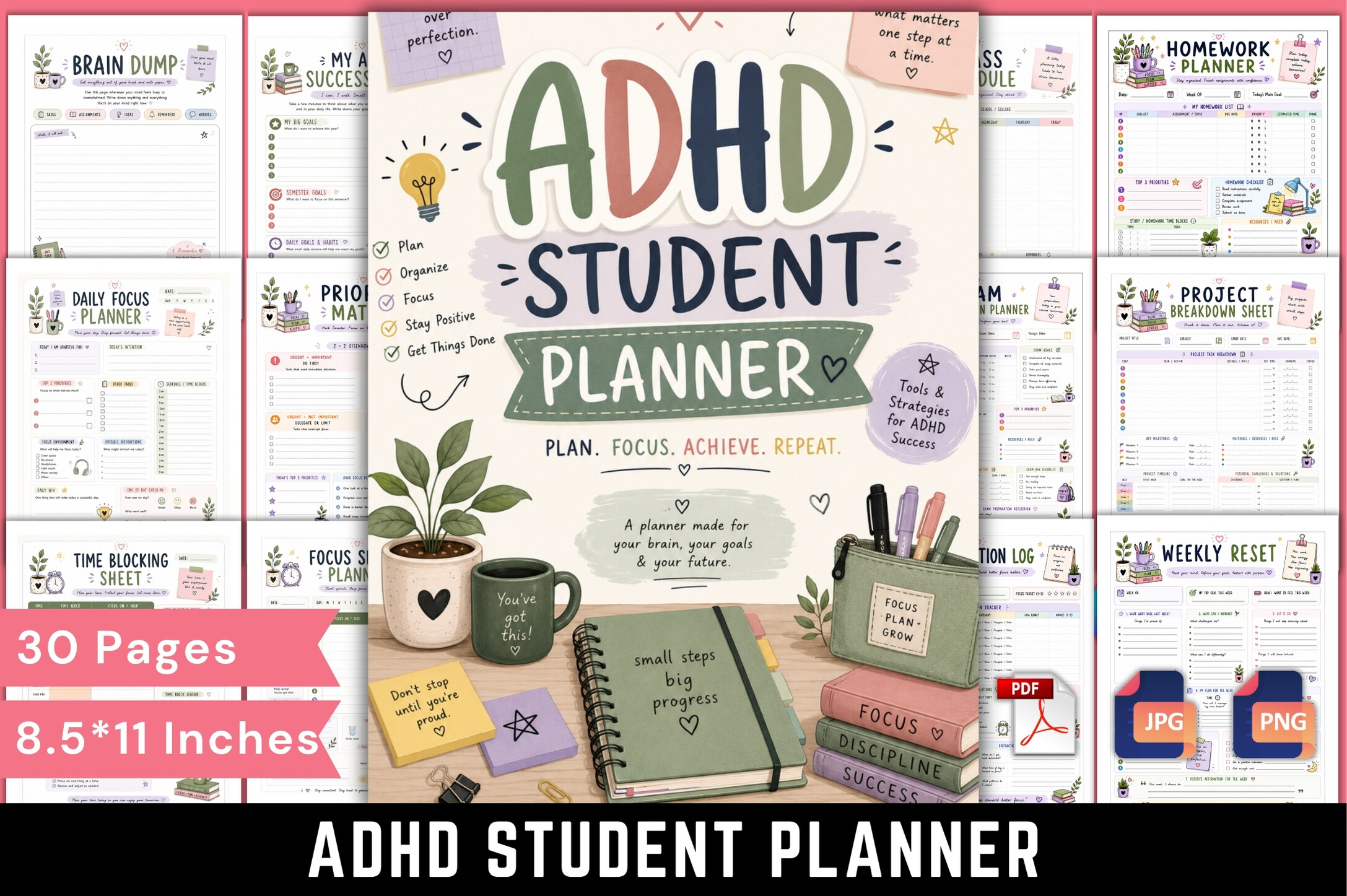
The ADHD Student Planner is a 30-page full-color printable PDF. Documented layouts include assignment tracking, study organization, focus planning, time blocking, priorities, exam preparation, motivation, mood and reflection.
It can suit students who prefer breaking academic work into visible short steps. Start with one assignment tracker and a focus-session page, then add a weekly review only if those pages help you return to the next task.
The ADHD label describes the seller’s intended audience and layout approach; it does not establish clinical effectiveness. No editable source or paper dimensions are confirmed in the file details, so review those points before printing.
5. 2026 Ultimate Kids School Planner
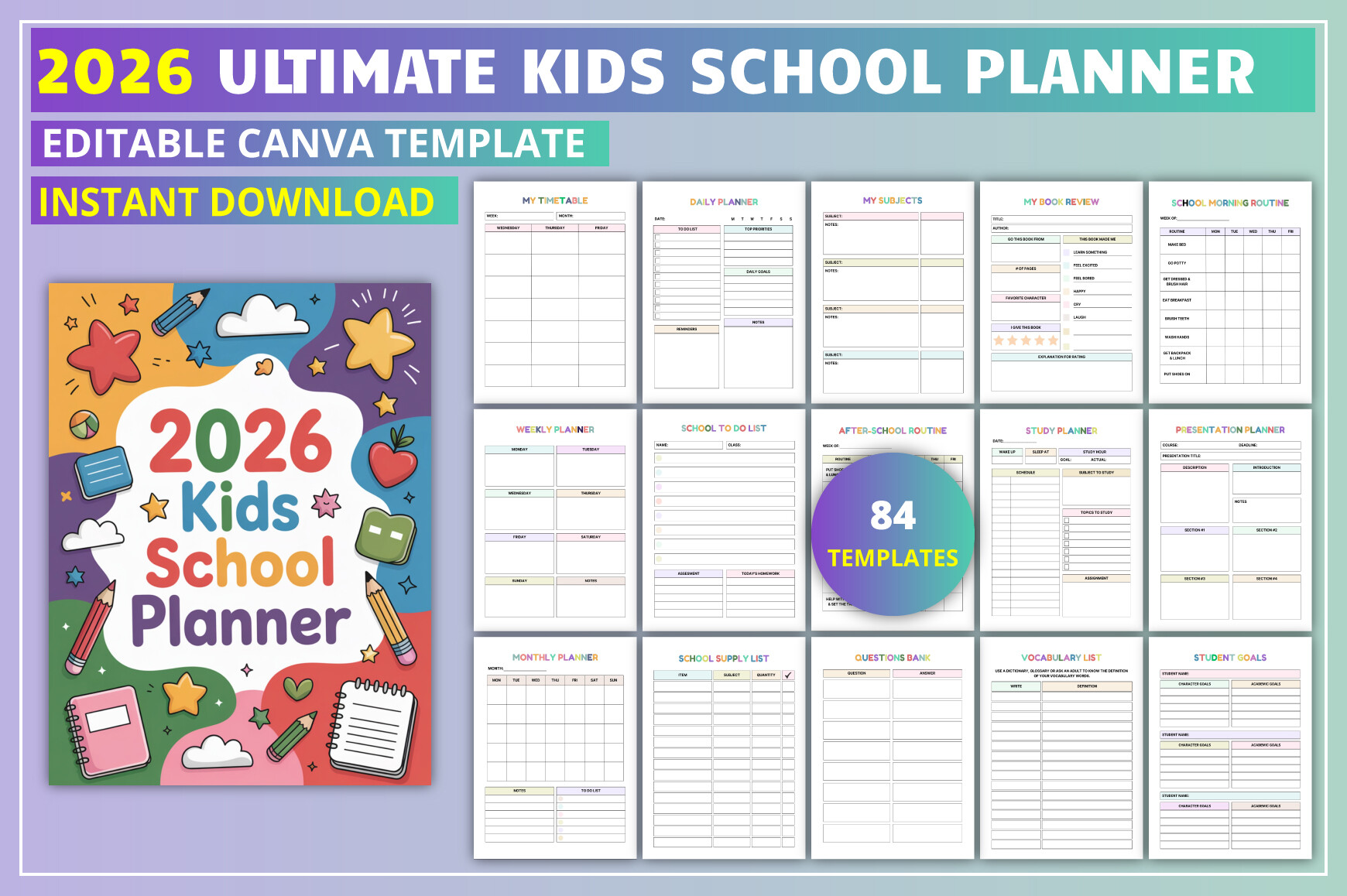
This 85-page US Letter Canva template includes PDF, JPG and PNG files. Its 2026 calendar appears alongside timetables, daily and weekly planning, homework, assignments, grades, reading, supplies, study tasks and revision.
The child-focused routine pages make it a better fit for younger students with family support than for a university-only system. Pick a simple homework view and a morning or after-school checklist before adding extra trackers.
The dates cover calendar year 2026, not an entire later academic year. The seller warns that some Canva elements may require Pro, so check access before choosing it for extensive editing or a 2027 calendar.
6. Printable Student Planner PDF Undated
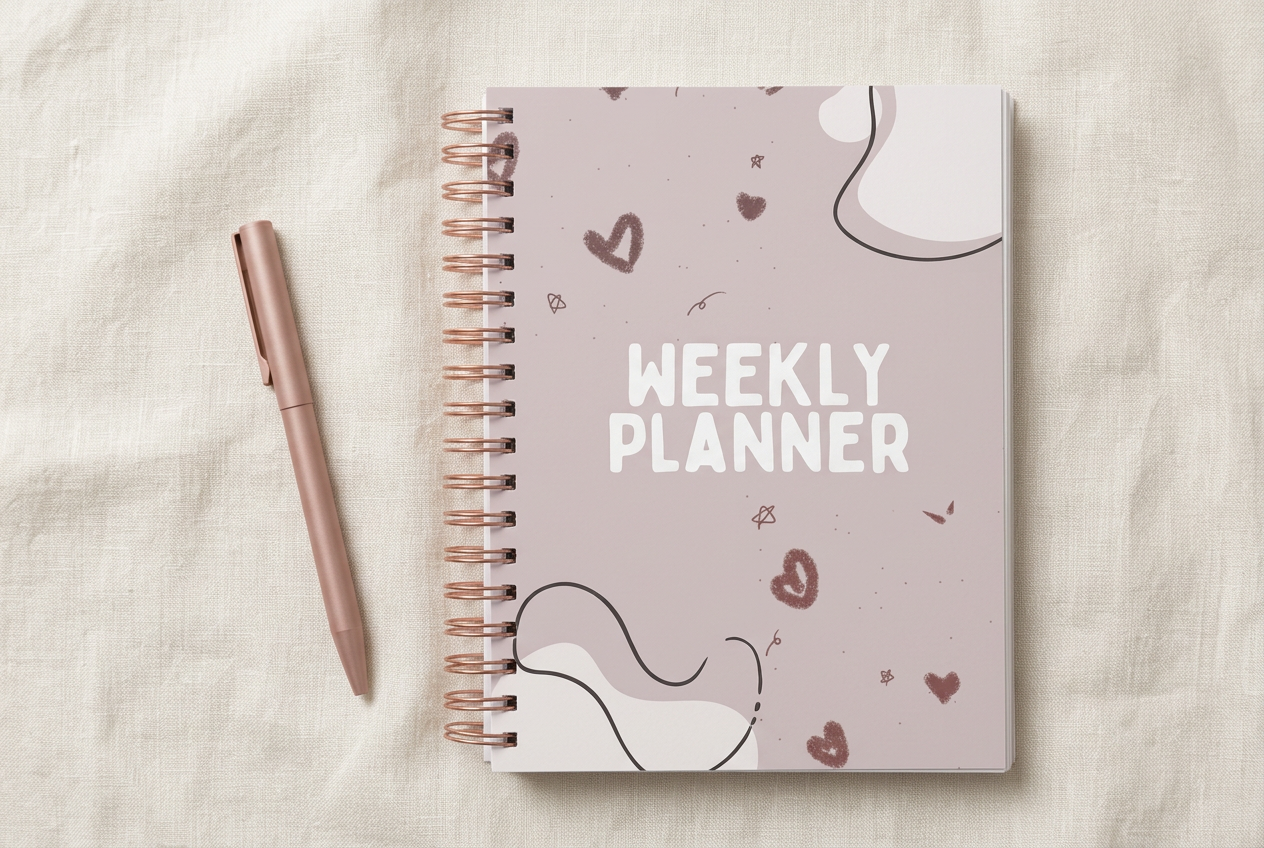
Time flow’s undated student planner supplies a noneditable PDF with daily, weekly and monthly planning, assignments, exam preparation, notes, diary and memory pages. Its neutral design is intended for printing or use in a PDF note-taking app.
Choose it when you want to start mid-term and avoid rebuilding dated pages. Keep assignment deadlines in the monthly view, use the weekly page for the next steps, and leave decorative memory pages optional.
The seller explicitly says text, colors and layouts are fixed. Paper dimensions and a total page count are not stated in the description, and tablet use is not evidence of hyperlinks or synchronization.
7. Student Planner Printable Bundle | Undat
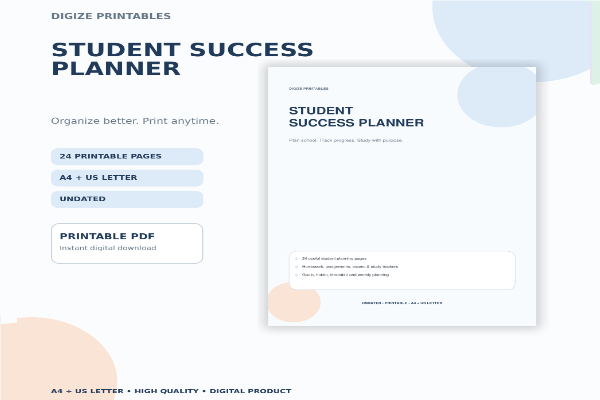
Digize’s Student Success Planner supplies 24 coordinated undated pages in A4 and US Letter PDFs. It is described as an academic planner, homework tracker and study organizer with a clean, ink-friendly layout.
It is a sensible option for building a lightweight binder that can continue across different terms. Print a few frequently used pages first, then repeat the layouts that actually help you keep assignments and study plans visible.
The delivered files are printable PDFs; an editable Canva link and digital navigation are not confirmed. The concise product description does not list every individual page, so check the previews for the tracker you need most.
8. Student Planner Printable
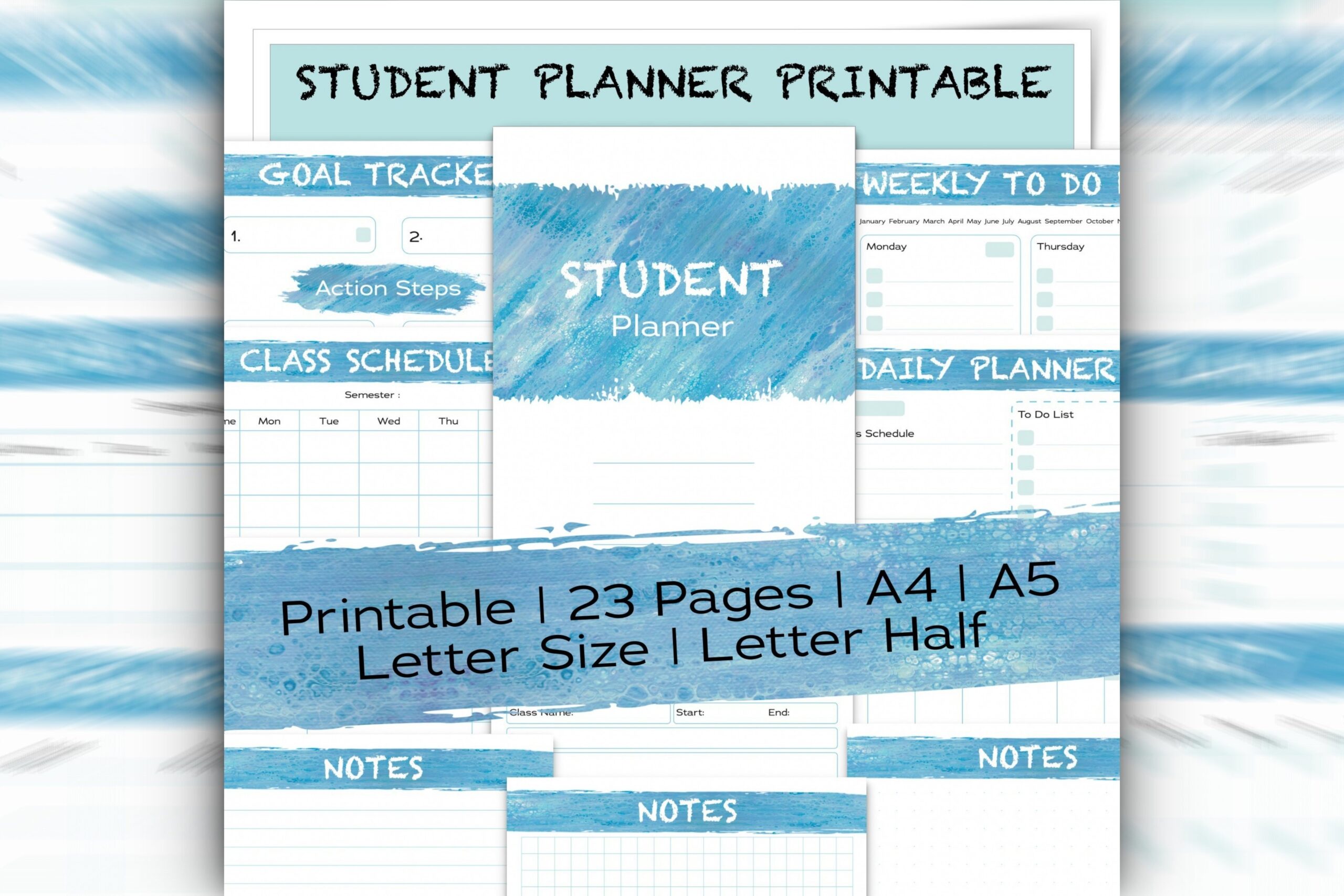
Digitappy’s printable academic planner documents 23 pages delivered as four PDFs in A4, A5, US Letter and half-letter sizes. Listed layouts include class schedules, weekly tasks, daily planning, assignments, projects, an undated 12-month calendar and lined, grid and dot notes.
The range of sizes is useful when you already own a binder and want pages that fit it. Use the project page for a large assignment, then bring its next steps onto the weekly to-do sheet so deadlines remain actionable.
It is a printable set without a confirmed editable template or hyperlink system. The seller’s term ‘gold tracker’ is unclear, so this review does not assume it is a verified goal-tracking section.
Choose a student planner that fits your term
For a July 2026–June 2027 school year, choose the dated Canva student planner and check its calendar against your institution. An annual 2027 planner suits a calendar-year routine. Undated PDFs are more flexible when you start mid-term or want to reuse the same layout.
A monthly sheet works when another tool already holds your detailed assignments. A full binder is more useful when class schedules, deadlines and project steps need one home. Match writing space and paper size to your actual workload, then test one printed or imported page.
Connect deadlines with a realistic study plan
Enter fixed exam and assignment dates from your syllabus first. Break larger tasks into the next piece of work you can complete: choose a topic, gather sources, draft a section or practice a set of questions. Put those steps into your weekly view rather than record only the final deadline.
Review the next two weeks before choosing daily priorities. Leave room for travel, classes and rest, and move unfinished work deliberately. Our study plan guide offers additional ways to organize focused study sessions.
Student planner questions
Does digital-friendly mean hyperlinked? No. A PDF can be used in a note-taking app without clickable navigation or calendar integration. Only rely on interactive features when the product explicitly documents them.
Do Canva templates need Pro? Requirements vary. The 2026 kids planner warns about premium elements, while several other listings describe use with a free account.
Will an ADHD planner improve grades? This review does not establish that claim. Choose its documented layouts because they fit your planning preferences and make tasks easier to record.