13 Practical Weekly Productivity Planner Templates for Focused Weeks
A good weekly productivity planner should make the next seven days easier to understand, not give you another complicated system to maintain. The most useful layouts help you see priorities, tasks, appointments, and available time quickly enough that you will actually return to them throughout the week.
I reviewed these options with different planning styles in mind, from simple printable task sheets to editable Canva templates and hyperlinked digital planners. If you prefer tablet planning, you can also explore our GoodNotes planner templates. For a more day-by-day structure, see these ADHD daily planner ideas.
What makes a weekly productivity planner useful?
The right format depends on how you plan. A task-heavy week benefits from clear priorities and checklists; appointment-heavy schedules need visible time structure; and digital planners are more useful when hyperlinks and reusable pages matter. I would also favor an undated design when consistency is more important than following a fixed calendar year.
1. Weekly Productivity Planner
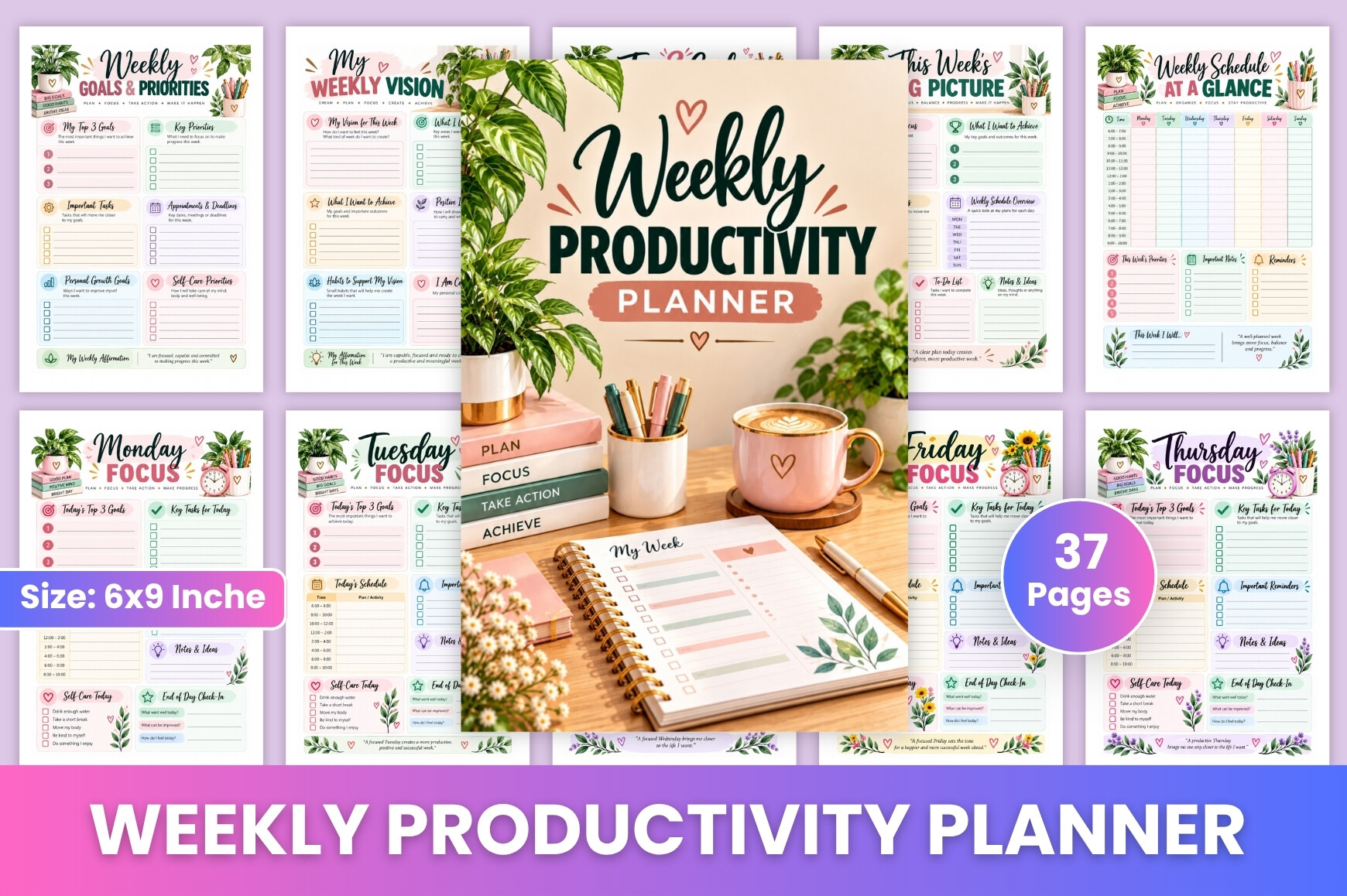
A straightforward weekly format for readers who want to keep the week visible without turning planning into another project. Its layout is centered on weekly organization, making it a useful fit for work tasks, personal priorities, and recurring routines. I like this type of planner when the main problem is not a lack of goals but losing track of what needs attention from Monday through Sunday. The clean weekly perspective also makes it easier to review unfinished tasks before starting a new week.
2. Weekly Task List Template Printable PDF
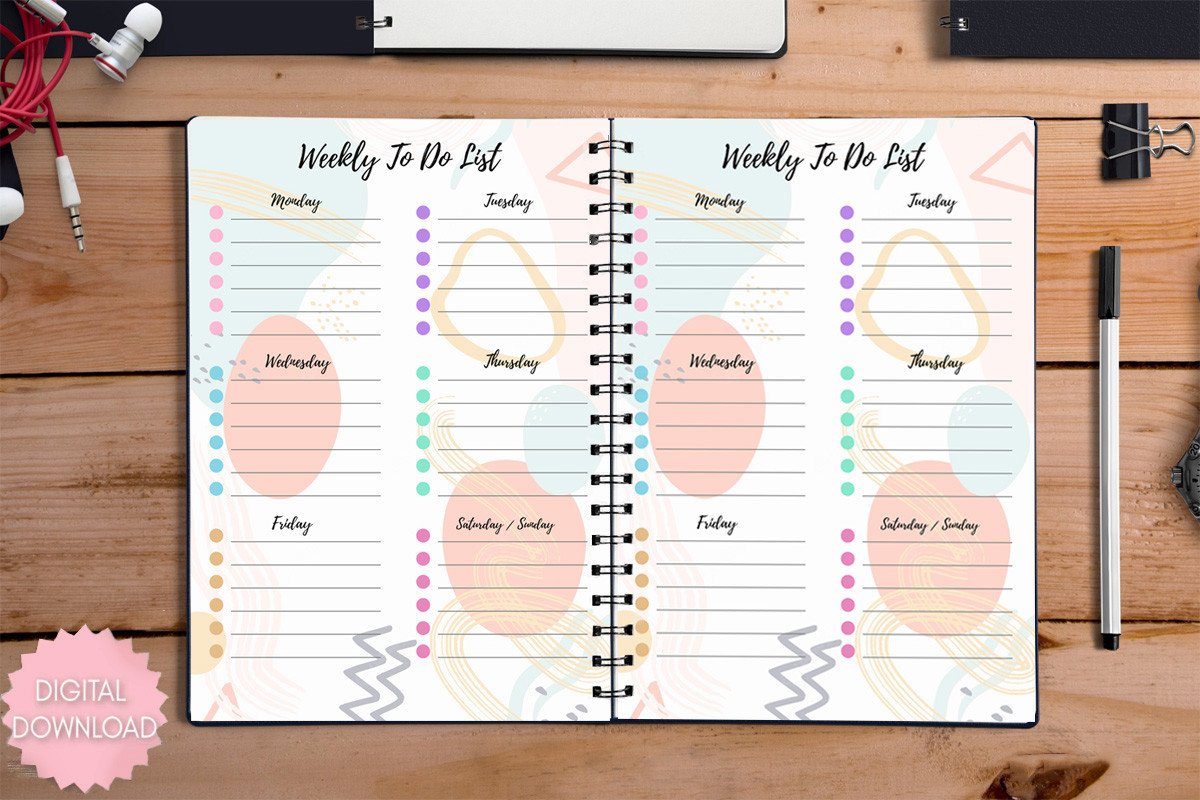
This option leans toward task management rather than decorative planning. The printable PDF format makes sense for anyone who wants a simple sheet that can sit beside a laptop or inside a binder. It is especially useful when your week is driven by a list of concrete actions instead of appointments. Because the focus is narrow, it can also work as a companion page beside a broader monthly or digital planner rather than replacing an entire planning system.
3. Productivity Weekly Planner
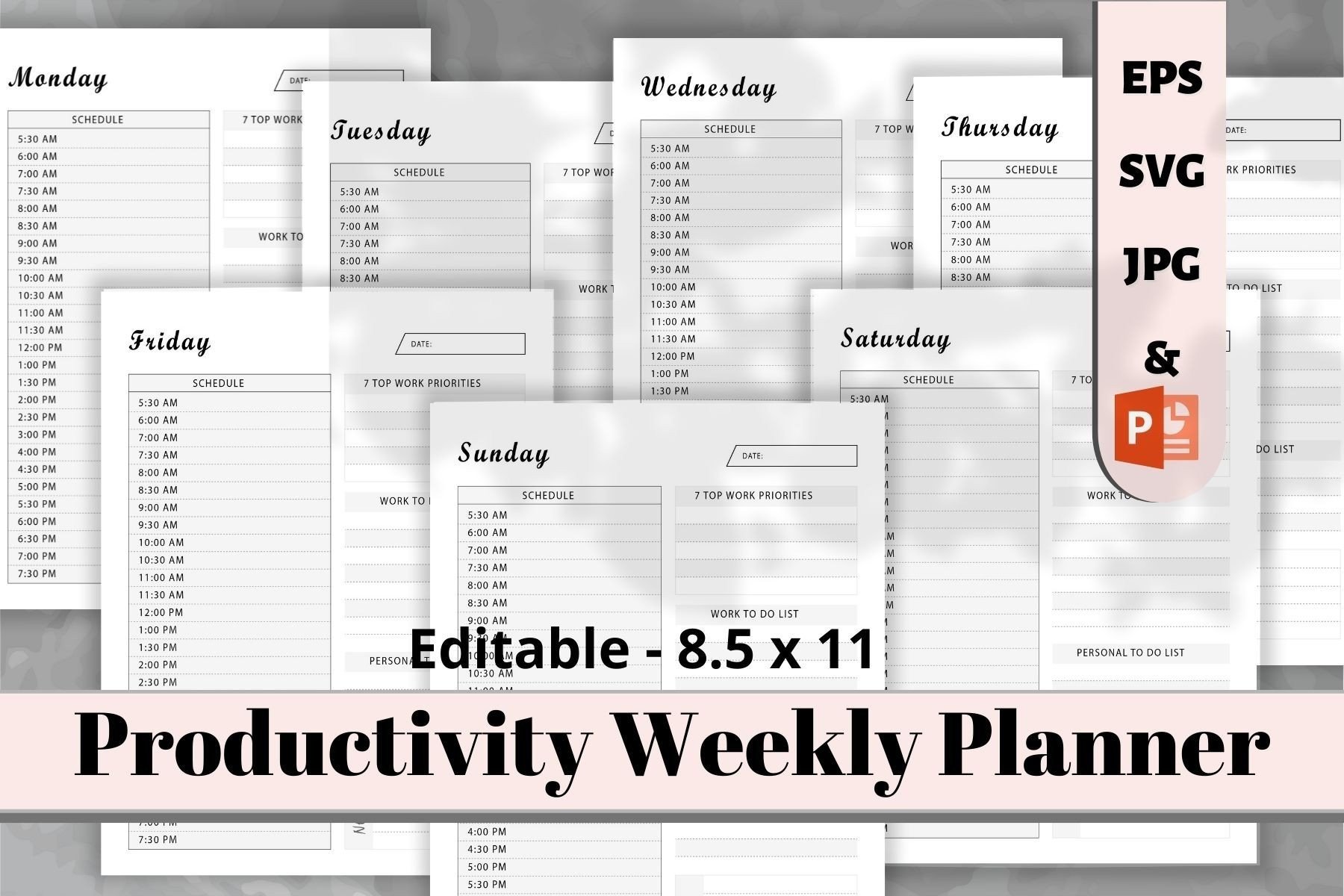
This KDP-oriented weekly planner is supplied in an 8.5 × 11-inch layout at 300 DPI. Creative Fabrica lists JPG, SVG and PDF files plus an editable EPS source file, so it offers more flexibility than a fixed printable alone. The black-and-white design is practical for economical home printing and for people who prefer a distraction-free page. It is a strong format for turning weekly goals into a visible working plan without relying on a tablet or planning app.
4. Weekly To Do List Printable Planner PDF
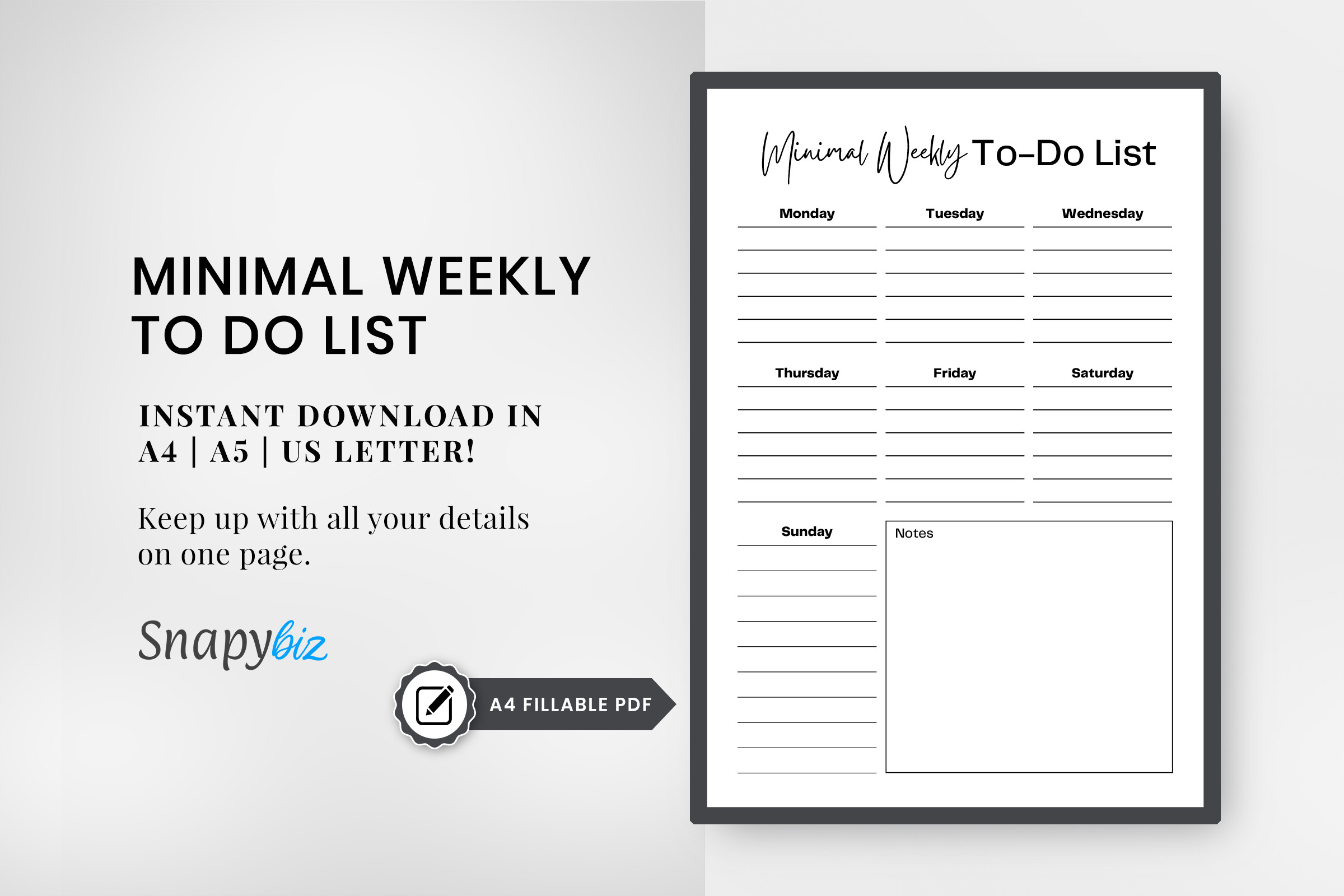
This printable is built around a weekly to-do list and task overview. The listing provides editable PDF files in A4, A5 and US Letter sizes, which is useful if you switch between a full-size desk planner and a smaller binder. The one-page weekly approach works particularly well for people who want to see tasks and goals at a glance. Instead of adding many trackers, it keeps attention on what needs to get done, which can make weekly reviews faster and less cluttered.
5. Aesthetic Weekly Overview Planner Canva
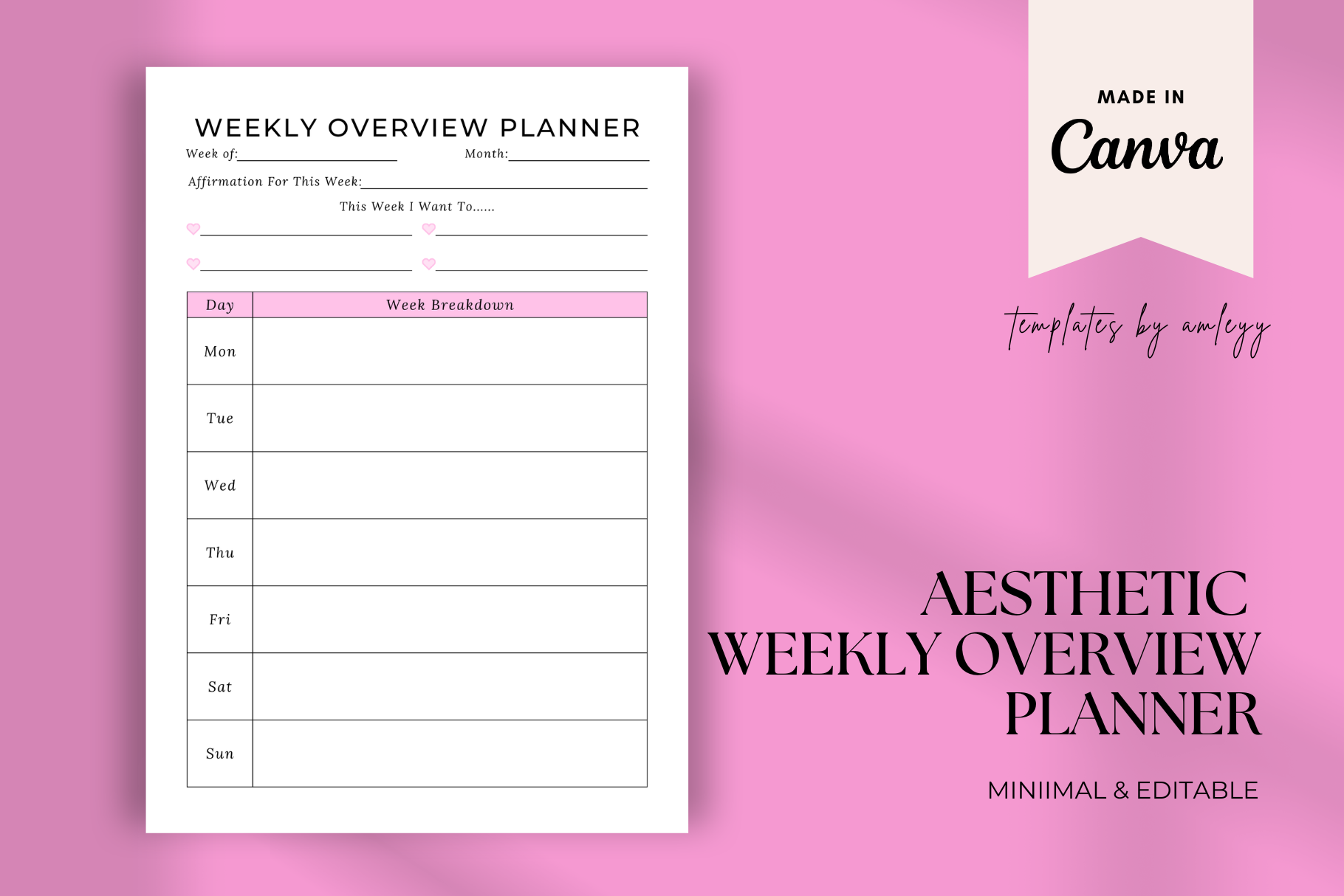
For readers who care about both function and appearance, this weekly overview is fully editable in Canva. The download includes a PDF containing the Canva template link plus a PNG planner template. That makes it easy to personalize text, colors and other visual elements before using the page. The week-at-a-glance layout is suitable for personal goals, work tasks, study planning, or routines. It is a good middle ground between a ready-made printable and a template you can reshape around your own planning style.
6. Productivity Planner Daily Weekly Monthly
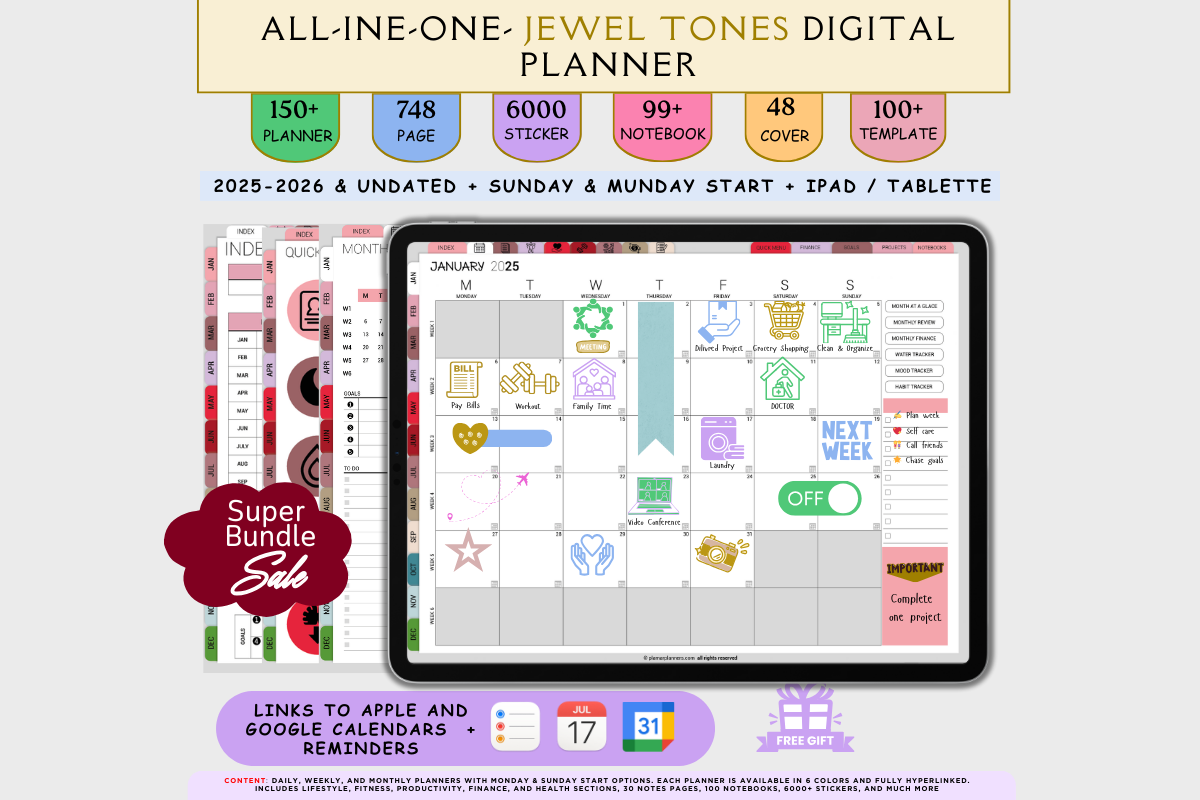
This is the broadest digital option in the selection. The listing includes four weekly layouts and four daily templates, Monday- and Sunday-start choices, dated and undated versions, and hyperlinked navigation. It is designed for major note-taking apps and also mentions Apple and Google Calendar integration. Choose this style when weekly planning is only one layer of a larger system and you want to move between daily detail and a wider overview without maintaining separate planner files.
7. Pastel Daily and Weekly Planner Template
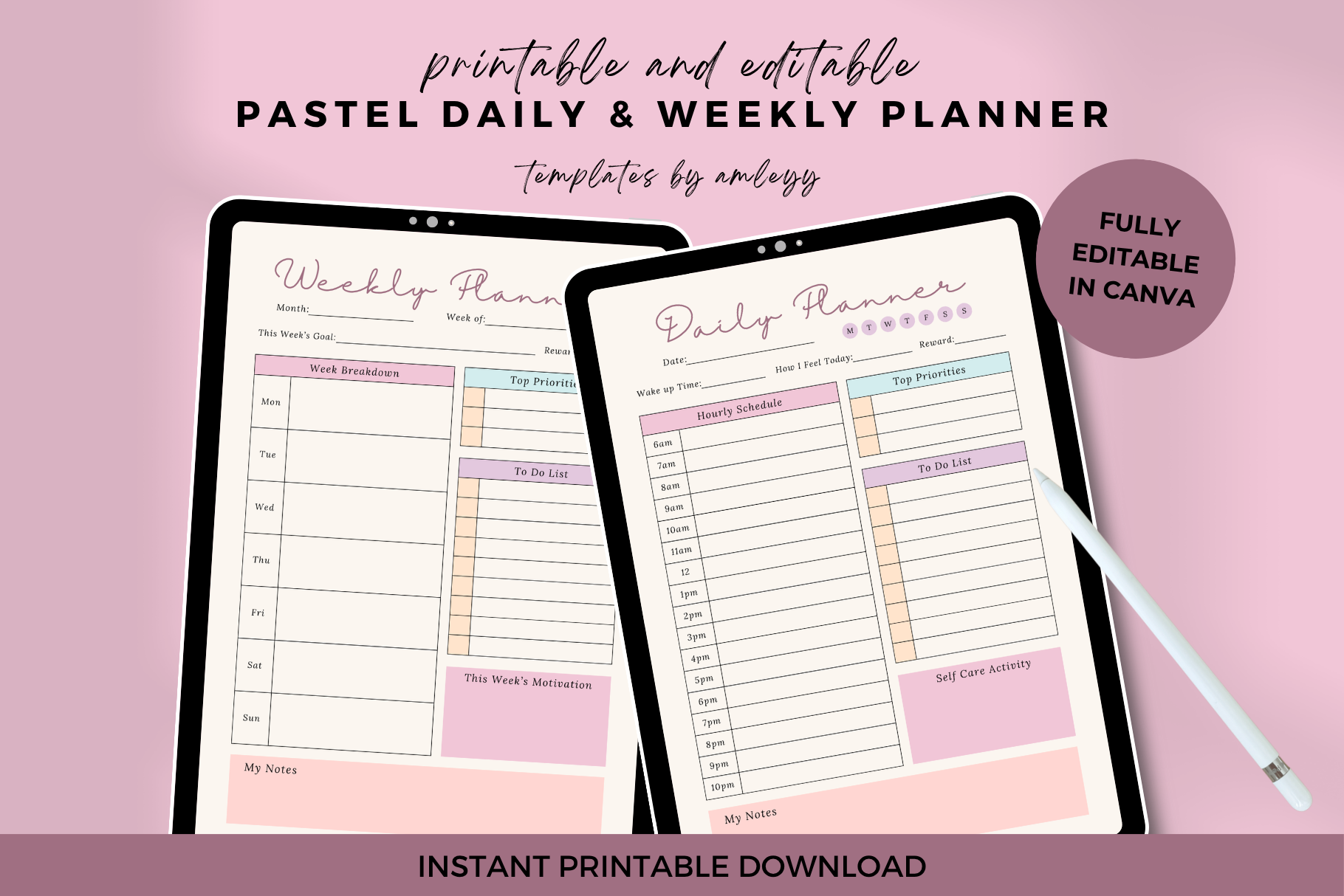
This pastel template combines daily and weekly pages in an undated format. It is editable in Canva Free and comes in A4, US Letter and A5 sizes with high-resolution PDF files; the listing also includes PNG files. The softer visual style is useful if a plain black-and-white worksheet feels too clinical but you still want a clean planning structure. Because it is undated, you can start it at any point and reuse the format instead of abandoning unused dated pages.
8. Undated Digital Planner iPad Goodnotes
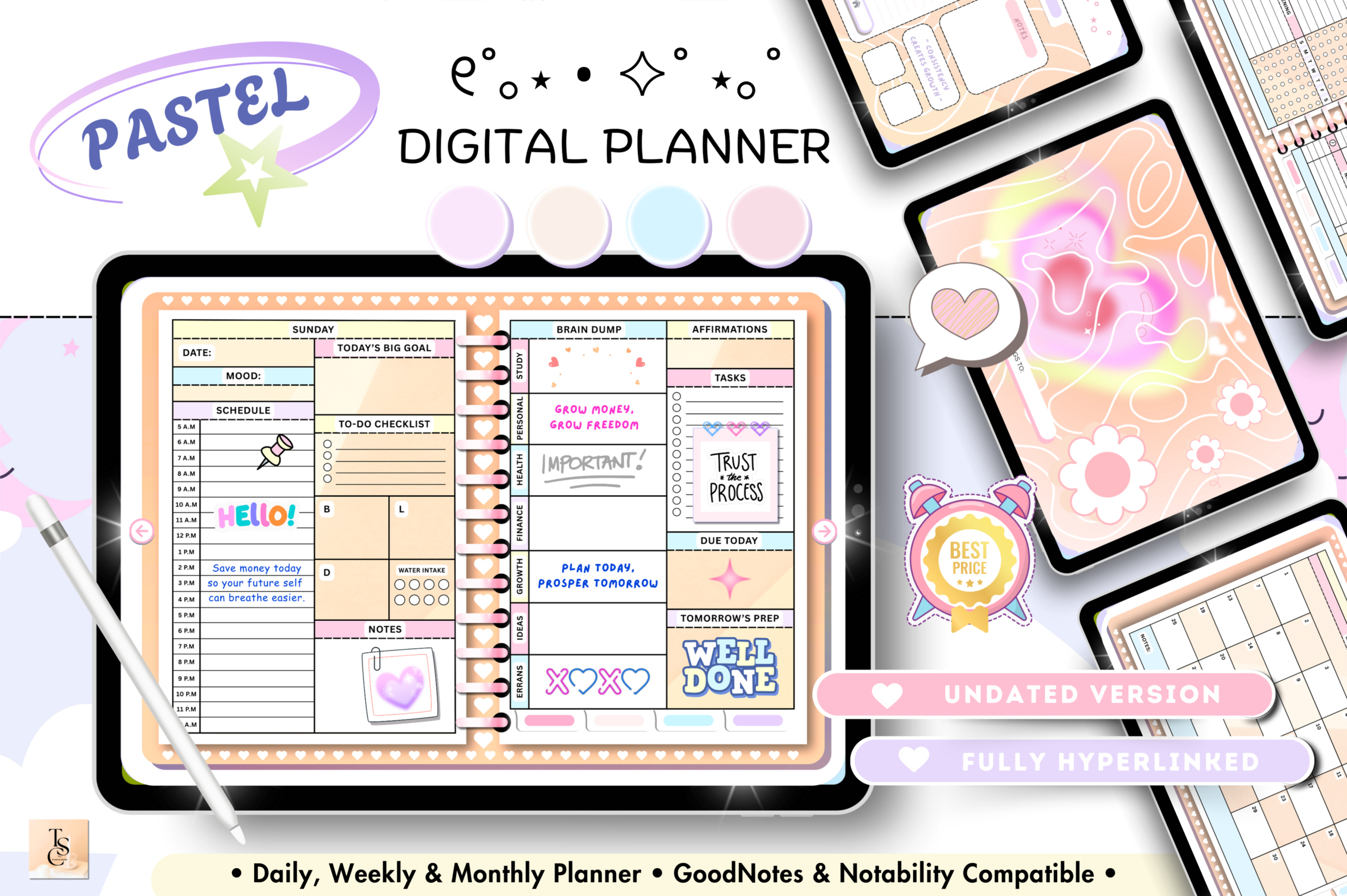
This 68-page horizontal digital planner is fully hyperlinked and undated. Its weekly section sits alongside daily pages, a self-care checklist, meal tracking, vitamins and supplements, plus productivity pages such as a habit tracker, reading log and daily routines. The 11 × 8.3-inch horizontal format is aimed at tablet planning, making it a better choice for someone who wants navigation and reusable digital pages rather than sheets to print each week. It also gives weekly planning more lifestyle context than a simple task list.
9. Weekly Focus & Reset Planner
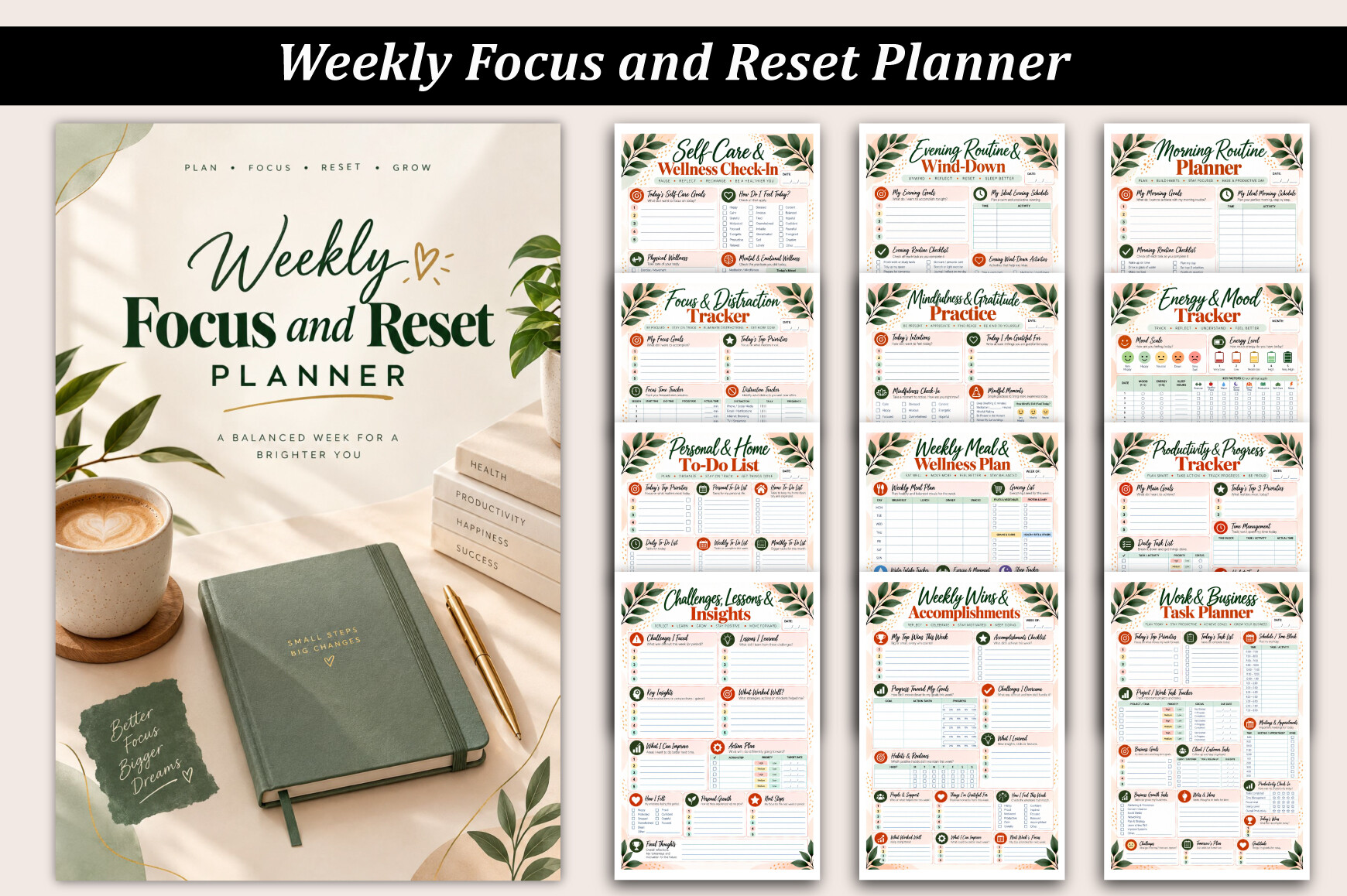
A weekly reset format is useful when planning is as much about reviewing as scheduling. This template is positioned around focus and reset, so it fits a Sunday-evening or Monday-morning routine where you clear loose ends, identify priorities and prepare for the next seven days. It can be especially helpful for readers who already keep daily to-do lists but need a separate checkpoint that prevents tasks and intentions from drifting from one week into the next.
10. Weekly Planner & Schedule Printable
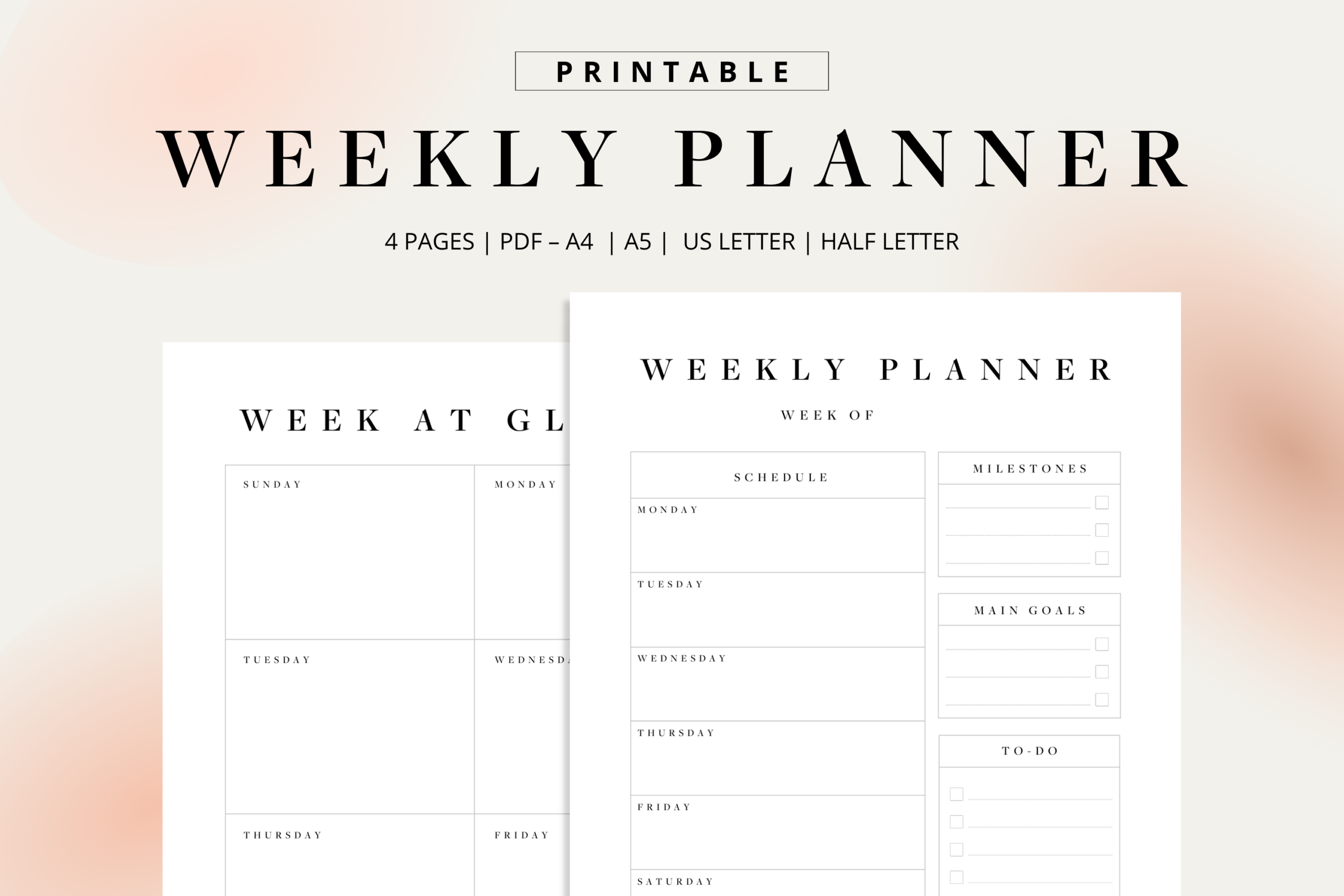
This printable focuses on the classic job of a weekly planner: putting the schedule in one visible place. It is a sensible option for readers who want to map commitments before filling the remaining space with tasks. A schedule-led layout can be particularly useful when appointments, classes, shifts, or family commitments determine how much productive time is actually available. Rather than planning an unrealistic task list first, you can see the week’s fixed structure and then decide where focused work belongs.
11. Ultimate Weekly Planner
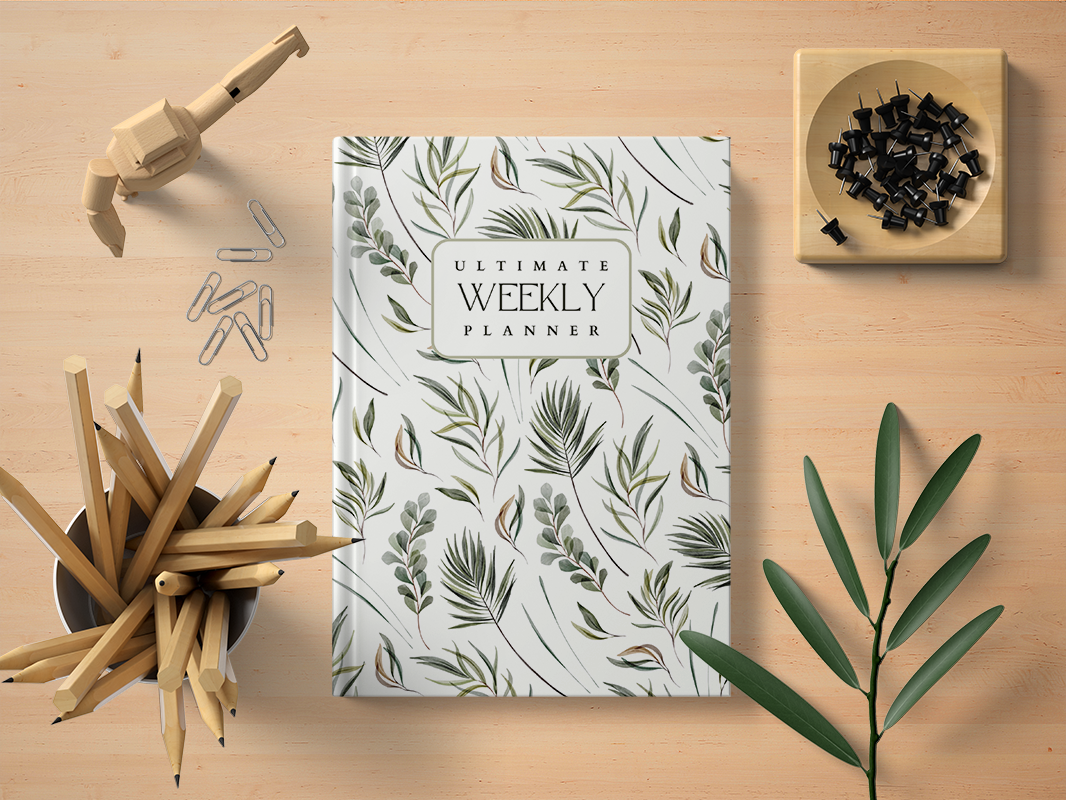
This template is aimed at readers who want a more substantial weekly planning experience than a single checklist. Its value is the broader weekly-planner approach: you can use the week as the main unit for organizing priorities rather than treating every day as an isolated list. That makes it suitable for projects, study, household planning, or mixed personal and work responsibilities. If you regularly find that daily planners feel too detailed, a fuller weekly format can provide structure while preserving flexibility.
12. Printable Weekly To Do List Notepad
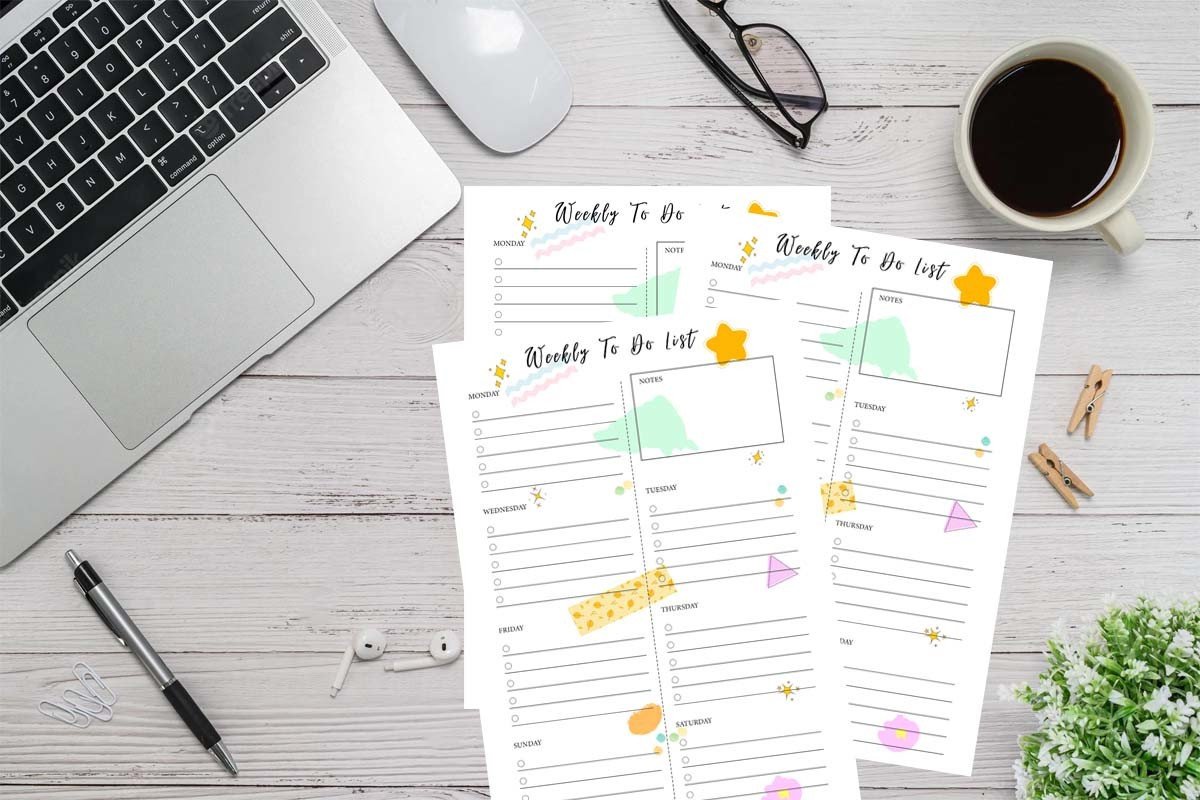
A notepad-style weekly to-do list is one of the simplest ways to keep planning visible. This format works well for a desk, command center, or workspace where you want to glance at the week without opening an app or flipping through a full planner. It is especially practical for recurring chores, errands, work deliverables, and small tasks that can disappear inside a more complex productivity system. The uncomplicated format also makes it easy to print a fresh page whenever your week changes.
13. Editable Weekly Planner Interior
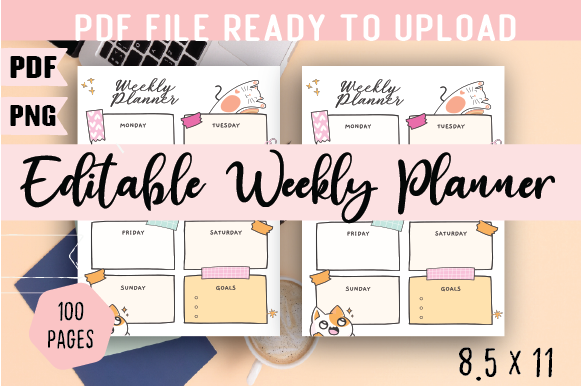
This printable weekly planner interior is designed around managing everyday life and goals. Creative Fabrica lists a US Letter 8.5 × 11-inch size and 100 pages in the download. It suits users who prefer a repeatable paper-based planning routine and want enough pages for long-term weekly use. The larger page size also gives tasks and notes more breathing room than compact inserts. It is a practical closing option for readers who want a traditional planner interior rather than a single-page worksheet or hyperlinked digital system.
Printable or digital: which weekly format fits your routine?
Printable planners are hard to beat when you want a page permanently visible on your desk and enjoy writing by hand. Digital weekly planners make more sense when you plan on an iPad or tablet, want reusable pages, or rely on hyperlinks to move between daily, weekly, and monthly views. Editable Canva templates sit between the two: customize them digitally first, then print or export the version you actually want to use.
Keep weekly planning simple
The planner only helps if the routine survives a busy week. Start with three priorities, add fixed commitments, and then place smaller tasks around them. At the end of the week, move only the tasks that still matter. That small review keeps a weekly productivity planner from becoming a growing archive of unfinished lists.
Conclusion
For a fast paper workflow, a one-page weekly task list or schedule is usually enough. Choose an editable Canva template when visual customization matters, or a hyperlinked digital planner when your weekly view needs to connect with daily and monthly planning. The useful choice is the format you can check repeatedly without adding friction to your week.




3 Comments