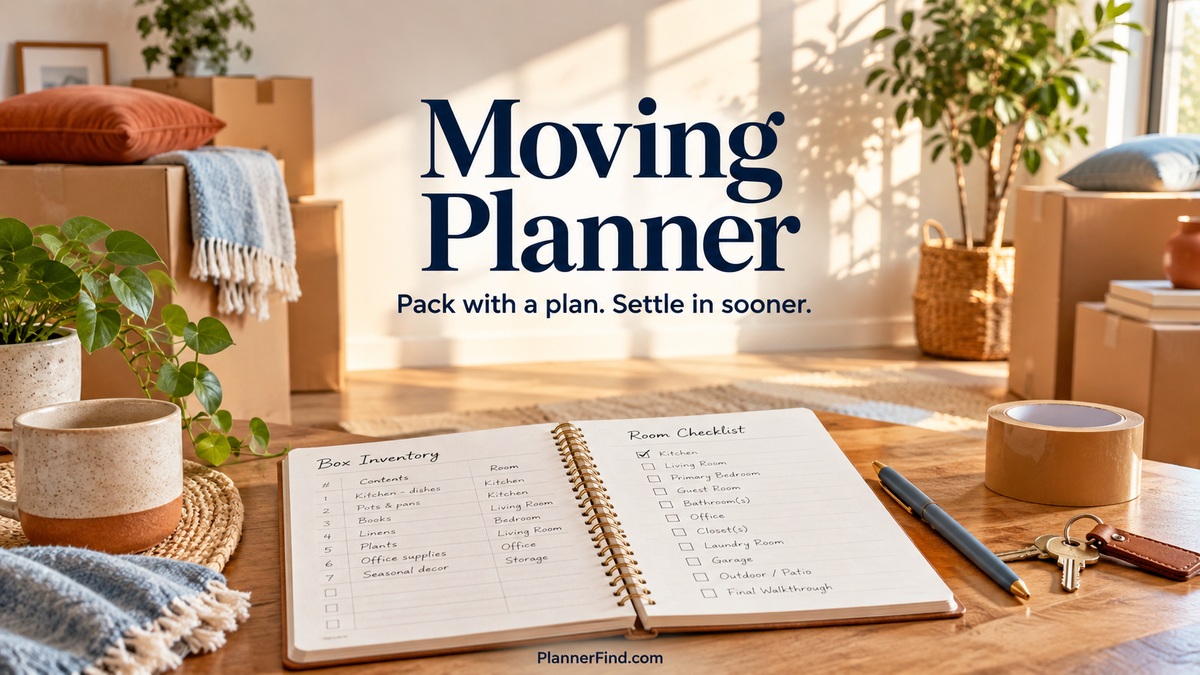
8 Practical Moving Planner Templates for Packing and Settling In
A moving planner should help you find information when the house is full of boxes. A useful system connects the timeline, the people responsible, the contents of each box, and the room where it belongs. It should also keep immediate arrival tasks separate from projects that can wait.
The eight Creative Fabrica options below include a detailed numbered-box system, editable packing binders, several printing sizes, source files for different software, and a new-home setup planner. The comparisons use the designers’ published specifications rather than assumed shipping, service, or tracking features.
This selection focuses on relocation. Household cleaning and long-term home management may appear as supporting sections, but the main decision is how each product helps you prepare, pack, move, and settle in.
In this guide
How to choose a moving planner
Start with the complexity of the move. A large household may need box numbers, room inventories, and first-night records. A smaller move may only require a timeline, checklist, contact page, and a manageable packing list.
Check whether you want to edit before printing. Canva, Illustrator, InDesign, and PowerPoint files require different tools. Canva-ready PDF parts need importing and checking; they are not automatically equivalent to a direct editable template.
Choose one labeling convention and apply it to both boxes and inventory pages. Paper size and writing space matter when details must be readable during packing. Print a sample before committing to a long interior or a large set of labels.
1. Moving House Planner with a 480-Box Index
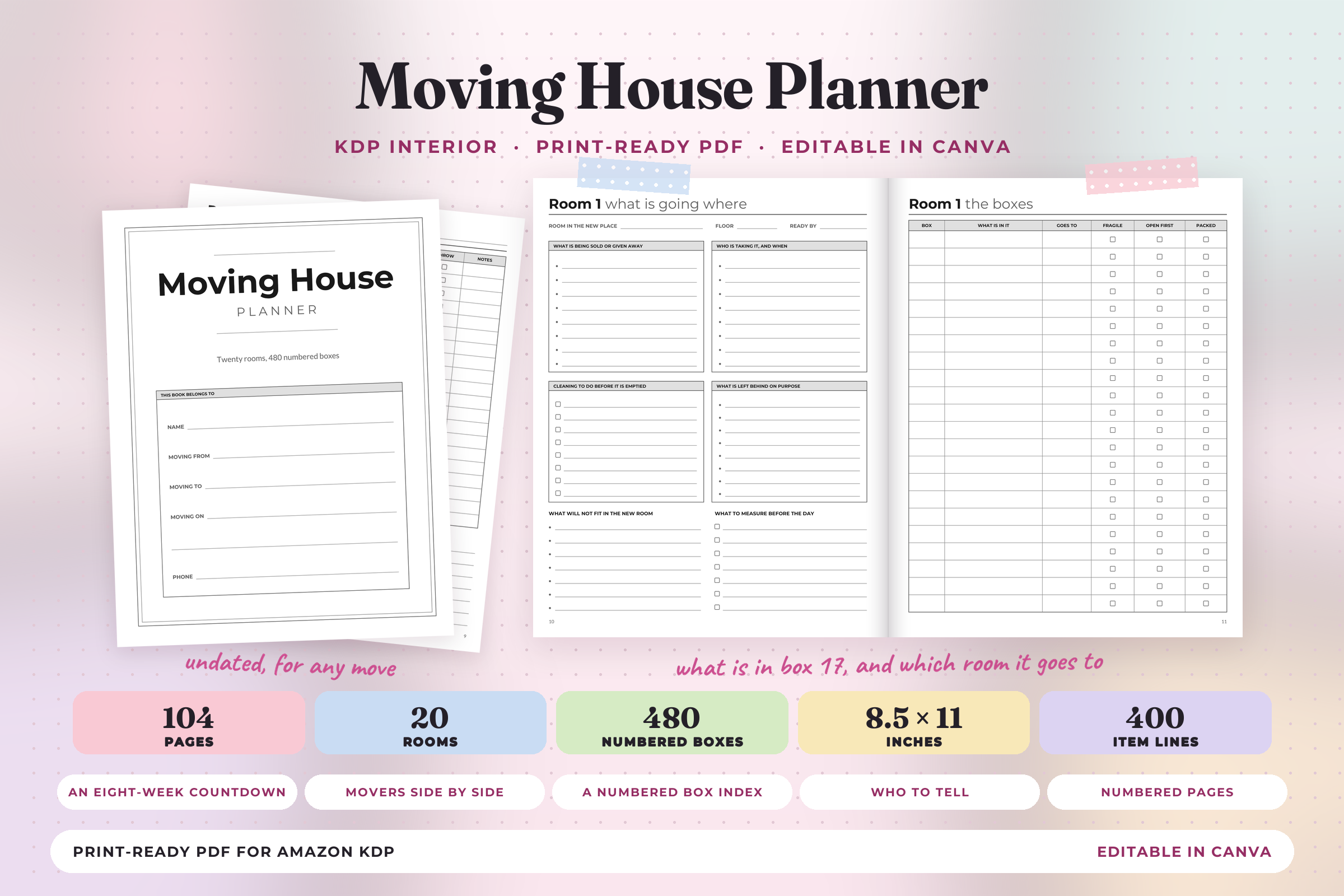
Print Magic StudioX’s Moving House Planner is the most detailed packing system here. The listing specifies an undated 104-page US Letter PDF, no bleed, and two Canva-ready PDF parts. It contains a 36-task countdown, three-mover comparison, first-night essentials,20 room sections,480 numbered box records, contacts, utility readings, costs, and first-week planning.
Use one box numbering system from packing through unloading. Record its contents and destination room when you label it, then update the loaded, arrived, and unpacked checks as the move progresses. The first-night page can keep urgent items separate from boxes that can wait.
The strength is detailed logistics for a larger household. The limitation is scale: 480 records may be unnecessary for a small move. The PDF explicitly has no links or bookmarks, and Canva-ready parts are imports rather than a direct template link. Its quote-comparison page is a record, not a mover’s contract or proof of coverage.
2. Canva Moving Checklist and Packing Binder
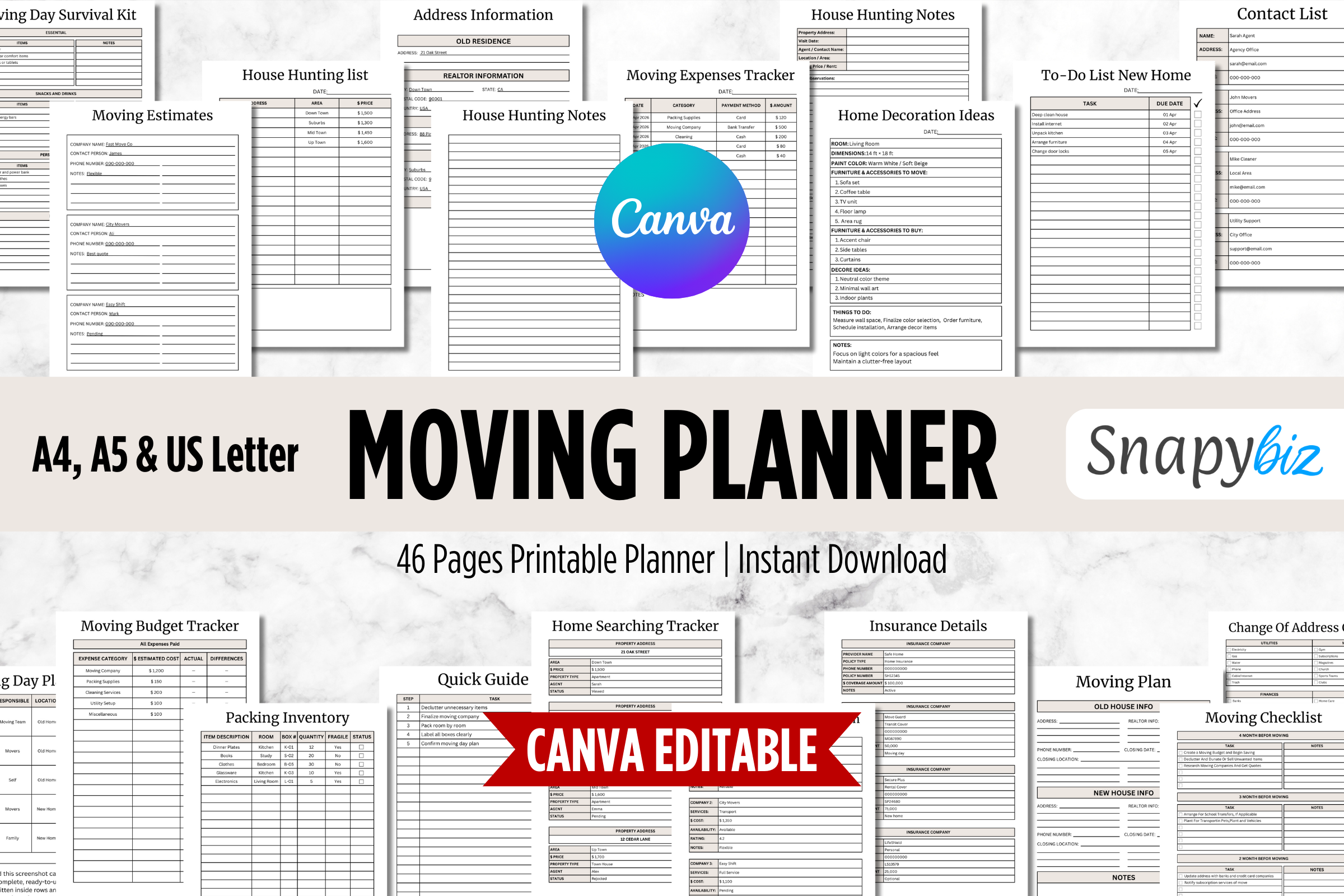
SnapyBiz’s Canva Moving Checklist Printable Planner offers A4, A5, and US Letter layouts. The listing describes Canva customization and PDF printing, with packing inventories, box labels, mover comparisons, expenses, address changes, house-search notes, donation and sale lists, a moving-day plan, and a survival kit.
Choose it when you want room labels and inventories to support the same packing workflow. Decide which room names match the new home before printing labels. Keep the inventory concise enough that you can update it while packing, rather than trying to create a perfect catalog of every object.
The benefit is a broad practical binder with several sizes. The limitation is that the description does not clearly establish a total page count or a separate spreadsheet format. Canva editing lets you adapt a layout; it does not connect to movers, track boxes automatically, or arrange services. Review the preview for the exact label and inventory designs.
3. Editable Moving Planner with Room and Floor Plans
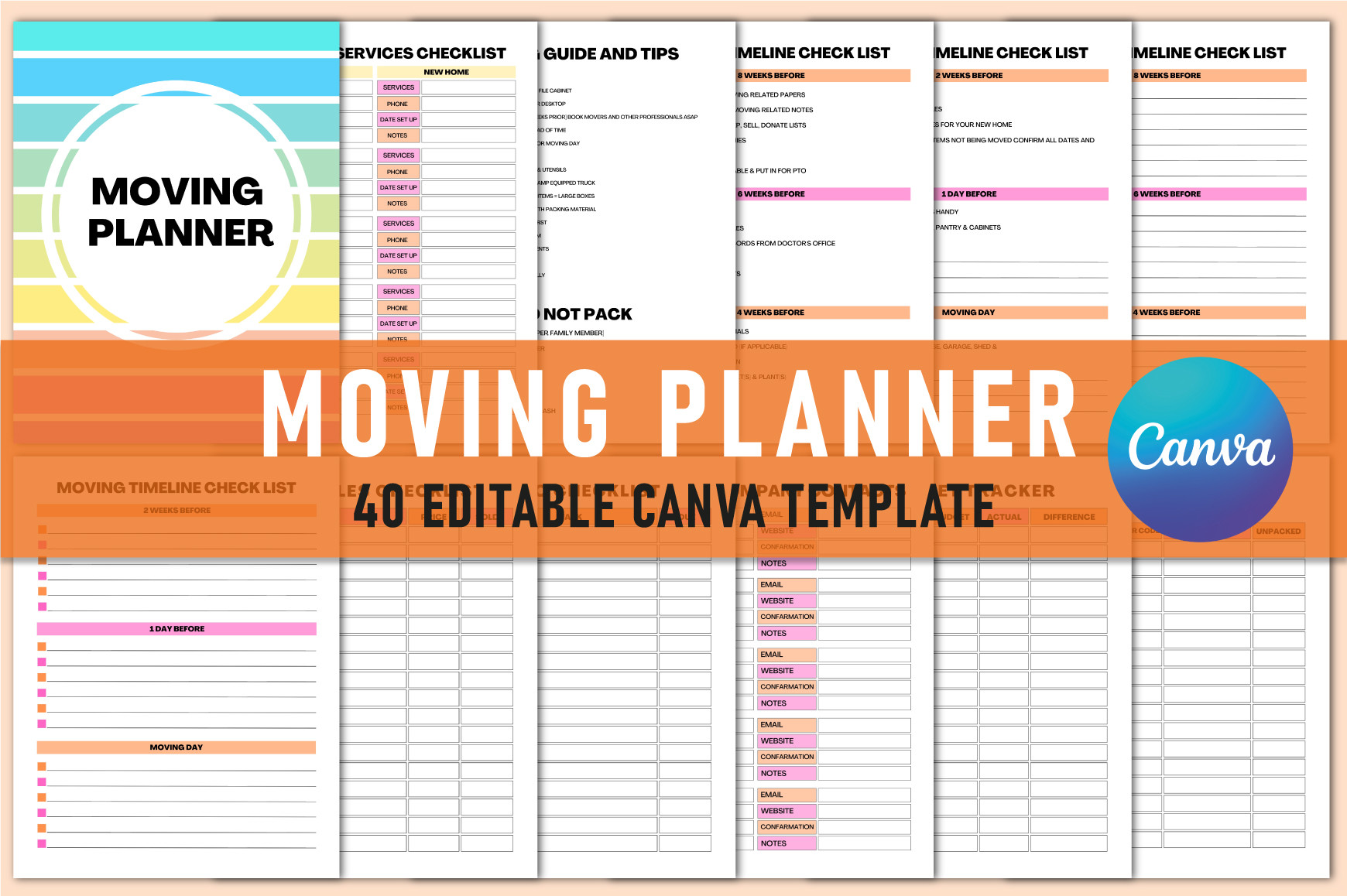
Shumaya’s Editable Moving Planner contains 40 US Letter Canva templates, with PDF, JPG, and PNG output, no bleed, CMYK color, and 300 DPI. Advertised pages include timeline checklists, budget, movers, box references, utilities, address changes, moving-day tasks, room ideas, sketches, floor plans, and named room sections.
This is a good fit when the destination layout matters as much as packing. Use room and floor-plan pages to note dimensions before deciding where larger items will go. A box-reference sheet can then use the same room labels, reducing ambiguity when someone else helps unload.
The strength is combining editable organization with visual planning. The limitation is the time required to maintain many room pages, especially if several do not apply to your home. Use only the relevant sections. The planner is a manual record and does not establish accurate architectural measurements or automatically create a furniture layout.
4. Ultimate Moving Planner Canva Template
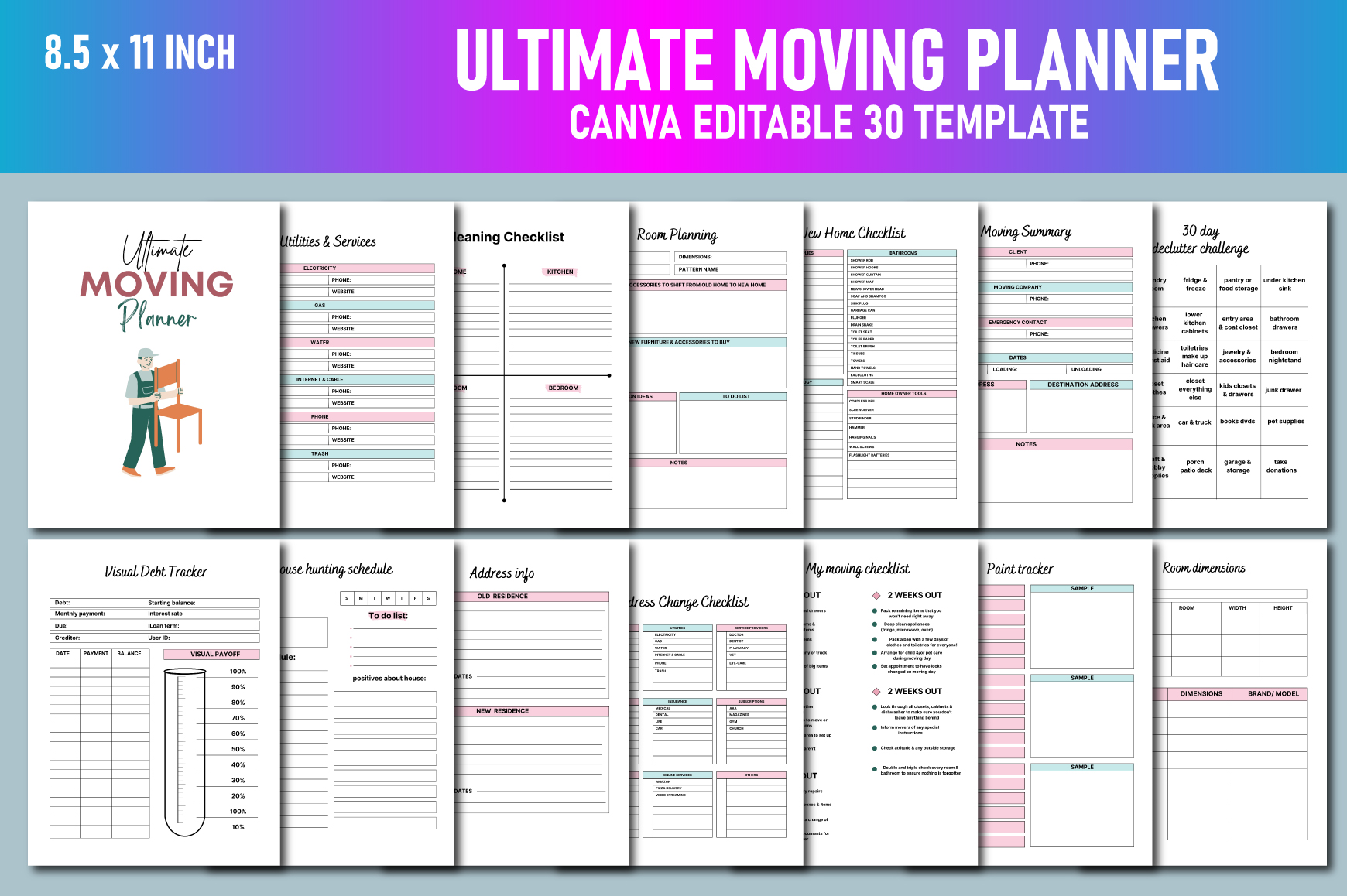
Lavlu Creative Zone’s Ultimate Moving Planner is a 30-page US Letter Canva set with PDF, PNG, and JPG files, no bleed, CMYK color, and 300 PPI. Its described sections include the moving-day timeline, budget, mover quotations, inventory, expenses, color-coded box labels, address changes, utilities, and new-home tasks.
Use the color key consistently across the box labels and inventory. Keep essential moving-day tasks on the timeline and longer-term setup tasks on the new-home checklist, so urgent handoffs do not get buried beneath decorating ideas. Copy the template into your own Canva account before editing, as the seller requests.
The advantage is a relatively compact collection covering both departure and arrival. The limitation is that several sections concern broader home setup and may overlap your existing household planner. Customize a working subset first. File editing does not establish automatic reminders, updated service-provider information, or a guarantee that the move will follow the original timeline.
5. Multi-Size Printable Relocation Planner
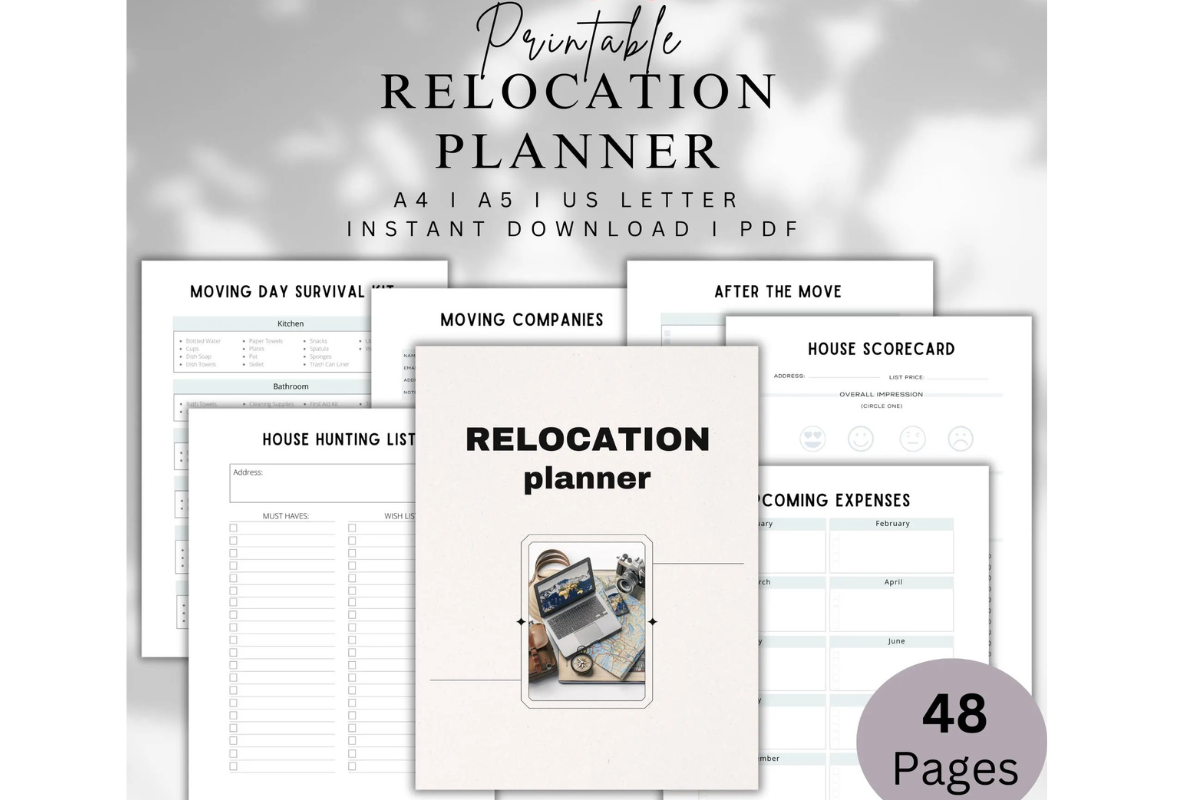
LaxMuni’s Printable Relocation Planner is supplied as PDFs in A5, A4, and US Letter sizes. The described pages span relocation details, checklists, mover quotes, expenses, box inventory, address changes, utilities, a moving-day survival kit, house hunting, decluttering, room dimensions, and setup projects.
This is useful when the move includes both choosing a home and organizing the transition. Use house-search pages before finalizing plans, then move the active packing and moving-day sheets to the front of your binder. Keep service details and quote notes with the relevant task instead of scattering them across several notebooks.
The strength is breadth and size choice. The limitation is that the description does not clearly establish a total page count or editable sources. Its renovation and cleaning pages may be more than you need for a simple rental move. Print a small core set first, and inspect the preview before expecting a particular room-by-room inventory format.
6. Moving Planner with InDesign and PowerPoint Sources
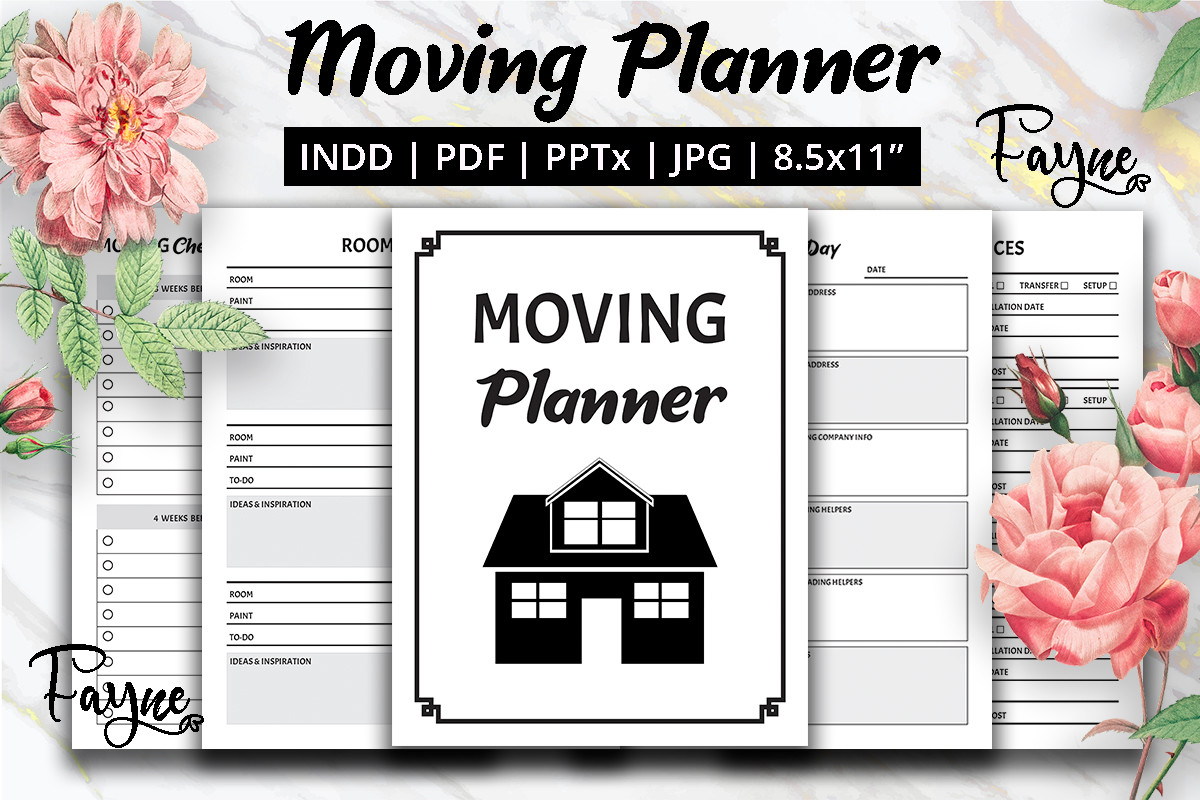
Fayne’s Moving Planner and Moving Checklist provides a different editing workflow. The listing identifies US Letter PDF and JPG files, an editable InDesign INDD source, and a PowerPoint PPTX file. Included sections cover budget, moving day, movers, boxes, utilities, checklists, school-transfer records, to-do lists, sales, and room planning.
Choose it if you already work with InDesign or PowerPoint and want to adapt pages without starting from scratch. The school-transfer record is particularly relevant for a family move, while utility and mover pages keep key contacts near the plan. Add a date and owner to your own task notes so responsibilities stay clear.
The benefit is explicit source-file choice. The limitation is separate software access and an unstated total page count. Do not assume a Canva link or interactive PDF navigation. A record page helps organize information you verify yourself; it does not establish the requirements of a school, utility company, or moving provider.
7. New Home Planner for Arrival and Setup
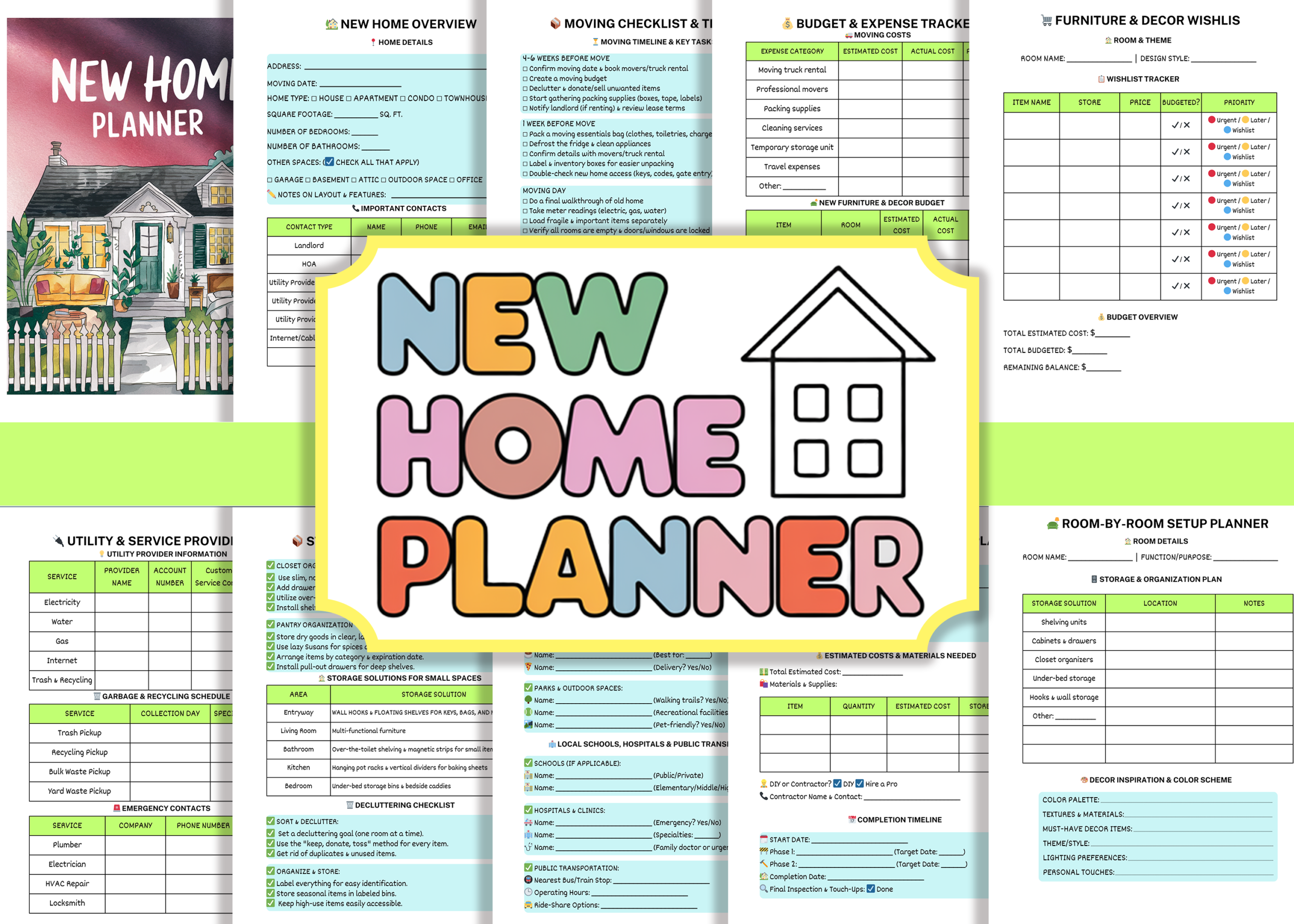
This New Home Planner Canva Template is the strongest choice here for the period after boxes arrive. The listing specifies a 120-page US Letter PDF,11 Canva-editable template pages, and a no-bleed option. Sections include a moving checklist and timeline, budget, room setup, storage, utilities, maintenance, neighborhood resources, and projects.
Use the room-by-room setup pages to decide what needs attention during the first week and what can wait. Keep essential utility contacts and immediate tasks accessible, then use project pages for later improvements. That prevents the arrival plan from turning into an unrealistic list of upgrades.
The strength is continuity from relocation into settling in. The limitation is the distinction between 120 PDF pages and 11 editable template pages: do not assume every PDF page has a distinct editable Canva equivalent. It also overlaps a broader home planner, so choose it when the transition and setup pages solve a current need.
8. Home Moving Planner and Checklist Interior
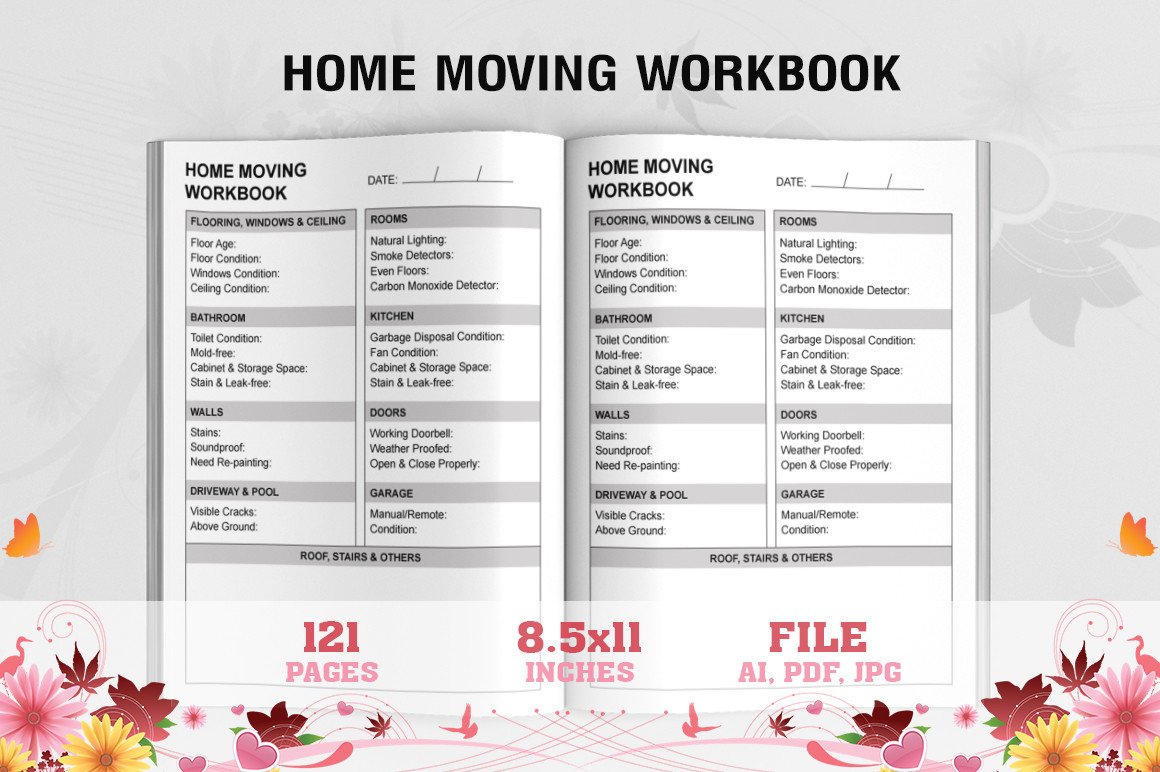
Waliullah Solutions’ Home Moving Planner and Check List is a longer print-oriented interior. The description identifies 123 US Letter pages at 300 DPI, a bleed area, and PDF, Illustrator AI, and JPG files. It gives less detail about individual worksheets than the more specific packing binders above.
Consider it if you want a repeated moving notebook and already have your own checklist method. Examine the preview, then test a few pages with the information you need to record: dates, responsibilities, room labels, and packing notes where the layout permits. A sample print is especially useful before producing a long bound copy.
The advantage is an editable Illustrator source and substantial page count. The limitation is that 123 pages does not establish 123 unique layouts or specific box, quote, and address-change fields. AI refers to Illustrator. Its bleed setup also differs from no-bleed alternatives, so confirm the printing workflow rather than assuming every file can be used identically.
Connect your packing list to the boxes
Assign a number or clear room label when a box is packed, then write the same identifier in the inventory. Record enough detail to find an important item without making an exhaustive list of every small object.
Keep items needed immediately separate and clearly labeled. A first-night or survival-kit page is useful only if the items remain accessible during the move rather than disappearing into the general packing system.
Separate move-day tasks from new-home projects
Keep the moving-day timeline focused on access, collection, transport, handoffs, and arrival. Put later setup and decorating ideas elsewhere so they do not obscure urgent responsibilities.
Use contact, quote, and utility pages as records of details you check directly with the relevant provider. The planner organizes that information; it does not replace the provider’s documents or arrange a service.
Which moving planner should you start with?
For detailed packing logistics, choose the 480-box planner. For customizable labels and checklists, consider the Canva binders. Fayne’s set is the clearer option if InDesign or PowerPoint is already part of your workflow.
Choose the New Home Planner when settling in is the main challenge. A long book interior makes sense only if its repeated layout suits your own method. Keep the working pages few enough that you can update them while the move is actually happening.