9 Creative Monthly Planner Stickers for Clear Calendar Spreads
Monthly planner stickers can help you create a clear heading, date an undated grid, or coordinate the boxes across a calendar spread. These nine Creative Fabrica options include month-name artwork, small date numbers, and kits for different planner sizes. They serve different parts of the layout rather than all supplying a complete monthly calendar.
Check the intended month and finished dimensions before selecting a kit. A monthly design may have a fixed heading, while individual month names are reusable. The file descriptions below distinguish confirmed printable sheets, PNGs, and cutting support from features the seller does not specify.
An undated page or a monthly digital planner is a useful starting point. Add the actual weekday alignment and appointments yourself before filling the remaining space with decorative elements.
1. Classic Happy Planner Monthly Kit
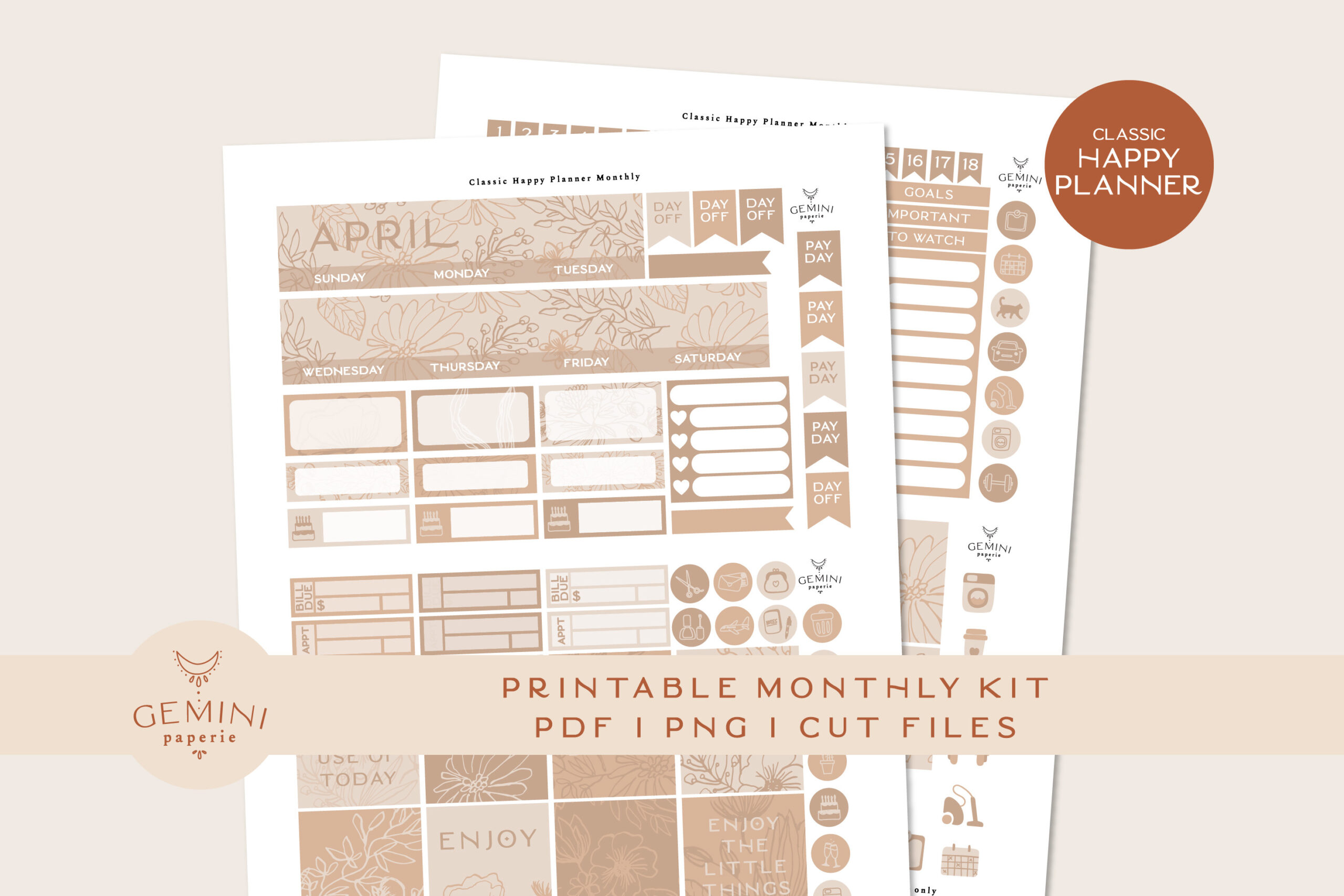
This coordinated monthly kit is designed for Classic Happy Planner layouts, with full boxes measuring 1.57 × 1.57 inches. The ZIP includes three PNG files for Cricut, two PNG files for Silhouette, two DXF cut-line files, an overview PDF, and a printing-and-cutting instructions PDF. The preview shows an April-themed layout, so it is a specific monthly design rather than a complete year of interchangeable headers.
Check the month heading and box dimensions before choosing it for your spread. The seller offers other month versions by request, but this download should not be treated as containing every month. Print at actual size and test alignment in your own cutting software. The seller reports testing with Cricut Maker and Cameo 4; that is useful setup information, not a guarantee for every printer or machine setting.
2. Monthly Planner Sticker Kit: Classic Size
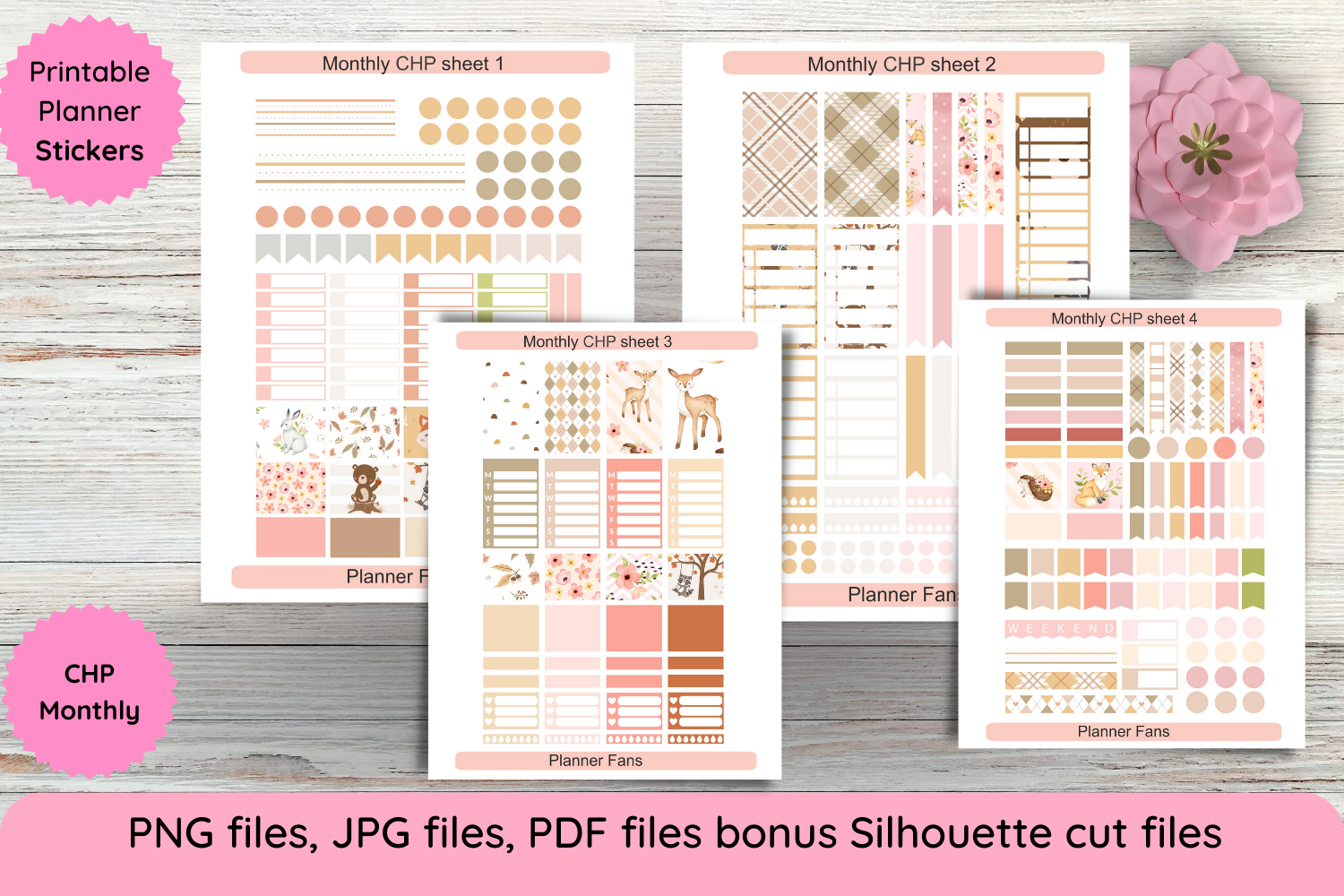
A larger coordinated kit provides matching banners, boxes, and small functional elements for a monthly spread. The listed decorative box is 1.56 × 1.56 inches, with two top-banner sizes also specified. The download contains four printable PDFs, four transparent PNGs for Cricut, four bonus Silhouette cut files, four JPGs, and a PDF guide for printing and cutting.
Measure the banner areas as well as the individual date boxes before printing, since a kit can fit one part of a spread and miss another. The seller lists a 257 MB ZIP, so allow time and storage for downloading and unpacking it. Follow the actual-size instructions and check whether your printer supports the recommended borderless setting. The coordinated artwork does not automatically populate dates or appointments.
3. Mini Happy Planner Monthly Kit
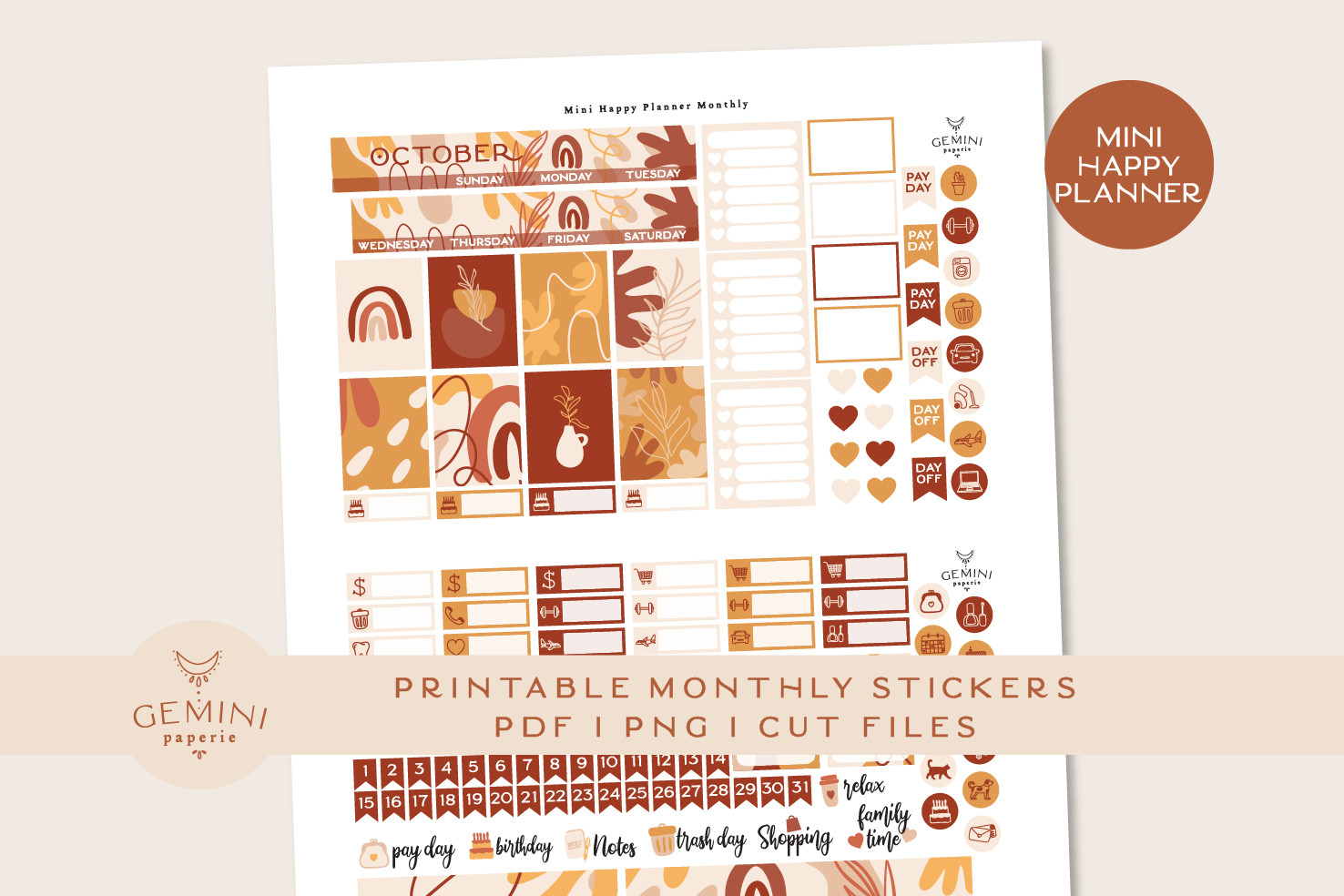
This smaller monthly kit is designed for Mambi Mini Happy Planner layouts, with full boxes measuring 0.95 × 1.2 inches. The seller includes two PNG files for Cricut, one PNG for Silhouette, one DXF cut-line file, an overview PDF, and detailed printing-and-cutting instructions. It is a more suitable scale for compact pages than a kit built around Classic-size square boxes.
The preview uses an October theme, so check the included month heading before selecting the pack for another part of the year. Confirm the measurements against your own planner instead of stretching the sheet automatically to fit. Test print-and-cut alignment on plain paper first. The listing reports machine testing, but the download remains a specific sticker kit rather than a full-year calendar or a native digital planning system.
4. Calendar Stickers: Week, Month and Planner Words
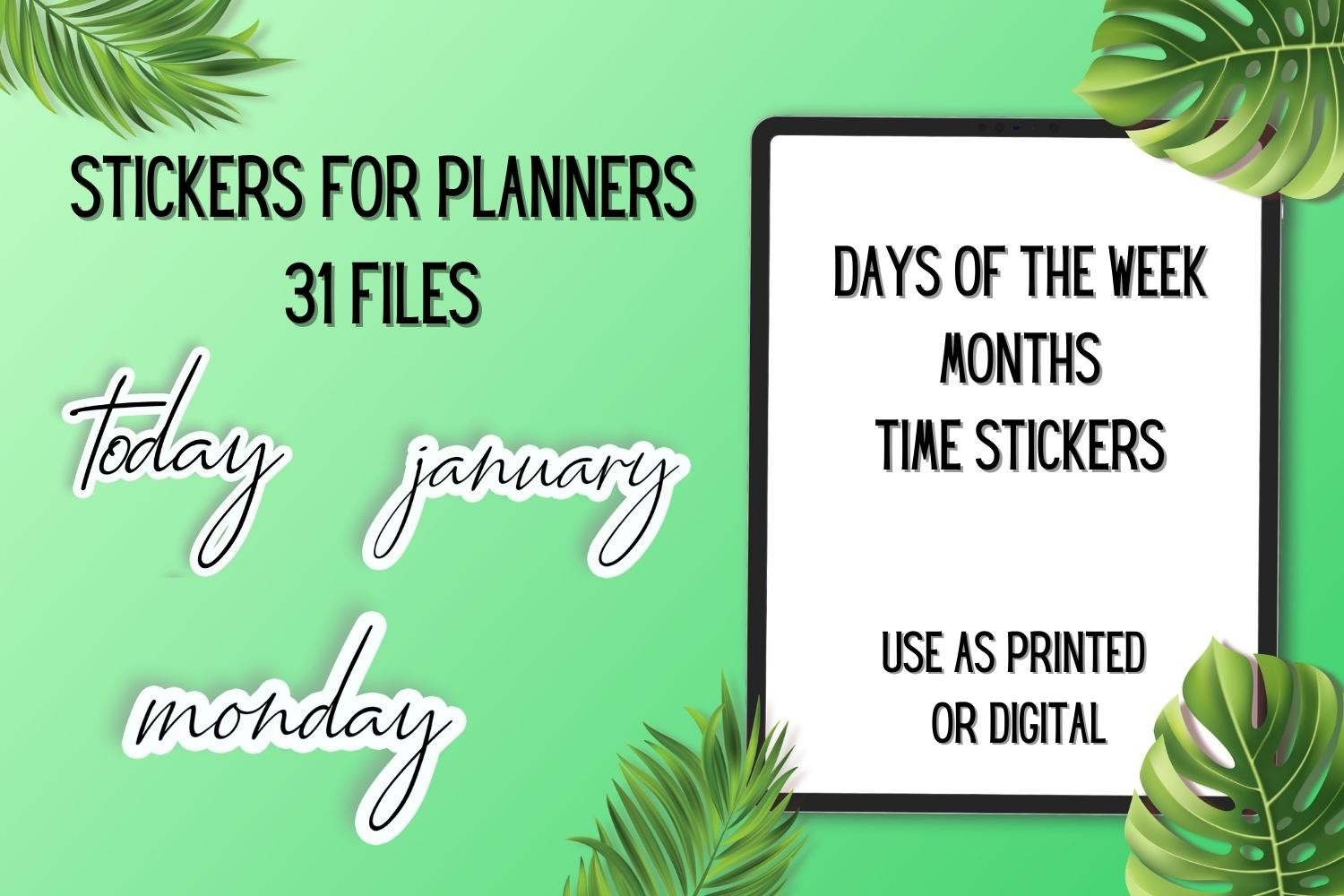
Handwritten month names and planning words can create a lighter monthly layout than a full decorative kit. The description lists seven day-of-the-week PNGs, twelve month PNGs, and thirty-one basic planner-word PNGs. These individual files let you place a heading or label where it is needed, rather than committing to a fixed sheet arrangement.
The preview and description present different file-count references, so confirm the exact contents if quantity is essential to your choice. Use the month labels as headings and keep dates and appointments in your own layout. Finished print sizes, a PDF sheet, and cut files are not specified. Arrange the PNGs before printing or import them individually into a digital page; no native planner-app package is confirmed.
5. Bullet Journal Month and Week Name Stickers
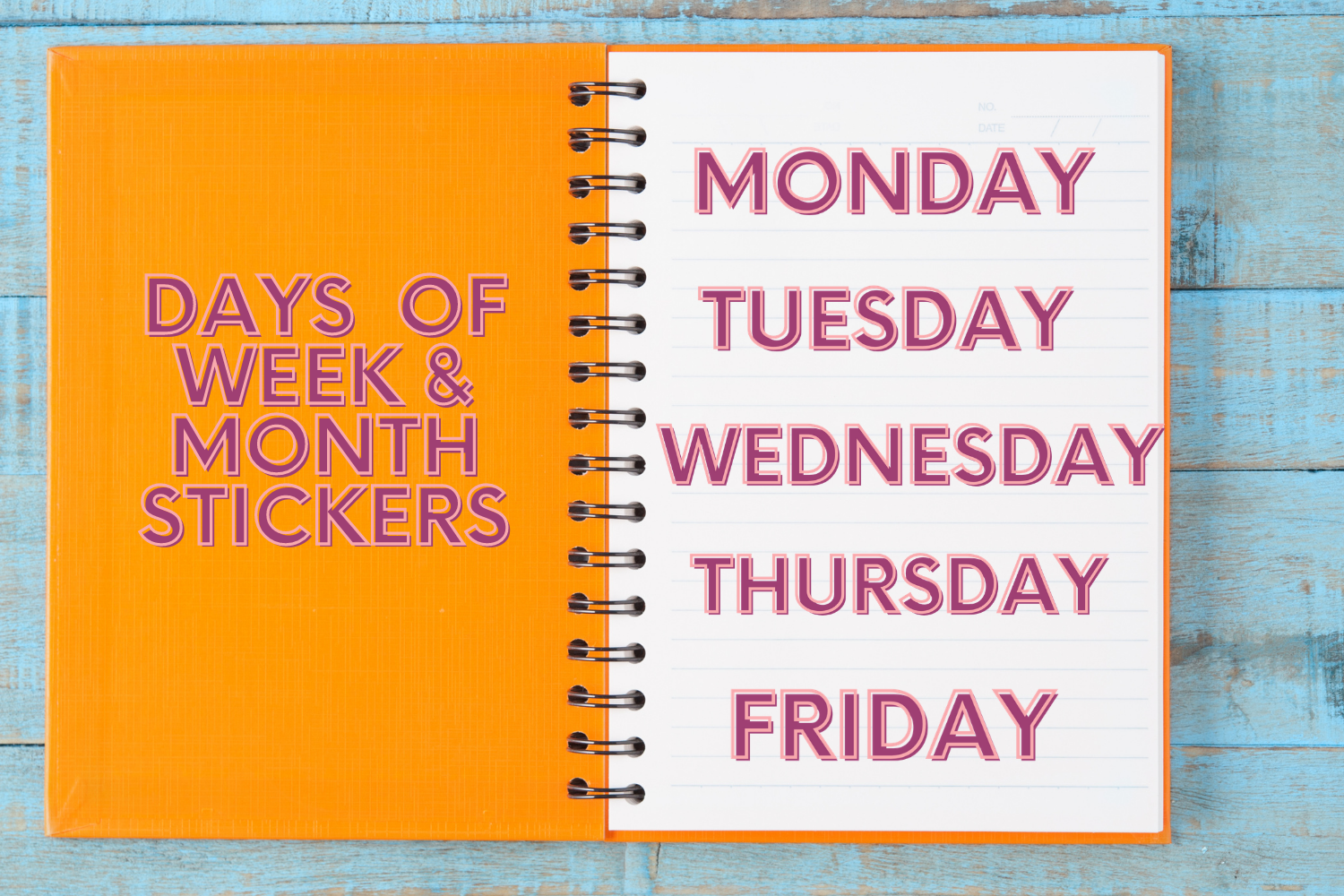
This typography-focused collection provides nineteen individual transparent PNGs for month and week names. The seller lists the artwork at 300 DPI and gives a 10 × 2-inch size reference. It suits a bullet journal where you want a consistent heading style but intend to draw or arrange the calendar itself. The large source dimensions leave room to choose your own heading scale.
Resize the labels for the available writing space instead of assuming the listed size should be printed unchanged. A month name does not supply a dated calendar grid, so place it above a layout you have already checked. The confirmed contents are individual PNGs, without a prepared print sheet or machine cut files. Test the lettering at your preferred size to ensure it stays clear rather than becoming a decorative blur.
6. 12 Months Planner Stickers
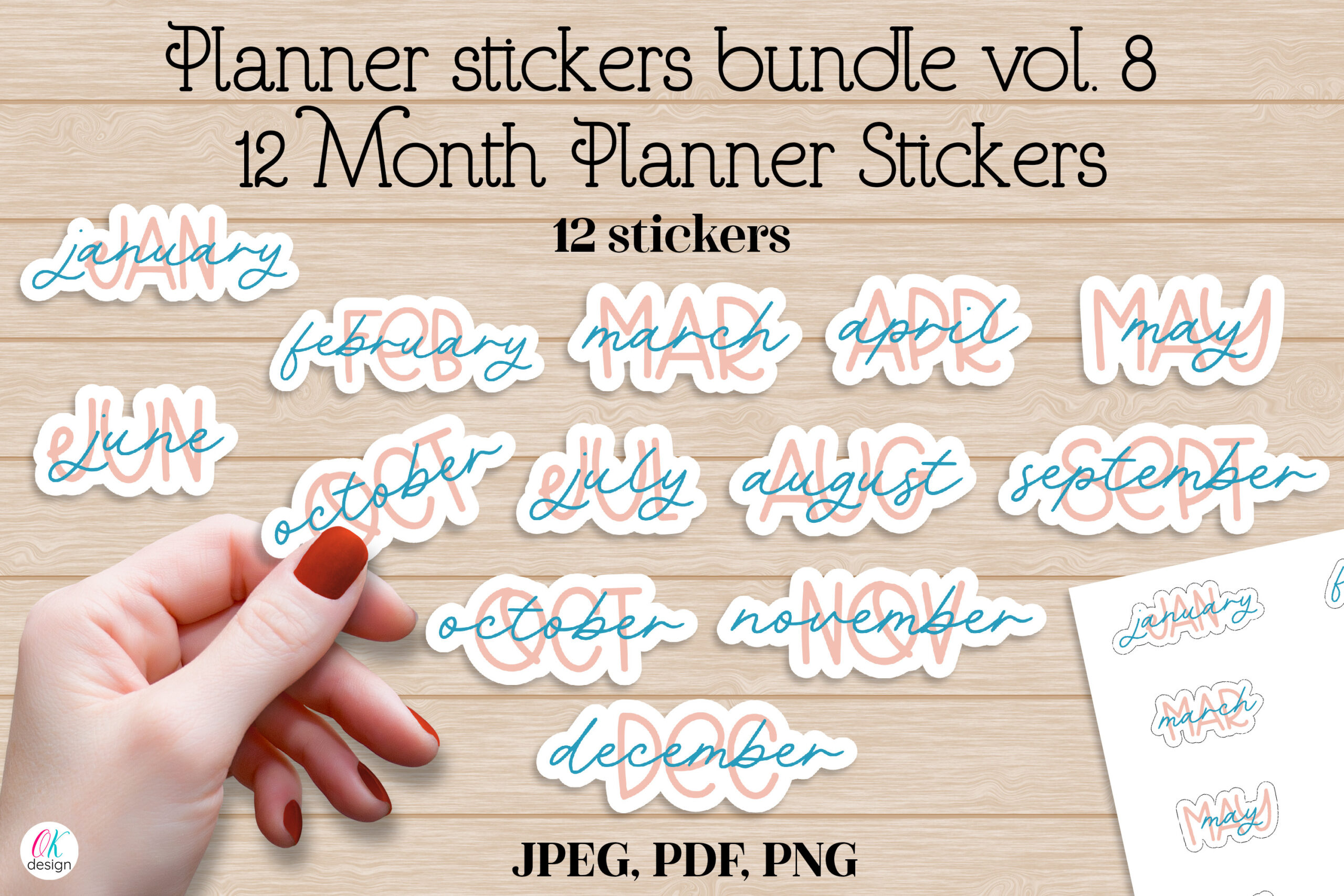
Twelve illustrated month-name designs offer a reusable set of headers for a year of planning pages. The download includes twelve individual transparent PNGs, plus an A4 sheet supplied as JPEG and PDF with hand-cut lines, a PNG for Cricut, and a silhouette PNG for Silhouette Studio. The individual artwork varies from two to 3.5 inches on the long side, and the seller lists 300-DPI RGB files.
Use the month-name artwork to identify a section rather than expecting it to fill an entire calendar layout. The printable sheet is useful for a paper workflow, while individual PNGs allow more flexible digital placement. Check each design’s height before reducing it to fit a narrow heading strip. Mockups are excluded from the download. The twelve designs are month labels, without dated grids, appointment fields, or automatic calendar changes.
7. Months of the Year Planner Stickers
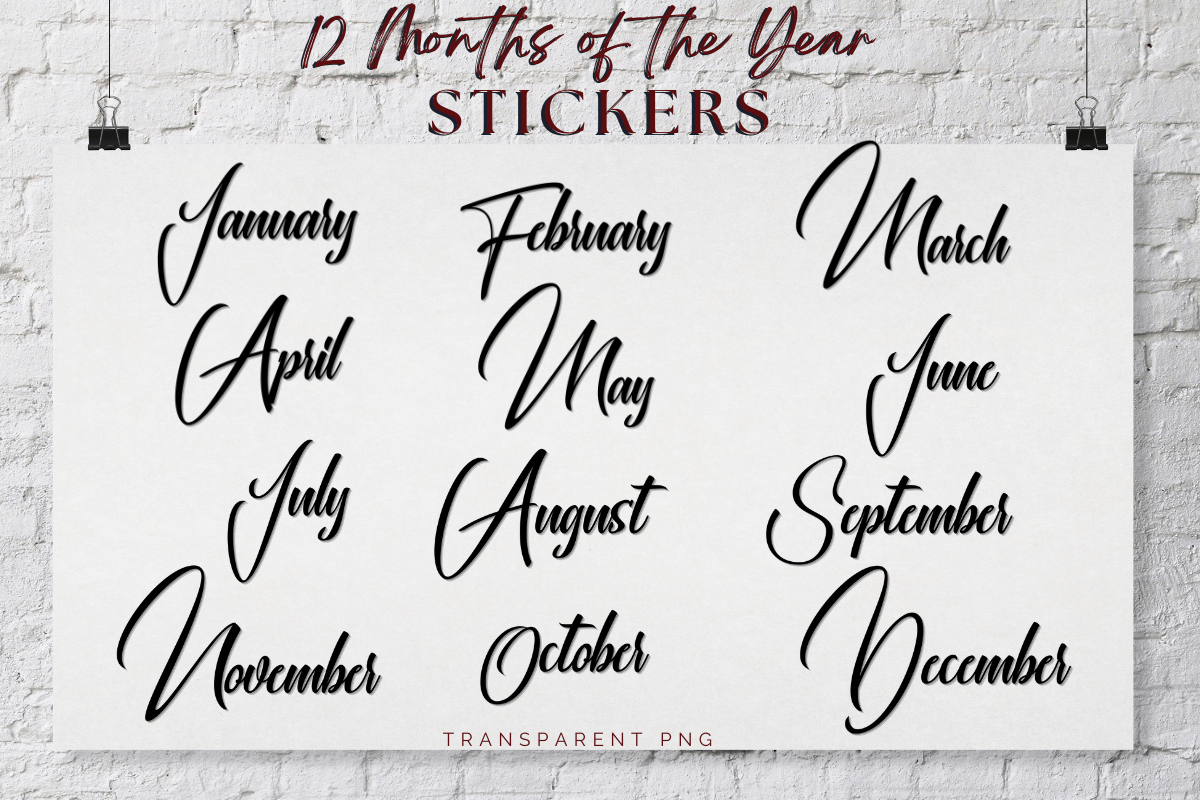
Simple script month names can keep a monthly page uncluttered. The seller confirms individual transparent PNG files and describes them as high resolution, while the preview shows the twelve months in a consistent black-lettering style. This is a useful choice when you want the heading to coordinate with your own boxes, handwriting, or neutral planner palette.
Check the downloaded dimensions before deciding how large to print the lettering; the listing does not provide a finished sticker size. The resolution notation in the description is abbreviated, so do not assume a particular print scale from that alone. No PDF sheet or dedicated cut file is confirmed. Arrange the labels yourself for paper use, or place them as images above your digital monthly layout.
8. Mini Square Date Stickers: Calendar Numbers
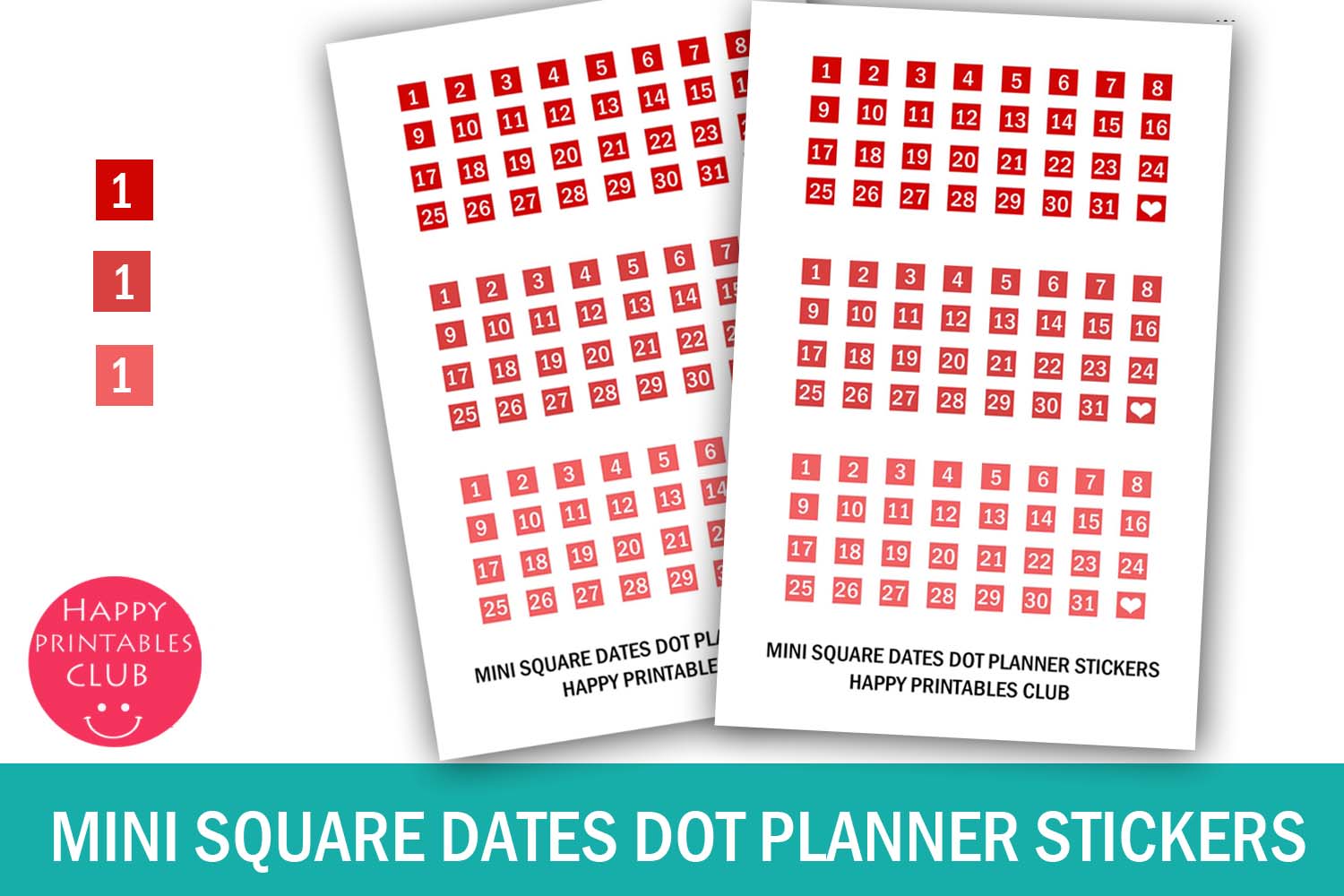
Small square date markers make it possible to date an undated monthly grid without writing every number by hand. This set covers numbers one through thirty-one for three months, with three color options and a heart marker for each set. The seller lists six-millimeter stickers on a 4 × 6.5 sheet, supplied in PDF, JPEG, and PNG formats.
Check the sheet’s measurement units and print scale before making a full batch. Six-millimeter numbers save space but can be difficult to read if reduced further. Place the dates according to the actual weekday alignment of the month you are planning; the stickers will not calculate it for you. Dedicated cut files are not listed. Use one consistent color if mixing several palettes would make your calendar harder to scan.
9. Big Planner Newspaper Vintage Monthly Kit
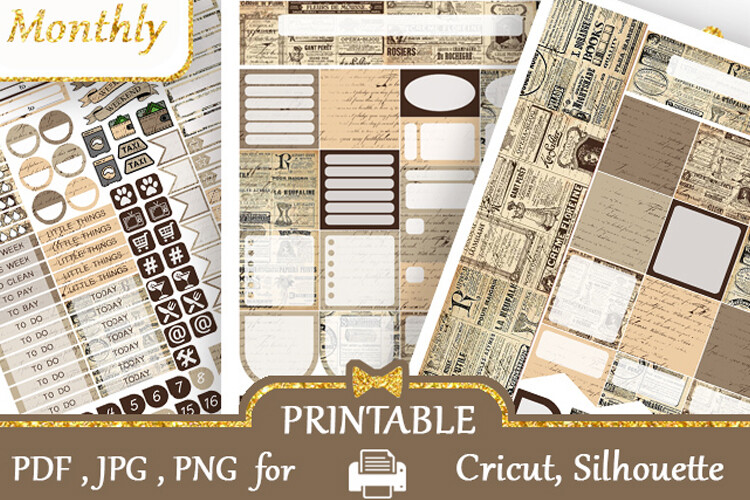
A newspaper-inspired design offers a different visual style for a larger monthly planner. The seller lists full boxes at 1.9 × 1.9 inches and supplies three Letter-size PDFs, three PNG sheets, six PNG files for Cricut, and six Silhouette Studio documents. The listing also permits printing on A4, making the prepared formats useful for several paper workflows.
Measure the date boxes and banner areas before using the kit in a smaller planner. Its larger boxes are a material fit difference rather than simply another color version of a Classic-size kit. The available main preview is relatively small, so inspect the downloaded files for fine text before printing. Use the monthly artwork to organize a layout you have dated yourself, and follow the supplied files’ cutting setup rather than assuming every sheet shares identical dimensions.
How to Choose Monthly Planner Stickers
Match a kit to the full-box width, banner space, and intended month of your planner. Month-name PNGs offer flexibility, while a prepared kit can save arranging time when its measurements fit your page. Date-number stickers still require you to check the actual calendar alignment.
Choose a prepared PDF or machine files for a paper workflow, or individual transparent PNGs for digital placement. Test scale and lettering before printing a full sheet. A larger Big Planner kit is a different fit requirement, not simply another color option for a compact page.
Start with a readable month heading and the dates you need. Add monthly planner stickers for appointments and priorities where they clarify the overview, while keeping the calendar easy to revise.