9 Practical Sleep Tracker Templates for Clear Daily Records
A sleep tracker gives you a consistent place to record bedtime, waking time and your own observations. The most useful layout depends on whether you prefer a monthly grid, short daily entries or a more detailed sleep log.
These nine Creative Fabrica options range from simple printable sheets to editable templates. We checked descriptions and original previews for sizes, formats and stated contents. Conflicting dimensions or page counts are identified in the relevant reviews so you can inspect the package before printing.
These are manual recording tools. They do not measure sleep automatically or establish why a pattern changes. Choose a format you can use consistently, and keep broader routines in a separate habit tracker if that helps keep the sleep record focused.
1. Healthy Sleep Tracker by KDPLab
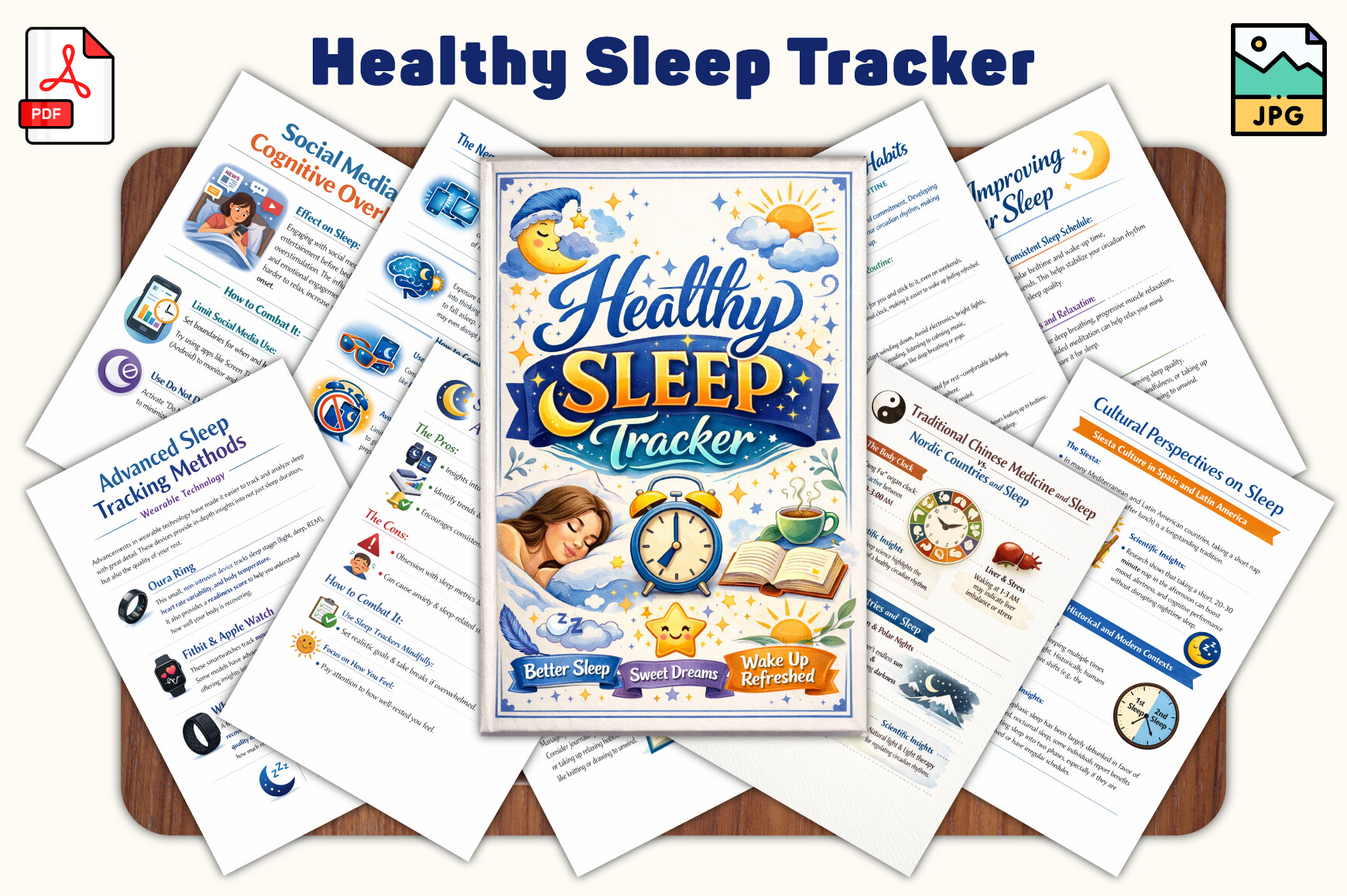
KDPLab lists a sleep tracker in PDF and JPG at 6 by 9 inches. It combines logging pages with reflection prompts and activities, offering more variety than a single repeated chart. The colorful preview suits someone who enjoys a workbook style and wants room for observations alongside a simple sleep record.
The page count is inconsistent: the main specification says 40 pages, while a later paragraph says 30. Check the downloaded package before printing. Its educational claims have not been independently evaluated, so choose it for the recording layouts rather than treating it as a sleep guide. Start with the log pages and add reflection sections only if they fit your routine.
2. Sleep Tracker by rafedratan
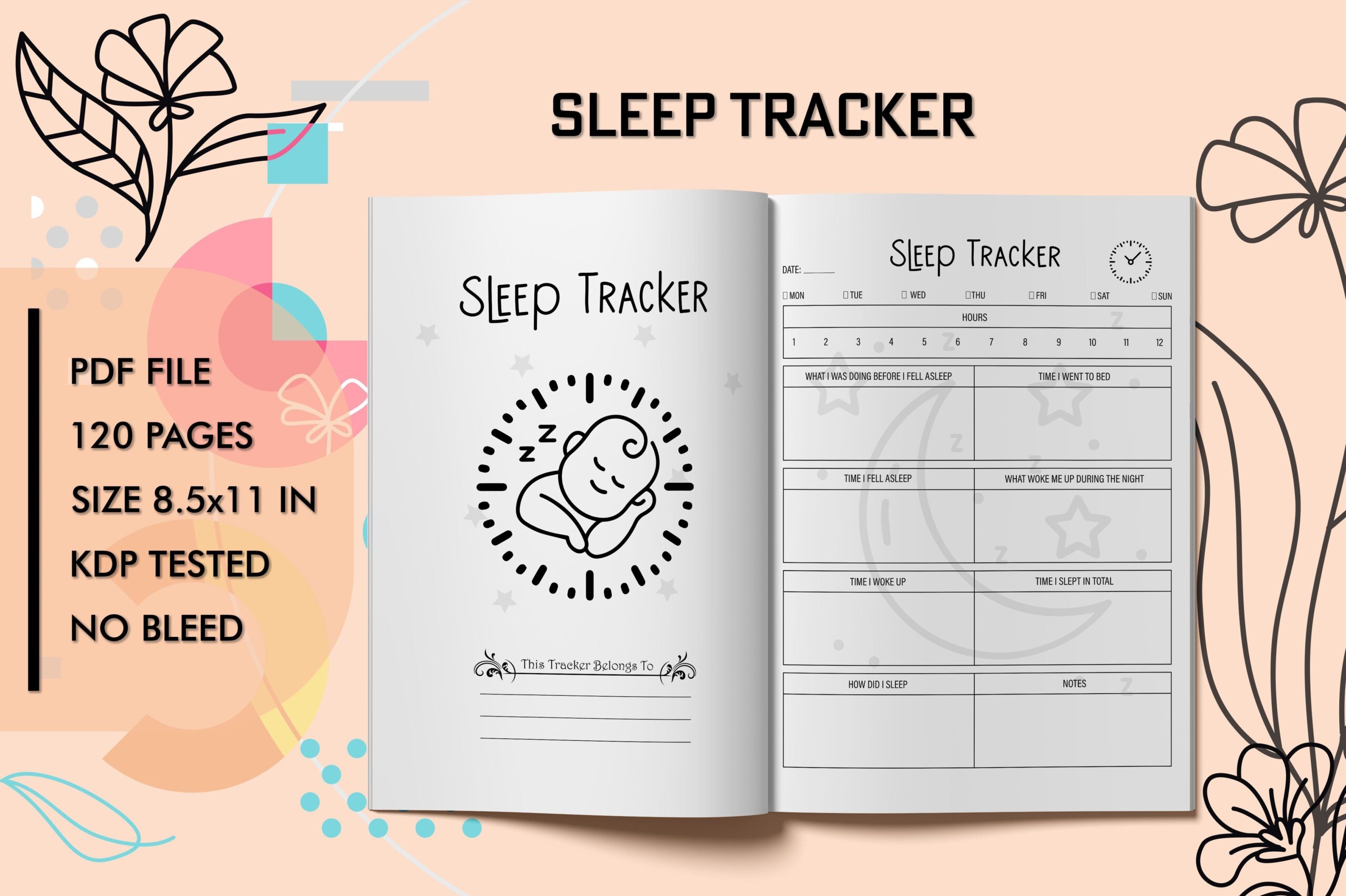
This sleep tracker lists a PDF interior with 120 pages, an introduction and no bleed. The preview shows repeated daily fields, making it more suitable for short entries than an extensive monthly color chart. It can work as a dedicated notebook when you prefer recording one day at a time.
The description states 6 by 9 inches, but the preview states 8.5 by 11. Inspect the PDF dimensions before selecting paper or a cover. No editable source is confirmed. Check one page at actual size to see whether the fields give you enough room for the details you want to record, and avoid printing the full interior until the size question is resolved.
3. A4 Sleep Tracker by Realtor Templates
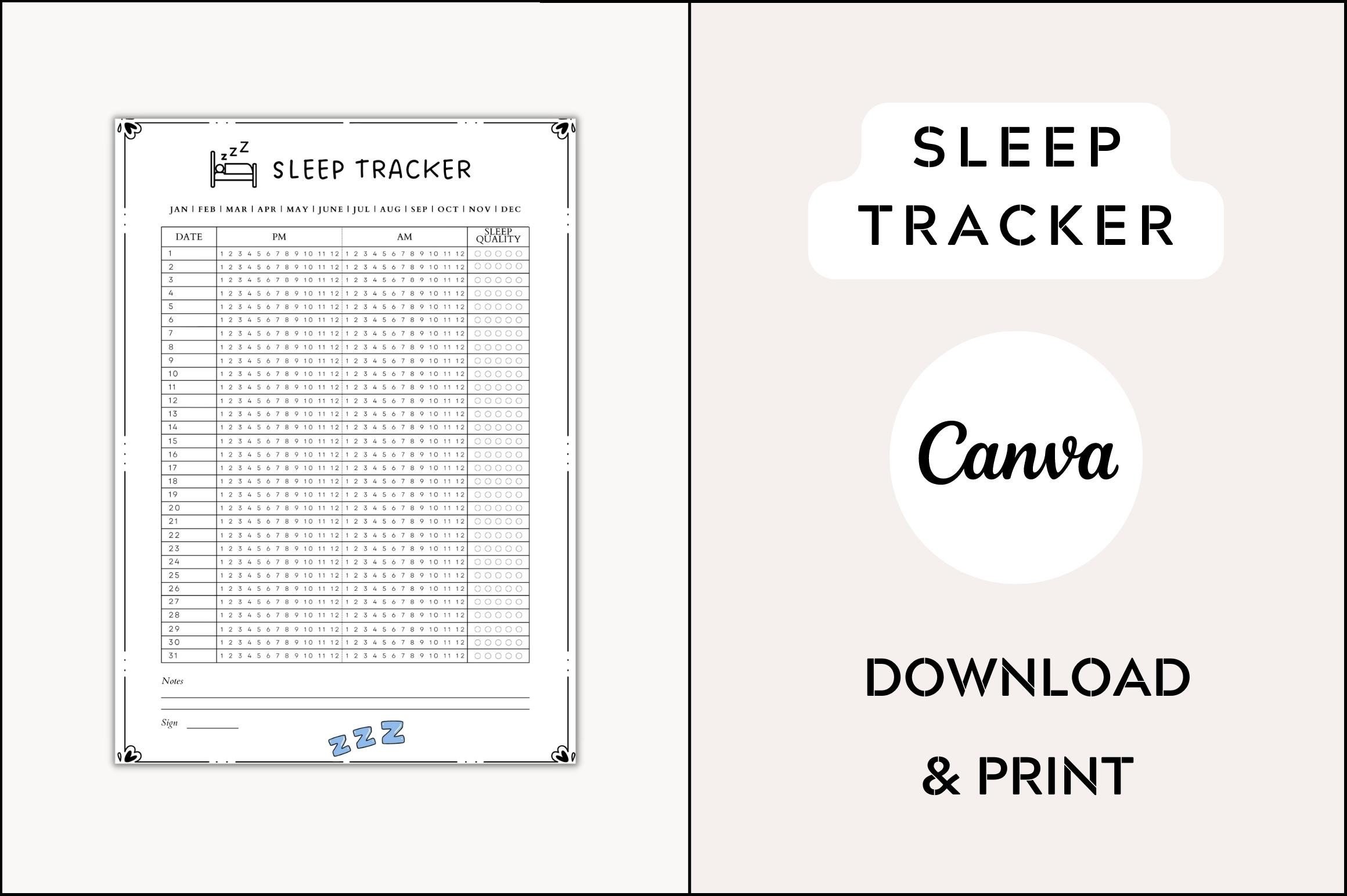
Realtor Templates describes an A4 sleep tracker with five color variants. The preview shows a monthly grid and identifies Canva. This is a straightforward option when you want a visual record on one page rather than a bound daily journal, with the color choices helping it fit an existing planner.
The text description does not clearly establish the delivered file types or explain how the Canva template is provided. Confirm the package before relying on editable access. Test the grid at the intended print size and choose the variant with the clearest lines. Record estimated sleep consistently; a paper chart does not automatically measure sleep or determine why patterns change.
4. Monthly Sleep Chart by Graphic Zill
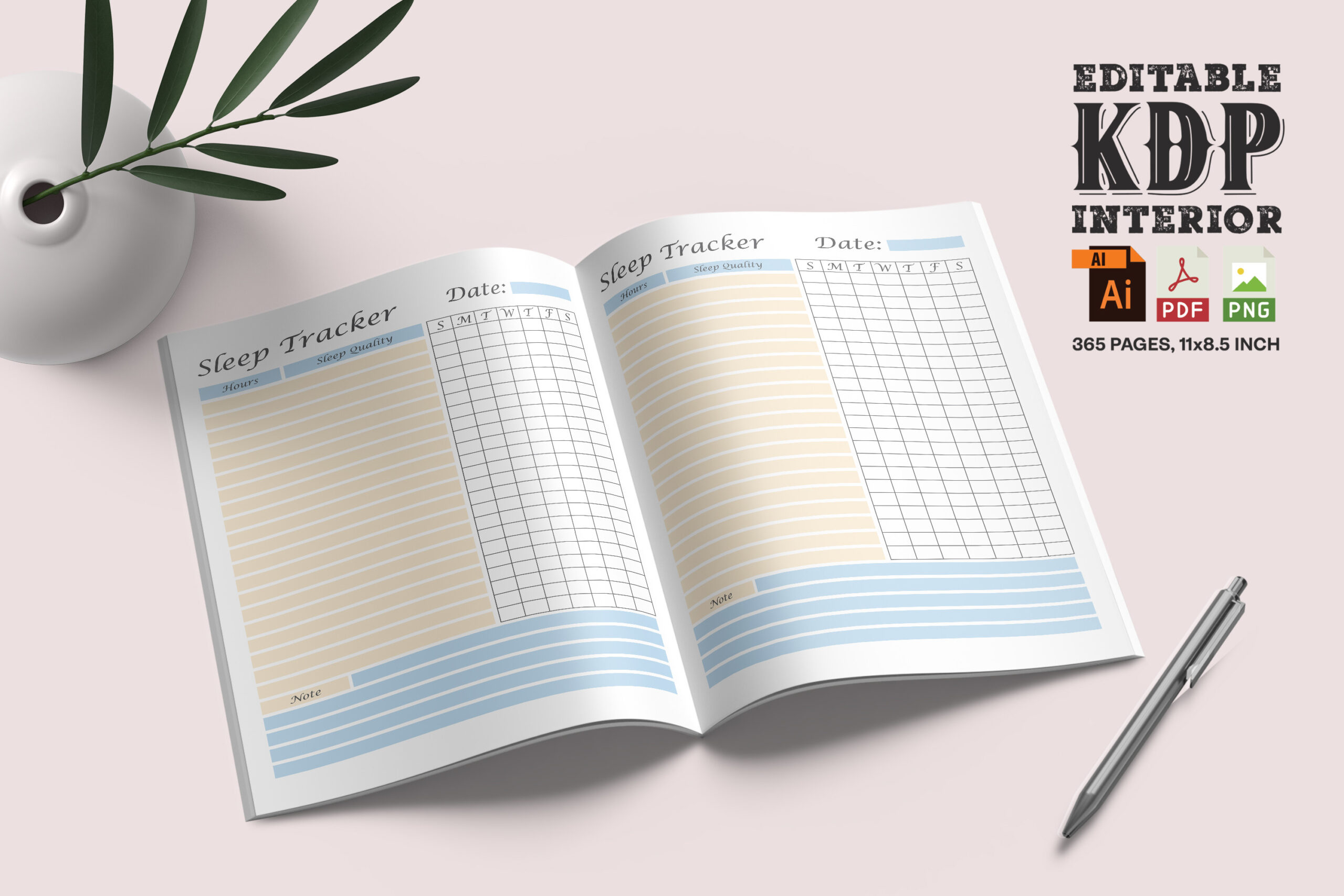
Graphic Zill describes an undated monthly sleep chart with a 24-hour layout in A4 and Letter. A printable PDF is listed, and the preview shows a grid suited to marking time intervals. This makes it useful for comparing nights visually when you want the whole month in view.
The description also contains unrelated wording about worksheets and another journal, so the exact package contents deserve a check. Although fillable is mentioned, confirm actual form fields before expecting typed entries. Use the chart as a manual record. Print one sample to judge whether the hour columns remain clear, and keep brief notes separately when a night needs more context.
5. Multi-Size Sleep Tracker by JUNDI
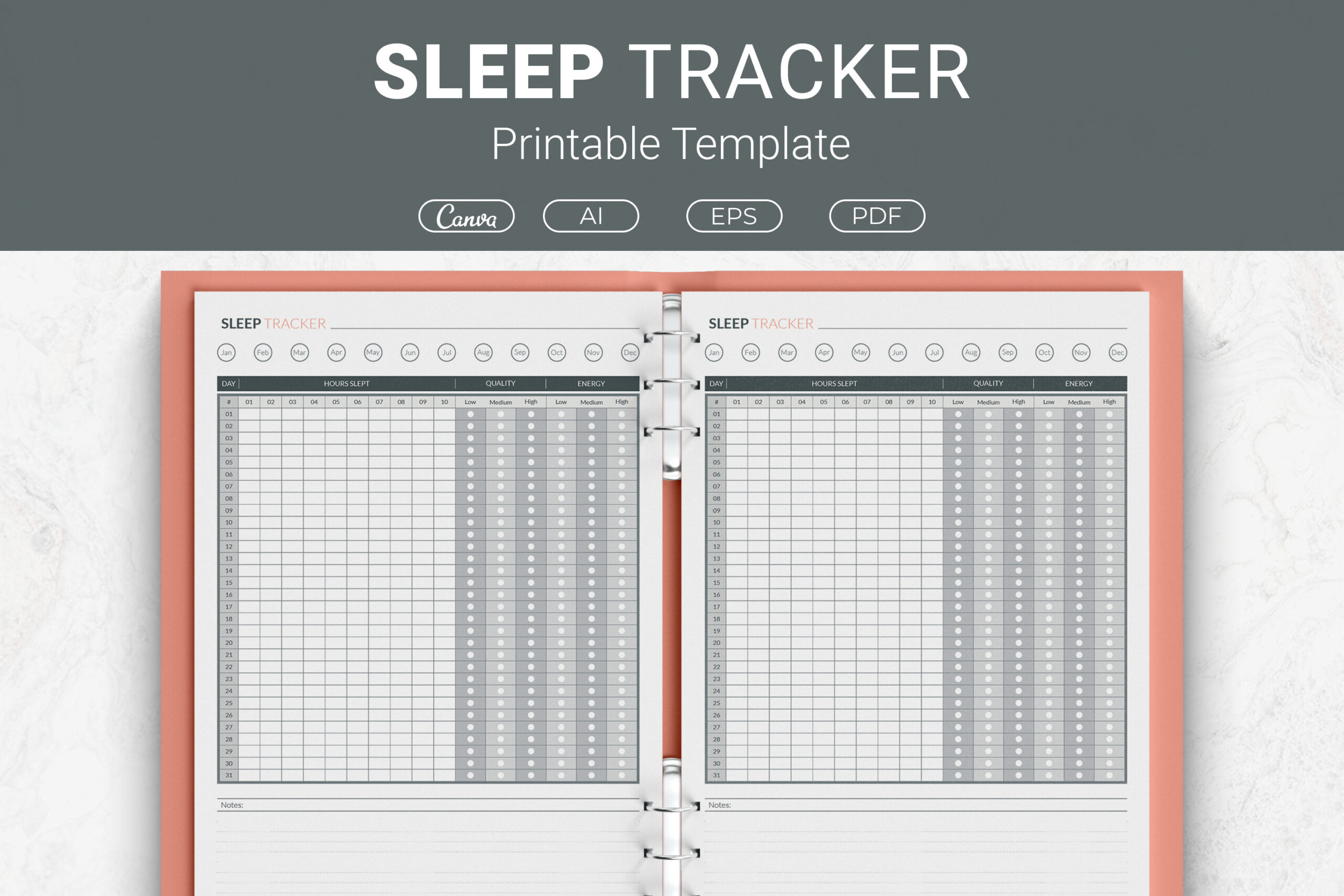
JUNDI lists AI and EPS source files, print-ready PDFs and a Canva template link. Available sizes include Letter, A4, 7.5 by 9.25 inches and 6 by 9 inches. The monthly grid offers an organized overview, while the editing options suit someone who wants to adjust the headings or styling for an existing binder.
Choose the size closest to your paper or planner before making edits. Confirm which Canva elements are available on your account and export a test page after changing fonts. The listing does not establish automatic calculations or measured sleep data. A consistent marking method is more useful than changing colors or time conventions halfway through the month.
6. Sleep Tracker Notebook by Moriom
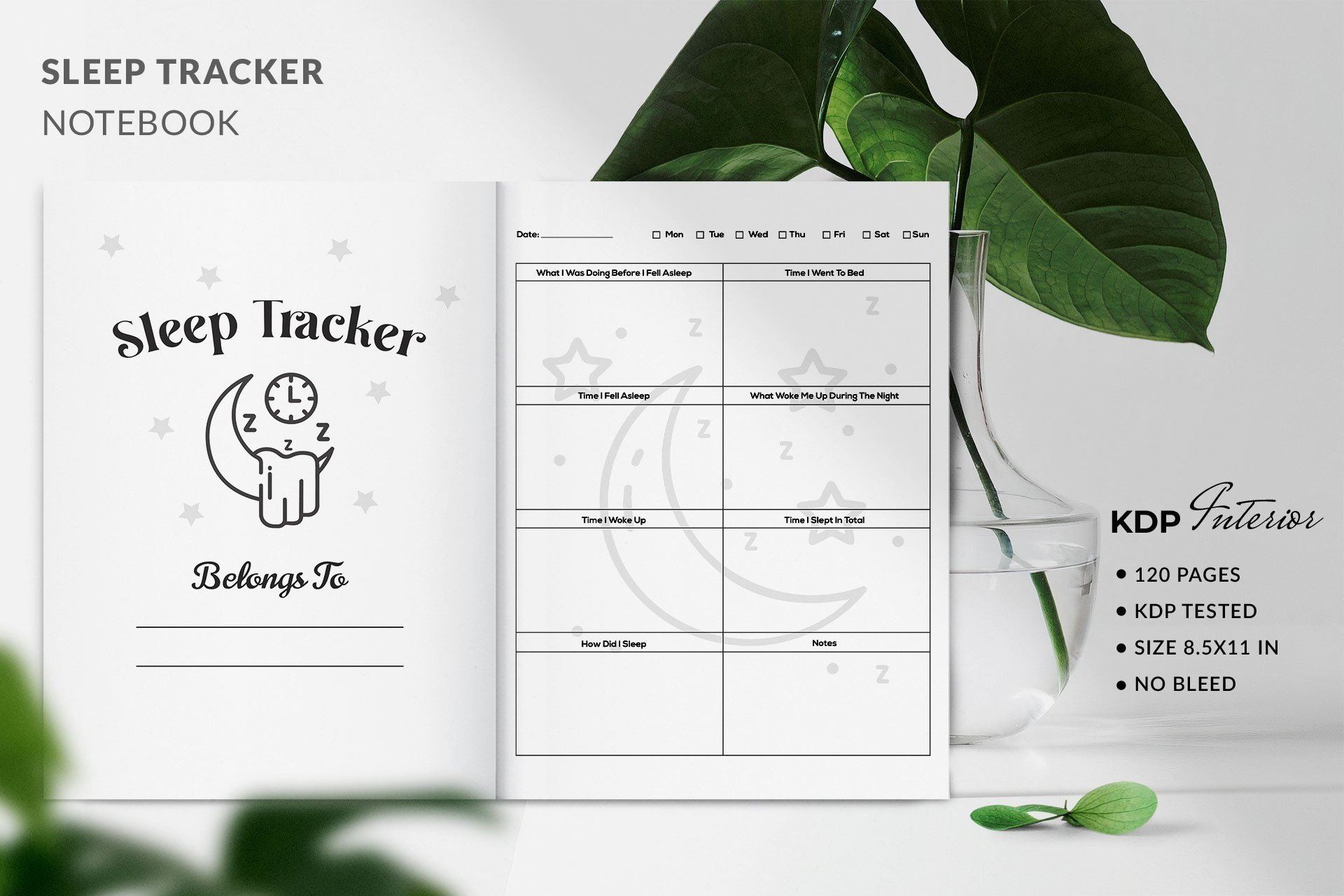
Moriom lists a print-ready PDF sleep tracker with no bleed. The preview shows a repeated daily logging layout and labels the book as 120 pages at 6 by 9 inches, although those details are not repeated in the main description. It offers a compact, simple notebook approach to recording nights.
Confirm the preview specifications against the actual PDF before printing or binding. Editable files are not established, so this is best when the supplied structure already suits you. Try a few entries before producing the whole book. Keep observations factual and brief; the notebook stores what you record rather than evaluating sleep quality independently or explaining a change in your routine.
7. Editable Sleep Tracker by Sharp Flair Graphics
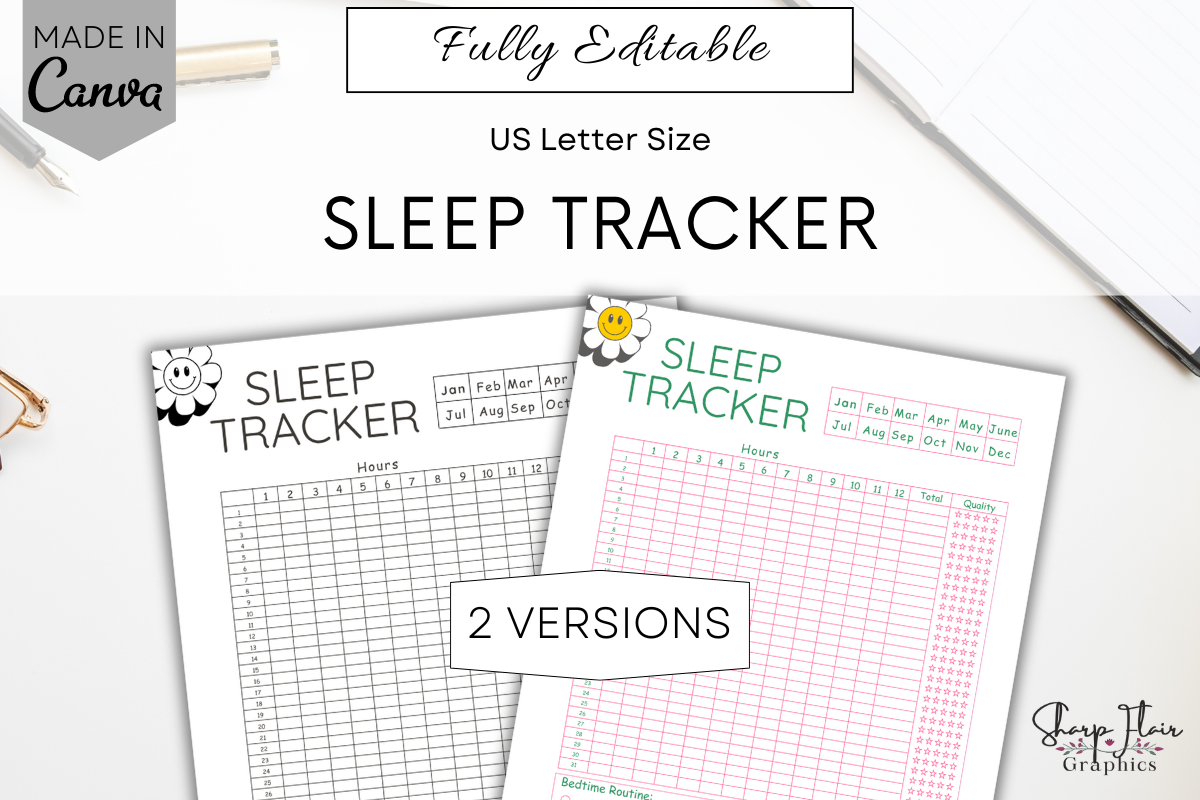
Sharp Flair Graphics provides two Letter-size sleep tracker versions through a PDF containing Canva links. The listing explicitly describes editing with a free Canva account, including text, fonts, background, elements and size. The preview shows two coordinated monthly charts, offering flexibility without requiring a large completed journal.
Duplicate the template before making changes so you retain the original. Check that the hour labels and grid still fit after resizing, then export one PDF sample. Two versions means two page designs, not two extensive books. Mockups are excluded. Choose this when customizing the chart is useful, rather than when you want an already assembled year of dated tracking pages.
8. Printable and Digital Sleep Log by Plamarplanners
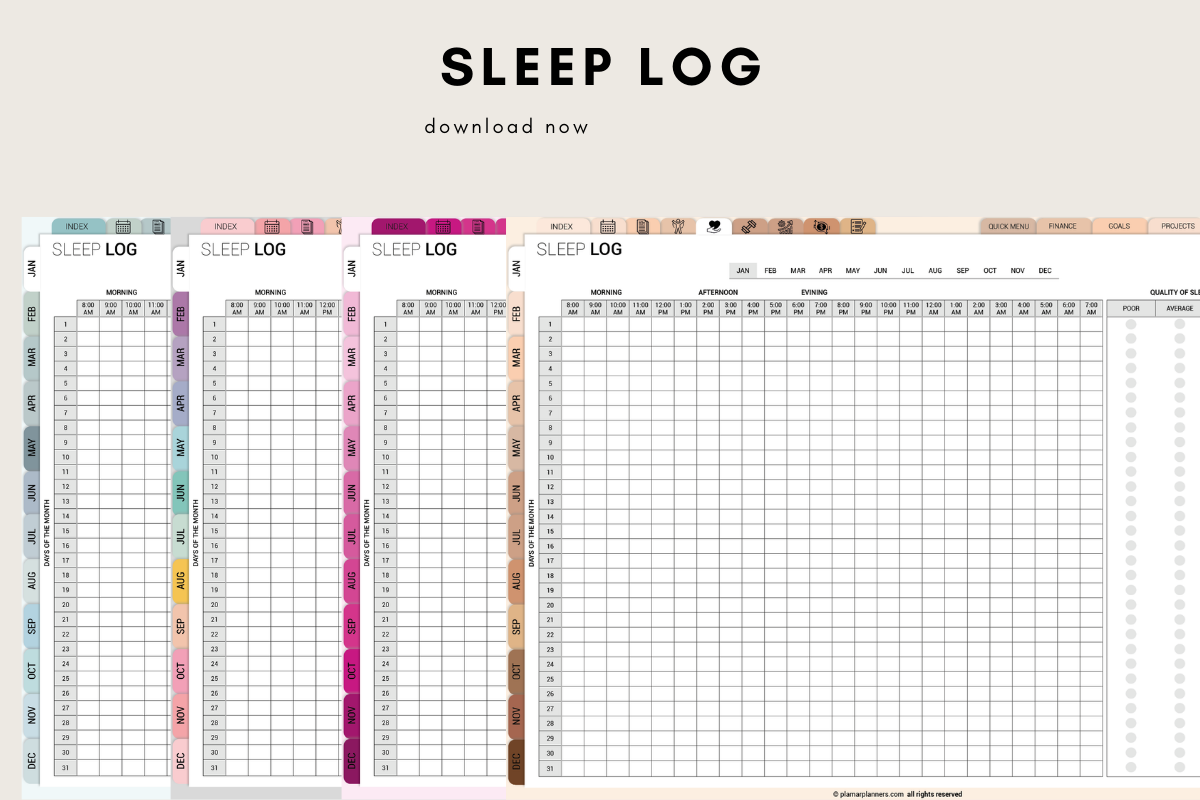
Plamarplanners lists PDF sleep logs in Letter and A4, described for printing or use in Goodnotes and Notability. The stated sections include bedtime, wake time, duration, a quality rating, dream notes and weekly or monthly summaries. It suits readers who want written observations alongside times rather than only coloring a chart.
An exact page count and native app file are not confirmed. Treat the PDF as an annotation document and test one import before building a digital notebook around it. Keep your quality rating scale consistent so later entries are comparable. The product records your estimates and impressions; it does not automatically measure sleep or establish the cause of a pattern.
9. Four-Size Sleep Tracker by TiveCreate
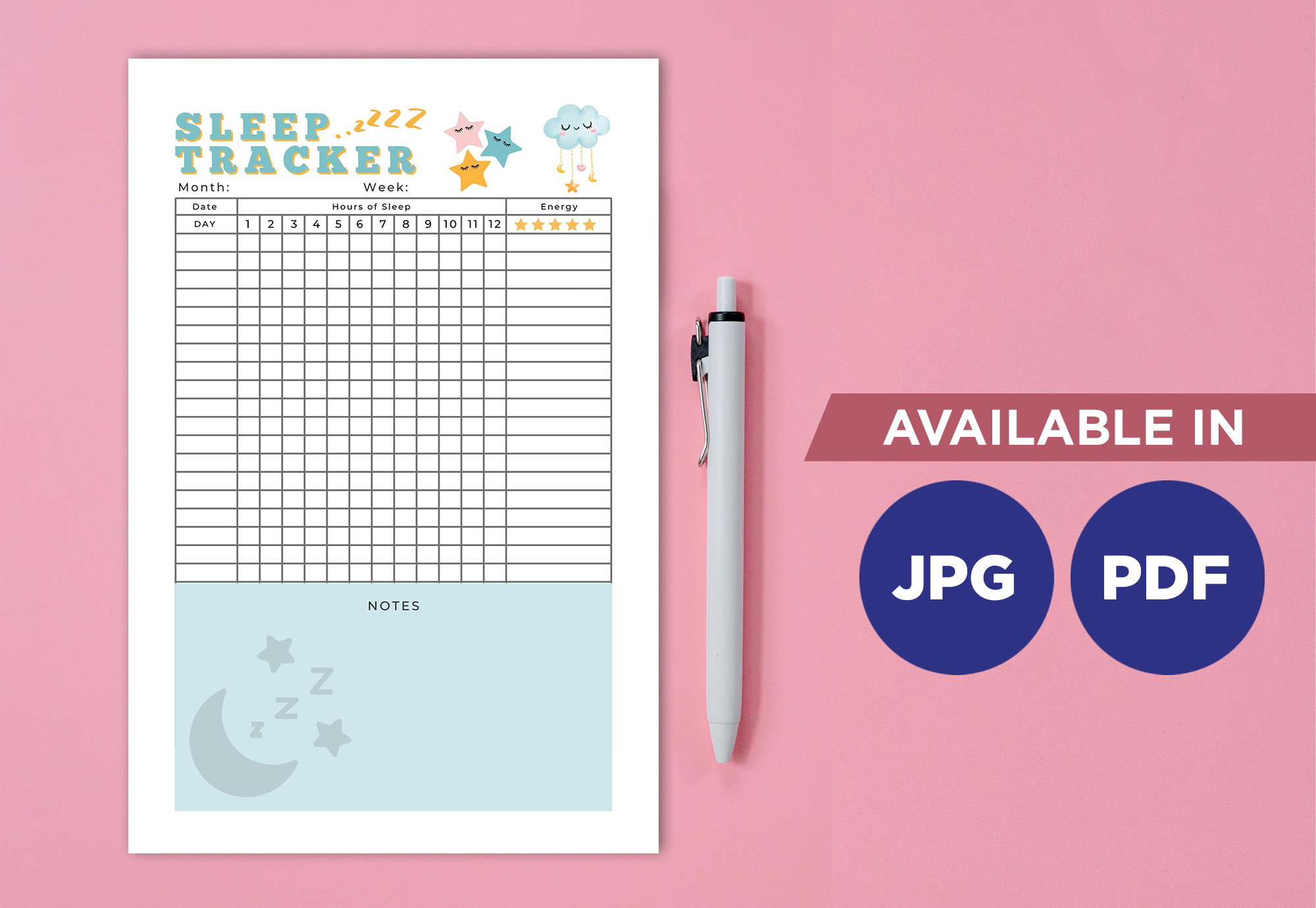
TiveCreate lists four PDFs and four JPGs covering A4, A5, 6 by 9 inches and Letter, all supplied in a ZIP. Having separate size versions is useful when you want the same type of sleep record in a desk binder and a smaller planner. PDF and image output also offer different options for printing or annotation.
Pick the intended size rather than shrinking a larger page without checking the labels. Print a test at actual size, especially for A5, where small hour fields can become harder to mark. Editable source files and fillable form fields are not established. Use the downloaded page as a manual tracker, and add notes on a separate page when a simple grid is insufficient.
How to Keep a Consistent Sleep Record
Choose one convention for overnight dates and use it throughout the log. Record times as estimates when you do not know them precisely. A short note can preserve context such as travel or a changed schedule without turning every entry into a long journal page.
Before printing, check the actual PDF dimensions, grid labels and any fillable fields you expect to use. A compact daily book and a large monthly chart serve different purposes. Try a few pages first, then commit to the format that is easiest to maintain.
Review your entries as a personal record rather than proof of a cause or a diagnosis. Keep the chart readable and the routine manageable. If concerns about sleep need professional attention, the log can simply provide the observations you recorded rather than supply its own treatment advice.