11 Useful Mood Tracker Templates for Personal Reflection
A mood tracker offers a place to record feelings and daily context in your own words or colors. Some people prefer a single monthly view; others want space for several check-ins and a short reflection. The right template depends on how much information you want to keep.
These eleven Creative Fabrica products include printable interiors, editable templates and planner inserts. We checked listed formats, sizes and page counts, and flag discrepancies where a preview and description disagree. A repeated book interior and a set of unique designs are different kinds of products.
Use the pages for personal reflection rather than diagnosis or automated interpretation. Keep a consistent key, and allow room for mixed feelings. A separate habit tracker can record routines while your mood journal retains the context you want to remember.
1. 2027 Mood Tracker by Monster Design
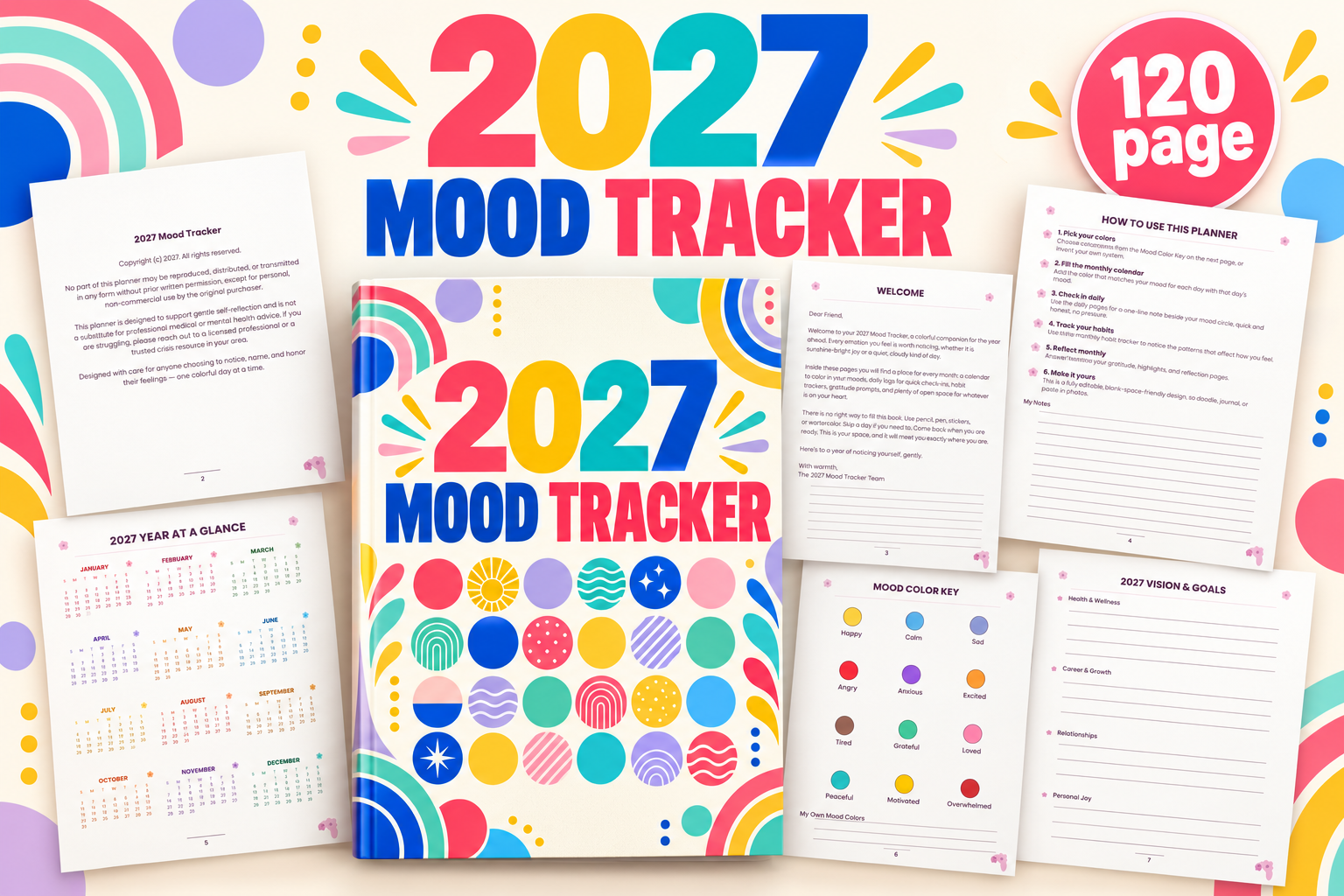
This 2027 mood tracker is a 120-page Letter-size PDF with no bleed. It includes monthly mood calendars, daily logs, habit tracking, reflection pages and yearly review sections. The colorful preview makes it a useful option for someone who wants a complete record for the coming year rather than assembling individual inserts.
This is dated for 2027 and is less convenient for starting a full calendar sequence in another year. Canva editing is not included according to the product details. Choose a small, consistent color key and leave room for mixed feelings in your notes. The journal supports personal reflection; its charts do not diagnose a condition or establish what caused a mood change.
2. Mood Tracker Book Set by retroqueen
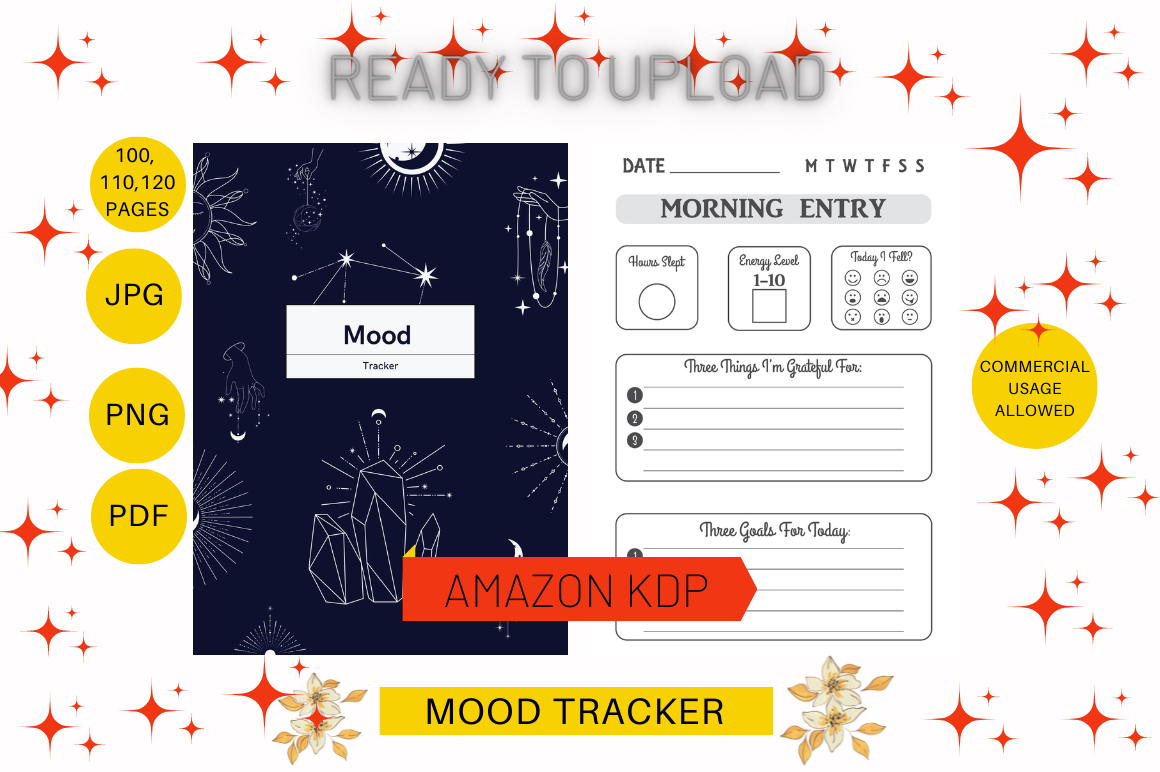
Retroqueen lists six Letter-size mood tracker books in PDF, PPT, PNG and JPG, with 100-, 110- and 120-page versions and no bleed. The preview shows structured morning and night entries. Multiple formats make it worth considering when you want a repeatable daily layout with a choice of assembled book lengths.
The description does not map every file to a specific design or page count, so compare the versions before printing. Do not assume six books mean six entirely different tracking methods. Use a short sample to judge how much writing the prompts require. PPT files may help with customization, but check the actual file structure and font behavior in your application.
3. Daily Mood Tracker Journal by LujyDesigns
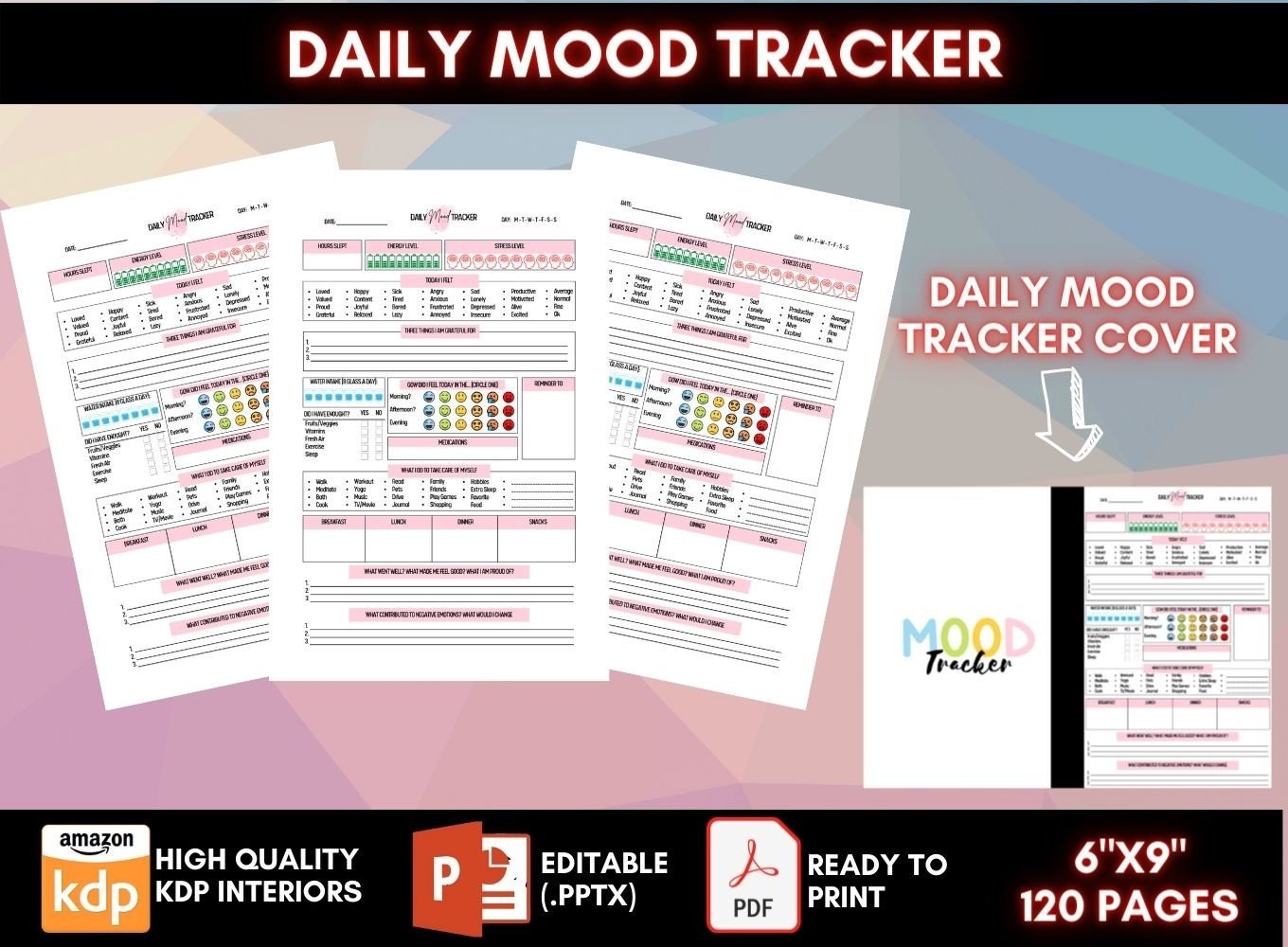
LujyDesigns lists a 120-page, 6-by-9-inch PDF with no bleed, a cover and 40 editable PowerPoint pages. Its sections record mood at different times, energy, sleep, daily experiences and reflection. It suits someone who prefers a fuller daily record rather than reducing each day to a single color.
Forty editable pages and 120 assembled PDF pages are different counts. Select the sections that serve your purpose; completing every field can make the routine unnecessarily long. Use medication fields only to record existing information, without changing instructions based on a journal entry. Check the cover and interior dimensions before binding, and test PowerPoint exports after any layout changes.
4. Monthly Mood Tracker Designs by Titania Creative
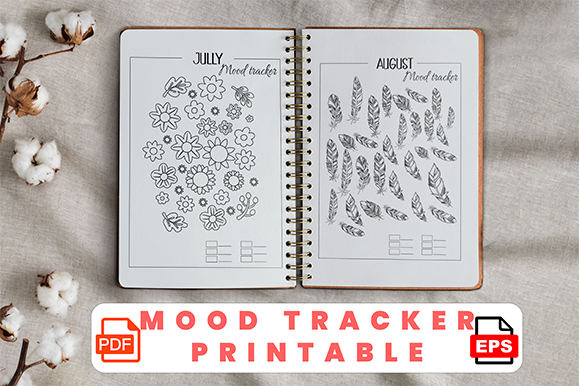
Titania Creative offers twelve different monthly mood tracker designs in PDF and EPS. The description says they can be used for any month, and the preview shows decorative coloring layouts. This is an appealing choice when you enjoy a visual journal and want several designs to choose from instead of one repeated page.
Exact paper dimensions are not specified in the description, so check the files before choosing a binder. EPS provides an editing option in compatible software, while PDF is simpler for printing. Keep your mood color key stable across the different illustrations. Decoration can make recording enjoyable, but a short note may capture a complicated day more accurately than one colored shape.
5. Mood Tracker Log Book by KDP CORNER
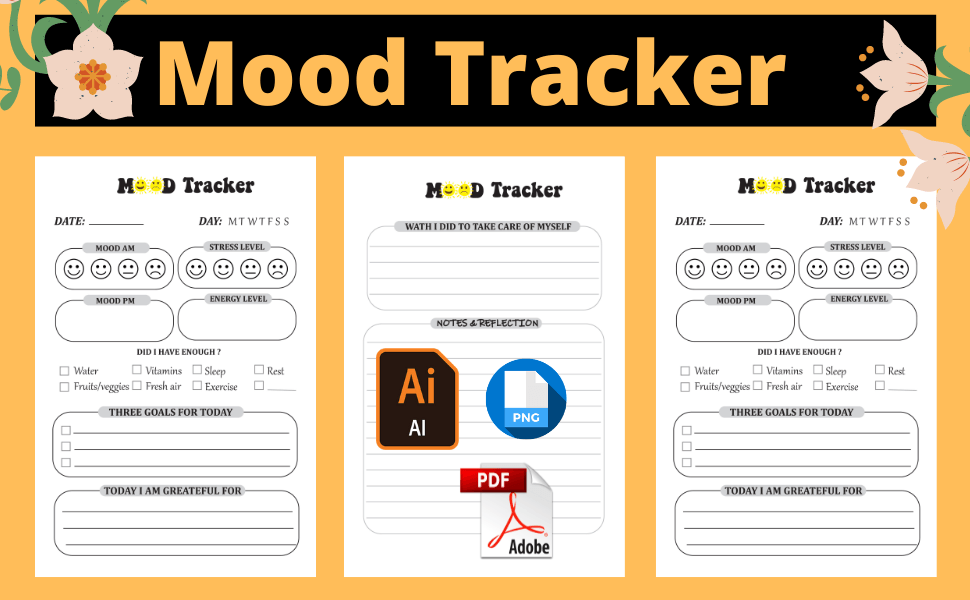
KDP CORNER lists a 110-page mood tracker at 6 by 9 inches, with bleed, ready-to-print PDFs and an editable Illustrator file. The preview shows daily check-in fields and writing areas. It suits a compact notebook workflow when you want structured entries and have compatible software for modifying the original design.
Bleed affects print preparation, so confirm the trim size and export dimensions before binding. The AI source requires an application that can edit it reliably; the PDF is the simpler option if no changes are needed. Try several pages first to see whether the questions fit your own reflection style. This is a manual journal, with no automated mood analysis confirmed.
6. Beehive Mood Tracker by Island Tulip Designs Co
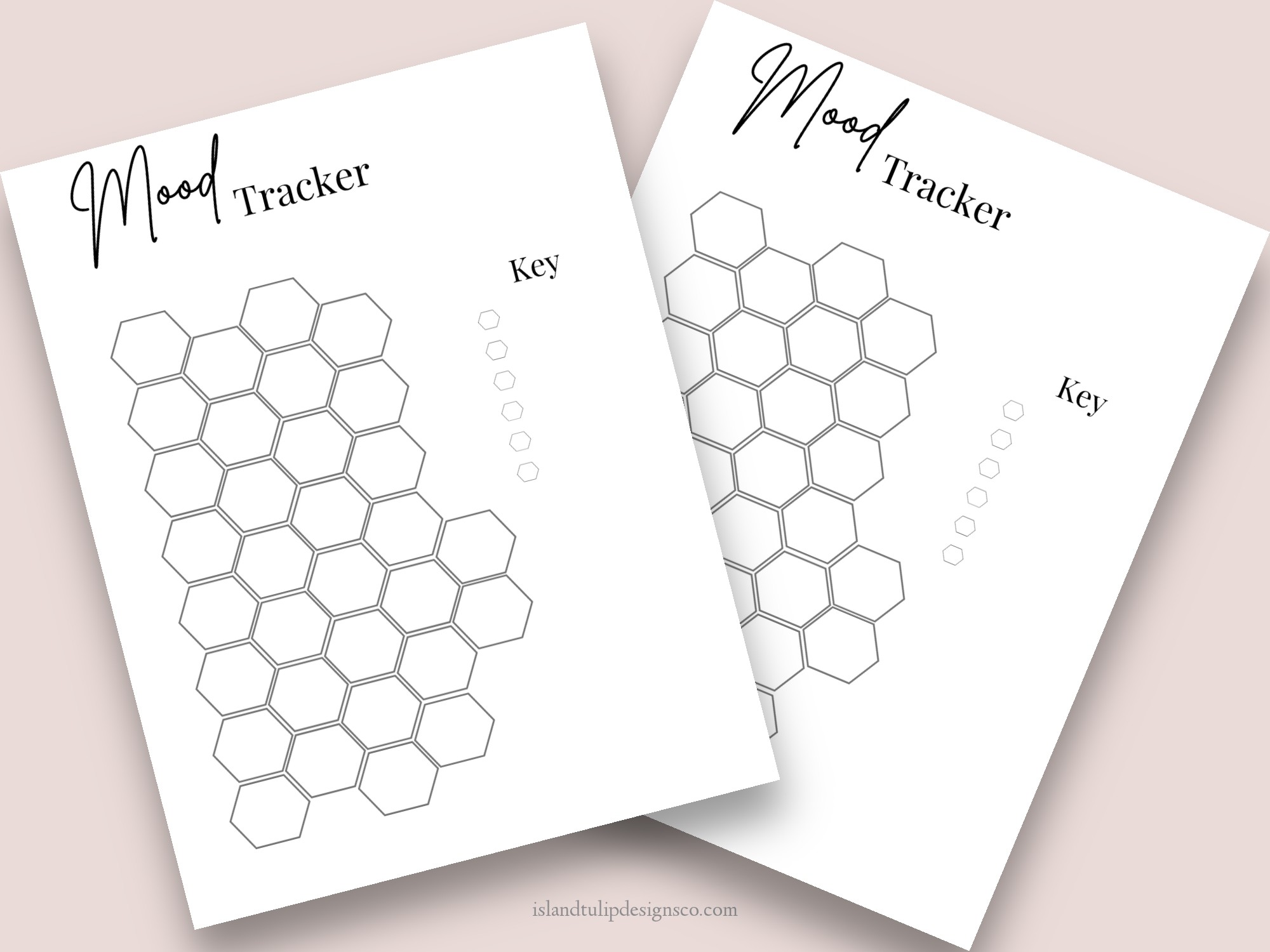
This minimalist mood tracker provides one Letter-size beehive design through a PDF containing a template link. The preview shows honeycomb shapes and a space for a key. It is a simple visual option for adding one recurring tracker page to a journal rather than printing an entire dedicated book.
The description does not clearly identify the template platform or the export files, so confirm access before depending on customization. Keep the key short enough to remember and add a date or month heading if your copy needs one. A single geometric shape per day can be limiting when feelings change; use nearby notes to preserve context rather than forcing every day into one category.
7. Minimal Mood Tracker by Premiere Planners
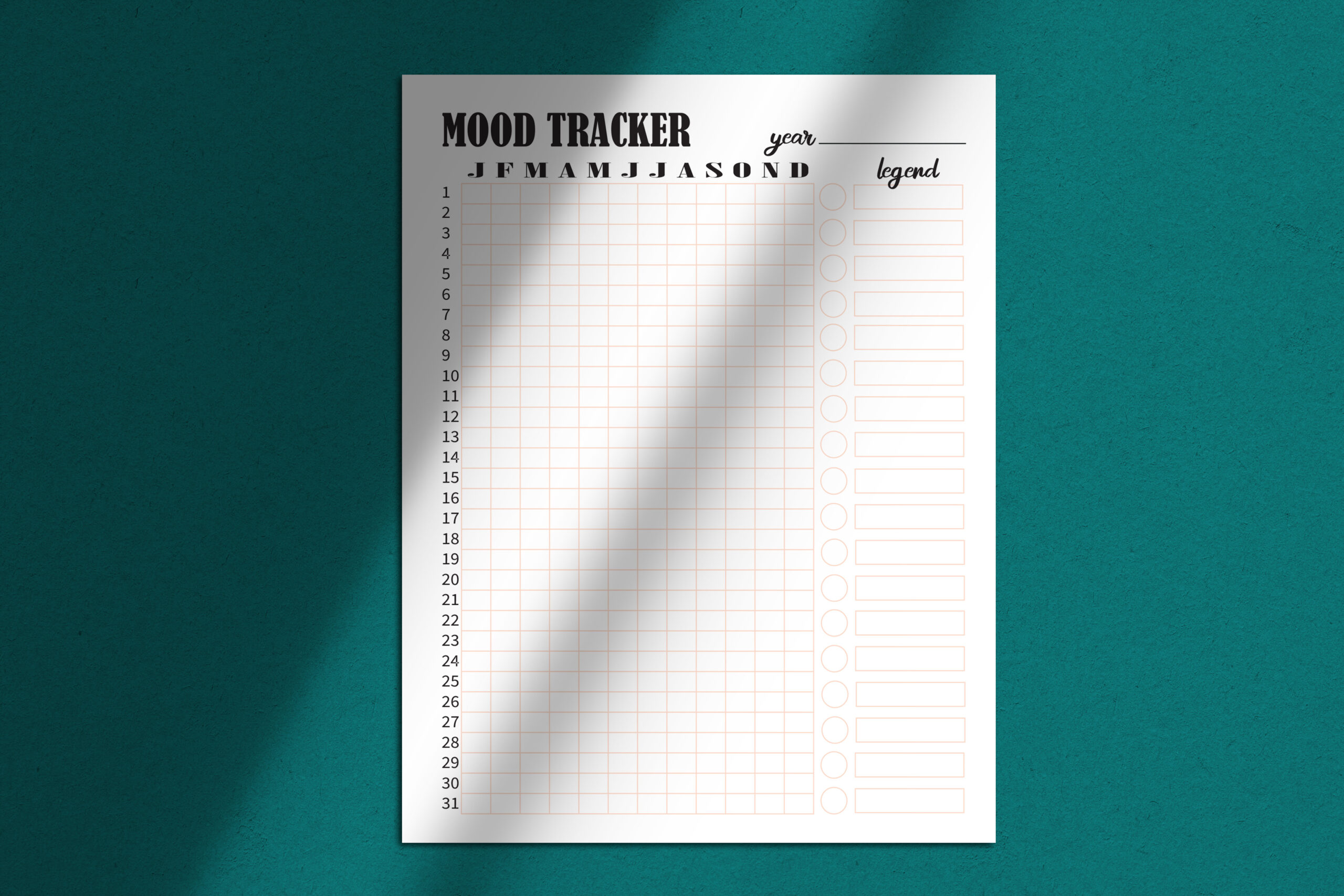
Premiere Planners lists a Letter-size mood tracker PDF as one page editable in Adobe Illustrator and a 50-page version. The preview shows a sparse ruled layout with mood headings. This is a useful option for readers who prefer a quiet, ink-light design over illustrated monthly coloring pages.
Compare the single-page file with the repeated version before printing both. Editing a PDF in Illustrator depends on its actual structure and available fonts, so preserve the original and check the exported result. Fifty pages does not establish fifty unique designs. Use a consistent notation for each entry, and add a separate sentence when the simple categories cannot express the day clearly.
8. Canva Mood Tracker by munjixpro
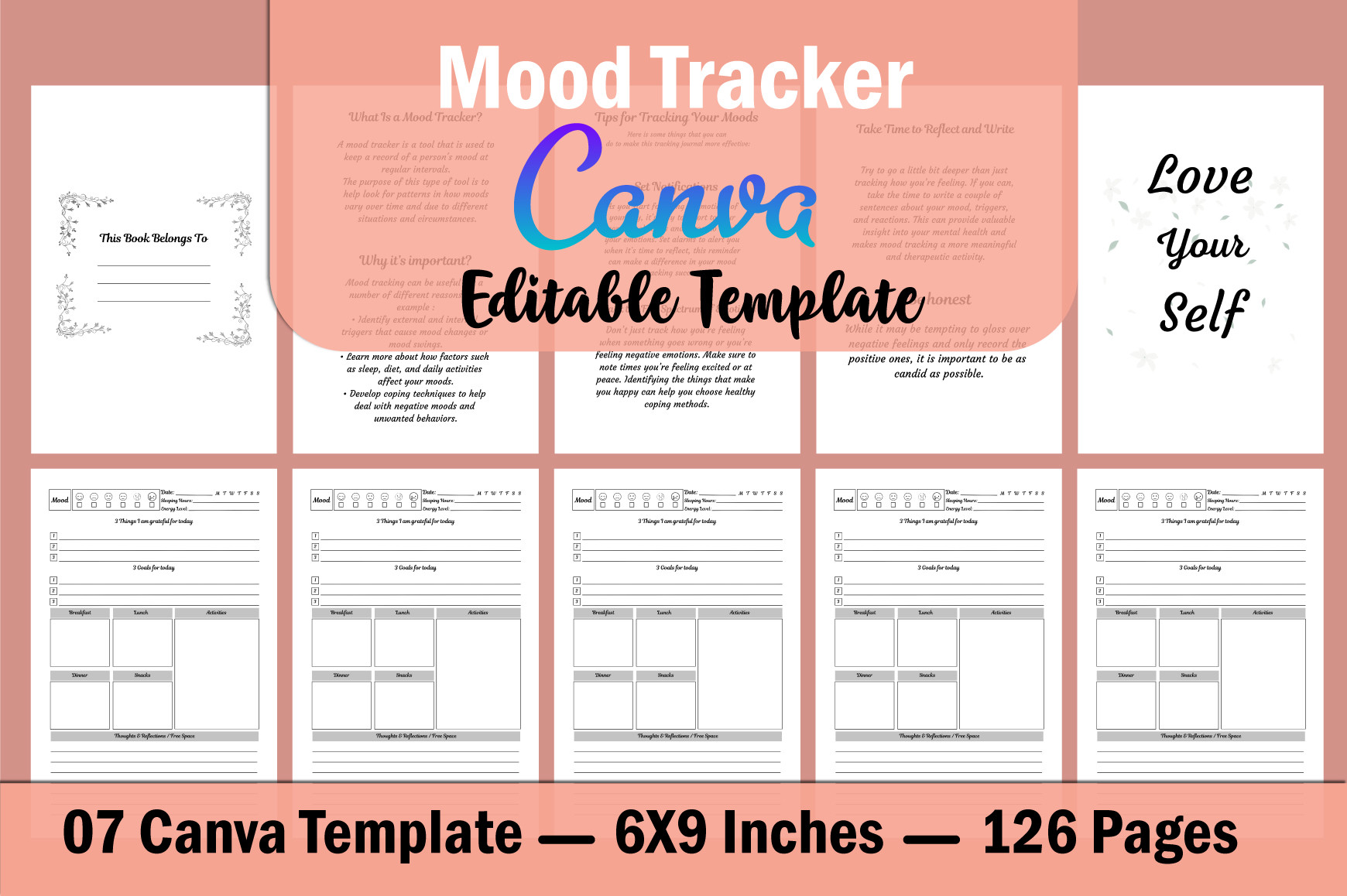
Munjixpro lists Canva editing access plus PDF, JPG and PNG output for a 6-by-9-inch mood tracker with no bleed and 300 DPI. The stated contents include ownership pages, a mood guide and tracking pages. This is useful when you want to customize a small journal while retaining a print-ready version.
The description says six templates and 126 pages, while the preview says seven Canva templates. Check the actual template set before planning your book. The listing describes editing with a free Canva account, but verify the elements you choose after making changes. Keep the mood guide consistent with your own labels, and test a few pages before repeating a layout through the whole journal.
9. Daily and Weekly Mood Tracker by Graphic_hero
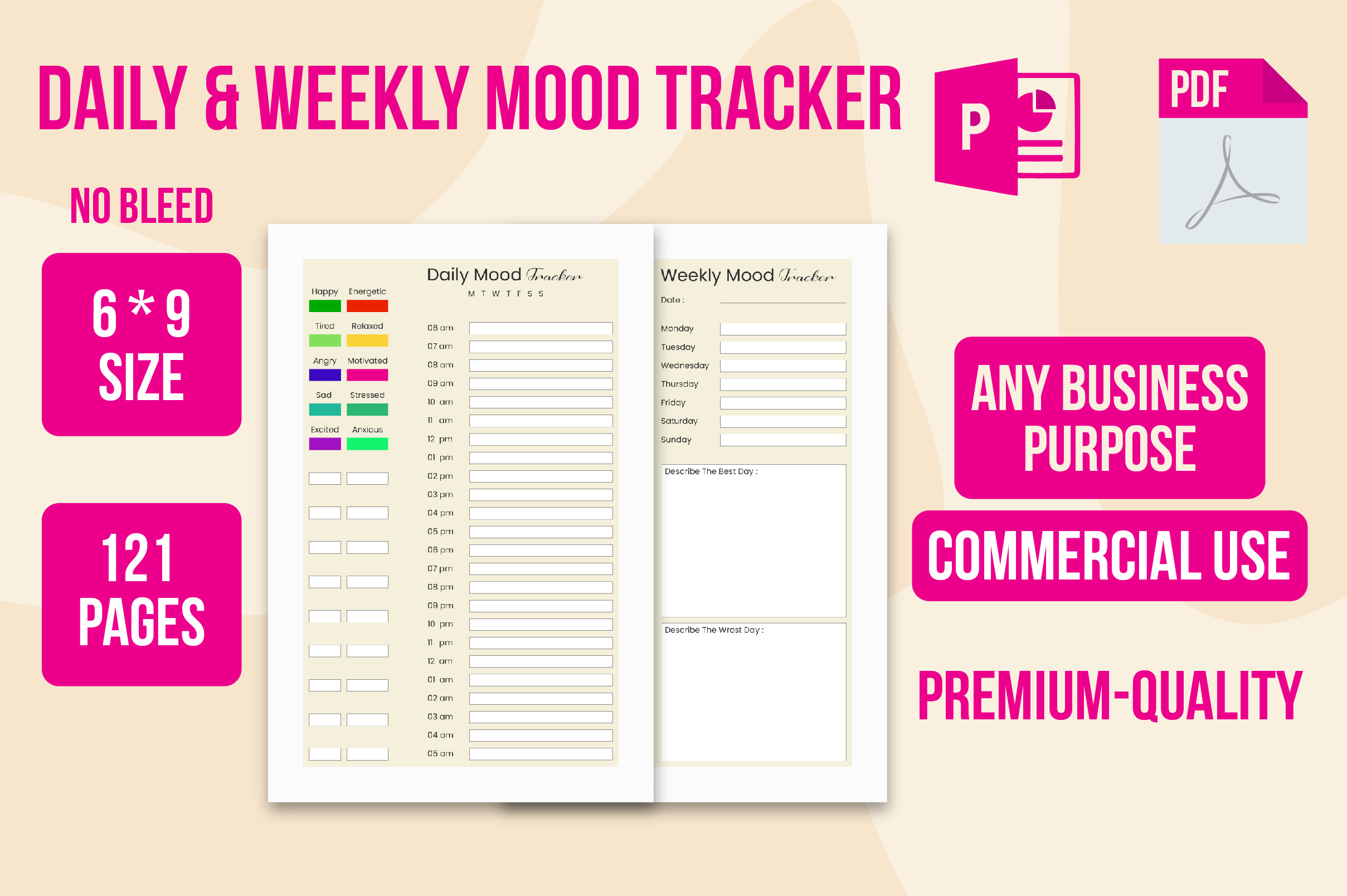
Graphic_hero lists a 121-page mood tracker at 6 by 9 inches with no bleed, in PDF, PNG and PowerPoint at 300 DPI. The preview combines daily writing areas with weekly recording sections. The mix of intervals suits someone who wants to capture a few daily observations and review them together later.
Daily and weekly sections serve different purposes; you do not need to repeat every detail in both. Check the PowerPoint file before expecting each decorative element to be individually editable. Print a small sample to judge writing space in the compact format. A weekly review can summarize your entries, but the template does not establish a validated scoring method or automatically interpret the information.
10. A5 Mood Tracker Inserts by Planner Fans
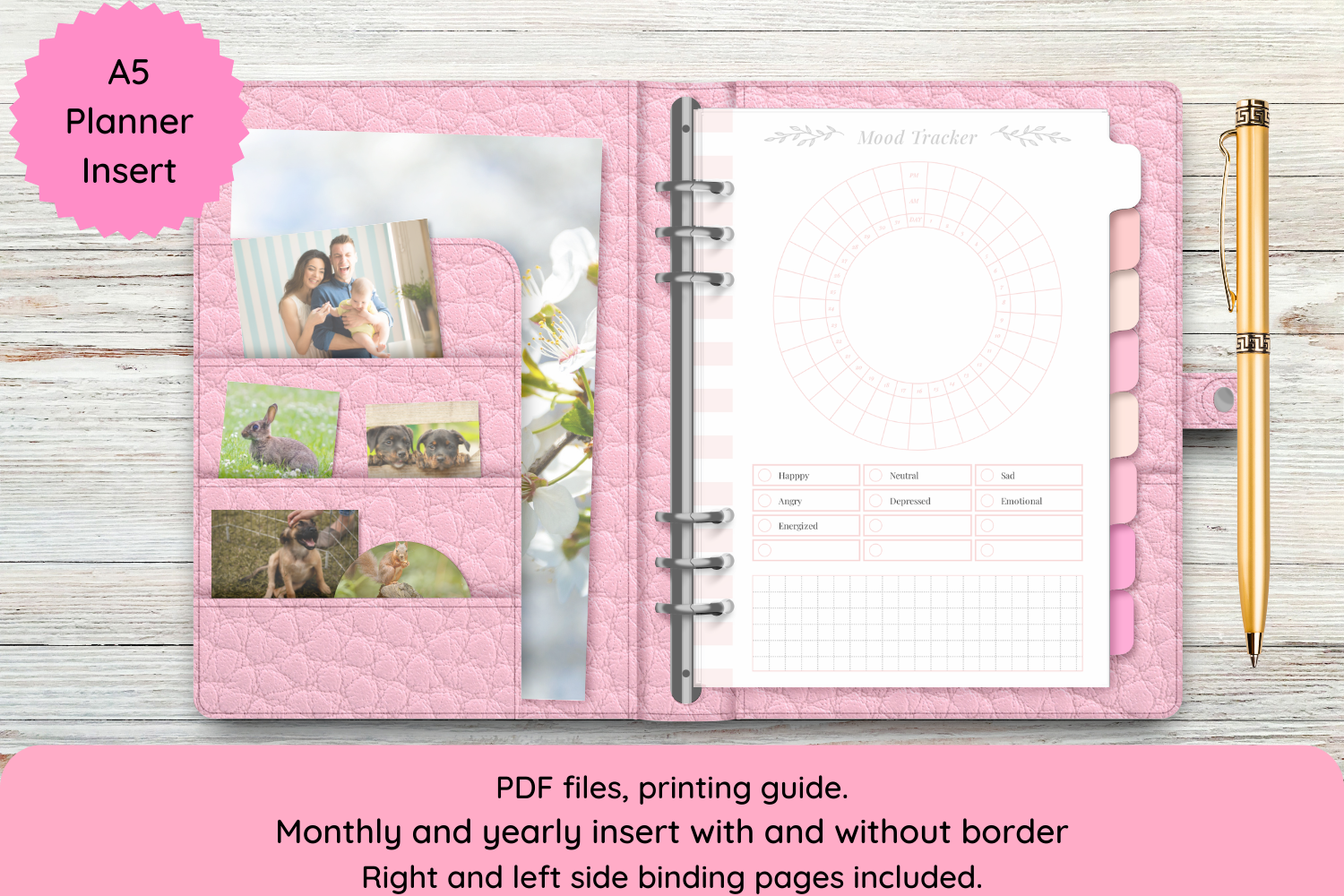
Planner Fans describes noneditable PDF inserts with crop-mark versions for Letter and versions without crop marks for A5 and A4 paper. Right- and left-binding pages and a printing guide are included. The preview shows a decorative A5 tracker, making it suitable for adding a mood record to an existing ring planner.
The description discusses a broader health bundle while the title and preview focus on mood tracking. Confirm the package contents rather than assuming every listed health sheet is included. Test the binding margin and trimming before producing multiple pages. Choose this when the existing design fits; editable source files are expressly excluded, and the display mockups are not part of the download.
11. Mood Tracker Interior by Activities Hub
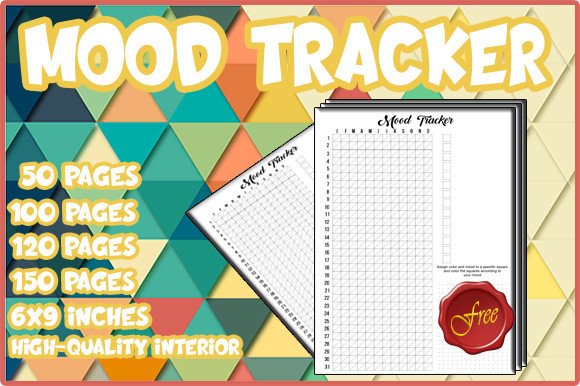
Activities Hub lists 6-by-9-inch mood tracker interiors in 50-, 100-, 120- and 150-page versions, with PDF and PPT files. The preview shows a simple numbered grid. It is a practical option when you want to choose a shorter or longer assembled notebook without adding many unrelated reflection sections.
Compare the page-count versions before printing; the listing does not establish a separate unique design for every page. Check the grid at actual size, because compact columns need to remain comfortable to mark. The title and description may refer to free access, but current download terms should be checked on Creative Fabrica. Choose it for the layout rather than assuming a particular price.
How to Make a Mood Tracker Useful to You
Start with a small number of labels and decide what each one means to you. A consistent key makes older entries easier to revisit. Add a sentence when one color cannot capture the day, and leave a blank entry when you do not want to record anything.
Check whether you are downloading individual layouts, a repeated book interior or a template link. Test editing access and print one page before assembling the whole journal. Choose writing space that matches your routine, and avoid adding unrelated sections just because they are included.
A mood tracker stores personal observations. It does not prove that a habit caused a feeling, and it is not a diagnostic tool. Use the structure as flexibly as you need, with brief entries, longer notes or periodic reviews that help you remember your own experiences.