11 Useful Expense Tracker Templates for Clear Spending Records
An expense tracker gives purchases a consistent place to be recorded and reviewed. Unlike a forward-looking budget, a spending log starts with what actually happened: the date, amount, category and a description you can recognize later.
These eleven Creative Fabrica options range from individual printable inserts to longer notebook interiors, editable Canva sheets and an annual income-and-expense overview. The comparison uses the designers’ descriptions and visible previews, with any unclear delivery details called out.
If you need a broader system for goals and planned spending, see our monthly budget planner selection. The templates below focus on manual records; they are not connected banking apps or automated accounting spreadsheets.
1. Sharp Flair Graphics: Two Editable Expense Sheets
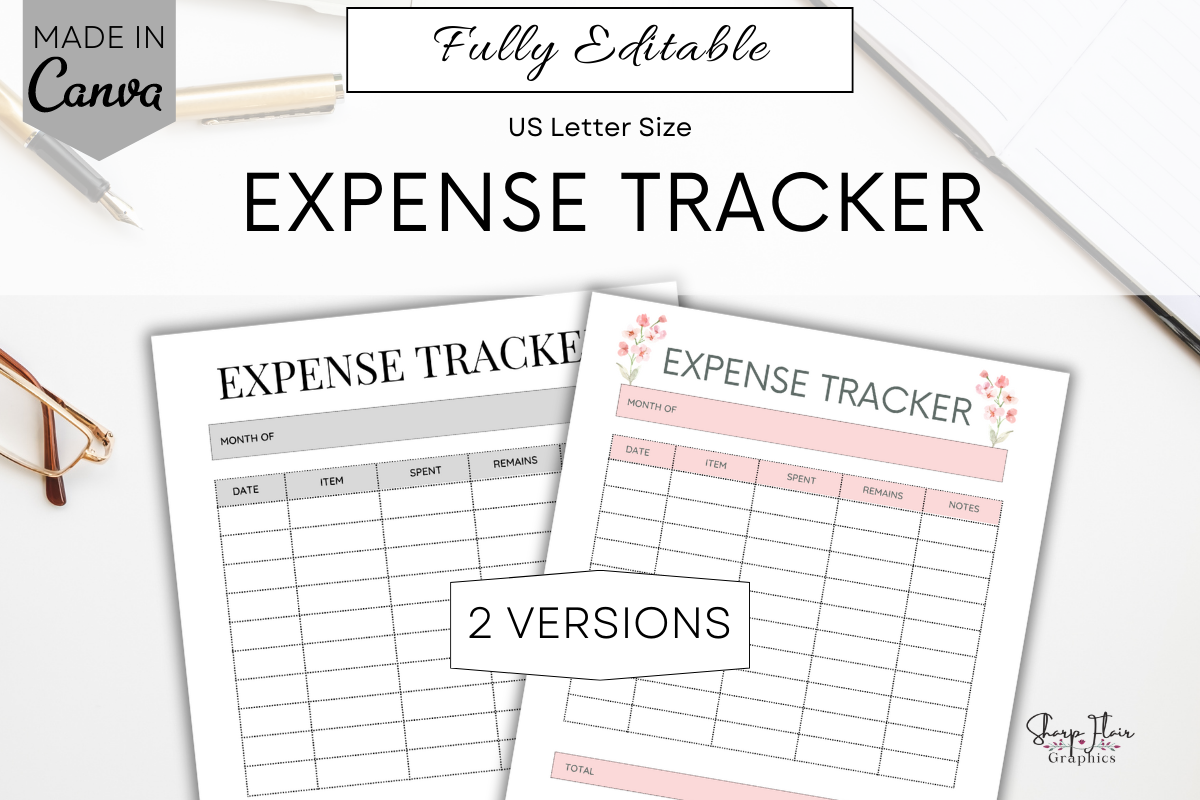
This US Letter set contains two expense-tracker designs, accessed through a PDF with Canva links inside a ZIP. The seller says both pages can be customized using a free Canva account, including fonts, text, elements and background. The preview shows a structured transaction table rather than a complete financial-planning binder.
Choose it when you want a lightweight sheet with wording and colors that fit your existing planner. Decide on a small set of spending categories before you begin, and use the same labels throughout the month. Mockups are not included. The template records entries you add yourself; it does not import transactions or automatically total your spending.
2. theglampaperco: Printable Binder Expense Inserts
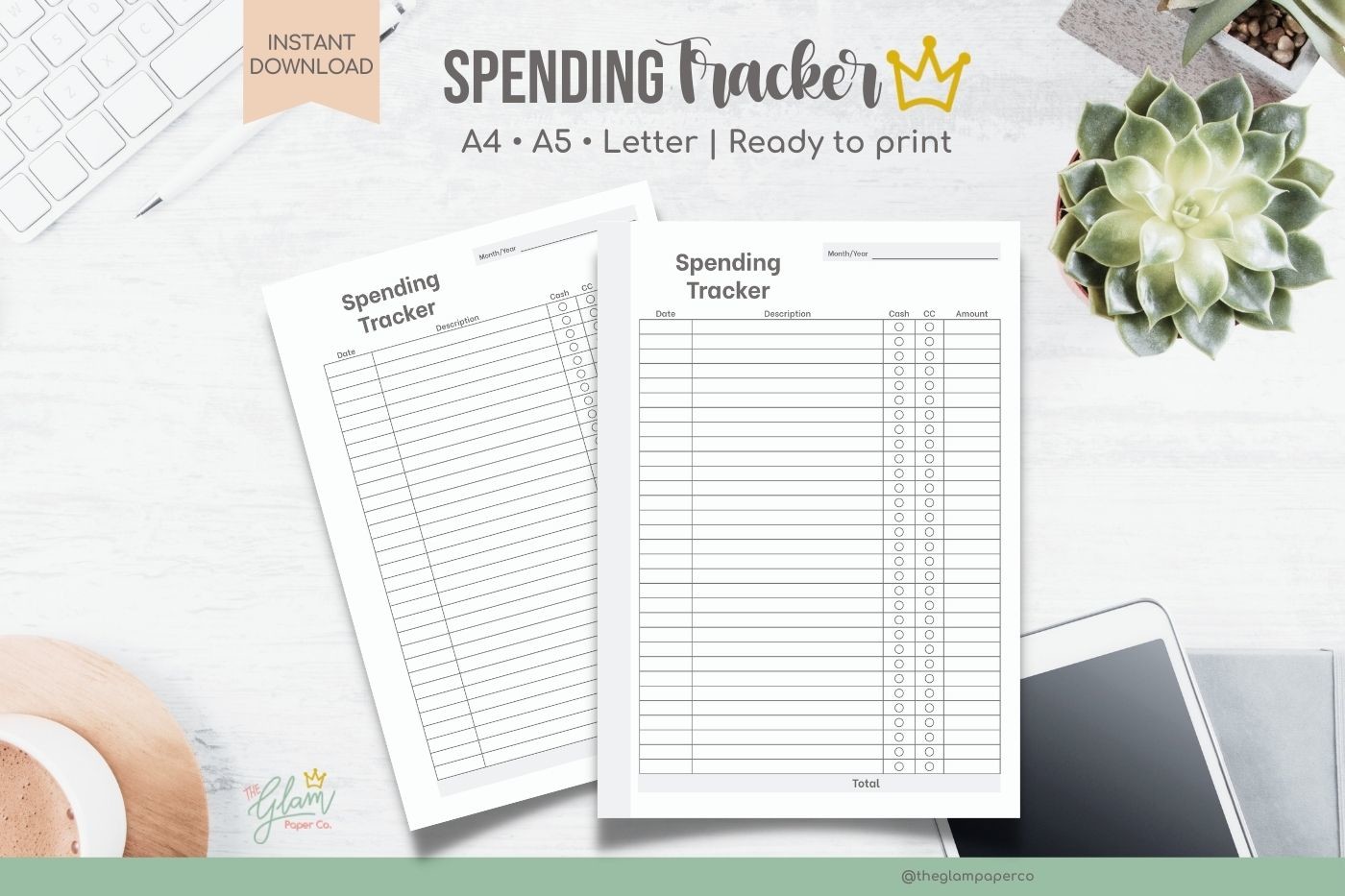
This set offers A5, A4 and US Letter PDF inserts, with bordered and border-free versions and left/right page arrangements. The description specifies CMYK, ready-to-print files and explicitly says they are non-editable. That makes it useful for readers who want a finished layout and a paper-size choice without opening a design editor.
Use the left and right arrangements to plan your binder setup, then test the hole-punch margin before printing a stack. A border-free version may feel less crowded when you write larger numbers or longer descriptions. Choose another option if changing columns or labels is essential; here the main flexibility is choosing a suitable supplied size and presentation.
3. watercolortheme: Happy Planner Expense Tracker
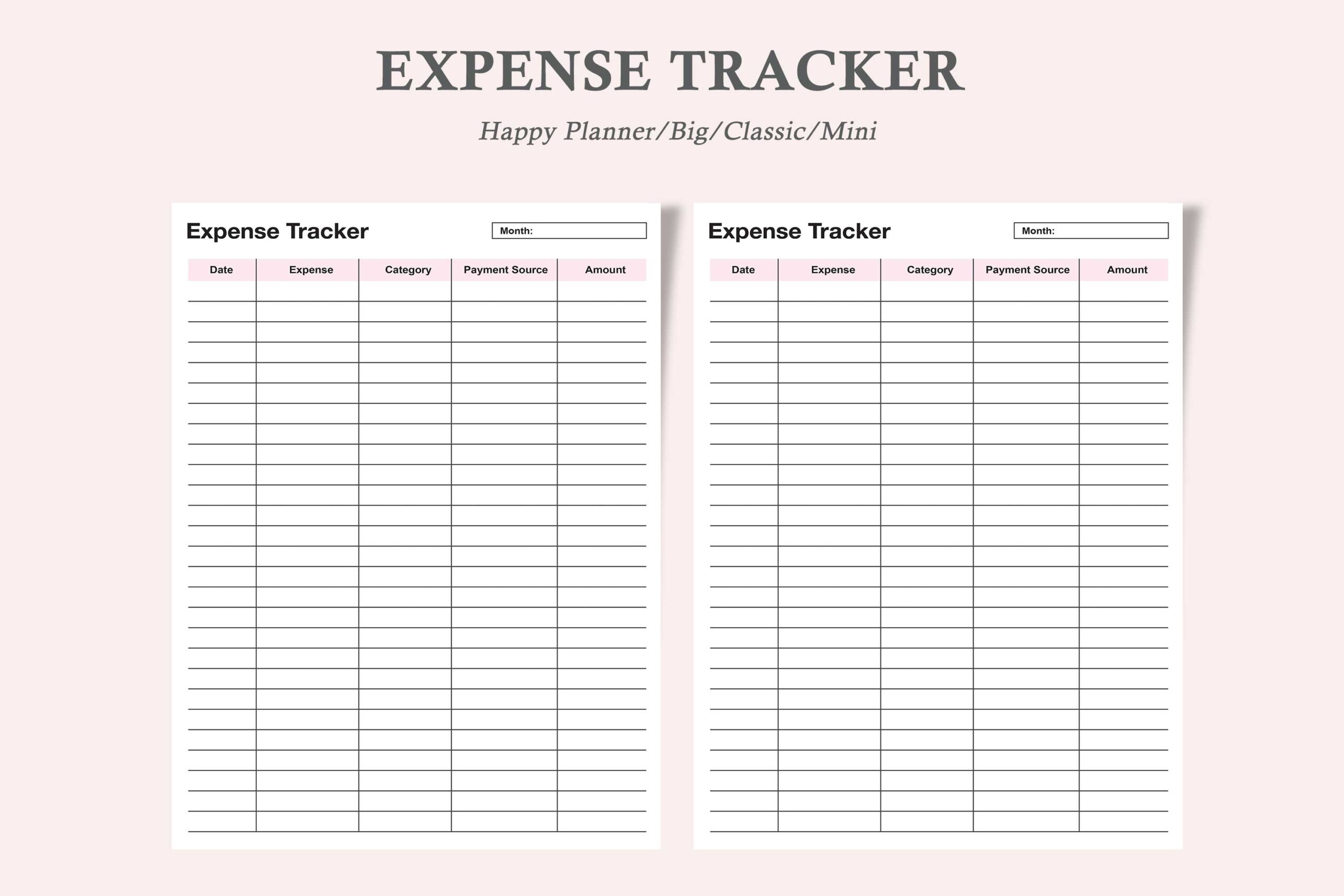
watercolortheme supplies one expense-tracker version in three Happy Planner sizes: Classic at 7 × 9.25 inches, Mini at 4.5 × 7 inches and Big at 8.5 × 11 inches. Three PDFs and three JPEGs are listed. The simple table shown in the preview is a practical insert for an existing planner rather than a large budgeting workbook.
Match the actual insert dimensions to your planner and check punch clearance with one test page. The listing calls the PDF editable, but does not specify interactive fields or editing software, so confirm the file behavior if that matters. Smaller inserts are portable but offer less space for descriptions; brief category names help keep entries legible.
4. RakibS: Full-Length Printable Expense Interior
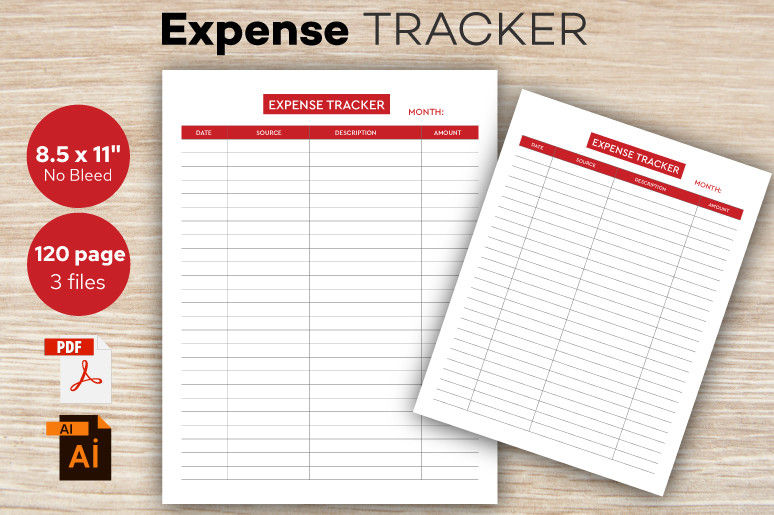
RakibS lists a 120-page US Letter expense-tracker interior without bleed at 300 DPI, supplied as PDF, AI and EPS files. The preview uses a clear transaction-table layout. Its longer format suits someone building a dedicated spending notebook instead of printing occasional inserts for a binder.
Use the PDF if the existing layout fits your needs, or check your own vector-editing software before relying on AI or EPS customization. A 120-page interior is more than many people need for a short trial, so print a sample first and choose a realistic recording routine. It is a manual ledger, with no documented spreadsheet calculations or bank connection.
5. JUNDI: Expense Log with Multiple Editing Options
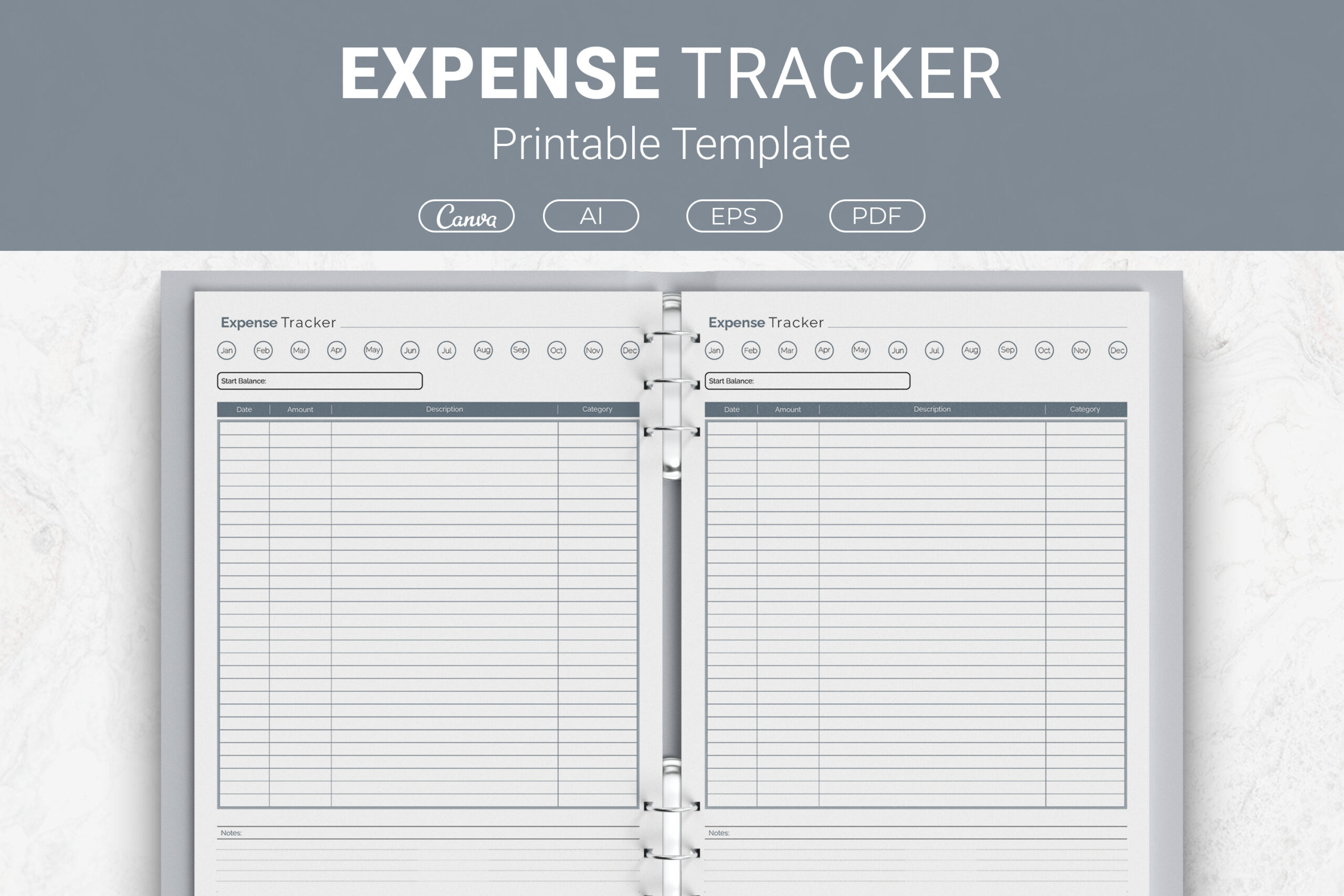
JUNDI describes a log with space for date, amount, description, category and notes. PDF, Illustrator AI, EPS and Canva-link formats are listed, with US Letter, A4, 7.5 × 9.25-inch and 6 × 9-inch sizes. This combination is helpful when you want to keep the same recording structure across different paper formats.
Choose one version before starting so that your categories and columns stay consistent. Canva is convenient for text and color changes; vector sources may suit a more substantial redesign with compatible software. The description does not establish a complete page count or automatic calculations. Use the log to review actual entries, and keep future spending plans on a separate budget page.
6. Realtor Templates: A4 Expense Tracker
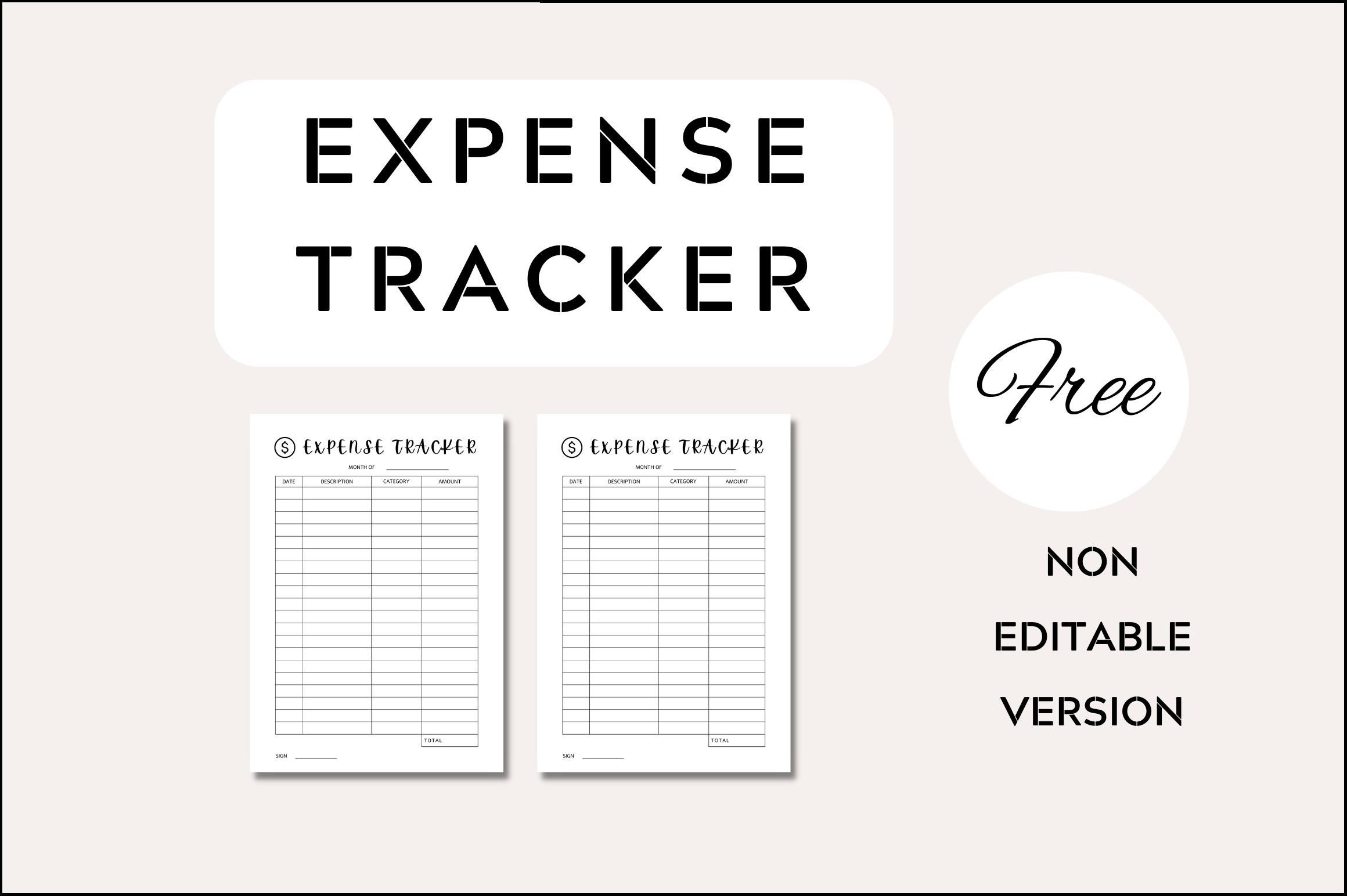
This listing describes an A4 expense tracker built with Canva, including sample files and an editable version. It says text, fonts, colors, elements and background can be changed, with several export formats available through the editor. The basic table is useful when you want a simple record and prefer to adapt the visual style yourself.
Check which files are actually delivered: the preview prominently says non-editable version, while the description promises an editable tracker. Do not depend on Canva access until you confirm the package. The seller also says the styled images are excluded. Treat the word “Free” in the product title as a label, and check current download access rather than assuming a price.
7. RenatoRi Designs: Expense Notebook with Source Formats
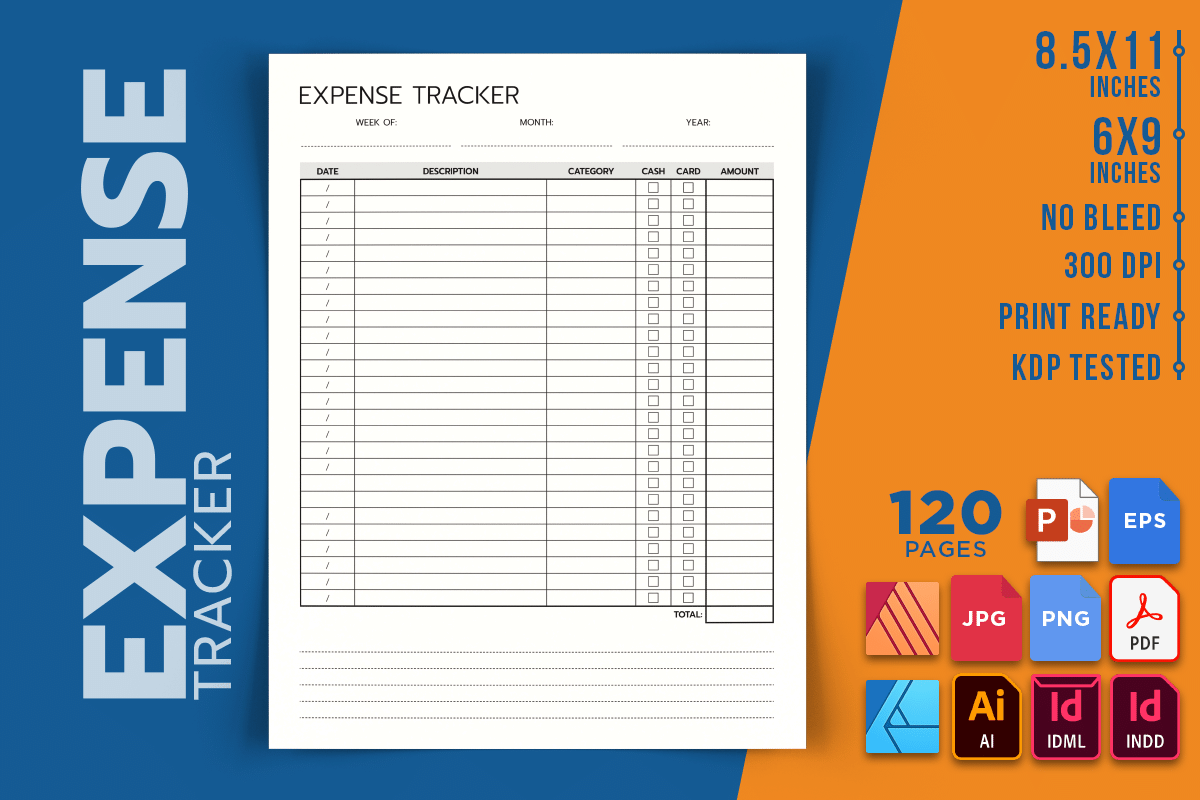
RenatoRi Designs lists a 120-page interior in US Letter and 6 × 9-inch sizes, without bleed at 300 DPI. PDF, image and a broad range of source formats are specified, including InDesign, Illustrator, Affinity and PowerPoint formats. This is a useful candidate when your preferred editing application is a deciding factor.
Confirm the relevant file opens correctly in your own software before committing to customization. The package is interior-only, so a cover is needed separately for a bound notebook. Choose the larger size for roomier descriptions and the smaller one for portability. The range of formats does not mean the files behave as an automated accounting workbook; entries and summaries remain your responsibility.
8. Three Dove: One-Page Monthly Expenses Sheet
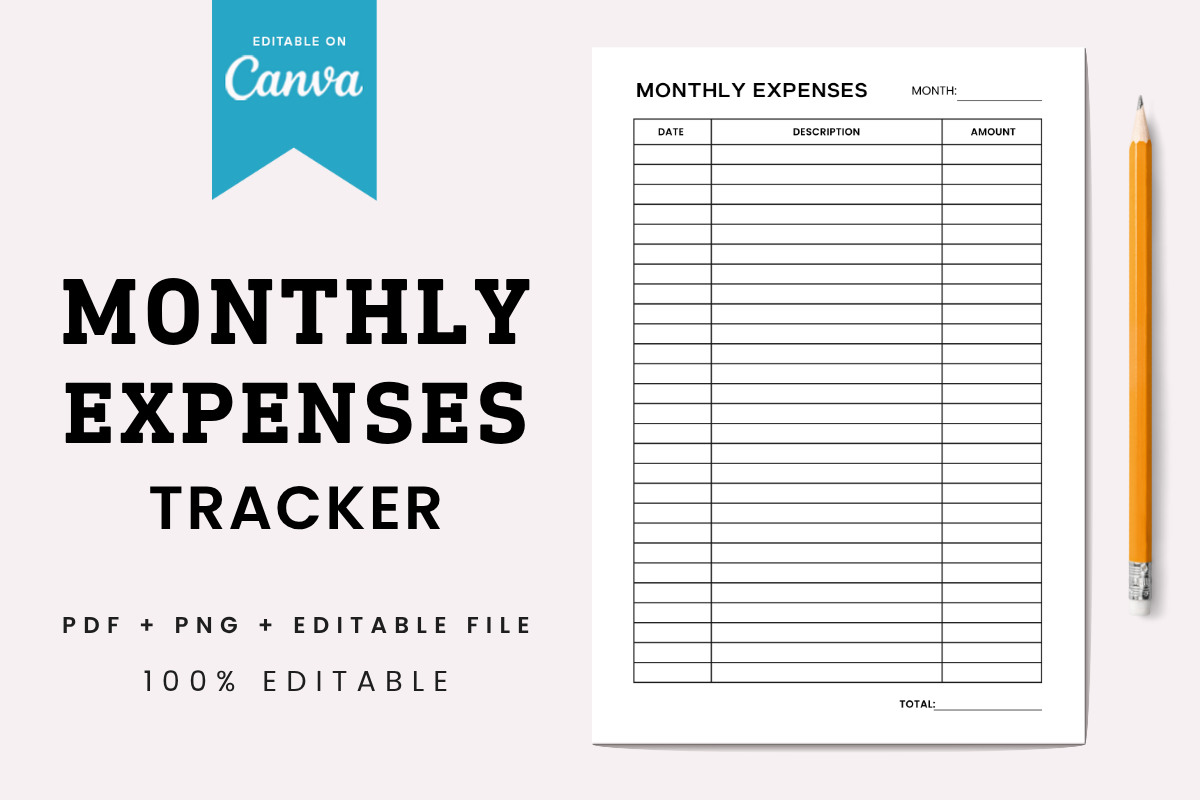
Three Dove describes a single A4 monthly-expenses page supplied as a print-ready PDF, PNG and editable Canva template. A free Canva account is supported, with changes to text, colors, fonts, size and layout. The preview shows a restrained monthly table that can fit into a simple paper-based review routine.
The seller recommends making your own Canva copy before editing, which is a sensible way to preserve the supplied template. Use one page per month and settle on a repeatable way to label purchases. A one-page format keeps the record compact, but may run out of rows if you log many small transactions; print additional sheets rather than squeezing entries into unreadable handwriting.
9. Diana Hunter: Monthly Expense Pages in Four Sizes
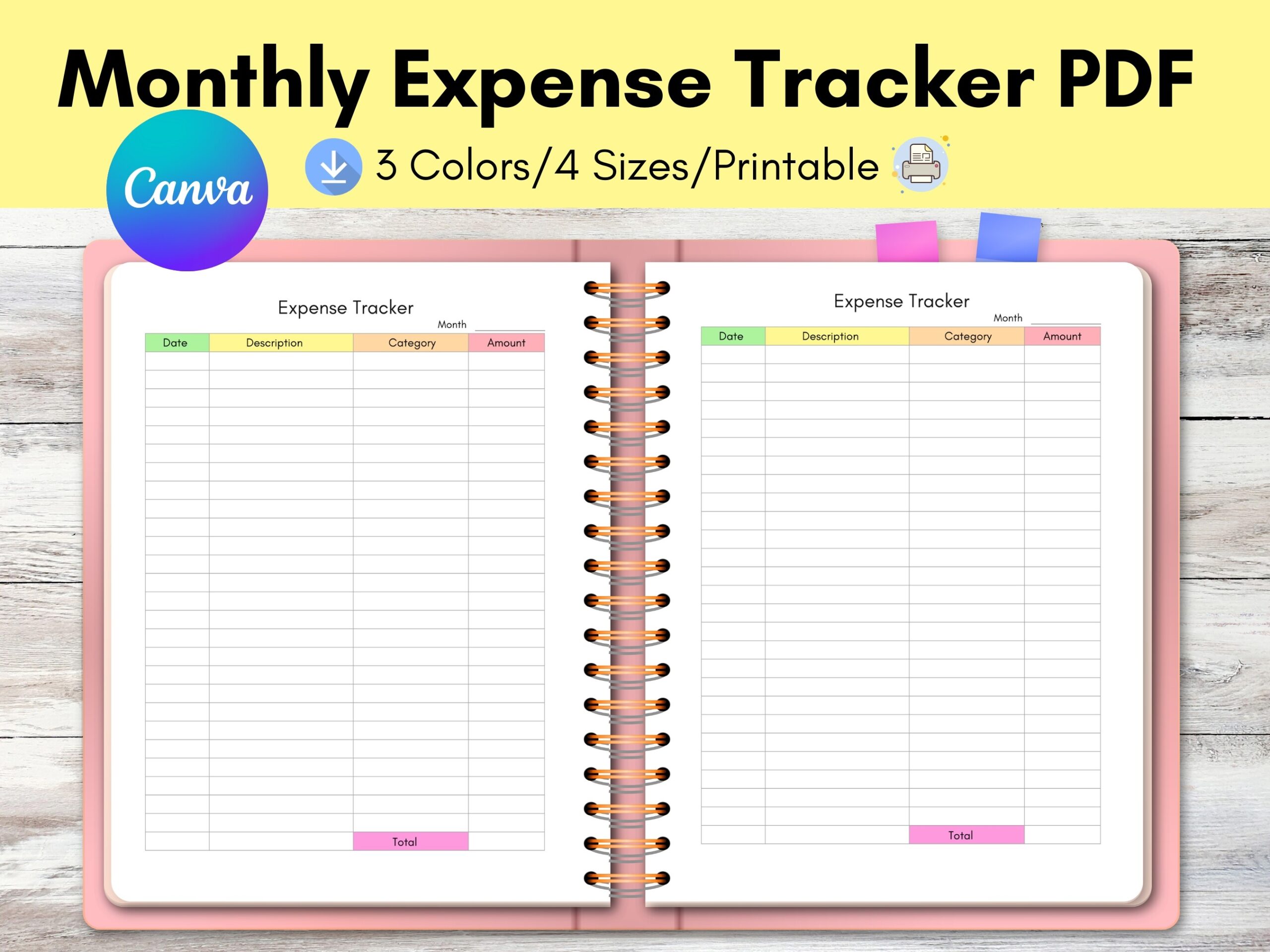
Diana Hunter describes four monthly expense-tracker pages across Letter, A4, A5 and Happy Planner Classic sizes, plus a Letter-size Canva template. The preview emphasizes three colors and four sizes. Its mix of supplied sizes and an editable starting layout suits someone who wants a coordinated insert without redesigning everything.
The opening description calls it one-page, while the later package details mention four pages, so inspect the files to understand the exact arrangement. Check a sample at your selected size before punching or binding. For personal tracking, choose the version you will actually maintain; the extra colors are optional and do not add financial functionality to the manual log.
10. DIGITAL PRINT BOX: Three-Color Canva Expense Tracker
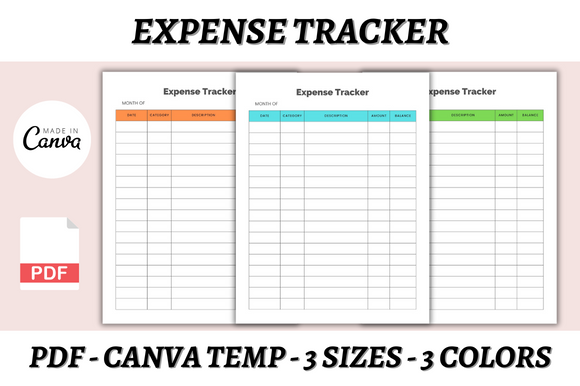
DIGITAL PRINT BOX lists three Canva templates and three PDFs in A4, A5 and US Letter sizes, with three available colors. The description supports editing with a free Canva account, including fonts, sizes, colors and layout. The preview shows matching expense tables with different accent colors.
Choose it when matching an existing planner palette matters and you still want to change labels or spacing. Check how the colors are organized within the size-specific files before printing. A coordinated design can make regular use more appealing, but the useful habit is recording transactions consistently and reviewing them. No formulas, bank syncing or automatic expense categorization are documented.
11. catecreates1: Yearly Income and Expense Overview
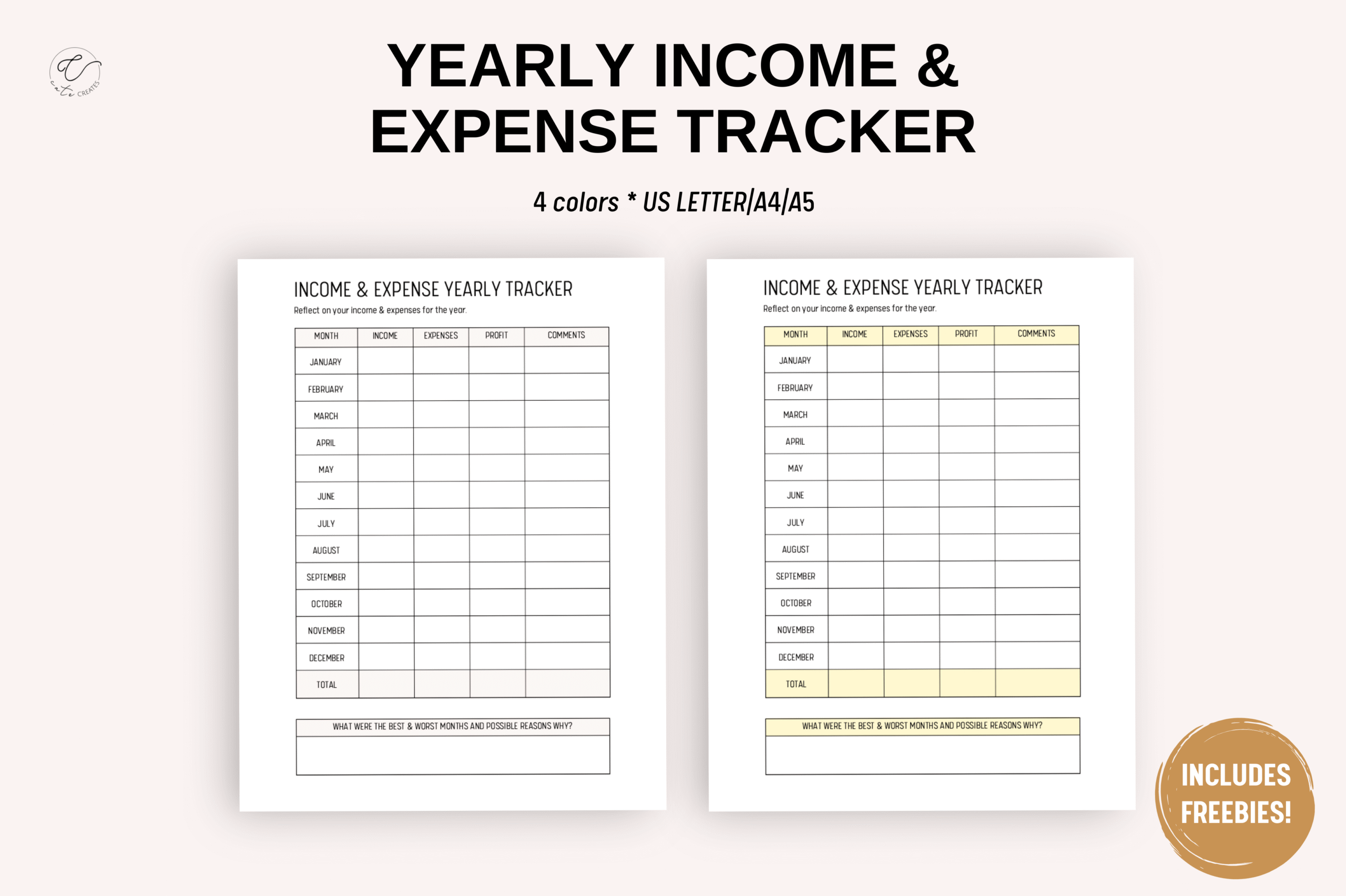
This set combines yearly income, expense and profit recording in three PDFs for US Letter, A4 and A5. The description says each size file has four pages, corresponding to four color choices. The preview shows month-based summary tables, making this an annual overview rather than a detailed log of every purchase.
Choose it as a companion to a transaction sheet when you want to carry monthly totals into a broader record. Calculate and verify those totals yourself; automatic arithmetic is not documented. Its compact overview helps you compare periods, but leaves less room for individual descriptions. Keep the supporting transaction details elsewhere so that the annual figures remain traceable.
How to Choose an Expense Tracker
Choose a reusable insert for a simple monthly routine, a longer interior for a dedicated notebook or an annual overview for carrying forward monthly totals. An editable Canva or source file matters only if you need to change the supplied structure.
Use a few consistent categories and record transactions regularly enough that you can still recognize them. Review the entries at a fixed time and calculate summaries carefully. The act of logging spending provides information; the template does not guarantee savings.
Before printing, confirm paper size, margins and file behavior. Where a preview and description disagree about editability or quantity, check the actual package before depending on those features.





2 Comments