
8 Cozy Winter Washi Tape Sets and Borders for Seasonal Planner Pages
Winter washi tape can carry a planner from December festivities into quieter January pages. Snowflakes, foliage and knitted-looking borders work well when you want a seasonal theme without putting a holiday message on every spread. This collection compares eight digital sets and border resources, including individual PNG tapes, a mixed decorative pack and two editable collections for making your own strips.
For functional reminders, add labels from our winter planner stickers guide. Choose the more festive Christmas washi tape collection when you want a specifically Christmas-focused page. The digital planner stickers overview is useful if you are deciding between imported PNG artwork and a prepared sticker-book workflow.
Match winter washi tape to the amount of setup you want
Individual PNG strips are the easiest starting point for digital placement, while editable border files are useful when the width or color needs to fit an existing planner. The final paper resource in this collection is deliberately a DIY option: it provides patterns that you must crop or arrange into tape, rather than completed sticker strips. That difference affects the time needed before you can use the download.
Keep the writing area clear and use a small print test to judge a winter palette on your actual paper. A metallic-looking graphic will not produce physical foil when printed normally. Transparency, DPI and dimensions are only stated where the own product description supports them. Neither a nice preview nor the word washi guarantees a printable sheet, a cut file or an installed digital sticker book.
1. Winter Days PNG Accents for Digital Pages
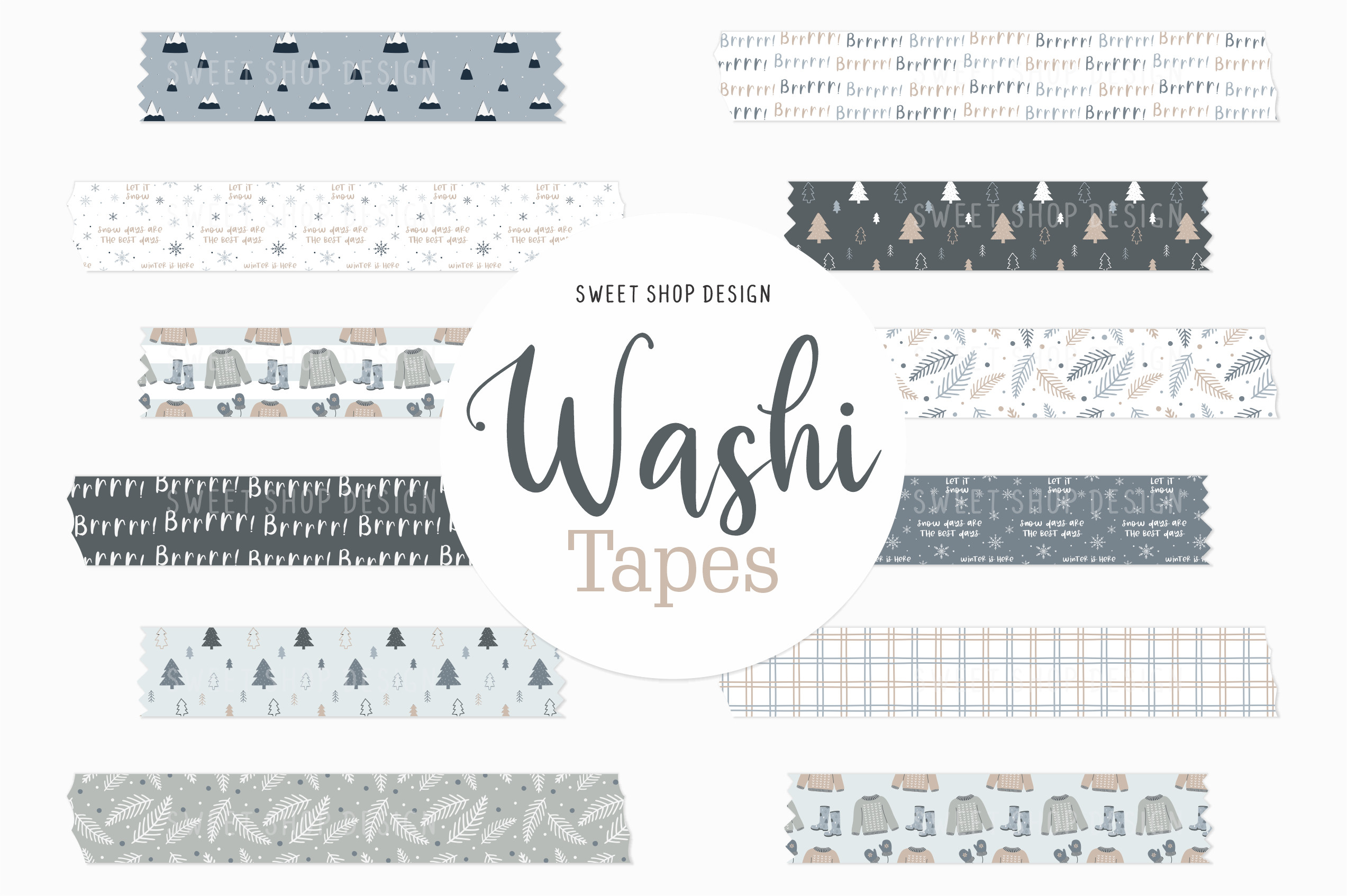
Winter Days lists twelve PNG clipart elements at 300 DPI. The product provides a Goodnotes image-import workflow rather than a native sticker-book file: unzip the download, save the images and insert them into a planner page. It is useful when you want a modest winter collection that can be placed independently around a weekly schedule.
The seller says the delivered artwork has no preview watermark or shadow, but gives no exact element dimensions or prepared PDF sheet. Inspect the backgrounds and canvas sizes in the extracted files before building a printable layout. Use the PNGs as manually placed decorations rather than expecting automatic installation. Its own page showed 71 favorites at checking; that is a confirmed interest signal, not independent proof of every app mentioned in the description.
2. Warm Winter Foliage Tape in Two Widths
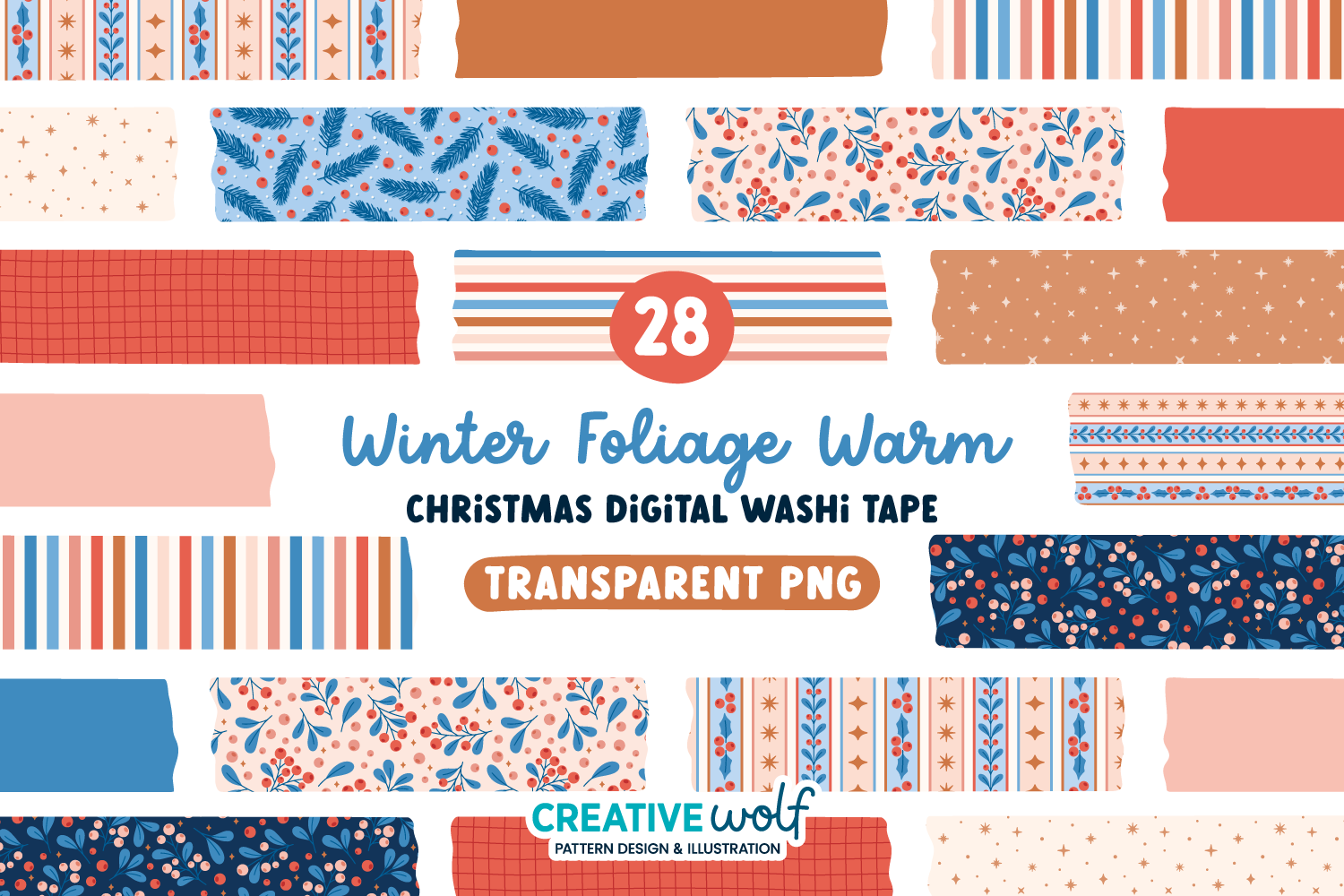
The warm Foliage and Berries version lists 28 individual transparent PNG strips at 300 DPI. Ten patterned designs and four solid colors appear in two widths, with coral, peach, soft red, blue and light brown. Holly berries, mistletoe, pine needles, stars and simple grids make it useful for a cozy winter page that is not dominated by a single snowflake motif.
Use the narrow strip for a section divider and the wider version at the page edge. The set is supplied as RGB artwork in a ZIP, with no exact pixel dimensions or ready-made print sheet stated. It shares the motif system with the classic version below; choose by palette rather than buying both for additional design variety. The own page showed 26 favorites when checked.
3. Snowflake Tapes with Flat and Wrinkled Versions
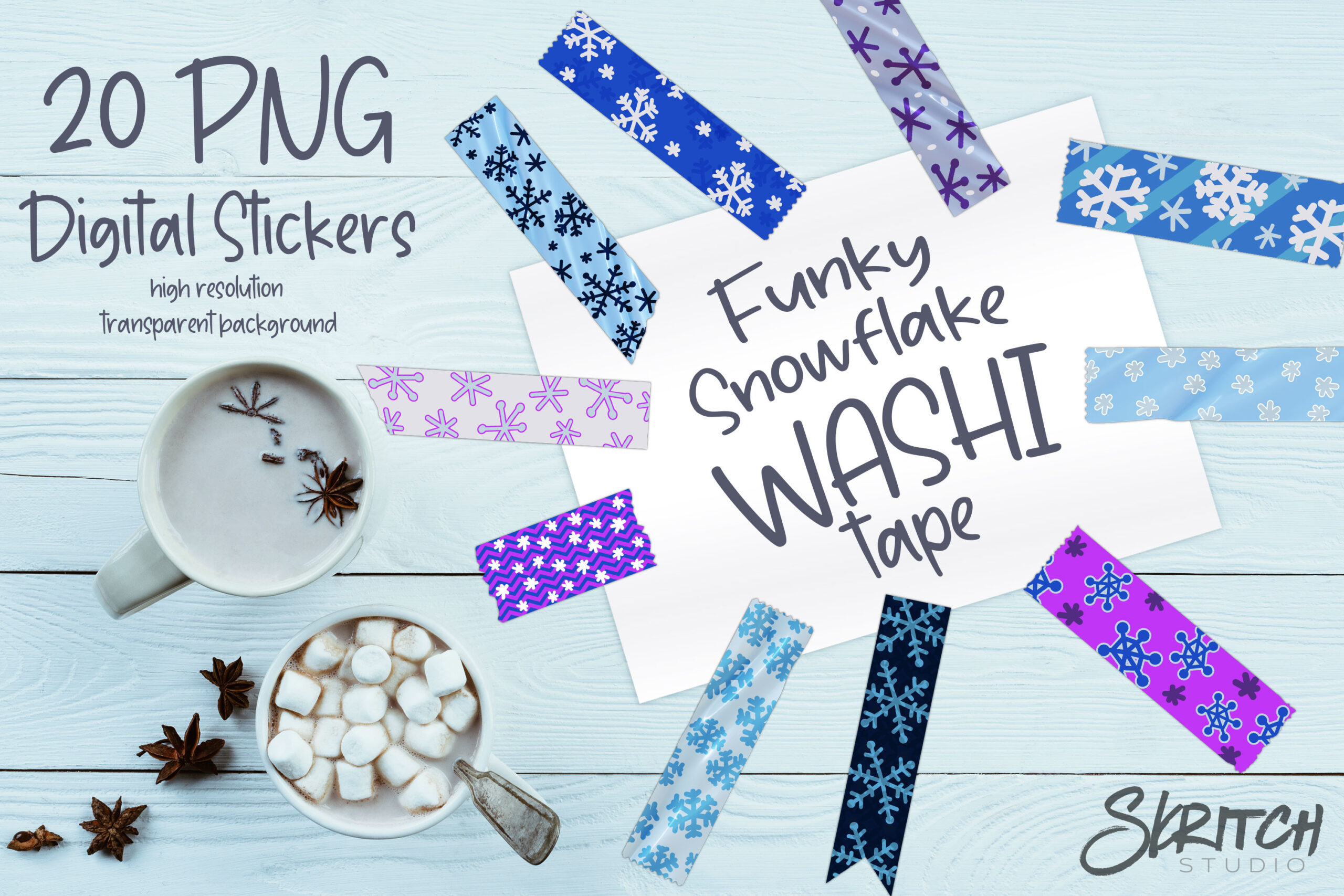
Funky Snowflake Washi Tape lists twenty individual PNGs in a ZIP: ten flat tapes and ten wrinkled versions. The texture choice is its useful difference. Flat artwork can sit quietly in a clean planner layout, while a wrinkled effect gives a scrapbook page more of a pasted-paper appearance without adding real thickness.
The twenty files should be understood as ten designs in two finishes, not twenty unrelated patterns. The listing does not state an exact DPI, pixel size, transparent-background specification or prepared sheet format. Test an imported image against your page before committing to a print size. These are digital textures, so the wrinkled version will remain a flat printed graphic; no physical paper tape or dimensional material is supplied.
4. Classic Winter Foliage in Red, Green and Pink
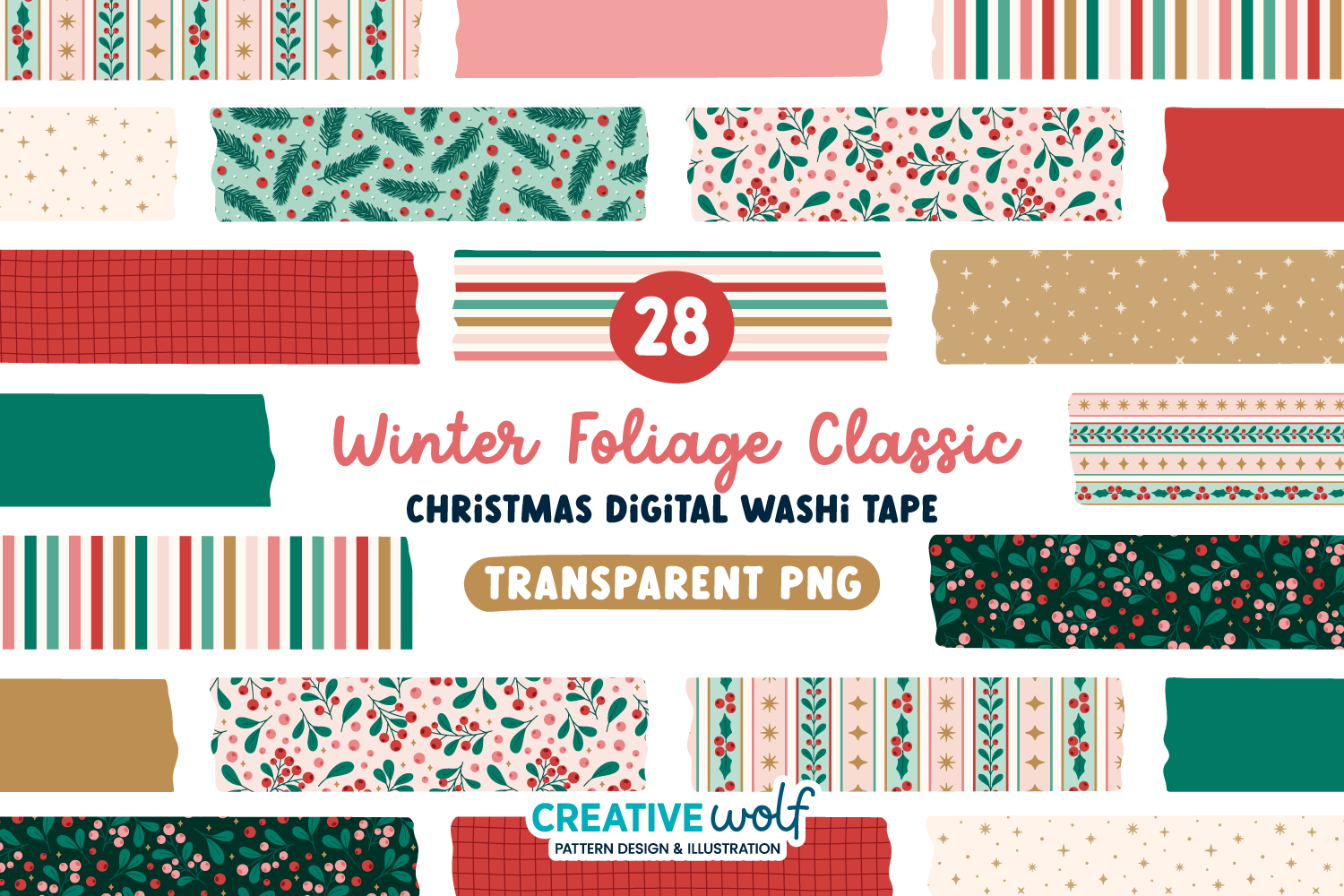
The classic Foliage and Berries palette uses red, pastel pink, emerald, mint and gold-colored accents. Its inventory is 28 transparent PNG strips at 300 DPI, covering ten patterns and four solids in two widths. The familiar winter greenery offers a more traditional alternative to the coral-and-blue version, particularly if your existing planner decorations already use green.
This is a palette alternative to the warm set, with the same stated pattern structure; it does not add a different planning function. The files use RGB color and the seller warns that printer and display colors can differ. Exact strip dimensions and PDF sheets are not listed. Its own page showed 47 favorites at checking. The gold is a color in digital artwork, so ordinary printing should not be mistaken for metallic foil.
5. Mixed Torn-Edge Tape Pack with Snowflake Designs
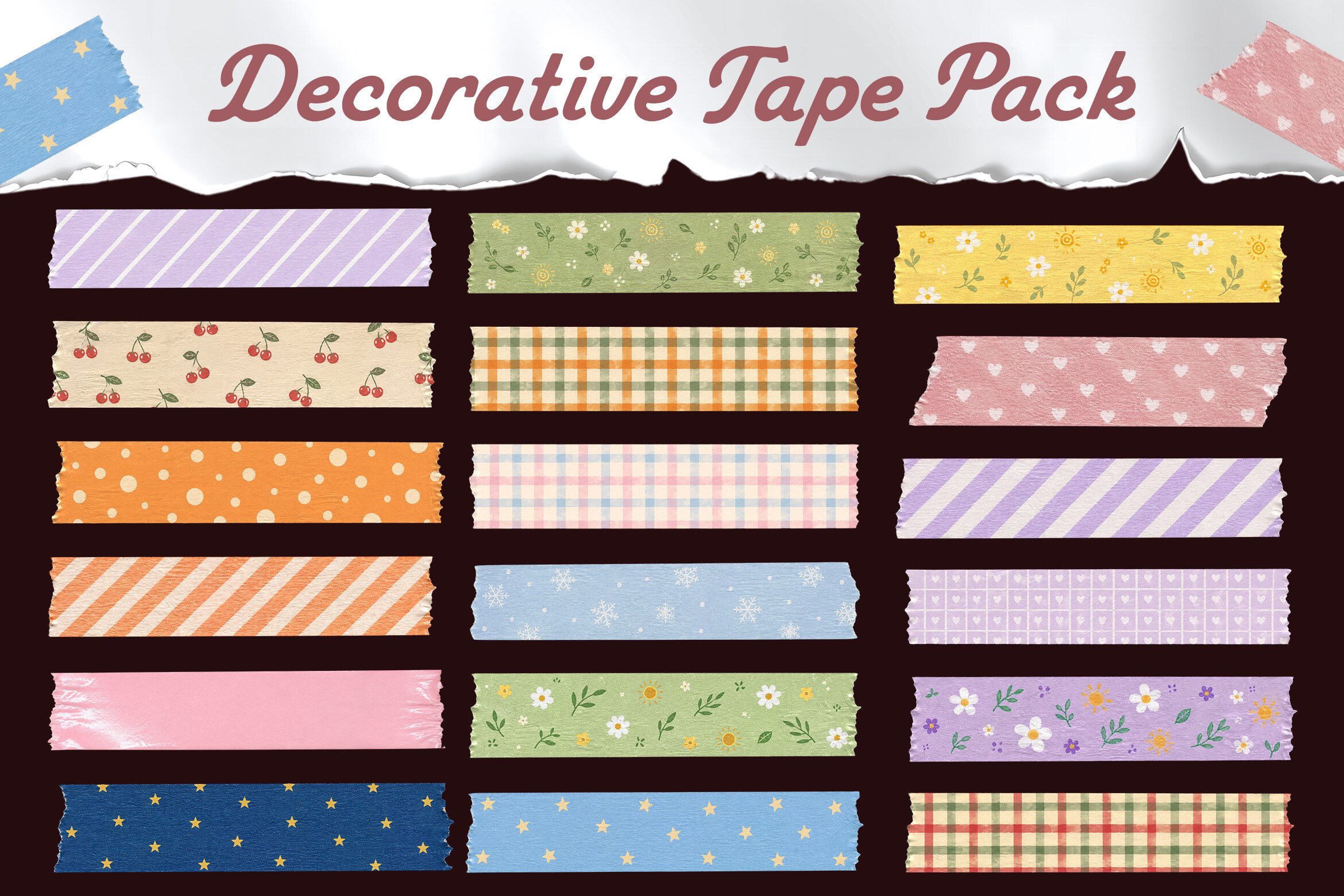
This pack supplies eighteen PNG tape designs on transparent backgrounds, with torn edges, soft colors and a paper-texture look. Snowflakes are included among florals, gingham, dots, hearts, stars and fruit motifs. It is a mixed collection rather than an exclusively winter set, useful if you want a few seasonal strips alongside quieter patterns that can stay in a planner after winter.
Select the snowflake and neutral designs for a winter page instead of assuming every file fits the season. The description calls the assets high resolution but gives no numerical DPI or pixel dimensions. It also does not provide a ready-made printable sheet. The benefit is the varied torn-paper aesthetic and listed transparency; you will still need to arrange a print layout or place the PNGs manually on a digital page.
6. Nordic Borders and Brushes for Custom Washi
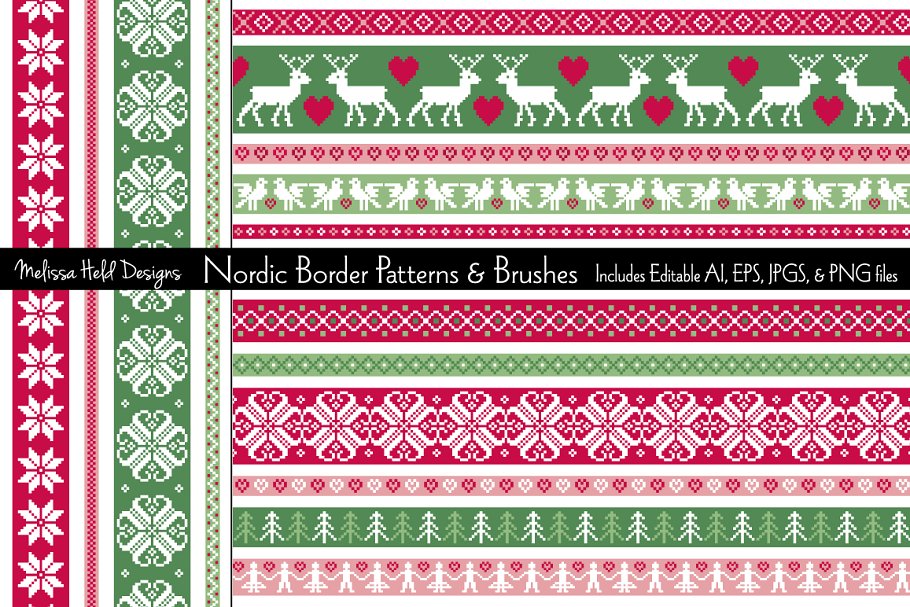
This collection is a DIY border resource, with fifteen Nordic-inspired patterns in red, green and pink. The page lists an editable AI file, an editable EPS file, fifteen JPGs and fifteen transparent PNGs. Borders are described as twelve inches wide with varying thicknesses, and motifs include snowflakes, reindeer, hearts, birds and trees.
Use a PNG as a winter page divider or edit the vector artwork to make a strip that fits your own sheet. The included brushes are described as allowing stroke length and size changes, but the download is not a prepared sticker sheet or a native cutting project. DPI is not specified for the raster assets. Its own page showed 67 favorites; the meaningful advantage is adaptable border artwork, especially for a knitted-looking seasonal layout.
7. Metallic-Look Snowflake Borders in Three Colorways
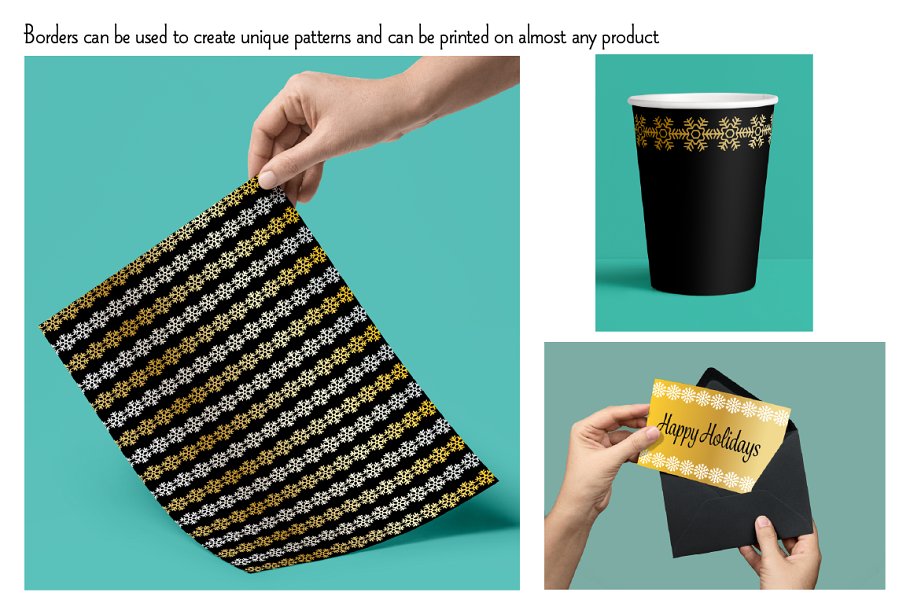
These snowflake borders provide fourteen pattern designs in silver, gold and white colorways. The item lists three AI files, three EPS files, 28 JPGs for the silver and gold versions, and 42 transparent PNGs. Each border is described as twelve inches wide with varying thicknesses, giving you a clear starting dimension for a custom winter strip.
The page explicitly says the additional patterns shown in preview images are not included. Use the listed border files rather than assuming every displayed background arrives in the ZIP. Metallic gradients are visual effects and do not create foil from a standard printer. No numerical DPI or finished sheet size is stated. The own listing showed 22 favorites, and the vector formats make this most useful when you want to adapt a border before printing.
8. Winter Frost Patterns for Making Your Own Tape
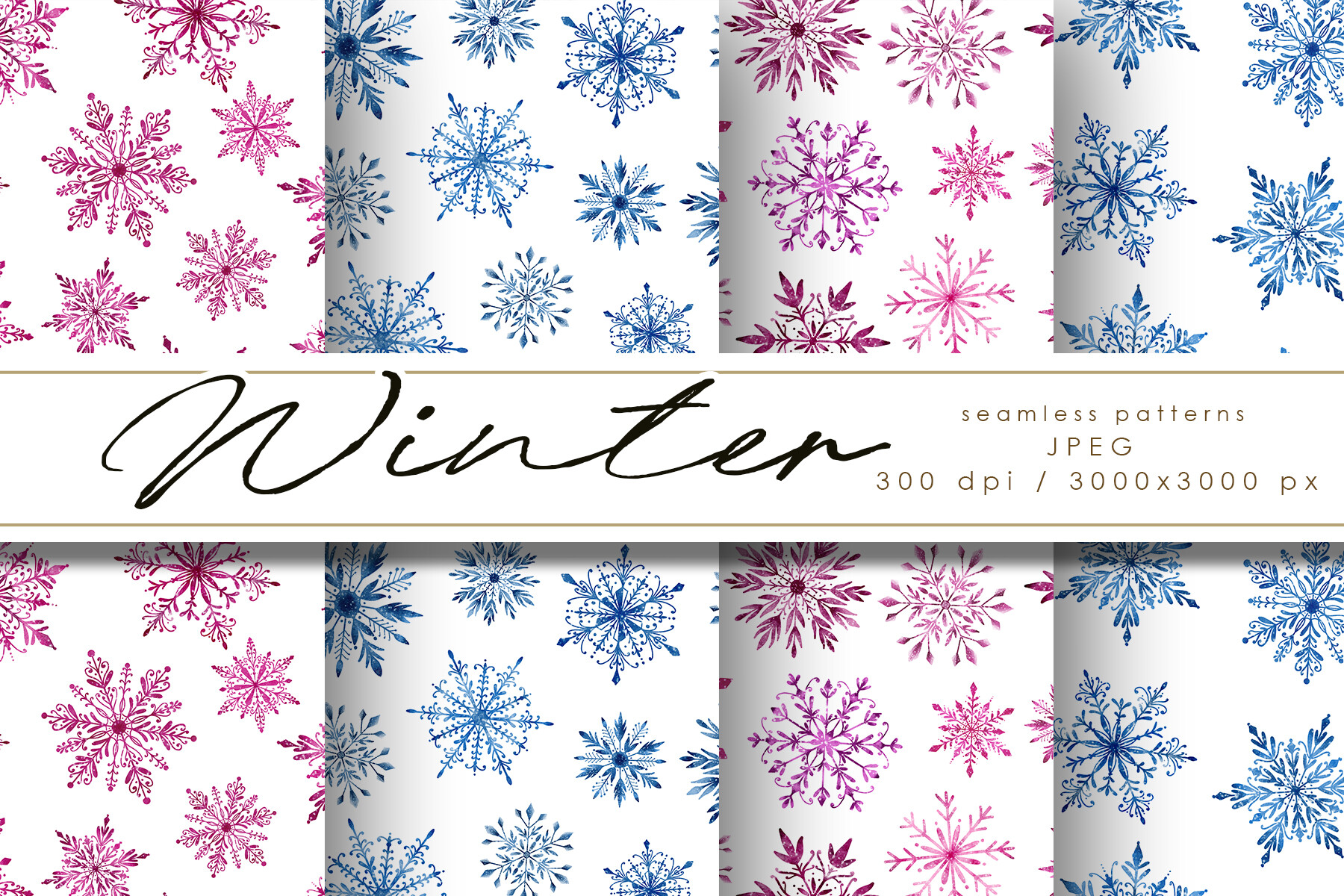
Winter Frost is a pattern-paper option for making your own strips, not a finished washi download. It supplies four JPEG patterns on white backgrounds, each described as 3000 × 3000 pixels at 300 DPI. The winter snowflake theme can work well if you want a border width that matches a particular planner rather than one chosen by the original designer.
Crop or arrange the patterns into strips in your own design software, then print on suitable paper and cut them. No transparent PNG tapes, vector sources or prepared PDF sheet are listed, so this has more setup than the first entries. Keep the white background in mind when layering on colored digital pages. The four patterns offer a small coordinated DIY resource; choose this only if creating the strip layout is part of your intended workflow.
Make the download work for your routine
Choose a neutral winter border for recurring weekly pages and reserve a brighter strip for celebrations or a special outing. Using fewer patterns per spread usually leaves more room for practical entries. When making your own sheet from borders, set the final strip width first and print one sample before repeating the layout.