8 Simple Step Tracker Templates for Daily Logs and Walking Records
A step tracker gives your daily counts a place you can return to. A phone or watch may display the number, but a short written record can make it easier to compare days, recognize missing entries and keep movement notes beside the rest of your planning.
These eight Creative Fabrica downloads include three focused step-log resources and five broader fitness or wellness collections with a specifically listed step page. The broader bundles are included for that function, not because you need every other tracker they contain. A paper or Canva template records the numbers you enter; it does not count steps or import them automatically.
Choose the smallest format that answers your question. A daily list suits individual entries, a yearly grid gives a long view and an editable page lets you change headings. If you also record training sessions, the workout planner guide covers that separate job.
In this guide
Choose a daily log, monthly view or yearly grid
A list offers room for a date and a count without much setup. A monthly view makes a short period easier to review, while a yearly grid compresses many entries into one page. Check the cell size at the intended print scale: A5 and Half Letter are portable, but a large yearly grid can be harder to write in at those sizes.
Canva resources make sense when you want editable labels or a coordinated binder. PDF and JPEG files are more direct print formats, but a seller calling a PDF editable does not identify its form fields. None of these products is established as a spreadsheet, an Apple Health integration or a watch-connected activity app.
1. Simple Thirty-Day Steps Log in Three Listed Sizes
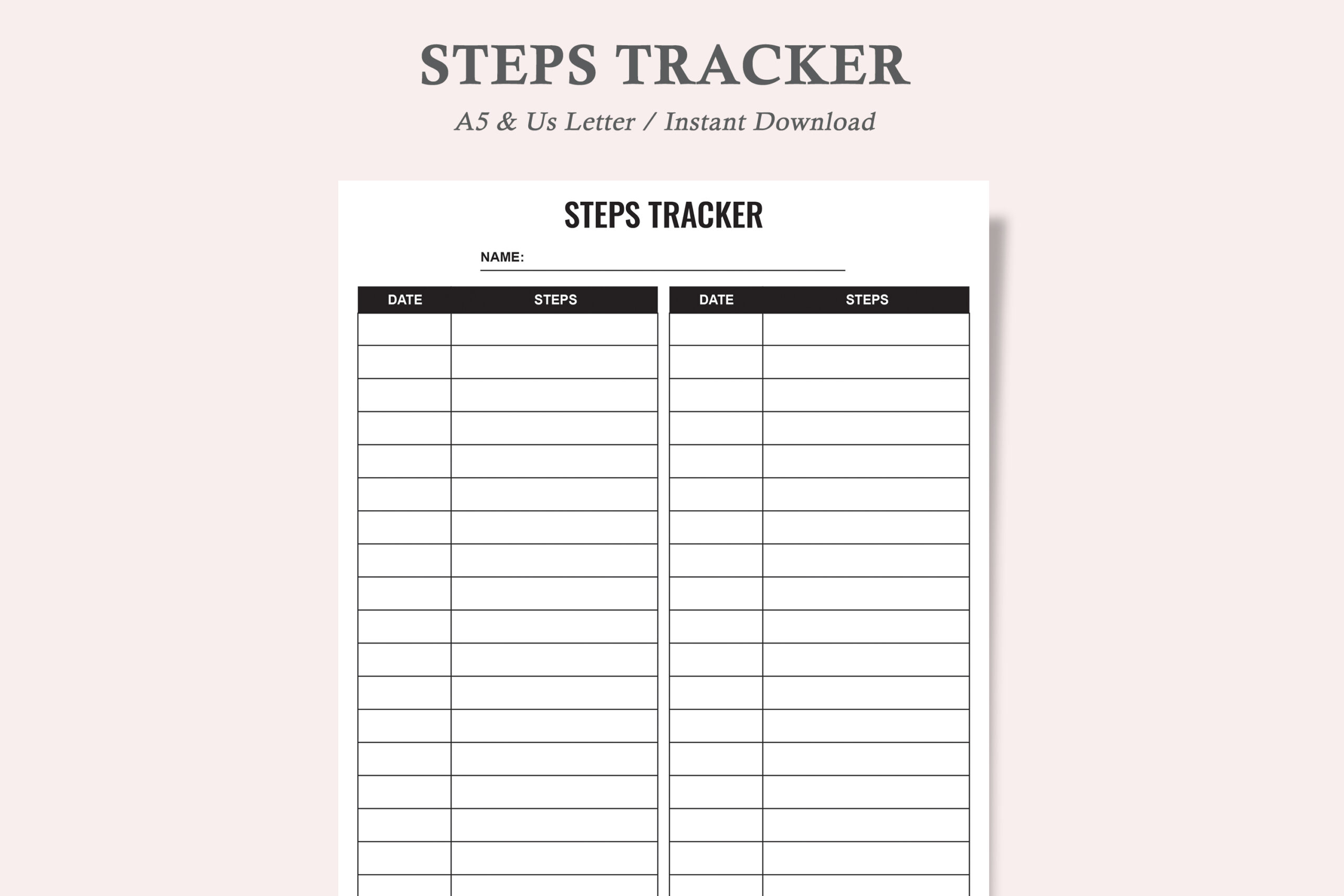
watercolortheme’s Steps Tracker records up to thirty days on a single form, with date and step-count columns in the inspected preview. The written package lists three PDFs and three JPEGs for US Letter, A4 and A5. The preview’s size line mentions A3 instead, so check the actual dimensions before printing if that size difference affects your binder or wall display.
Choose this sheet when you want a plain record without other fitness sections. Copy the count from the same phone, watch or pedometer at a consistent point in the day, then add the date so the numbers remain interpretable later. The seller calls the PDF editable but does not identify form fields or editing software. It is a manual log, not a step-counting app, and thirty entries do not cover every possible day of a longer month.
2. Three-Page Step and Monthly Progress Planner
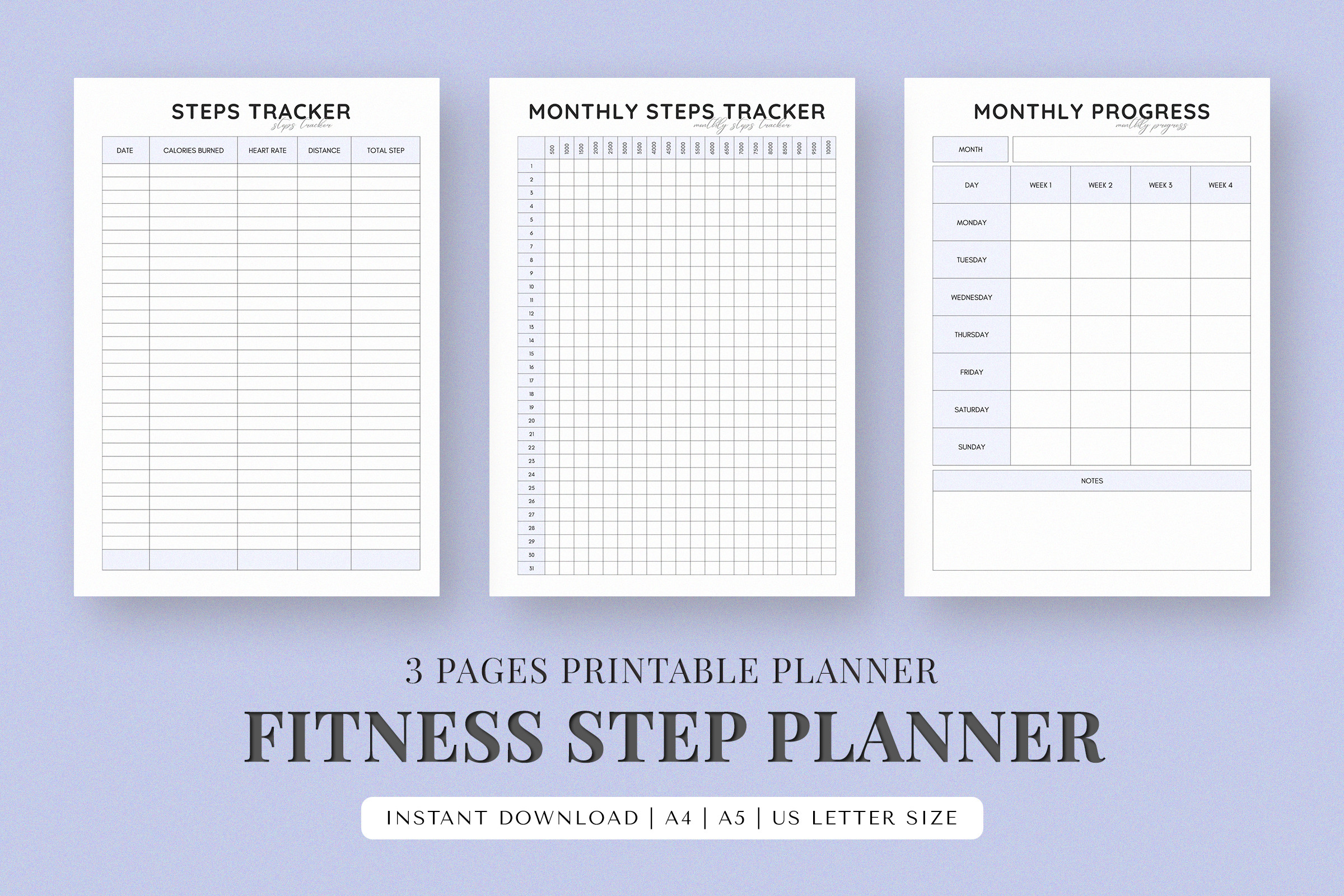
SnapyBiz’s Fitness Step Planner lists three printable pages in A4, A5 and US Letter, with a how-to guide. The inspected preview shows a steps tracker, monthly steps tracker and monthly progress sheet. That combination offers both individual entries and an overview, which can be easier to review than a notebook filled only with daily numbers.
Use the detailed page for your count and the monthly page for a concise summary you actually want to revisit. The description discusses changing fonts and colors, but does not clearly identify the editable template format; the named PDF guidelines should not be assumed to be the entire source package. Confirm the delivered files if customization is important. The pages record the numbers you enter and do not synchronize with a watch, phone or fitness account.
3. Undated Yearly Step Log in Four Print Sizes
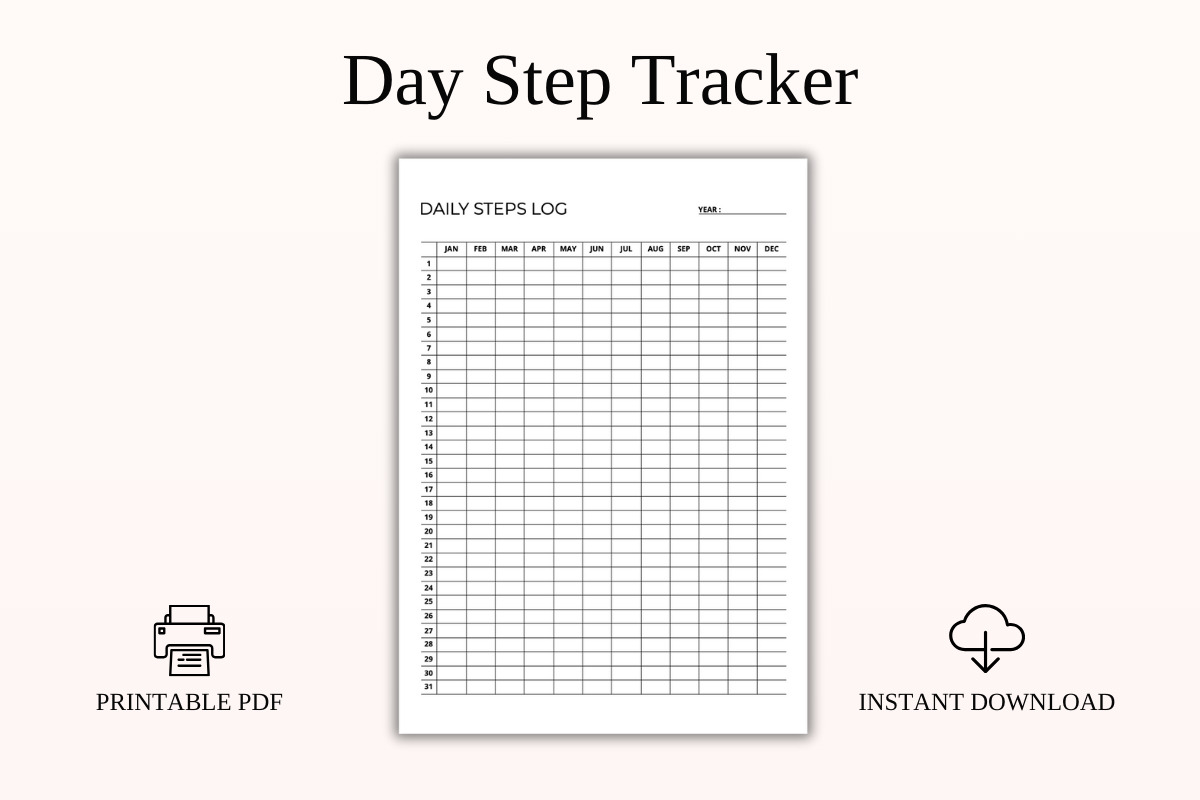
SpreadsheetsHub’s Daily Step Tracker Printable PDF puts dates 1–31 down the rows and January–December across columns, giving you a yearly record on one page. It is supplied in A4, A5, US Letter and Half Letter, with an undated year field. The preview shows a compact grid, making it an overview format rather than a page for detailed walking notes.
Choose it if your main question is how daily counts vary across months. Mark days that do not exist in a particular month so an empty cell is not mistaken for a missing record. The smaller sizes make the grid portable but leave less writing space. Despite the shop’s name, this product is described as a PDF printable, not an Excel or Google Sheets workbook with formulas, charts or automatic device imports.
4. Two Step Pages in a 2026–2027 Canva Fitness Journal
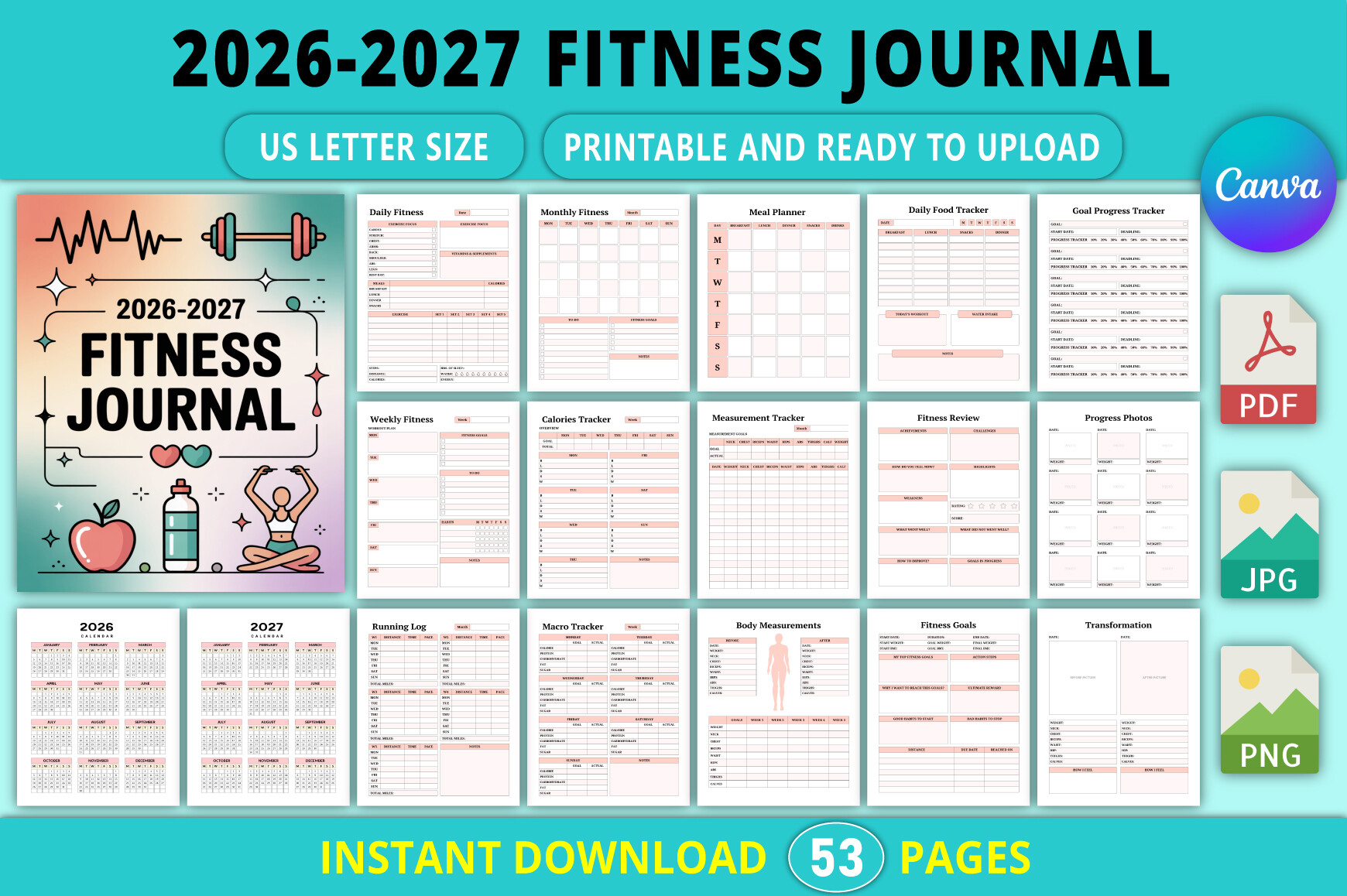
Tabiya Studio’s 2026–2027 Fitness Journal explicitly lists two step-tracker pages within a 53-page US Letter collection. The stated package includes an editable Canva template, PDF, JPG and PNG, with no bleed. It also includes calendars for 2026 and 2027 and a warning that premium elements may require Canva Pro for full access and download.
This option suits someone who wants step records beside workout and routine notes rather than a separate walking-only binder. Begin with the two step pages and add other sections only when they answer a useful question. The calendars are date-specific, while the reusable status of every tracker page needs checking in the file. Canva editing lets you change the design; it does not turn the planner into a device-connected activity dashboard or automatically total your steps.
5. Compact Canva Step Page Inside a Thirty-Two-Template Set
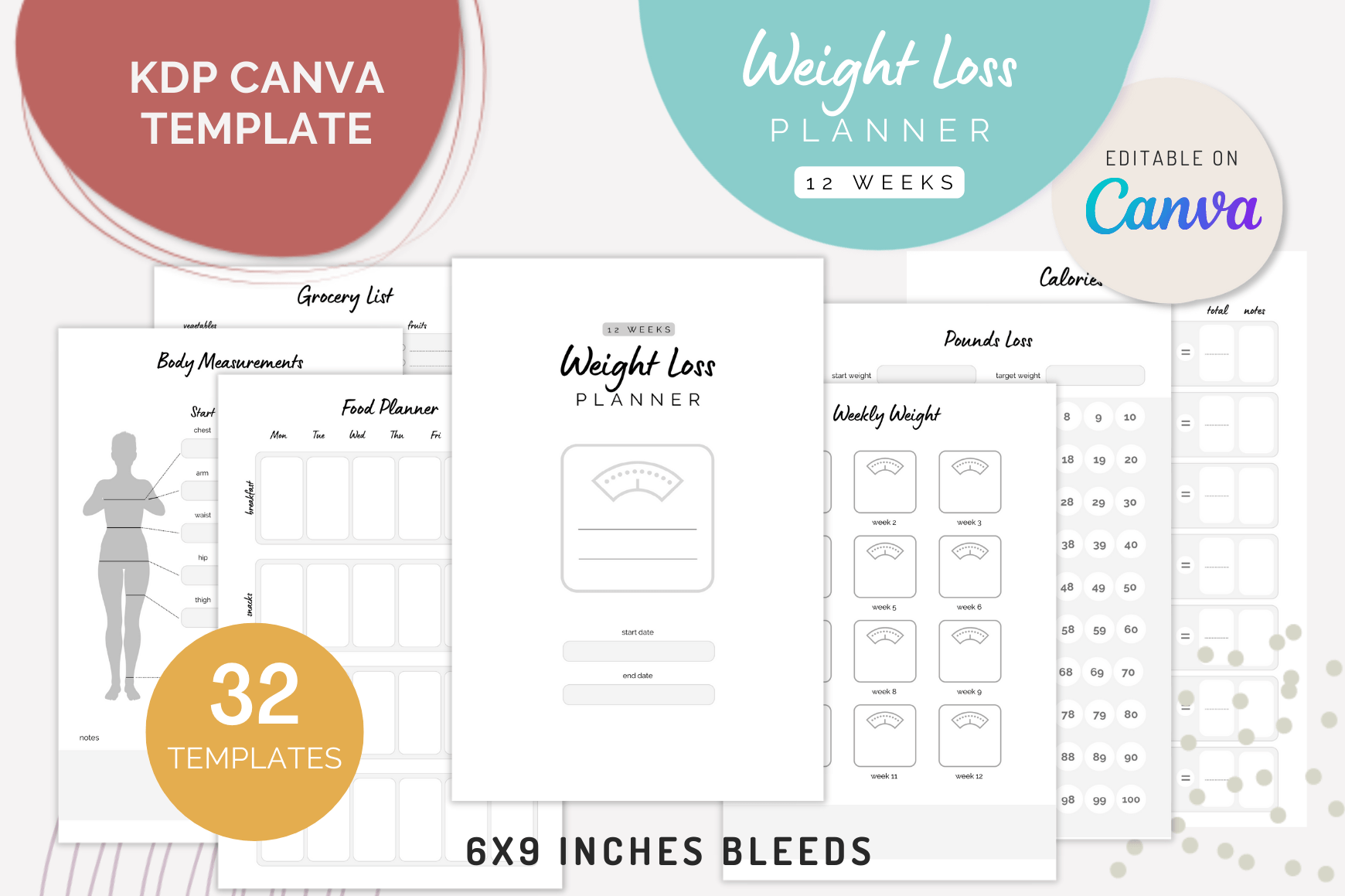
Kream Digital’s Canva Weight Loss Planner Templates include a step tracker within 32 editable layouts at 6 × 9 inches with bleed. The broader package also lists weekly routines, goals, sleep and food planning. Its step page is the relevant component for this guide; the collection’s weight-loss branding does not mean a step count by itself establishes a particular body-weight result.
Consider it if you already want a compact editable wellness notebook and prefer to keep several records together. Customize a copy of the step page in Canva, then export it at the required print dimensions. The written description does not clearly inventory all supplied export formats, so confirm those before choosing a print workflow. Bleed also matters for page setup: do not assume that every file is ready for a home printer at its default margins.
6. Letter-Size Canva Step Tracker in a Wellness Bundle
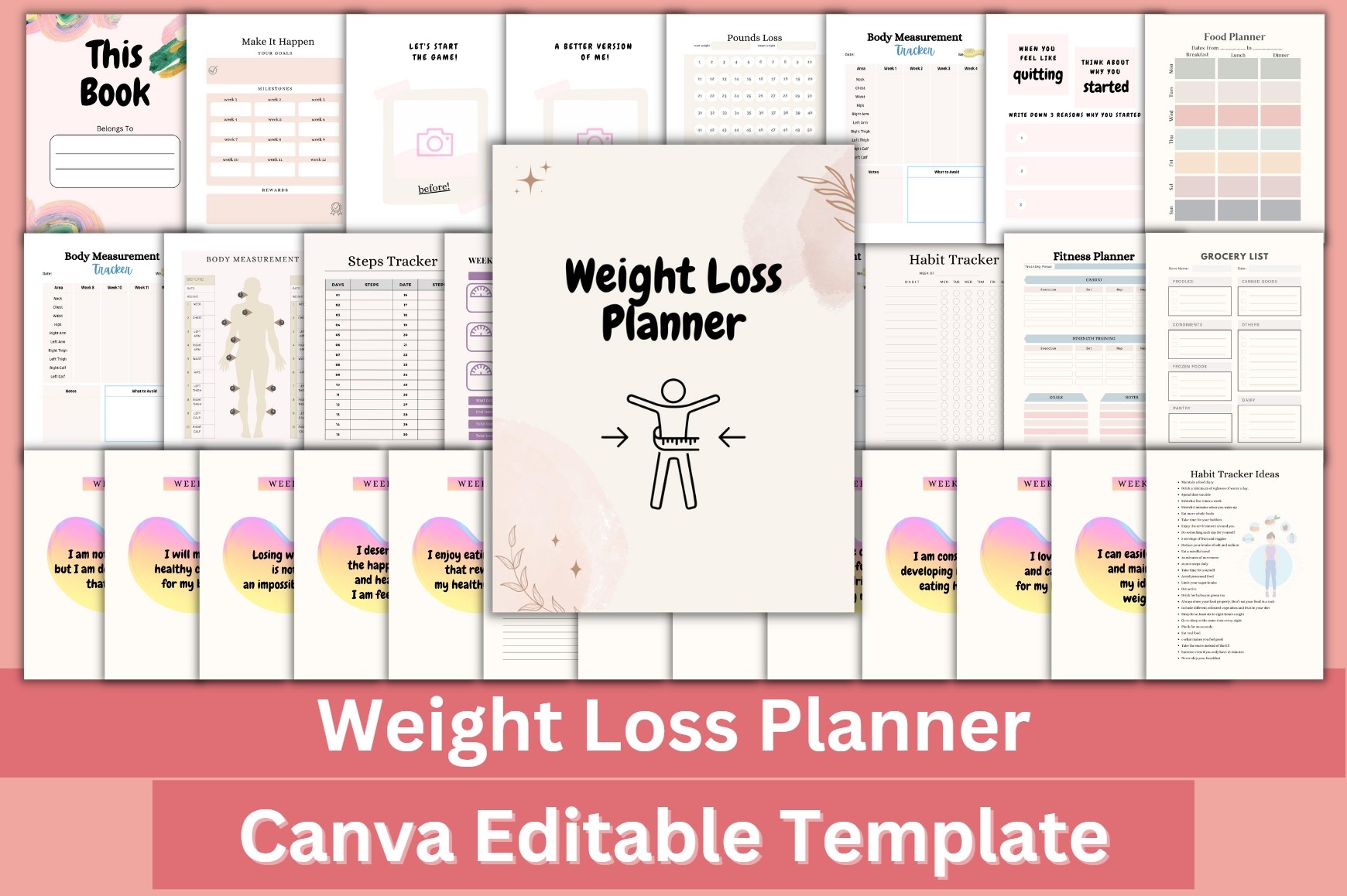
designmela01’s Weight Loss Planner Canva Template includes a step tracker among 33 pages. The listing supplies a ready-to-print PDF and editable Canva link at 8.5 × 11 inches, 300 DPI, CMYK and no bleed, and says editing is possible with a free Canva account. The larger page size is useful when compact logs leave too little room for your handwriting.
Choose it for an editable step page that matches an existing Letter-size binder. Adjust headings and colors to your preferred recording routine, then keep the steps log separate from any measurements you do not intend to maintain. The template is a manual planning resource rather than a pedometer. Its publishing-oriented claims do not establish current KDP acceptance, and Canva access should still be checked in the actual template before you rely on every element being available.
7. No-Bleed Compact Canva Step Tracker and Routine Pages
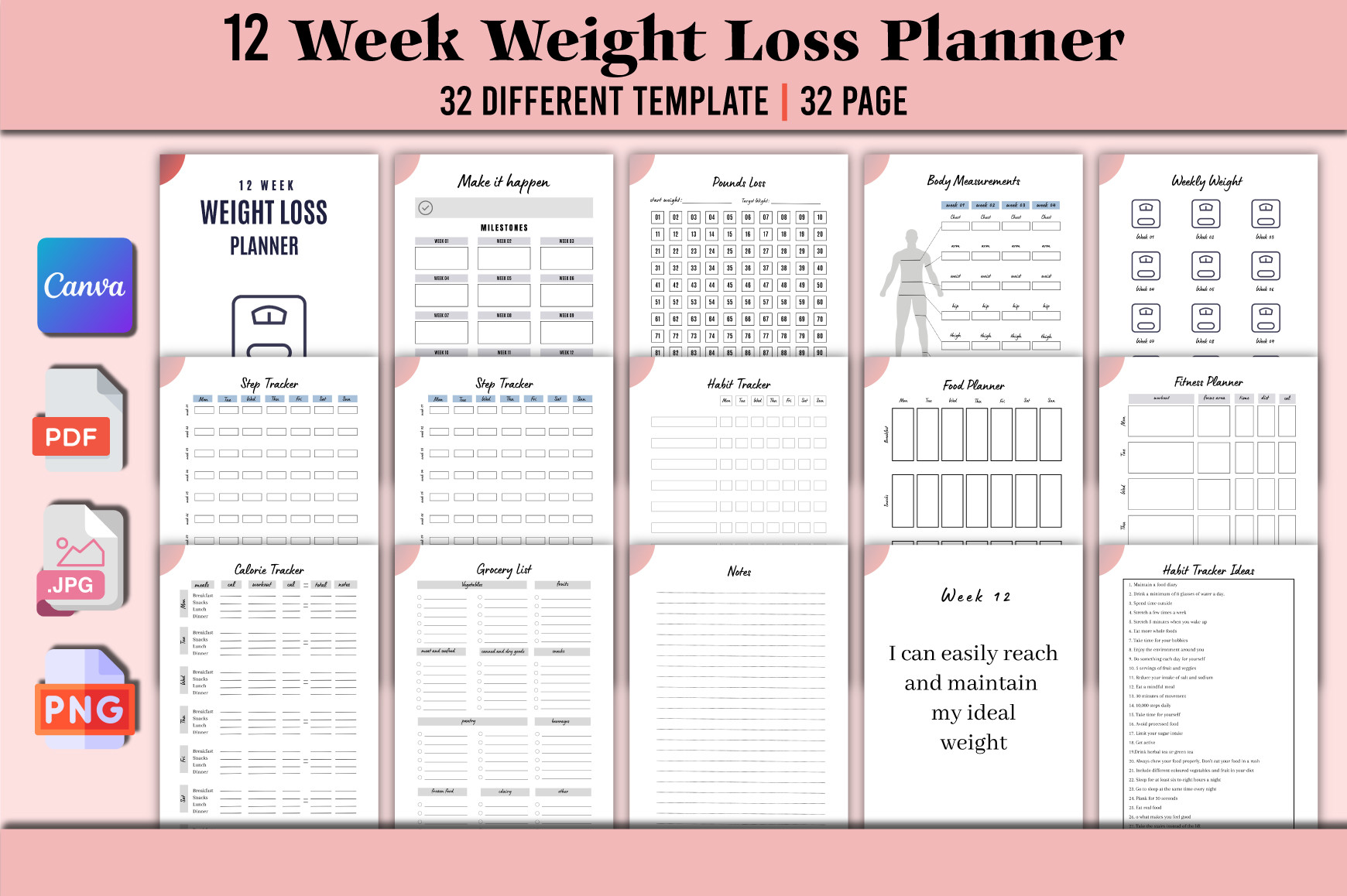
munjixpro’s Editable Weight Loss Planner lists 32 templates and 32 pages at 6 × 9 inches, with no bleed and 300 DPI. Its inventory includes a step tracker, and the delivery list names an editable Canva link plus PDF, JPG and PNG. The description presents the broader collection as a twelve-week planner, but does not establish that the step sheet itself is a twelve-week grid.
This is a compact alternative if you want image exports as well as the Canva source. Use the step page for one clear record and add a short note about the day only where the layout provides space. The seller says a free Canva account can be used, so inspect the actual link and elements before final editing. The page total is the full collection’s scope, not 32 separate designs for counting steps or an automatically updated activity program.
8. Step Tracking in a Fifty-Template Canva Fitness Collection
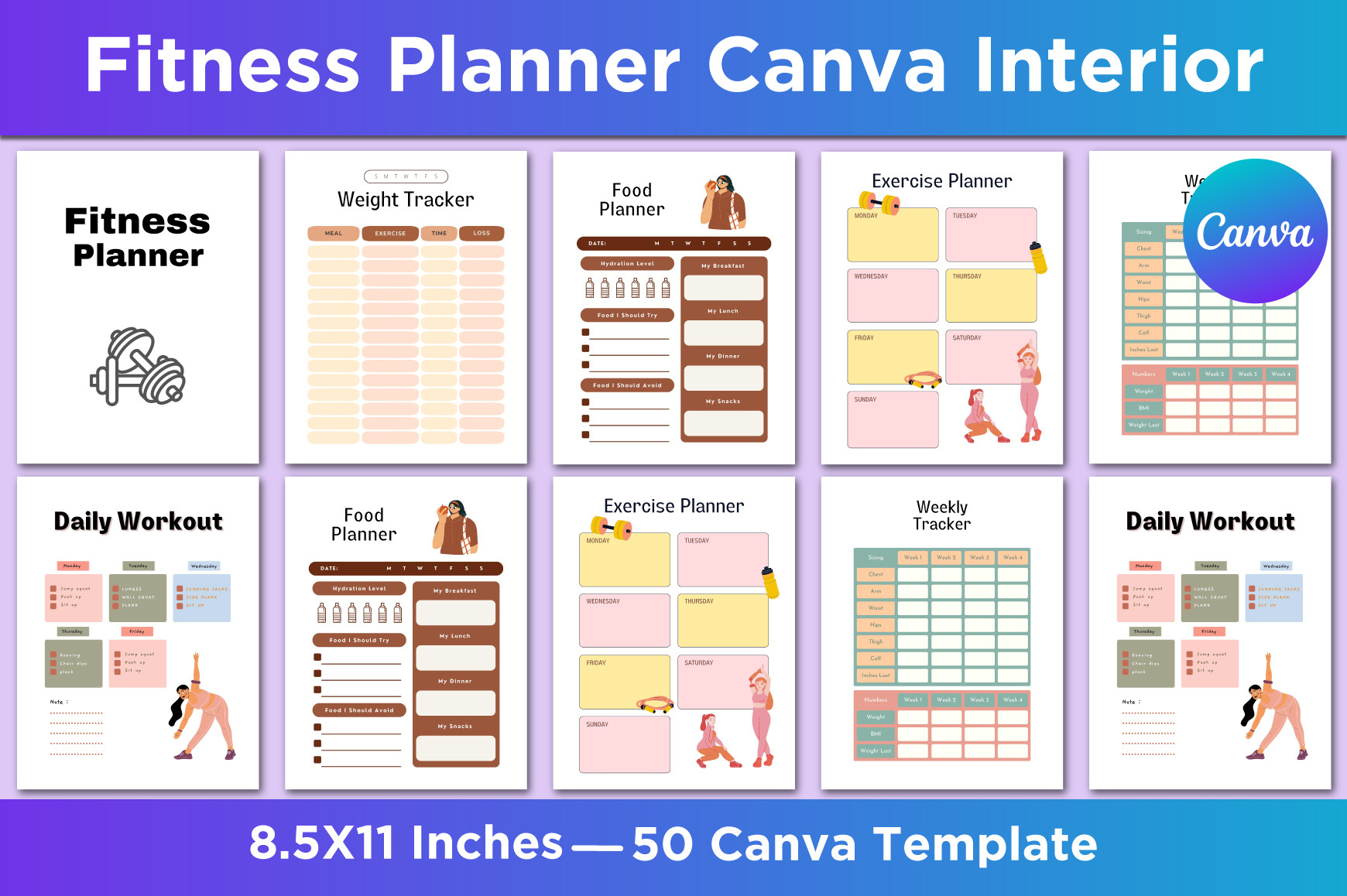
SM INTERIOR’s Fitness Planner Canva Interior lists a step tracker among fifty US Letter templates. The package includes an editable Canva link and JPG, PNG and PDF exports at 300 DPI, with no bleed. Workout, running, food, water and other tracking pages make it a broad collection, while the step sheet provides the specific manual logging function considered here.
Choose it when matching layouts across several routines matters more than having the smallest possible download. Create a working copy containing only the pages you will use, then customize the step heading or notes where appropriate. Fifty templates do not mean fifty step layouts, and the long inventory should not create an obligation to record every metric. The listing does not confirm free access to all Canva elements or synchronization with an external fitness service.
Make the manual record consistent
Use the same source for the count and label the day clearly. If you change devices or have a day with incomplete recording, add a short note where the layout allows it instead of treating the number as directly comparable without context. A blank cell can mean an unrecorded day, so choose a simple way to distinguish it from a recorded zero.
Keep step totals separate from other routines you choose to track. A habit tracker can mark whether a planned walk happened, while the steps log holds the count. A water tracker has a different purpose again; combining pages in one binder does not require maintaining every metric in every bundle.
Which step tracker is easiest to keep using?
Choose the thirty-day list for a simple repeated sheet, the three-page set for a monthly summary or the undated yearly grid for a long view. Pick an editable Canva option if changing the layout will make it easier to use, and check free-account or Pro requirements before relying on a template.
Start with a page you can complete in a short moment at the end of the day. The useful record is the one you understand later: a clear date, a count from a known source and enough context to explain unusual entries. Additional planning pages should earn their place by making the record clearer.