12 Useful Wedding Seating Chart Templates for Clear Reception Signs
Wedding seating chart templates solve a different problem from deciding who sits together: they turn your final table assignments into a display guests can read. A beautiful sign still needs a clear sorting method, enough space for names and a document size that matches the actual frame, board or easel.
These twelve resources include large Canva signs, alphabetical and by-table layouts, modular cards and editable Word, Photoshop or InDesign files. They are display templates rather than automated seating software. Compare the stated formats carefully; a badge on a preview is not a substitute for the file inventory in the current description.
Quick format comparison
| What you need | Start with | Practical check |
|---|---|---|
| Guests scan table groups | 4. Minimal By-Table Chart | Canva display template; table assignments still need to be prepared separately. |
| Guests look up their names | 5. Alphabetical Chart | Two Canva layouts with or without divider lines; use a consistent name-sorting rule. |
| Separate cards on a display | 6. Modular Table Lists | Header cards, table lists and number tents; check mounting and bleed before printing. |
In this guide
1. Modern Canva Seating Chart in Three Sizes
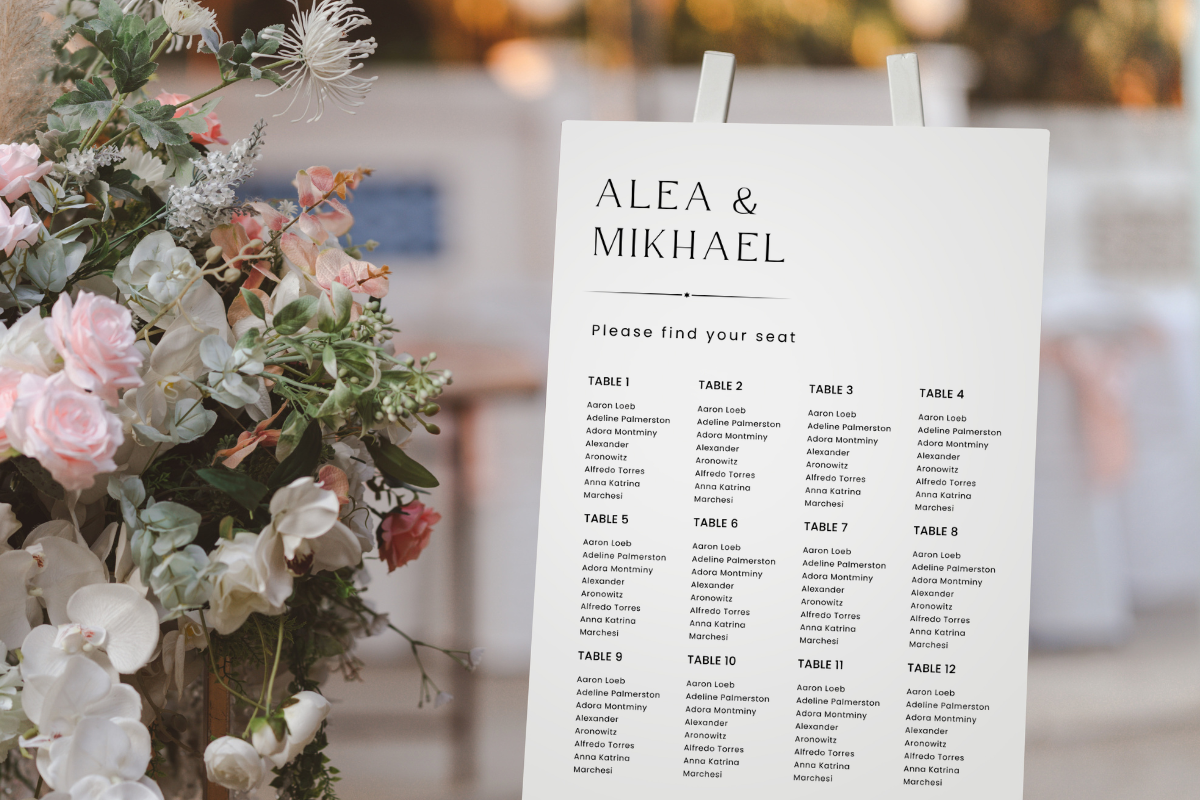
Azhartpaper’s template comes through a PDF containing a Canva link, with 8×10, 18×24 and 24×36-inch versions listed. The editable text includes wording, font, color, size and placement, with room to add your own text boxes or images. It is a useful starting point when you want the same visual approach on a smaller table display and a larger reception sign.
Choose the display size around the actual guest list, not simply the largest available file. A small format that looks tidy on screen may become hard to read once every name is included. The downloaded PDF is an access document for the template; you still need to edit the guest information and export the final print file yourself.
2. Haffa Studio Canva Seating Sign
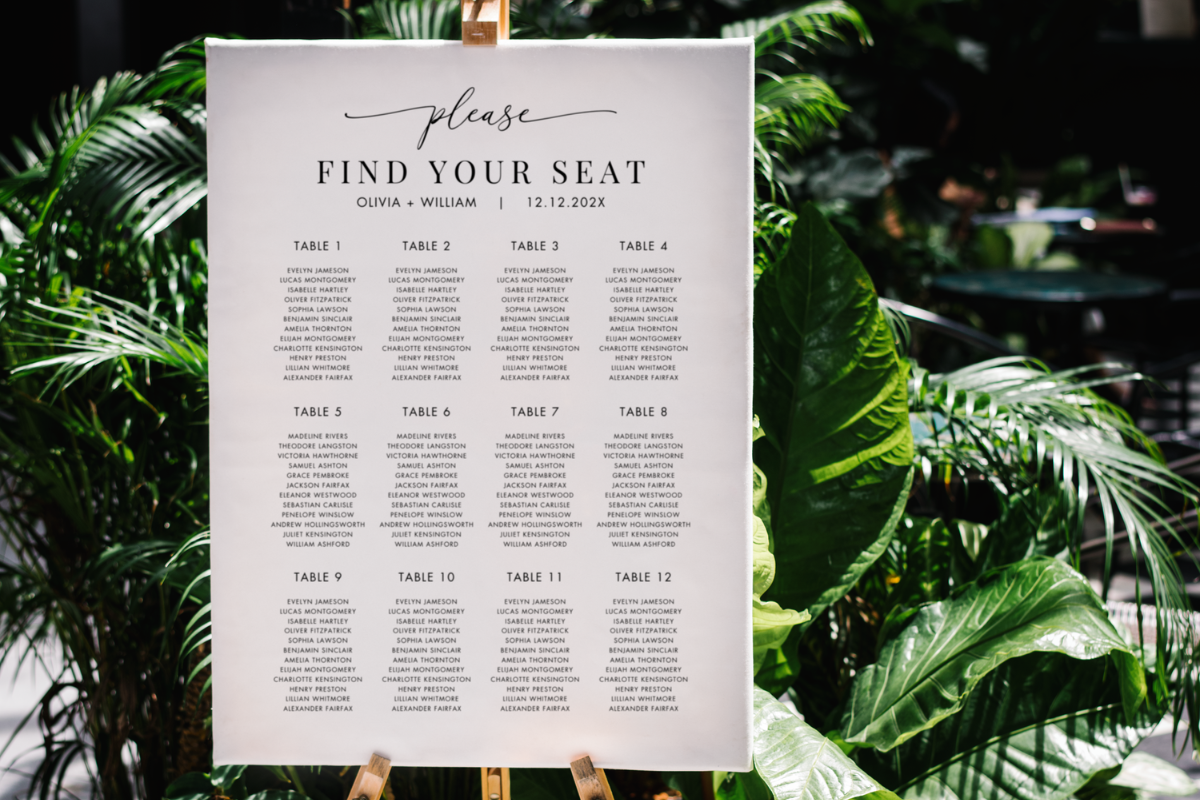
Haffa Studio lists three portrait sign sizes: 24×36, 20×30 and 18×24 inches. Access is supplied as a PDF inside a ZIP, and the seller describes editing through a free Canva account. It is a straightforward comparison option when you already know you want one large seating sign near the reception entrance.
Confirm the orientation and the available space on your easel or frame before editing a long list of names. These are design templates rather than an automated seating-assignment system: table decisions and guest-list changes remain yours to manage. Export a proof with real names early enough to catch crowded tables, missing guests and type that becomes too small at the chosen print size.
3. Landscape Canva Seating Chart with Tutorial
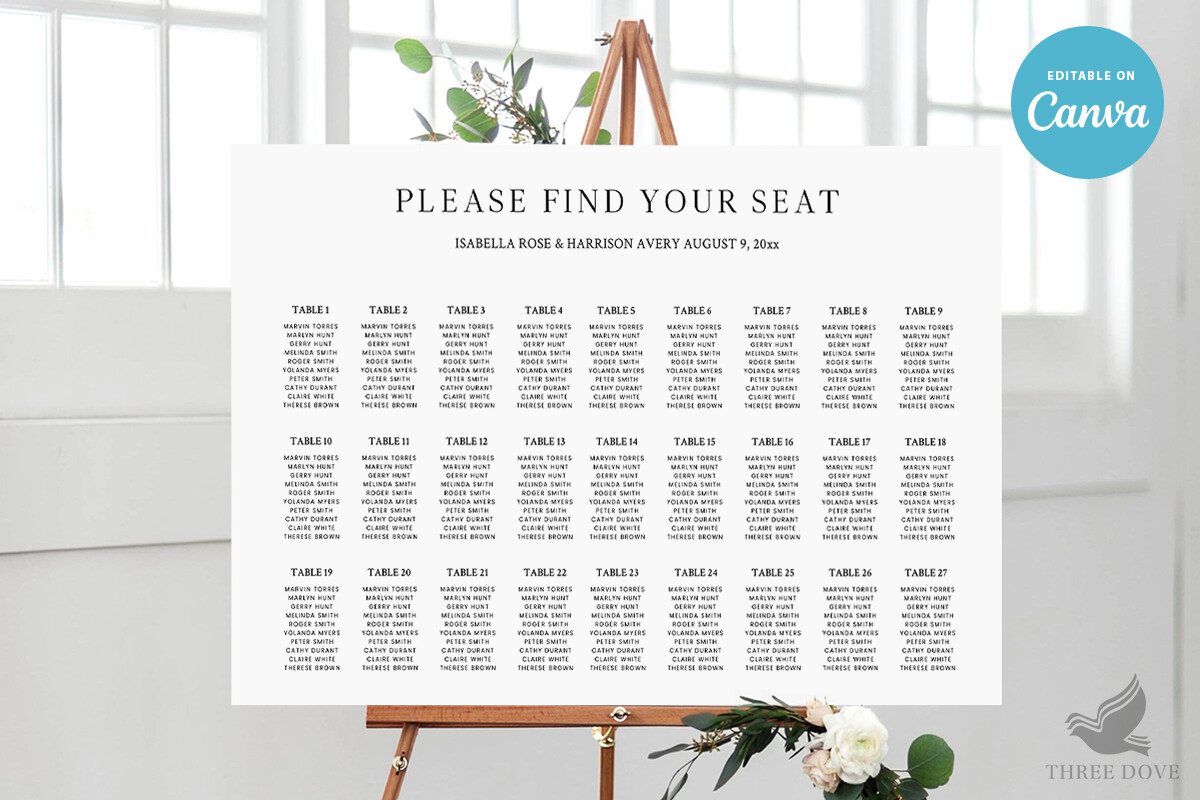
Three Dove provides a 36×24-inch Canva seating chart and a tutorial PDF. That landscape format is worth considering when a wide display suits the venue or the guest list is easier to divide across columns. The listing says text can be edited, backgrounds can be changed or removed, and artwork can be resized or repositioned.
An important limit is that artwork colors are not editable according to the seller. If a particular illustration clashes with your wedding palette, changing the text color may not solve the whole problem. Check the sample design closely before choosing it, then review spelling, dimensions and column spacing in a full-size proof before sending the file to print.
4. Minimal Seating Chart Organized by Table
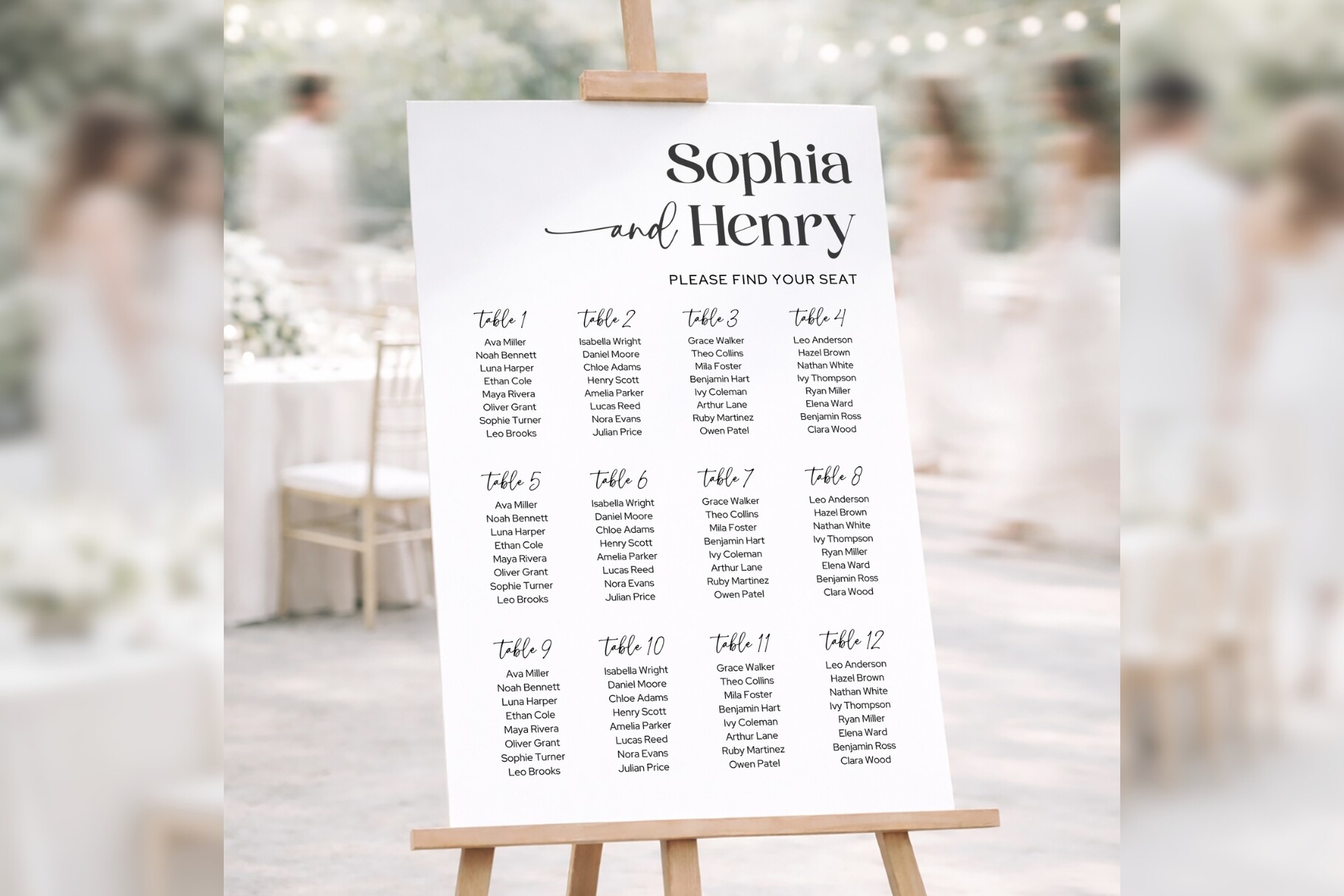
TyphoonStudio’s bd006 template groups guests by table in a clean Canva layout. It lists five inch-based sizes from 18×24 to 30×45, plus A0, A1 and A2, with access links delivered through a PDF and printing guidance included. It suits a reception where the table arrangement itself is part of the visual presentation.
A by-table sign asks guests to scan the table lists for their names, so think about readability before filling every available column. Test the longest table list and a few long names first. This is an editable display design, not software that decides where guests sit, and the printing service will still need a correctly sized final export.
5. Alphabetical Canva Seating Chart with Two Layouts
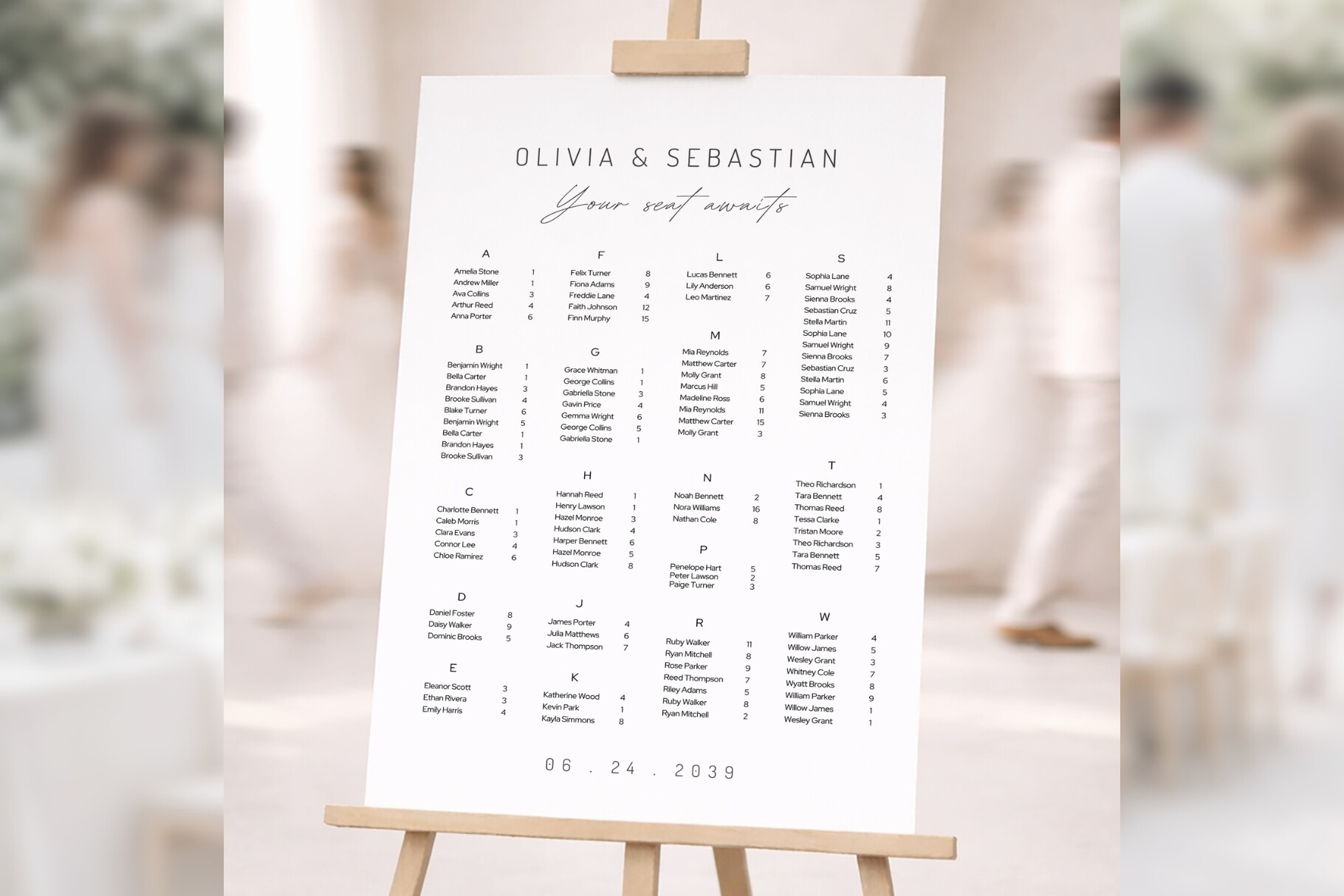
The bd008 option arranges guests alphabetically rather than grouping the entire display by table. The seller includes two layouts, one with divider lines and one cleaner version without them. Five inch-based sizes and A0, A1 and A2 are listed, with editable names, sections, wording and colors through Canva links supplied in a PDF.
This format is worth comparing when guests may not know their table in advance and you want names to be the first thing they scan. Keep the sorting rule consistent, especially for couples, family names and accented characters. The template does not replace a checked master guest list, so reconcile each displayed name and table assignment before approving the final print.
6. Modular Table Lists, Header Cards and Number Tents
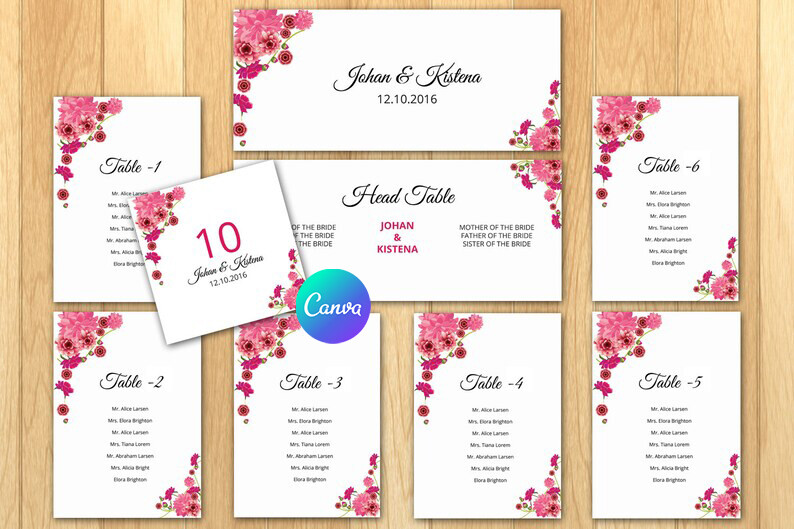
This sistecbd resource takes a modular approach instead of offering only one poster. The listing gives 9.25×4-inch header cards, 5×7-inch table lists and folded 5×5-inch table-number tents. It mentions five Word files, DOCX support and a Canva link, with 0.25-inch bleed stated. The pieces could suit a display assembled from separate cards.
Individual table lists can be convenient when one table changes close to the wedding, but verify the complete file inventory and folding setup before printing. A table-number tent is not a named guest place card. Check how the cards will be mounted, whether the listed dimensions are finished or document sizes, and how your printer handles the specified bleed.
7. Square InDesign and Word Seating Chart
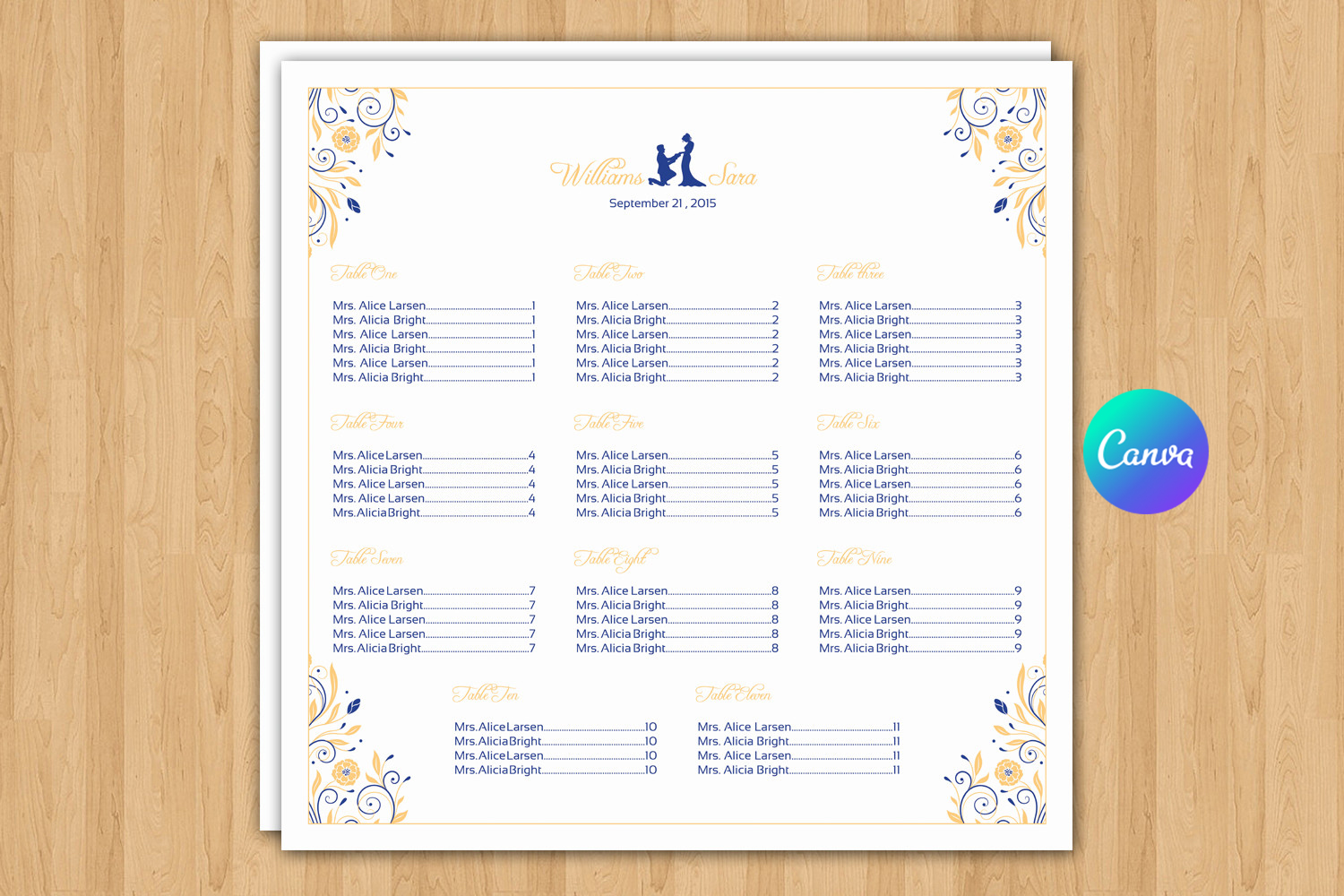
This template lists a 22.25×22.25-inch square document, with InDesign CS5 INDD, CS4 IDML and Word DOCX files. A font download link is included in the help material. It is a useful alternative if you prefer a local desktop editing workflow and already use Word or InDesign for the rest of the wedding stationery.
Check the exact square size with your print service; it differs from the common 24×36-inch poster format. Older application versions in a listing identify the supplied formats, not a guarantee that every current installation will preserve the layout automatically. Open a proof, install the required fonts appropriately and check line breaks before adding the final guest list.
8. 22-Inch Square Chart for Word or InDesign
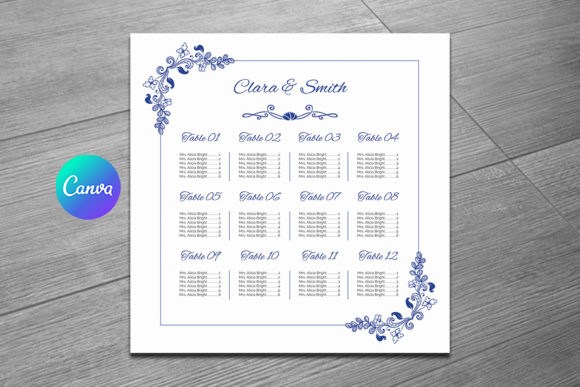
This second square option is listed at 22×22 inches and includes InDesign CS6 INDD, CS4 IDML and Word DOCX files. It provides another design to compare when you want to work locally rather than through Canva. The practical difference from the previous option is the stated document size and supplied InDesign file version, so check those alongside the visual design.
Do not choose both merely because their file lists look similar. Compare the previews, the number of table sections you need and the space available for long names. The help file supplies a font link, so allow time to check that font’s installation and licensing requirements. A final PDF proof is still necessary before a printer produces the full-size sign.
9. Floral 16×20-Inch Word and Photoshop Chart
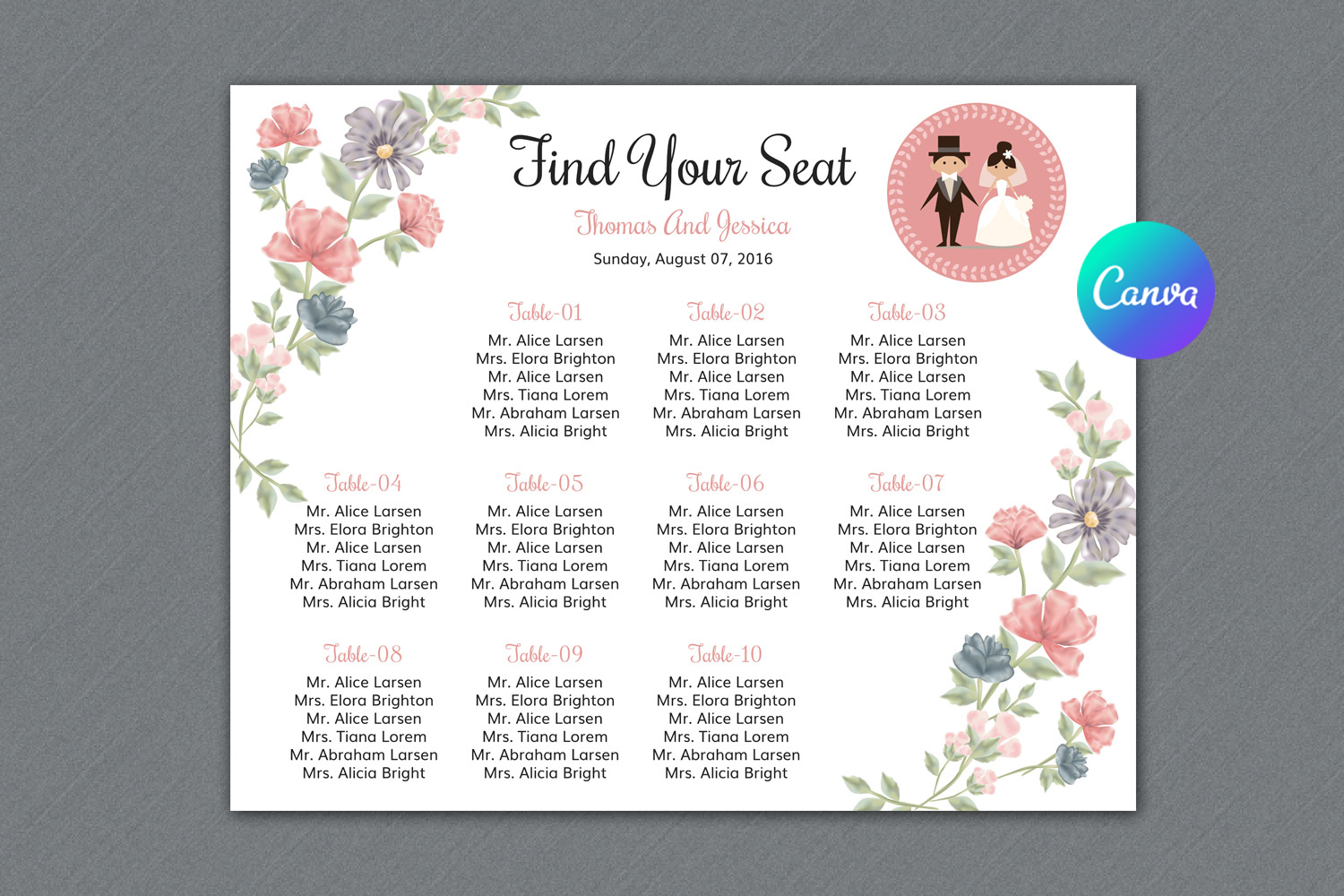
This floral chart lists a 16×20-inch size with one Word DOCX file and one Photoshop PSD file. It is a more compact poster option for a venue where a large sign would overwhelm the available display space. The downloadable formats let you choose between text editing in Word and a design-oriented Photoshop workflow.
A smaller poster has less room for a long guest list. Put representative long names and the busiest table into a proof before deciding the font size. The listing supplies a font download link in the help file, and it does not establish a web editor or an automatic mail-merge setup. Choose it because the floral layout and actual size fit your reception.
10. Elegant Square Word and Photoshop Seating Poster
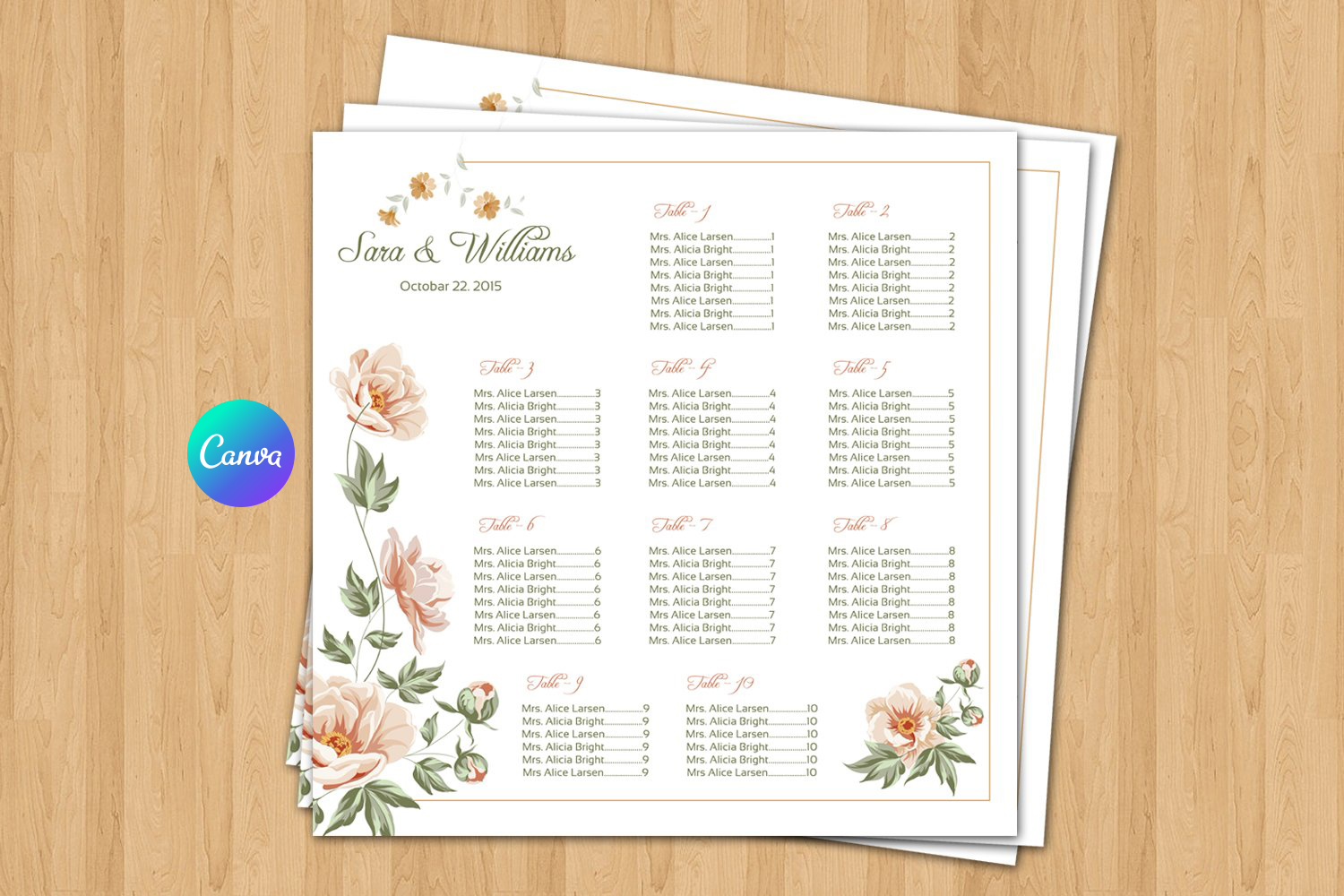
This option lists a 22×22-inch seating poster with Word DOCX and Photoshop CS6 PSD files. It is an alternative to the InDesign square charts when Photoshop is the design tool you already know. A help-file font link is included, so the text appearance depends partly on using the intended font or choosing a suitable replacement.
The square format can change how many columns or table groups fit comfortably. Work with real names rather than leaving the sample wording in place while judging spacing. The listing does not promise a Canva template or automated guest-data import. Check the exported PDF carefully for text wrapping and missing fonts before ordering a printed board.
11. 22×18-Inch Floral Word Seating Template
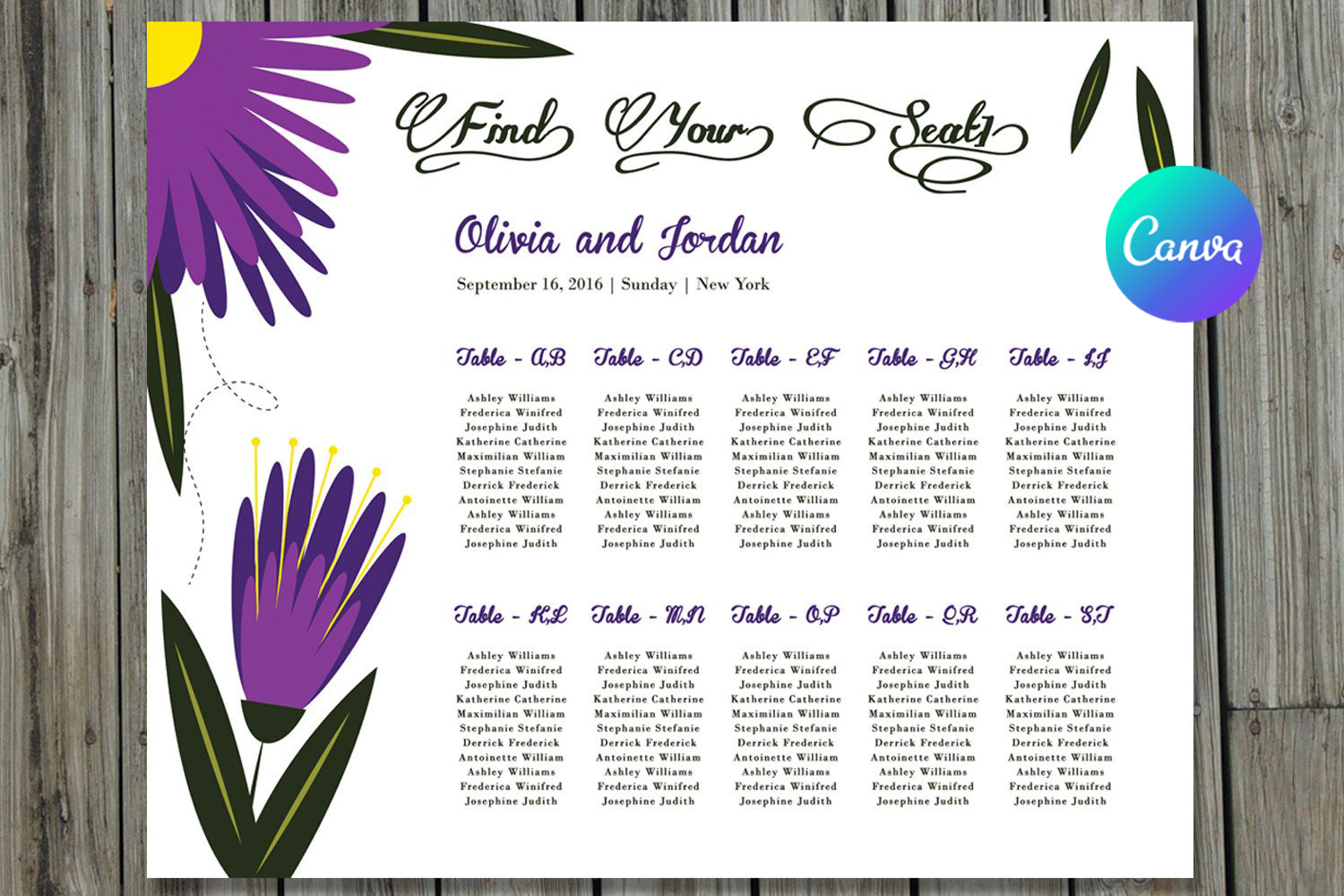
For a Word-centered workflow, this floral design lists a 22×18-inch wedding seating template, a DOCX file and a PDF, with a font link supplied in the help material. The wider rectangular shape offers a different display proportion from the square and tall poster templates above. It may suit a framed arrangement where a broad layout fits better than a portrait sign.
Confirm which PDF is included and whether it is a sample, a print file or instructions before assuming it is already personalized. Guest names and table assignments must still be edited. Check that the floral decoration leaves enough usable text space, then review the document at the actual print dimensions rather than relying only on Word’s fit-to-window view.
12. Watercolor Floral Square Chart in DOCX and PSD
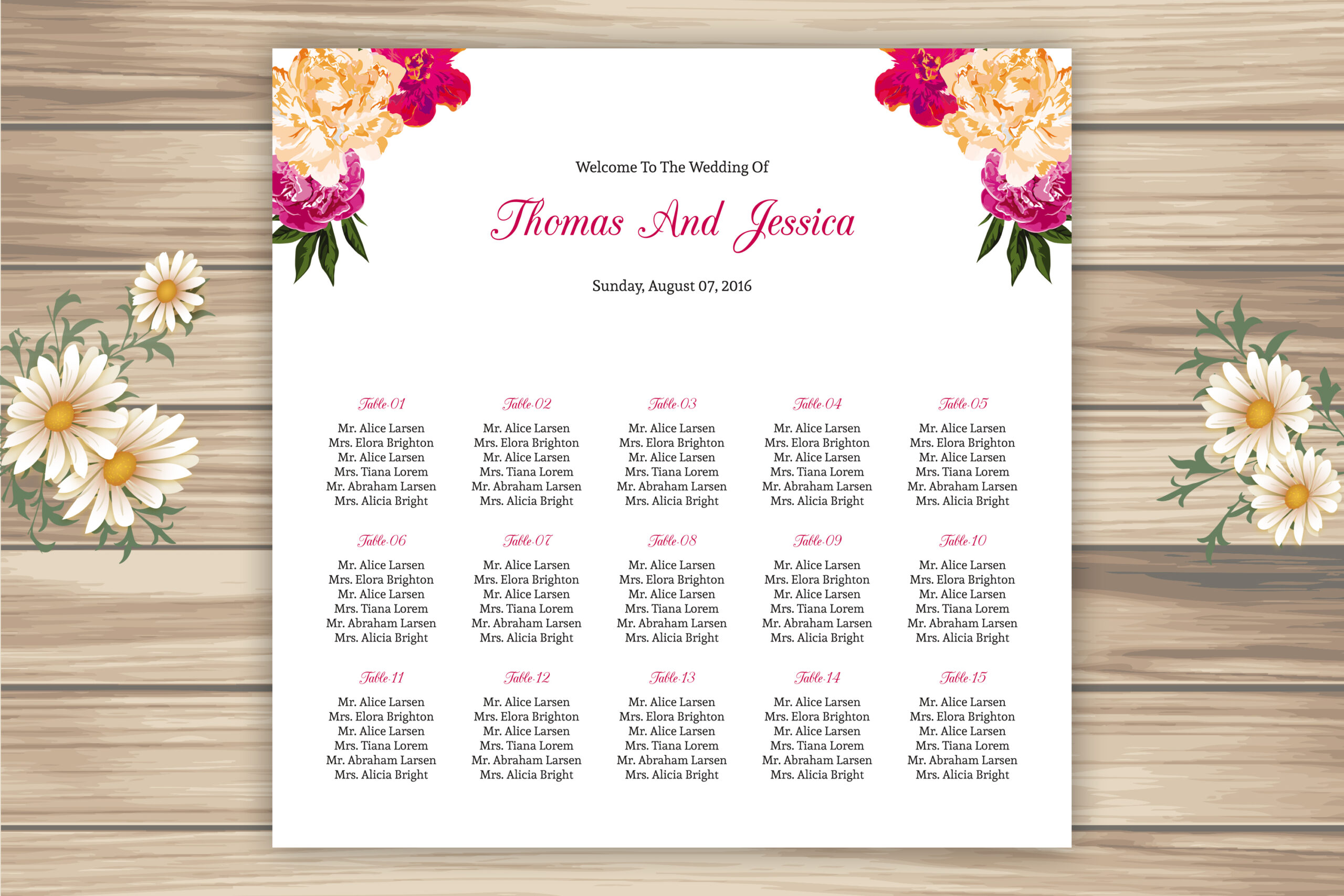
This watercolor floral seating chart is listed at 22×22 inches, with Word DOCX and Photoshop PSD files. It is worth comparing with the other square designs if the illustrated floral presentation suits your stationery. The format choices are useful for readers who want editable local files and already have a comfortable workflow in one of those applications.
Several square templates share similar technical specifications, so the meaningful comparison is the artwork and usable name space, not the number of formats. Check the preview against the other floral options before choosing. The seller points to fonts through a help-file link; verify those details and produce a full guest-list proof before committing to the final poster.
Choose Wedding Seating Chart Templates by Sorting Method
A by-table chart keeps each group together visually. An alphabetical chart puts guest names first and shows the assigned table beside them. Decide how guests will search before editing, and use one consistent rule for couples, family names and any special characters.
The display should match a checked master list. Compare your final assignments with a wedding guest list template, then proof the chart for missing names, duplicate entries and table changes. Neither an editable poster nor a set of table cards automatically resolves those decisions.
Proof the Real Print Size Before Ordering
Open the document in the software named in its actual file list. Some previews show Canva branding while the description lists desktop formats; verify the delivered archive before relying on an additional editor. Check fonts, finished dimensions, orientation, bleed and export settings with the printing service.
Use the published wedding planner templates for the wider schedule and budget, and compare wedding planners for budgets and guest lists if you need a broader organizer. For the seating sign itself, begin with a proof containing real long names and the fullest table. Choose the design that remains readable, then approve the complete file before printing.