12 Creative Letter to Santa Templates for Wishes and Holiday Notes
Letter to Santa templates can turn a wish list into a quiet family activity: choose a page, find some pencils and let each child decide what to write or draw. These twelve resources include finished printables, editable Canva pages and letter-and-envelope sets.
They are digital downloads, with different amounts of preparation. This guide focuses on letters children send to Santa, rather than reply letters from Santa. It also separates an actual design count from a long interior’s page total, so you can choose the right-sized activity.
In this guide
Choose Letter to Santa Templates by Writing Space
A short fill-in page works differently from open stationery. Younger children may want room to draw; older writers may prefer several lines. Check the preview rather than choosing solely by the decorative border.
Choose A4 or US Letter to match your printer, and distinguish ready-to-print PDF or JPG files from PDFs that only deliver a Canva link. If you want an envelope, check that it is explicitly included. Nothing here promises postal delivery, a reply or a connection to an official Santa mail service.
1. Three-Design Letter Set by AnnaViolet
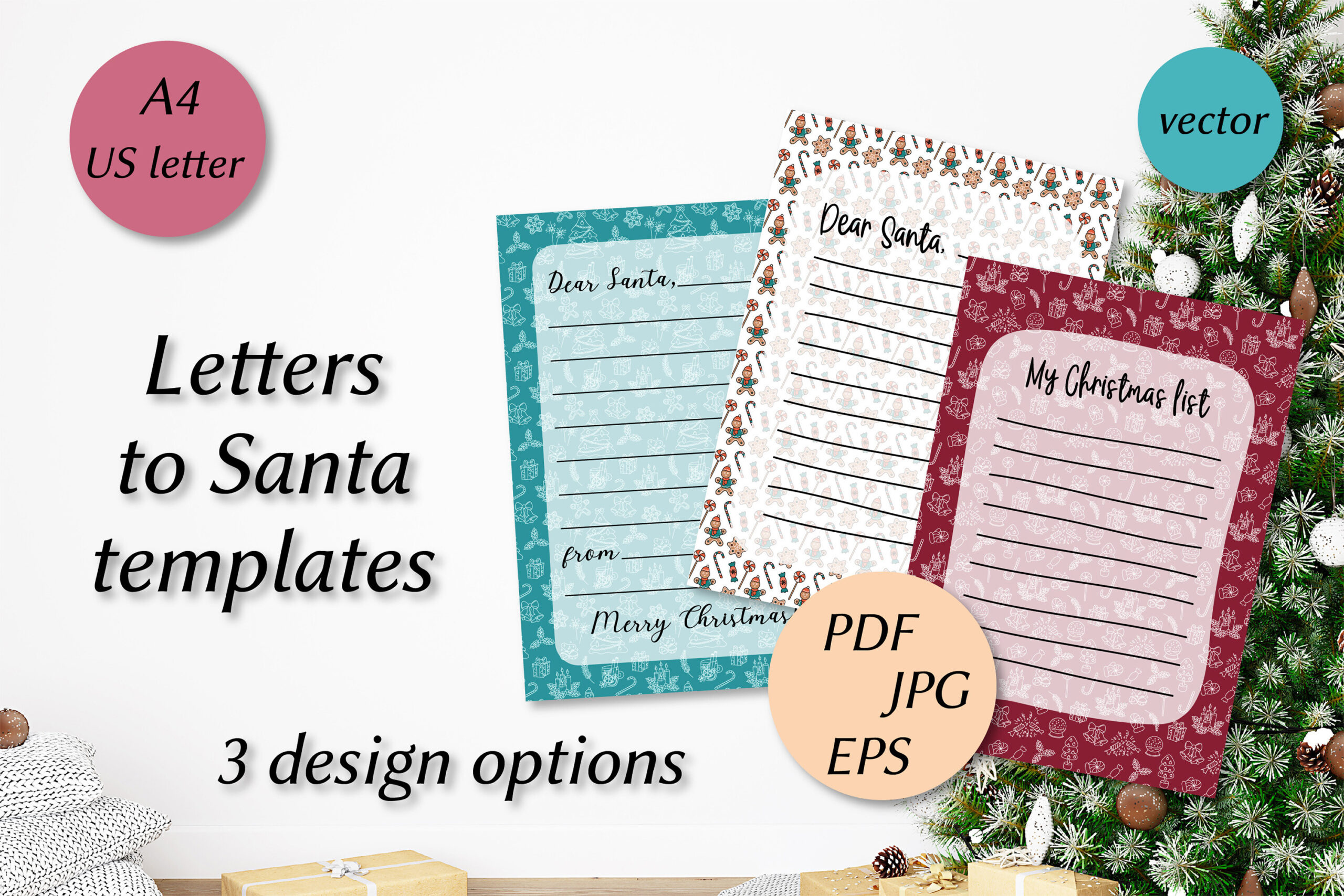
AnnaViolet’s set supplies three doodle-style letter designs in both A4 and US Letter. The download contains six PDFs, six 300-DPI JPGs and six editable EPS files, so you can pick a paper size without rebuilding the layout.
This is a useful family or classroom option when children want different-looking pages. The number of files reflects three designs in two sizes, not eighteen unique letters. EPS editing needs compatible software; the PDF is the simpler route for handwriting.
2. Simple A4 Santa Letter by StardDesign
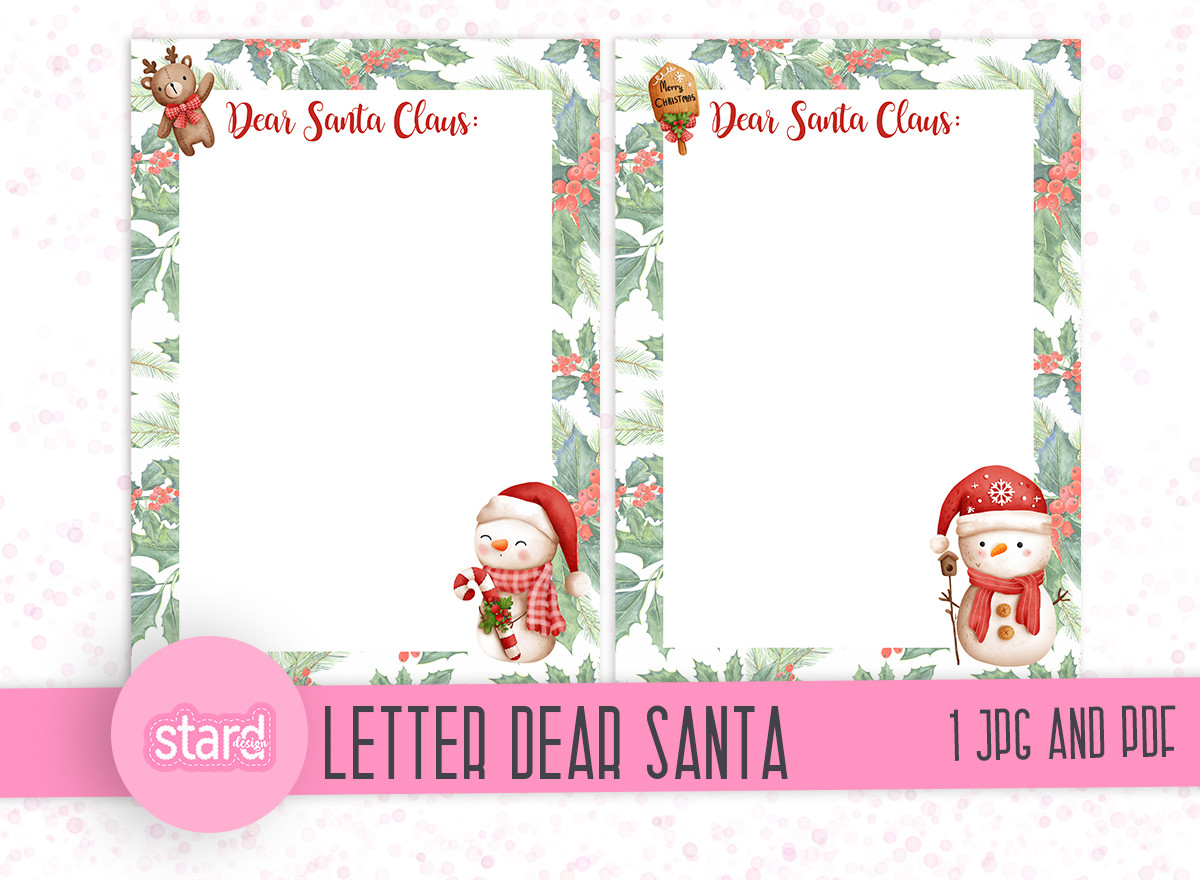
StardDesign keeps the package small: one A4 JPG and one A4 PDF intended for handwriting. It is a straightforward printable letter rather than a large activity pack or editable Canva system.
Choose it when you want to print a page and start writing with minimal preparation. If your printer uses US Letter, check the scaling preview first. A matching envelope or additional page designs are not listed in the checked description.
3. Editable Santa Letter by AN Graphics
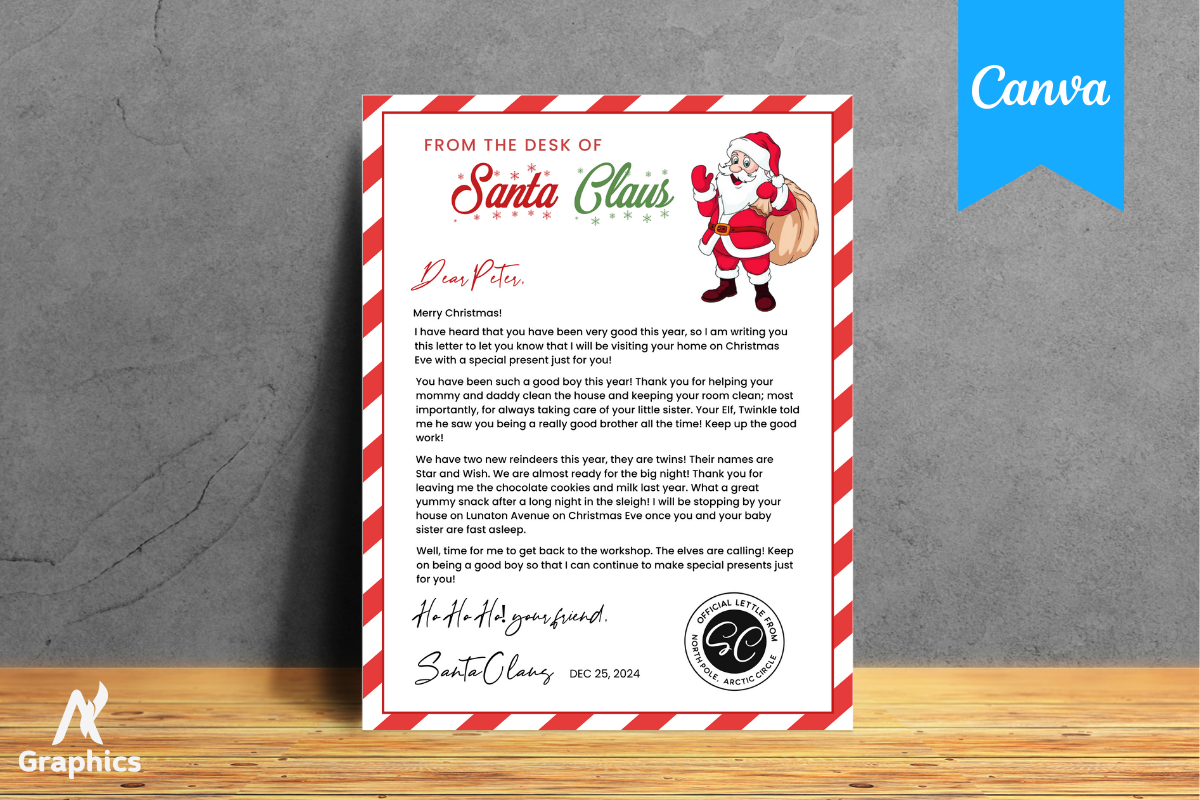
AN Graphics supplies an 8.5 × 11-inch Canva letter template reached through a link in the downloaded PDF. The listing describes editing fonts and colors before printing at home or through a print service.
It is a practical choice when you want to personalize the letter’s appearance before a child fills it in. Canva access and printer setup are part of the workflow. The creator notes that printed colors may differ from the screen, so test one page before a larger batch.
4. Long Canva Letter Interior by SM INTERIOR
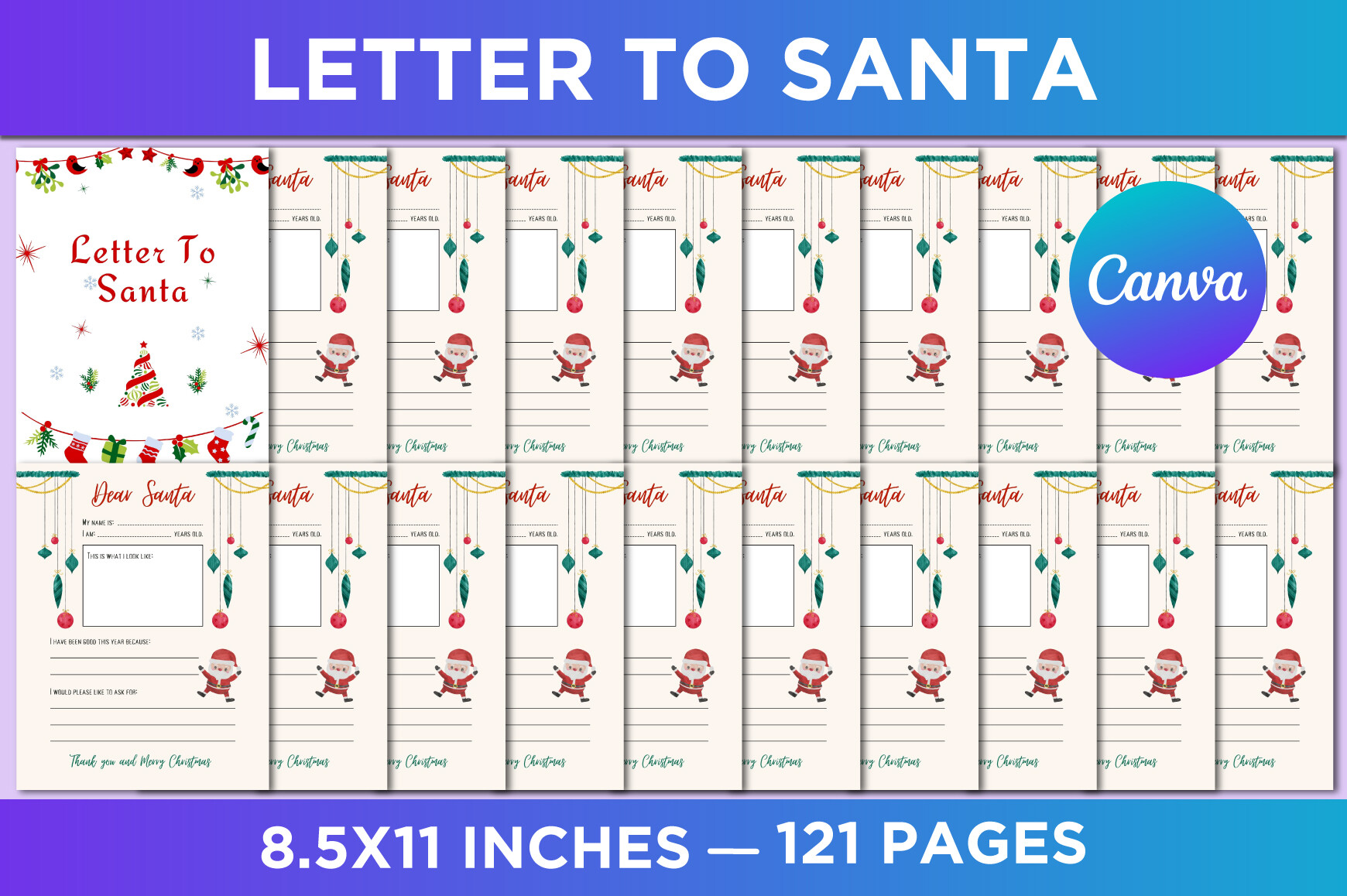
SM INTERIOR describes a 121-page, 8.5 × 11-inch no-bleed package with editable Canva access and JPG, PNG and PDF files. It includes an ownership page and Letter to Santa content, with 300 DPI stated.
Consider it if you want a longer interior to adapt, rather than assuming the largest page count is the best children’s activity. The description does not document 121 distinct letter designs. Inspect the previews for repeated pages and the amount of writing space.
5. Canva Christmas Letter by azharmac
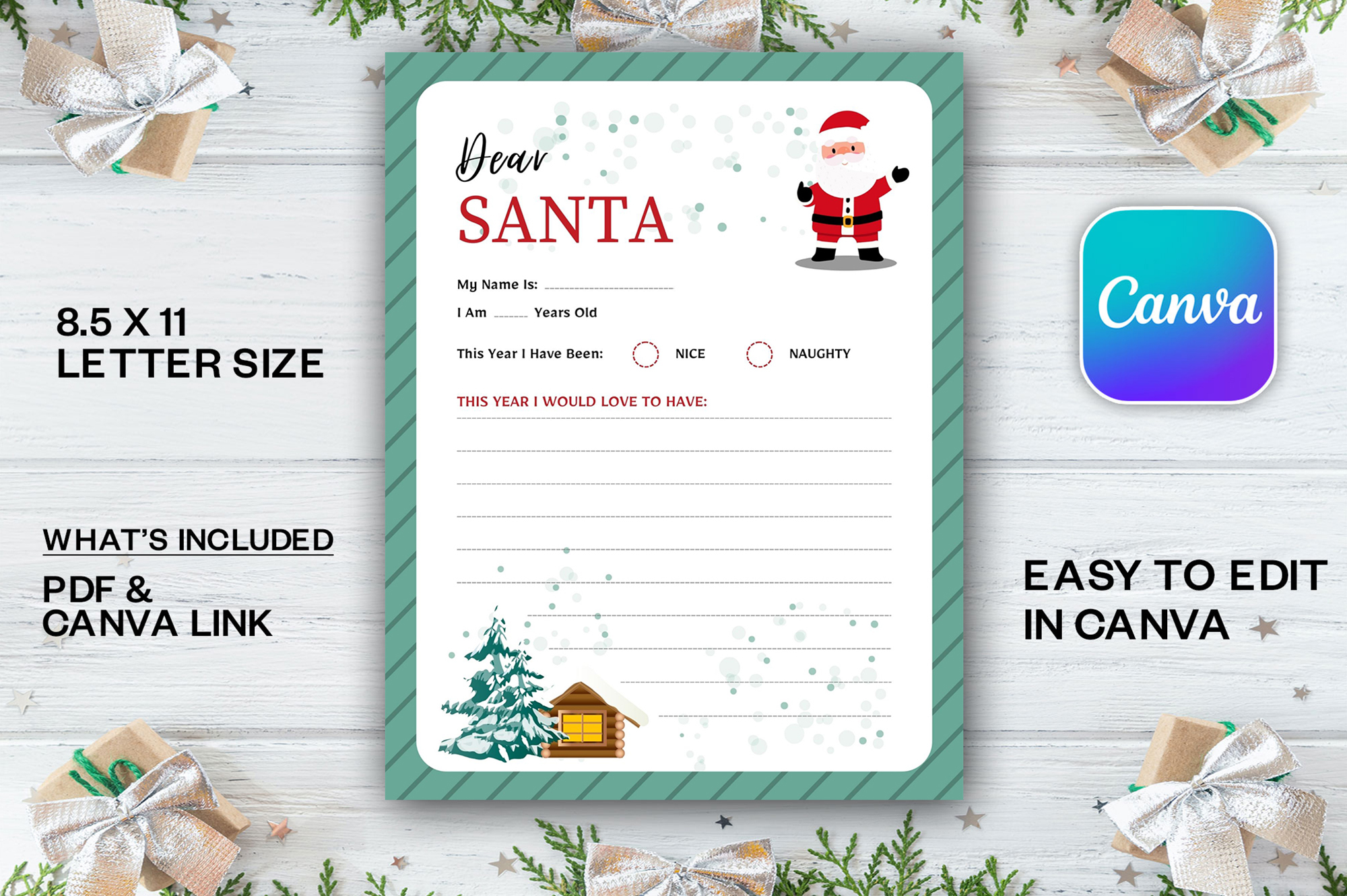
This resource supplies one PDF and one Canva link for an 8.5 × 11-inch letter. It offers a small editing workflow rather than a broad bundle of worksheets or multiple stated paper sizes.
It suits a household that wants one customizable letter page. Check what the PDF contains before printing: the Canva link gives editing access, while a link document is not automatically the finished letter. No envelope is documented in this package.
6. Letter and Envelope JPG Set
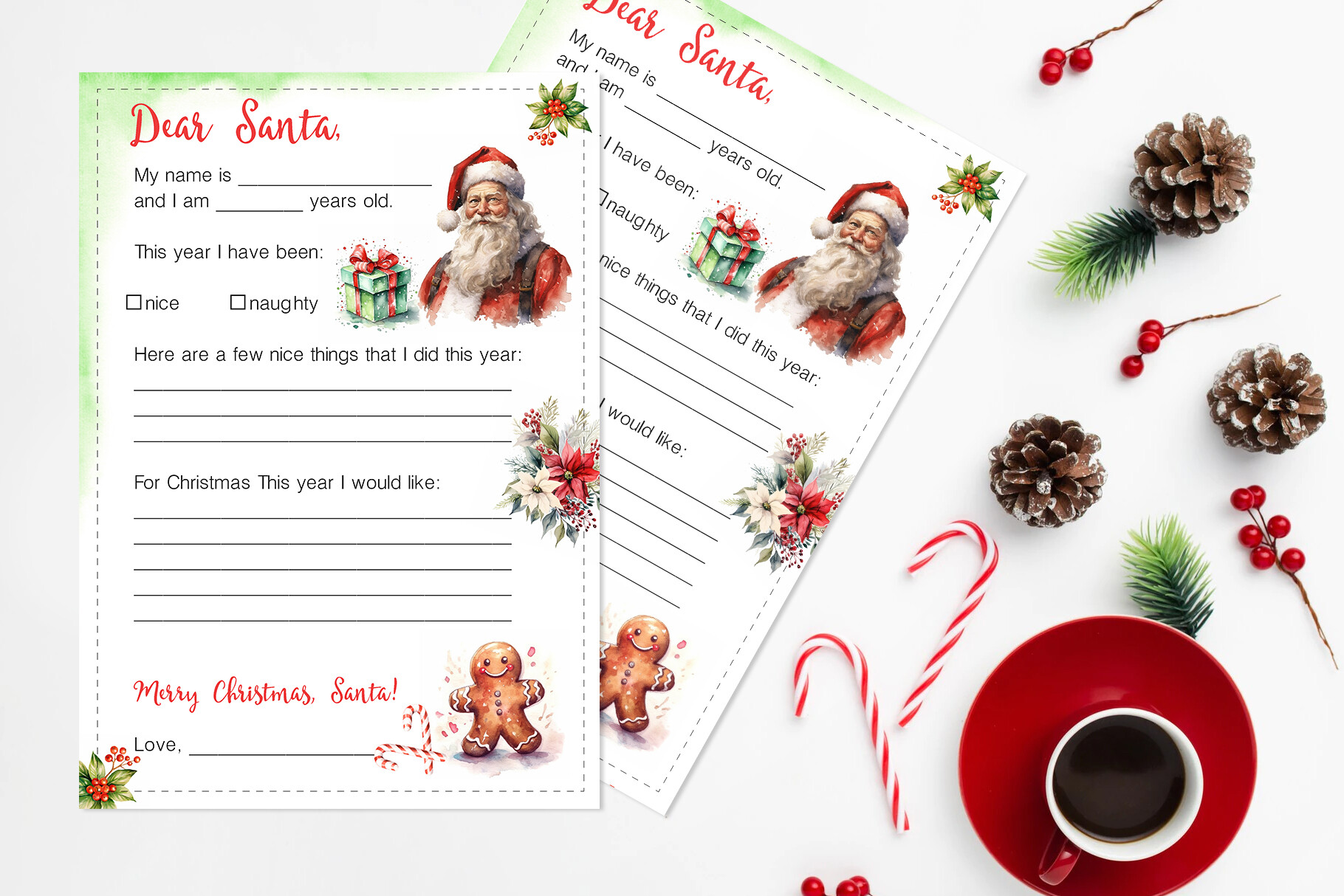
Larysa Zabrotskaya’s PRINTABLE JPG version includes a letter and envelope template, with two US Letter JPGs and two A4 JPGs. The letter has spaces for a child’s name, age, behavior reflection and wish list.
This is a convenient choice if folding and preparing the envelope is part of the activity. The A4 files are listed at 2480 × 3508 pixels. These are image files; editable text fields and a PDF version are not established by this listing.
7. Alternative Letter and Envelope Set
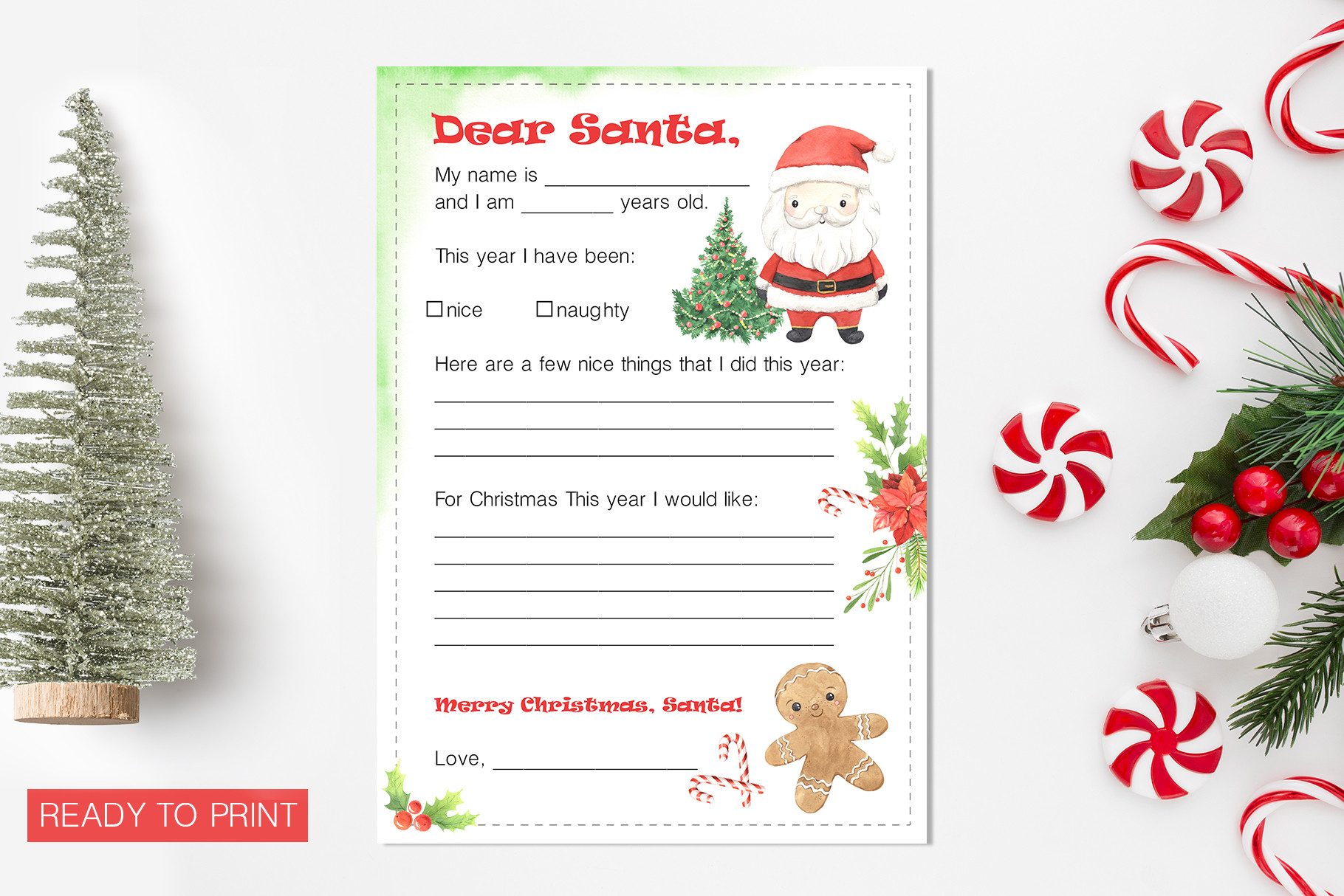
This separate Larysa Zabrotskaya listing also provides a letter and envelope in US Letter and A4 JPG formats. Its stated contents match the same practical activity structure: personal details followed by a Christmas wish list.
Choose between the two listings by their actual preview artwork, rather than expecting a different file format or more pages. They are alternatives with similar documented contents. Print the envelope at the intended scale and check its fold fit before making several copies.
8. Fill-In Kids Letter with Vector Files
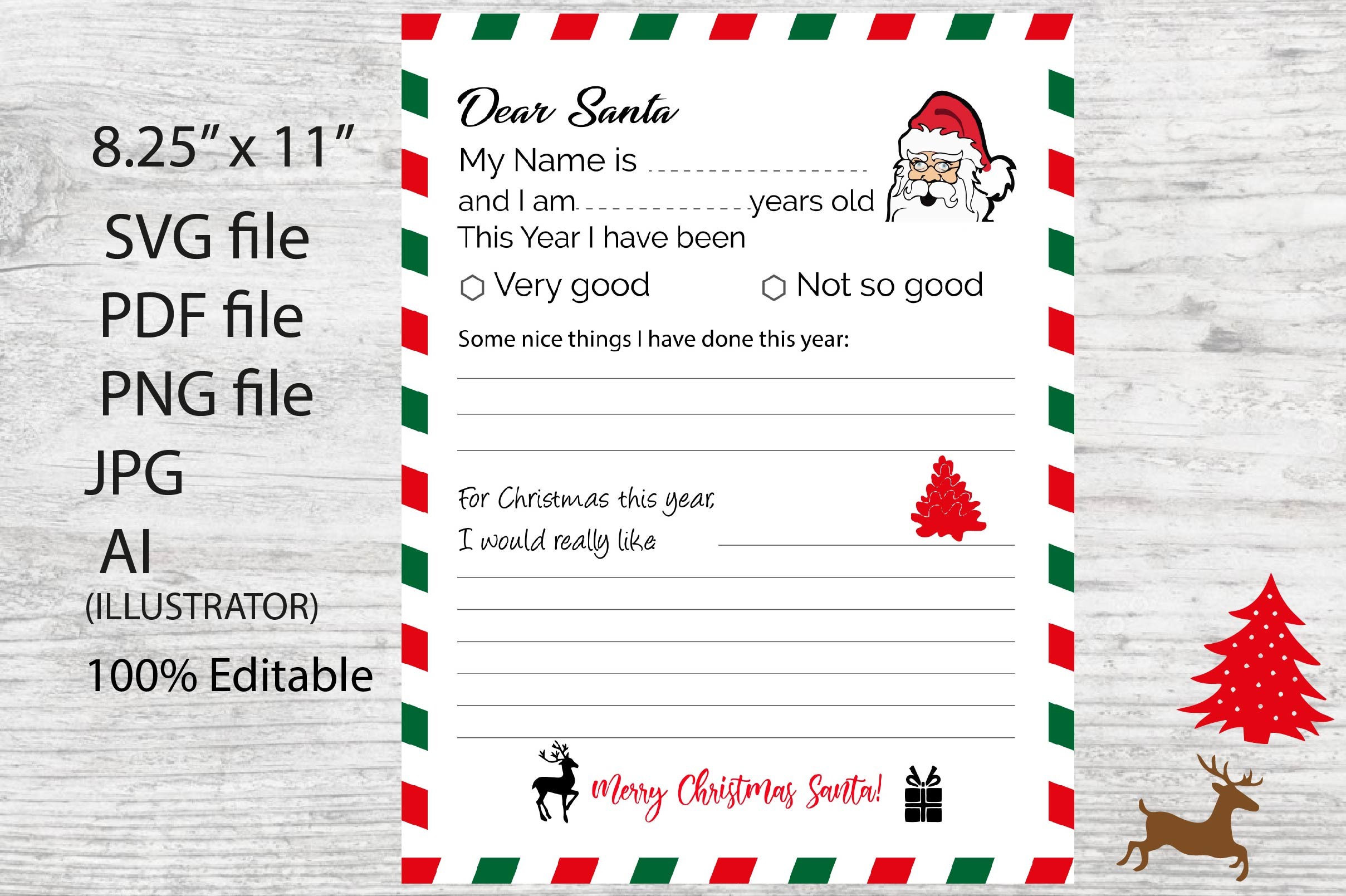
ItalianvintagDesigns offers a single 8.5 × 11-inch fill-in letter page, with PDF, Illustrator, SVG, JPG and PNG files. The listed resolution is 300 DPI, and the source design is described as editable.
This gives design-oriented users more file choices while keeping the child’s activity focused on one letter. The presence of SVG does not itself verify a machine-ready cut project. For ordinary handwriting, start with the PDF or JPG rather than adding an unnecessary editing step.
9. Five Santa Letter Templates by Nice Spot
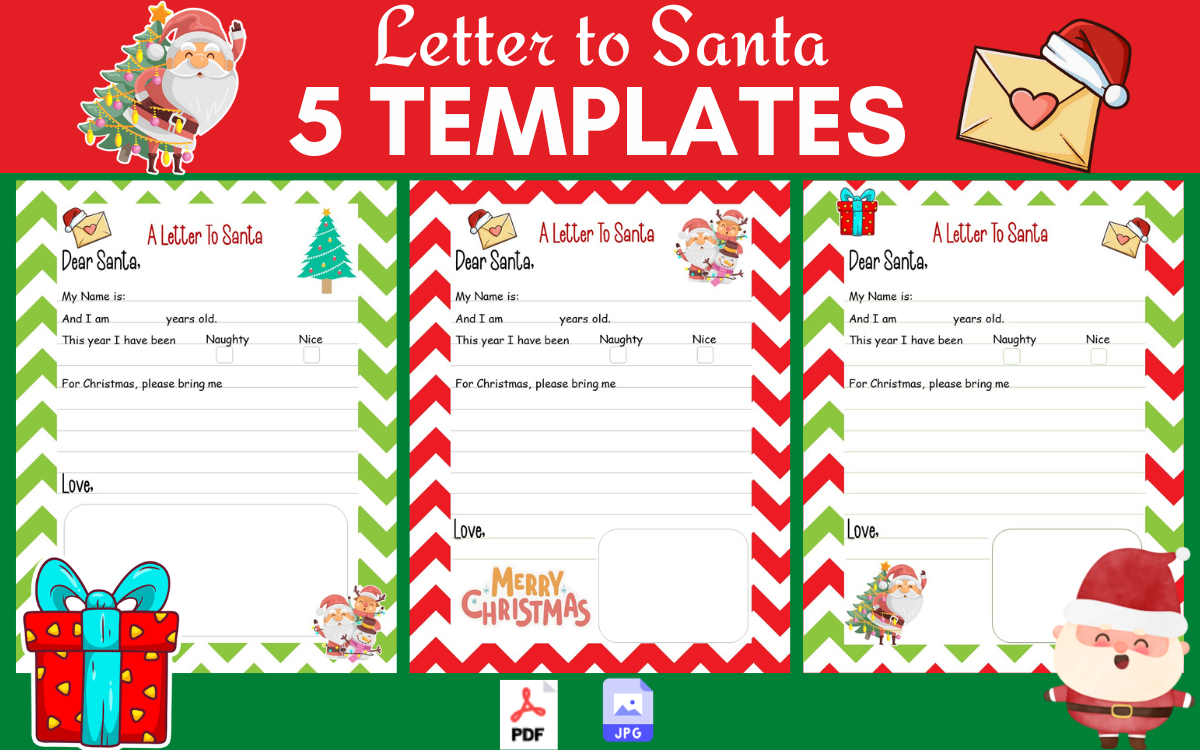
Nice Spot supplies five templates in 8.5 × 11-inch size, with PDF and JPG files. The set is intended to give children a choice of pages for writing, drawing or adding their own marks.
It is a good middle ground between a single printable and a long repeated interior. Let each child choose the layout with enough room for their handwriting. The package description does not list a Canva source, so plan to use the supplied finished pages.
10. Full-Page and Two-Up Santa Letters
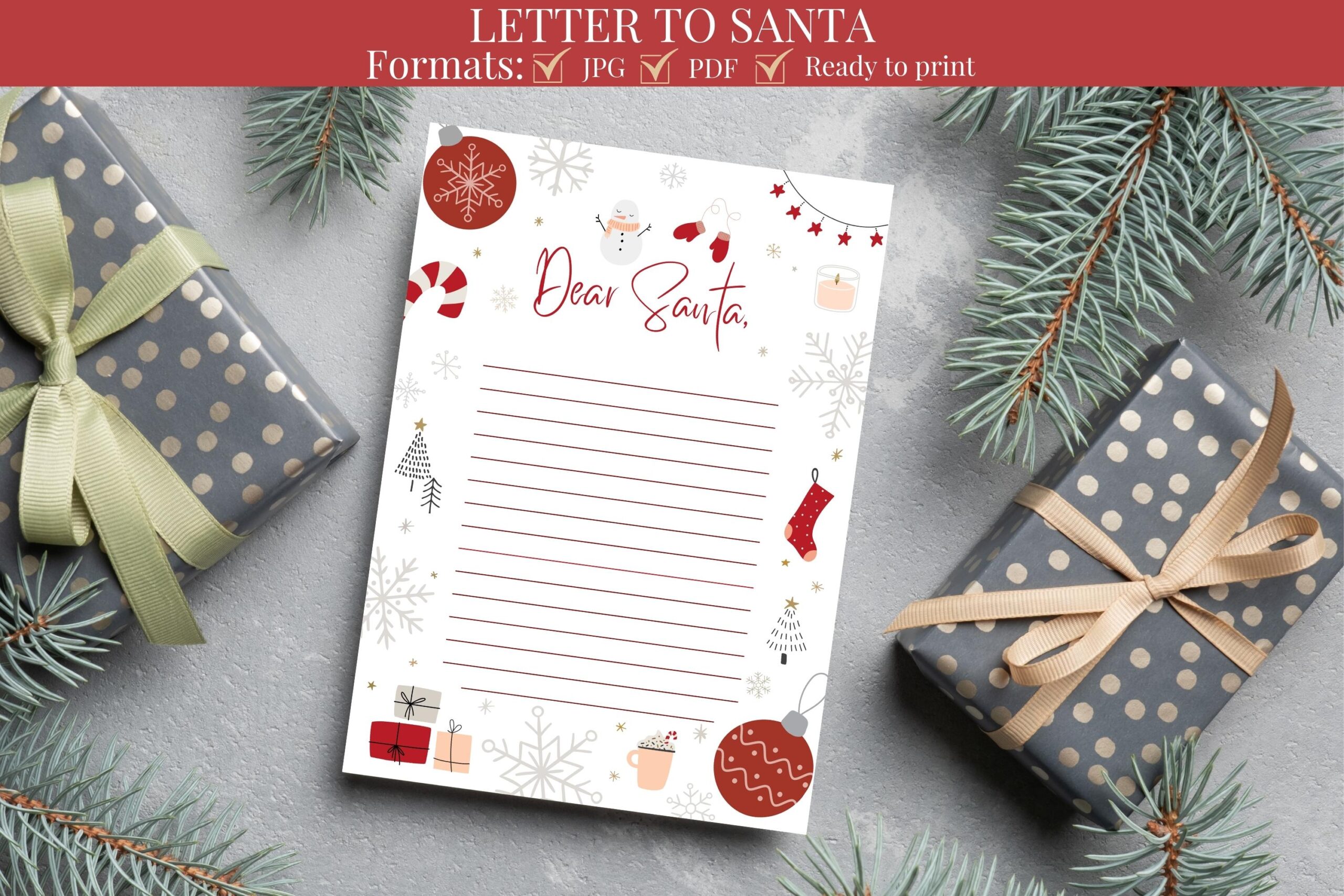
KK Digital Prints lists PDF and JPG versions of a US Letter Santa letter, plus two-on-one-page versions in the same formats. That two-up option can be useful for a compact activity or smaller keepsake.
The description also contains generic gift-list wording, so use the actual preview to confirm that its prompts match the letter activity you want. Printing two-up changes the available writing space. It is not a reason to assume a second unique letter design is included.
11. One-Page Canva Letter by Sharp Flair
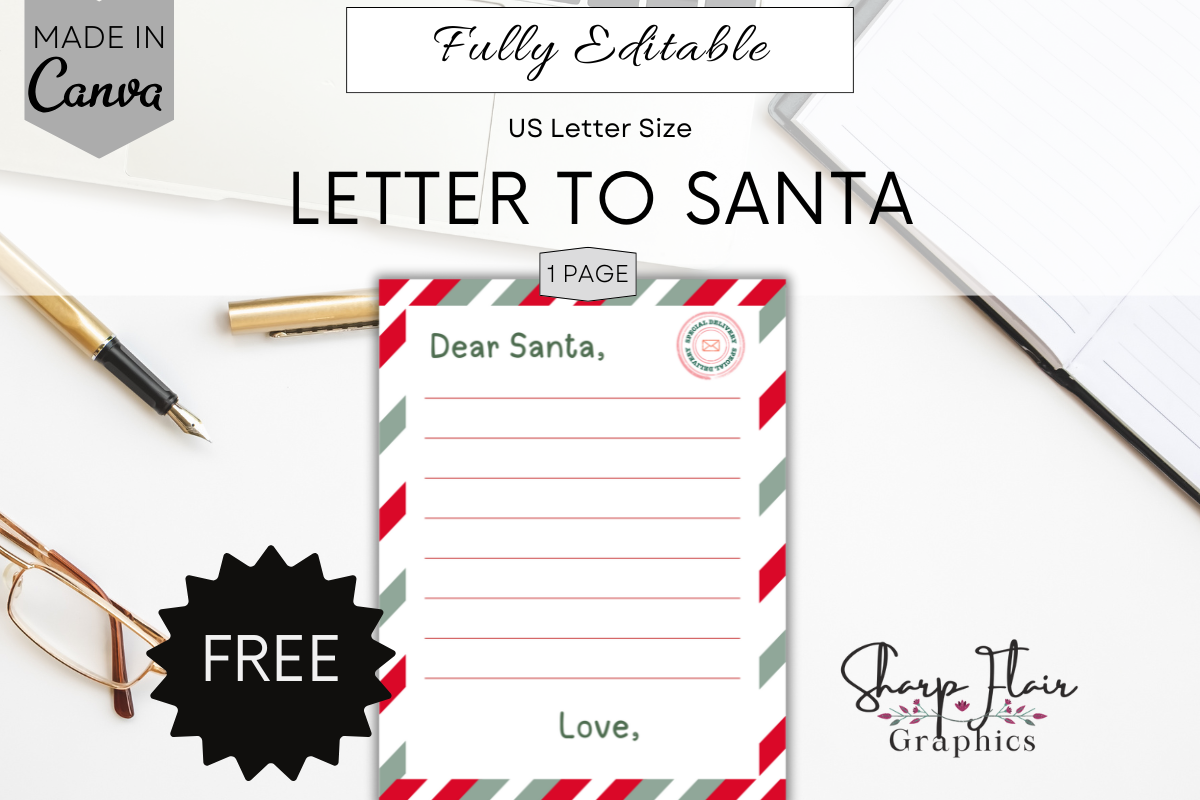
Sharp Flair Graphics supplies a ZIP containing a PDF with access to one editable Canva letter page. The 8.5 × 11-inch template allows changes to text, fonts, elements and background, with a free Canva account described as sufficient.
Choose it if you want a clearly limited one-page project with design flexibility. The listing excludes mockups; the staged presentation is not another downloadable page. Export the finished letter from Canva before preparing copies for handwriting.
12. Dear Santa Canva Template by Gfx Shaown
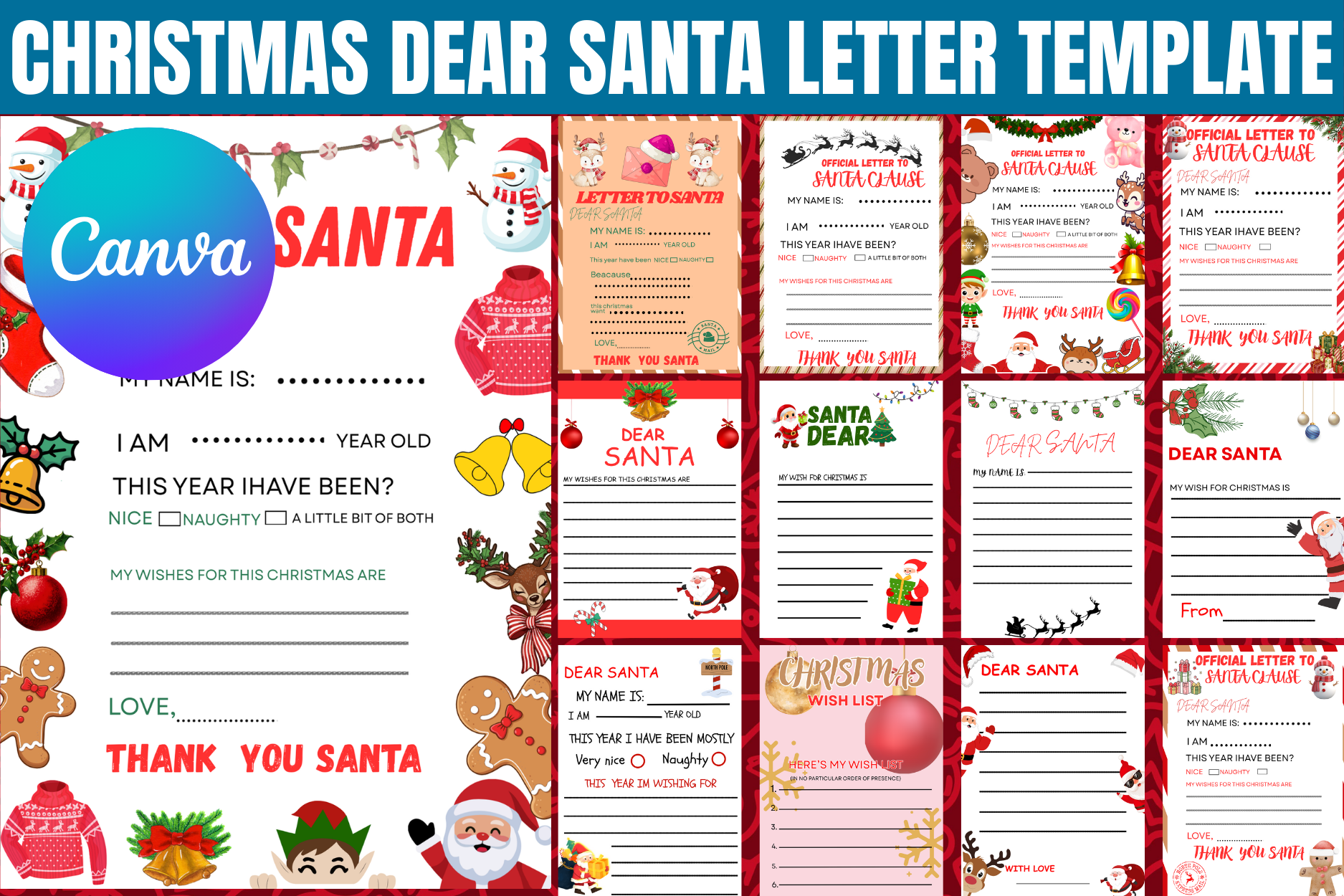
Gfx Shaown provides a Canva-based Dear Santa design that can be edited and exported. The listing explicitly notes that some elements may require Canva Pro and that free users can replace those elements.
This is better for someone comfortable making adjustments than for a last-minute print-and-go activity. The checked description does not state a page size or a fixed page count. Confirm both before printing, and do not assume a ready-to-cut file merely from the software names mentioned.
Prepare a Letter Activity Without Extra Work
Print a single test page first. Check that the prompts are readable, the border has not been clipped and there is enough space for handwriting. For a group, prepare a small choice of layouts rather than printing every file in a large interior.
Let children add drawings or a message as well as gifts. A letter can become a keepsake without treating the wish list as a shopping commitment. If an envelope is included, test its folds with the finished letter before preparing copies.
Keep Wish Lists Separate from the Gift Budget
Use our Christmas wish list templates when the activity only needs a list. For the adults’ shopping plan, see the Christmas gift planner, and keep spending decisions in a Christmas budget planner.
For the quickest start, choose a finished PDF or JPG. For personalized colors or wording, use a Canva template and allow time to export it. Check any Pro-element requirements before committing to a design, then download the option that matches the writing activity you want.